
3D Perspective Text Effect Prompt
A technical prompt to generate 3D perspective text integrated into a scene, such as a sea-crossing bridge, with dramatic cinematic lighting.
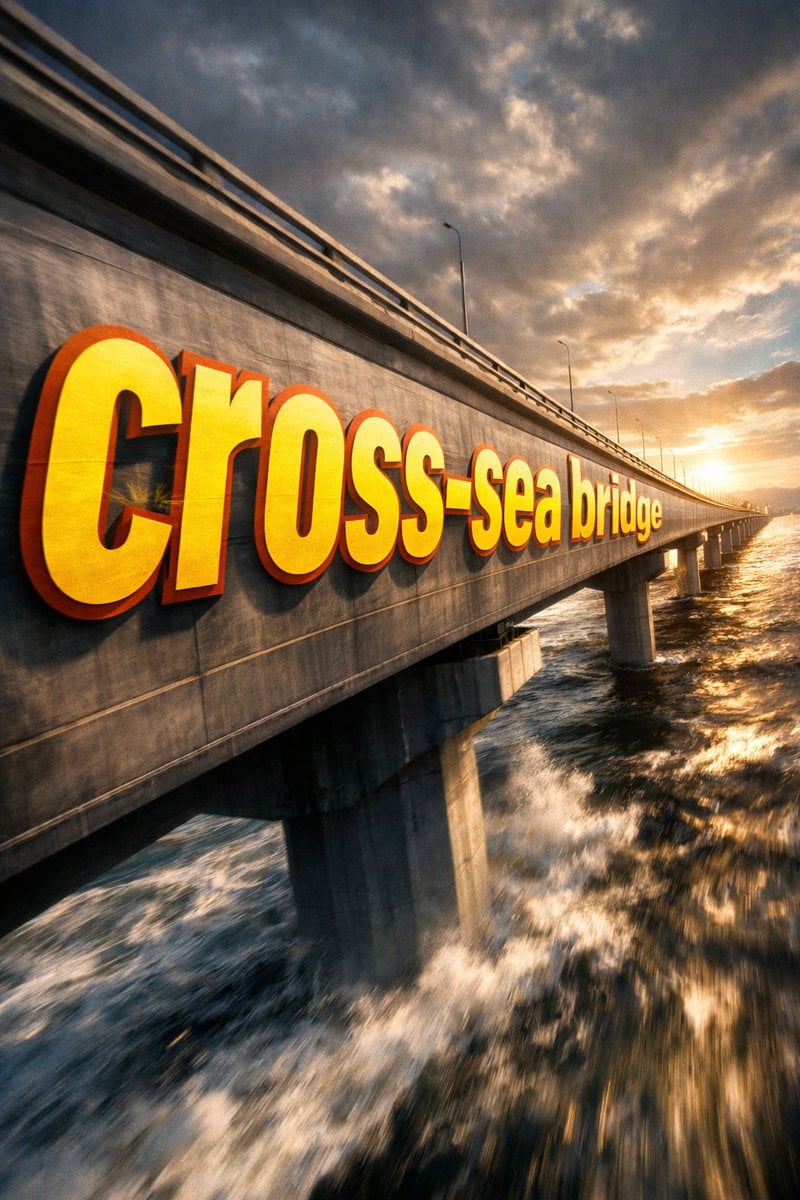
- Prompt included
- Model and format preset
- Free template
The prompt behind this image
Copy the exact prompt behind 3D Perspective Text Effect Prompt, or open it in the studio and make it yours.
①场景 {argument name="场景描述" default="跨海大桥的侧面"},dramatic cinematic angle。 巨型 bold sans-serif 文字「___②文字内容 {argument name="文字内容" default="跨海大桥"}」painted onto the surface of ___③主体物 无,从靠近镜头的前端开始,沿表面向远端 progressively foreshortens 逐渐透视压缩,letterforms conform to surface curvature 贴合物体曲面,surface-integrated not floating。 文字部分区域被 无___④前景遮挡物 无___ occluded and hidden,在间隙中露出, 形成 depth-layering 纵深穿插效果。 {argument name="文字颜色与样式" default="Oversized bright yellow + sharp orange outline"},extreme perspective distortion aligned to vanishing point。Cinematic lighting, motion blur, poster-grade dynamic integrated typography, modern advertising aesthetics。
How to use 3D Perspective Text Effect Prompt in 3 steps
- 1
Open
The prompt is already in the box next to the preview, with the template's model and format selected.
- 2…a portrait of your subject in softgolden-hour light, 85mm…
Personalize
Edit the subject and creative details for your destination.
- 3Generate
Generate
Press Generate — your image is created in PicX Studio, so you can compare it with the original and refine one variable at a time.
More like this
Templates with the same subject, style or setup. Open one to see its prompt.
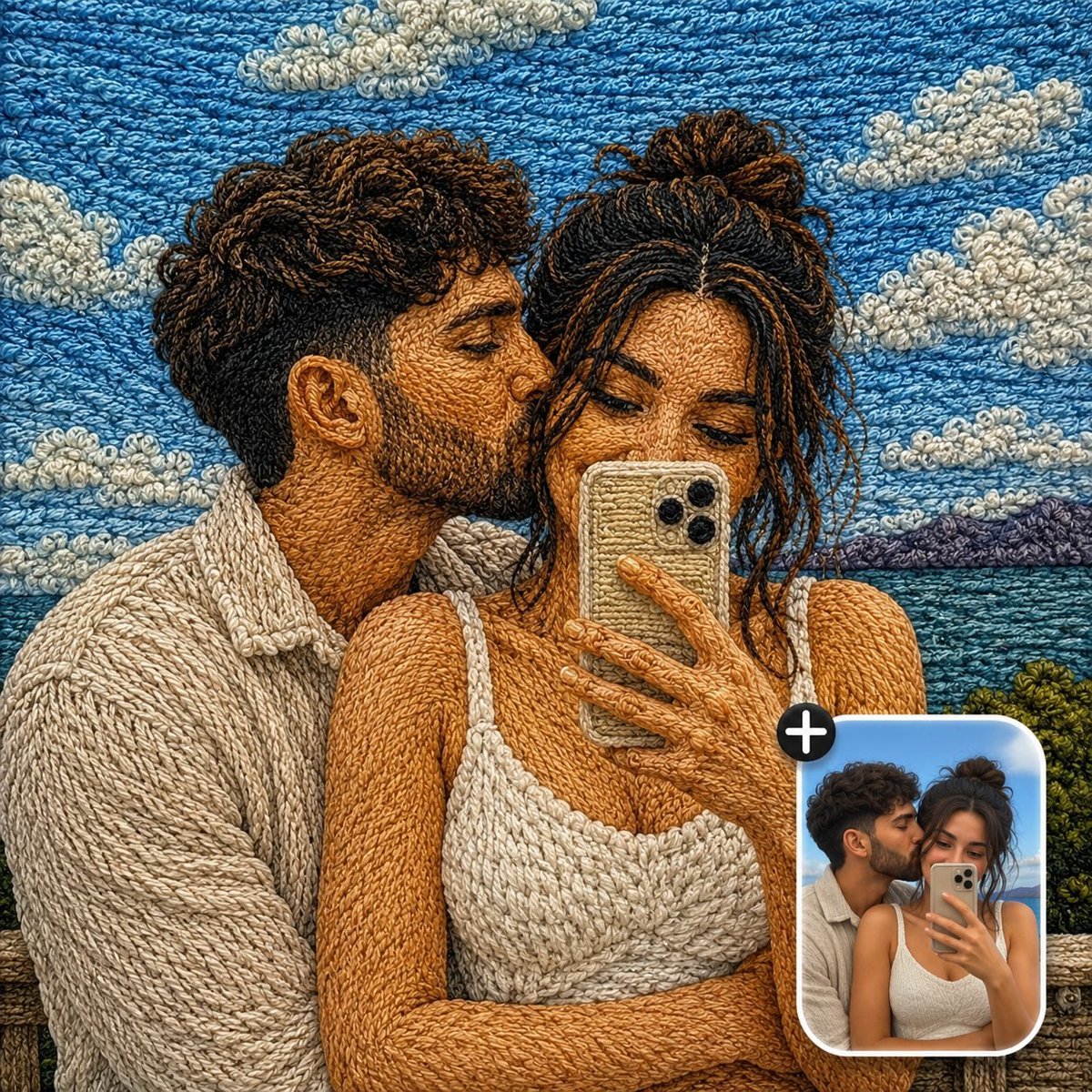
Handcrafted Embroidery Textile Effect
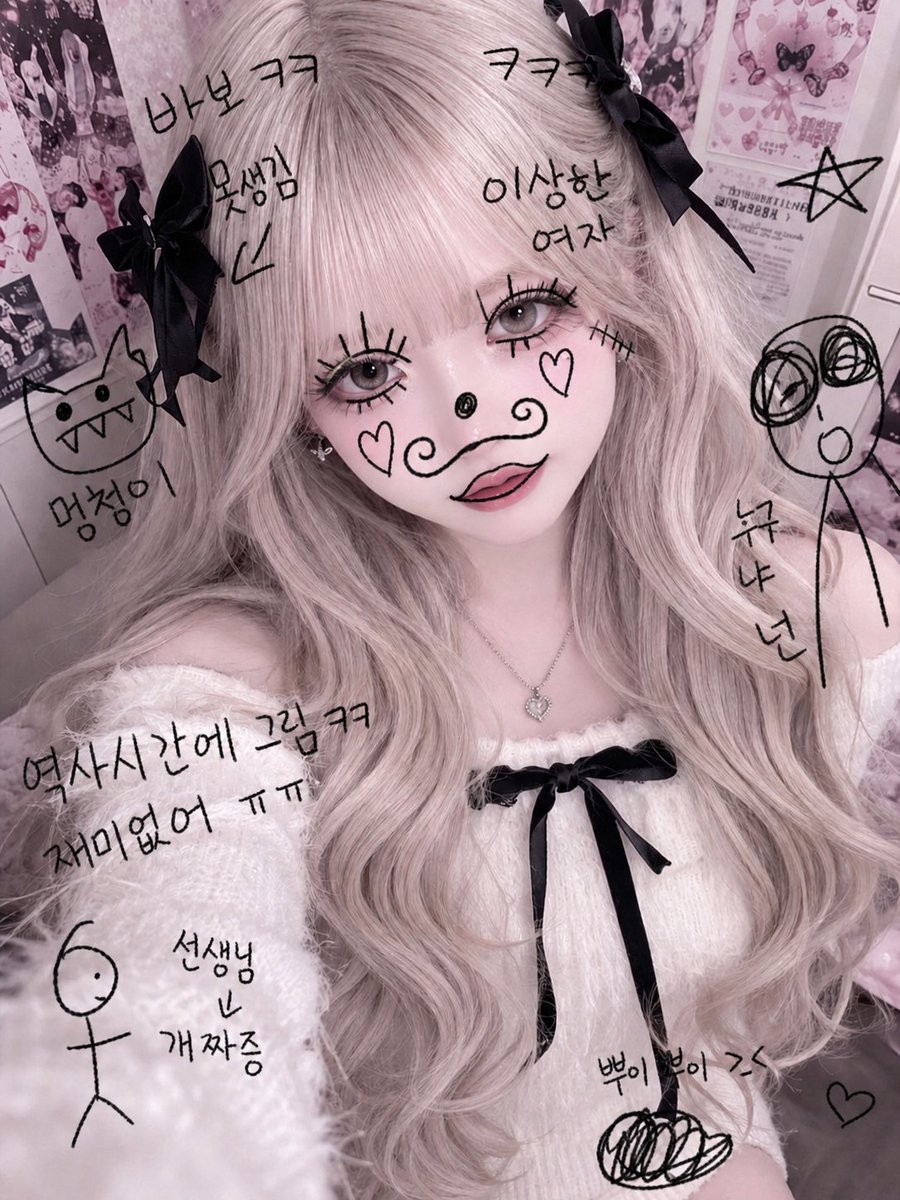
Textbook Doodle Drawing Effect
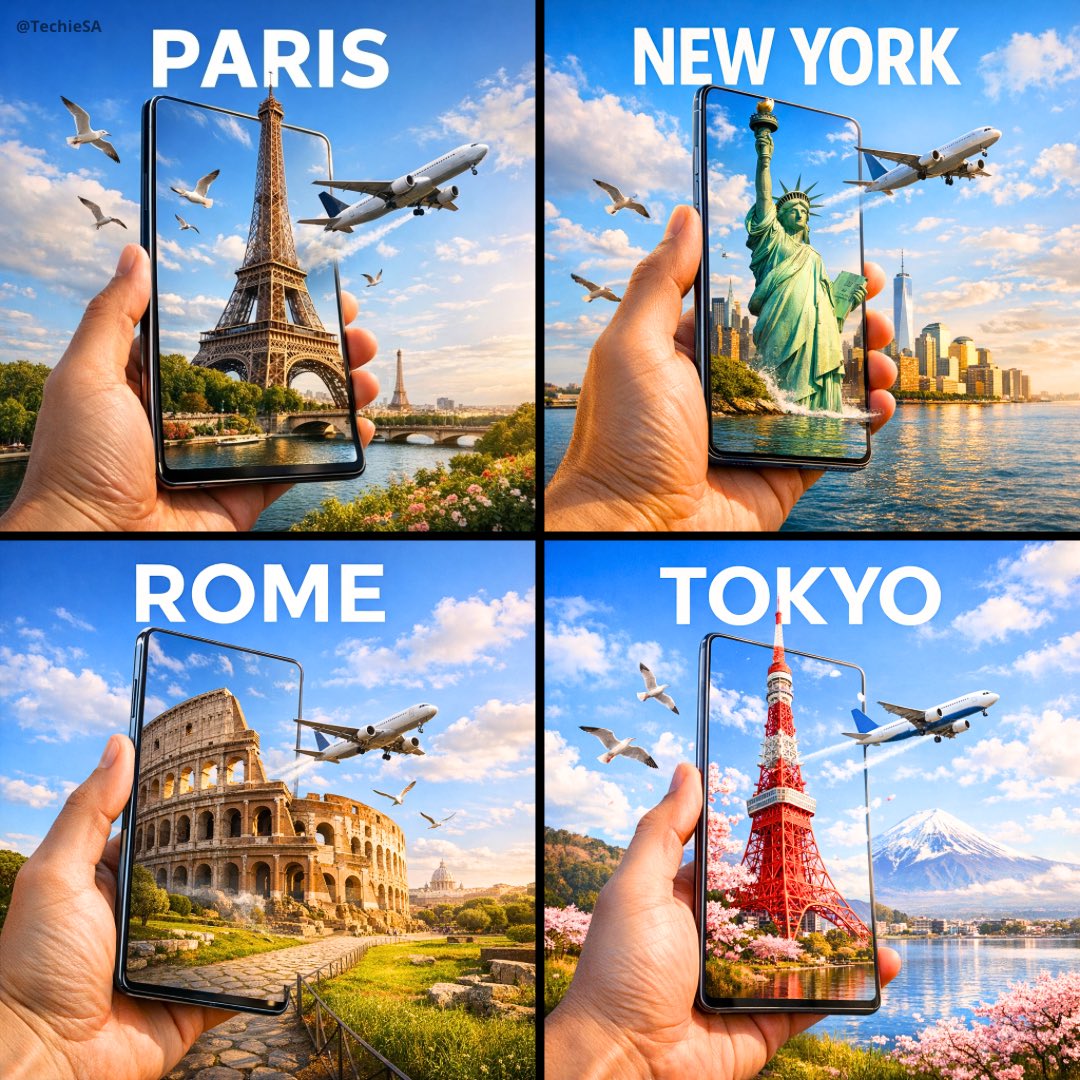
Travel Ad Phone Portal 3D Effect

Dramatic motion blur trails, long-exposure photography effect, dynamic

Giant Woman Forced Perspective Street Photo
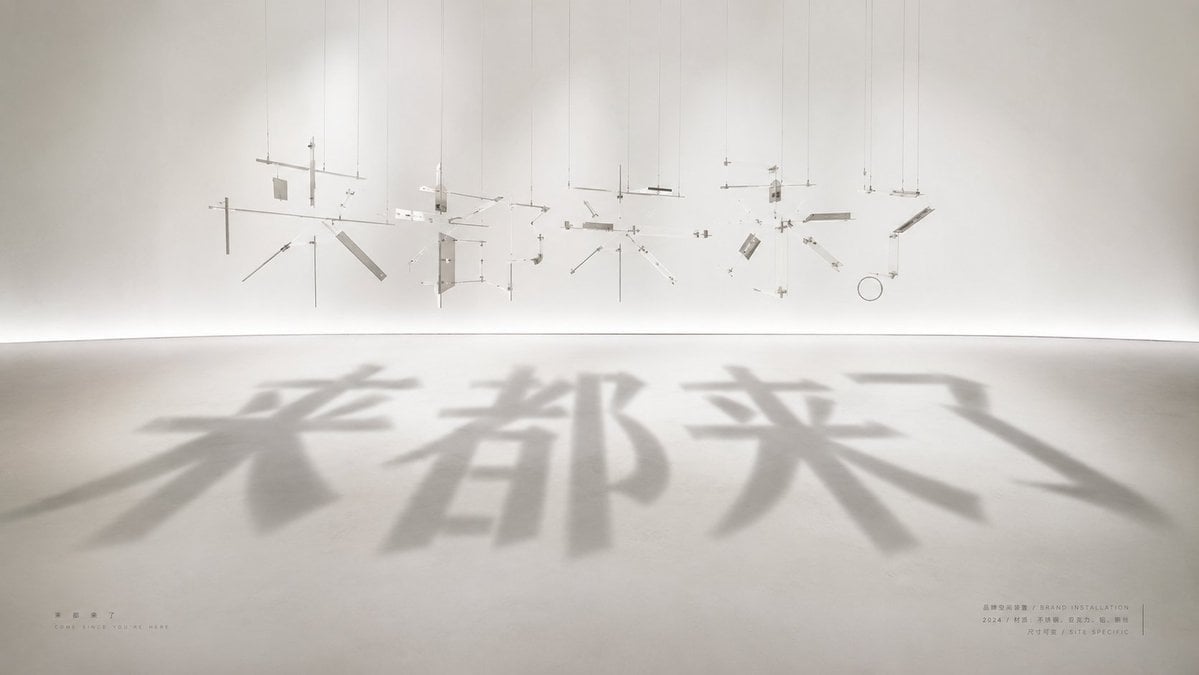
Shadow Text Installation Art
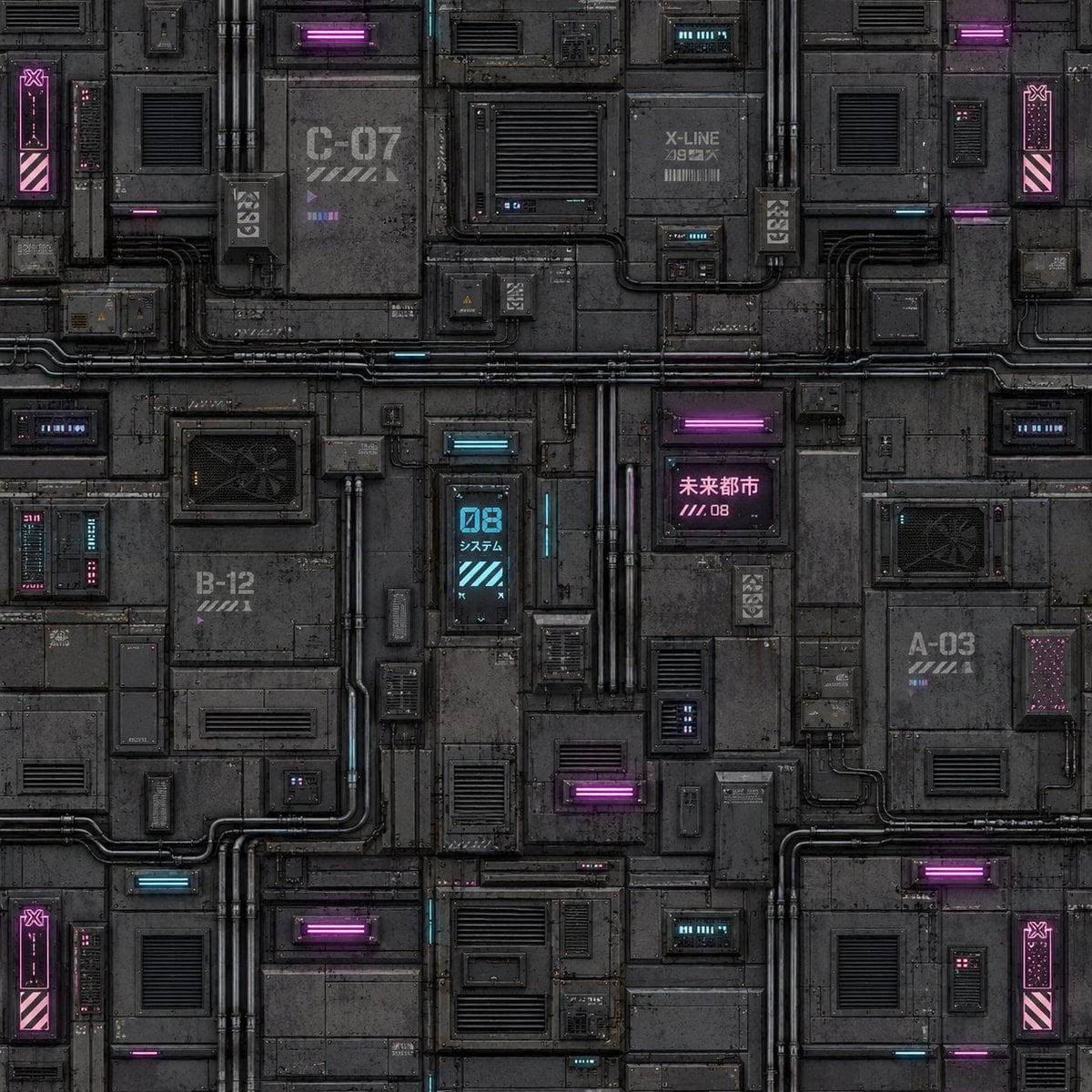
Cyberpunk Building Wall Texture
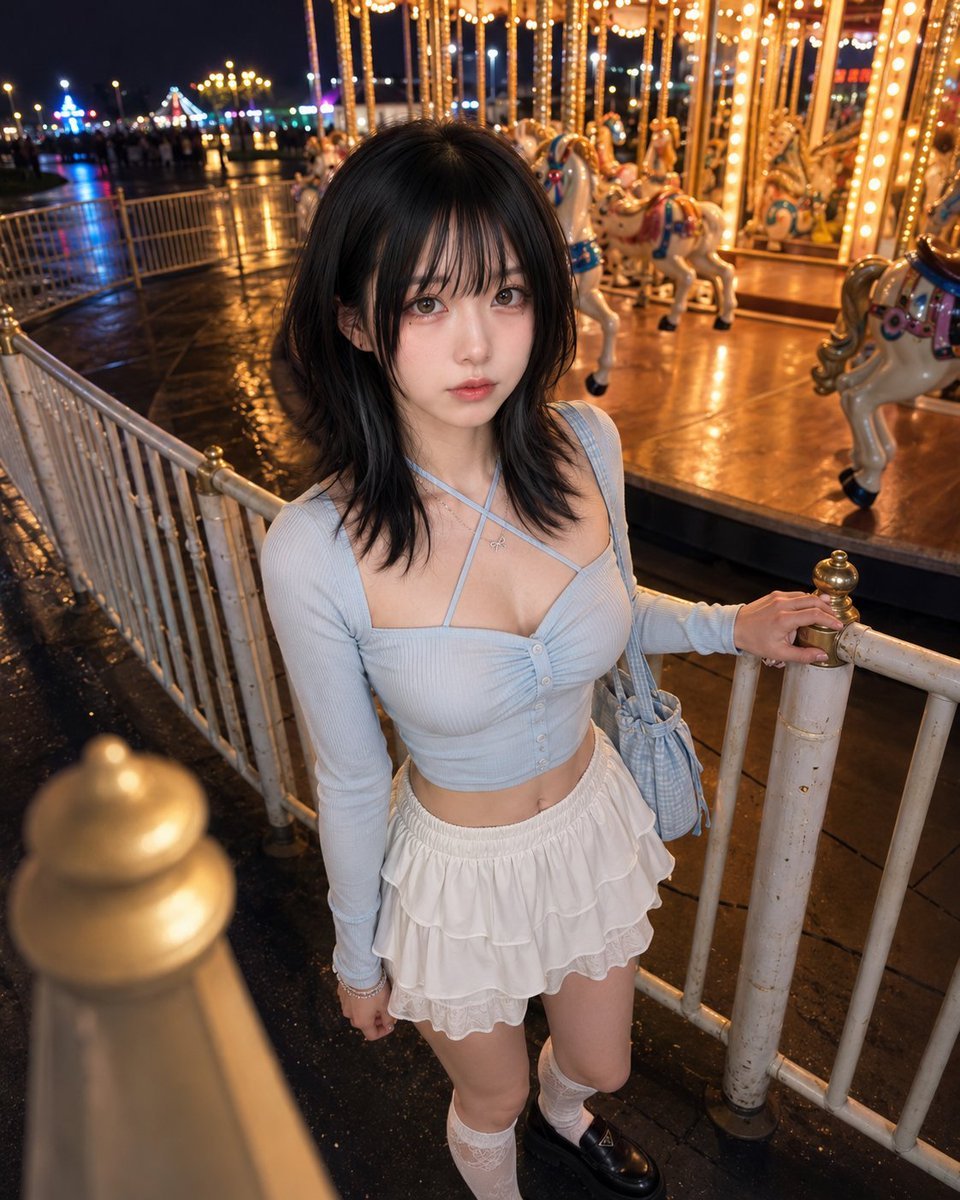
Boyfriend Perspective Carousel Date
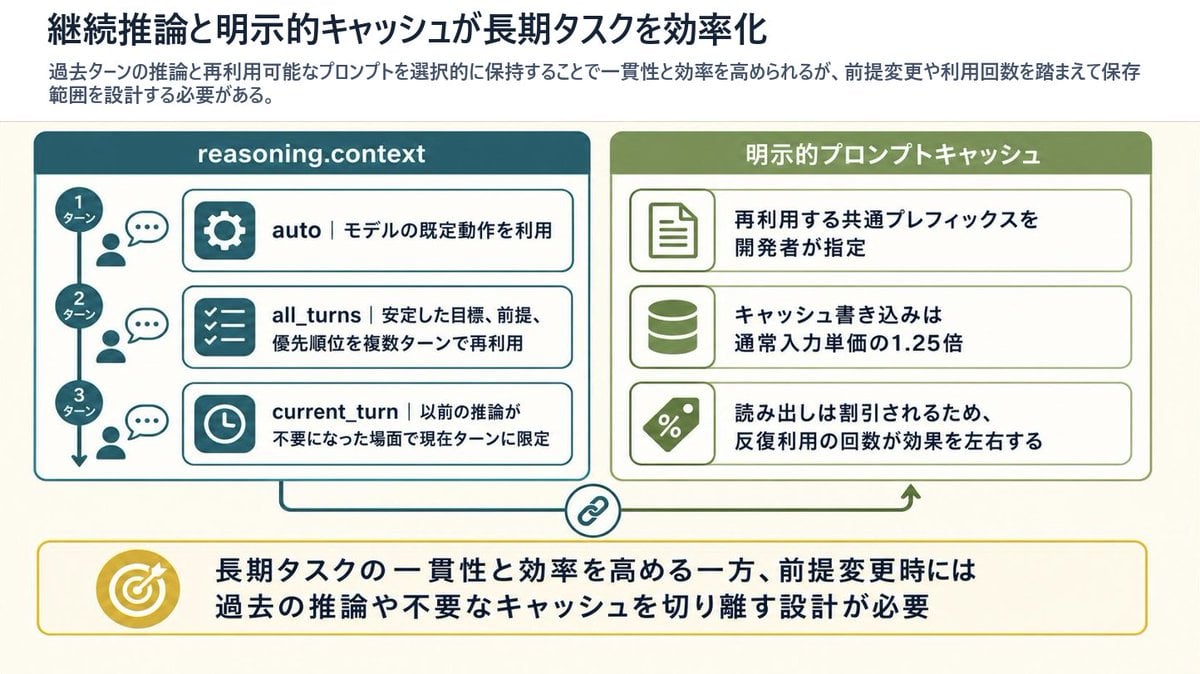
Reasoning Context and Prompt Cache Slide
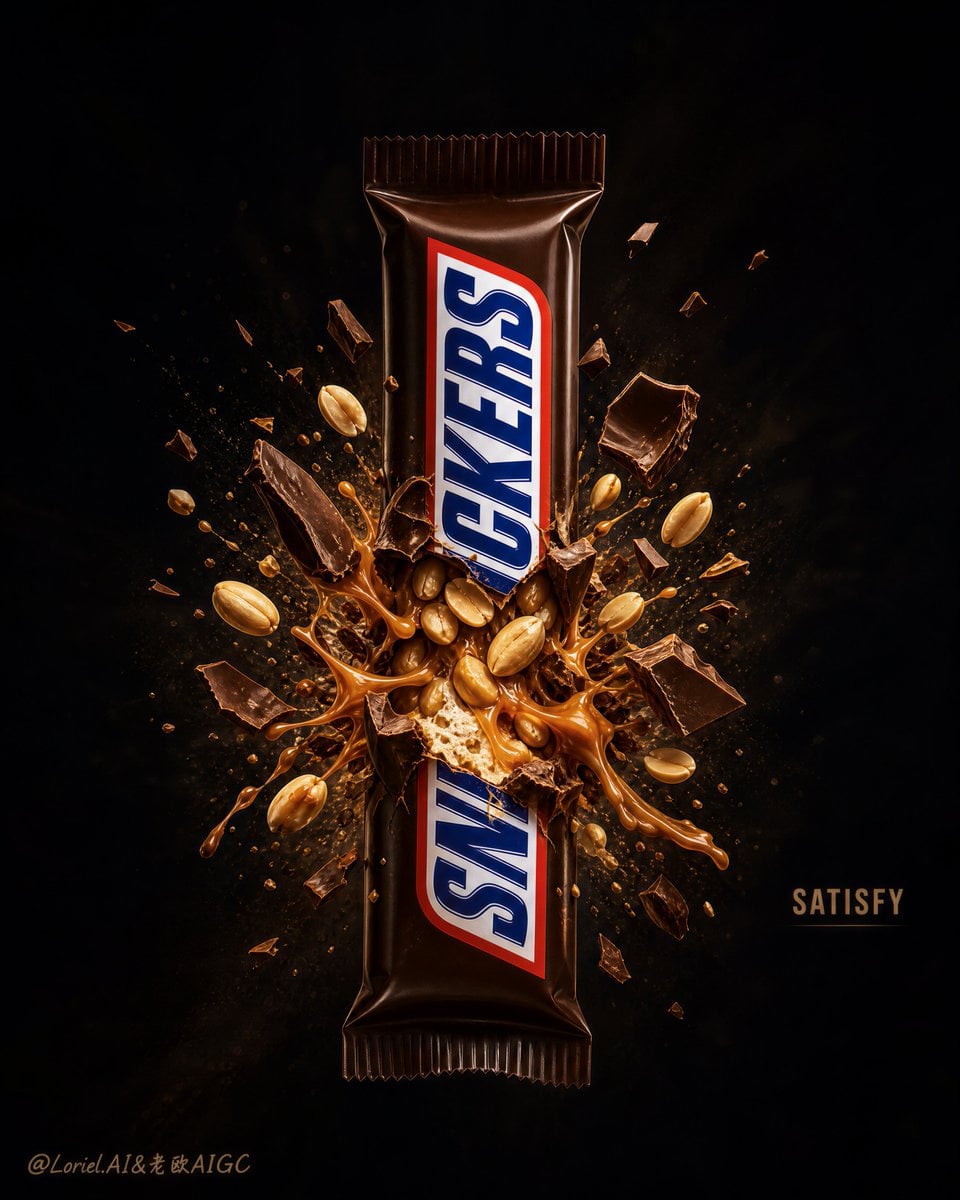
Explosion Effect Commercial Poster
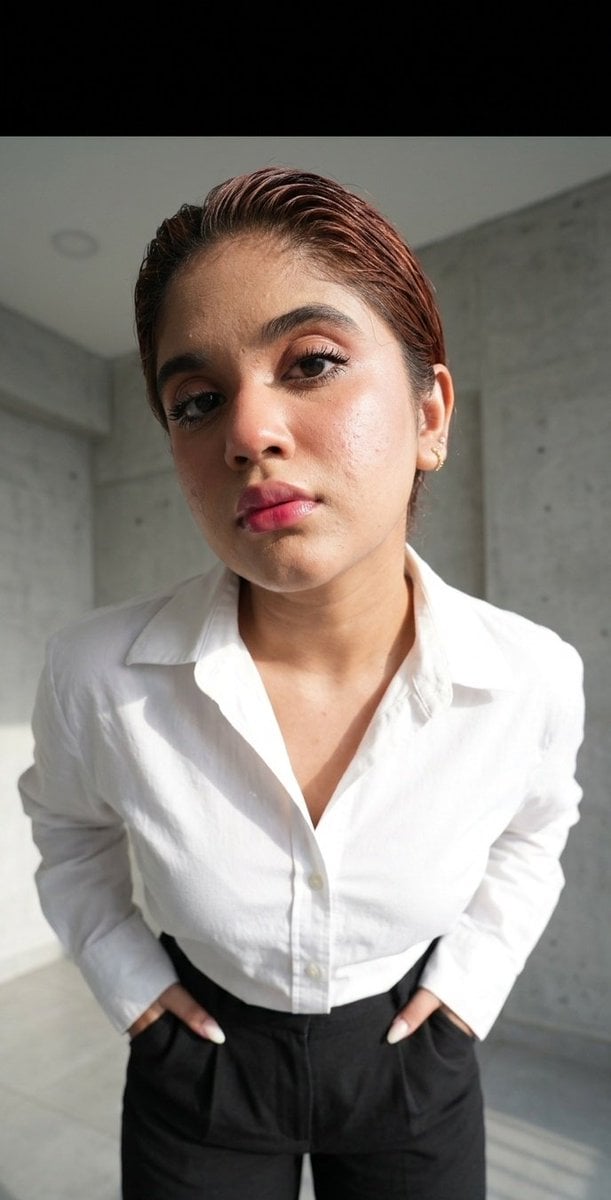
Exaggerated Perspective Fashion Shot
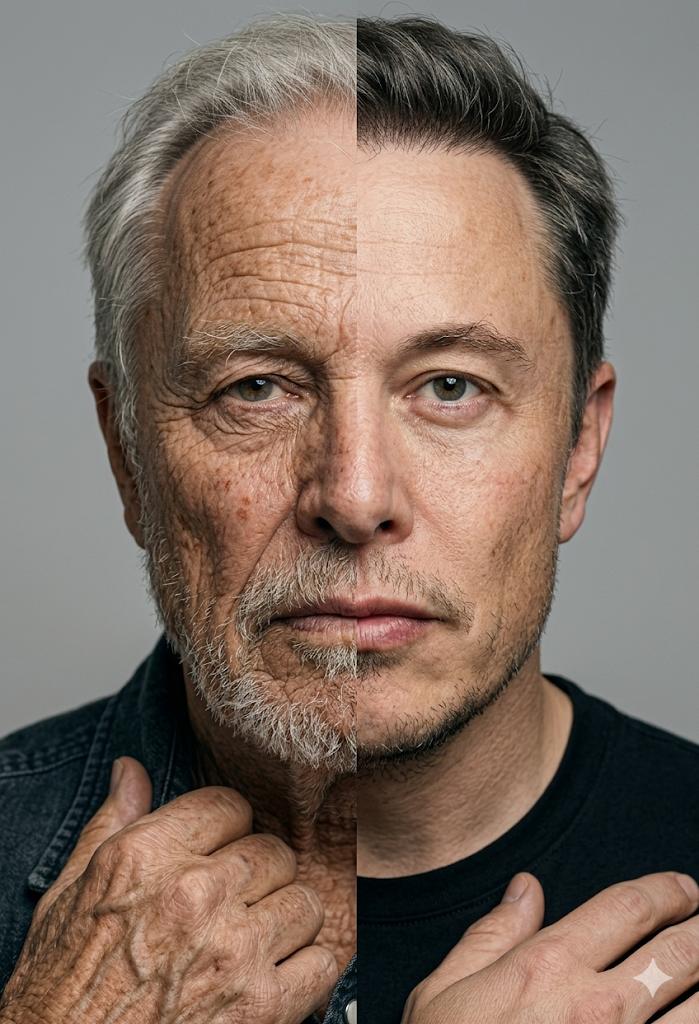
Split Screen Aging Effect
Make it yours
3D Perspective Text Effect Prompt works as-is. These are the safest ways to change it without losing the look.
Change one field
Copy a single group, rewrite it, and generate again so you can see what that field is doing.
Keep the frame, change the subject
Hold the composition and light of 3D Perspective Text Effect Prompt, then swap wardrobe, props or the person for a new take.
| If the result… | Why | Fix |
|---|---|---|
| The result drifts from the preview | Too many fields changed at once. | Reuse 3D Perspective Text Effect Prompt as-is first, then change one group — subject, light, or setting. |
| The model over-stylizes the scene | The prose prompt leaves finish and camera underspecified. | Add one camera or lighting sentence and stay on GPT Image 2. |
More GPT Image 2 templates
Other prompts made for GPT Image 2.

Six VTuber Japanese Logo Sheet

Realistic Portrait of Woman and Deer

The Vista Modular Condo Poster

AI Model Routing Comparison Infographic

2.5D Anime Art Board

Isometric Productivity Desk Scene

New York Double Exposure Poster

Four-Panel AI Landscape Comparison

Japanese Tatami Lifestyle Magazine Cover

NESCAFÉ Coffee Map Poster
More image prompts
Fresh picks from across the catalog.
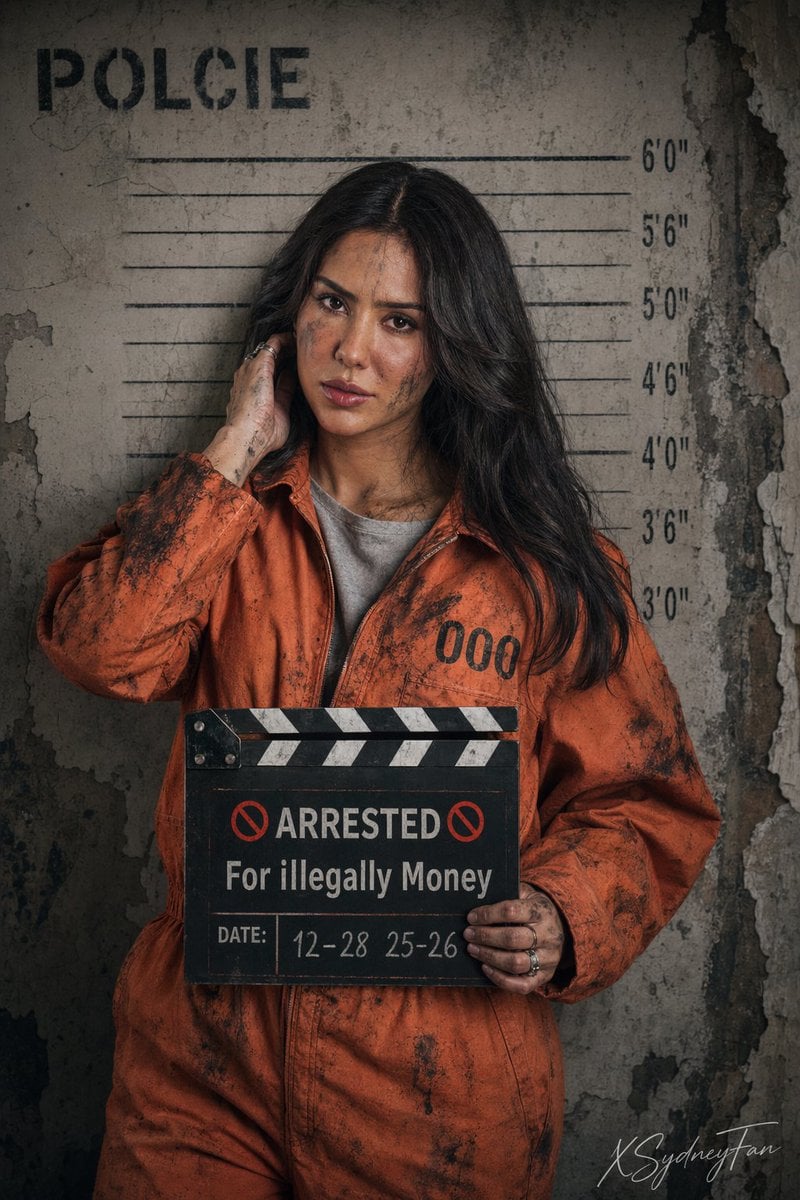
Gritty Prison Mugshot Portrait
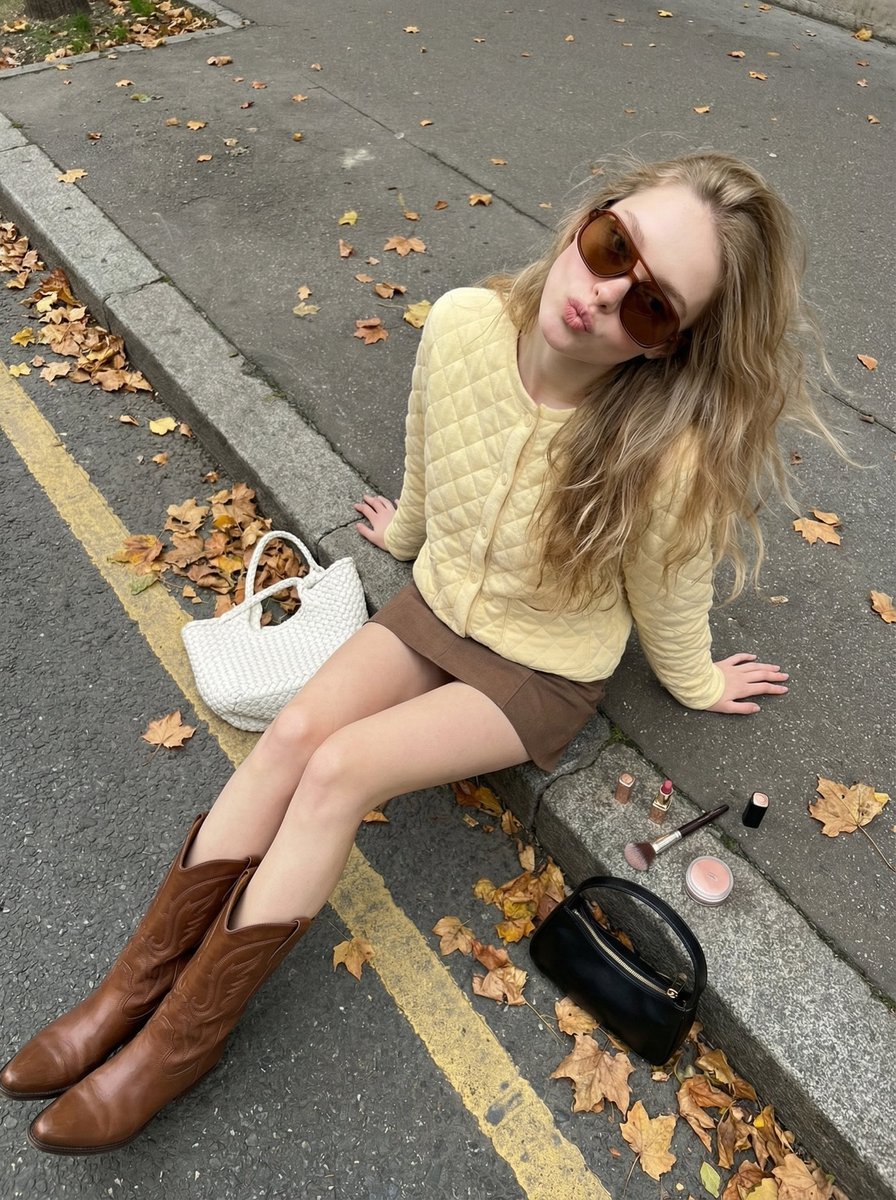
High-Angle Street Style Photo with Makeup Items
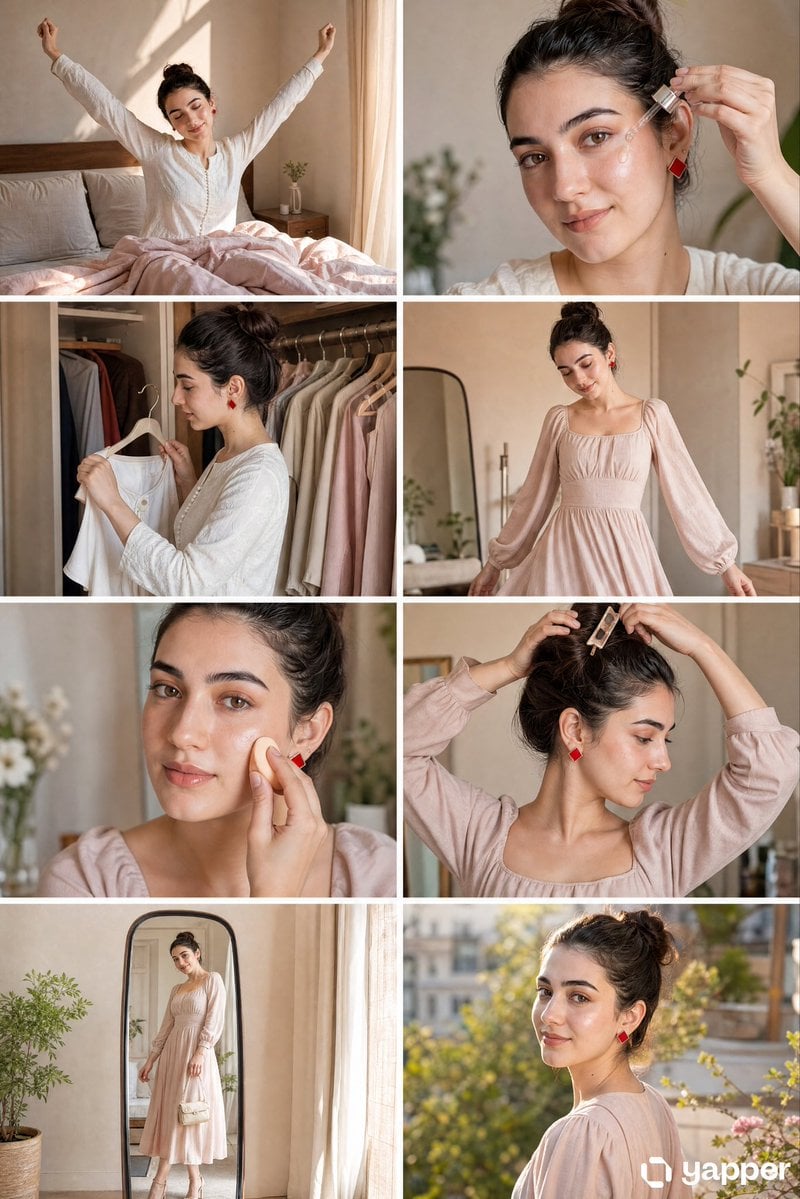
Panel GRWM Storyboard

CZ Biography Infographic Poster
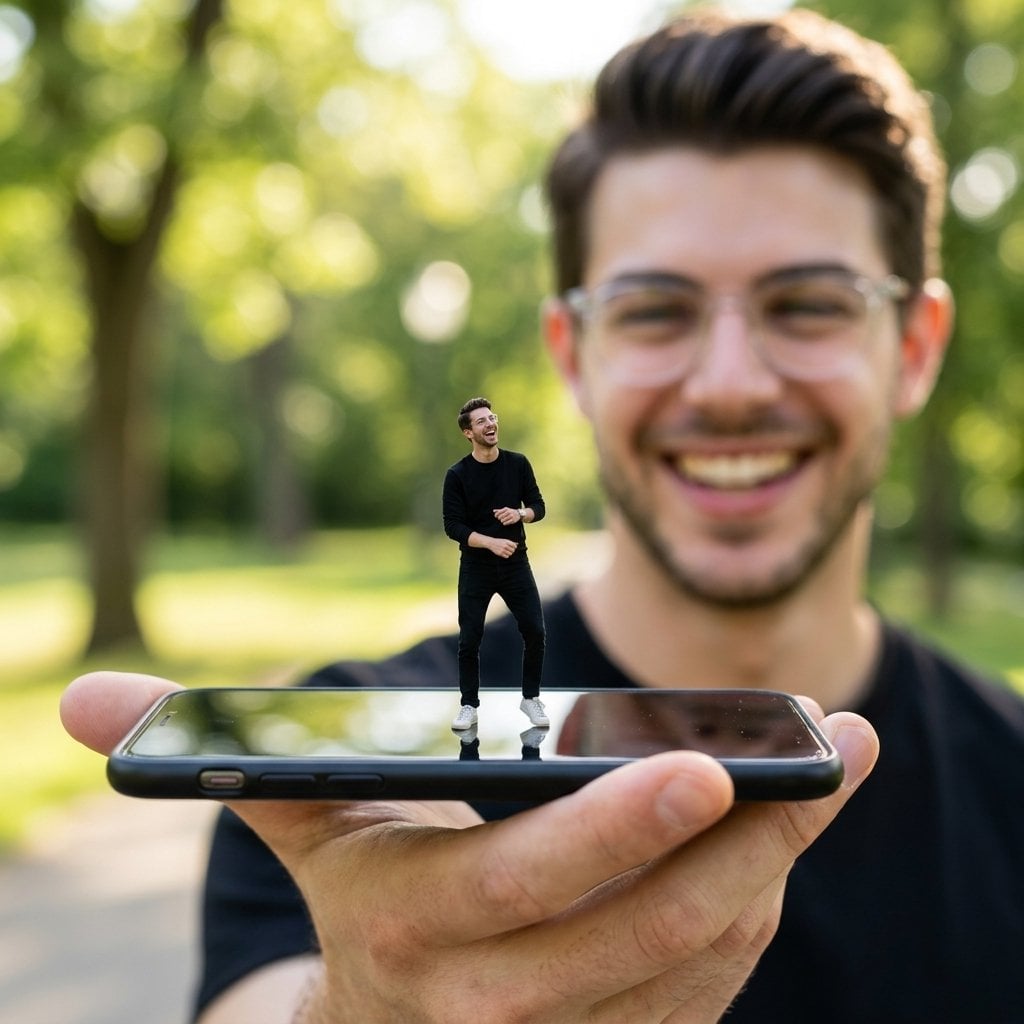
Forced Perspective Miniature Self on Smartphone Screen
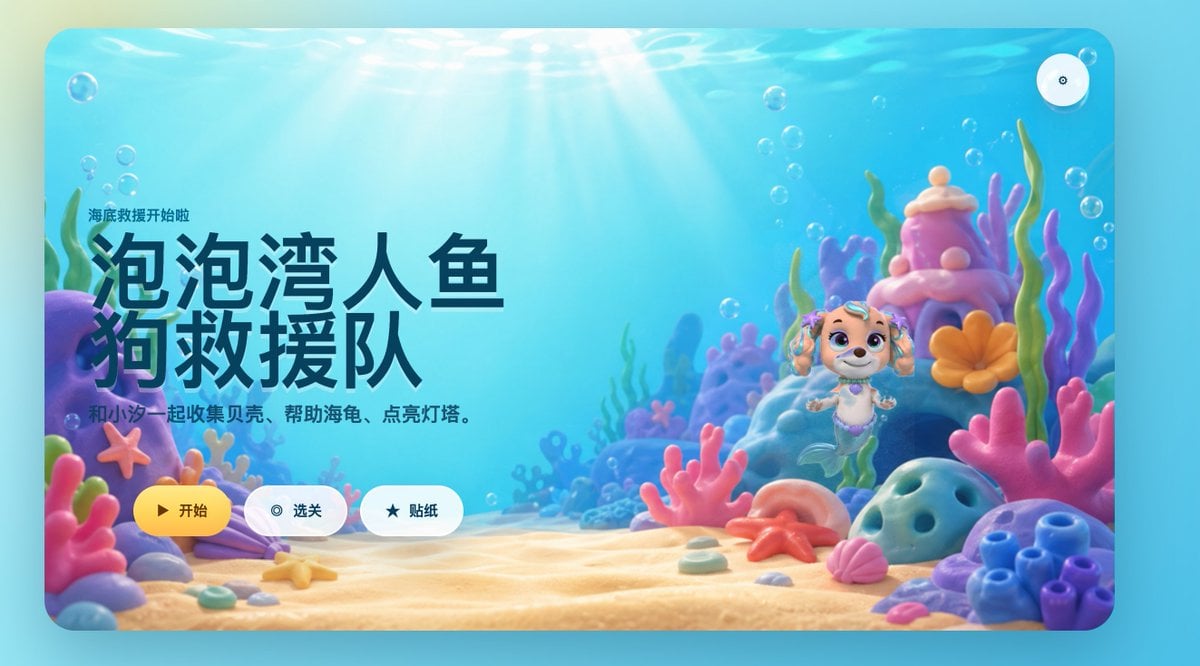
Cute Mermaid Puppy Undersea Game Start Screen
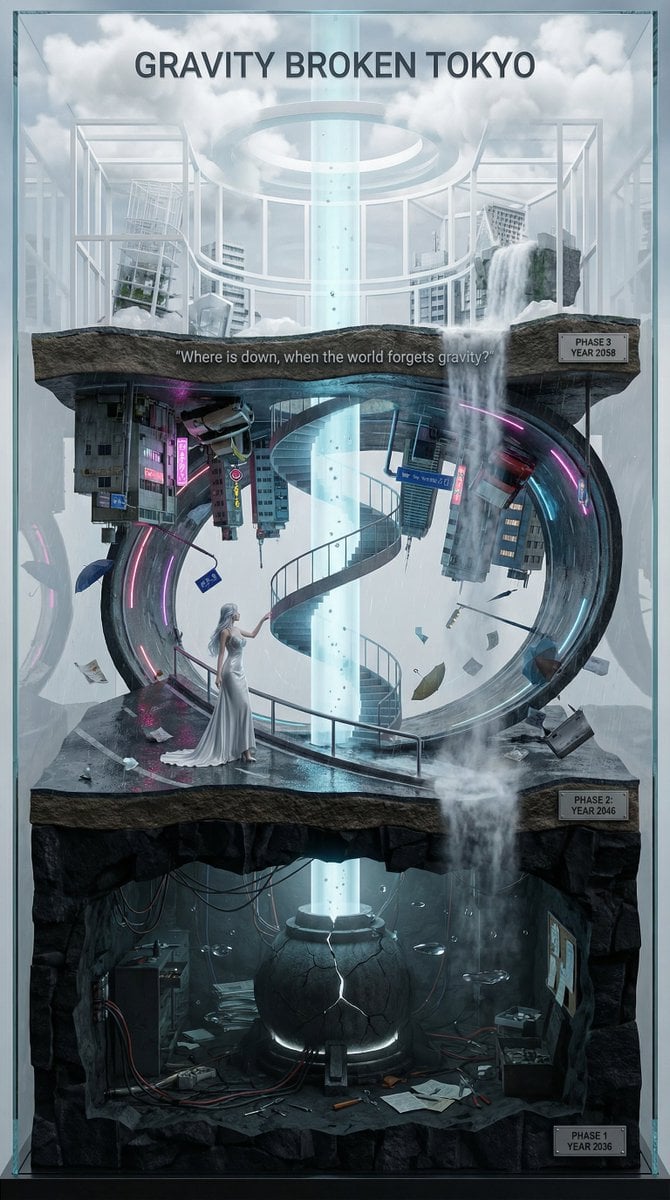
Vertical Layered Diorama Concept Art Prompt for Sci-Fi Film
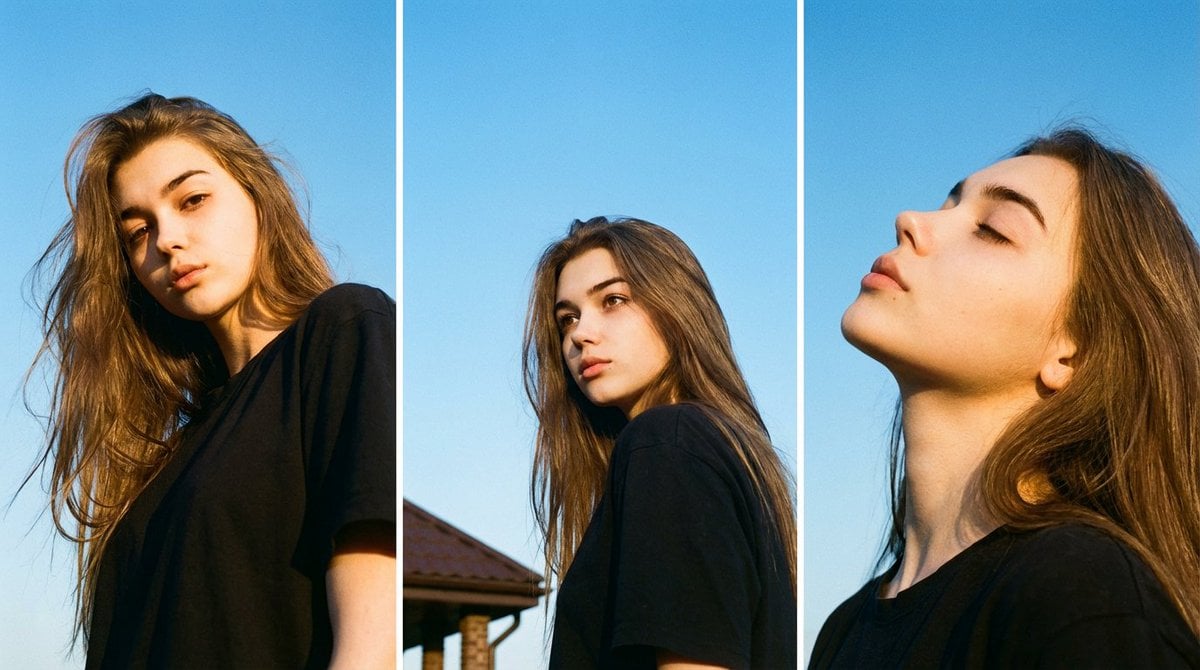
Film Aesthetic Triptych Portrait with Identity Lock
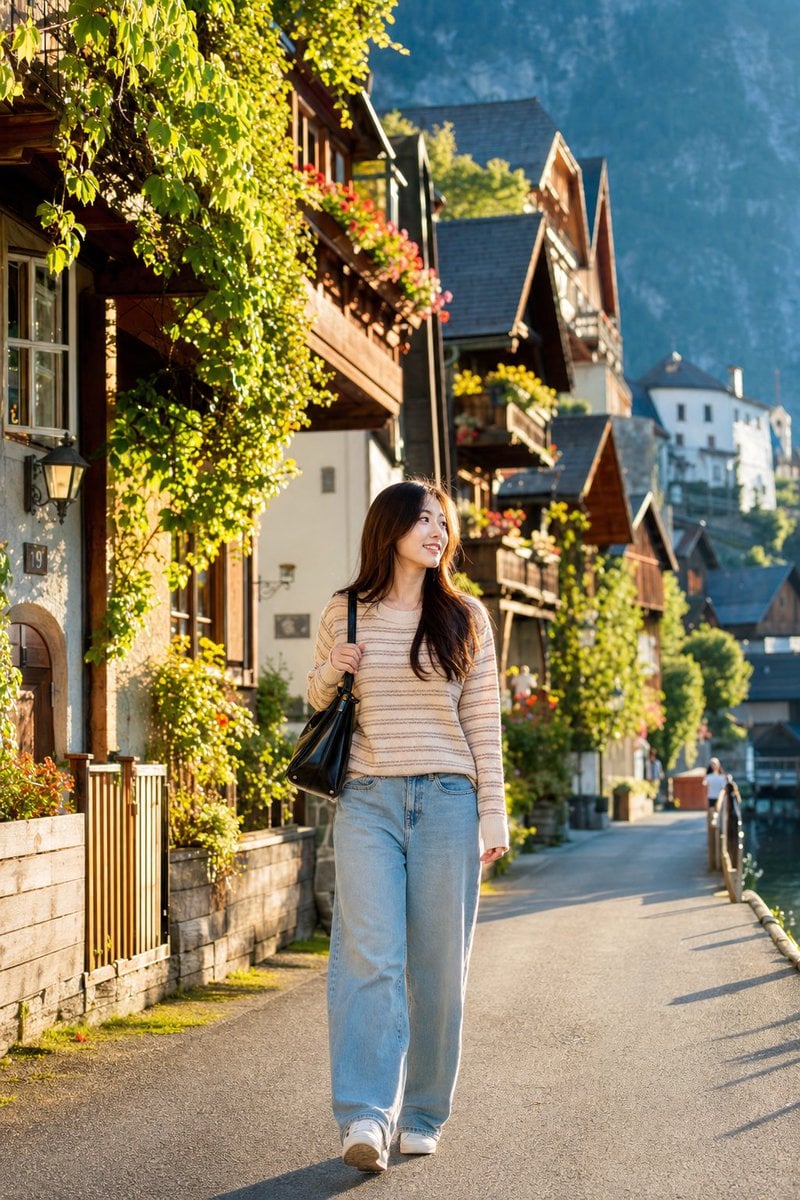
Japanese Woman in Hallstatt Travel Portrait

Golden Hour Portrait of Stylish Man on Balcony
Browse template categories
3D Perspective Text Effect Prompt questions
How do I use the 3D Perspective Text Effect Prompt template?
Add your photo if the template asks for one, edit the prompt if you like — the template's model and format are already selected — and press Generate. Your version opens in PicX Studio.
Can I customize the 3D Perspective Text Effect Prompt template?
Yes. You can change the subject, setting, lighting, mood, format, and available model controls before creating your image.
Is the 3D Perspective Text Effect Prompt template free?
Opening and editing this template is free. Generating uses credits, shown on the Generate button when you are signed in.
Which AI model should I use?
Start with GPT Image 2, which is the model associated with this template. You can compare another compatible model for a different finish.
Looking for something else? Browse all templates.

Your photo, any look
Thousands of ready templates for every top image and video model, from one credit balance.