
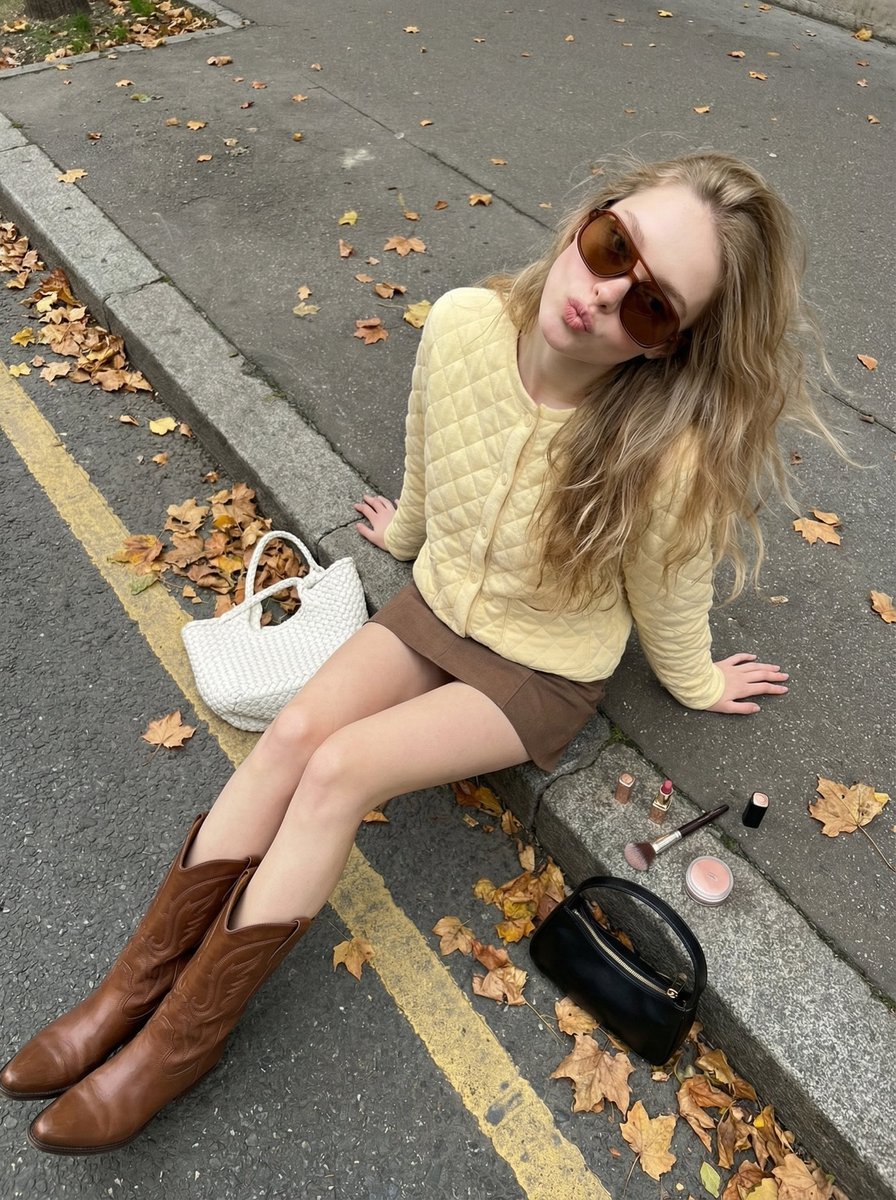
High-Angle Street Style Photo with Makeup Items
A detailed prompt for generating an ultra-photorealistic, candid, high-angle street-style photo suitable for a TikTok slideshow.
- Prompt included
- Model and format preset
- Free template
The prompt behind this image
Copy the exact prompt behind High-Angle Street Style Photo with Makeup Items, or open it in the studio and make it yours.
{ "scene": { "description": "Ultra-photorealistic candid overhead street-style photo on an autumn city sidewalk. Young woman sitting casually on a concrete curb, posing playfully with makeup items placed beside her.", "environment": { "location": "quiet urban sidewalk in autumn", "elements": [ "asphalt street with a yellow lane line", "scattered dry autumn leaves across street and curb", "clean concrete curb edge", "no visible people or vehicles" ], "lighting": "natural overcast daylight, soft and even, realistic autumn tones with gentle warmth" }, "photography": { "camera_style": "casual iPhone-style street photo taken by another person standing in front of the subject", "angle": "high downward angle from above and in front of the subject" "shot_type": "candid playful fashion moment", "aspect_ratio": "9:16 vertical", "texture": "hyper-realistic skin texture, visible fabric quilting, leather boot details, sharp ground and leaf textures" } }, "subject": { "apperance": "Beatiful European girl in her early 20's", "pose": { "overall": "sitting on a concrete curb, leaning backward with weight supported by both hands placed behind her on the ground", "legs": "legs extended forward in a relaxed natural position", "torso": "upper body leaning back casually", "head": "head tilted slightly upward toward the camera" }, "expression": "soft playful pout with relaxed lips, confident and cute vibe", "hair": "long loose blonde hair with natural waves, slightly messy and windswept", "clothing": { "top": "pale {argument name="cardigan color" default="yellow"} quilted cardigan, buttoned", "bottom": "short {argument name="skirt color" default="brown"} mini skirt", "shoes": "tall brown leather western-style boots with visible stitching" }, "accessories": { "sunglasses": "large oversized brown-tinted sunglasses worn on face", "bags": "white woven tote bag placed to her left side, small black handbag placed to her right on the curb", "makeup_items": "lipstick, makeup brush and small round container placed on the curb beside her" } }, "requirements": [ "Pale yellow quilted cardigan and brown mini skirt", "Tall brown western-style boots", "Oversized brown sunglasses", "Autumn sidewalk with yellow road line", "White woven tote and black handbag on ground", "Makeup items placed beside her on the curb", "Leaning back pose with hands supporting body", "High-angle candid street photo aesthetic" ] } }
How to use High-Angle Street Style Photo with Makeup Items in 3 steps
- 1
Open
The prompt is already in the box next to the preview, with the template's model and format selected.
- 2…a portrait of your subject in softgolden-hour light, 85mm…
Personalize
Edit the subject and creative details for your destination.
- 3Generate
Generate
Press Generate — your image is created in PicX Studio, so you can compare it with the original and refine one variable at a time.
More like this
Templates with the same subject, style or setup. Open one to see its prompt.

Two Tickets, One Night

Meet Me When It Rains

Two Hearts. One Scooter.

1986 Street Couple

1985 Street Scene
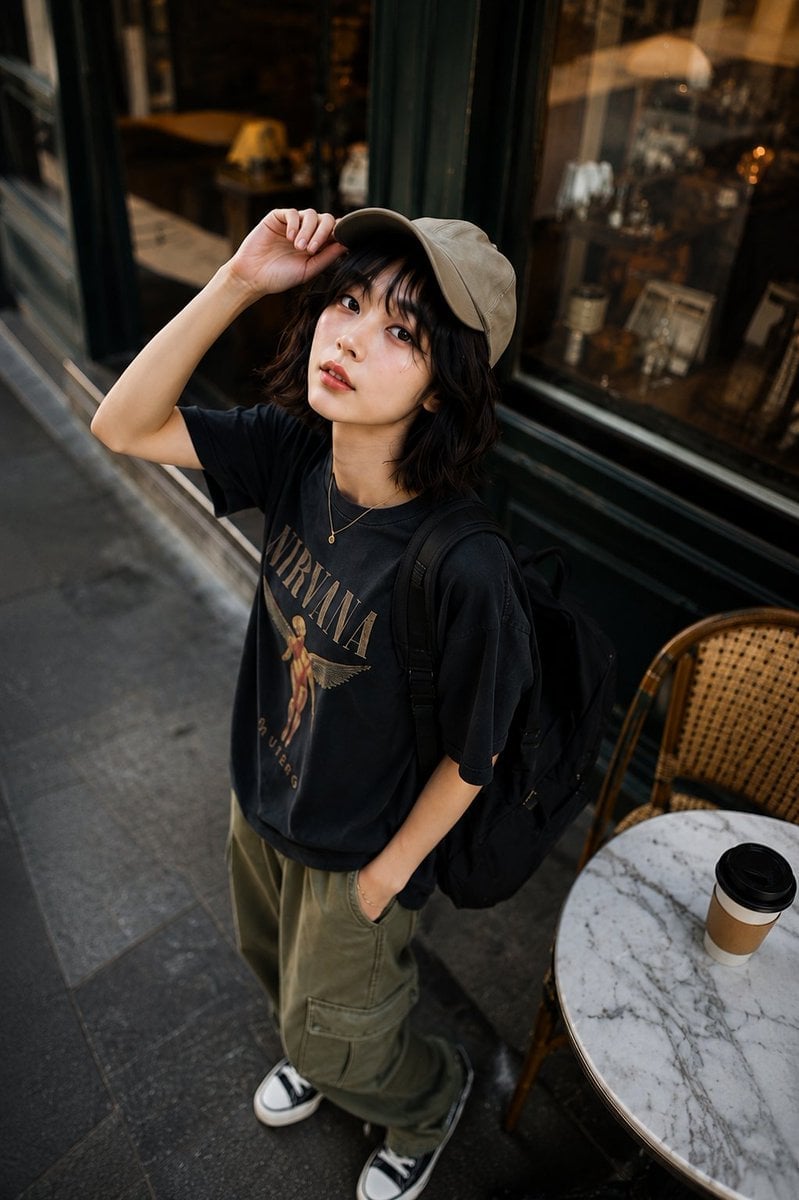
High-Angle Café Street Portrait

Cinematic Street Fashion Portrait Motion Blur Crowd

Blue Hour Editorial Fashion Portrait
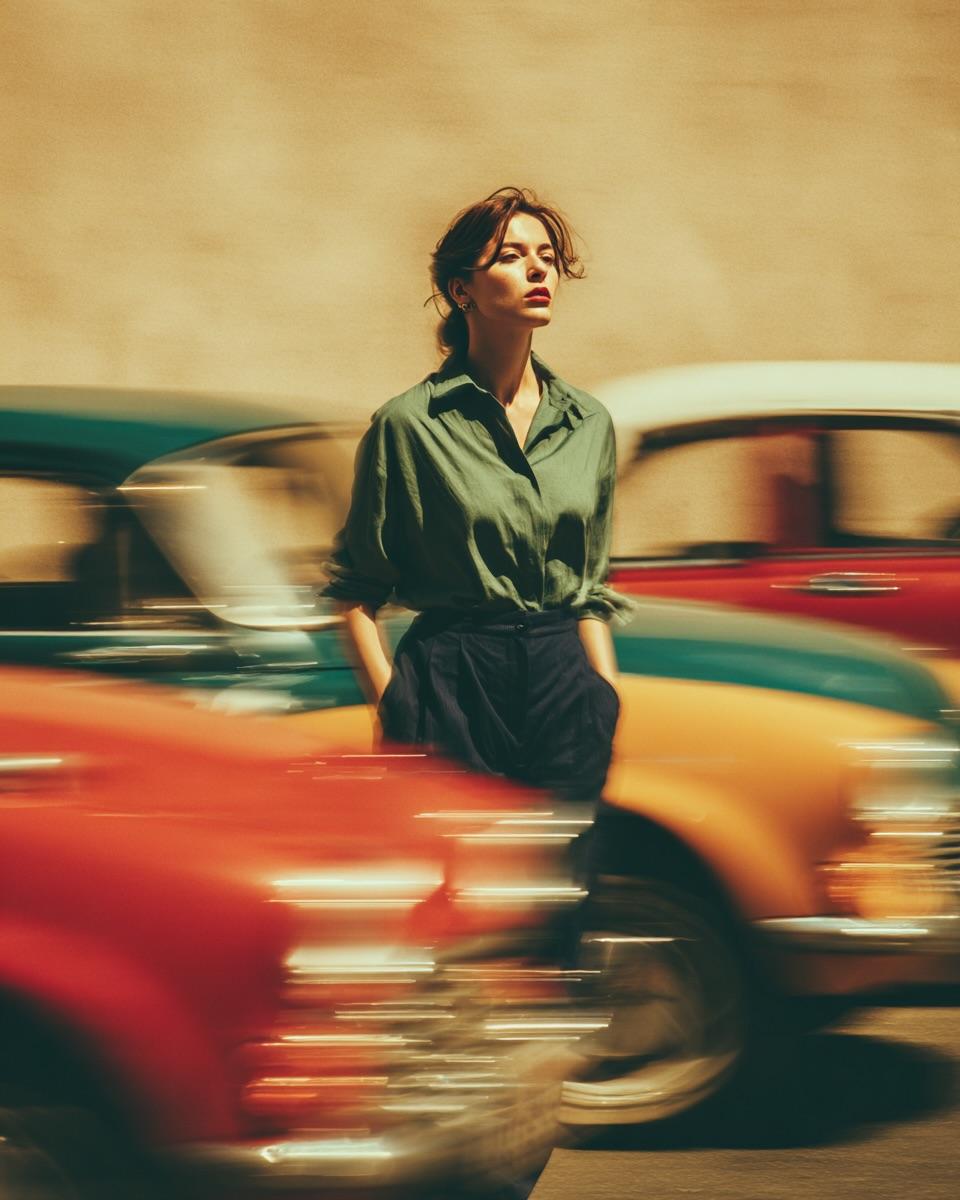
Golden Hour Street Motion Portrait

Face-Locked Cream Half-Zip Street Walk

Golden Hour Fedora Bar Doorway Street Style
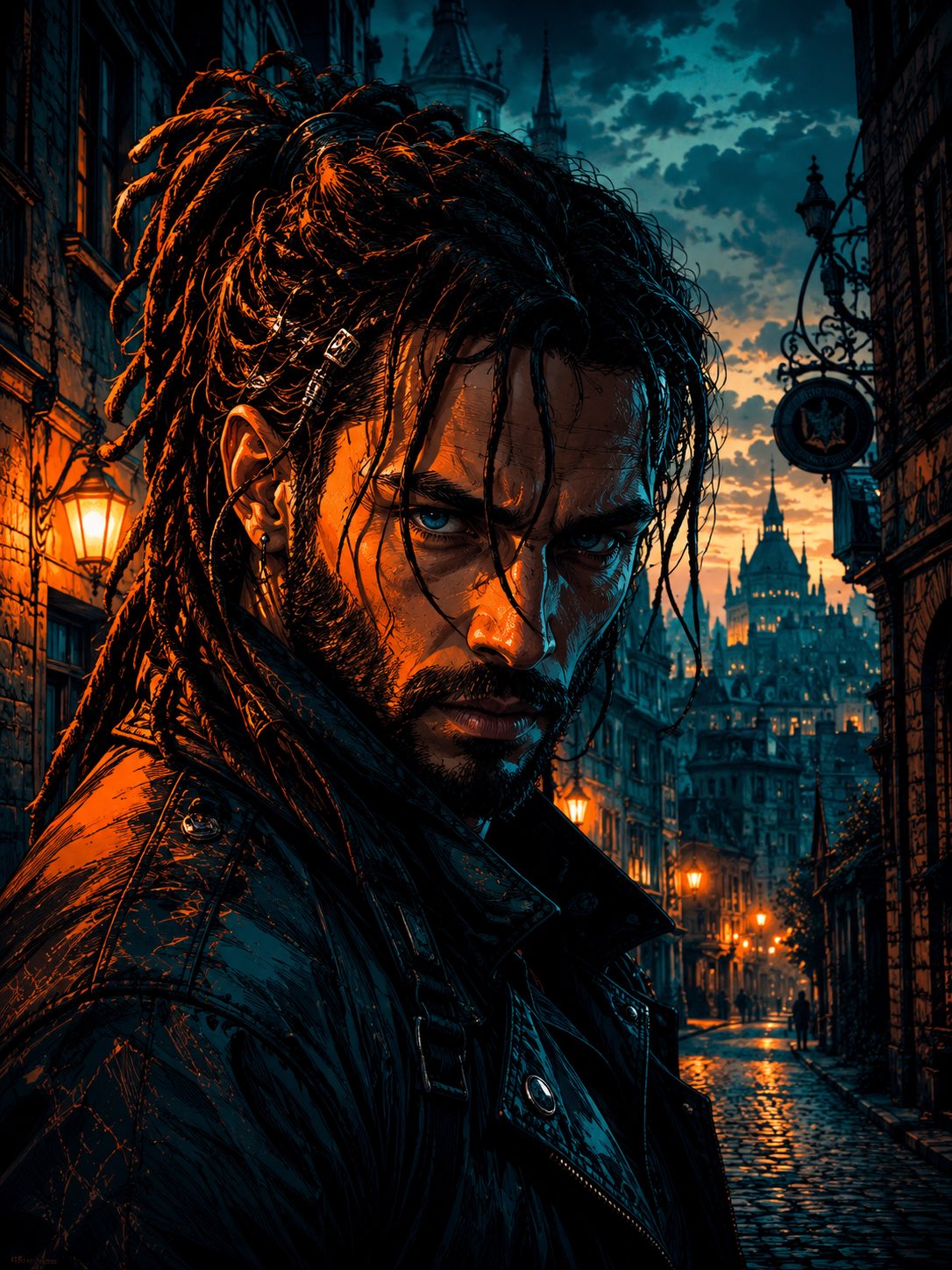
Cyber Noir Dreadlocks Street Portrait
Make it yours
High-Angle Street Style Photo with Makeup Items works as-is. These are the safest ways to change it without losing the look.
Change one field
Copy a single group, rewrite it, and generate again so you can see what that field is doing.
Keep the frame, change the subject
Hold the composition and light of High-Angle Street Style Photo with Makeup Items, then swap wardrobe, props or the person for a new take.
| If the result… | Why | Fix |
|---|---|---|
| The result drifts from the preview | Too many fields changed at once. | Reuse High-Angle Street Style Photo with Makeup Items as-is first, then change one group — subject, light, or setting. |
| The model over-stylizes the scene | The prose prompt leaves finish and camera underspecified. | Add one camera or lighting sentence and stay on Nano Banana 2. |
More Nano Banana 2 templates
Other prompts made for Nano Banana 2.

Photorealistic Leaf Shaped Like a Dragon

K-Pop Idol Portrait Grid for Rapid Selection

Poetic Rain Forest Portrait During Golden Hour

Urban Street Portrait with Cartoon Inner Self Duo

Candid Nighttime Photo with Cat Prompt

High-Concept 3D Diorama Generation Prompt

Cinematic Futuristic Studio Portrait Template

Skincare Editorial Photography Collage Prompt

Hyper-Realistic Commercial Product Photography (Splash Effect)

Hyper-Realistic Nightclub Portrait Prompt
More image prompts
Fresh picks from across the catalog.
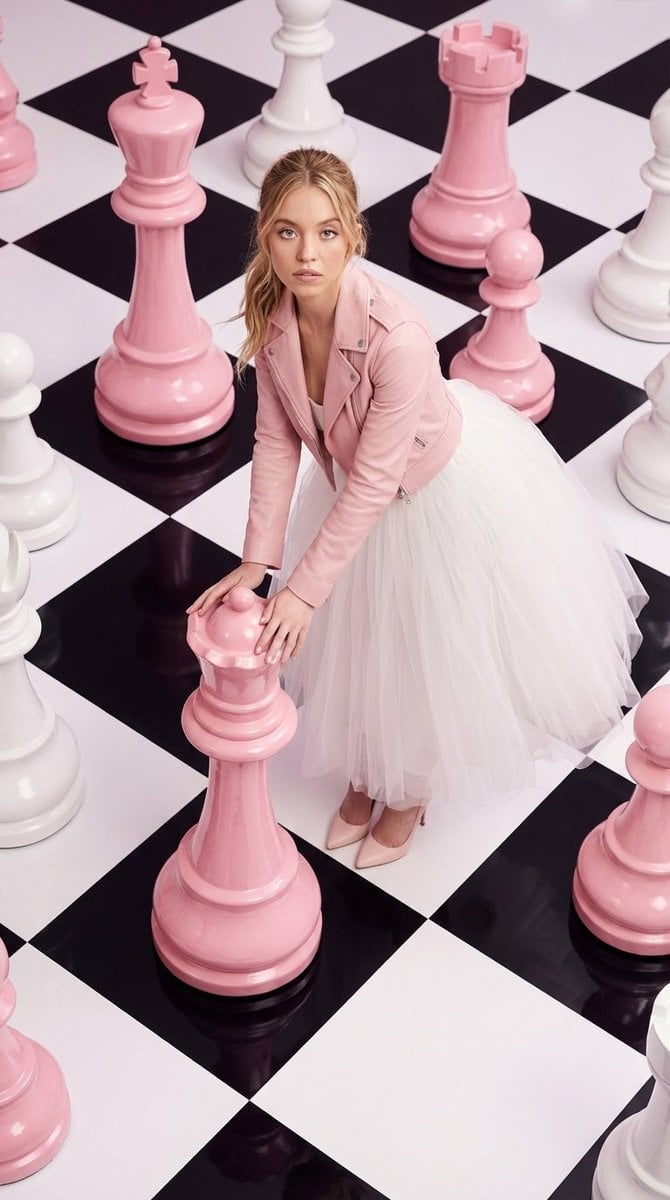
High-Fashion Surreal Chessboard Editorial
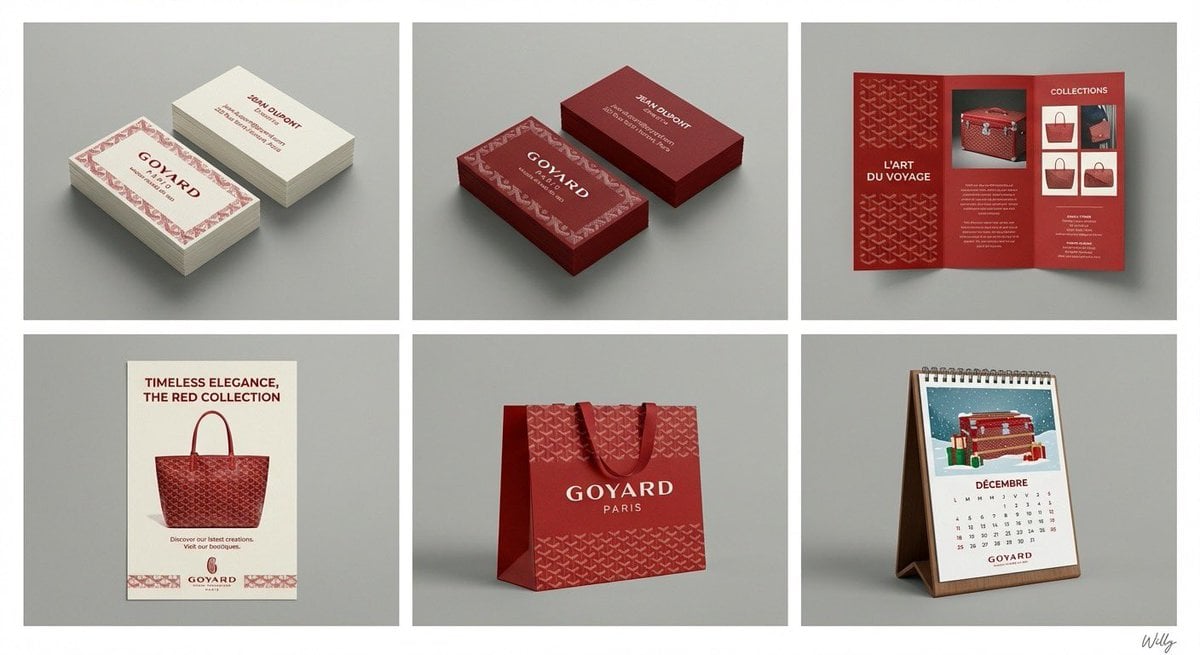
Panel Brand Identity Grid Mockup
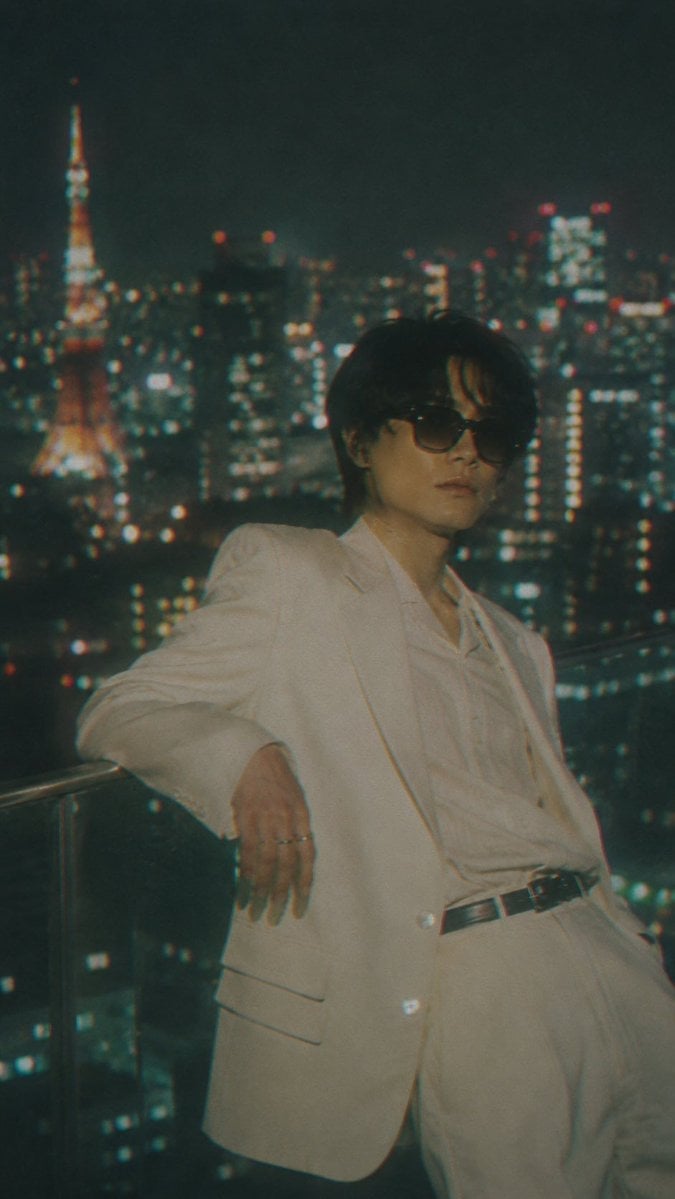
Censored Tokyo Rooftop Night Portrait
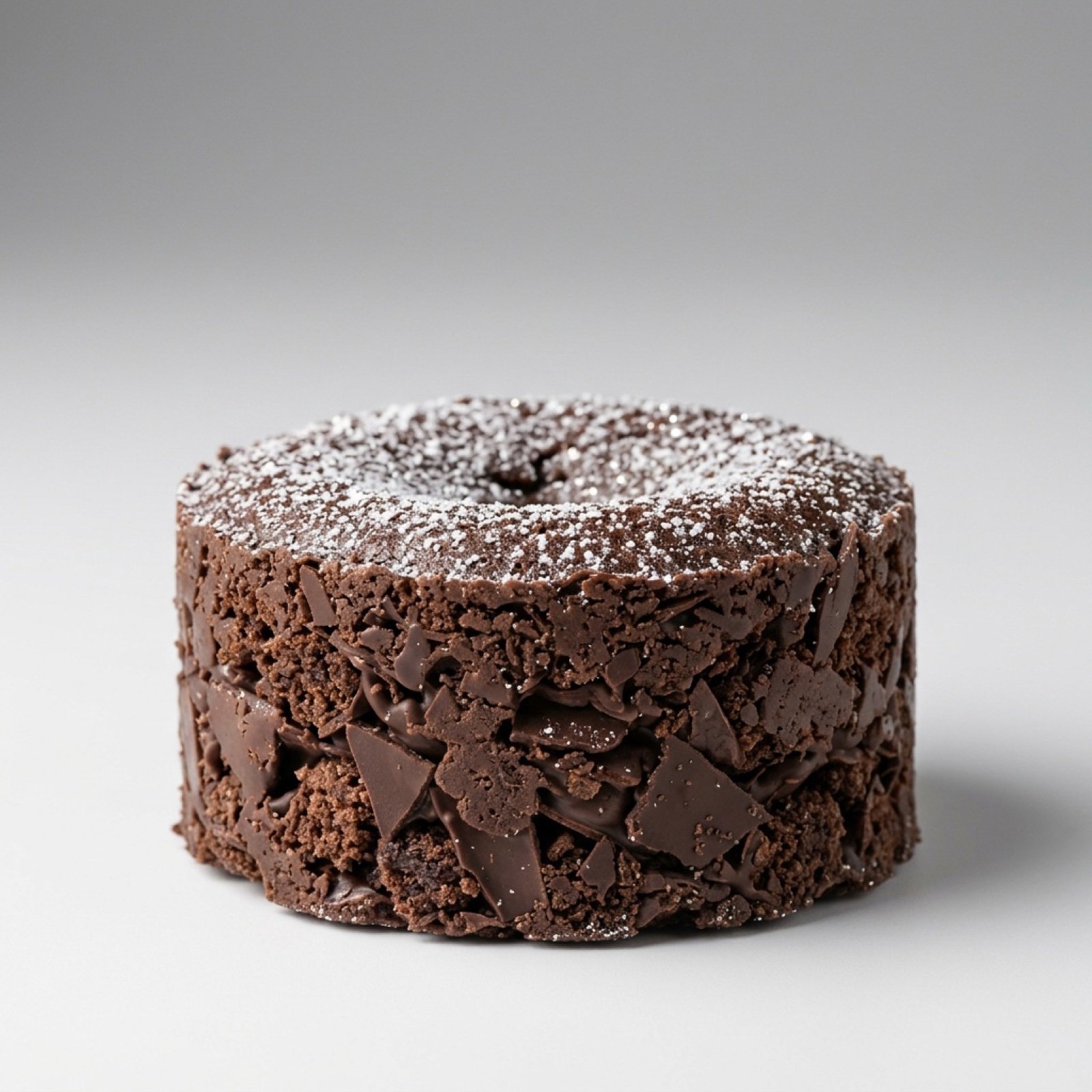
Exploding Chocolate Lava Cake Prompts (Motion and Still)
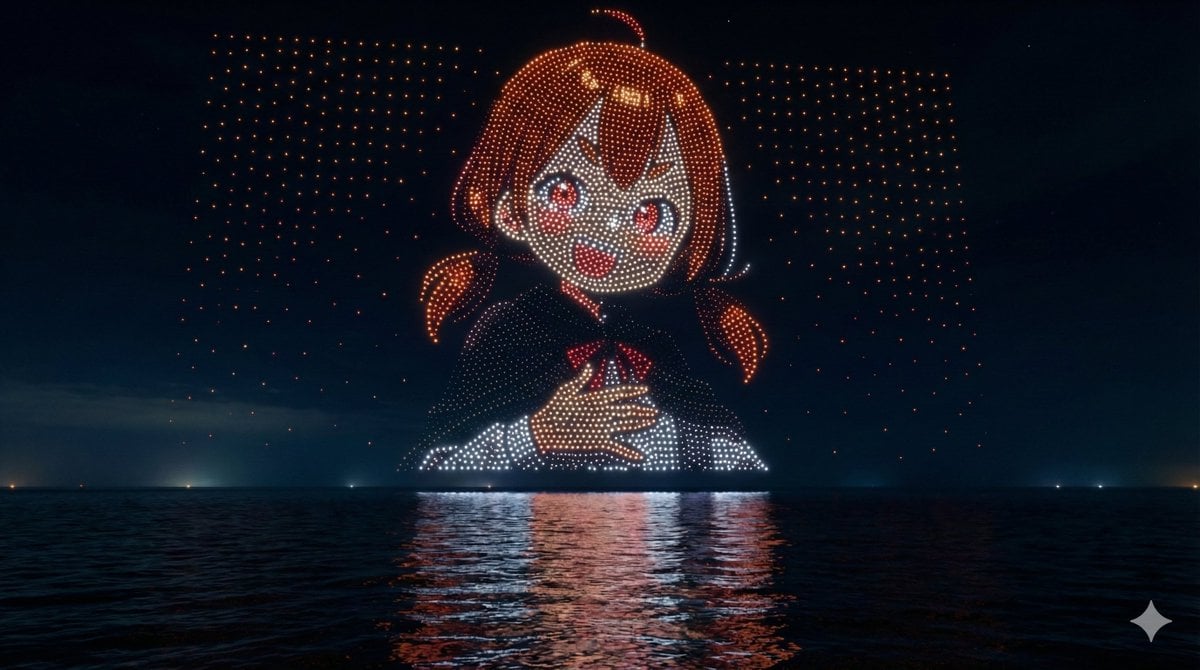
Drone Art Character Illustration
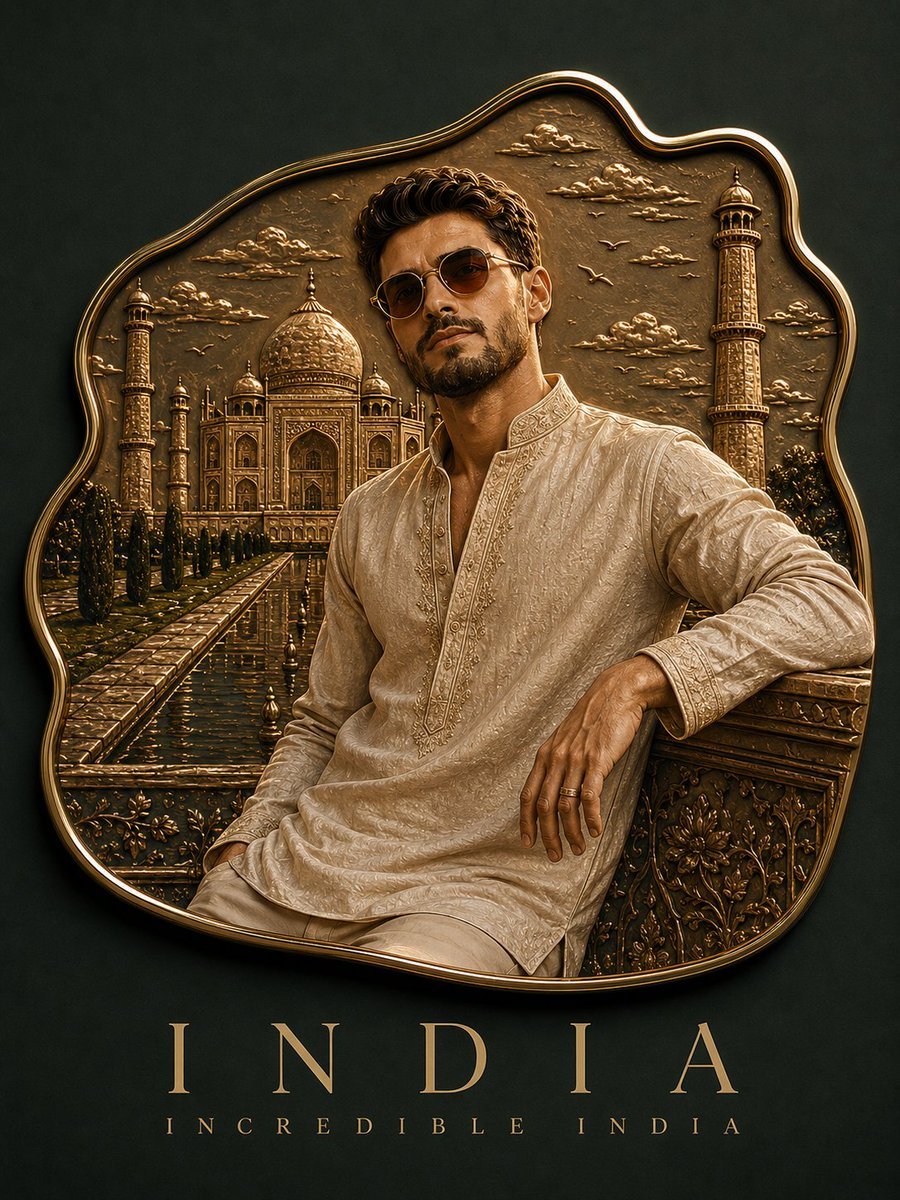
Handmade Enamel Magnet Souvenir
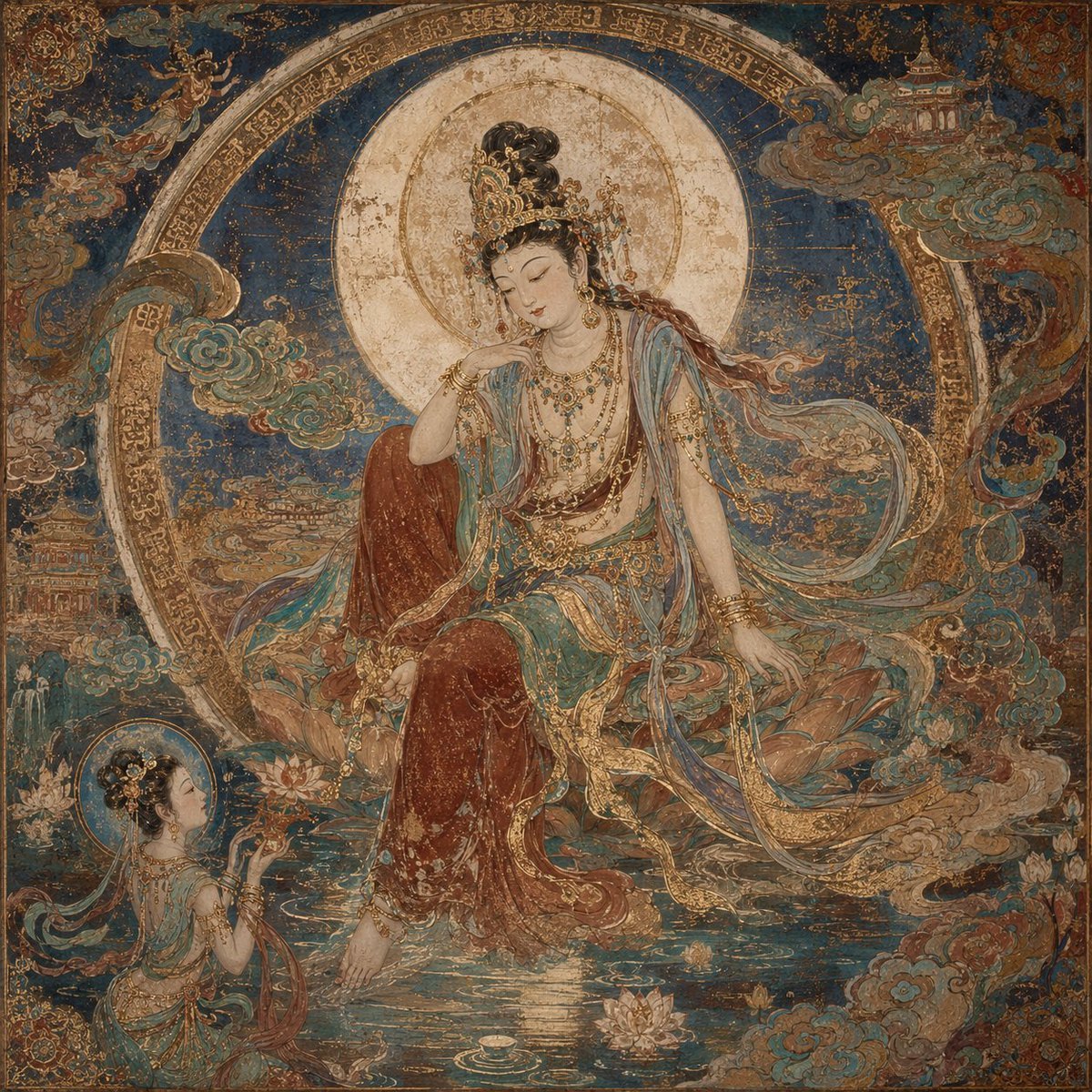
Dunhuang Mural Water Moon Guanyin
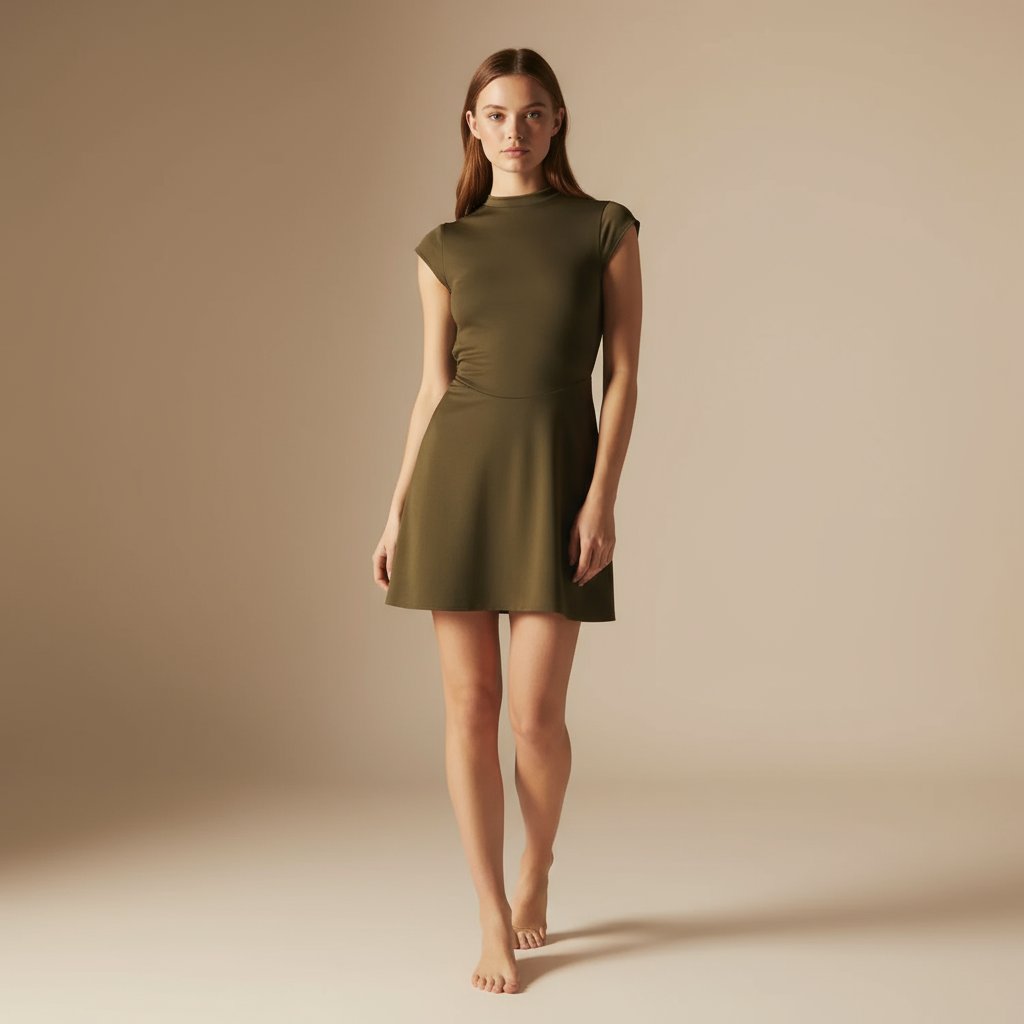
E-commerce Full-Body Product Shot Prompt (Olive Green Dress)
Brand Identity Design Board

Wireframe to Corporate Web Banner
Browse template categories
High-Angle Street Style Photo with Makeup Items questions
How do I use the High-Angle Street Style Photo with Makeup Items template?
Add your photo if the template asks for one, edit the prompt if you like — the template's model and format are already selected — and press Generate. Your version opens in PicX Studio.
Can I customize the High-Angle Street Style Photo with Makeup Items template?
Yes. You can change the subject, setting, lighting, mood, format, and available model controls before creating your image.
Is the High-Angle Street Style Photo with Makeup Items template free?
Opening and editing this template is free. Generating uses credits, shown on the Generate button when you are signed in.
Which AI model should I use?
Start with Nano Banana 2, which is the model associated with this template. You can compare another compatible model for a different finish.
Looking for something else? Browse all templates.

Your photo, any look
Thousands of ready templates for every top image and video model, from one credit balance.