
E-commerce Full-Body Product Shot Prompt (Olive Green Dress)
A prompt for generating a clean, editorial-grade full-body e-commerce image of a model wearing a specific olive green short dress.
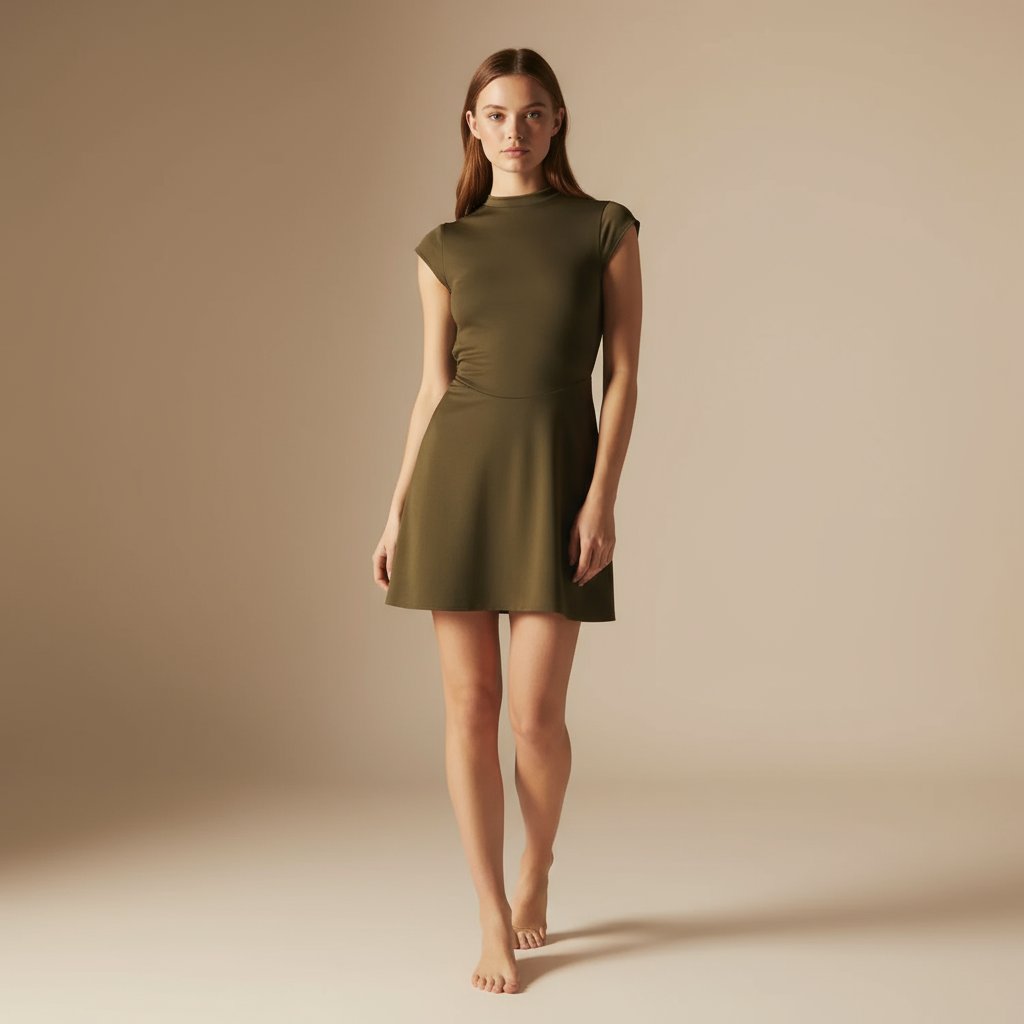
- Prompt included
- Model and format preset
- Premium template
The prompt behind this image
Copy the exact prompt behind E-commerce Full-Body Product Shot Prompt (Olive Green Dress), or open it in the studio and make it yours.
- Description
- Full-body photo of the same female model wearing the exact same olive green short dress as in the reference — identical fit, fabric texture, color, neckline, sleeve shape, and length ending above the knees. The model must be fully visible from head to toe within the frame, including both feet and space above the head. The background is a clean light beige tone with soft shadows, maintaining a minimalist and premium look.
- Appearance
- The model appears elegant and confident, with natural makeup and softly styled straight hair. Her facial expression should be calm, relaxed, and professional. Skin should look natural with subtle texture — no airbrushing.
- Pose
- Full-body standing pose with relaxed posture. The model faces slightly toward the camera, one leg slightly ahead of the other for balance. Hands rest naturally at sides or lightly on hips, ensuring the dress remains fully visible. Both feet must be in frame.
- Lighting
- Soft, evenly diffused lighting in a neutral warm tone (around 3800K–4000K). No sunlight or harsh studio reflections. Maintain realistic skin tone and true fabric color.
- Environment
- Simple beige background, smooth gradient with no props or distractions. The focus remains entirely on the model and dress.
- Camera
- Full-body vertical composition, framed slightly wider than before to include the full model from head to toe with extra space above and below. Eye-level perspective with sharp focus on model and dress, slightly soft background for depth.
- Style
- Photorealistic, editorial-grade fashion image with clean lines, elegant tone, and refined simplicity — perfect for e-commerce or lookbook display.
- Focus
- Ensure the entire model, including feet, is clearly visible. Maintain accurate proportions and fabric realism. The hemline must be short (above the knees) and not extended.
- Negative Prompt
- cropped frame (head or feet missing), long or maxi dress, props or cluttered background, bright studio light or sunlight, overexposed lighting, AI-smooth skin, tilted camera angle
Raw JSON
{
  "description": "Full-body photo of the same female model wearing the exact same olive green short dress as in the reference — identical fit, fabric texture, color, neckline, sleeve shape, and length ending above the knees. The model must be fully visible from head to toe within the frame, including both feet and space above the head. The background is a clean light beige tone with soft shadows, maintaining a minimalist and premium look.",

  "appearance": "The model appears elegant and confident, with natural makeup and softly styled straight hair. Her facial expression should be calm, relaxed, and professional. Skin should look natural with subtle texture — no airbrushing.",

  "pose": "Full-body standing pose with relaxed posture. The model faces slightly toward the camera, one leg slightly ahead of the other for balance. Hands rest naturally at sides or lightly on hips, ensuring the dress remains fully visible. Both feet must be in frame.",

  "lighting": "Soft, evenly diffused lighting in a neutral warm tone (around 3800K–4000K). No sunlight or harsh studio reflections. Maintain realistic skin tone and true fabric color.",

  "environment": "Simple beige background, smooth gradient with no props or distractions. The focus remains entirely on the model and dress.",

  "camera": "Full-body vertical composition, framed slightly wider than before to include the full model from head to toe with extra space above and below. Eye-level perspective with sharp focus on model and dress, slightly soft background for depth.",

  "style": "Photorealistic, editorial-grade fashion image with clean lines, elegant tone, and refined simplicity — perfect for e-commerce or lookbook display.",

  "focus": "Ensure the entire model, including feet, is clearly visible. Maintain accurate proportions and fabric realism. The hemline must be short (above the knees) and not extended.",

  "negative_prompt": [
    "cropped frame (head or feet missing)",
    "long or maxi dress",
    "props or cluttered background",
    "bright studio light or sunlight",
    "overexposed lighting",
    "AI-smooth skin",
    "tilted camera angle"
  ]
}How to use E-commerce Full-Body Product Shot Prompt (Olive Green Dress) in 3 steps
- 1
Open
The prompt is already in the box next to the preview, with the template's model and format selected.
- 2…a portrait of your subject in softgolden-hour light, 85mm…
Personalize
Edit the subject and creative details for your destination.
- 3Generate
Generate
Press Generate — your image is created in PicX Studio, so you can compare it with the original and refine one variable at a time.
More like this
Templates with the same subject, style or setup. Open one to see its prompt.
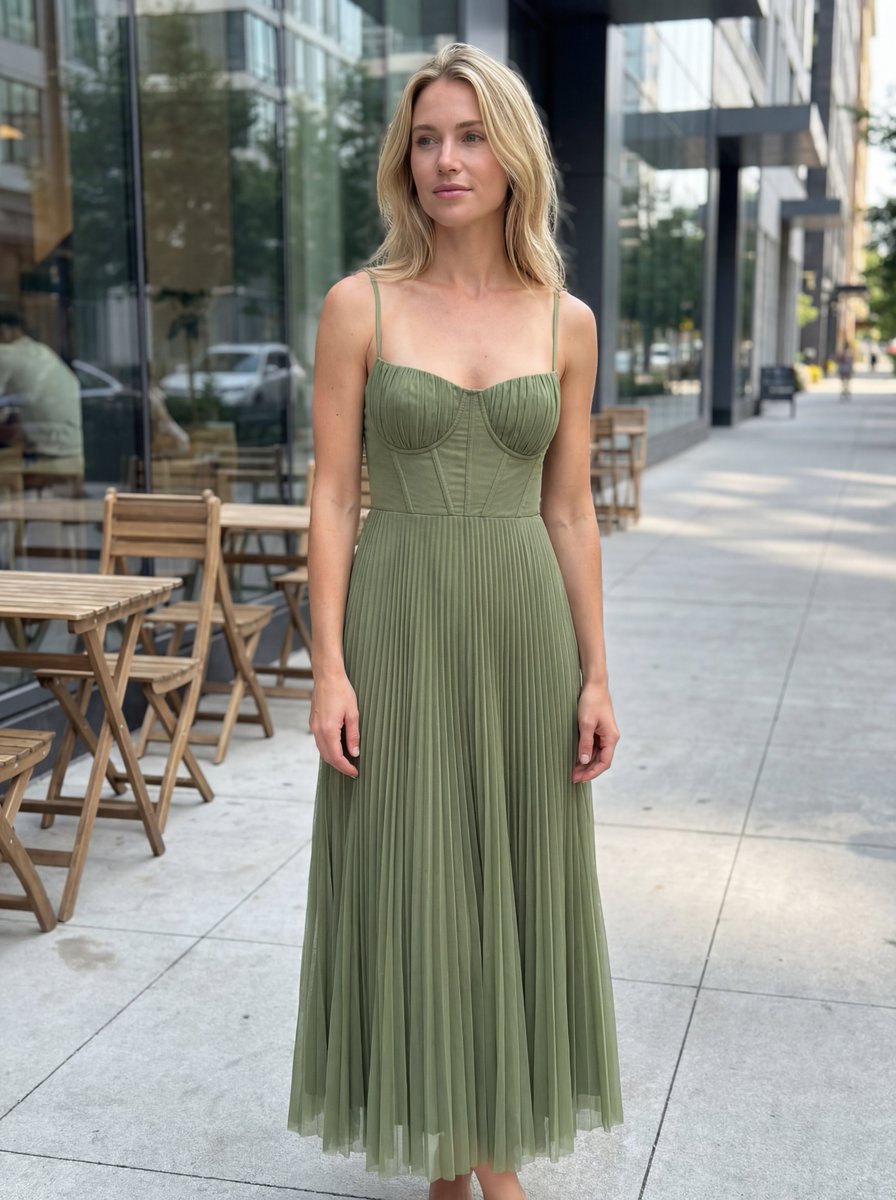
E-commerce Product Listing: Realistic UGC Dress Photo
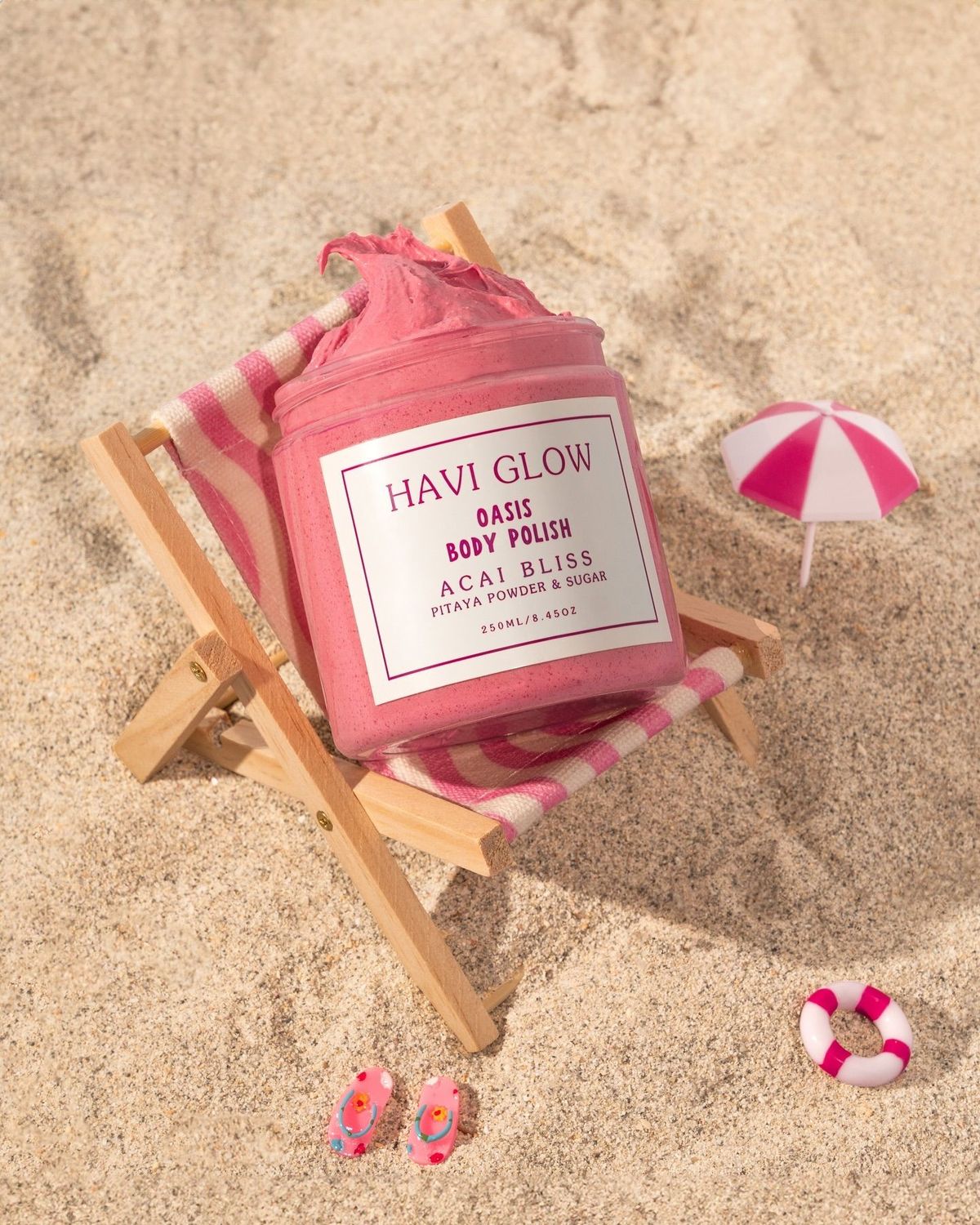
Beach Oasis Body Polish template
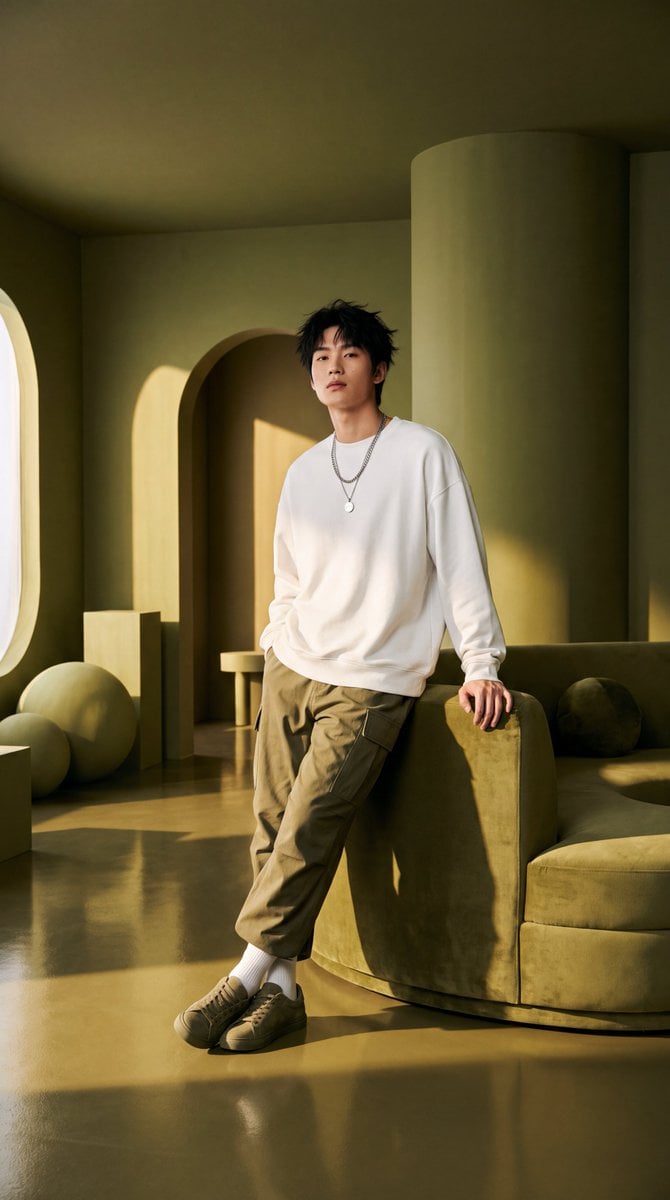
Olive Green Cinematic Editorial Transformation

Minimalist Olive Green Editorial Poster

A k.pop idol on the stage with mic
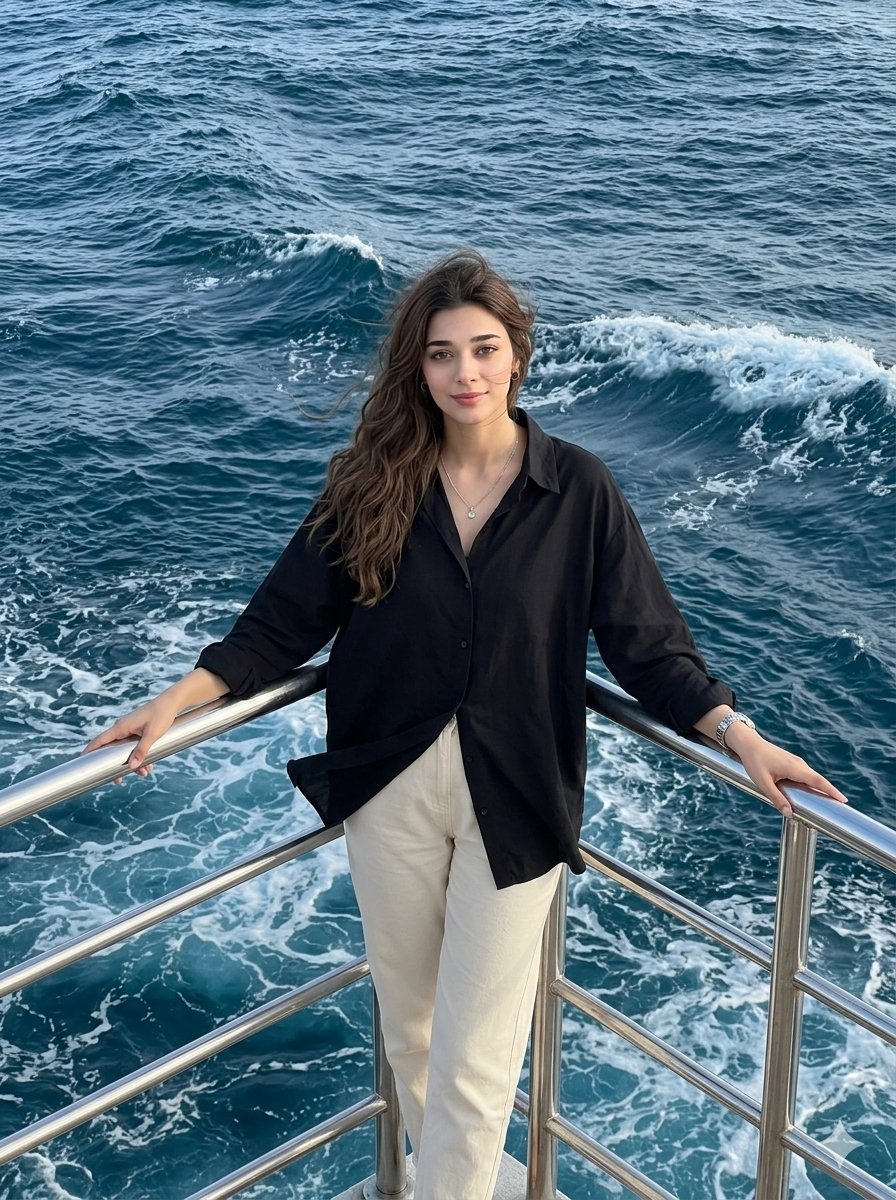
Coastal Full Body Drone Shot
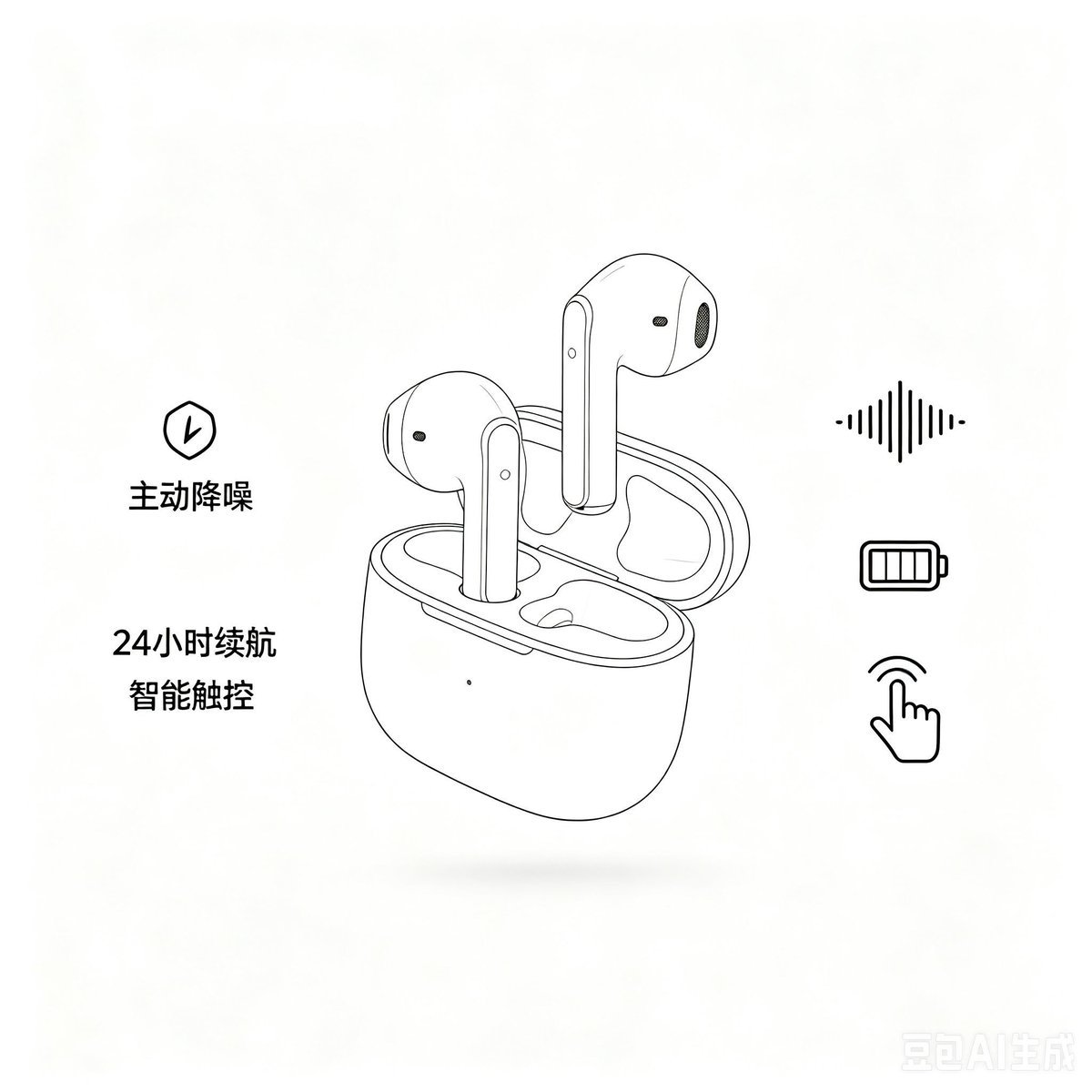
Minimalist Headphone E-commerce Product Photo

Trendy Cafe Drink Promo Poster

Elegant Green Evening Gown Studio Fashion Portrait
Elegant Green Evening Gown Studio Fashion Portrait

Premium Editorial Branding Poster Charcoal Green

Minimalist Skincare Product Water Stone Still
Make it yours
E-commerce Full-Body Product Shot Prompt (Olive Green Dress) works as-is. These are the safest ways to change it without losing the look.
Swap the setting
Keep the rest of the prompt and replace the location block. The current setting is “Simple beige background, smooth gradient with no props or distractions. The focu”.
Swap the light
One lighting change is enough to compare takes. Current light: “Soft, evenly diffused lighting in a neutral warm tone (around 3800K–4000K). No s”.
Change one field
Copy a single group, rewrite it, and generate again so you can see what that field is doing.
| If the result… | Why | Fix |
|---|---|---|
| The result drifts from the preview | Too many fields changed at once. | Reuse E-commerce Full-Body Product Shot Prompt (Olive Green Dress) as-is first, then change one group — subject, light, or setting. |
| Nano Banana 2 ignores part of the JSON | Some models flatten or skip nested keys. | Keep the same values and paste them as a short paragraph instead. |
More Nano Banana 2 templates
Other prompts made for Nano Banana 2.

Photorealistic Leaf Shaped Like a Dragon

K-Pop Idol Portrait Grid for Rapid Selection

Poetic Rain Forest Portrait During Golden Hour

Urban Street Portrait with Cartoon Inner Self Duo

Candid Nighttime Photo with Cat Prompt

High-Concept 3D Diorama Generation Prompt

Cinematic Futuristic Studio Portrait Template

Skincare Editorial Photography Collage Prompt

Hyper-Realistic Commercial Product Photography (Splash Effect)

Hyper-Realistic Nightclub Portrait Prompt
More image prompts
Fresh picks from across the catalog.

Astronaut Drifting Above Shattered Lunar Surface
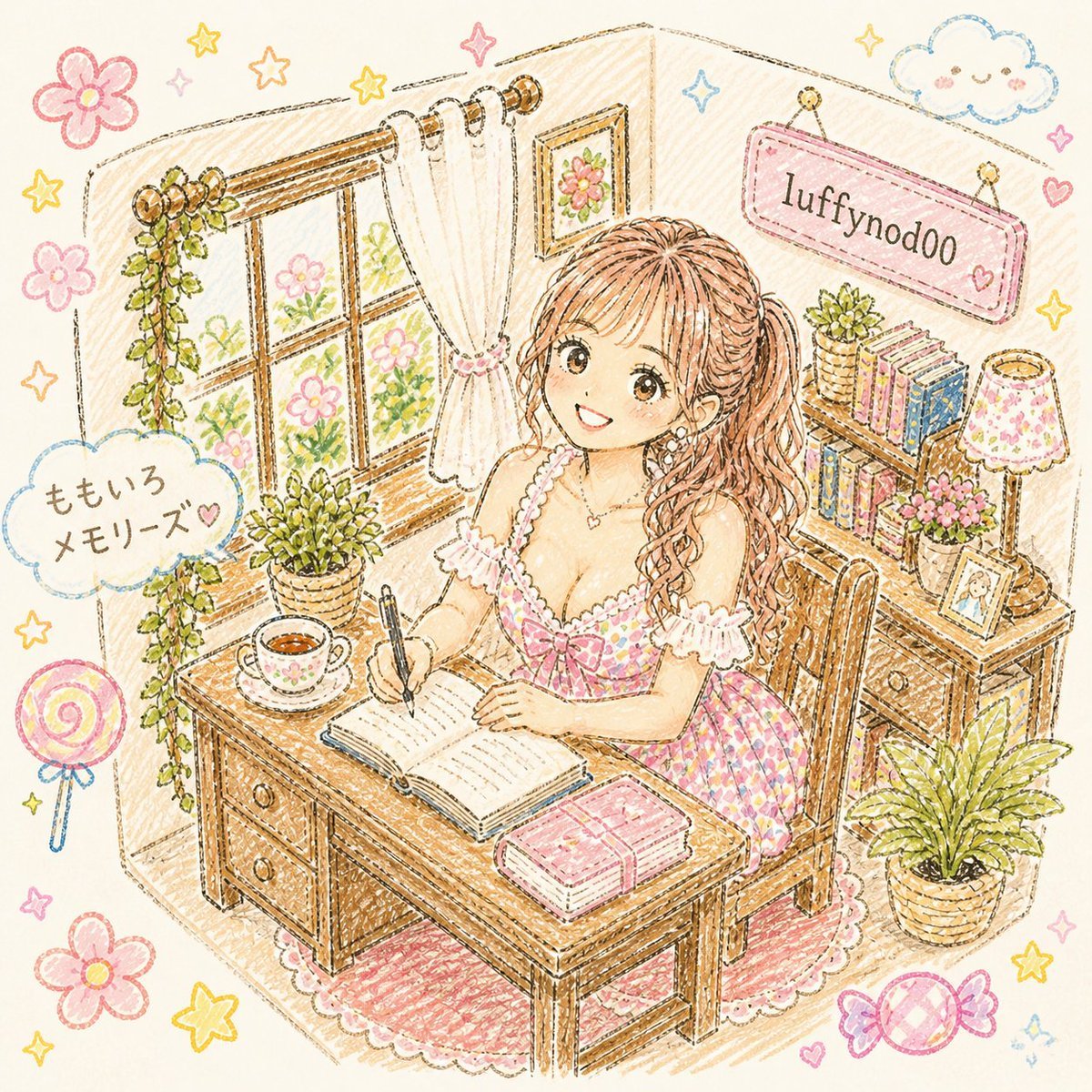
Pastel Kawaii Study Room Illustration
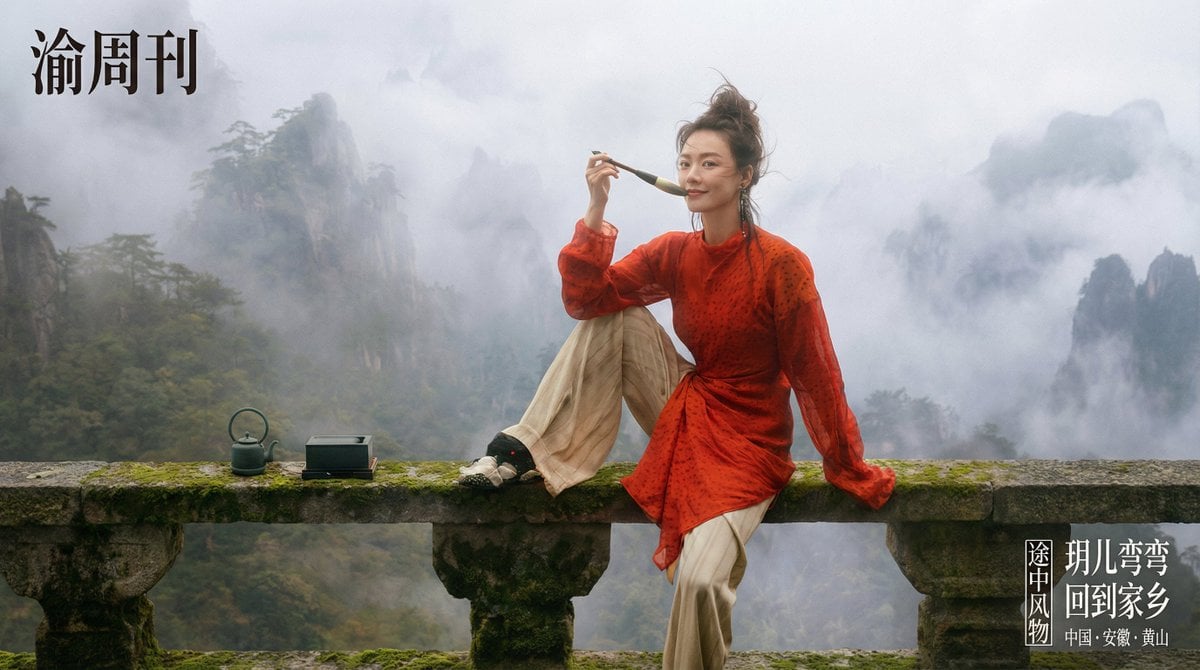
Cinematic Chinese Style Editorial Prompt (Ma Sichun Style)
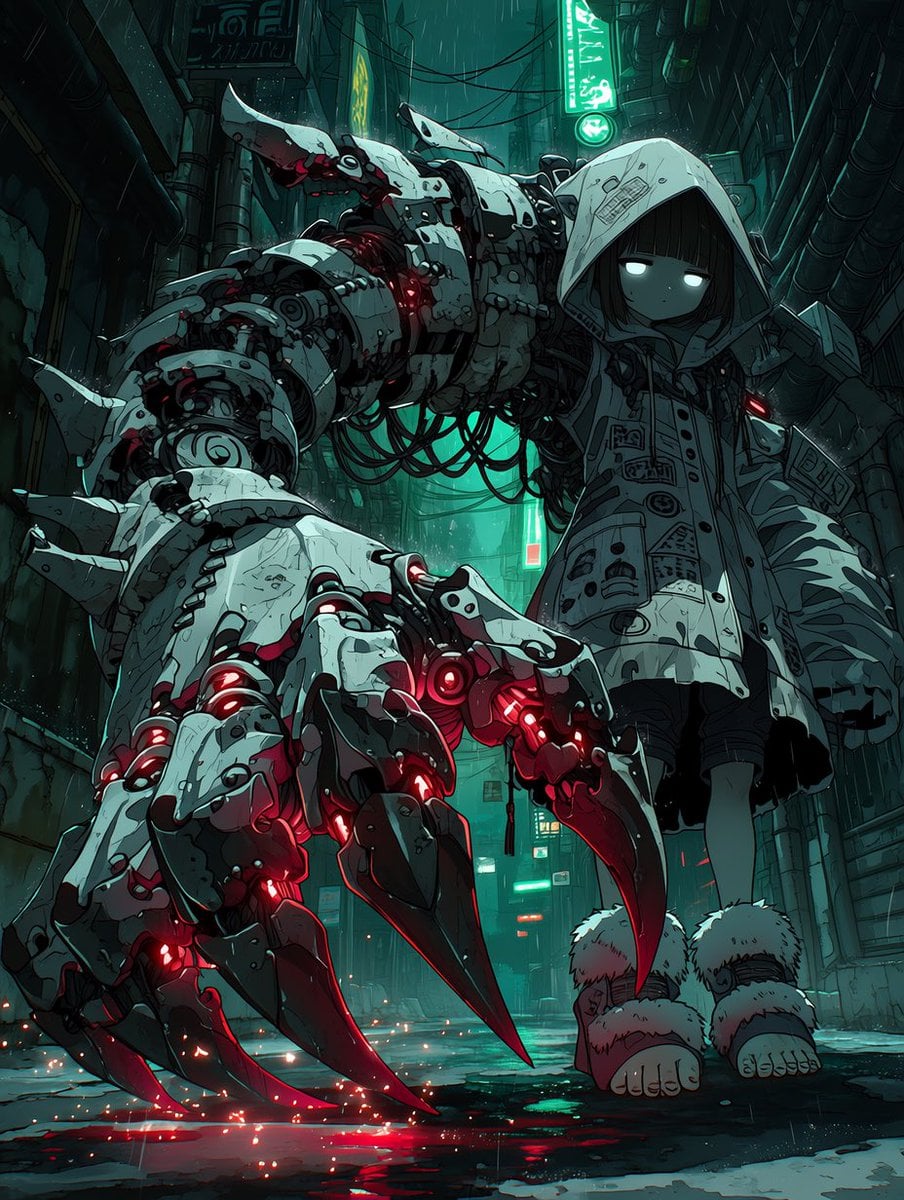
Cyberpunk Girl with Giant Mech Claw
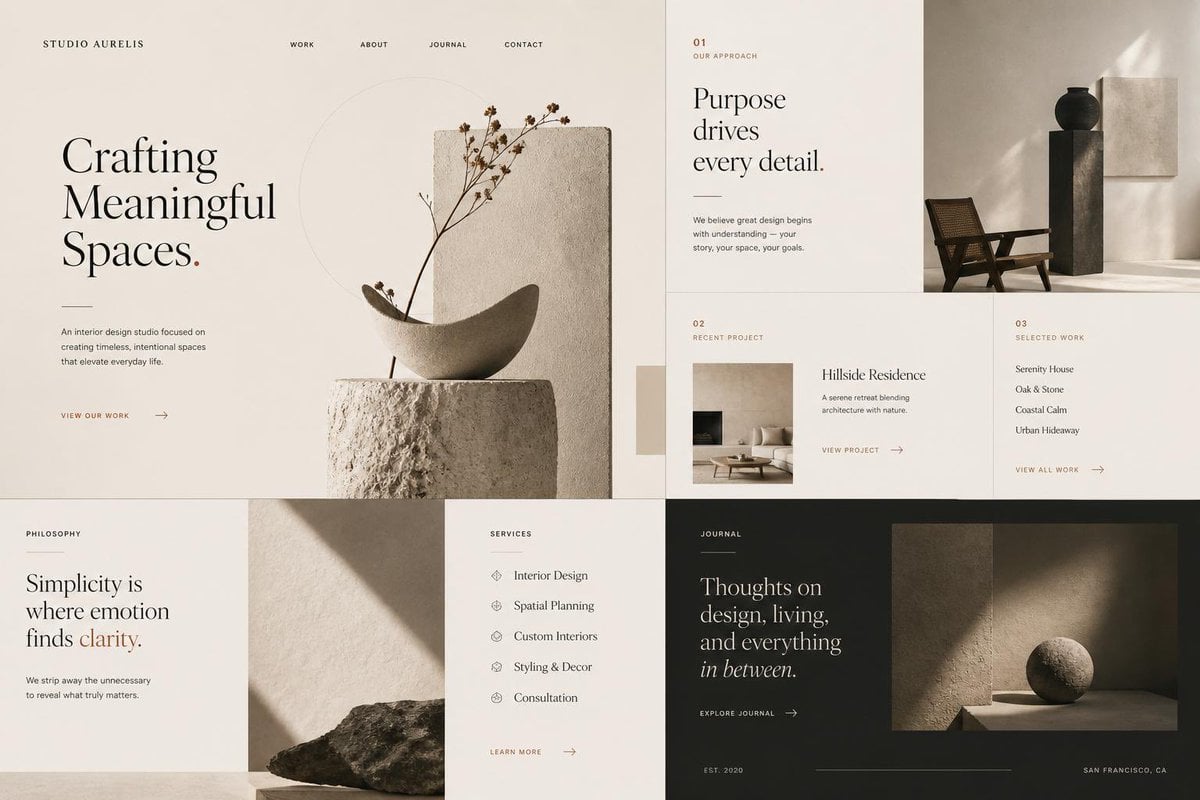
Minimal Interior Studio Website

3D Watercolor Portrait with Identity Preservation

Tokaido Anime Travel Poster
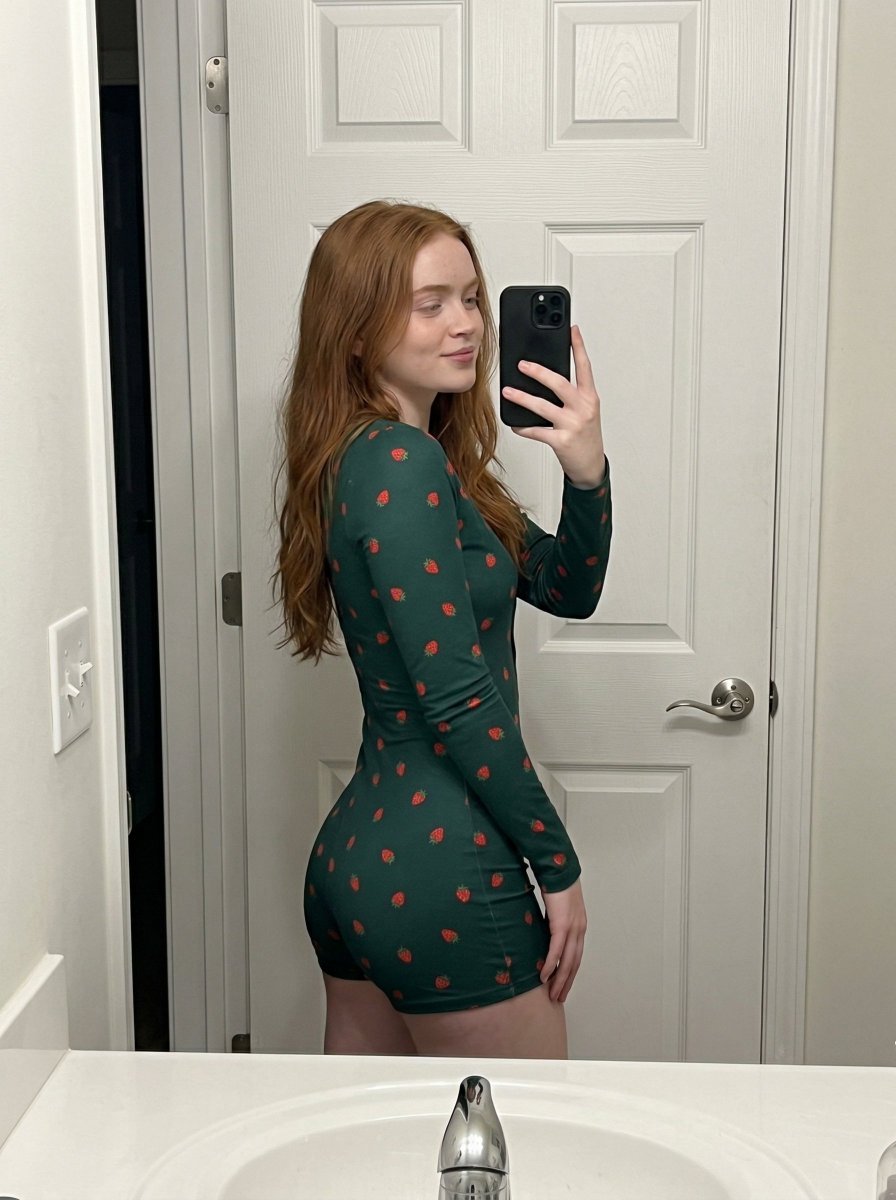
Strawberry Onesie Mirror Selfie with ControlNet
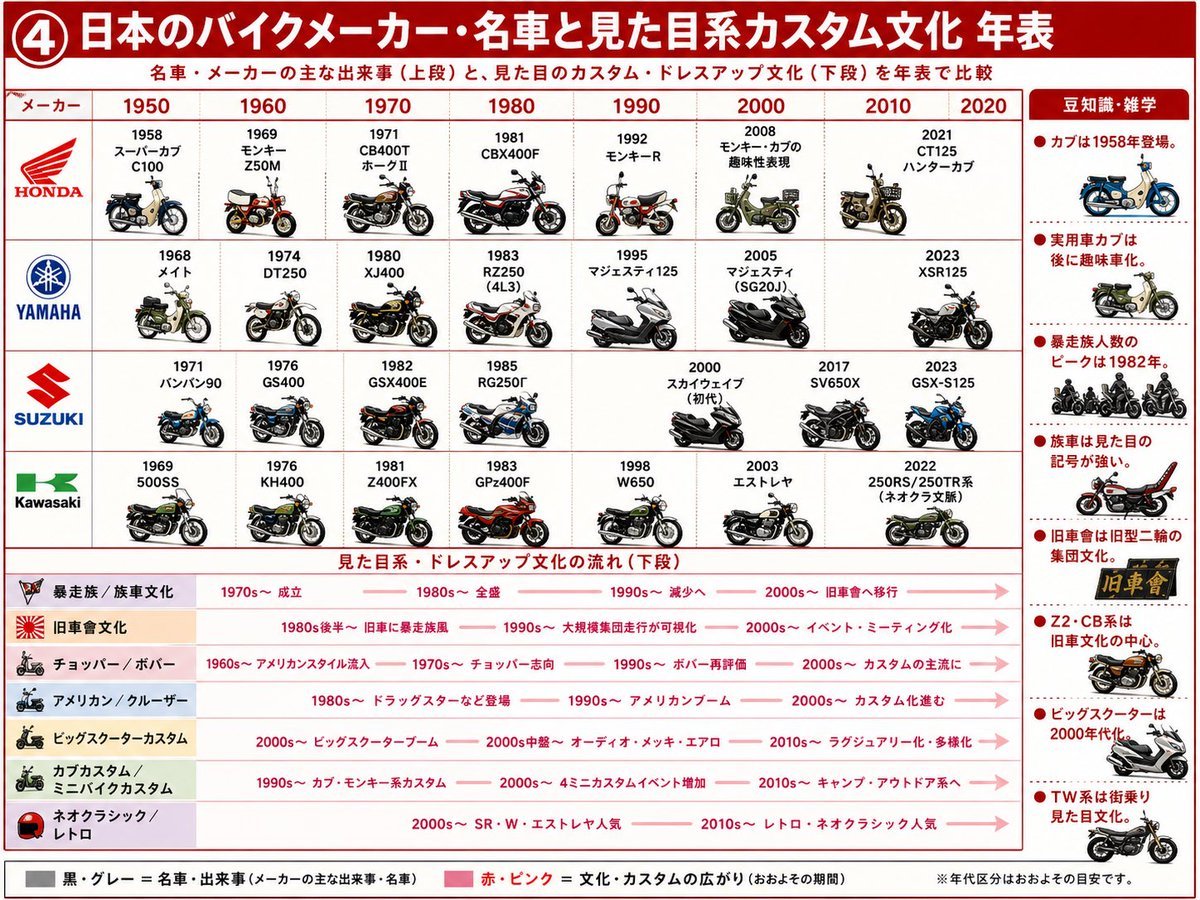
Japanese Motorcycle Culture Timeline
Realistic Hollywood Studio Set Behind-the-Scenes
Browse template categories
E-commerce Full-Body Product Shot Prompt (Olive Green Dress) questions
How do I use the E-commerce Full-Body Product Shot Prompt (Olive Green Dress) template?
Add your photo if the template asks for one, edit the prompt if you like — the template's model and format are already selected — and press Generate. Your version opens in PicX Studio.
Can I customize the E-commerce Full-Body Product Shot Prompt (Olive Green Dress) template?
Yes. You can change the subject, setting, lighting, mood, format, and available model controls before creating your image.
Is the E-commerce Full-Body Product Shot Prompt (Olive Green Dress) template free?
Opening and editing this template is free. Generating uses credits, shown on the Generate button when you are signed in.
Which AI model should I use?
Start with Nano Banana 2, which is the model associated with this template. You can compare another compatible model for a different finish.
Looking for something else? Browse all templates.

Your photo, any look
Thousands of ready templates for every top image and video model, from one credit balance.