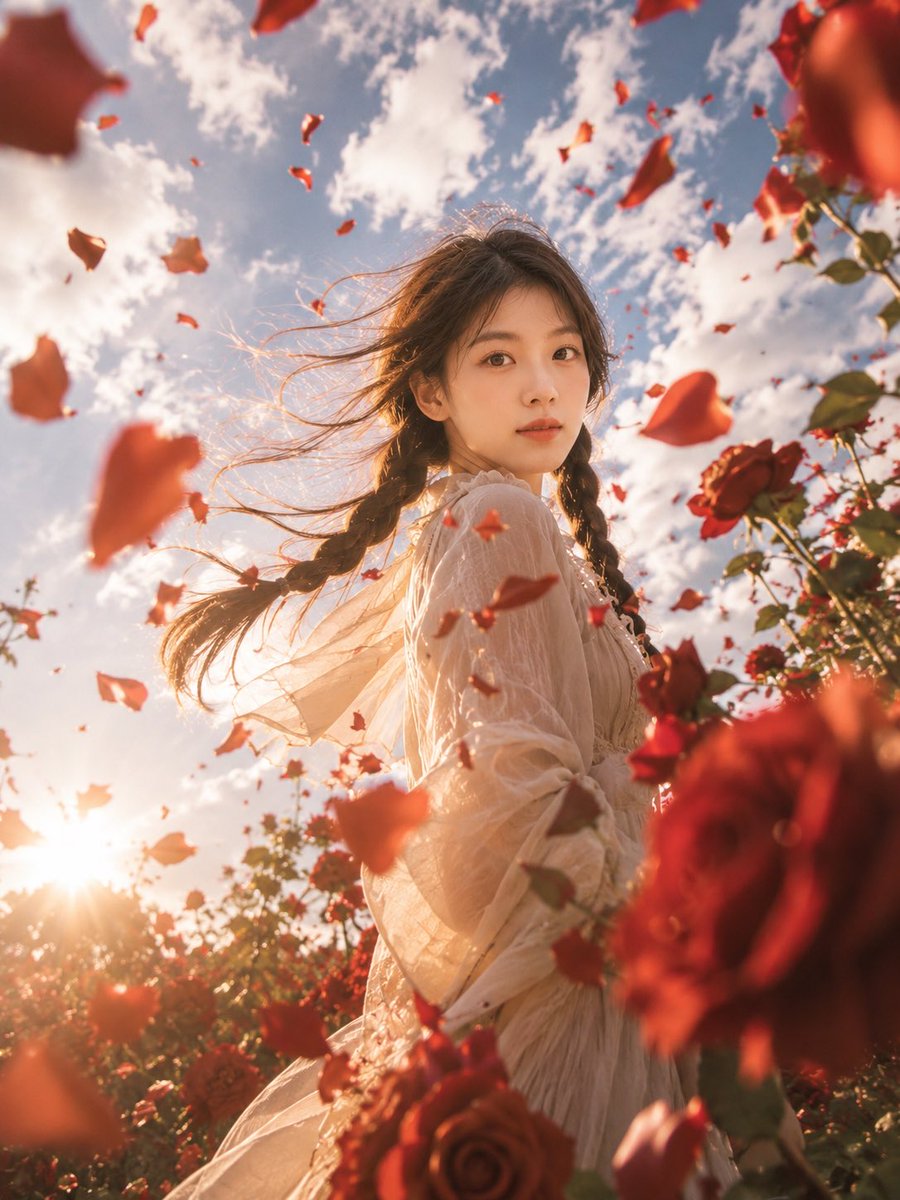
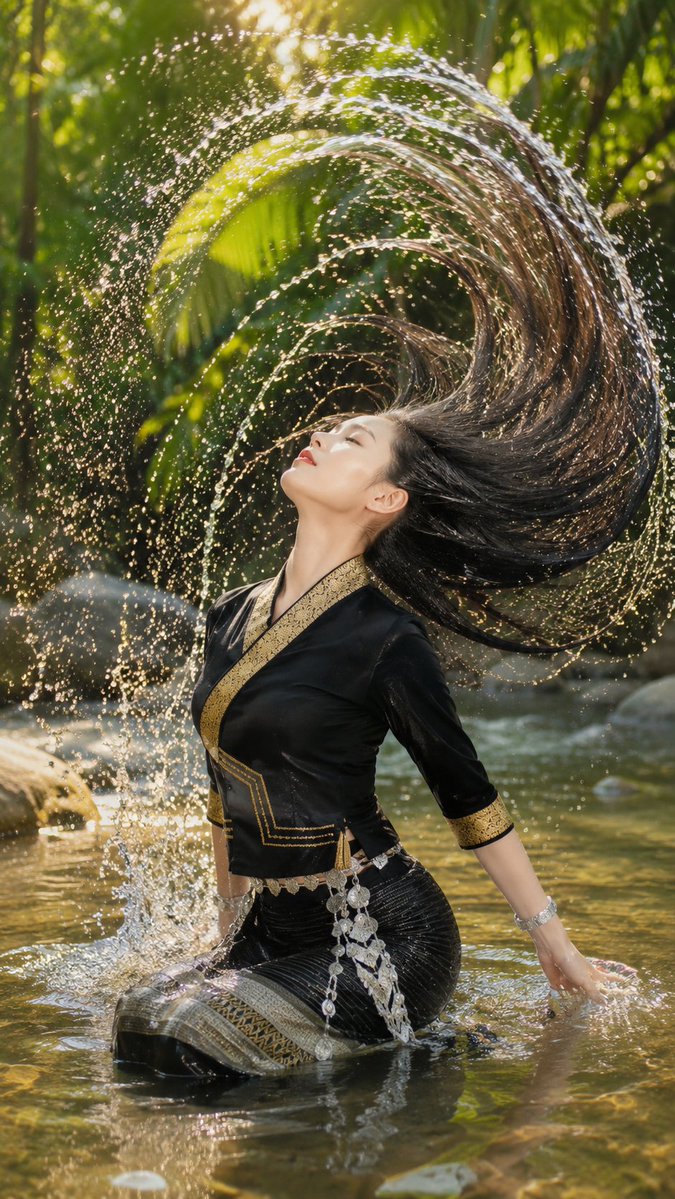
How do I use the Pastel Kawaii Study Room Illustration template?
Choose the primary action to open PicX Studio with the available template settings. Review the model and format, personalize the creative direction, and generate when ready.
Generates a cozy colored-pencil kawaii room scene with a journaling girl, cute decorations, and customizable wall text. Change the subject, setting, or lighting one variable at a time.
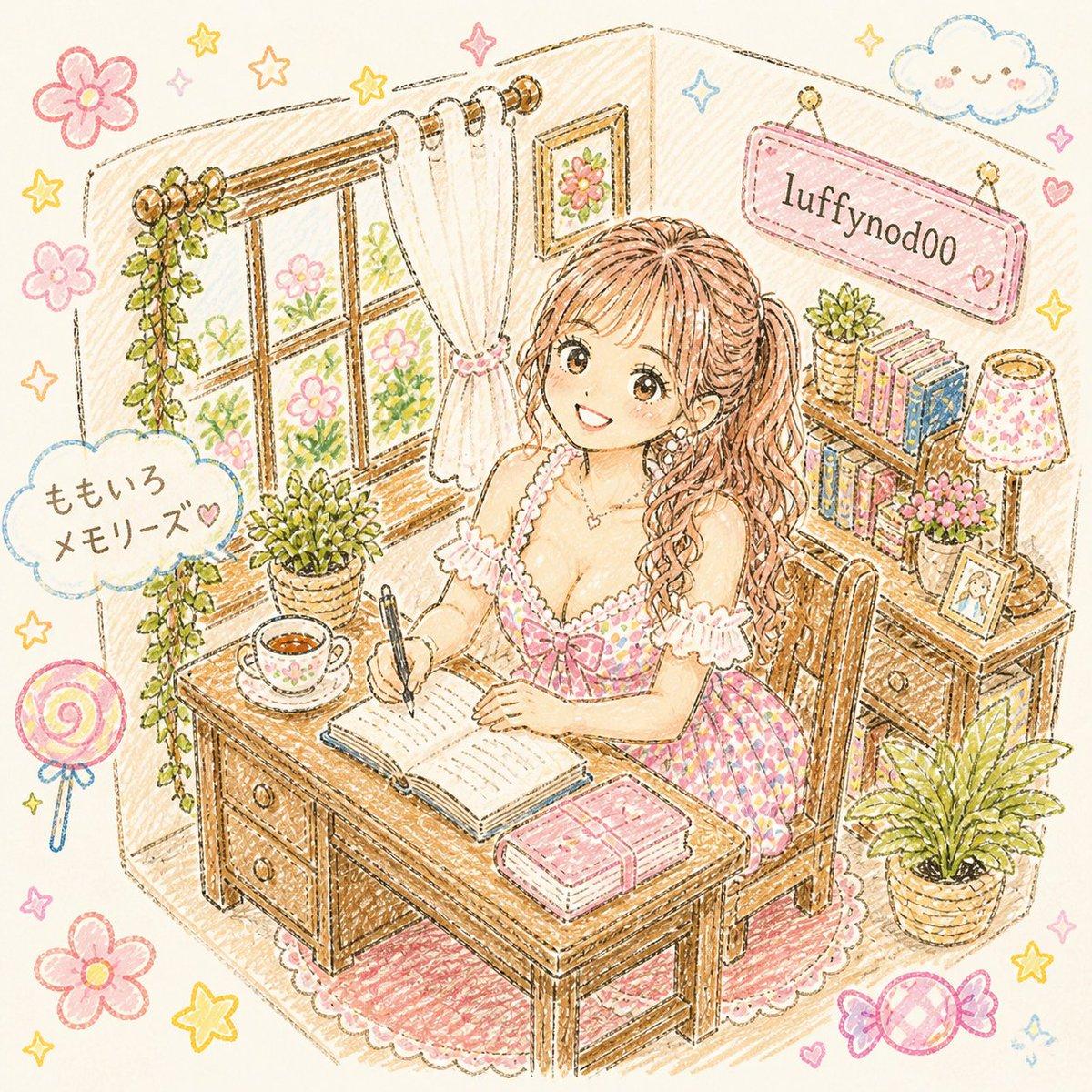
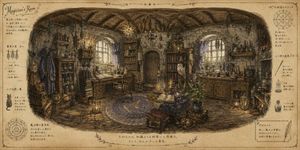
Create a cozy hand-drawn colored-pencil and crayon style illustration of a cute pastel study room corner, with warm beige paper texture and sketchy brown outlines. Show one young woman with {argument name="hair color" default="long wavy light brown hair"} sitting at a wooden desk and writing in an open journal with a black pen; her face is intentionally covered by a plain beige square censor block. She wears a frilly pink gingham dress with lace trim and a bow, seated on a wooden chair over a pink scalloped rug. The room contains exactly 1 large wooden desk with 2 visible drawers, 1 open notebook, 1 closed pink book stack, 1 teacup on a saucer, 1 pen, 1 wooden chair, 1 curtained window with flowers outside, 1 hanging vine, 4 potted plants, 1 bookshelf with colorful books, 1 small framed photo, 1 floral table lamp, and 1 framed flower picture on the wall. Include exactly 2 visible text labels: a pink hanging wall sign reading {argument name="wall sign text" default="luffynodoo"} and a cloud speech-bubble sign reading {argument name="cloud text" default="ももいろ\nメモリーズ♡"}. Surround the scene with kawaii doodles: 4 large pink flowers, 8 yellow stars, 1 blue smiling cloud, 1 pink lollipop, 1 wrapped candy, small hearts and sparkles. Use soft pastel pink, cream, honey brown, pale yellow, mint green, and baby blue, with a whimsical Japanese stationery aesthetic, delicate crosshatching, cozy sunlight, and no photorealism.
Choose the primary action to open PicX Studio with the available template settings. Review the model and format, personalize the creative direction, and generate when ready.
Yes. You can change the subject, setting, lighting, mood, format, and available model controls before creating your image.
This template is free to open and customize. Generation usage is shown in PicX Studio before you create.
Start with GPT Image 2, which is the model associated with this template. You can compare another compatible model for a different finish.
© 2026 PicX Studio. All rights reserved.

Follow a topic to a crawlable collection of related PicX Studio templates.
43,474 public templates available. Verified via the PicX Studio public templates API; refreshed hourly.
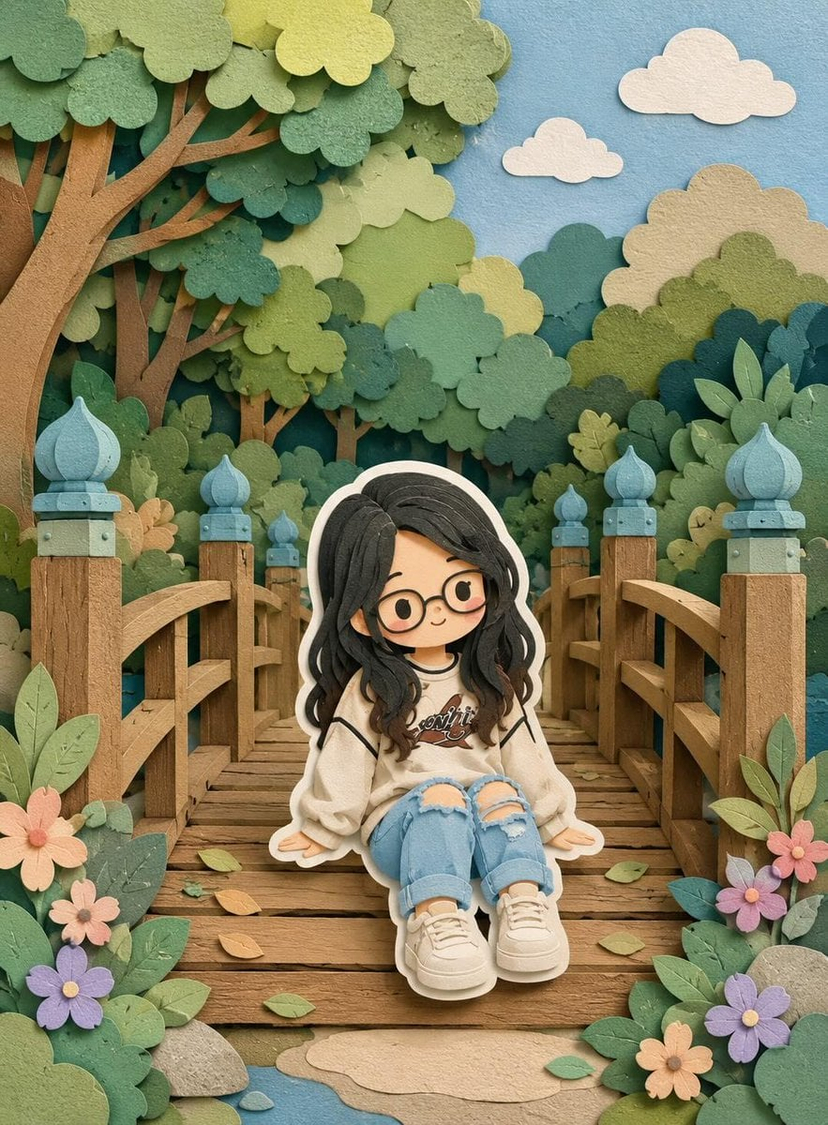




![Layered Paper Cut Illustration Template — Layered paper-cut illustration of [Subject], built with overlapping shapes in soft [Color One] and [Color Two], handcr](/_next/image?url=https%3A%2F%2Fcdn.picxstudio.com%2Fuploads%2F05_602c0848-52b7-4625-9ba2-2bd029e859d5.jpg&w=828&q=100)






![Minimalist Flat Vector Travel Poster — Premium minimalist flat-vector travel poster for {argument name="city name" default="[CITY_NAME]"}, 3:4 vertical format.](https://cms-assets.youmind.com/media/1787917359711_3ug846_HQX205cbMAA6F6S-300x400.jpg)