
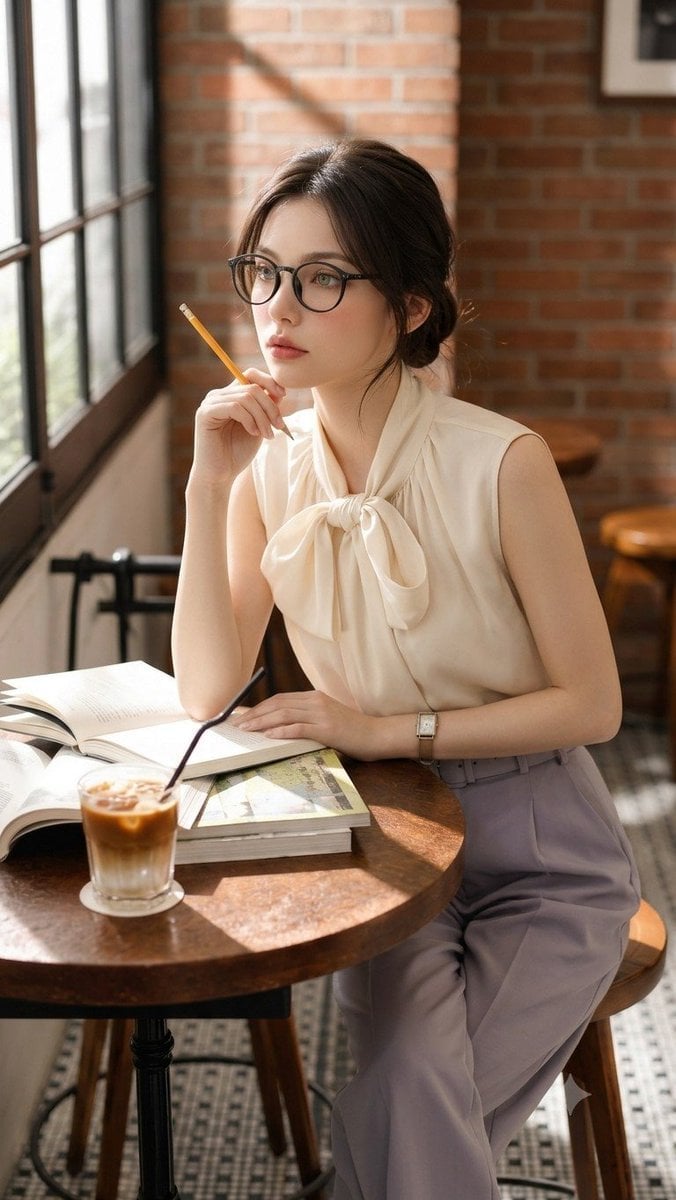
Douyin Aesthetic Café Study Portrait
Curated from MeiGen gallery ID 2067486893475037217: Douyin Aesthetic Café Study Portrait.
- Prompt included
- Model and format preset
- Free template
The prompt behind this image
Copy the exact prompt behind Douyin Aesthetic Café Study Portrait, or open it in the studio and make it yours.
High-fidelity lifestyle photography portrait of a beautiful young East Asian woman with a soft Douyin aesthetic sitting thoughtfully at a round dark wood table inside a sunlit cafe. She wears round black-rimmed glasses, sleeveless cream silk blouse with large pussy-bow tie, high-waisted pleated wide-leg trousers in muted lavender hue with matching belt. Hair in soft effortless low bun with delicate face-framing bangs. Pensive gaze, holding a classic yellow pencil near her cheek while resting other hand on an open book. Scattered open study books and a clear glass of layered iced coffee with a straw on table. Natural bright sunlight streams through large window casting soft shadows. Background is clean airy cafe interior with warm brick walls and wooden stools softly blurred. 85mm lens, f/1.4 aperture, photorealistic, cinematic lighting, 8K, editorial fashion style.
How to use Douyin Aesthetic Café Study Portrait in 3 steps
- 1
Open
The prompt is already in the box next to the preview, with the template's model and format selected.
- 2…a portrait of your subject in softgolden-hour light, 85mm…
Personalize
Edit the subject and creative details for your destination.
- 3Generate
Generate
Press Generate — your image is created in PicX Studio, so you can compare it with the original and refine one variable at a time.
More like this
Templates with the same subject, style or setup. Open one to see its prompt.

Nano Banana - Paris Cafe Editorial

untitled

Caution Tape Fashion — Industrial Editorial
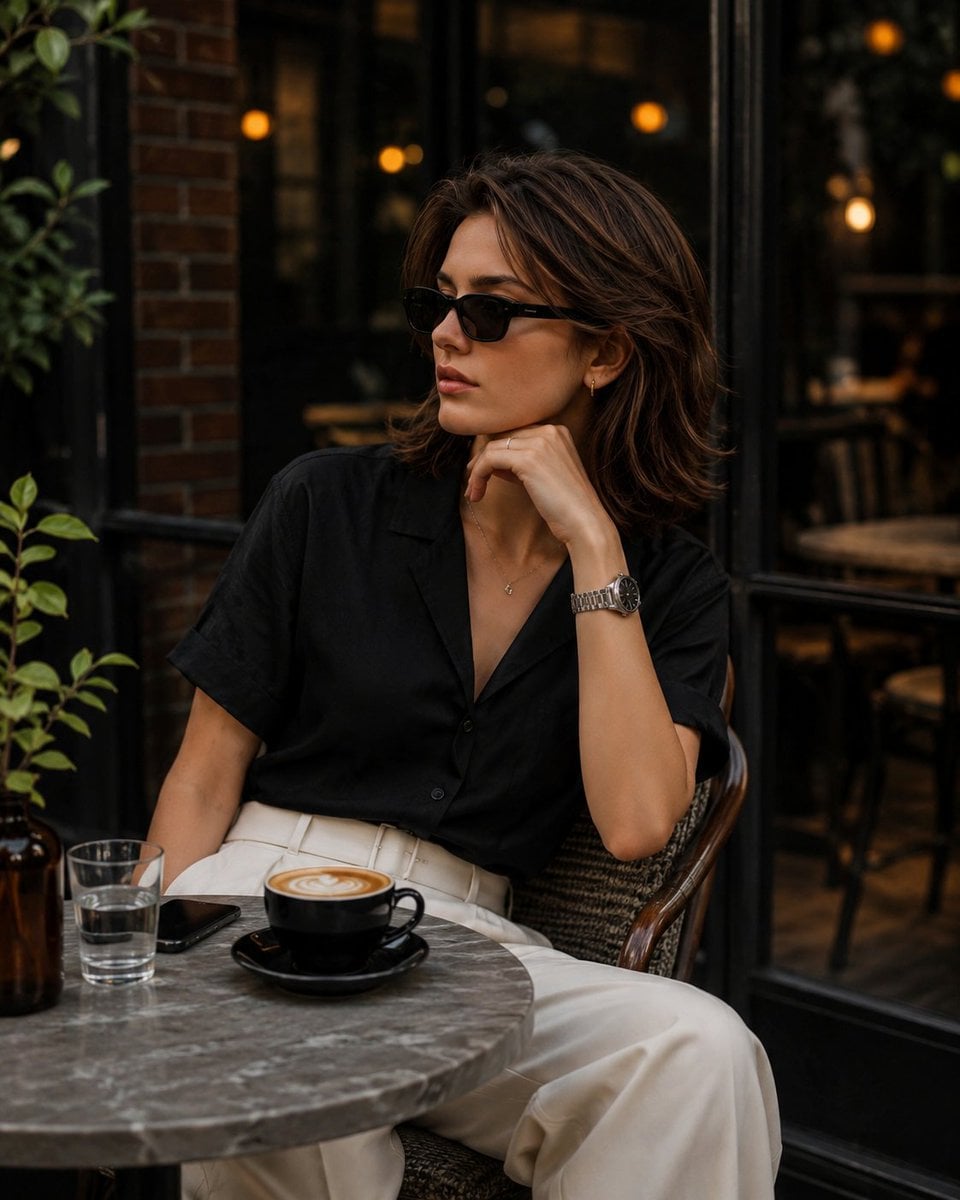
Elegant European Cafe Lifestyle Portrait

Rainy Café Window Moody Portrait
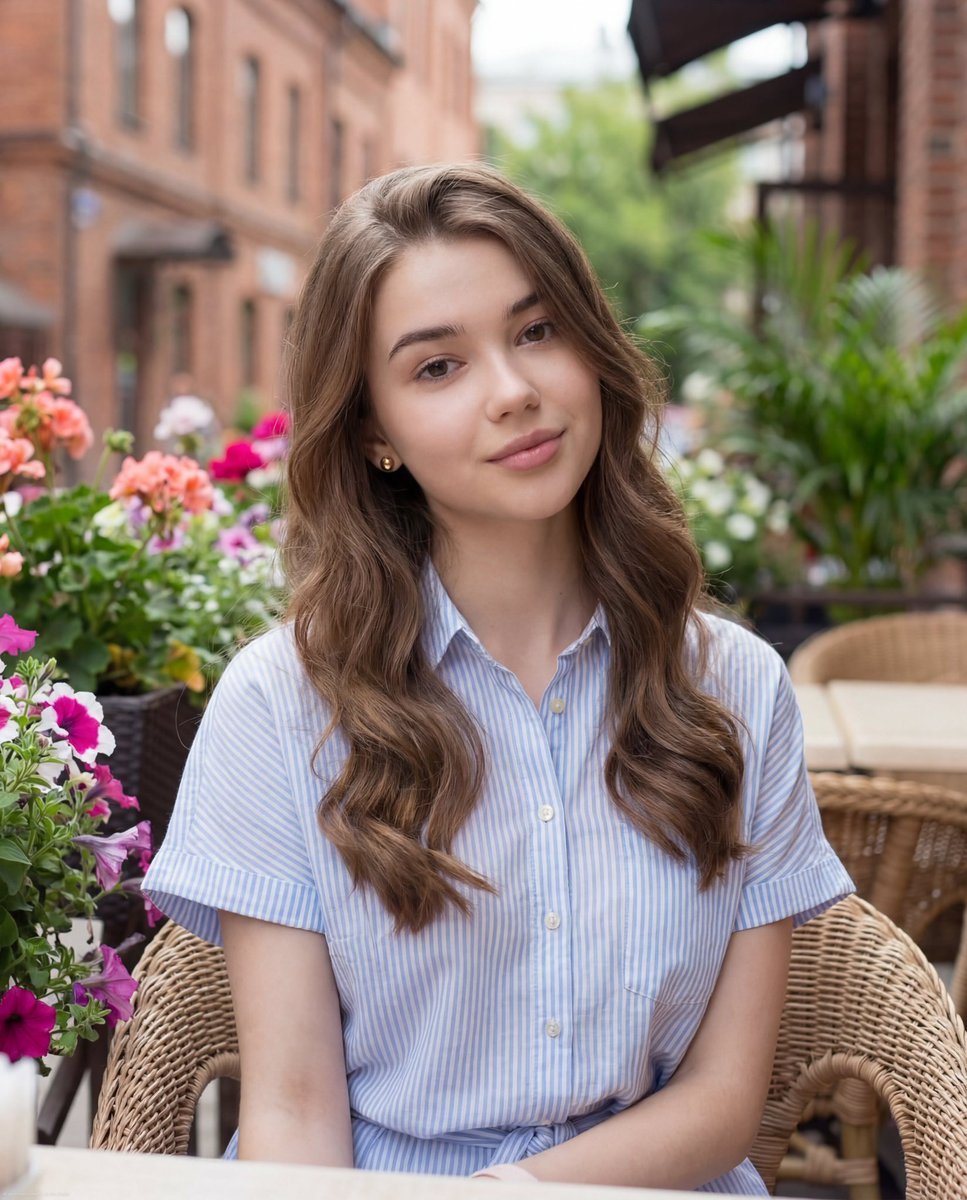
Casual Lifestyle Portrait at Outdoor Café

Couture Fashion Editorial Woman and Drag

Nano Banana 2 Editorial Fashion Portrait
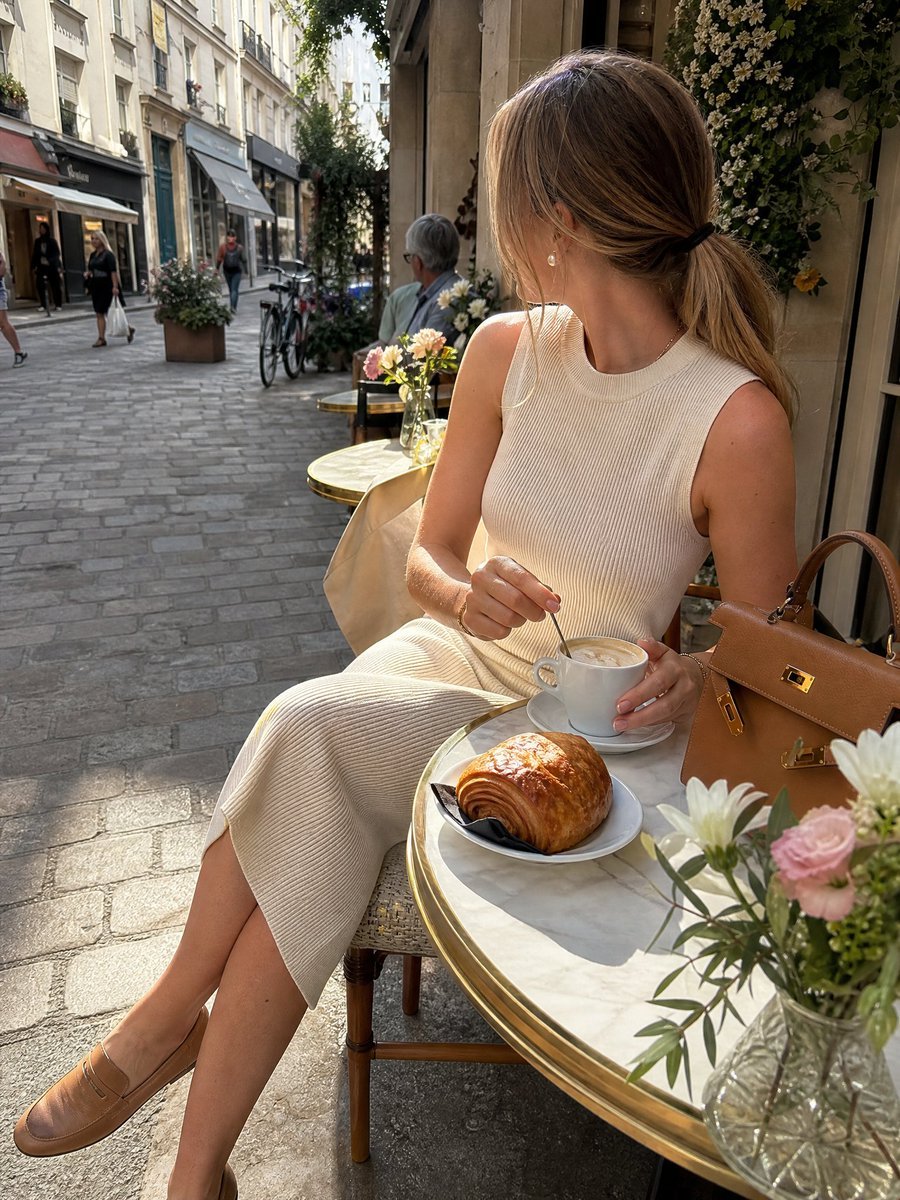
European Cafe Lifestyle Photography
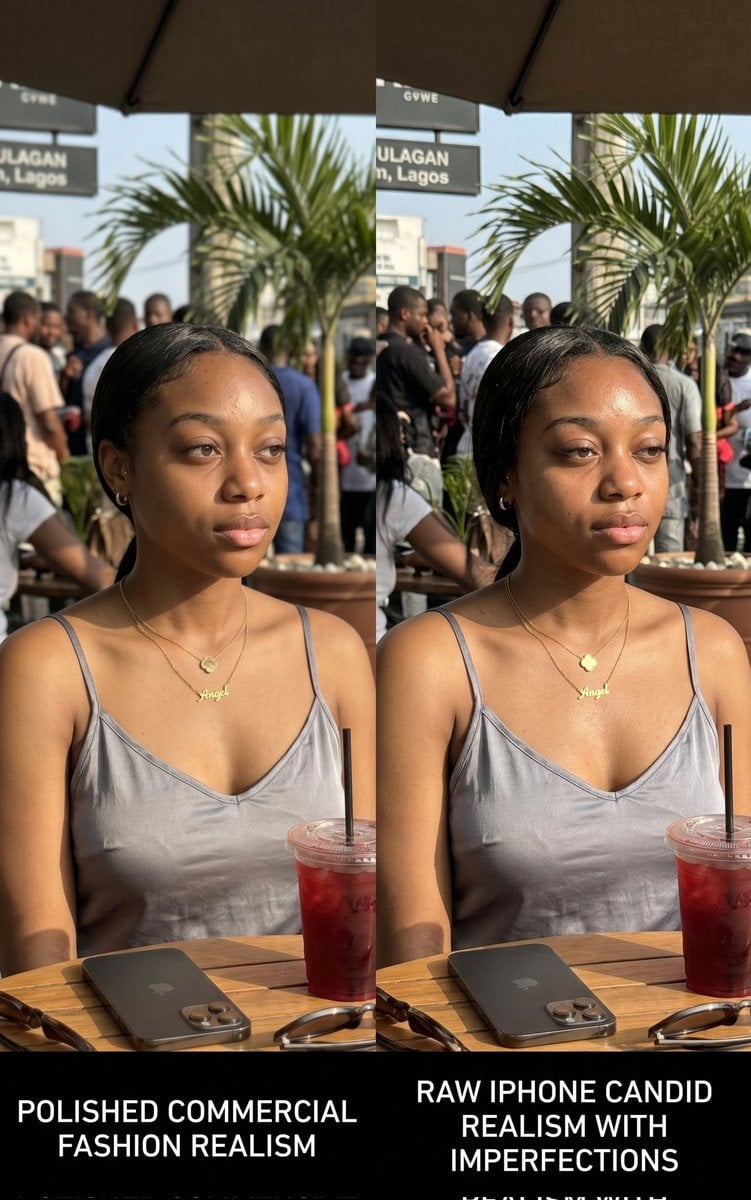
Lagos Cafe Realism Study
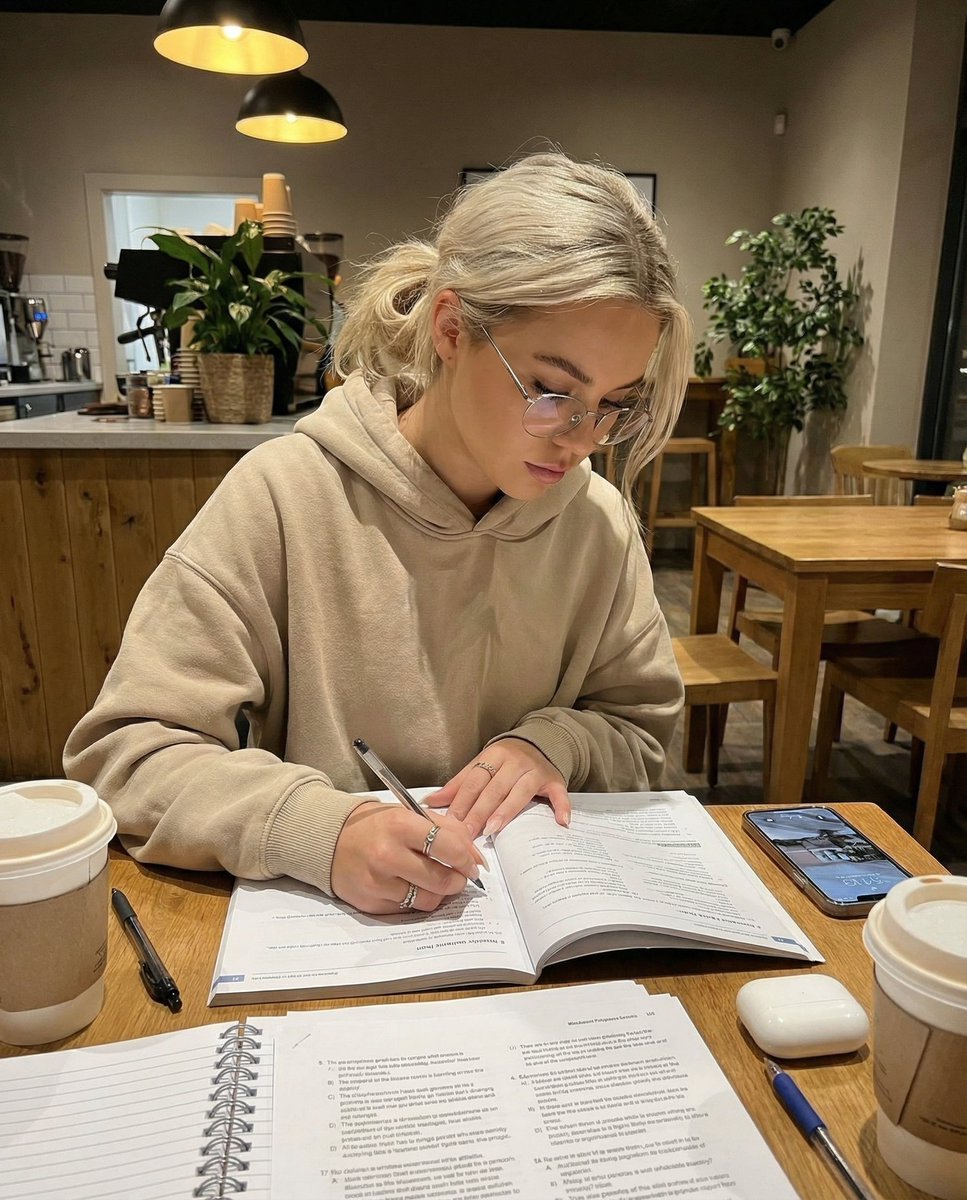
Cozy Cafe Study Session UGC Prompt

Miniature Self Portrait Collage
Make it yours
Douyin Aesthetic Café Study Portrait works as-is. These are the safest ways to change it without losing the look.
Change one field
Copy a single group, rewrite it, and generate again so you can see what that field is doing.
Keep the frame, change the subject
Hold the composition and light of Douyin Aesthetic Café Study Portrait, then swap wardrobe, props or the person for a new take.
| If the result… | Why | Fix |
|---|---|---|
| The result drifts from the preview | Too many fields changed at once. | Reuse Douyin Aesthetic Café Study Portrait as-is first, then change one group — subject, light, or setting. |
| The model over-stylizes the scene | The prose prompt leaves finish and camera underspecified. | Add one camera or lighting sentence and stay on PicX Studio. |
More image prompts
Fresh picks from across the catalog.

Bakery Product Poster Template
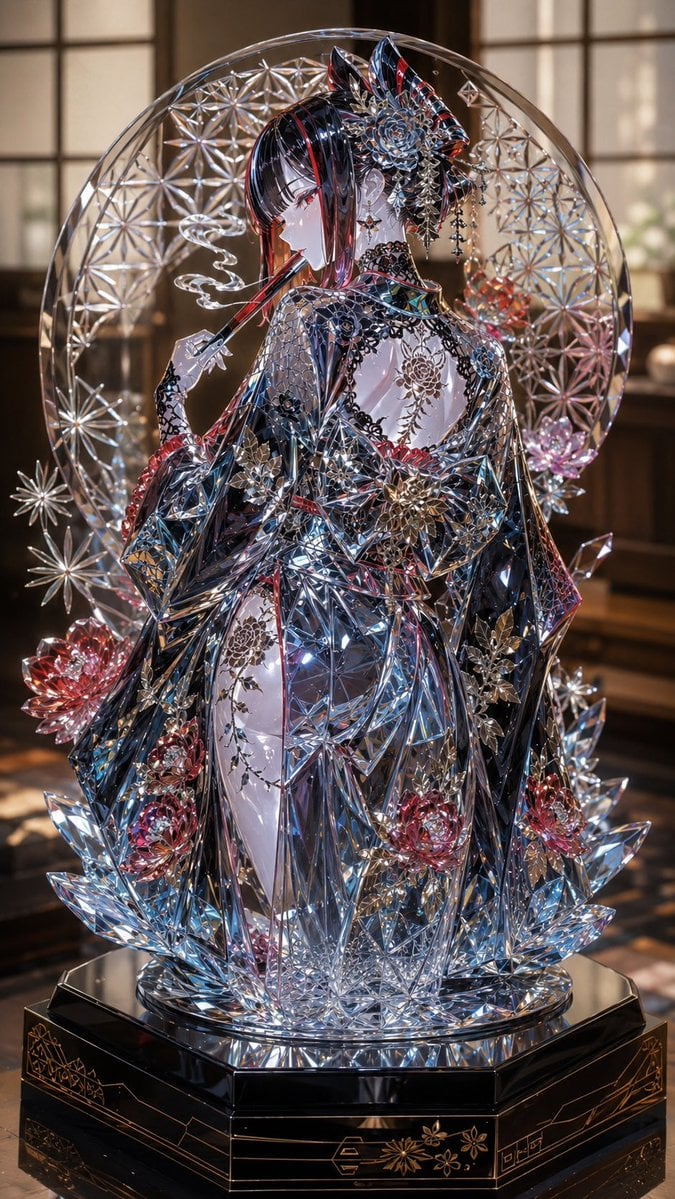
Edo Kiriko Gothic Kimono Glass Maiden
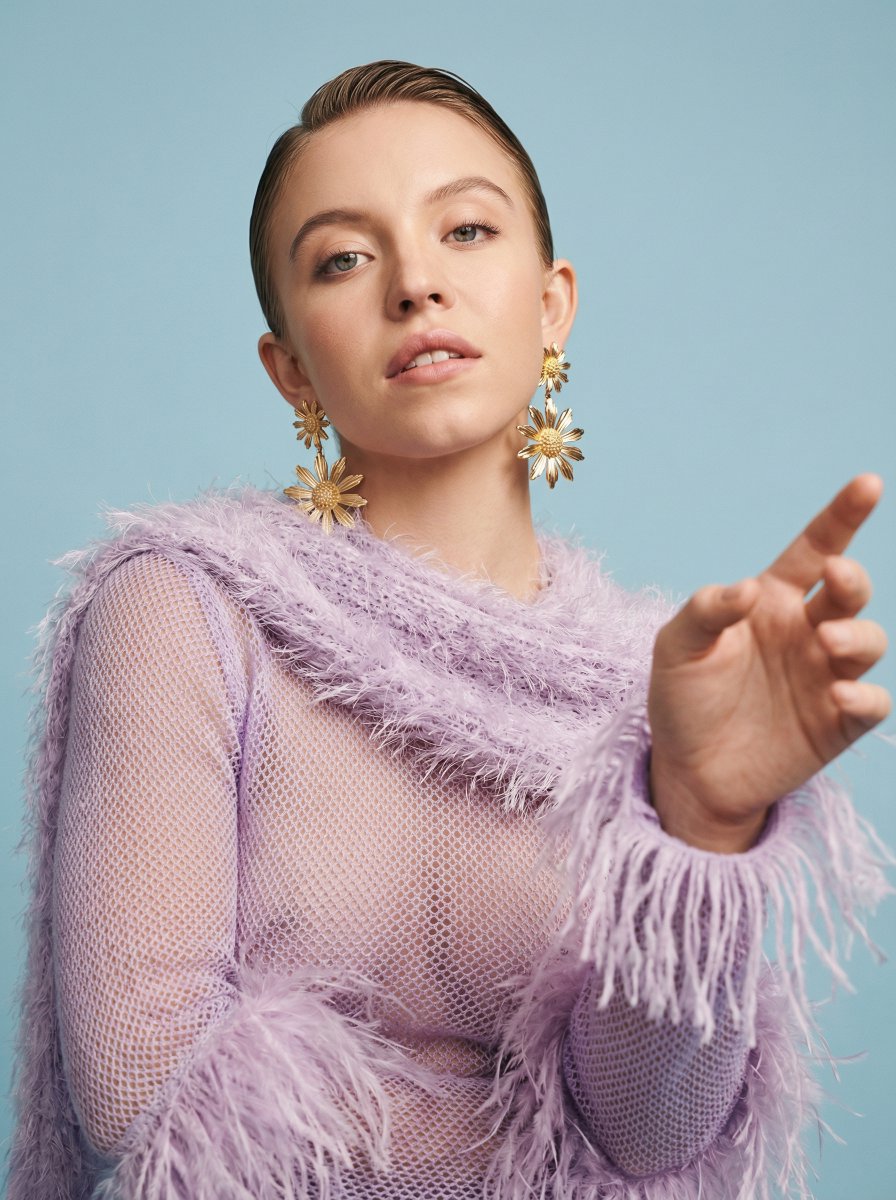
Photorealistic High-Fashion Editorial Portrait Prompt Template

Manga Viewer Page from Reference Character

Sci-Fi Commander Portrait
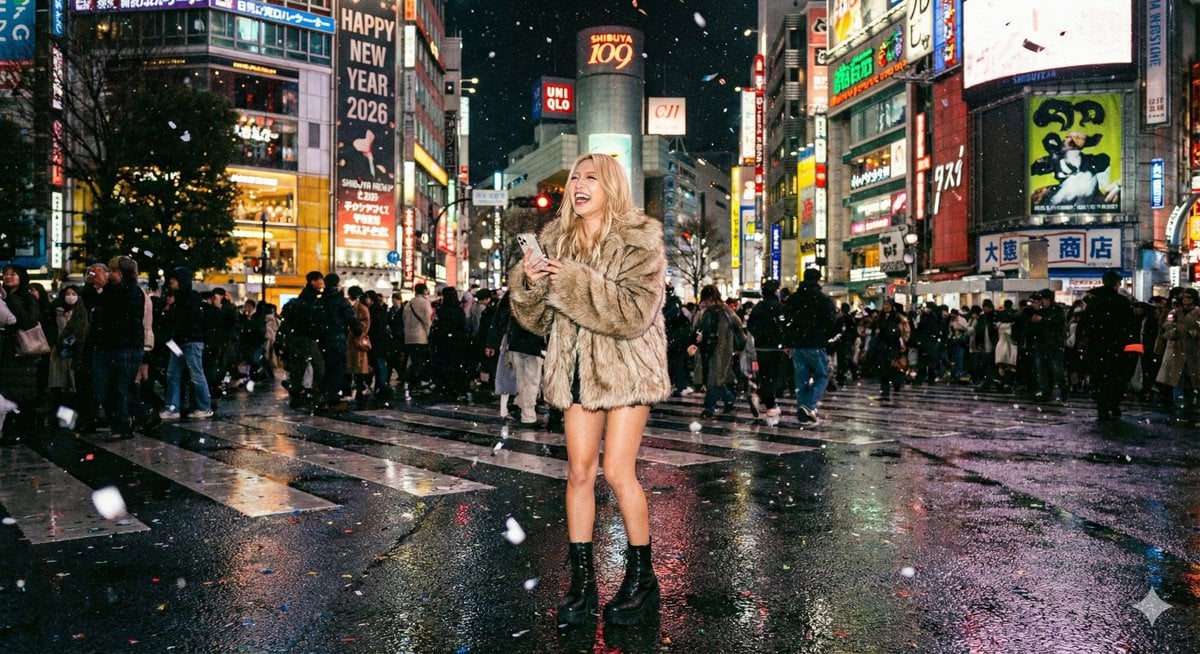
Shibuya New Year's Eve Beauty
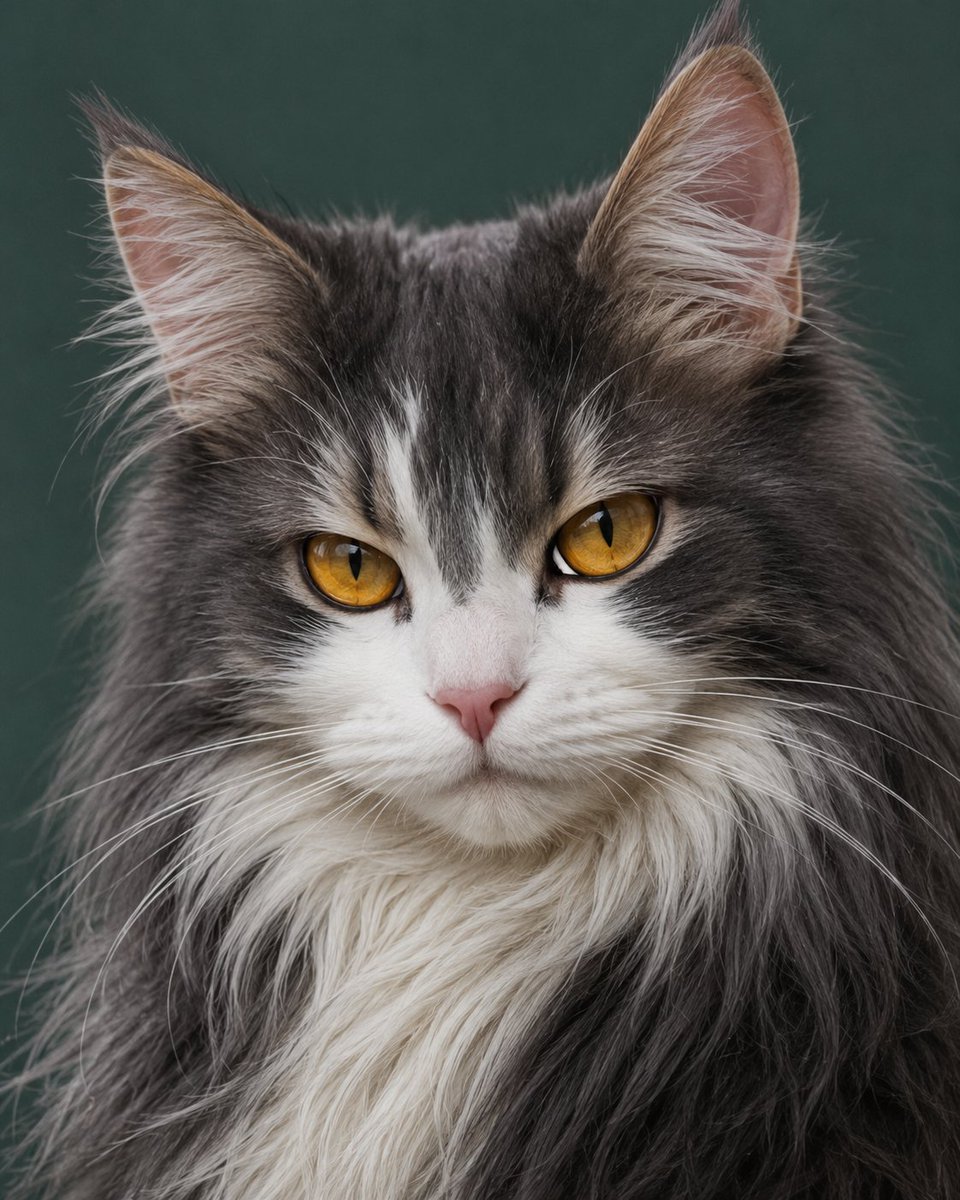
Photorealistic Amber-Eyed Cat Portrait
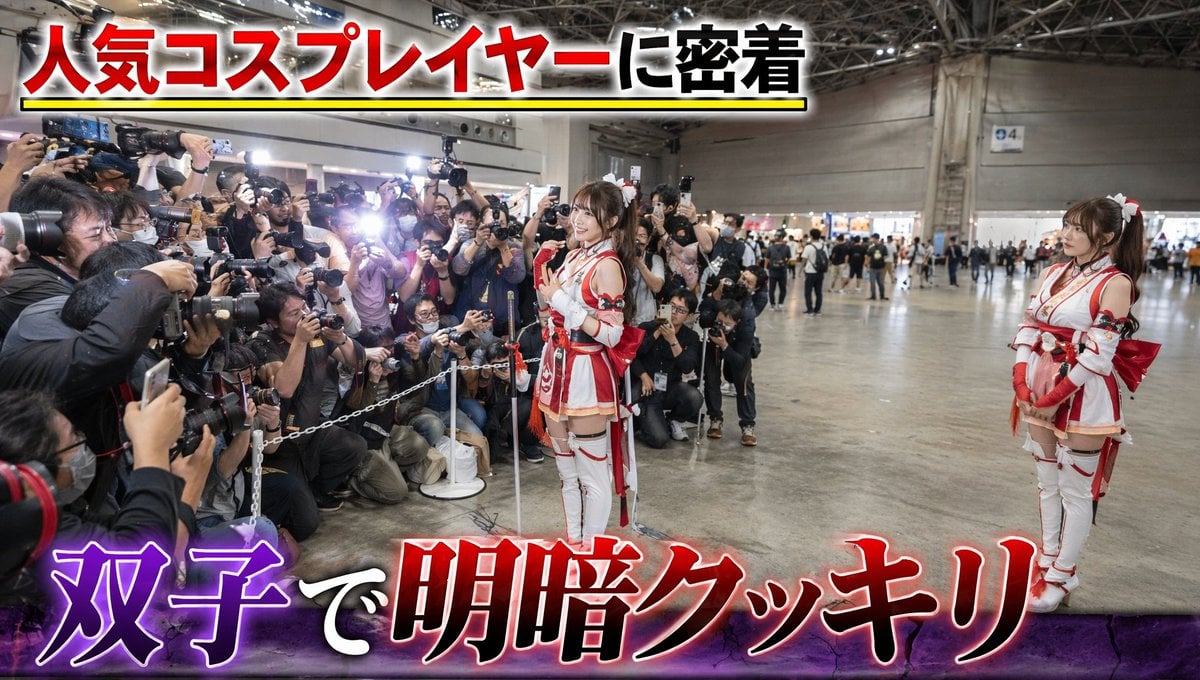
Twin Cosplayers Popularity Contrast
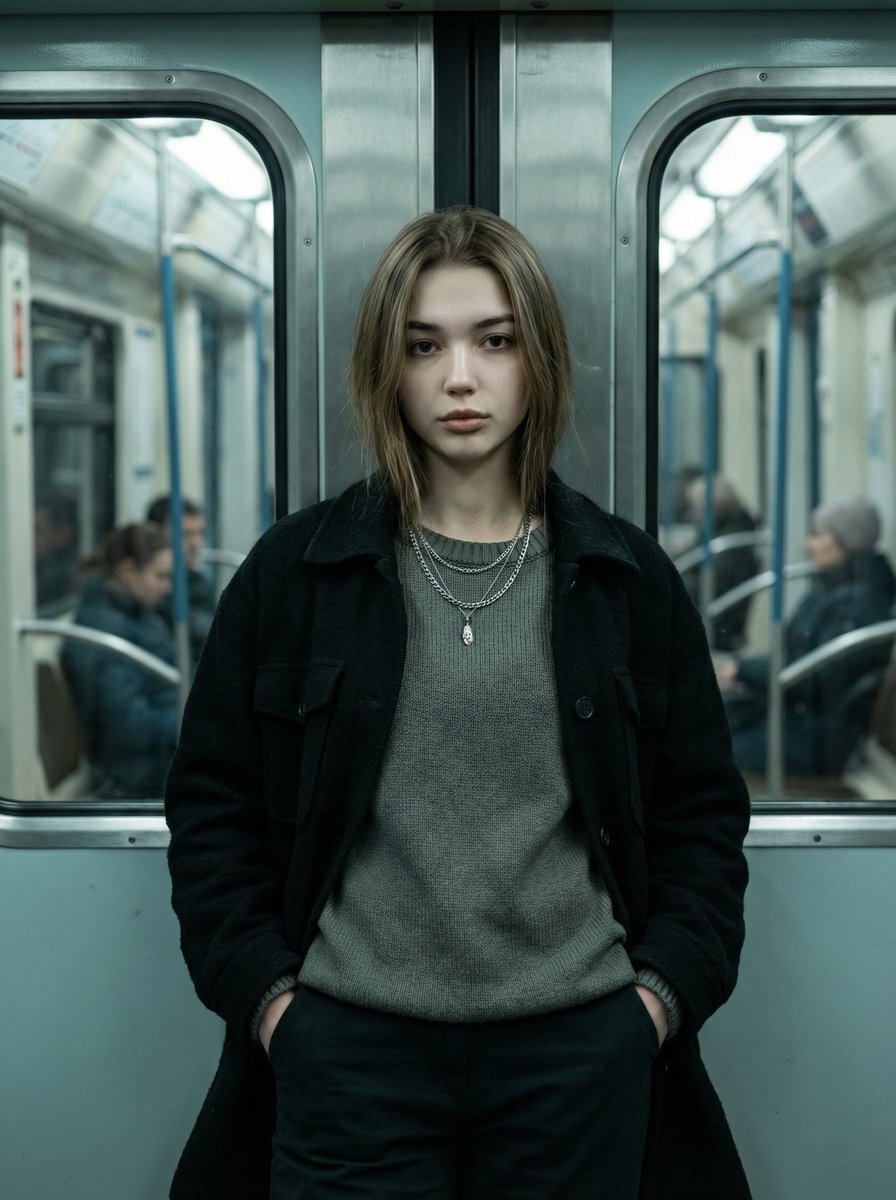
Cinematic Editorial Fashion Portrait in Subway

E-Girl Mirror Selfie Prompt (JSON Format)
Browse template categories
Douyin Aesthetic Café Study Portrait questions
How do I use the Douyin Aesthetic Café Study Portrait template?
Add your photo if the template asks for one, edit the prompt if you like — the template's model and format are already selected — and press Generate. Your version opens in PicX Studio.
Can I customize the Douyin Aesthetic Café Study Portrait template?
Yes. You can change the subject, setting, lighting, mood, format, and available model controls before creating your image.
Is the Douyin Aesthetic Café Study Portrait template free?
Opening and editing this template is free. Generating uses credits, shown on the Generate button when you are signed in.
Which AI model should I use?
Choose a compatible model in PicX Studio based on the style, speed, and output controls your project needs.
Looking for something else? Browse all templates.

Your photo, any look
Thousands of ready templates for every top image and video model, from one credit balance.