
Cinematic Editorial Fashion Portrait in Subway
A comprehensive JSON prompt for generating an ultra-realistic, cinematic editorial fashion portrait of a confident woman inside a subway train, utilizing moody lighting, shallow depth of field, and a modern minimalist…
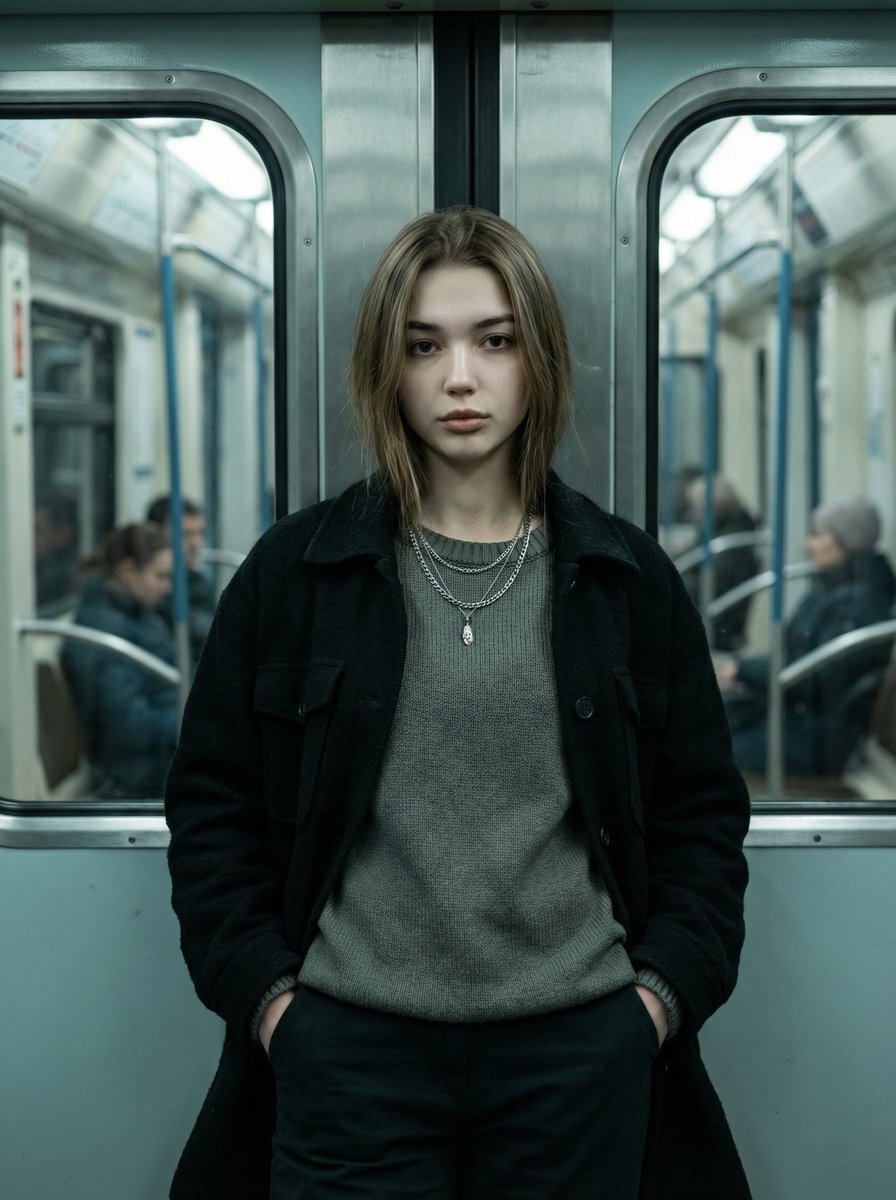
- Prompt included
- Model and format preset
- Free template
The prompt behind this image
Copy the exact prompt behind Cinematic Editorial Fashion Portrait in Subway, or open it in the studio and make it yours.
- Type
- image_generation_prompt
- Style
- ultra-realistic, cinematic, editorial fashion portrait
- Aspect Ratio
- 9:16
- Scene › Location
- inside a subway train carriage
- Scene › Environment Details
- metallic metro doors behind the subject, cool-toned painted subway surfaces, windows on both sides, blurred passengers in the background due to shallow depth of field
- Subject › Gender
- female
- Subject › Pose › Stance
- standing centered in frame, leaning back lightly against the closed metro door
- Subject › Pose › Hands
- both hands placed naturally inside the pockets of dark pants
- Subject › Pose › Legs
- straight and close together, balanced stance
- Subject › Pose › Head
- slightly tilted forward
- Subject › Pose › Gaze
- looking directly at the camera
- Subject › Expression
- intense, calm, confident, serious
- Subject › Identity › Preserve Facial Features
- true
- Subject › Identity › Realism
- absolute facial accuracy and natural skin texture
- Subject › Clothing › Outerwear
- dark, heavy-textured black jacket with structured fit, worn open
- Subject › Clothing › Innerwear
- muted gray knit sweater with slightly loose fit and subtly distressed hem
- Subject › Clothing › Pants
- dark modern pants
- Subject › Clothing › Accessories
- two thin silver chain necklaces, one small cross pendant resting naturally on the chest
- Subject › Clothing › Style
- minimalist, modern, feminine aesthetic with neutral tones and clean lines
- Lighting › Type
- cinematic moody subway lighting
- Lighting › Details
- soft overhead subway lights, gentle shadows across face and clothing, emphasized texture and contrast
- Color Grading › Environment
- cool teal tones
- Color Grading › Skin Tone
- natural realistic tones
- Color Grading › Look
- cinematic color grading
Raw JSON
{
  "type": "image_generation_prompt",
  "style": "ultra-realistic, cinematic, editorial fashion portrait",
  "aspect_ratio": "9:16",
  "scene": {
    "location": "inside a subway train carriage",
    "environment_details": [
      "metallic metro doors behind the subject",
      "cool-toned painted subway surfaces",
      "windows on both sides",
      "blurred passengers in the background due to shallow depth of field"
    ]
  },
  "subject": {
    "gender": "female",
    "pose": {
      "stance": "standing centered in frame, leaning back lightly against the closed metro door",
      "hands": "both hands placed naturally inside the pockets of dark pants",
      "legs": "straight and close together, balanced stance",
      "head": "slightly tilted forward",
      "gaze": "looking directly at the camera"
    },
    "expression": "intense, calm, confident, serious",
    "identity": {
      "preserve_facial_features": true,
      "realism": "absolute facial accuracy and natural skin texture"
    },
    "clothing": {
      "outerwear": "dark, heavy-textured black jacket with structured fit, worn open",
      "innerwear": "muted gray knit sweater with slightly loose fit and subtly distressed hem",
      "pants": "dark modern pants",
      "accessories": [
        "two thin silver chain necklaces",
        "one small cross pendant resting naturally on the chest"
      ],
      "style": "minimalist, modern, feminine aesthetic with neutral tones and clean lines"
    }
  },
  "lighting": {
    "type": "cinematic moody subway lighting",
    "details": [
      "soft overhead subway lights",
      "gentle shadows across face and clothing",
      "emphasized texture and contrast"
    ]
  },
  "color_grading": {
    "environment": "cool teal tones",
    "skin_tone": "natural realistic tones",
    "look": "cinematic color grading"
  },
  "camera": {
    "angle": "eye level, directly facing subject",
    "lens": "85mm portrait lens",
    "depth_of_field": "shallow depth of field with subject in sharp focus and background softly blurred",
    "framing": "vertical composition"
  },
  "quality": {
    "realism": "ultra-photorealistic",
    "detail": "high detail, sharp focus, natural lighting, professional color grading"
  },
  "mood": "calm, confident, cinematic, emotionally strong",
  "constraints": [
    "no distortion",
    "no cartoon or illustration",
    "no unrealistic lighting",
    "no watermark",
    "no text overlay"
  ],
  "output_goal": "Create an ultra-realistic cinematic editorial portrait of a confident woman standing inside a subway train, leaning against a metro door, with moody lighting, shallow depth of field, and a modern minimalist aesthetic."
}How to use Cinematic Editorial Fashion Portrait in Subway in 3 steps
- 1
Open
The prompt is already in the box next to the preview, with the template's model and format selected.
- 2…a portrait of your subject in softgolden-hour light, 85mm…
Personalize
Edit the subject and creative details for your destination.
- 3Generate
Generate
Press Generate — your image is created in PicX Studio, so you can compare it with the original and refine one variable at a time.
More like this
Templates with the same subject, style or setup. Open one to see its prompt.

Caution Tape Fashion — Industrial Editorial

Couture Fashion Editorial Woman and Drag

Nano Banana 2 Editorial Fashion Portrait

Subway Platform Quiet Introspective Portrait

untitled

Nano Banana 2 High Fashion Sports Campai

Ive Yujin Fashion Portrait in Blue

21 Glass Floor Skyscraper — California Series

19 Luxury Helicopter Travel — California Series

08 Rodeo Drive Luxury Exit — California Series

03 Beverly Hills Convertible — California Series

Nano Banana - Paris Cafe Editorial
Make it yours
Cinematic Editorial Fashion Portrait in Subway works as-is. These are the safest ways to change it without losing the look.
Swap the setting
Keep the rest of the prompt and replace the location block. The current setting is “inside a subway train carriage”.
Swap the light
One lighting change is enough to compare takes. Current light: “cinematic moody subway lighting”.
Change one field
Copy a single group, rewrite it, and generate again so you can see what that field is doing.
| If the result… | Why | Fix |
|---|---|---|
| The result drifts from the preview | Too many fields changed at once. | Reuse Cinematic Editorial Fashion Portrait in Subway as-is first, then change one group — subject, light, or setting. |
| Nano Banana 2 ignores part of the JSON | Some models flatten or skip nested keys. | Keep the same values and paste them as a short paragraph instead. |
More Nano Banana 2 templates
Other prompts made for Nano Banana 2.

Photorealistic Leaf Shaped Like a Dragon

K-Pop Idol Portrait Grid for Rapid Selection

Poetic Rain Forest Portrait During Golden Hour

Urban Street Portrait with Cartoon Inner Self Duo

Candid Nighttime Photo with Cat Prompt

High-Concept 3D Diorama Generation Prompt

Cinematic Futuristic Studio Portrait Template

Skincare Editorial Photography Collage Prompt

Hyper-Realistic Commercial Product Photography (Splash Effect)

Hyper-Realistic Nightclub Portrait Prompt
More image prompts
Fresh picks from across the catalog.

Generating 'Karaage-kun' Image with Nano Banana Pro
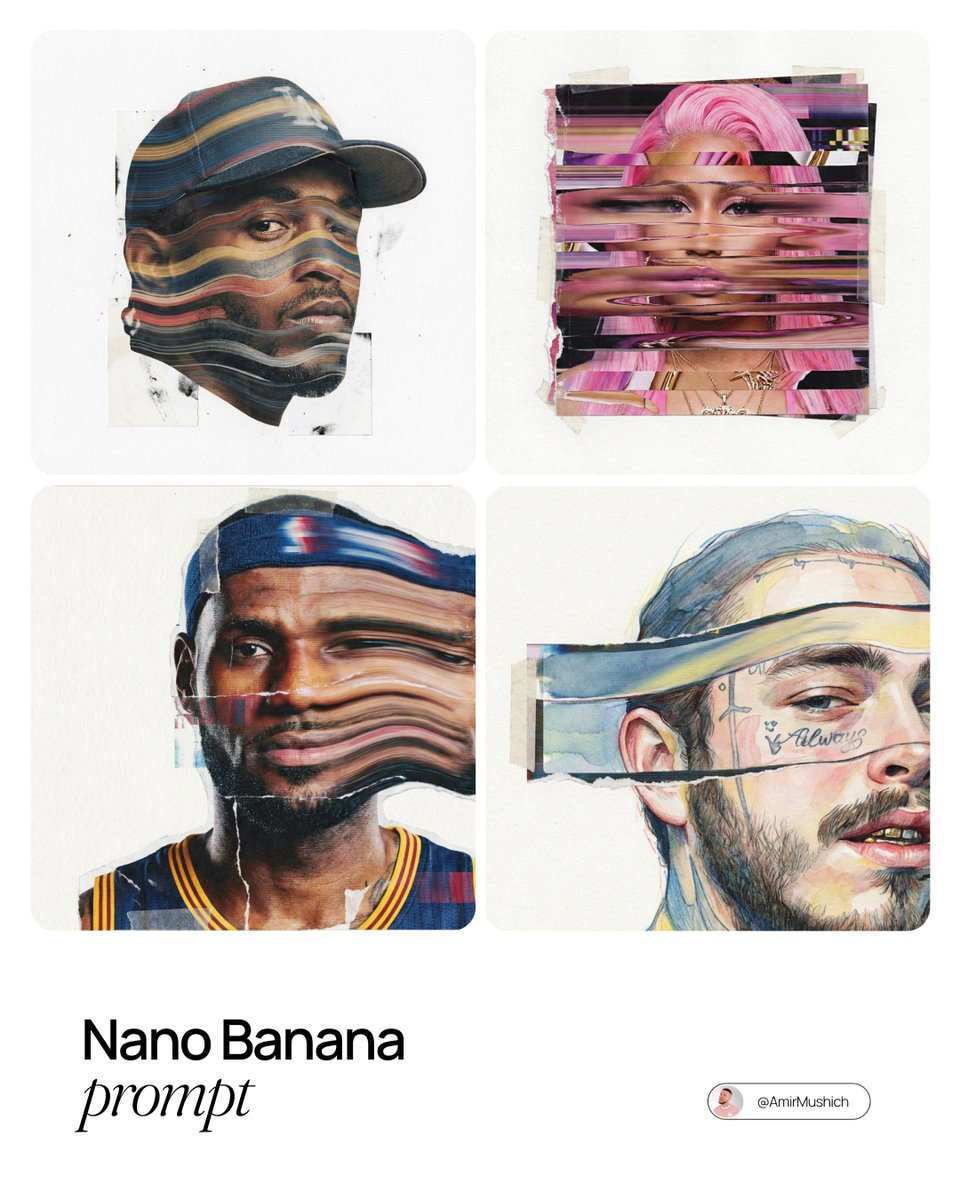
Mixed-Media Collage Posters Prompt
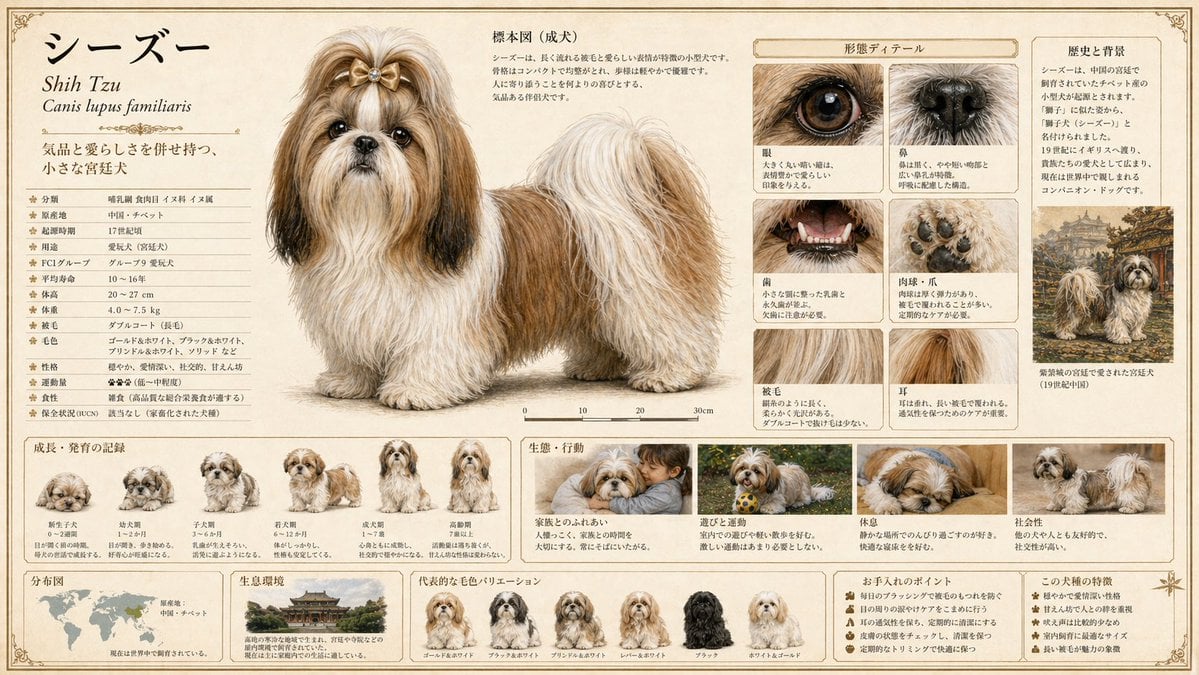
Detailed Animal Encyclopedia Generation
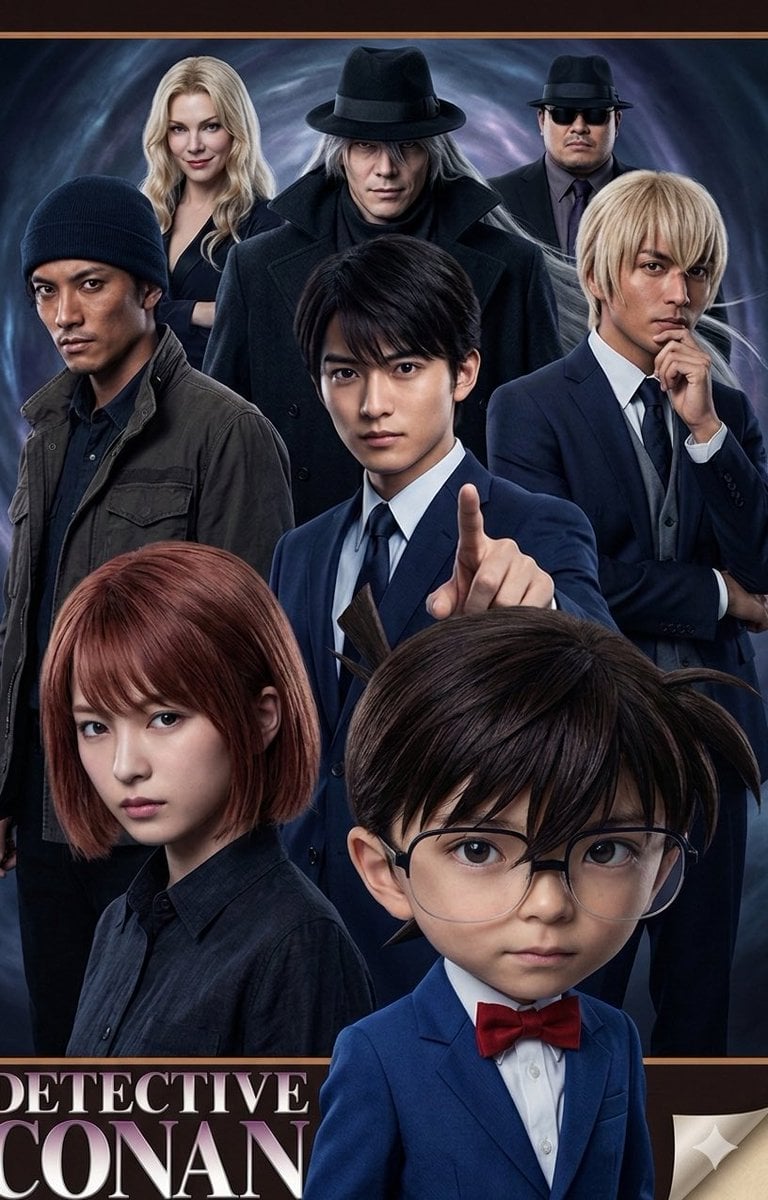
Anime/Manga to Ultra-Realistic Human Conversion
Line and Shape Hybrid Illustration Prompt
Magical Sleep Website Mockup
GPT Image 2 Cooking Prompt Banner

Korean ASCII Art and Affectionate Comment
Cinematic Desert Highway Car Portrait
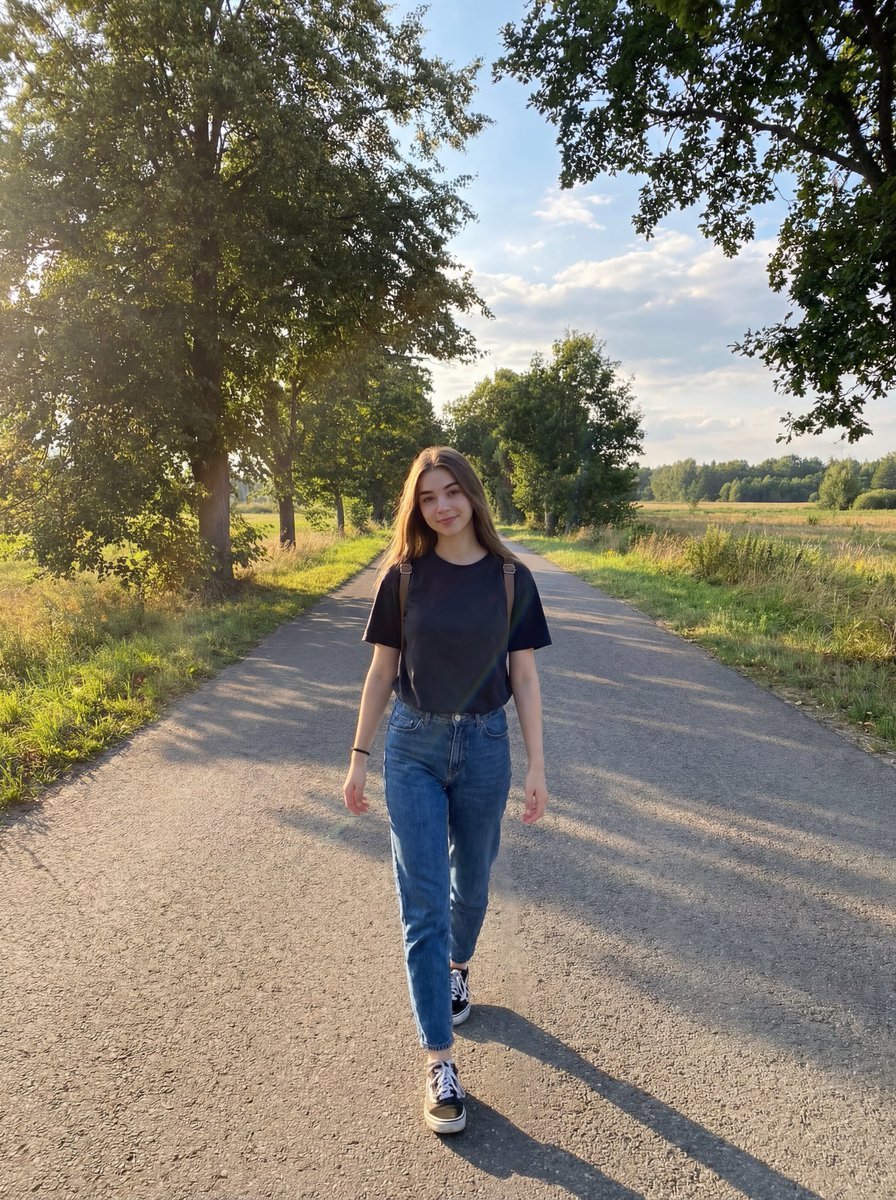
Natural Lifestyle Portrait on Country Road at Golden Hour
Browse template categories
Cinematic Editorial Fashion Portrait in Subway questions
How do I use the Cinematic Editorial Fashion Portrait in Subway template?
Add your photo if the template asks for one, edit the prompt if you like — the template's model and format are already selected — and press Generate. Your version opens in PicX Studio.
Can I customize the Cinematic Editorial Fashion Portrait in Subway template?
Yes. You can change the subject, setting, lighting, mood, format, and available model controls before creating your image.
Is the Cinematic Editorial Fashion Portrait in Subway template free?
Opening and editing this template is free. Generating uses credits, shown on the Generate button when you are signed in.
Which AI model should I use?
Start with Nano Banana 2, which is the model associated with this template. You can compare another compatible model for a different finish.
Looking for something else? Browse all templates.

Your photo, any look
Thousands of ready templates for every top image and video model, from one credit balance.