
Detailed Animal Encyclopedia Generation
A sophisticated prompt for creating high-quality animal encyclopedia pages with anatomical details, habitat information, and evolutionary stages.
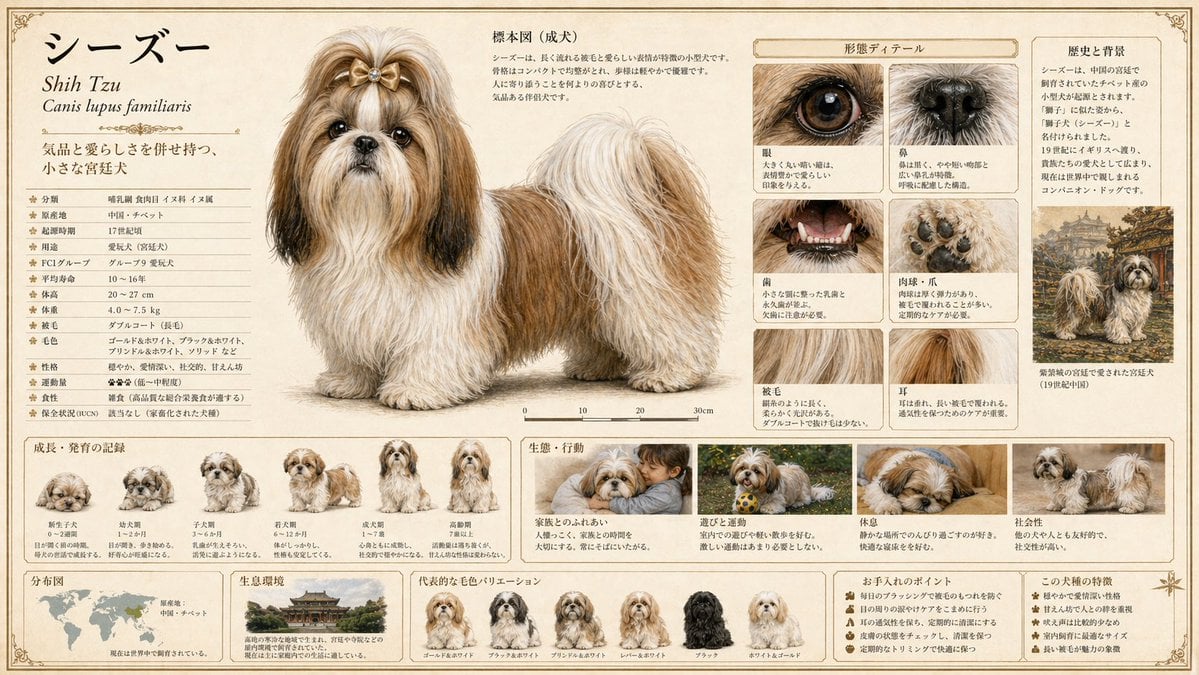
- Prompt included
- Model and format preset
- Free template
The prompt behind this image
Copy the exact prompt behind Detailed Animal Encyclopedia Generation, or open it in the studio and make it yours.
[Animal Name] {argument name="animal name" default="Enter the animal name here"} [Purpose] Complete a publishable-quality, large-format animal encyclopedia plate as a single illustration. Generate a publication-quality encyclopedia plate that combines scientific accuracy with visual appeal. [Output Format] - Fit all information into a single image - Aspect ratio: 16:9 - Quality: high (required to ensure the precision of small text, fine lines, and labels) [Layout Design Principles] The layout, zone division, information priority, whitespace design, typography, decorative elements, and color palette should all be decided autonomously by GPT to match the animal's characteristics, habitat, and classification. Do not be bound by a fixed template — design the page best suited to this particular animal. [Information Elements That Must Be Included] Naturally integrate the following elements into a single screen: 1. Main specimen illustration - Depict the full body of the adult with the highest precision - Scientifically accurate body color, patterns, and proportions - Scientific name (in italics), common name, and classification (order, family, genus) - A scale bar or actual-size comparison 2. Growth and development record - Illustrate the stages of change from juvenile to adult - A concise label for each stage 3. Ecology and behavior depiction - Behavioral scenes in the natural environment (feeding, predation, breeding, territory, etc.) - Include the vegetation and terrain of the habitat as background 4. Morphological detail - Close-ups of distinctive body parts (claws, fangs, feathers, scales, eyes, etc.) - Enlarged depiction of body surface texture 5. Distribution and habitat range - A world or regional distribution map - A note on the type of habitat 6. Data notation - Body length, weight, lifespan, diet, conservation status (e.g. IUCN), etc. - In an easy-to-read table or icon format [Style Specification] - Publisher-quality natural history encyclopedia - Realistic natural-history illustration touch (19th-century naturalist precision + modern color expression) - Paper texture: cream-colored hot-press watercolor paper or parchment-like texture - Font: unified serif typeface. Scientific names in italics; data may mix in a smaller sans-serif - Border: thin ink frame lines + classical plate-style decoration - The overall color scheme, layout tone, and page design should be optimally designed by GPT to match the animal's habitat, classification, and ecology [Most Important Instruction] Deeply understand this animal's specific ecology, cultural significance, and taxonomic features, and design the page so that it becomes "an encyclopedia page made only for this animal." Rather than reusing a generic template, visualize the essence of the animal. Actually render all text within the image itself, and do not leave any blank labels.
How to use Detailed Animal Encyclopedia Generation in 3 steps
- 1
Open
The prompt is already in the box next to the preview, with the template's model and format selected.
- 2…a portrait of your subject in softgolden-hour light, 85mm…
Personalize
Edit the subject and creative details for your destination.
- 3Generate
Generate
Press Generate — your image is created in PicX Studio, so you can compare it with the original and refine one variable at a time.
More like this
Templates with the same subject, style or setup. Open one to see its prompt.

Graphic Screen-Print Human-Animal Illustration

AI Chat Image Generation Screenshot

Anime Girl Generation Grid
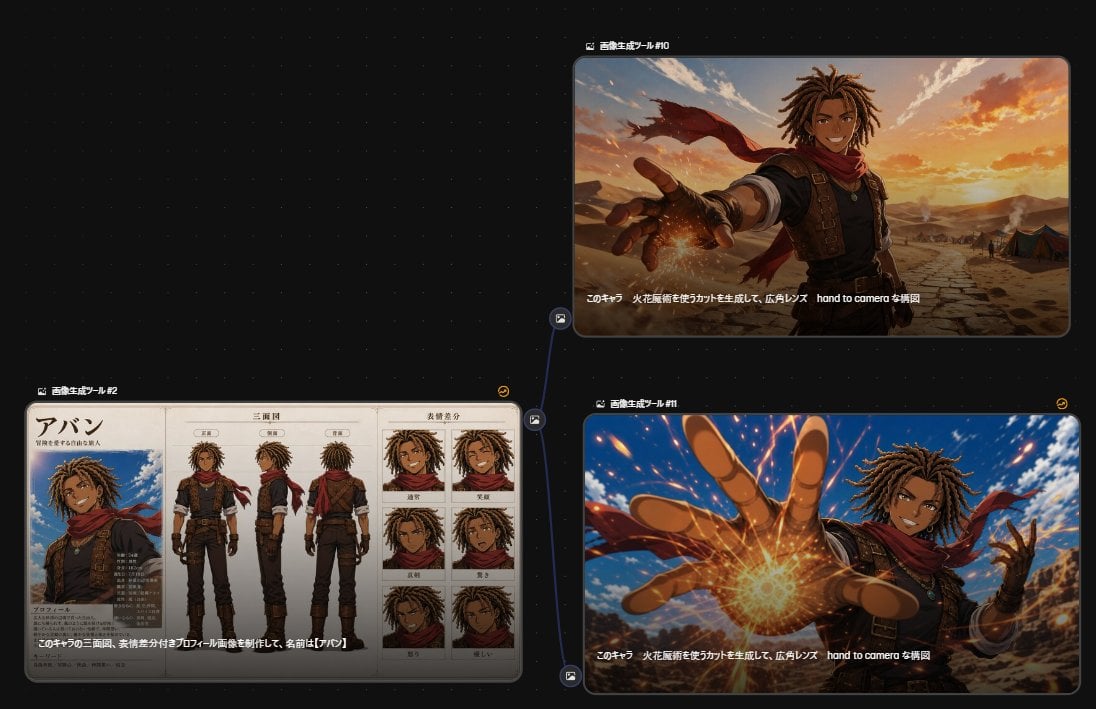
Anime Character Generation Workflow
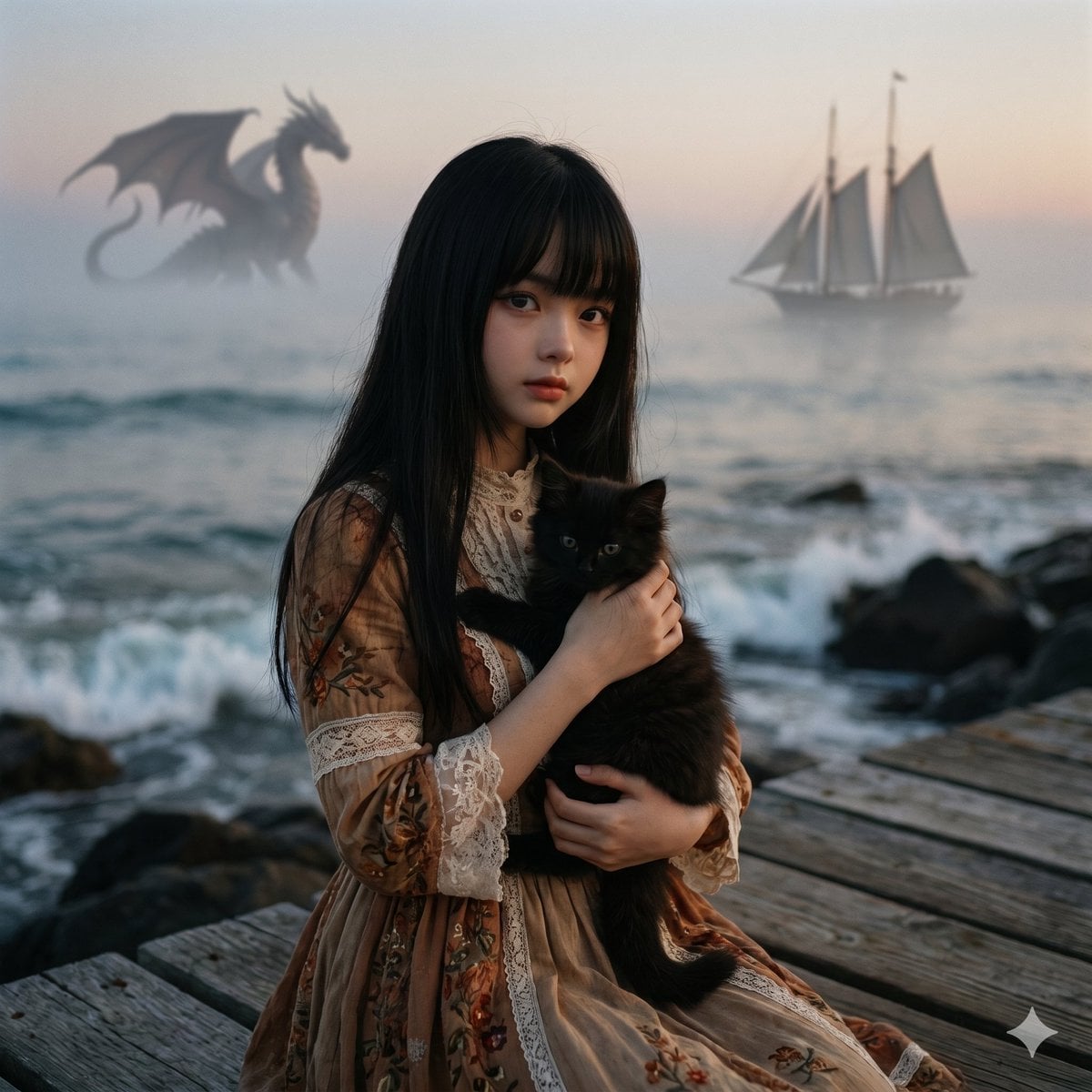
Music-to-Image Generation Prompt
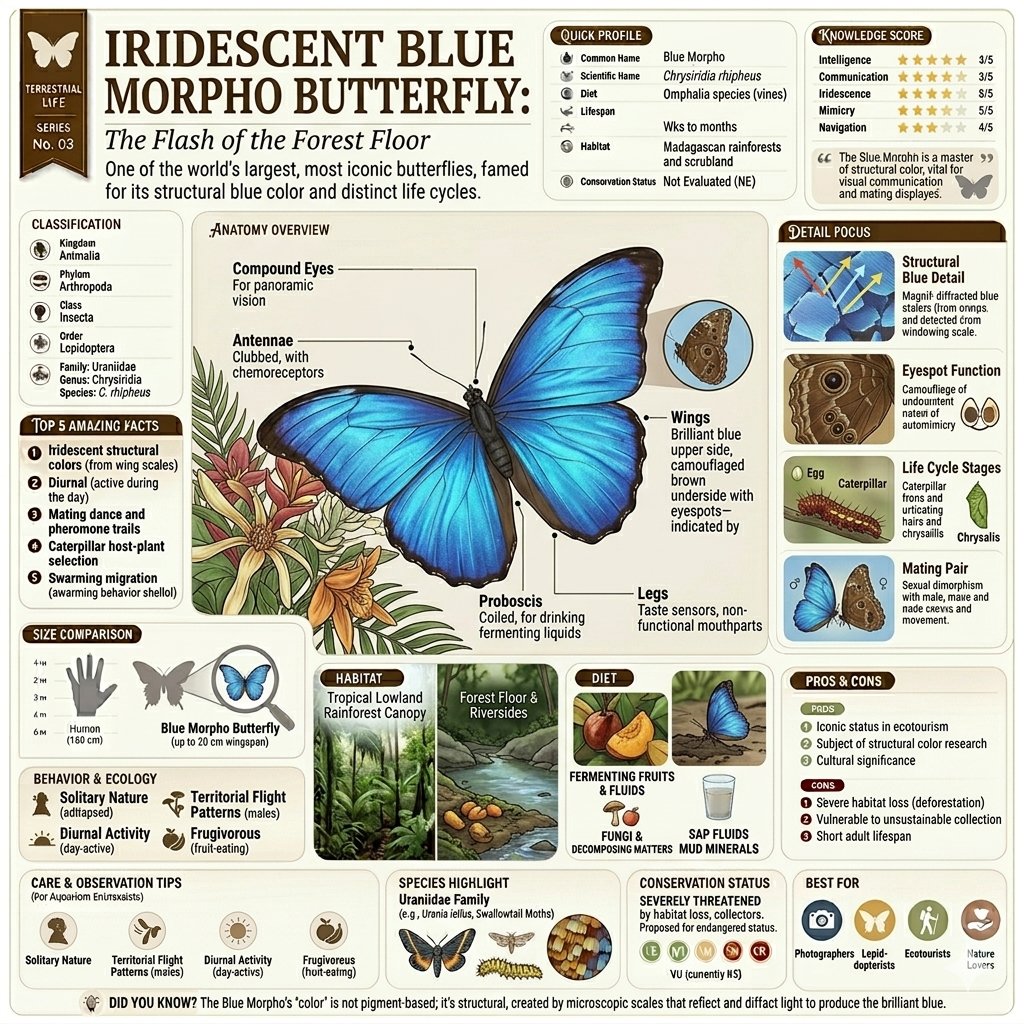
Vintage Encyclopedia Infographic
Character Selfie Generation Prompts
Van Gogh Sower Style Generation

Modular Knowledge Encyclopedia Infographic
Adorable Fruit Animal Mascot
3D Animated Animal Office Encounter
Minimal Clay Animal Trio
Make it yours
Detailed Animal Encyclopedia Generation works as-is. These are the safest ways to change it without losing the look.
Change one field
Copy a single group, rewrite it, and generate again so you can see what that field is doing.
Keep the frame, change the subject
Hold the composition and light of Detailed Animal Encyclopedia Generation, then swap wardrobe, props or the person for a new take.
| If the result… | Why | Fix |
|---|---|---|
| The result drifts from the preview | Too many fields changed at once. | Reuse Detailed Animal Encyclopedia Generation as-is first, then change one group — subject, light, or setting. |
| The model over-stylizes the scene | The prose prompt leaves finish and camera underspecified. | Add one camera or lighting sentence and stay on GPT Image 2. |
More GPT Image 2 templates
Other prompts made for GPT Image 2.

Six VTuber Japanese Logo Sheet

Realistic Portrait of Woman and Deer

The Vista Modular Condo Poster

AI Model Routing Comparison Infographic

2.5D Anime Art Board

Isometric Productivity Desk Scene

New York Double Exposure Poster

Four-Panel AI Landscape Comparison

Japanese Tatami Lifestyle Magazine Cover

NESCAFÉ Coffee Map Poster
More image prompts
Fresh picks from across the catalog.
Old photo restoration to modern digital portrait

Ultra-Realistic Cinematic Grilling Photograph
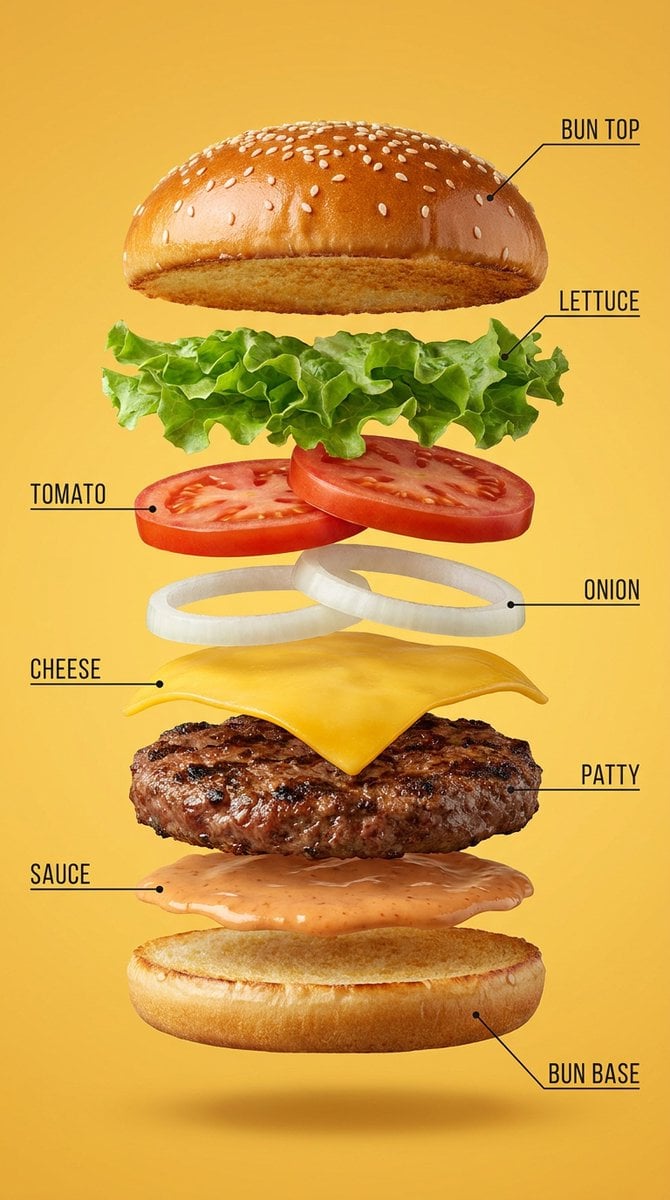
Vertical Exploded Food Infographic
Ultra-Realistic Portrait with Custom Outfit and Face Match Prompt

Polished Academic Student ID Portrait
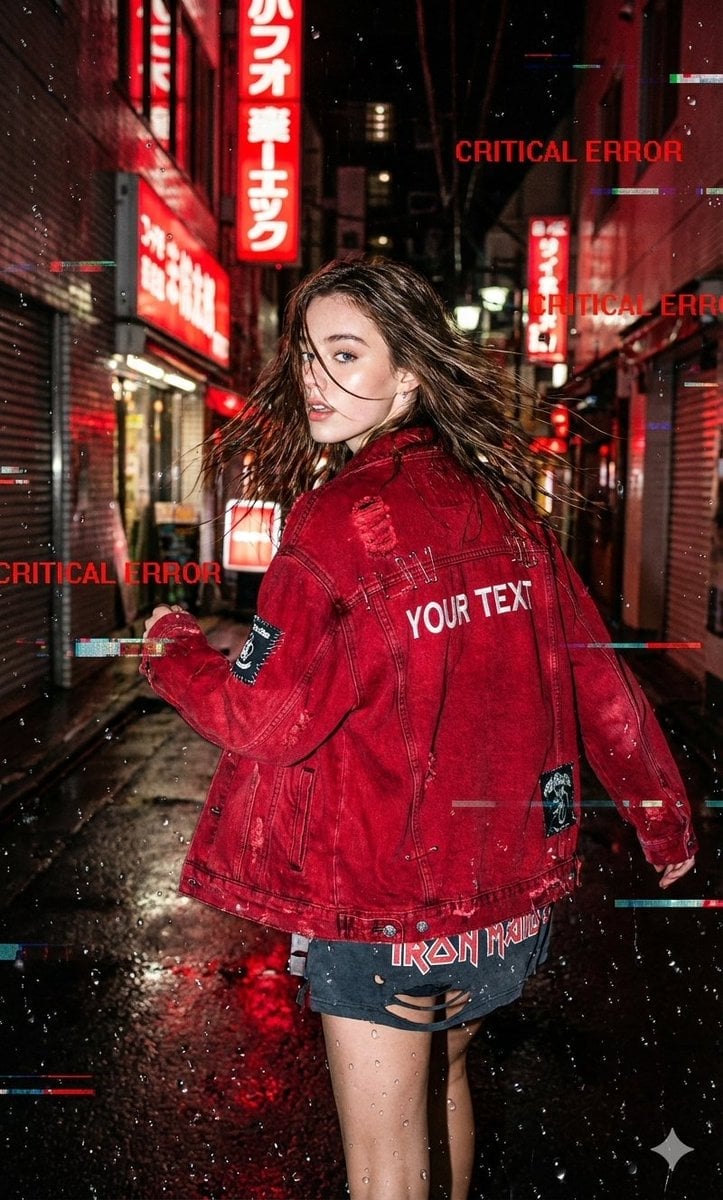
Glitchy Neo-Tokyo Street Style Photo with Red Neon
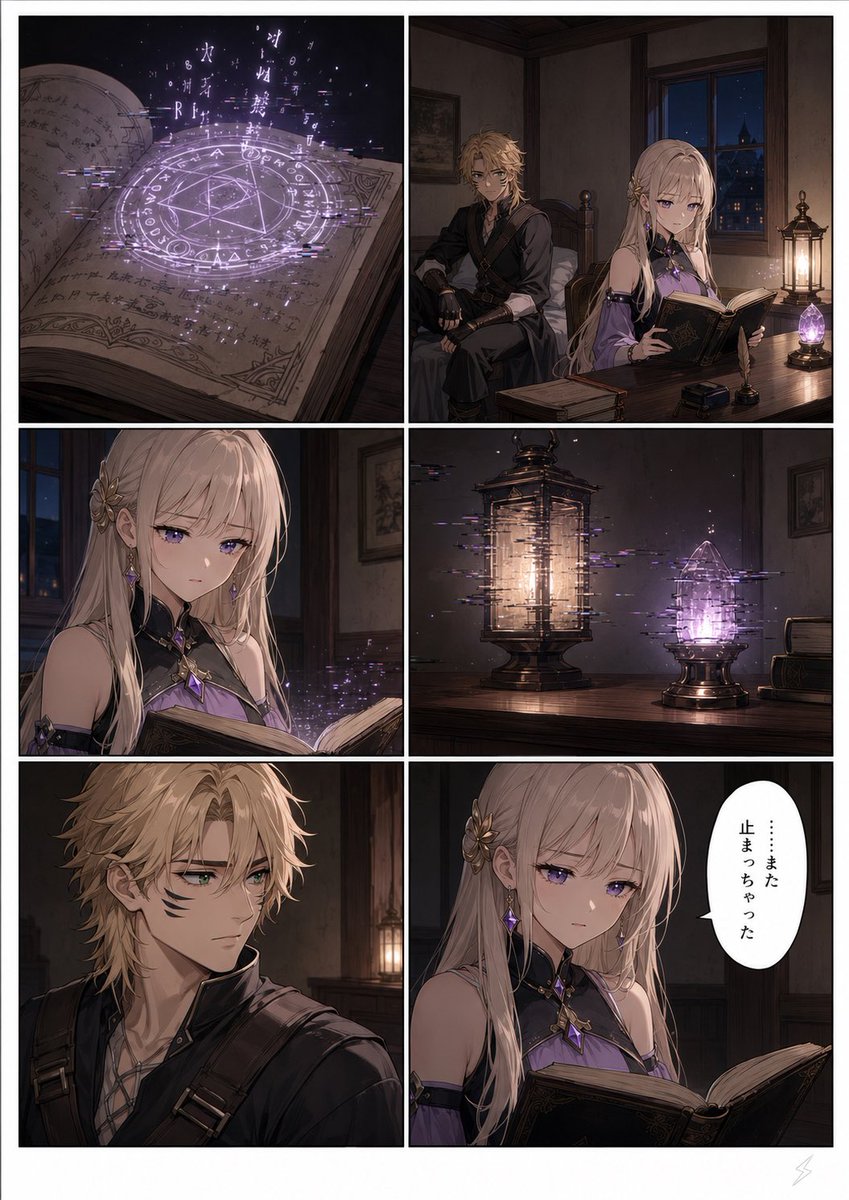
Six-Panel Fantasy Magic Comic Page
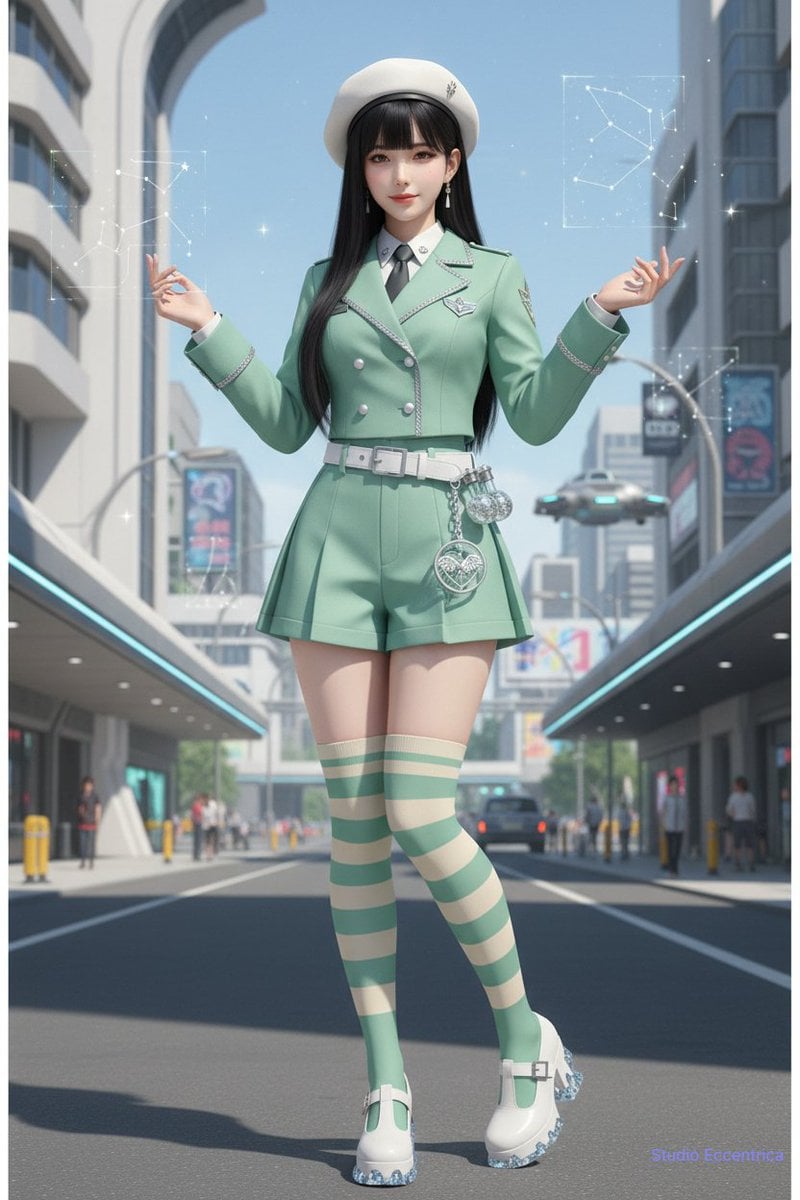
Nano Banana Character Sheet and Fashion Prompts
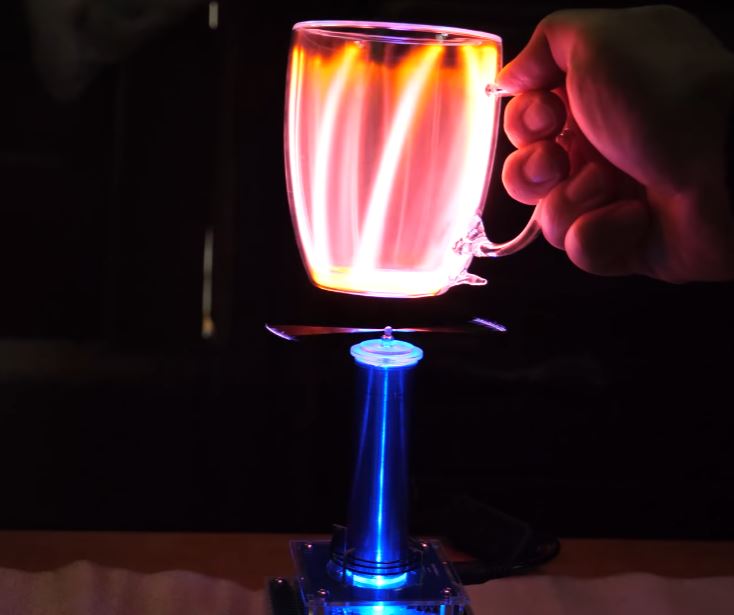
Explain Tesla Coil Science

High-Fashion Penthouse Portrait Prompt
Browse template categories
Detailed Animal Encyclopedia Generation questions
How do I use the Detailed Animal Encyclopedia Generation template?
Add your photo if the template asks for one, edit the prompt if you like — the template's model and format are already selected — and press Generate. Your version opens in PicX Studio.
Can I customize the Detailed Animal Encyclopedia Generation template?
Yes. You can change the subject, setting, lighting, mood, format, and available model controls before creating your image.
Is the Detailed Animal Encyclopedia Generation template free?
Opening and editing this template is free. Generating uses credits, shown on the Generate button when you are signed in.
Which AI model should I use?
Start with GPT Image 2, which is the model associated with this template. You can compare another compatible model for a different finish.
Looking for something else? Browse all templates.

Your photo, any look
Thousands of ready templates for every top image and video model, from one credit balance.