
Minimal Clay Animal Trio
Generates a soft minimalist 3D-style illustration of three cute animals in a clean corner setting for children’s decor or cozy character art.
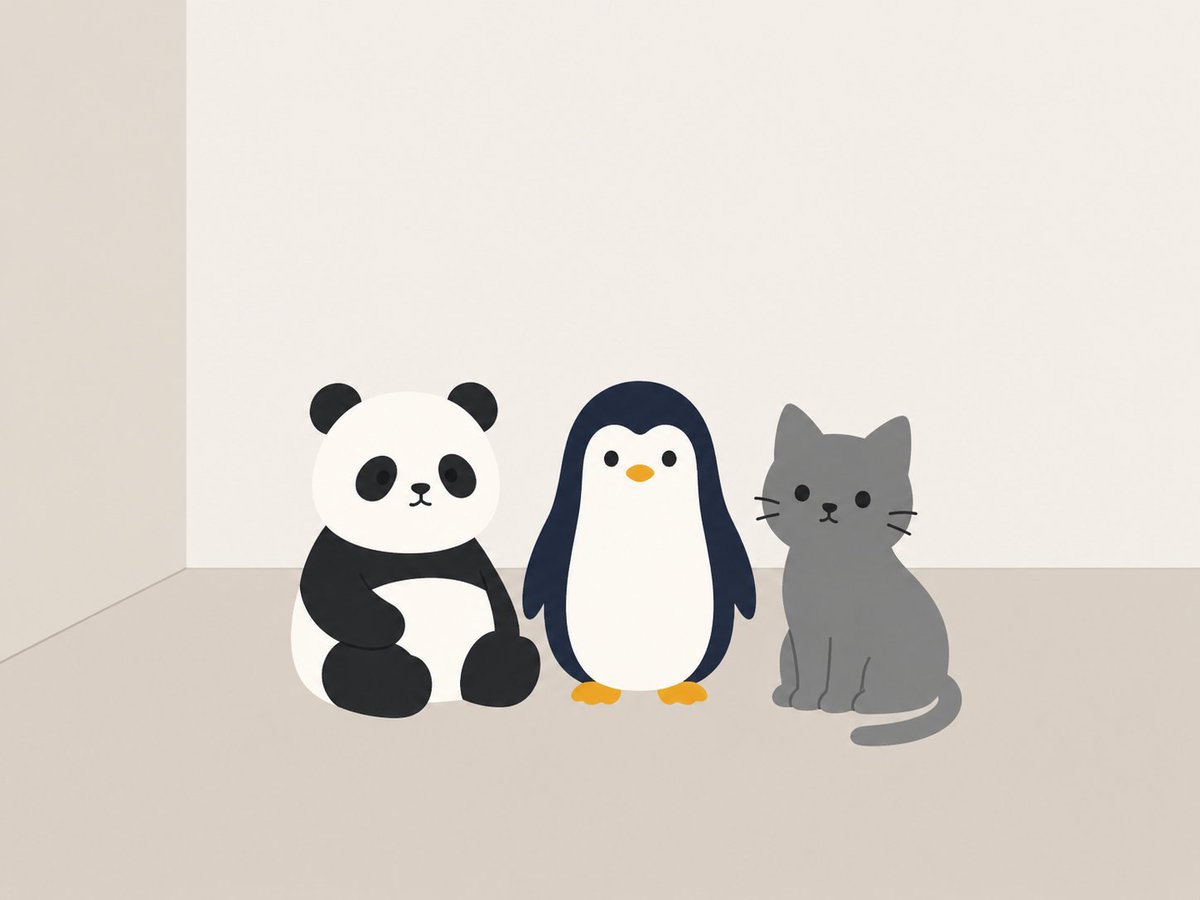
- Prompt included
- Model and format preset
- Free template
The prompt behind this image
Copy the exact prompt behind Minimal Clay Animal Trio, or open it in the studio and make it yours.
Create a simple minimalist 3D clay-style illustration of {argument name="three animals" default="a panda, a penguin, and a gray cat"} sitting side by side on a matte beige floor against a plain off-white corner wall. The scene contains exactly 3 cute rounded animals: 1 panda on the left with a white round head, black ears, black eye patches, small black nose and mouth, black arms and legs, sitting with one arm across its belly; 1 penguin in the center with a navy-black outer body, white face and belly, tiny black eyes, a small orange beak, orange feet, and flipper-like wings hanging down; 1 gray cat on the right sitting upright with pointed ears, black dot eyes, small nose and mouth, three whiskers on each side, front paws indicated by subtle lines, and a curved tail resting on the floor. Use soft plush-toy proportions, smooth rounded geometry, no outlines except simple facial marks, muted colors, gentle ambient lighting, very soft shadows, lots of empty negative space above the characters, a calm Scandinavian children’s-room aesthetic, front-facing camera at low eye level, square composition, clean and uncluttered.
How to use Minimal Clay Animal Trio in 3 steps
- 1Upload ImagePNG, JPG or paste
Add your photo
Upload the photo the template builds on. The prompt, model and format are already set.
- 2…a portrait of your subject in softgolden-hour light, 85mm…
Personalize
Edit the subject and creative details for your destination.
- 3Generate
Generate
Press Generate — your image is created in PicX Studio, so you can compare it with the original and refine one variable at a time.
More like this
Templates with the same subject, style or setup. Open one to see its prompt.

Japanese Architectural Concrete Studio Fashion Campaign

Quiet Luxury Black and White Fashion Editorial Portrait

Premium Editorial Branding Poster Charcoal Green

Premium Vintage Travel Poster Landscape

Japanese Café Sketch Duo Illustration

Delicate Japanese Café Lifestyle Illustration

Soft Shadow Studio Minimalist Product Shot

Minimalist Skincare Product Water Stone Still

Botanical Skincare Minimal Product Advertising

Luxury Sliced Wordmark Player Poster

Legendary Player Fragmented Editorial Poster

Clean Minimalist Player Editorial Poster
Make it yours
Minimal Clay Animal Trio works as-is. These are the safest ways to change it without losing the look.
Change one field
Copy a single group, rewrite it, and generate again so you can see what that field is doing.
Keep the frame, change the subject
Hold the composition and light of Minimal Clay Animal Trio, then swap wardrobe, props or the person for a new take.
| If the result… | Why | Fix |
|---|---|---|
| The result drifts from the preview | Too many fields changed at once. | Reuse Minimal Clay Animal Trio as-is first, then change one group — subject, light, or setting. |
| The model over-stylizes the scene | The prose prompt leaves finish and camera underspecified. | Add one camera or lighting sentence and stay on GPT Image 2. |
More GPT Image 2 templates
Other prompts made for GPT Image 2.

Six VTuber Japanese Logo Sheet

Realistic Portrait of Woman and Deer

The Vista Modular Condo Poster

AI Model Routing Comparison Infographic

2.5D Anime Art Board

Isometric Productivity Desk Scene

New York Double Exposure Poster

Four-Panel AI Landscape Comparison

Japanese Tatami Lifestyle Magazine Cover

NESCAFÉ Coffee Map Poster
More image prompts
Fresh picks from across the catalog.
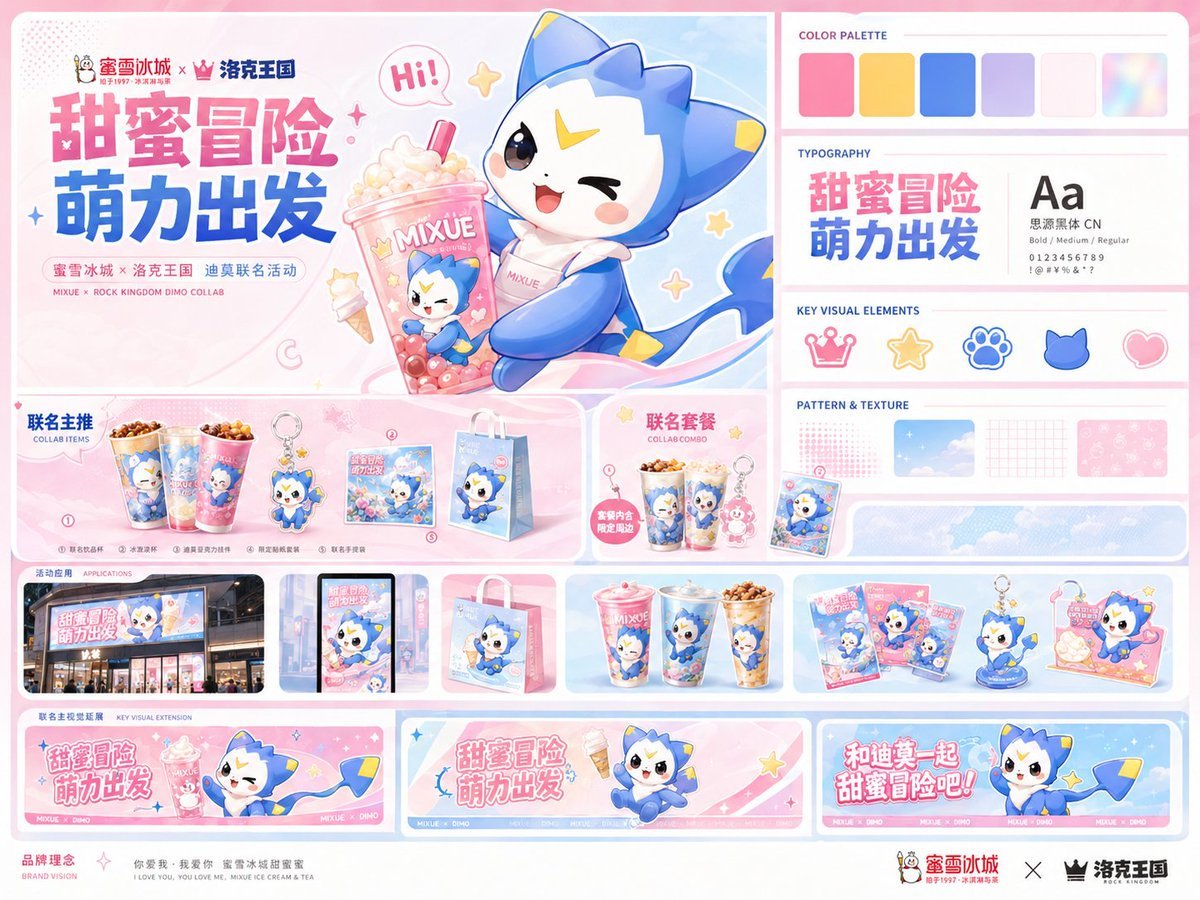
MIXUE Dimo Collaboration Brand Board
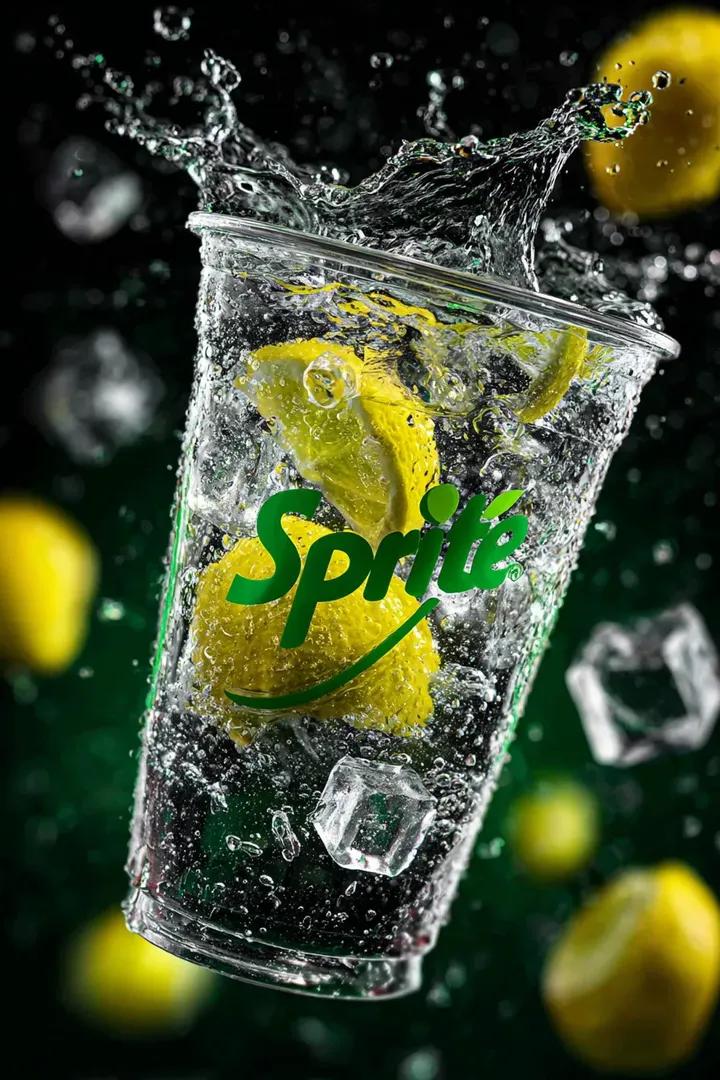
Floating Sprite Product Photography Prompt
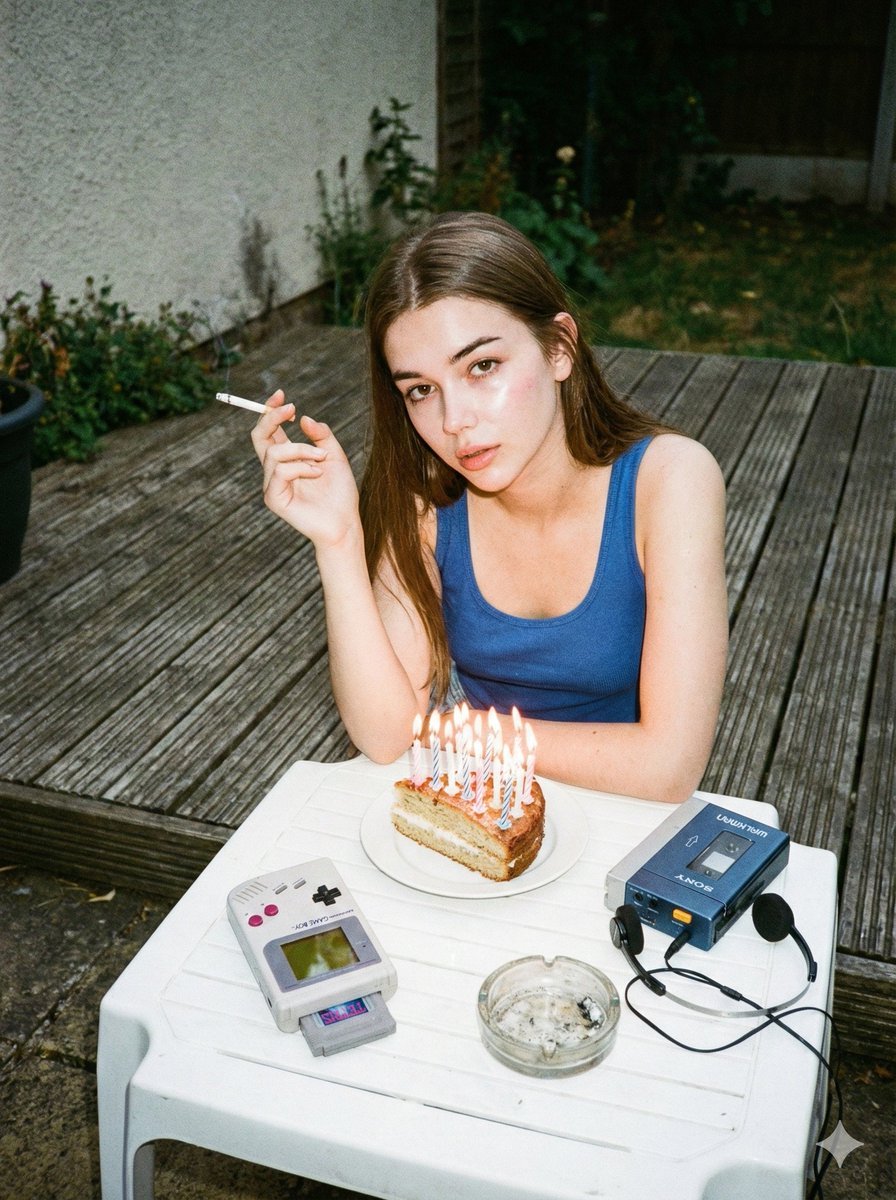
1980s Disposable Camera Birthday Portrait with Identity Lock
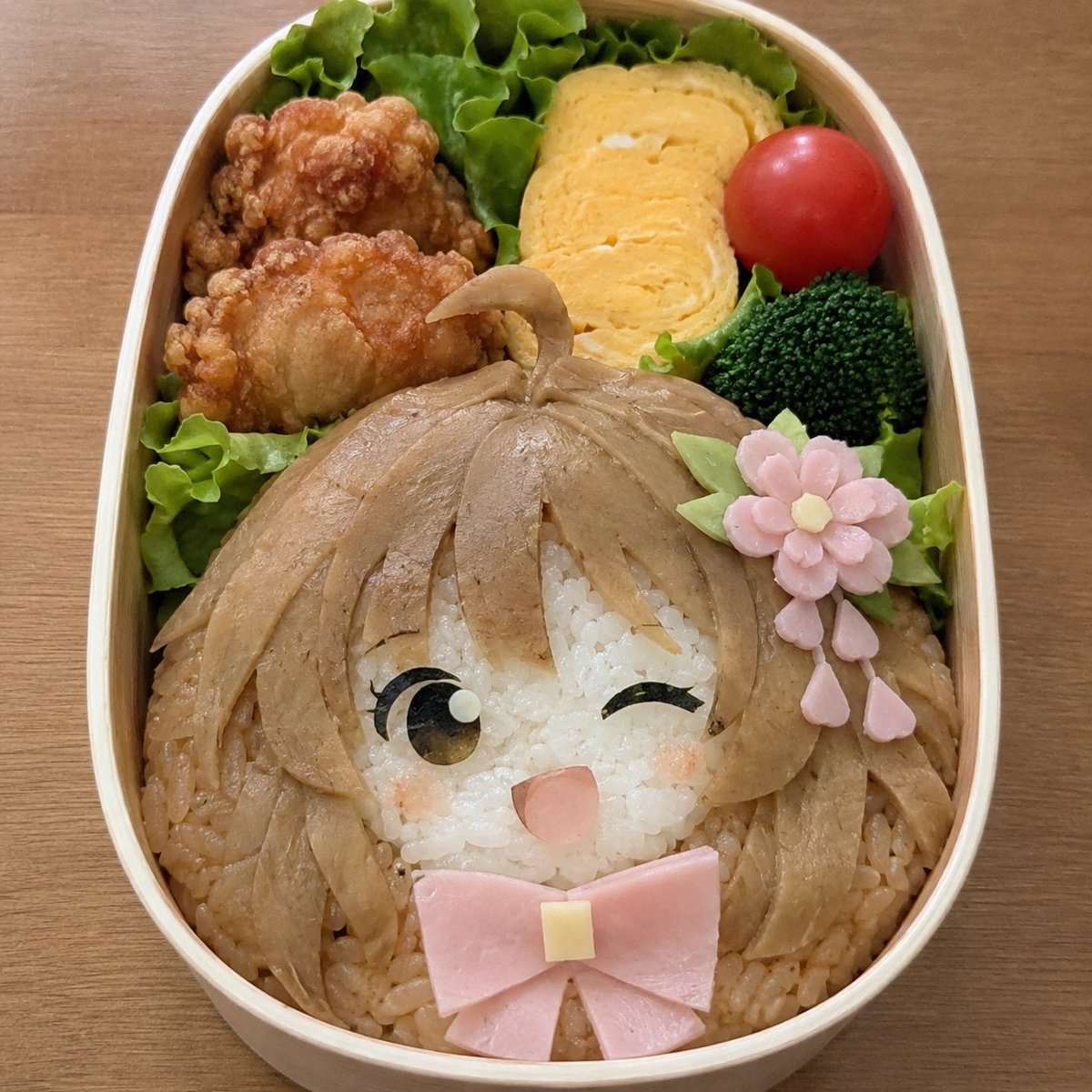
Anime Girl Character Bento
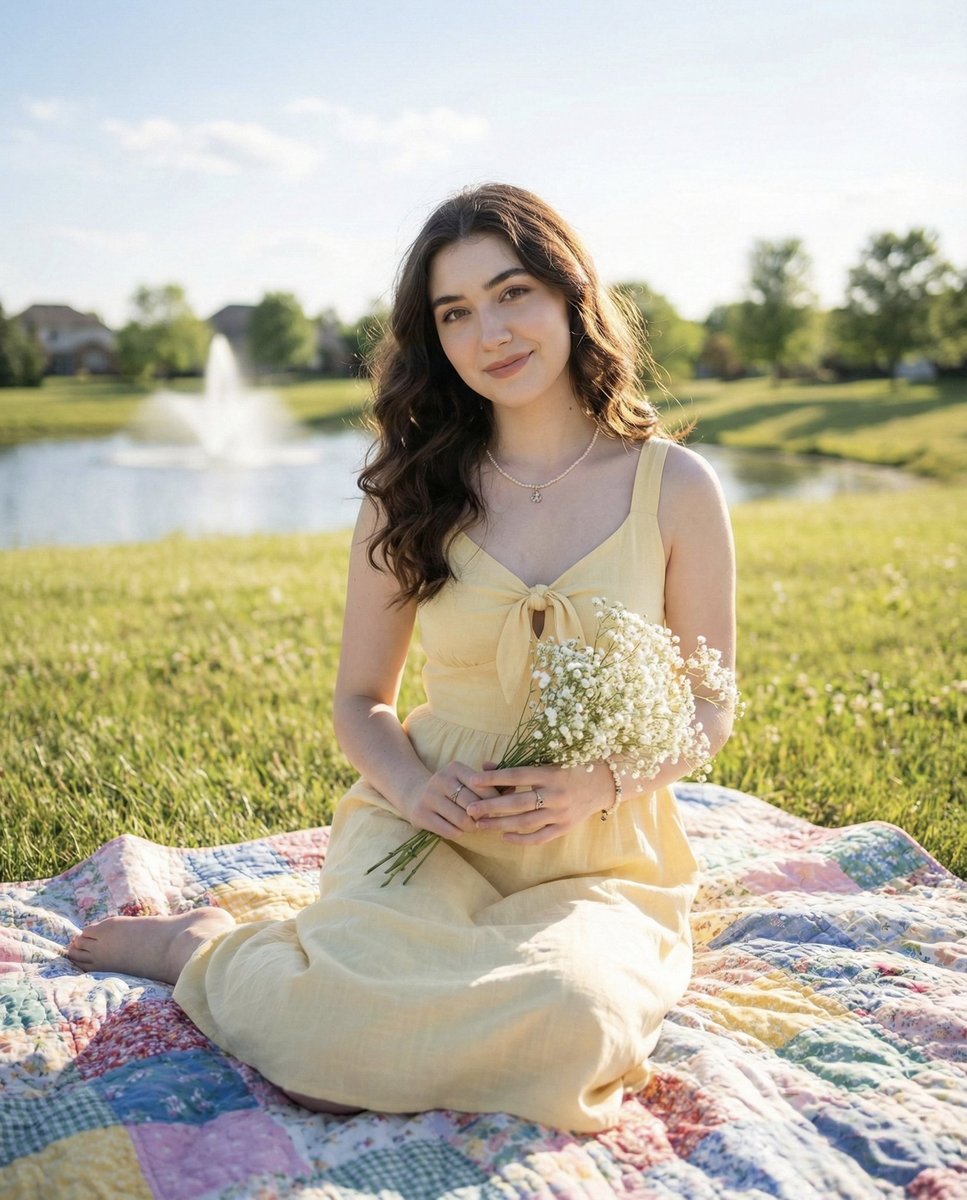
Natural outdoor portrait of a young woman on a picnic blanket
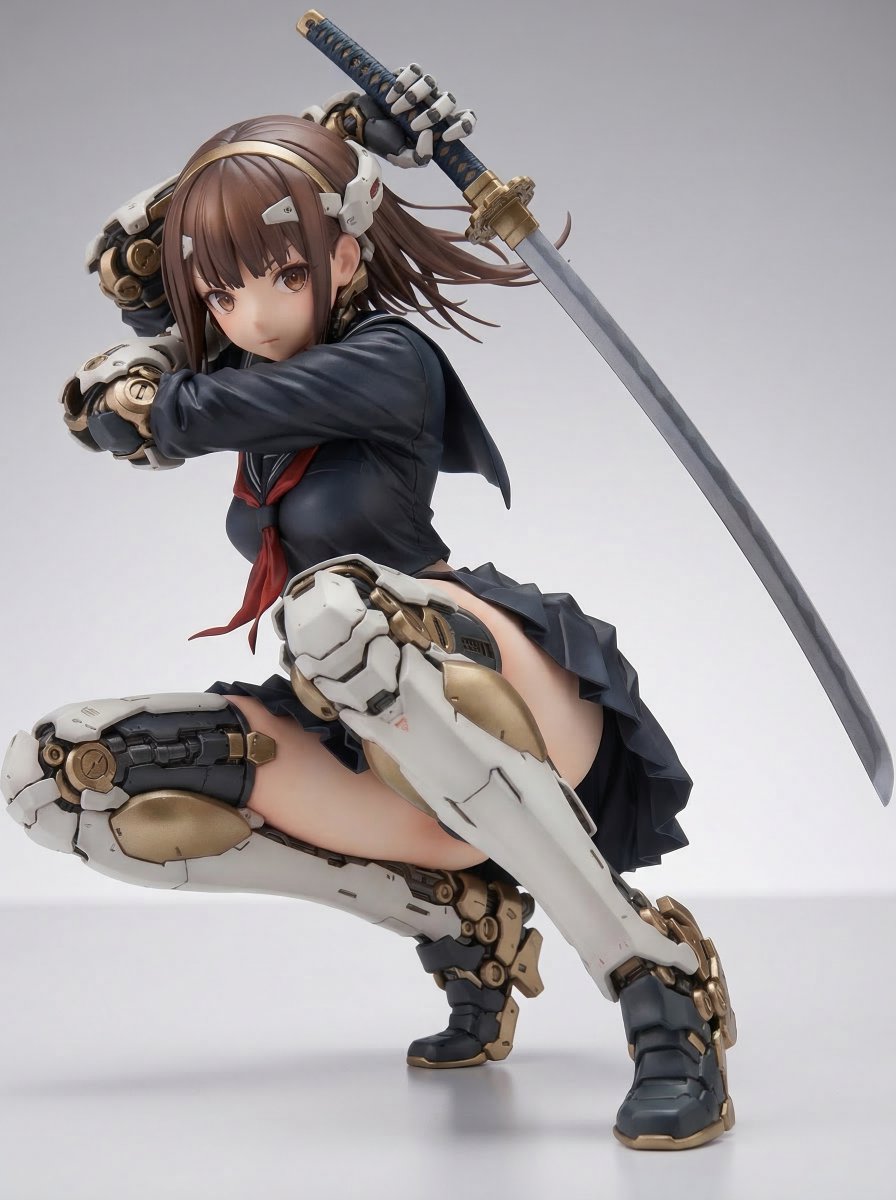
Samurai Mecha Girl Figure
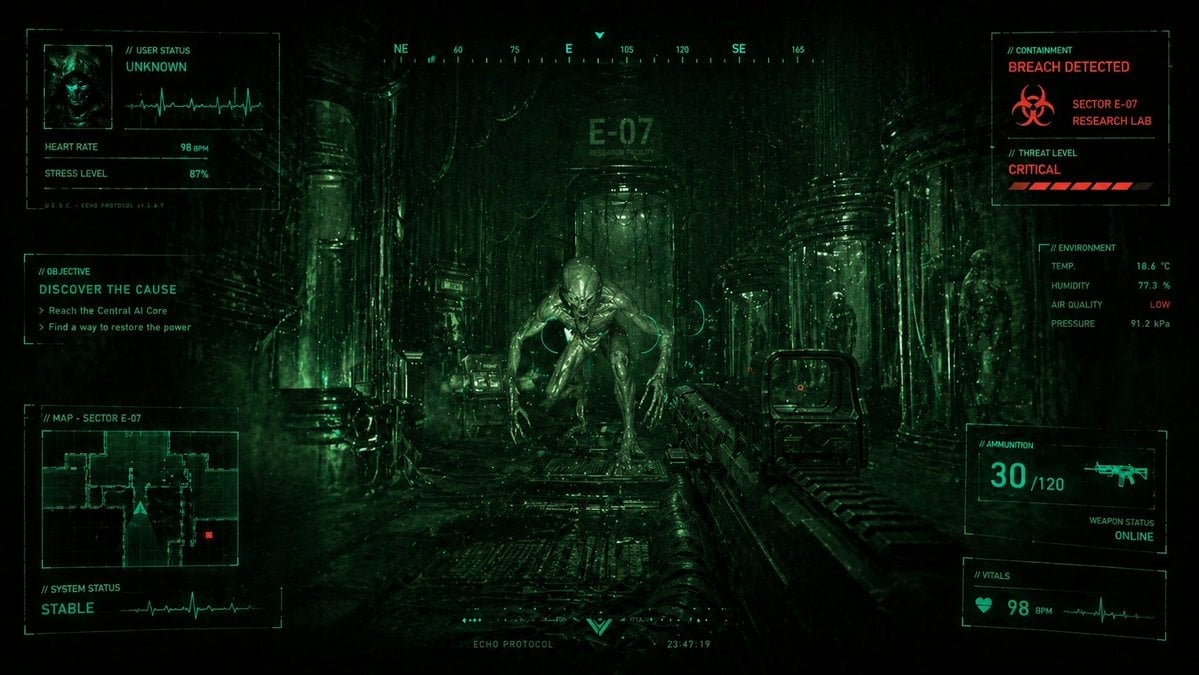
Sci-Fi Horror FPS HUD Lab Breach
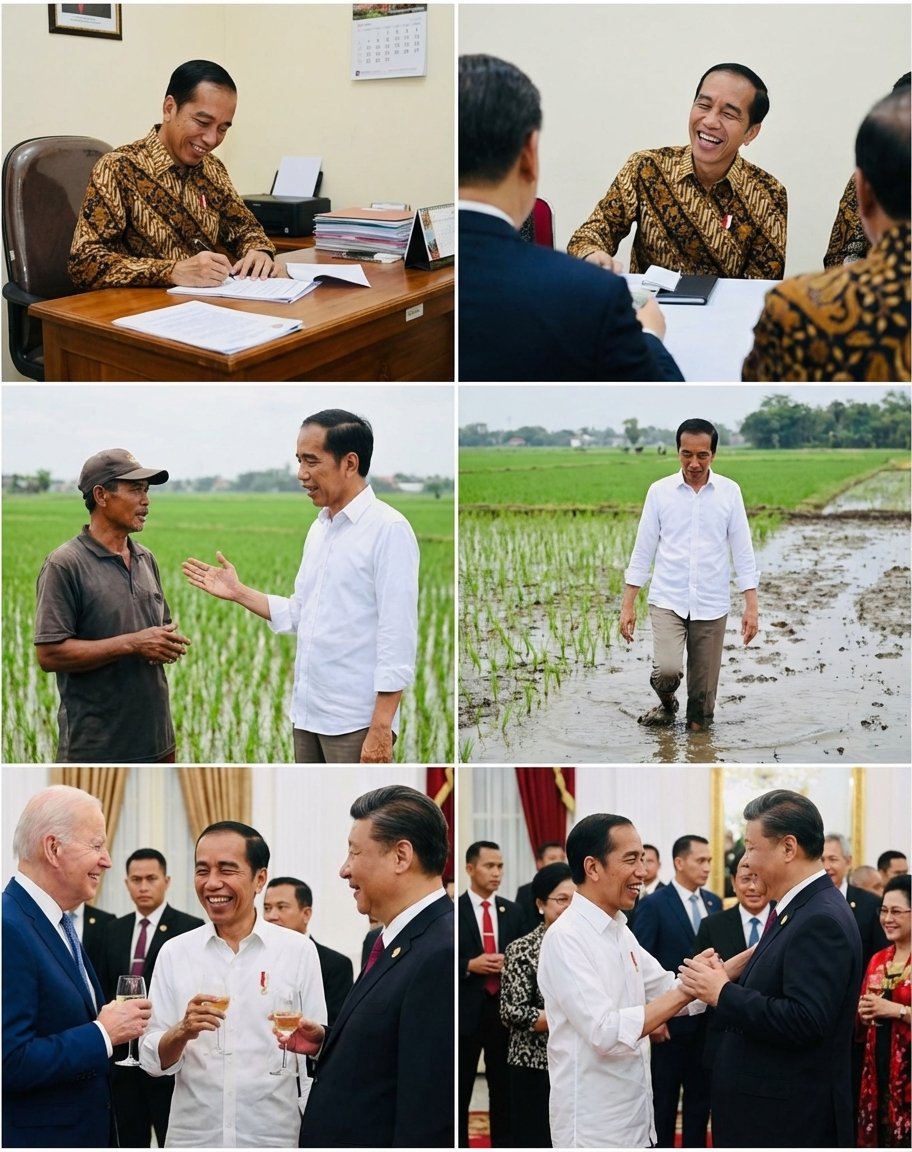
Candid series of Indonesian president photos
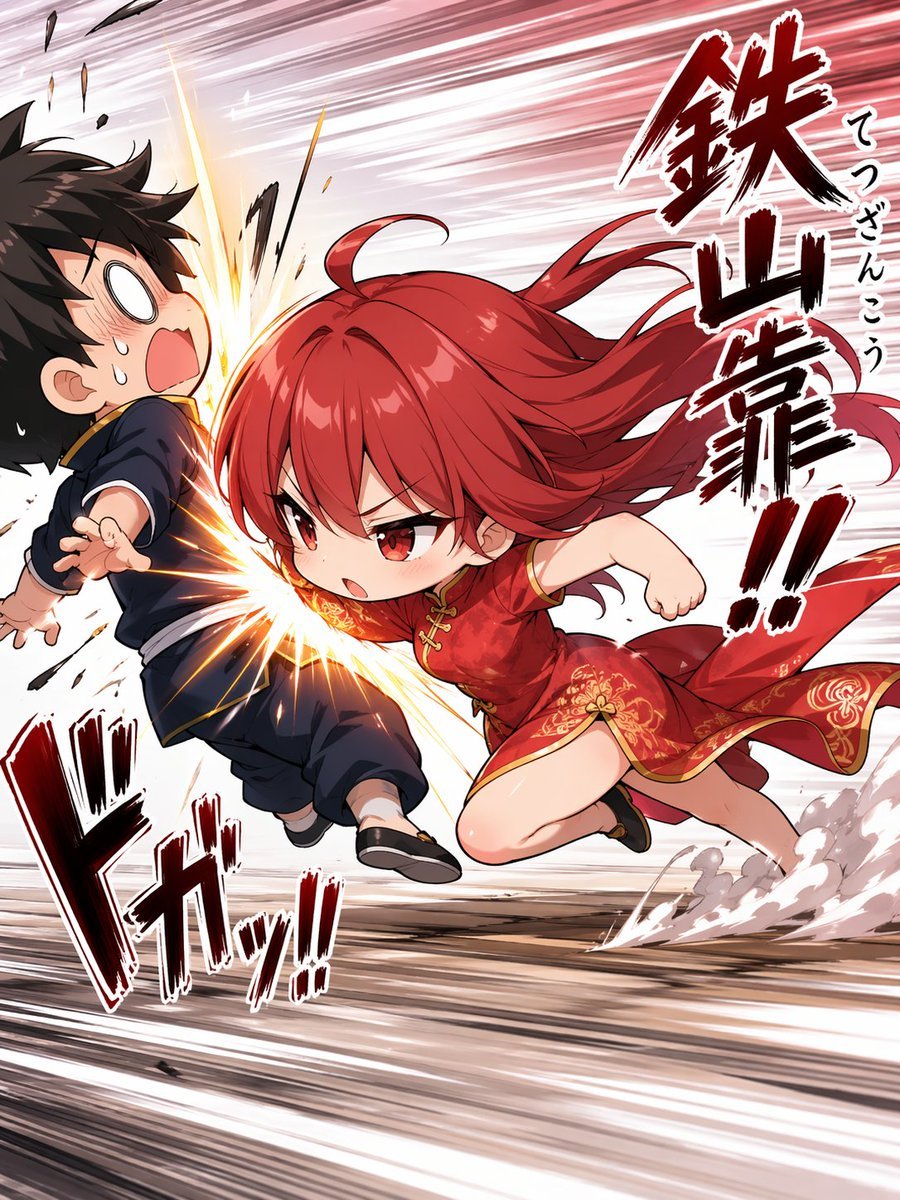
Chibi Tetsuzankou Impact Attack

Multi-Pattern Web Advertisement Grid
Browse template categories
Minimal Clay Animal Trio questions
How do I use the Minimal Clay Animal Trio template?
Add your photo if the template asks for one, edit the prompt if you like — the template's model and format are already selected — and press Generate. Your version opens in PicX Studio.
Can I customize the Minimal Clay Animal Trio template?
Yes. You can change the subject, setting, lighting, mood, format, and available model controls before creating your image.
Is the Minimal Clay Animal Trio template free?
Opening and editing this template is free. Generating uses credits, shown on the Generate button when you are signed in.
Which AI model should I use?
Start with GPT Image 2, which is the model associated with this template. You can compare another compatible model for a different finish.
Looking for something else? Browse all templates.

Your photo, any look
Thousands of ready templates for every top image and video model, from one credit balance.