
Anime Girl Character Bento
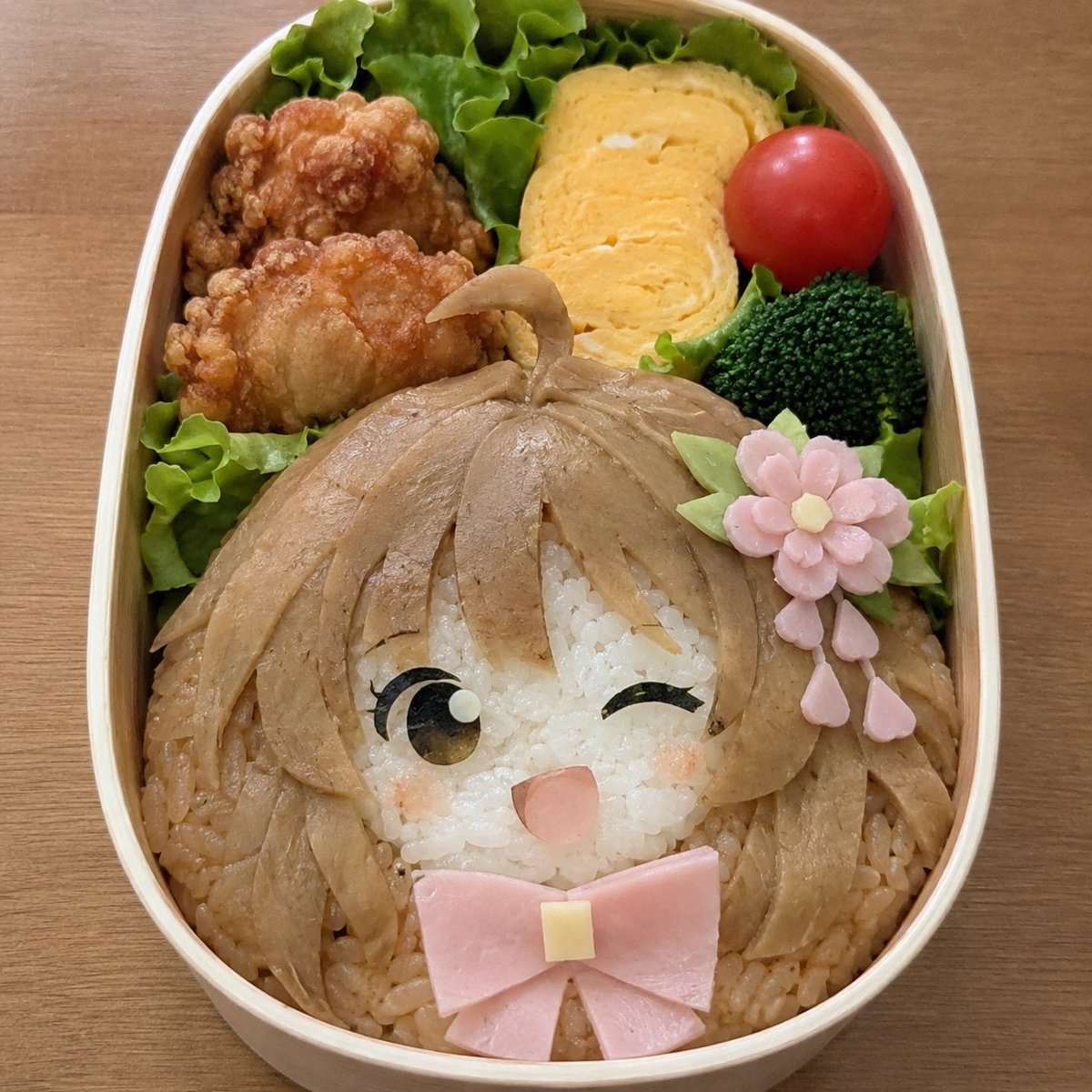
A realistic overhead food photo prompt for generating a handmade anime-inspired character bento with rice, ham, nori, omelet, fried chicken, broccoli, and tomato.
- Prompt included
- Model and format preset
- Free template
The prompt behind this image
Copy the exact prompt behind Anime Girl Character Bento, or open it in the studio and make it yours.
Create a realistic photo-style handmade character bento inspired by a cute anime girl, prioritizing food that looks physically edible and actually craftable rather than perfect character accuracy. Use a vertical overhead close-up shot of an oval light wooden bento box on a warm wooden table. The main character face fills the lower two-thirds of the box: white rice forms a round face, surrounded by light brown seasoned rice and thin tan simmered vegetable or meat slices arranged as long layered hair with bangs and side locks. The character has exactly two eyes: one open eye made from black nori with a brown iris and tiny white highlight, and one winking closed eye made from curved black nori. Add small pink blush marks on both cheeks, a small open pink mouth, and a large pink ham bow under the chin with a small pale yellow cheese square in the center. On the right side of the hair place a decorative flower hair accessory made from food: one pink flower with five rounded petals and a pale yellow center, three green leaf pieces, and three dangling pink petal shapes. In the upper third of the bento, arrange exactly four side dishes around green lettuce dividers: two pieces of golden fried chicken on the upper left, three slices of yellow rolled omelet at the upper center, one red cherry tomato at the upper right, and one dark green broccoli floret below the tomato. Use soft natural lighting, shallow realistic food texture, appetizing colors, visible rice grains, glossy simmered toppings, and a casual homemade presentation. No text, no utensils, no hands, no watermark.
How to use Anime Girl Character Bento in 3 steps
- 1Upload ImagePNG, JPG or paste
Add your photo
Upload the photo the template builds on. The prompt, model and format are already set.
- 2…a portrait of your subject in softgolden-hour light, 85mm…
Personalize
Edit the subject and creative details for your destination.
- 3Generate
Generate
Press Generate — your image is created in PicX Studio, so you can compare it with the original and refine one variable at a time.
More like this
Templates with the same subject, style or setup. Open one to see its prompt.












Make it yours
Anime Girl Character Bento works as-is. These are the safest ways to change it without losing the look.
Change one field
Copy a single group, rewrite it, and generate again so you can see what that field is doing.
Keep the frame, change the subject
Hold the composition and light of Anime Girl Character Bento, then swap wardrobe, props or the person for a new take.
| If the result… | Why | Fix |
|---|---|---|
| The result drifts from the preview | Too many fields changed at once. | Reuse Anime Girl Character Bento as-is first, then change one group — subject, light, or setting. |
| The model over-stylizes the scene | The prose prompt leaves finish and camera underspecified. | Add one camera or lighting sentence and stay on GPT Image 2. |
More GPT Image 2 templates
Other prompts made for GPT Image 2.

Six VTuber Japanese Logo Sheet

Realistic Portrait of Woman and Deer

The Vista Modular Condo Poster

AI Model Routing Comparison Infographic

2.5D Anime Art Board

Isometric Productivity Desk Scene

New York Double Exposure Poster

Four-Panel AI Landscape Comparison

Japanese Tatami Lifestyle Magazine Cover

NESCAFÉ Coffee Map Poster
More image prompts
Fresh picks from across the catalog.
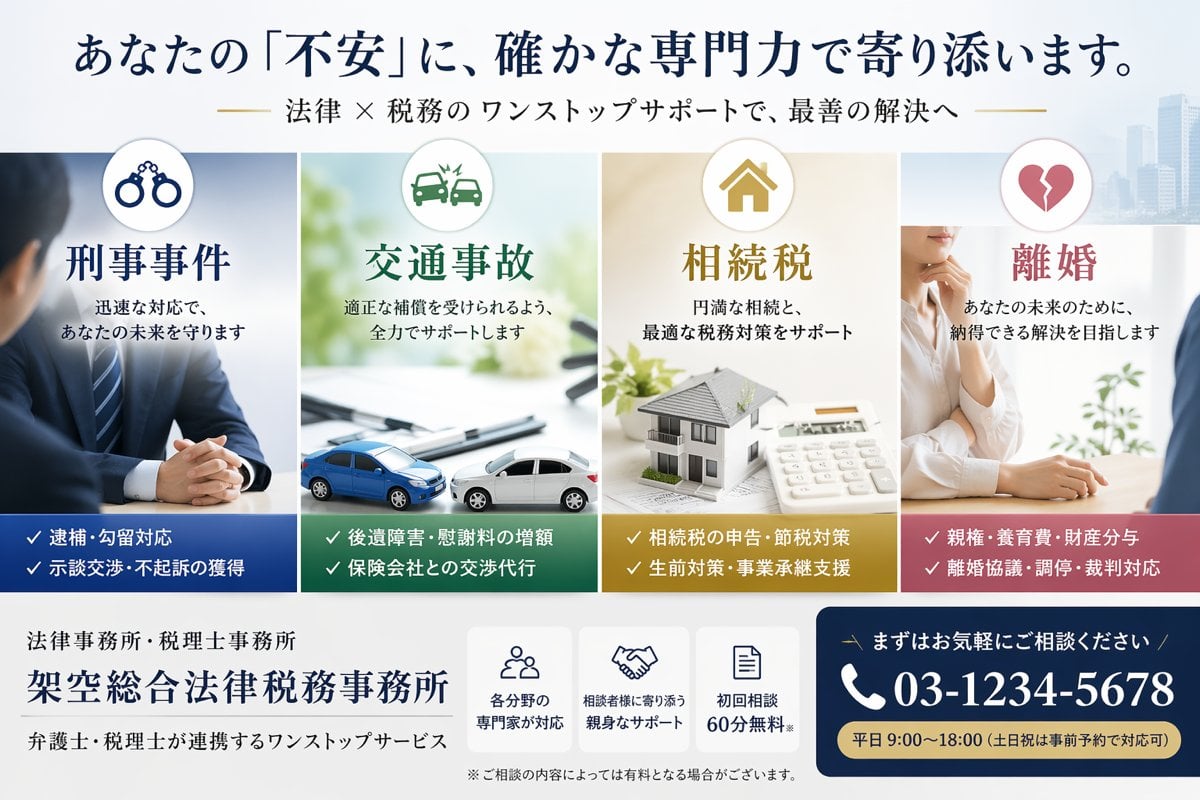
Japanese Law & Tax Services LP Hero
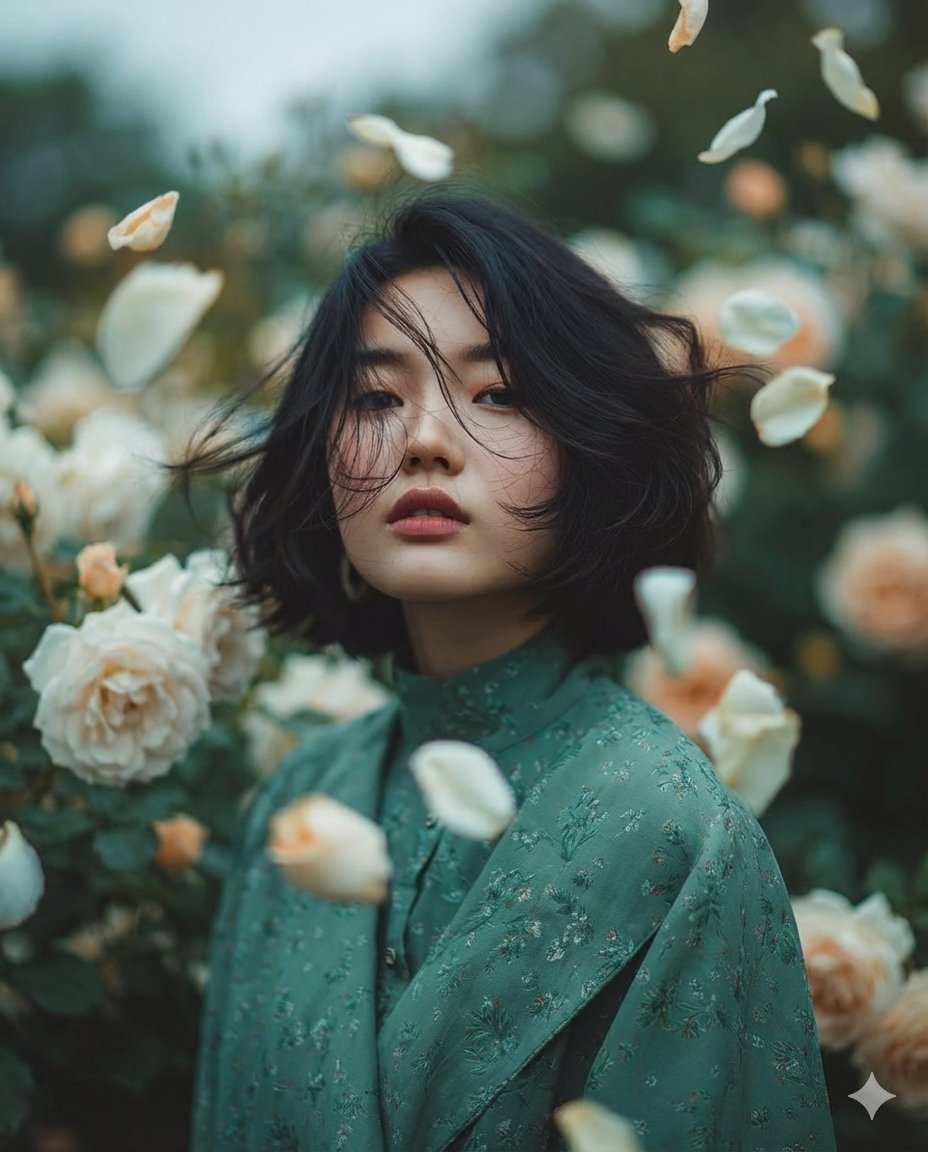
Dreamy Fine-Art Portrait in Ethereal Garden
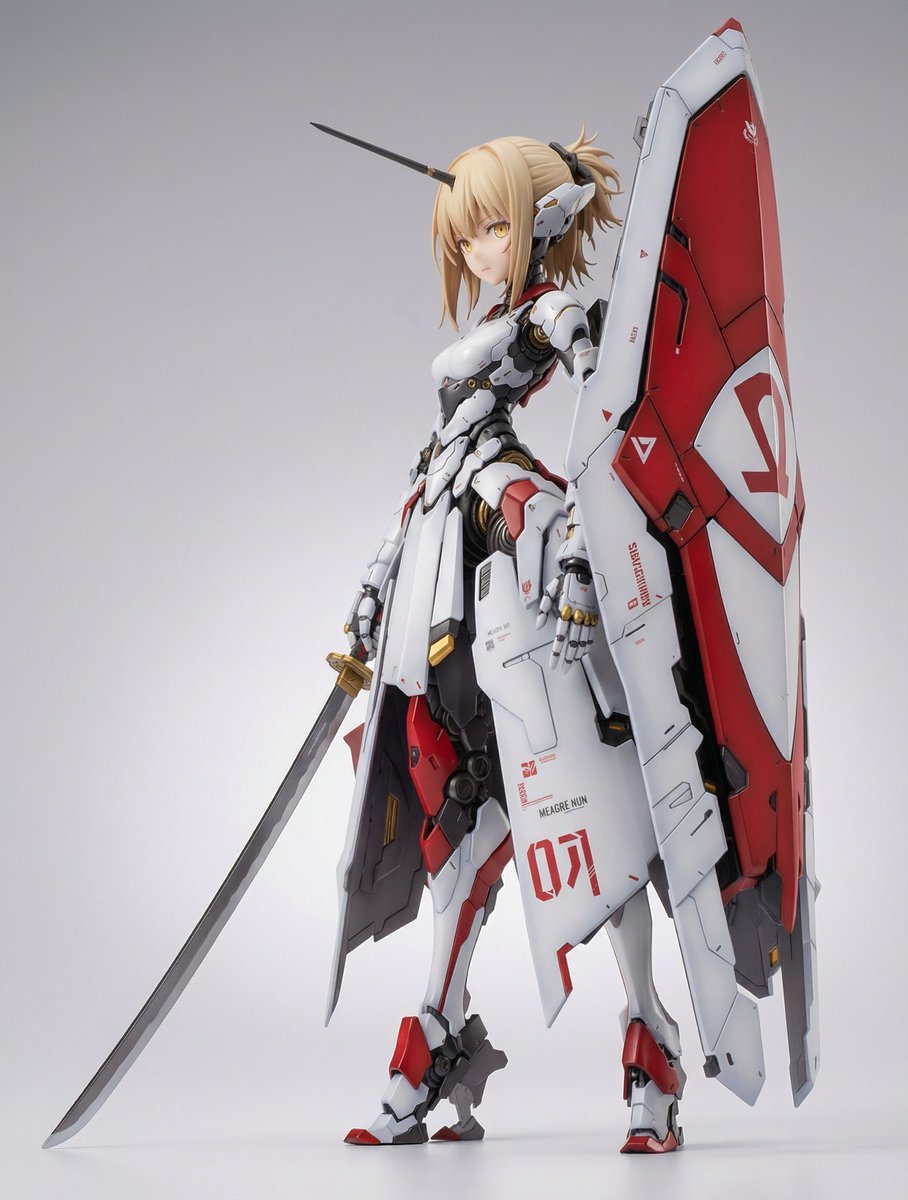
Mecha Girl Figure Concept Prompt
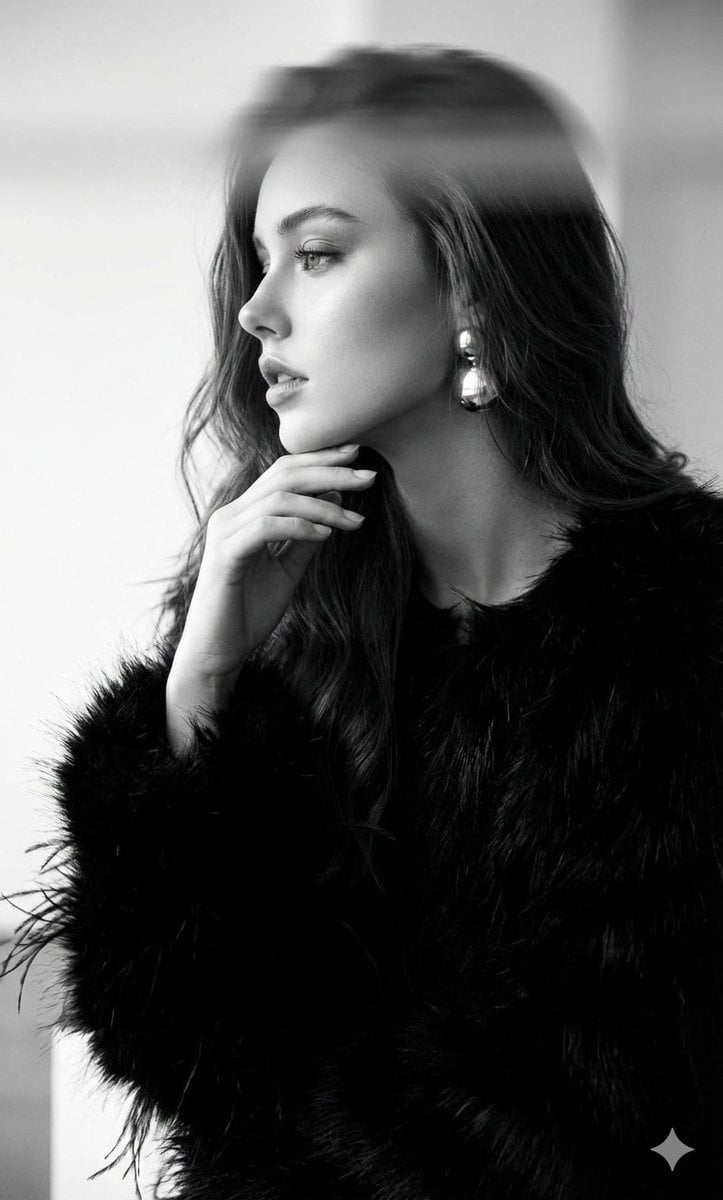
Black-and-White Surreal Editorial Portrait
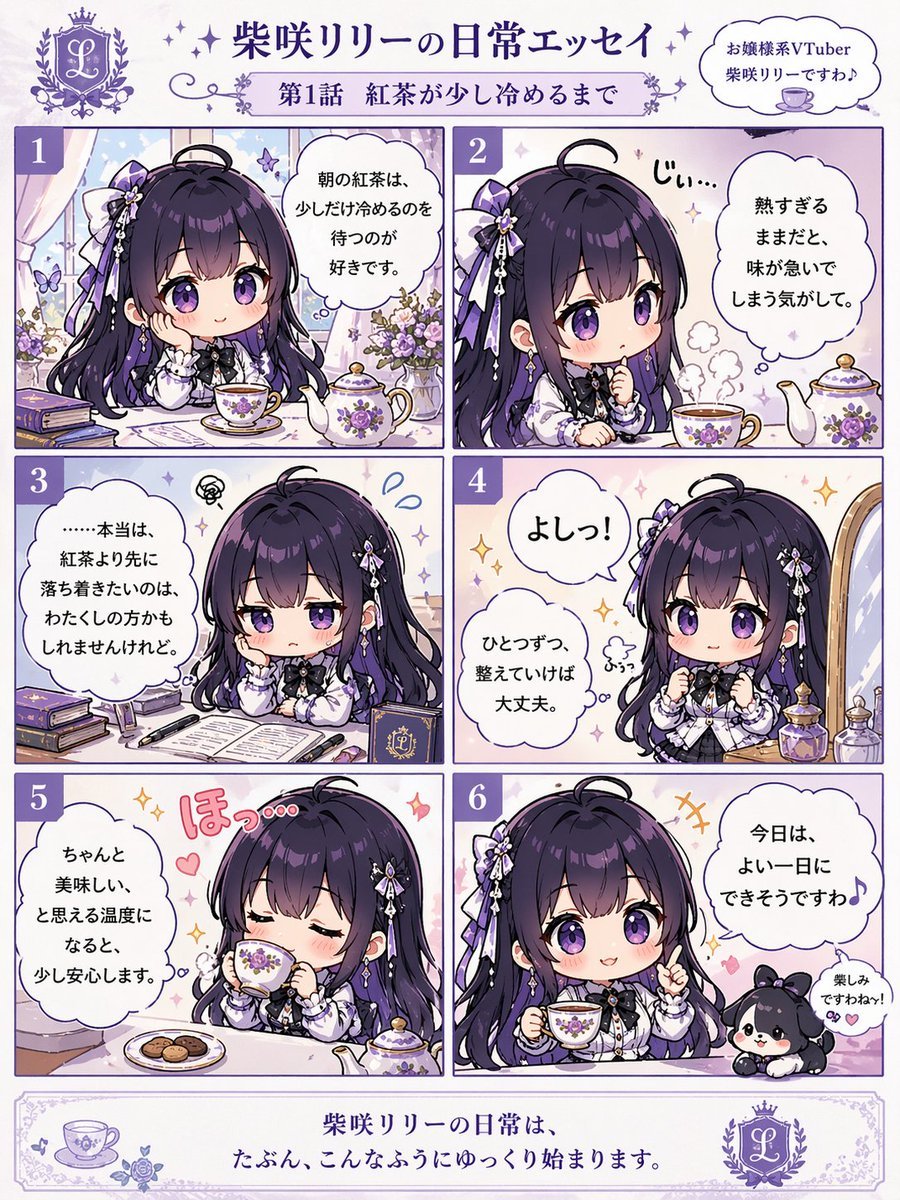
Panel Chibi VTuber Comic Strip
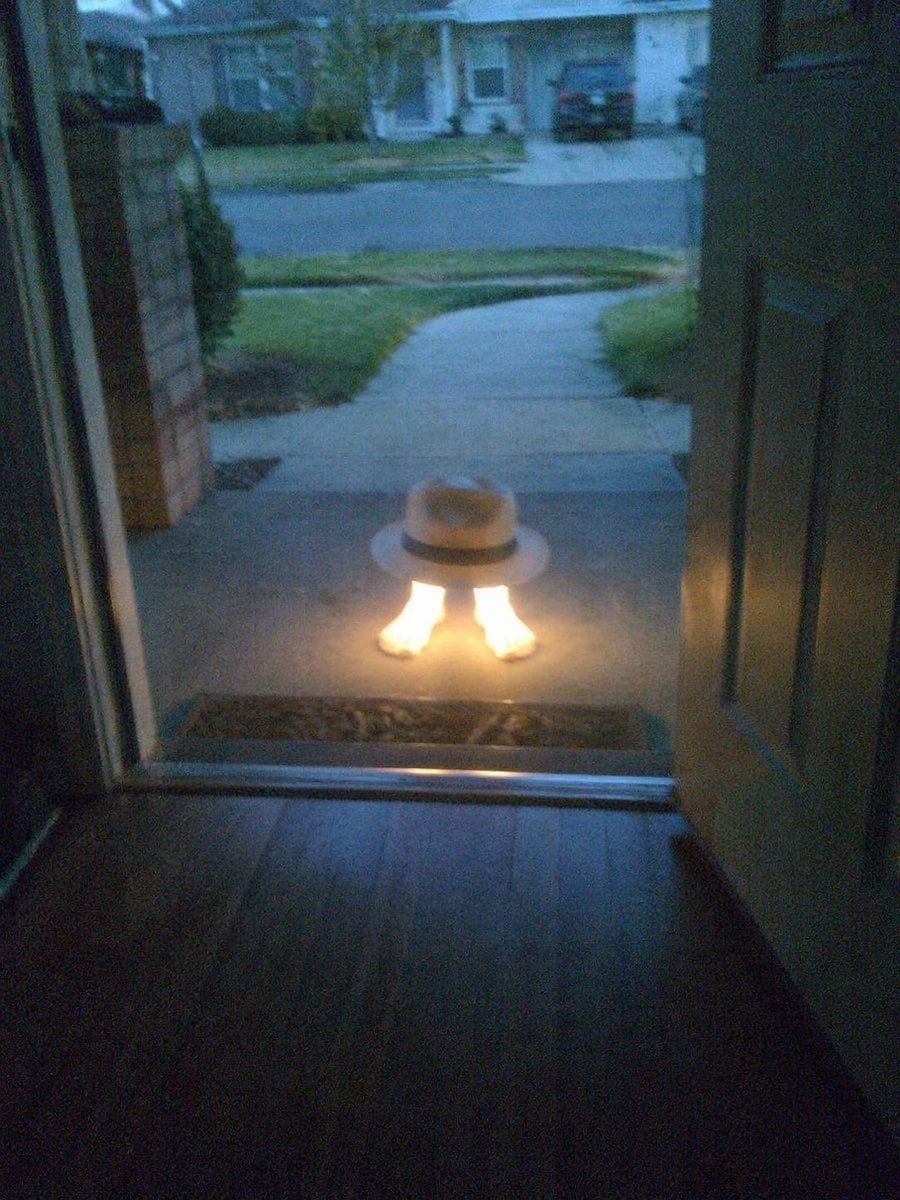
Subject Erasure and Hat Replacement
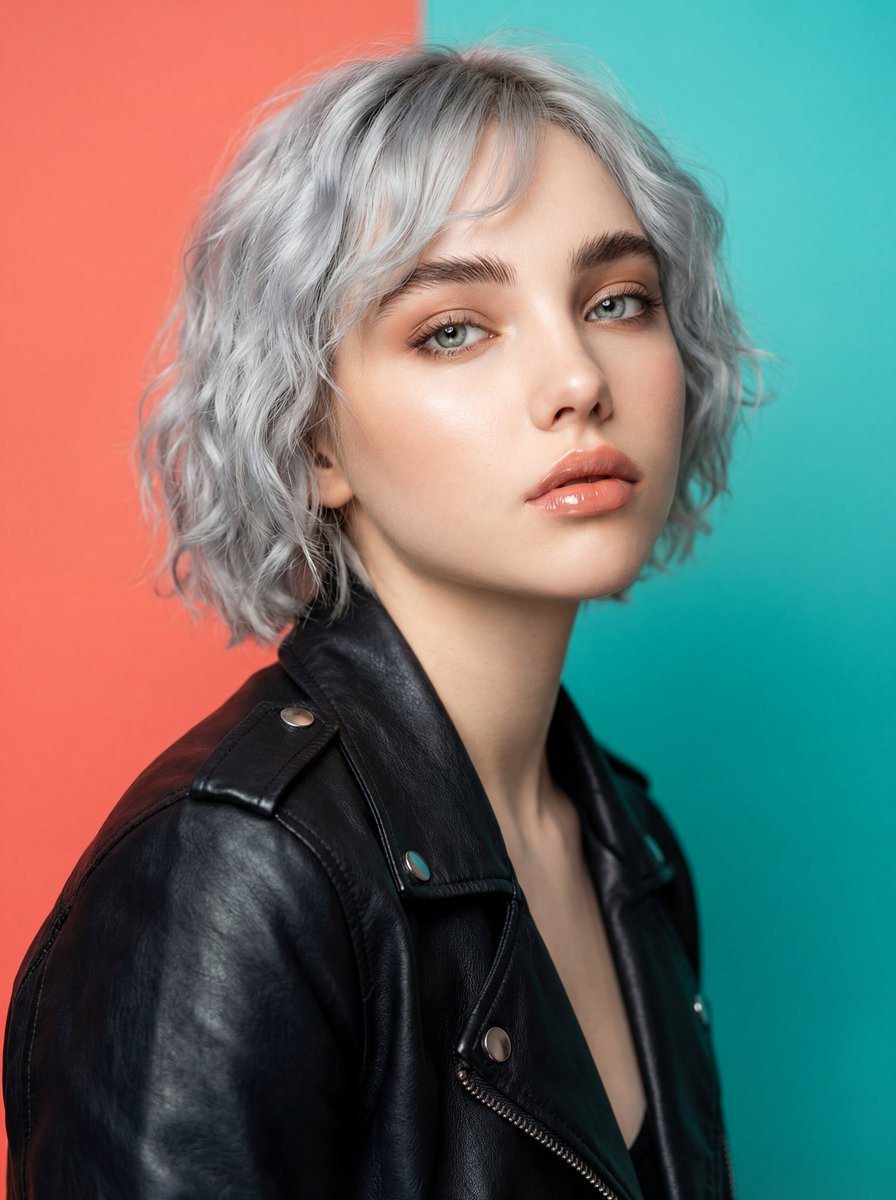
Ultra-Realistic Studio Fashion Model Portrait Prompt
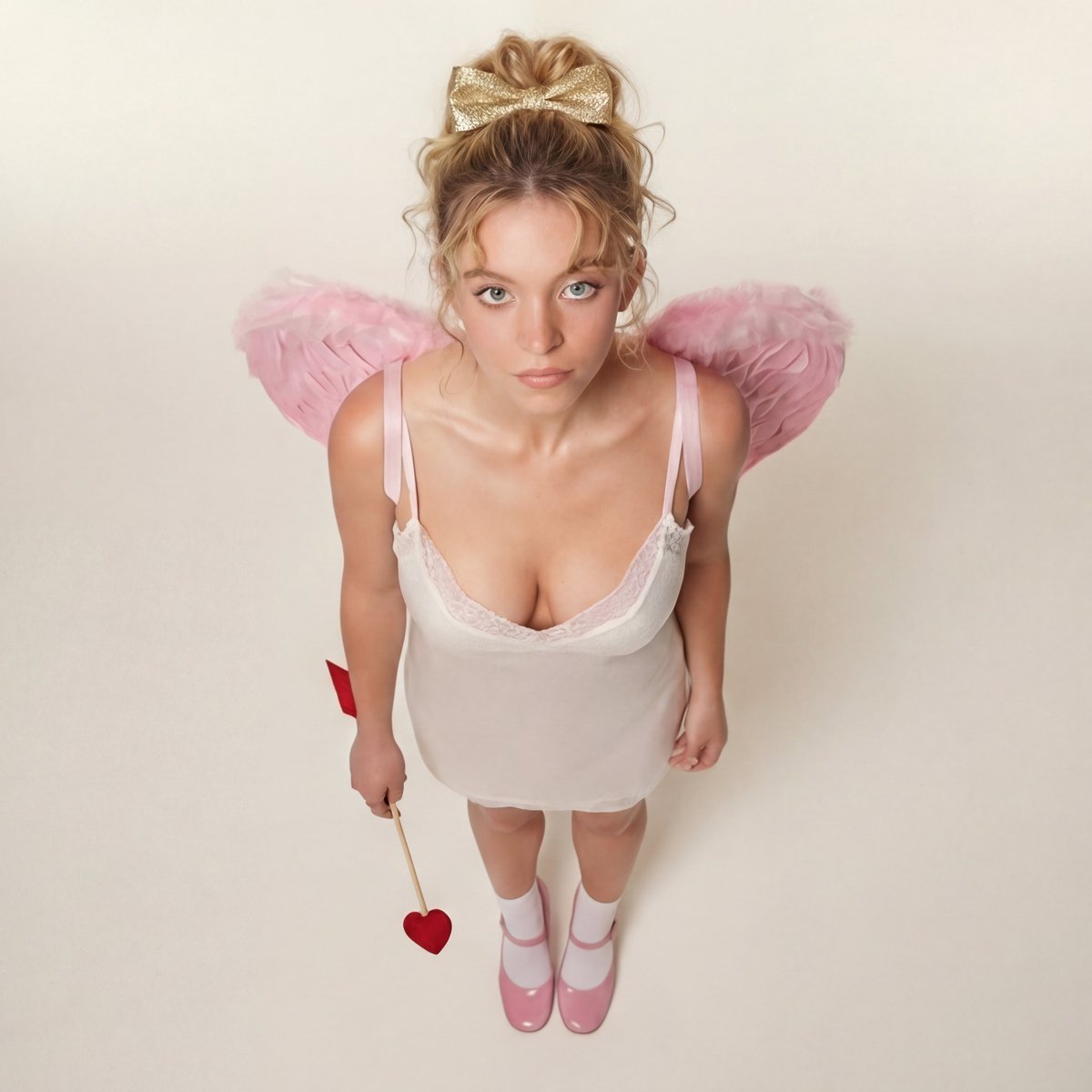
Modern Ethereal Cupid / Coquette Core Portrait
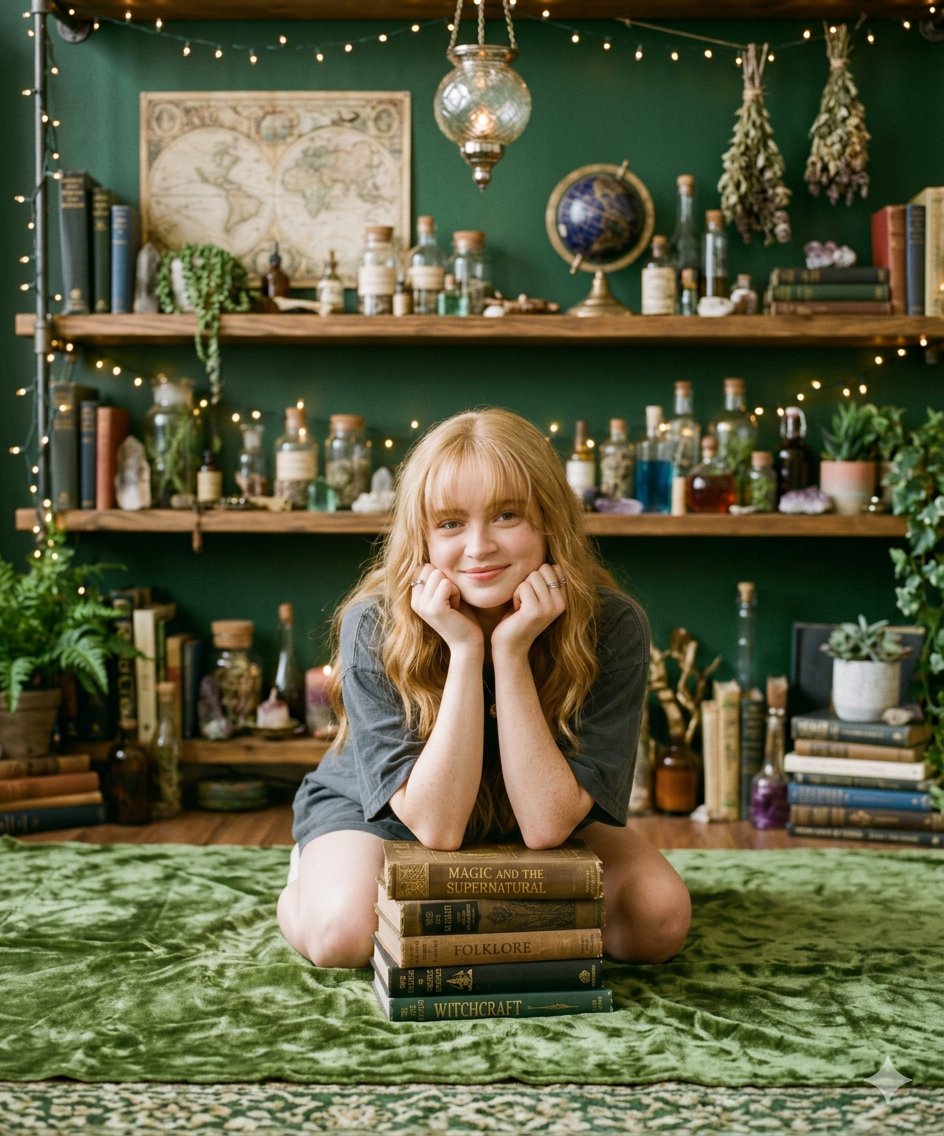
Cozy Portrait of Girl with Mystical Objects and Vintage Books
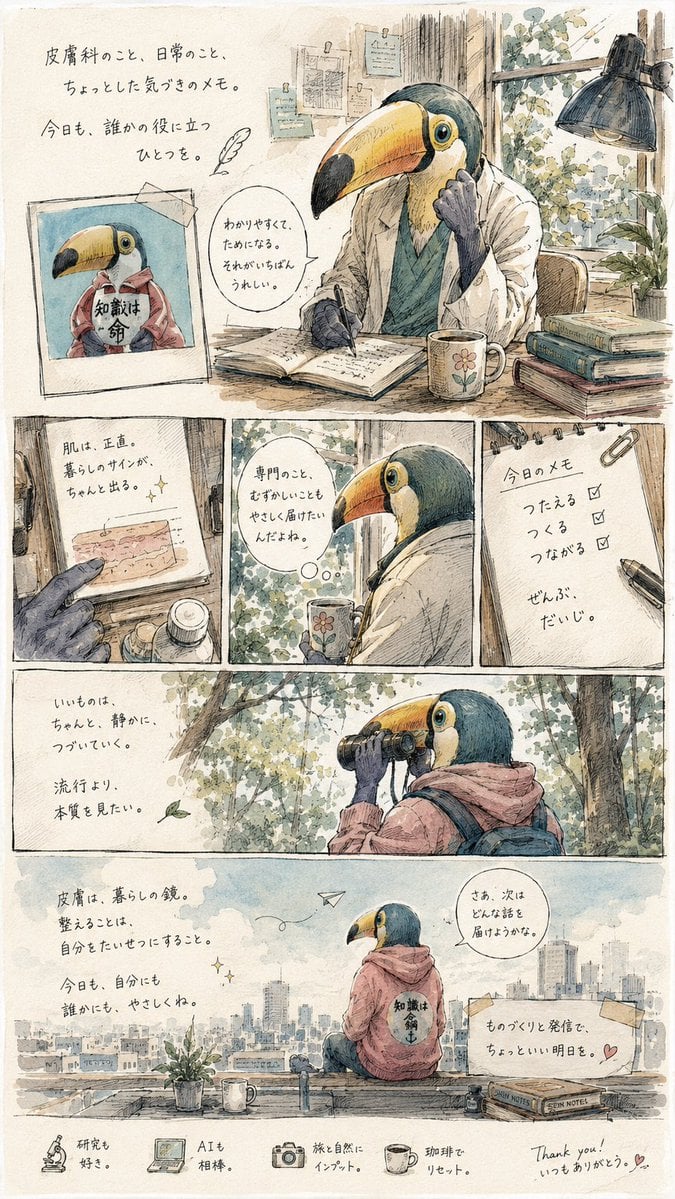
Toucan Dermatologist Diary Manga
Browse template categories
Anime Girl Character Bento questions
How do I use the Anime Girl Character Bento template?
Add your photo if the template asks for one, edit the prompt if you like — the template's model and format are already selected — and press Generate. Your version opens in PicX Studio.
Can I customize the Anime Girl Character Bento template?
Yes. You can change the subject, setting, lighting, mood, format, and available model controls before creating your image.
Is the Anime Girl Character Bento template free?
Opening and editing this template is free. Generating uses credits, shown on the Generate button when you are signed in.
Which AI model should I use?
Start with GPT Image 2, which is the model associated with this template. You can compare another compatible model for a different finish.
Looking for something else? Browse all templates.

Your photo, any look
Thousands of ready templates for every top image and video model, from one credit balance.