
Japanese Law & Tax Services LP Hero
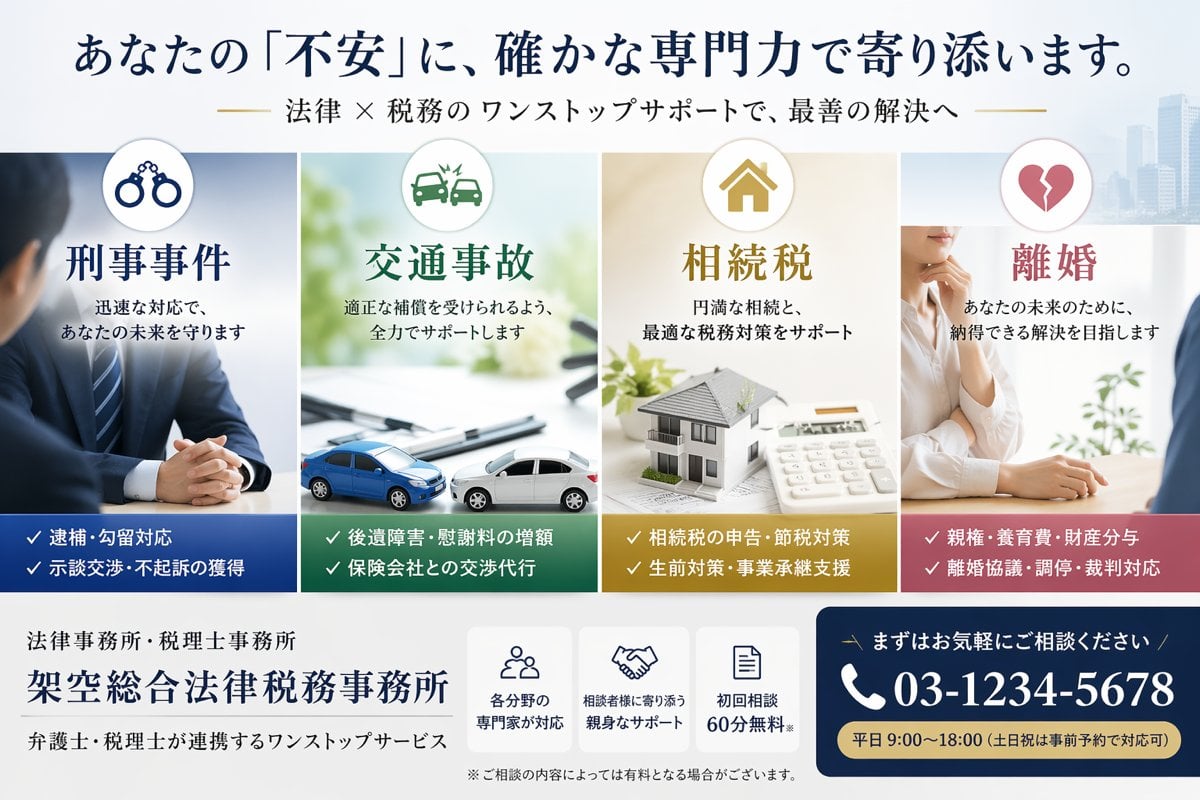
A premium Japanese landing-page hero banner for a fictional law and tax office, used to advertise four service areas with strong trust-building visuals and a consultation call-to-action.
- Prompt included
- Model and format preset
- Free template
The prompt behind this image
Copy the exact prompt behind Japanese Law & Tax Services LP Hero, or open it in the studio and make it yours.
Create a polished Japanese landing-page hero banner for a fictional combined law firm and tax accountant office, with a clean corporate style, high trust, soft daylight, and a white background with faint modern city buildings on the far right. Use a wide horizontal web header layout. At the very top, place a large navy Japanese headline reading {argument name="headline text" default="あなたの『不安』に、確かな専門力で寄り添います。"}, and beneath it a smaller gold-accented Japanese subheadline reading {argument name="subheadline text" default="法律 × 税務のワンストップサポートで、最善の解決へ"}. Below the headline, arrange 4 equal vertical service cards side by side across the center. Card 1 is for criminal defense, with a circular icon showing handcuffs at the top, a cool blue color scheme, the large title "刑事事件", supporting copy "迅速な対応で、あなたの未来を守ります", a photo of a suited male professional seated with hands clasped across a desk, and a dark blue bottom band listing exactly 2 bullet lines with checkmarks: "逮捕・勾留対応" and "示談交渉・不起訴の獲得". Card 2 is for traffic accidents, with a circular icon showing a car crash at the top, a green color scheme, the title "交通事故", supporting copy "適正な補償を受けられるよう、全力でサポートします", a bright desk scene with 2 miniature cars colliding on documents, and a dark green bottom band listing exactly 2 bullet lines: "後遺障害・慰謝料の増額" and "保険会社との交渉代行". Card 3 is for inheritance tax, with a circular icon showing a house at the top, a warm gold color scheme, the title "相続税", supporting copy "円満な相続と、最適な税務対策をサポート", a tabletop scene with a model house, papers, and a calculator, and a mustard-gold bottom band listing exactly 2 bullet lines: "相続税の申告・節税対策" and "生前対策・事業承継支援". Card 4 is for divorce, with a circular icon showing a broken heart at the top, a rose-pink color scheme, the title "離婚", supporting copy "あなたの未来のために、納得できる解決を目指します", a soft professional consultation scene with a woman in a white blouse resting her hand near her chin while speaking across a desk, and a dusty-rose bottom band listing exactly 2 bullet lines: "親権・養育費・財産分与" and "離婚協議・調停・裁判対応". In the bottom area, add the firm identity on the left in Japanese: a small line "法律事務所・税理士事務所", a large firm name {argument name="firm name" default="架空総合法律税務事務所"}, and a smaller line "弁護士・税理士が連携するワンストップサービス". In the lower center, place 3 compact white feature boxes with navy line icons and short Japanese text: box 1 shows a group-of-people icon and says "各分野の専門家が対応", box 2 shows a handshake icon and says "相談者様に寄り添う親身なサポート", box 3 shows a document icon and says "初回相談60分無料". Add a small disclaimer beneath them: "※ご相談の内容によっては有料となる場合がございます。" On the lower right, create a prominent navy call-to-action panel with rounded corners. Include a small Japanese line "まずはお気軽にご相談ください", a large white phone number with phone icon {argument name="phone number" default="03-1234-5678"}, and a gold pill-shaped strip at the bottom reading {argument name="business hours" default="平日 9:00〜18:00(土日祝は事前予約で対応可)"}. Use refined Japanese Mincho-style typography for major headings, crisp spacing, balanced margins, subtle shadows, and premium legal-professional branding.
How to use Japanese Law & Tax Services LP Hero in 3 steps
- 1Upload ImagePNG, JPG or paste
Add your photo
Upload the photo the template builds on. The prompt, model and format are already set.
- 2…a portrait of your subject in softgolden-hour light, 85mm…
Personalize
Edit the subject and creative details for your destination.
- 3Generate
Generate
Press Generate — your image is created in PicX Studio, so you can compare it with the original and refine one variable at a time.
More like this
Templates with the same subject, style or setup. Open one to see its prompt.
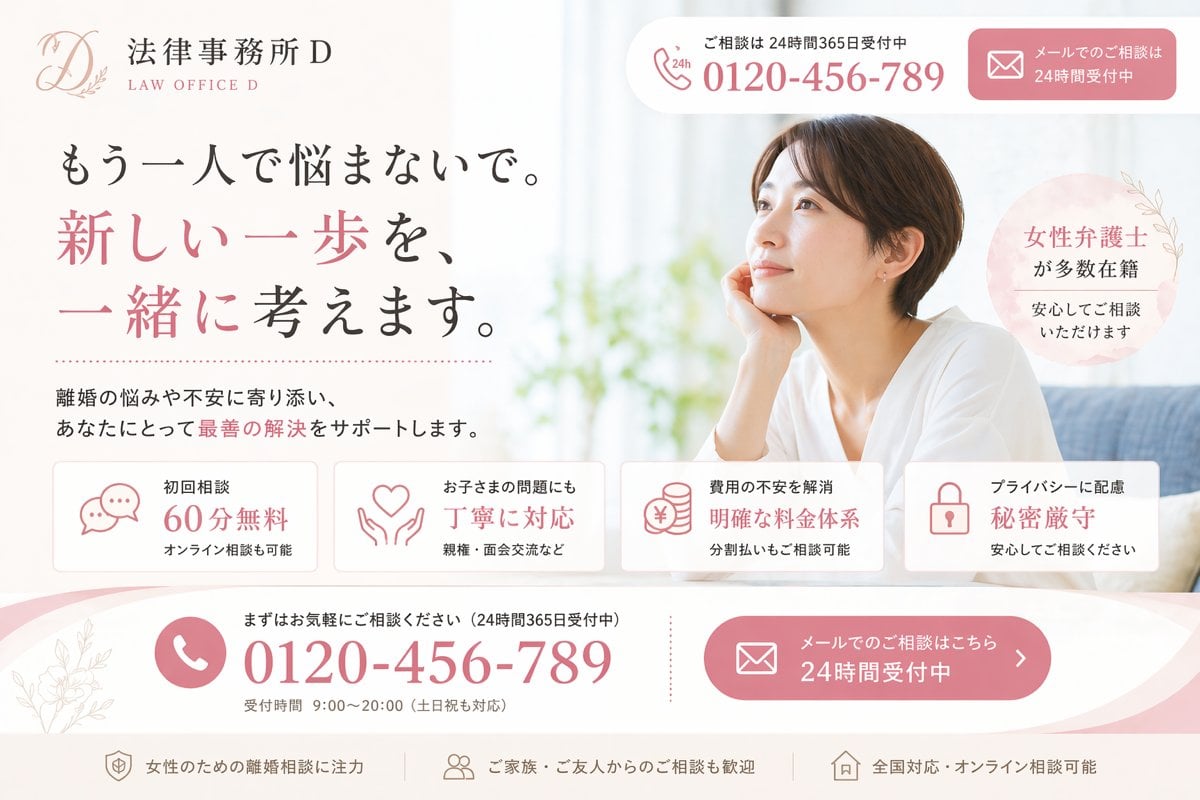
Elegant Japanese Divorce Law LP Hero
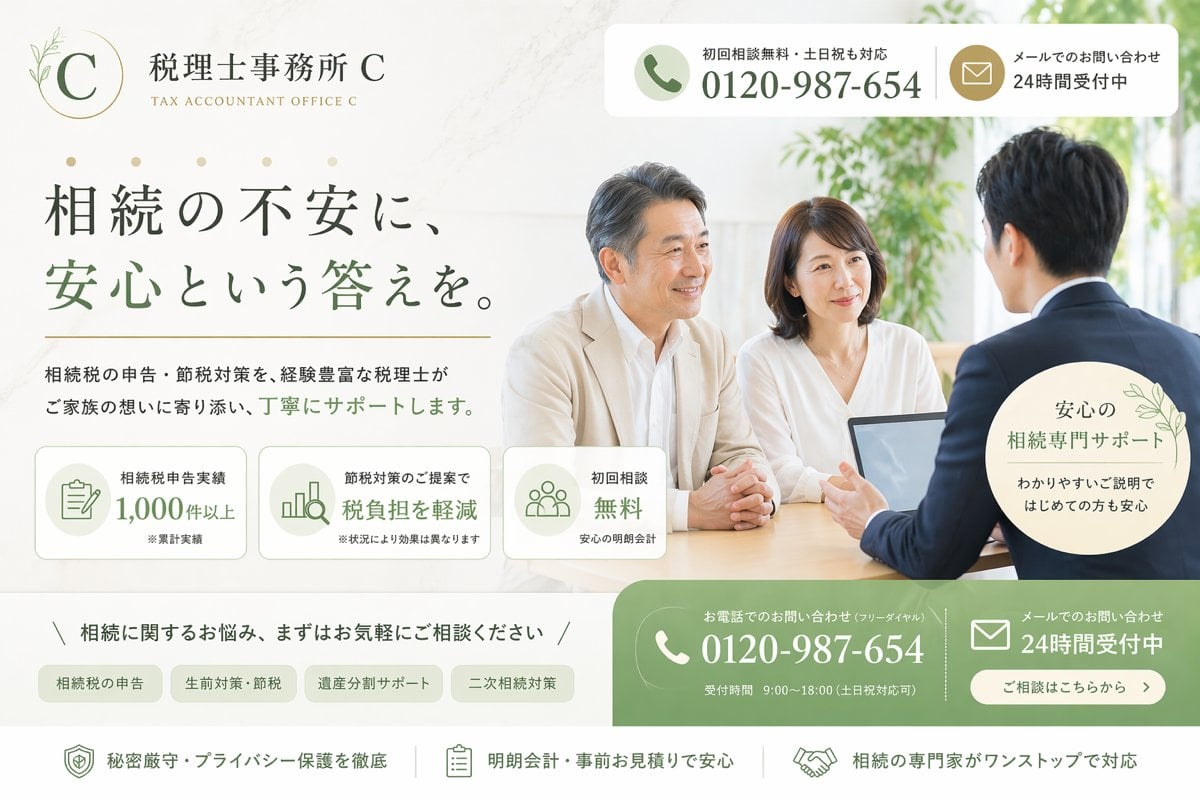
Japanese Inheritance Tax LP Hero

Minecraft Japanese Research Lab Exploration

Japanese Architectural Concrete Studio Fashion Campaign

Japanese Minimalist Concrete Studio Fashion Editorial

Blue Backdrop Luxury Fashion Portrait Campaign

Japanese Film Reflection Idol
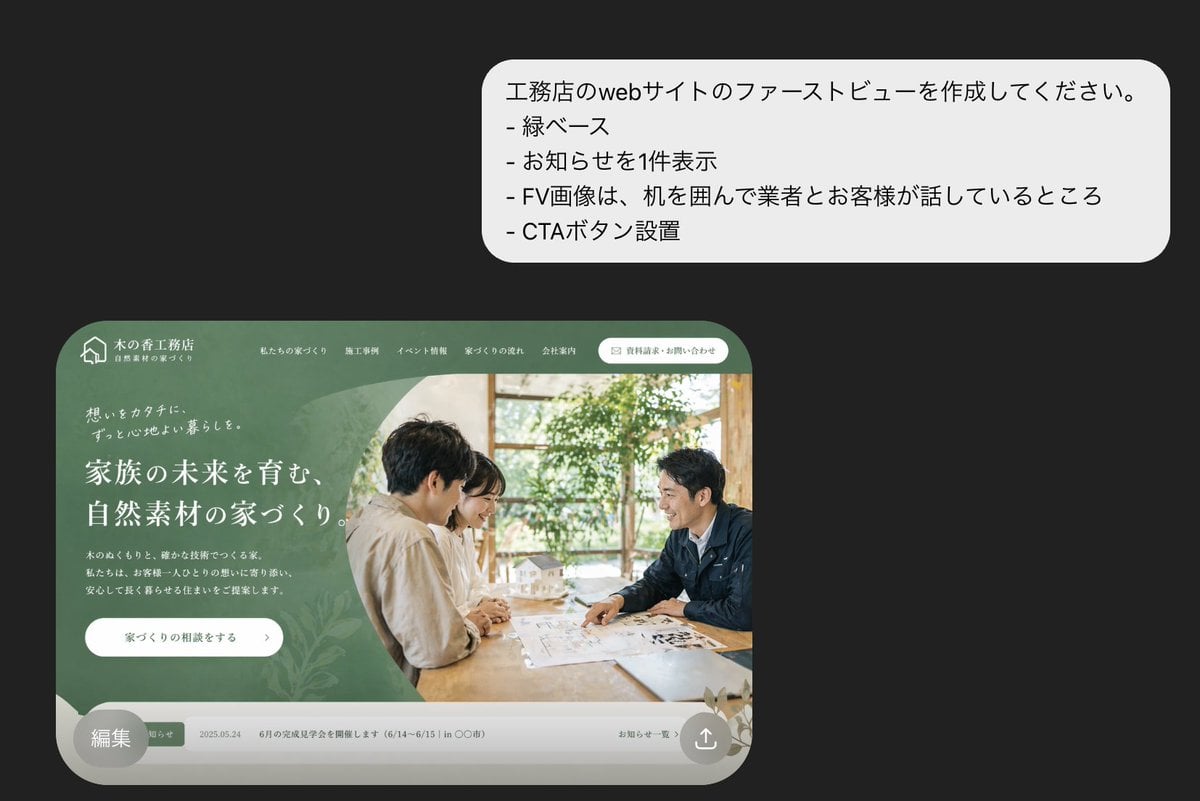
Japanese Builder Website Hero Mockup

Luxury Japanese Legal Services Poster
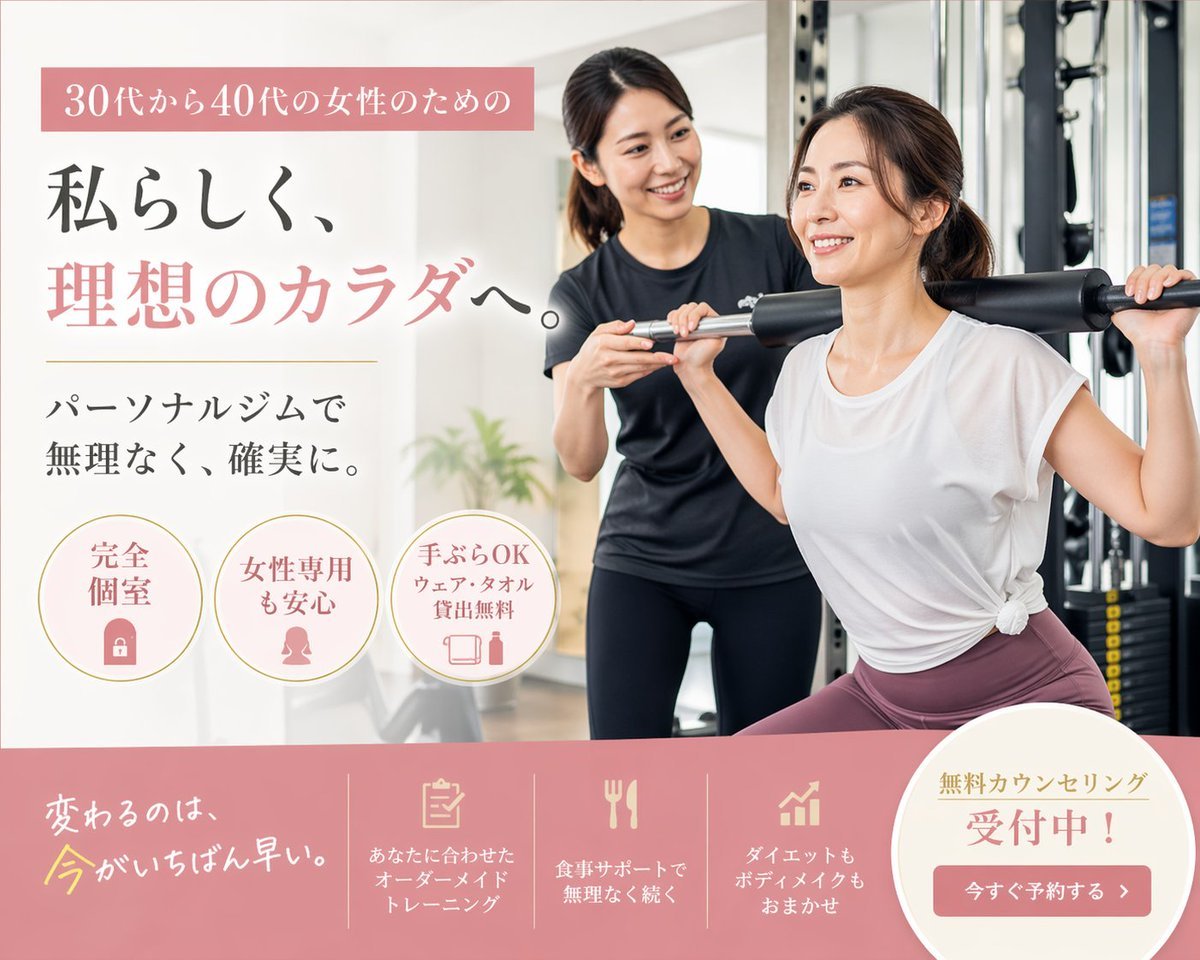
Japanese Women's Gym Hero Banner

Minimal Japanese Cooking Class Hero Image
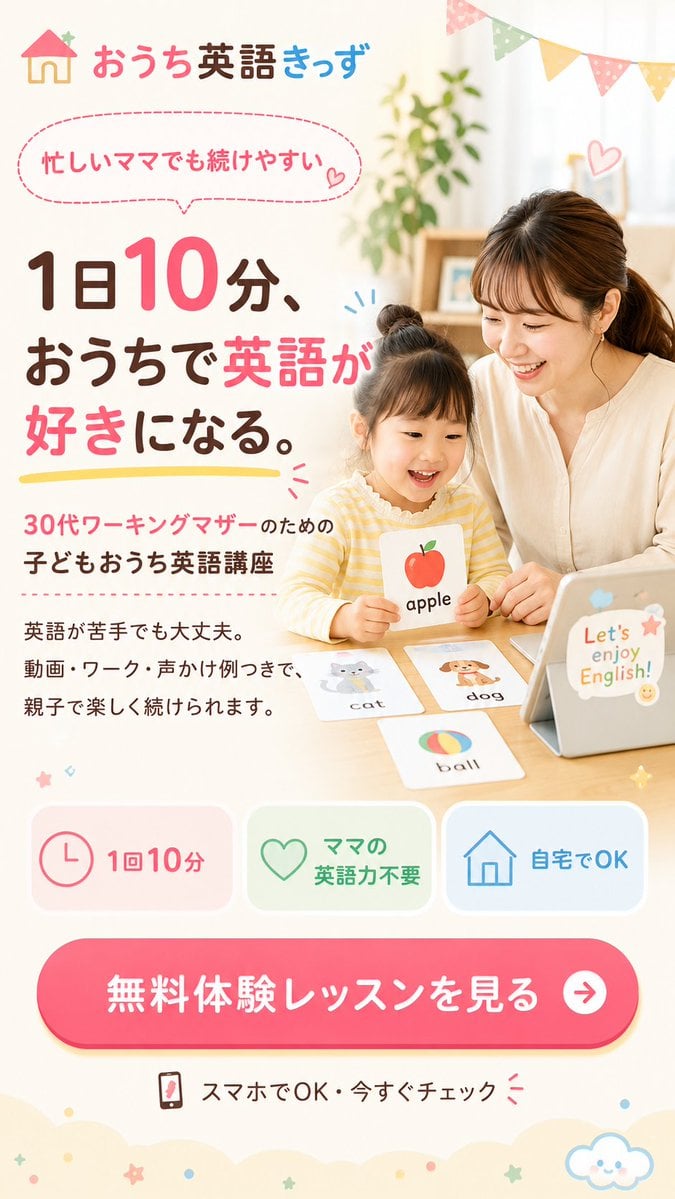
Japanese Kids English LP Hero
Make it yours
Japanese Law & Tax Services LP Hero works as-is. These are the safest ways to change it without losing the look.
Change one field
Copy a single group, rewrite it, and generate again so you can see what that field is doing.
Keep the frame, change the subject
Hold the composition and light of Japanese Law & Tax Services LP Hero, then swap wardrobe, props or the person for a new take.
| If the result… | Why | Fix |
|---|---|---|
| The result drifts from the preview | Too many fields changed at once. | Reuse Japanese Law & Tax Services LP Hero as-is first, then change one group — subject, light, or setting. |
| The model over-stylizes the scene | The prose prompt leaves finish and camera underspecified. | Add one camera or lighting sentence and stay on GPT Image 2. |
More GPT Image 2 templates
Other prompts made for GPT Image 2.

Six VTuber Japanese Logo Sheet

Realistic Portrait of Woman and Deer

The Vista Modular Condo Poster

AI Model Routing Comparison Infographic

2.5D Anime Art Board

Isometric Productivity Desk Scene

New York Double Exposure Poster

Four-Panel AI Landscape Comparison

Japanese Tatami Lifestyle Magazine Cover

NESCAFÉ Coffee Map Poster
More image prompts
Fresh picks from across the catalog.

Cinematic Food Short Video Prompt (Summary)
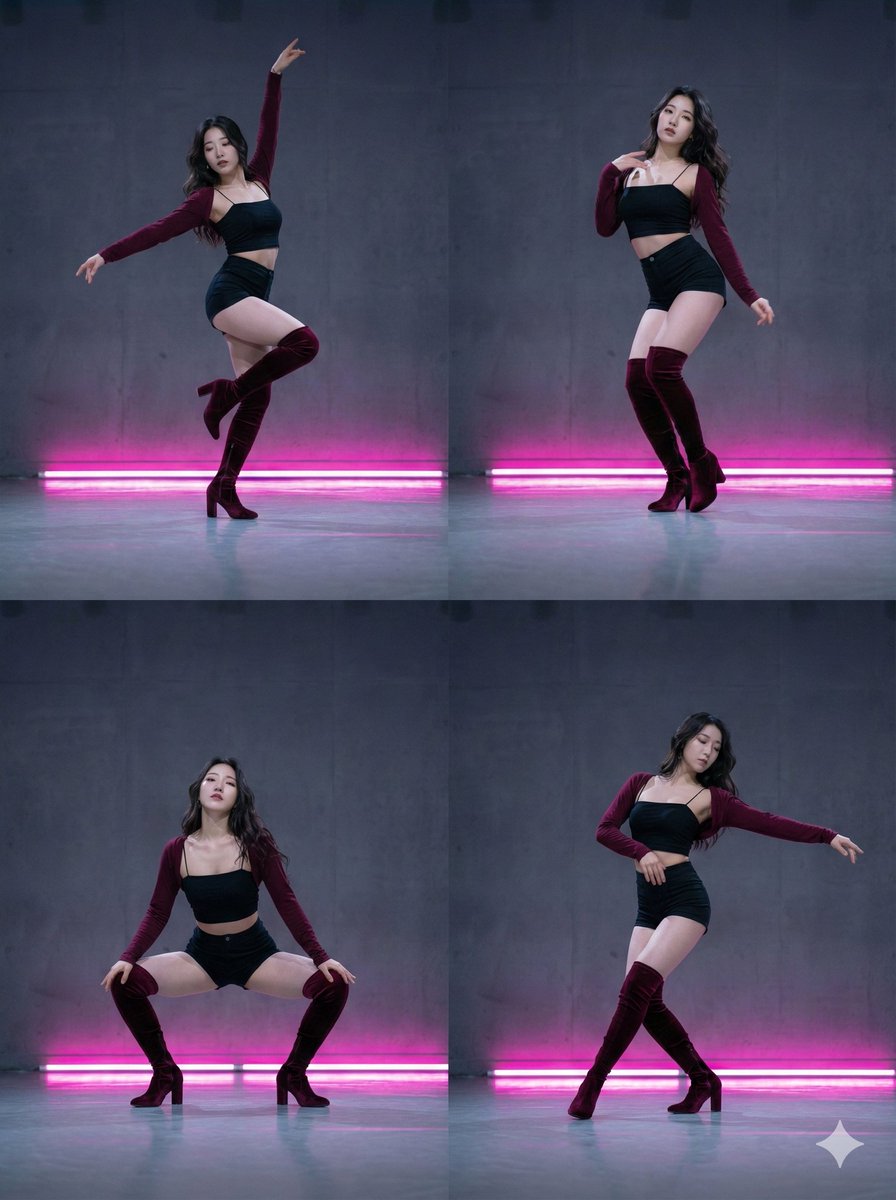
2x2 Grid Composition for Consistent Images
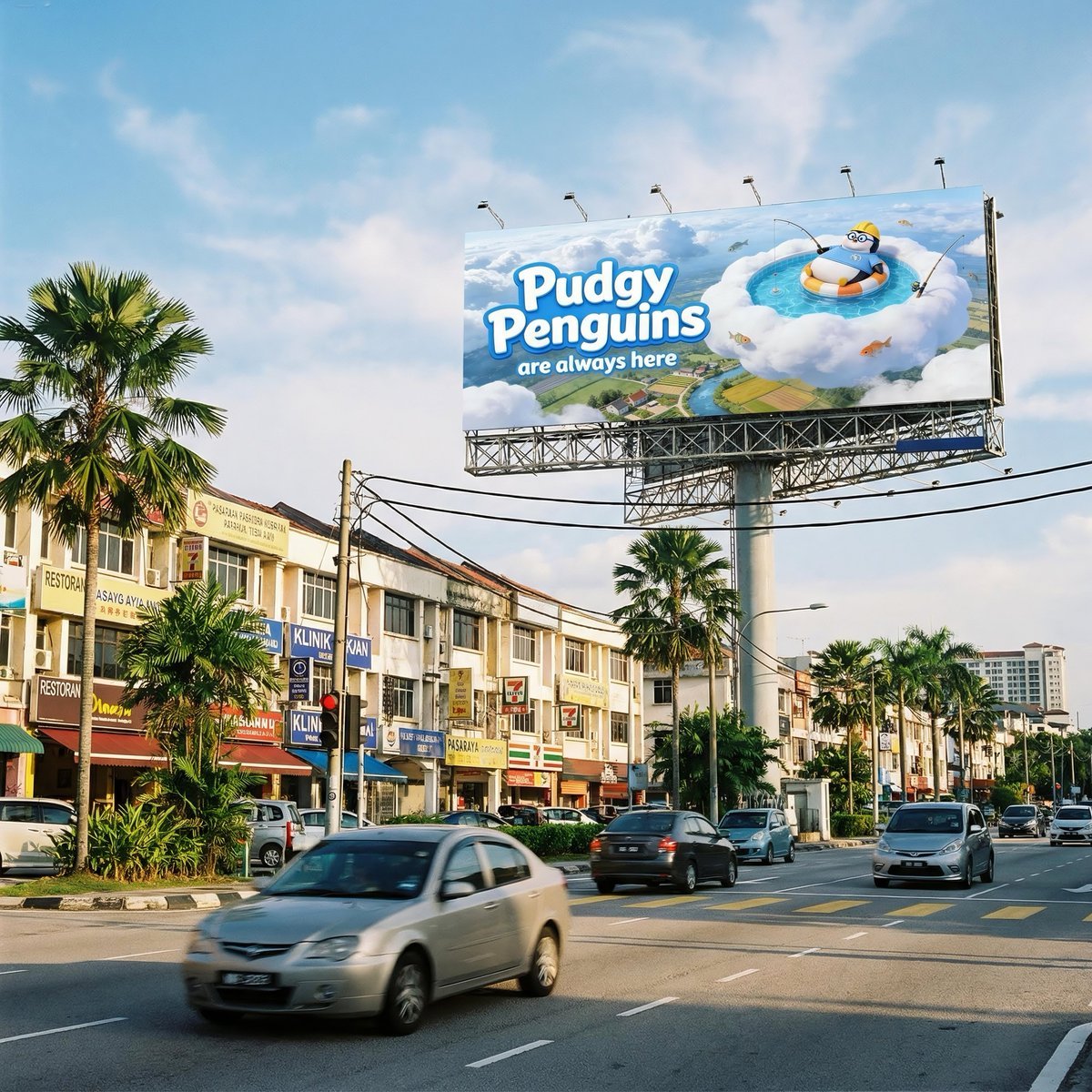
Malaysian City Billboard Commercial Photography Prompt
Seedance - 83 Year Old Rave (maxescu)

Manga Cover With Bass Girl and Designer Boy

Heroic Dramatic Studio Portrait Prompt
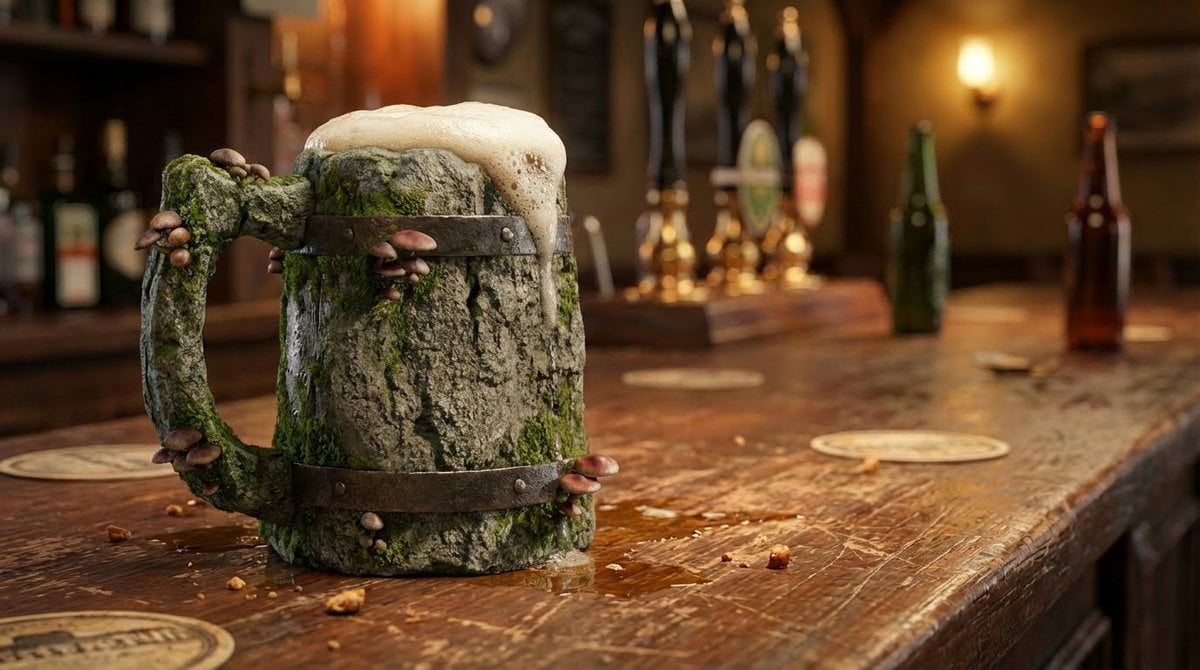
Mushroom Stone Texture Replacement

Watercolor Cafe Illustration

Gothic Cyber VTuber Cathedral Portrait
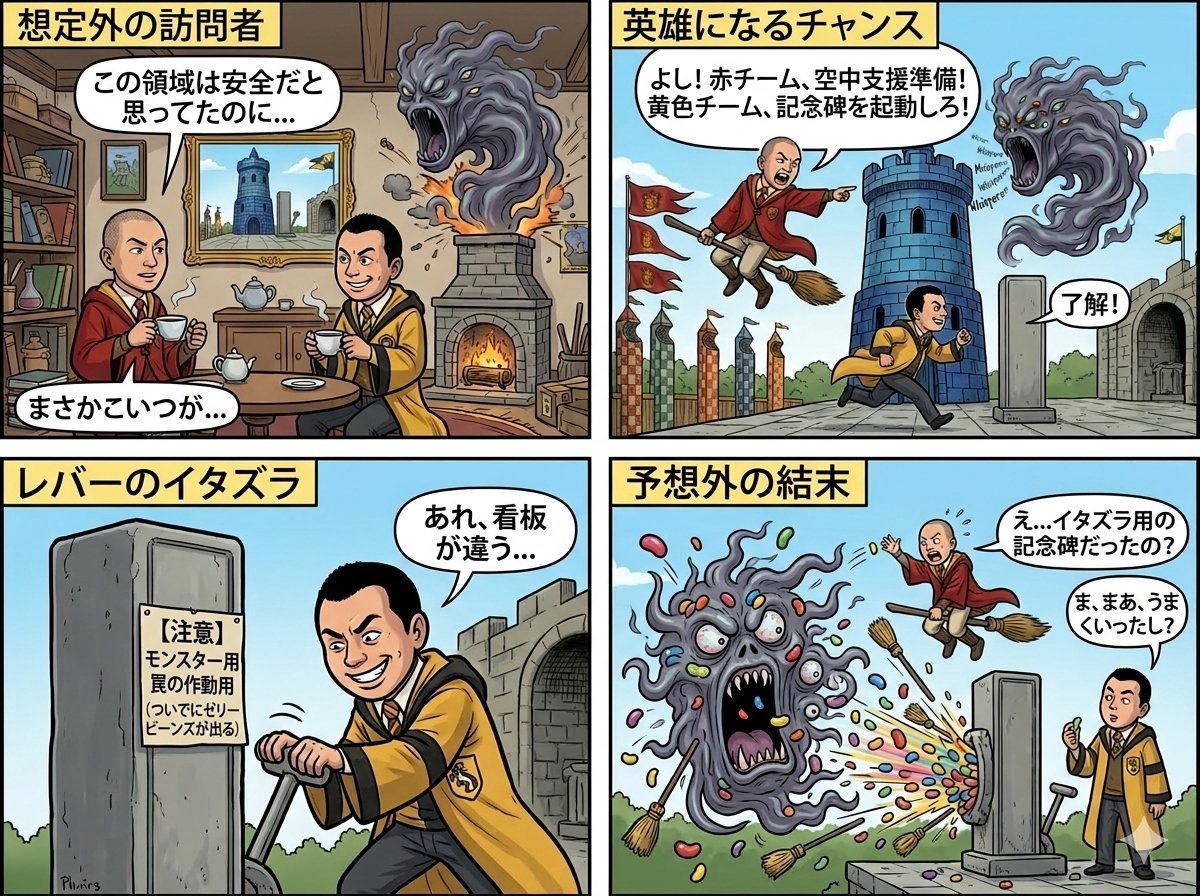
Four-Panel Manga: Judgment of the Ministry of Magic
Browse template categories
Japanese Law & Tax Services LP Hero questions
How do I use the Japanese Law & Tax Services LP Hero template?
Add your photo if the template asks for one, edit the prompt if you like — the template's model and format are already selected — and press Generate. Your version opens in PicX Studio.
Can I customize the Japanese Law & Tax Services LP Hero template?
Yes. You can change the subject, setting, lighting, mood, format, and available model controls before creating your image.
Is the Japanese Law & Tax Services LP Hero template free?
Opening and editing this template is free. Generating uses credits, shown on the Generate button when you are signed in.
Which AI model should I use?
Start with GPT Image 2, which is the model associated with this template. You can compare another compatible model for a different finish.
Looking for something else? Browse all templates.

Your photo, any look
Thousands of ready templates for every top image and video model, from one credit balance.