
Japanese Builder Website Hero Mockup
This generates a sleek presentation mockup of a Japanese construction company homepage first view with a green theme, one notice item, and a consultation photo for web design concept showcases.
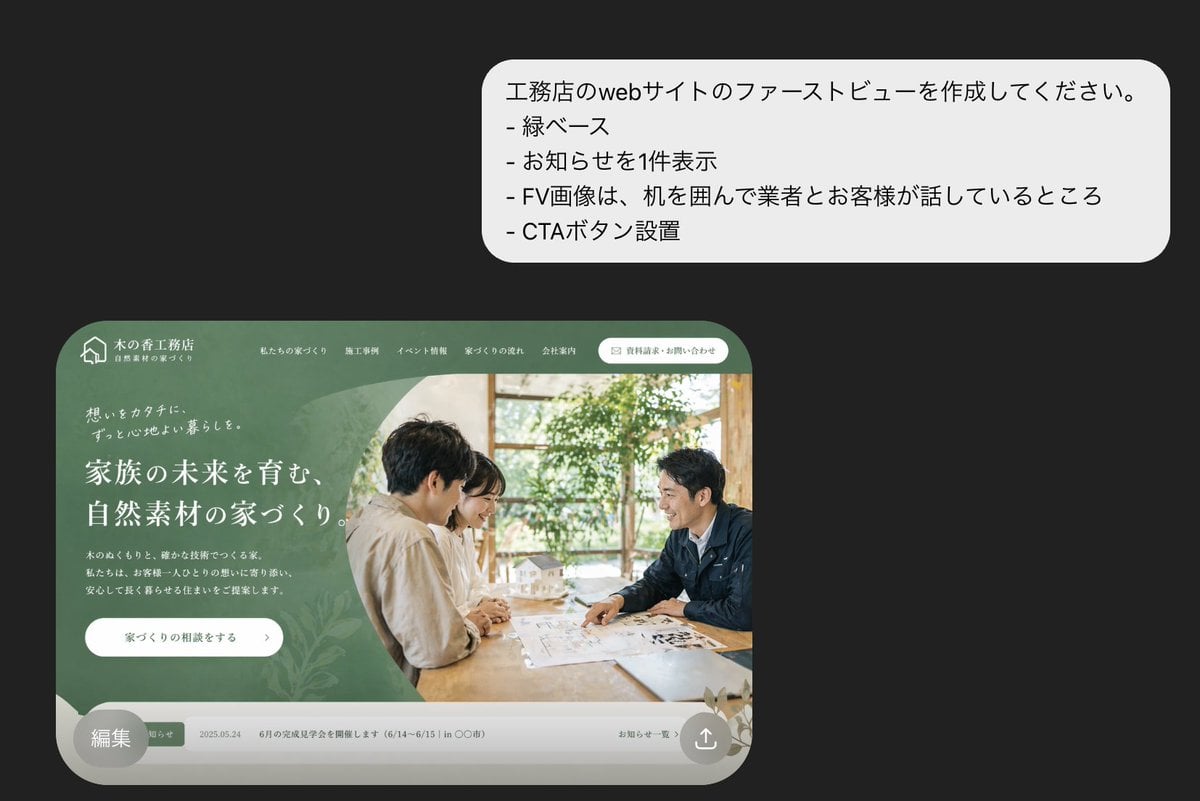
- Prompt included
- Model and format preset
- Free template
The prompt behind this image
Copy the exact prompt behind Japanese Builder Website Hero Mockup, or open it in the studio and make it yours.
A polished presentation-style mockup on a dark charcoal background showing a Japanese homebuilder website first view concept. In the upper right, place a large white rounded speech bubble with 4 Japanese bullet lines in clean sans-serif text: 「工務店のwebサイトのファーストビューを作成してください。」, 「- 緑ベース」, 「- お知らせを1件表示」, 「- FV画像は、机を囲んで業者とお客様が話しているところ」, 「- CTAボタン設置」. In the lower left, show a realistic desktop website hero section inside a large rounded browser-like frame with a muted forest-green theme and elegant lifestyle branding for a Japanese construction company. The top navigation bar includes a small house logo at far left, the company name in Japanese, 5 navigation links across the top, and 1 rounded white contact button on the right. The hero area is split visually into 2 major zones: on the left, a green textured panel with layered organic leaf patterns, small introductory copy, a large white Japanese headline in multiple lines, a short paragraph of smaller Japanese body text, and 1 white rounded CTA button; on the right, a warm natural-light photo of exactly 2 people seated across a wooden table in discussion, with papers and a small architectural house model visible, indoor plants and window light in the background. The entire website card has soft shadows, premium editorial spacing, and rounded bottom corners. Along the bottom of the website mockup, include a narrow light-gray notice bar showing exactly 1 announcement item with a small green tag, a date, Japanese notice text, and a subtle link on the right. Add a semi-transparent gray circular badge overlapping the bottom-left corner of the website card containing the Japanese text 「編集」. In the bottom-right corner of the website card, add a small circular share/upload icon. Overall style: high-end Japanese web design concept, realistic UI mockup, refined typography, green natural-material branding, minimal and elegant composition.
How to use Japanese Builder Website Hero Mockup in 3 steps
- 1Upload ImagePNG, JPG or paste
Add your photo
Upload the photo the template builds on. The prompt, model and format are already set.
- 2…a portrait of your subject in softgolden-hour light, 85mm…
Personalize
Edit the subject and creative details for your destination.
- 3Generate
Generate
Press Generate — your image is created in PicX Studio, so you can compare it with the original and refine one variable at a time.
More like this
Templates with the same subject, style or setup. Open one to see its prompt.

Japanese Mystery Website Mockup
Eco-Material Workshop Website Hero

Minecraft Japanese Research Lab Exploration
Cinematic Istanbul Gallery Website Hero

Japanese Architectural Concrete Studio Fashion Campaign

Japanese Minimalist Concrete Studio Fashion Editorial

Blue Backdrop Luxury Fashion Portrait Campaign
Japanese SaaS Form Builder Banner
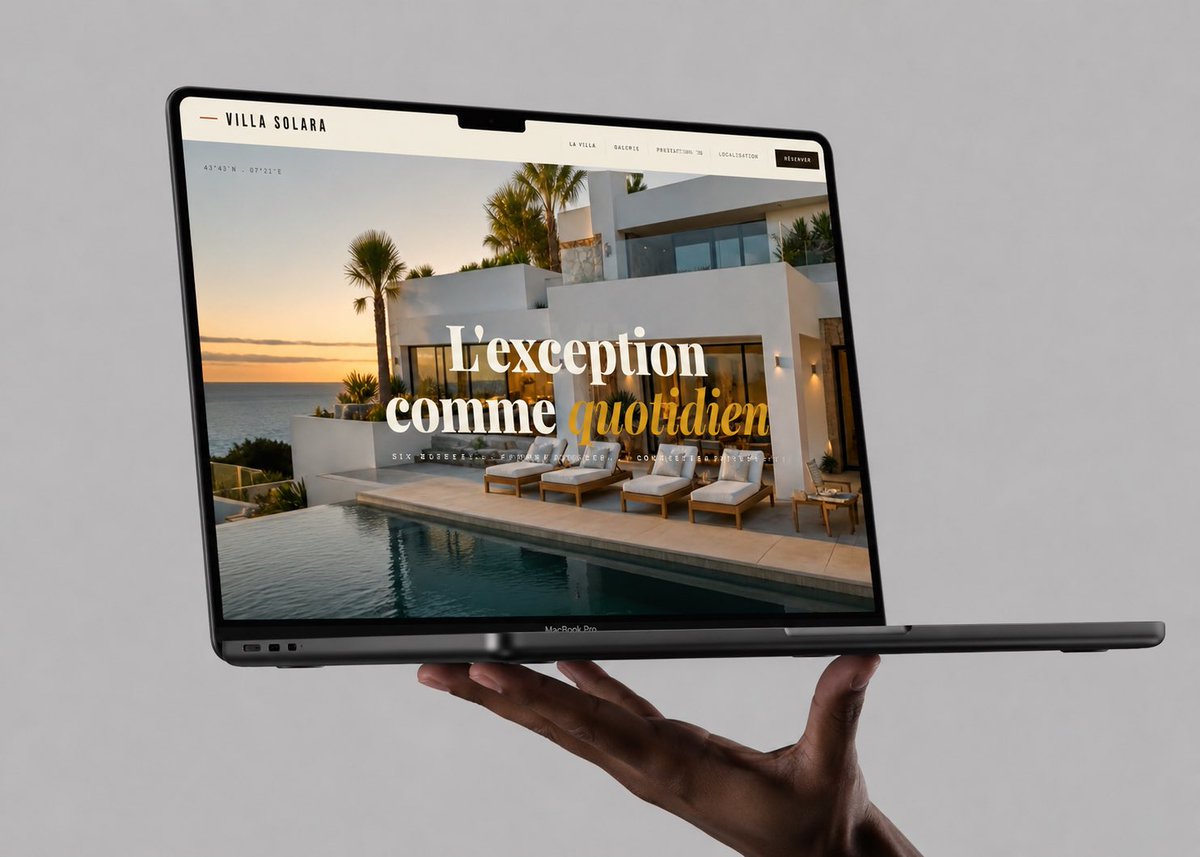
Luxury Villa Website Laptop Mockup
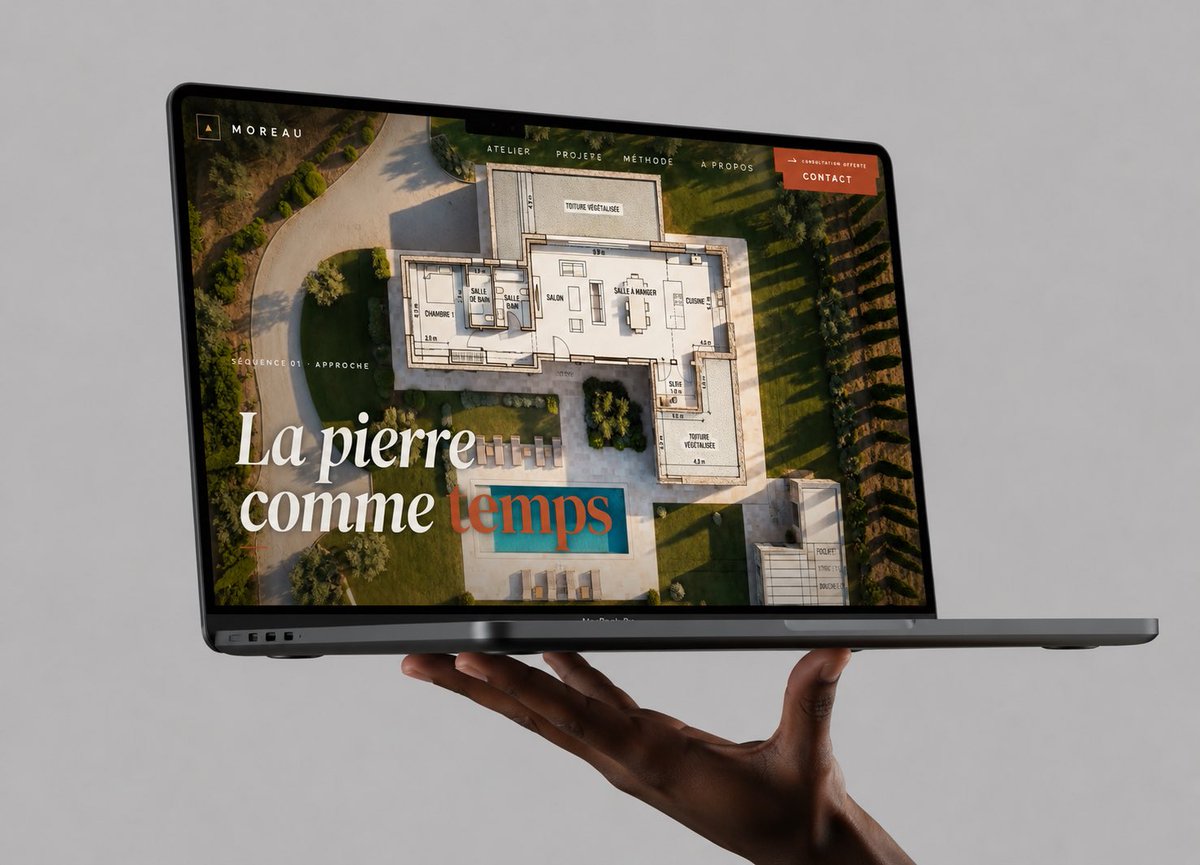
Floating Laptop Website Mockup
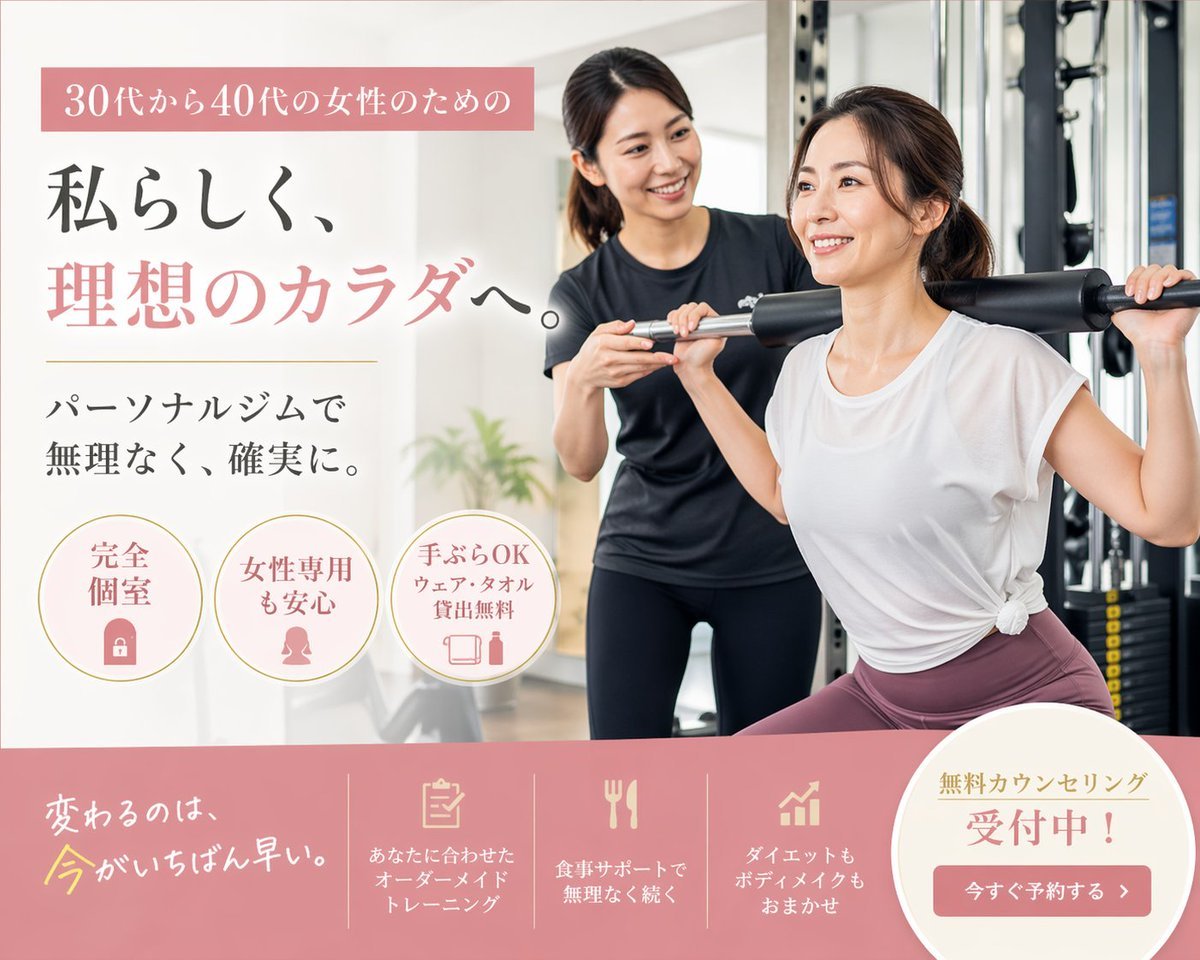
Japanese Women's Gym Hero Banner
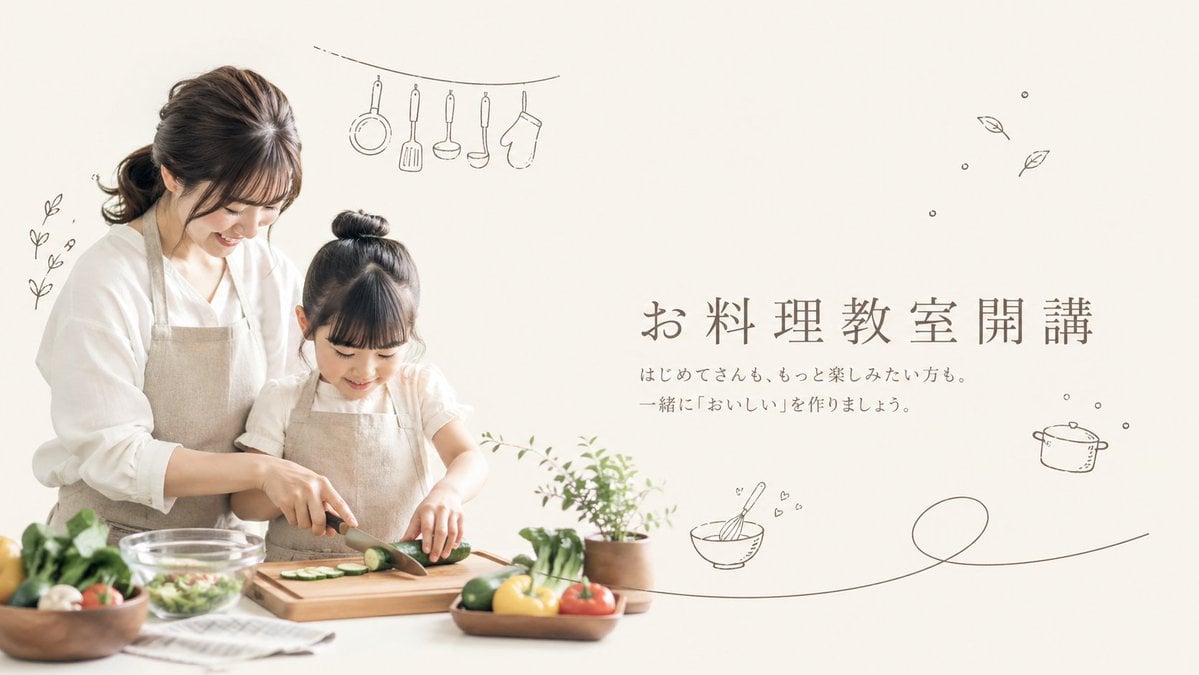
Minimal Japanese Cooking Class Hero Image
Make it yours
Japanese Builder Website Hero Mockup works as-is. These are the safest ways to change it without losing the look.
Change one field
Copy a single group, rewrite it, and generate again so you can see what that field is doing.
Keep the frame, change the subject
Hold the composition and light of Japanese Builder Website Hero Mockup, then swap wardrobe, props or the person for a new take.
| If the result… | Why | Fix |
|---|---|---|
| The result drifts from the preview | Too many fields changed at once. | Reuse Japanese Builder Website Hero Mockup as-is first, then change one group — subject, light, or setting. |
| The model over-stylizes the scene | The prose prompt leaves finish and camera underspecified. | Add one camera or lighting sentence and stay on GPT Image 2. |
More GPT Image 2 templates
Other prompts made for GPT Image 2.

Realistic Portrait of Woman and Deer

The Vista Modular Condo Poster

AI Model Routing Comparison Infographic

2.5D Anime Art Board

Isometric Productivity Desk Scene

New York Double Exposure Poster

Four-Panel AI Landscape Comparison

Japanese Tatami Lifestyle Magazine Cover

NESCAFÉ Coffee Map Poster

Brutalist Cogito Chinese Typography Poster
More image prompts
Fresh picks from across the catalog.
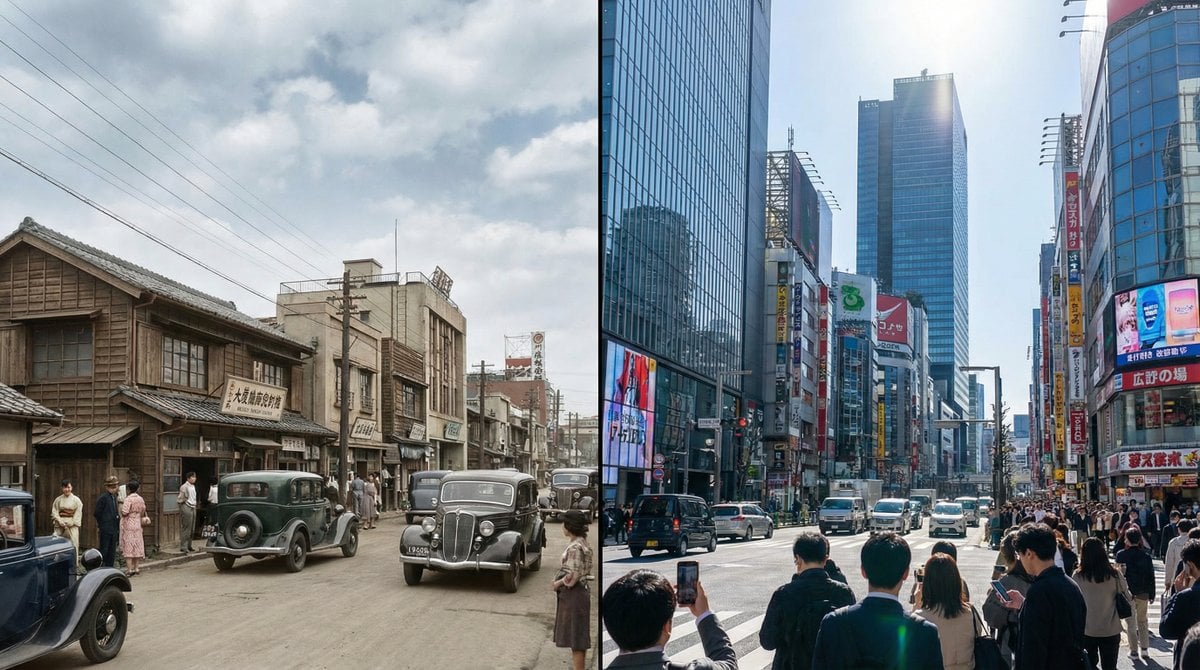
Split-screen time-lapse of same location by coordinates
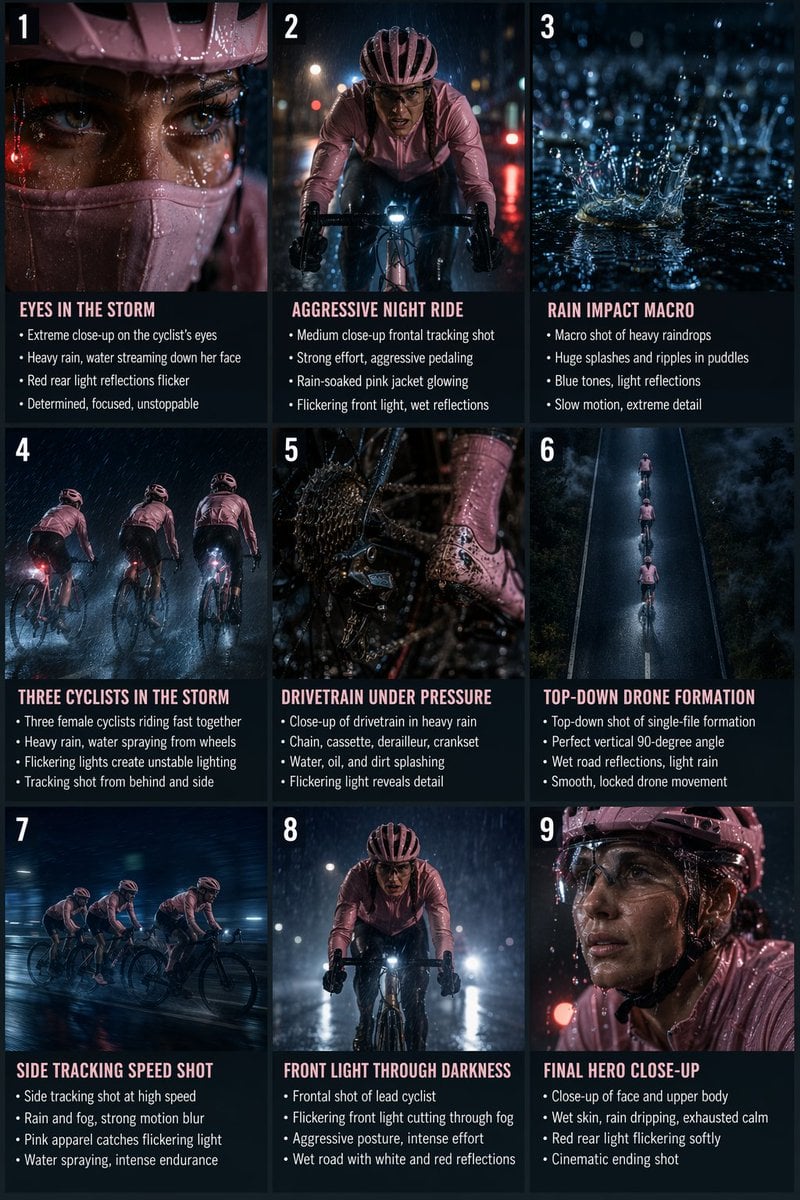
Night Rain Storyboard Infographic
Censored Monochrome Manga Profile

Avant-Garde Sportswear Campaign Prompt
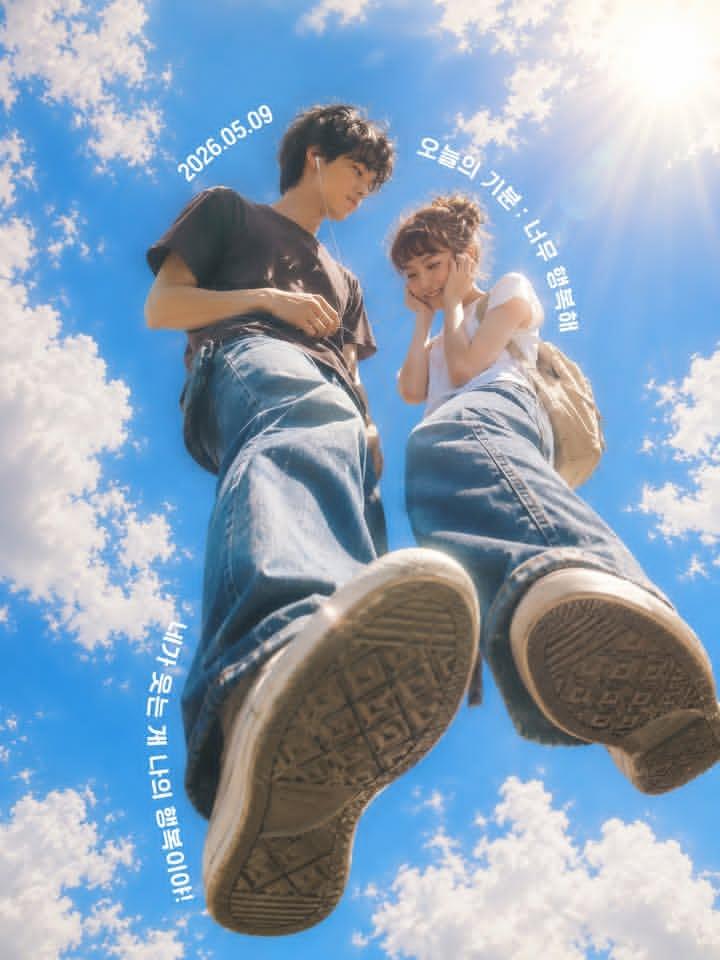
Low-Angle Sentimental Sky Poster

Sleeping Anime Star Witch
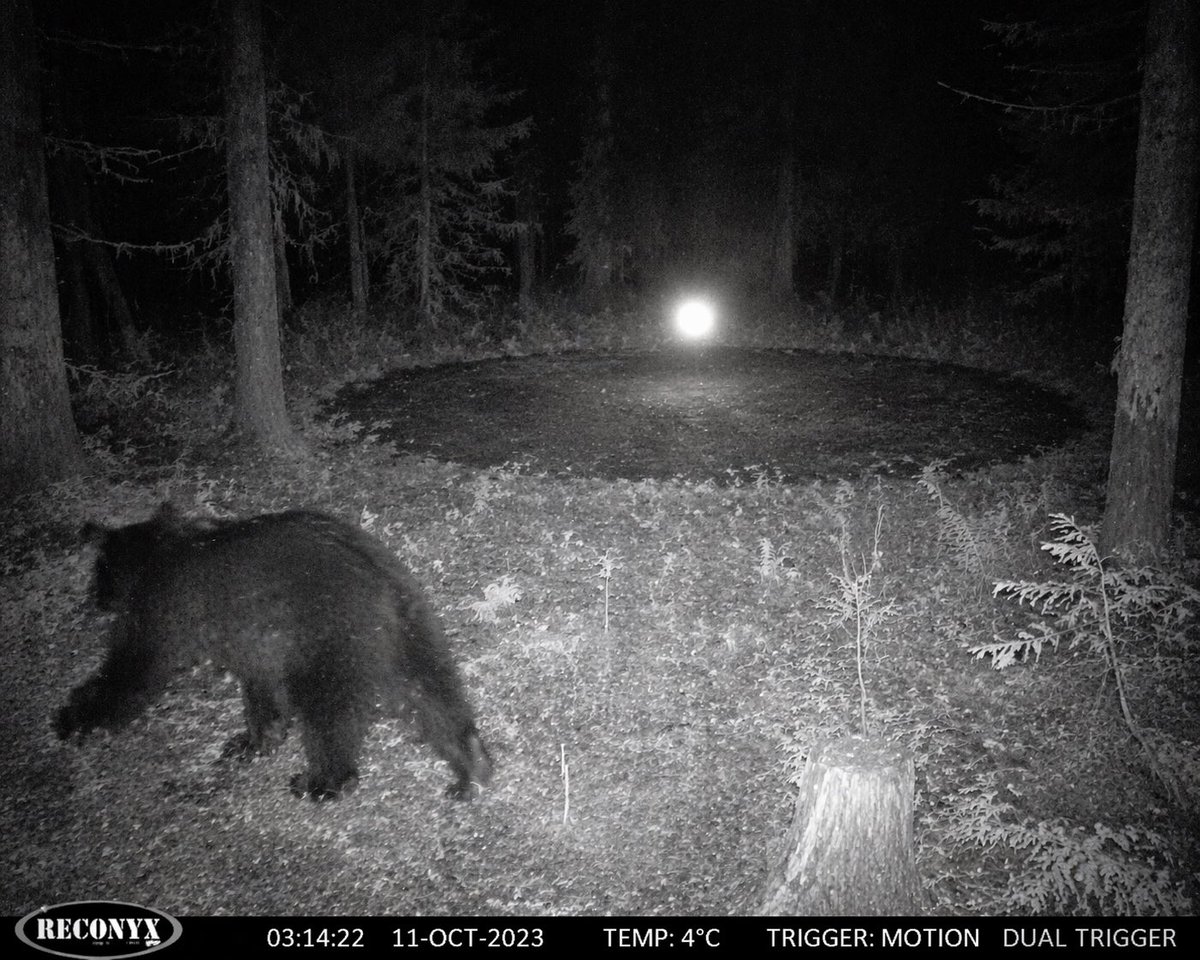
Paranormal Trail Camera Encounter
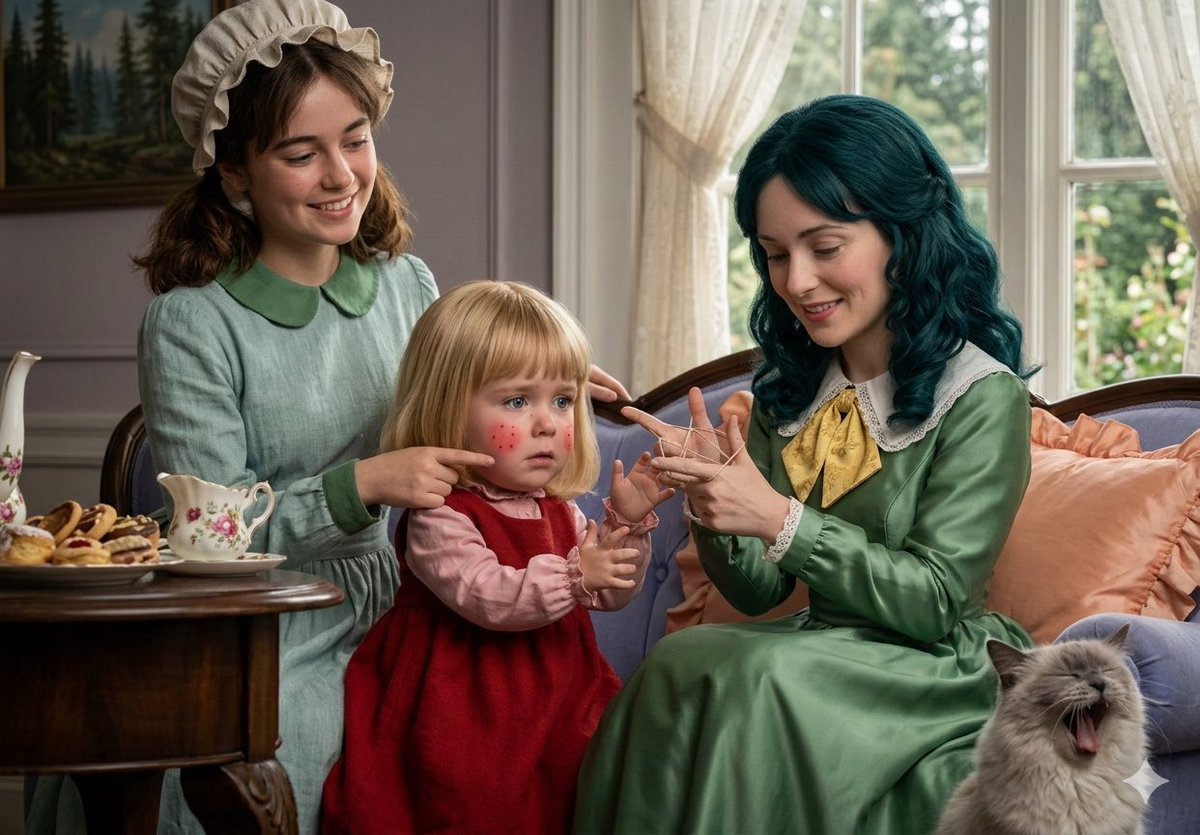
Photo-to-Realistic Anime Character Conversion
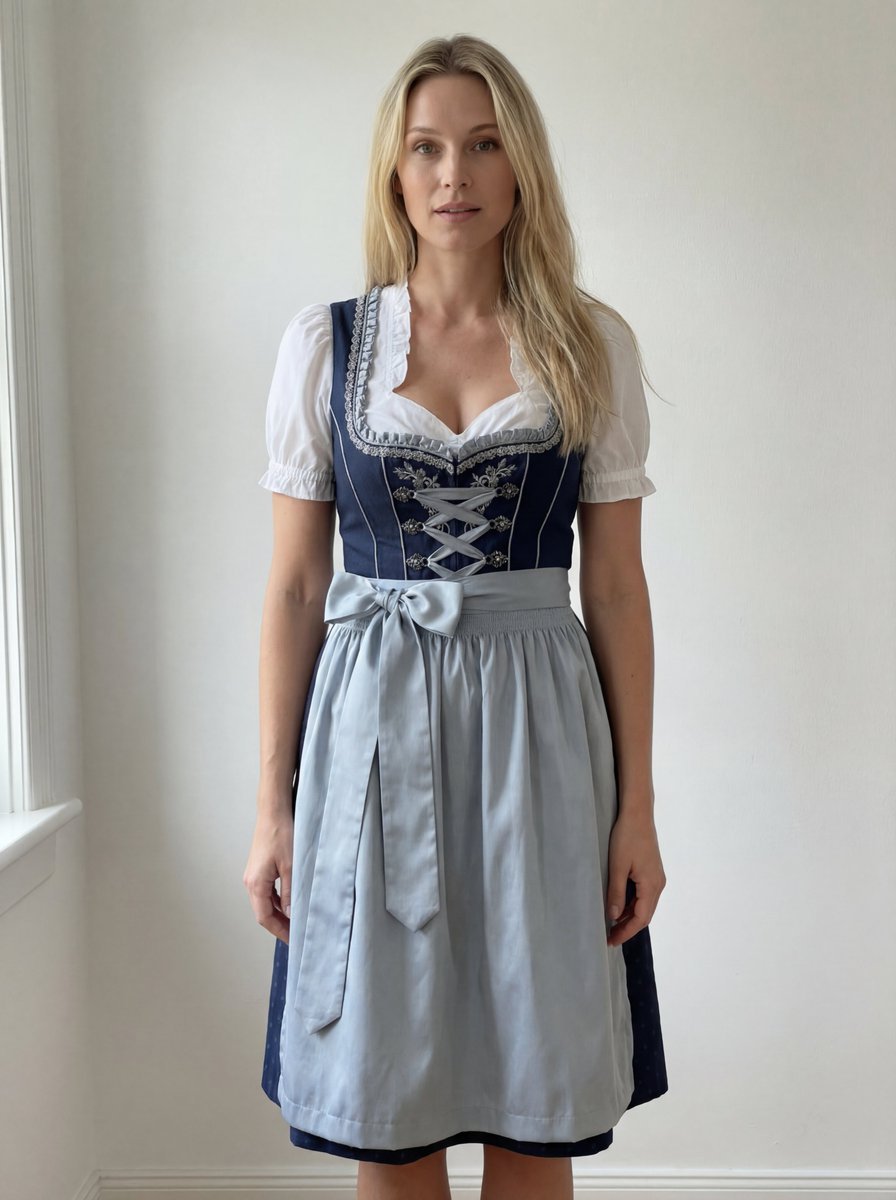
Edit Prompt: Woman in Bavarian Dirndl (Strict Background Preservation)
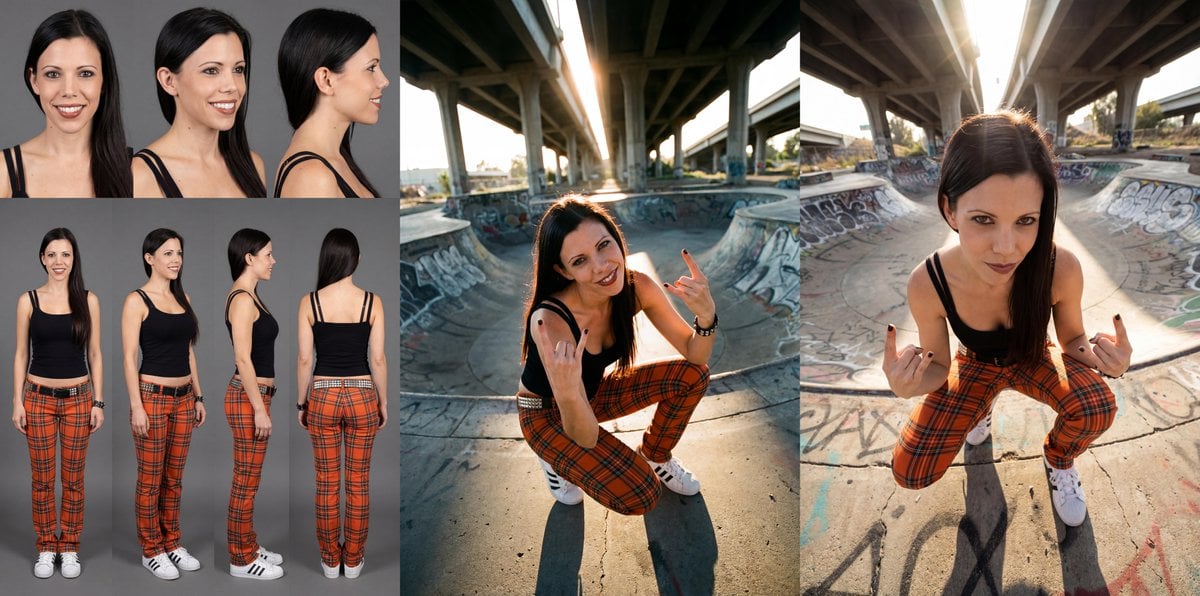
DSLR Character Sheet for Profiles
Browse template categories
Japanese Builder Website Hero Mockup questions
How do I use the Japanese Builder Website Hero Mockup template?
Add your photo if the template asks for one, edit the prompt if you like — the template's model and format are already selected — and press Generate. Your version opens in PicX Studio.
Can I customize the Japanese Builder Website Hero Mockup template?
Yes. You can change the subject, setting, lighting, mood, format, and available model controls before creating your image.
Is the Japanese Builder Website Hero Mockup template free?
Opening and editing this template is free. Generating uses credits, shown on the Generate button when you are signed in.
Which AI model should I use?
Start with GPT Image 2, which is the model associated with this template. You can compare another compatible model for a different finish.
Looking for something else? Browse all templates.

Your photo, any look
Thousands of ready templates for every top image and video model, from one credit balance.