
Night Rain Storyboard Infographic
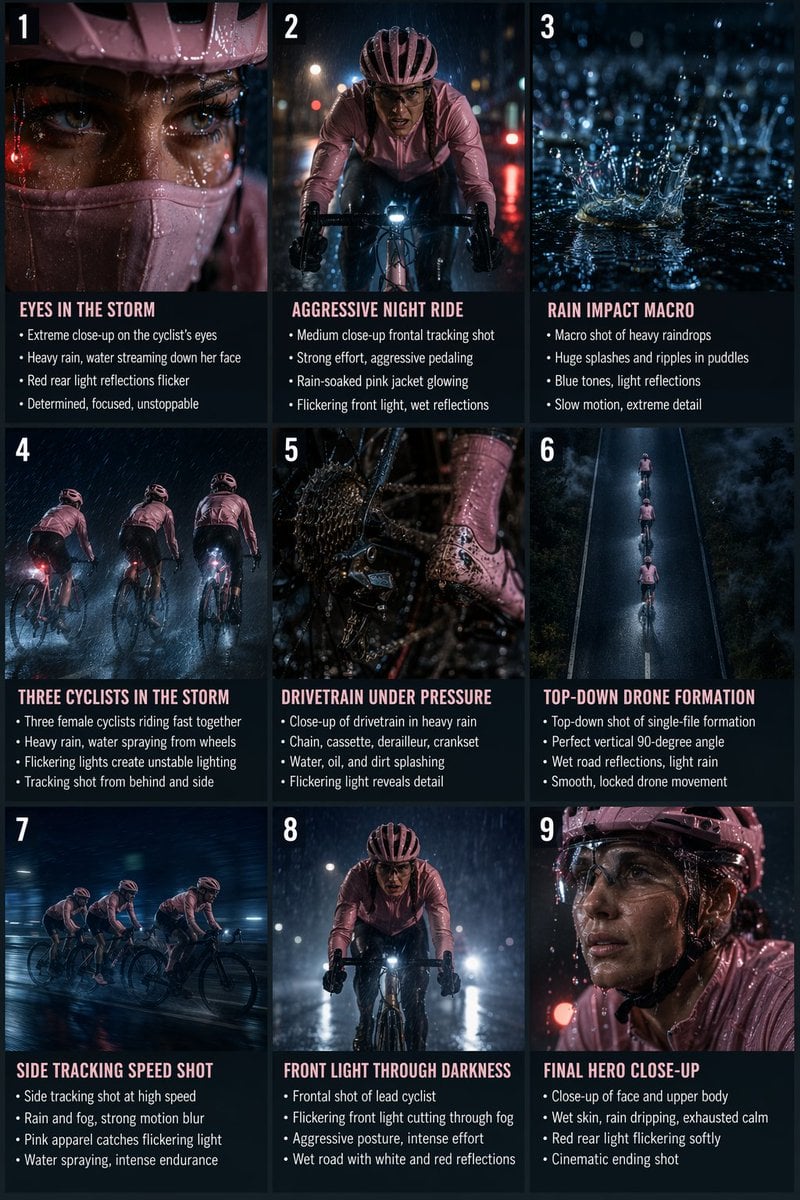
A prompt for a 9-panel cinematic storyboard grid featuring realistic photography of cyclists in a night-time rainstorm.
- Prompt included
- Model and format preset
- Free template
The prompt behind this image
Copy the exact prompt behind Night Rain Storyboard Infographic, or open it in the studio and make it yours.
Create a wide 9-panel cinematic storyboard infographic Use a realistic photography style with warm cinematic colors. Arrange the storyboard in a clean 3x3 grid layout with numbered panels, bold titles, short bullet points, and smooth visual storytelling similar to a professional film-production storyboard. Panel 1 — Eyes in the Storm Ultra-realistic extreme close-up of a female cyclist’s face during a heavy rainstorm at night. Focus on her eyes, soaked eyelashes, wet skin texture, and streams of rainwater running across her face. She wears a baby pink cycling helmet and baby pink face mask. Subtle red reflections from a rear bike light flicker dynamically across her eyes and skin, mixing with cold blue night tones. High contrast cinematic lighting, shallow depth of field, hyper-realistic skin texture, macro 85mm lens, intense determined expression. Panel 2 — Aggressive Night Ride Ultra-realistic cinematic medium close-up frontal shot of the female cyclist riding aggressively through heavy rain at night. She pedals hard with strong effort, body leaning forward. Baby pink waterproof cycling jacket glowing subtly under wet reflections. Front bike light cutting through rain and fog, slight flicker creating dynamic illumination. Wet asphalt reflecting red and white lights. Smooth cinematic tracking shot with stable movement and slight natural motion. Panel 3 — Rain Impact Macro Ultra-realistic macro cinematic shot of large heavy raindrops hitting wet asphalt at night. Huge crown-shaped splashes, ripples spreading through puddles, detailed water physics in slow motion. Cool blue cinematic tones with subtle reflections from bike lights. Extremely shallow depth of field, rough wet asphalt texture, dramatic nighttime atmosphere. Locked-off stable macro shot. Panel 4 — Three Cyclists in the Storm Ultra-realistic cinematic shot of three female road cyclists riding fast together at night in a heavy rainstorm. All riders wear baby pink cycling apparel contrasting against the dark blue environment. Strong pedaling, water spraying from wheels, heavy rain illuminated by bike lights. One bike light flickers irregularly, creating unstable lighting changes across the riders and wet road. Smooth stabilized tracking camera from behind and slightly to the side. Cinematic motion blur enhances speed. Panel 5 — Drivetrain Under Pressure Ultra-realistic macro cinematic close-up of a bicycle drivetrain during intense riding in heavy rain at night. Rear cassette, chain, derailleur, and crankset moving aggressively under load. Baby pink cycling shoe partially visible during pedaling. Water droplets, oil, and dirt splashing across the metal surfaces. Flickering light pulses intermittently across spinning components, revealing sharp mechanical detail before fading into darkness. Hyper-realistic wet textures and reflections. Panel 6 — Top-Down Drone Formation Ultra-realistic top-down drone shot of three female cyclists riding in perfect single-file formation on a wet mountain road at night. Baby pink jackets visible against dark reflective asphalt. Perfect vertical 90-degree angle, locked framing, smooth stabilized drone movement with no rotation or perspective shift. Wet road reflections, light rain visible under bike lights, atmospheric fog surrounding the road edges. Panel 7 — Side Tracking Speed Shot Ultra-realistic cinematic side tracking shot of the female cyclists riding at high speed through rain and fog at night. Camera moves parallel to them with stable FPV-style cinematic motion. Baby pink apparel catches occasional highlights from flickering bike lights. Water sprays from tires, rain streaks cutting across frame, strong motion blur in the background emphasizing speed and endurance. Panel 8 — Front Light Through Darkness Ultra-realistic cinematic frontal shot of the lead female cyclist riding directly toward the camera through heavy rain and fog. Her front bike light flickers softly while cutting through darkness. Baby pink jacket soaked with rainwater, droplets flying from the wheels. Focused expression, intense breathing, aggressive forward posture. Wet asphalt shimmering with white and red reflections. Smooth stabilized camera movement with subtle cinematic float. Panel 9 — Final Hero Close-Up Ultra-realistic cinematic hero close-up of the female cyclist slowing slightly after the intense ride. Tight framing on her face and upper body. Baby pink helmet, soaked jacket, wet skin, rainwater dripping from chin and glasses. Red rear light flickering softly behind her, creating subtle red highlights on water droplets and facial contours. Calm but exhausted expression, visible breathing, cinematic low-key lighting, cold blue atmosphere, hyper-realistic detail, premium sports commercial ending shot.
How to use Night Rain Storyboard Infographic in 3 steps
- 1
Open
The prompt is already in the box next to the preview, with the template's model and format selected.
- 2…a portrait of your subject in softgolden-hour light, 85mm…
Personalize
Edit the subject and creative details for your destination.
- 3Generate
Generate
Press Generate — your image is created in PicX Studio, so you can compare it with the original and refine one variable at a time.
More like this
Templates with the same subject, style or setup. Open one to see its prompt.

Rainy Night Android Cyberpunk Portrait

Meet Me When It Rains

Japan Travel Brochure Poster
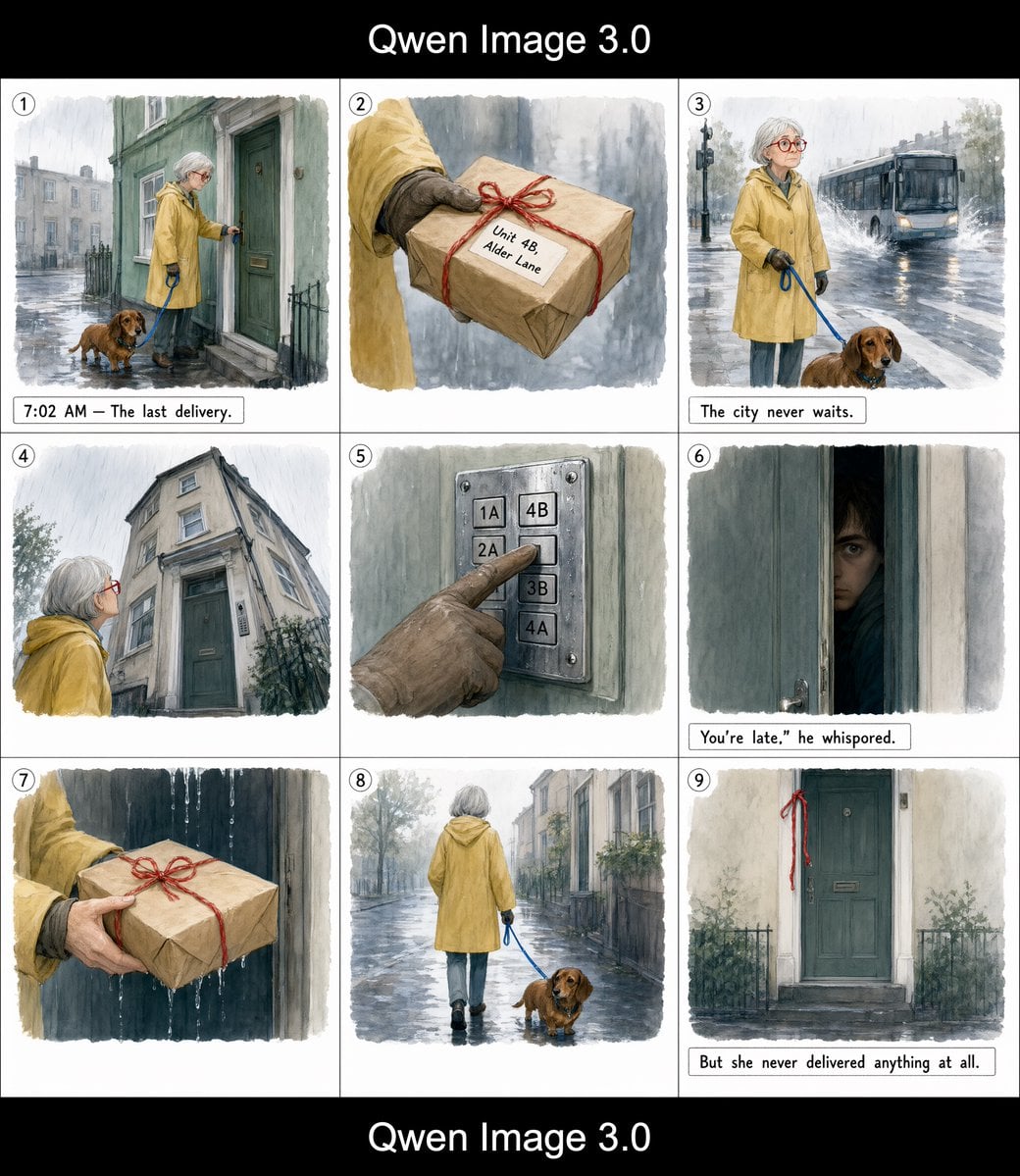
Rainy Courier Storyboard
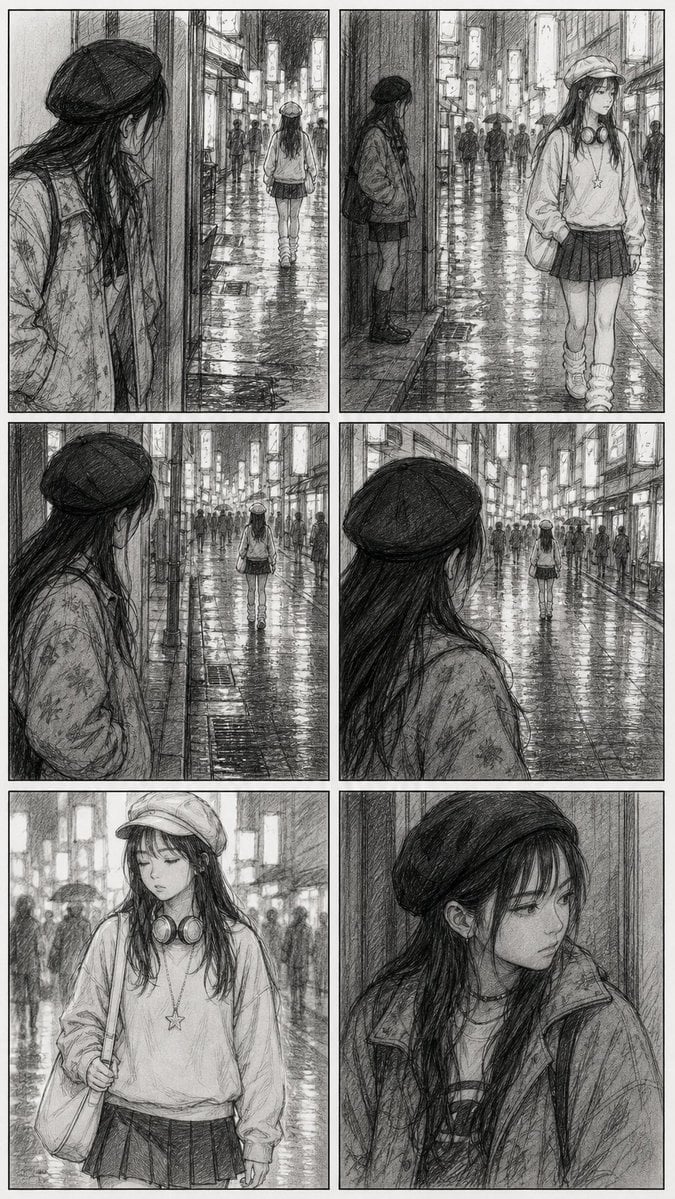
Rainy City Manga Storyboard
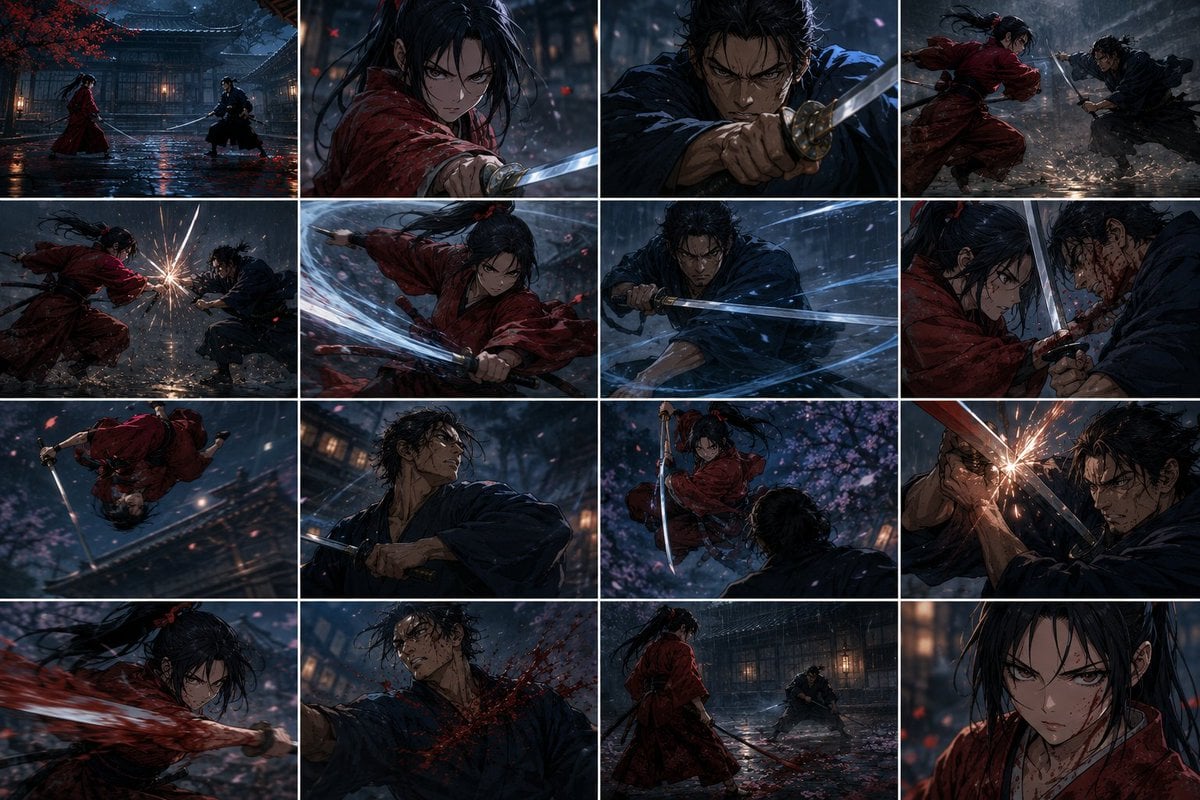
Rainy Samurai Duel Storyboard
Cinematic Rain Night Portrait

Subway Platform Quiet Introspective Portrait
Subway Platform Quiet Introspective Portrait

Spider-Man Noir Detective Rain Alley

Spider-Man Night Swing New York Cinematic

Headphones Lifestyle Nine Panel Grid
Make it yours
Night Rain Storyboard Infographic works as-is. These are the safest ways to change it without losing the look.
Change one field
Copy a single group, rewrite it, and generate again so you can see what that field is doing.
Keep the frame, change the subject
Hold the composition and light of Night Rain Storyboard Infographic, then swap wardrobe, props or the person for a new take.
| If the result… | Why | Fix |
|---|---|---|
| The result drifts from the preview | Too many fields changed at once. | Reuse Night Rain Storyboard Infographic as-is first, then change one group — subject, light, or setting. |
| The model over-stylizes the scene | The prose prompt leaves finish and camera underspecified. | Add one camera or lighting sentence and stay on GPT Image 2. |
More GPT Image 2 templates
Other prompts made for GPT Image 2.

Six VTuber Japanese Logo Sheet

Realistic Portrait of Woman and Deer

The Vista Modular Condo Poster

AI Model Routing Comparison Infographic

2.5D Anime Art Board

Isometric Productivity Desk Scene

New York Double Exposure Poster

Four-Panel AI Landscape Comparison

Japanese Tatami Lifestyle Magazine Cover

NESCAFÉ Coffee Map Poster
More image prompts
Fresh picks from across the catalog.

Japanese Educational Promo Banner
Sitcom Crossover New Year's Eve Prompt
Milo Cocoa Energy Poster
Minimalist Food Illustration and Photorealism Blend
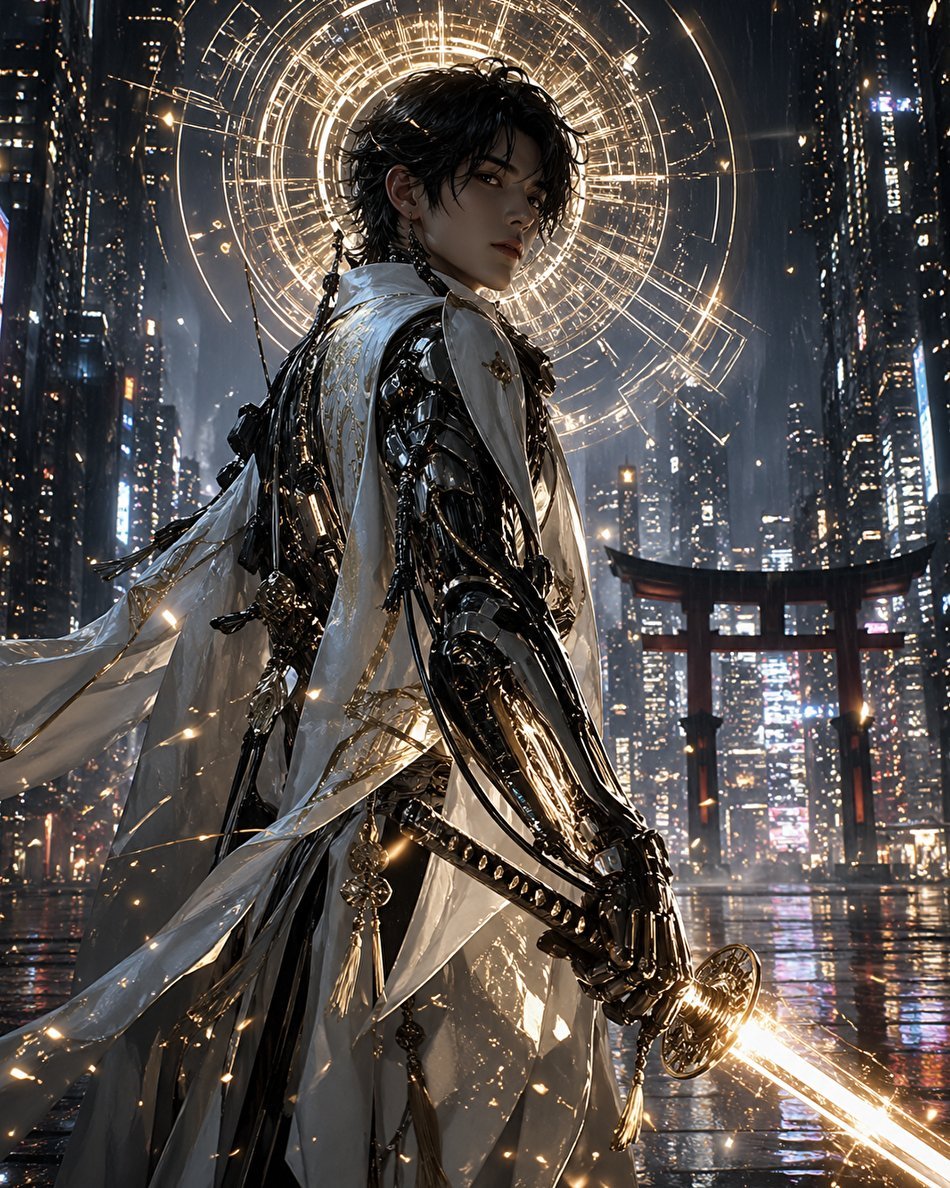
Cyberpunk Izanagi Divine Warrior

Man Sleeping on Giant Smartphone
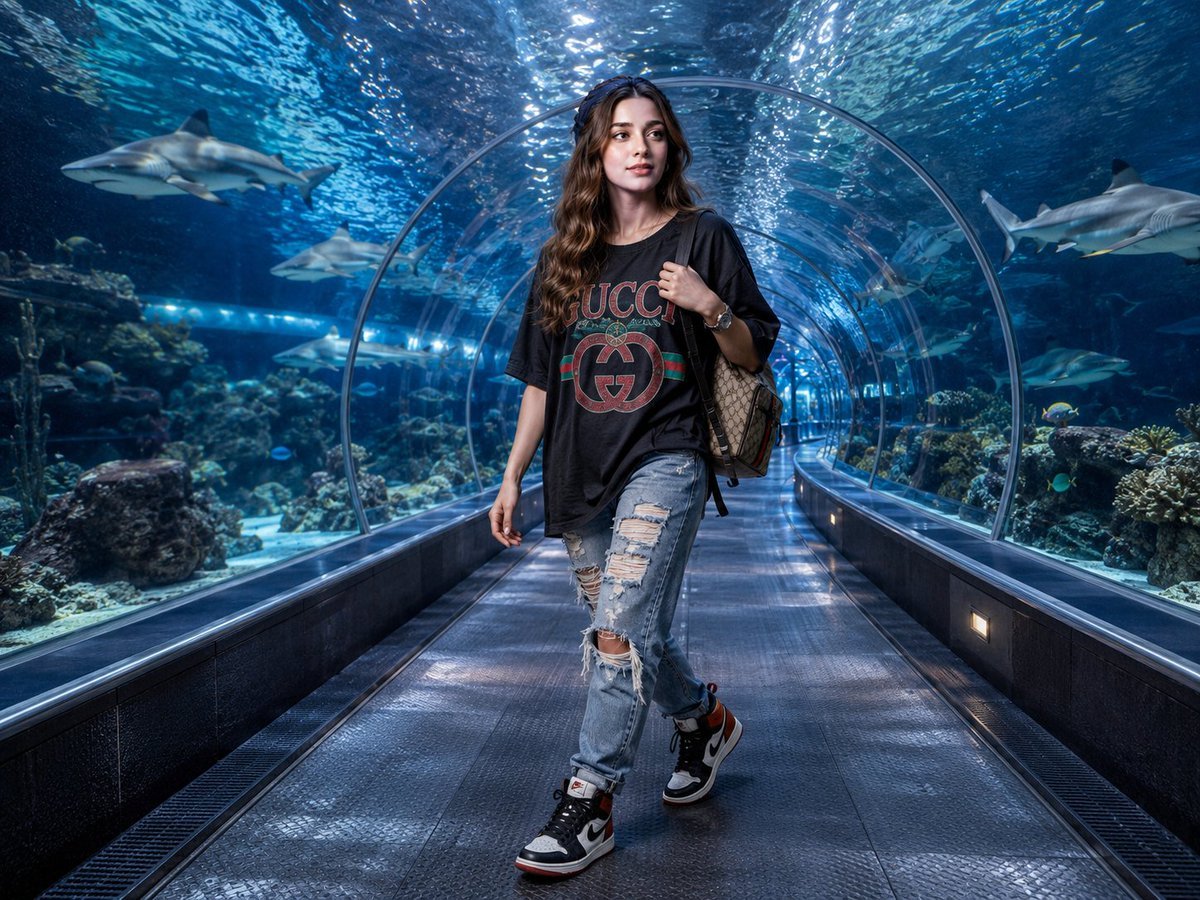
Luxury Streetwear Shark Tunnel Portrait
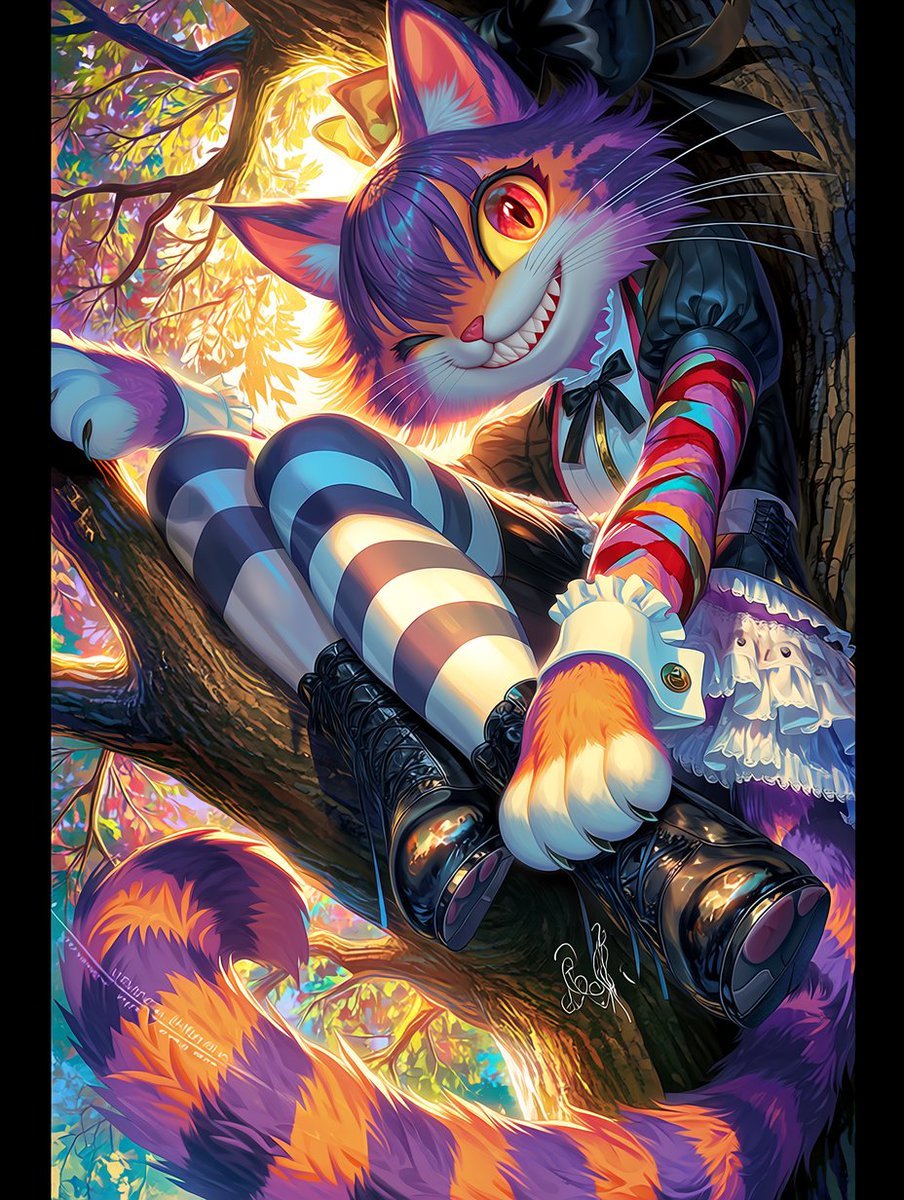
Dark Pop Cheshire Cat Girl
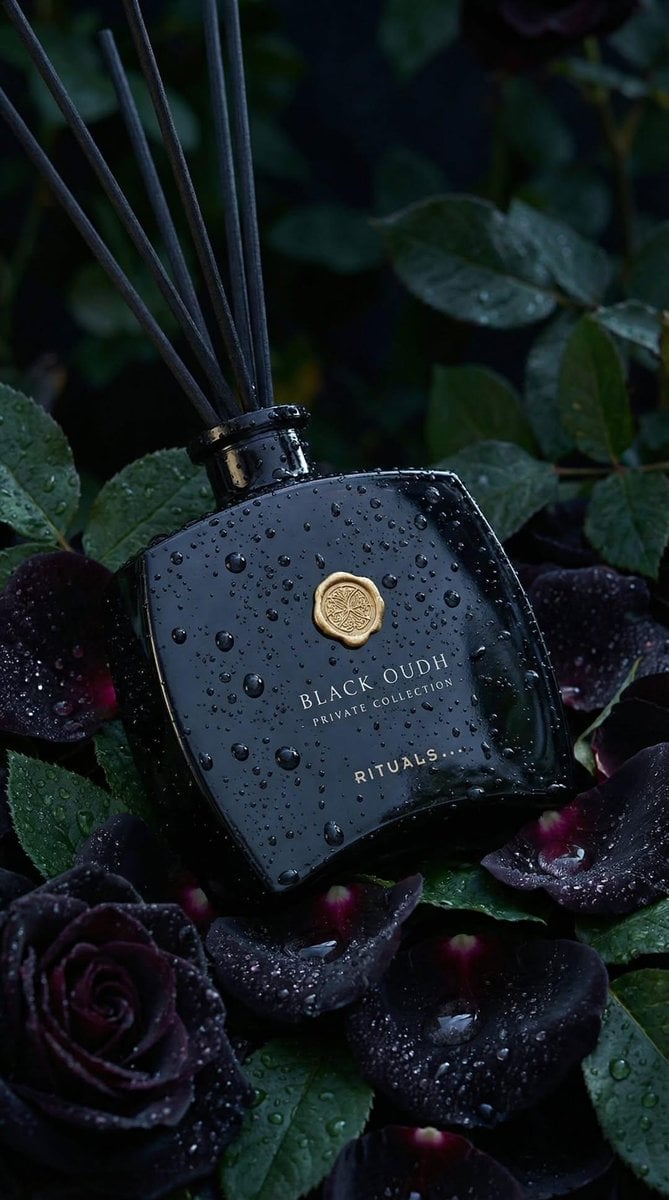
Luxury Product Photography: Black Oudh Diffuser
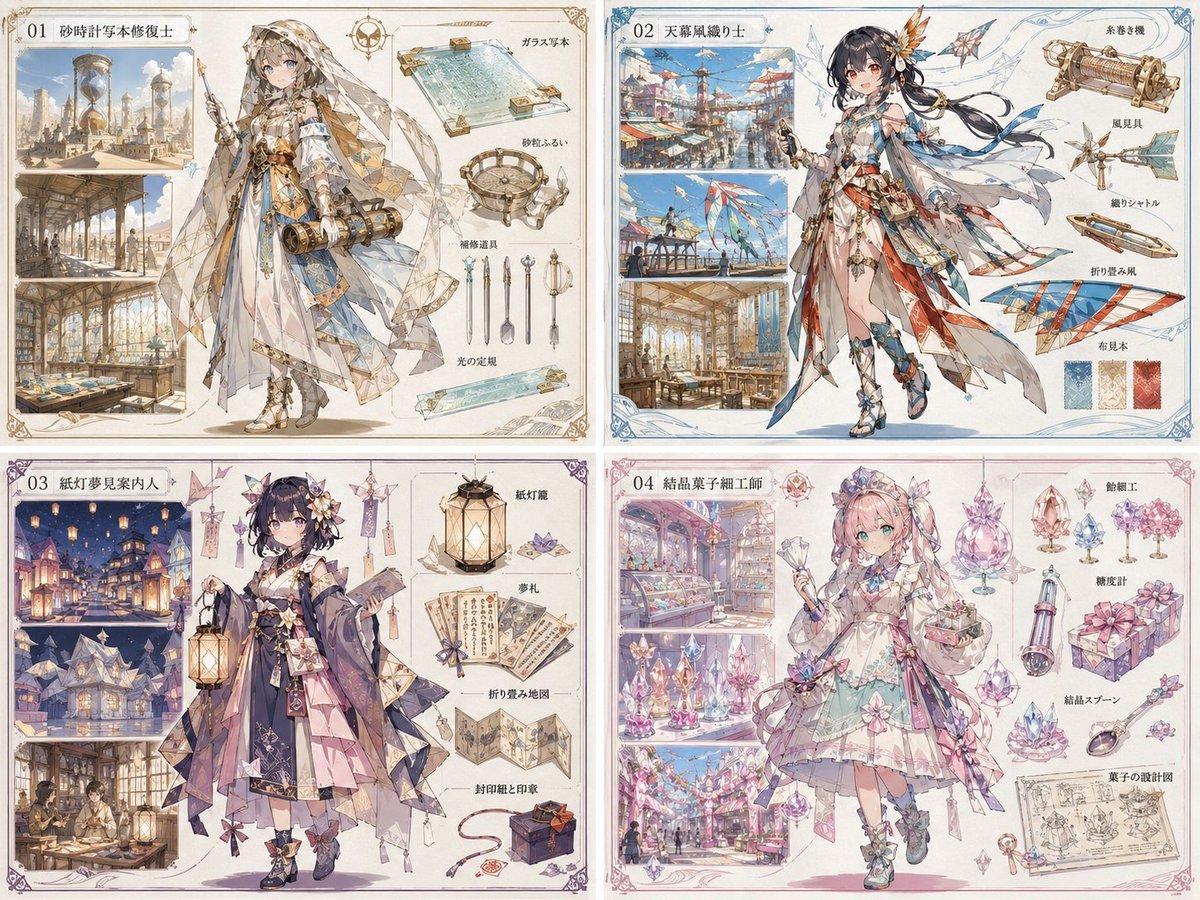
Anime World Building and Character Sheet
Browse template categories
Night Rain Storyboard Infographic questions
How do I use the Night Rain Storyboard Infographic template?
Add your photo if the template asks for one, edit the prompt if you like — the template's model and format are already selected — and press Generate. Your version opens in PicX Studio.
Can I customize the Night Rain Storyboard Infographic template?
Yes. You can change the subject, setting, lighting, mood, format, and available model controls before creating your image.
Is the Night Rain Storyboard Infographic template free?
Opening and editing this template is free. Generating uses credits, shown on the Generate button when you are signed in.
Which AI model should I use?
Start with GPT Image 2, which is the model associated with this template. You can compare another compatible model for a different finish.
Looking for something else? Browse all templates.

Your photo, any look
Thousands of ready templates for every top image and video model, from one credit balance.