
Rainy City Manga Storyboard
A six-panel monochrome manga storyboard prompt for creating a cinematic rainy-night urban pursuit scene with consistent characters.
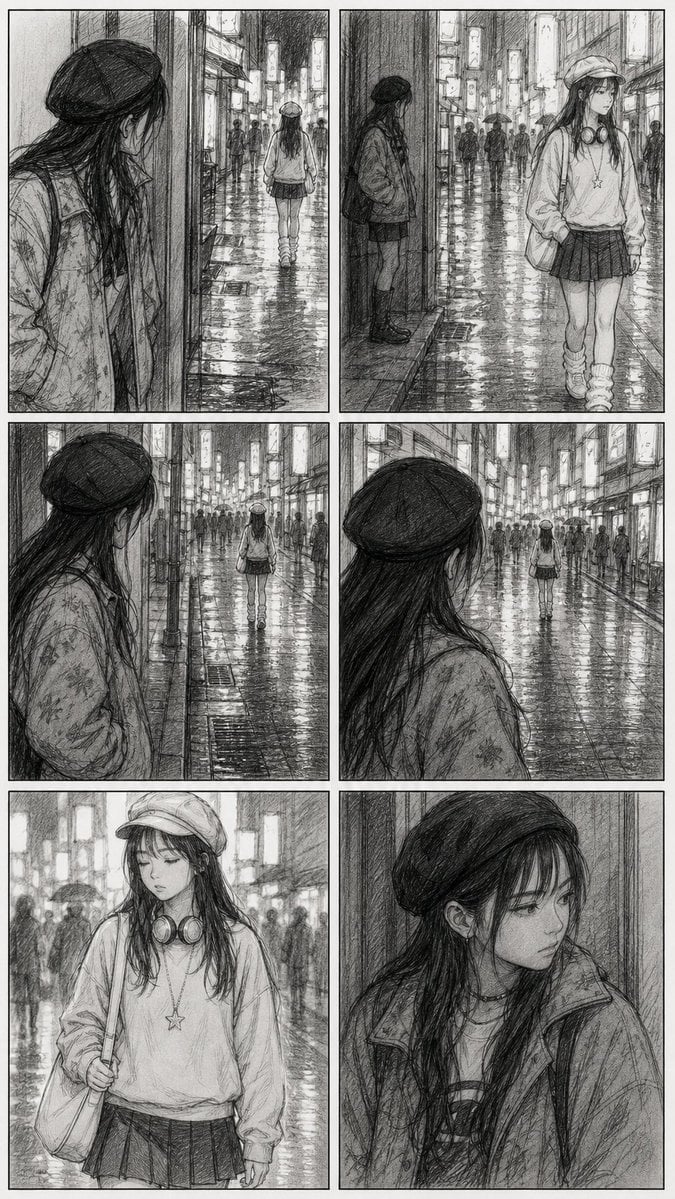
- Prompt included
- Model and format preset
- Premium template
The prompt behind this image
Copy the exact prompt behind Rainy City Manga Storyboard, or open it in the studio and make it yours.
Goal: Create a black-and-white manga storyboard / animatic reference sheet showing a quiet rainy-night pursuit scene in a neon city, drawn as polished pencil concept art rather than a finished comic page. Canvas: Vertical page in a 2:3 aspect ratio, white paper background, arranged as exactly 6 rectangular panels in a clean 2-column by 3-row grid with thin black panel borders and narrow gutters. Visual style: Monochrome graphite pencil sketch with heavy cross-hatching, soft smudged shading, realistic manga proportions, cinematic framing, wet reflective pavement, blurred crowds, glowing rectangular shop signs rendered only in grayscale, no dialogue balloons, no captions, no sound effects, no printed text. Setting: A dense Japanese-style shopping street at night during or just after rain. The pavement is slick and mirror-like, reflecting vertical neon signs and streetlights. Background pedestrians carry umbrellas and appear as soft silhouettes. The atmosphere is tense, quiet, and observational. Main subject: A young woman, {argument name="character name" default="unnamed girl"}, with long dark hair and a pale, serious face. She wears a soft newsboy cap, oversized sweatshirt, short pleated skirt, slouchy leg warmers, chunky shoes, a shoulder tote bag, over-ear headphones resting around her neck, and a star pendant necklace. Her mood is distant, cautious, and slightly melancholy. Observer character: A second young woman with long dark hair, a dark beret, layered jacket or coat, and a shy hidden posture. She stands partly behind walls, doorways, or street columns, watching the main subject from a distance without approaching. Panel layout and required shots, exactly 6 panels: 1. Top-left panel: Over-the-shoulder view from behind the observer hiding at the edge of a wall on the left foreground. In the mid-distance, the main subject walks away down the rain-glossed street, centered under glowing signs. 2. Top-right panel: Wider street view. The observer leans against a wall on the left side in partial shadow, while the main subject walks in the right foreground toward the viewer, hands in her sweatshirt pockets, headphones and star necklace clearly visible. 3. Middle-left panel: Similar stalking perspective from behind the observer on the left foreground, closer to her shoulder and hair. The main subject is far ahead in the center of the street, walking away through the wet reflections and crowd. 4. Middle-right panel: Close over-the-shoulder view of the observer from behind, her dark beret and hair dominating the left foreground. The main subject is small and centered far down the luminous rainy street, emphasizing distance. 5. Bottom-left panel: Medium portrait of the main subject walking toward the viewer, filling most of the frame from thighs up. Her cap, long hair, headphones, oversized sweatshirt, pleated skirt, tote strap, and star pendant are clearly drawn. The rainy crowd behind her is blurred and atmospheric. 6. Bottom-right panel: Close portrait of the observer leaning beside a wall, looking sideways with a guarded, pensive expression. Show her beret, long hair, layered jacket, collar detail, and subtle jewelry; background is simple vertical wall texture. Composition constraints: Keep all six panels silent and text-free. Use consistent character designs across panels. Emphasize cinematic storyboard readability, surveillance distance, wet reflections, and pencil line texture. Do not use color, speech bubbles, captions, modern UI elements, or watermarks.
How to use Rainy City Manga Storyboard in 3 steps
- 1Upload ImagePNG, JPG or paste
Add your photo
Upload the photo the template builds on. The prompt, model and format are already set.
- 2…a portrait of your subject in softgolden-hour light, 85mm…
Personalize
Edit the subject and creative details for your destination.
- 3Generate
Generate
Press Generate — your image is created in PicX Studio, so you can compare it with the original and refine one variable at a time.
More like this
Templates with the same subject, style or setup. Open one to see its prompt.
Cozy Knit Sweater Window Portrait
Minimalist Hand-Drawn Doodle Portrait
Rainy Courier Storyboard
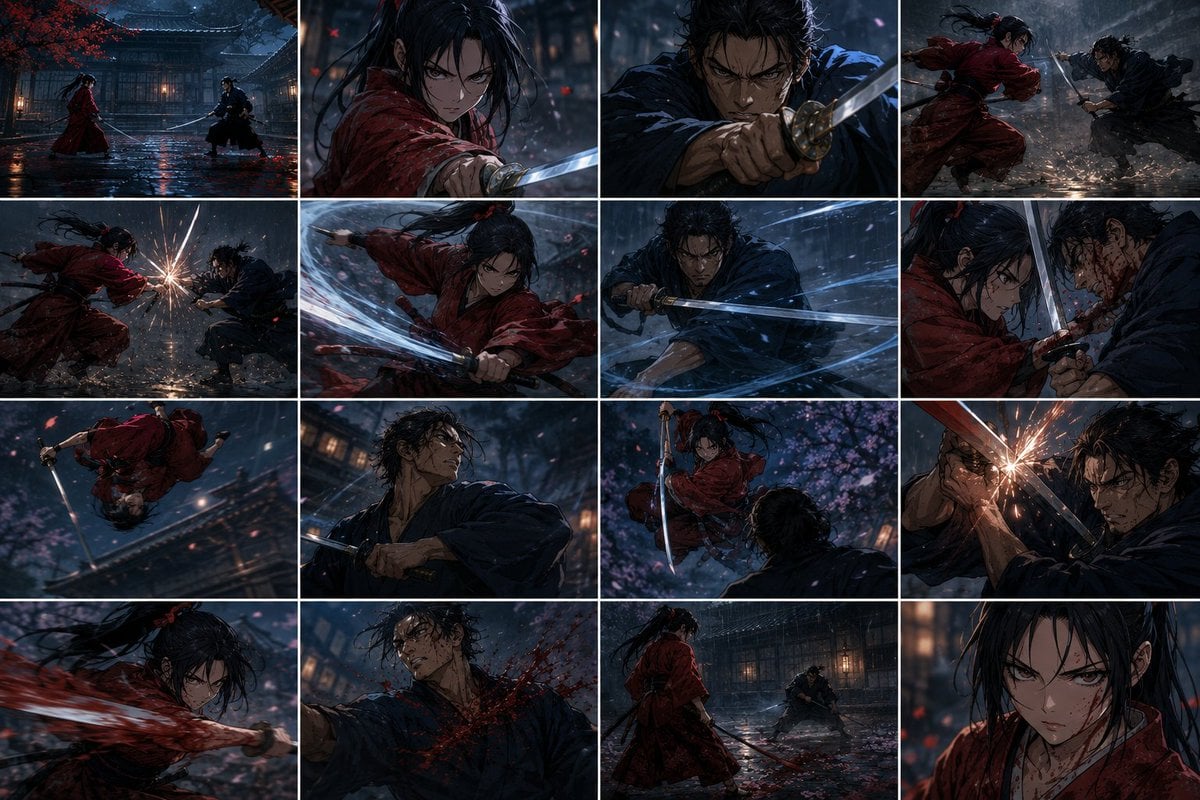
Rainy Samurai Duel Storyboard
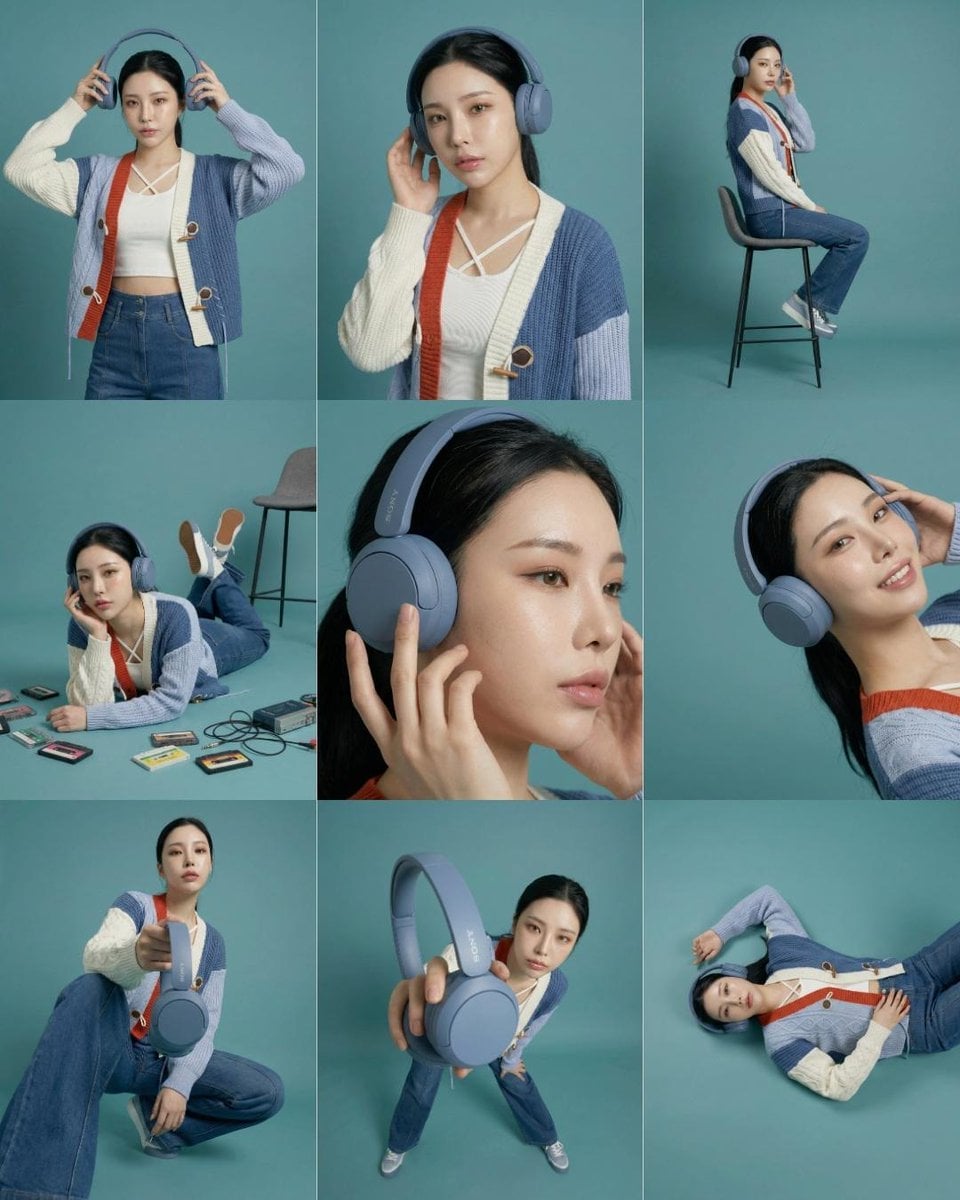
Headphones Lifestyle Nine Panel Grid
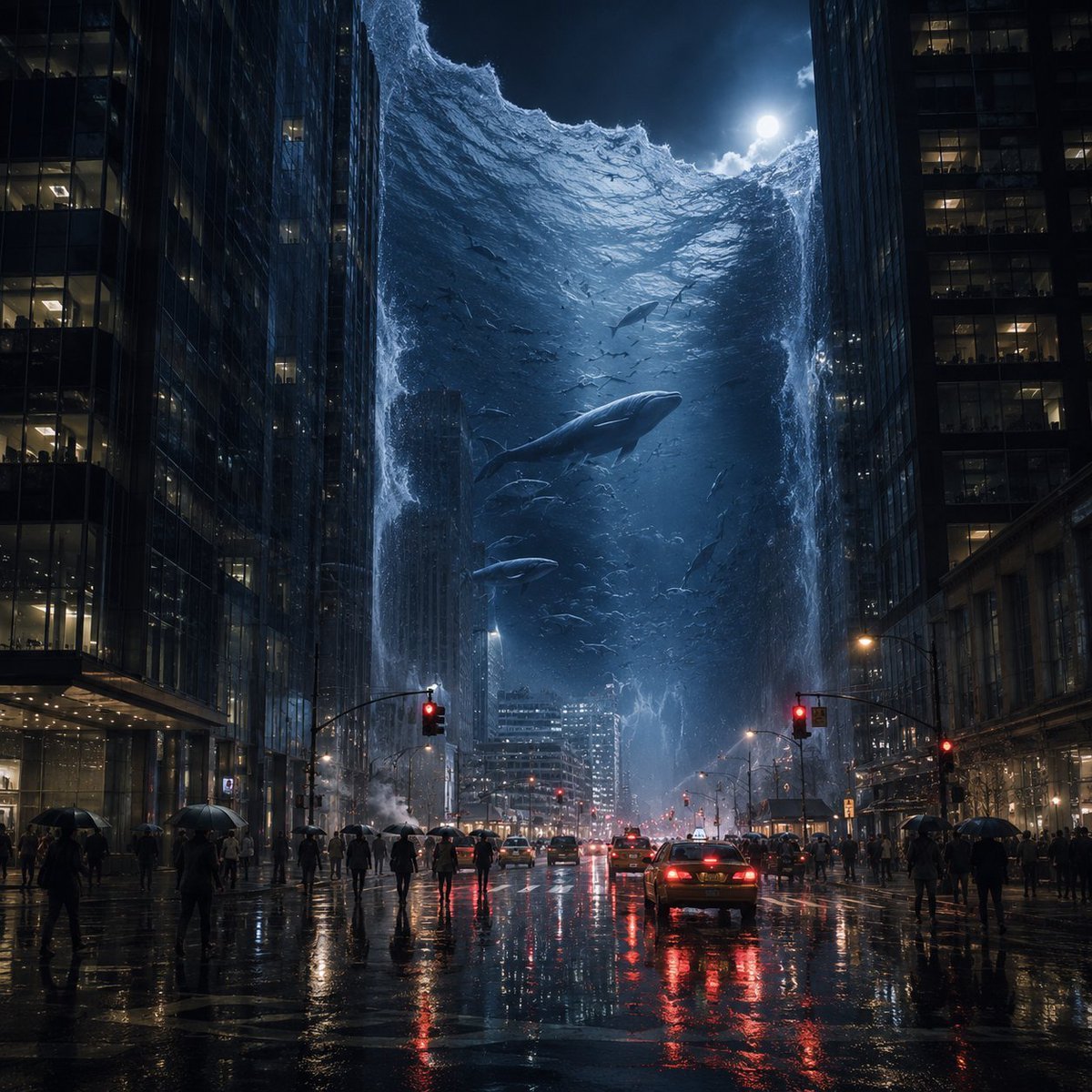
Surreal Ocean Wall in Rainy City
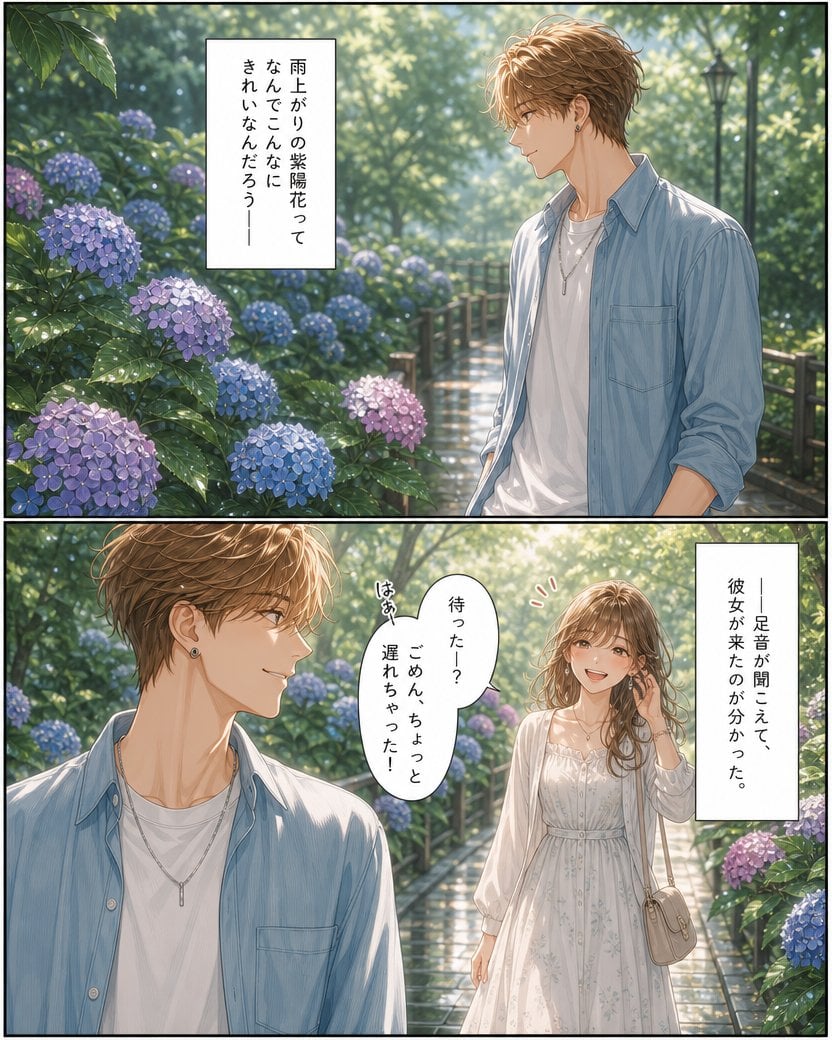
Rainy Hydrangea Romance Manga
Nano Banana Pro 2.0 — 3x3 Travel Profile Grid
Seedance - Storyboard to Movie
Rainy Cottage Garden With Sheep
Stylish Man in Modern City
Gritty City Fever Theater Poster
Make it yours
Rainy City Manga Storyboard works as-is. These are the safest ways to change it without losing the look.
Change one field
Copy a single group, rewrite it, and generate again so you can see what that field is doing.
Keep the frame, change the subject
Hold the composition and light of Rainy City Manga Storyboard, then swap wardrobe, props or the person for a new take.
| If the result… | Why | Fix |
|---|---|---|
| The result drifts from the preview | Too many fields changed at once. | Reuse Rainy City Manga Storyboard as-is first, then change one group — subject, light, or setting. |
| The model over-stylizes the scene | The prose prompt leaves finish and camera underspecified. | Add one camera or lighting sentence and stay on GPT Image 2. |
More GPT Image 2 templates
Other prompts made for GPT Image 2.

Six VTuber Japanese Logo Sheet

Realistic Portrait of Woman and Deer

The Vista Modular Condo Poster

AI Model Routing Comparison Infographic

2.5D Anime Art Board

Isometric Productivity Desk Scene

New York Double Exposure Poster

Four-Panel AI Landscape Comparison

Japanese Tatami Lifestyle Magazine Cover

NESCAFÉ Coffee Map Poster
More image prompts
Fresh picks from across the catalog.
Cyberpunk Cinematic Photo Edit

Image Editing Prompt: Adjusting Ring Position
Editorial Studio Portrait in Olive Tee
Blonde Woman Backless Dress Portrait Prompt
Ultra-Realistic Close-Up Portrait of Handsome Young Man
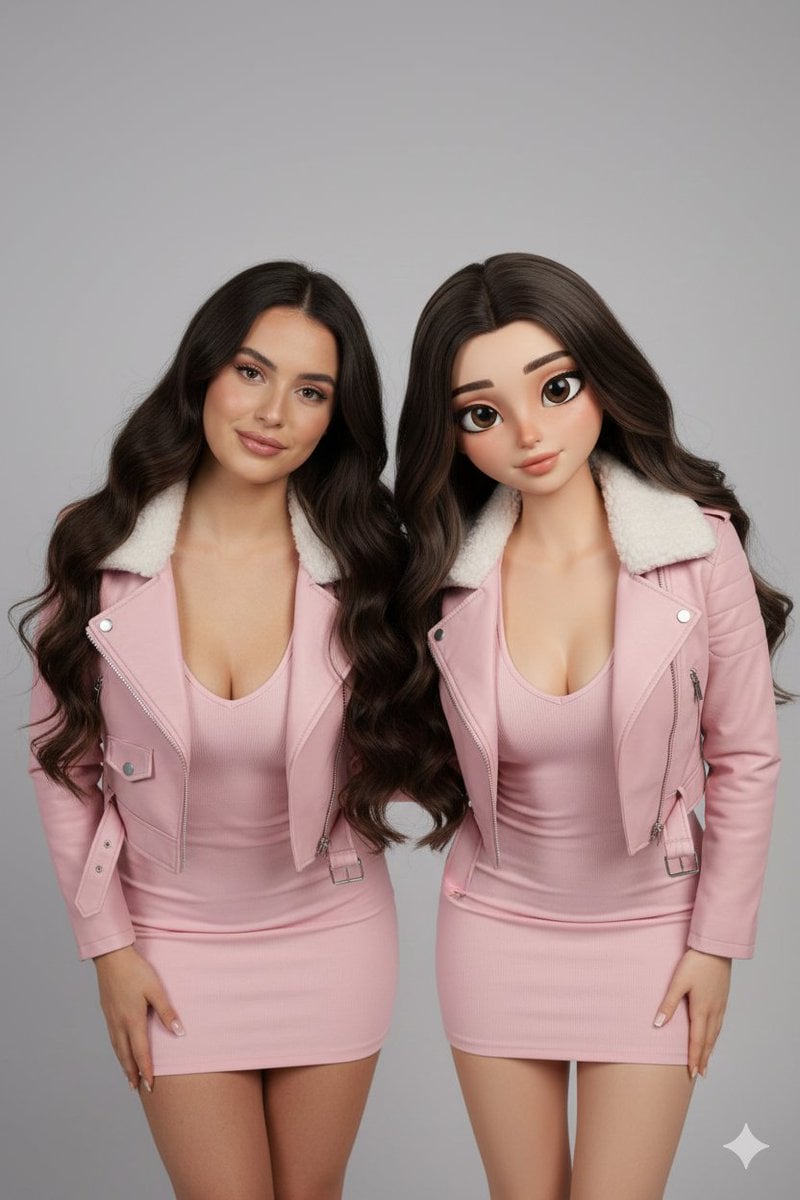
Realistic Human vs. 3D Character Side-by-Side Prompt
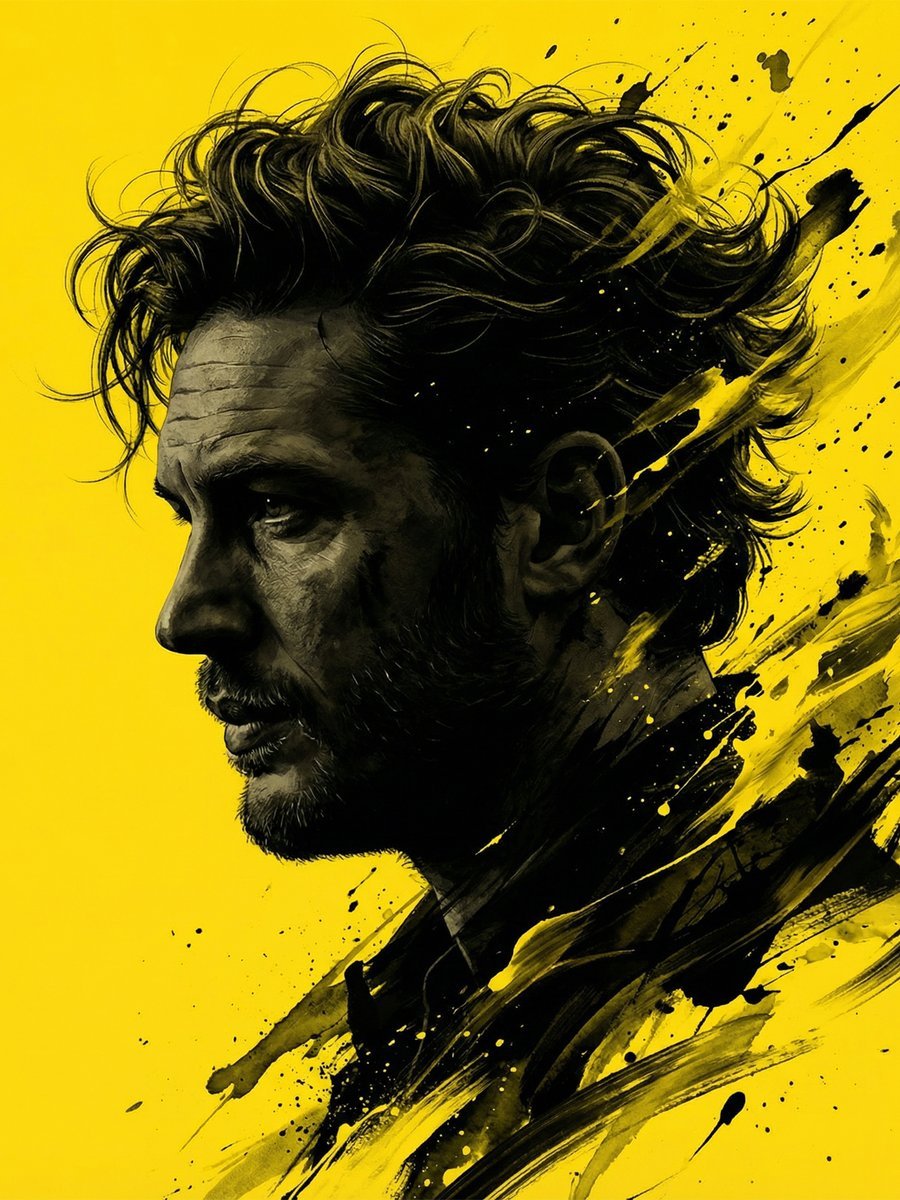
Dramatic Stylized Portrait Conversion Prompt for Nano Banana
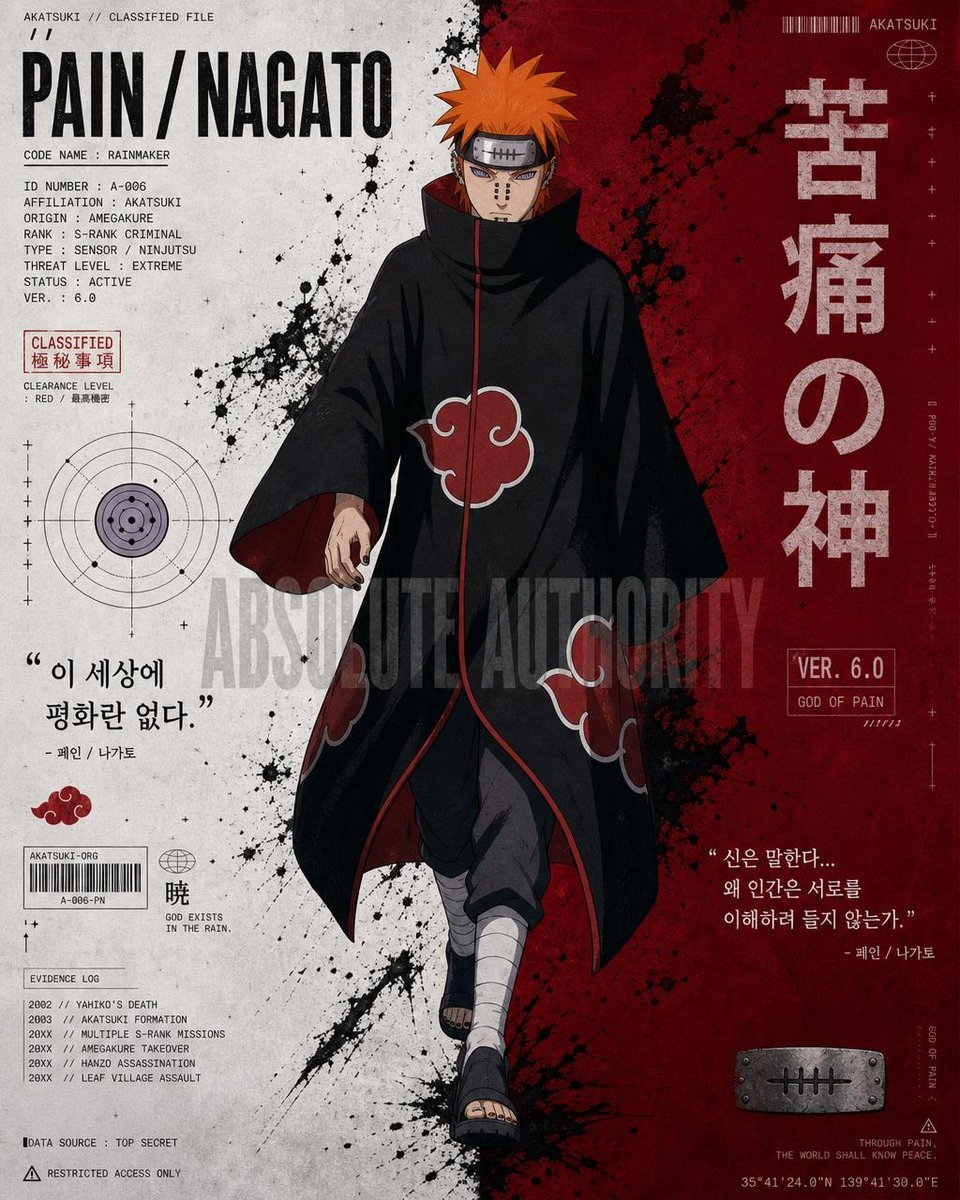
Anime Character Editorial Poster Prompt
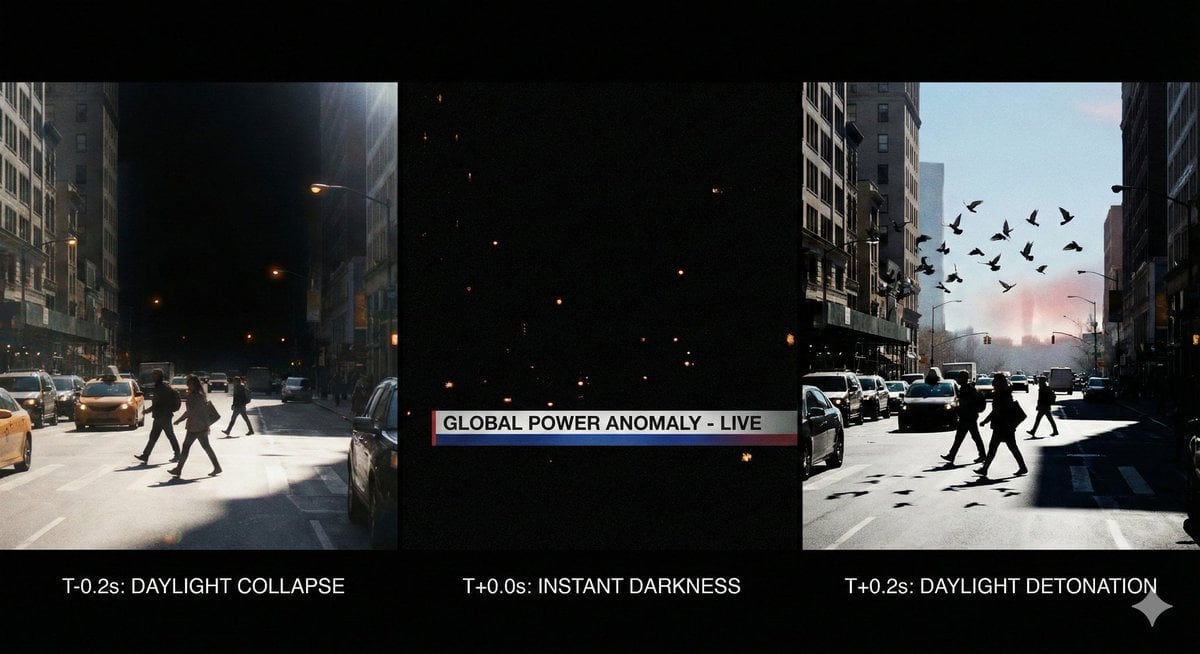
Hyper-Real 16K Documentary Shot: The Sun Flickers Off
Chinese Calligraphy Poem Landscape
Browse template categories
Rainy City Manga Storyboard questions
How do I use the Rainy City Manga Storyboard template?
Add your photo if the template asks for one, edit the prompt if you like — the template's model and format are already selected — and press Generate. Your version opens in PicX Studio.
Can I customize the Rainy City Manga Storyboard template?
Yes. You can change the subject, setting, lighting, mood, format, and available model controls before creating your image.
Is the Rainy City Manga Storyboard template free?
Opening and editing this template is free. Generating uses credits, shown on the Generate button when you are signed in.
Which AI model should I use?
Start with GPT Image 2, which is the model associated with this template. You can compare another compatible model for a different finish.
Looking for something else? Browse all templates.

Your photo, any look
Thousands of ready templates for every top image and video model, from one credit balance.