
Gritty City Fever Theater Poster
A bold yellow, black, and red typographic theater poster for an urban music play with oversized text and a dramatic performer cutout.
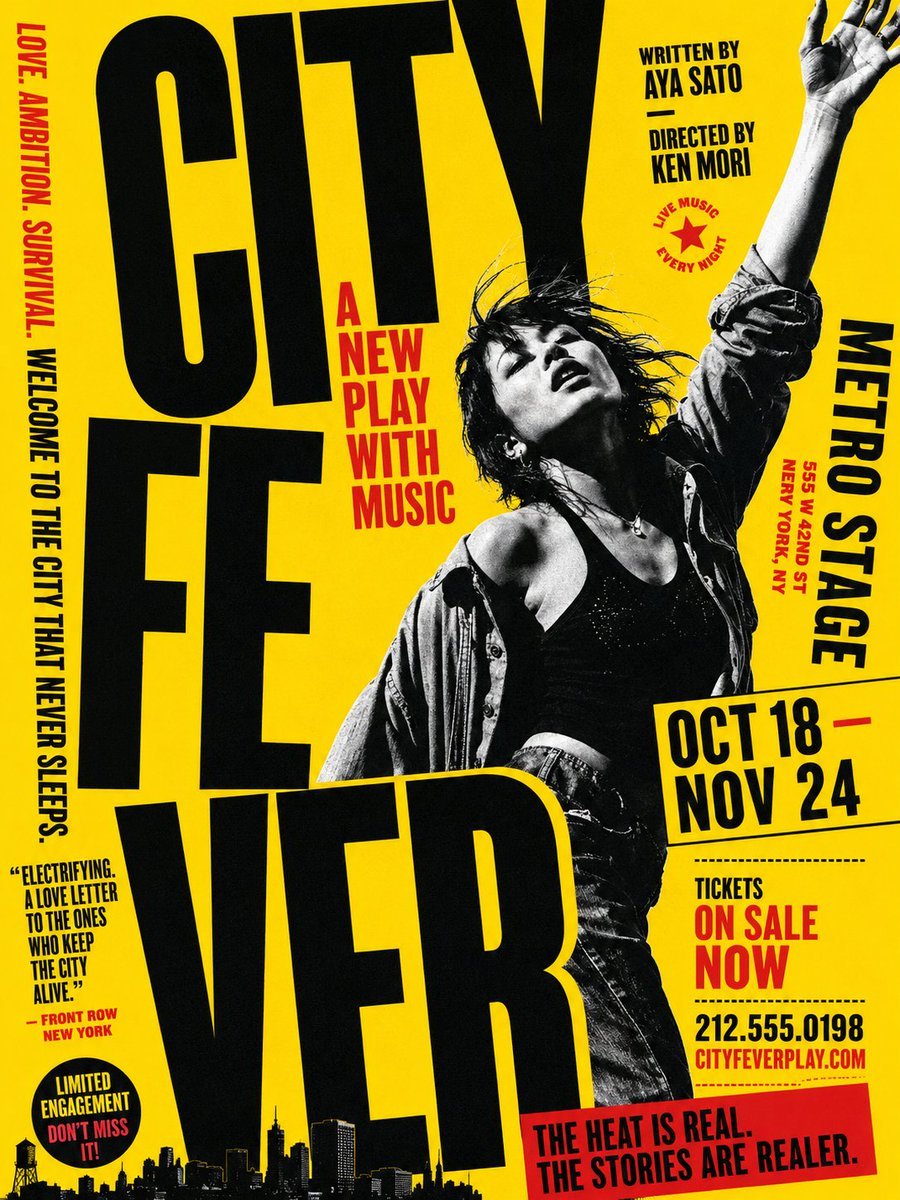
- Prompt included
- Model and format preset
- Premium template
The prompt behind this image
Copy the exact prompt behind Gritty City Fever Theater Poster, or open it in the studio and make it yours.
Goal: Create a bold typographic theater poster for an urban music play titled {argument name="play title" default="CITY FEVER"}, with a gritty late-1970s punk/Broadway energy and extreme oversized typography. Canvas: Vertical poster, 3:4 aspect ratio. Bright saturated yellow background with black and red ink only, high-contrast risograph/screenprint texture, slightly distressed edges, photocopied grain, halftone shadows. Layout: The title dominates the left and lower center in huge condensed black uppercase letters, split into exactly 3 stacked title blocks: “CITY” at the top, “FE” in the middle, and “VER” across the bottom. Letters are cropped by the poster edges and slightly tilted for a kinetic street-poster feel. Place a black-and-white cutout photo of a dramatic female dancer/singer on the right-center, overlapping the title: messy dark hair, head tilted back, one arm raised high out of frame, open shirt over a black tank top, jeans, expressive stage-performance pose. Text content: Add exactly 11 distinct text groups around the poster: 1) left vertical red/black tagline: “LOVE. AMBITION. SURVIVAL. WELCOME TO THE CITY THAT NEVER SLEEPS.” 2) red subtitle near the center-left: {argument name="subtitle" default="A NEW PLAY WITH MUSIC"} 3) top-right credits: “WRITTEN BY AYA SATO” and “DIRECTED BY KEN MORI” 4) small red star badge reading “LIVE MUSIC EVERY NIGHT” 5) right vertical venue block: {argument name="venue" default="METRO STAGE"} with smaller red address “555 W 42ND ST NEW YORK, NY” 6) slanted date box: {argument name="dates" default="OCT 18 — NOV 24"} 7) ticket block: “TICKETS ON SALE NOW” 8) phone and website: “212.555.0198” and “CITYFEVERPLAY.COM” 9) lower-left review quote: “ELECTRIFYING. A LOVE LETTER TO THE ONES WHO KEEP THE CITY ALIVE.” with attribution “— FRONT ROW NEW YORK” 10) round black badge: “LIMITED ENGAGEMENT DON’T MISS IT!” 11) red bottom banner: {argument name="bottom banner" default="THE HEAT IS REAL. THE STORIES ARE REALER."} Additional visual details: Add a black silhouette skyline along the bottom edge, including small buildings, skyscrapers, and a water tower. Use heavy condensed sans-serif typography similar to vintage theater bills, with red accent text for urgency. Keep all type uppercase, tightly kerned, with intentional overlaps and cropped margins. No extra people, no logos, no watermark.
How to use Gritty City Fever Theater Poster in 3 steps
- 1Upload ImagePNG, JPG or paste
Add your photo
Upload the photo the template builds on. The prompt, model and format are already set.
- 2…a portrait of your subject in softgolden-hour light, 85mm…
Personalize
Edit the subject and creative details for your destination.
- 3Generate
Generate
Press Generate — your image is created in PicX Studio, so you can compare it with the original and refine one variable at a time.
More like this
Templates with the same subject, style or setup. Open one to see its prompt.

Japan Neon Speed City Racing Poster

Japan Travel Brochure Poster

Cartoon TV Show Poster Pack

Trendy Cafe Drink Promo Poster

Urban Fashion Editorial Collage Streetwear Poster

Premium Fashion Editorial Cover Layout System

Polo Ralph Lauren Luxury American Heritage Fashion Campaign

Monochrome Halftone Editorial Fashion Poster

Retro Mirror Luxury Fashion Campaign Poster

Luxury Fashion Campaign Typography Poster System

Premium Fashion Editorial Campaign Poster System

Ultra-Stylized High-Fashion Streetwear Poster
Make it yours
Gritty City Fever Theater Poster works as-is. These are the safest ways to change it without losing the look.
Change one field
Copy a single group, rewrite it, and generate again so you can see what that field is doing.
Keep the frame, change the subject
Hold the composition and light of Gritty City Fever Theater Poster, then swap wardrobe, props or the person for a new take.
| If the result… | Why | Fix |
|---|---|---|
| The result drifts from the preview | Too many fields changed at once. | Reuse Gritty City Fever Theater Poster as-is first, then change one group — subject, light, or setting. |
| The model over-stylizes the scene | The prose prompt leaves finish and camera underspecified. | Add one camera or lighting sentence and stay on GPT Image 2. |
More GPT Image 2 templates
Other prompts made for GPT Image 2.

Six VTuber Japanese Logo Sheet

Realistic Portrait of Woman and Deer

The Vista Modular Condo Poster

AI Model Routing Comparison Infographic

2.5D Anime Art Board

Isometric Productivity Desk Scene

New York Double Exposure Poster

Four-Panel AI Landscape Comparison

Japanese Tatami Lifestyle Magazine Cover

NESCAFÉ Coffee Map Poster
More image prompts
Fresh picks from across the catalog.

Nano Banana Pro Image Generation of a Mythological Warrior

Anime Police Mannequin Fashion Display
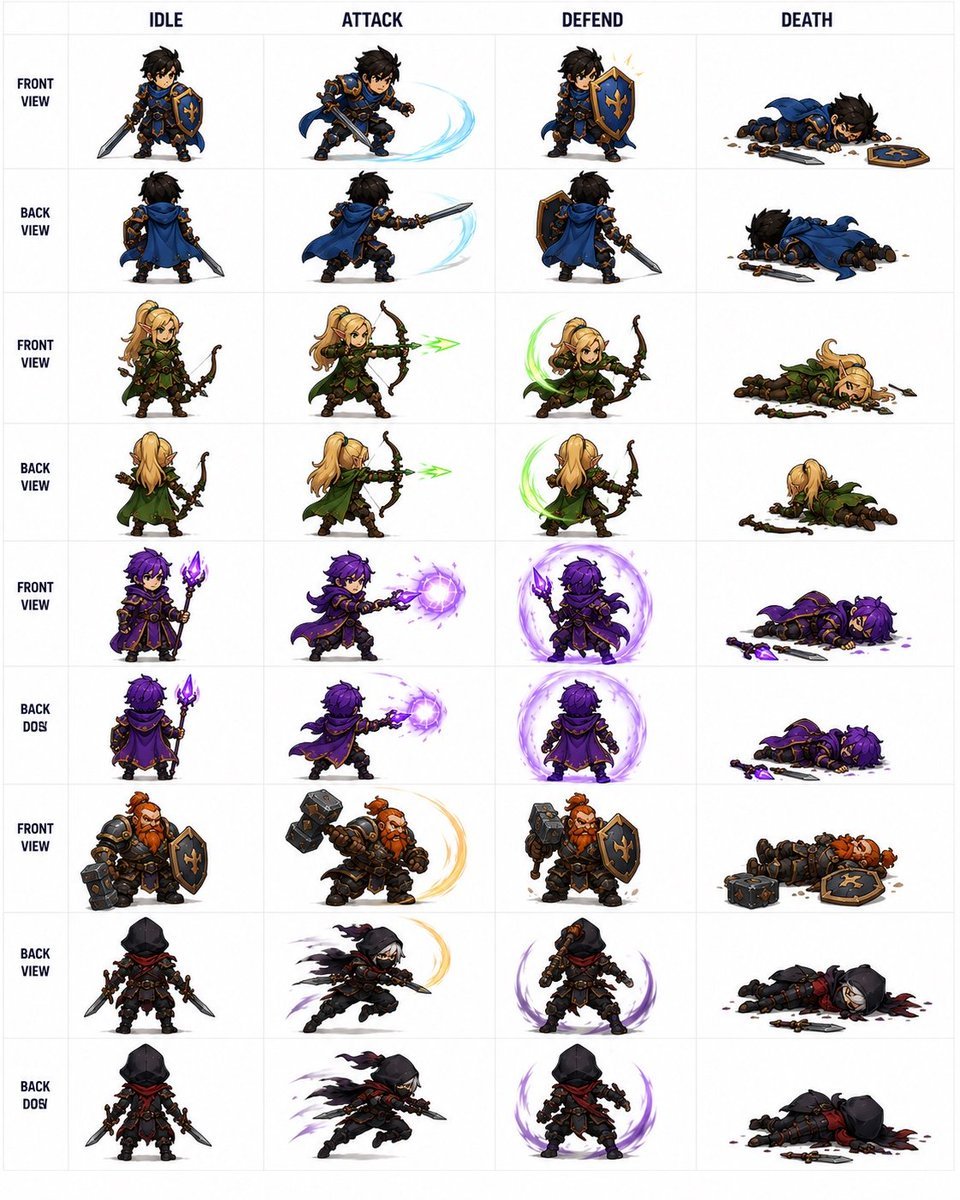
Fantasy Auto-Battler Spritesheet
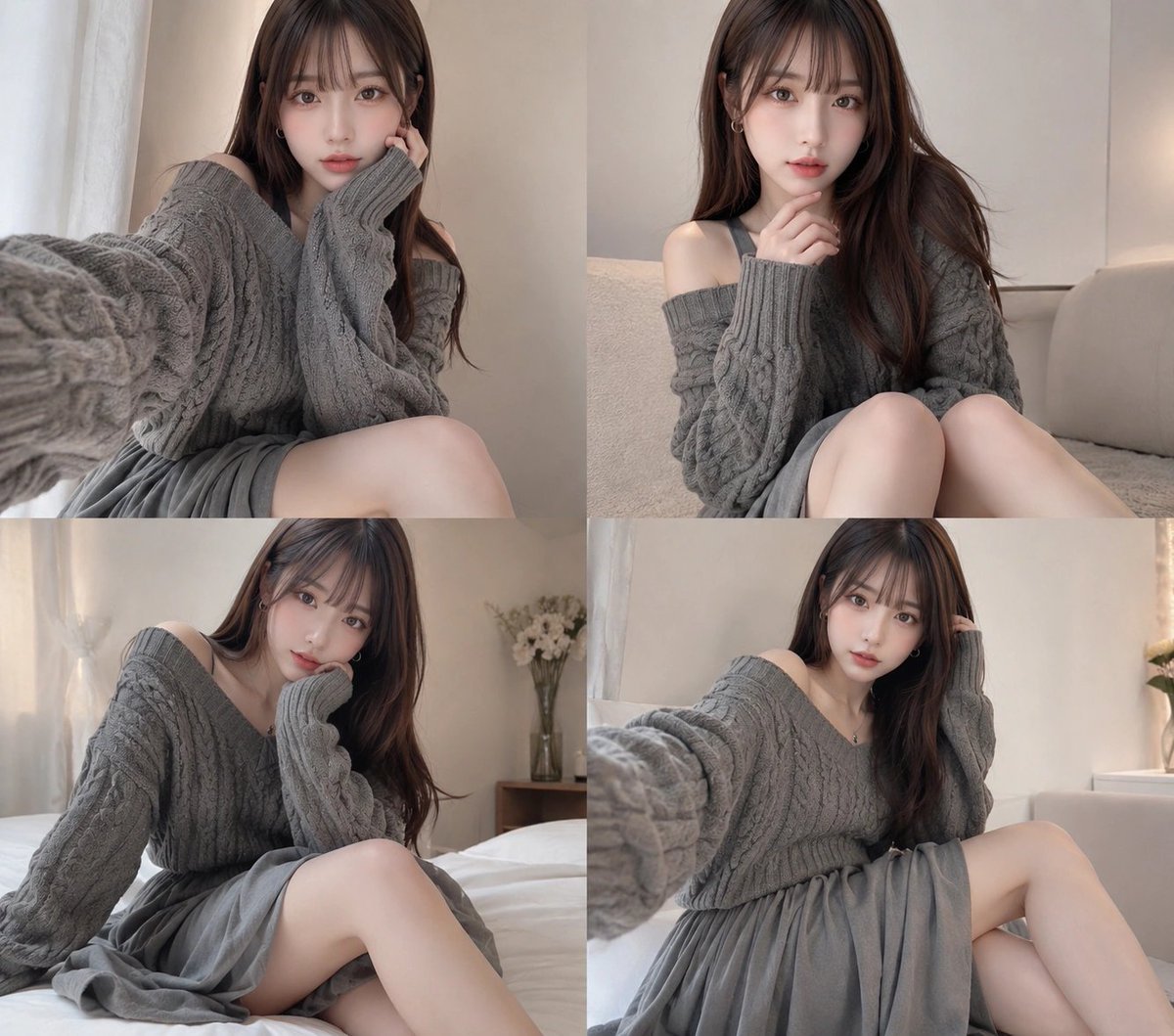
Four-Panel Cozy Gray Sweater Selfie Collage

Japanese Sales Book Infographic Ad

Whimsical Flat Illustration Generator

Mystic Fortune Telling Duo Scene
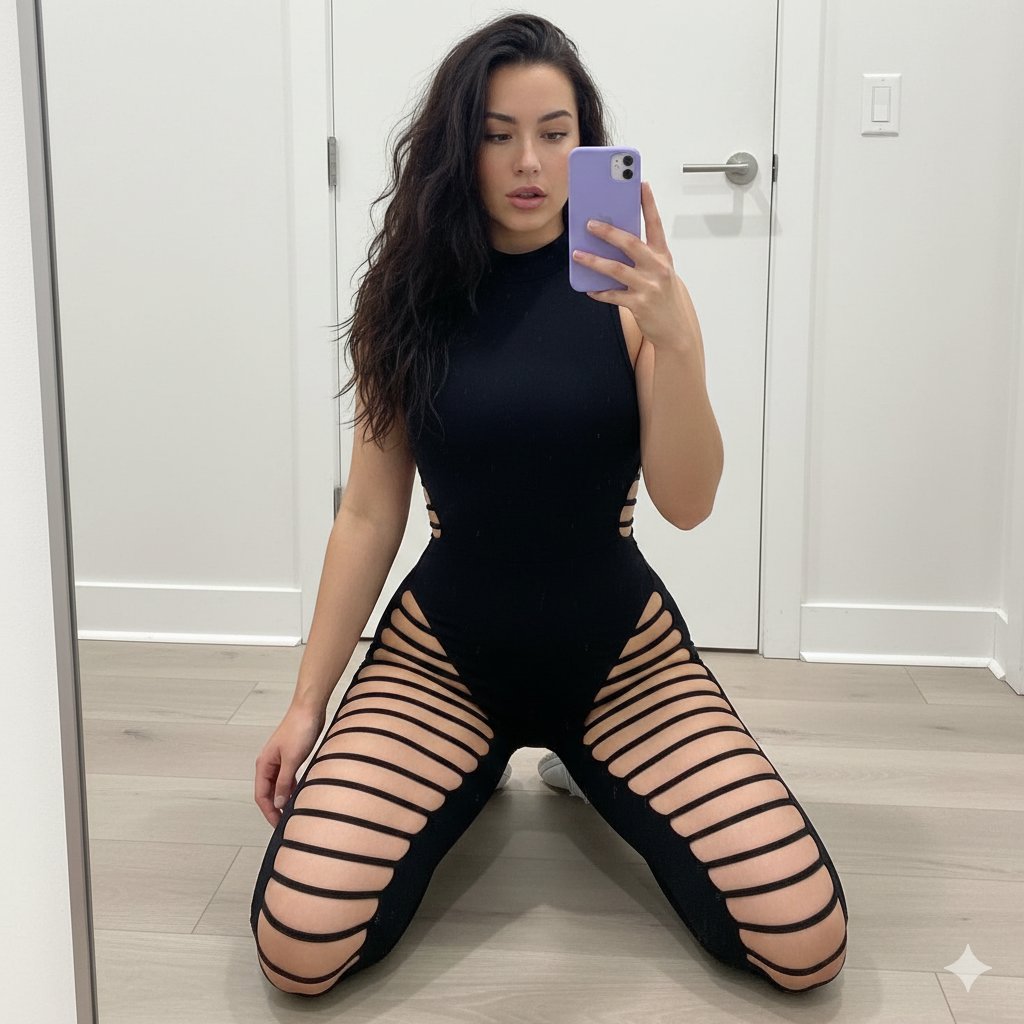
High-Contrast Athleisure Mirror Selfie
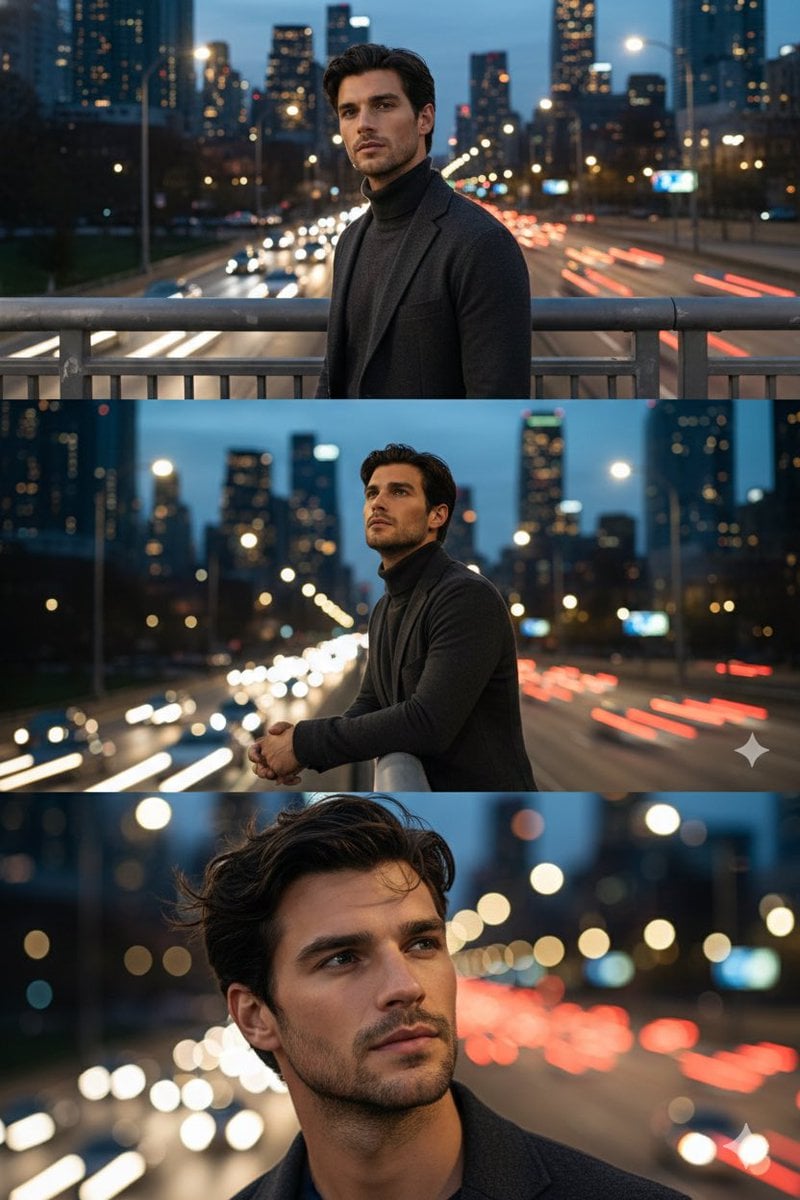
Cinematic Triptych Portrait on a Night Bridge

Anime Mirror Reflection of Younger Self
Browse template categories
Gritty City Fever Theater Poster questions
How do I use the Gritty City Fever Theater Poster template?
Add your photo if the template asks for one, edit the prompt if you like — the template's model and format are already selected — and press Generate. Your version opens in PicX Studio.
Can I customize the Gritty City Fever Theater Poster template?
Yes. You can change the subject, setting, lighting, mood, format, and available model controls before creating your image.
Is the Gritty City Fever Theater Poster template free?
Opening and editing this template is free. Generating uses credits, shown on the Generate button when you are signed in.
Which AI model should I use?
Start with GPT Image 2, which is the model associated with this template. You can compare another compatible model for a different finish.
Looking for something else? Browse all templates.

Your photo, any look
Thousands of ready templates for every top image and video model, from one credit balance.