
Japanese Sales Book Infographic Ad
Creates a premium black-and-gold Japanese business book advertisement with a structured sales-method infographic and realistic book mockup.
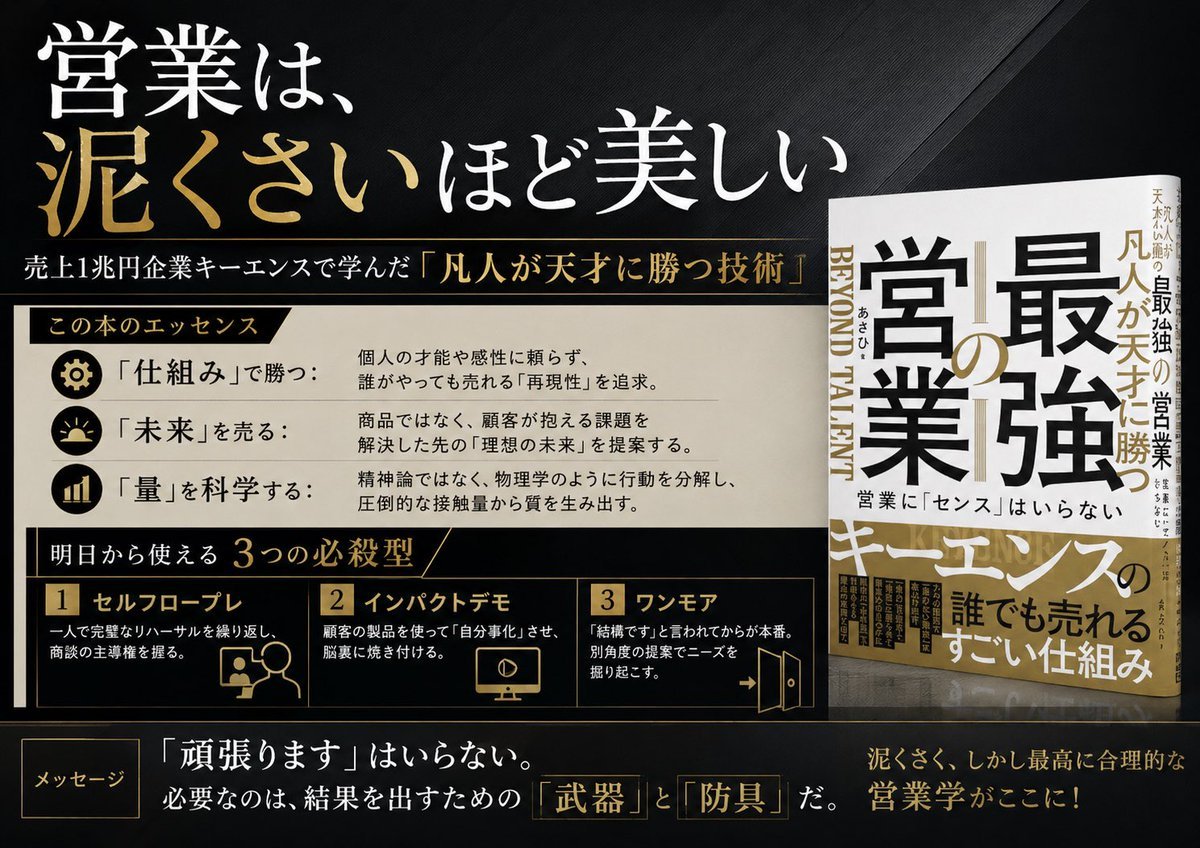
- Prompt included
- Model and format preset
- Free template
The prompt behind this image
Copy the exact prompt behind Japanese Sales Book Infographic Ad, or open it in the studio and make it yours.
Goal: Create a premium Japanese business-book promotional infographic for {argument name="book title" default="最強の営業"}, presenting the idea that sales is more beautiful the muddier it gets, with a luxury black-and-gold editorial design. Canvas: Wide 16:9 landscape advertisement, dark charcoal-black textured background with subtle diagonal fabric-like grain, sharp gold divider lines, high contrast white and metallic-gold typography. Overall feel: serious, authoritative, bestselling business book launch visual. Layout: Left two-thirds is a structured infographic; right one-third shows exactly 1 upright 3D-rendered book mockup standing on a glossy dark surface with a faint reflection. The book cover is white, black, and gold, with oversized Japanese title text and a vertical spine visible. Add small supporting Japanese cover text, including the main title {argument name="book title" default="最強の営業"}, the phrase {argument name="sales phrase" default="営業に『センス』はいらない"}, and gold emphasis around the word キーエンス. Top headline area: Large Japanese headline in the upper left: {argument name="headline text" default="営業は、泥くさいほど美しい"}. Make “泥くさい” metallic gold and the rest white. Beneath it, add a thin gold line and a smaller subtitle: {argument name="subtitle text" default="売上1兆円企業キーエンスで学んだ『凡人が天才に勝つ技術』"}. Middle section: A cream-colored horizontal panel titled 「この本のエッセンス」 on a black-and-gold ribbon. Include exactly 3 essence rows, each with a circular black icon at left and Japanese label plus explanation at right: 1) gear icon, 「仕組み」で勝つ: explanation about not relying on individual talent or intuition and pursuing reproducible systems anyone can sell with; 2) sunrise icon, 「未来」を売る: explanation about proposing the customer’s ideal future beyond the product; 3) bar chart icon, 「量」を科学する: explanation about breaking down behavior like physics and producing quality from overwhelming contact volume. Lower middle section: Black panel with gold borders titled 「明日から使える 3つの必殺型」. Include exactly 3 numbered method cards in a row: 1) 「セルフロープレ」 with a simple line icon of a person and speech bubble, describing repeating role-play alone before meeting clients; 2) 「インパクトデモ」 with a monitor/play icon, describing making the client experience convenience and internalize it; 3) 「ワンモア」 with an open-door arrow icon, describing making one more angle of proposal before giving up. Use gold numerals in small boxed labels. Bottom message strip: Add a small outlined label 「メッセージ」 at bottom left. Main sentence in large Japanese text: {argument name="bottom message" default="『頑張ります』はいらない。必要なのは、結果を出すための『武器』と『防具』だ。"} Highlight 「武器」 and 「防具」 in gold outlined boxes. At bottom right add a gold closing line: 「泥くさく、しかし最高に合理的な営業学がここに!」 Visual style: Japanese corporate advertising, bookstore poster, elegant typography mixing Mincho-style serif Japanese and bold Gothic Japanese, crisp grid alignment, metallic gold accents, off-white panels, subtle shadows, clean vector icons, realistic book mockup lighting. Constraints: Use exactly 1 book mockup, exactly 3 essence rows, and exactly 3 method cards. Keep all text legible, preserve the Japanese wording, avoid extra logos, avoid people, avoid clutter, no watermark.
How to use Japanese Sales Book Infographic Ad in 3 steps
- 1Upload ImagePNG, JPG or paste
Add your photo
Upload the photo the template builds on. The prompt, model and format are already set.
- 2…a portrait of your subject in softgolden-hour light, 85mm…
Personalize
Edit the subject and creative details for your destination.
- 3Generate
Generate
Press Generate — your image is created in PicX Studio, so you can compare it with the original and refine one variable at a time.
More like this
Templates with the same subject, style or setup. Open one to see its prompt.

Gpt2 Infographic Edu Visual Japanese Sci Fi Suit Up Process Board

Minecraft Japanese Research Lab Exploration

Japan Travel Brochure Poster
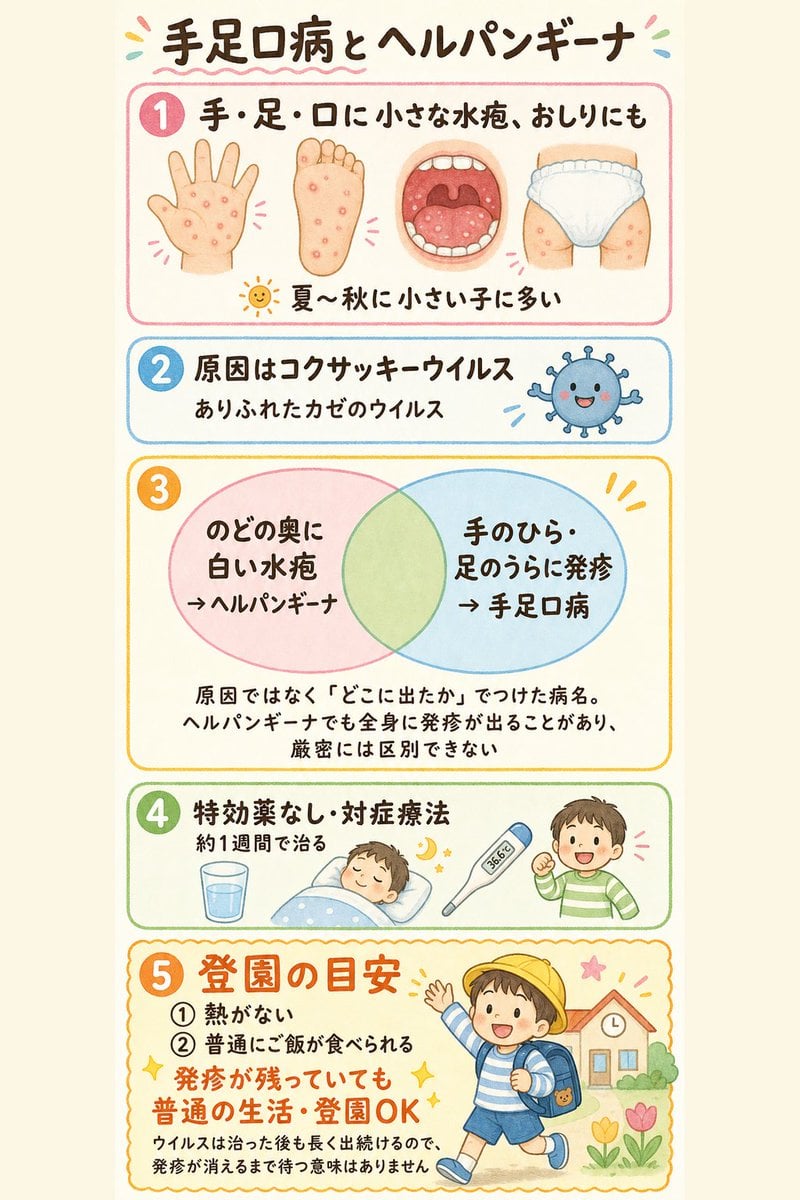
Japanese Pediatric Disease Infographic
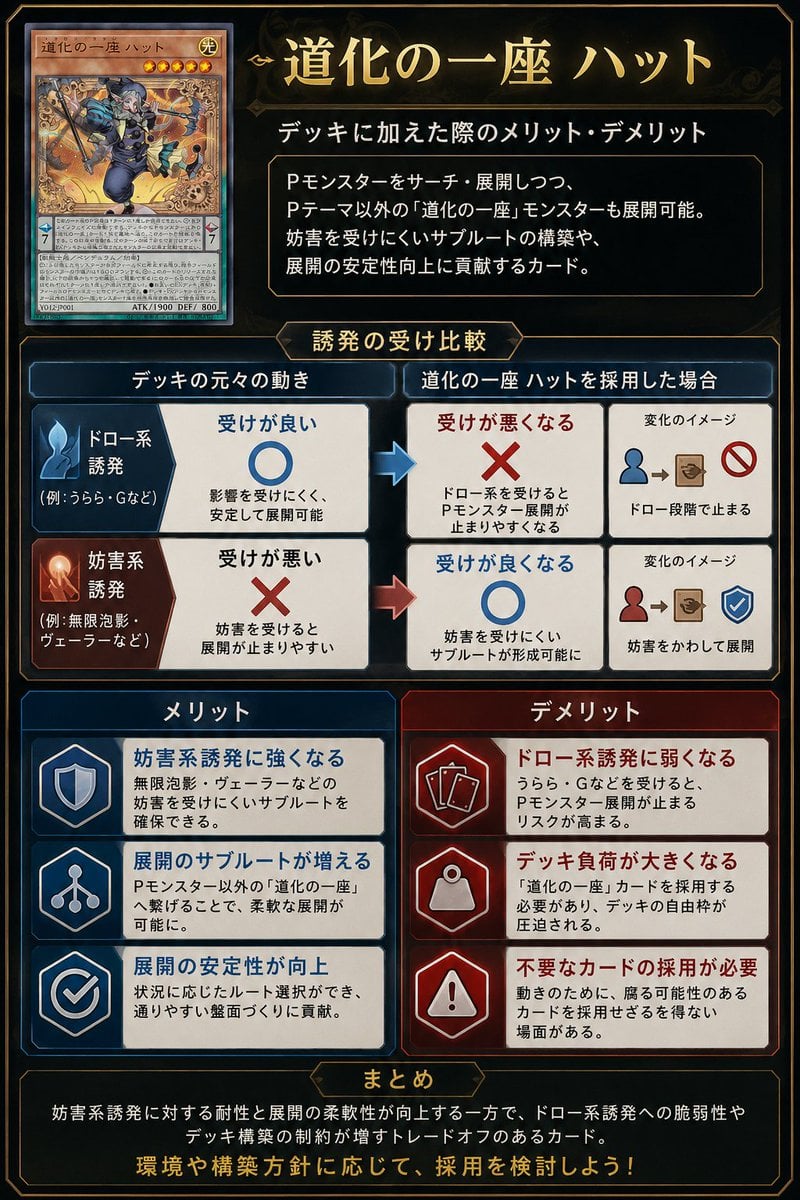
Japanese TCG Strategy Infographic
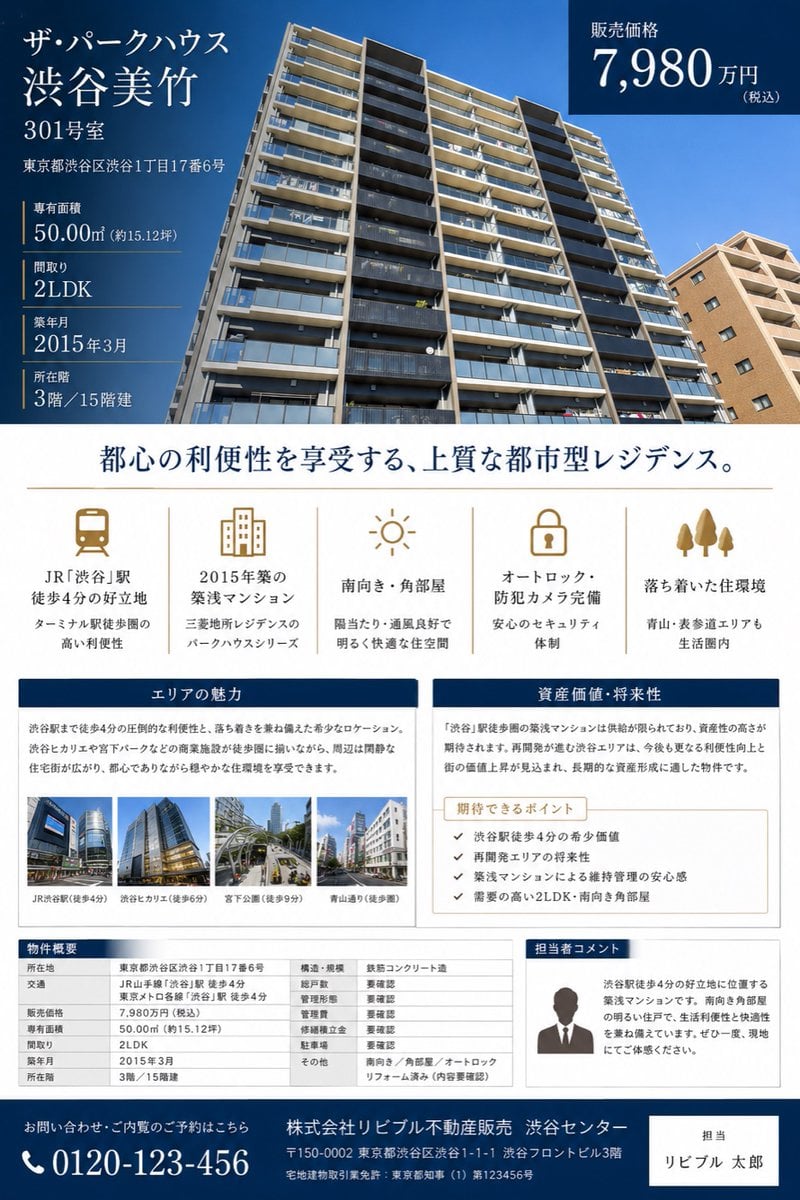
Japanese Luxury Condo Sales Flyer
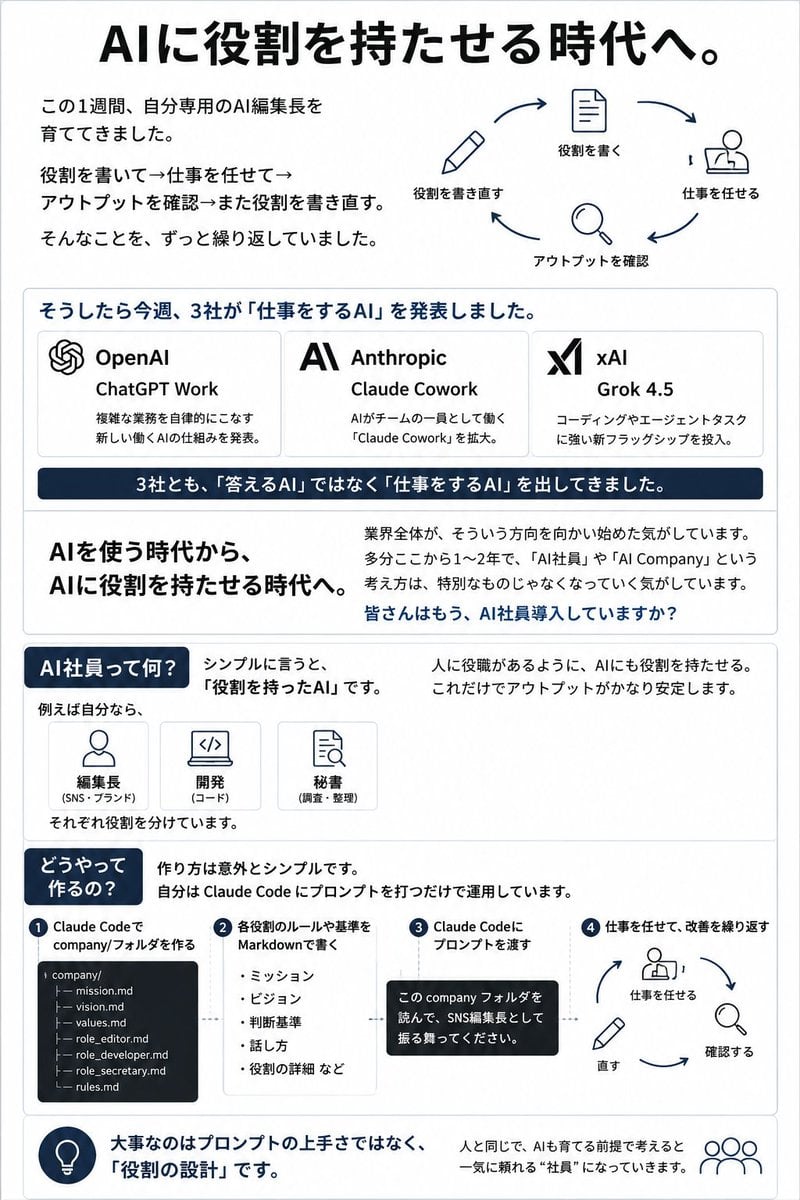
Japanese AI Employee Infographic
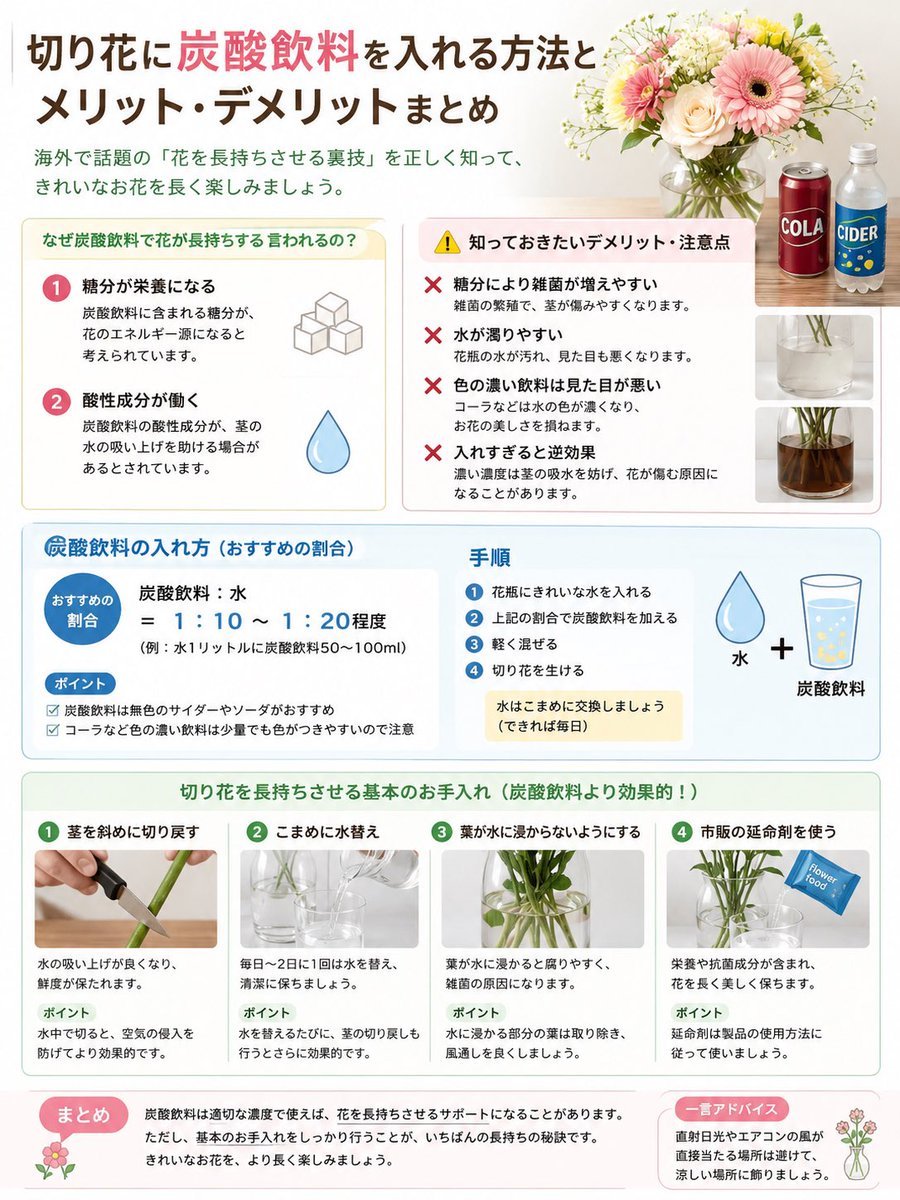
Japanese Cut Flower Soda Care Infographic

Japanese Architectural Concrete Studio Fashion Campaign

Japanese Minimalist Concrete Studio Fashion Editorial

Blue Backdrop Luxury Fashion Portrait Campaign

Isometric Process Educational Diorama
Make it yours
Japanese Sales Book Infographic Ad works as-is. These are the safest ways to change it without losing the look.
Change one field
Copy a single group, rewrite it, and generate again so you can see what that field is doing.
Keep the frame, change the subject
Hold the composition and light of Japanese Sales Book Infographic Ad, then swap wardrobe, props or the person for a new take.
| If the result… | Why | Fix |
|---|---|---|
| The result drifts from the preview | Too many fields changed at once. | Reuse Japanese Sales Book Infographic Ad as-is first, then change one group — subject, light, or setting. |
| The model over-stylizes the scene | The prose prompt leaves finish and camera underspecified. | Add one camera or lighting sentence and stay on GPT Image 2. |
More GPT Image 2 templates
Other prompts made for GPT Image 2.

Six VTuber Japanese Logo Sheet

Realistic Portrait of Woman and Deer

The Vista Modular Condo Poster

AI Model Routing Comparison Infographic

2.5D Anime Art Board

Isometric Productivity Desk Scene

New York Double Exposure Poster

Four-Panel AI Landscape Comparison

Japanese Tatami Lifestyle Magazine Cover

NESCAFÉ Coffee Map Poster
More image prompts
Fresh picks from across the catalog.

Milk Tea Commercial Storyboard

Cinematic Night Photo with Classic Mustang

Cinematic Profile Portrait in Crimson Field with Frame Overlay
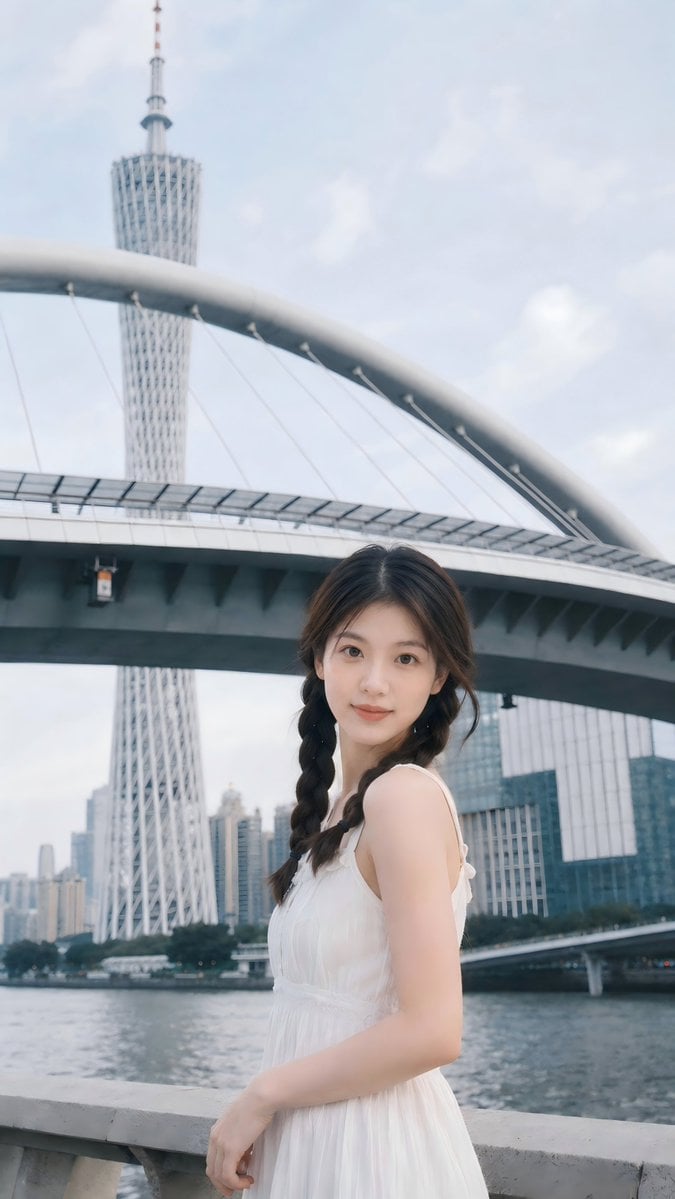
Prompt: Use the uploaded portrait as the ONLY ide
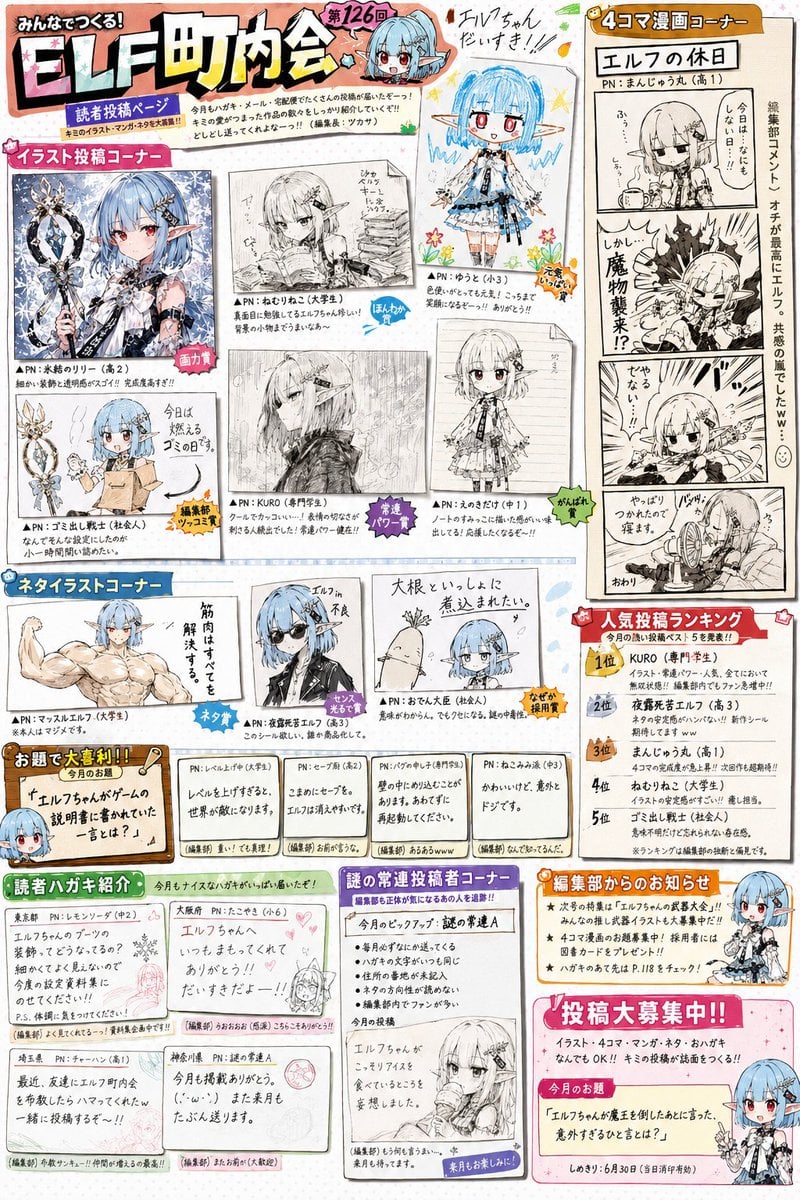
Retro Magazine Reader Submission Page

IP Character Avatar Poster Designer

Portrait photo prompt for a man with dramatic side-lighting and specific clothing details
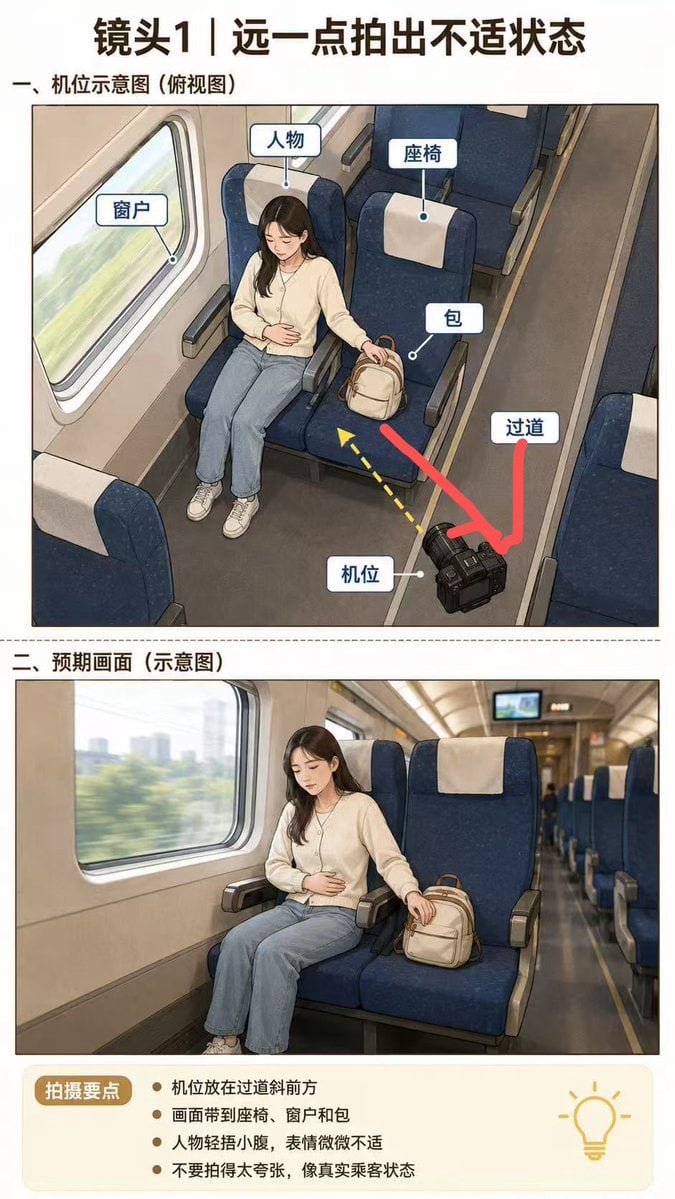
High-Speed Train Filming Storyboard

Klimt-Inspired Fine Art Editorial Portrait (JSON)
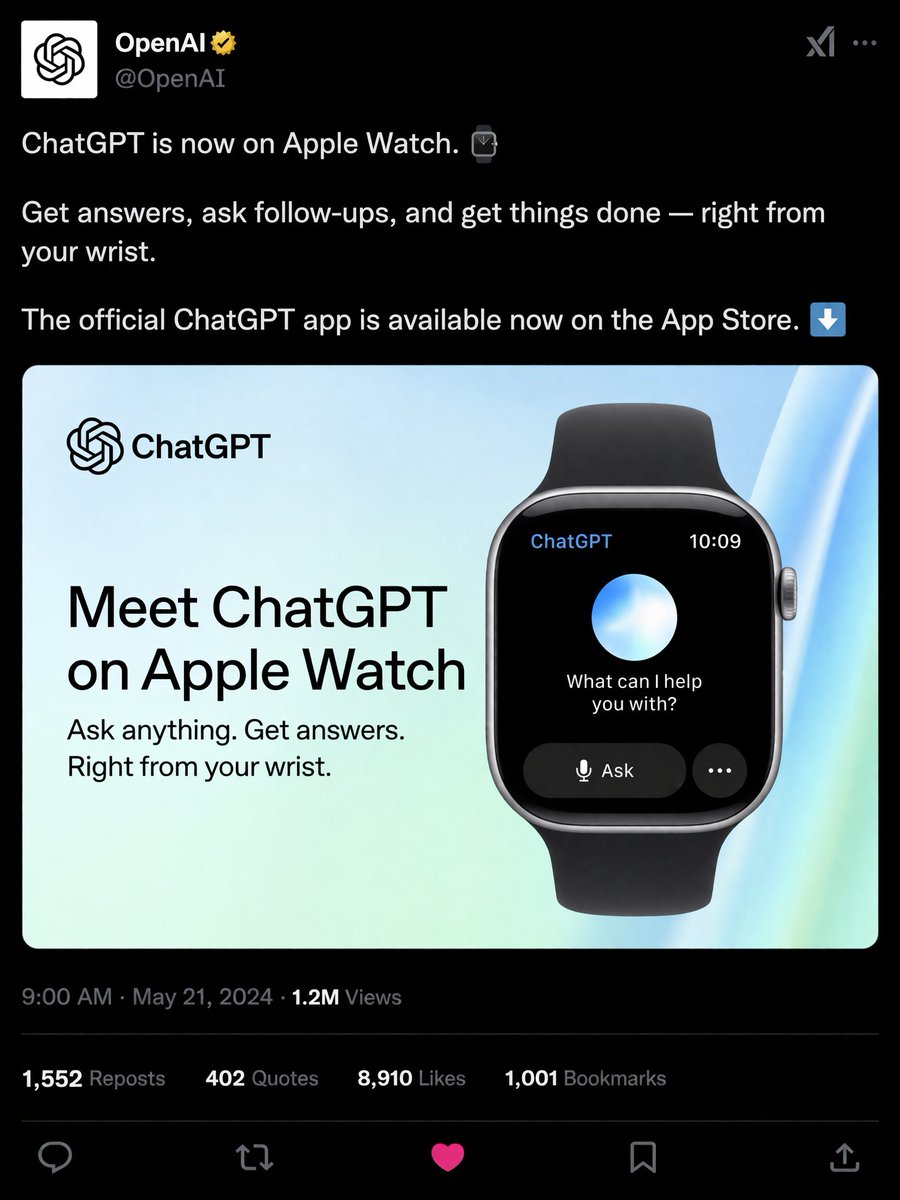
Social Media Product Announcement Mockup
Browse template categories
Japanese Sales Book Infographic Ad questions
How do I use the Japanese Sales Book Infographic Ad template?
Add your photo if the template asks for one, edit the prompt if you like — the template's model and format are already selected — and press Generate. Your version opens in PicX Studio.
Can I customize the Japanese Sales Book Infographic Ad template?
Yes. You can change the subject, setting, lighting, mood, format, and available model controls before creating your image.
Is the Japanese Sales Book Infographic Ad template free?
Opening and editing this template is free. Generating uses credits, shown on the Generate button when you are signed in.
Which AI model should I use?
Start with GPT Image 2, which is the model associated with this template. You can compare another compatible model for a different finish.
Looking for something else? Browse all templates.

Your photo, any look
Thousands of ready templates for every top image and video model, from one credit balance.