
Japanese Luxury Condo Sales Flyer
Generates a polished Japanese real estate brochure for presenting a condominium listing with price, features, area appeal, specs, and contact details.
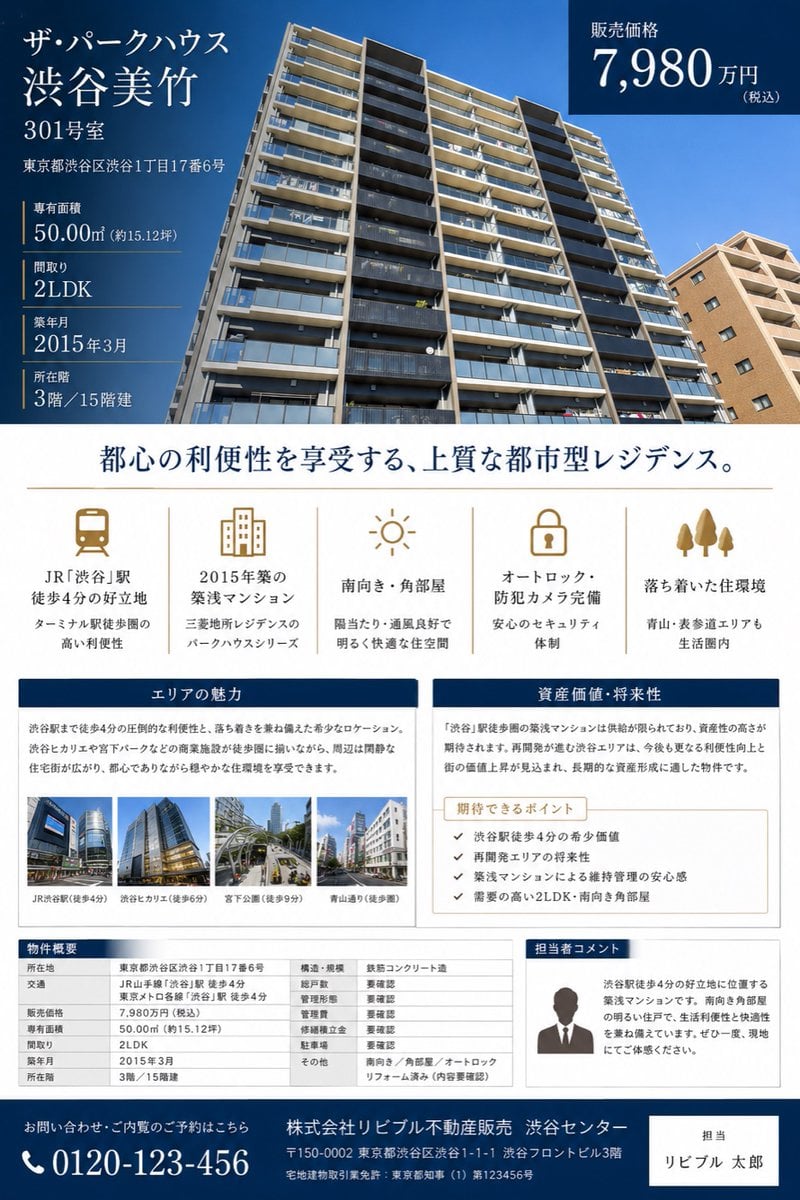
- Prompt included
- Model and format preset
- Premium template
The prompt behind this image
Copy the exact prompt behind Japanese Luxury Condo Sales Flyer, or open it in the studio and make it yours.
Goal: Create a polished Japanese real estate sales brochure flyer for a condominium listing, suitable for a property appraisal or sales proposal. Canvas: Portrait A4 flyer, clean luxury real-estate design, white background with deep navy and muted gold accents. Use elegant Japanese Mincho-style serif typography for headings and readable sans-serif for tables and body copy. Top hero section: Fill the upper half with a wide low-angle exterior photo of a modern high-rise condominium under a clear blue sky. Overlay a dark navy translucent information block on the left and a dark navy price box on the top right. Main listing text in the left overlay: Show the building name and unit prominently: 「{argument name="property name" default="ザ・パークハウス 渋谷美竹"}」, 「{argument name="unit number" default="301号室"}」. Beneath it show the address: 「東京都渋谷区渋谷1丁目17番6号」. Then list exactly 5 property specs separated by thin gold rules: dedicated area 「50.00㎡(約15.12坪)」, floor plan 「2LDK」, construction date 「2015年3月」, floor 「3階/15階建」, and other listing details as compact real-estate facts. Top-right price box: Dark navy rectangle with white text reading 「販売価格」 and the large price 「{argument name="sale price" default="7,980万円"}」 with small 「(税込)」. Center headline: Large centered Japanese headline in navy: 「都心の利便性を享受する、上質な都市型レジデンス。」 with a thin gold horizontal divider below. Feature icon row: Create exactly 5 evenly spaced feature columns with muted-gold line icons and Japanese labels. The 5 icons are: 1) train icon, label 「JR『渋谷』駅 徒歩4分の好立地」 with subtext about Terminal station convenience; 2) apartment building icon, label 「2015年築の築浅マンション」 with subtext about Mitsubishi Estate Residence Park House series; 3) sun icon, label 「南向き・角部屋」 with subtext about sunlight and ventilation; 4) lock icon, label 「オートロック・防犯カメラ完備」 with subtext about security; 5) three trees icon, label 「落ち着いた住環境」 with subtext mentioning Aoyama and Omotesando within living range. Middle content panels: Use two side-by-side bordered cards with navy title bars. Left card title 「エリアの魅力」 with a paragraph describing the convenience of being 4 minutes from Shibuya Station and a calm residential environment. Include exactly 4 small landscape thumbnail photos along the bottom, each with captions: 「JR渋谷駅(徒歩4分)」, 「渋谷ヒカリエ(徒歩5分)」, 「宮下公園(徒歩9分)」, 「青山通り(徒歩8分)」. Right card title 「資産価値・将来性」 with a paragraph about scarcity and asset value near Shibuya Station. Inside it place a beige sub-box titled 「期待できるポイント」 containing exactly 4 checkmark bullet points: 1) 「渋谷駅徒歩4分の希少価値」, 2) 「再開発エリアの将来性」, 3) 「築浅マンションによる維持管理の安心感」, 4) 「需要の高い2LDK・南向き角部屋」. Bottom section: Create exactly 3 bottom blocks. Left: a property overview table titled 「物件概要」 with multiple rows for location, access, sale price, dedicated area, floor plan, construction date, floor, structure, total units, management type, management company, parking, and other notes. Middle/right: a bordered staff comment card titled 「担当者コメント」 with a simple gray silhouette portrait and Japanese sales comment explaining the 4-minute Shibuya location, southern corner room brightness, and recommendation to visit. Far bottom: a full-width dark navy contact footer with a phone icon and large number 「{argument name="phone number" default="0120-123-456"}」, company name 「株式会社リビブル不動産販売 渋谷センター」, address and license text in small white type, plus a white contact-person box on the right reading 「担当」 and 「{argument name="agent name" default="リビブル 太郎"}」. Visual style and constraints: Make it look like a finished premium Japanese real-estate brochure, not a wireframe. Keep all text crisp and aligned, use navy #003057, white, light gray, and gold accent lines. Maintain a professional editorial grid, balanced margins, realistic building photography, small realistic urban thumbnails, no extra logos, no watermark, no QR code, and no unrelated decorative elements.
How to use Japanese Luxury Condo Sales Flyer in 3 steps
- 1Upload ImagePNG, JPG or paste
Add your photo
Upload the photo the template builds on. The prompt, model and format are already set.
- 2…a portrait of your subject in softgolden-hour light, 85mm…
Personalize
Edit the subject and creative details for your destination.
- 3Generate
Generate
Press Generate — your image is created in PicX Studio, so you can compare it with the original and refine one variable at a time.
More like this
Templates with the same subject, style or setup. Open one to see its prompt.

Blue Backdrop Luxury Fashion Portrait Campaign
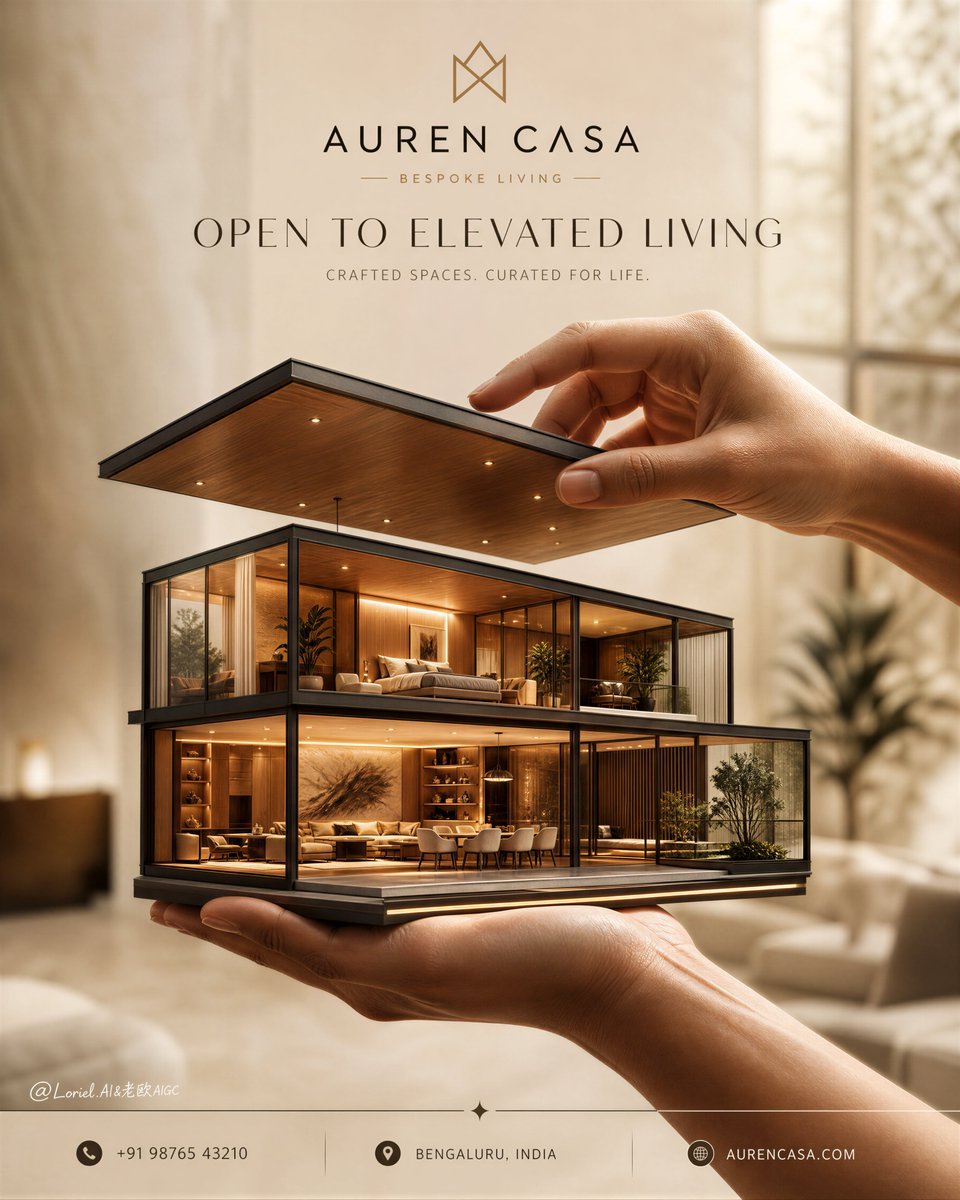
Luxury Real Estate Sales Poster
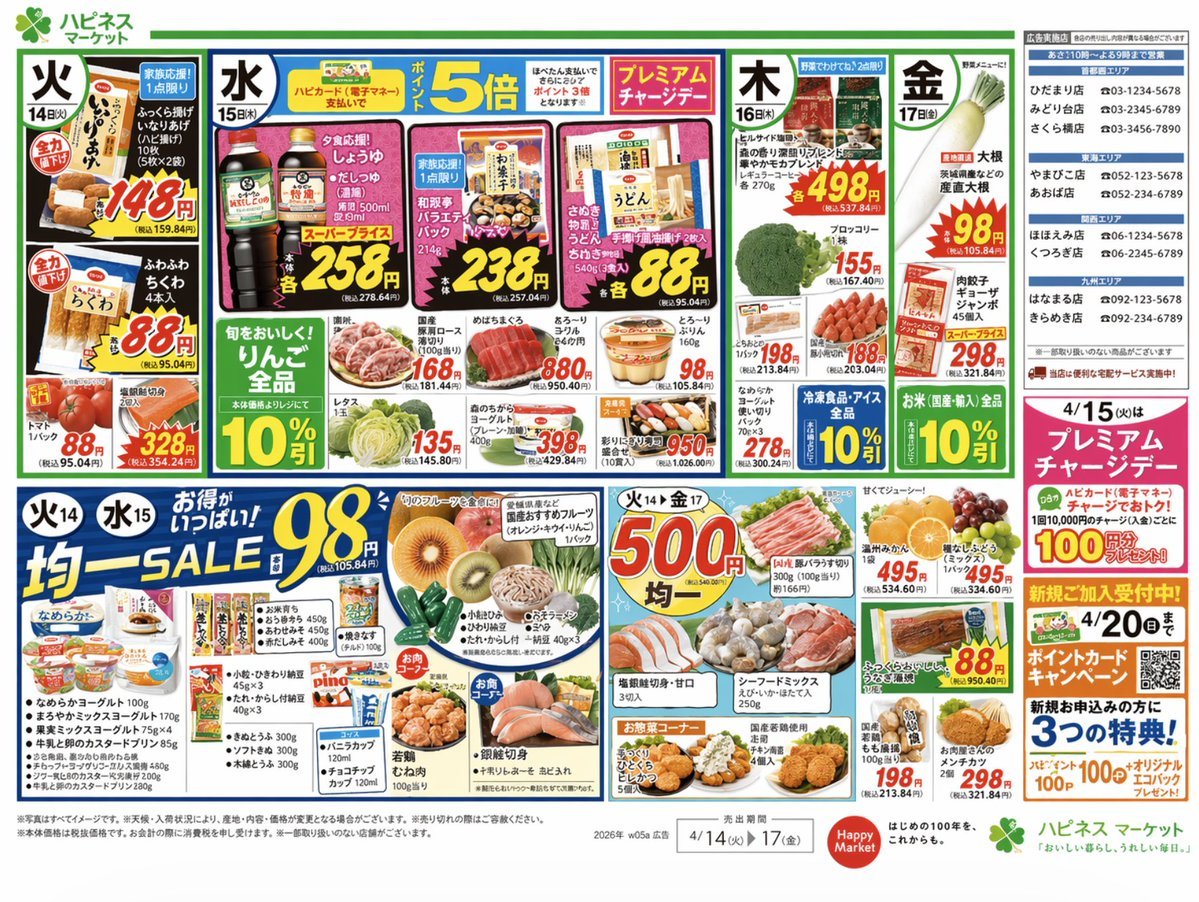
Japanese Supermarket Promotional Flyer

Minecraft Japanese Research Lab Exploration

Luxury Japanese Fantasy Anime Kimono
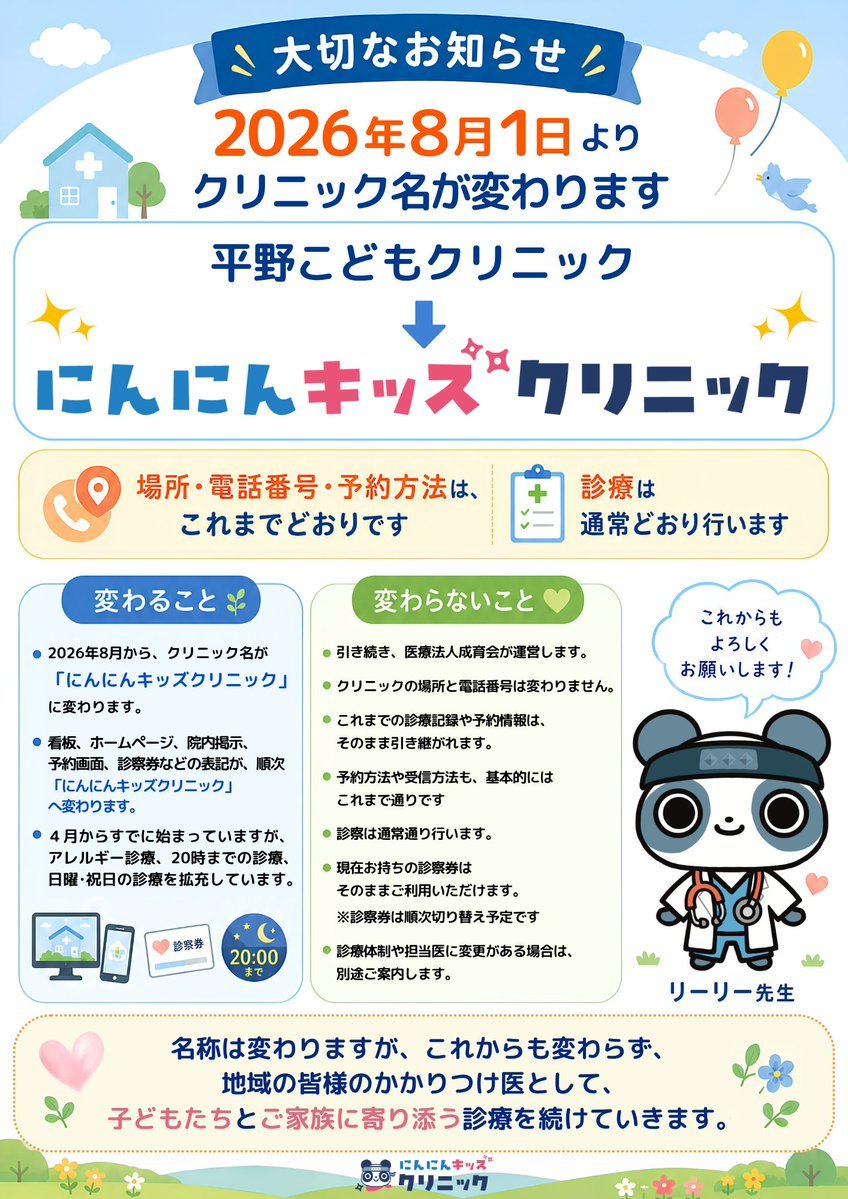
Japanese Pediatric Clinic Name Change Flyer

Sealing Wax Letter Desk

Ballroom Floor Reflections

Vintage Camera Leather Case

Hedge Maze Aerial Dawn

Tuxedo Cuff Adjust

Cathedral Choir Loft
Make it yours
Japanese Luxury Condo Sales Flyer works as-is. These are the safest ways to change it without losing the look.
Change one field
Copy a single group, rewrite it, and generate again so you can see what that field is doing.
Keep the frame, change the subject
Hold the composition and light of Japanese Luxury Condo Sales Flyer, then swap wardrobe, props or the person for a new take.
| If the result… | Why | Fix |
|---|---|---|
| The result drifts from the preview | Too many fields changed at once. | Reuse Japanese Luxury Condo Sales Flyer as-is first, then change one group — subject, light, or setting. |
| The model over-stylizes the scene | The prose prompt leaves finish and camera underspecified. | Add one camera or lighting sentence and stay on GPT Image 2. |
More GPT Image 2 templates
Other prompts made for GPT Image 2.

Six VTuber Japanese Logo Sheet

Realistic Portrait of Woman and Deer

The Vista Modular Condo Poster

AI Model Routing Comparison Infographic

2.5D Anime Art Board

Isometric Productivity Desk Scene

New York Double Exposure Poster

Four-Panel AI Landscape Comparison

Japanese Tatami Lifestyle Magazine Cover

NESCAFÉ Coffee Map Poster
More image prompts
Fresh picks from across the catalog.
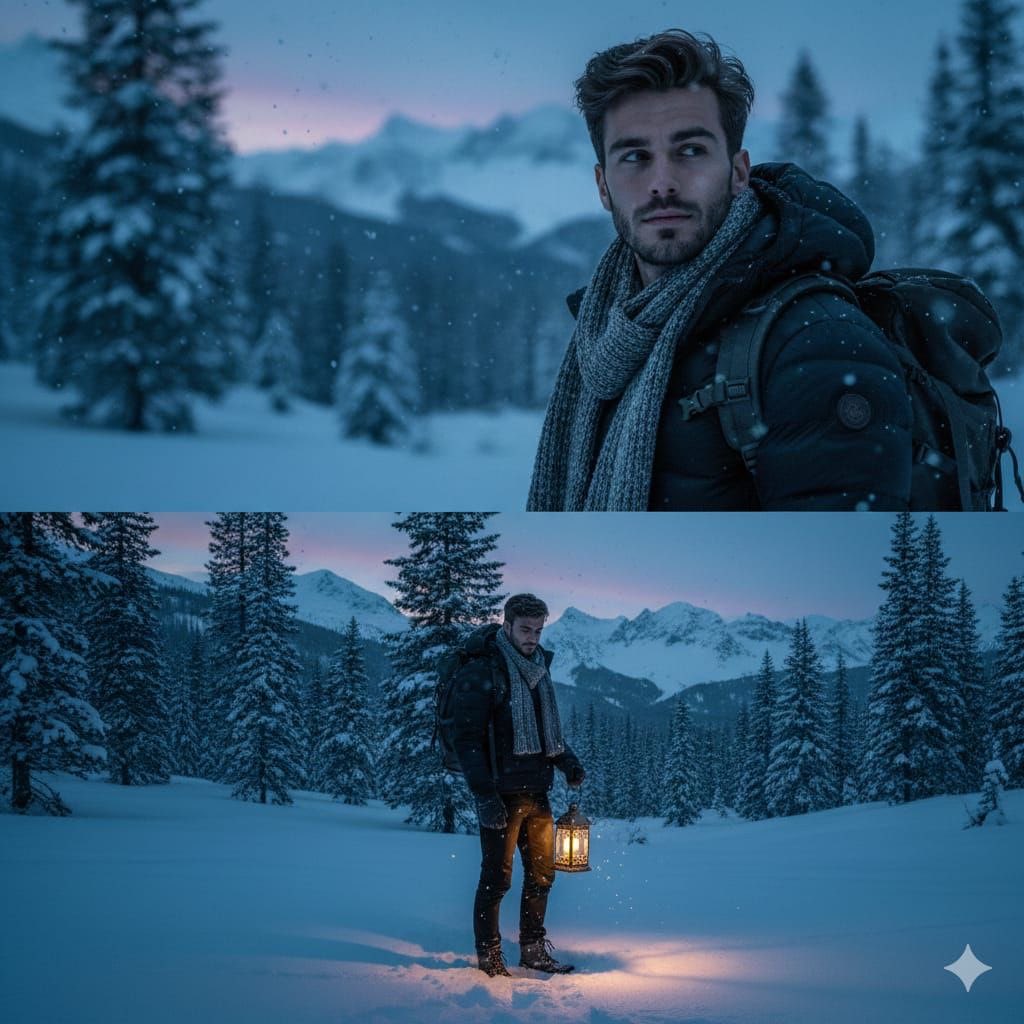
Cinematic Winter Forest Portrait

Food Action Photography Prompts for Melted Cheese and Gooey Textures

Hyper-Realistic Wet Look Portrait

Batch Generation of Christmas Backstage Photos
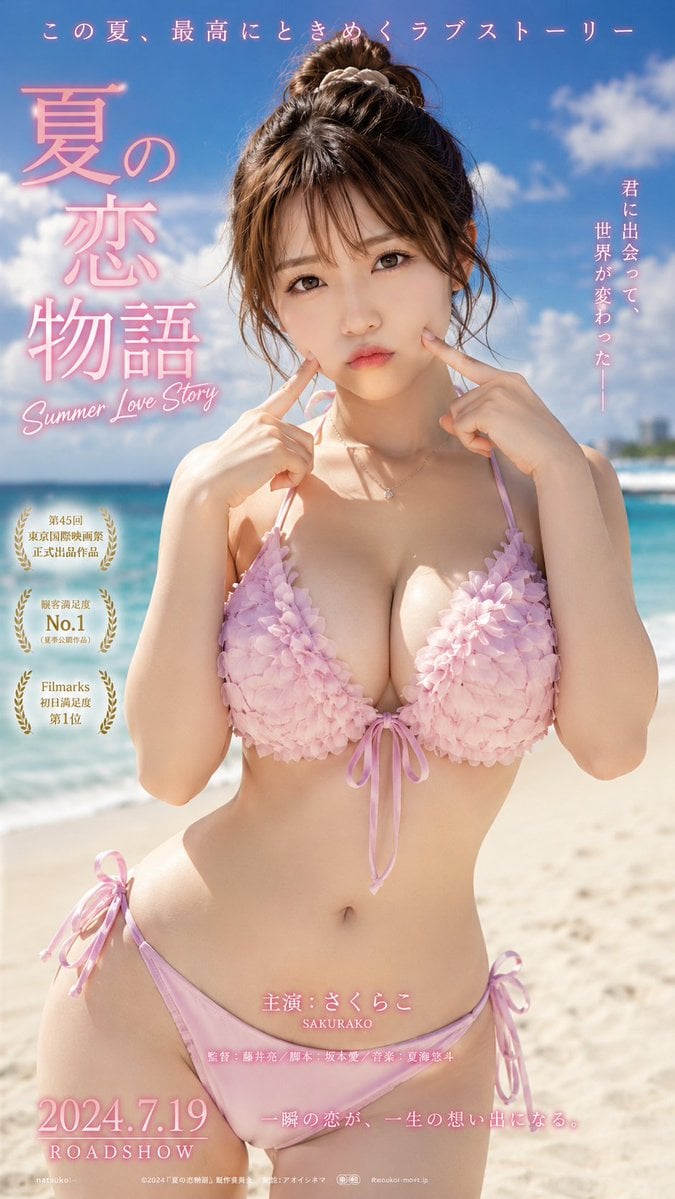
Cinematic Beachwear Model Portrait
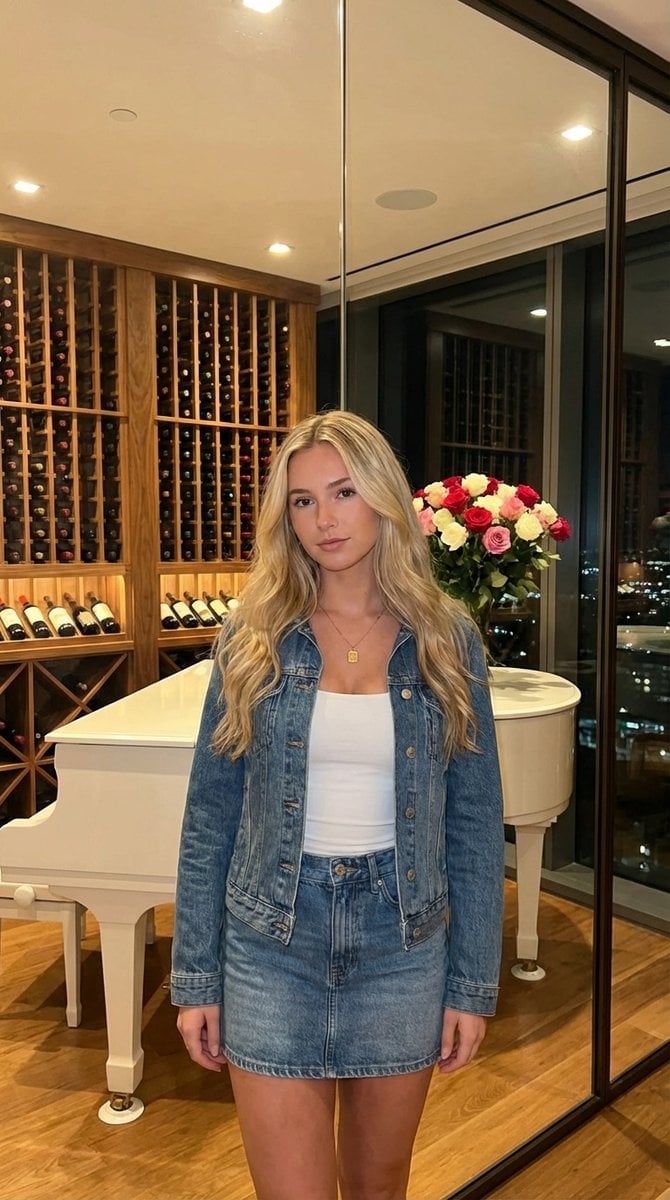
AI UGC Prompt for Upscale Lifestyle Portrait

Neon Kyoto Rain Alley
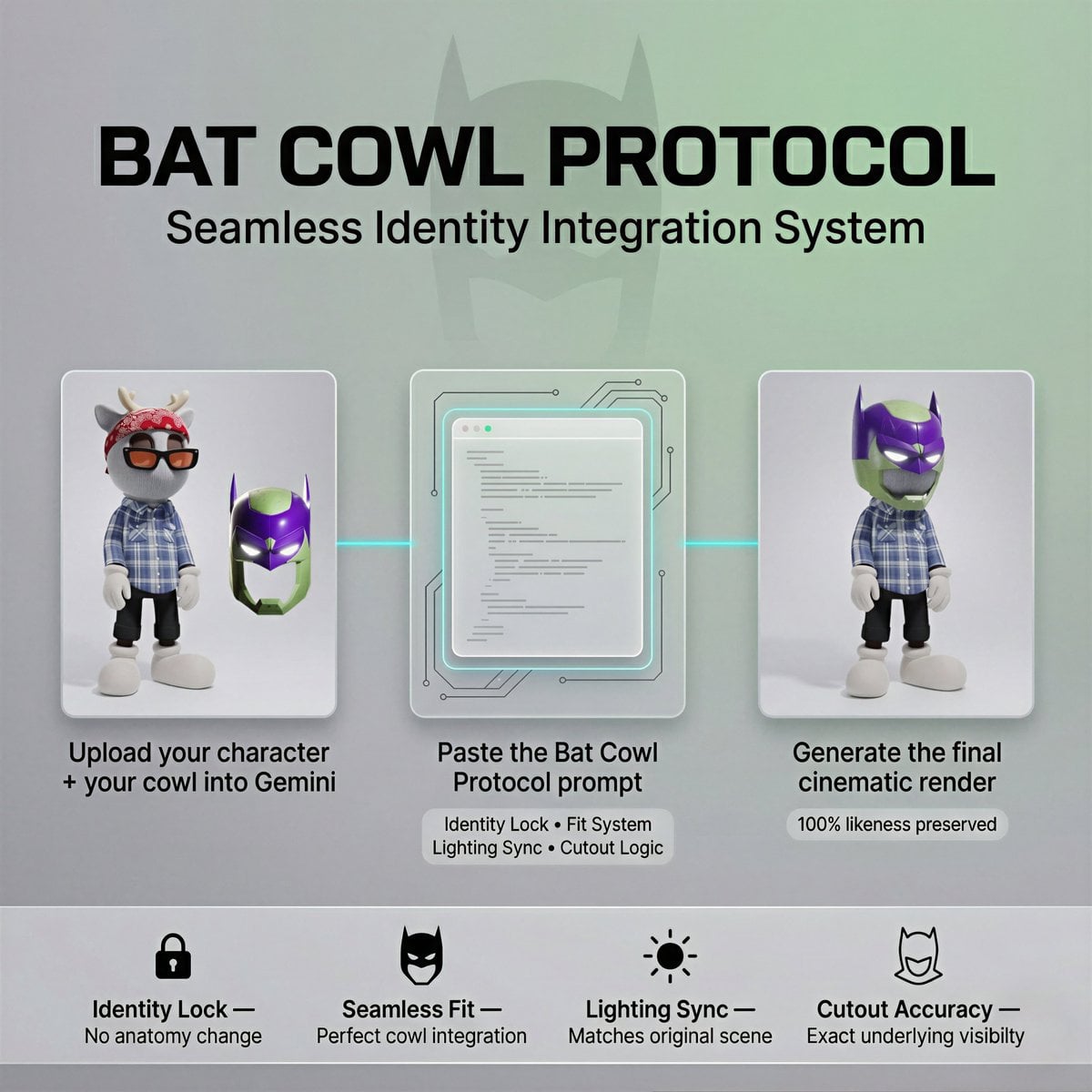
Bat Cowl Protocol Character Prompt
Retro Orange Outfit Analysis Poster
Nano Banana Pro 4-panel comic: Hina Matsuri
Browse template categories
Japanese Luxury Condo Sales Flyer questions
How do I use the Japanese Luxury Condo Sales Flyer template?
Add your photo if the template asks for one, edit the prompt if you like — the template's model and format are already selected — and press Generate. Your version opens in PicX Studio.
Can I customize the Japanese Luxury Condo Sales Flyer template?
Yes. You can change the subject, setting, lighting, mood, format, and available model controls before creating your image.
Is the Japanese Luxury Condo Sales Flyer template free?
Opening and editing this template is free. Generating uses credits, shown on the Generate button when you are signed in.
Which AI model should I use?
Start with GPT Image 2, which is the model associated with this template. You can compare another compatible model for a different finish.
Looking for something else? Browse all templates.

Your photo, any look
Thousands of ready templates for every top image and video model, from one credit balance.