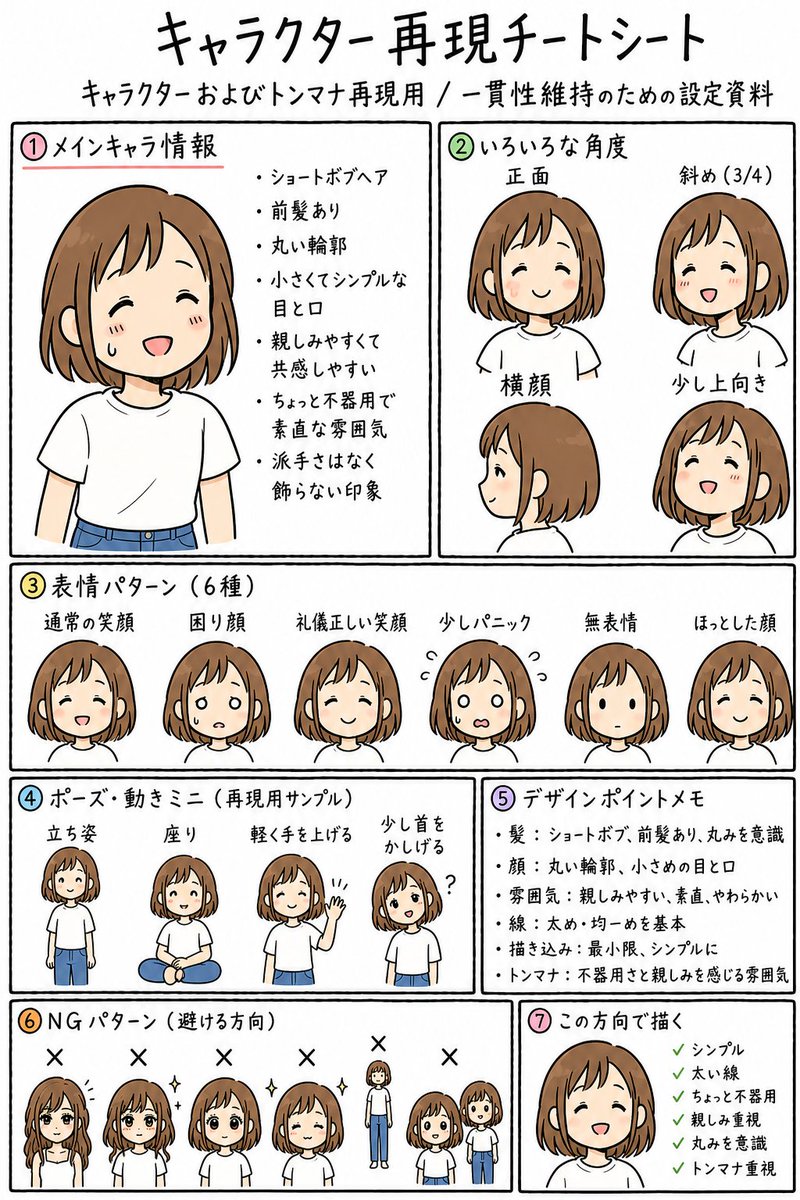
Anime Character Reproduction Cheat Sheet
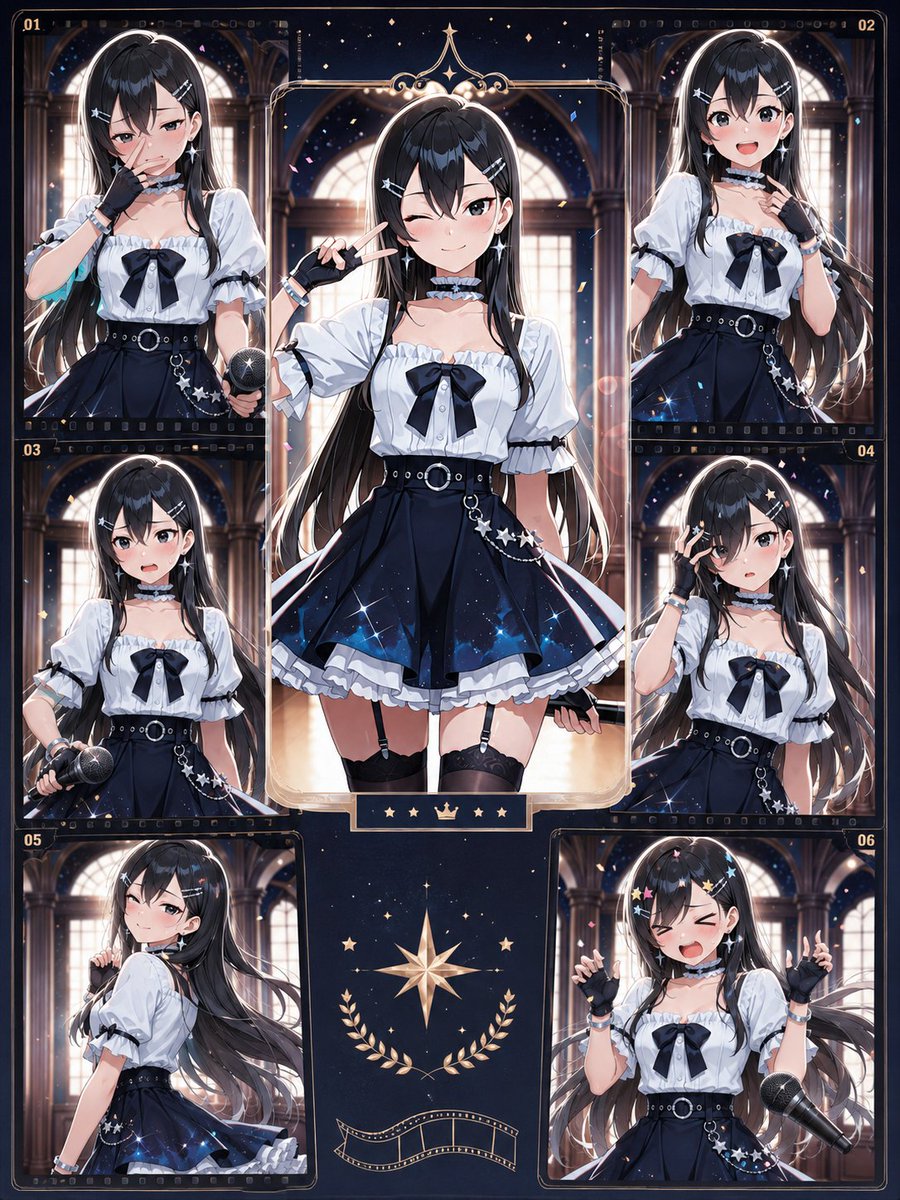
hand-drawn anime character reproduction cheat sheet for consistent LINE sticker generation · clean white paper reference sheet, black hand-drawn panel borders, casual marker-like Japanese handwriting, soft flat colors, simple manga line art, friendly and slightly plain design, educational layout, no background decoration · キャラクター再現チートシート · キャラクターおよびトンマナ再現用 / 一貫性維持のための設定資料 · {argument name="character name" default="unnamed friendly girl"} · young adult or teenage girl, approachable and ordinary · {argument name="hair color" default="warm light brown"} · short bob hair with front bangs, rounded silhouette, tucked slightly around the ears · round facial outline, small simple eyes and mouth, gentle expression, minimal facial detail · {argument name="outfit" default="plain white T-shirt and blue jeans"} · simple, thick lines, modestly plain, relatable, not overly decorative · single vertical A4-style sheet divided into seven numbered boxed sections with colored circled numbers · ① · メインキャラ情報 · top left · 1 · large bust portrait of the main character on the left; bullet notes on the right · ショートボブヘア, 前髪あり, 丸い輪郭, 小さくてシンプルな目と口, 親しみやすくて共感しやすい, ちょっと不器用で素直な雰囲気, 派手さはなく飾らない印象 · ② · いろいろな角度 · top right · 4 · 正面, 斜め(3/4), 横顔, 少し上向き · four head-and-shoulder angle examples showing front view, three-quarter view, side profile, and slightly upward-looking smiling view · ③ · 表情パターン(6種) · middle full width · 6 · 通常の笑顔, 困り顔, 礼儀正しい笑顔, 少しパニック, 無表情, ほっとした顔 · six small head portraits in a row, each with a different simple facial expression · ④ · ポーズ・動きミニ(再現用サンプル) · lower left middle · 4 · 立ち姿, 座り, 軽く手を上げる, 少し首をかしげる · four small full-body pose samples: standing, sitting cross-legged, waving lightly, and tilting head with a question mark · ⑤ · デザインポイントメモ · lower right middle · 5 · 髪:ショートボブ、前髪あり、丸みを意識, 顔:丸い輪郭、小さめの目と口, 雰囲気:親しみやすい、素直、やわらかい, 線:太め・均一めを基本, 描き込み:最小限、シンプルに, トンマナ:不器用さと親しみを感じる雰囲気 · ⑥ · NGパターン(避ける方向) · bottom left · 6 · messy gloomy hair covering face, too glamorous sparkling hair, rear view only, too polished idol-like smile, body proportions too tall and realistic, chibi proportions too childish · six incorrect direction examples marked with black X symbols above each sample · ⑦ · この方向で描く · bottom right · 1 · final approved close-up smiling face with green check list · シンプル, 太い線, ちょっと不器用, 親しみ重視, 丸みを意識, トンマナ重視 · Create a complete readable Japanese reference sheet matching the structure above. Use colored circled section numbers 1 through 7, black rectangular panel dividers, hand-lettered Japanese text, and small consistent drawings of the same character throughout. Keep the artwork simple, warm, and sticker-friendly. The sheet should feel like a practical consistency guide for reproducing one character across many LINE stickers. · Use the main title {argument name="headline text" default="キャラクター再現チートシート"} and keep all section labels visible and legible.


















![Naive doodle-style subject illustration — A doodle-style {argument name="subject" default="[subject]"}, naive lines, humorous shape exaggeration](https://pbs.twimg.com/media/G6Wl2YxbsAARB2b.jpg)
















![Grunge Sports Poster Portrait from Reference Image — Dynamic grunge-style sports poster portrait of a [uploaded image] in celebration, intense profile pose look](https://pbs.twimg.com/media/G8YFSCRaEAABnDI.jpg)


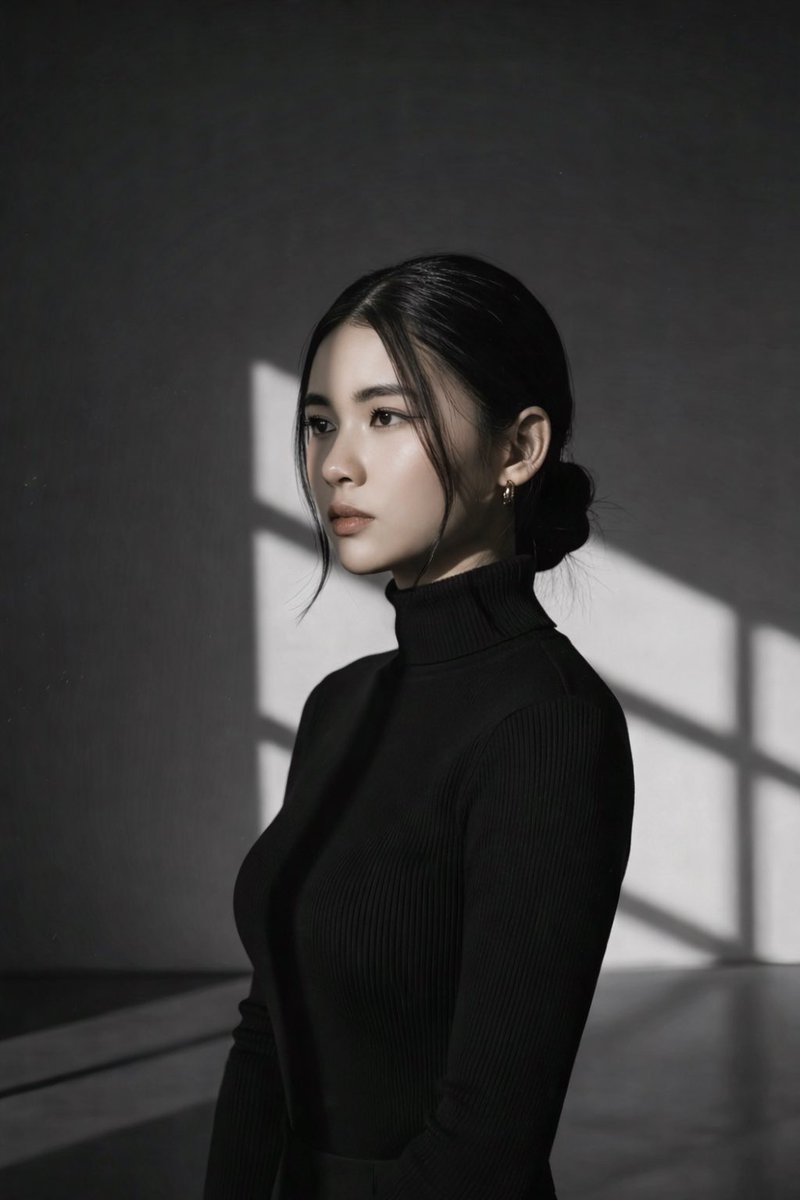
![Expressive Portrait with Abstract Expressionism Style — Vibrant expressive portrait of {argument name="subject name" default="[NAME]"} looking upwards with wond](https://pbs.twimg.com/media/G-UF0NBasAQ8fSr.jpg)