
Christmas Holiday Editorial Template
Christmas Holiday Editorial Template is a ready photo look.
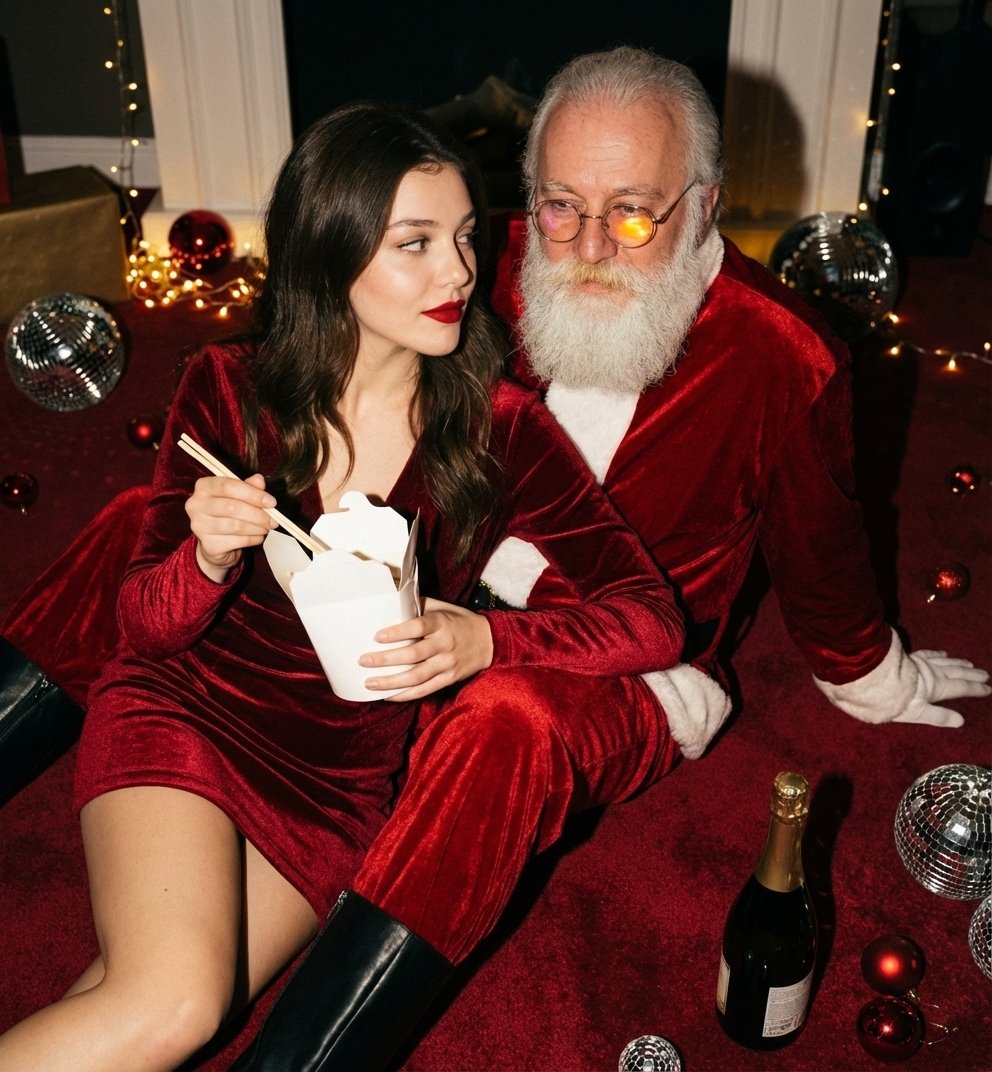
- Prompt included
- Model and format preset
- Free template
The prompt behind this image
Copy the exact prompt behind Christmas Holiday Editorial Template, or open it in the studio and make it yours.
Use the uploaded reference image strictly for facial identity and proportions only. Maintain exact face structure, eye shape, nose, lips, and facial symmetry with 100% accuracy. Create a high-fashion editorial Christmas scene featuring the woman seated closely beside a man dressed as Santa Claus. The setting is an indoor festive environment with a deep red carpeted floor, scattered red Christmas ornaments, mirrored disco balls, and a partially visible champagne bottle on the floor. The woman is wearing a fitted deep red velvet mini dress with a subtle sheen, thin straps, and natural fabric tension around the waist and hips. She is leaning forward slightly, one arm resting on Santa’s leg, the other holding a white takeaway food box with chopsticks mid-action. Her makeup is bold and glamorous — matte red lipstick, softly contoured cheeks, subtle eyeliner, visible skin texture and pores. Lighting is dramatic, flash-style editorial lighting with strong highlights and defined shadows, realistic reflections on velvet fabric and ornaments. Santa’s costume is rich red velvet with white fur trim, textured beard, round glasses catching light naturally. Shot on a full-frame DSLR, 35mm lens, shallow depth of field, crisp focus on faces, cinematic party editorial style, natural grain, no smoothing, no AI artifacts, no surreal lighting.
How to use Christmas Holiday Editorial Template in 3 steps
- 1Upload ImagePNG, JPG or paste
Add your photo
Upload the photo the template builds on. The prompt, model and format are already set.
- 2…a portrait of your subject in softgolden-hour light, 85mm…
Personalize
Edit the subject and creative details for your destination.
- 3Generate
Generate
Press Generate — your image is created in PicX Studio, so you can compare it with the original and refine one variable at a time.
More like this
Templates with the same subject, style or setup. Open one to see its prompt.

Christmas Ornament Portrait Glossy Glass Resin Finish with Hand Painted Details Holiday Lighting
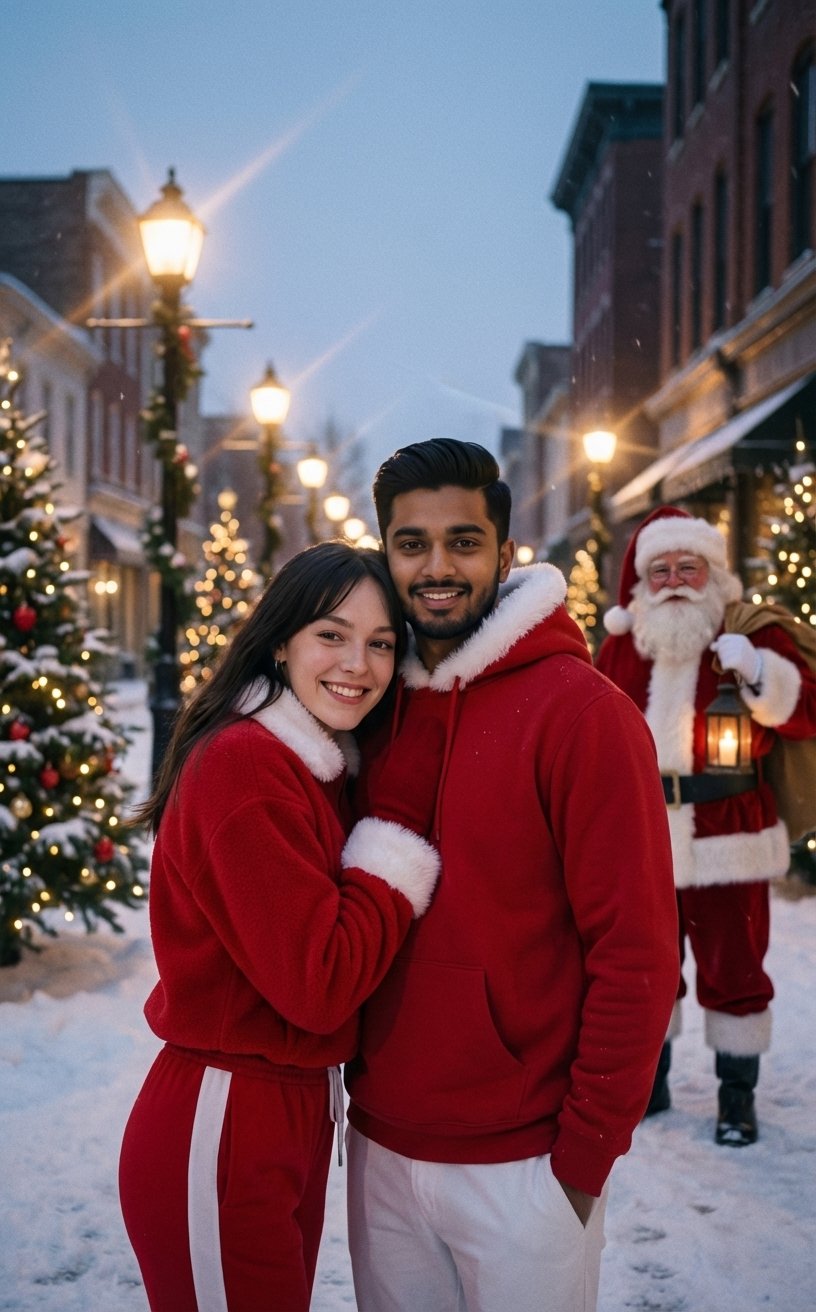
Festive Couple Holiday Magic Template

untitled

Caution Tape Fashion — Industrial Editorial
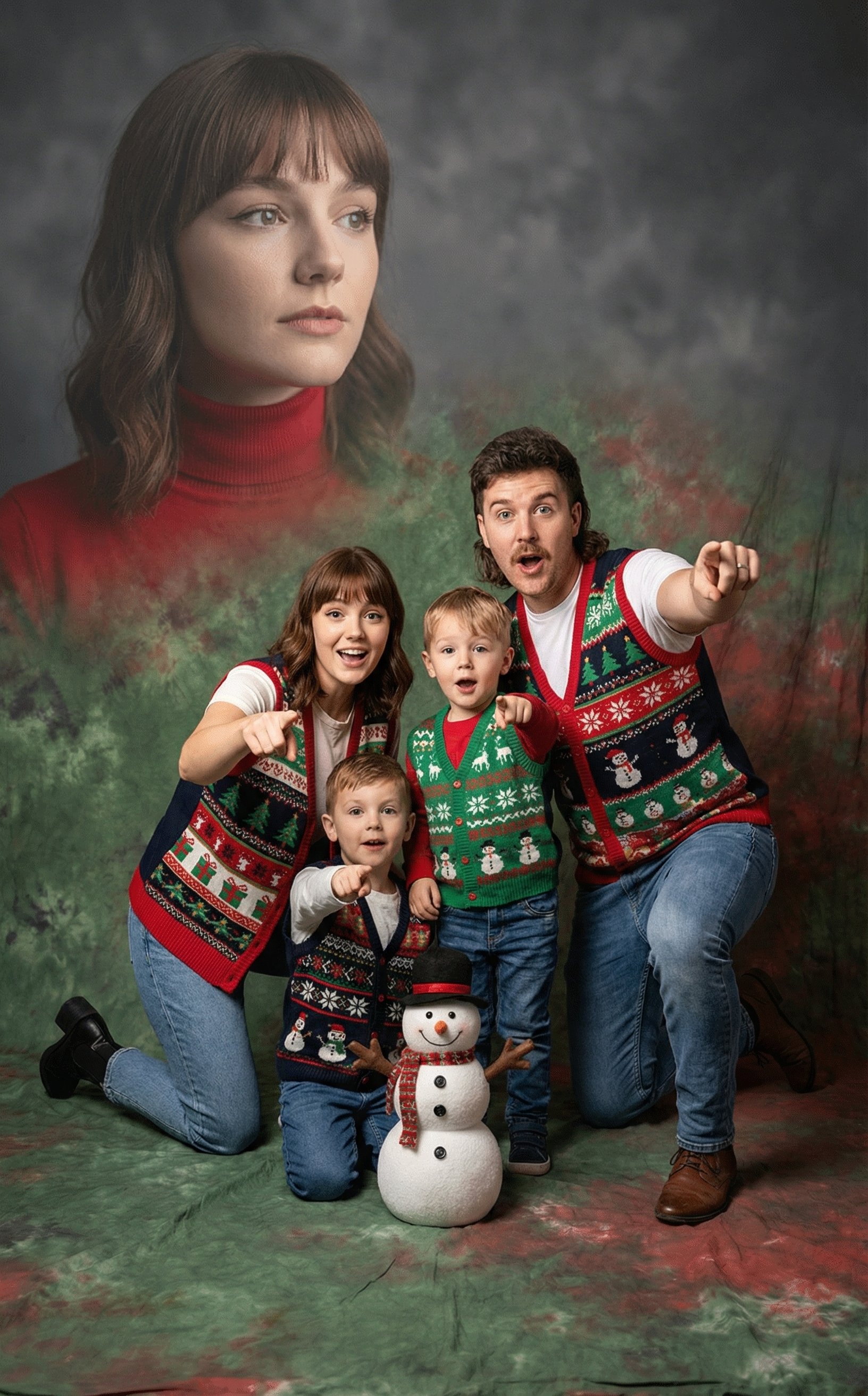
Awkward 90s Holiday Studio Portrait
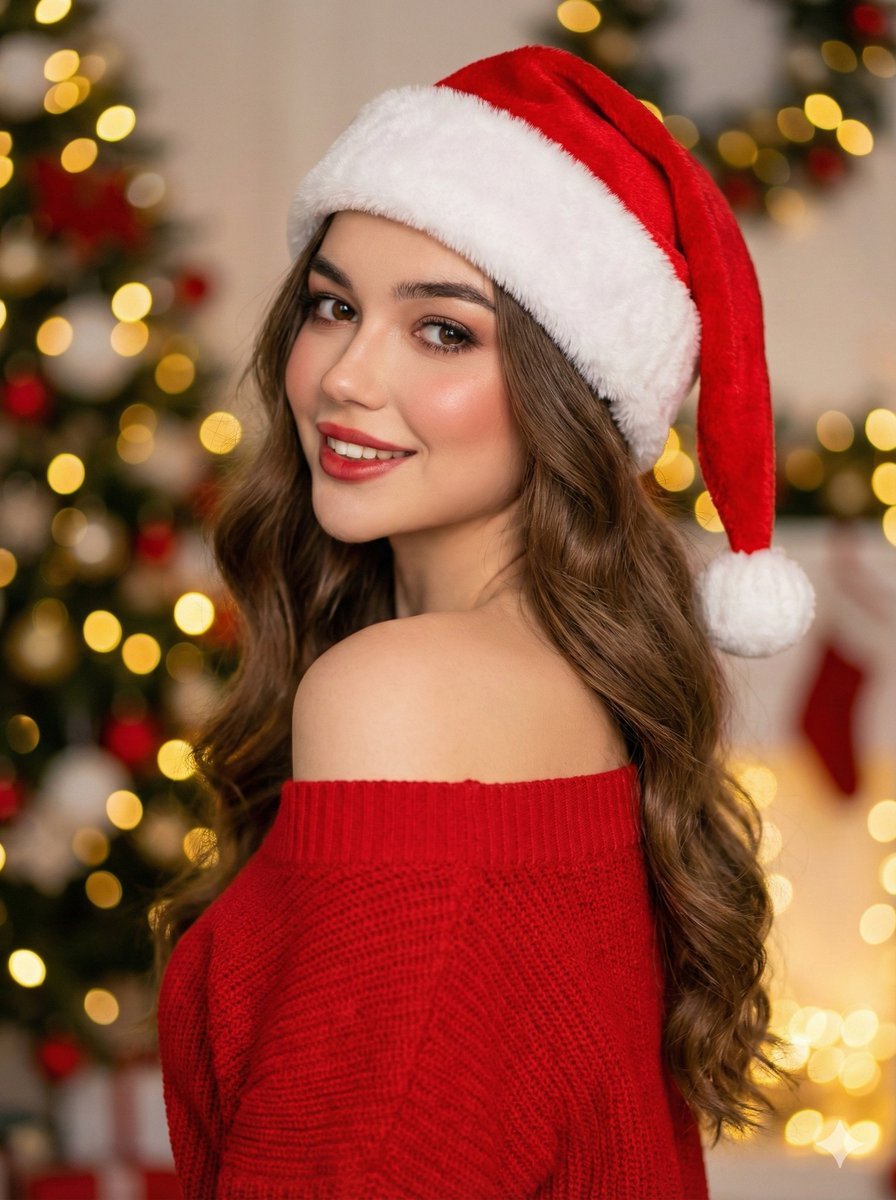
High-Fashion Christmas Portrait with Holiday Sophistication
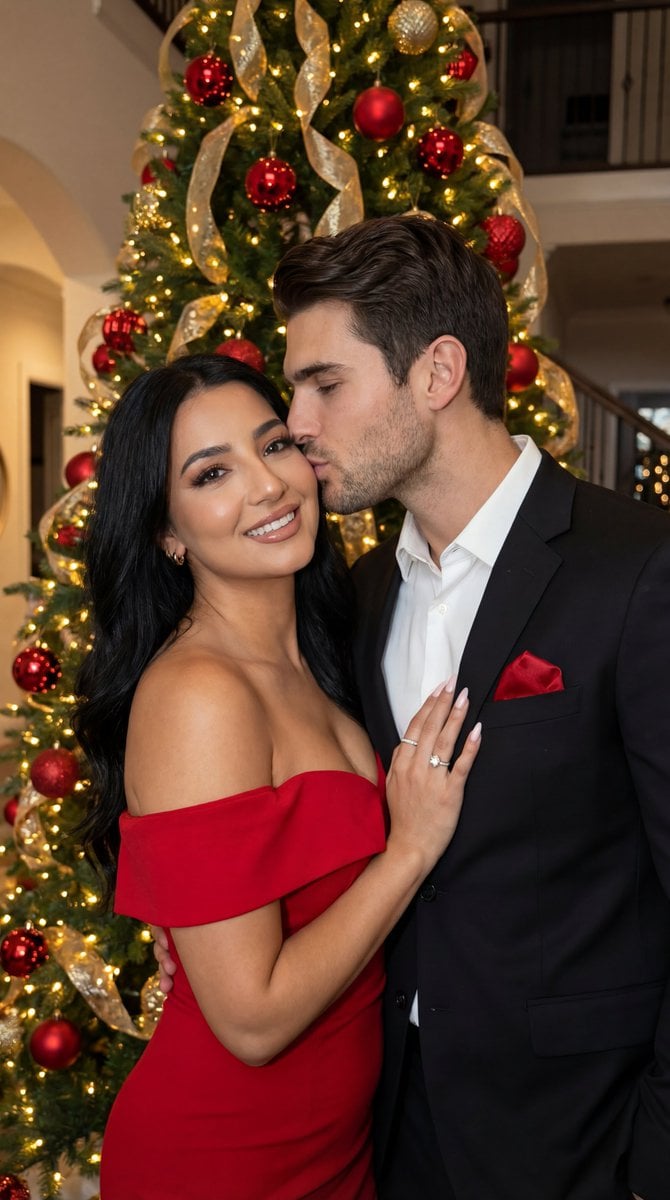
Luxury Holiday Couple Editorial Portrait

Couture Fashion Editorial Woman and Drag

Nano Banana 2 Editorial Fashion Portrait
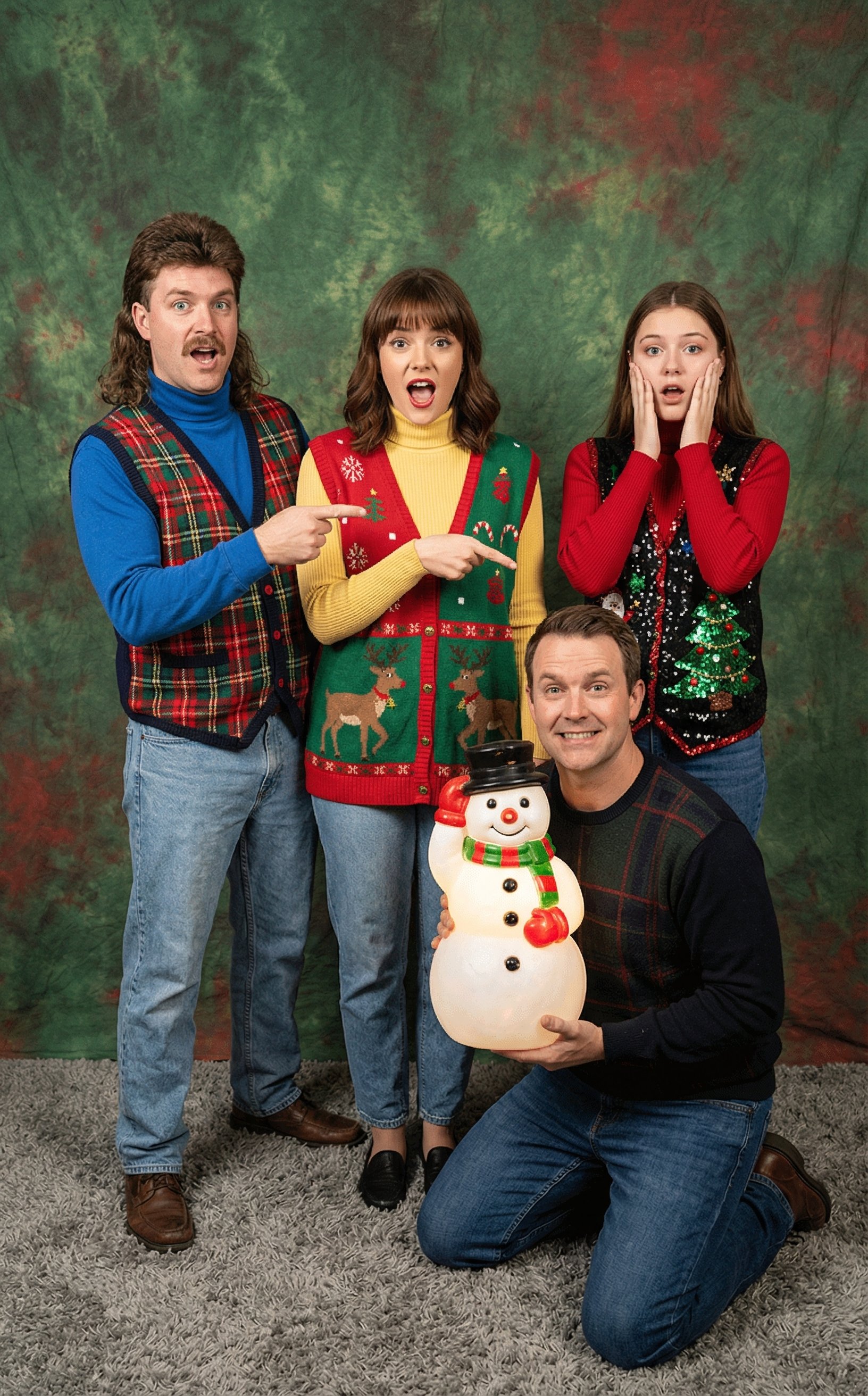
Awkward 90s Christmas Studio Portrait

Found Photograph: Us, 1970

80s Couple Studio Portrait
Make it yours
Christmas Holiday Editorial Template works as-is. These are the safest ways to change it without losing the look.
Change one field
Copy a single group, rewrite it, and generate again so you can see what that field is doing.
Keep the frame, change the subject
Hold the composition and light of Christmas Holiday Editorial Template, then swap wardrobe, props or the person for a new take.
| If the result… | Why | Fix |
|---|---|---|
| The result drifts from the preview | Too many fields changed at once. | Reuse Christmas Holiday Editorial Template as-is first, then change one group — subject, light, or setting. |
| The model over-stylizes the scene | The prose prompt leaves finish and camera underspecified. | Add one camera or lighting sentence and stay on PicX Studio. |
More image prompts
Fresh picks from across the catalog.
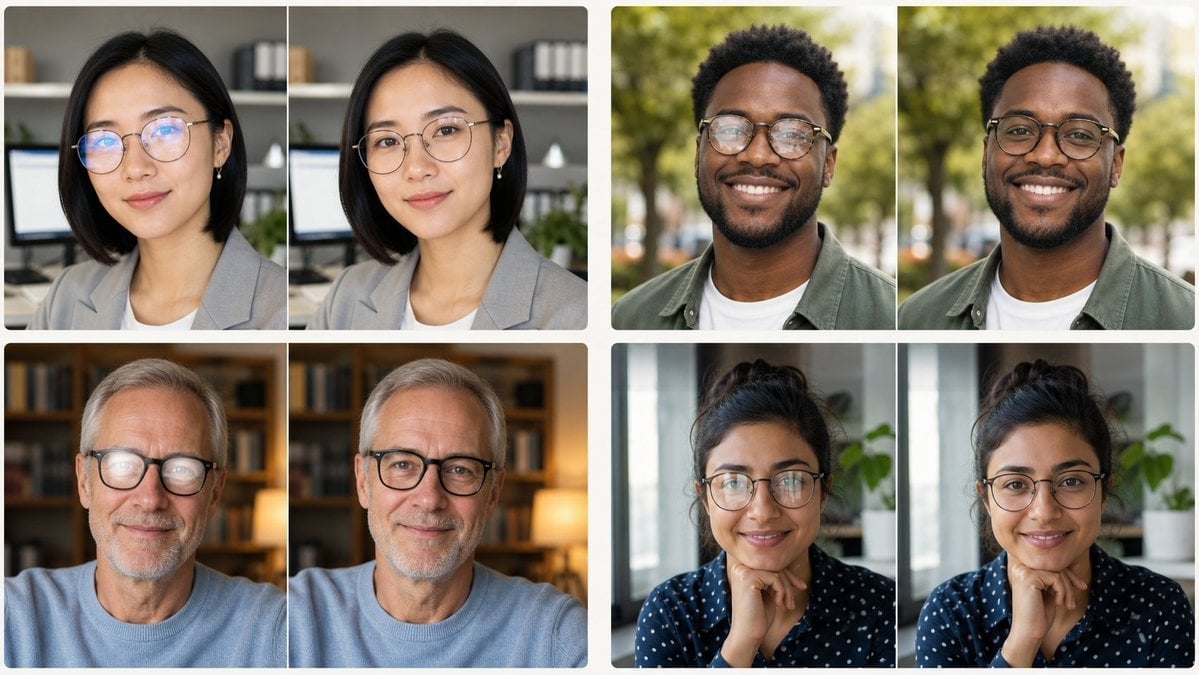
Glasses Glare Removal Portrait Collage
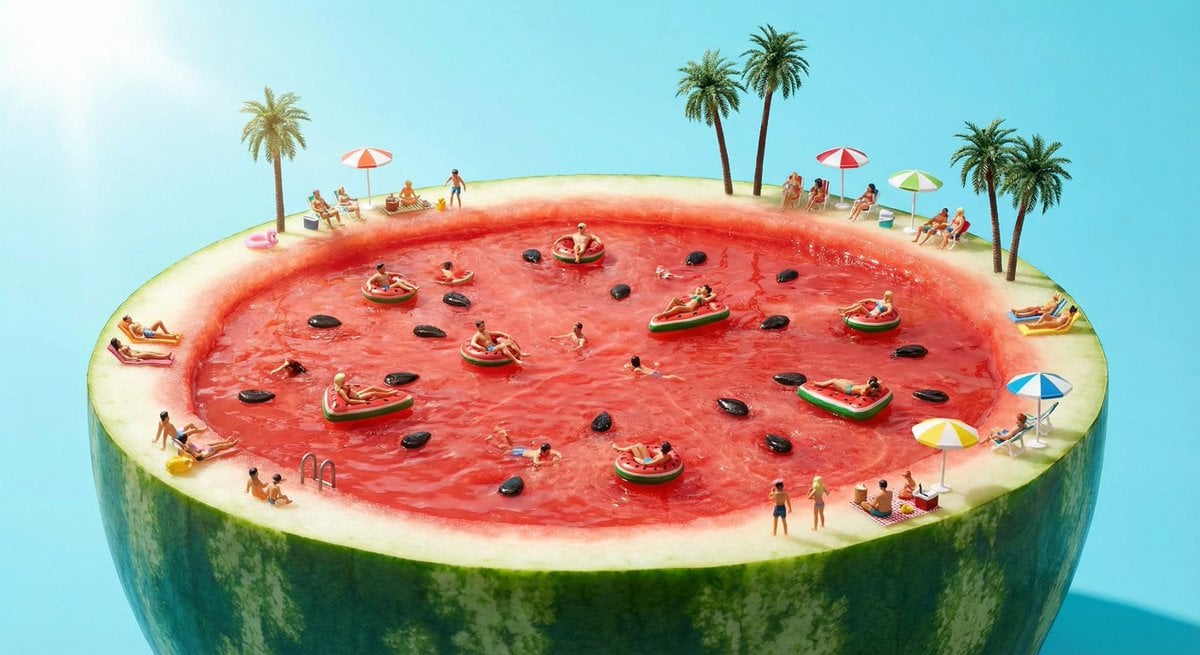
Watermelon swimming pool micro-world
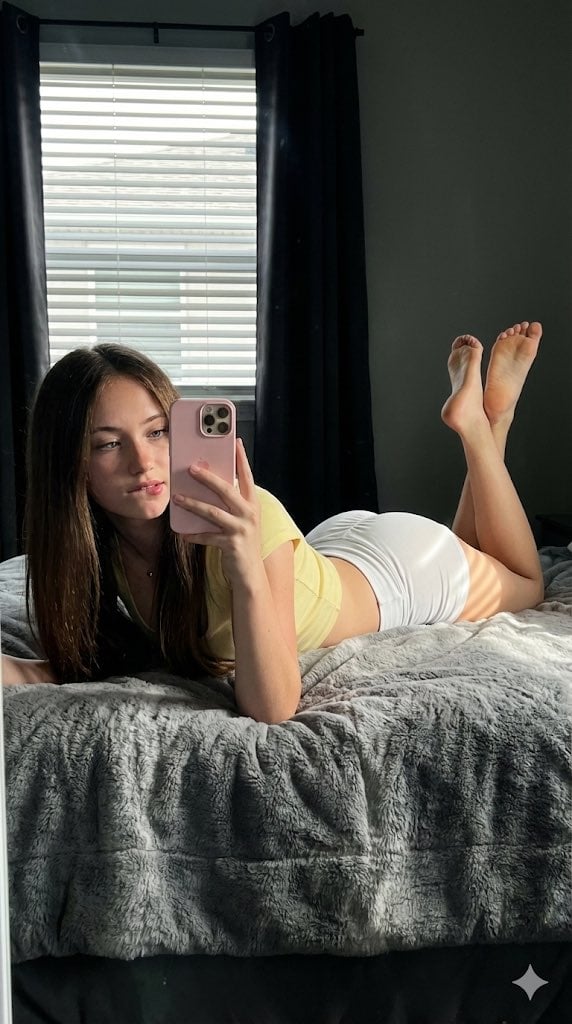
Hyper-Detailed Prone Selfie with Anatomical Realism
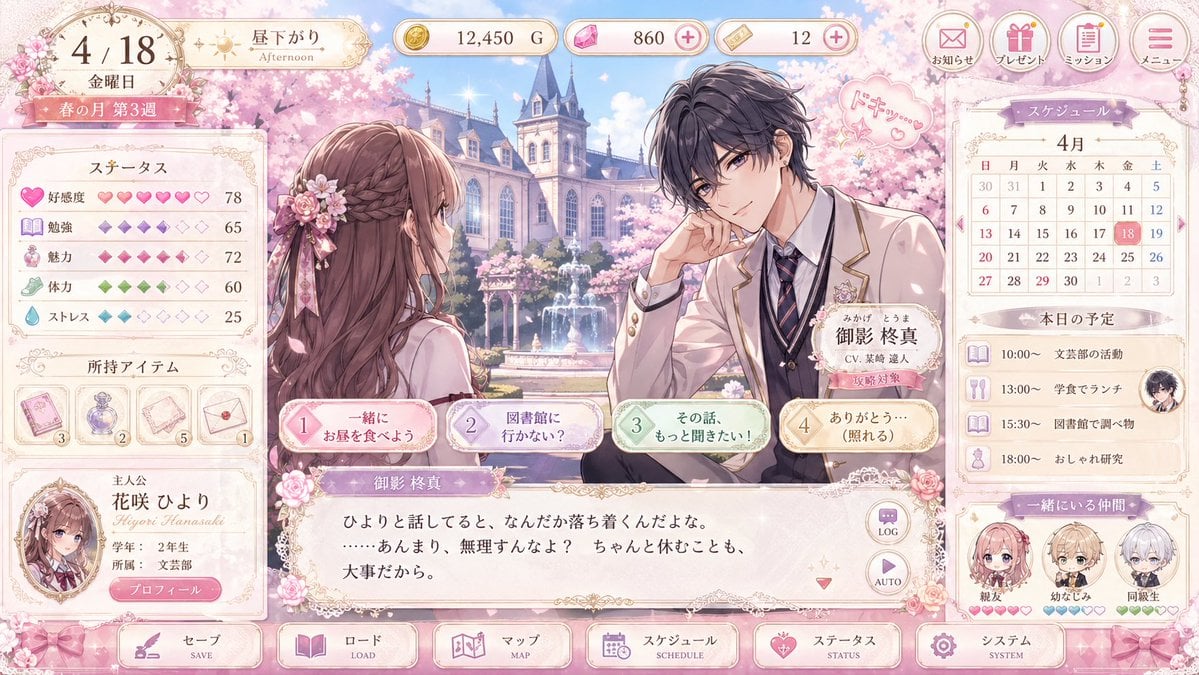
Pastel Otome Game UI Mockup
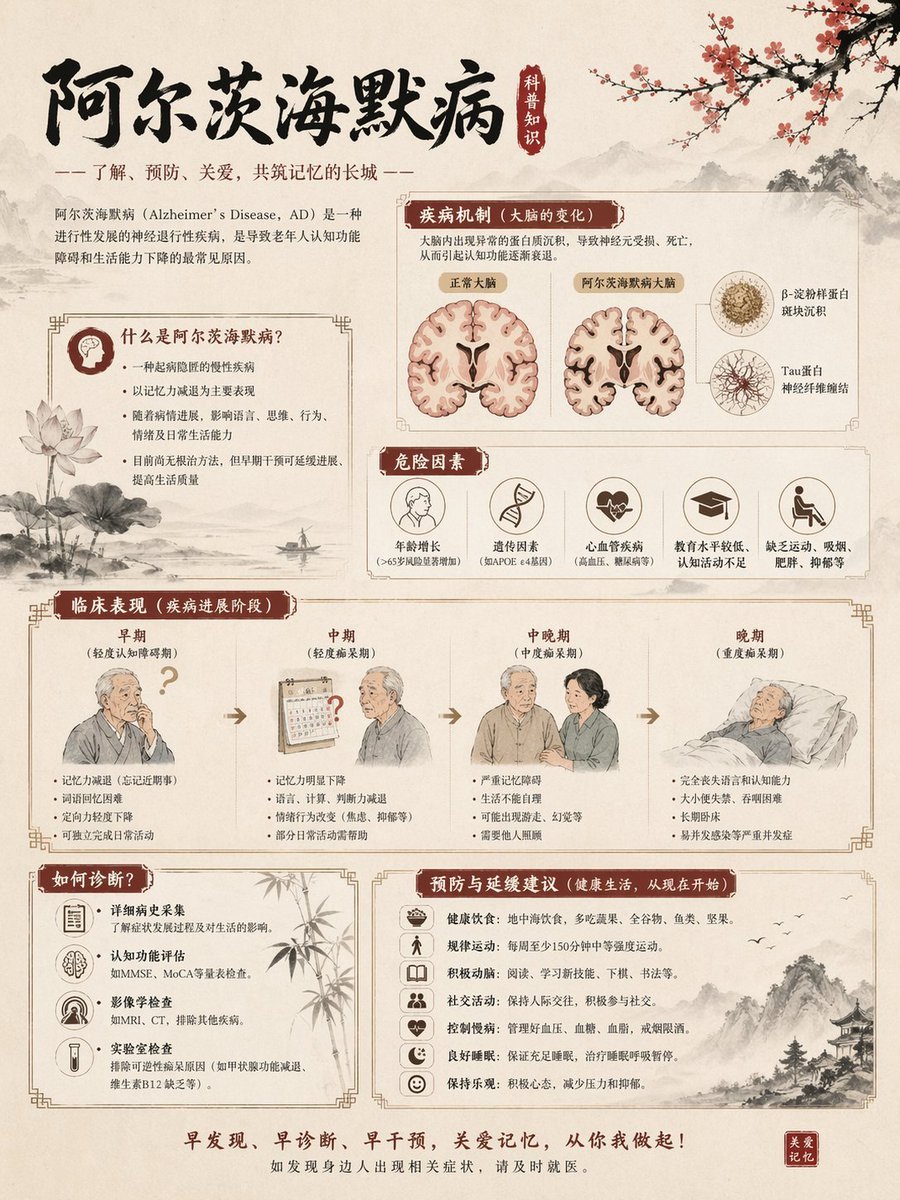
Chinese Alzheimer’s Awareness Infographic
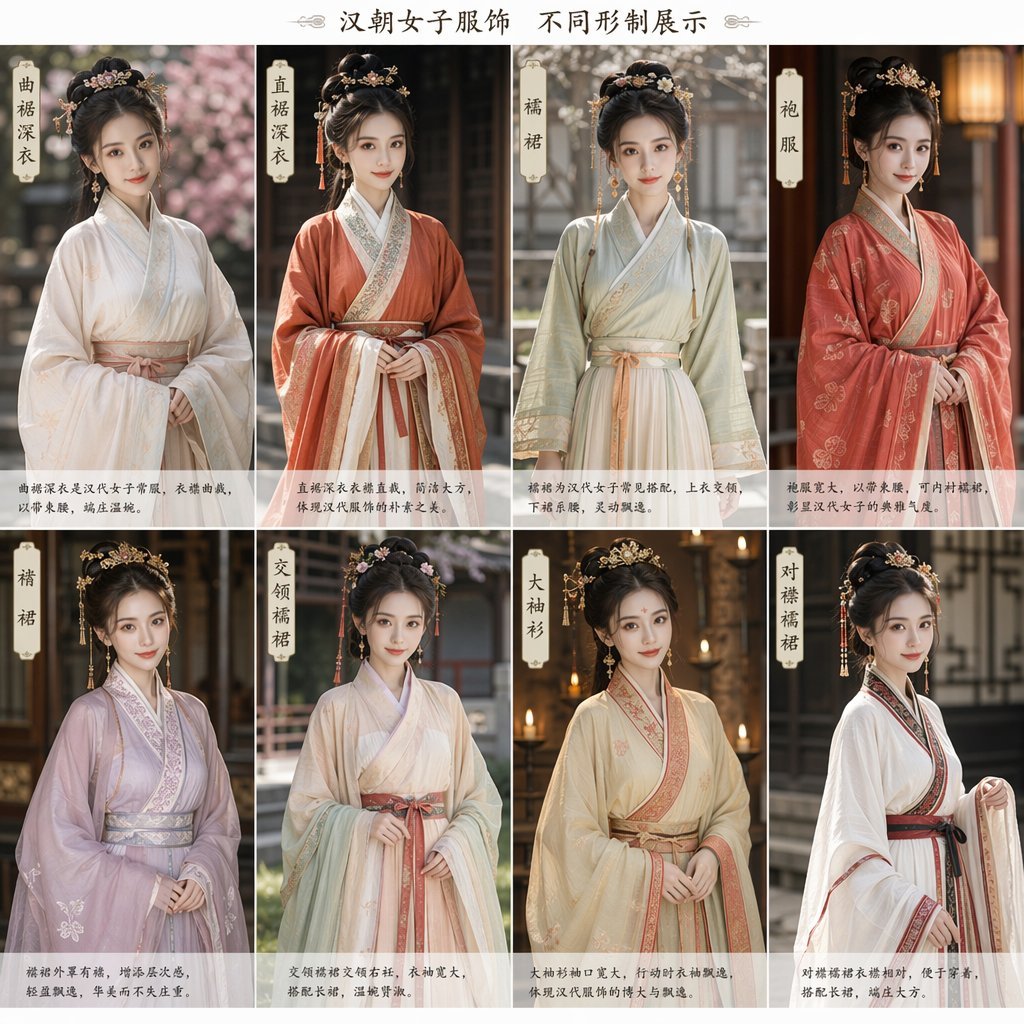
Eight-Panel Hanfu Clothing Reference Poster
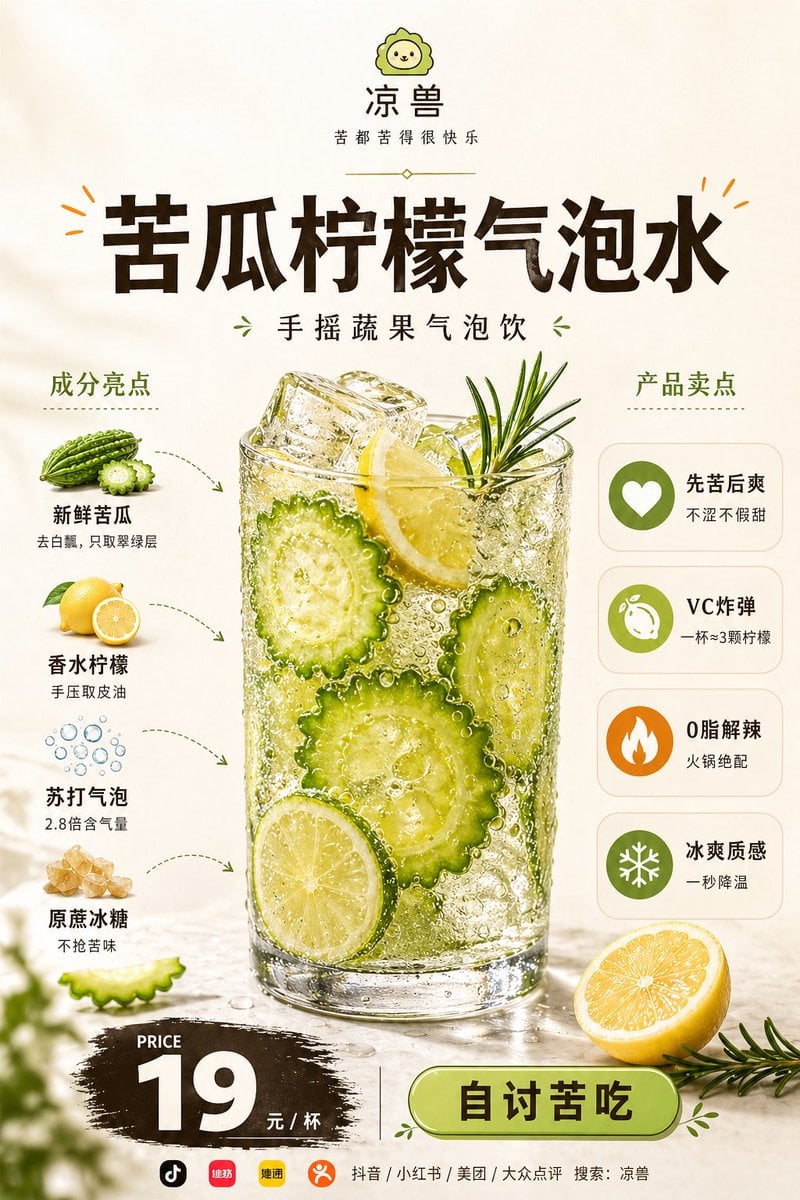
Bitter Melon Lemon Soda Poster
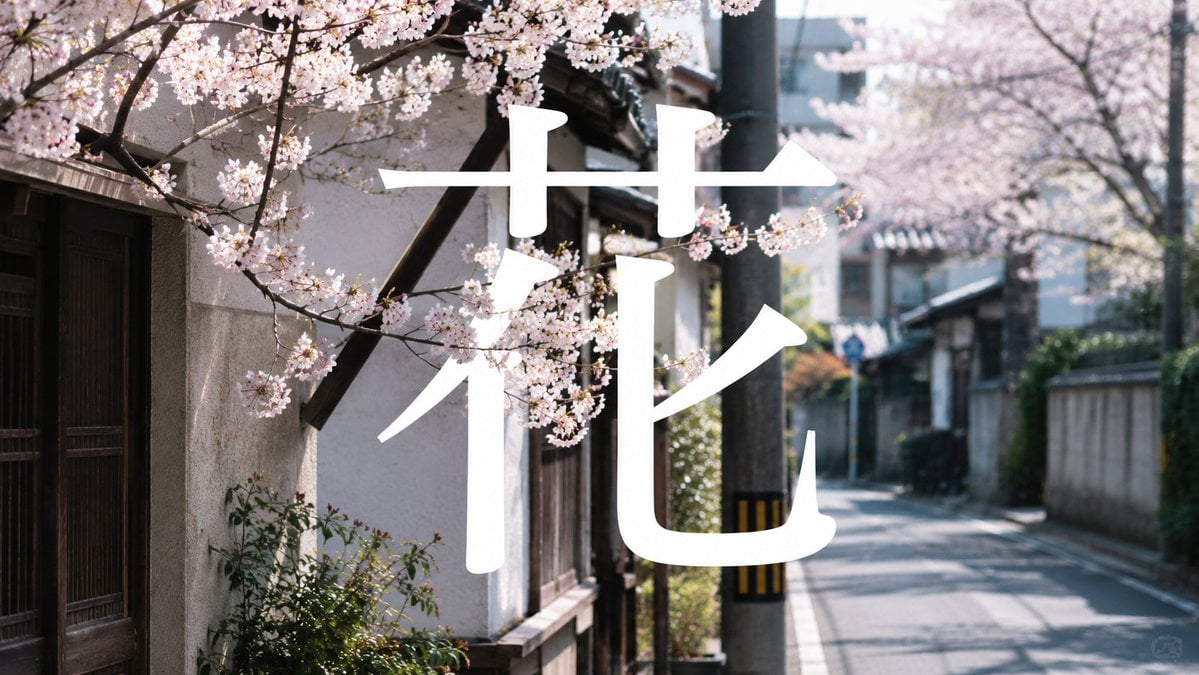
Cherry Blossom Street Kanji Poster
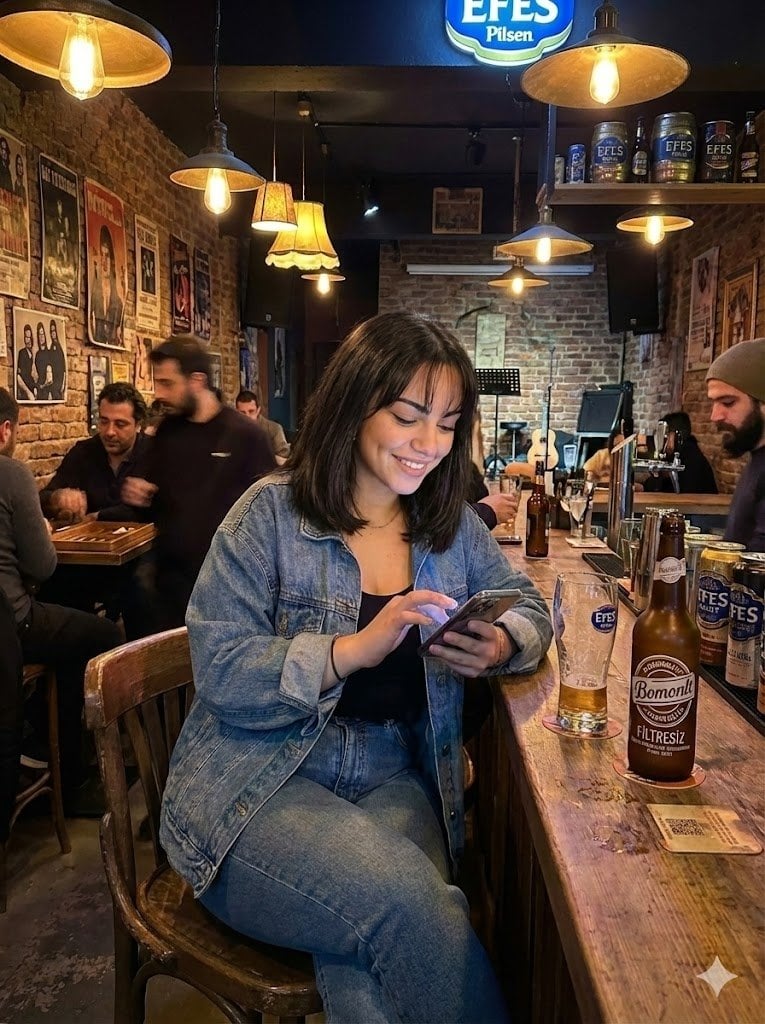
Candid Bar Scene with Phone and Beer Details
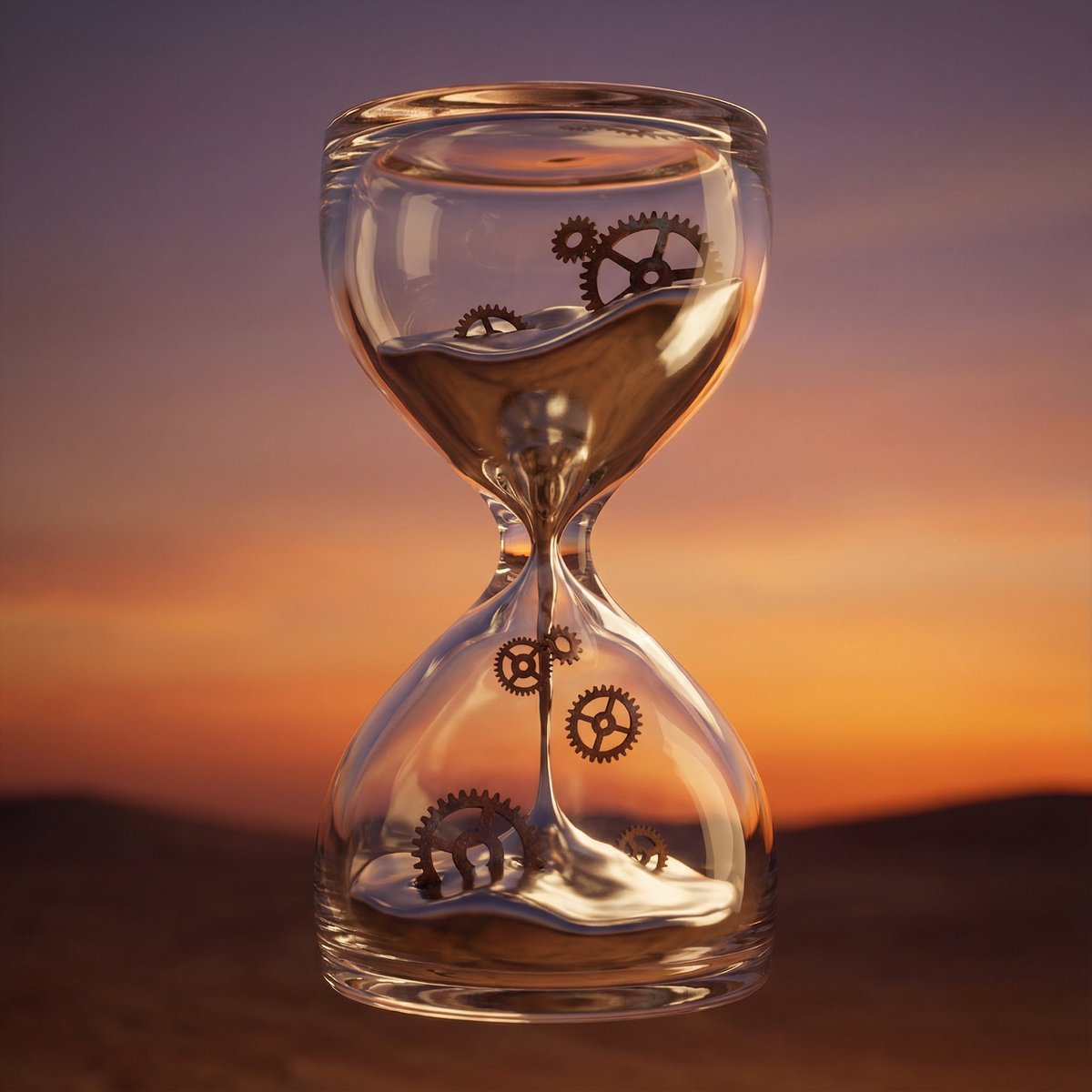
Hyper-Realistic 3D Simulation Prompt: Melting Hourglass
Browse template categories
Christmas Holiday Editorial Template questions
How do I use the Christmas Holiday Editorial Template template?
Add your photo if the template asks for one, edit the prompt if you like — the template's model and format are already selected — and press Generate. Your version opens in PicX Studio.
Can I customize the Christmas Holiday Editorial Template template?
Yes. You can change the subject, setting, lighting, mood, format, and available model controls before creating your image.
Is the Christmas Holiday Editorial Template template free?
Opening and editing this template is free. Generating uses credits, shown on the Generate button when you are signed in.
Which AI model should I use?
Choose a compatible model in PicX Studio based on the style, speed, and output controls your project needs.
Looking for something else? Browse all templates.

Your photo, any look
Thousands of ready templates for every top image and video model, from one credit balance.