
Bitter Melon Lemon Soda Poster
Creates a Chinese restaurant new-drink promotional poster with a realistic sparkling beverage hero image, ingredient callouts, selling points, price, and CTA.
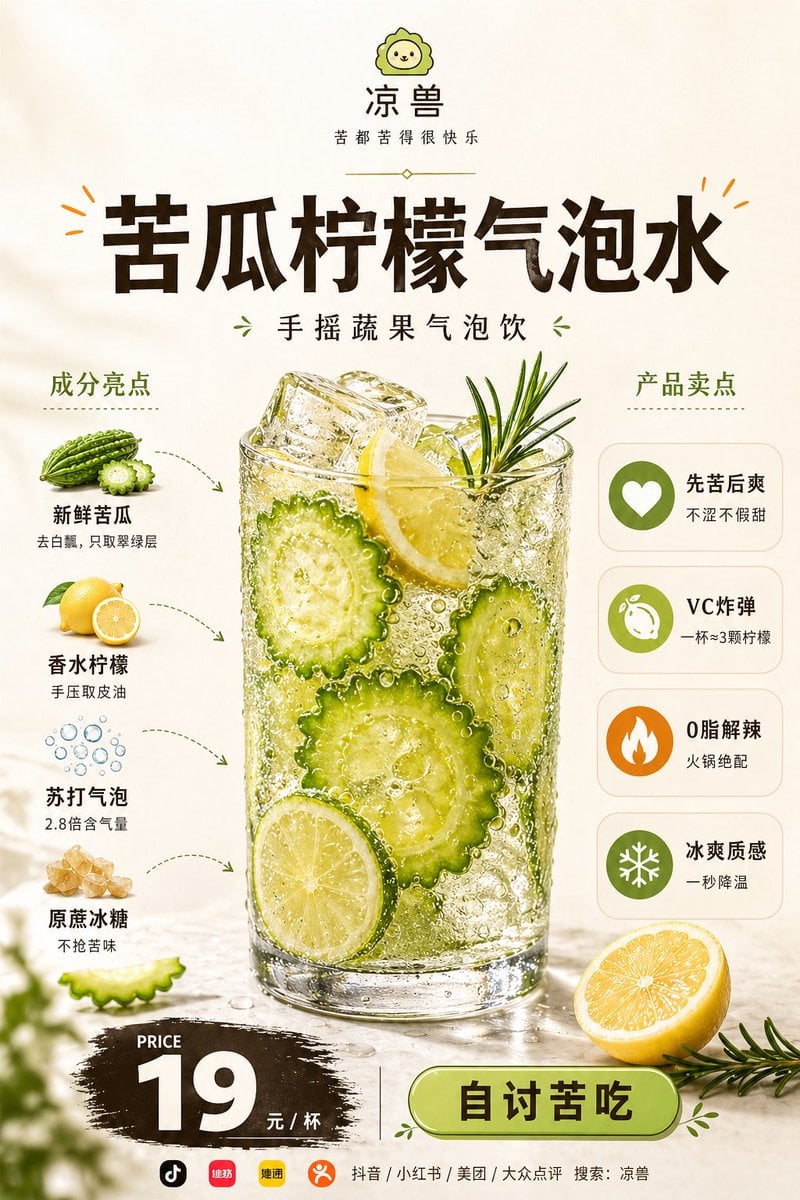
- Prompt included
- Model and format preset
- Free template
The prompt behind this image
Copy the exact prompt behind Bitter Melon Lemon Soda Poster, or open it in the studio and make it yours.
Goal: Create a vertical Chinese beverage launch poster for a restaurant drink, centered on a highly realistic glass of {argument name="drink name" default="苦瓜柠檬气泡水"} with fresh ingredients, sales points, price, and ordering call-to-action. Canvas: Portrait 3:4 food advertising poster, warm off-white/beige background, clean premium restaurant menu style, high-resolution commercial photography mixed with neat infographic labels. Use soft sunlight, dewy freshness, crisp bubbles, and appetizing realism. Top brand area: At the very top center place a small cute green lion mascot logo, then the brand name “凉兽”, and the slogan “苦都苦得很快乐”. Add a thin decorative divider underneath. Main headline: Large bold dark-brown Chinese title centered: “苦瓜柠檬气泡水”. Add small orange decorative burst marks near the title. Under it place the subtitle “手摇蔬果气泡饮” with small green leaf ornaments on both sides. Central product hero: Place one tall transparent glass in the center, filled with sparkling pale yellow-green soda, many visible carbonation bubbles, large ice cubes, sliced bitter melon rounds, lemon slices, and a rosemary sprig sticking out of the top. The glass should look cold, wet, and refreshing with condensation and reflections. Add loose droplets on the tabletop. Left ingredient section: Title “成分亮点”. Show exactly 4 ingredient items stacked vertically with small photoreal ingredient illustrations and dotted curved arrows pointing toward the glass: 1) bitter melon illustration labeled “新鲜苦瓜” with subtext “去白瓤,只取翠绿层”; 2) lemon illustration labeled “香水柠檬” with subtext “手压取皮油”; 3) bubble icon labeled “苏打气泡” with subtext “2.8倍含气量”; 4) rock sugar illustration labeled “原蔗冰糖” with subtext “不抢苦味”. Right selling-points section: Title “产品卖点”. Show exactly 4 rounded white cards stacked vertically, each with a circular icon on the left and Chinese text on the right: 1) green heart icon, “先苦后爽” / “不涩不假甜”; 2) green lemon icon, “VC炸弹” / “一杯≈3颗柠檬”; 3) orange flame icon, “0脂解辣” / “火锅绝配”; 4) green snowflake icon, “冰爽质感” / “一秒降温”. Bottom price and CTA: At bottom left, use a black brush-stroke price badge with small English “PRICE”, huge white “{argument name="price" default="19"}”, and “元 / 杯”. At bottom right, add a large rounded green button with dark text “自讨苦吃”. Separate price and button with a thin vertical line. Add a halved lemon and rosemary sprig near the bottom right foreground. Include subtle blurred green leaves at the bottom left foreground for depth. Footer: Along the very bottom add small app/platform icons and text: “抖音 / 小红书 / 美团 / 大众点评 搜索:凉兽”. Visual style: Fresh lemon-green and dark-brown palette, premium Chinese food poster layout, realistic food textures, sharp condensation, sparkling soda bubbles, clean typography, balanced negative space, no watermark, no extra products, no people.
How to use Bitter Melon Lemon Soda Poster in 3 steps
- 1Upload ImagePNG, JPG or paste
Add your photo
Upload the photo the template builds on. The prompt, model and format are already set.
- 2…a portrait of your subject in softgolden-hour light, 85mm…
Personalize
Edit the subject and creative details for your destination.
- 3Generate
Generate
Press Generate — your image is created in PicX Studio, so you can compare it with the original and refine one variable at a time.
More like this
Templates with the same subject, style or setup. Open one to see its prompt.

Japan Travel Brochure Poster
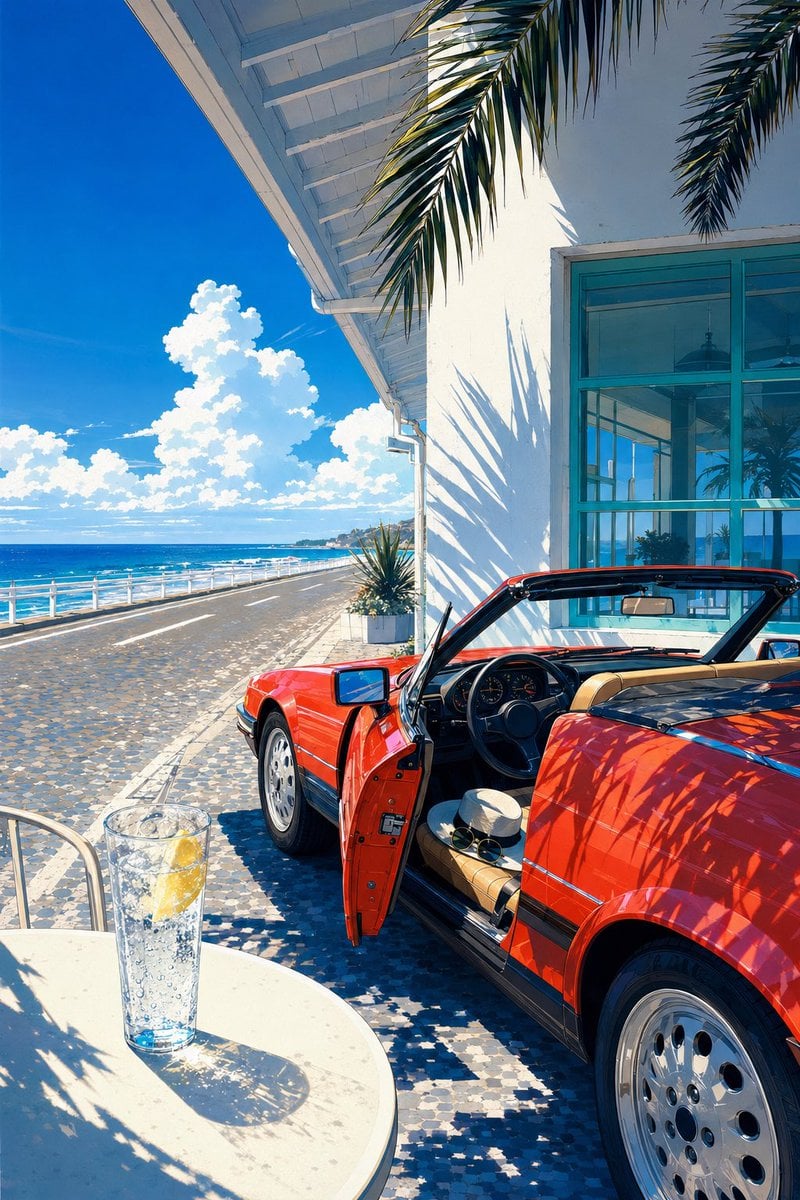
Seaside Convertible and Lemon Soda
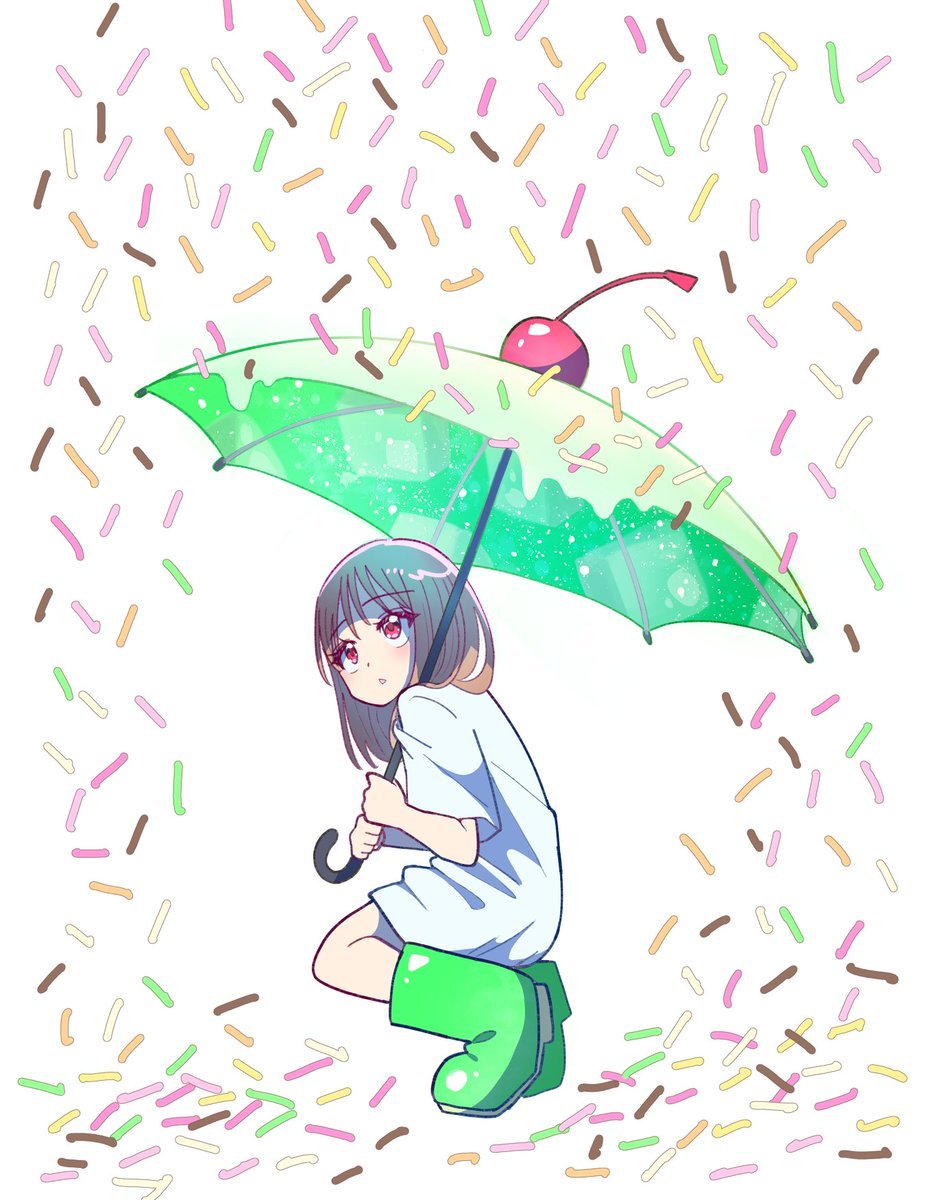
Anime Girl with Melon Soda Umbrella

Cartoon TV Show Poster Pack

Trendy Cafe Drink Promo Poster

Urban Fashion Editorial Collage Streetwear Poster

Premium Fashion Editorial Cover Layout System

Polo Ralph Lauren Luxury American Heritage Fashion Campaign

Monochrome Halftone Editorial Fashion Poster

Retro Mirror Luxury Fashion Campaign Poster

Luxury Fashion Campaign Typography Poster System

Premium Fashion Editorial Campaign Poster System
Make it yours
Bitter Melon Lemon Soda Poster works as-is. These are the safest ways to change it without losing the look.
Change one field
Copy a single group, rewrite it, and generate again so you can see what that field is doing.
Keep the frame, change the subject
Hold the composition and light of Bitter Melon Lemon Soda Poster, then swap wardrobe, props or the person for a new take.
| If the result… | Why | Fix |
|---|---|---|
| The result drifts from the preview | Too many fields changed at once. | Reuse Bitter Melon Lemon Soda Poster as-is first, then change one group — subject, light, or setting. |
| The model over-stylizes the scene | The prose prompt leaves finish and camera underspecified. | Add one camera or lighting sentence and stay on GPT Image 2. |
More GPT Image 2 templates
Other prompts made for GPT Image 2.

Six VTuber Japanese Logo Sheet

Realistic Portrait of Woman and Deer

The Vista Modular Condo Poster

AI Model Routing Comparison Infographic

2.5D Anime Art Board

Isometric Productivity Desk Scene

New York Double Exposure Poster

Four-Panel AI Landscape Comparison

Japanese Tatami Lifestyle Magazine Cover

NESCAFÉ Coffee Map Poster
More image prompts
Fresh picks from across the catalog.
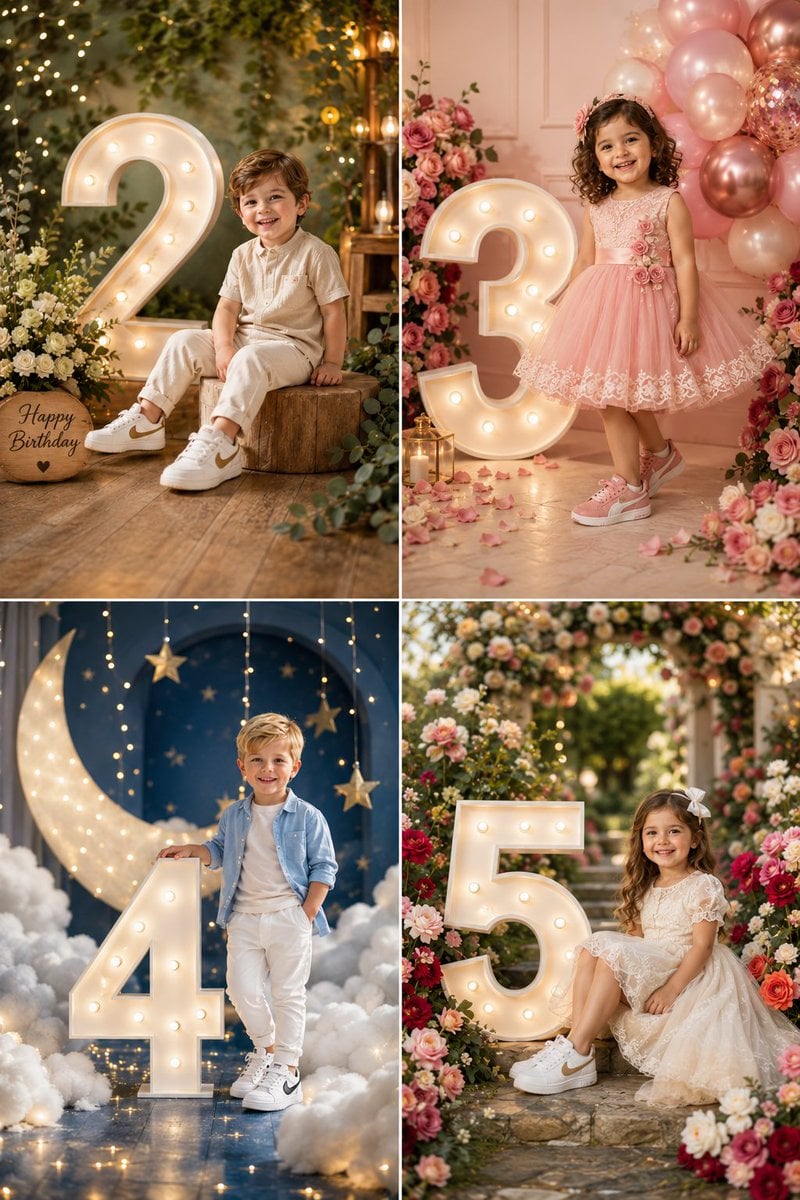
Luxury Child Birthday Photoshoot Themes
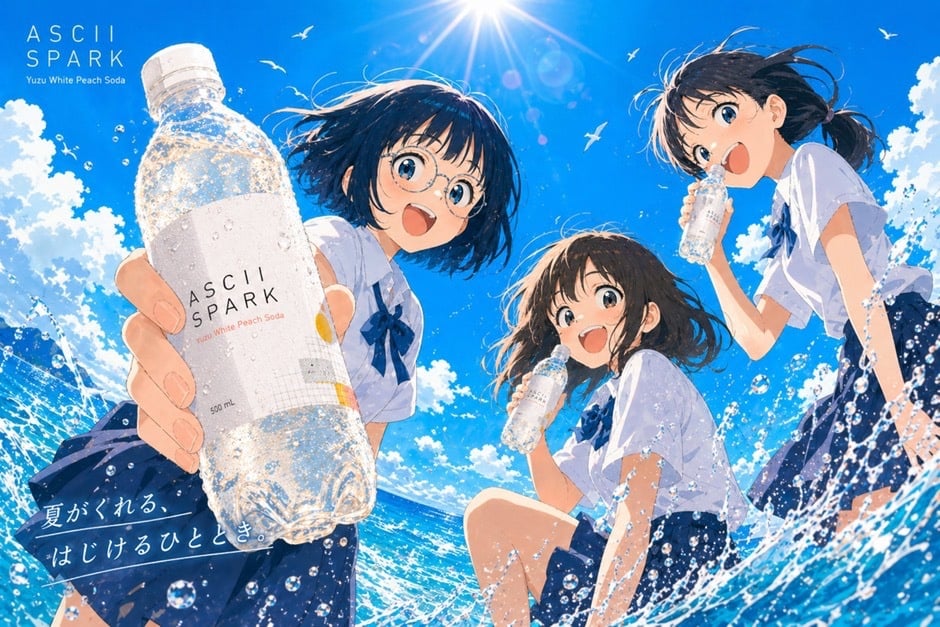
Anime Summer Soda Ad Poster
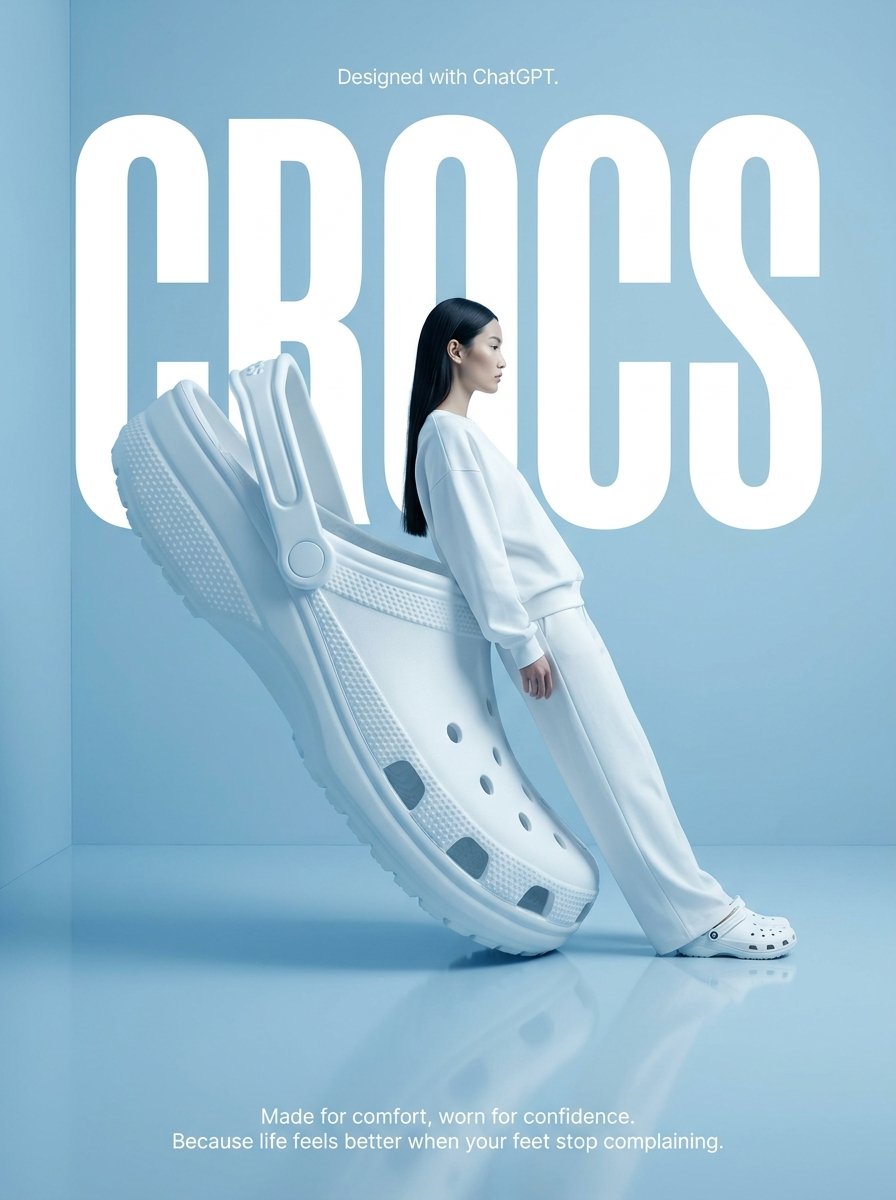
Surrealist High-Fashion Brand Poster
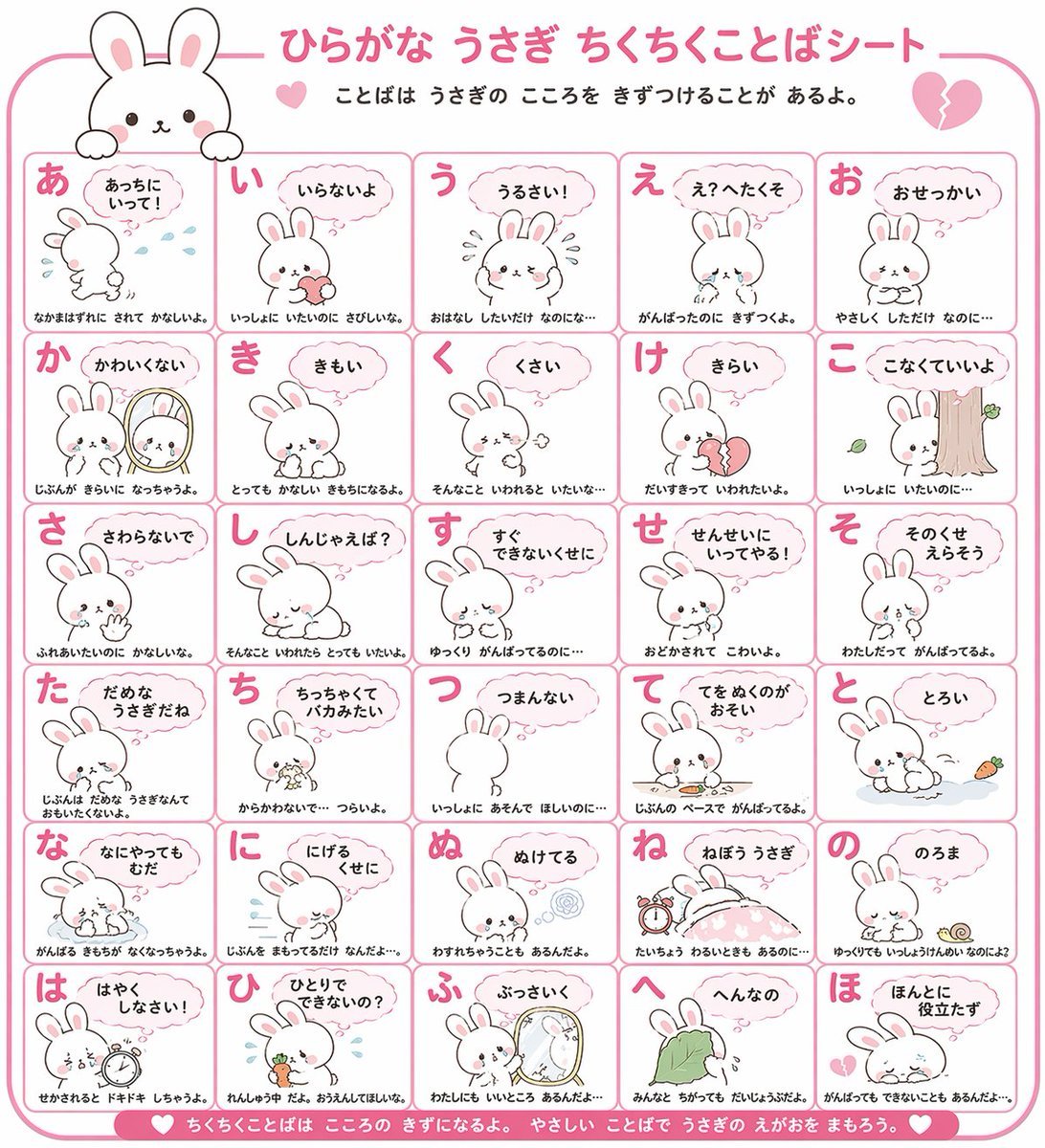
Animal Hiragana Study Sheet
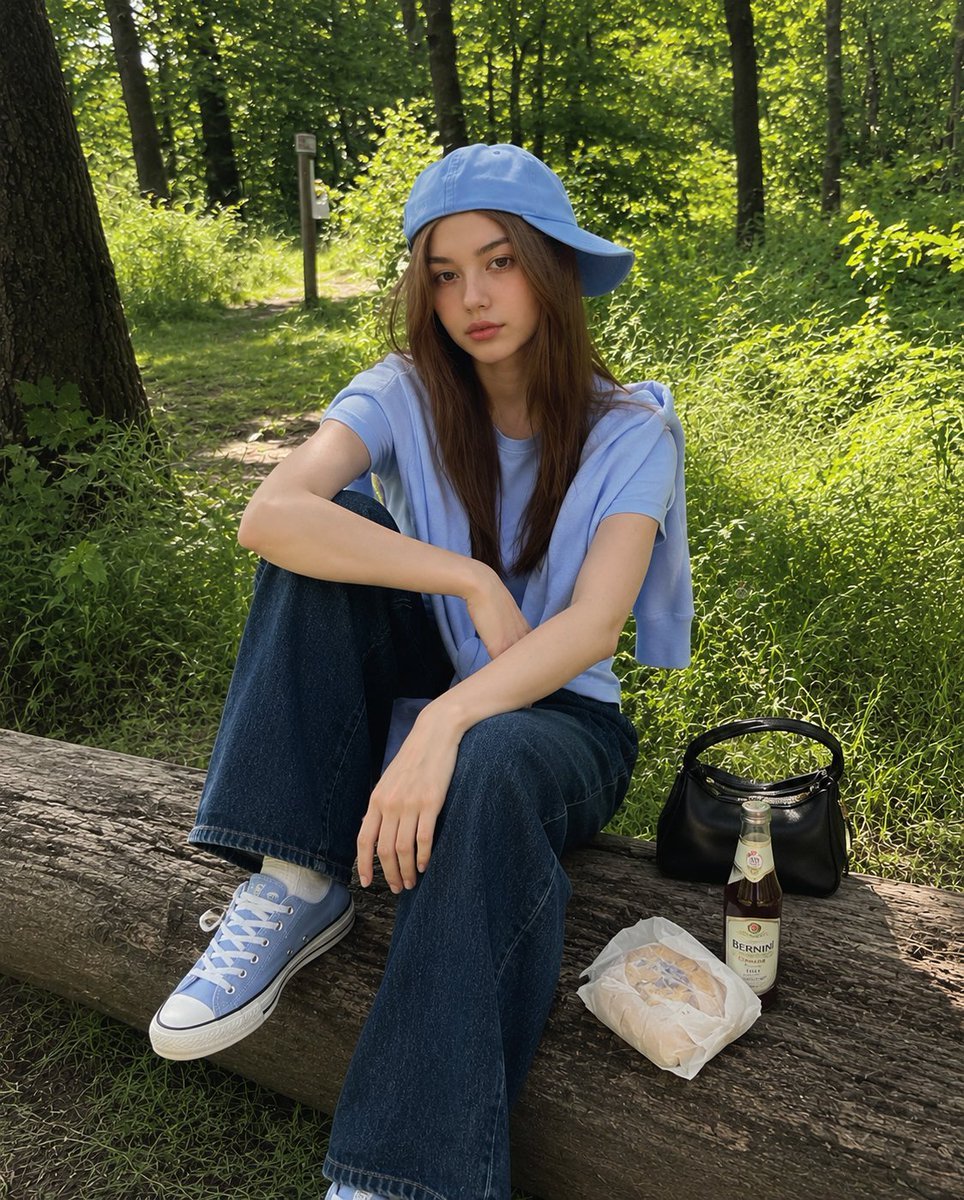
Korean Girl Forest Picnic Portrait
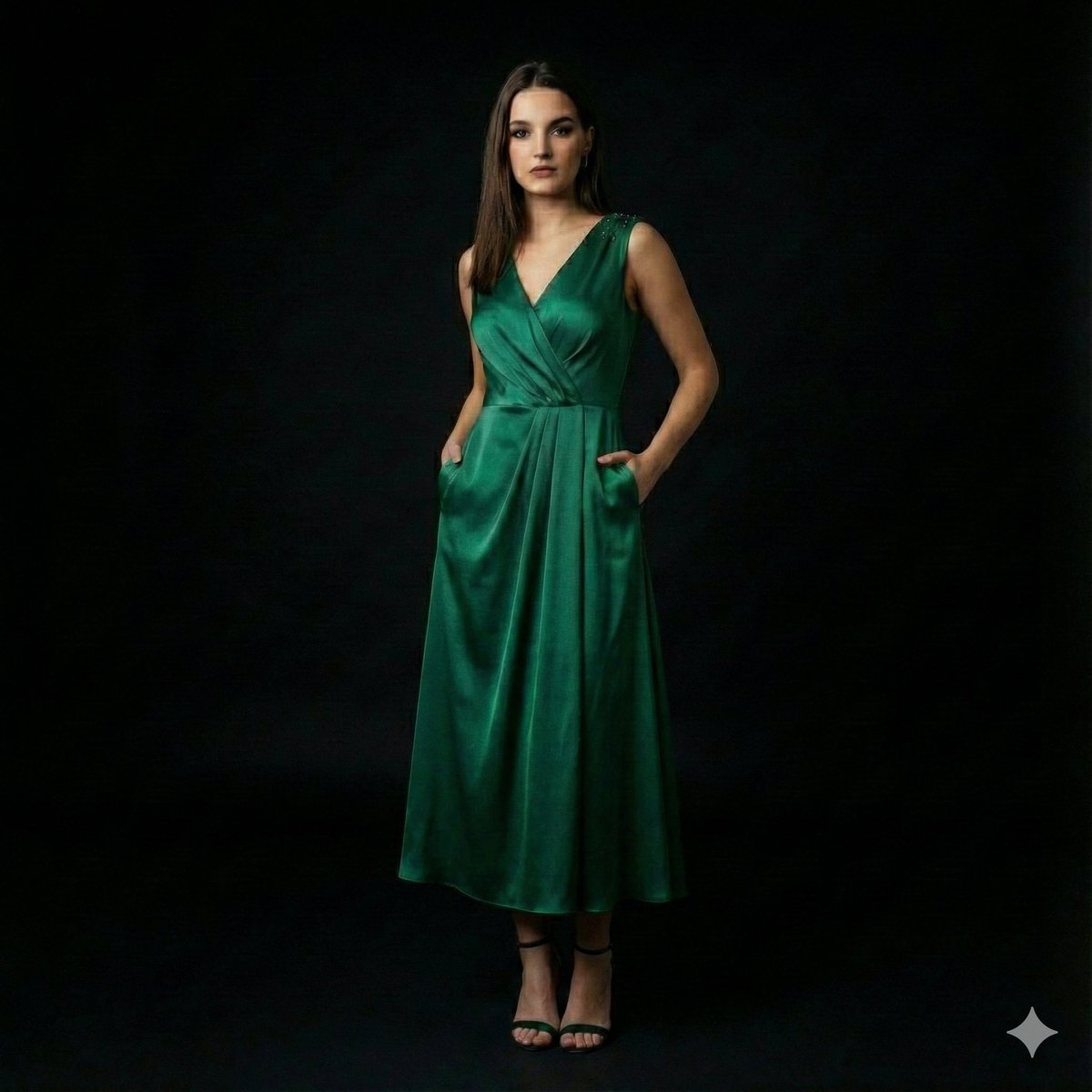
High-End Fashion Editorial Portrait on Black Background
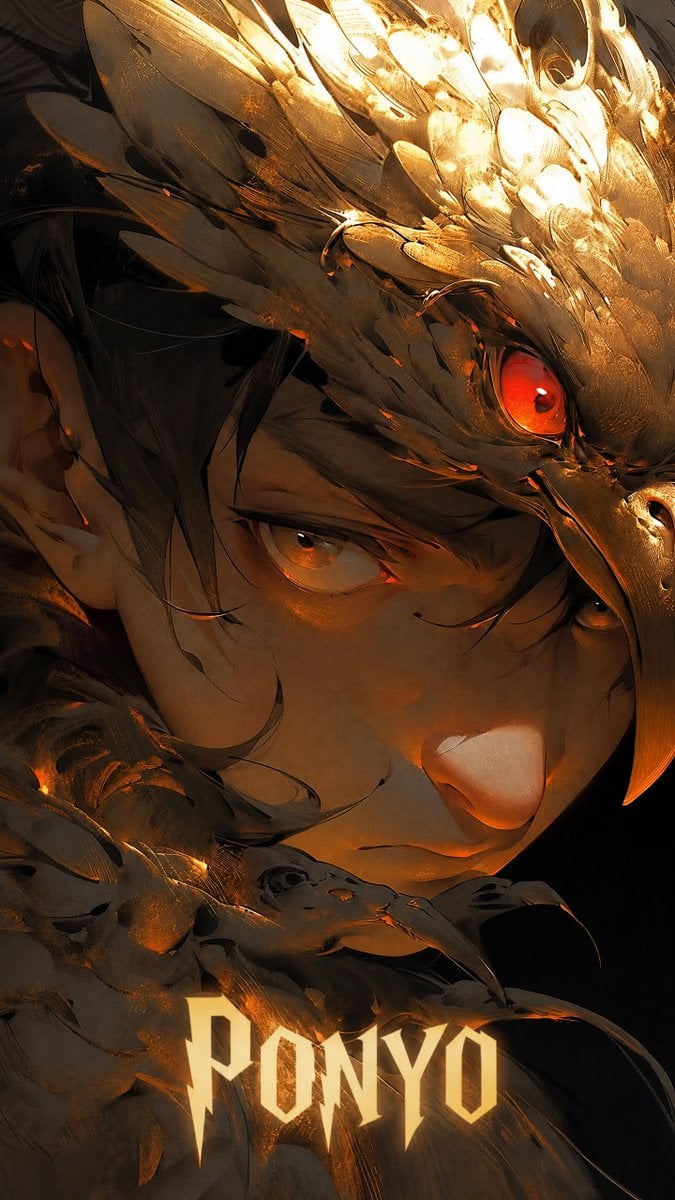
Half-Human Raven God Card Portrait

Dreamy Surreal Pre-Wedding Dance under Aurora Borealis
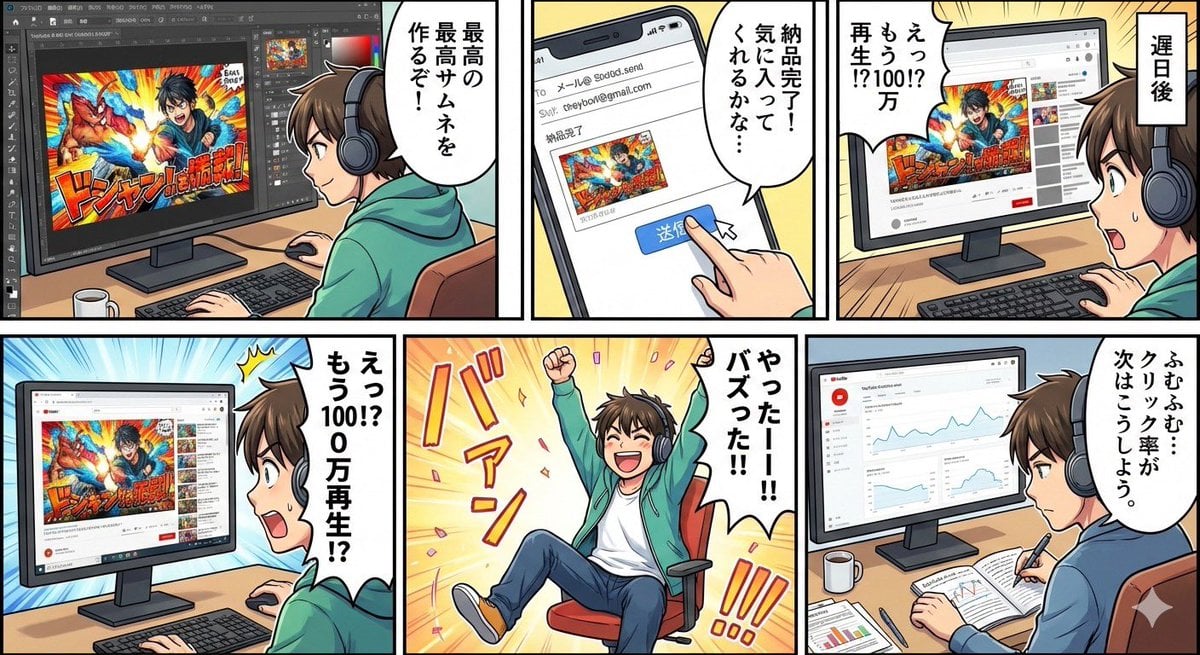
Five-panel manga of a YouTube thumbnail creator workflow
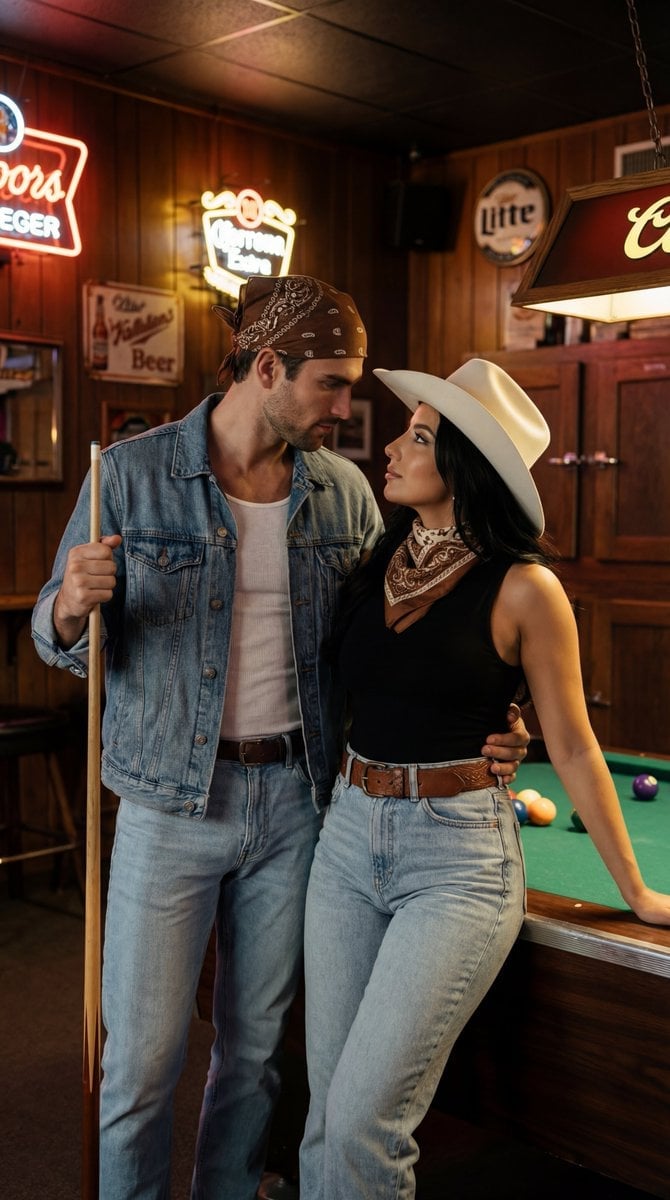
Americana Dive Bar Editorial Scene
Browse template categories
Bitter Melon Lemon Soda Poster questions
How do I use the Bitter Melon Lemon Soda Poster template?
Add your photo if the template asks for one, edit the prompt if you like — the template's model and format are already selected — and press Generate. Your version opens in PicX Studio.
Can I customize the Bitter Melon Lemon Soda Poster template?
Yes. You can change the subject, setting, lighting, mood, format, and available model controls before creating your image.
Is the Bitter Melon Lemon Soda Poster template free?
Opening and editing this template is free. Generating uses credits, shown on the Generate button when you are signed in.
Which AI model should I use?
Start with GPT Image 2, which is the model associated with this template. You can compare another compatible model for a different finish.
Looking for something else? Browse all templates.

Your photo, any look
Thousands of ready templates for every top image and video model, from one credit balance.