
Anime Girl with Melon Soda Umbrella
A playful candy-colored anime illustration of a crouching girl under a transparent green dessert-themed umbrella surrounded by sprinkle confetti.
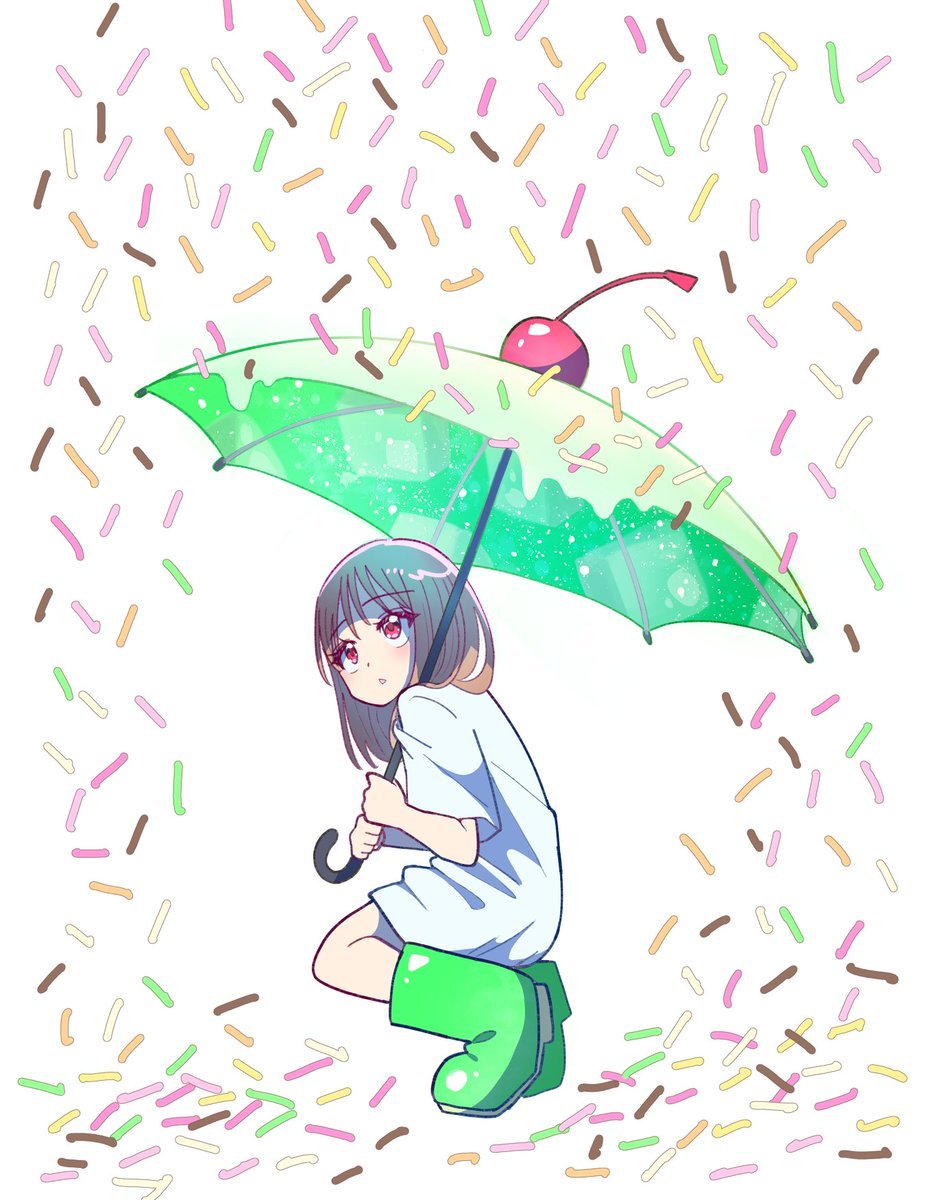
- Prompt included
- Model and format preset
- Free template
The prompt behind this image
Copy the exact prompt behind Anime Girl with Melon Soda Umbrella, or open it in the studio and make it yours.
Create a clean anime-style illustration on a white background: a cute young girl crouching in the lower center while holding a transparent mint-green umbrella shaped like a melon soda float. The girl has {argument name="hair color" default="bluish gray shoulder-length hair"}, large {argument name="eye color" default="pink-red eyes"}, soft blush, and a small gentle smile as she looks toward the viewer. She wears an oversized pale blue short-sleeve shirt dress and glossy bright green rain boots, with exactly 2 visible boots: one large front boot and one partially hidden rear boot. She grips a dark navy umbrella shaft with both hands; the umbrella has a black curved handle, thin gray ribs, dark green tips, sparkling white highlights, translucent green panels, and an irregular creamy melting-drip edge along the canopy. On top of the umbrella, place exactly 1 cherry decoration: a glossy red-and-purple cherry with a long curved stem and a red leaf-like tip, making the umbrella resemble a dessert drink. Surround the character with exactly 170 colorful confetti-like sprinkle dashes scattered across the whole canvas, denser near the top and bottom edges and lighter around the girl; the sprinkles are short rounded capsule strokes in exactly 6 colors: pink, yellow, cream, orange, green, and chocolate brown. Use thin colored line art, soft cel shading, bright candy colors, and a playful airy composition. Keep the background pure white with no scenery, no text, no watermark, and no border.
How to use Anime Girl with Melon Soda Umbrella in 3 steps
- 1Upload ImagePNG, JPG or paste
Add your photo
Upload the photo the template builds on. The prompt, model and format are already set.
- 2…a portrait of your subject in softgolden-hour light, 85mm…
Personalize
Edit the subject and creative details for your destination.
- 3Generate
Generate
Press Generate — your image is created in PicX Studio, so you can compare it with the original and refine one variable at a time.
More like this
Templates with the same subject, style or setup. Open one to see its prompt.
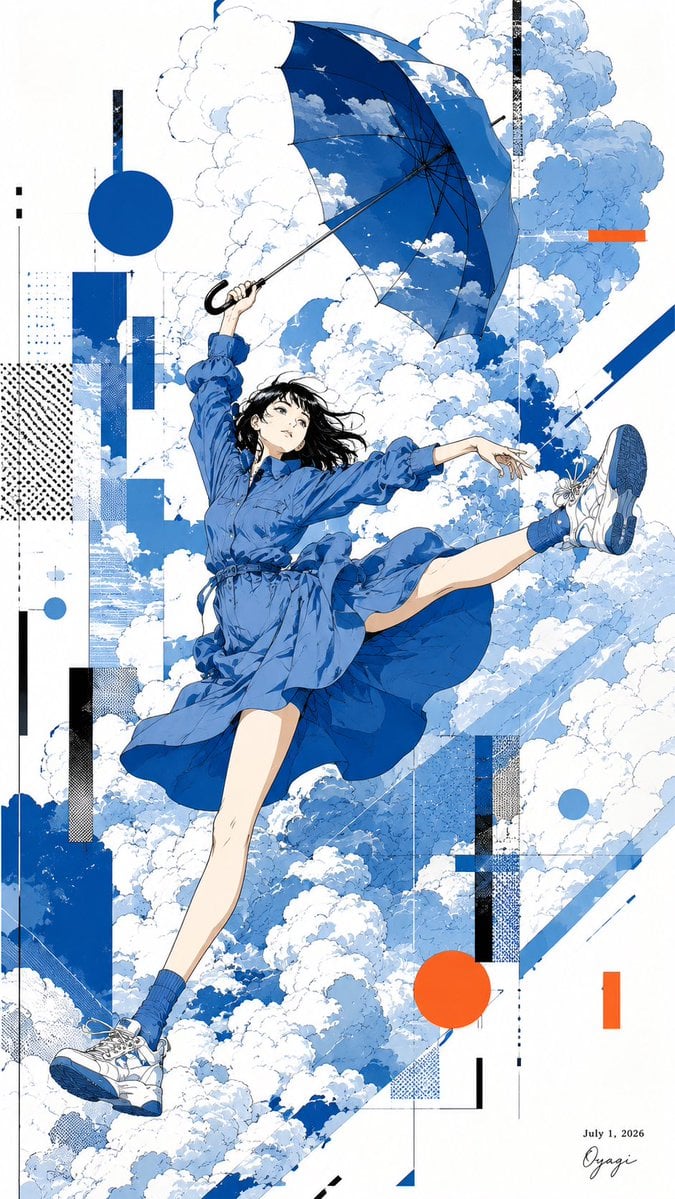
Anime Girl Floating With Umbrella
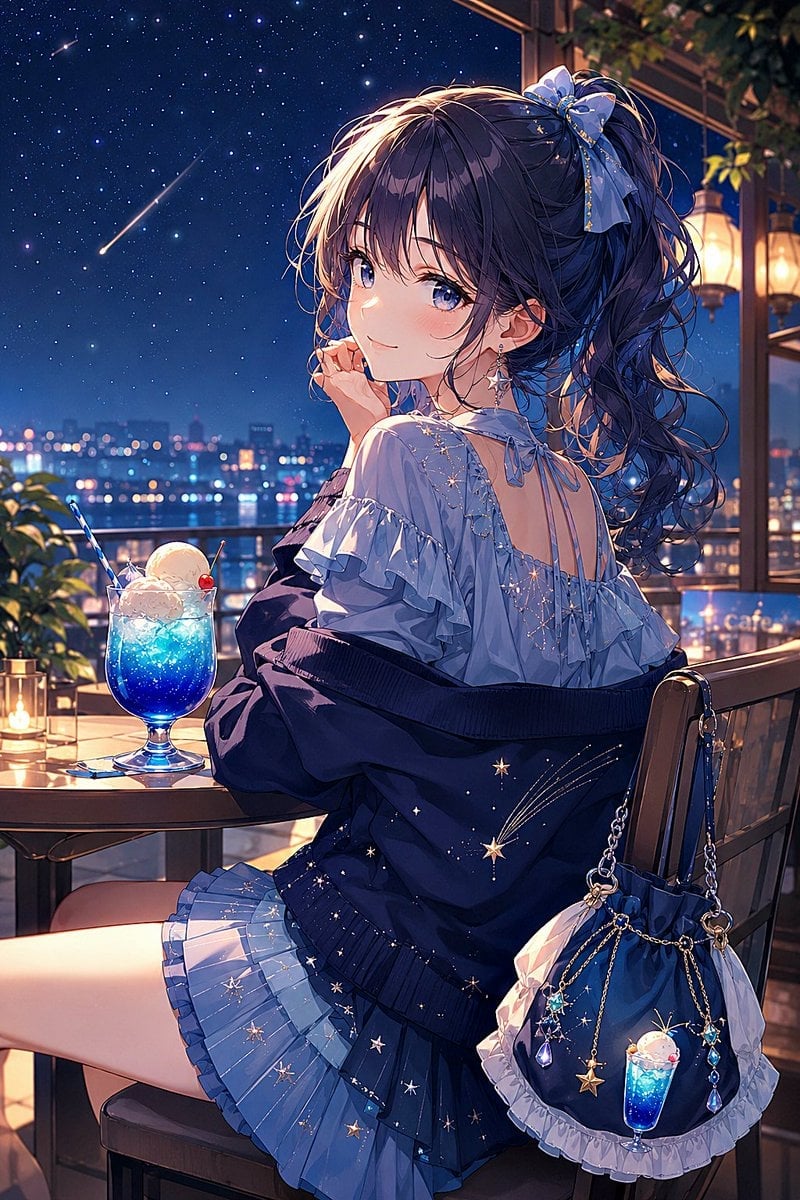
Night Sky Soda Anime Café Girl
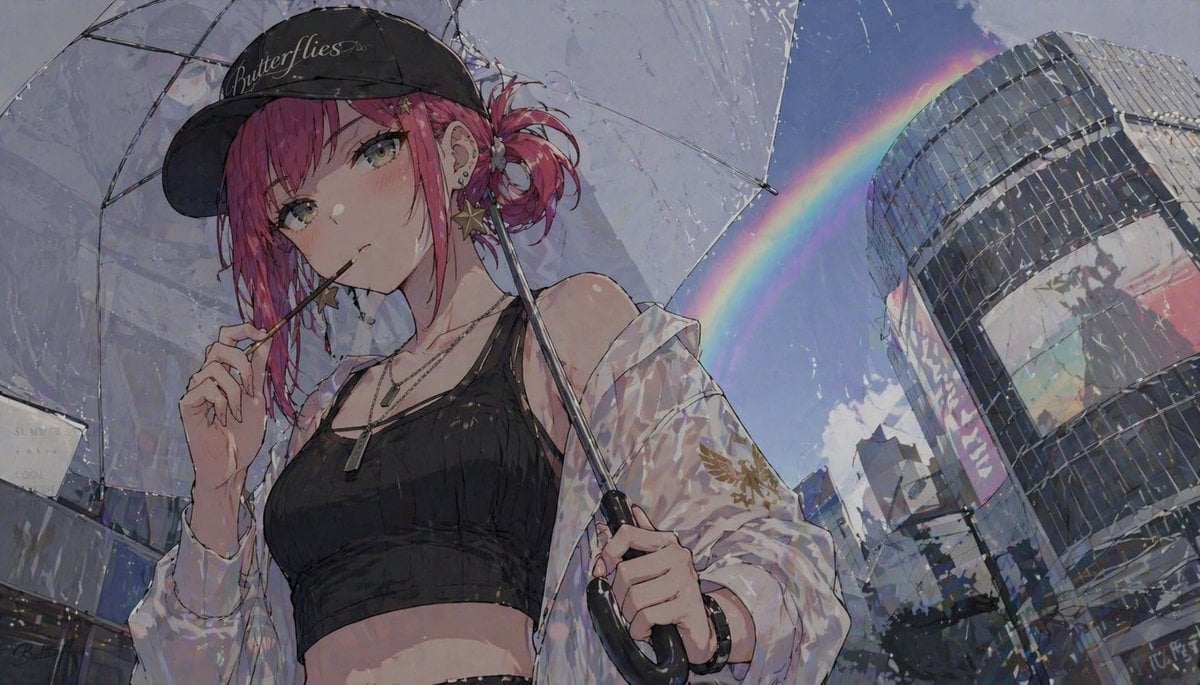
Anime Girl with Umbrella and Rainbow
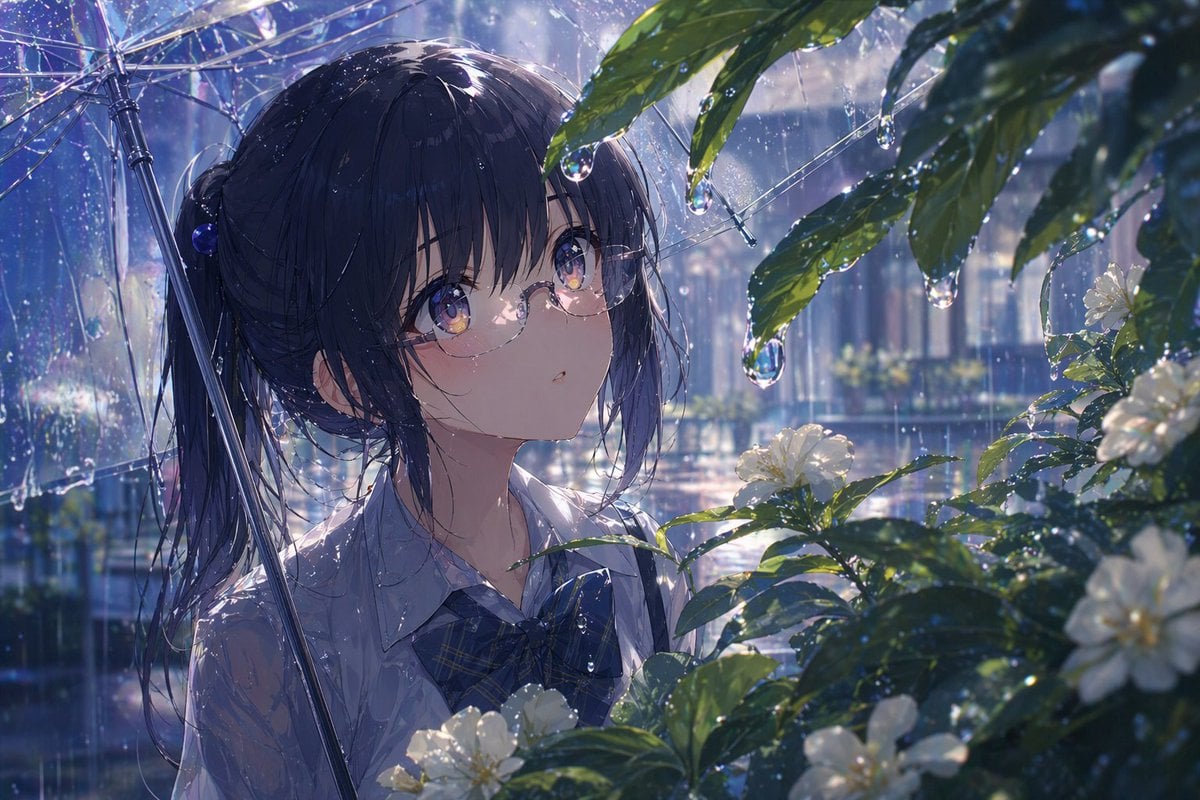
Anime Girl Under Umbrella in Rain
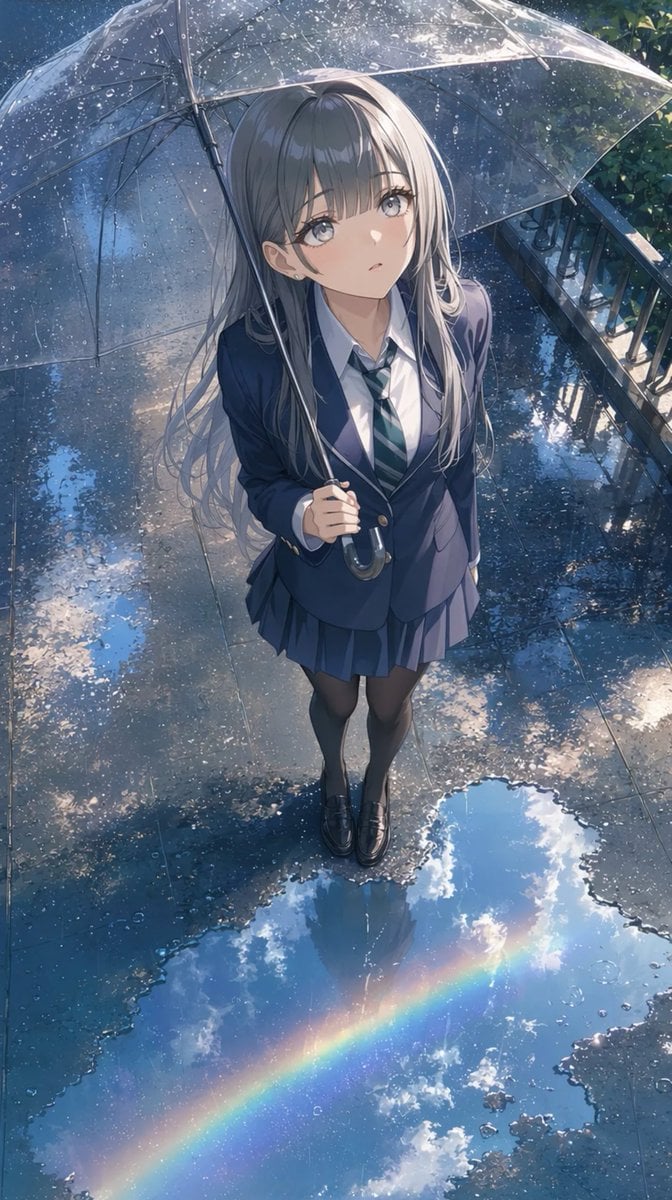
Anime Schoolgirl Under Clear Umbrella

Teen Girl Alpine Lake Mountain View
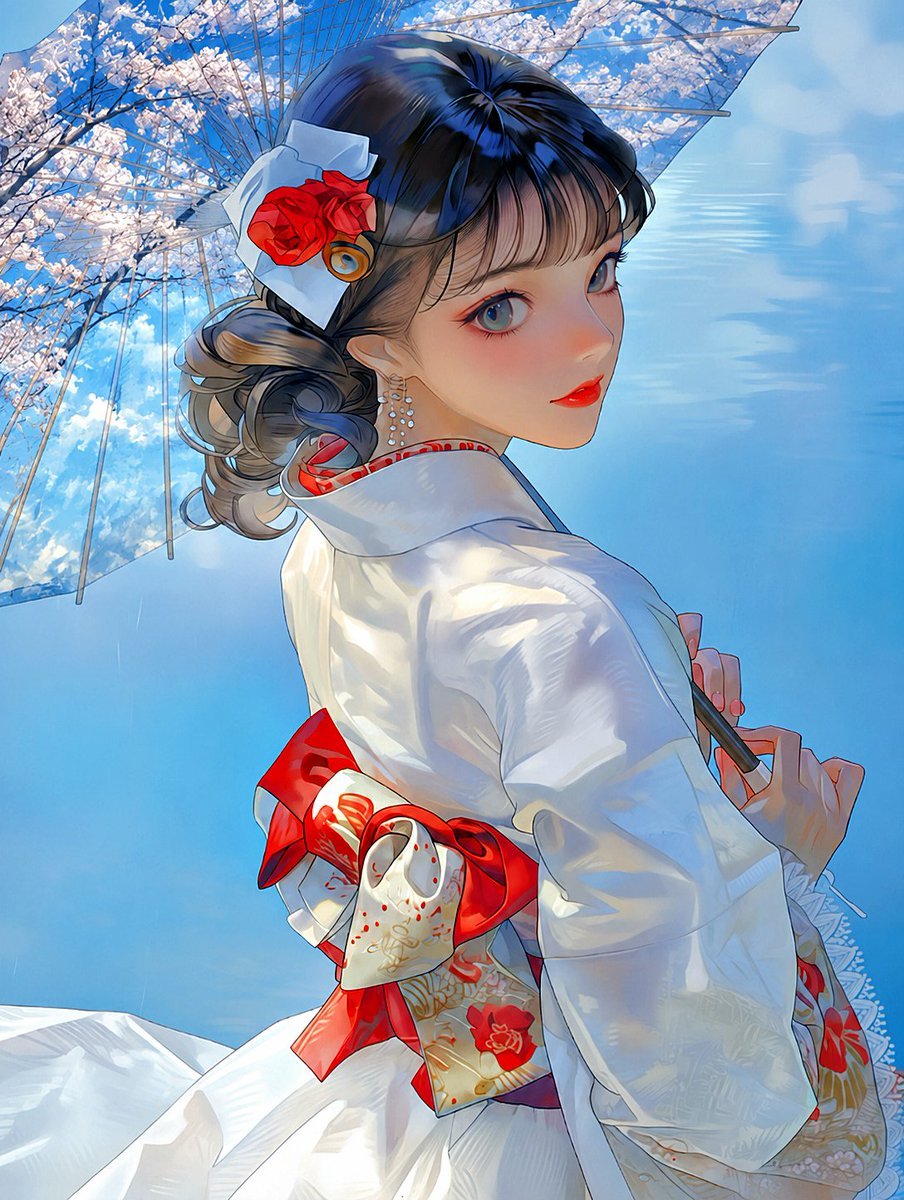
Kimono Girl Double Exposure Umbrella

Cel 2D Finale Fireworks

Cel 2D Garden Maze

Cel 2D Rooftop Concert

Cel 2D Bicycle Coast

Cel 2D Castle Gate
Make it yours
Anime Girl with Melon Soda Umbrella works as-is. These are the safest ways to change it without losing the look.
Change one field
Copy a single group, rewrite it, and generate again so you can see what that field is doing.
Keep the frame, change the subject
Hold the composition and light of Anime Girl with Melon Soda Umbrella, then swap wardrobe, props or the person for a new take.
| If the result… | Why | Fix |
|---|---|---|
| The result drifts from the preview | Too many fields changed at once. | Reuse Anime Girl with Melon Soda Umbrella as-is first, then change one group — subject, light, or setting. |
| The model over-stylizes the scene | The prose prompt leaves finish and camera underspecified. | Add one camera or lighting sentence and stay on GPT Image 2. |
More GPT Image 2 templates
Other prompts made for GPT Image 2.

Six VTuber Japanese Logo Sheet

Realistic Portrait of Woman and Deer

The Vista Modular Condo Poster

AI Model Routing Comparison Infographic

2.5D Anime Art Board

Isometric Productivity Desk Scene

New York Double Exposure Poster

Four-Panel AI Landscape Comparison

Japanese Tatami Lifestyle Magazine Cover

NESCAFÉ Coffee Map Poster
More image prompts
Fresh picks from across the catalog.

Gpt2 E Commerce Main Image 9 Panel Product Tvc Storyboard
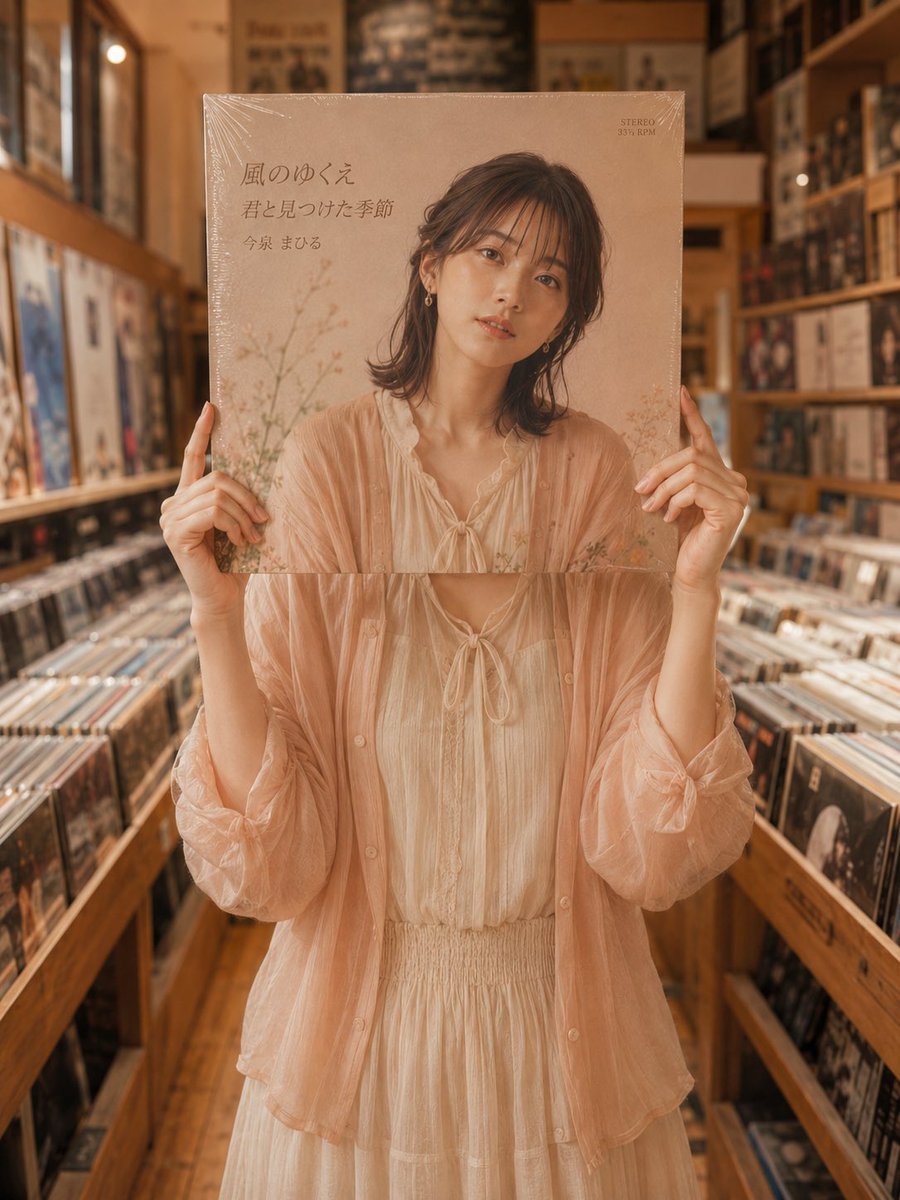
Vinyl Record Store Illusion Portrait
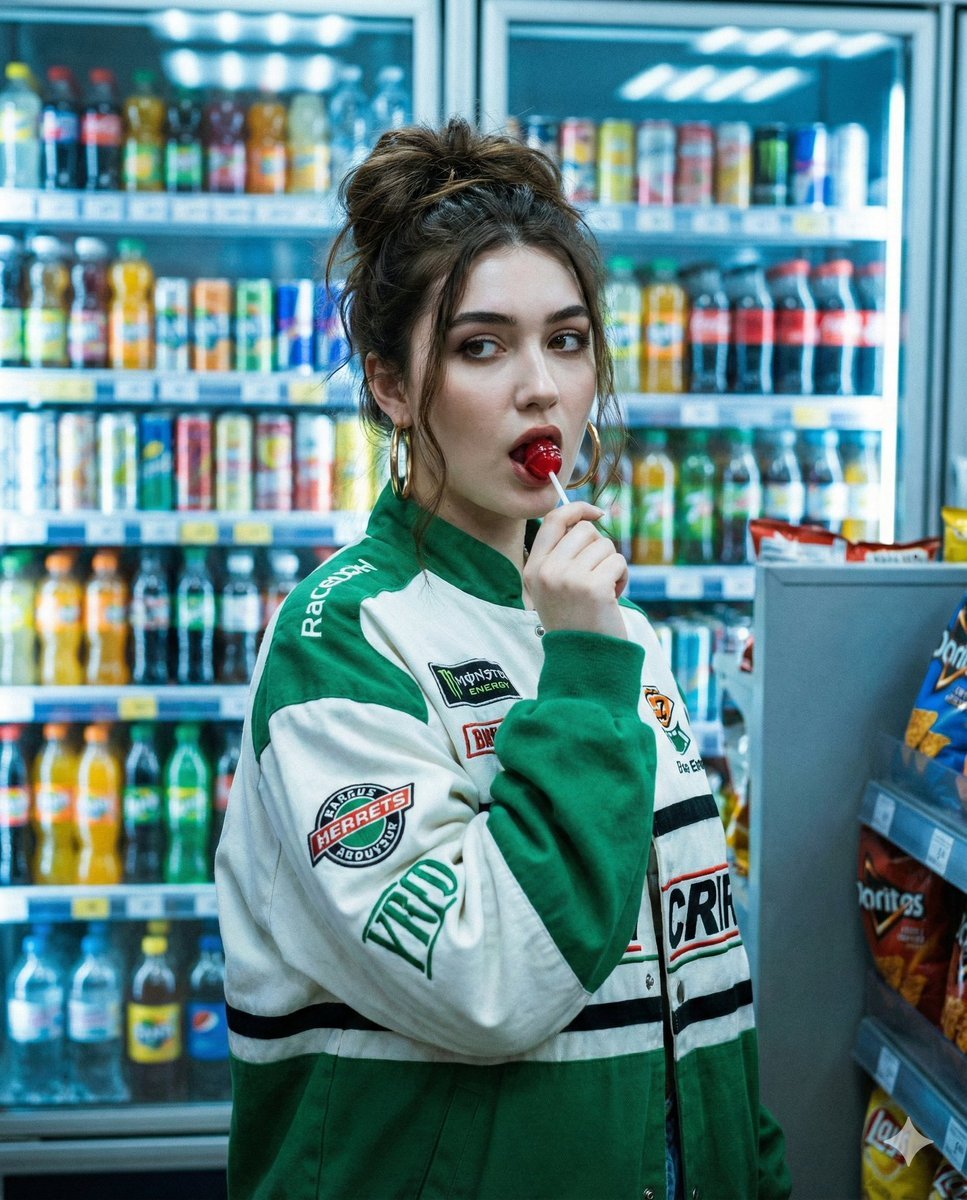
Y2K Cinematic Portrait in a Convenience Store
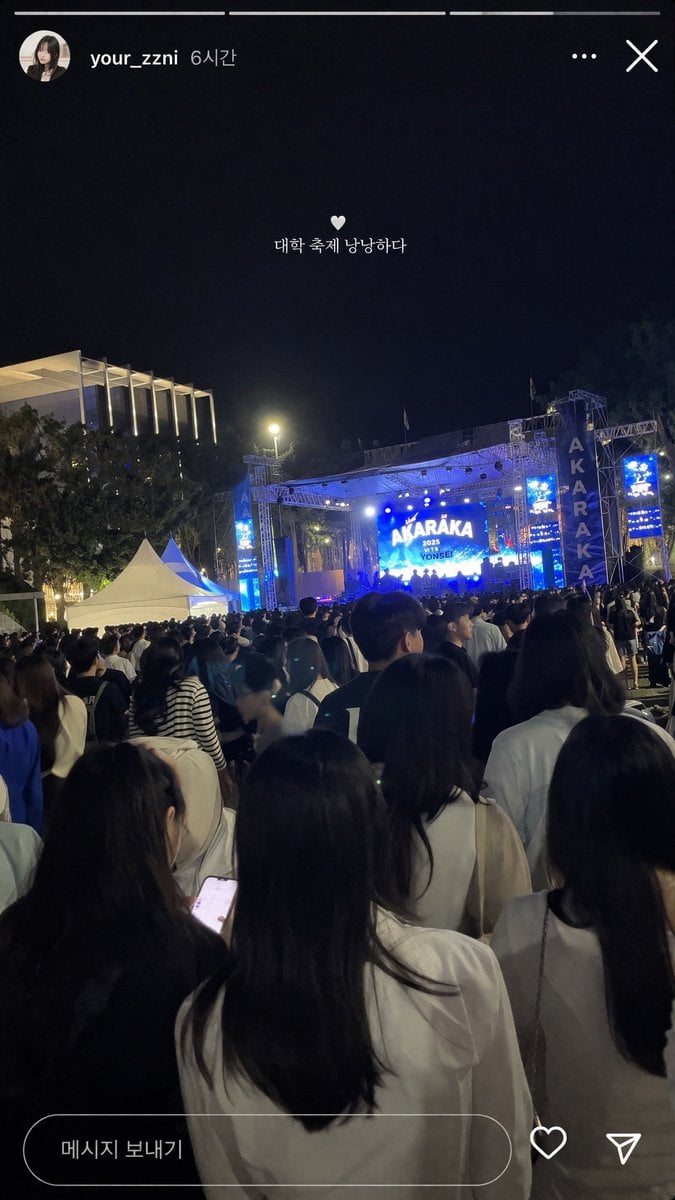
Social Media Concert Story Mockup
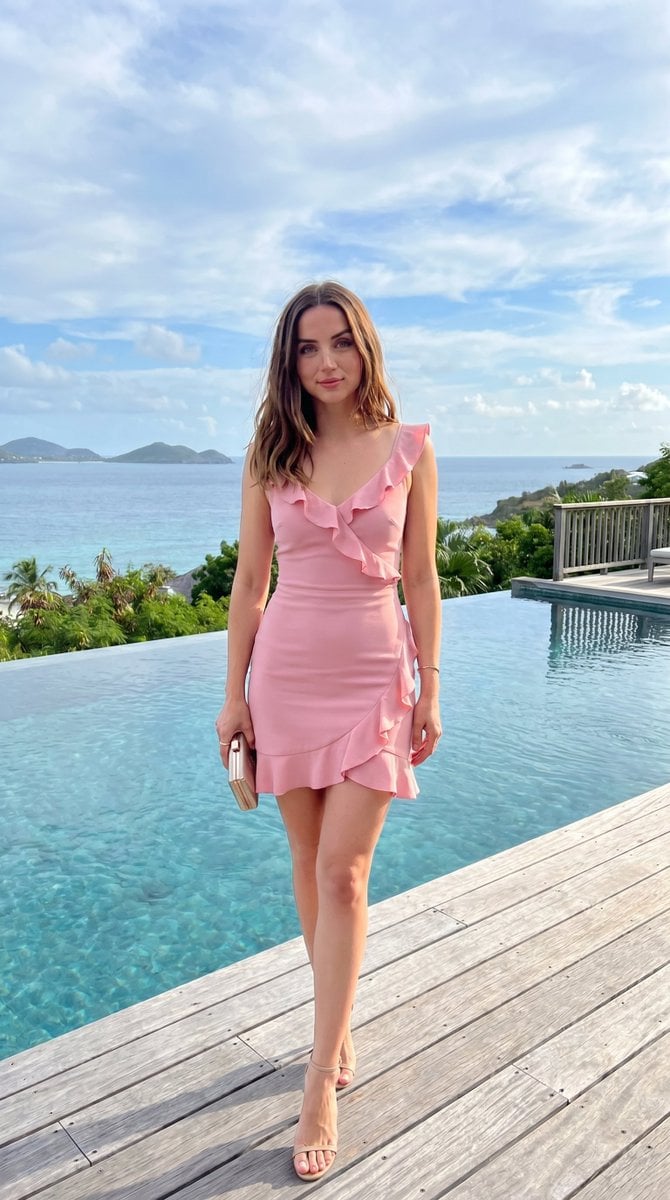
Luxury Terrace Editorial Photography Prompt
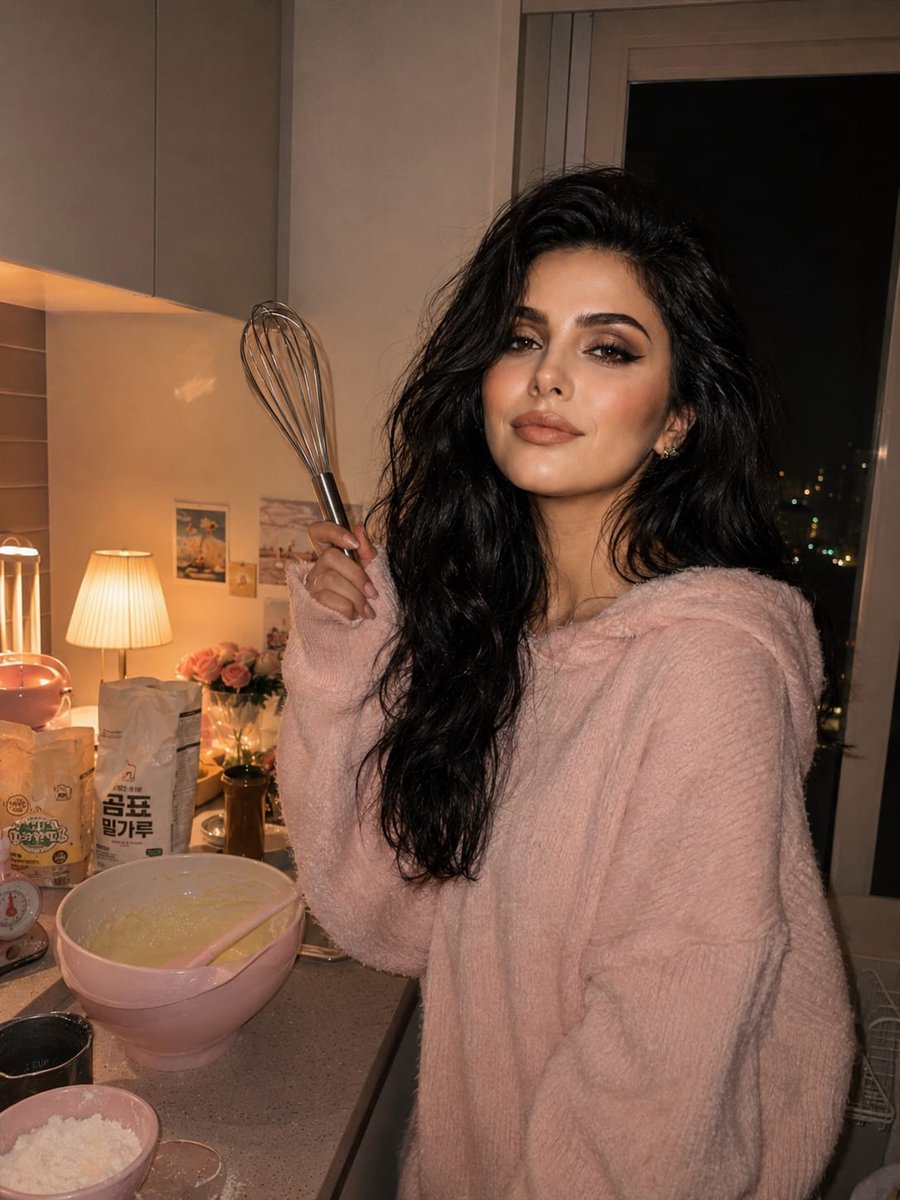
Cozy Kitchen Late Night Baking Portrait
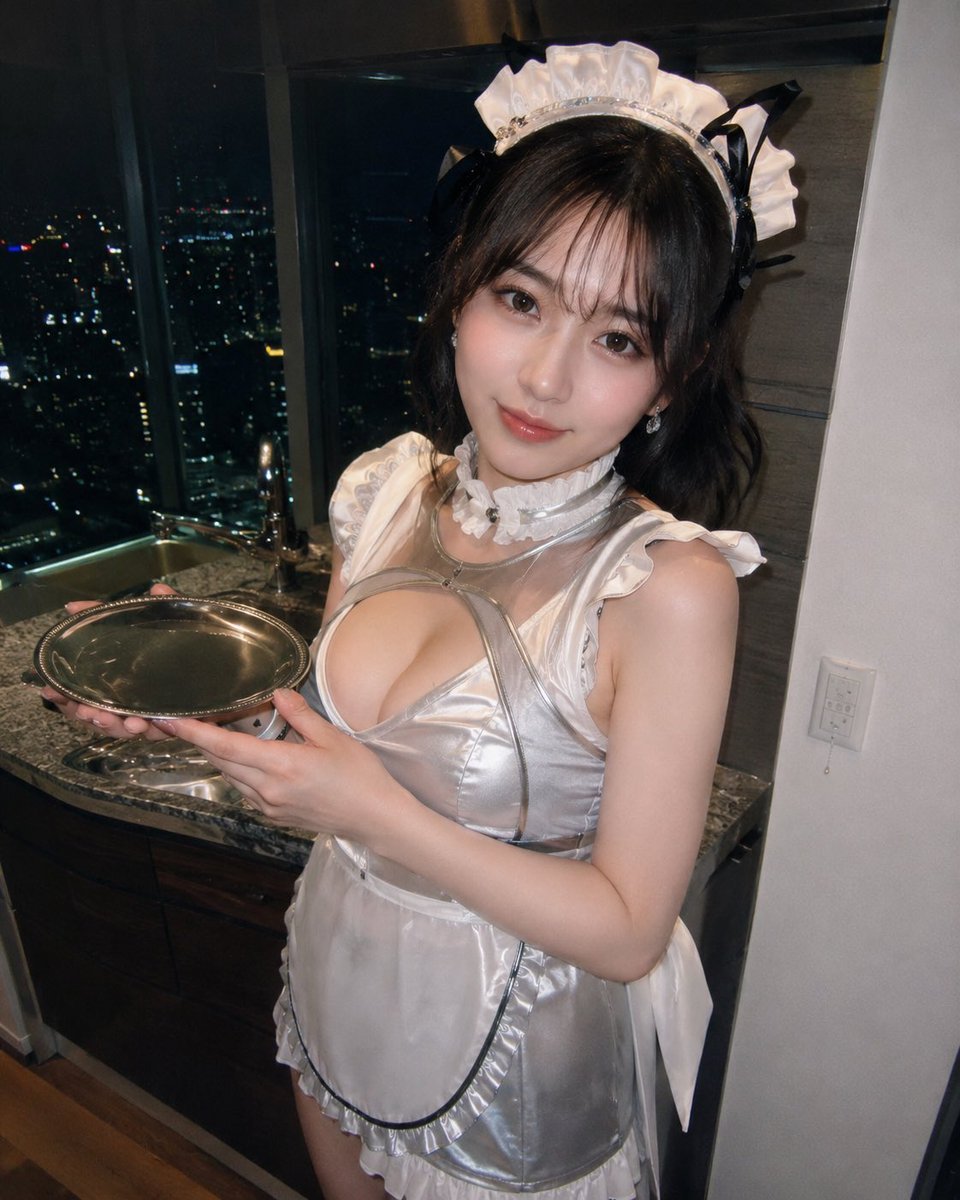
Silver Maid Cosplay in High-Rise Kitchen
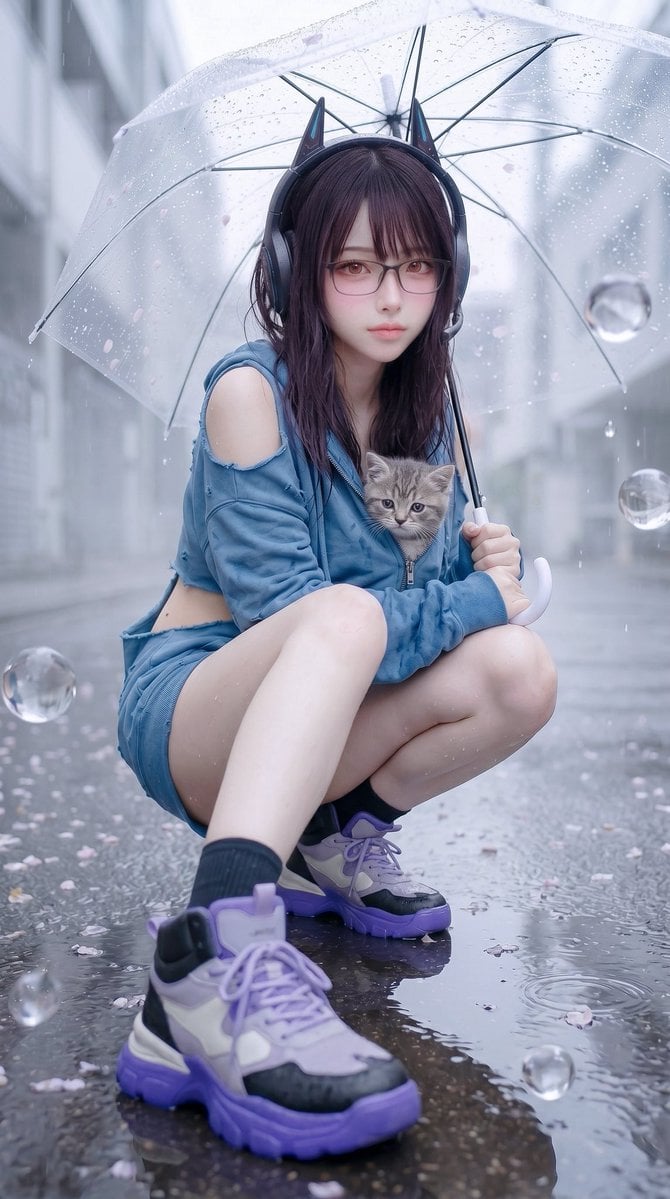
Rainy Cat-Ear Street Portrait
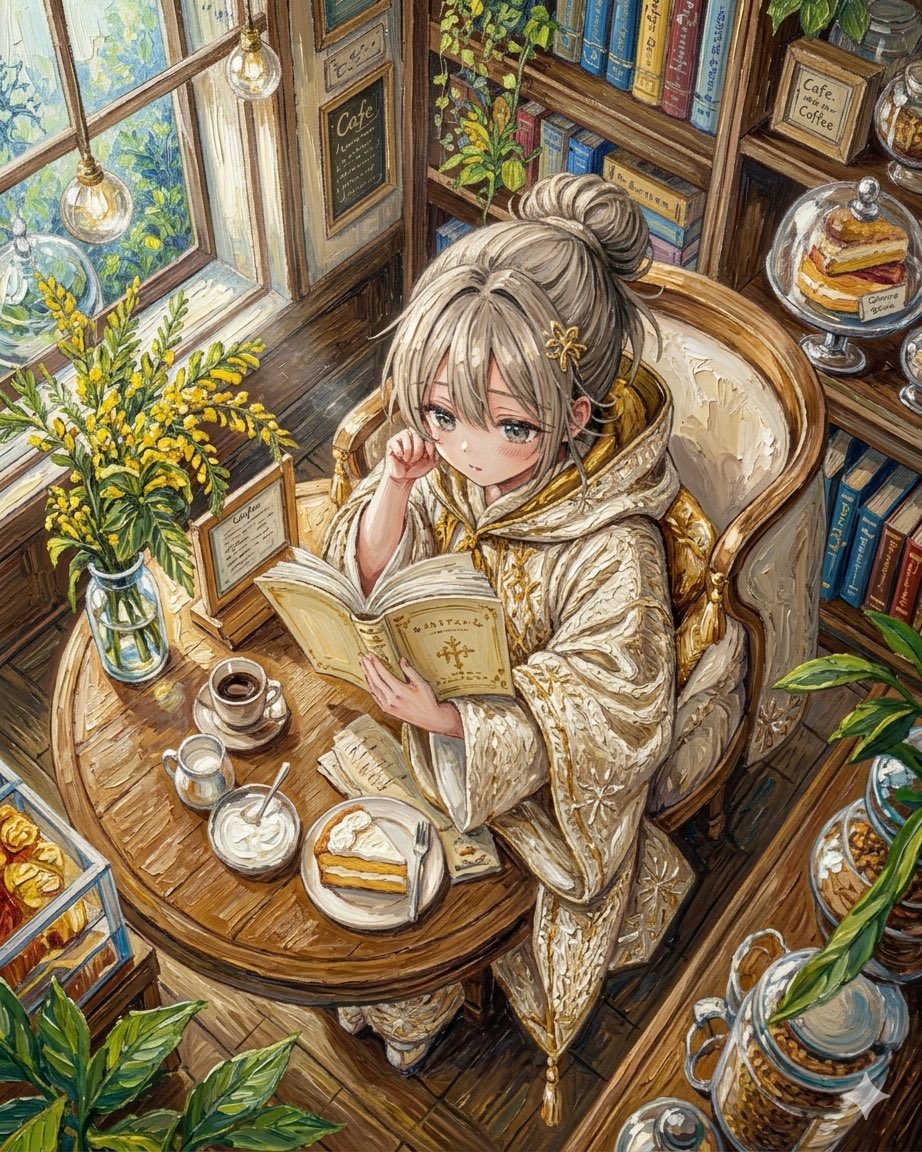
Watercolor Anime Café Colorization
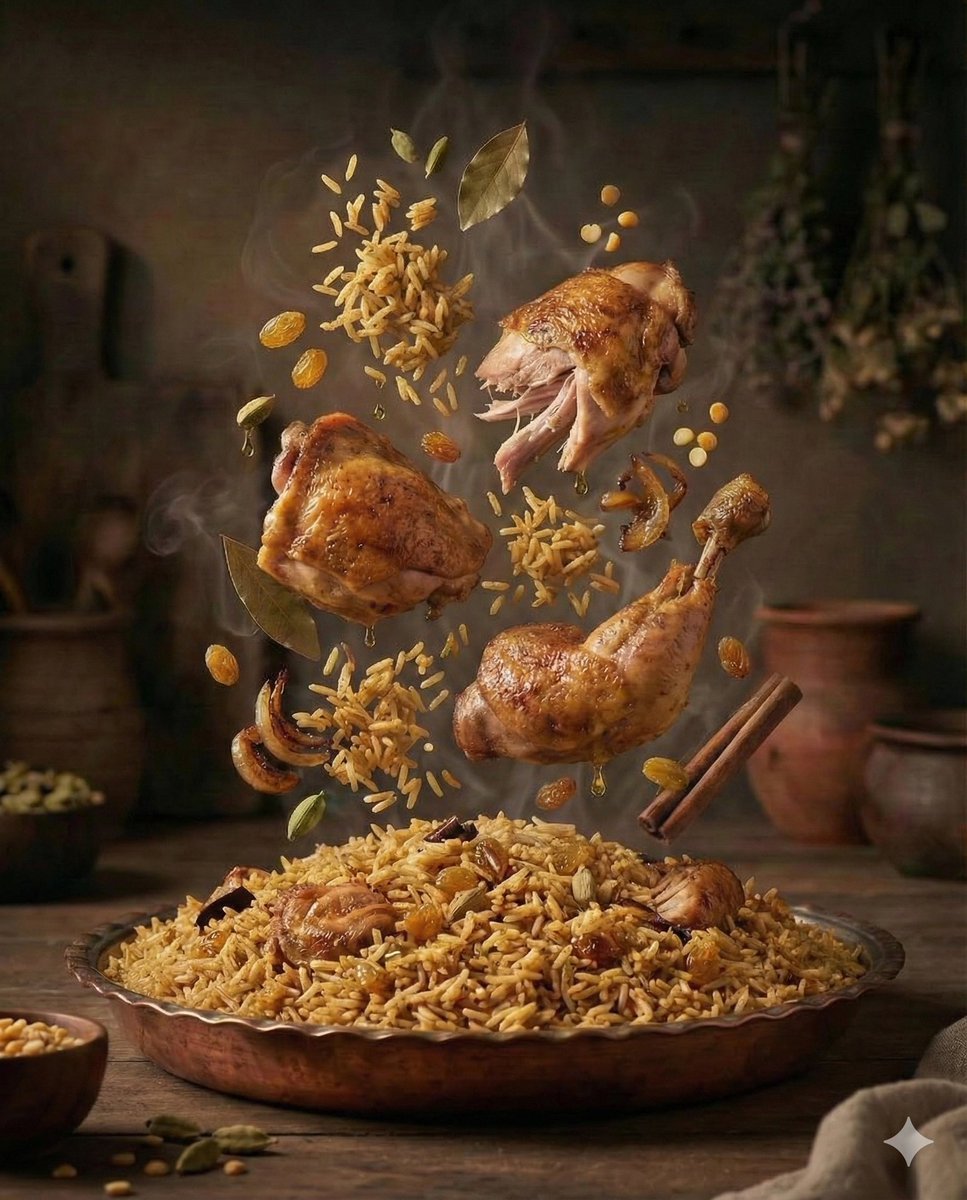
Cinematic Exploded-View Middle Eastern Food Scene
Browse template categories
Anime Girl with Melon Soda Umbrella questions
How do I use the Anime Girl with Melon Soda Umbrella template?
Add your photo if the template asks for one, edit the prompt if you like — the template's model and format are already selected — and press Generate. Your version opens in PicX Studio.
Can I customize the Anime Girl with Melon Soda Umbrella template?
Yes. You can change the subject, setting, lighting, mood, format, and available model controls before creating your image.
Is the Anime Girl with Melon Soda Umbrella template free?
Opening and editing this template is free. Generating uses credits, shown on the Generate button when you are signed in.
Which AI model should I use?
Start with GPT Image 2, which is the model associated with this template. You can compare another compatible model for a different finish.
Looking for something else? Browse all templates.

Your photo, any look
Thousands of ready templates for every top image and video model, from one credit balance.