
Social Media Concert Story Mockup
Generates a realistic Instagram-style story screenshot of a nighttime college festival with customizable UI text and stage graphics.
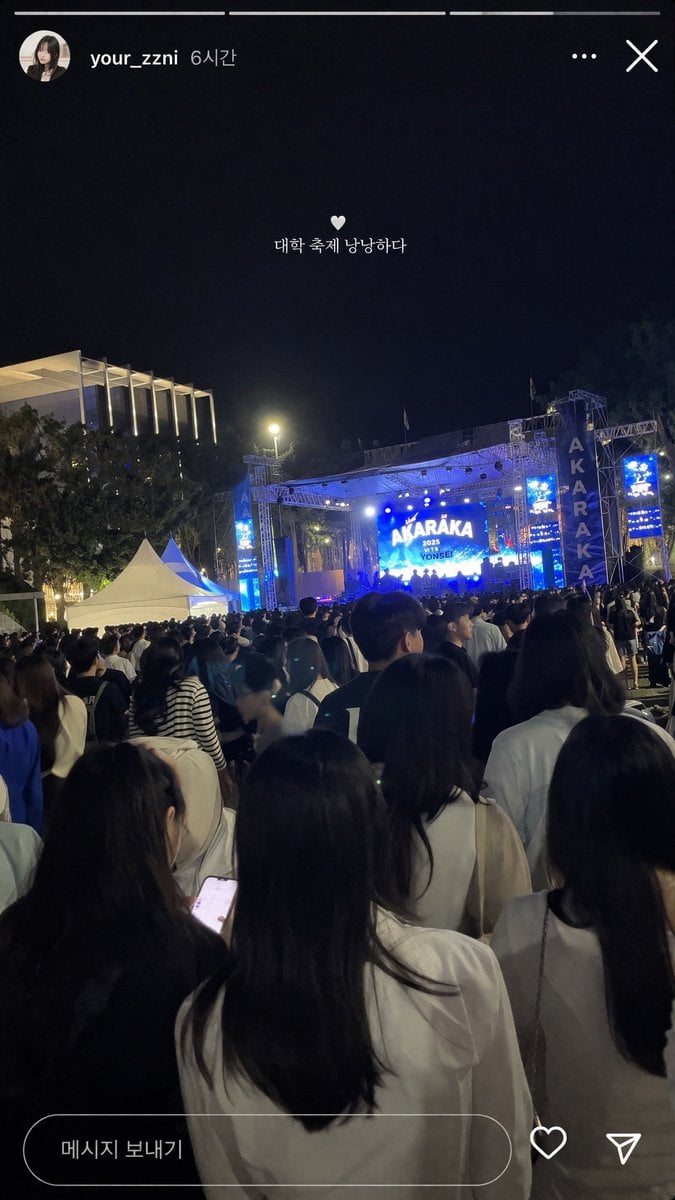
- Prompt included
- Model and format preset
- Free template
The prompt behind this image
Copy the exact prompt behind Social Media Concert Story Mockup, or open it in the studio and make it yours.
- Type
- social media story screenshot
- Background Photo › Setting
- nighttime outdoor college festival
- Background Photo › Perspective
- first-person view from the back of a dense crowd looking toward a brightly lit stage
- Background Photo › Crowd
- dense gathering of young adults seen from behind, wearing casual clothing
- Background Photo › Stage
- large outdoor concert stage emitting bright blue light, main LED screen displaying '{argument name="stage main text" default="AKARAKA"}' and '{argument name="stage sub text" default="2025 YONSEI"}', flanked by vertical banners reading 'AKARAKA'
- Background Photo › Environment
- dark night sky, trees, a modern building with vertical illuminated slats on the left, two white event tents on the mid-left
- Ui Overlay › Top Header
- circular profile picture of a young woman, username '{argument name="username" default="your_zzni"}', timestamp '6시간', with standard three-dot menu and 'X' close icons on the right
- Ui Overlay › Center Text
- small white heart icon followed by the text '{argument name="overlay text" default="대학 축제 낭낭하다"}' floating in the middle of the screen
- Ui Overlay › Bottom Bar
- pill-shaped message input box containing the text '메시지 보내기', accompanied by a heart outline icon and a paper airplane icon on the right
Raw JSON
{
  "type": "social media story screenshot",
  "background_photo": {
    "setting": "nighttime outdoor college festival",
    "perspective": "first-person view from the back of a dense crowd looking toward a brightly lit stage",
    "crowd": "dense gathering of young adults seen from behind, wearing casual clothing",
    "stage": "large outdoor concert stage emitting bright blue light, main LED screen displaying '{argument name=\"stage main text\" default=\"AKARAKA\"}' and '{argument name=\"stage sub text\" default=\"2025 YONSEI\"}', flanked by vertical banners reading 'AKARAKA'",
    "environment": "dark night sky, trees, a modern building with vertical illuminated slats on the left, two white event tents on the mid-left"
  },
  "ui_overlay": {
    "top_header": "circular profile picture of a young woman, username '{argument name=\"username\" default=\"your_zzni\"}', timestamp '6시간', with standard three-dot menu and 'X' close icons on the right",
    "center_text": "small white heart icon followed by the text '{argument name=\"overlay text\" default=\"대학 축제 낭낭하다\"}' floating in the middle of the screen",
    "bottom_bar": "pill-shaped message input box containing the text '메시지 보내기', accompanied by a heart outline icon and a paper airplane icon on the right"
  }
}How to use Social Media Concert Story Mockup in 3 steps
- 1Upload ImagePNG, JPG or paste
Add your photo
Upload the photo the template builds on. The prompt, model and format are already set.
- 2…a portrait of your subject in softgolden-hour light, 85mm…
Personalize
Edit the subject and creative details for your destination.
- 3Generate
Generate
Press Generate — your image is created in PicX Studio, so you can compare it with the original and refine one variable at a time.
More like this
Templates with the same subject, style or setup. Open one to see its prompt.
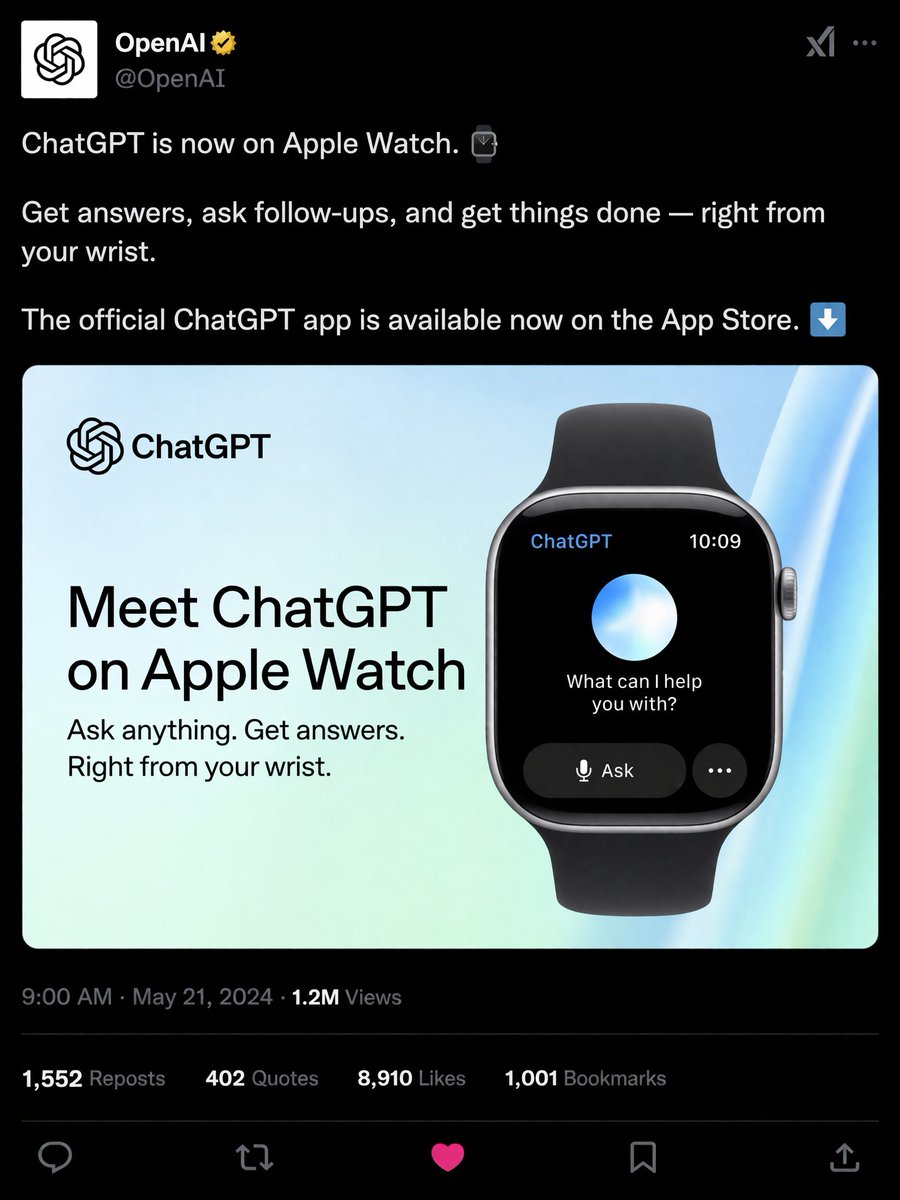
Social Media Product Announcement Mockup
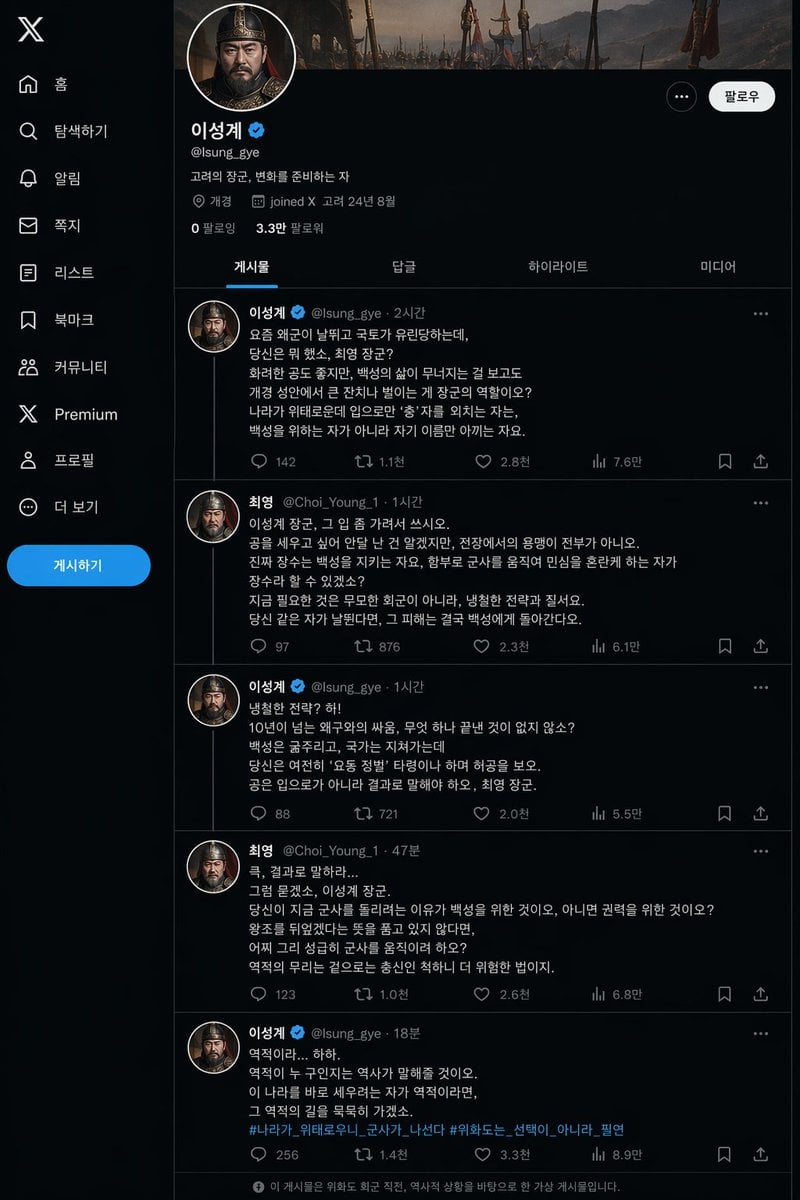
Historical Social Media Feed Mockup
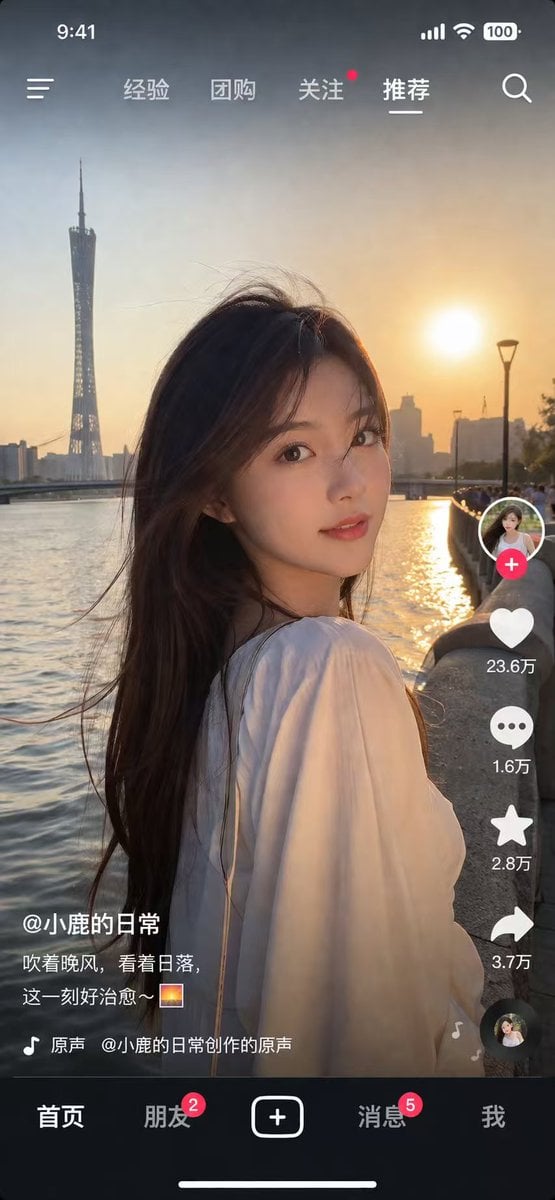
Social Media App Interface Mockup
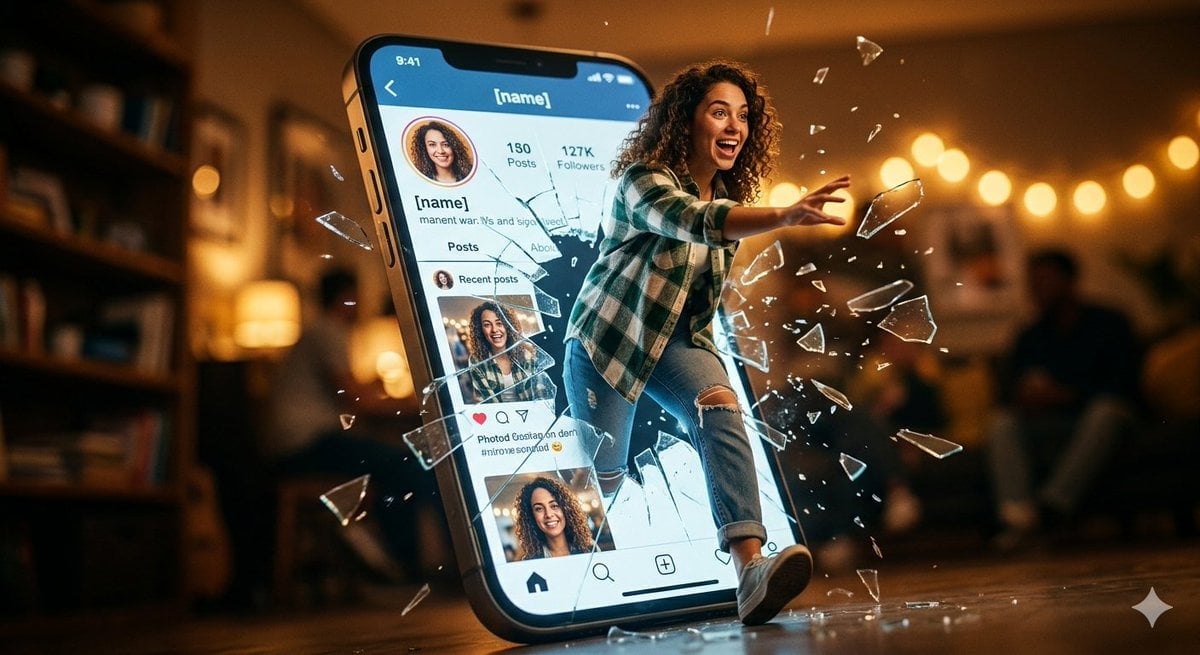
Shattered Screen Social Media Ad
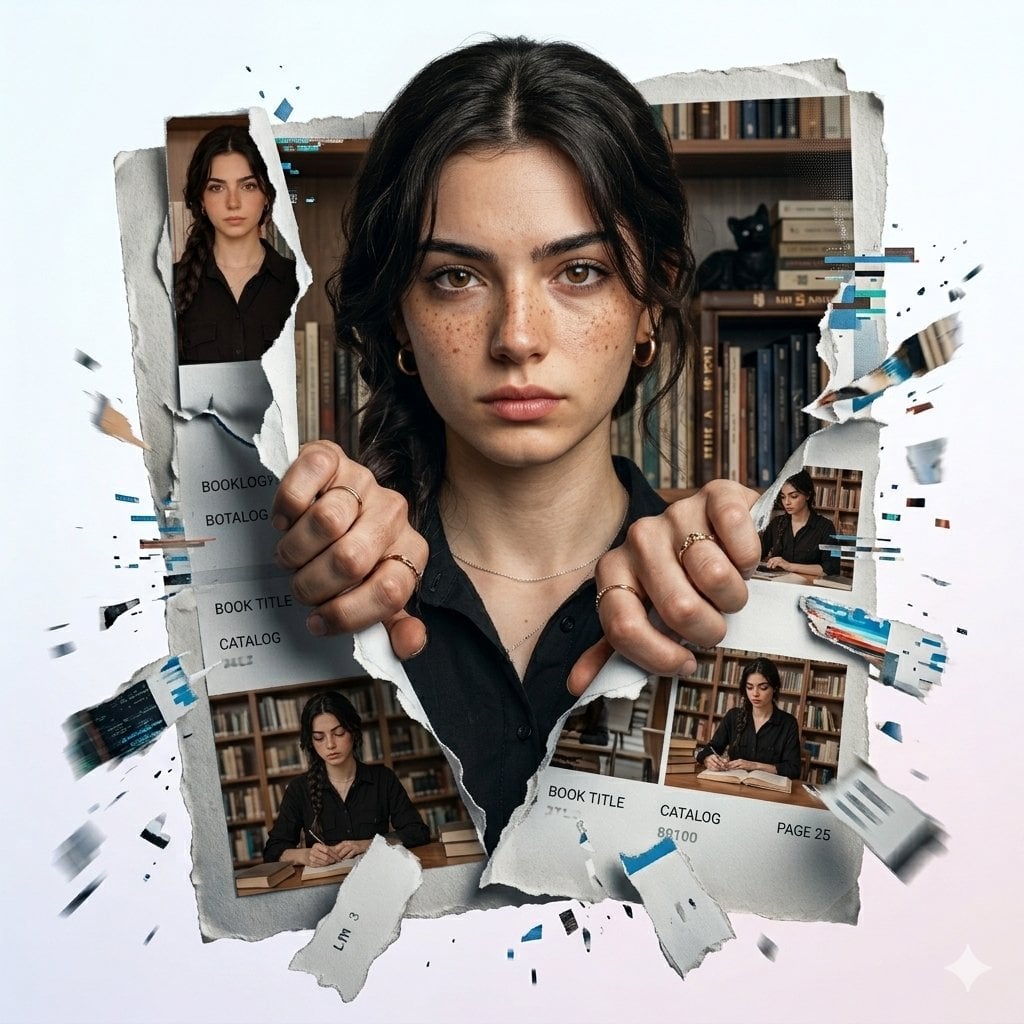
Torn Social Media Profile Art
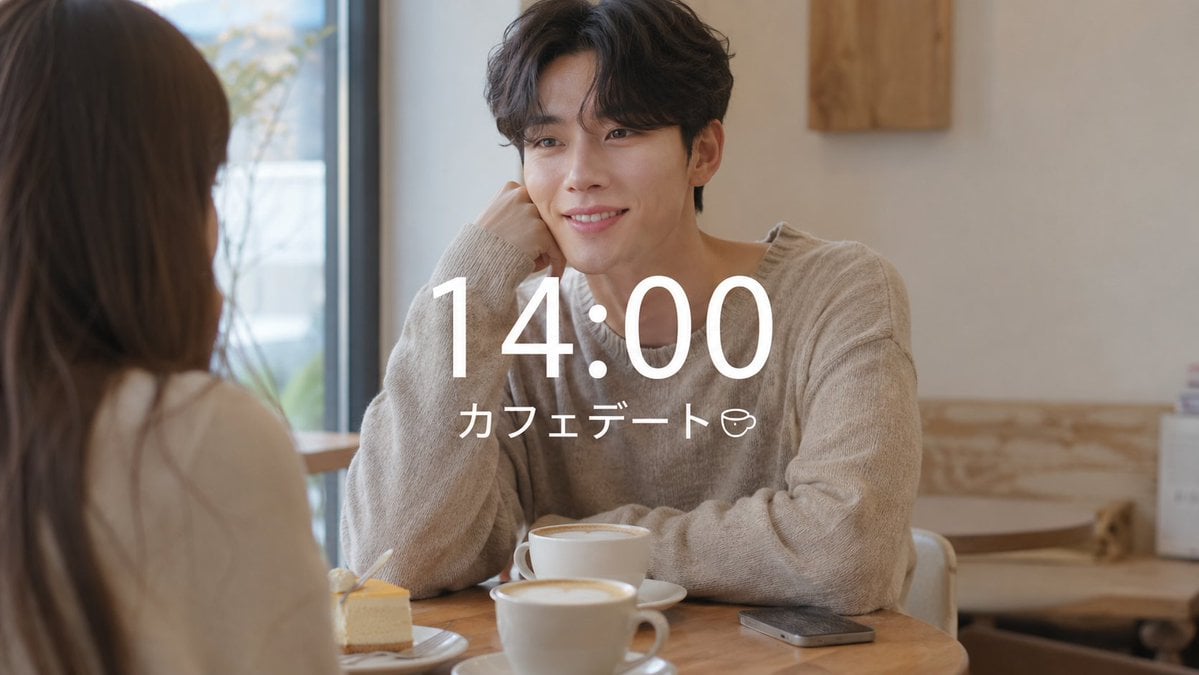
VLOG Style Social Media Post
Clean Professional Social Media Avatar

Social Media Magazine Cover
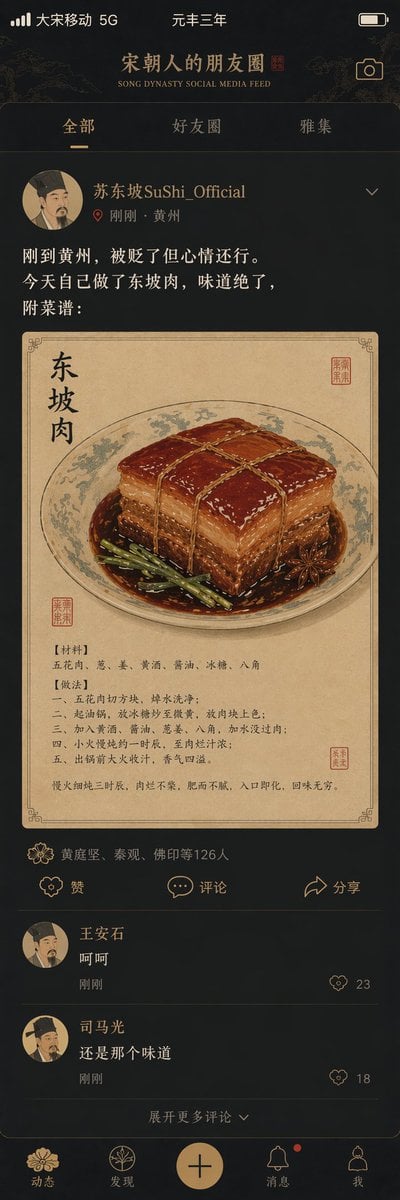
Song Dynasty Social Media Feed

Social Media Meme Cover
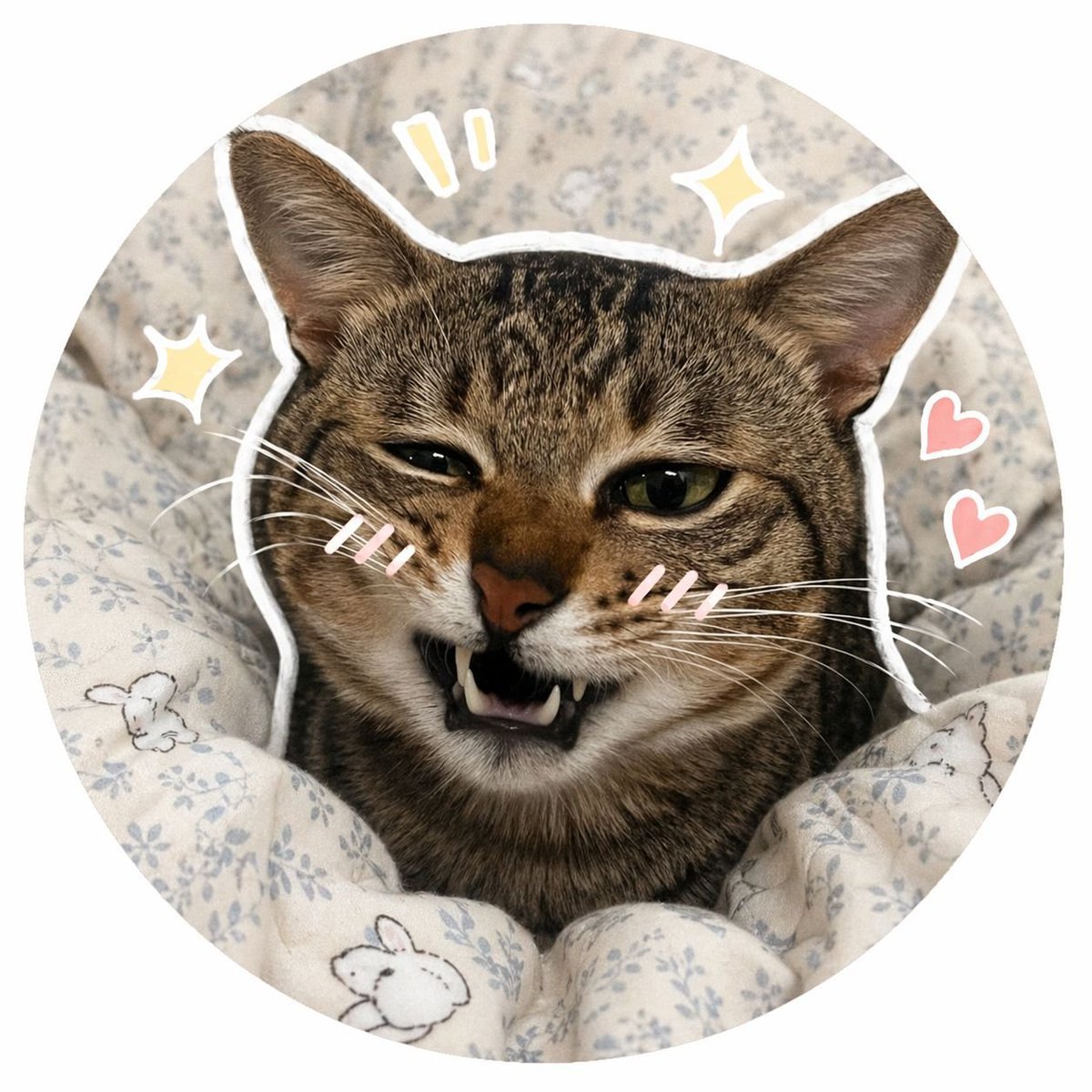
Social Media Pet Avatar Creator
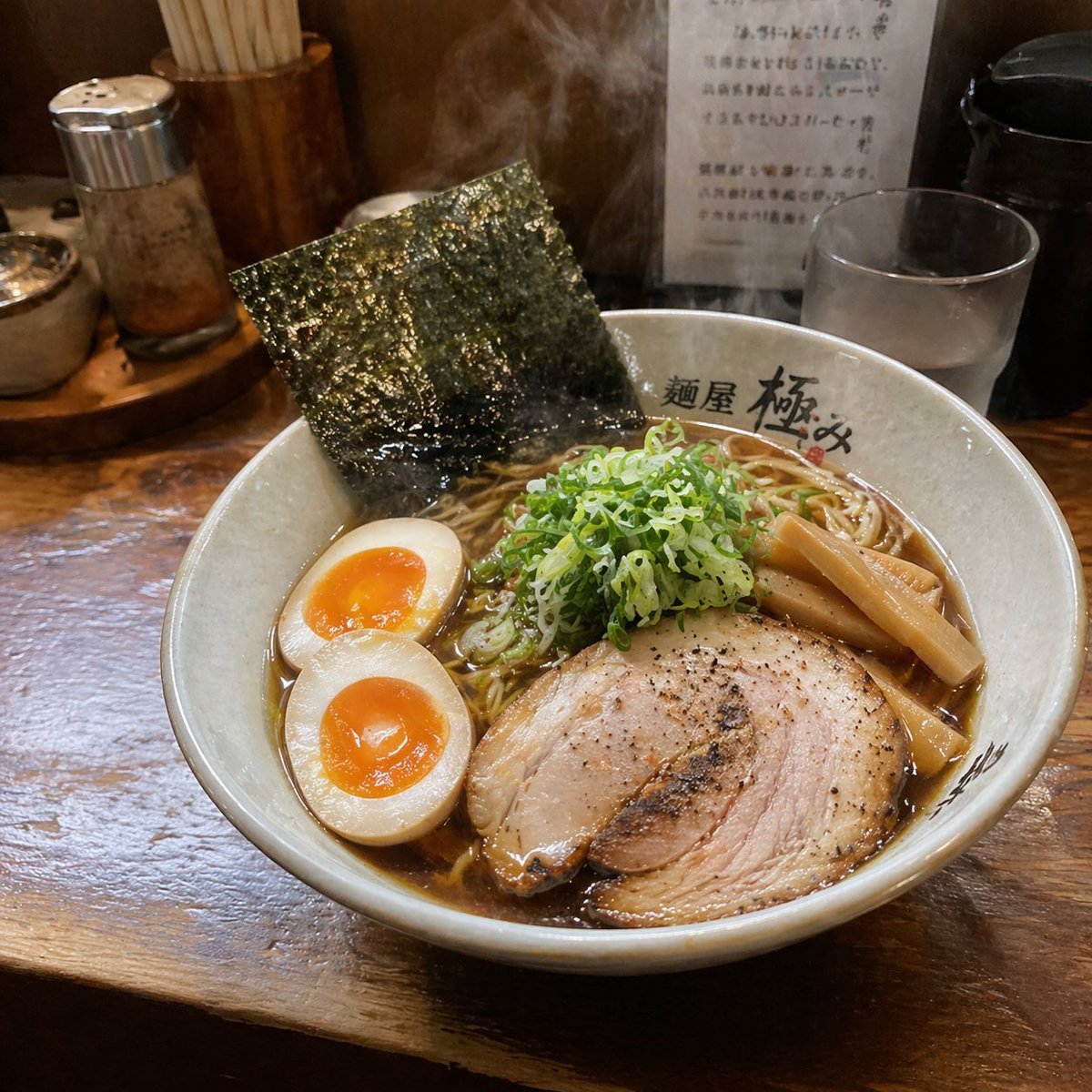
Realistic Social Media Food Photography
Make it yours
Social Media Concert Story Mockup works as-is. These are the safest ways to change it without losing the look.
Swap the setting
Keep the rest of the prompt and replace the location block. The current setting is “nighttime outdoor college festival”.
Change one field
Copy a single group, rewrite it, and generate again so you can see what that field is doing.
Keep the frame, change the subject
Hold the composition and light of Social Media Concert Story Mockup, then swap wardrobe, props or the person for a new take.
| If the result… | Why | Fix |
|---|---|---|
| The result drifts from the preview | Too many fields changed at once. | Reuse Social Media Concert Story Mockup as-is first, then change one group — subject, light, or setting. |
| GPT Image 2 ignores part of the JSON | Some models flatten or skip nested keys. | Keep the same values and paste them as a short paragraph instead. |
More GPT Image 2 templates
Other prompts made for GPT Image 2.

Six VTuber Japanese Logo Sheet

Realistic Portrait of Woman and Deer

The Vista Modular Condo Poster

AI Model Routing Comparison Infographic

2.5D Anime Art Board

Isometric Productivity Desk Scene

New York Double Exposure Poster

Four-Panel AI Landscape Comparison

Japanese Tatami Lifestyle Magazine Cover

NESCAFÉ Coffee Map Poster
More image prompts
Fresh picks from across the catalog.
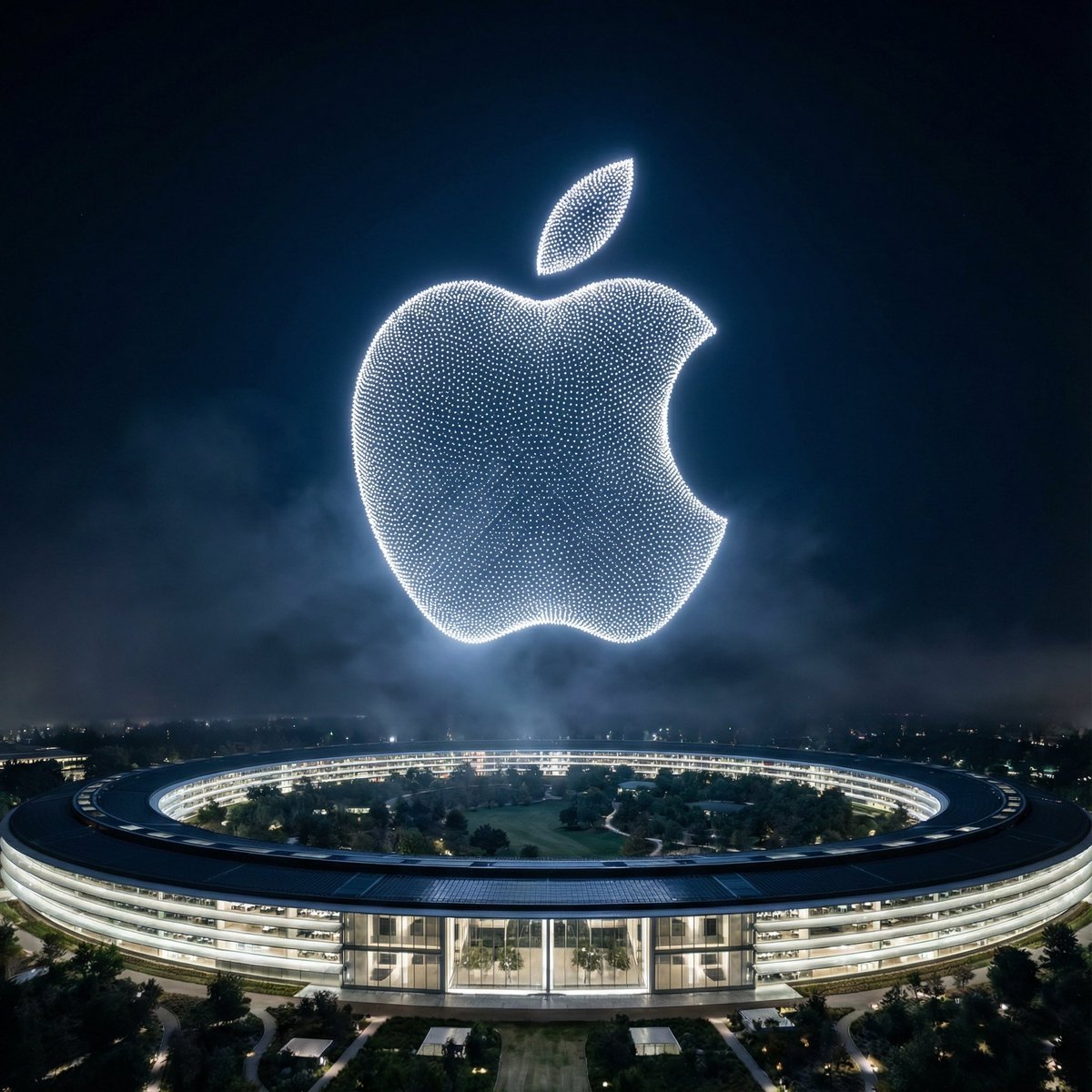
Night Sky Brand Canvas Prompt
Star Wars SF Image Modification
Retro HUD Claude Usage Gauge
Perspective Change Generation
Cinematic Video Company Poster
Luxury Equestrian Editorial with Dua Lipa

Gpt2 Avant Garde Tennis Fashion
Cinematic Portrait with Harsh Flash and Floral Background (Duplicate)
Annotated Manga App Screenshot
Cafe date POV profile photo prompt for Nano Banana Pro
Browse template categories
Social Media Concert Story Mockup questions
How do I use the Social Media Concert Story Mockup template?
Add your photo if the template asks for one, edit the prompt if you like — the template's model and format are already selected — and press Generate. Your version opens in PicX Studio.
Can I customize the Social Media Concert Story Mockup template?
Yes. You can change the subject, setting, lighting, mood, format, and available model controls before creating your image.
Is the Social Media Concert Story Mockup template free?
Opening and editing this template is free. Generating uses credits, shown on the Generate button when you are signed in.
Which AI model should I use?
Start with GPT Image 2, which is the model associated with this template. You can compare another compatible model for a different finish.
Looking for something else? Browse all templates.

Your photo, any look
Thousands of ready templates for every top image and video model, from one credit balance.