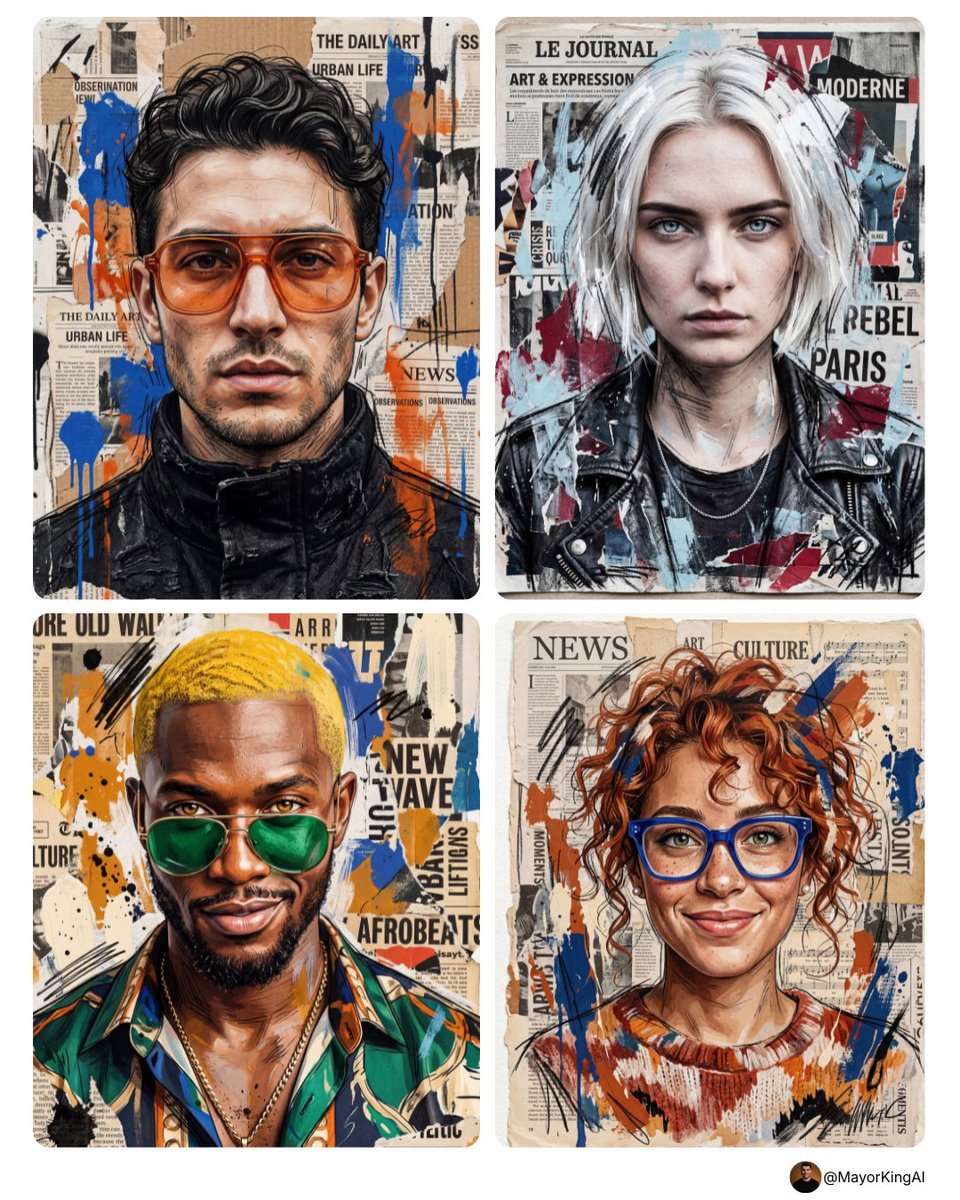
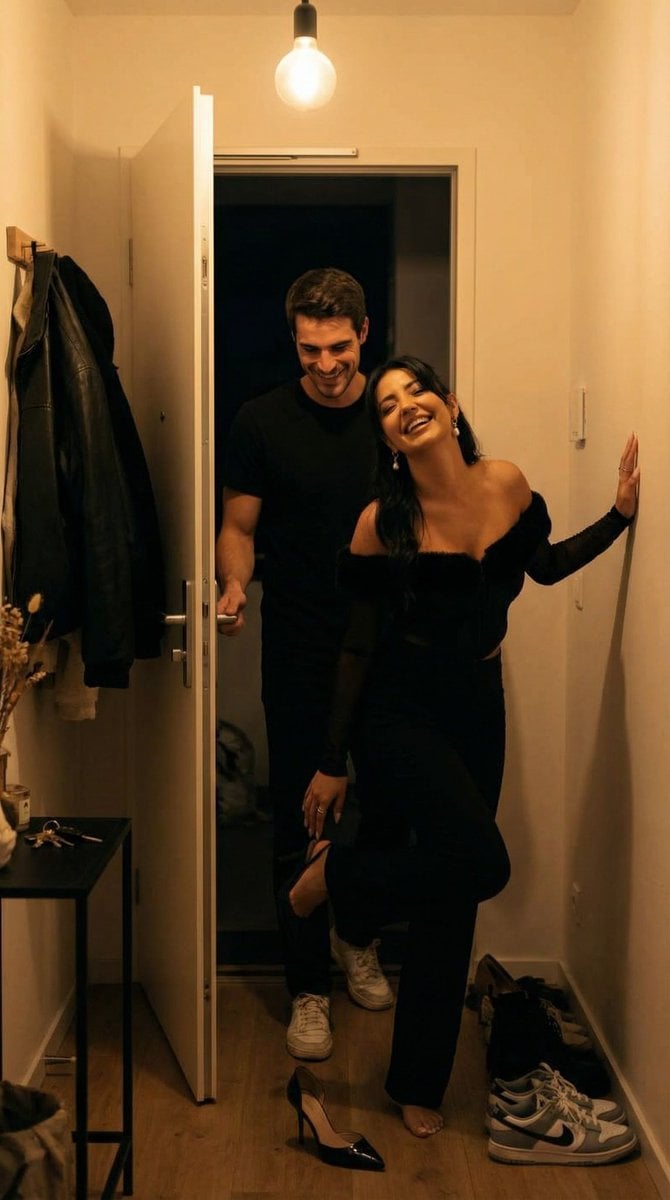
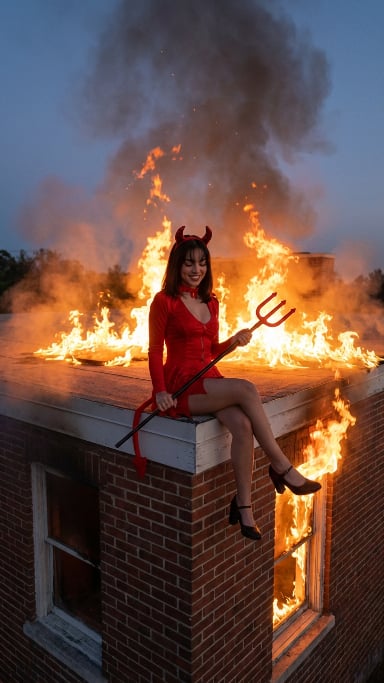
How do I use the Torn Social Media Profile Art template?
Edit the prompt in the box under the preview — the template's model and format are already selected — and press Generate. Your version appears right on this page.
A dynamic digital art prompt where a subject appears to be tearing through a social media profile page, creating a physical-meets-digital motion effect.

A very creative digital work of art, where a {argument name="subject" default="realistic girl"} (whose face 100% repeats the attached first photo) dramatically tears up the {argument name="social media" default="Telegram"} social media profile page. The Telegram profile looks like paper or a digital screen being torn apart, with sharp torn edges and flying fragments creating a dynamic motion effect. The girl is half outside the profile frame, forcefully pushing the page apart with one hand, her expression tense yet confident and powerful. Her face must match exactly the image of the girl from the first photo without any changes or alterations. The background of the Telegram profile must match exactly with the provided profile picture from the second photo. Dynamic cinematic lighting, ultra-realistic skin texture, shallow depth of field, cinematic composition, high contrast details, modern aesthetic style, soft white or subtle gradient background, 4K ultra high resolution, trending digital art style, highly detailed, sharp focus.
A very creative digital work of art, where a {argument name="subject" default="realistic girl"} (whose face 100% repeats the attached first photo) dramatically tears up the {argument name="social media" default="Telegram"} social media profile page. The Telegram profile looks like paper or a digital screen being torn apart, with sharp torn edges and flying fragments creating a dynamic motion effect. The girl is half outside the profile frame, forcefully pushing the page apart with one hand, her expression tense yet confident and powerful. Her face must match exactly the image of the girl from the first photo without any changes or alterations. The background of the Telegram profile must match exactly with the provided profile picture from the second photo. Dynamic cinematic lighting, ultra-realistic skin texture, shallow depth of field, cinematic composition, high contrast details, modern aesthetic style, soft white or subtle gradient background, 4K ultra high resolution, trending digital art style, highly detailed, sharp focus.
Edit the prompt in the box under the preview — the template's model and format are already selected — and press Generate. Your version appears right on this page.
Yes. You can change the subject, setting, lighting, mood, format, and available model controls before creating your image.
Opening and editing this template is free. Generating uses credits, shown on the Generate button when you are signed in.
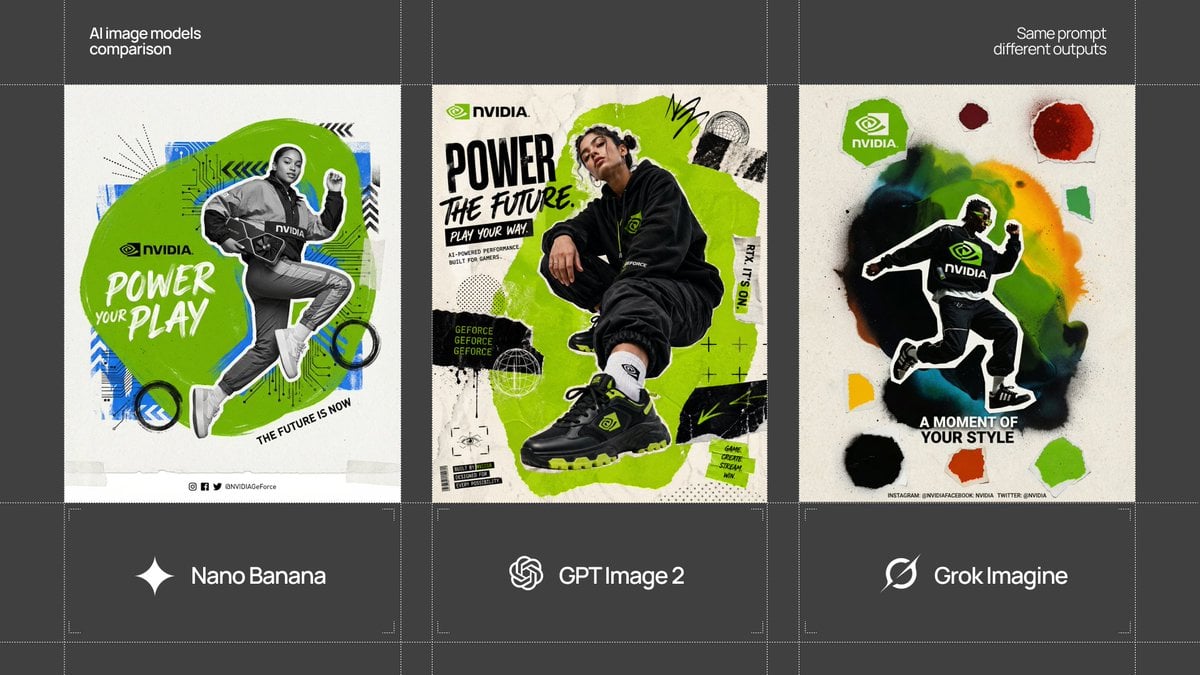
Start with Nano Banana 2, which is the model associated with this template. You can compare another compatible model for a different finish.
Follow a topic to a crawlable collection of related PicX Studio templates.