
Social Media Product Announcement Mockup
Generates a realistic dark-mode social media post featuring a promotional graphic for a smartwatch app.
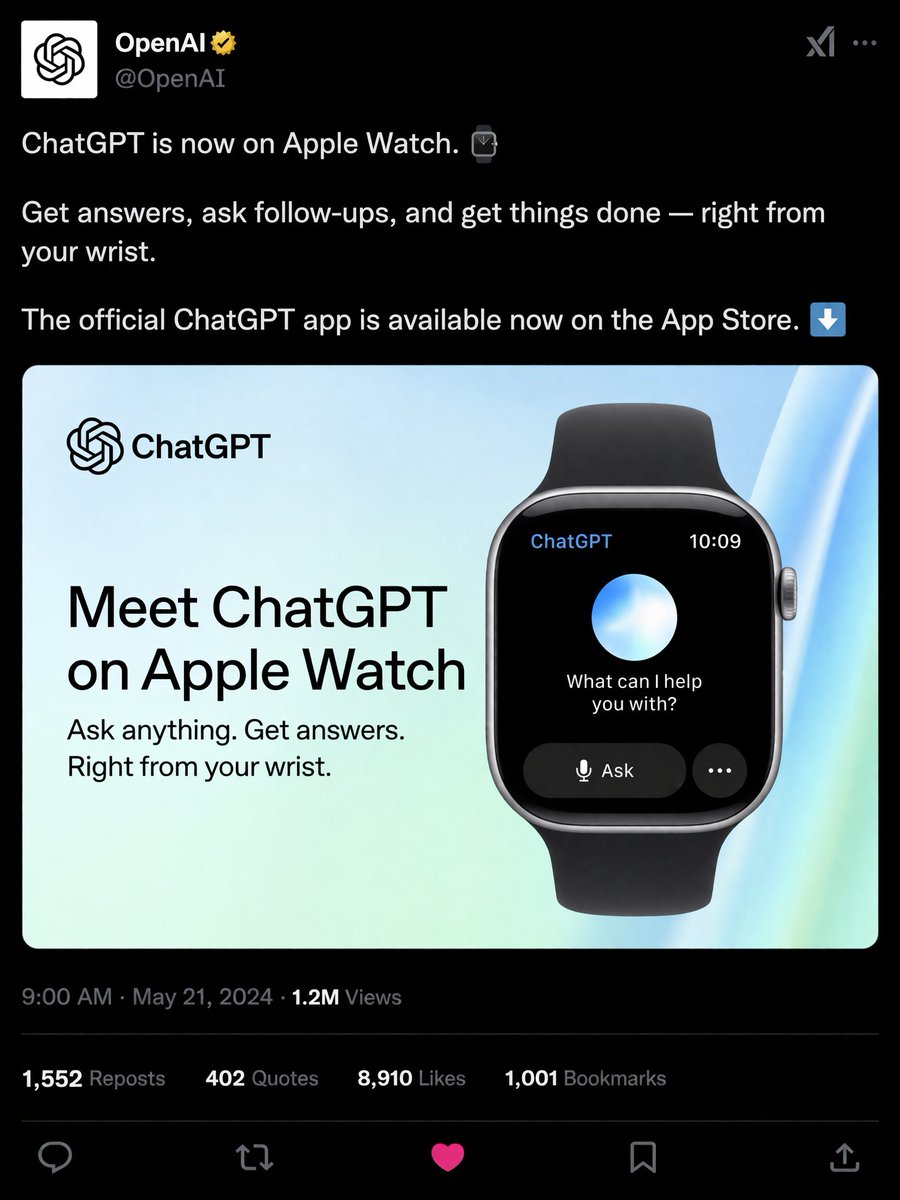
- Prompt included
- Model and format preset
- Free template
The prompt behind this image
Copy the exact prompt behind Social Media Product Announcement Mockup, or open it in the studio and make it yours.
- Type
- social media post mockup
- Theme
- dark mode
- Header › Avatar
- OpenAI logo
- Header › Account Name
- {argument name="account name" default="OpenAI"}
- Header › Badge
- gold checkmark
- Header › Handle
- @OpenAI
- Post Text
- {argument name="post text" default="ChatGPT is now on Apple Watch."}, Get answers, ask follow-ups, and get things done — right from your wrist., The official ChatGPT app is available now on the App Store.
- Embedded Card › Background
- light blue and green gradient
- Embedded Card › Left Column › Logo
- ChatGPT
- Embedded Card › Left Column › Headline
- {argument name="card headline" default="Meet ChatGPT on Apple Watch"}
- Embedded Card › Left Column › Subheadline
- Ask anything. Get answers. Right from your wrist.
- Embedded Card › Right Column › Device
- smartwatch with black band
- Embedded Card › Right Column › Screen Elements › Top Bar
- 2
- Embedded Card › Right Column › Screen Elements › Top Bar Labels
- ChatGPT, 10:09
- Embedded Card › Right Column › Screen Elements › Center
- glowing blue and white orb
- Embedded Card › Right Column › Screen Elements › Text
- {argument name="watch screen text" default="What can I help you with?"}
- Embedded Card › Right Column › Screen Elements › Buttons
- 2
- Embedded Card › Right Column › Screen Elements › Button Labels
- Ask, ...
- Footer › Metadata
- 9:00 AM · May 21, 2024 · 1.2M Views
- Footer › Engagement Stats › Count
- 4
- Footer › Engagement Stats › Labels
- 1,552 Reposts, 402 Quotes, {argument name="likes count" default="8,910"} Likes, 1,001 Bookmarks
- Footer › Action Icons › Count
- 5
- Footer › Action Icons › Types
- reply, repost, like, bookmark, share
Raw JSON
{
  "type": "social media post mockup",
  "theme": "dark mode",
  "header": {
    "avatar": "OpenAI logo",
    "account_name": "{argument name=\"account name\" default=\"OpenAI\"}",
    "badge": "gold checkmark",
    "handle": "@OpenAI"
  },
  "post_text": [
    "{argument name=\"post text\" default=\"ChatGPT is now on Apple Watch.\"}",
    "Get answers, ask follow-ups, and get things done — right from your wrist.",
    "The official ChatGPT app is available now on the App Store."
  ],
  "embedded_card": {
    "background": "light blue and green gradient",
    "left_column": {
      "logo": "ChatGPT",
      "headline": "{argument name=\"card headline\" default=\"Meet ChatGPT on Apple Watch\"}",
      "subheadline": "Ask anything. Get answers. Right from your wrist."
    },
    "right_column": {
      "device": "smartwatch with black band",
      "screen_elements": {
        "top_bar": 2,
        "top_bar_labels": ["ChatGPT", "10:09"],
        "center": "glowing blue and white orb",
        "text": "{argument name=\"watch screen text\" default=\"What can I help you with?\"}",
        "buttons": 2,
        "button_labels": ["Ask", "..."]
      }
    }
  },
  "footer": {
    "metadata": "9:00 AM · May 21, 2024 · 1.2M Views",
    "engagement_stats": {
      "count": 4,
      "labels": ["1,552 Reposts", "402 Quotes", "{argument name=\"likes count\" default=\"8,910\"} Likes", "1,001 Bookmarks"]
    },
    "action_icons": {
      "count": 5,
      "types": ["reply", "repost", "like", "bookmark", "share"]
    }
  }
}How to use Social Media Product Announcement Mockup in 3 steps
- 1Upload ImagePNG, JPG or paste
Add your photo
Upload the photo the template builds on. The prompt, model and format are already set.
- 2…a portrait of your subject in softgolden-hour light, 85mm…
Personalize
Edit the subject and creative details for your destination.
- 3Generate
Generate
Press Generate — your image is created in PicX Studio, so you can compare it with the original and refine one variable at a time.
More like this
Templates with the same subject, style or setup. Open one to see its prompt.

Product Shot - T-Shirt Mockup
Historical Social Media Feed Mockup
Social Media App Interface Mockup
Social Media Concert Story Mockup
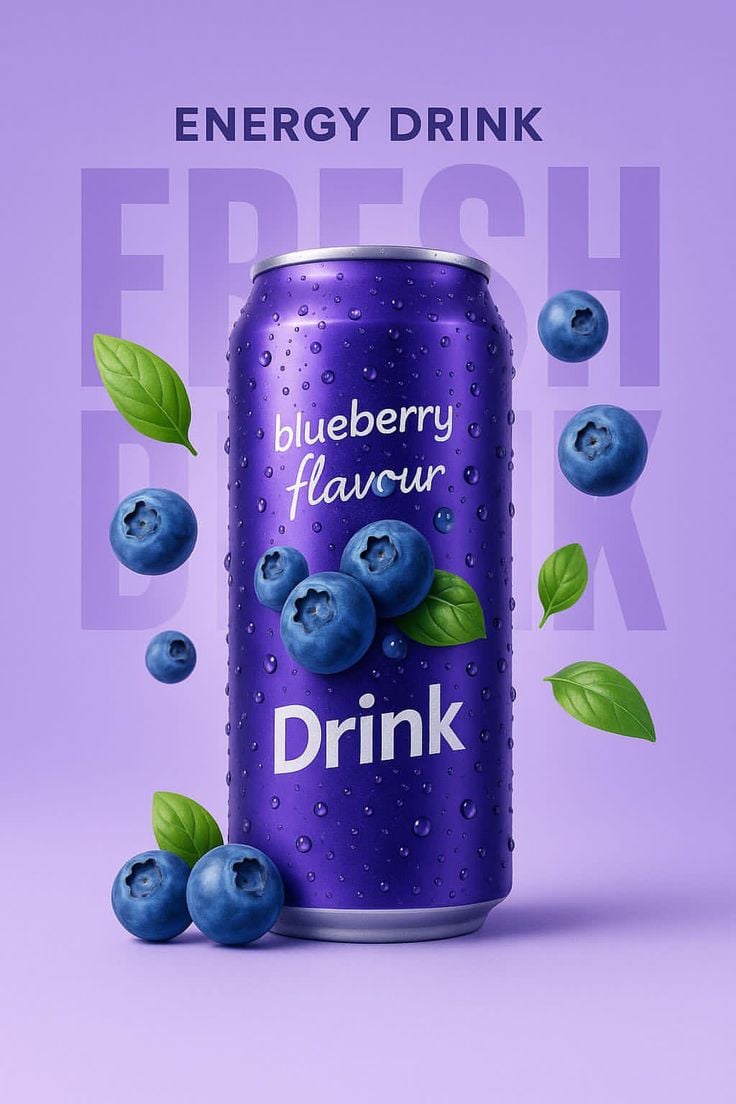
Blueberry Energy Drink Mockup
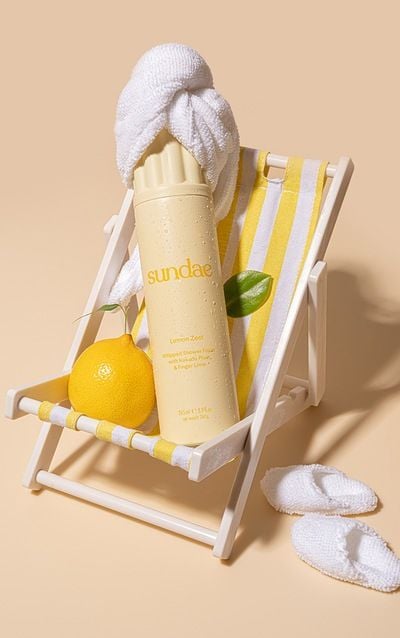
Tropical Citrus Spa Product Mockup
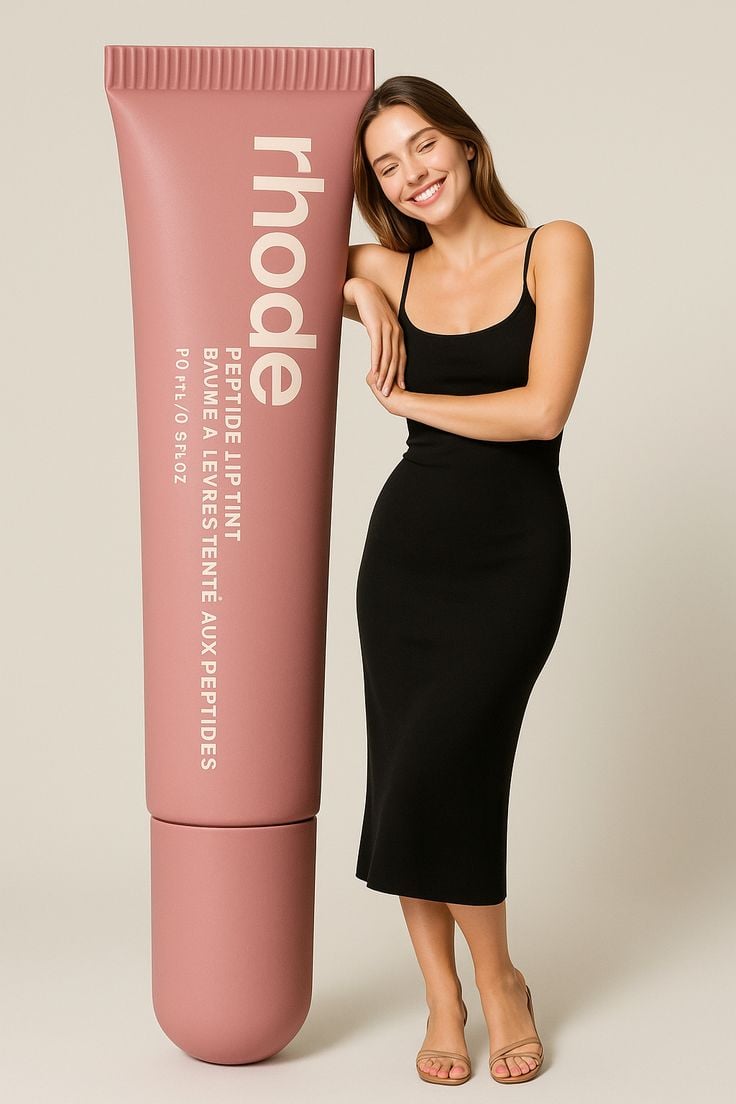
Giant Product Lifestyle Mockup
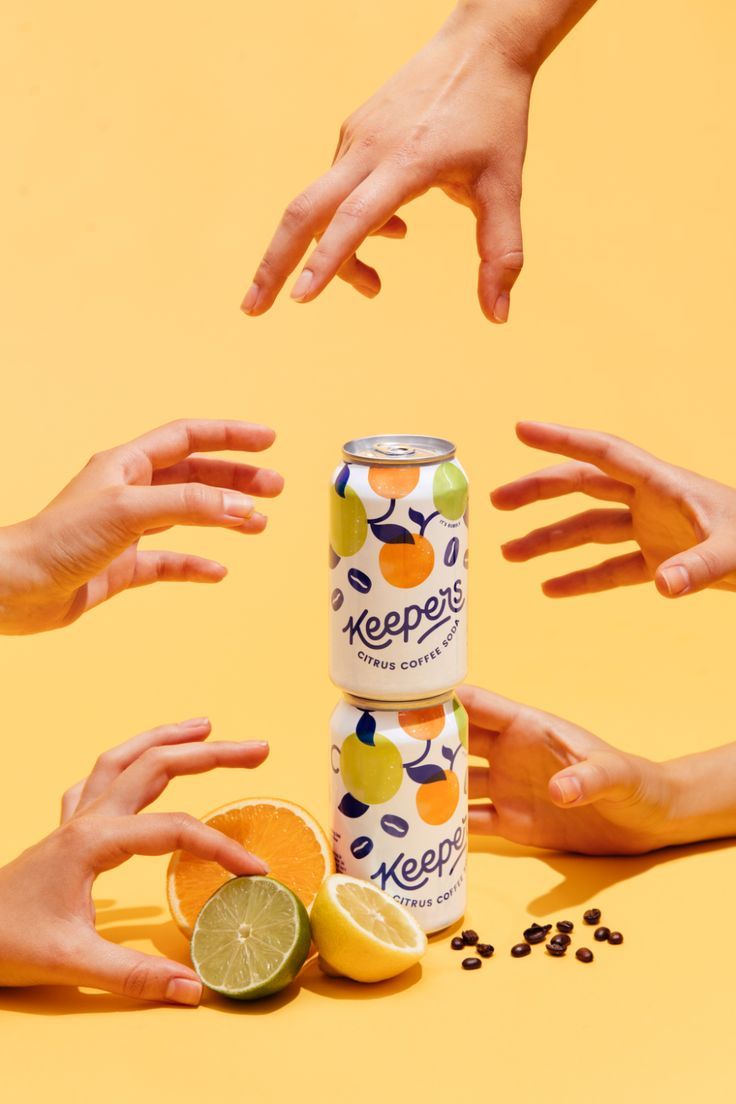
Vibrant Citrus Coffee Social

A k.pop idol on the stage with mic
Shattered Screen Social Media Ad
Torn Social Media Profile Art

Trendy Cafe Drink Promo Poster
Make it yours
Social Media Product Announcement Mockup works as-is. These are the safest ways to change it without losing the look.
Swap the setting
Keep the rest of the prompt and replace the location block. The current setting is “light blue and green gradient”.
Change one field
Copy a single group, rewrite it, and generate again so you can see what that field is doing.
Keep the frame, change the subject
Hold the composition and light of Social Media Product Announcement Mockup, then swap wardrobe, props or the person for a new take.
| If the result… | Why | Fix |
|---|---|---|
| The result drifts from the preview | Too many fields changed at once. | Reuse Social Media Product Announcement Mockup as-is first, then change one group — subject, light, or setting. |
| GPT Image 2 ignores part of the JSON | Some models flatten or skip nested keys. | Keep the same values and paste them as a short paragraph instead. |
More GPT Image 2 templates
Other prompts made for GPT Image 2.

Six VTuber Japanese Logo Sheet

Realistic Portrait of Woman and Deer

The Vista Modular Condo Poster

AI Model Routing Comparison Infographic

2.5D Anime Art Board

Isometric Productivity Desk Scene

New York Double Exposure Poster

Four-Panel AI Landscape Comparison

Japanese Tatami Lifestyle Magazine Cover

NESCAFÉ Coffee Map Poster
More image prompts
Fresh picks from across the catalog.
Hyper-realistic Product Photography with Dynamic Splash Effects
Magazine Cover Mockup for AI Interiors
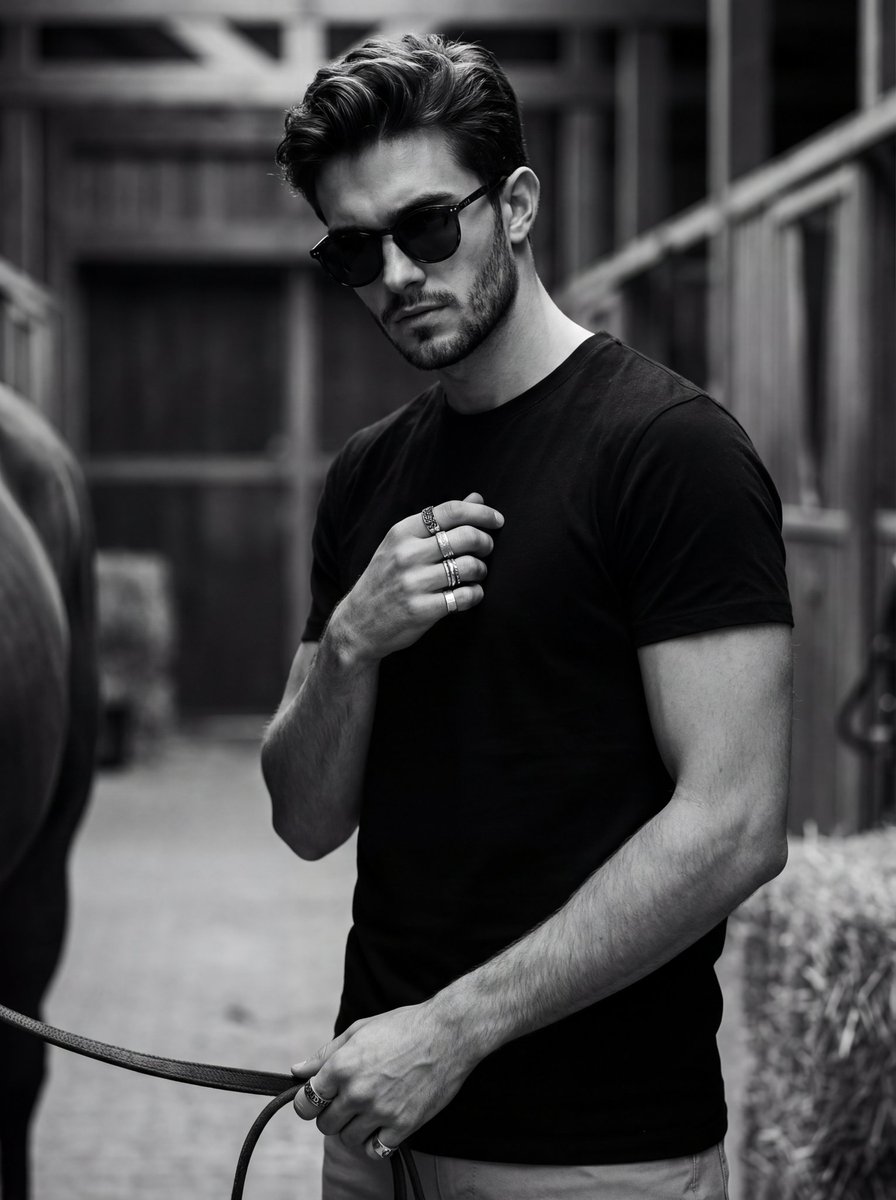
Ultra-Realistic Black and White Portrait with Identity Lock
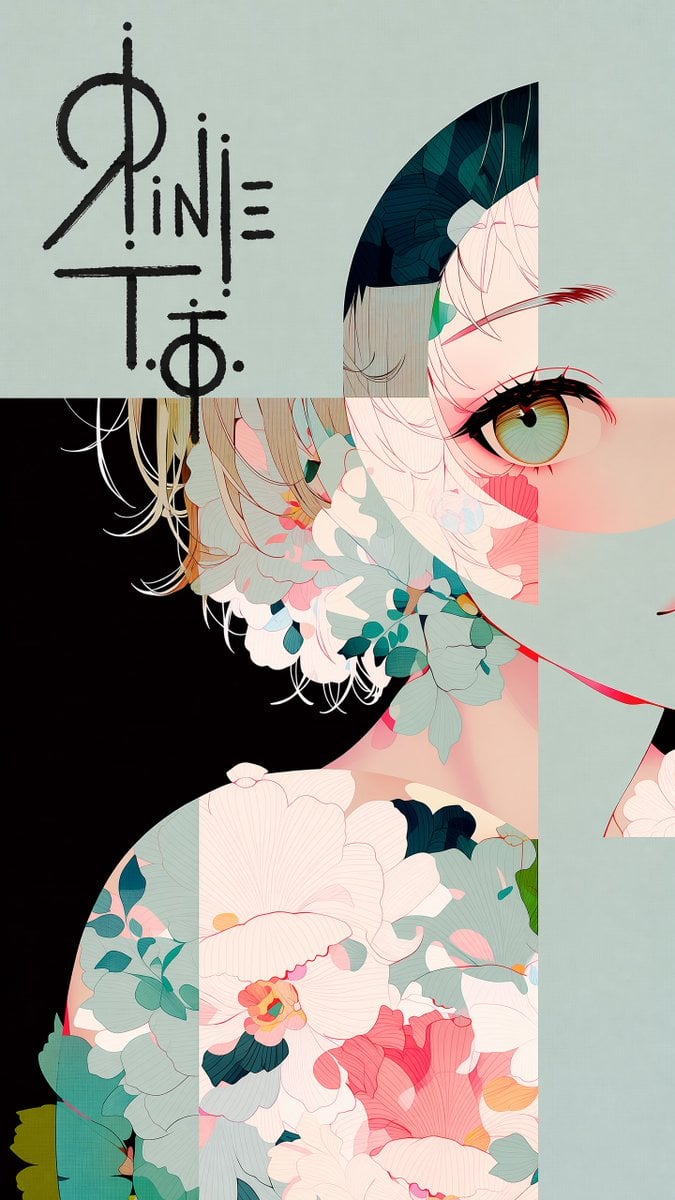
Logo Integration and Marker Overlay
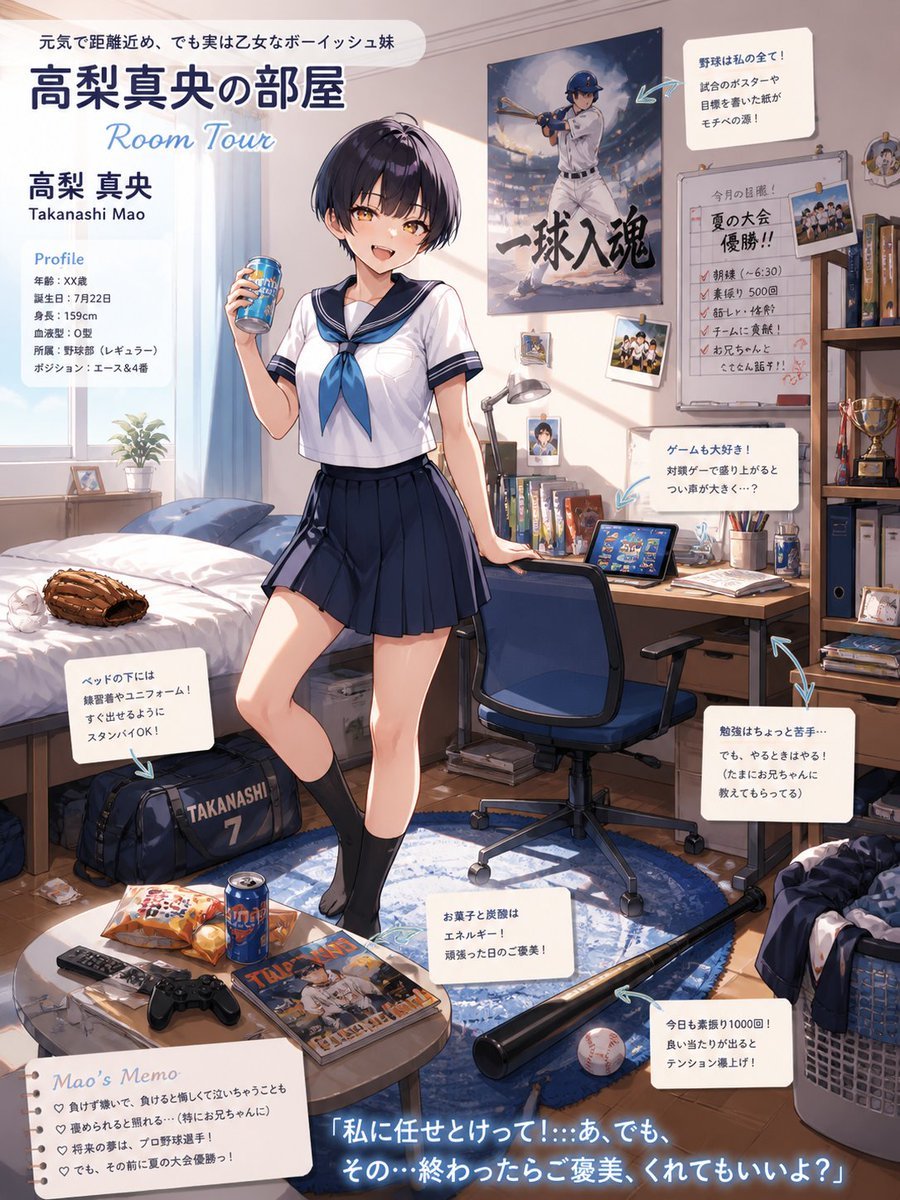
Anime Baseball Sister Room Tour
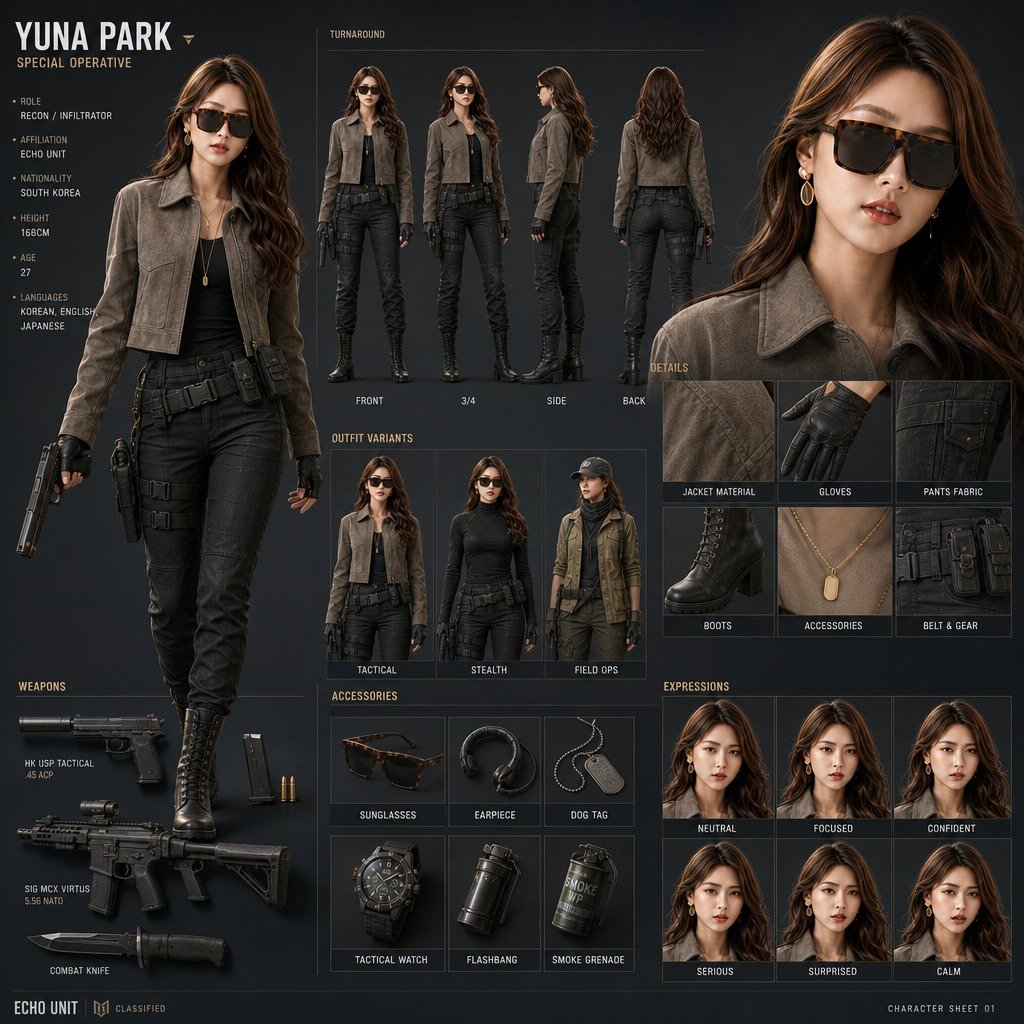
Yuna Park Tactical Character Sheet
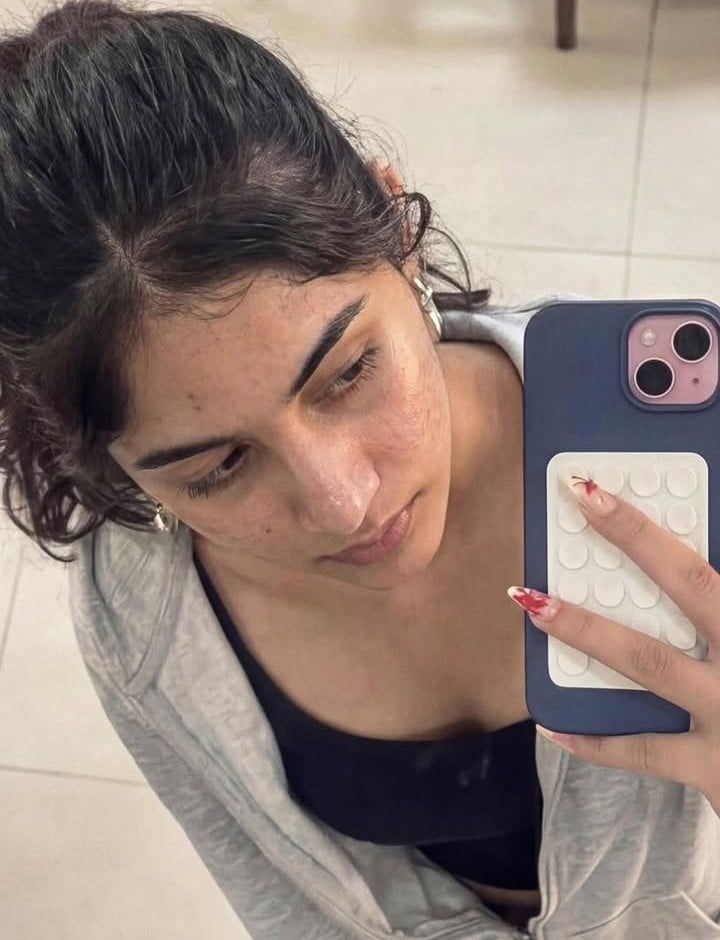
Image-to-Image Editing Example
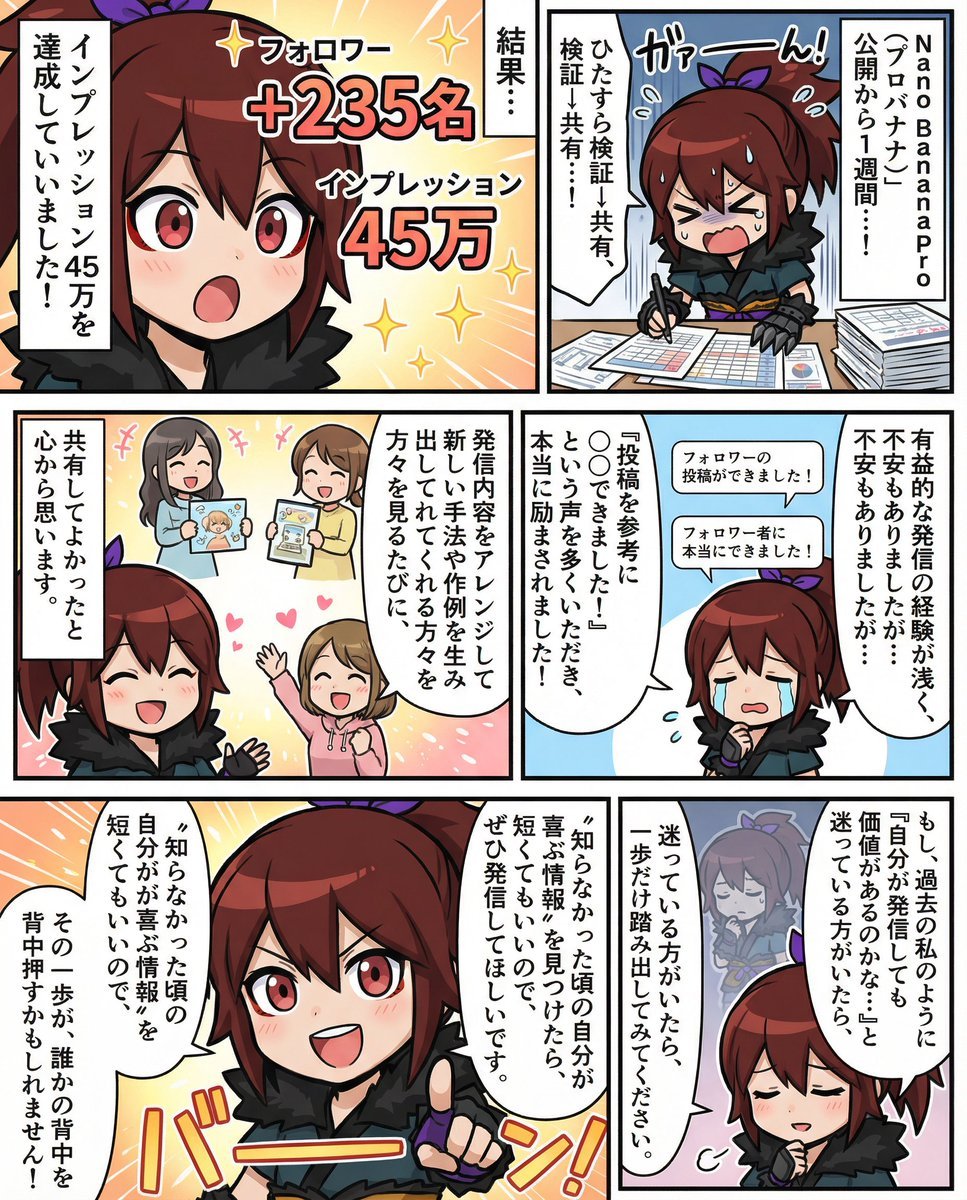
Moe-style full-color manga from given character and story
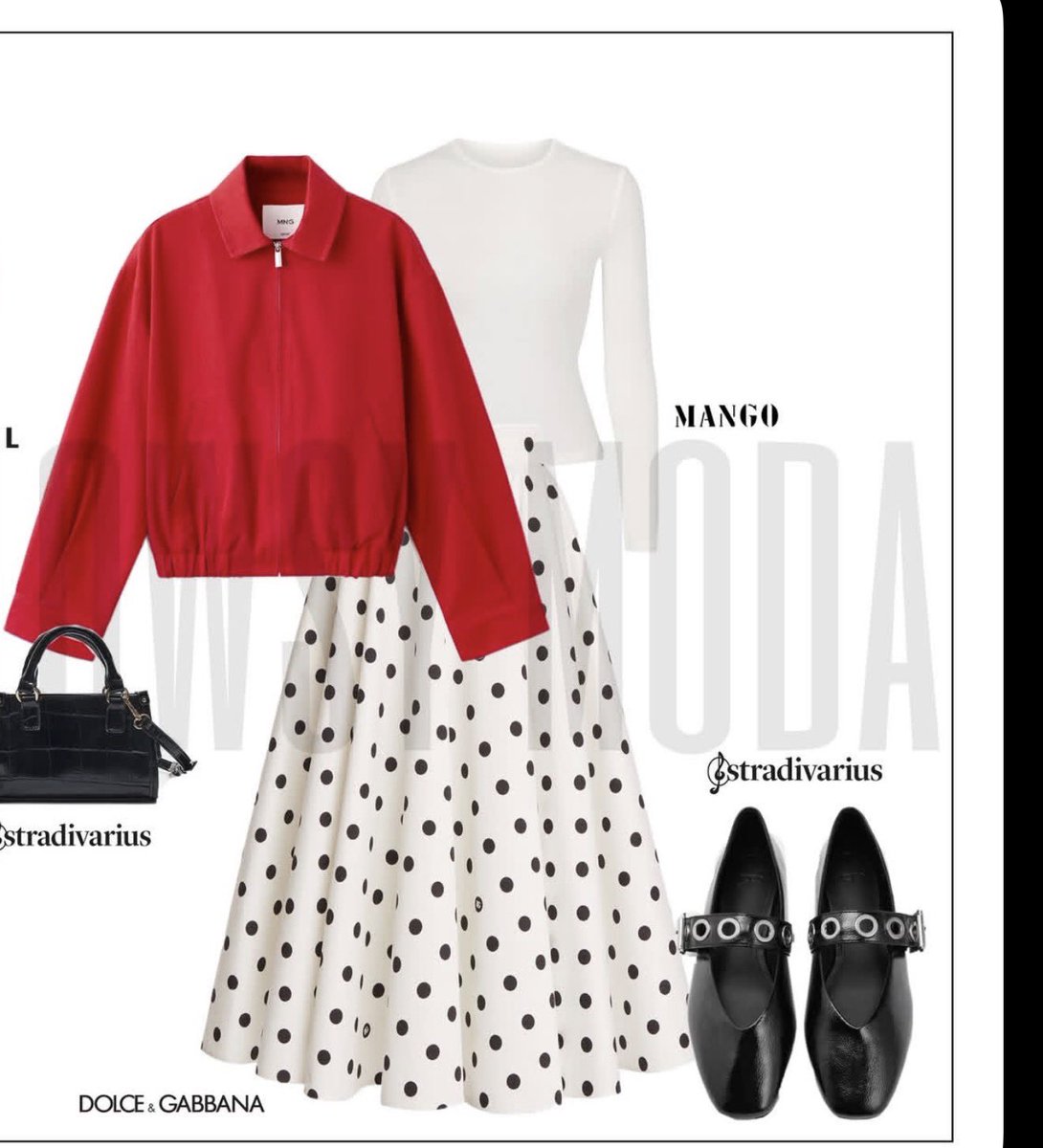
Minimalist Fashion Moodboard Outfit
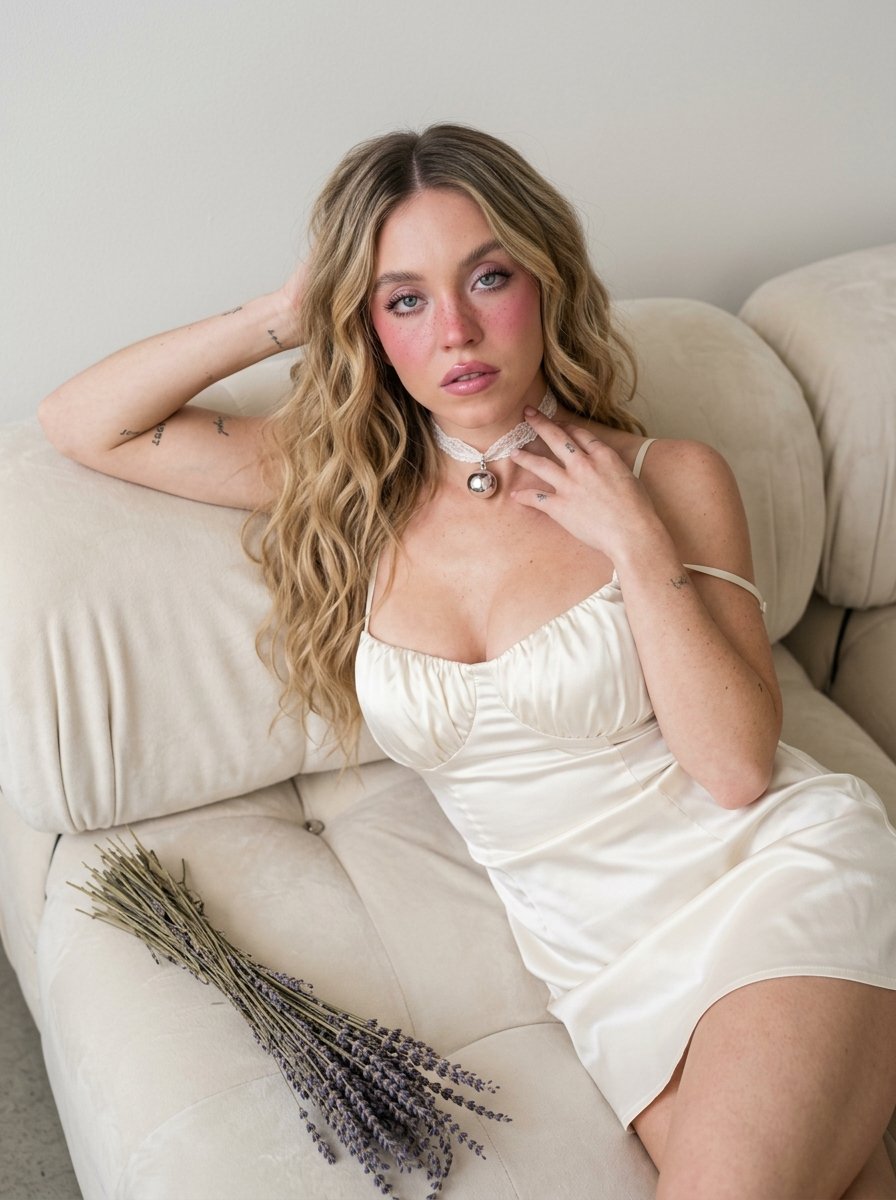
Dreamy Silk-Satin Portrait with Dried Flowers
Browse template categories
Social Media Product Announcement Mockup questions
How do I use the Social Media Product Announcement Mockup template?
Add your photo if the template asks for one, edit the prompt if you like — the template's model and format are already selected — and press Generate. Your version opens in PicX Studio.
Can I customize the Social Media Product Announcement Mockup template?
Yes. You can change the subject, setting, lighting, mood, format, and available model controls before creating your image.
Is the Social Media Product Announcement Mockup template free?
Opening and editing this template is free. Generating uses credits, shown on the Generate button when you are signed in.
Which AI model should I use?
Start with GPT Image 2, which is the model associated with this template. You can compare another compatible model for a different finish.
Looking for something else? Browse all templates.

Your photo, any look
Thousands of ready templates for every top image and video model, from one credit balance.