
Neon Luxury Mirror Selfie
A photorealistic prompt for creating a viral full-body mirror selfie in a glamorous neon influencer lounge.
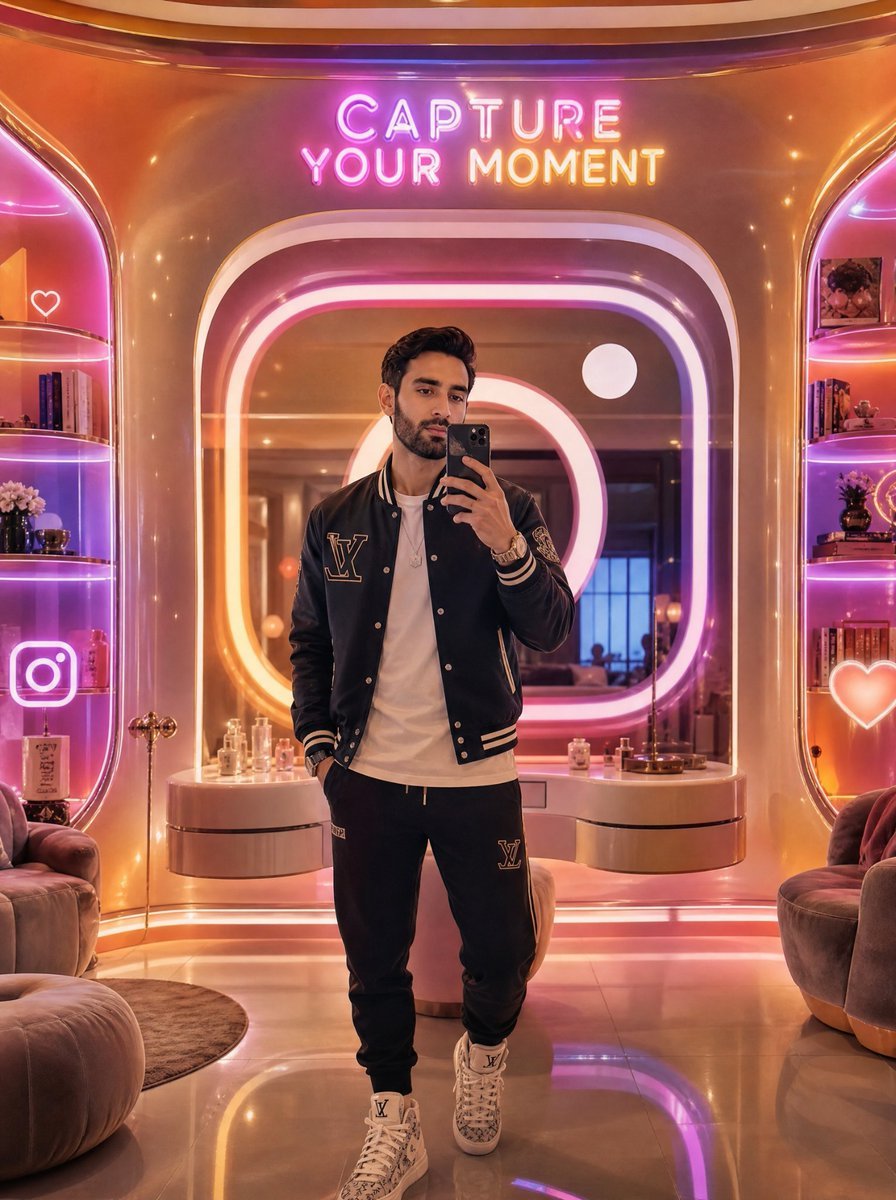
- Prompt included
- Model and format preset
- Free template
The prompt behind this image
Copy the exact prompt behind Neon Luxury Mirror Selfie, or open it in the studio and make it yours.
Create a vertical full-body mirror selfie of a stylish young man in a futuristic luxury selfie lounge. The subject stands centered, holding a black smartphone up to cover most of his face, with short dark wavy hair visible above the phone. He wears a black varsity jacket with cream striped cuffs and collar, a large LV-style monogram patch on the left chest, a plain white T-shirt, black jogger sweatpants with a matching LV-style patch, layered bracelets and a watch, and white high-top designer sneakers. The environment is a glossy warm gold and rose-pink interior with rounded retro-futuristic architecture, a large illuminated rounded-square mirror behind him, and neon lighting in pink, purple, orange, and white. Above the mirror, add a bright neon sign reading “CAPTURE YOUR MOMENT” in two lines. Include exactly 2 built-in display shelves, one on the left and one on the right, glowing with pink-purple edge lighting; fill them with books, perfume bottles, small flowers, decorative objects, and framed photos. Add exactly 3 visible neon social icons: a white outlined heart on the upper left shelf area, a large Instagram camera icon on the lower left, and a glowing heart icon on the lower right. Place plush rounded lounge chairs at both lower corners, a curved vanity counter behind the subject with perfume bottles and small decor, a glossy reflective floor, and soft bokeh sparkle highlights. Use cinematic photorealism, high-end influencer aesthetic, warm reflections, shallow depth of field, ultra-detailed materials, symmetrical composition, vertical 3:4 framing. Customize the outfit branding as {argument name="fashion monogram" default="LV-style monogram"}, the neon sign text as {argument name="neon sign text" default="CAPTURE YOUR MOMENT"}, the jacket color as {argument name="jacket color" default="black"}, the lounge lighting palette as {argument name="lighting palette" default="pink, purple, orange, and white neon"}, and the phone color as {argument name="phone color" default="black"}.
How to use Neon Luxury Mirror Selfie in 3 steps
- 1Upload ImagePNG, JPG or paste
Add your photo
Upload the photo the template builds on. The prompt, model and format are already set.
- 2…a portrait of your subject in softgolden-hour light, 85mm…
Personalize
Edit the subject and creative details for your destination.
- 3Generate
Generate
Press Generate — your image is created in PicX Studio, so you can compare it with the original and refine one variable at a time.
More like this
Templates with the same subject, style or setup. Open one to see its prompt.

Rooftop Fisheye — Cat-Ear Balaclava at Golden Hour

Felt & Knit 3D Character — Photo-Exact Face, Pixar-Quality Plush Figurine

Surreal Cat Astronaut — Humanoid Face Freefall
ATM Corridor Neon Rain

80s Neon Disco Night
Morning Mirror Selfie Candid

Panel Mirror Selfie Collage
Backseat Mirror Selfie
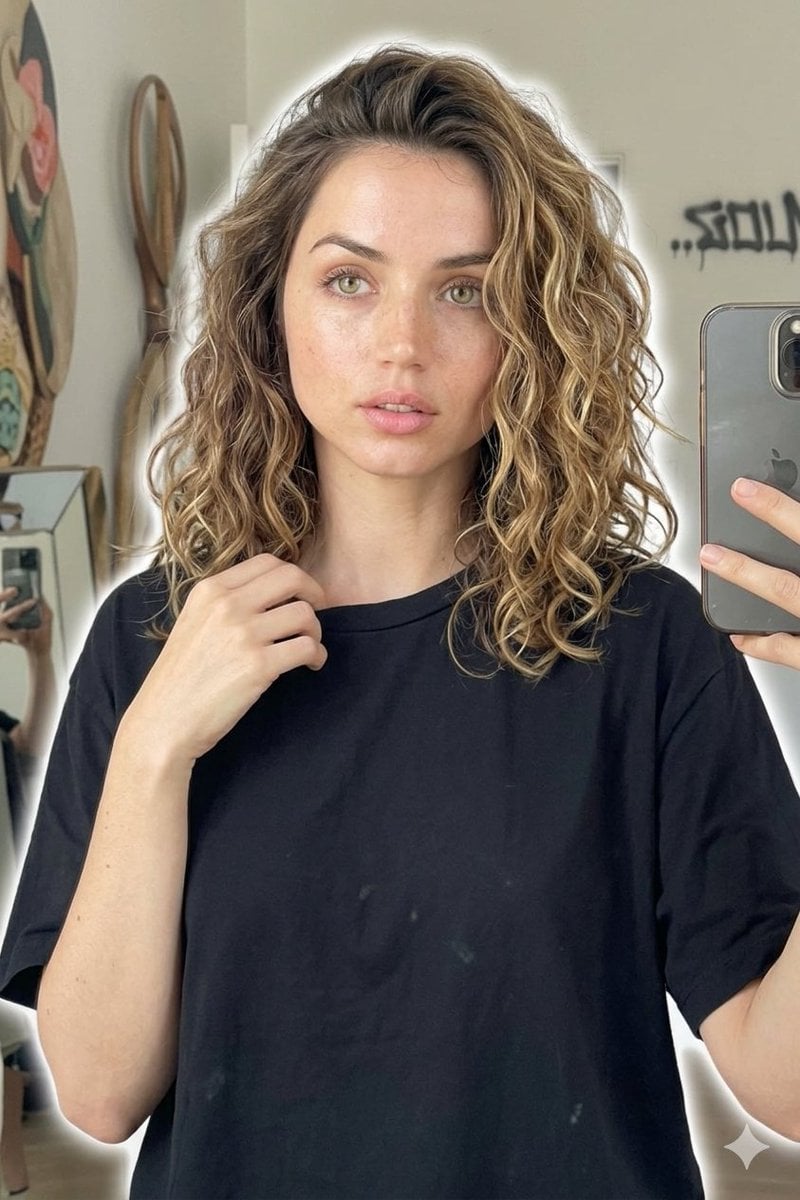
Candid Mirror Selfie Beauty Portrait
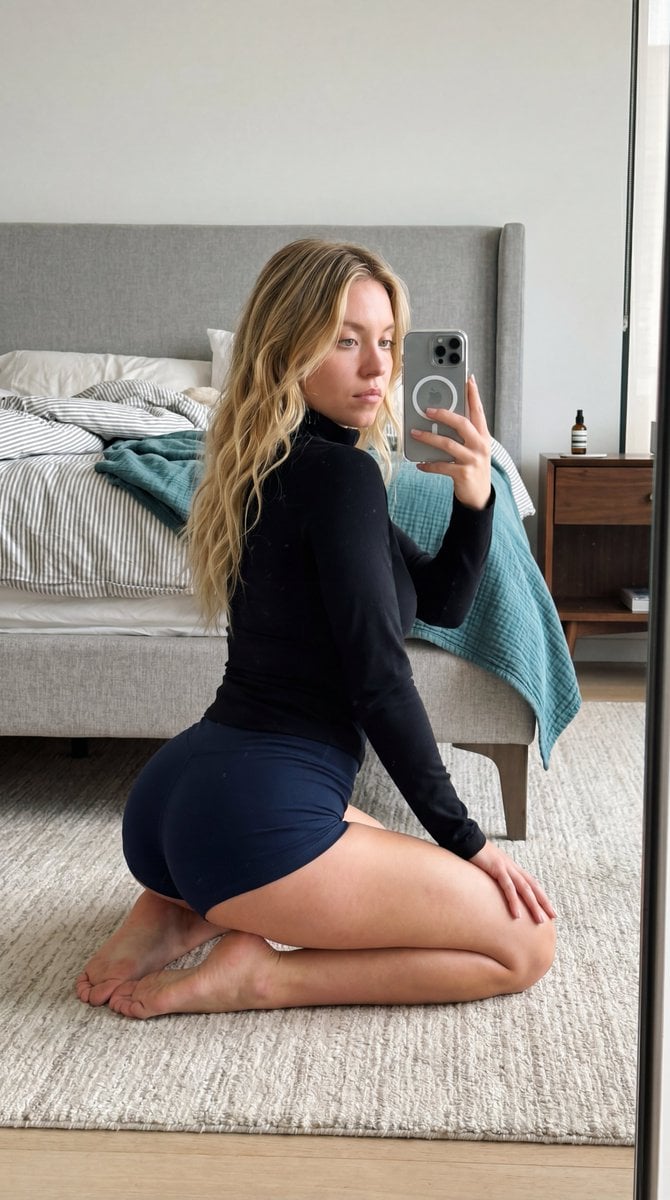
Intimate Bedroom Mirror Selfie
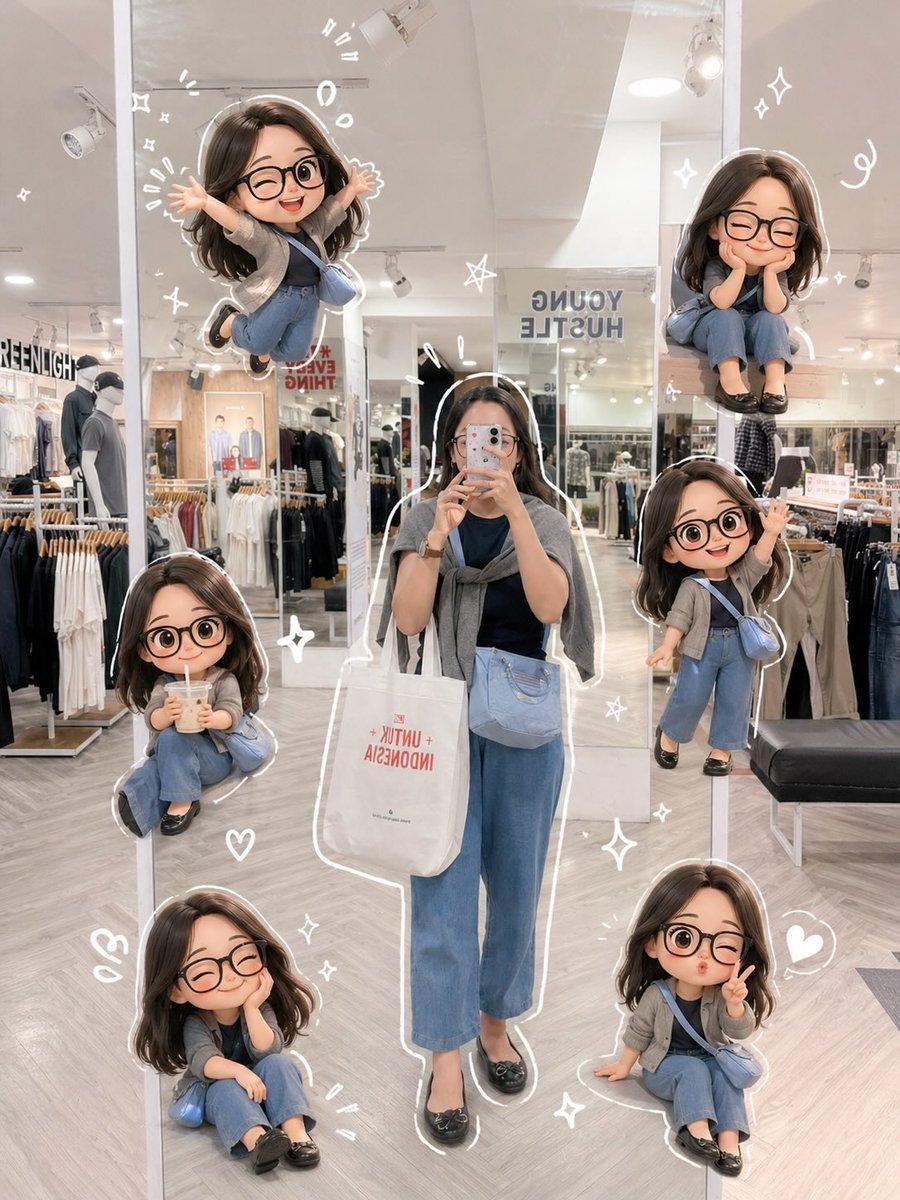
Chibi Mirror Selfie with Kawaii Doodles
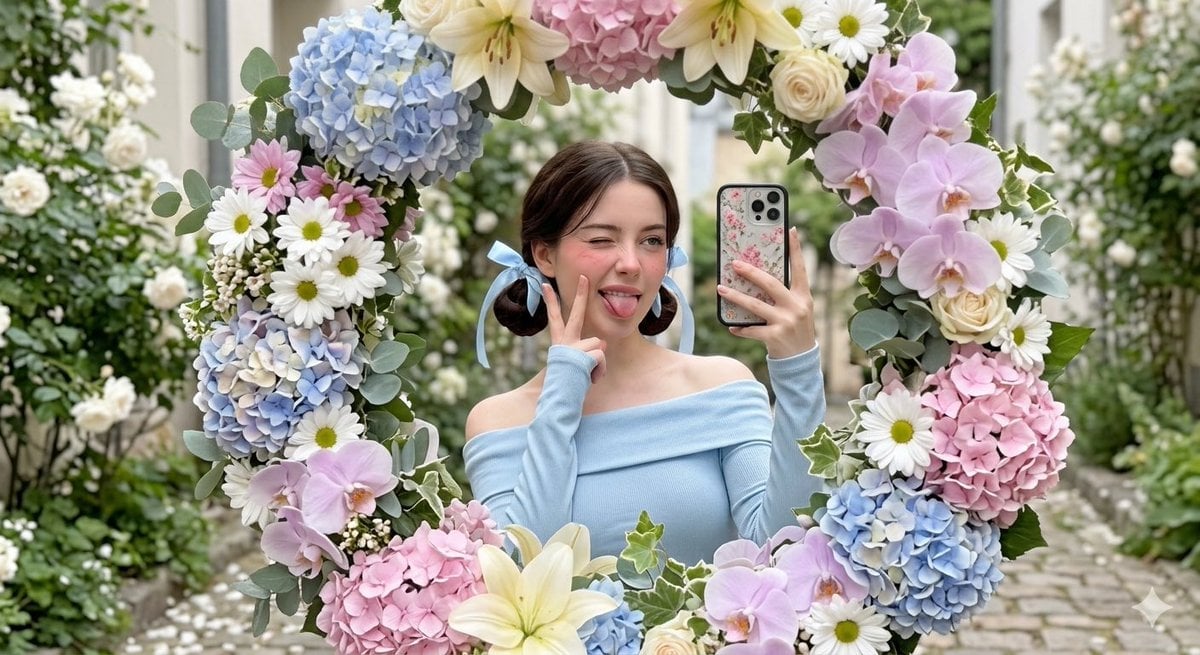
Floral Mirror Selfie Portrait
Make it yours
Neon Luxury Mirror Selfie works as-is. These are the safest ways to change it without losing the look.
Change one field
Copy a single group, rewrite it, and generate again so you can see what that field is doing.
Keep the frame, change the subject
Hold the composition and light of Neon Luxury Mirror Selfie, then swap wardrobe, props or the person for a new take.
| If the result… | Why | Fix |
|---|---|---|
| The result drifts from the preview | Too many fields changed at once. | Reuse Neon Luxury Mirror Selfie as-is first, then change one group — subject, light, or setting. |
| The model over-stylizes the scene | The prose prompt leaves finish and camera underspecified. | Add one camera or lighting sentence and stay on GPT Image 2. |
More GPT Image 2 templates
Other prompts made for GPT Image 2.

Six VTuber Japanese Logo Sheet

Realistic Portrait of Woman and Deer

The Vista Modular Condo Poster

AI Model Routing Comparison Infographic

2.5D Anime Art Board

Isometric Productivity Desk Scene

New York Double Exposure Poster

Four-Panel AI Landscape Comparison

Japanese Tatami Lifestyle Magazine Cover

NESCAFÉ Coffee Map Poster
More image prompts
Fresh picks from across the catalog.
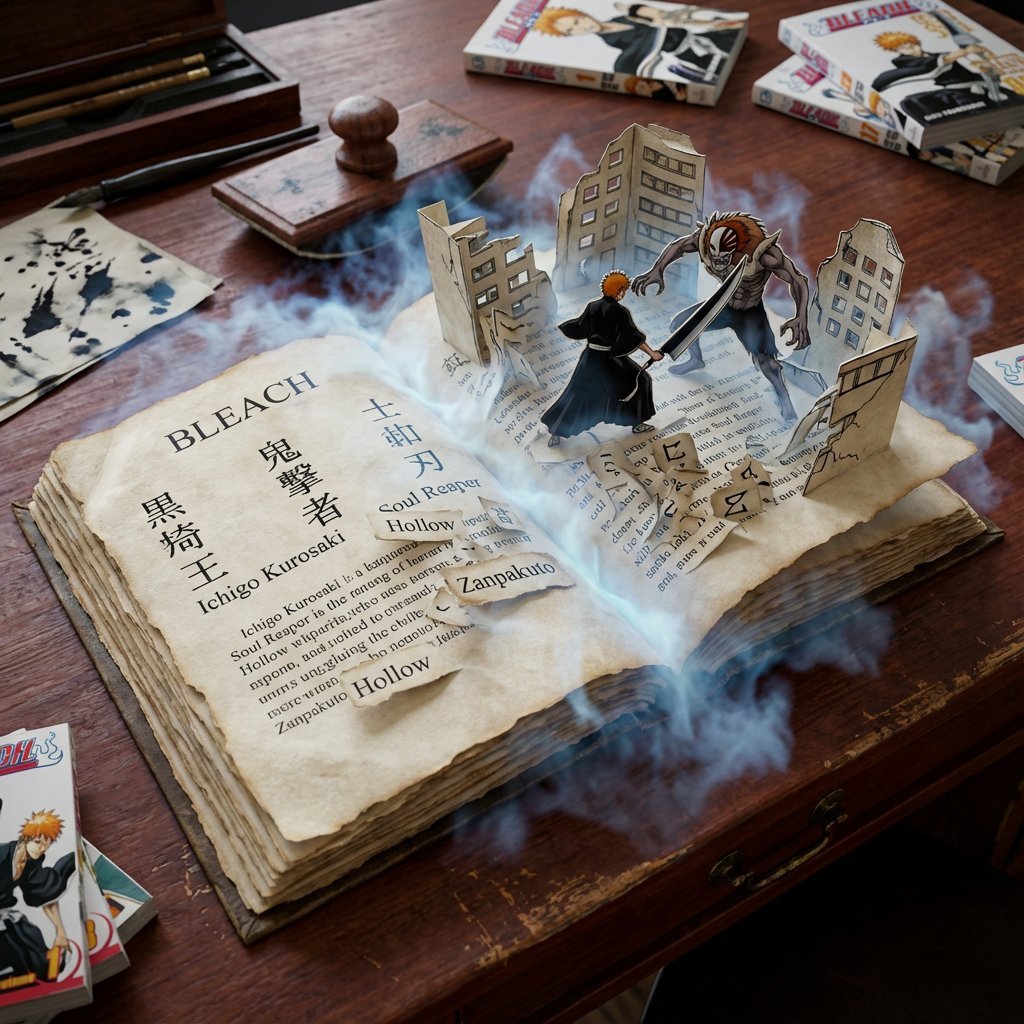
Book Scene Transformation Prompt
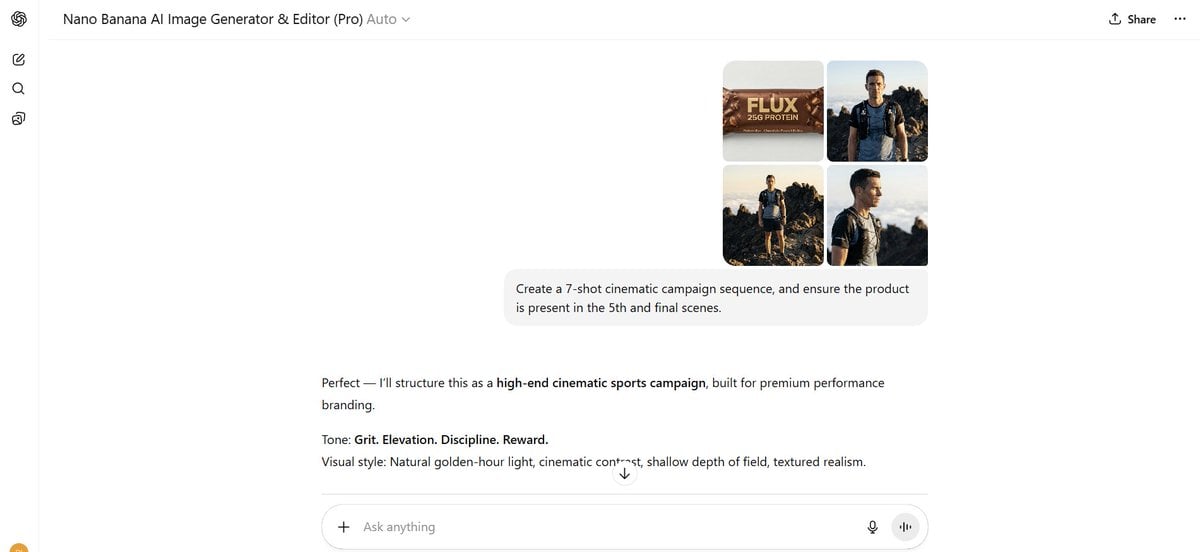
Shot Cinematic Campaign Sequence Prompt
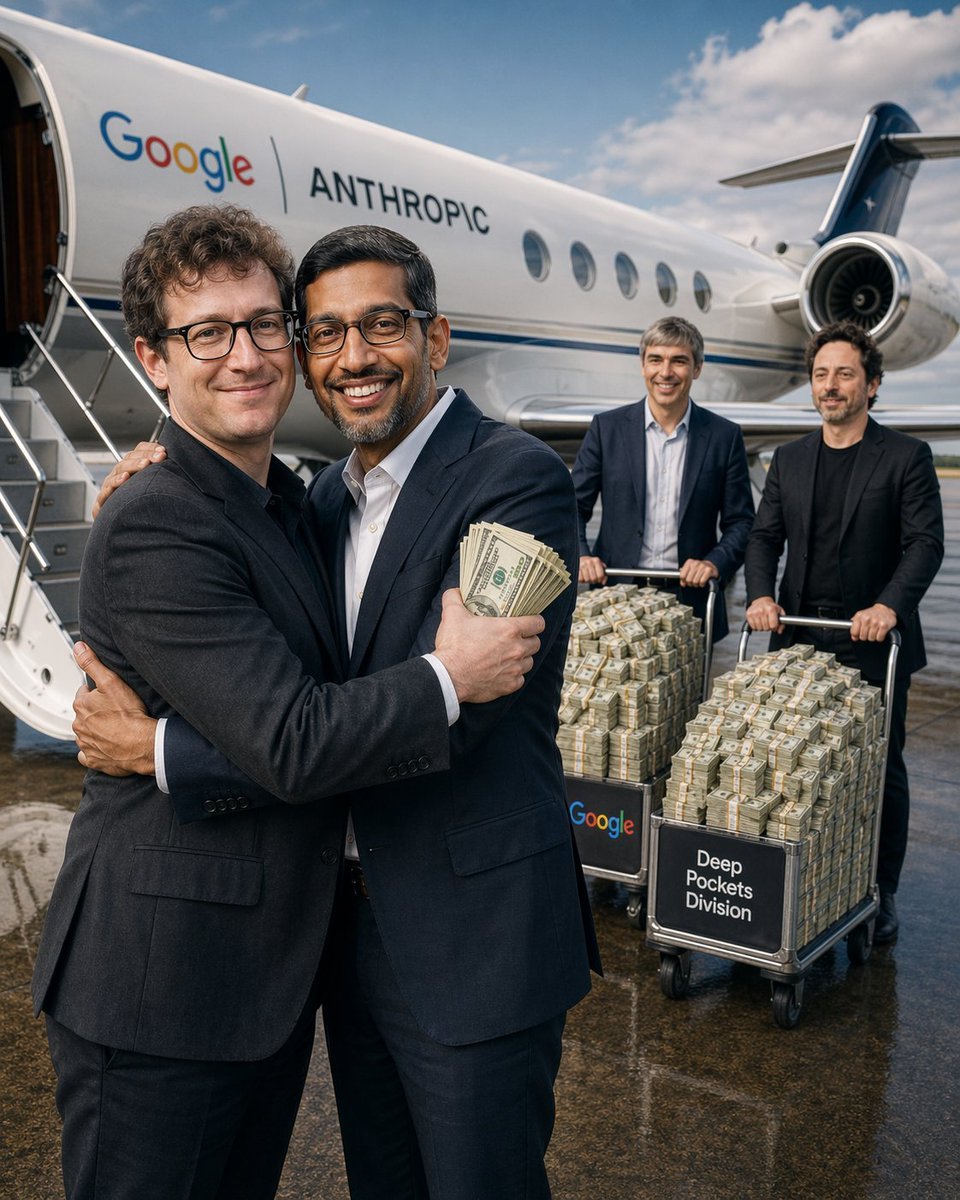
Corporate Cash Private Jet Satire
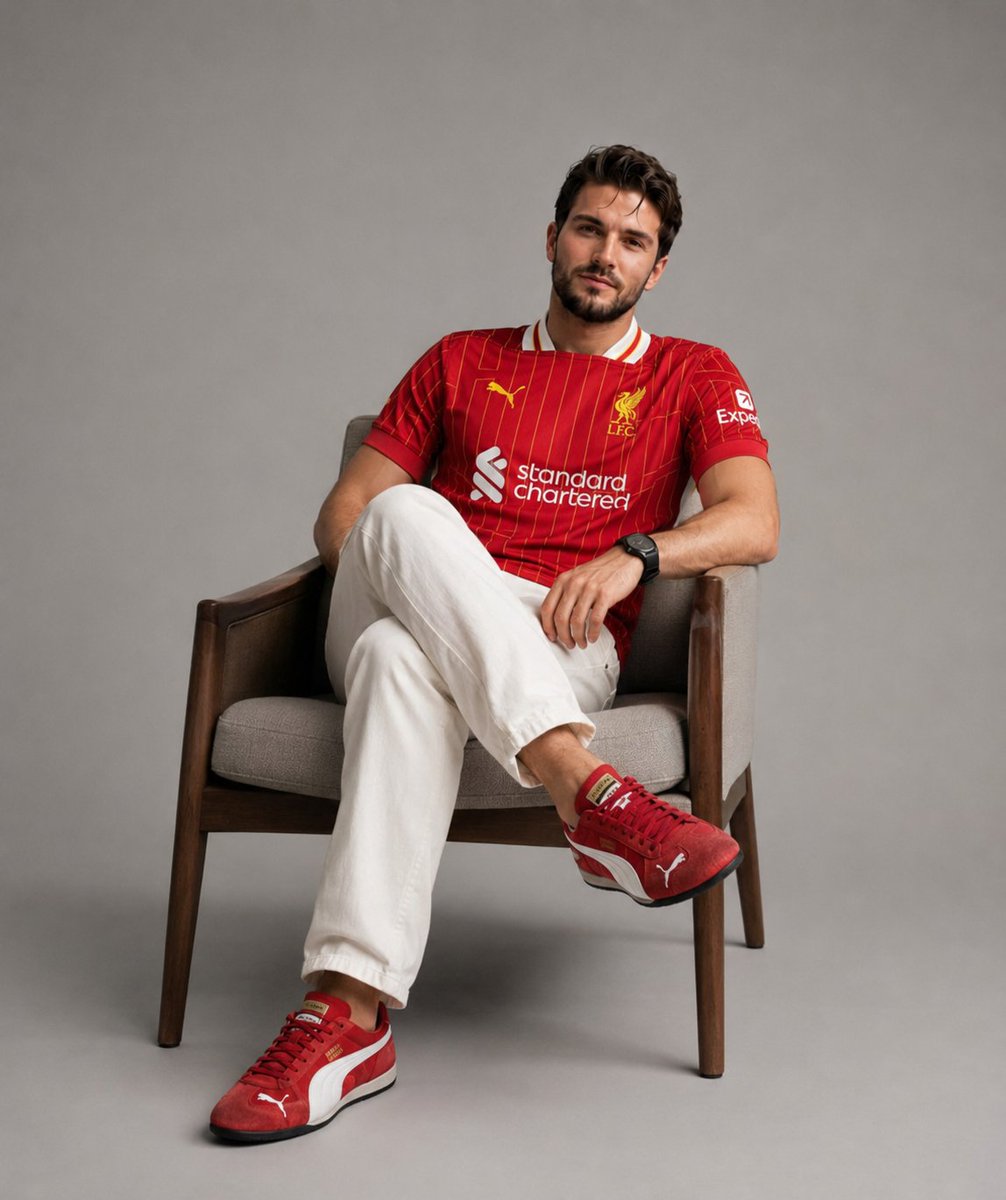
Professional Studio Fashion Portrait
Blue Adidas Streetwear Composite Portrait Prompt (Nano Banana Pro)
Golden Hour Male Fashion Portrait
Lavender Hoodie Character Reference Sheet
Birthday Celebration Portrait with Cupcake and Champagne
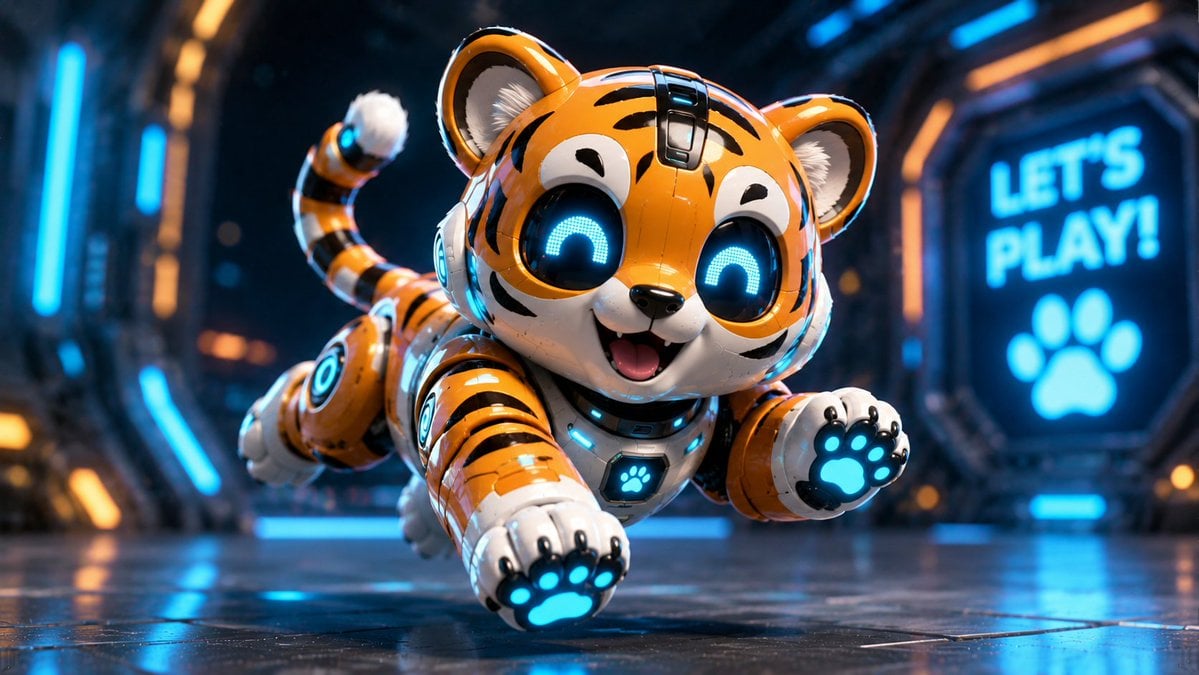
Miniature Sci-Fi Companion Robot
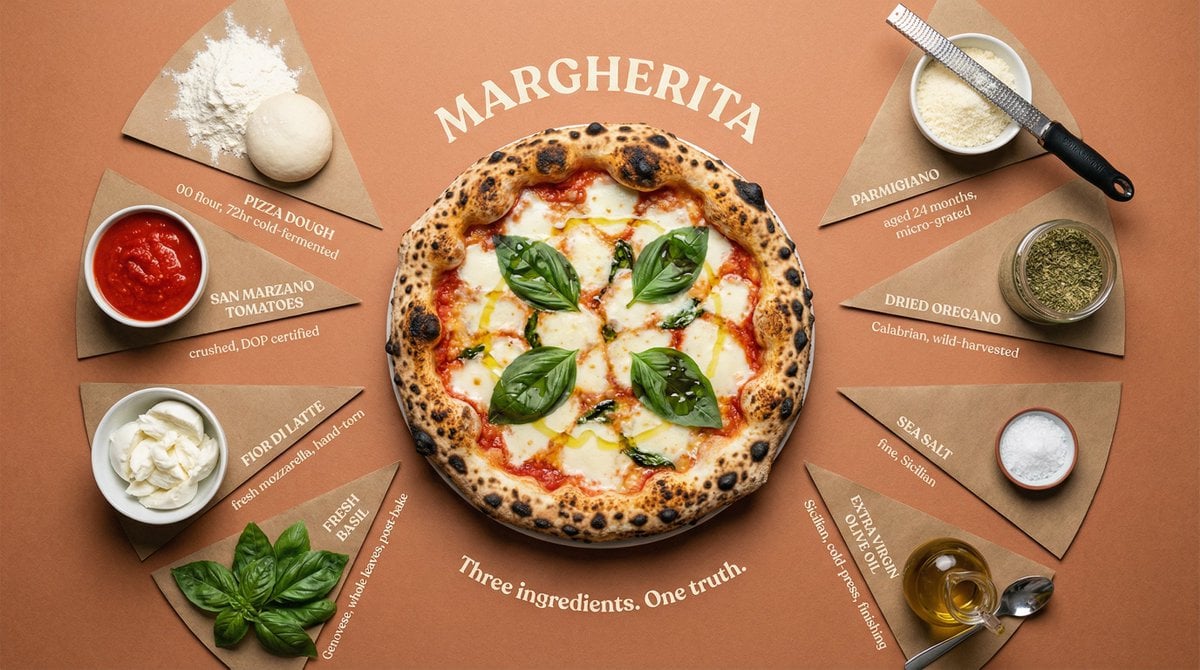
Luxury Cookbook Ingredient Flat Lay Infographic
Browse template categories
Neon Luxury Mirror Selfie questions
How do I use the Neon Luxury Mirror Selfie template?
Add your photo if the template asks for one, edit the prompt if you like — the template's model and format are already selected — and press Generate. Your version opens in PicX Studio.
Can I customize the Neon Luxury Mirror Selfie template?
Yes. You can change the subject, setting, lighting, mood, format, and available model controls before creating your image.
Is the Neon Luxury Mirror Selfie template free?
Opening and editing this template is free. Generating uses credits, shown on the Generate button when you are signed in.
Which AI model should I use?
Start with GPT Image 2, which is the model associated with this template. You can compare another compatible model for a different finish.
Looking for something else? Browse all templates.

Your photo, any look
Thousands of ready templates for every top image and video model, from one credit balance.