
Lavender Hoodie Character Reference Sheet
A polished multi-panel character consistency sheet showing full-body views, five facial expressions, and five accessories for use in AI video, animation, or character design workflows.
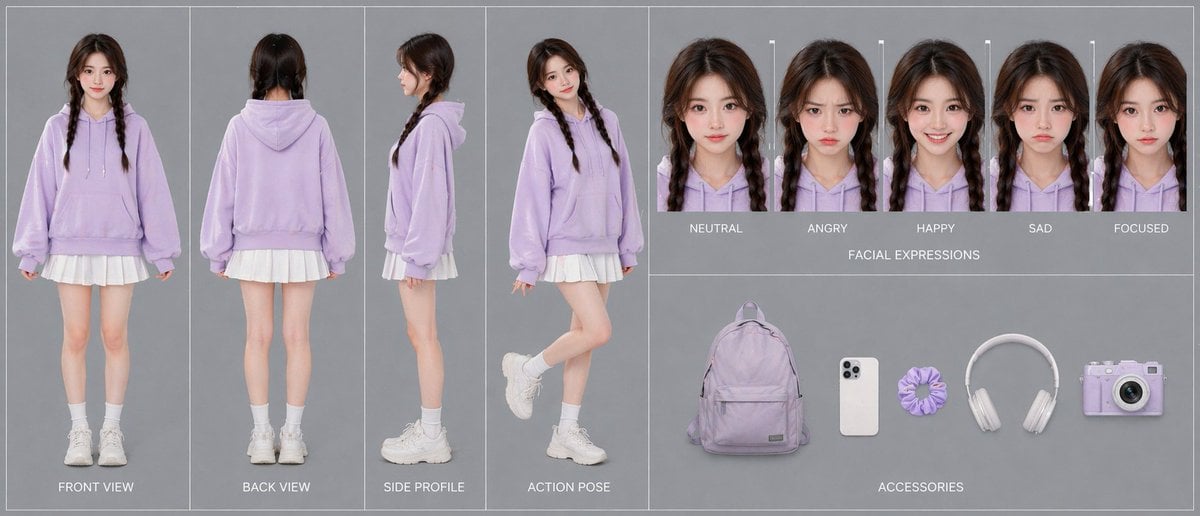
- Prompt included
- Model and format preset
- Free template
The prompt behind this image
Copy the exact prompt behind Lavender Hoodie Character Reference Sheet, or open it in the studio and make it yours.
- Type
- character reference sheet
- Style
- clean studio fashion turnaround board, photorealistic, soft commercial lighting, minimalist gray background, high-resolution consistency sheet for AI video character design
- Character › Gender Presentation
- young woman
- Character › Age Appearance
- late teens to early 20s
- Character › Identity
- same person shown consistently across all panels
- Character › Hair › Color
- dark brown
- Character › Hair › Style
- center-parted twin braids falling over the front of the shoulders
- Character › Hair › Texture
- slightly wavy with soft volume at the crown
- Character › Outfit › Top
- oversized pastel lavender hoodie with drawstrings and front kangaroo pocket
- Character › Outfit › Bottom
- short white pleated skirt visible below the hoodie hem
- Character › Outfit › Socks
- white mid-calf socks
- Character › Outfit › Shoes
- chunky white sneakers
- Layout › Background
- uniform light gray studio backdrop with thin white divider lines separating panels
- Layout › Sections › 0 › Title
- body views
- Layout › Sections › 0 › Position
- left half
- Layout › Sections › 0 › Count
- 4
- Layout › Sections › 0 › Labels
- FRONT VIEW, BACK VIEW, SIDE PROFILE, ACTION POSE
- Layout › Sections › 0 › Details
- full-body character shown in 4 separate vertical panels; front view standing straight with arms relaxed, back view standing straight, side profile facing left, action pose in three-quarter view with one leg bent upward behind her and a playful casual stance
- Layout › Sections › 1 › Title
- FACIAL EXPRESSIONS
- Layout › Sections › 1 › Position
- upper right
- Layout › Sections › 1 › Count
- 5
- Layout › Sections › 1 › Labels
- NEUTRAL, ANGRY, HAPPY, SAD, FOCUSED
- Layout › Sections › 1 › Details
- 5 tightly cropped head-and-shoulders portraits of the same character in the same lavender hoodie, evenly spaced in a row, each with the same hairstyle and lighting, subtle expression changes only
- Layout › Sections › 2 › Title
- ACCESSORIES
Raw JSON
{"type":"character reference sheet","style":"clean studio fashion turnaround board, photorealistic, soft commercial lighting, minimalist gray background, high-resolution consistency sheet for AI video character design","character":{"gender_presentation":"young woman","age_appearance":"late teens to early 20s","identity":"same person shown consistently across all panels","hair":{"color":"dark brown","style":"center-parted twin braids falling over the front of the shoulders","texture":"slightly wavy with soft volume at the crown"},"outfit":{"top":"oversized pastel lavender hoodie with drawstrings and front kangaroo pocket","bottom":"short white pleated skirt visible below the hoodie hem","socks":"white mid-calf socks","shoes":"chunky white sneakers"}},"layout":{"background":"uniform light gray studio backdrop with thin white divider lines separating panels","sections":[{"title":"body views","position":"left half","count":4,"labels":["FRONT VIEW","BACK VIEW","SIDE PROFILE","ACTION POSE"],"details":"full-body character shown in 4 separate vertical panels; front view standing straight with arms relaxed, back view standing straight, side profile facing left, action pose in three-quarter view with one leg bent upward behind her and a playful casual stance"},{"title":"FACIAL EXPRESSIONS","position":"upper right","count":5,"labels":["NEUTRAL","ANGRY","HAPPY","SAD","FOCUSED"],"details":"5 tightly cropped head-and-shoulders portraits of the same character in the same lavender hoodie, evenly spaced in a row, each with the same hairstyle and lighting, subtle expression changes only"},{"title":"ACCESSORIES","position":"lower right","count":5,"labels":["backpack","smartphone","scrunchie","headphones","camera"],"details":"5 isolated items laid out horizontally with soft shadows: a pastel lavender backpack, a white smartphone with triple rear cameras, a lavender scrunchie, white over-ear headphones, and a pastel lavender compact camera"}],"composition":"wide horizontal board, left section dedicated to full-body turnaround, upper-right strip for expression lineup, lower-right strip for accessories","text_style":"small uppercase white sans-serif labels centered beneath or near each item"},"color_palette":{"dominant":["pastel lavender","white","cool gray"],"accent":["soft skin tones","dark brown hair"]},"quality":"polished catalog-style presentation, accurate proportions, consistent facial features and clothing details across all panels"}How to use Lavender Hoodie Character Reference Sheet in 3 steps
- 1Upload ImagePNG, JPG or paste
Add your photo
Upload the photo the template builds on. The prompt, model and format are already set.
- 2…a portrait of your subject in softgolden-hour light, 85mm…
Personalize
Edit the subject and creative details for your destination.
- 3Generate
Generate
Press Generate — your image is created in PicX Studio, so you can compare it with the original and refine one variable at a time.
More like this
Templates with the same subject, style or setup. Open one to see its prompt.

Dancer Character - Four View Reference Sheet

Movement Sheet - Dance Reference (Seedance 2.0)

Gray Studio Character Reference Sheet

Anime Character Sheet Reference Prompt
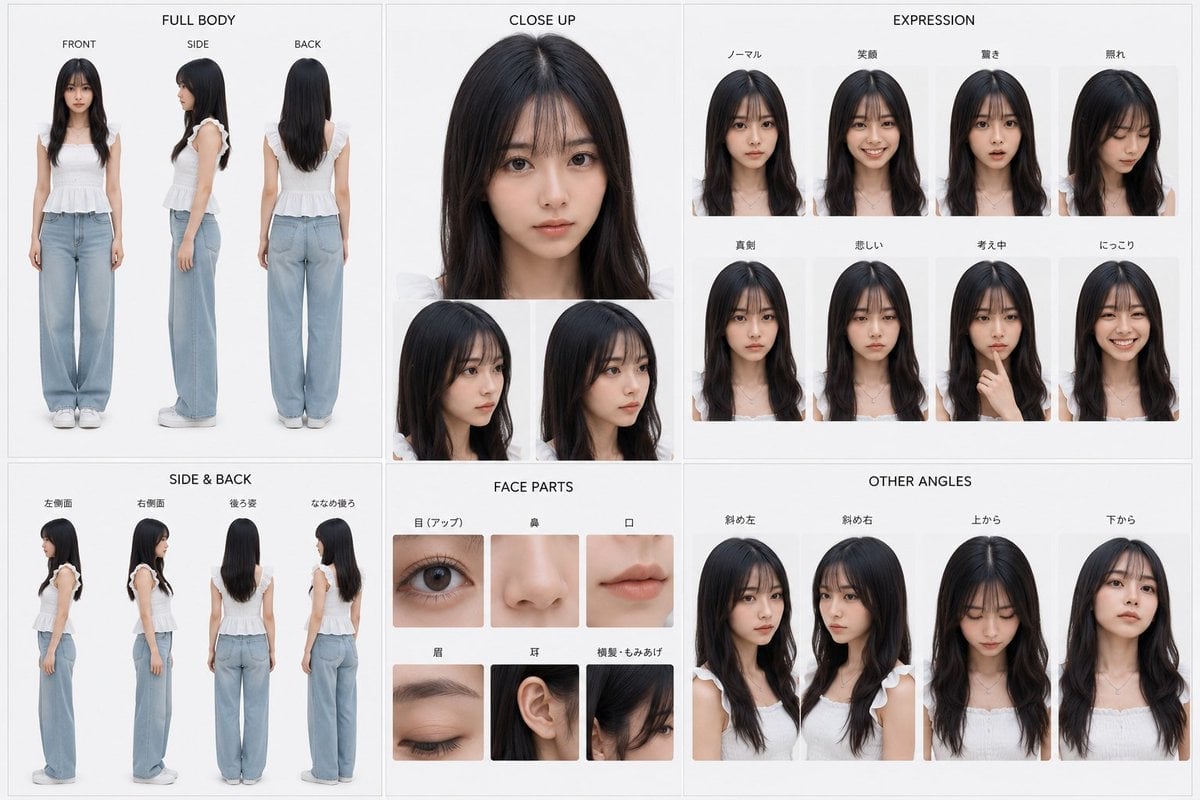
Photoreal Character Reference Sheet
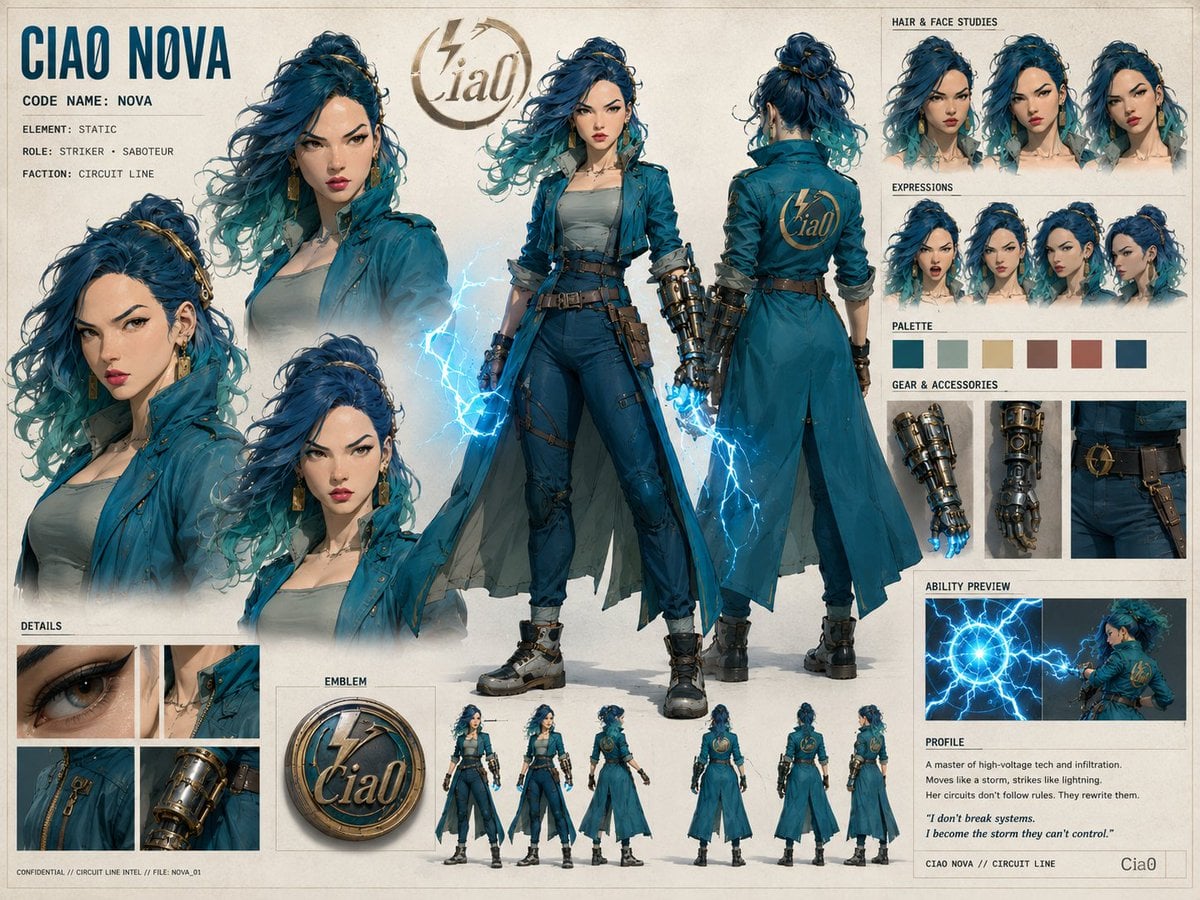
Ciao Nova Character Reference Sheet
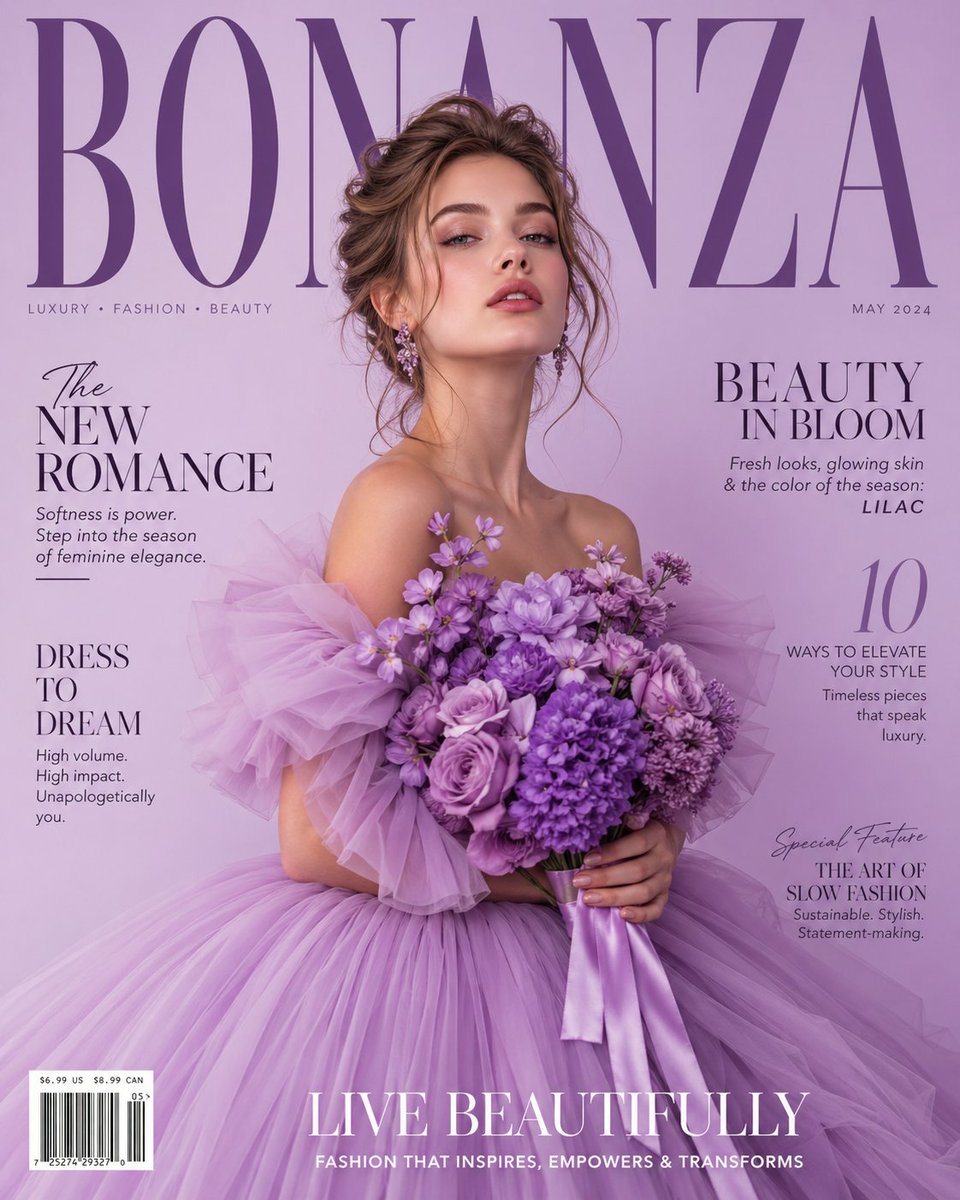
Lavender Couture Magazine Cover Fashion Portrait
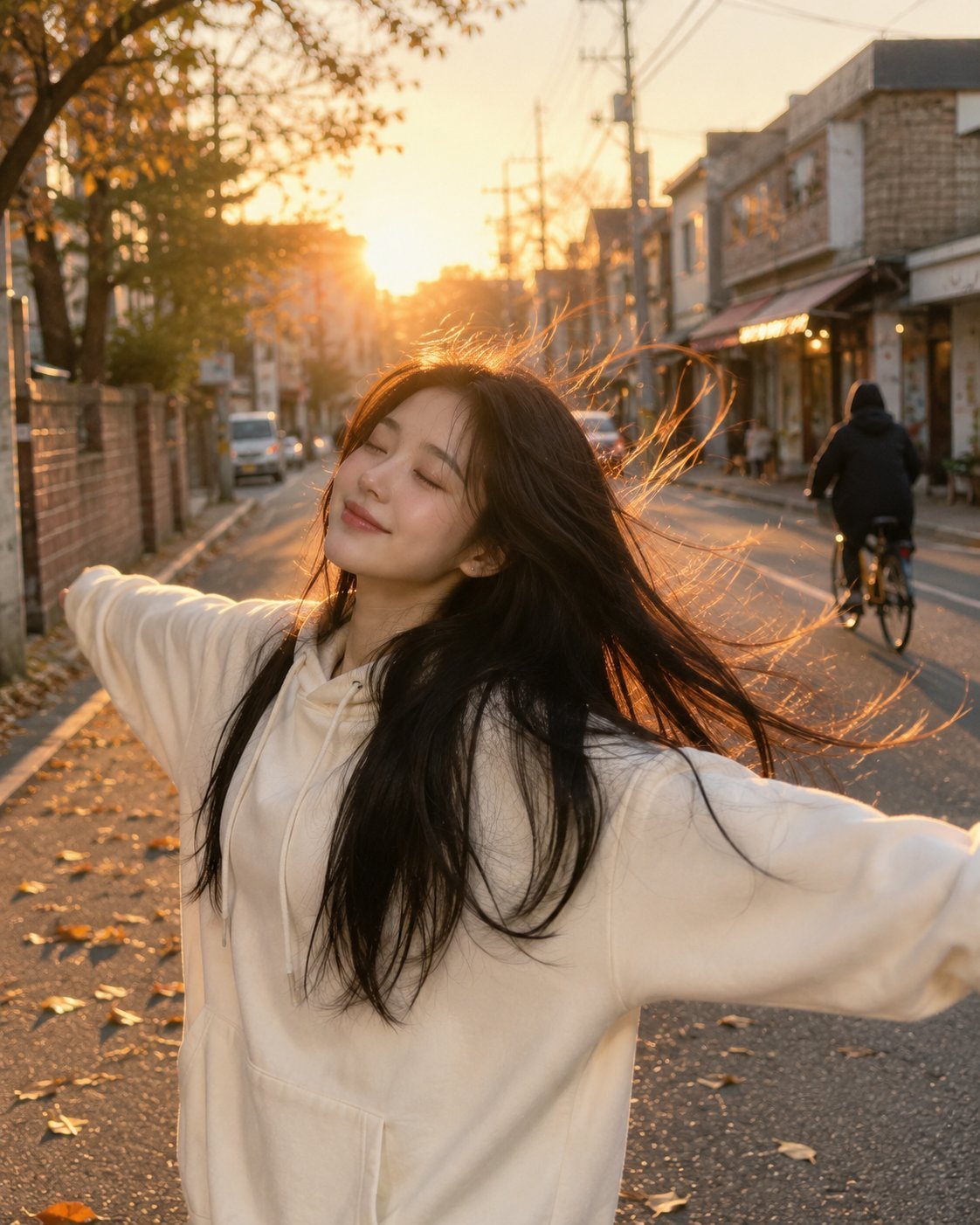
Golden Hour Street Hoodie Lifestyle Portrait
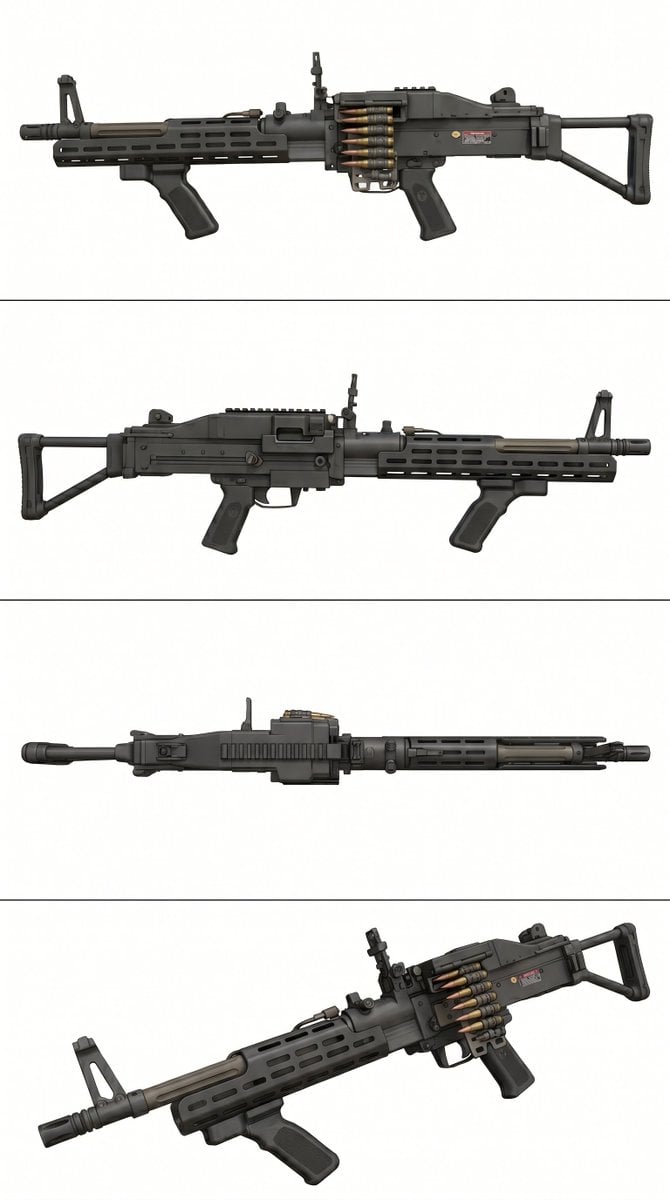
Tactical Machine Gun Reference Sheet
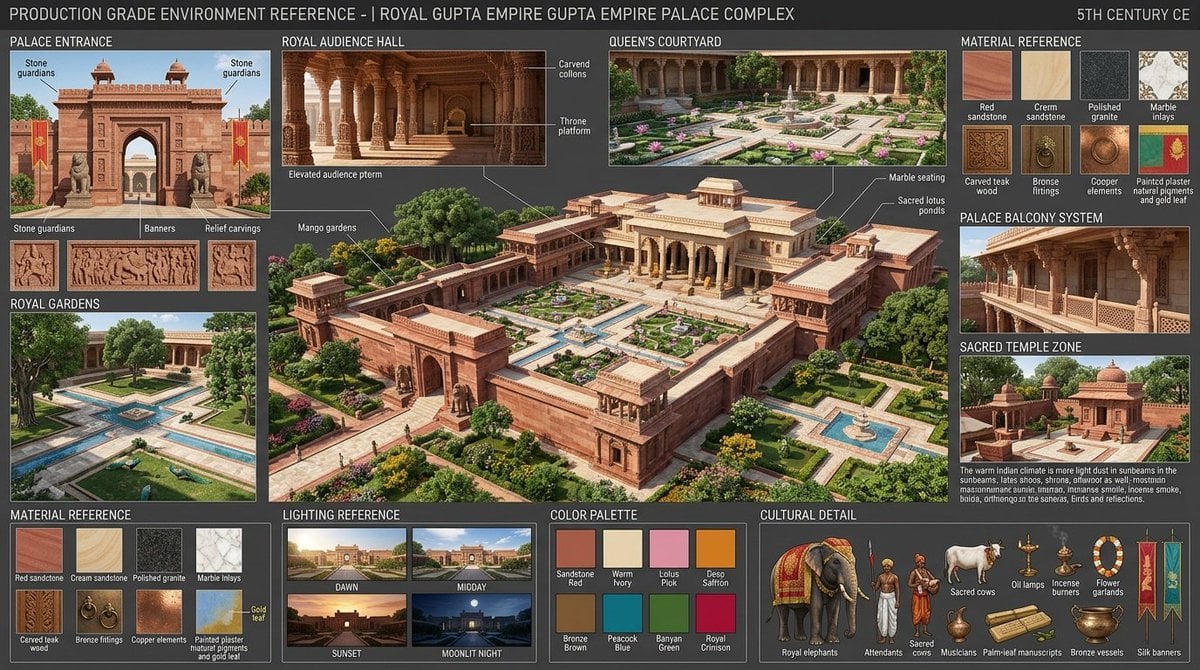
Gupta Palace Environment Reference Sheet
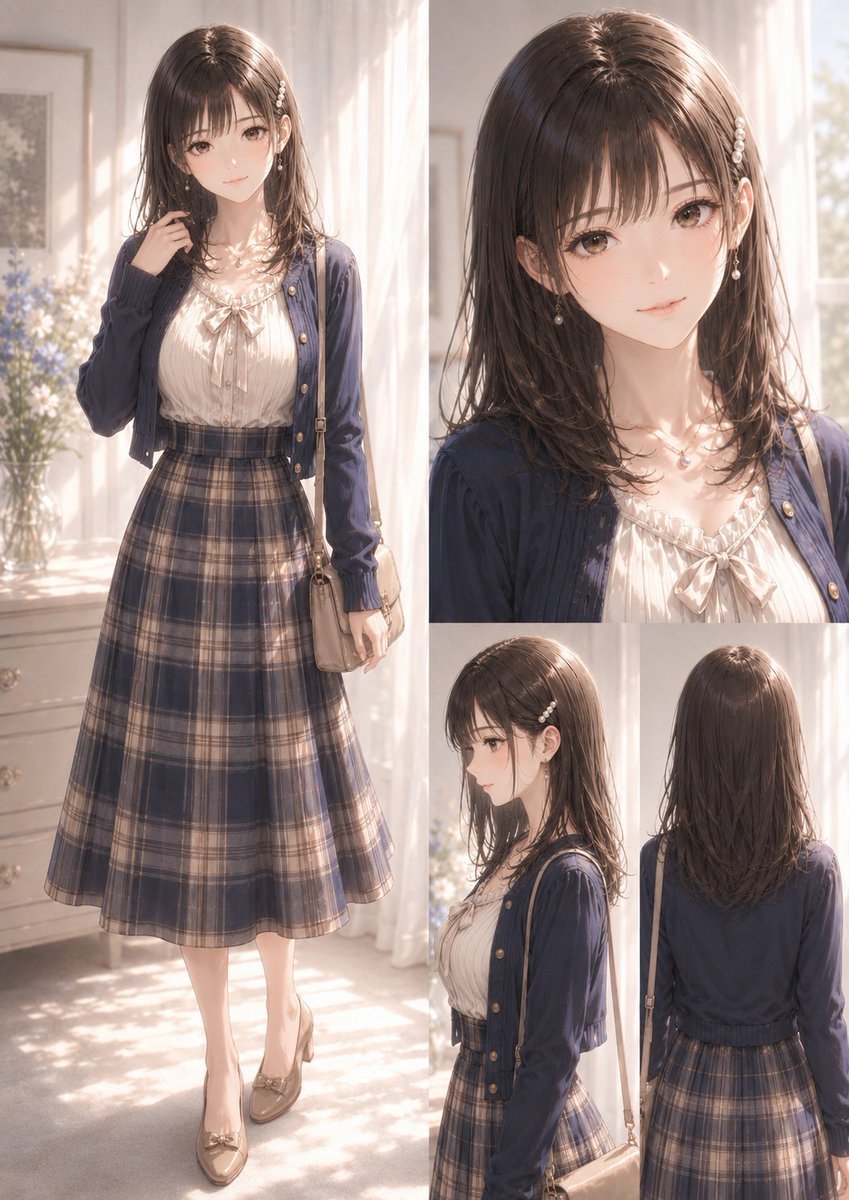
Elegant Anime Fashion Reference Sheet
Manga Male Hairstyle Reference Sheet
Make it yours
Lavender Hoodie Character Reference Sheet works as-is. These are the safest ways to change it without losing the look.
Swap the setting
Keep the rest of the prompt and replace the location block. The current setting is “uniform light gray studio backdrop with thin white divider lines separating pane”.
Change one field
Copy a single group, rewrite it, and generate again so you can see what that field is doing.
Keep the frame, change the subject
Hold the composition and light of Lavender Hoodie Character Reference Sheet, then swap wardrobe, props or the person for a new take.
| If the result… | Why | Fix |
|---|---|---|
| The result drifts from the preview | Too many fields changed at once. | Reuse Lavender Hoodie Character Reference Sheet as-is first, then change one group — subject, light, or setting. |
| GPT Image 2 ignores part of the JSON | Some models flatten or skip nested keys. | Keep the same values and paste them as a short paragraph instead. |
More GPT Image 2 templates
Other prompts made for GPT Image 2.

Six VTuber Japanese Logo Sheet

Realistic Portrait of Woman and Deer

The Vista Modular Condo Poster

AI Model Routing Comparison Infographic

2.5D Anime Art Board

Isometric Productivity Desk Scene

New York Double Exposure Poster

Four-Panel AI Landscape Comparison

Japanese Tatami Lifestyle Magazine Cover

NESCAFÉ Coffee Map Poster
More image prompts
Fresh picks from across the catalog.
Hyper-realistic twilight portrait in a European alleyway

Gpt2 Social Media Post Bmw Performance Social Poster
Luxury Coffee Branding Product Photography

Malta Guinness Inner Strength Ad
Miniature Fantasy Village in a Glass Bottle
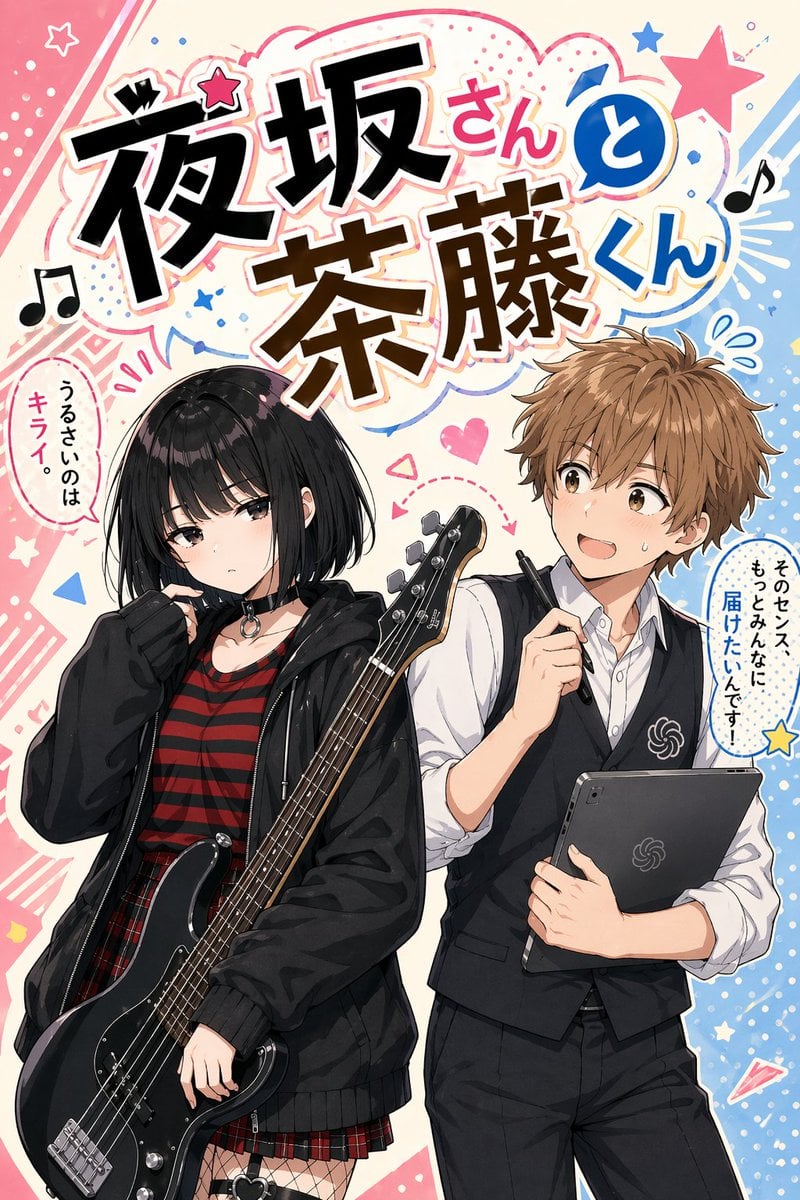
Manga Cover With Bass Girl and Designer Boy
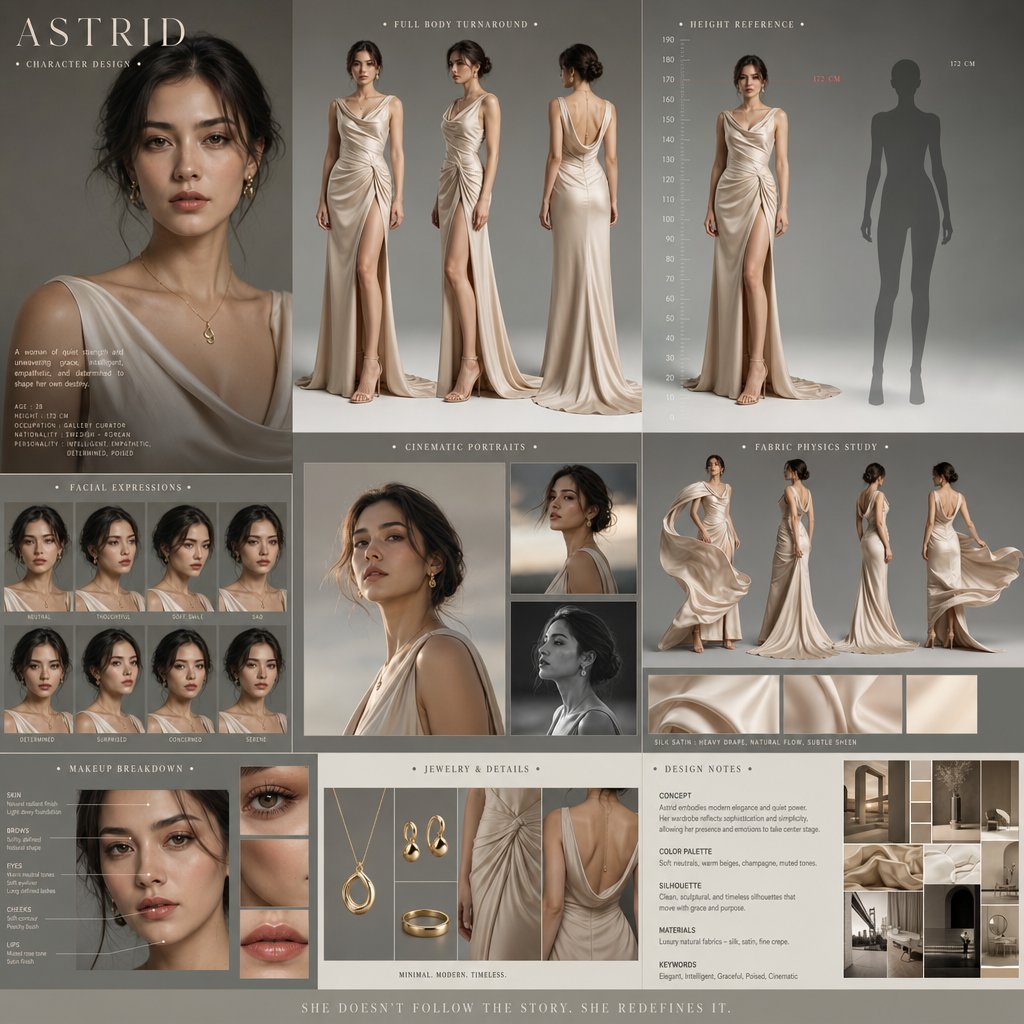
Cinematic Character Design Board
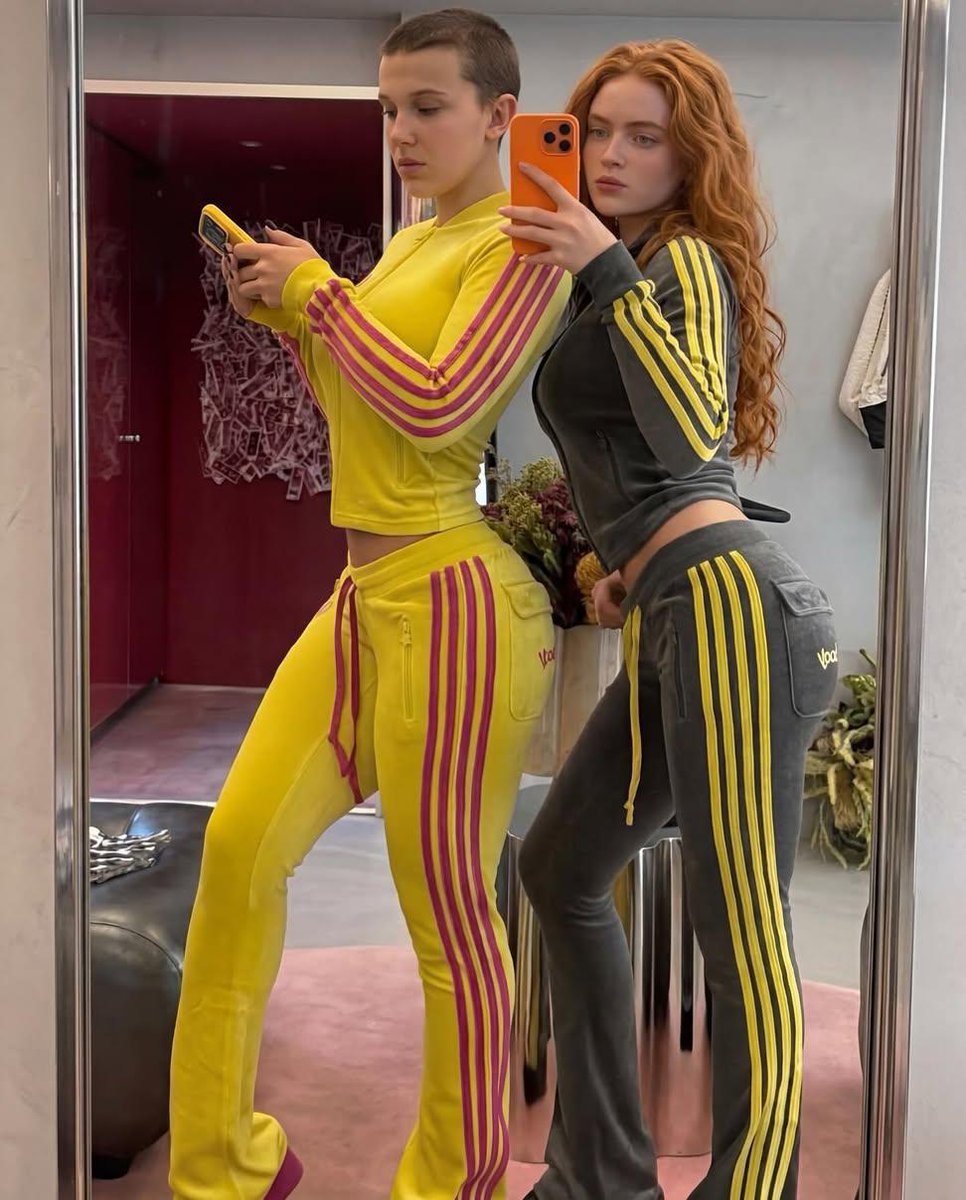
Mirror Selfie of Two Women in Velour Tracksuits

Energetic Food Advertisement
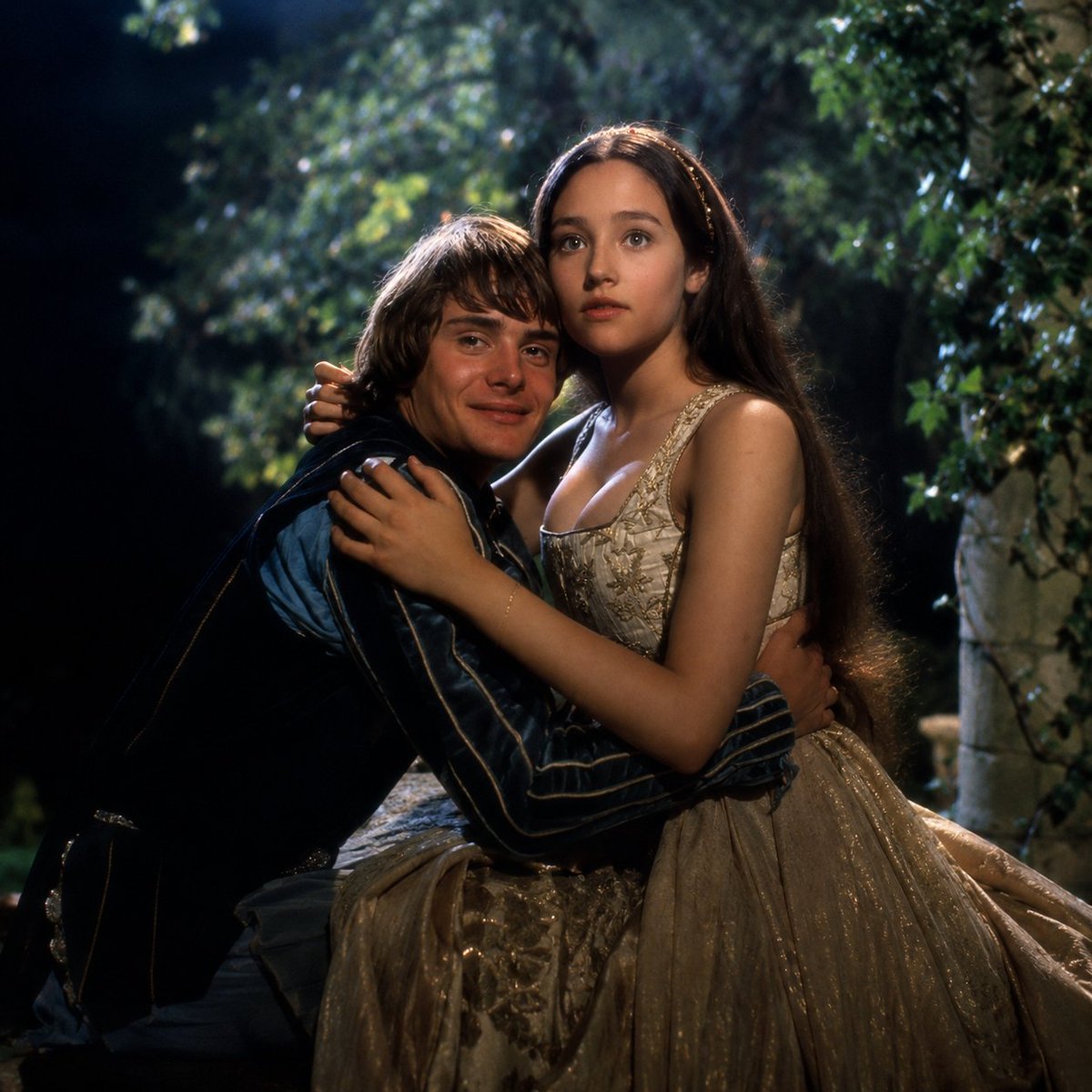
Renaissance Moonlit Balcony Romance
Browse template categories
Lavender Hoodie Character Reference Sheet questions
How do I use the Lavender Hoodie Character Reference Sheet template?
Add your photo if the template asks for one, edit the prompt if you like — the template's model and format are already selected — and press Generate. Your version opens in PicX Studio.
Can I customize the Lavender Hoodie Character Reference Sheet template?
Yes. You can change the subject, setting, lighting, mood, format, and available model controls before creating your image.
Is the Lavender Hoodie Character Reference Sheet template free?
Opening and editing this template is free. Generating uses credits, shown on the Generate button when you are signed in.
Which AI model should I use?
Start with GPT Image 2, which is the model associated with this template. You can compare another compatible model for a different finish.
Looking for something else? Browse all templates.

Your photo, any look
Thousands of ready templates for every top image and video model, from one credit balance.