
Tactical Machine Gun Reference Sheet
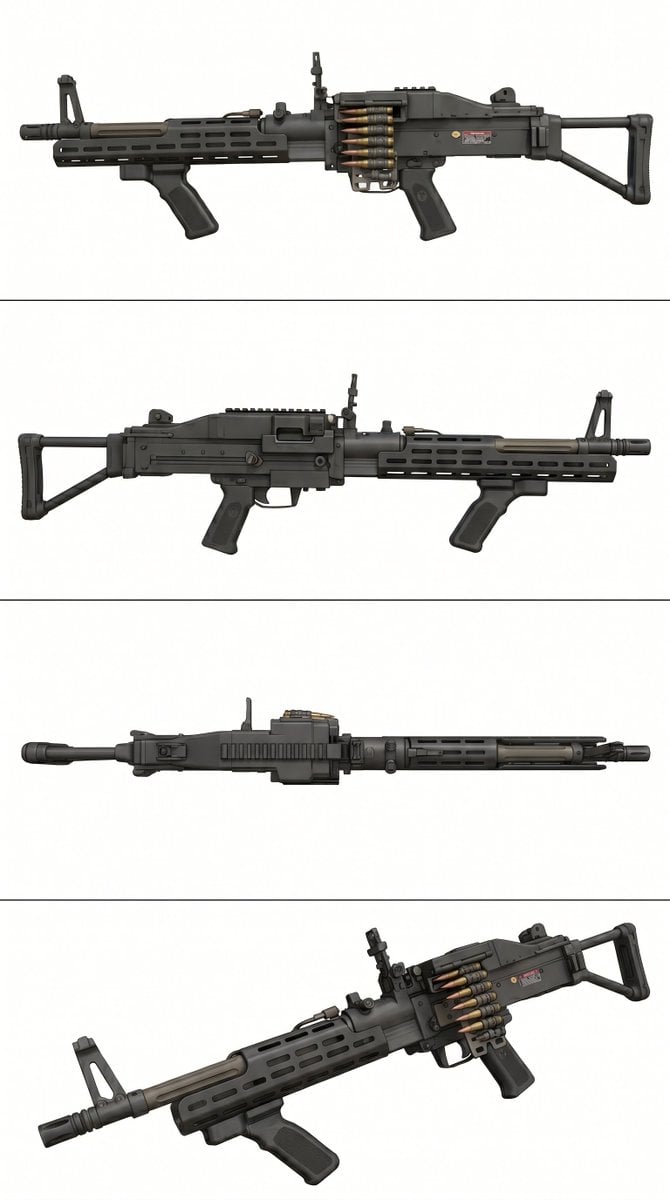
A clean multi-view studio reference image of a modern belt-fed machine gun, useful for product-style concept presentation, prop design, or technical weapon visualization.
- Prompt included
- Model and format preset
- Free template
The prompt behind this image
Copy the exact prompt behind Tactical Machine Gun Reference Sheet, or open it in the studio and make it yours.
- Type
- weapon reference sheet
- Subject › Category
- belt-fed light machine gun
- Subject › Design
- modern tactical machine gun resembling an M249 Para/SAW configuration
- Subject › Finish
- matte black parkerized metal with subtle wear, realistic machining marks, screws, pins, seams, and oily steel texture
- Subject › Features
- short barrel with flash hider, folding front iron sight tower, ventilated railed handguard with elongated oval slots, vertical foregrip under the handguard, visible belt of 5 linked cartridges feeding into the receiver, pistol grip, compact collapsible telescoping stock, top cover and rear sight details, dual gas tube / front assembly details
- Layout › Background
- clean light gray studio background
- Layout › Dividers
- 3 thin horizontal divider lines creating 4 stacked panels
- Layout › Panels › 0 › Position
- top
- Layout › Panels › 0 › Count
- 1
- Layout › Panels › 0 › View
- left side profile, perfectly centered, full weapon visible, stock to the right, barrel to the left
- Layout › Panels › 1 › Position
- upper-middle
- Layout › Panels › 1 › Count
- 1
- Layout › Panels › 1 › View
- right side profile, perfectly centered, full weapon visible, stock to the left, barrel to the right
- Layout › Panels › 2 › Position
- lower-middle
- Layout › Panels › 2 › Count
- 1
- Layout › Panels › 2 › View
- top-down view, perfectly centered, full weapon visible horizontally
- Layout › Panels › 3 › Position
- bottom
- Layout › Panels › 3 › Count
- 1
- Layout › Panels › 3 › View
- front-left three-quarter perspective showing barrel, handguard, hanging ammo belt, receiver depth, and stock
- Style › Rendering
- ultra-detailed photorealistic product render
- Style › Lighting
- soft even studio lighting, minimal shadows
- Style › Composition
- technical catalog presentation, orthographic-style multi-view showcase
- Style › Quality
- sharp focus, high resolution, crisp edges, neutral commercial presentation
Raw JSON
{"type":"weapon reference sheet","subject":{"category":"belt-fed light machine gun","design":"modern tactical machine gun resembling an M249 Para/SAW configuration","finish":"matte black parkerized metal with subtle wear, realistic machining marks, screws, pins, seams, and oily steel texture","features":["short barrel with flash hider","folding front iron sight tower","ventilated railed handguard with elongated oval slots","vertical foregrip under the handguard","visible belt of 5 linked cartridges feeding into the receiver","pistol grip","compact collapsible telescoping stock","top cover and rear sight details","dual gas tube / front assembly details"]},"layout":{"background":"clean light gray studio background","dividers":"3 thin horizontal divider lines creating 4 stacked panels","panels":[{"position":"top","count":1,"view":"left side profile, perfectly centered, full weapon visible, stock to the right, barrel to the left"},{"position":"upper-middle","count":1,"view":"right side profile, perfectly centered, full weapon visible, stock to the left, barrel to the right"},{"position":"lower-middle","count":1,"view":"top-down view, perfectly centered, full weapon visible horizontally"},{"position":"bottom","count":1,"view":"front-left three-quarter perspective showing barrel, handguard, hanging ammo belt, receiver depth, and stock"}]},"style":{"rendering":"ultra-detailed photorealistic product render","lighting":"soft even studio lighting, minimal shadows","composition":"technical catalog presentation, orthographic-style multi-view showcase","quality":"sharp focus, high resolution, crisp edges, neutral commercial presentation"}}How to use Tactical Machine Gun Reference Sheet in 3 steps
- 1Upload ImagePNG, JPG or paste
Add your photo
Upload the photo the template builds on. The prompt, model and format are already set.
- 2…a portrait of your subject in softgolden-hour light, 85mm…
Personalize
Edit the subject and creative details for your destination.
- 3Generate
Generate
Press Generate — your image is created in PicX Studio, so you can compare it with the original and refine one variable at a time.
More like this
Templates with the same subject, style or setup. Open one to see its prompt.

Dancer Character - Four View Reference Sheet

Movement Sheet - Dance Reference (Seedance 2.0)
Sci-Fi Tactical Character Reference Sheet
Anime Tactical Operator Character Sheet

Futuristic Anime Tactical Concept Sheet

Gray Studio Character Reference Sheet

Anime Character Sheet Reference Prompt
Photoreal Character Reference Sheet
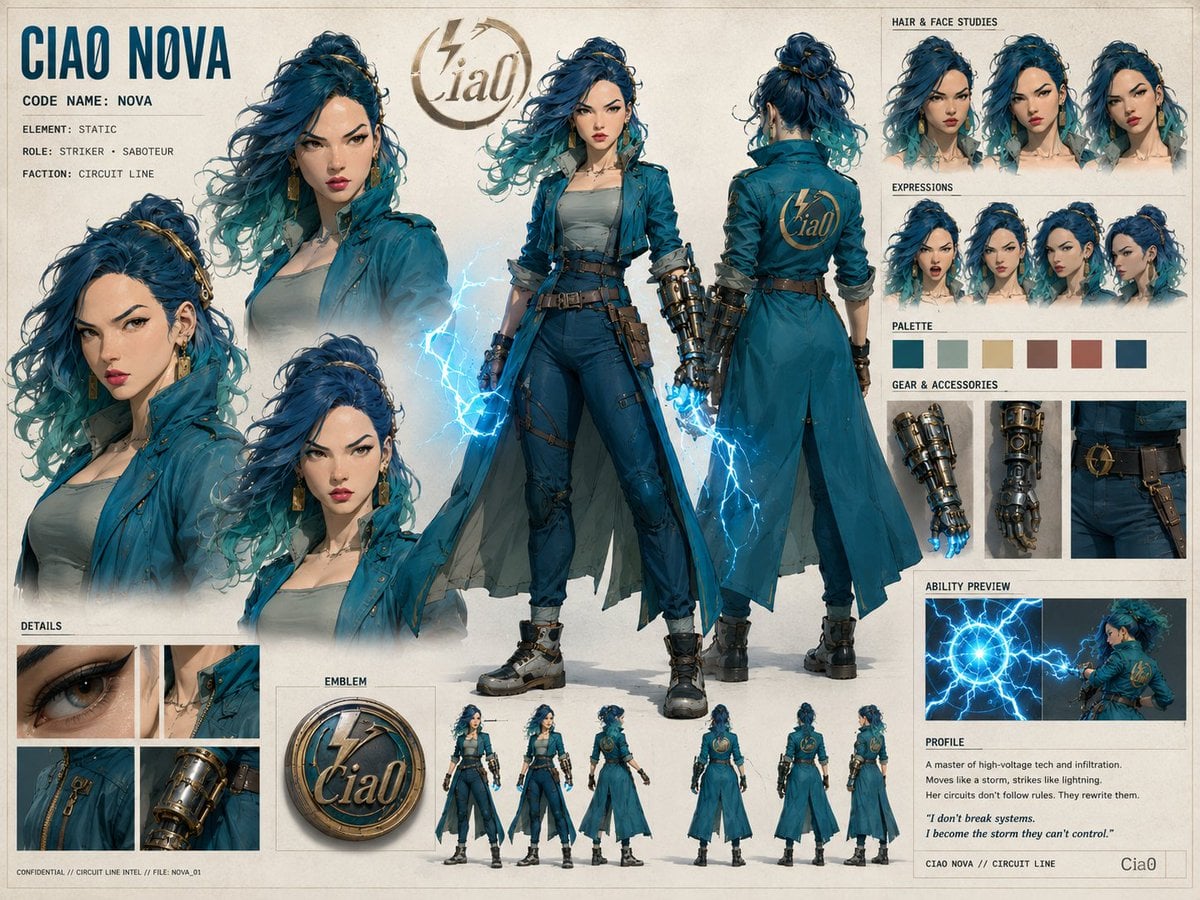
Ciao Nova Character Reference Sheet

Technical Vehicle with Machine Gun
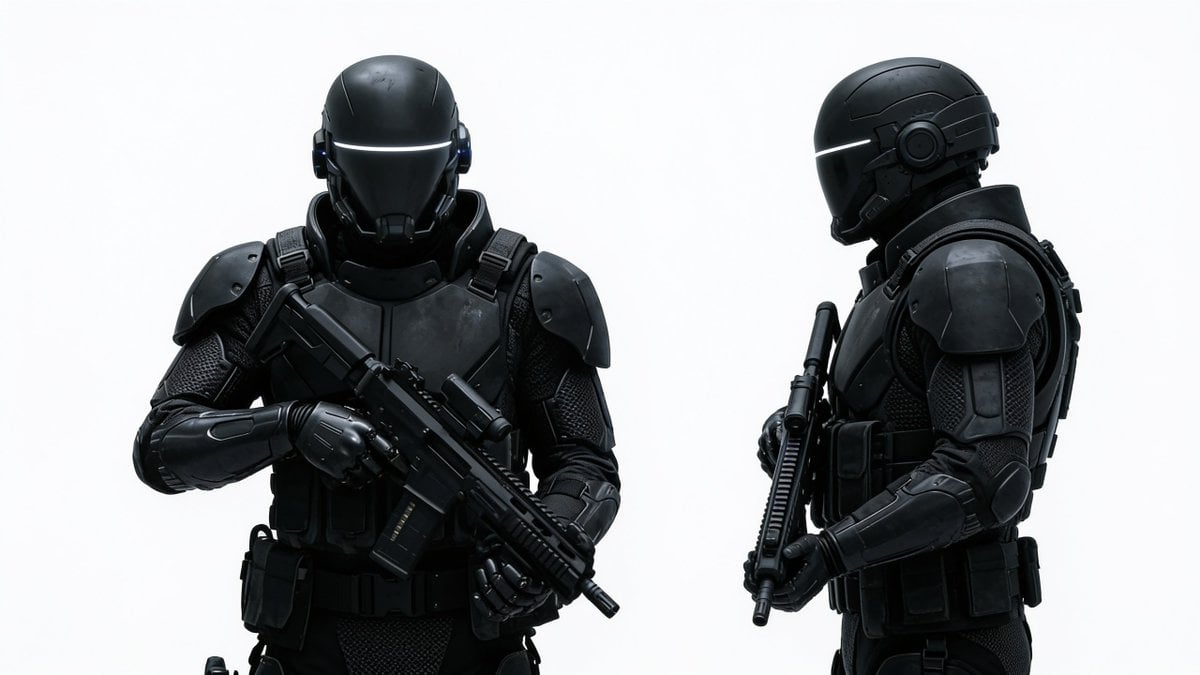
Sci-Fi Tactical Soldier Character Sheet
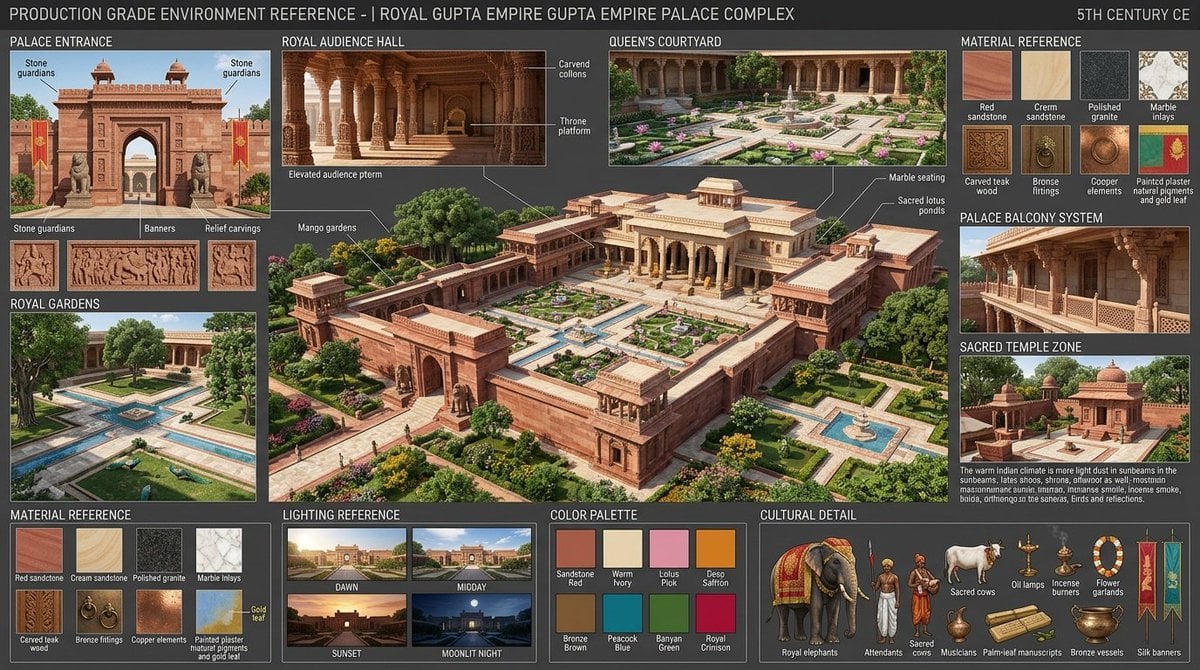
Gupta Palace Environment Reference Sheet
Make it yours
Tactical Machine Gun Reference Sheet works as-is. These are the safest ways to change it without losing the look.
Swap the setting
Keep the rest of the prompt and replace the location block. The current setting is “clean light gray studio background”.
Swap the light
One lighting change is enough to compare takes. Current light: “soft even studio lighting, minimal shadows”.
Change one field
Copy a single group, rewrite it, and generate again so you can see what that field is doing.
| If the result… | Why | Fix |
|---|---|---|
| The result drifts from the preview | Too many fields changed at once. | Reuse Tactical Machine Gun Reference Sheet as-is first, then change one group — subject, light, or setting. |
| GPT Image 2 ignores part of the JSON | Some models flatten or skip nested keys. | Keep the same values and paste them as a short paragraph instead. |
More GPT Image 2 templates
Other prompts made for GPT Image 2.

Six VTuber Japanese Logo Sheet

Realistic Portrait of Woman and Deer

The Vista Modular Condo Poster

AI Model Routing Comparison Infographic

2.5D Anime Art Board

Isometric Productivity Desk Scene

New York Double Exposure Poster

Four-Panel AI Landscape Comparison

Japanese Tatami Lifestyle Magazine Cover

NESCAFÉ Coffee Map Poster
More image prompts
Fresh picks from across the catalog.

Mediterranean Luxury Editorial
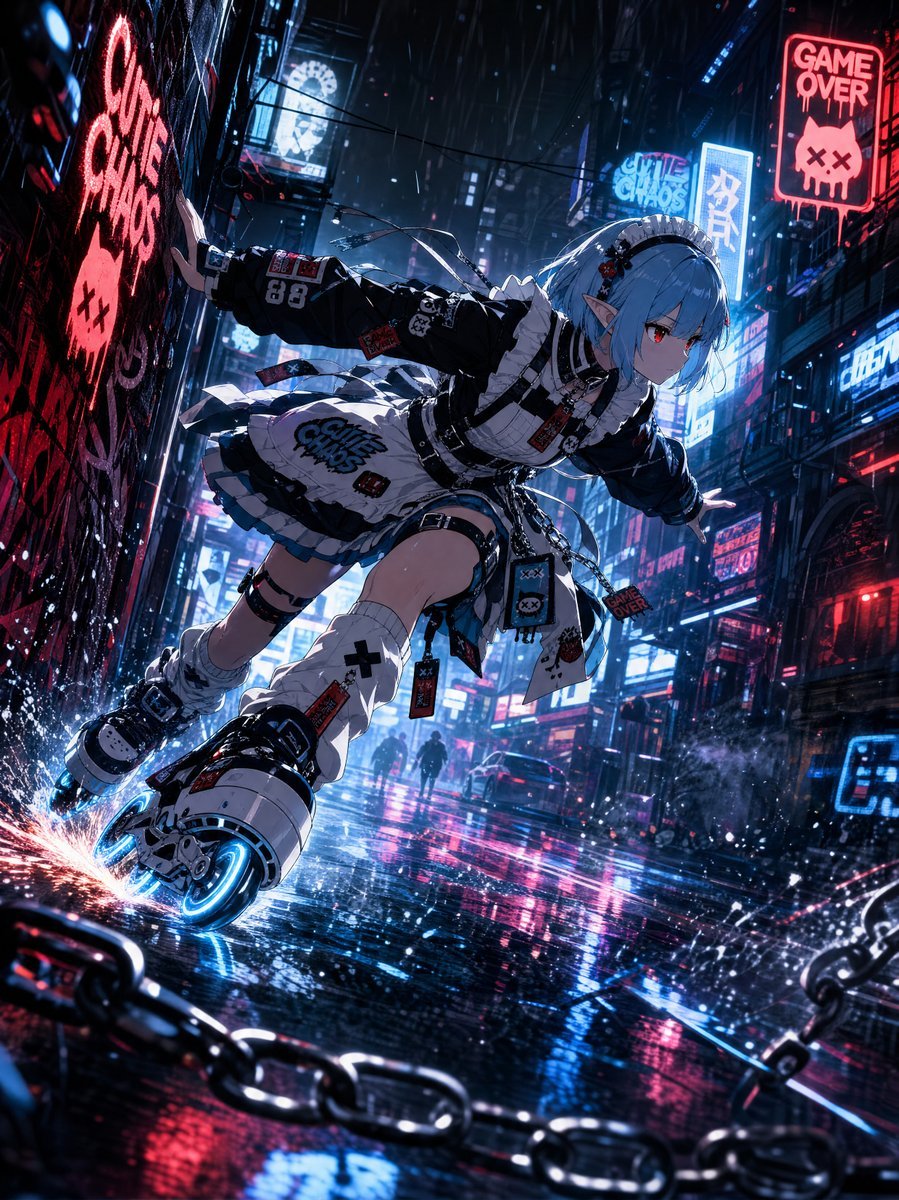
Cyberpunk Elf Rollerblader
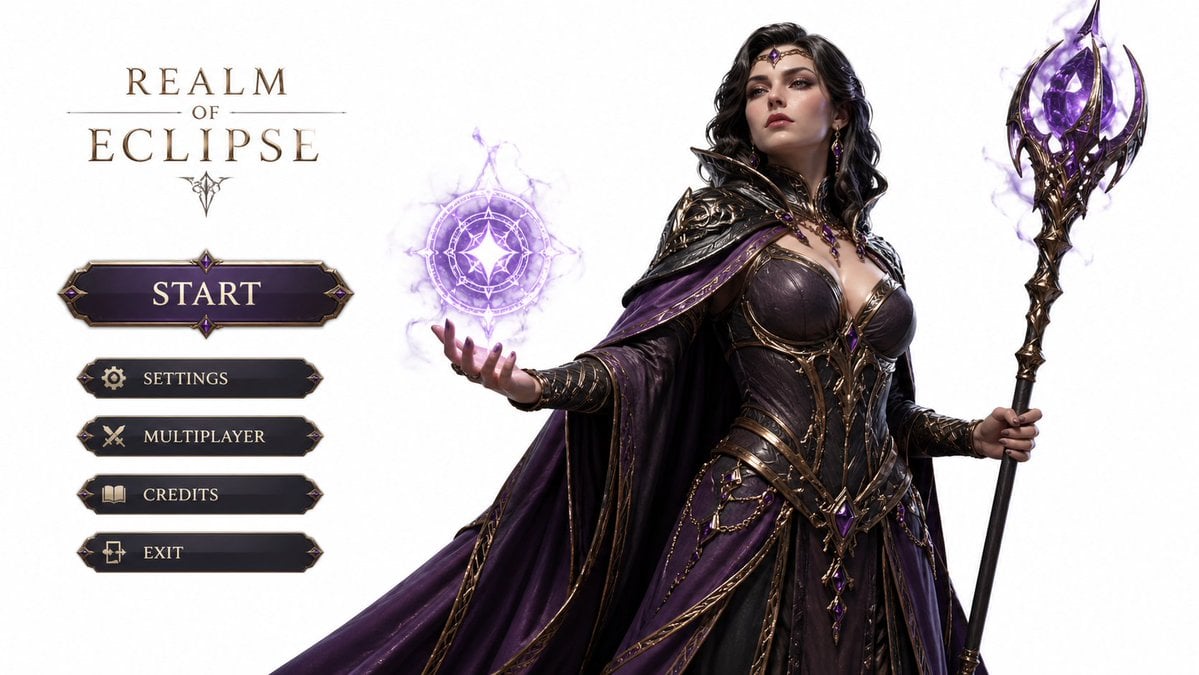
3D Gaming Character Sorceress
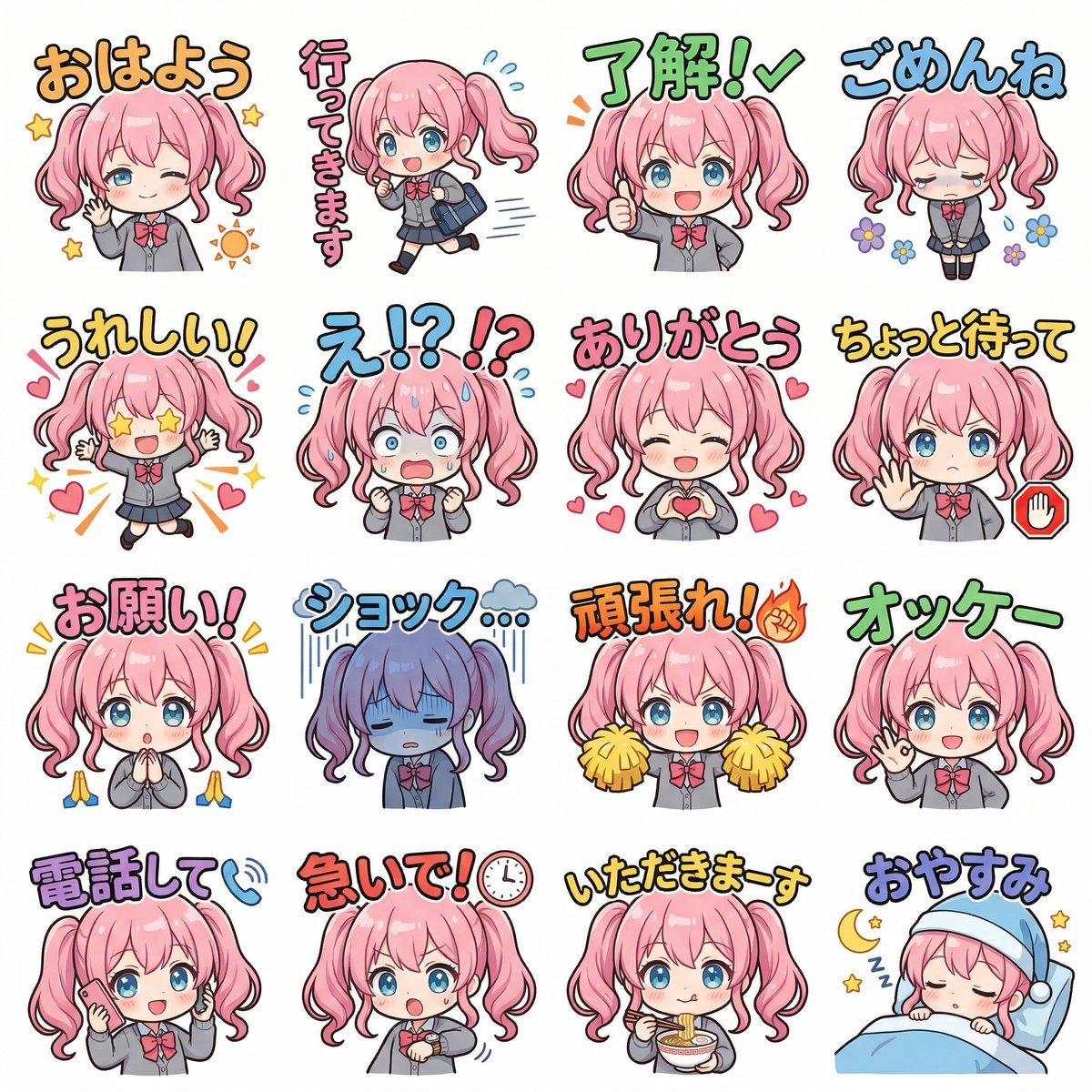
Creating LINE Stickers with Nano Banana 2
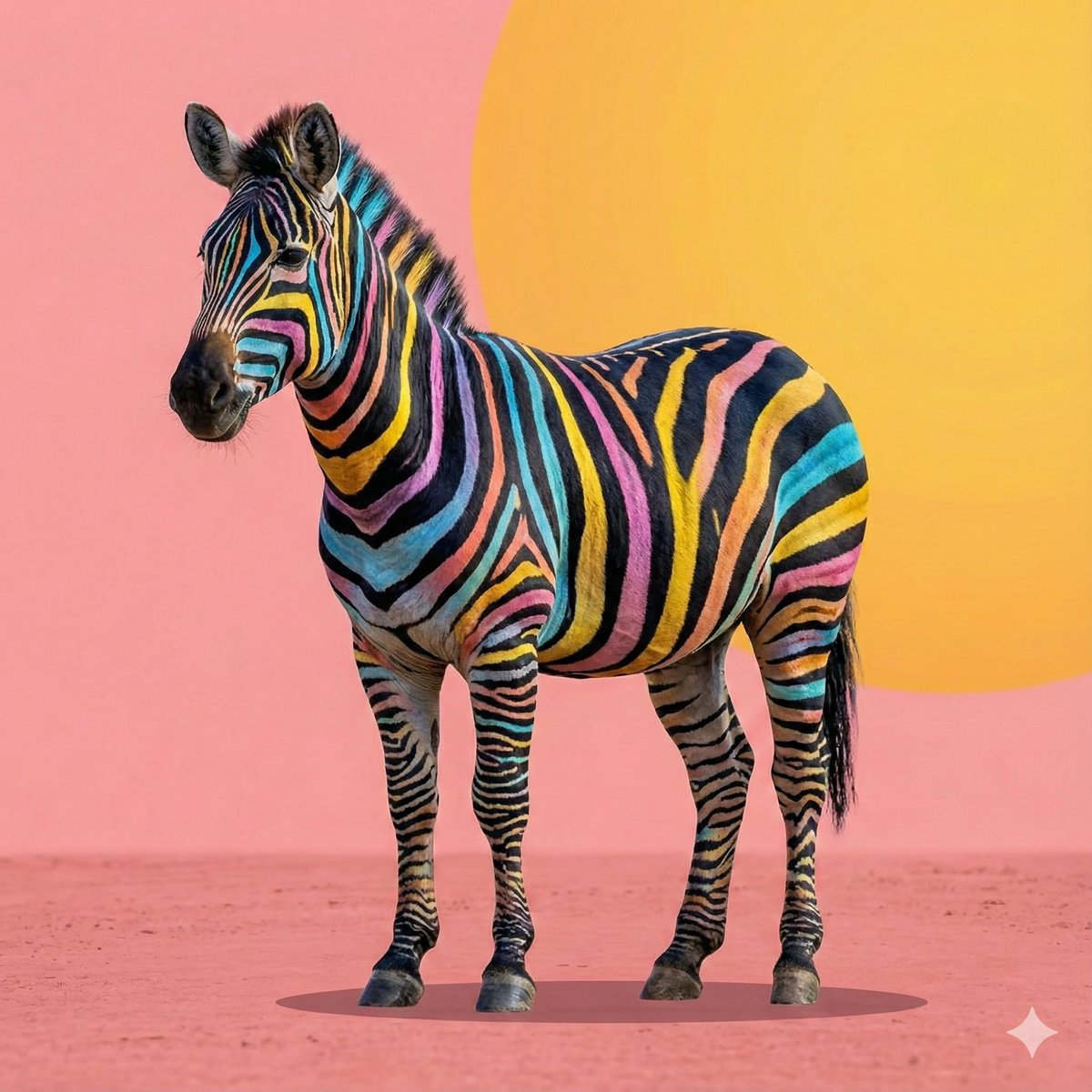
Cartoon to 4K Photo Transformation Prompt

PNG Girl in Unusual Places Prompt
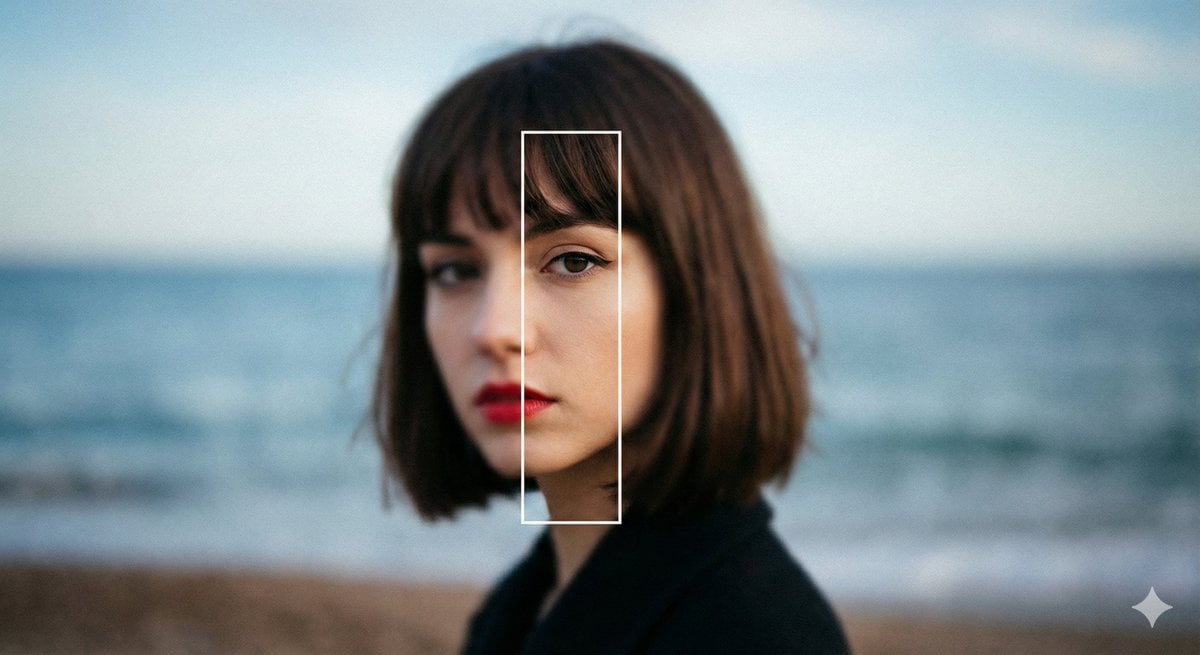
Experimental Editorial Portrait Prompt (Selective Focus)

2000s Aesthetic Flash Selfie Prompt
Cyberpunk Neon Portrait

Cinematic Portrait Reflection with Ghibli Effect
Browse template categories
Tactical Machine Gun Reference Sheet questions
How do I use the Tactical Machine Gun Reference Sheet template?
Add your photo if the template asks for one, edit the prompt if you like — the template's model and format are already selected — and press Generate. Your version opens in PicX Studio.
Can I customize the Tactical Machine Gun Reference Sheet template?
Yes. You can change the subject, setting, lighting, mood, format, and available model controls before creating your image.
Is the Tactical Machine Gun Reference Sheet template free?
Opening and editing this template is free. Generating uses credits, shown on the Generate button when you are signed in.
Which AI model should I use?
Start with GPT Image 2, which is the model associated with this template. You can compare another compatible model for a different finish.
Looking for something else? Browse all templates.

Your photo, any look
Thousands of ready templates for every top image and video model, from one credit balance.