
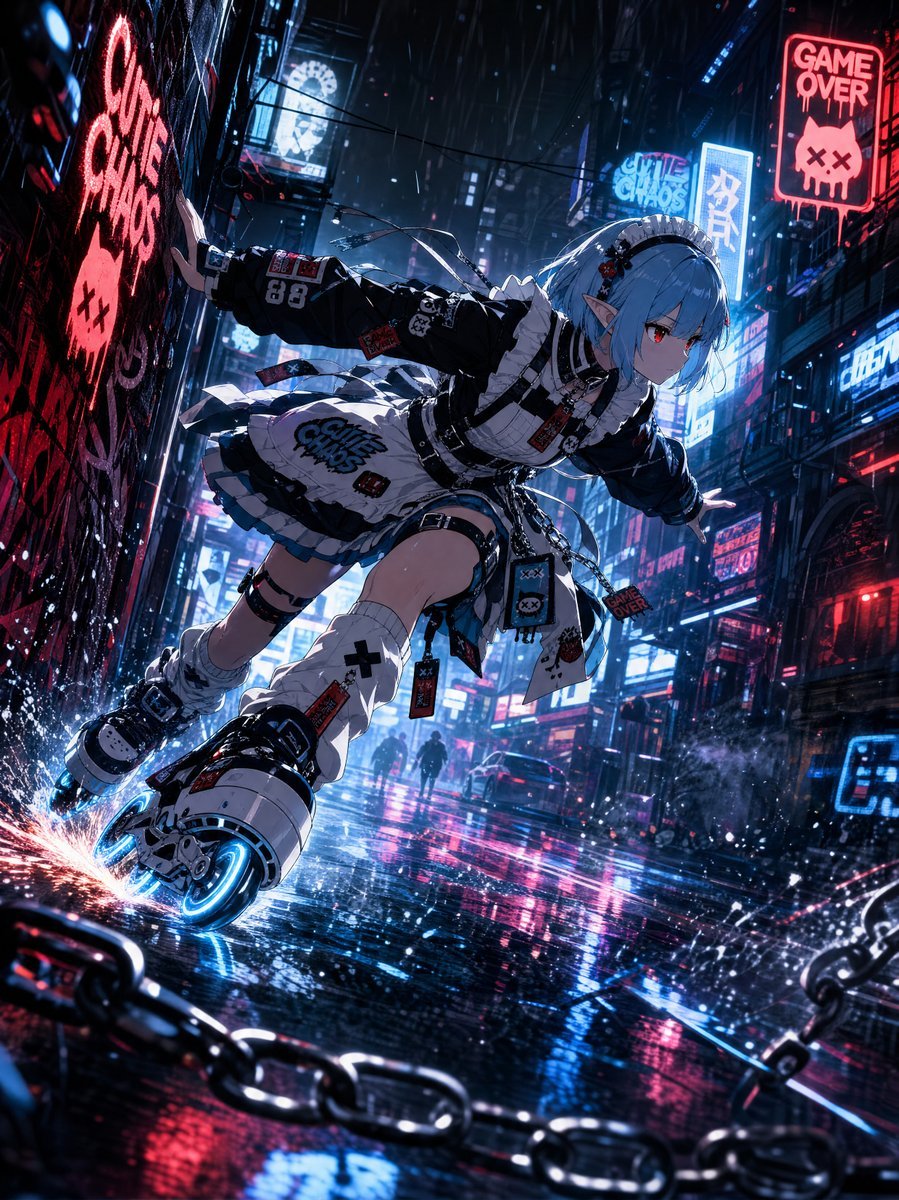
Cyberpunk Elf Rollerblader
A detailed prompt for generating a high-resolution anime cyberpunk action scene featuring a gothic elf girl rollerblading through a rainy neon alley.
- Prompt included
- Model and format preset
- Free template
The prompt behind this image
Copy the exact prompt behind Cyberpunk Elf Rollerblader, or open it in the studio and make it yours.
Create a high-resolution vertical anime cyberpunk action illustration of {argument name="character name" default="an original blue-haired elf girl"} rollerblading through a rainy neon alley at night. The character is a slim teenage-looking anime girl with pale skin, pointed elf ears, short icy {argument name="hair color" default="blue"} hair tied into a small side ponytail, red eyes, and a serious focused expression. She is captured in an extreme dynamic low-angle perspective, leaning forward with both arms stretched out for balance as she skates diagonally from the upper right toward the lower left. Her outfit is a black-and-white gothic streetwear maid dress mixed with punk techwear: frilled white apron, black puff sleeves, white ruffle trim, layered skirt, belts, straps, small chains, patches, warning tags, skull motifs, black choker, hair clips, and thigh straps. Include exactly 6 prominent visible outfit graphics or labels: a large “GAME OVER” patch on the apron, a red “GAME OVER” tag near the waist, a “66” patch on the sleeve, a skull-face pouch at the hip, a black cross on one leg warmer, and a red rectangular warning tag hanging from the leg. She wears oversized futuristic inline skates with thick white armor-like shells, black straps, and glowing electric-blue wheels; the rear wheel scrapes the wet pavement, throwing orange sparks at the lower left. Set the scene in a dense futuristic city alley with towering buildings, cables overhead, rain streaks, mist, glossy puddles, and strong reflections in the road. Use neon signs in cyan, pink, and red; include exactly 4 clearly readable major signs: a large vertical graffiti-like “GAME OVER” sign with a skull on the left wall, a red “GAME OVER” sign high on the right building, a cyan “GAME CHAOS” sign in the distance, and a vertical blue Japanese-style sign on the right. Add two small dark pedestrian silhouettes far in the background, one car in the distance, foreground black chains crossing along the bottom edge, and scattered water splashes around the skate wheels. Lighting should be cinematic and high contrast, with blue rim light, magenta reflections, volumetric rain haze, sharp anime linework, ultra-detailed textures, dramatic motion blur only on background edges and sparks, 4K print-quality finish. Avoid extra characters in the foreground, avoid blurry face, avoid watermark, avoid logo overlays, and keep the composition vertical {argument name="aspect ratio" default="3:4"}.
How to use Cyberpunk Elf Rollerblader in 3 steps
- 1Upload ImagePNG, JPG or paste
Add your photo
Upload the photo the template builds on. The prompt, model and format are already set.
- 2…a portrait of your subject in softgolden-hour light, 85mm…
Personalize
Edit the subject and creative details for your destination.
- 3Generate
Generate
Press Generate — your image is created in PicX Studio, so you can compare it with the original and refine one variable at a time.
More like this
Templates with the same subject, style or setup. Open one to see its prompt.

Rainy Night Android Cyberpunk Portrait

Korean Idol Partial Shadow Editorial Portrait

Cinematic Sci-Fi Interface Side Profile

Cyberpunk Neon Profile Fashion Portrait

Cinematic Neon Light Strip Studio Portrait

Futuristic Studio Neon Ring Minimalist Portrait

Neon Violet Streetwear Fashion Portrait

Neon Night Crosswalk Candid Portrait

Red Futuristic Sport Motorcycle POV
Rainy Night Android Cyberpunk Portrait
Cinematic Sci-Fi Commander Side Profile Portrait
Low-Angle Cyberpunk Neon Profile Portrait
Make it yours
Cyberpunk Elf Rollerblader works as-is. These are the safest ways to change it without losing the look.
Change one field
Copy a single group, rewrite it, and generate again so you can see what that field is doing.
Keep the frame, change the subject
Hold the composition and light of Cyberpunk Elf Rollerblader, then swap wardrobe, props or the person for a new take.
| If the result… | Why | Fix |
|---|---|---|
| The result drifts from the preview | Too many fields changed at once. | Reuse Cyberpunk Elf Rollerblader as-is first, then change one group — subject, light, or setting. |
| The model over-stylizes the scene | The prose prompt leaves finish and camera underspecified. | Add one camera or lighting sentence and stay on GPT Image 2. |
More GPT Image 2 templates
Other prompts made for GPT Image 2.

Six VTuber Japanese Logo Sheet

Realistic Portrait of Woman and Deer

The Vista Modular Condo Poster

AI Model Routing Comparison Infographic

2.5D Anime Art Board

Isometric Productivity Desk Scene

New York Double Exposure Poster

Four-Panel AI Landscape Comparison

Japanese Tatami Lifestyle Magazine Cover

NESCAFÉ Coffee Map Poster
More image prompts
Fresh picks from across the catalog.
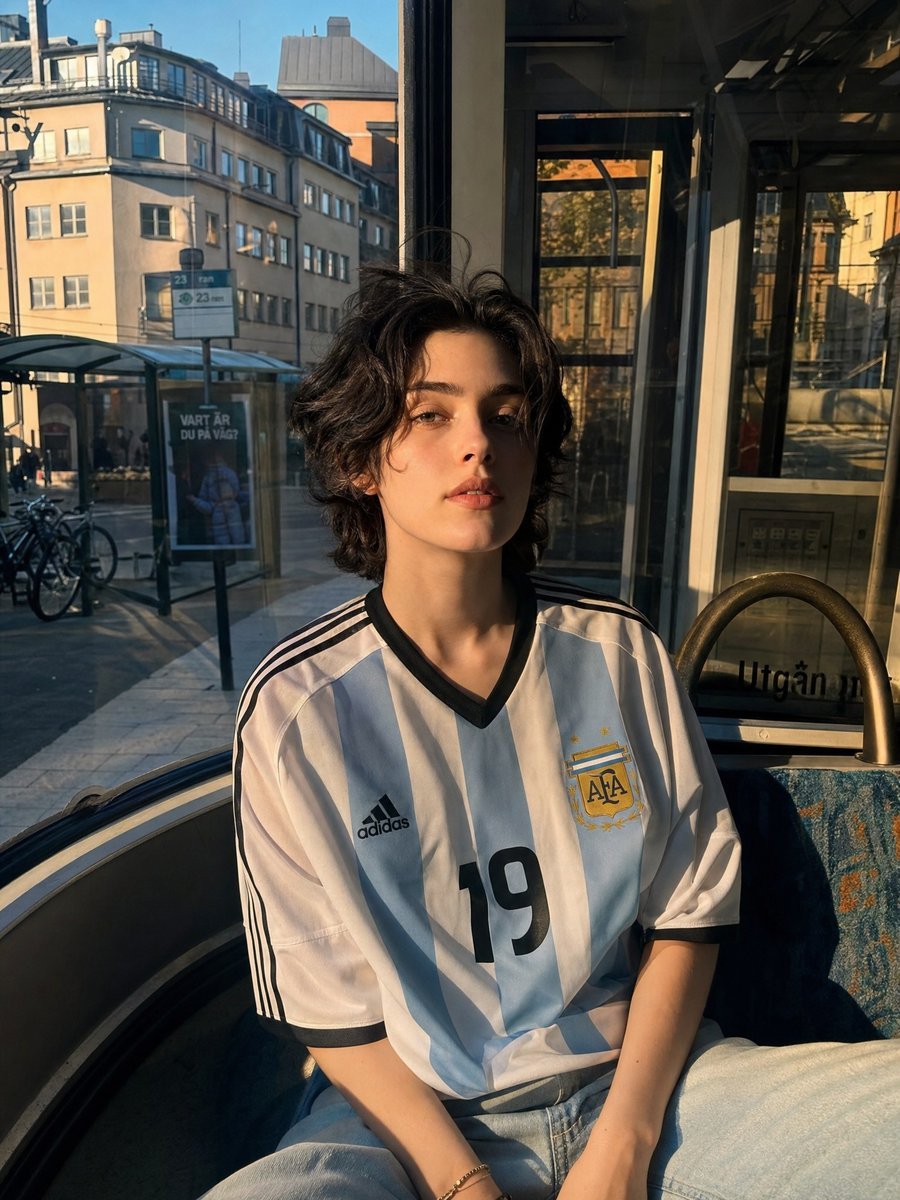
Candid Portrait in Football Jersey
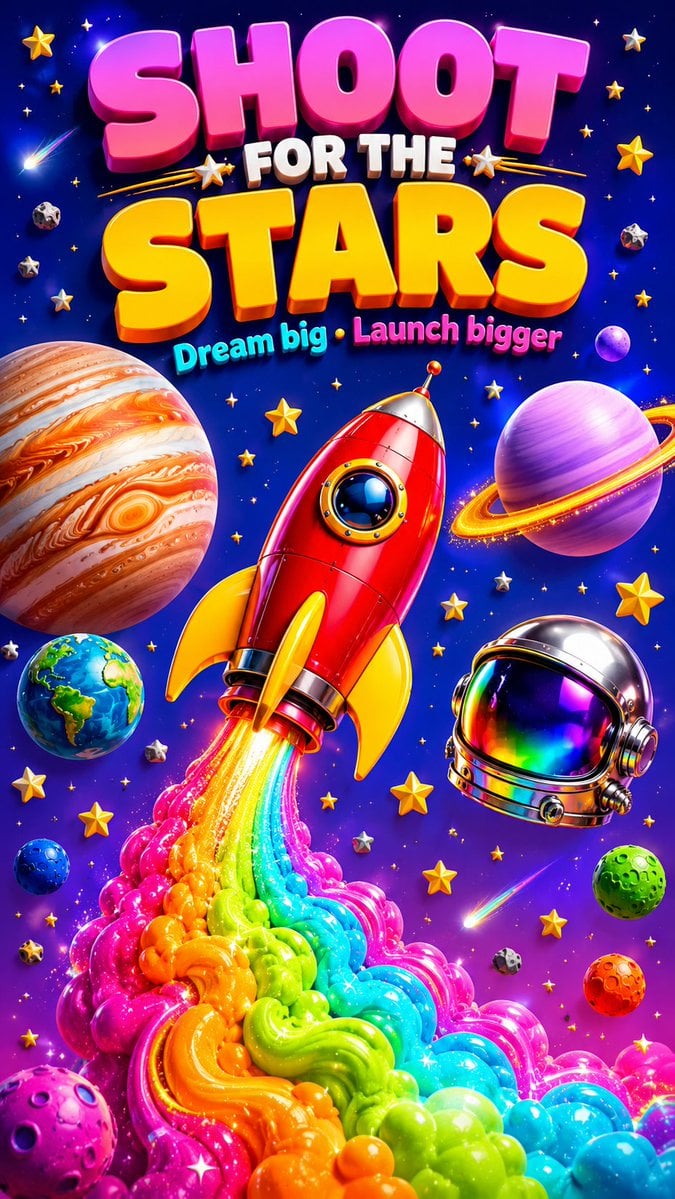
3D Retro Futurism Space Poster
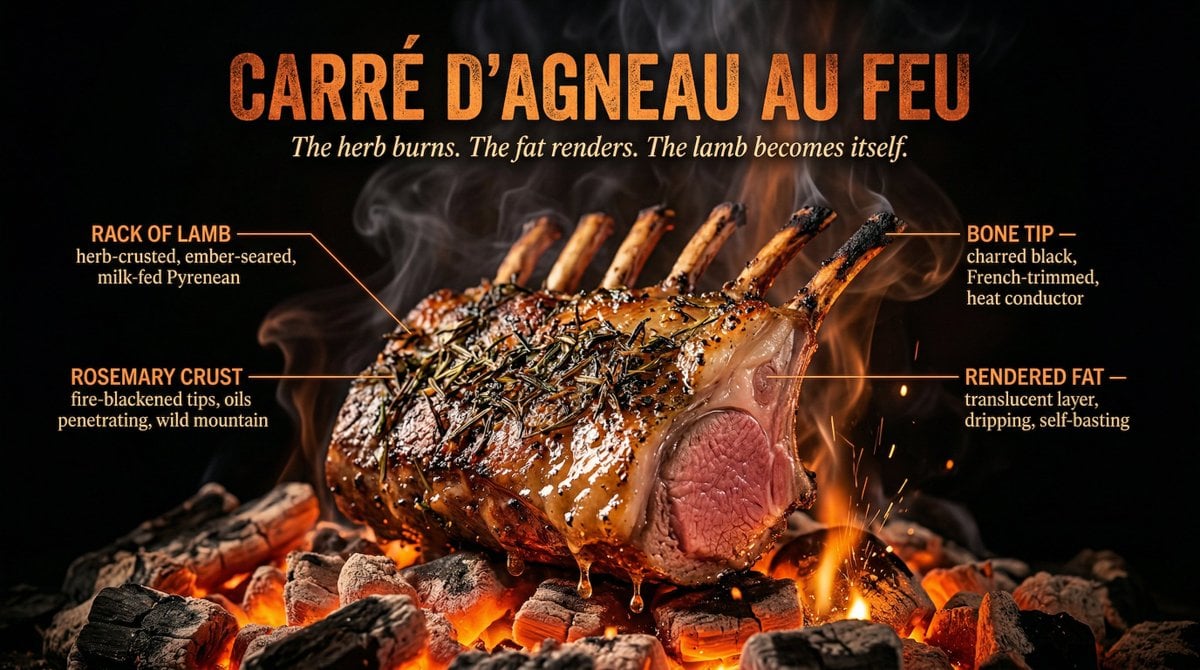
Fire Cooking Photography with Ember and Smoke
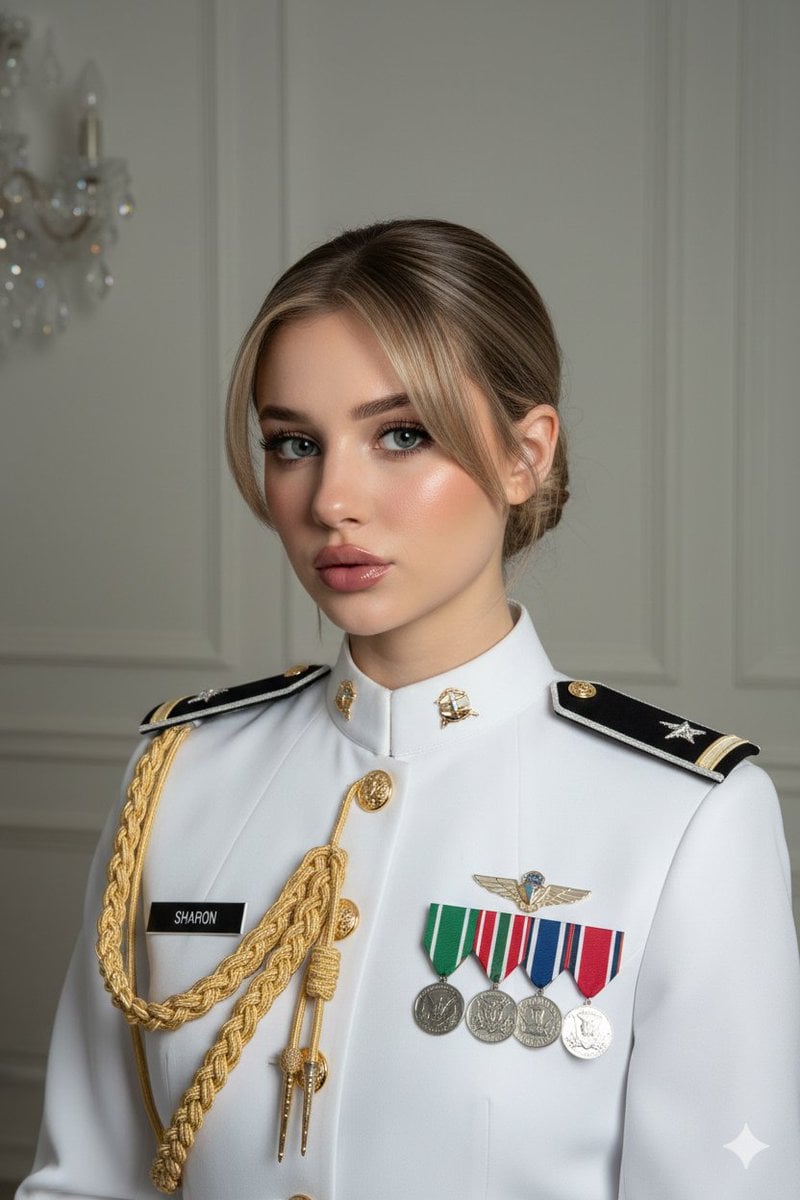
Formal Military Portrait with Identity Lock and Insignia
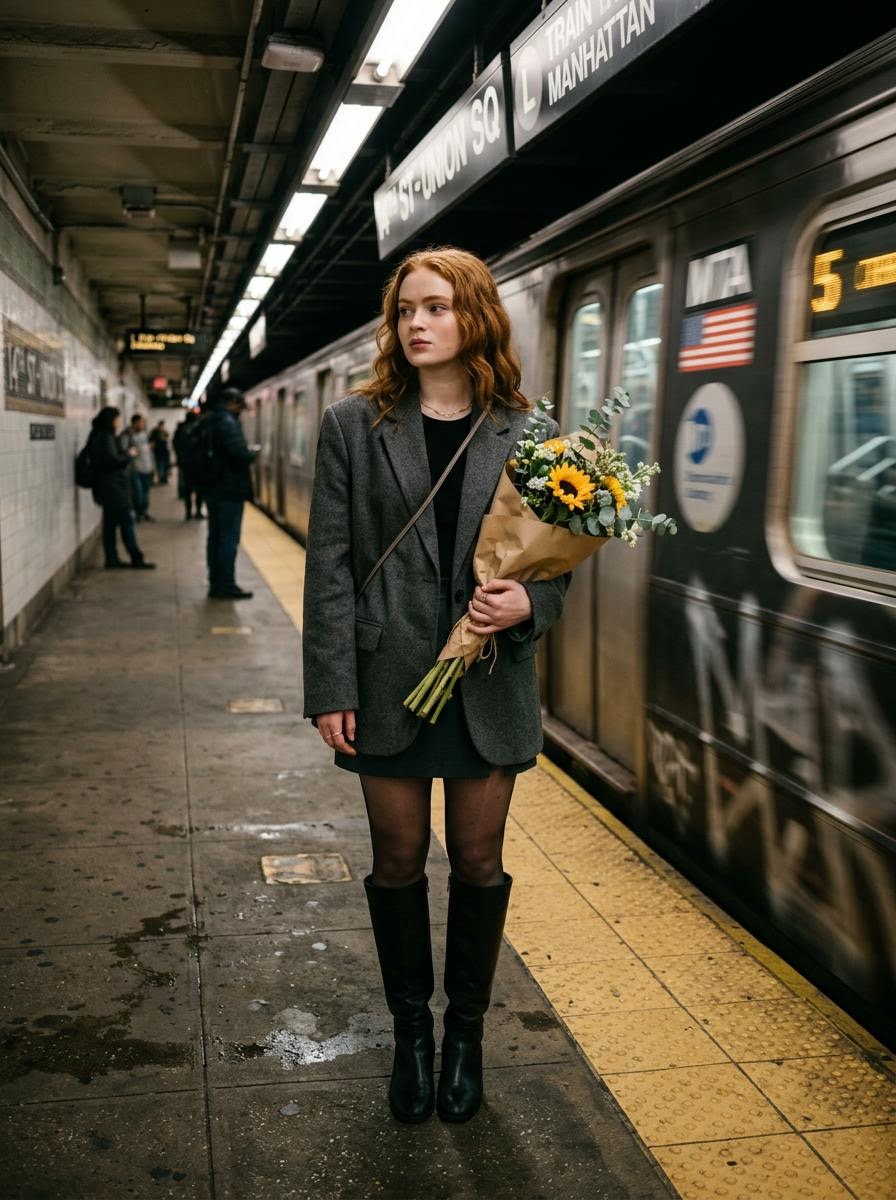
Cinematic photo of a woman on a subway platform with motion blur
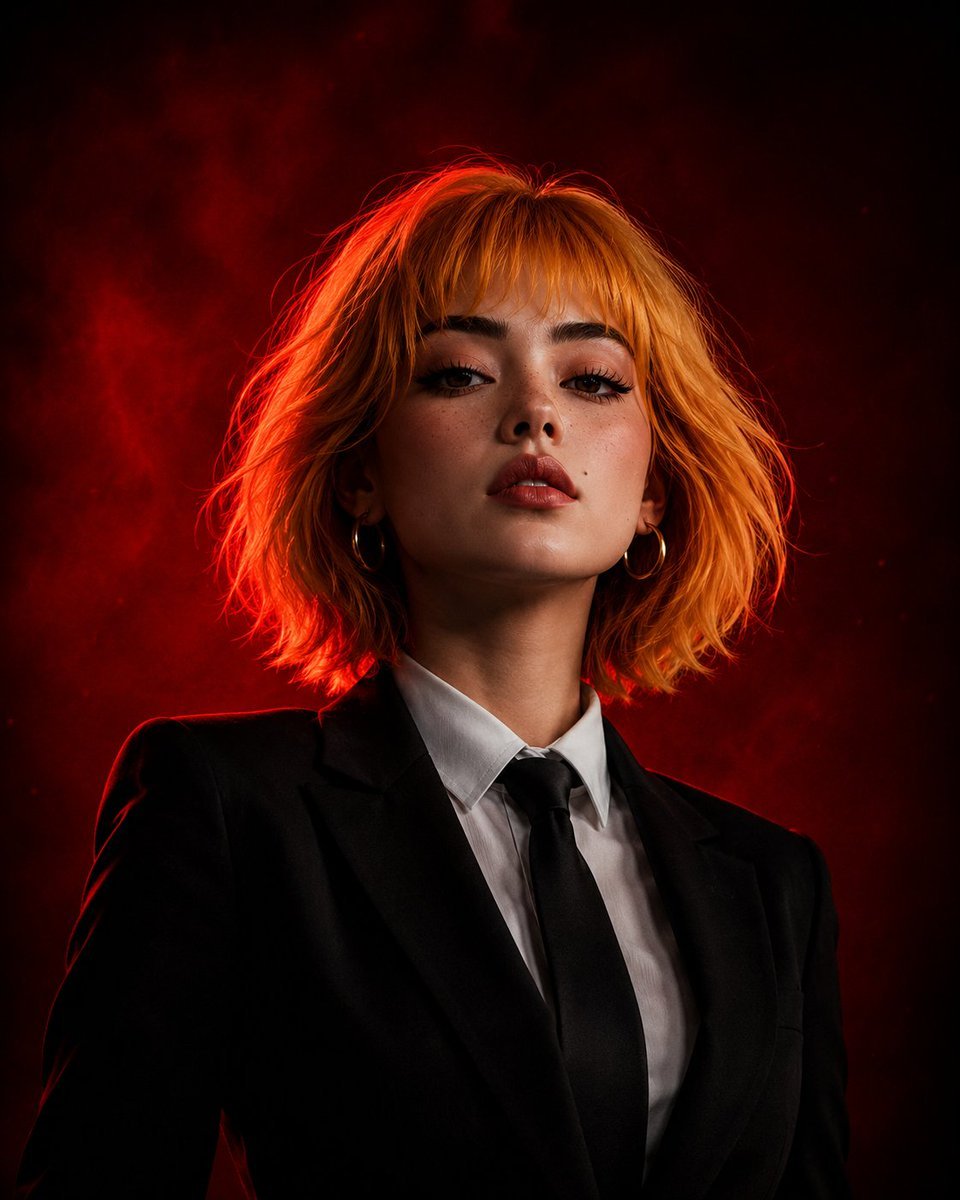
Cinematic Girl Boss Portrait
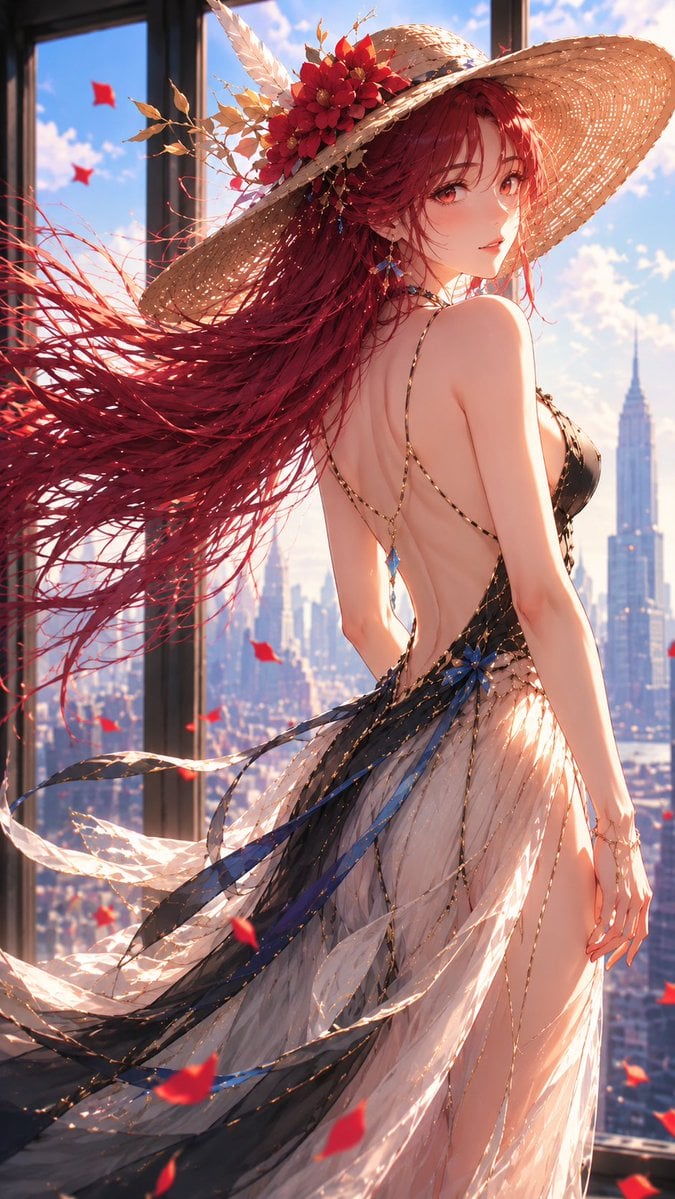
Elegant Rose Anime Female Portrait
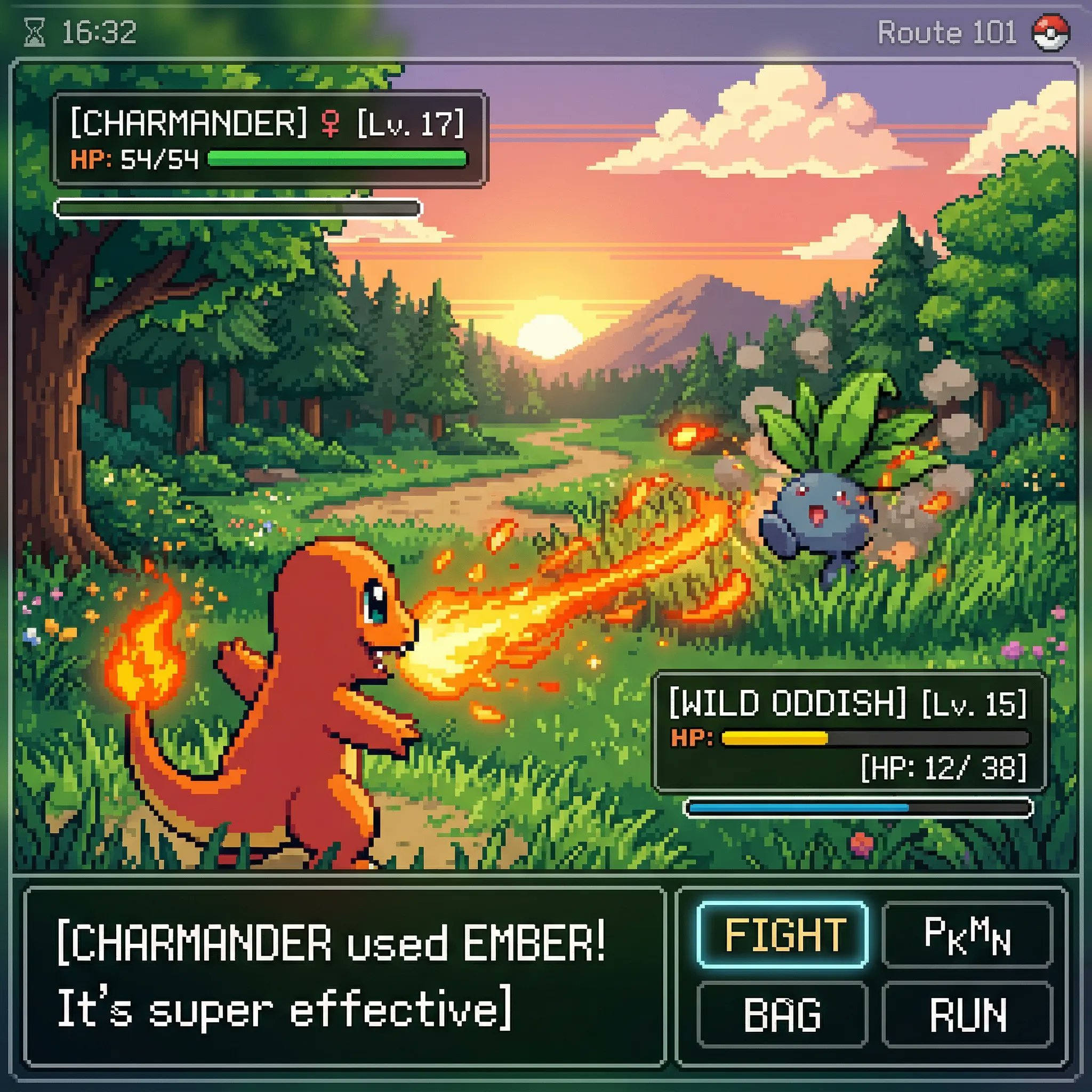
Classic Gameboy Pokemon Style Pixel Art
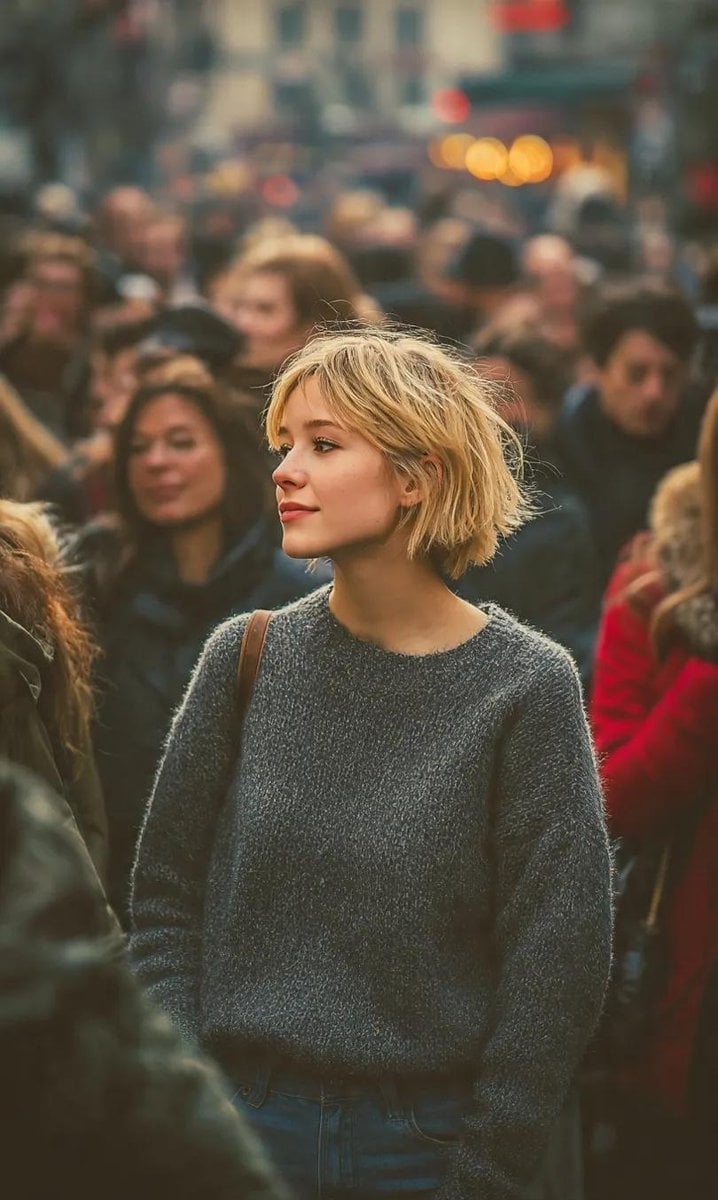
Ultra-Realistic 8K Candid Street Portrait
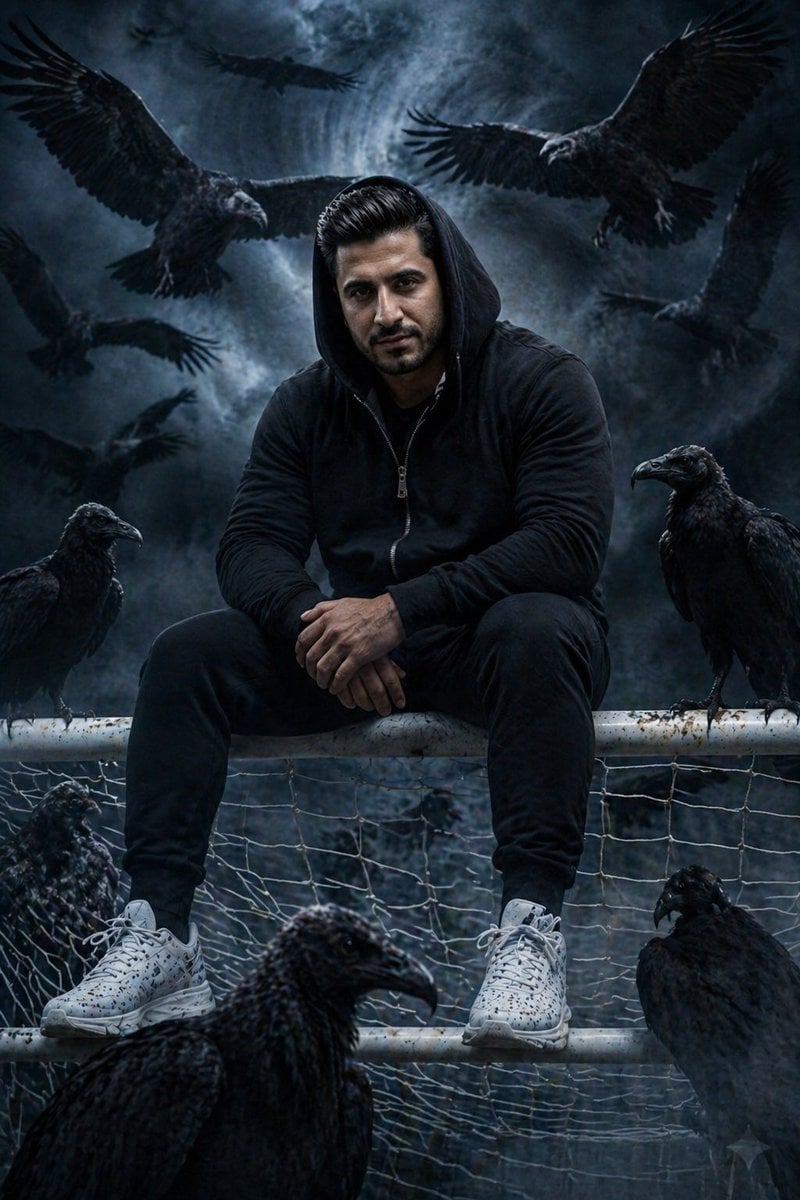
Cinematic South Asian Male Portrait with Vultures
Browse template categories
Cyberpunk Elf Rollerblader questions
How do I use the Cyberpunk Elf Rollerblader template?
Add your photo if the template asks for one, edit the prompt if you like — the template's model and format are already selected — and press Generate. Your version opens in PicX Studio.
Can I customize the Cyberpunk Elf Rollerblader template?
Yes. You can change the subject, setting, lighting, mood, format, and available model controls before creating your image.
Is the Cyberpunk Elf Rollerblader template free?
Opening and editing this template is free. Generating uses credits, shown on the Generate button when you are signed in.
Which AI model should I use?
Start with GPT Image 2, which is the model associated with this template. You can compare another compatible model for a different finish.
Looking for something else? Browse all templates.

Your photo, any look
Thousands of ready templates for every top image and video model, from one credit balance.