
Sci-Fi Tactical Character Reference Sheet
Generates a highly detailed, multi-panel character design sheet featuring turnarounds, expression variants, and prop close-ups.
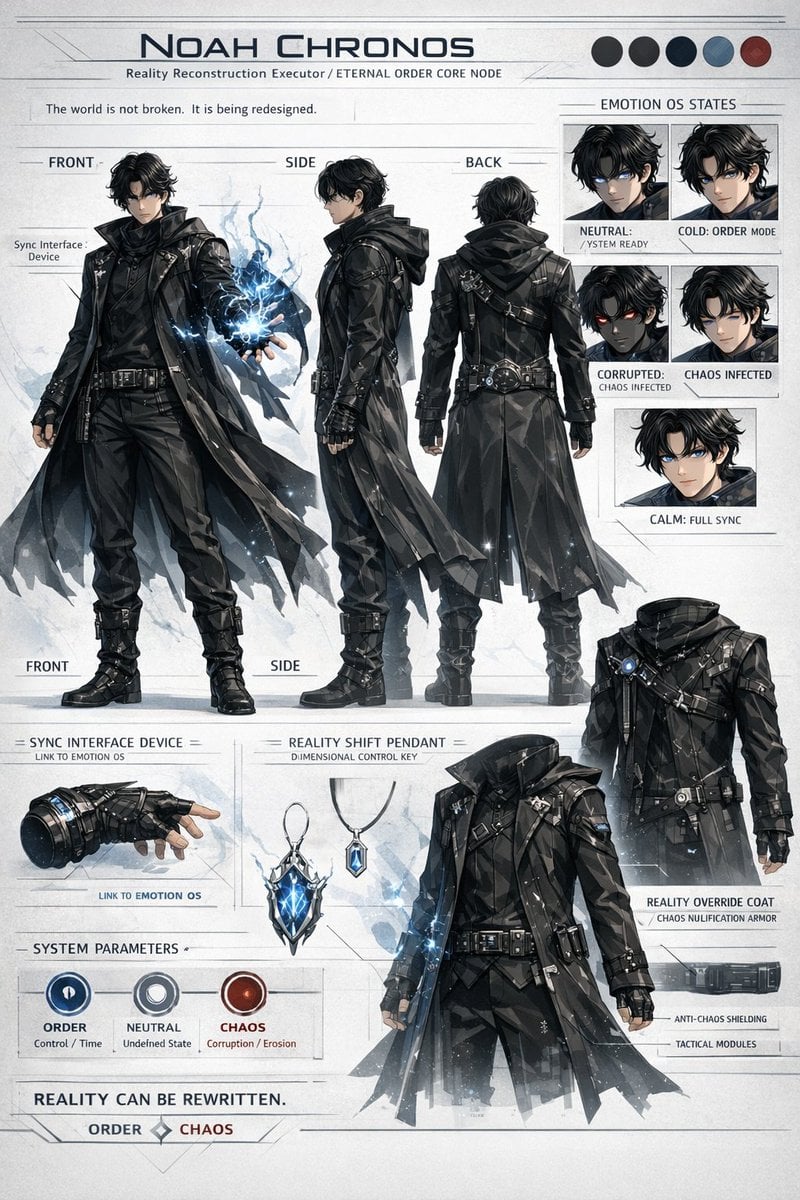
- Prompt included
- Model and format preset
- Free template
The prompt behind this image
Copy the exact prompt behind Sci-Fi Tactical Character Reference Sheet, or open it in the studio and make it yours.
- Type
- sci-fi anime character reference sheet
- Header › Title
- {argument name="character name" default="NOAH CHRONOS"}
- Header › Subtitle
- {argument name="subtitle" default="Reality Reconstruction Executor / ETERNAL ORDER CORE NODE"}
- Header › Quote
- The world is not broken. It is being redesigned.
- Header › Color Palette › Count
- 5
- Header › Color Palette › Colors
- black, dark grey, navy, grey-blue, dark red
- Character Design › Appearance
- young male, messy black hair, glowing blue eyes
- Character Design › Outfit
- {argument name="coat style" default="black tactical trench coat with geometric polygonal textures"}, high boots, belts, straps
- Character Design › Action
- holding {argument name="energy type" default="glowing blue lightning energy"} in left hand
- Layout › Sections › 0 › Title
- Main Turnarounds
- Layout › Sections › 0 › Position
- left and center
- Layout › Sections › 0 › Count
- 3
- Layout › Sections › 0 › Labels
- FRONT, SIDE, BACK
- Layout › Sections › 0 › Description
- full body poses showing the character from different angles
- Layout › Sections › 1 › Title
- EMOTION OS STATES
- Layout › Sections › 1 › Position
- top right
- Layout › Sections › 1 › Count
- 5
- Layout › Sections › 1 › Labels
- NEUTRAL: / YSTEM READY, COLD: ORDER MODE, CORRUPTED: CHAOS INFECTED, CHAOS INFECTED, CALM: FULL SYNC
- Layout › Sections › 1 › Description
- headshot portraits with varying expressions and eye colors
- Layout › Sections › 2 › Title
- Accessories
- Layout › Sections › 2 › Position
- bottom left
- Layout › Sections › 2 › Count
- 2
- Layout › Sections › 2 › Labels
- SYNC INTERFACE DEVICE = LINK TO EMOTION OS, REALITY SHIFT PENDANT = DIMENSIONAL CONTROL KEY
- Layout › Sections › 2 › Description
- detailed close-ups of a tactical glove and a glowing crystal pendant
Raw JSON
{
  "type": "sci-fi anime character reference sheet",
  "header": {
    "title": "{argument name=\"character name\" default=\"NOAH CHRONOS\"}",
    "subtitle": "{argument name=\"subtitle\" default=\"Reality Reconstruction Executor / ETERNAL ORDER CORE NODE\"}",
    "quote": "The world is not broken. It is being redesigned.",
    "color_palette": { "count": 5, "colors": ["black", "dark grey", "navy", "grey-blue", "dark red"] }
  },
  "character_design": {
    "appearance": "young male, messy black hair, glowing blue eyes",
    "outfit": "{argument name=\"coat style\" default=\"black tactical trench coat with geometric polygonal textures\"}, high boots, belts, straps",
    "action": "holding {argument name=\"energy type\" default=\"glowing blue lightning energy\"} in left hand"
  },
  "layout": {
    "sections": [
      {
        "title": "Main Turnarounds",
        "position": "left and center",
        "count": 3,
        "labels": ["FRONT", "SIDE", "BACK"],
        "description": "full body poses showing the character from different angles"
      },
      {
        "title": "EMOTION OS STATES",
        "position": "top right",
        "count": 5,
        "labels": ["NEUTRAL: / YSTEM READY", "COLD: ORDER MODE", "CORRUPTED: CHAOS INFECTED", "CHAOS INFECTED", "CALM: FULL SYNC"],
        "description": "headshot portraits with varying expressions and eye colors"
      },
      {
        "title": "Accessories",
        "position": "bottom left",
        "count": 2,
        "labels": ["SYNC INTERFACE DEVICE = LINK TO EMOTION OS", "REALITY SHIFT PENDANT = DIMENSIONAL CONTROL KEY"],
        "description": "detailed close-ups of a tactical glove and a glowing crystal pendant"
      },
      {
        "title": "SYSTEM PARAMETERS",
        "position": "bottom left",
        "count": 3,
        "labels": ["ORDER Control / Time", "NEUTRAL Undefined State", "CHAOS Corruption / Erosion"],
        "description": "circular UI icons in blue, grey, and red"
      },
      {
        "title": "REALITY OVERRIDE COAT / CHAOS NULIFICATION ARMOR",
        "position": "bottom right",
        "count": 1,
        "labels": ["ANTI-CHAOS SHIELDING", "TACTICAL MODULES"],
        "description": "headless display of the coat with pointing lines"
      }
    ]
  },
  "footer": {
    "quote": "{argument name=\"footer quote\" default=\"REALITY CAN BE REWRITTEN.\"}",
    "alignment": "ORDER [diamond] CHAOS"
  }
}How to use Sci-Fi Tactical Character Reference Sheet in 3 steps
- 1Upload ImagePNG, JPG or paste
Add your photo
Upload the photo the template builds on. The prompt, model and format are already set.
- 2…a portrait of your subject in softgolden-hour light, 85mm…
Personalize
Edit the subject and creative details for your destination.
- 3Generate
Generate
Press Generate — your image is created in PicX Studio, so you can compare it with the original and refine one variable at a time.
More like this
Templates with the same subject, style or setup. Open one to see its prompt.

Dancer Character - Four View Reference Sheet

Movement Sheet - Dance Reference (Seedance 2.0)
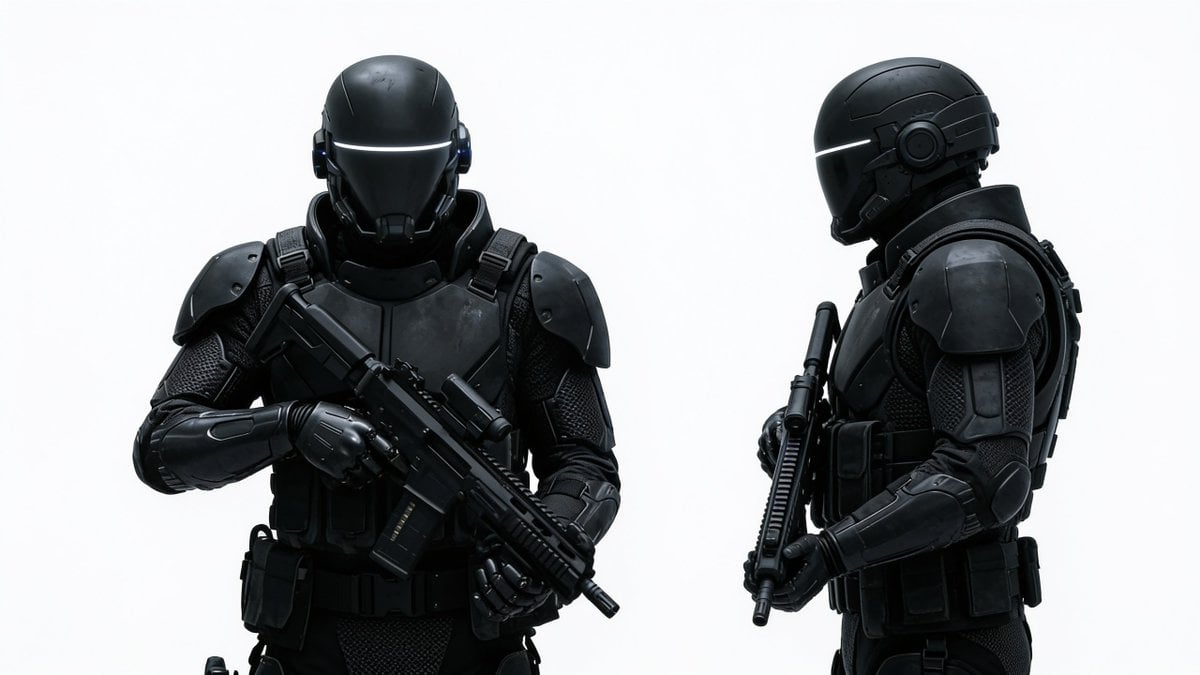
Sci-Fi Tactical Soldier Character Sheet
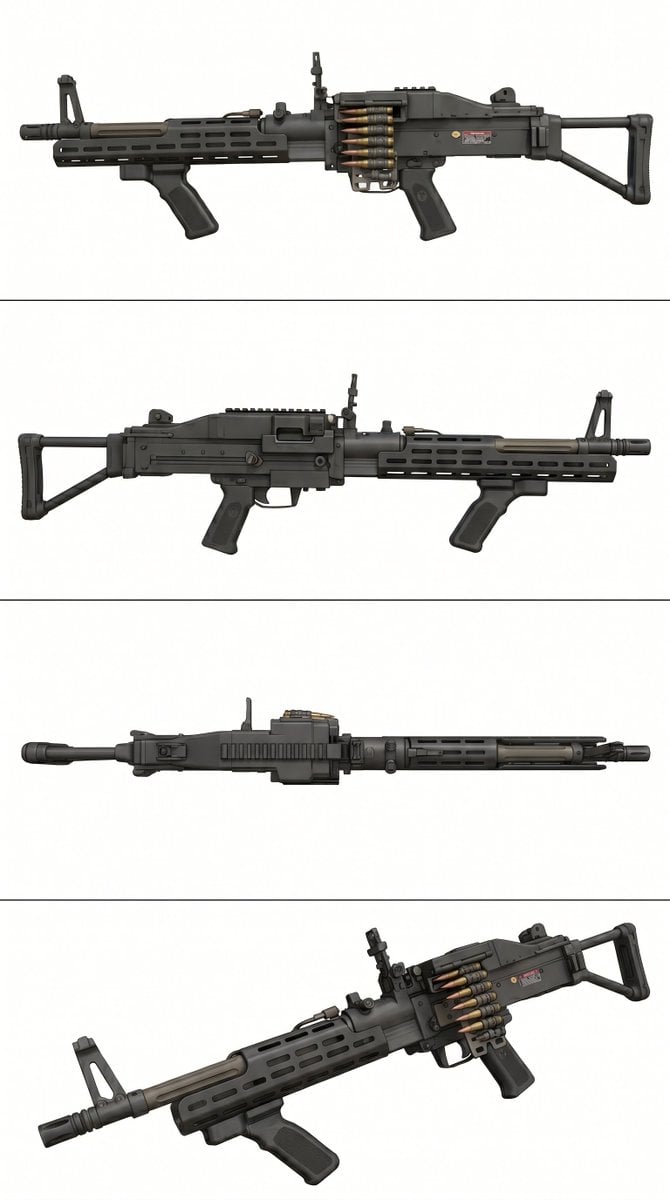
Tactical Machine Gun Reference Sheet
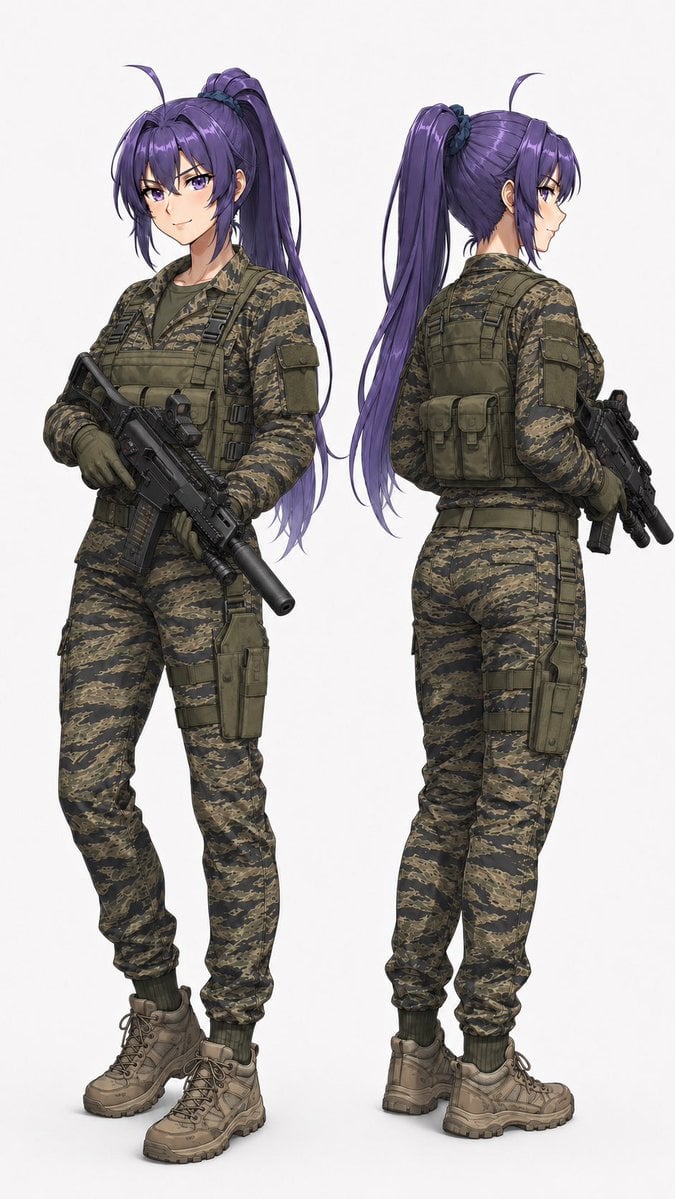
Anime Tactical Operator Character Sheet

Futuristic Anime Tactical Concept Sheet

Gray Studio Character Reference Sheet

Anime Character Sheet Reference Prompt
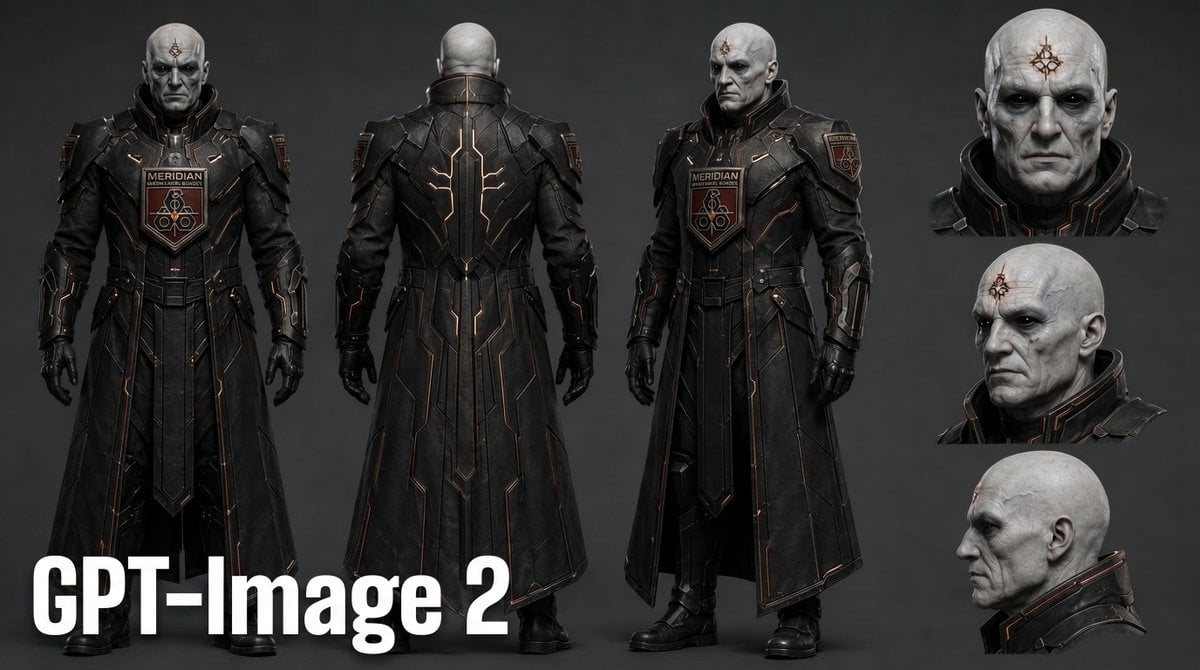
Dark Sci-Fi Commander Character Sheet
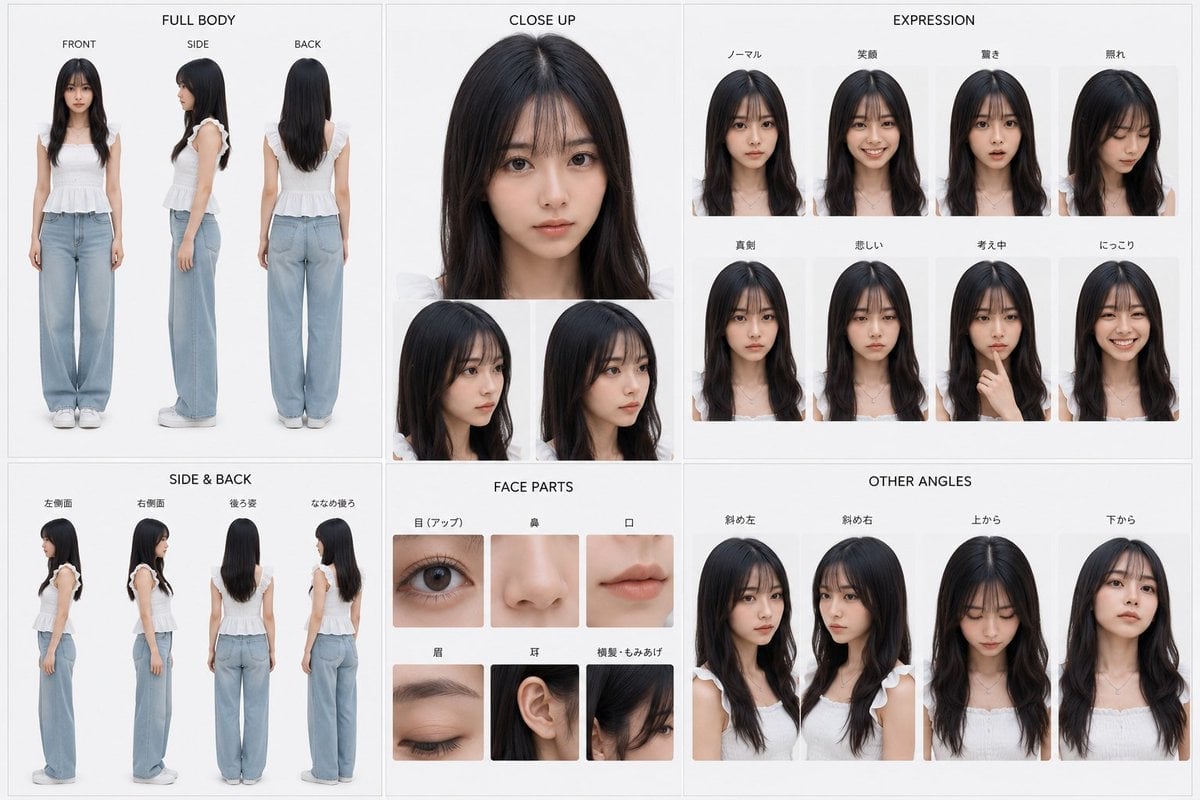
Photoreal Character Reference Sheet
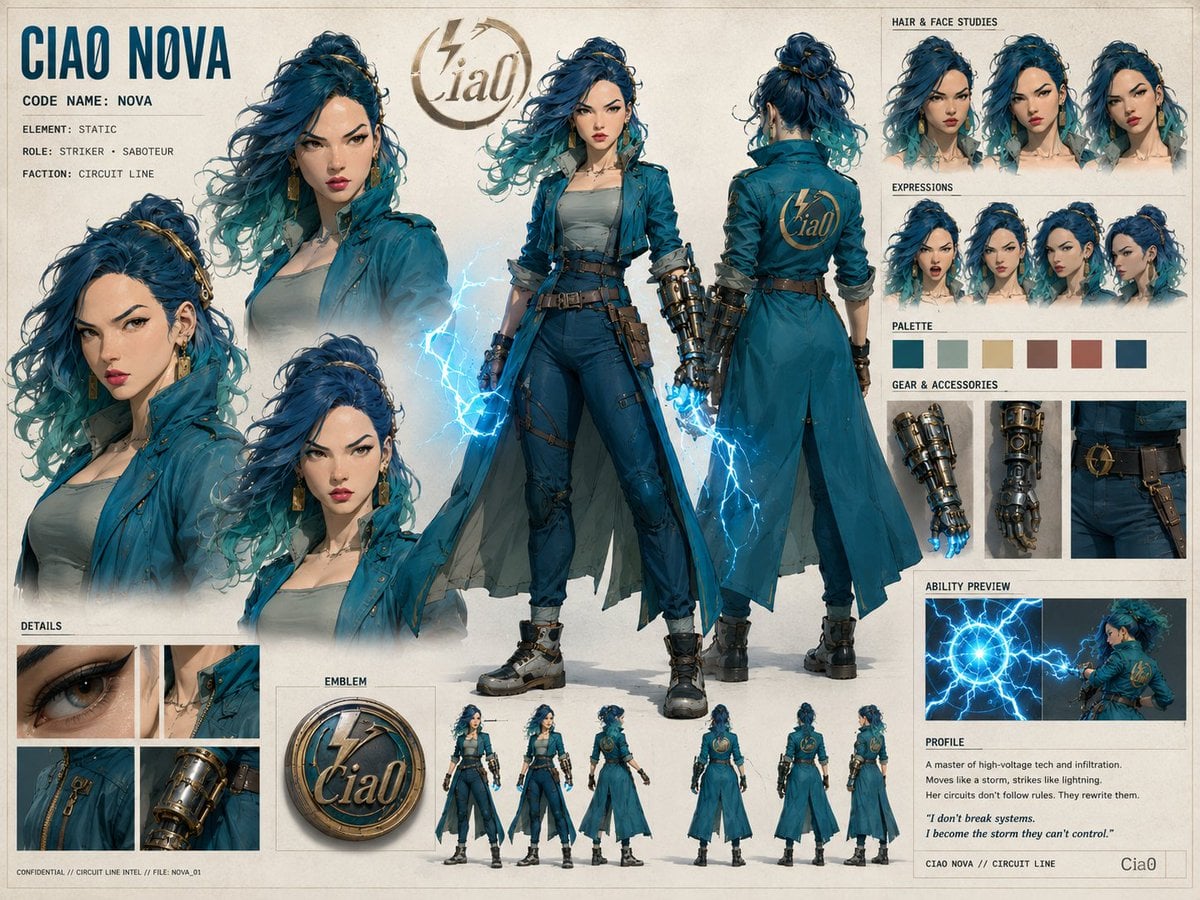
Ciao Nova Character Reference Sheet
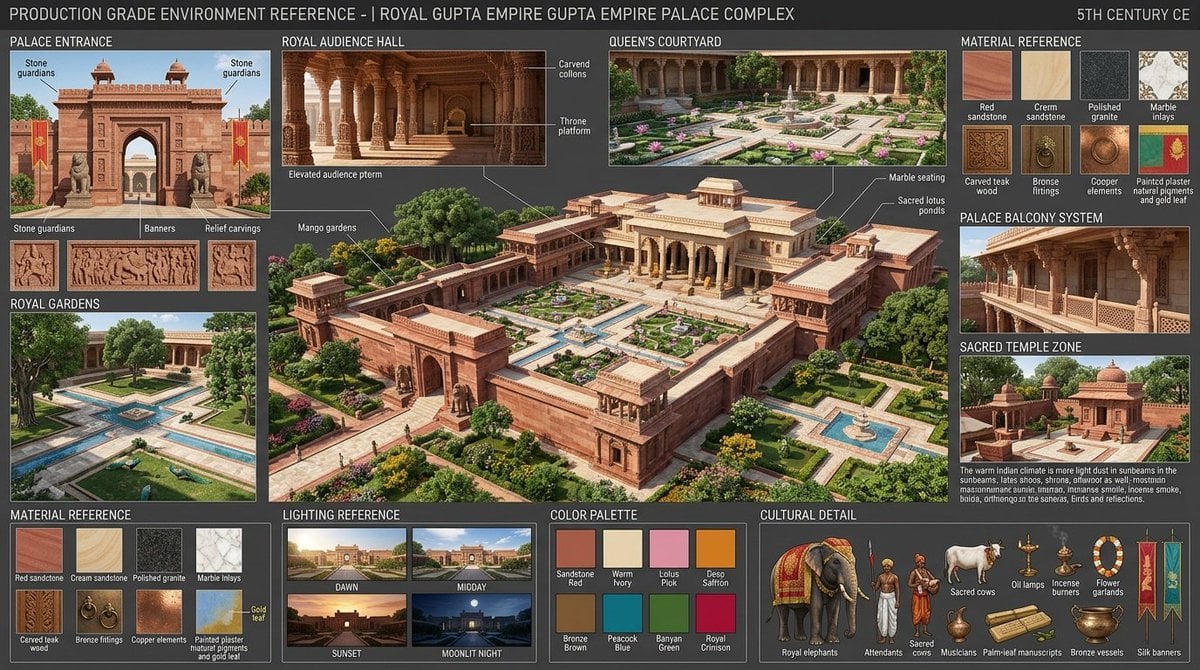
Gupta Palace Environment Reference Sheet
Make it yours
Sci-Fi Tactical Character Reference Sheet works as-is. These are the safest ways to change it without losing the look.
Change one field
Copy a single group, rewrite it, and generate again so you can see what that field is doing.
Keep the frame, change the subject
Hold the composition and light of Sci-Fi Tactical Character Reference Sheet, then swap wardrobe, props or the person for a new take.
| If the result… | Why | Fix |
|---|---|---|
| The result drifts from the preview | Too many fields changed at once. | Reuse Sci-Fi Tactical Character Reference Sheet as-is first, then change one group — subject, light, or setting. |
| GPT Image 2 ignores part of the JSON | Some models flatten or skip nested keys. | Keep the same values and paste them as a short paragraph instead. |
More GPT Image 2 templates
Other prompts made for GPT Image 2.

Six VTuber Japanese Logo Sheet

Realistic Portrait of Woman and Deer

The Vista Modular Condo Poster

AI Model Routing Comparison Infographic

2.5D Anime Art Board

Isometric Productivity Desk Scene

New York Double Exposure Poster

Four-Panel AI Landscape Comparison

Japanese Tatami Lifestyle Magazine Cover

NESCAFÉ Coffee Map Poster
More image prompts
Fresh picks from across the catalog.
Korean Tea Plantation Portrait

Flyer Redesign Prompt using Nano Banana Pro
90s Gyaru Magazine Cover
Cosmetic Product Shot with Water Splash
Biological Illustration Page
Kawaii Punk Band Studio Scene
Cinematic European Street Portrait Prompt

Playful Chocolate Advertisement Poster
Hyper-Realistic Product Shot with Exploding Citrus and Liquid
Watercolor Korean Hanok Village Sketch
Browse template categories
Sci-Fi Tactical Character Reference Sheet questions
How do I use the Sci-Fi Tactical Character Reference Sheet template?
Add your photo if the template asks for one, edit the prompt if you like — the template's model and format are already selected — and press Generate. Your version opens in PicX Studio.
Can I customize the Sci-Fi Tactical Character Reference Sheet template?
Yes. You can change the subject, setting, lighting, mood, format, and available model controls before creating your image.
Is the Sci-Fi Tactical Character Reference Sheet template free?
Opening and editing this template is free. Generating uses credits, shown on the Generate button when you are signed in.
Which AI model should I use?
Start with GPT Image 2, which is the model associated with this template. You can compare another compatible model for a different finish.
Looking for something else? Browse all templates.

Your photo, any look
Thousands of ready templates for every top image and video model, from one credit balance.