
Cosmetic Product Shot with Water Splash
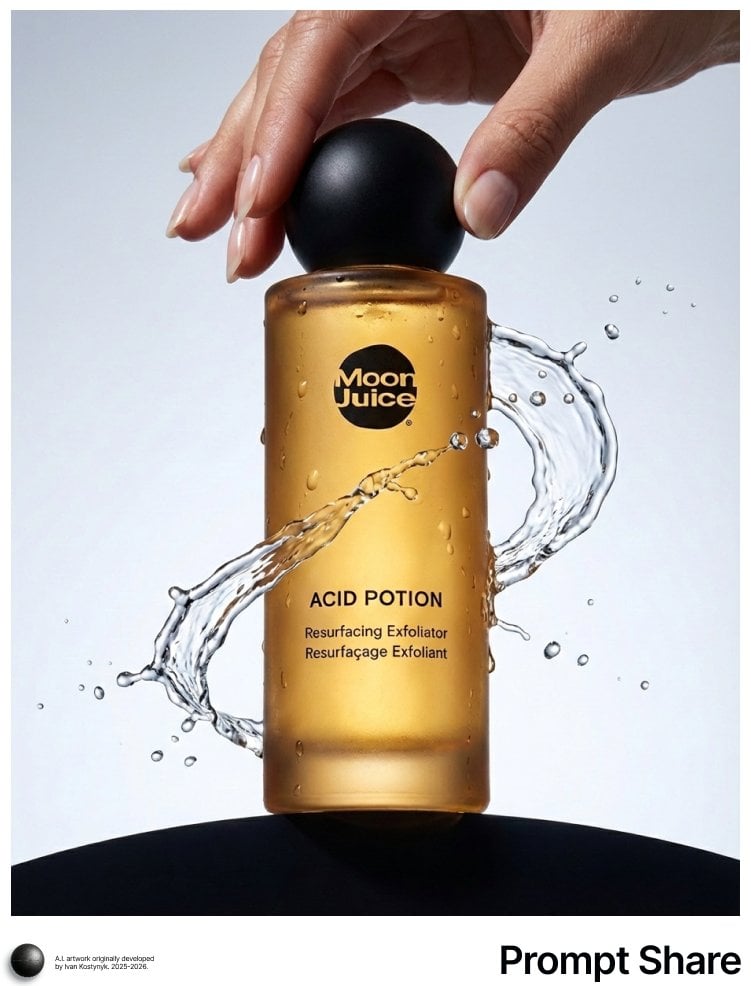
A detailed, technical prompt for generating a commercial product shot of a cylindrical amber cosmetic bottle (ACID POTION) with condensation and a dynamic water splash, set against a minimal gradient background with…
- Prompt included
- Model and format preset
- Free template
The prompt behind this image
Copy the exact prompt behind Cosmetic Product Shot with Water Splash, or open it in the studio and make it yours.
IMAGE: A cylindrical cosmetic bottle stands centered and vertically upright in the frame, bottom-weighted with the base resting on a dark, rounded platform that curves gently across the lower edge; the camera presents a front-facing view of the bottle at approximately eye level relative to the center of the label, with no tilt, and the subject is oriented straight and symmetrical, though the cap is slightly offset by lighting and perspective; the top of the cap sits close to the upper edge but remains fully visible, while the base is cropped just below the platform edge, suggesting the bottle continues downward beyond the frame; the bottle has a smooth cylindrical form with softly rounded shoulders and a short neck topped by a spherical, matte black cap. woman's hand touching the top cap to open it; the material appears to be semi-translucent frosted glass in a warm amber tone, with condensation droplets and streaks of water clinging to the surface, creating irregular, organic patterns across the front and sides; a splash of water arcs outward from the right side of the bottle at mid-height, forming thin, curved ribbons and droplets frozen in motion, extending into the negative space on the right; the background is a clean, pale gray to light blue gradient with no visible environmental details, creating a studio-like, minimal depth; the camera distance is moderately close, likely using a normal to short telephoto focal length, producing minimal distortion and a slightly compressed, product-focused perspective; the entire bottle and splash are in sharp focus, indicating a controlled depth of field with crisp edges and fine detail in the water droplets; lighting appears strong and directional from behind and slightly above, creating a bright, glowing highlight through the translucent glass and illuminating the liquid inside, while also producing specular highlights on the water droplets; the light creates sharp reflections and a halo-like glow around the cap and shoulders, with softer fill light from the front to keep the label legible; visible effects include high-contrast backlighting, bright specular highlights, subtle bloom around the brightest reflections, and a clean, commercial-grade color grade emphasizing warm amber tones against the cool neutral background; the palette is dominated by warm amber and golden hues within the bottle, contrasted by cool gray-blue background tones and the deep black of the cap and base; the atmosphere is clear with no haze, but the presence of water droplets and the dynamic splash suggests recent motion, frozen at the moment of impact or pour. TEXT: Logo: “Moon Juice”; Title: “ACID POTION”; Body: “Resurfacing Exfoliator”; Other: “Resurfaçage Exfoliant”.
How to use Cosmetic Product Shot with Water Splash in 3 steps
- 1
Open
The prompt is already in the box next to the preview, with the template's model and format selected.
- 2…a portrait of your subject in softgolden-hour light, 85mm…
Personalize
Edit the subject and creative details for your destination.
- 3Generate
Generate
Press Generate — your image is created in PicX Studio, so you can compare it with the original and refine one variable at a time.
More like this
Templates with the same subject, style or setup. Open one to see its prompt.

Minimalist Skincare Product Water Stone Still

Cappuccino Bottle Splash Product Ad

Cosmetic Tube Product — Nano Banana 2
Minimalist Skincare Product Water Stone Still
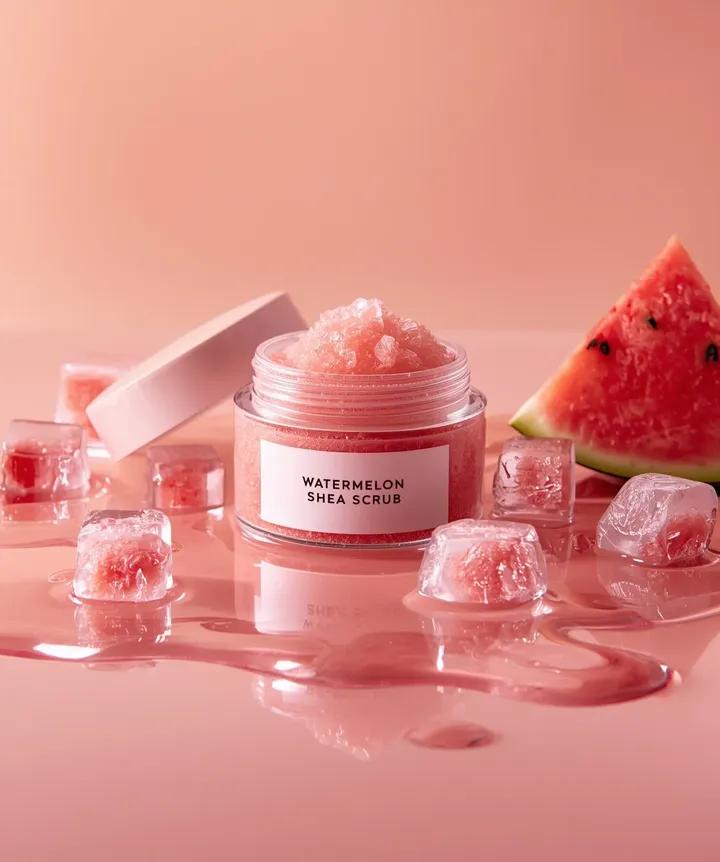
Hyper-photorealistic cosmetic skincare jar product shot with watermelon and ice cubes
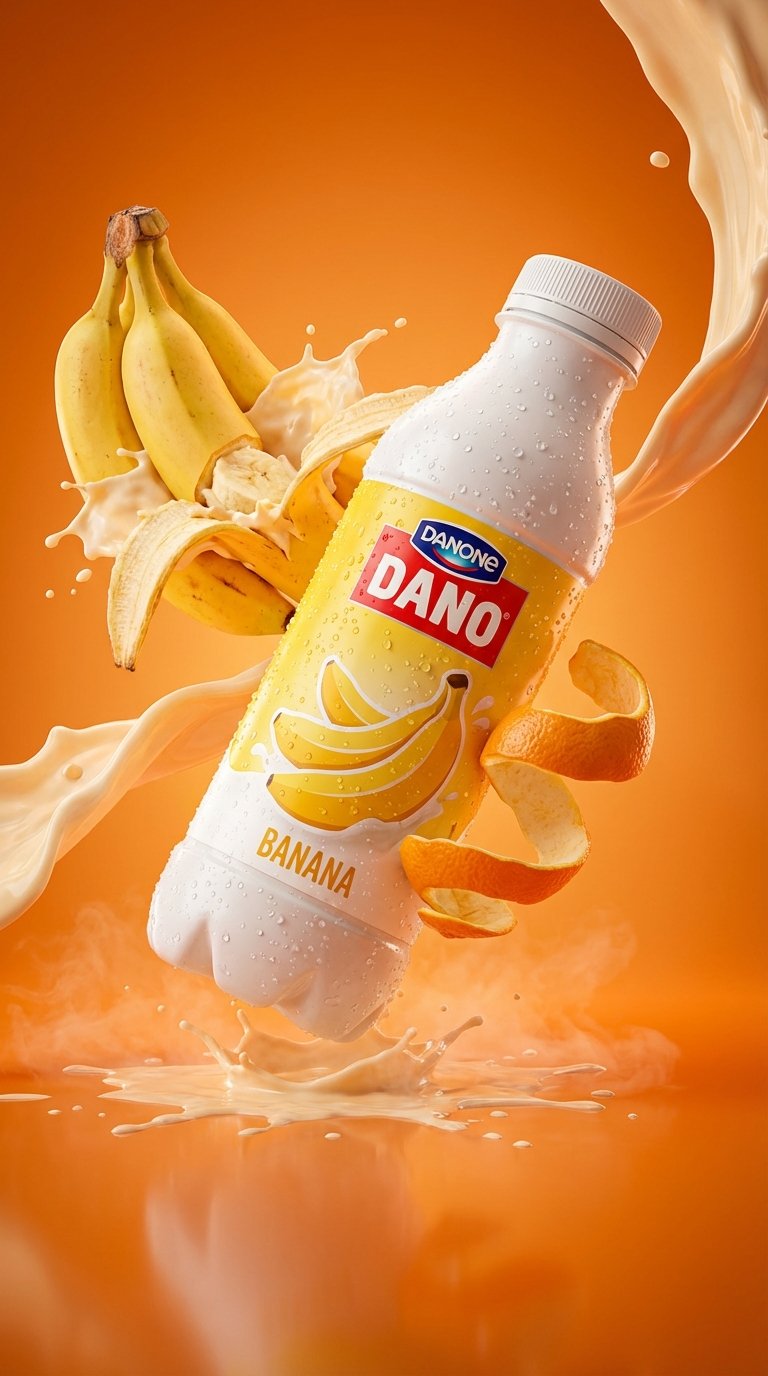
Cinematic Dynamic Splash Product Promo
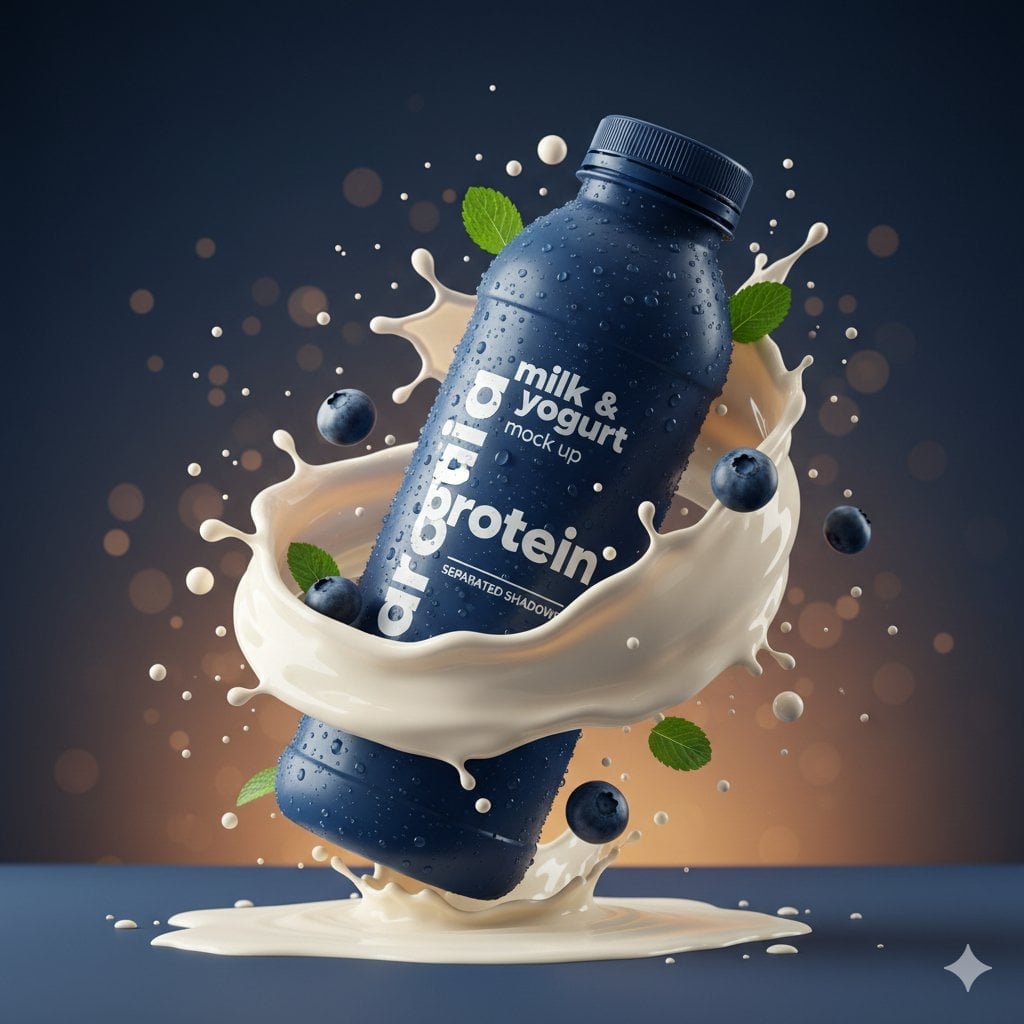
Commercial Product Splash Photography

A k.pop idol on the stage with mic
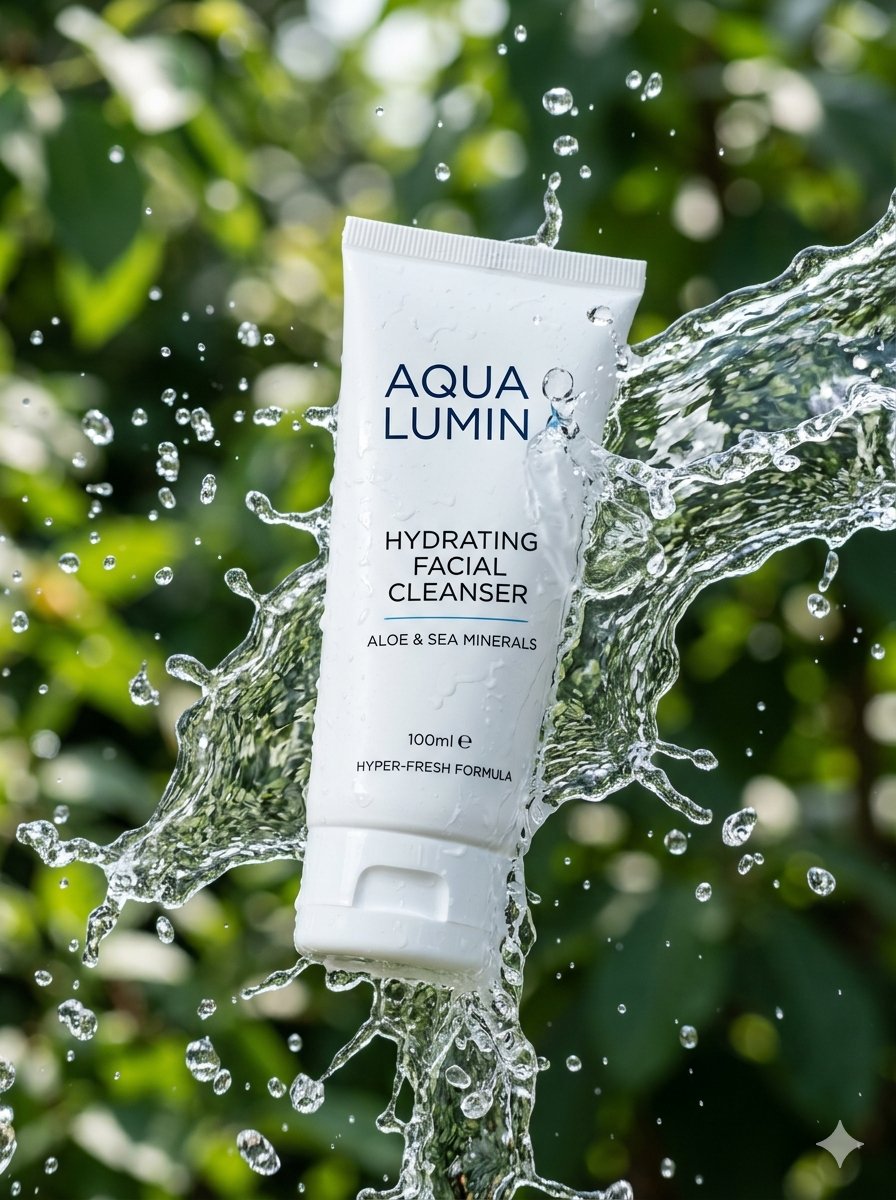
Cinematic Cosmetic Product Photography
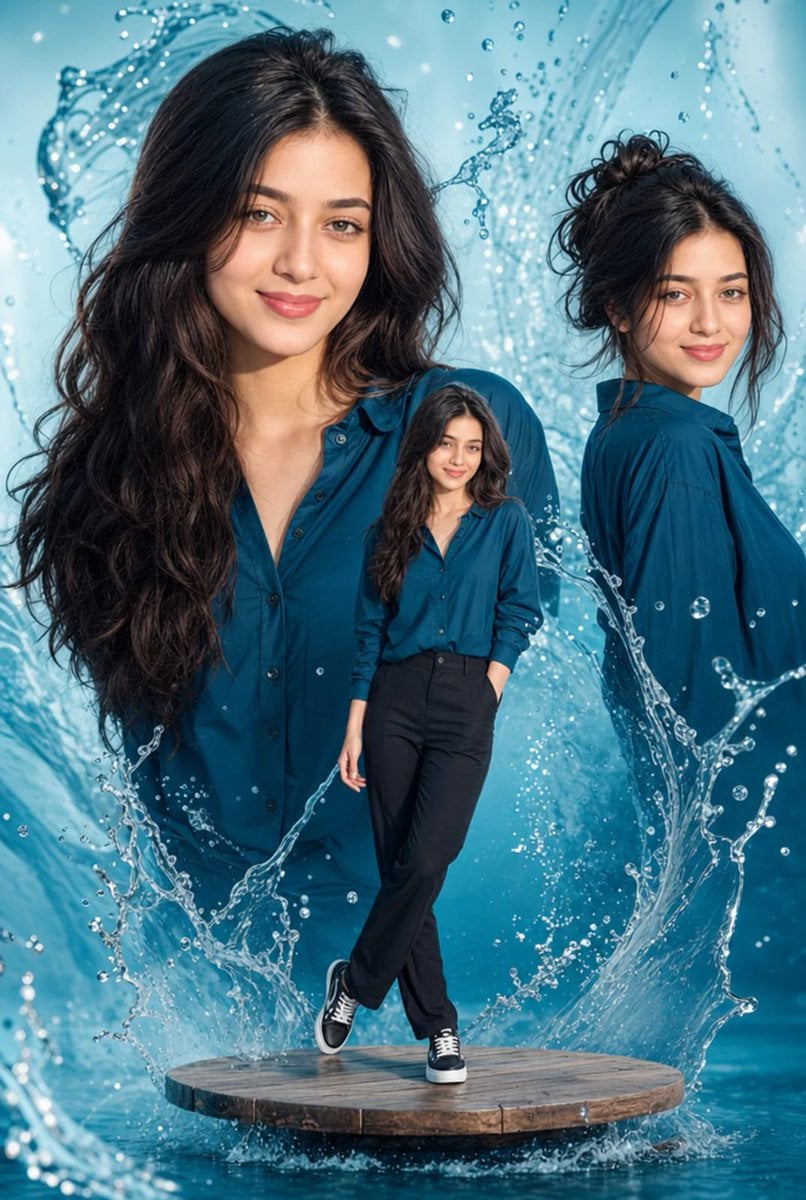
Cinematic Water Splash Woman Portrait
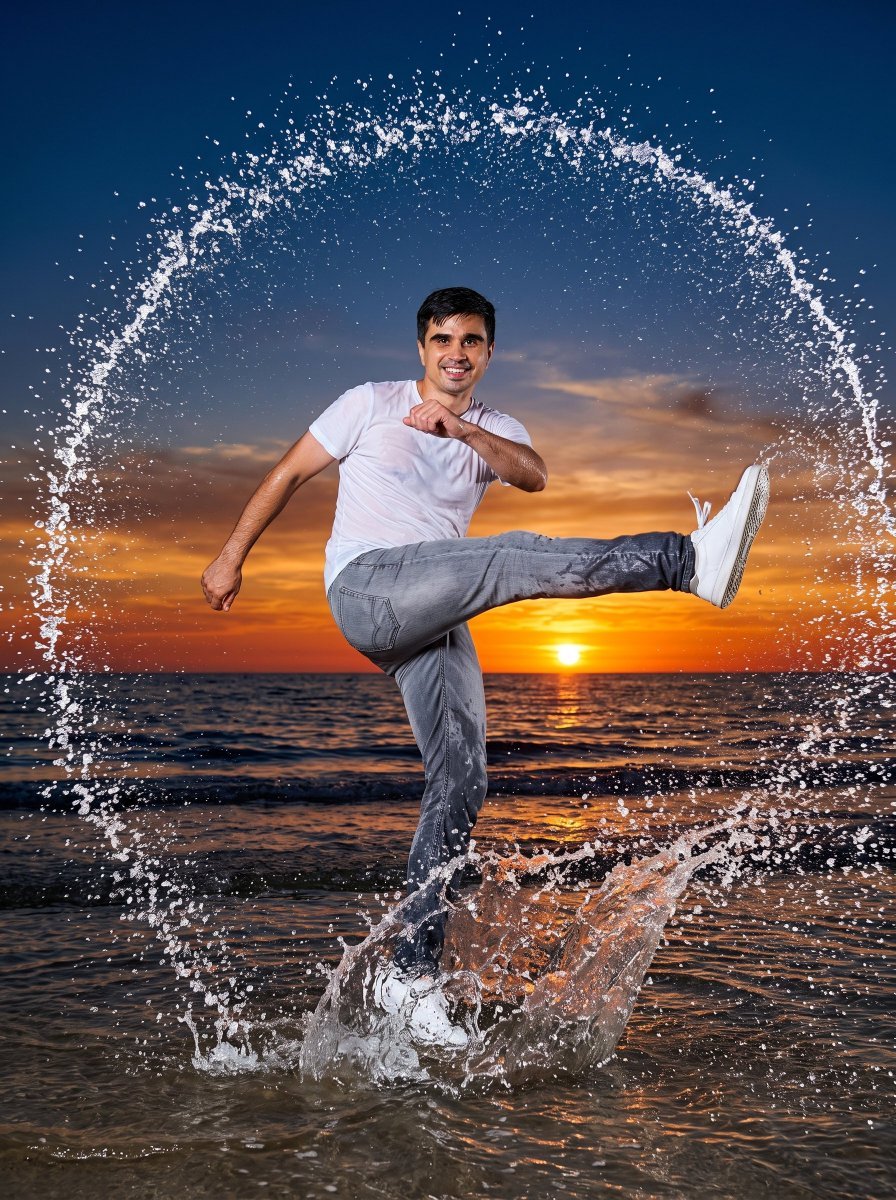
Circular Water Splash Action Photo

Trendy Cafe Drink Promo Poster
Make it yours
Cosmetic Product Shot with Water Splash works as-is. These are the safest ways to change it without losing the look.
Change one field
Copy a single group, rewrite it, and generate again so you can see what that field is doing.
Keep the frame, change the subject
Hold the composition and light of Cosmetic Product Shot with Water Splash, then swap wardrobe, props or the person for a new take.
| If the result… | Why | Fix |
|---|---|---|
| The result drifts from the preview | Too many fields changed at once. | Reuse Cosmetic Product Shot with Water Splash as-is first, then change one group — subject, light, or setting. |
| The model over-stylizes the scene | The prose prompt leaves finish and camera underspecified. | Add one camera or lighting sentence and stay on Nano Banana 2. |
More Nano Banana 2 templates
Other prompts made for Nano Banana 2.

Photorealistic Leaf Shaped Like a Dragon

K-Pop Idol Portrait Grid for Rapid Selection

Poetic Rain Forest Portrait During Golden Hour

Urban Street Portrait with Cartoon Inner Self Duo

Candid Nighttime Photo with Cat Prompt

High-Concept 3D Diorama Generation Prompt

Cinematic Futuristic Studio Portrait Template

Skincare Editorial Photography Collage Prompt

Hyper-Realistic Commercial Product Photography (Splash Effect)

Hyper-Realistic Nightclub Portrait Prompt
More image prompts
Fresh picks from across the catalog.
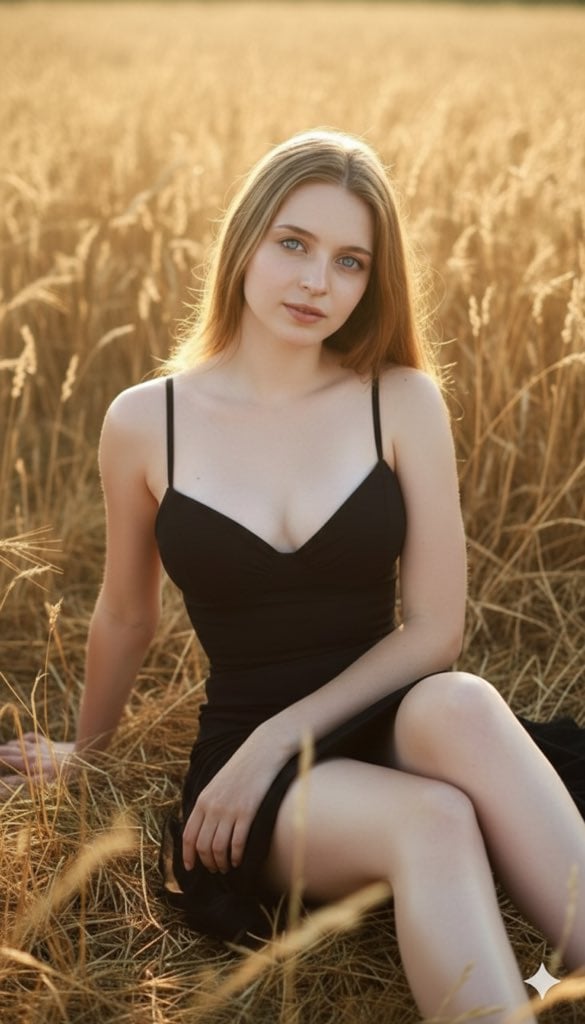
Three Variations of a Blonde Woman in Black Clothing
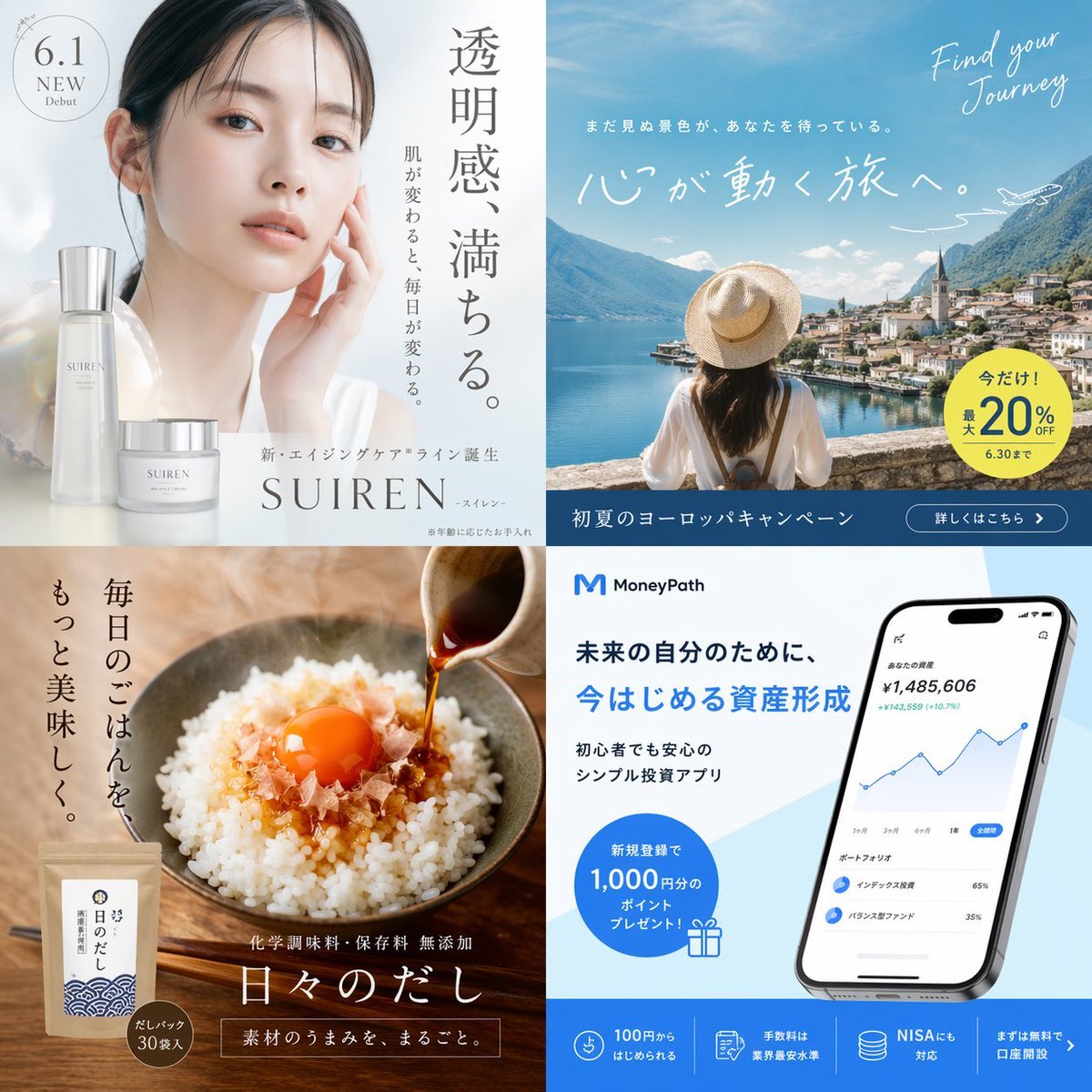
2x2 Japanese Banner Ad Grid
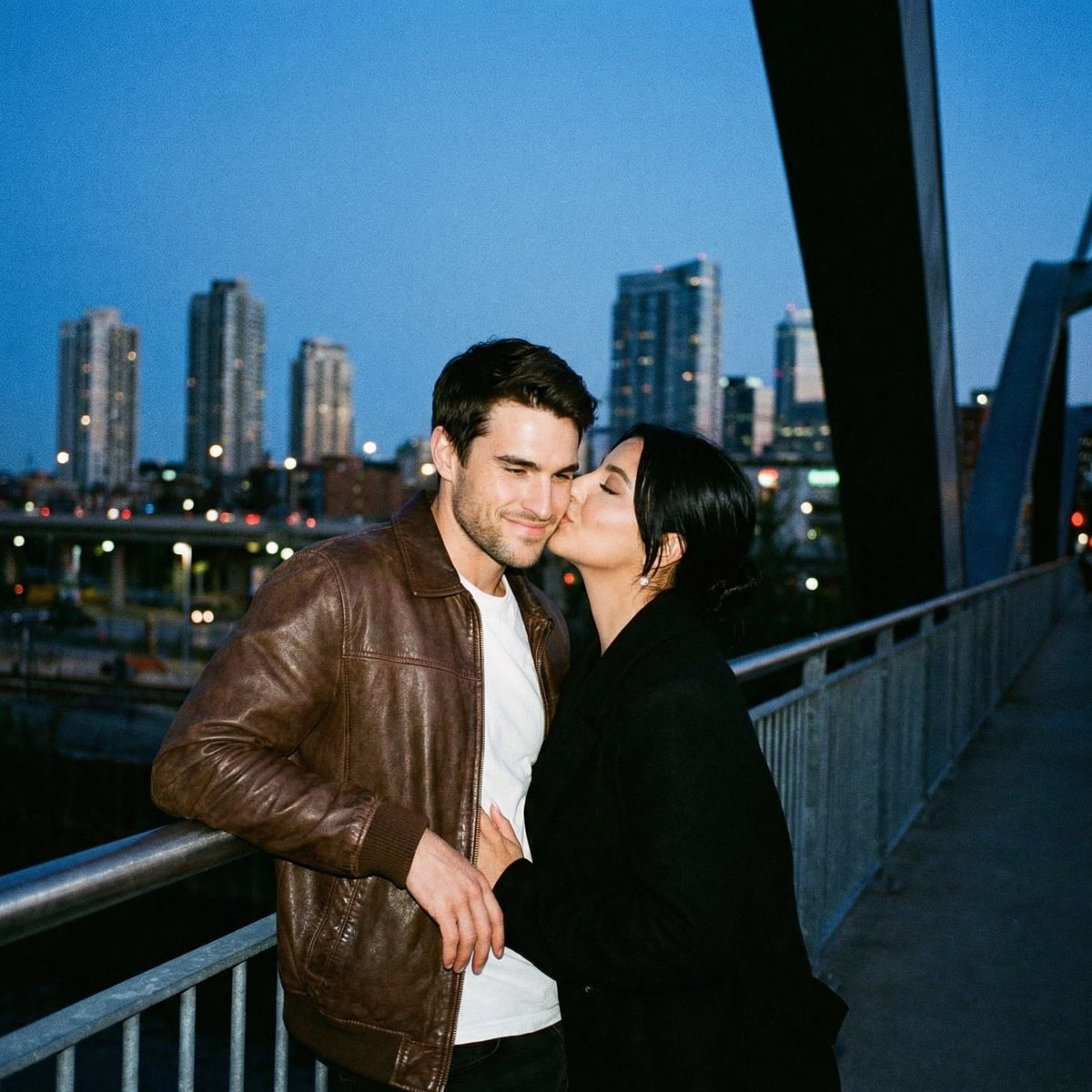
Ultra Analog Film Candid Romance Scene
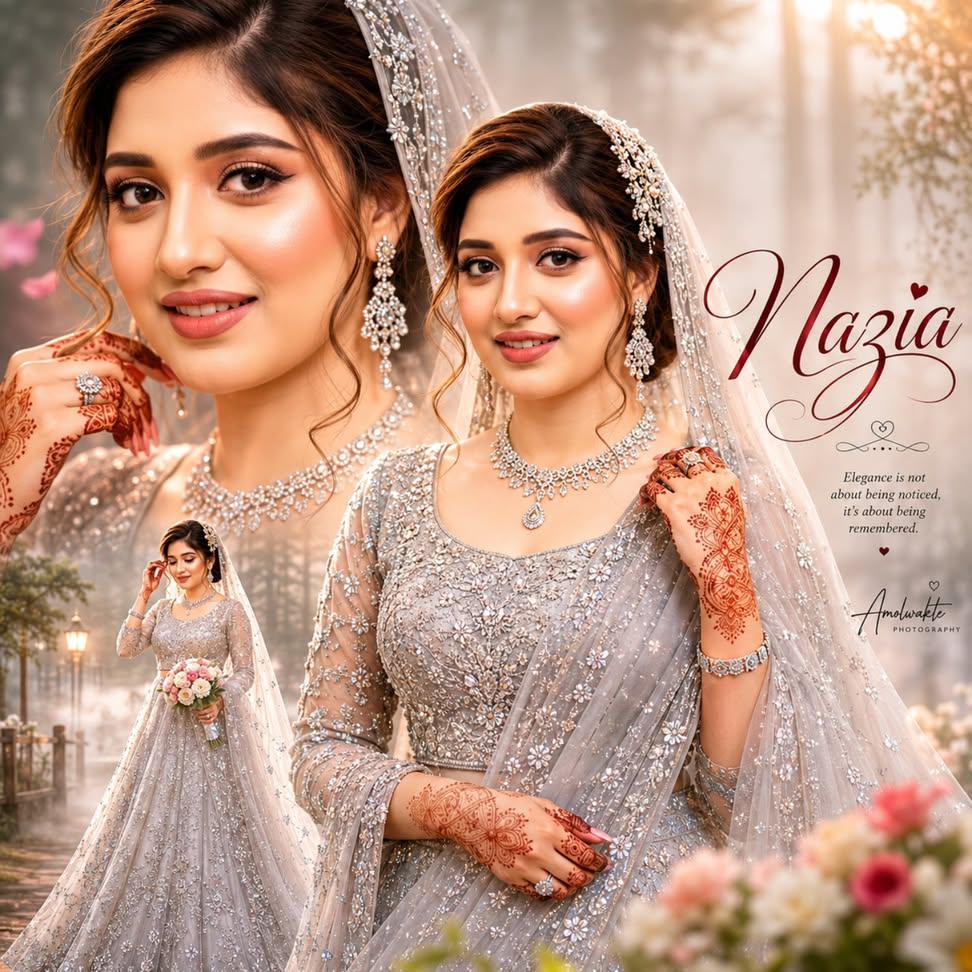
Ultra-realistic Indian Bridal Portrait Collage
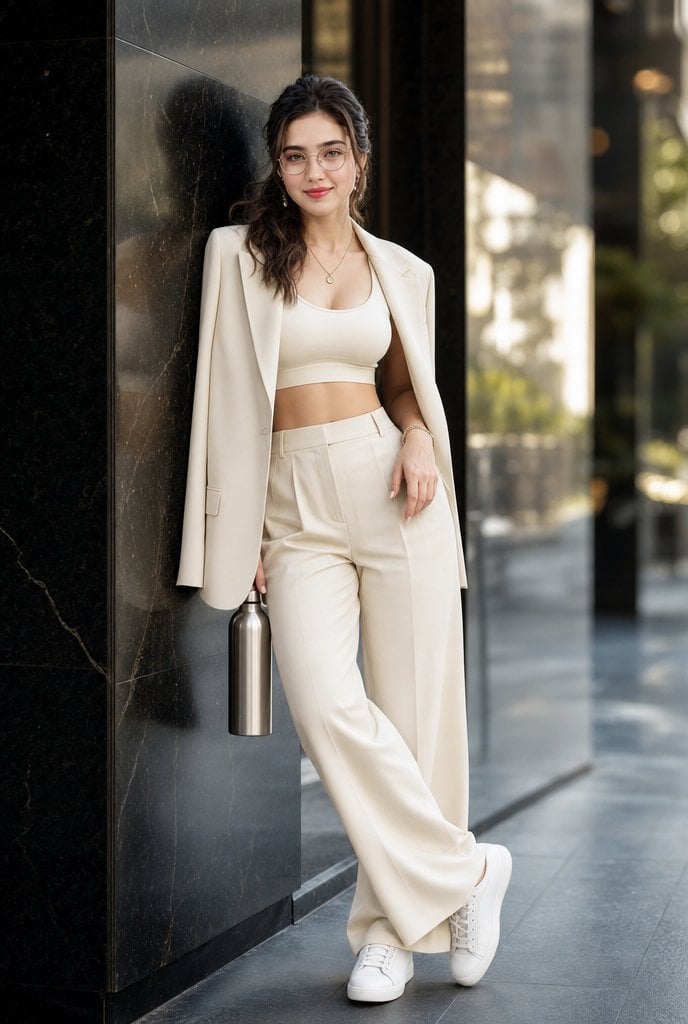
Cream Monochrome Urban Fashion Portrait

K-Fashion Retro Streetwear Editorial
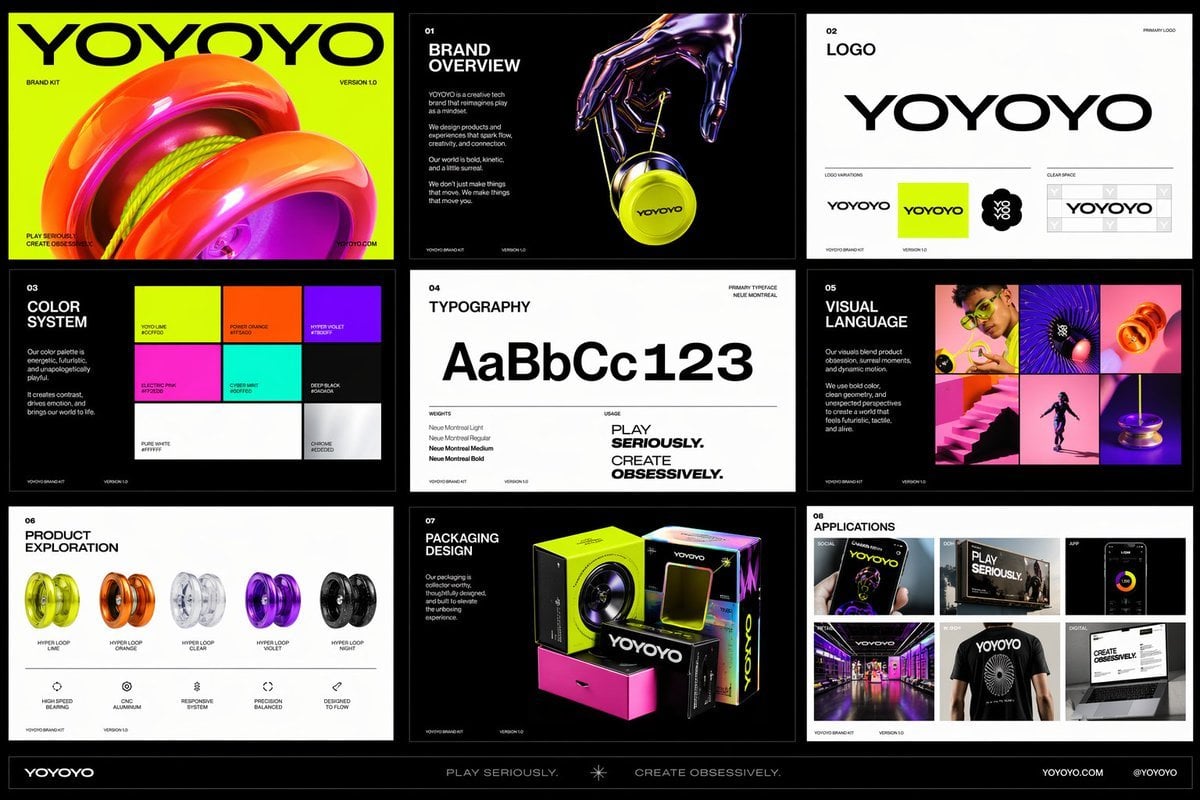
Futuristic Yo-Yo Brand Book Board
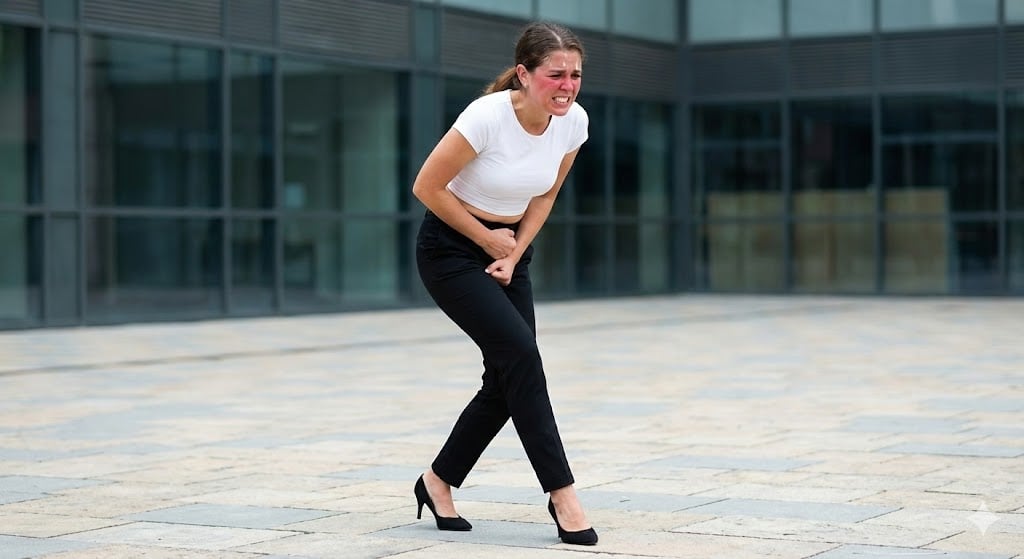
Toilet Urgency Walking Prompt Generator (Midjourney/Nano Banana Pro)
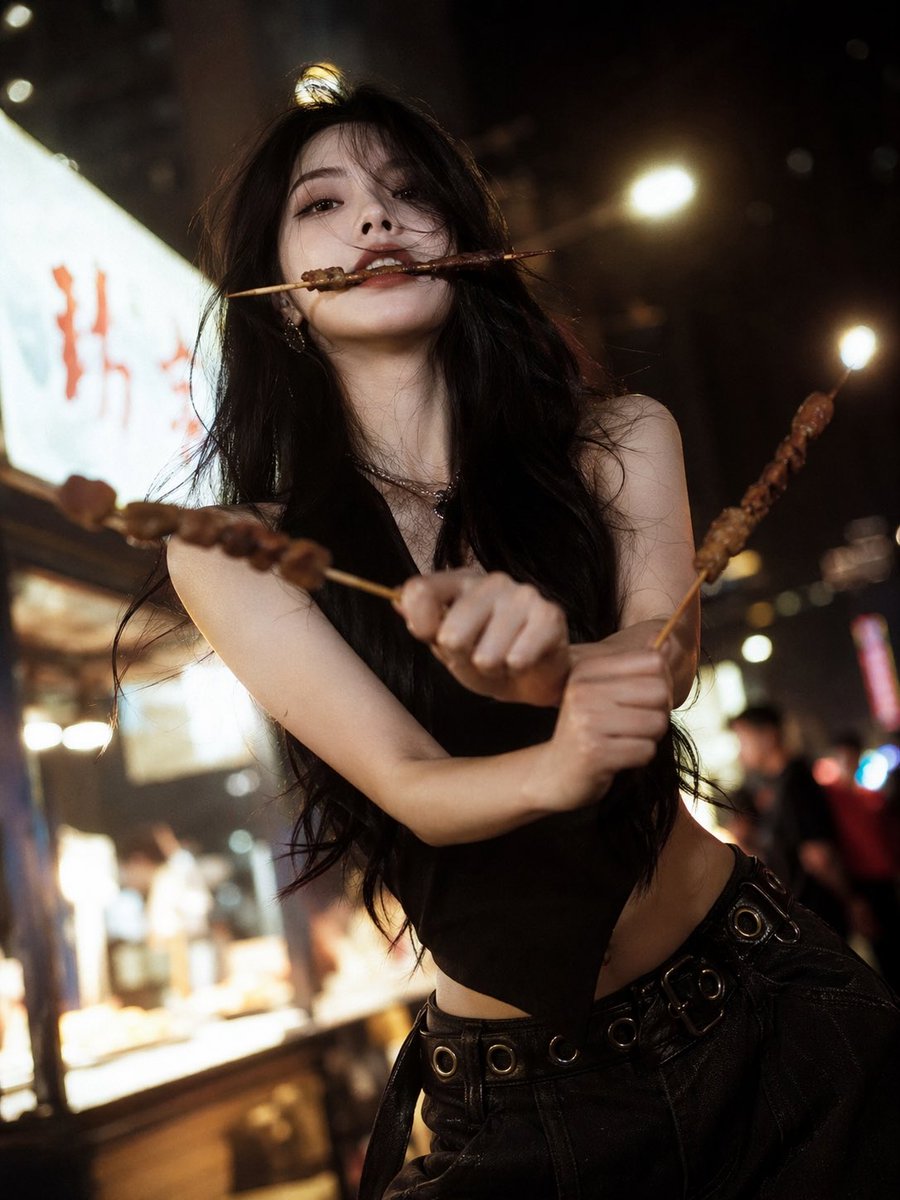
High-Fashion Anime Homage Portrait
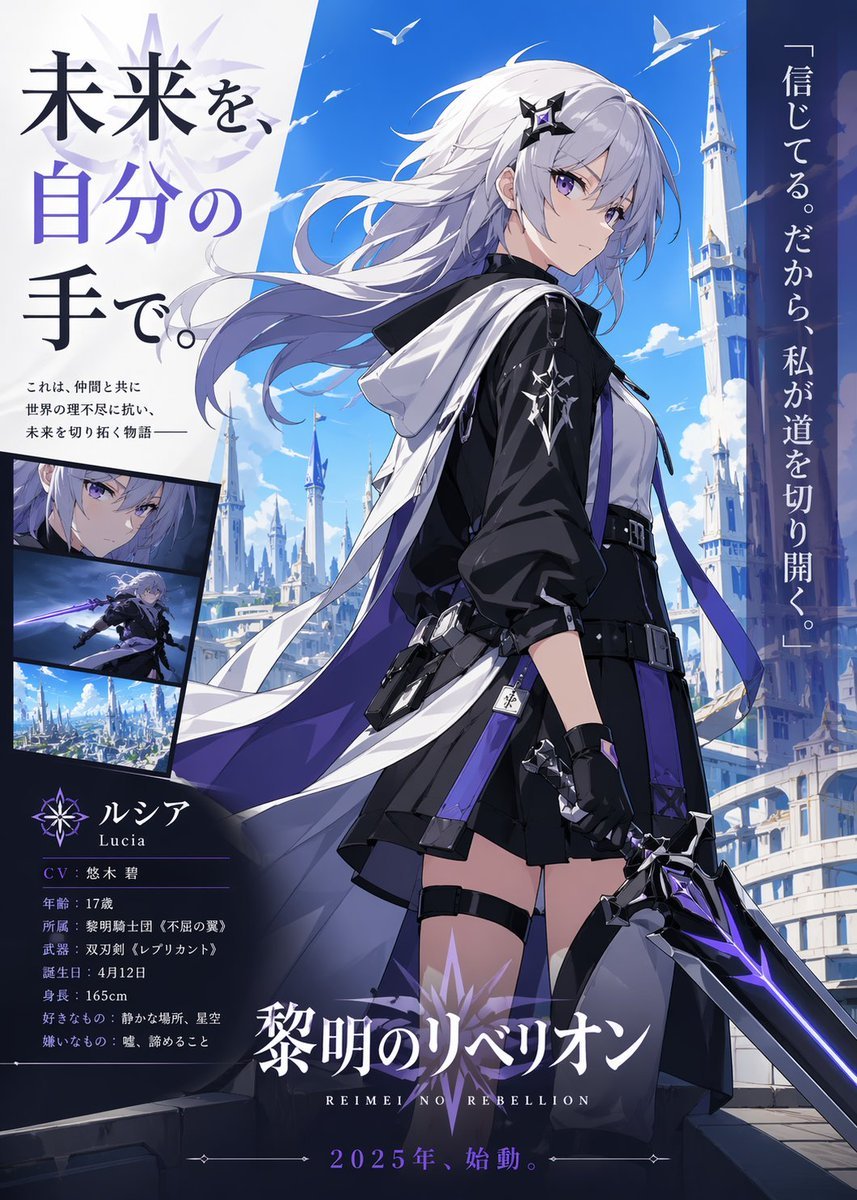
Anime Heroine Promo Poster
Browse template categories
Cosmetic Product Shot with Water Splash questions
How do I use the Cosmetic Product Shot with Water Splash template?
Add your photo if the template asks for one, edit the prompt if you like — the template's model and format are already selected — and press Generate. Your version opens in PicX Studio.
Can I customize the Cosmetic Product Shot with Water Splash template?
Yes. You can change the subject, setting, lighting, mood, format, and available model controls before creating your image.
Is the Cosmetic Product Shot with Water Splash template free?
Opening and editing this template is free. Generating uses credits, shown on the Generate button when you are signed in.
Which AI model should I use?
Start with Nano Banana 2, which is the model associated with this template. You can compare another compatible model for a different finish.
Looking for something else? Browse all templates.

Your photo, any look
Thousands of ready templates for every top image and video model, from one credit balance.