
Ultra Analog Film Candid Romance Scene
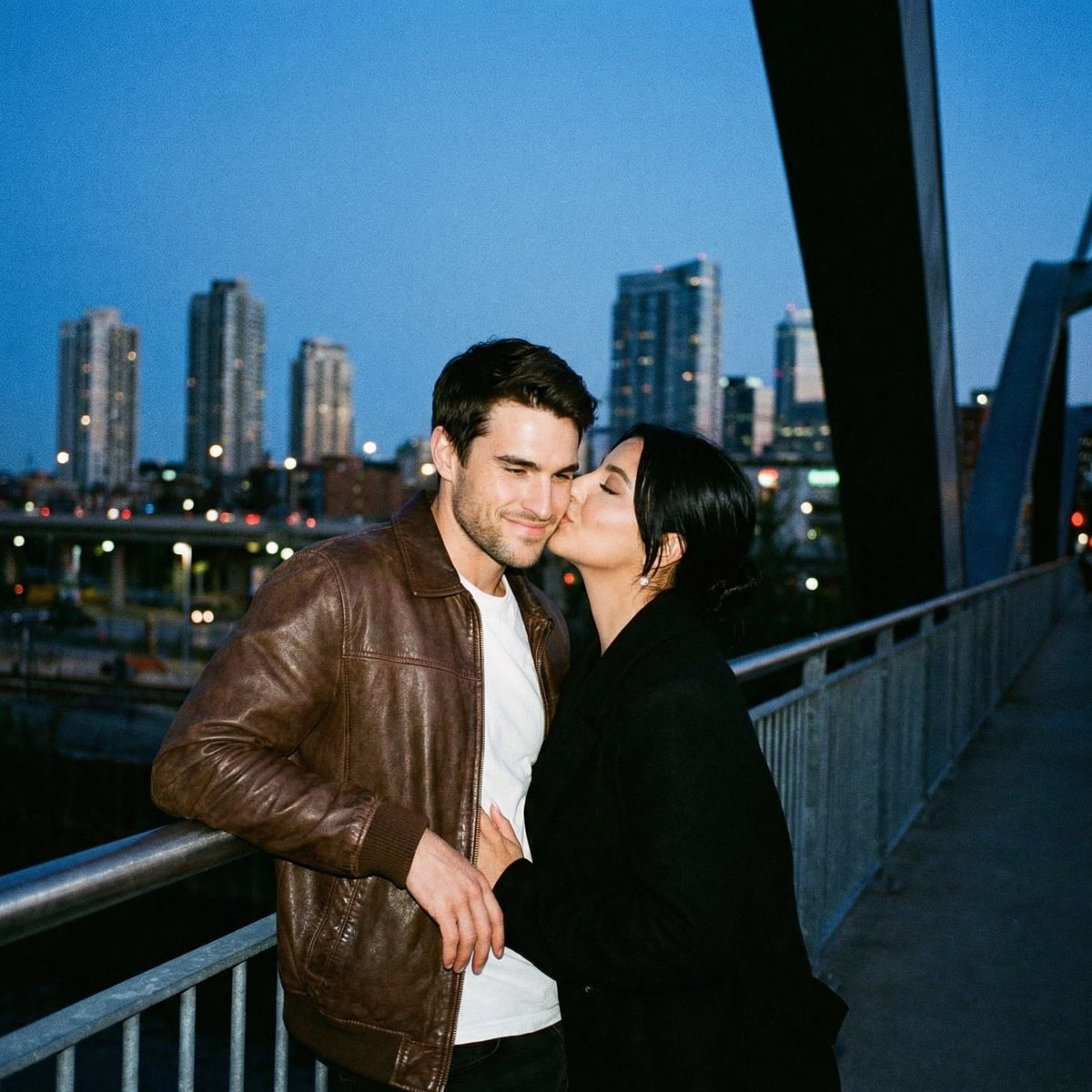
A highly structured JSON prompt designed for generating an ultra-analog film image of a couple kissing on a pedestrian bridge at blue hour.
- Prompt included
- Model and format preset
- Free template
The prompt behind this image
Copy the exact prompt behind Ultra Analog Film Candid Romance Scene, or open it in the studio and make it yours.
{ "meta": { "project": "analog_bridge_kiss_city_bokeh", "style": "ultra_analog_film_candid_romance", "aspect_ratio": "4:5", "output_type": "single_image", "priority": "highest" }, "scene": { "location": "{argument name="location" default="pedestrian bridge / waterfront promenade at dusk"}", "environment": "city skyline across water, distant high-rises softly blurred, bridge structure creating a dark diagonal leading line on the right", "time": "blue hour (post-sunset)", "weather": "clear, cool air", "mood": "intimate, spontaneous, lived-in night" }, "subjects": { "couple": { "pose": "standing close at the railing, kissing", "woman": { "appearance": "short dark hair tucked behind ear, subtle natural makeup", "wardrobe": "dark jacket, minimal jewelry", "action": "left hand cradling the back of his head/neck while kissing, calm soft expression" }, "man": { "appearance": "wavy medium-length hair, light stubble", "wardrobe": "tan/brown leather jacket over a white t-shirt, dark jeans, thin chain necklace", "action": "leaning back slightly into the railing, relaxed posture, one hand resting near hip/railing" } } }, "composition": { "framing": "medium close shot, couple centered slightly right, railing visible at waist level, skyline bokeh in background", "foreground": "subtle dark vignette / edge occlusion like a film gate or lens hood", "background": "soft city lights as round bokeh, water surface barely visible, bridge structure forming a bold diagonal" }, "camera": { "lens": "35mm vintage prime (or 50mm equivalent), wide open", "aperture_feel": "f/1.8–f/2.0 shallow depth of field", "focus": "focus locked on faces and lips; background heavily defocused", "exposure": "slightly underexposed highlights protected; no blown sky", "stabilization": "handheld documentary feel, steady (no jitter)" }, "analog_look": { "film_stock": "{argument name="film stock" default="Kodak Portra 800 (blue-hour friendly) OR Cinestill 800T vibe (very subtle halation)"}", "grain": "prominent but natural film grain", "contrast": "low-mid contrast, lifted blacks, soft roll-off in highlights", "color": "cool blue ambient shadows + warm skin tones; gentle amber practical lights", "halation": "subtle around distant point lights only (not exaggerated)", "lens_character": "slight softness, mild chromatic aberration at edges, gentle corner falloff", "imperfections": "tiny dust specks, faint gate weave feel, very light vignette" }, "texture_fidelity": { "skin": "real pores, natural sheen, no plastic smoothing", "leather": "visible grain, creases, patina on jacket", "fabric": "t-shirt cotton weave visible, jacket lining subtle texture", "hair": "individual strands and flyaways, no clumping" }, "constraints": { "perfect_anatomy": true, "correct_hands": true, "no_extra_fingers": tru }
How to use Ultra Analog Film Candid Romance Scene in 3 steps
- 1
Open
The prompt is already in the box next to the preview, with the template's model and format selected.
- 2…a portrait of your subject in softgolden-hour light, 85mm…
Personalize
Edit the subject and creative details for your destination.
- 3Generate
Generate
Press Generate — your image is created in PicX Studio, so you can compare it with the original and refine one variable at a time.
More like this
Templates with the same subject, style or setup. Open one to see its prompt.

Our Song was on a Cassette

The Date After College
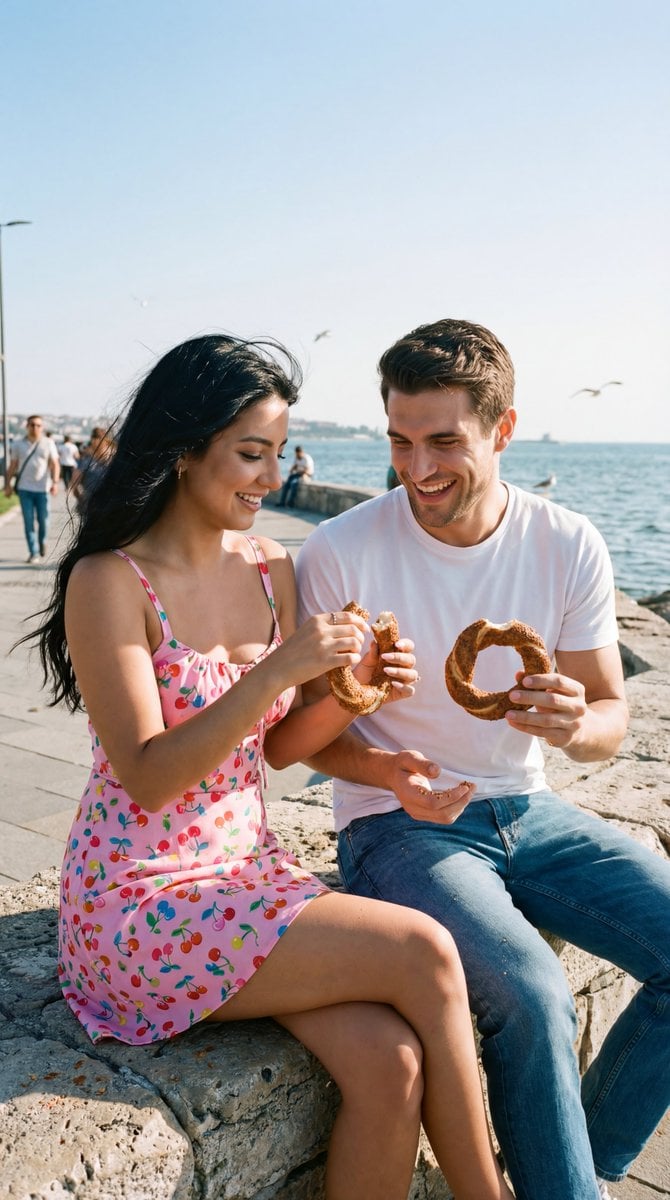
Photoreal Candid Street Romance Film Still Prompt (Moda Seaside)
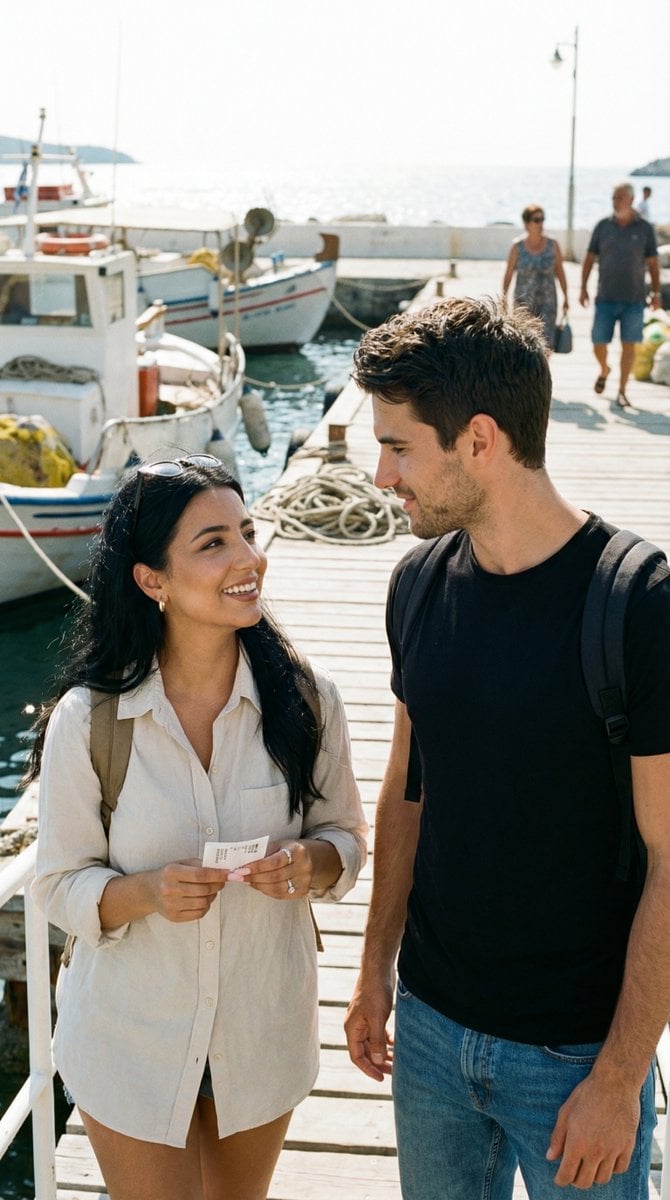
Candid Travel Romance Film Still in Aegean Harbor
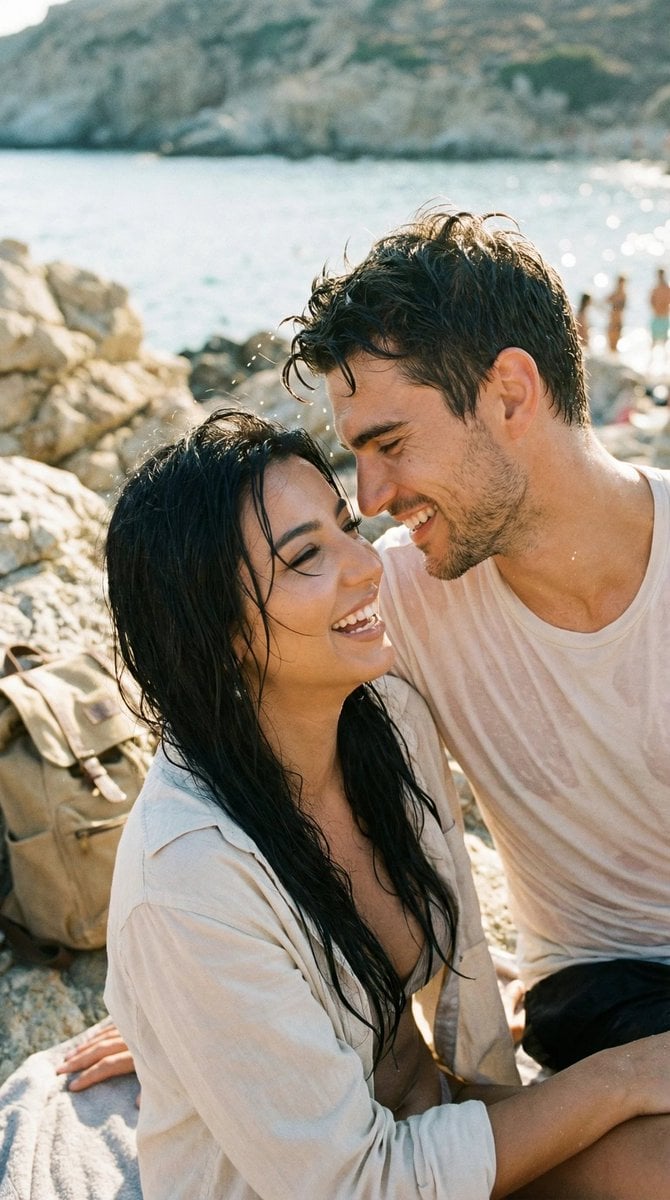
Photorealistic Candid Travel Romance Film Still

Sunday Afternoon, 1988

Two Tickets, One Night

If We Met in 1985

Before We said Goodbye

Meet Me When It Rains

Two Hearts. One Scooter.

80s College Gate
Make it yours
Ultra Analog Film Candid Romance Scene works as-is. These are the safest ways to change it without losing the look.
Change one field
Copy a single group, rewrite it, and generate again so you can see what that field is doing.
Keep the frame, change the subject
Hold the composition and light of Ultra Analog Film Candid Romance Scene, then swap wardrobe, props or the person for a new take.
| If the result… | Why | Fix |
|---|---|---|
| The result drifts from the preview | Too many fields changed at once. | Reuse Ultra Analog Film Candid Romance Scene as-is first, then change one group — subject, light, or setting. |
| The model over-stylizes the scene | The prose prompt leaves finish and camera underspecified. | Add one camera or lighting sentence and stay on Nano Banana 2. |
More Nano Banana 2 templates
Other prompts made for Nano Banana 2.

Photorealistic Leaf Shaped Like a Dragon

K-Pop Idol Portrait Grid for Rapid Selection

Poetic Rain Forest Portrait During Golden Hour

Urban Street Portrait with Cartoon Inner Self Duo

Candid Nighttime Photo with Cat Prompt

High-Concept 3D Diorama Generation Prompt

Cinematic Futuristic Studio Portrait Template

Skincare Editorial Photography Collage Prompt

Hyper-Realistic Commercial Product Photography (Splash Effect)

Hyper-Realistic Nightclub Portrait Prompt
More image prompts
Fresh picks from across the catalog.
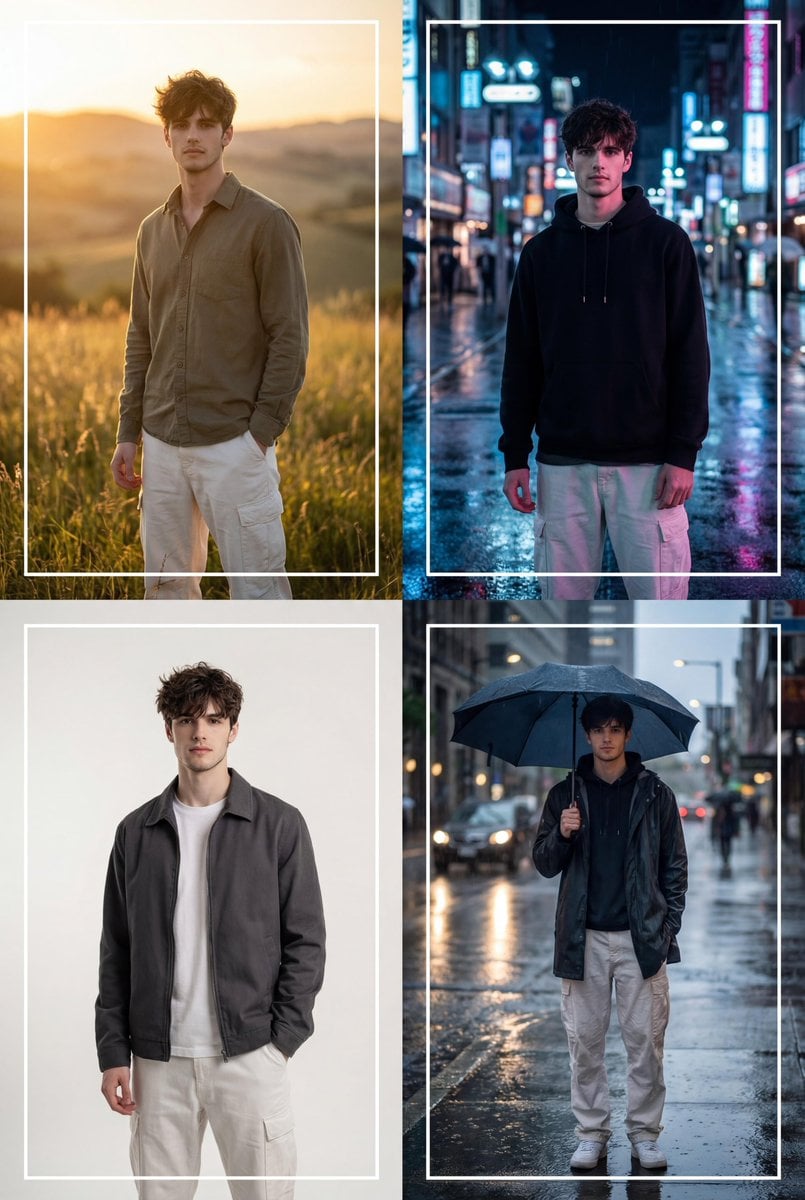
Cinematic 2x2 Grid Portrait with Consistent Identity

Hyper-Realistic Product Photography with Liquid Splash
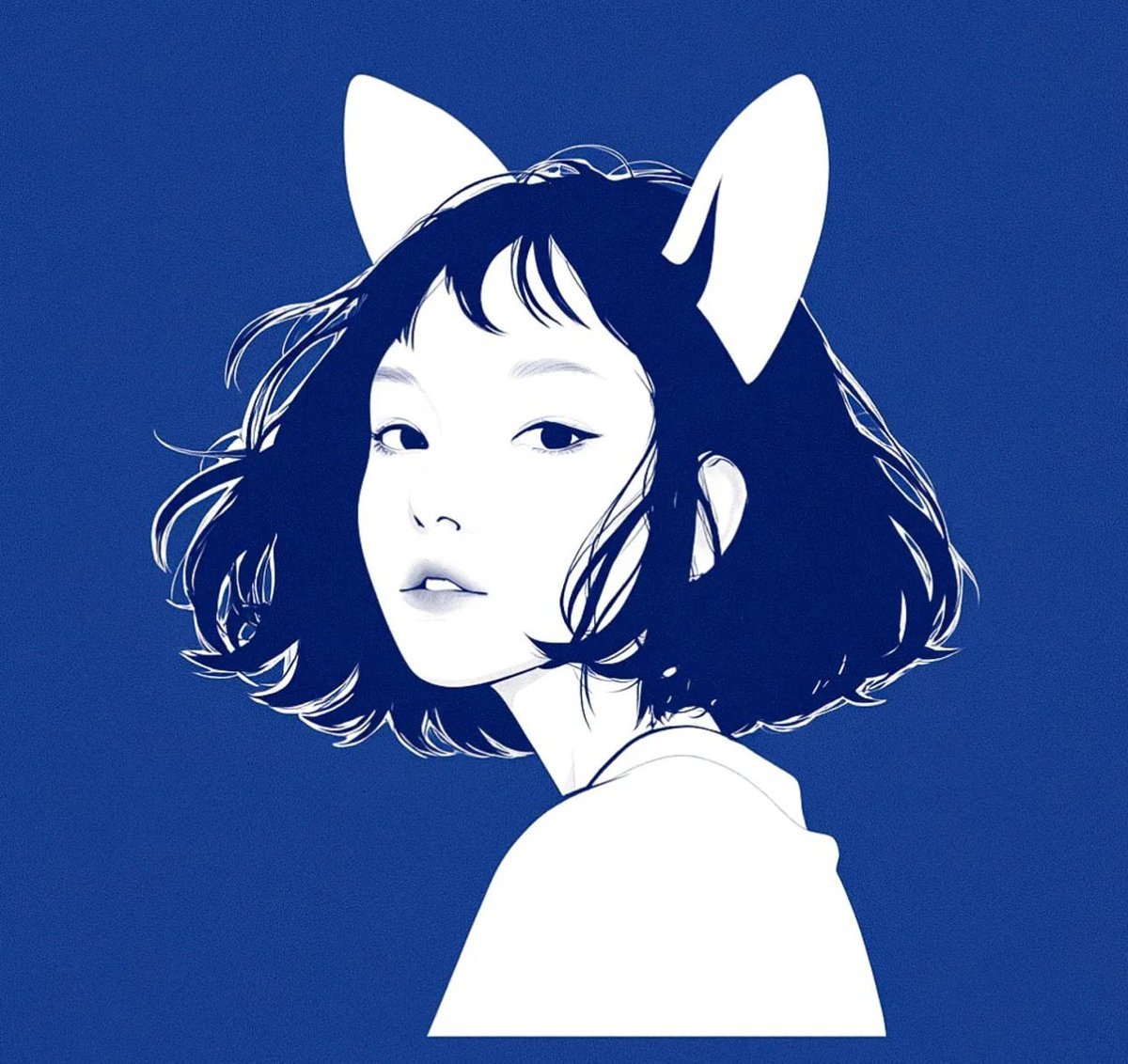
Multi-Step Comic Generation with MJ and Nano Banana Pro
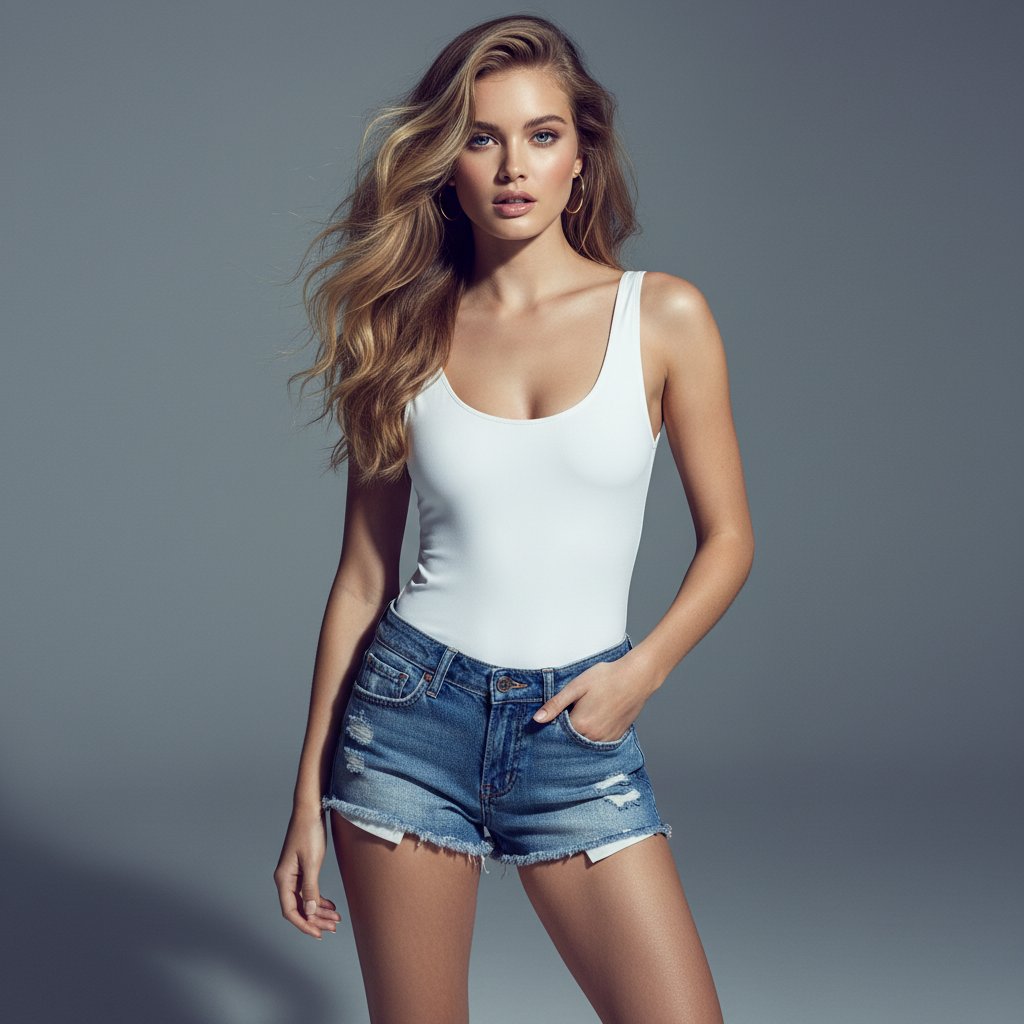
Ultra-realistic Commercial Fashion Editorial
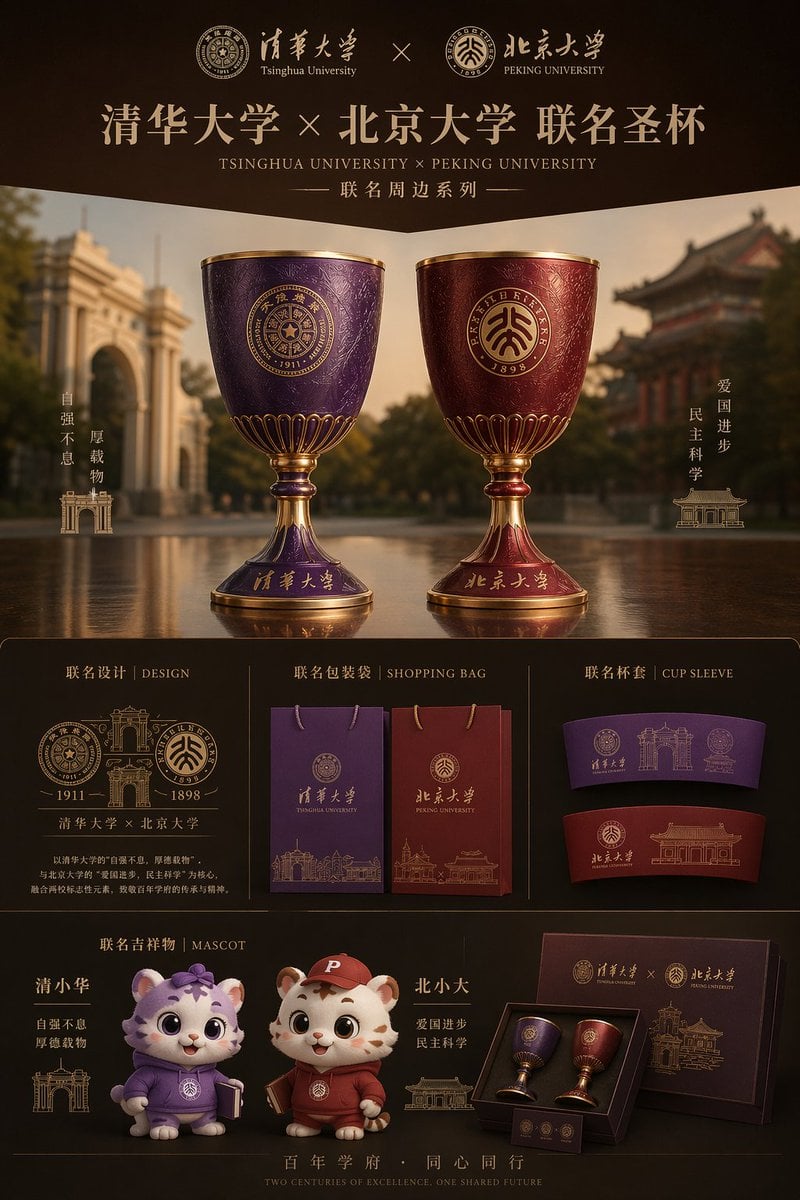
Luxury University Co-Branded Gift Poster
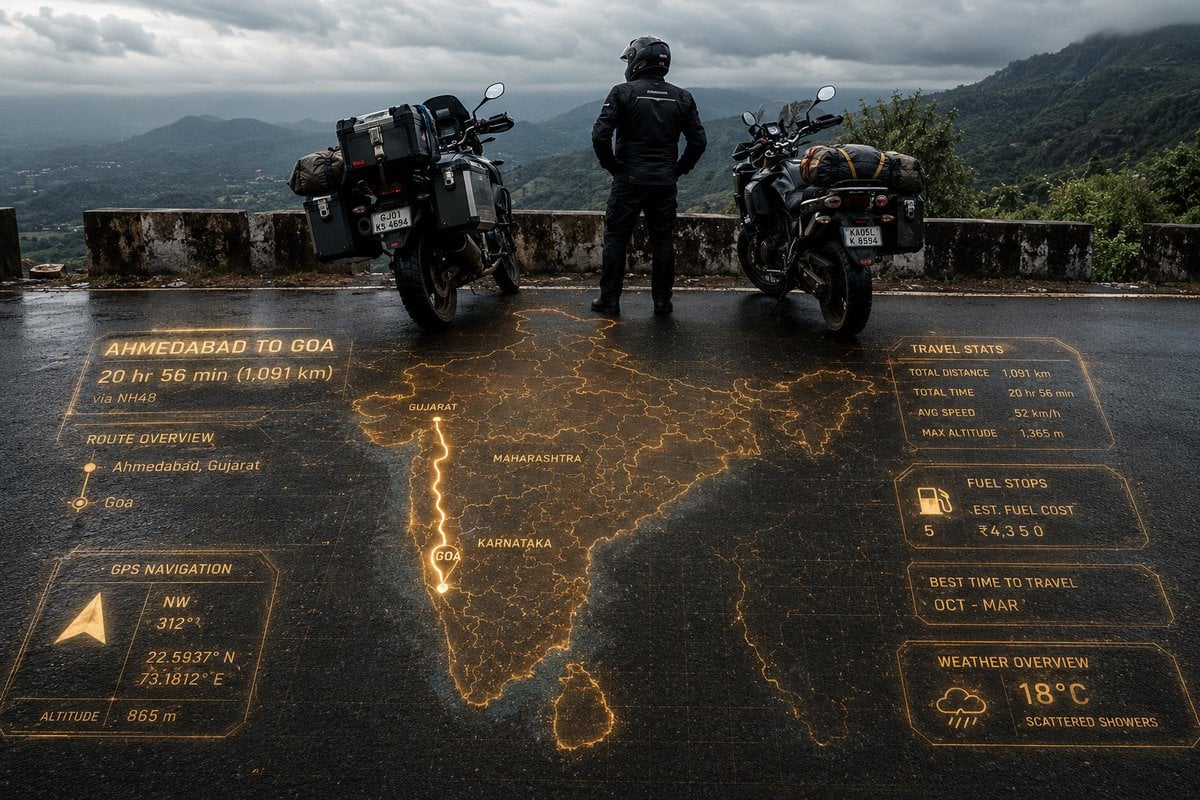
Adventure Motorcyclist with Holographic HUD
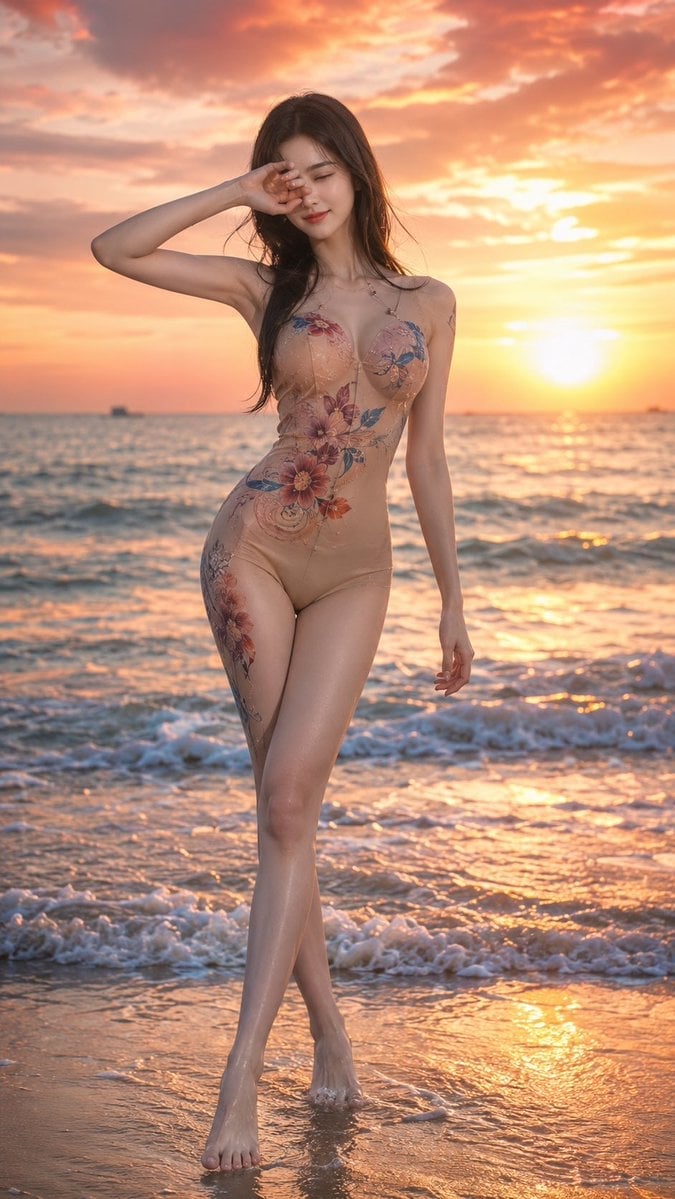
Sunset Beach Fashion Documentary
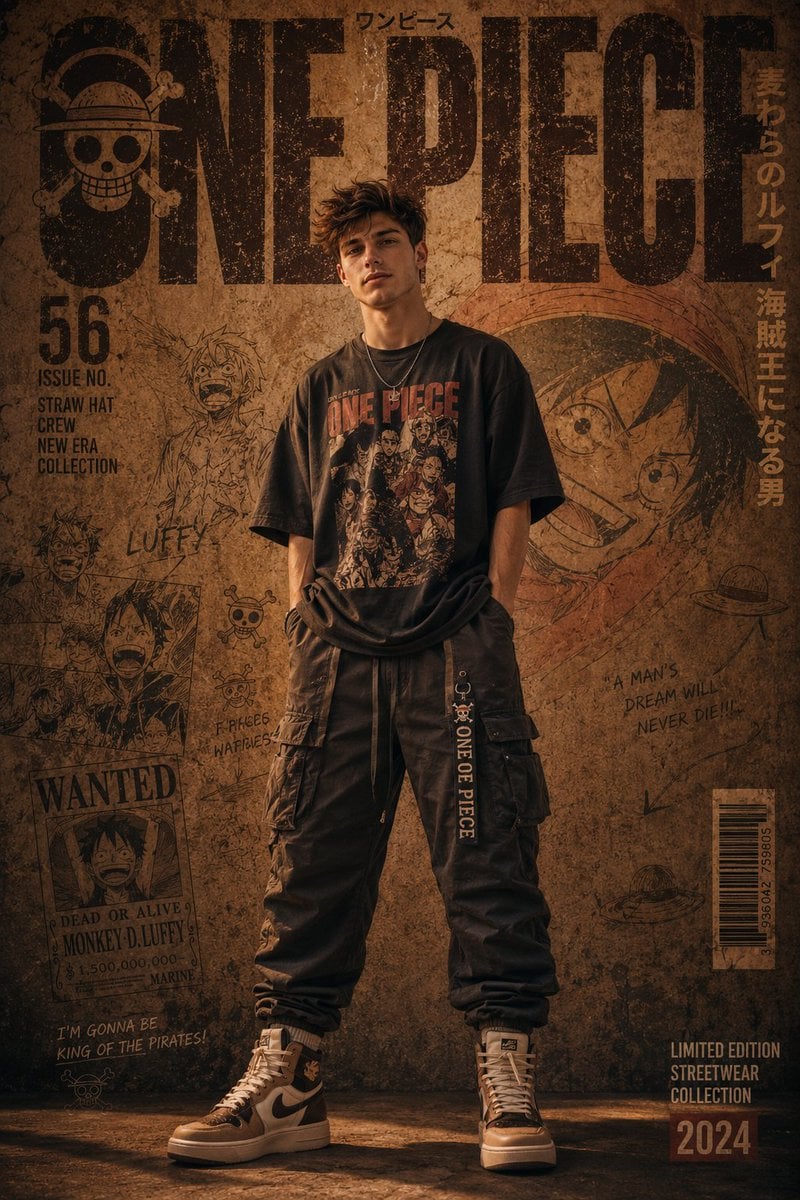
Urban Streetwear Manga Cover
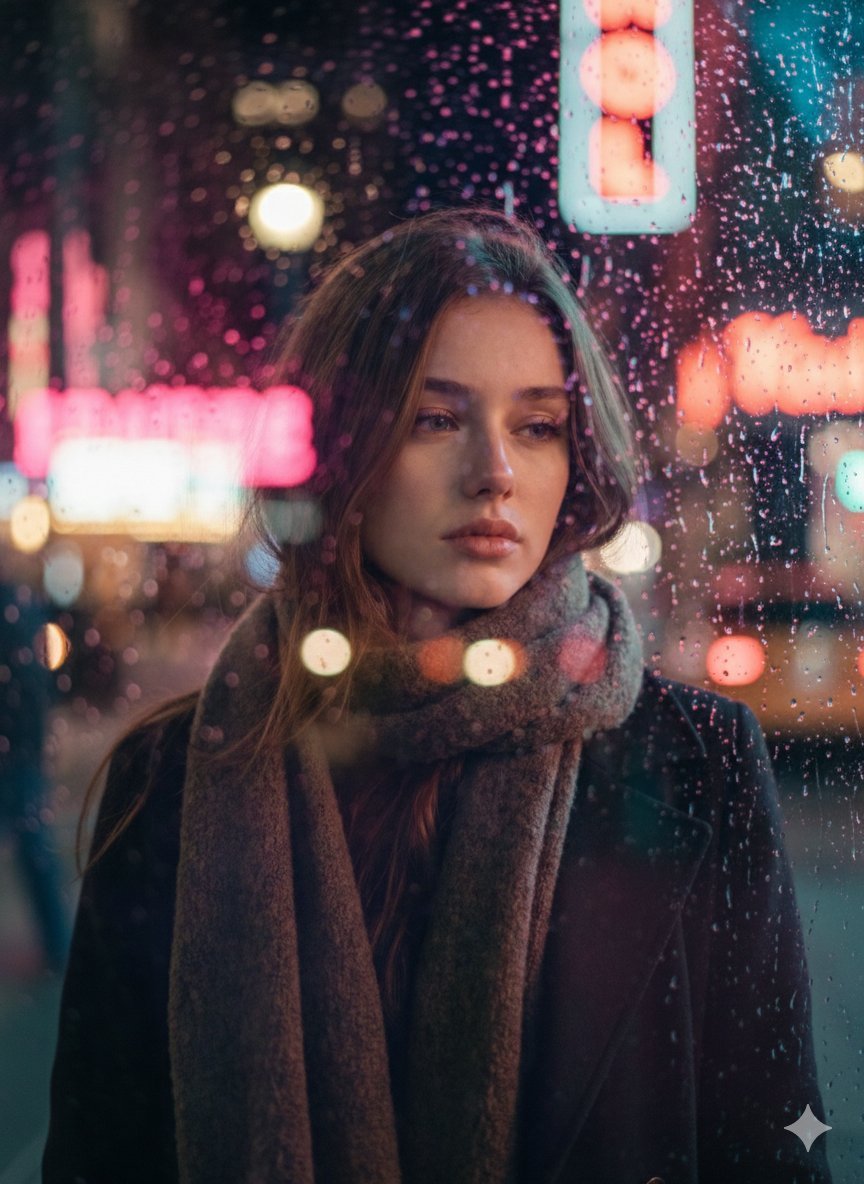
Rainy Night Cinematic Portrait by Brandon Woelfel
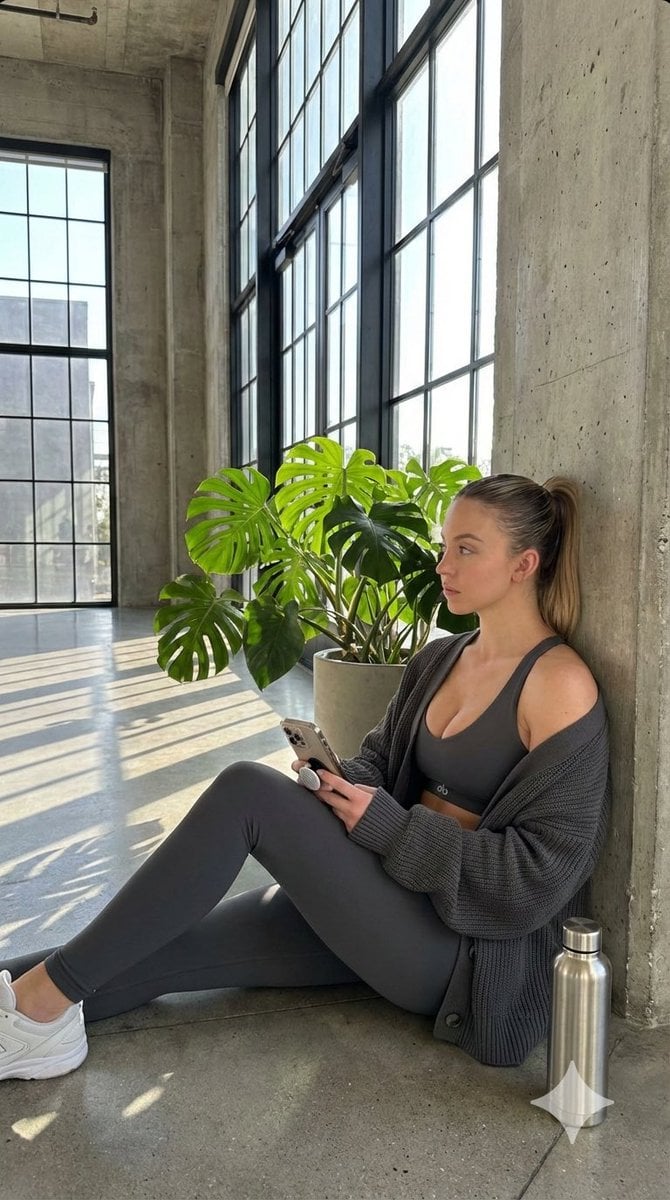
Candid Post-Workout Shot in Brutalist Architecture
Browse template categories
Ultra Analog Film Candid Romance Scene questions
How do I use the Ultra Analog Film Candid Romance Scene template?
Add your photo if the template asks for one, edit the prompt if you like — the template's model and format are already selected — and press Generate. Your version opens in PicX Studio.
Can I customize the Ultra Analog Film Candid Romance Scene template?
Yes. You can change the subject, setting, lighting, mood, format, and available model controls before creating your image.
Is the Ultra Analog Film Candid Romance Scene template free?
Opening and editing this template is free. Generating uses credits, shown on the Generate button when you are signed in.
Which AI model should I use?
Start with Nano Banana 2, which is the model associated with this template. You can compare another compatible model for a different finish.
Looking for something else? Browse all templates.

Your photo, any look
Thousands of ready templates for every top image and video model, from one credit balance.