
Ultra-realistic Commercial Fashion Editorial
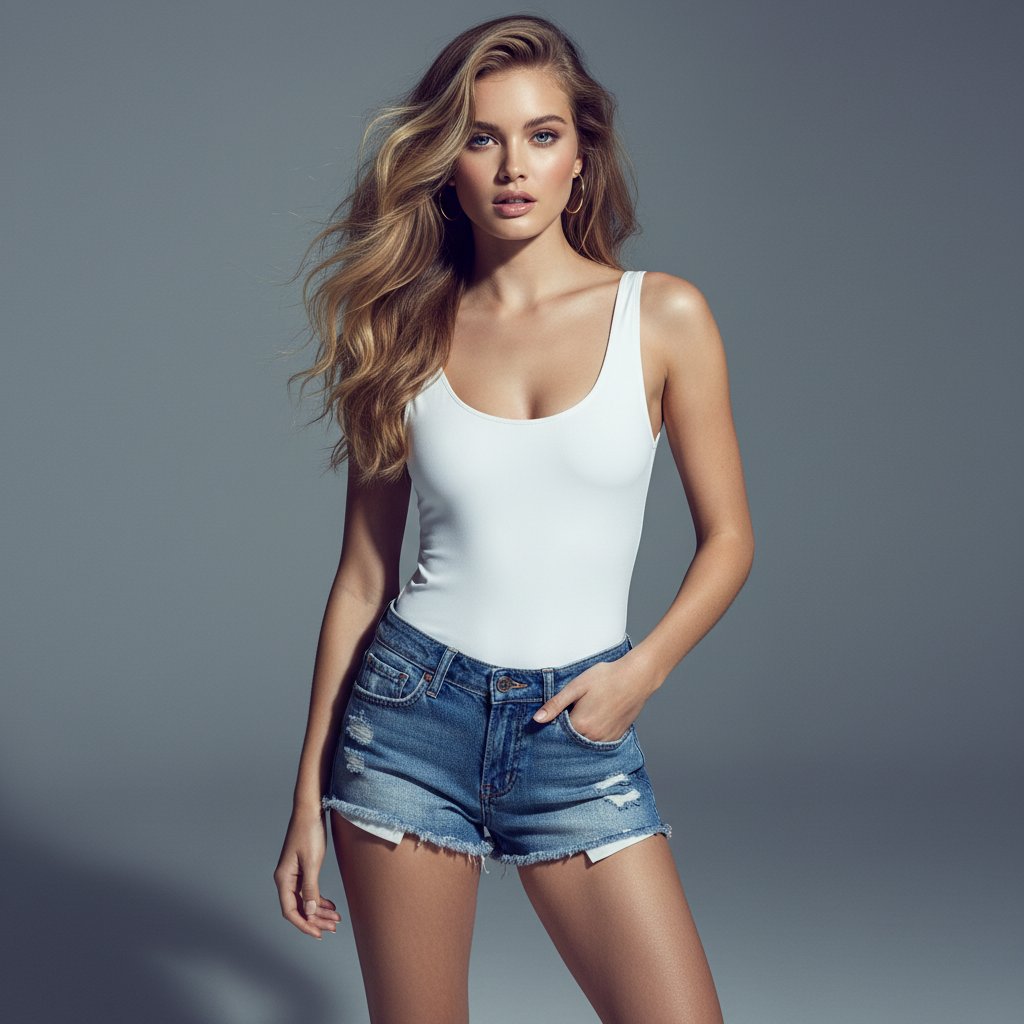
A highly detailed JSON prompt for generating an ultra-realistic commercial fashion photograph.
- Prompt included
- Model and format preset
- Free template
The prompt behind this image
Copy the exact prompt behind Ultra-realistic Commercial Fashion Editorial, or open it in the studio and make it yours.
- Prompt Description › Subject
- A young adult female model, appearing to be in her early to mid-20s, with a slender and athletic build.
- Prompt Description › Face
- Slightly parted lips, direct gaze forward, with a subtle, confident expression. Impeccable skin texture with no visible pores or blemishes, radiating a healthy glow. Almond-shaped, light blue eyes with a slight upward tilt at the outer corners.
- Prompt Description › Hair
- Long, voluminous blonde hair, with a rich honey-blonde hue. The hair is styled in loose, flowing waves with a slightly tousled, wind-swept appearance, with strands gently falling across her face and shoulders.
- Prompt Description › Clothing
- A fitted, sleeveless white bodysuit with a scoop neckline. The fabric is smooth and appears to have a slight sheen. Below, she wears low-waisted, distressed denim shorts with frayed edges and visible stitching. The shorts are tight-fitting around the hips and thighs, showcasing a slightly worn-in appearance with a hint of a vintage look. The button fly is fully fastened, and the waistband sits low on her hips.
- Prompt Description › Accessories
- Simple, thin gold hoop earrings. Her fingernails appear to be unpolished or naturally colored.
- Prompt Description › Environment
- A clean, seamless studio background with a medium grey, slightly cool-toned color. The floor is a lighter grey, with a subtle gradient creating a soft shadow behind the model. The environment is minimalist and uncluttered, focusing all attention on the subject.
- Prompt Description › Lighting
- Soft, directional studio lighting from the front-right, creating gentle highlights on her skin and hair. Subtle specular highlights are visible on her arms, legs, and the curve of her décolletage. Shadows are soft and elongated, adding depth and dimension without being harsh.
- Prompt Description › Atmosphere
- Sophisticated, confident, and effortlessly stylish. The mood is clean, modern, and aspirational, typical of high-end fashion editorial photography.
- Style › Art Style
- Ultra-realistic commercial fashion photography, with a strong emphasis on editorial quality.
- Style › Color Grade
- A cool, desaturated palette with a slight emphasis on neutral greys and blues. Skin tones are natural and slightly warm, contrasted against the cooler background. Subtle color accents from the shorts' stitching and the shoelaces are present.
- Style › Texture Quality
- Extremely sharp focus on the subject, with exceptional micro-contrast and detail rendition. Skin texture is smooth but not artificial. Fabric textures of the bodysuit and denim shorts are rendered with high fidelity. Minimal to no visible digital noise or grain, implying a high-quality capture and post-processing.
- Camera Settings › Camera
- Implied Medium Format or high-end Full Frame sensor for exceptional detail and dynamic range.
- Camera Settings › Lens
- A prime portrait lens, likely in the 85mm to 135mm range, to provide flattering compression and subject isolation.
- Camera Settings › Aperture
- f/2.8
Raw JSON
{
  "prompt_description": {
    "subject": "A young adult female model, appearing to be in her early to mid-20s, with a slender and athletic build.",
    "face": "Slightly parted lips, direct gaze forward, with a subtle, confident expression. Impeccable skin texture with no visible pores or blemishes, radiating a healthy glow. Almond-shaped, light blue eyes with a slight upward tilt at the outer corners.",
    "hair": "Long, voluminous blonde hair, with a rich honey-blonde hue. The hair is styled in loose, flowing waves with a slightly tousled, wind-swept appearance, with strands gently falling across her face and shoulders.",
    "clothing": "A fitted, sleeveless white bodysuit with a scoop neckline. The fabric is smooth and appears to have a slight sheen. Below, she wears low-waisted, distressed denim shorts with frayed edges and visible stitching. The shorts are tight-fitting around the hips and thighs, showcasing a slightly worn-in appearance with a hint of a vintage look. The button fly is fully fastened, and the waistband sits low on her hips.",
    "accessories": "Simple, thin gold hoop earrings. Her fingernails appear to be unpolished or naturally colored.",
    "environment": "A clean, seamless studio background with a medium grey, slightly cool-toned color. The floor is a lighter grey, with a subtle gradient creating a soft shadow behind the model. The environment is minimalist and uncluttered, focusing all attention on the subject.",
    "lighting": "Soft, directional studio lighting from the front-right, creating gentle highlights on her skin and hair. Subtle specular highlights are visible on her arms, legs, and the curve of her décolletage. Shadows are soft and elongated, adding depth and dimension without being harsh.",
    "atmosphere": "Sophisticated, confident, and effortlessly stylish. The mood is clean, modern, and aspirational, typical of high-end fashion editorial photography."
  },
  "style": {
    "art_style": "Ultra-realistic commercial fashion photography, with a strong emphasis on editorial quality.",
    "color_grade": "A cool, desaturated palette with a slight emphasis on neutral greys and blues. Skin tones are natural and slightly warm, contrasted against the cooler background. Subtle color accents from the shorts' stitching and the shoelaces are present.",
    "texture_quality": "Extremely sharp focus on the subject, with exceptional micro-contrast and detail rendition. Skin texture is smooth but not artificial. Fabric textures of the bodysuit and denim shorts are rendered with high fidelity. Minimal to no visible digital noise or grain, implying a high-quality capture and post-processing."
  },
  "camera_settings": {
    "camera": "Implied Medium Format or high-end Full Frame sensor for exceptional detail and dynamic range.",
    "lens": "A prime portrait lens, likely in the 85mm to 135mm range, to provide flattering compression and subject isolation.",
    "aperture": "f/2.8 "
  }
}How to use Ultra-realistic Commercial Fashion Editorial in 3 steps
- 1
Open
The prompt is already in the box next to the preview, with the template's model and format selected.
- 2…a portrait of your subject in softgolden-hour light, 85mm…
Personalize
Edit the subject and creative details for your destination.
- 3Generate
Generate
Press Generate — your image is created in PicX Studio, so you can compare it with the original and refine one variable at a time.
More like this
Templates with the same subject, style or setup. Open one to see its prompt.

Blue Backdrop Luxury Fashion Portrait Campaign

Luxury Black-and-White Fashion Contact Sheet

untitled

Google Gemini Nano Banana Pro

Conceptual Fashion Portrait in Spider We

01 Skincare Split Portrait — Nano Banana 2

24 The Getty Center — California Series

21 Glass Floor Skyscraper — California Series

19 Luxury Helicopter Travel — California Series

08 Rodeo Drive Luxury Exit — California Series

03 Beverly Hills Convertible — California Series

Gpt Image 2 Fashion Portrait
Make it yours
Ultra-realistic Commercial Fashion Editorial works as-is. These are the safest ways to change it without losing the look.
Swap the setting
Keep the rest of the prompt and replace the location block. The current setting is “A clean, seamless studio background with a medium grey, slightly cool-toned colo”.
Swap the light
One lighting change is enough to compare takes. Current light: “Soft, directional studio lighting from the front-right, creating gentle highligh”.
Change one field
Copy a single group, rewrite it, and generate again so you can see what that field is doing.
| If the result… | Why | Fix |
|---|---|---|
| The result drifts from the preview | Too many fields changed at once. | Reuse Ultra-realistic Commercial Fashion Editorial as-is first, then change one group — subject, light, or setting. |
| Nano Banana 2 ignores part of the JSON | Some models flatten or skip nested keys. | Keep the same values and paste them as a short paragraph instead. |
More Nano Banana 2 templates
Other prompts made for Nano Banana 2.

Photorealistic Leaf Shaped Like a Dragon

K-Pop Idol Portrait Grid for Rapid Selection

Poetic Rain Forest Portrait During Golden Hour

Urban Street Portrait with Cartoon Inner Self Duo

Candid Nighttime Photo with Cat Prompt

High-Concept 3D Diorama Generation Prompt

Cinematic Futuristic Studio Portrait Template

Skincare Editorial Photography Collage Prompt

Hyper-Realistic Commercial Product Photography (Splash Effect)

Hyper-Realistic Nightclub Portrait Prompt
More image prompts
Fresh picks from across the catalog.

Ghibli Style Princess and Koi Pond
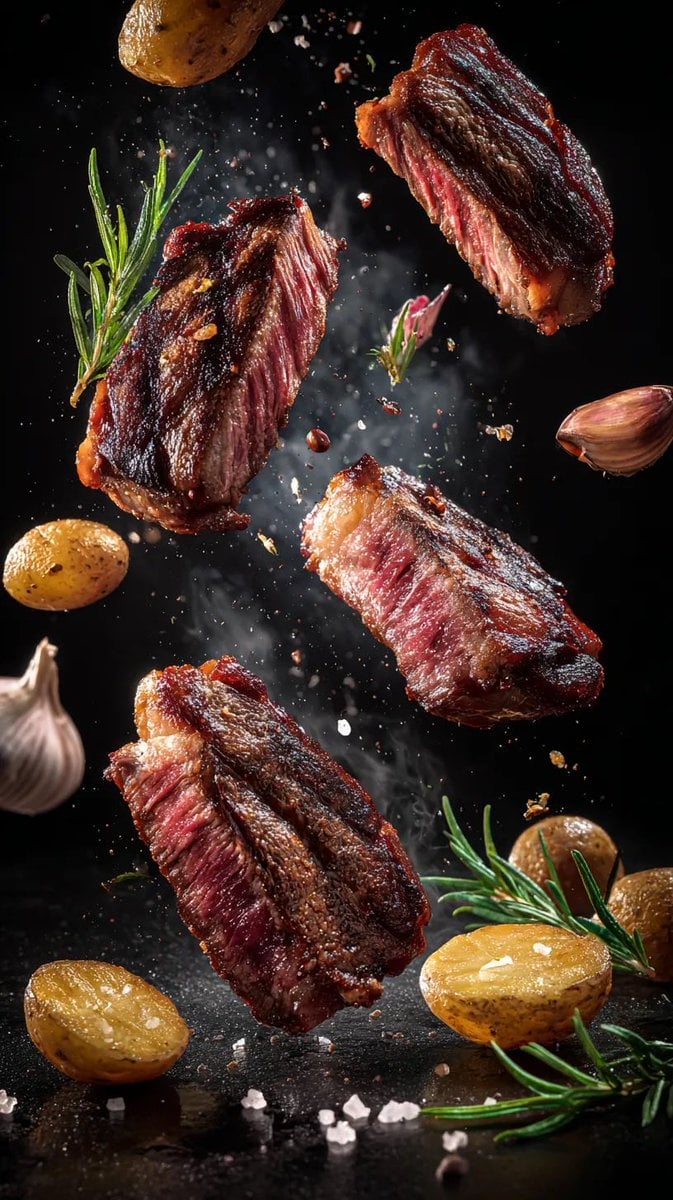
Cinematic Food Photography Prompts for Floating Steak and Shrimp
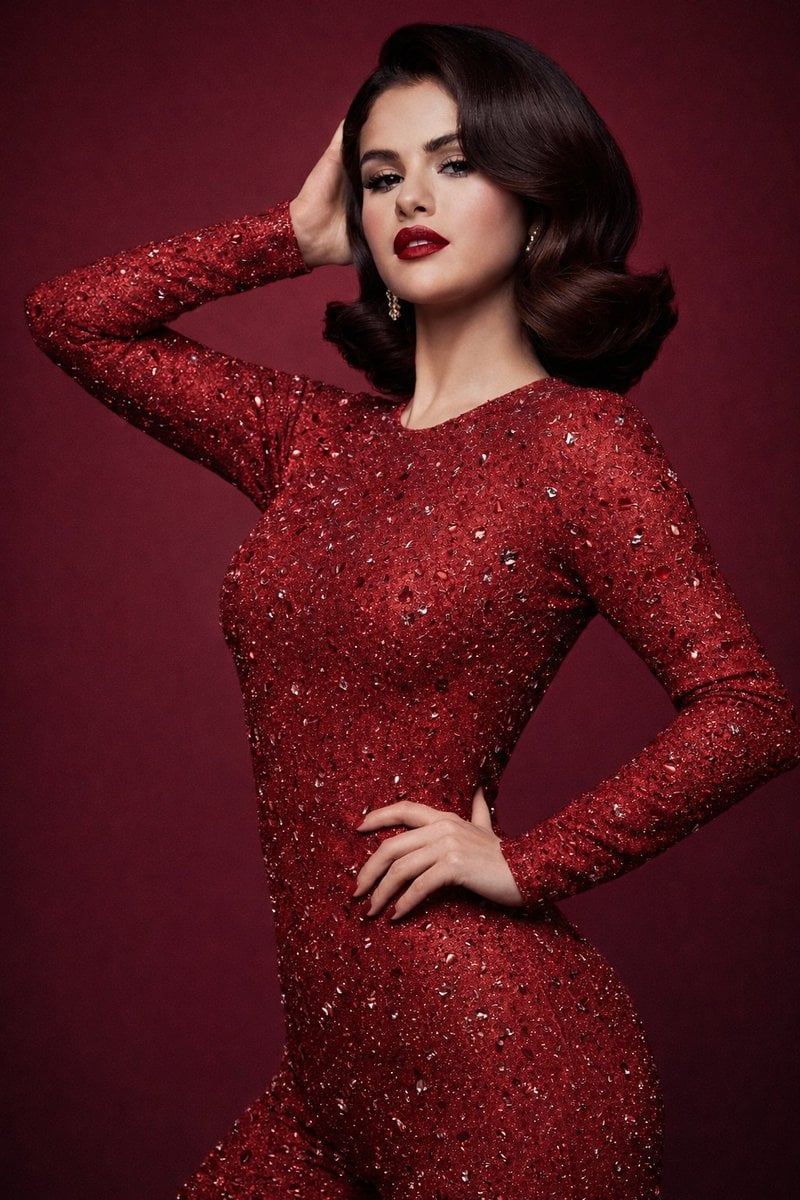
8K Studio Fashion Portrait in Red Jumpsuit
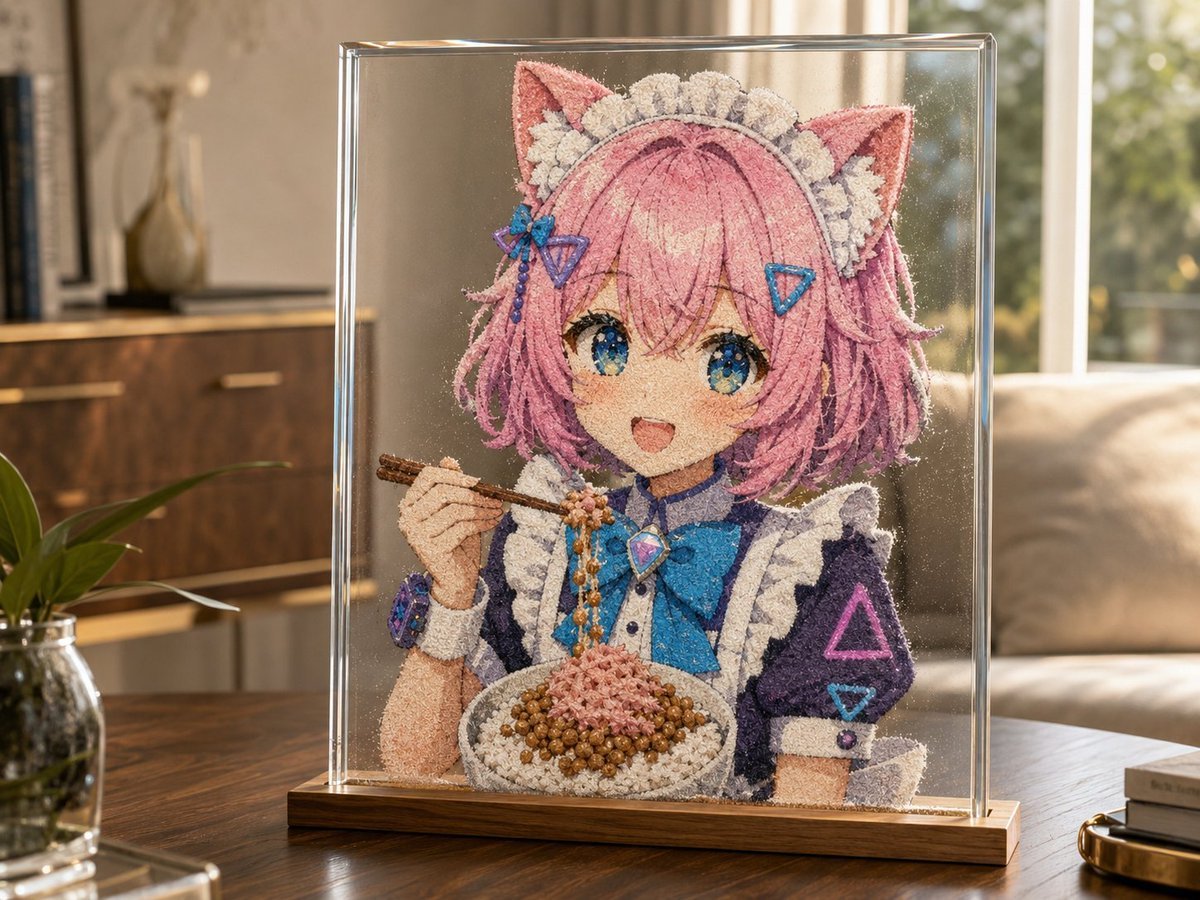
Cat-Eared Maid Sand Art Display
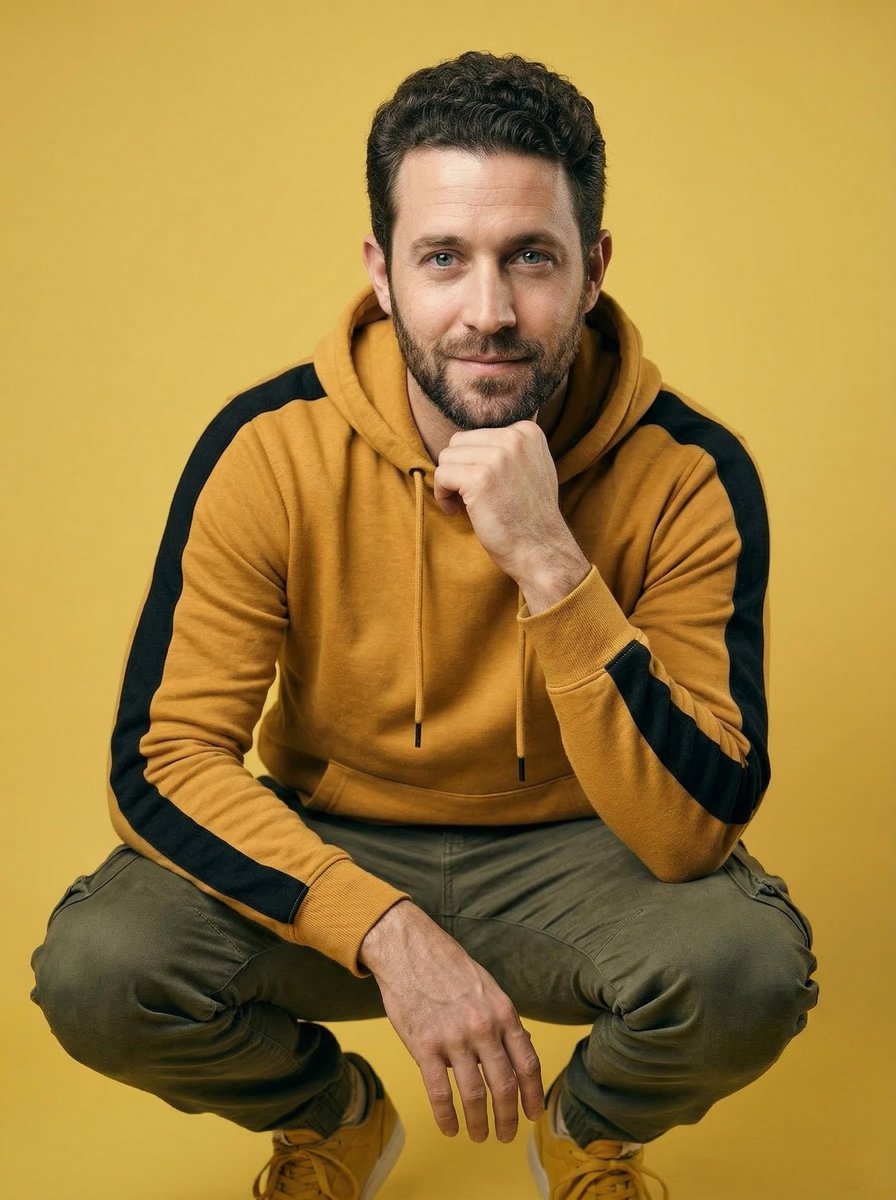
Ultra-Realistic Studio Portrait of Man in Mustard Hoodie

Abstract Background Generation (Reference-Based)
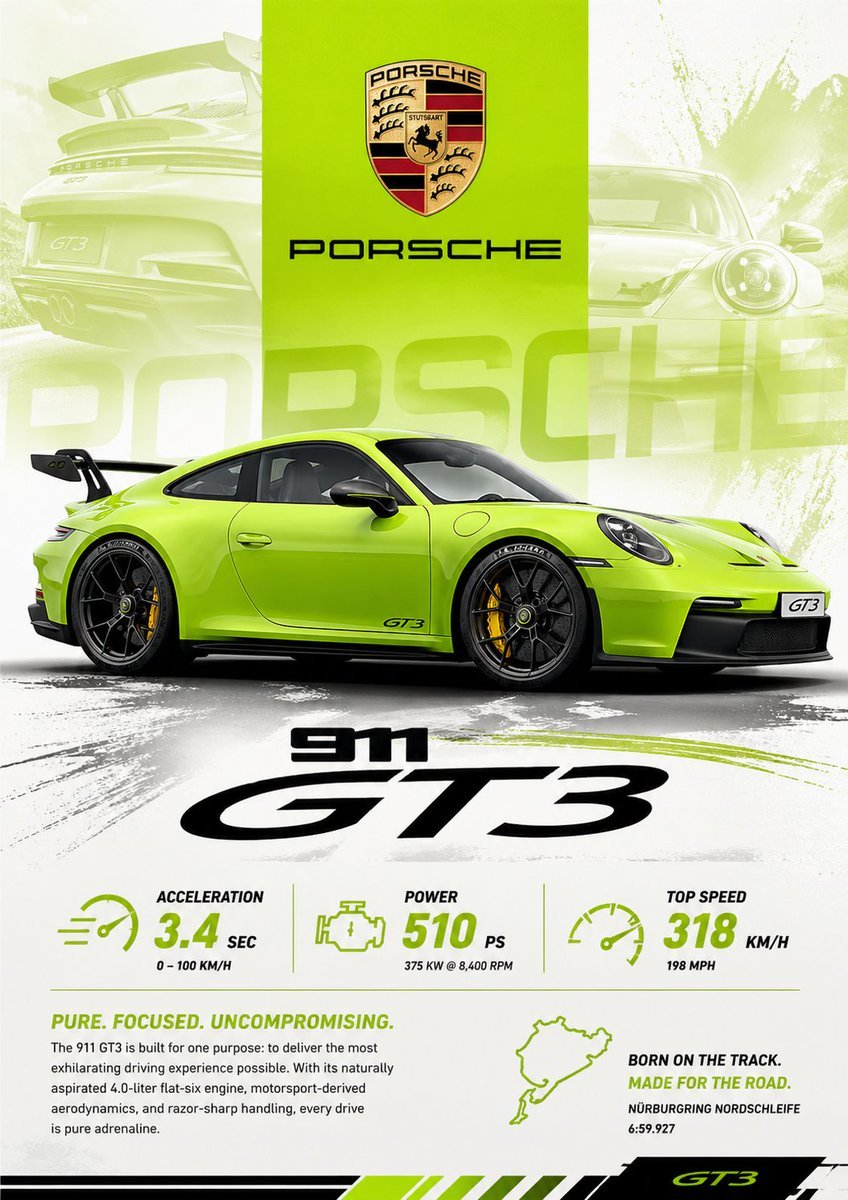
Vibrant Automotive Poster Design
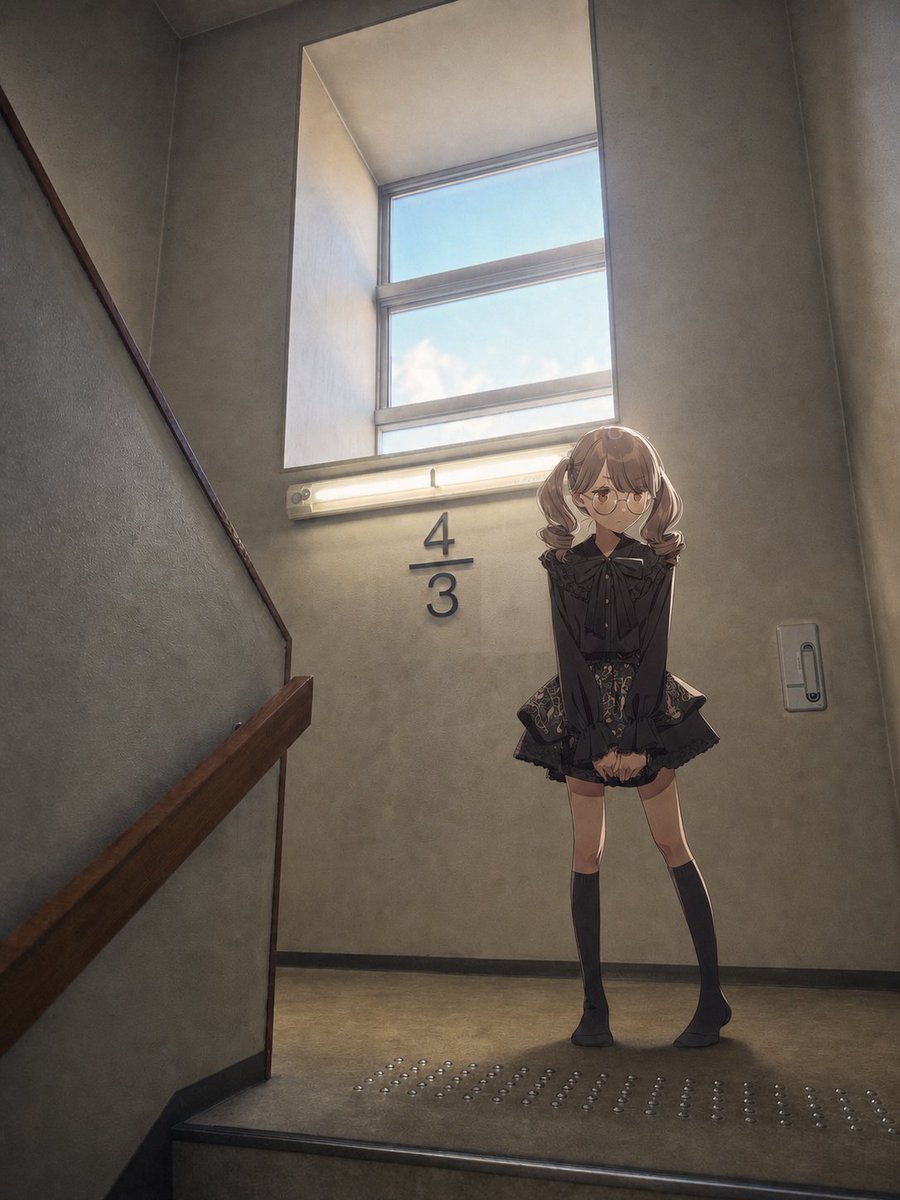
Anime Girl Stairwell Composite
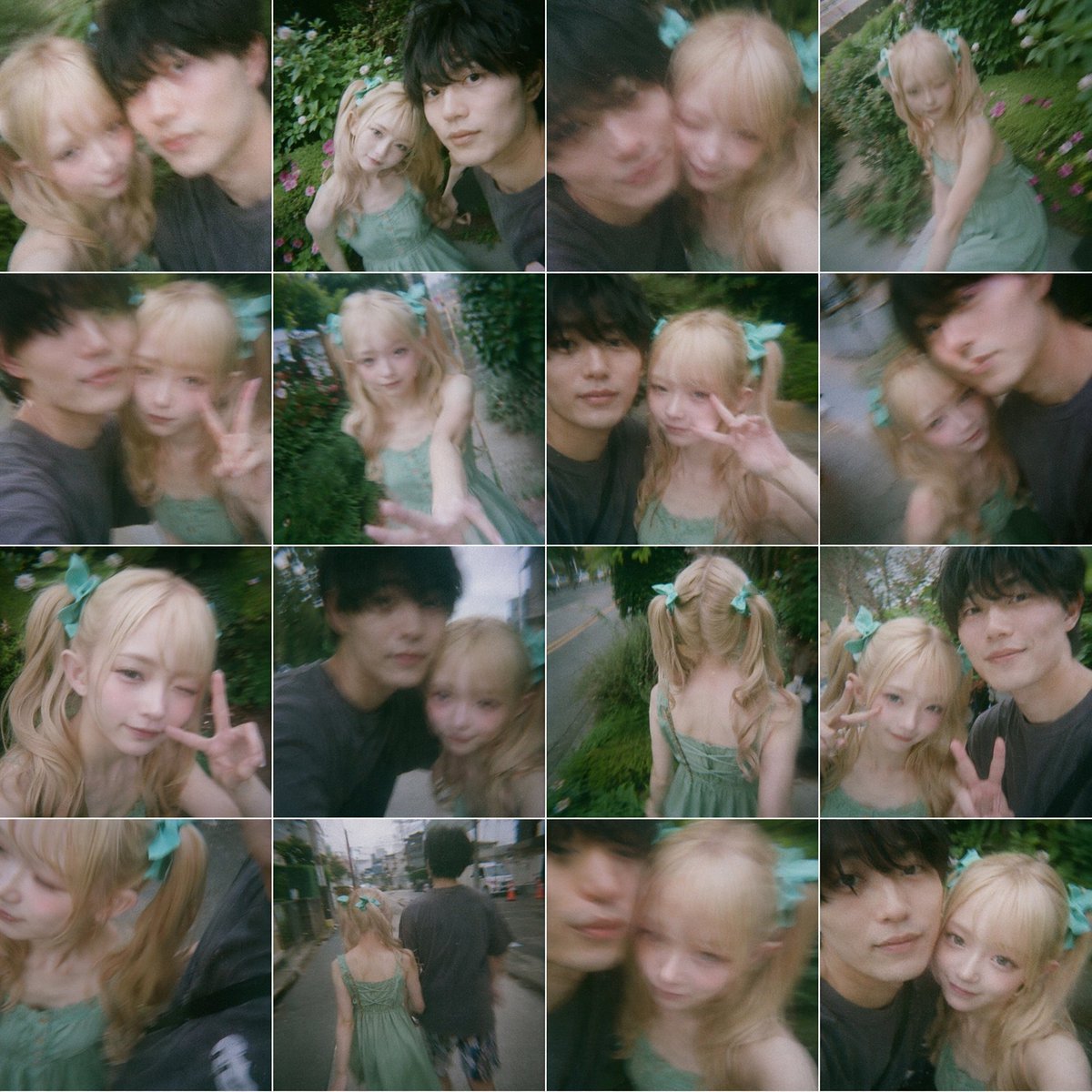
Dreamy 16-Photo Couple Walk Collage
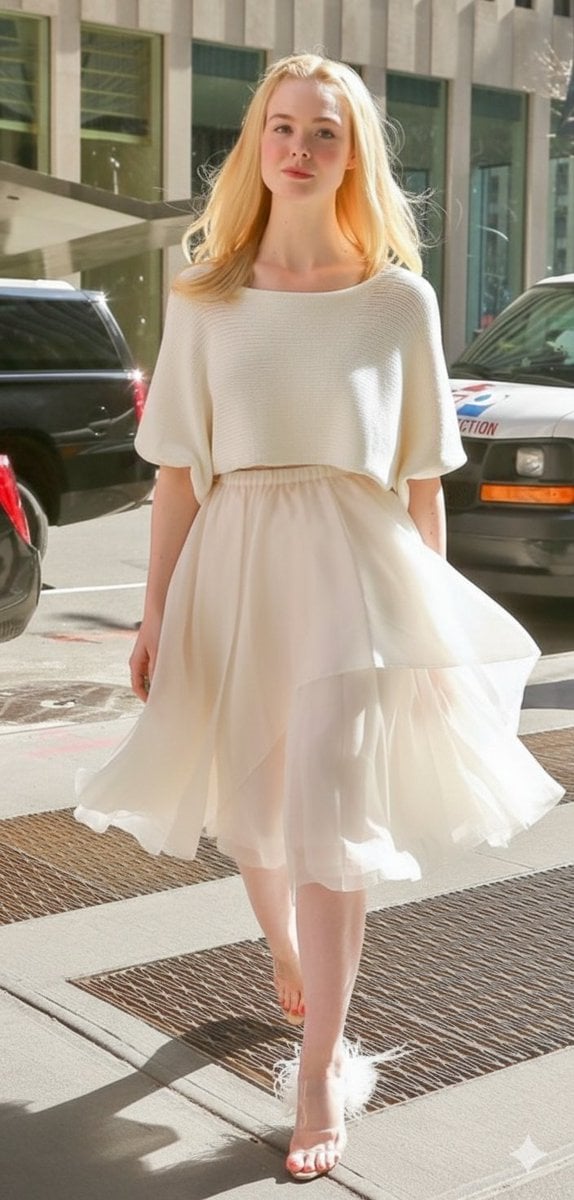
High Fashion Street Style in NYC (Minimalist Luxury)
Browse template categories
Ultra-realistic Commercial Fashion Editorial questions
How do I use the Ultra-realistic Commercial Fashion Editorial template?
Add your photo if the template asks for one, edit the prompt if you like — the template's model and format are already selected — and press Generate. Your version opens in PicX Studio.
Can I customize the Ultra-realistic Commercial Fashion Editorial template?
Yes. You can change the subject, setting, lighting, mood, format, and available model controls before creating your image.
Is the Ultra-realistic Commercial Fashion Editorial template free?
Opening and editing this template is free. Generating uses credits, shown on the Generate button when you are signed in.
Which AI model should I use?
Start with Nano Banana 2, which is the model associated with this template. You can compare another compatible model for a different finish.
Looking for something else? Browse all templates.

Your photo, any look
Thousands of ready templates for every top image and video model, from one credit balance.