
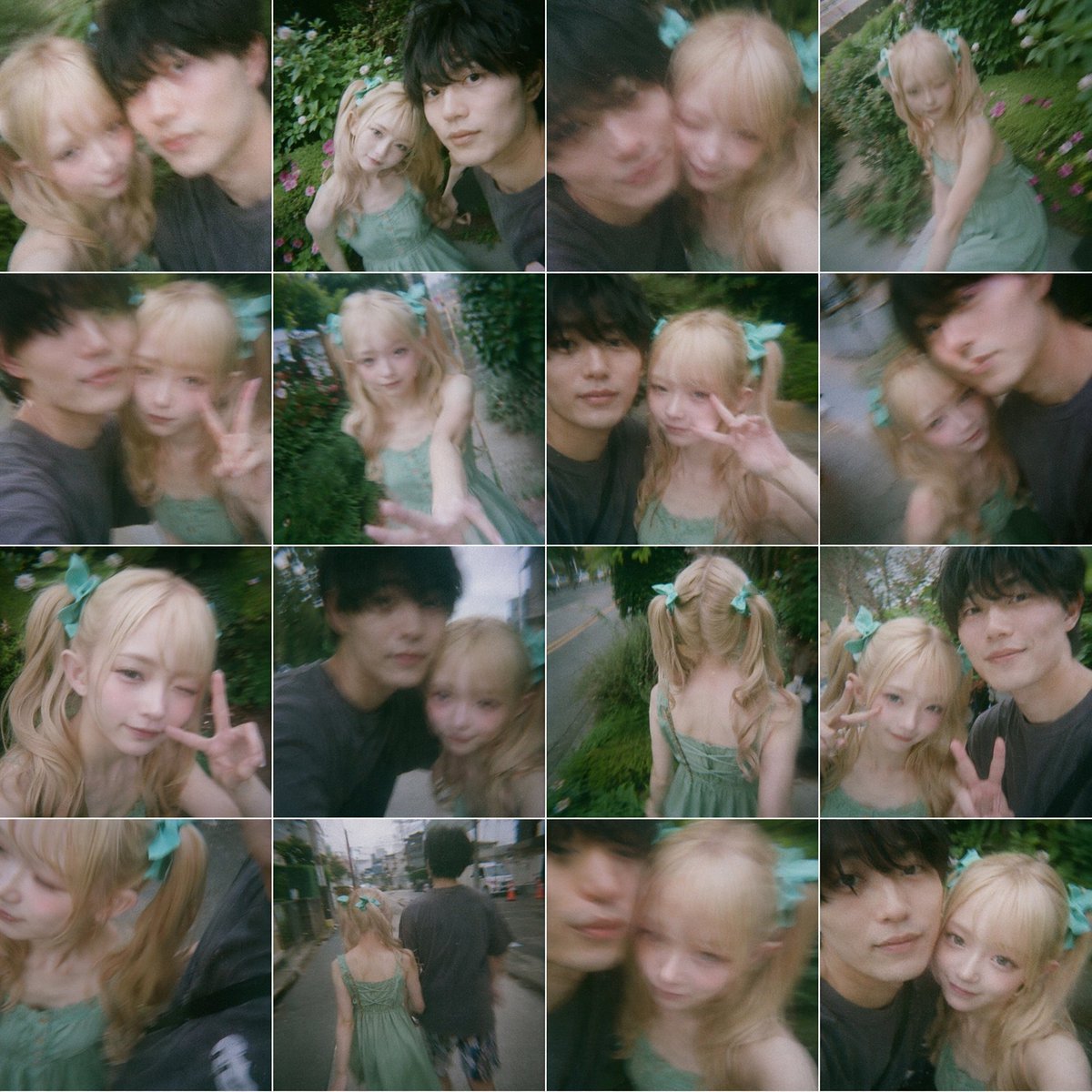
Dreamy 16-Photo Couple Walk Collage
This prompt generates a nostalgic grid collage of candid blurred-face couple snapshots, ideal for social-media-style lifestyle imagery or album-cover mood boards.
- Prompt included
- Model and format preset
- Free template
The prompt behind this image
Copy the exact prompt behind Dreamy 16-Photo Couple Walk Collage, or open it in the studio and make it yours.
A 4x4 collage of 16 candid smartphone snapshots arranged in a tight square grid with thin white dividers, styled like spontaneous couple selfies taken during an evening walk in a lush residential neighborhood. The images have a soft dreamy look with slight motion blur, shallow focus, mild fisheye or wide-angle phone-lens distortion, and a nostalgic green-tinted film aesthetic. The recurring subjects are a cute young woman and a taller young man, but both faces are intentionally obscured by large soft-edged rectangular blur blocks centered over their faces in every frame. The woman has long wavy blonde hair in twin ponytails tied with oversized mint-green ribbon bows, fair skin, and wears a light sage-green spaghetti-strap sundress with a gathered bodice. The man has short dark hair and wears a loose dark charcoal T-shirt. The collage should feel playful, intimate, and accidental, as if captured while walking and joking around outdoors. Show exactly 16 different shots: 1) close selfie of the pair shoulder-to-shoulder, 2) slightly higher-angle selfie with greenery behind them, 3) very close blurry selfie with the man leaning in from the left, 4) the woman alone from a high angle near flowerbeds and hedges, 5) side selfie with the woman making a peace sign, 6) the woman reaching one hand toward the camera while standing on a narrow garden path, 7) selfie of both together with the woman flashing a peace sign, 8) tilted close-up of the pair with strong motion blur, 9) close-up portrait of the woman alone making a peace sign, 10) selfie of the couple while walking along a roadside, 11) rear view of the woman alone from behind, showing the back of her dress and twin ponytails, 12) selfie of both with the woman making a peace sign beside the man, 13) extreme close crop with the woman’s hair and bow prominent, 14) full-body rear shot of the couple walking away down a quiet street, 15) close blurry selfie dominated by the face-obscuring blocks, 16) another close selfie of both side-by-side. Background details across the collage should include dense green hedges, garden flowers, a narrow lane, roadside grass, utility poles, and a quiet suburban street. Use natural ambient outdoor light, muted highlights, soft contrast, and a candid social-media photo dump vibe.
How to use Dreamy 16-Photo Couple Walk Collage in 3 steps
- 1Upload ImagePNG, JPG or paste
Add your photo
Upload the photo the template builds on. The prompt, model and format are already set.
- 2…a portrait of your subject in softgolden-hour light, 85mm…
Personalize
Edit the subject and creative details for your destination.
- 3Generate
Generate
Press Generate — your image is created in PicX Studio, so you can compare it with the original and refine one variable at a time.
More like this
Templates with the same subject, style or setup. Open one to see its prompt.











Make it yours
Dreamy 16-Photo Couple Walk Collage works as-is. These are the safest ways to change it without losing the look.
Change one field
Copy a single group, rewrite it, and generate again so you can see what that field is doing.
Keep the frame, change the subject
Hold the composition and light of Dreamy 16-Photo Couple Walk Collage, then swap wardrobe, props or the person for a new take.
| If the result… | Why | Fix |
|---|---|---|
| The result drifts from the preview | Too many fields changed at once. | Reuse Dreamy 16-Photo Couple Walk Collage as-is first, then change one group — subject, light, or setting. |
| The model over-stylizes the scene | The prose prompt leaves finish and camera underspecified. | Add one camera or lighting sentence and stay on GPT Image 2. |
More GPT Image 2 templates
Other prompts made for GPT Image 2.

Six VTuber Japanese Logo Sheet

Realistic Portrait of Woman and Deer

The Vista Modular Condo Poster

AI Model Routing Comparison Infographic

2.5D Anime Art Board

Isometric Productivity Desk Scene

New York Double Exposure Poster

Four-Panel AI Landscape Comparison

Japanese Tatami Lifestyle Magazine Cover

NESCAFÉ Coffee Map Poster
More image prompts
Fresh picks from across the catalog.
Minimalist Studio Fashion Shot
Professional studio portrait of a woman

Woman Floating in Reflective Water
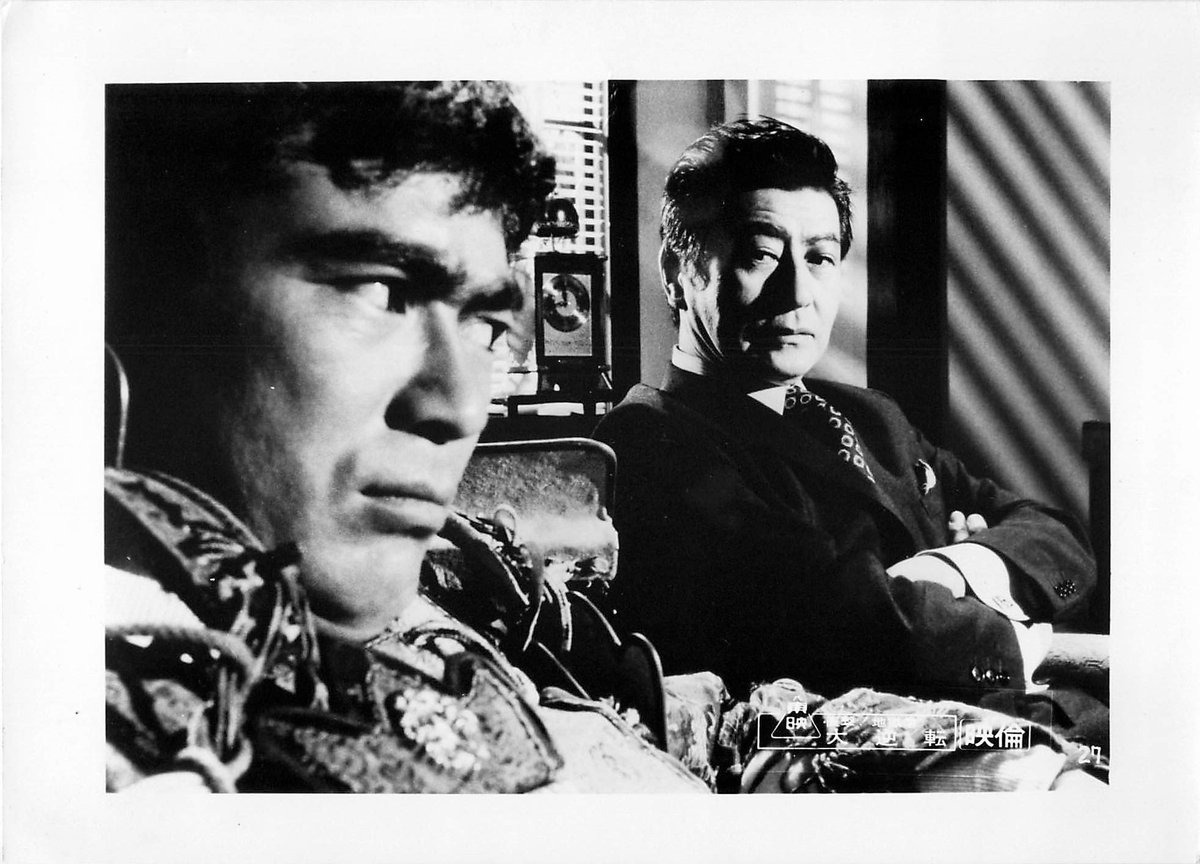
Colorizing a High-Contrast Monochrome Image with Intermediate Tones

Quirky Animal Sticker Set

Luxury University Co-Branded Gift Poster
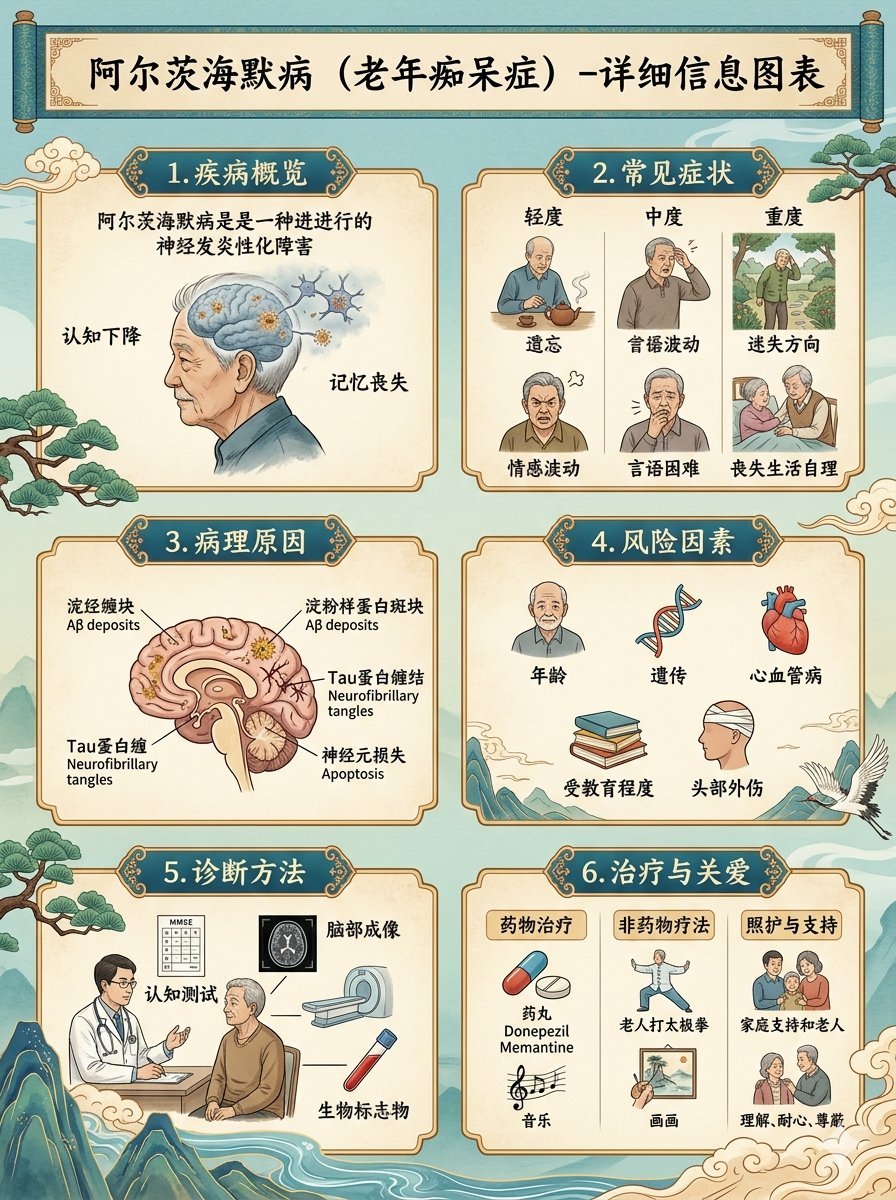
Chinese Alzheimer’s Infographic Poster
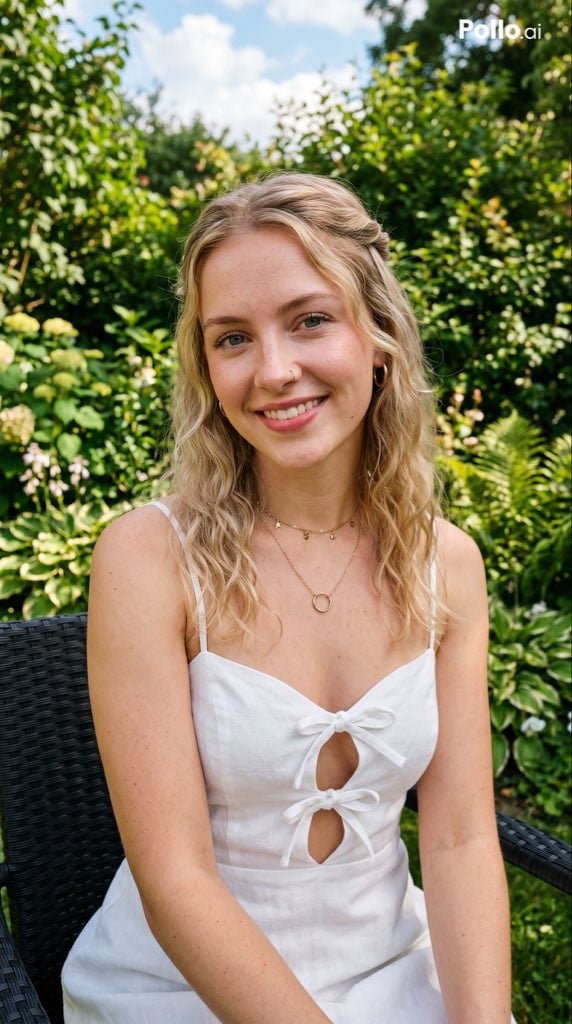
Garden Portrait With White Summer Dress
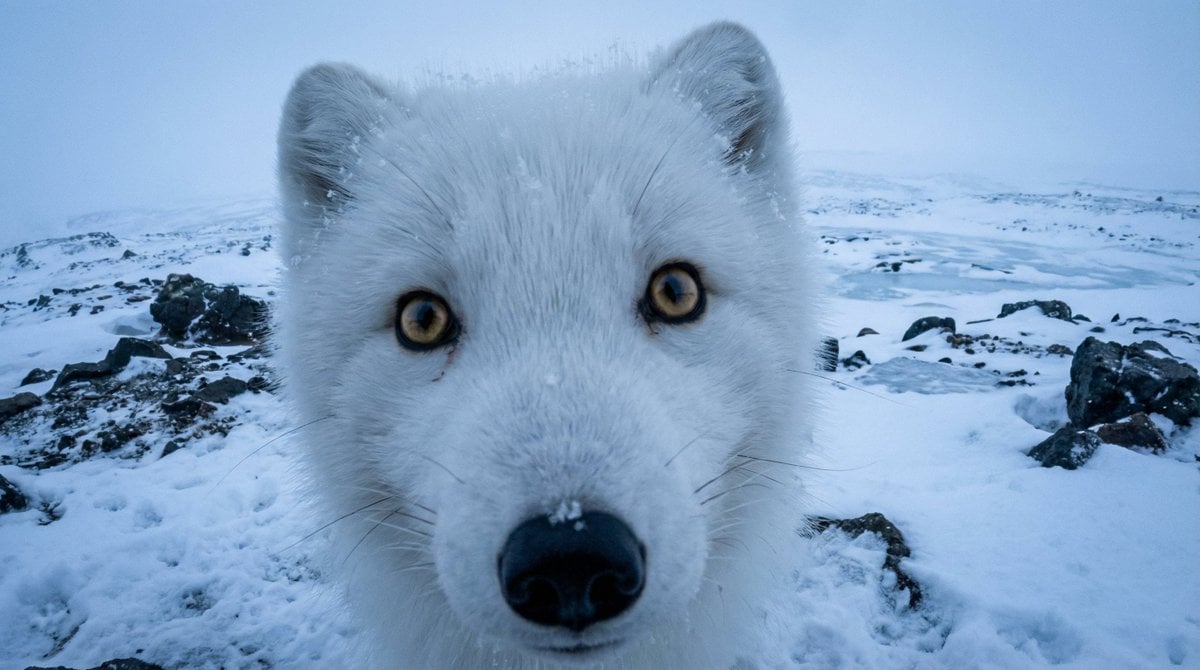
Variable Fisheye POV Wildlife Prompt

Samurai Ink Wash Painting
Browse template categories
Dreamy 16-Photo Couple Walk Collage questions
How do I use the Dreamy 16-Photo Couple Walk Collage template?
Add your photo if the template asks for one, edit the prompt if you like — the template's model and format are already selected — and press Generate. Your version opens in PicX Studio.
Can I customize the Dreamy 16-Photo Couple Walk Collage template?
Yes. You can change the subject, setting, lighting, mood, format, and available model controls before creating your image.
Is the Dreamy 16-Photo Couple Walk Collage template free?
Opening and editing this template is free. Generating uses credits, shown on the Generate button when you are signed in.
Which AI model should I use?
Start with GPT Image 2, which is the model associated with this template. You can compare another compatible model for a different finish.
Looking for something else? Browse all templates.

Your photo, any look
Thousands of ready templates for every top image and video model, from one credit balance.