
Variable Fisheye POV Wildlife Prompt
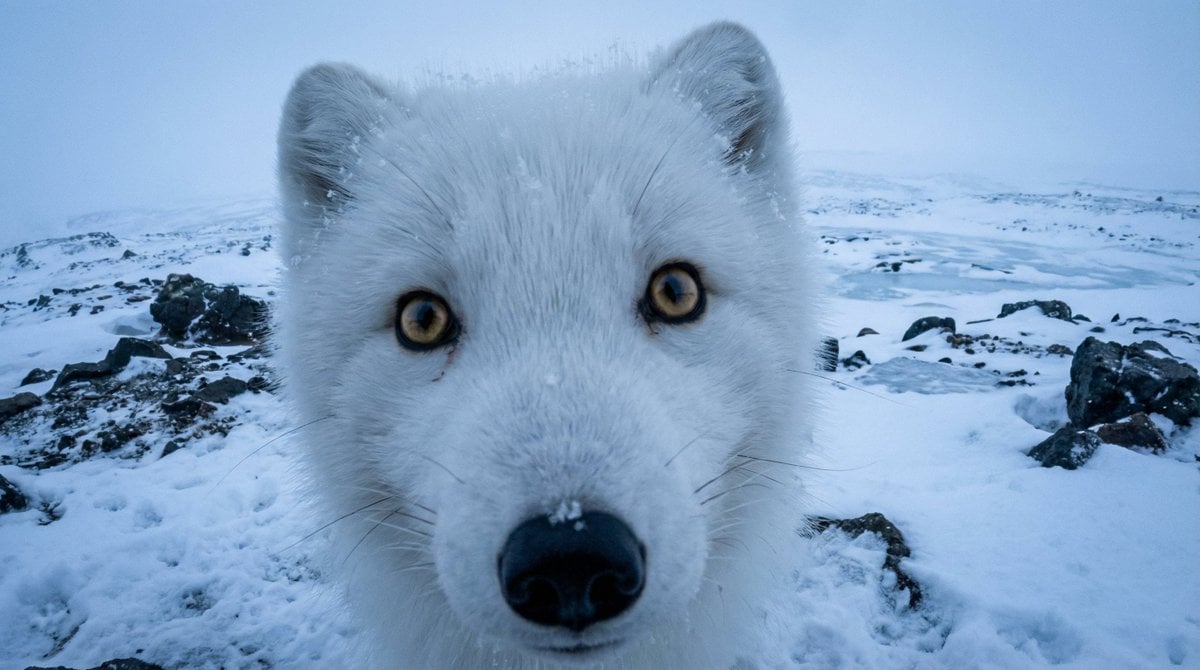
A highly detailed, variable-driven prompt template designed to generate raw, hyper-realistic POV wildlife photographs using a fisheye lens effect, simulating an action camera like a GoPro.
- Prompt included
- Model and format preset
- Free template
The prompt behind this image
Copy the exact prompt behind Variable Fisheye POV Wildlife Prompt, or open it in the studio and make it yours.
DIRECTIVE: Generate a raw, hyper-realistic POV wildlife photograph shot on an action camera (GoPro style). SUBJECT ({VAR_SUBJECT}): A {argument name="subject" default="pristine white Arctic Fox"} captured at intimate, point-blank range. Pose: The {VAR_SUBJECT} is extremely close to the lens, inspecting it curiously. This creates the signature wide-angle facial distortion: a prominent {argument name="facial feature" default="cute wet black nose, massive fluffy ears, and curious whiskers"}, massive head proportions, and intense eye contact. The Eyes: {argument name="eyes description" default="Large, striking golden-brown eyes"}. They must feature a sharp reflection of the {VAR_REFLECTION}, conveying wild intelligence. Texture: The skin or fur details are incredibly high-definition, featuring {VAR_TEXTURE_DETAILS}. ENVIRONMENT ({VAR_BIOME}): The backdrop is {VAR_LOCATION_DESC}. Terrain: Sharp contrast between {VAR_TERRAIN_DETAILS}. Atmosphere: {VAR_ATMOSPHERE}. The air feels distinct and immersive. The background stretches out endlessly due to the wide focal length. TECHNICAL SPECS (THE GOPRO LOOK): Lens: 16mm Ultra-Wide Angle (Fisheye effect). Focus: Macro Wide. The focus is locked sharply on the subject's eyes and nose, while the distant horizon fades into a soft, atmospheric blur (Depth of Field). Lighting: {VAR_LIGHTING}. Soft, diffuse, shadowless ambient light that enhances the subject against the terrain. Post-Processing: RAW aesthetic. No filters, slight digital noise (grain), natural color grading, high dynamic range to capture details without blowing out the highlights. VARIABLES (Artic Fox example, tweak the prompt to your needs) {VAR_SUBJECT} = pristine white Arctic Fox {VAR_FACIAL_FEATURE} = cute wet black nose, massive fluffy ears, and curious whiskers {VAR_EYES_DESC} = Large, striking golden-brown eyes {VAR_REFLECTION} = endless snowy horizon and overcast sky {VAR_TEXTURE_DETAILS} = incredibly dense, multi-layered white fur with actual snowflakes trapped in the coat {VAR_BIOME} = FROZEN ARCTIC TUNDRA {VAR_LOCATION_DESC} = a vast, snow-covered wilderness expanse {VAR_TERRAIN_DETAILS} = fresh powder snow, jagged dark volcanic rocks protruding, and patches of ice {VAR_ATMOSPHERE} = Freezing, crisp, and misty {VAR_LIGHTING} = Blue Hour (Nordic twilight; soft, cold, diffuse light before sunrise)
How to use Variable Fisheye POV Wildlife Prompt in 3 steps
- 1
Open
The prompt is already in the box next to the preview, with the template's model and format selected.
- 2…a portrait of your subject in softgolden-hour light, 85mm…
Personalize
Edit the subject and creative details for your destination.
- 3Generate
Generate
Press Generate — your image is created in PicX Studio, so you can compare it with the original and refine one variable at a time.
More like this
Templates with the same subject, style or setup. Open one to see its prompt.
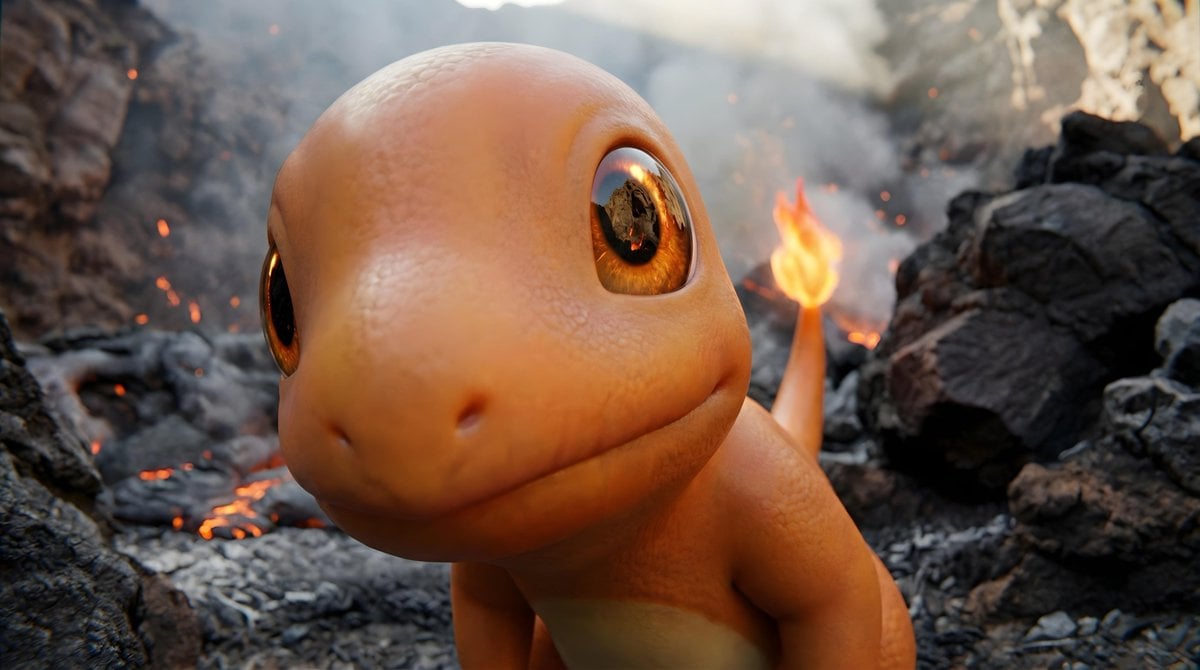
Short Prompt for POV Fisheye Pokemon Wildlife

Hyper-Realistic Minecraft POV Portrait

Rooftop Fisheye — Cat-Ear Balaclava at Golden Hour

Eid al-Adha Cute Chaos — Fisheye Selfie with Farm Selfie, Mosque & Animals

Red Futuristic Sport Motorcycle POV

Gpt2 Fisheye Sky Crouch Portrait
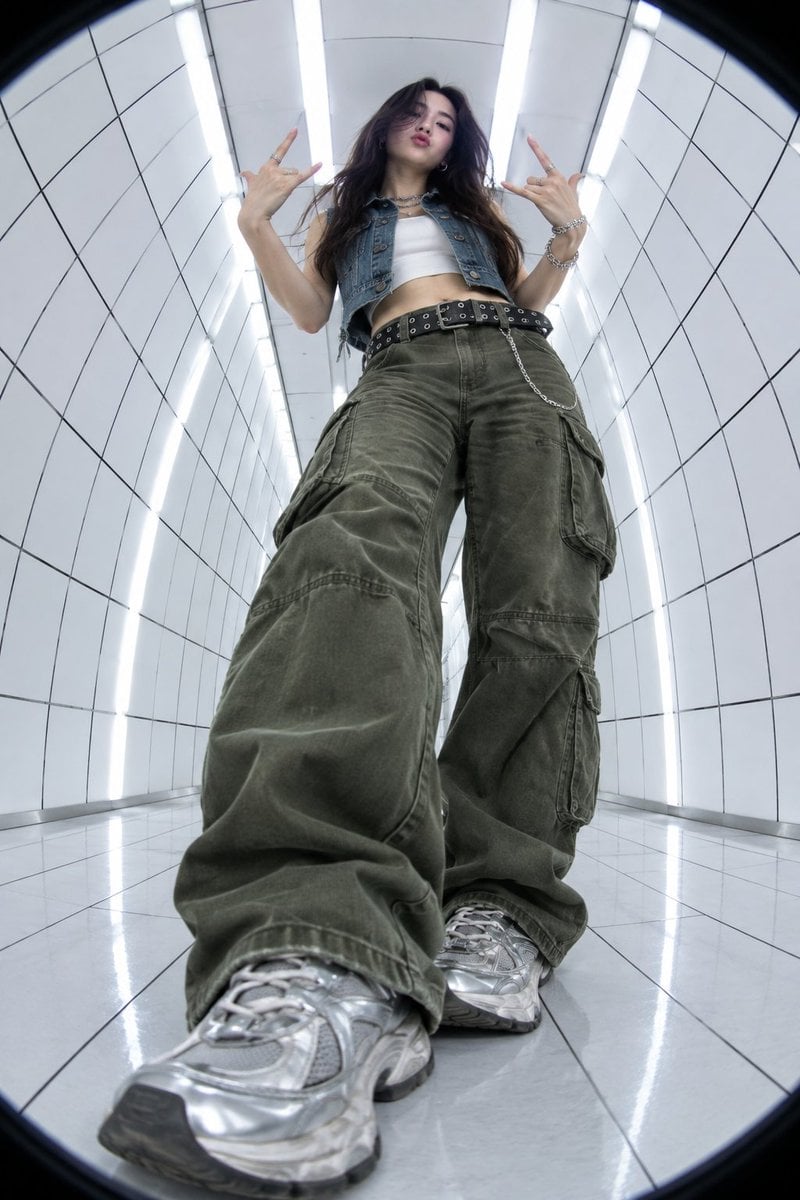
Y2K Fisheye Streetwear Portrait
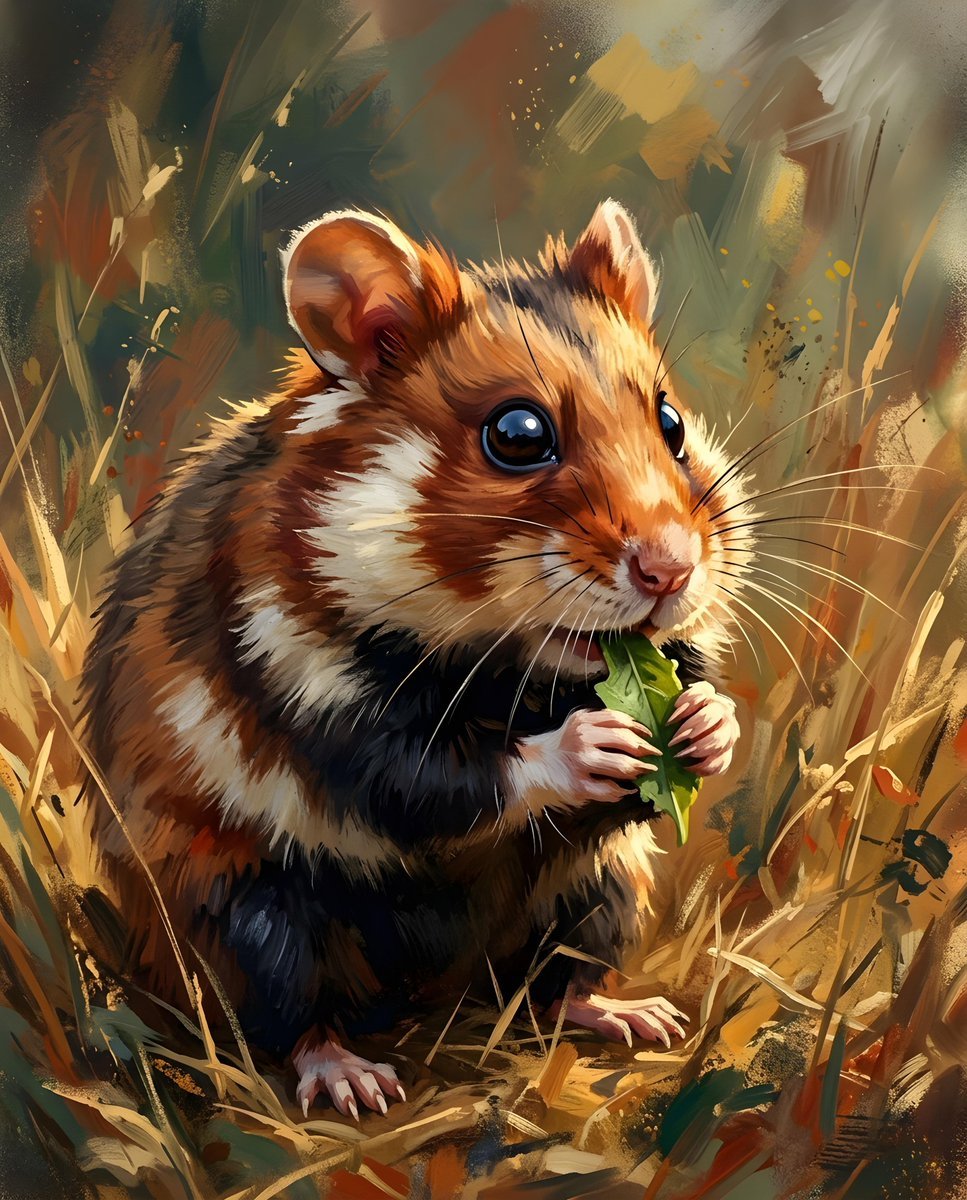
European Hamster Wildlife Photography
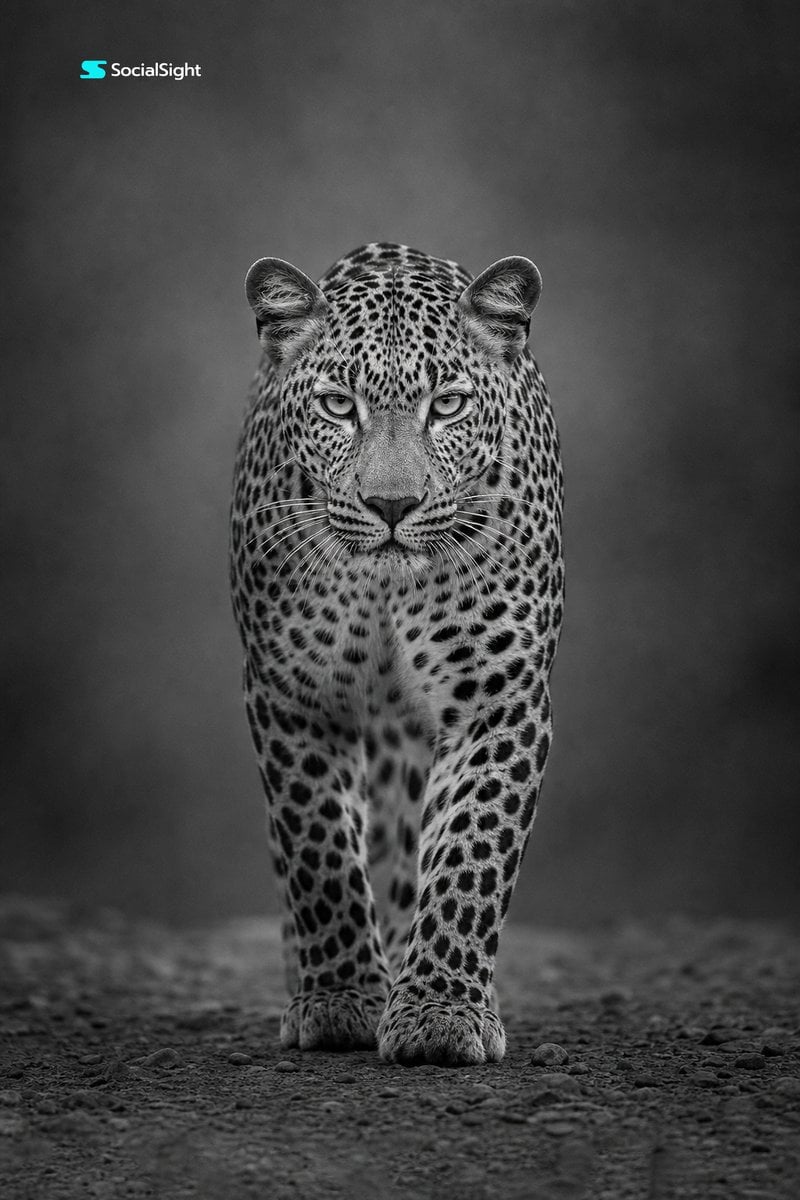
Monochrome Leopard Wildlife Portrait
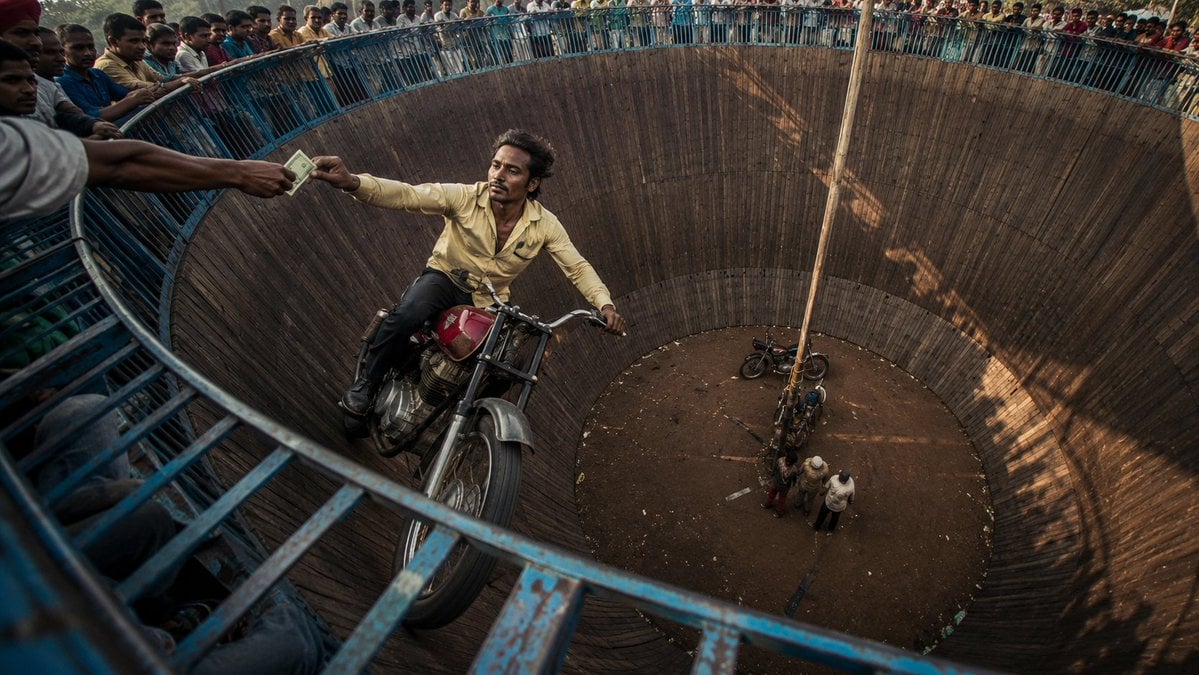
Wall of Death Fisheye Documentary
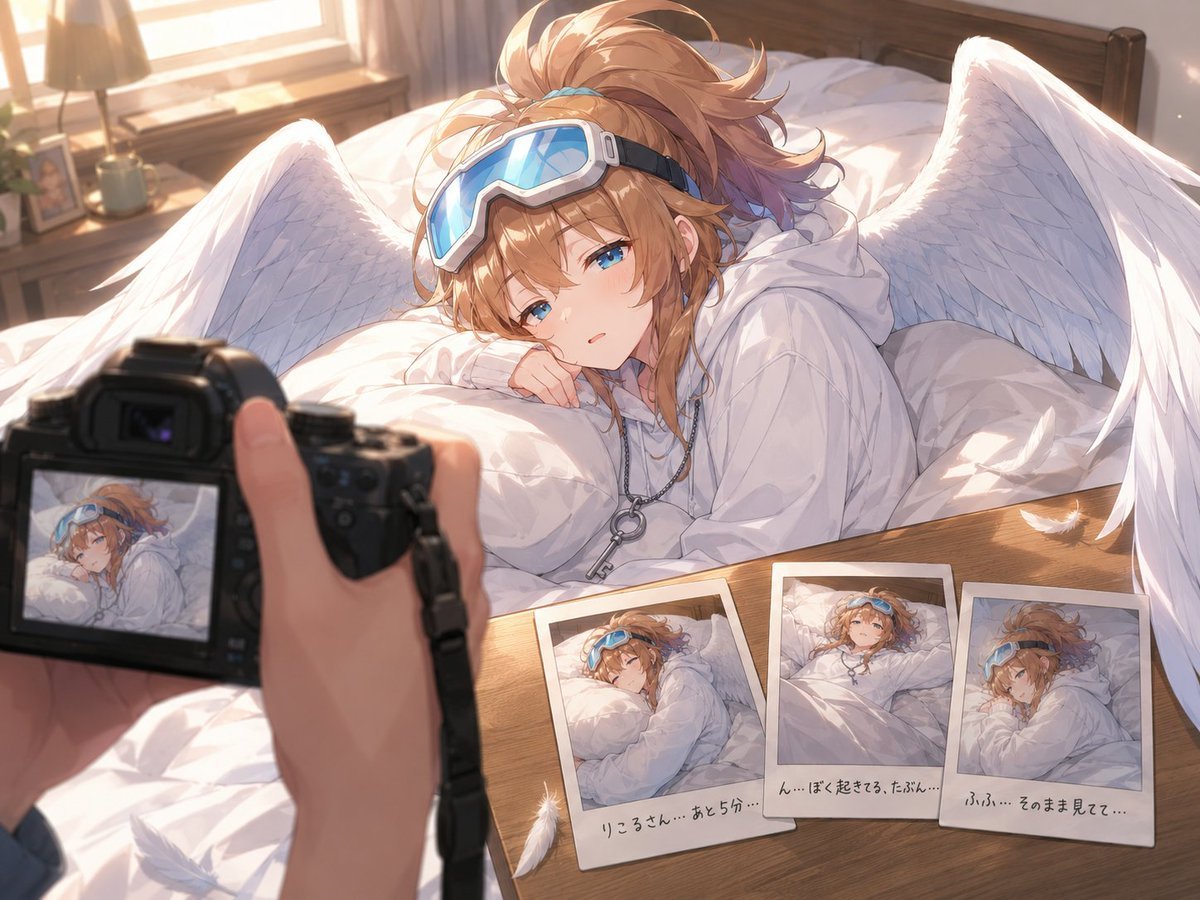
Anime Character Waking Up POV
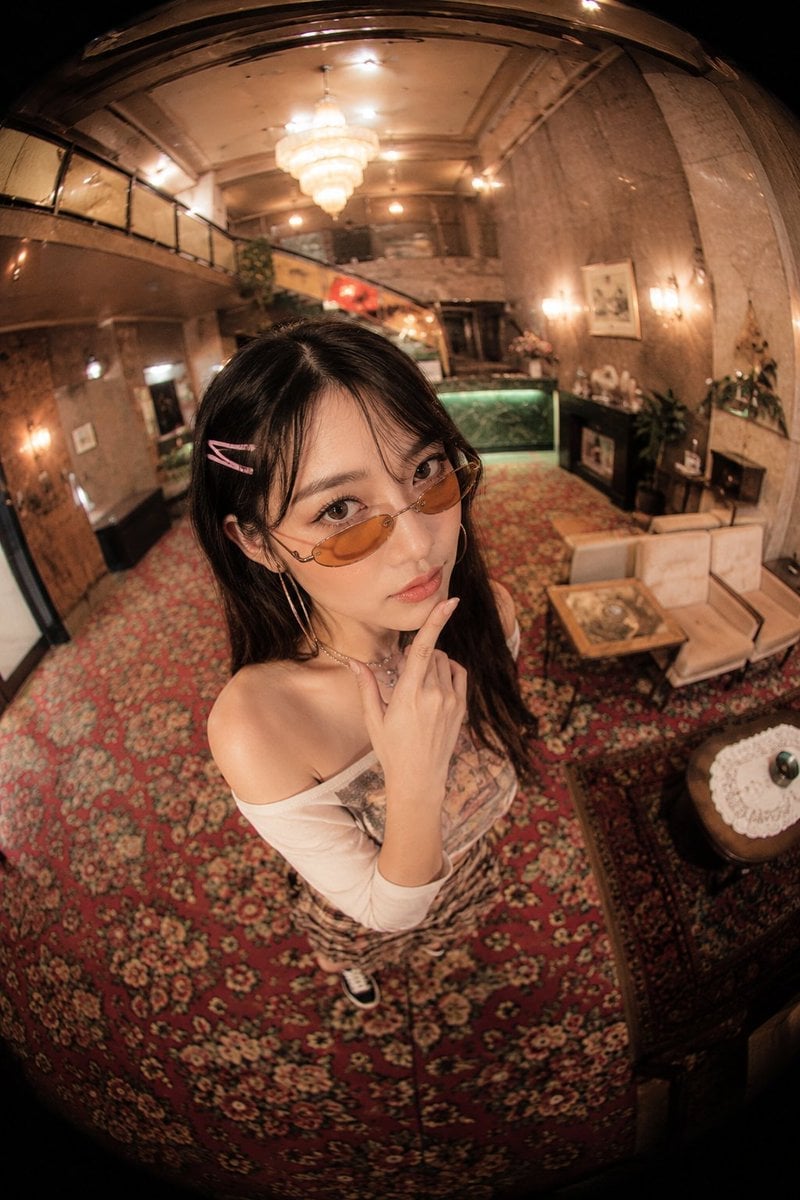
Fisheye Vintage Hotel Lobby Portrait
Make it yours
Variable Fisheye POV Wildlife Prompt works as-is. These are the safest ways to change it without losing the look.
Change one field
Copy a single group, rewrite it, and generate again so you can see what that field is doing.
Keep the frame, change the subject
Hold the composition and light of Variable Fisheye POV Wildlife Prompt, then swap wardrobe, props or the person for a new take.
| If the result… | Why | Fix |
|---|---|---|
| The result drifts from the preview | Too many fields changed at once. | Reuse Variable Fisheye POV Wildlife Prompt as-is first, then change one group — subject, light, or setting. |
| The model over-stylizes the scene | The prose prompt leaves finish and camera underspecified. | Add one camera or lighting sentence and stay on Nano Banana 2. |
More Nano Banana 2 templates
Other prompts made for Nano Banana 2.

Photorealistic Leaf Shaped Like a Dragon

K-Pop Idol Portrait Grid for Rapid Selection

Poetic Rain Forest Portrait During Golden Hour

Urban Street Portrait with Cartoon Inner Self Duo

Candid Nighttime Photo with Cat Prompt

High-Concept 3D Diorama Generation Prompt

Cinematic Futuristic Studio Portrait Template

Skincare Editorial Photography Collage Prompt

Hyper-Realistic Commercial Product Photography (Splash Effect)

Hyper-Realistic Nightclub Portrait Prompt
More image prompts
Fresh picks from across the catalog.
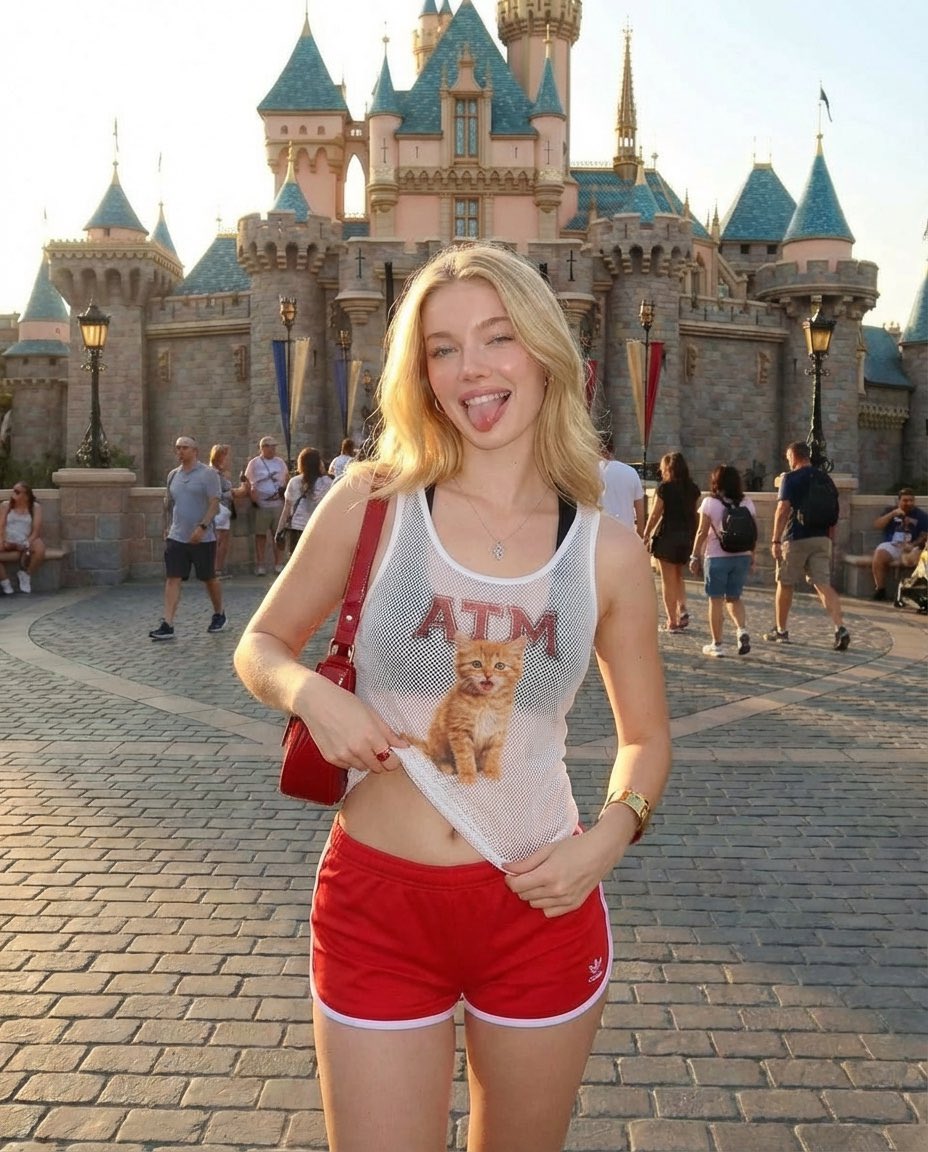
Realistic Photography of a Woman at a Fairytale Castle
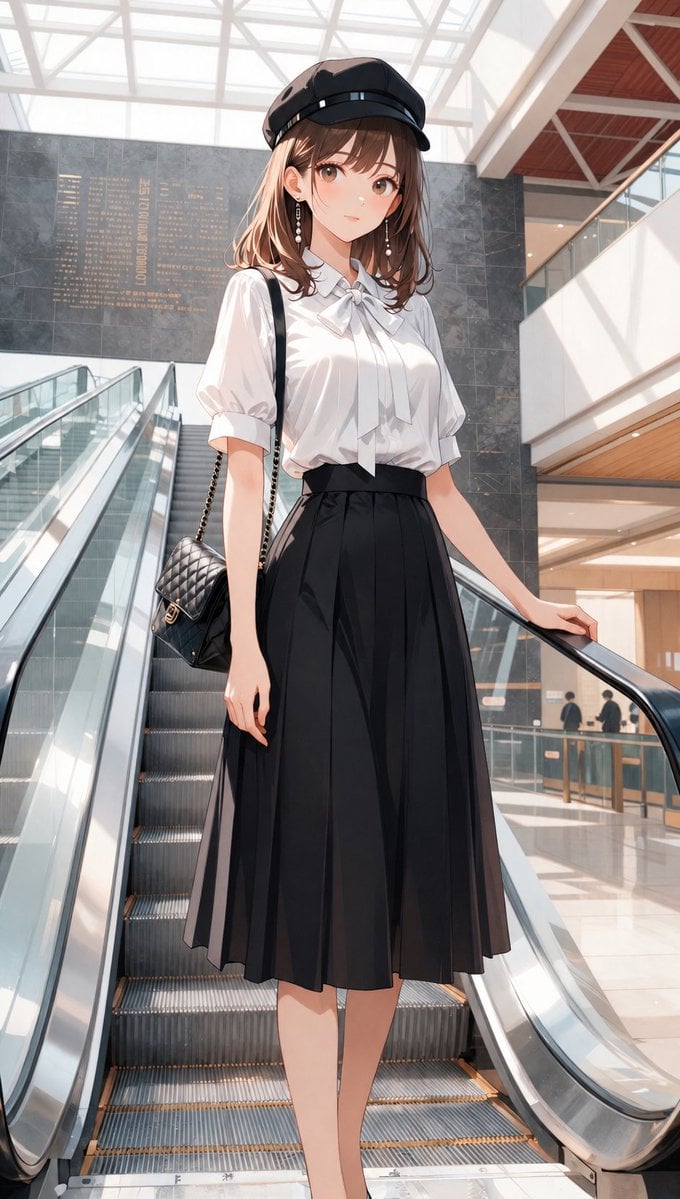
Anime Mall Escalator Fashion Portrait
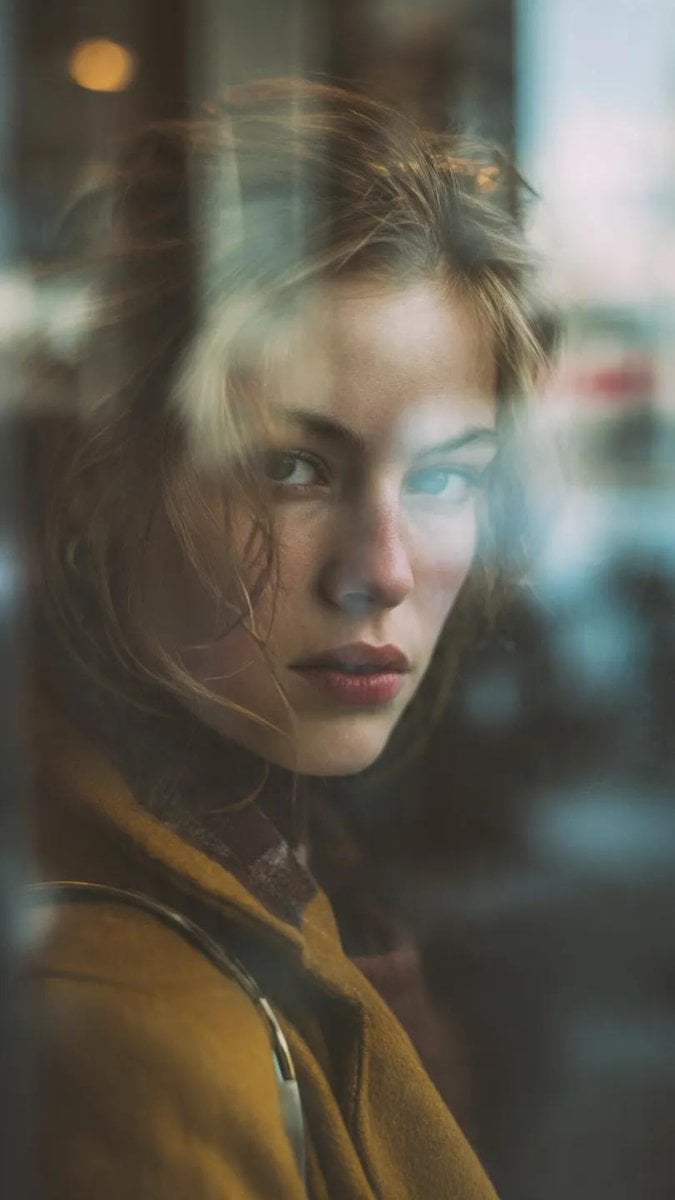
Layered Reflection Portrait Photography Prompt
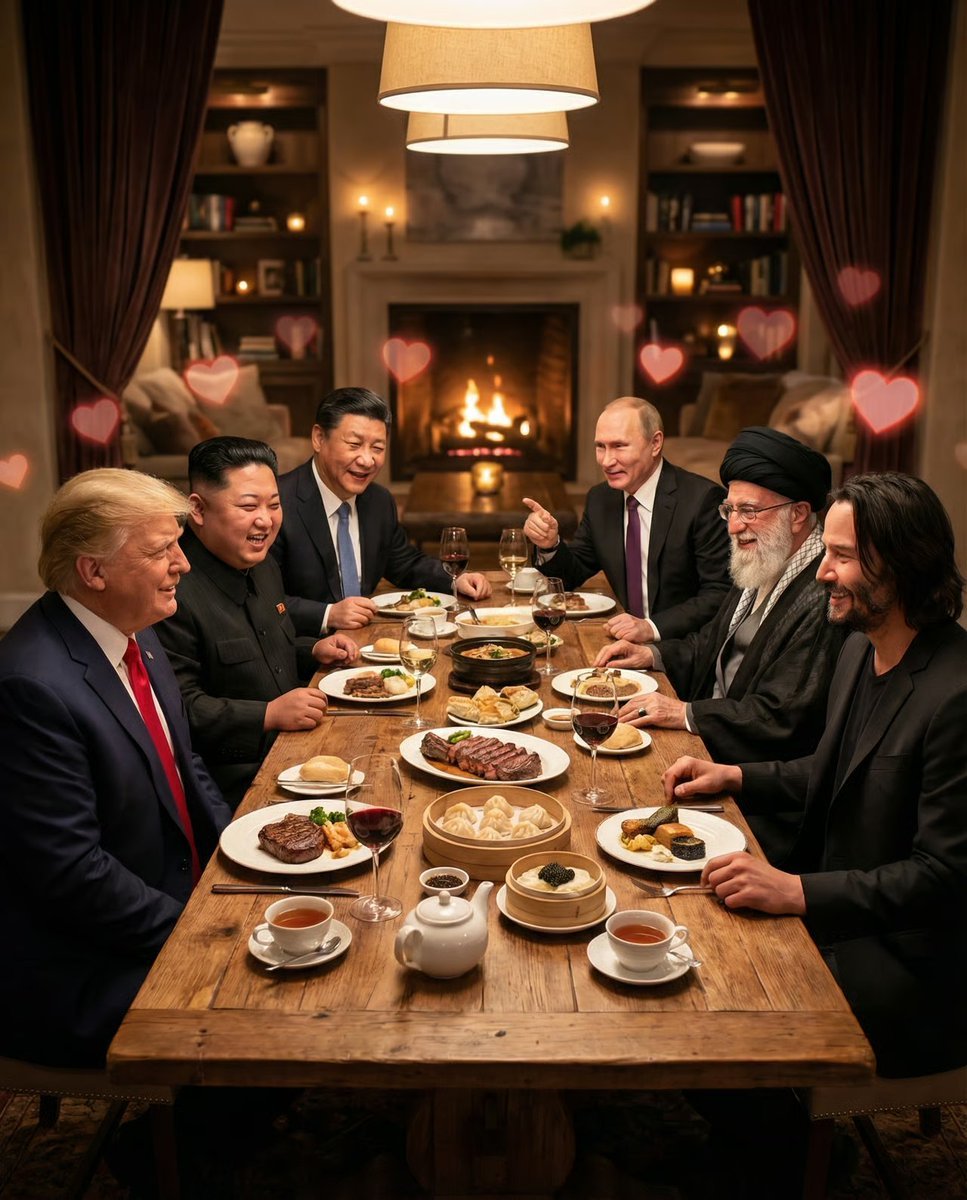
Intimate Date Scene Generator for Multiple Characters
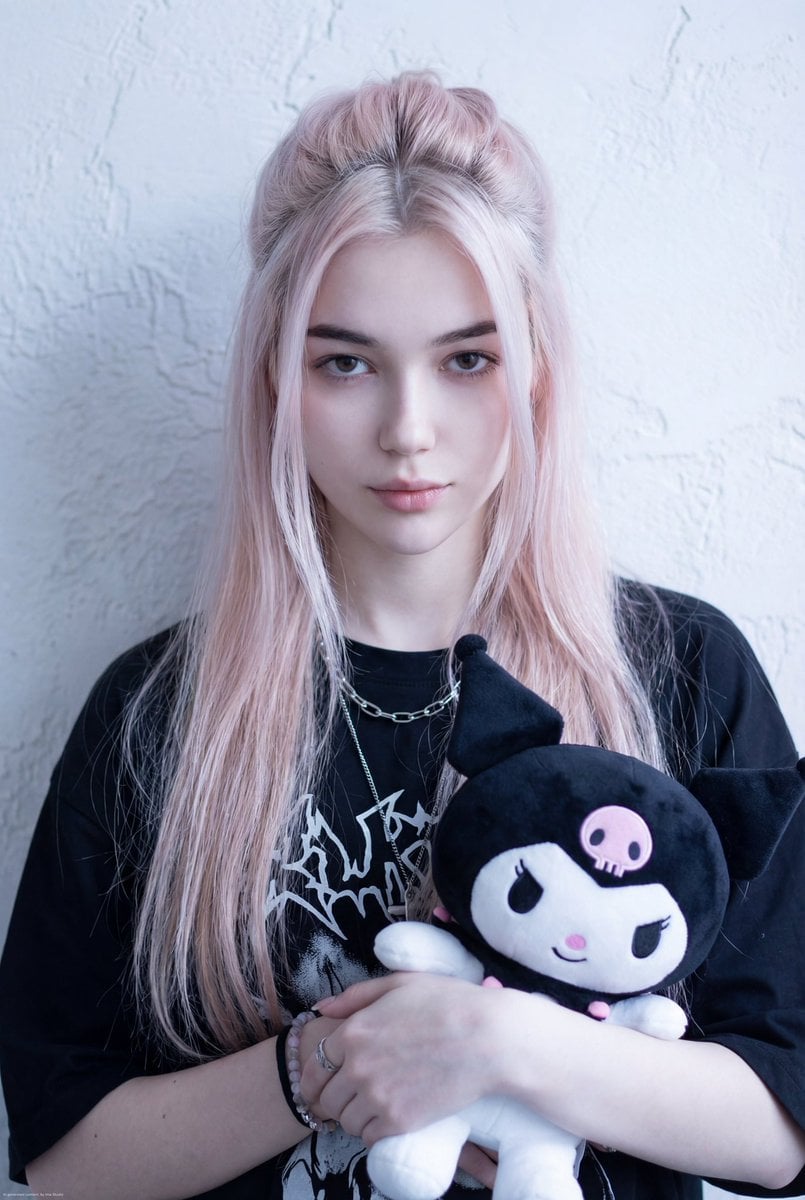
Kuromi Influencer Portrait Prompt for Nano Banana Pro
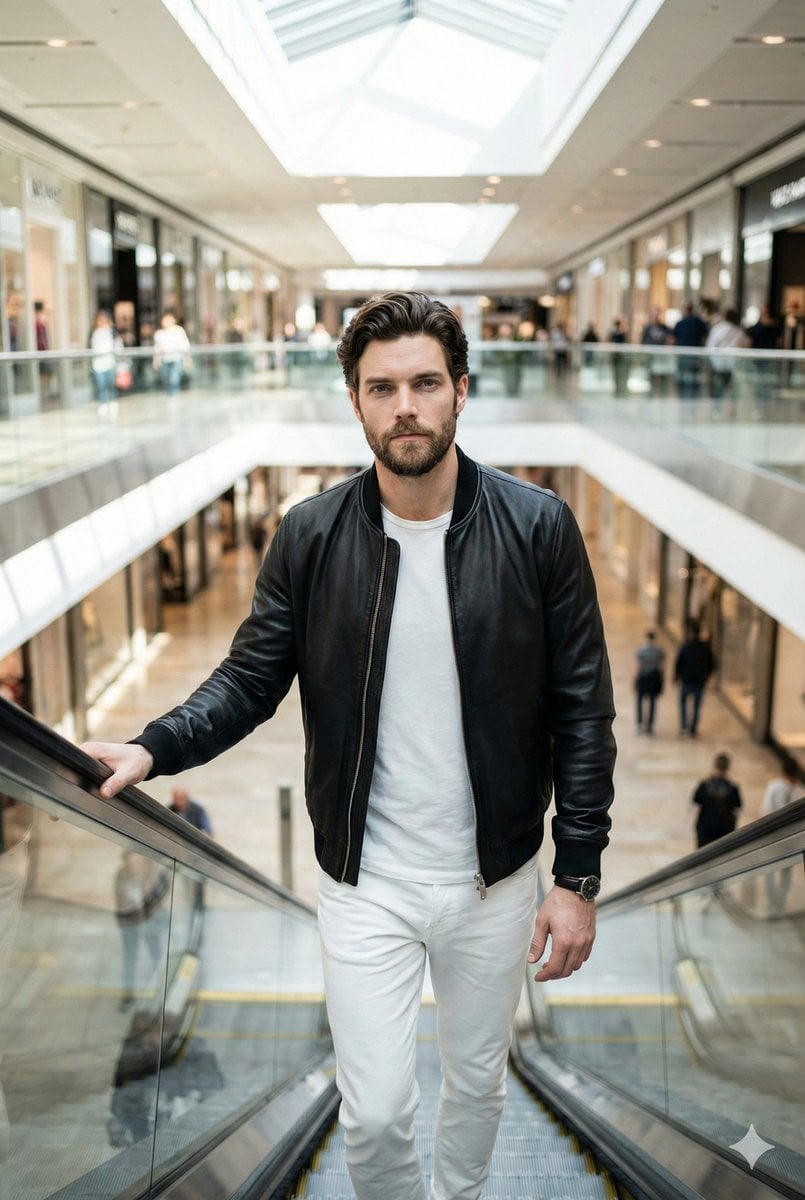
Negative Prompt for Photorealistic Fashion Image
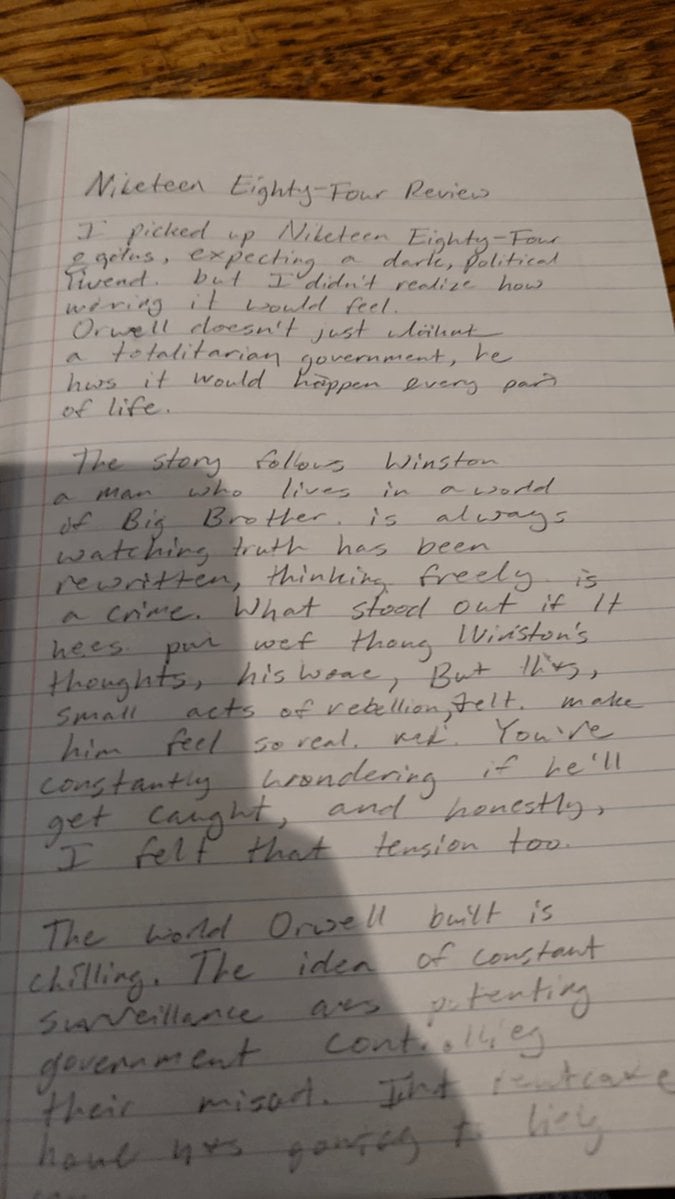
Messy Handwritten Notebook Photo
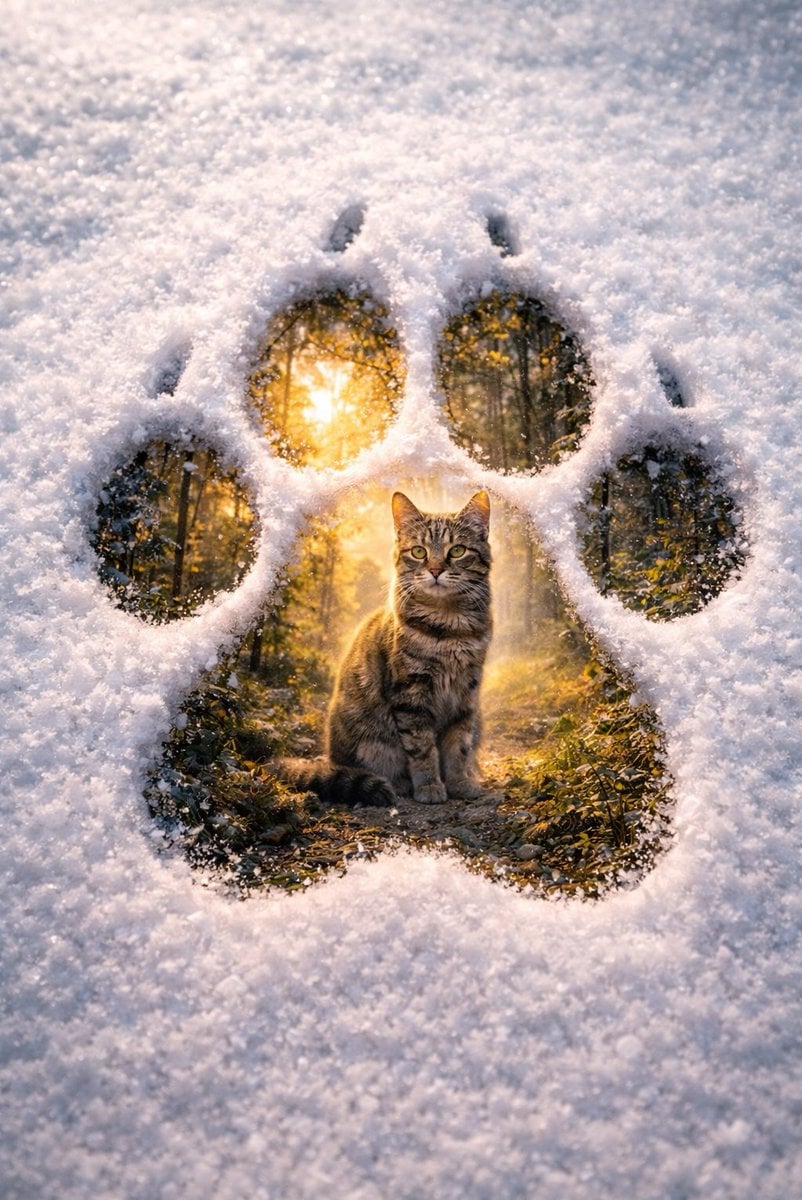
Surreal Pawprint Photo Manipulation Template
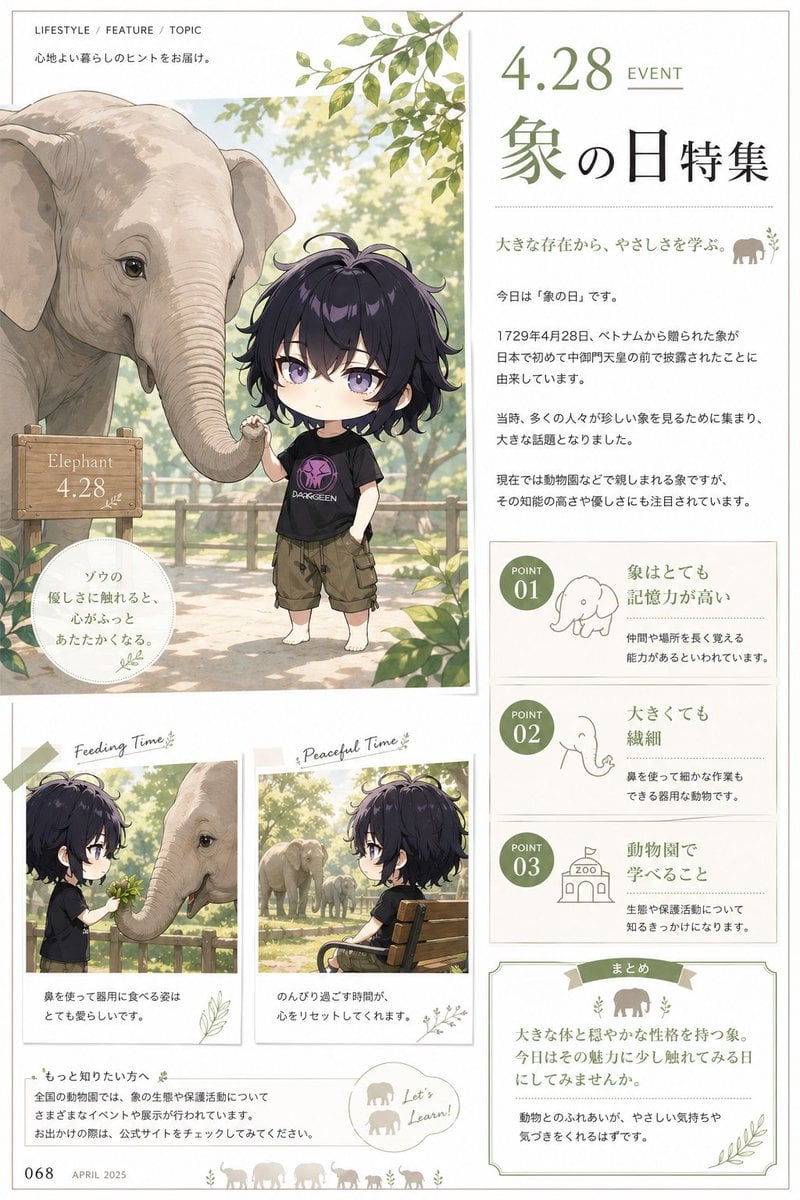
Elephant Day Magazine Feature

HIX.AI Slide Update Banner
Browse template categories
Variable Fisheye POV Wildlife Prompt questions
How do I use the Variable Fisheye POV Wildlife Prompt template?
Add your photo if the template asks for one, edit the prompt if you like — the template's model and format are already selected — and press Generate. Your version opens in PicX Studio.
Can I customize the Variable Fisheye POV Wildlife Prompt template?
Yes. You can change the subject, setting, lighting, mood, format, and available model controls before creating your image.
Is the Variable Fisheye POV Wildlife Prompt template free?
Opening and editing this template is free. Generating uses credits, shown on the Generate button when you are signed in.
Which AI model should I use?
Start with Nano Banana 2, which is the model associated with this template. You can compare another compatible model for a different finish.
Looking for something else? Browse all templates.

Your photo, any look
Thousands of ready templates for every top image and video model, from one credit balance.