
Fisheye Vintage Hotel Lobby Portrait
Generates a dramatic fisheye editorial portrait of a stylish young woman in a warm retro hotel lobby.
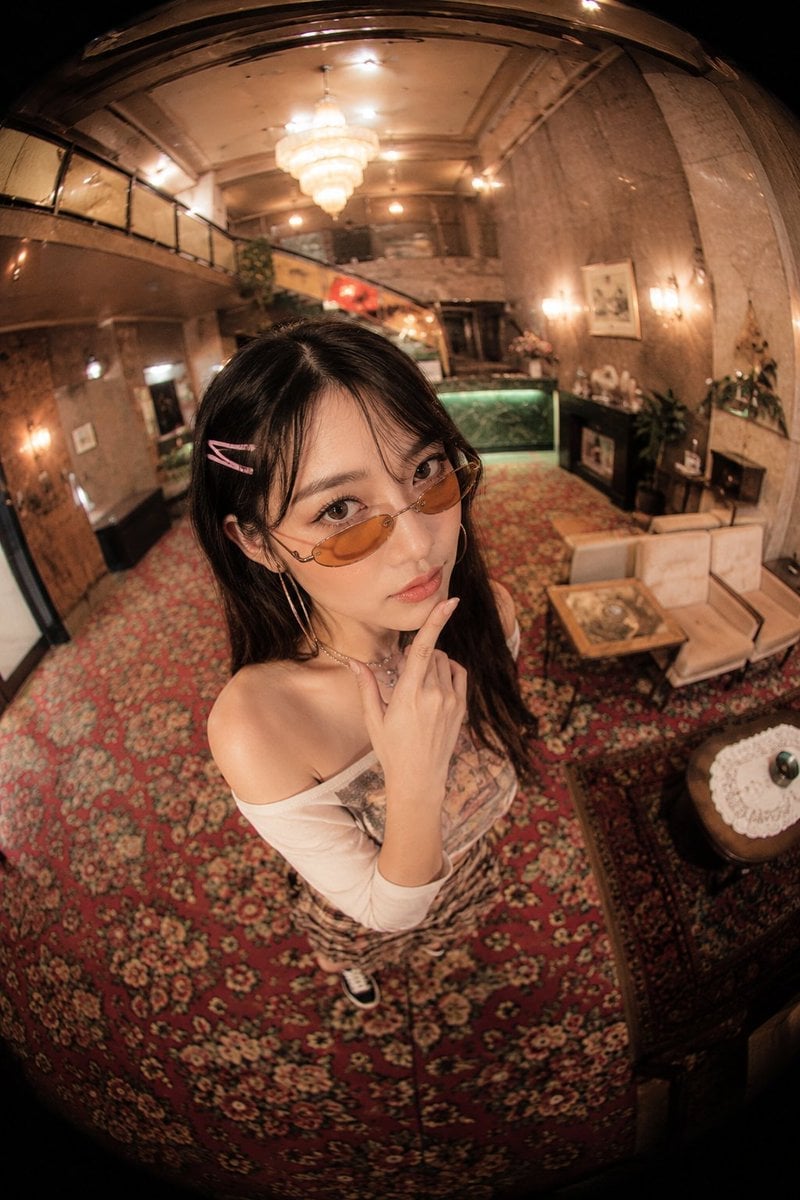
- Prompt included
- Model and format preset
- Free template
The prompt behind this image
Copy the exact prompt behind Fisheye Vintage Hotel Lobby Portrait, or open it in the studio and make it yours.
Create an ultra-wide fisheye fashion portrait of a young East Asian woman, {argument name="character name" default="unnamed model"}, standing in the center foreground of an ornate vintage hotel lobby. The camera is held high above her at a steep downward angle, extremely close, creating strong barrel distortion and a circular black vignette around the edges like a 180-degree fisheye lens. She looks directly into the camera with a calm, slightly pouty expression, one finger resting thoughtfully under her chin. She has long dark hair with two pink hair clips on one side, delicate makeup, slim oval amber-tinted sunglasses, hoop earrings, layered necklace, an off-shoulder white fitted top with a printed graphic, a patterned skirt, and sneakers partly visible below. The setting is a warm, dimly lit retro luxury lobby with red floral carpet covering most of the floor, cream sofas and a glass-top coffee table to the right, a small round table with a lace doily in the lower right, marble or stone walls, framed art, potted plants, a green reception counter in the back, an upper balcony/mezzanine on the left, wall sconces, and a glowing chandelier overhead. Use warm amber lighting, nostalgic 1990s boutique hotel atmosphere, realistic skin texture, glossy highlights, shallow but readable depth, high-detail editorial photography, dramatic fisheye perspective, no text, no watermark. Customize the woman’s hair as {argument name="hair color" default="long black hair"}, eyewear as {argument name="sunglasses style" default="slim oval amber-tinted sunglasses"}, outfit as {argument name="outfit" default="off-shoulder white top, patterned skirt, sneakers"}, and location mood as {argument name="location mood" default="ornate vintage hotel lobby with warm amber lighting"}.
How to use Fisheye Vintage Hotel Lobby Portrait in 3 steps
- 1Upload ImagePNG, JPG or paste
Add your photo
Upload the photo the template builds on. The prompt, model and format are already set.
- 2…a portrait of your subject in softgolden-hour light, 85mm…
Personalize
Edit the subject and creative details for your destination.
- 3Generate
Generate
Press Generate — your image is created in PicX Studio, so you can compare it with the original and refine one variable at a time.
More like this
Templates with the same subject, style or setup. Open one to see its prompt.

Found Photograph: Us, 1970

80s Couple Studio Portrait

80s Bollywood Star

80s Golden Hour Cinema

Rooftop Fisheye — Cat-Ear Balaclava at Golden Hour
Pay TV Hotel Remote
Luxury Fashion Hotel Lobby Portrait
Luxury Hotel Lobby Portrait Prompt

Gpt2 Fisheye Sky Crouch Portrait

Two Tickets, One Night

If We Met in 1985

One Dance Before Midnight
Make it yours
Fisheye Vintage Hotel Lobby Portrait works as-is. These are the safest ways to change it without losing the look.
Change one field
Copy a single group, rewrite it, and generate again so you can see what that field is doing.
Keep the frame, change the subject
Hold the composition and light of Fisheye Vintage Hotel Lobby Portrait, then swap wardrobe, props or the person for a new take.
| If the result… | Why | Fix |
|---|---|---|
| The result drifts from the preview | Too many fields changed at once. | Reuse Fisheye Vintage Hotel Lobby Portrait as-is first, then change one group — subject, light, or setting. |
| The model over-stylizes the scene | The prose prompt leaves finish and camera underspecified. | Add one camera or lighting sentence and stay on GPT Image 2. |
More GPT Image 2 templates
Other prompts made for GPT Image 2.

Six VTuber Japanese Logo Sheet

Realistic Portrait of Woman and Deer

The Vista Modular Condo Poster

AI Model Routing Comparison Infographic

2.5D Anime Art Board

Isometric Productivity Desk Scene

New York Double Exposure Poster

Four-Panel AI Landscape Comparison

Japanese Tatami Lifestyle Magazine Cover

NESCAFÉ Coffee Map Poster
More image prompts
Fresh picks from across the catalog.
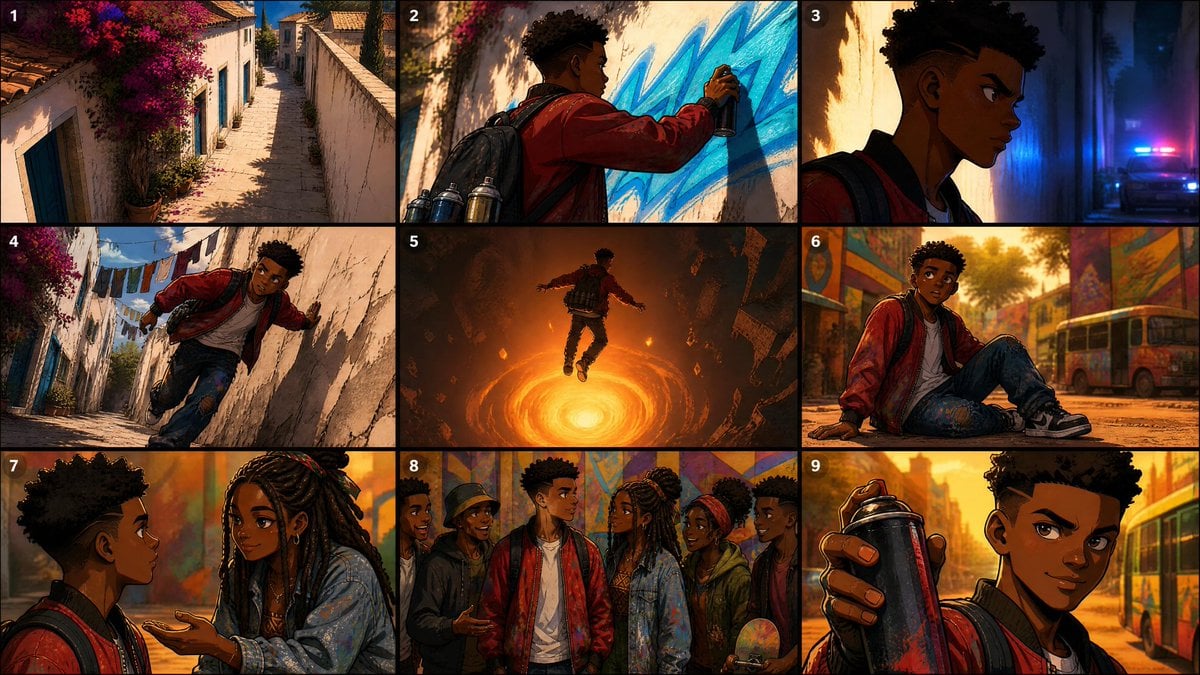
Seedance Prompt: Create a 2.5D animation, cinemat
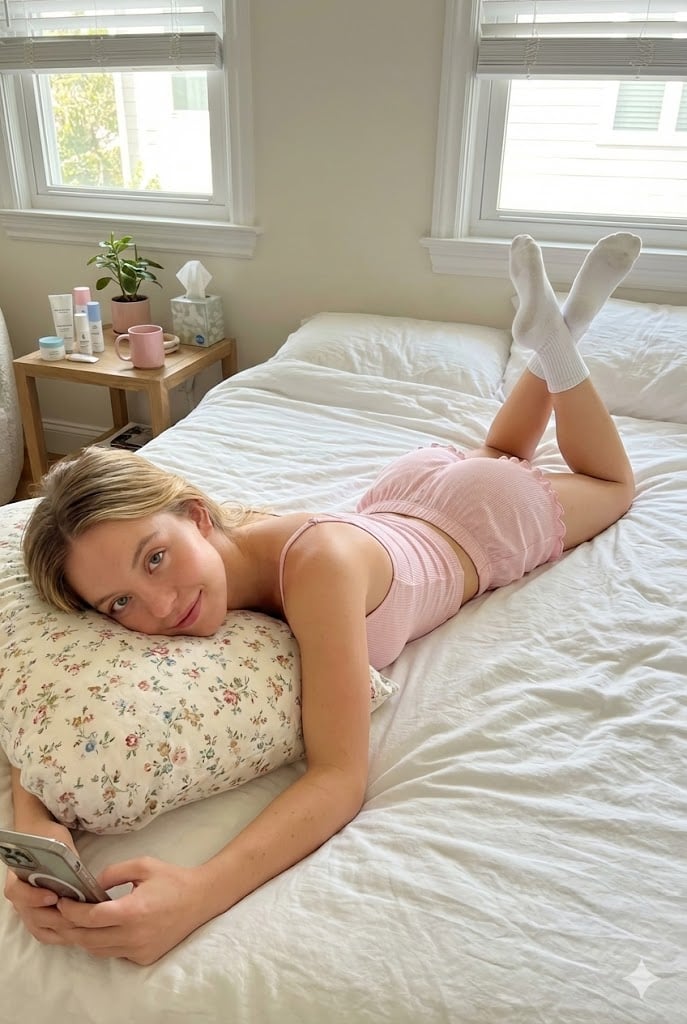
Prone Bed Selfie in Pink Lounge Wear
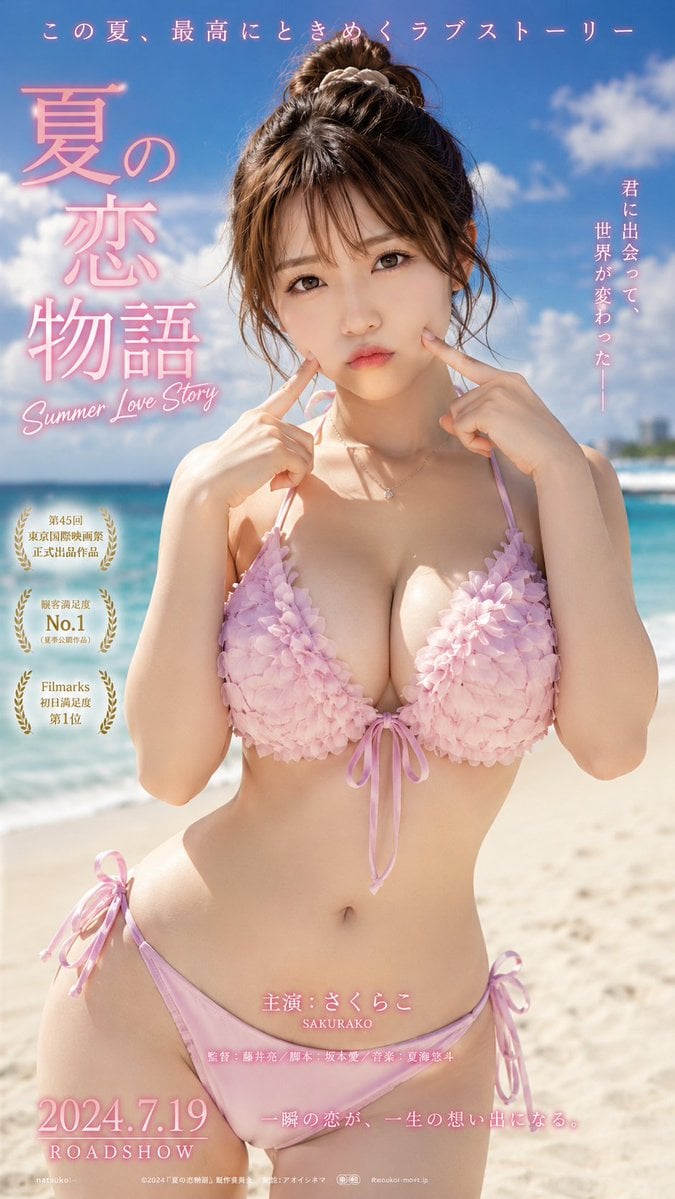
Cinematic Beachwear Model Portrait
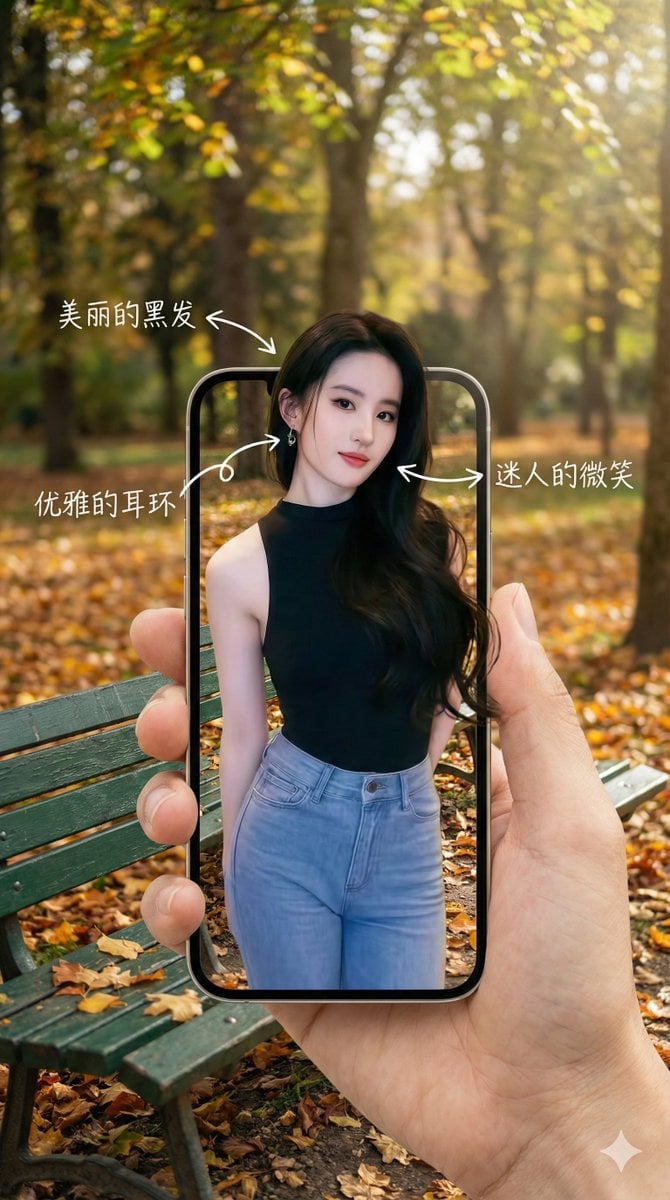
3D Pop-Out Phone Screen Photo Effect Template (Template)
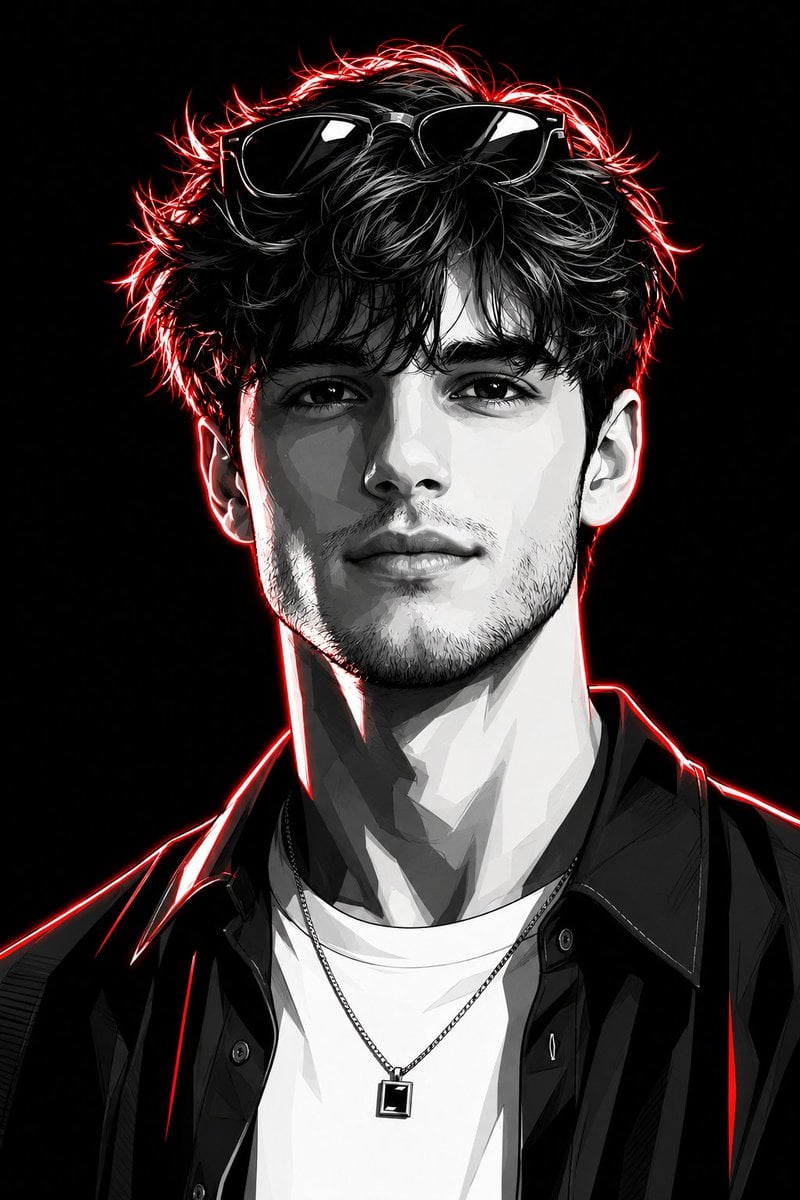
Neon Graphic Novel Character Transformation
Wind-blown hair physics edit prompt
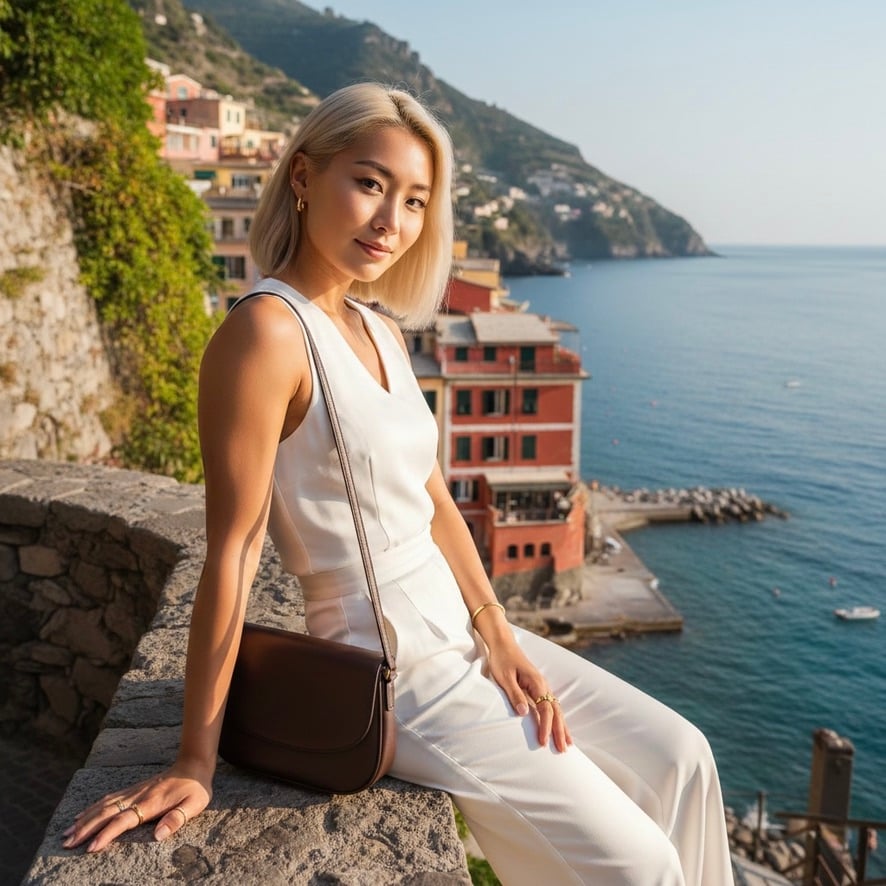
Quiet Luxury Mediterranean Vacation Portrait
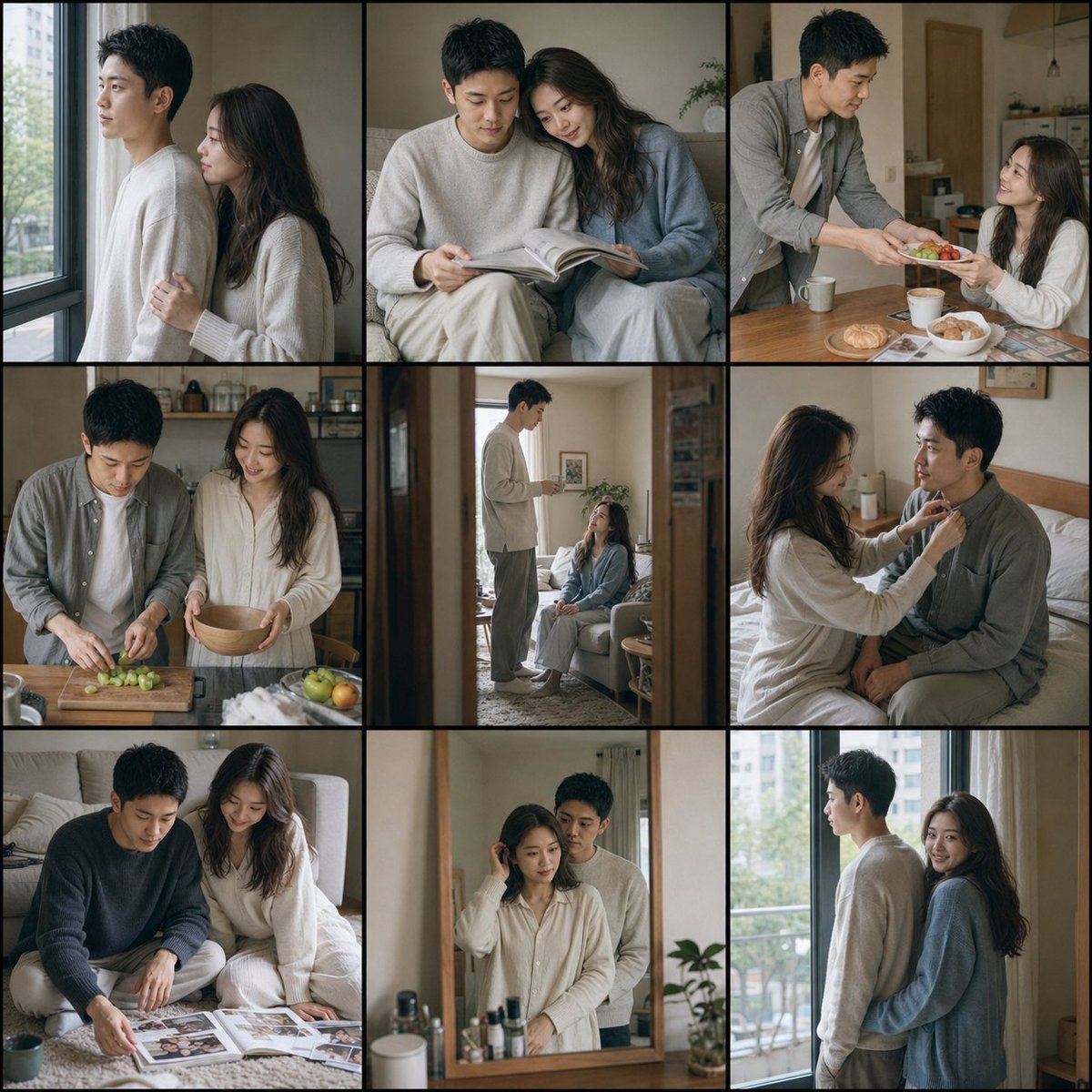
Fujifilm Style Home Couple Portraits
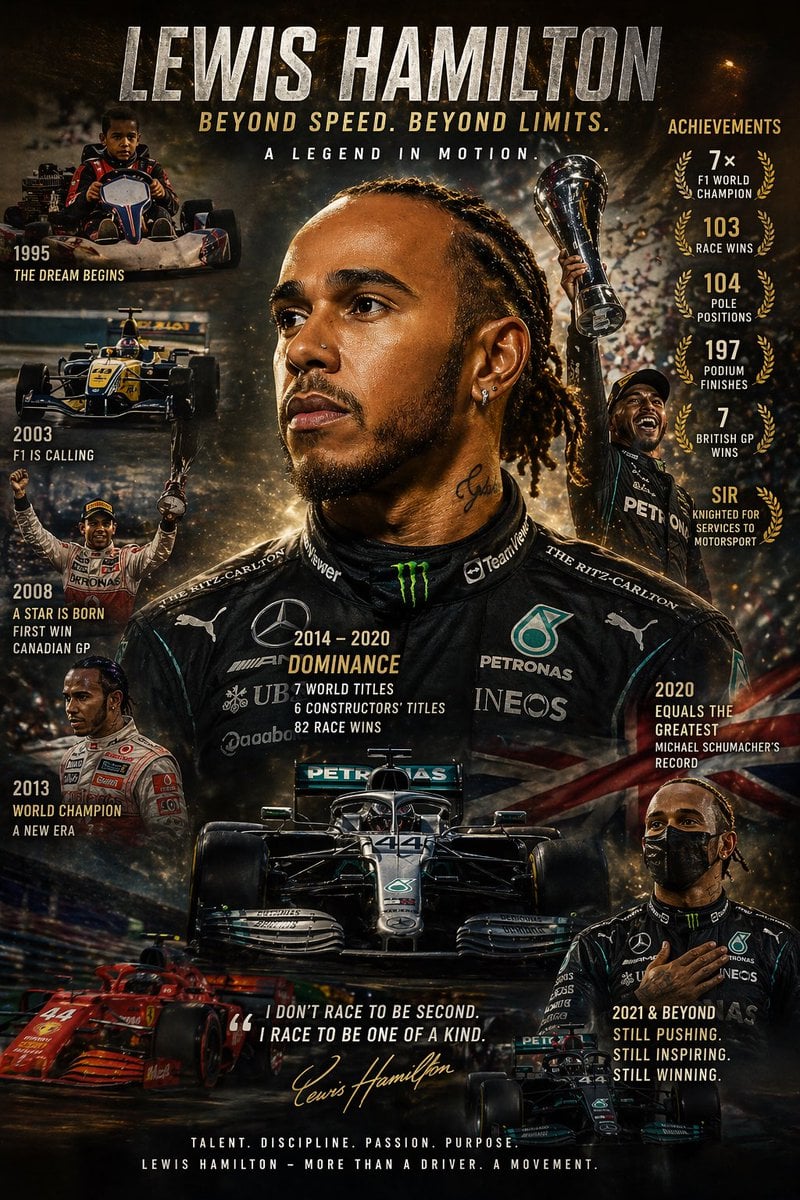
Cinematic Racing Legend Poster
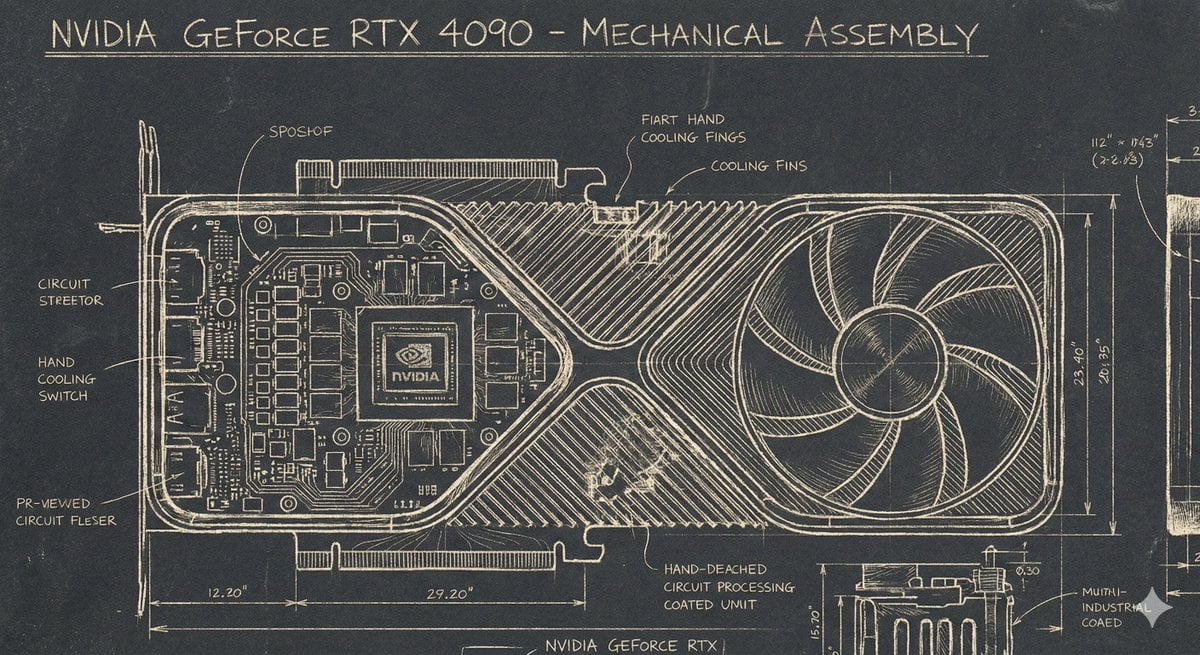
Sgraffito Mechanical Blueprint of NVIDIA 4090 GPU
Browse template categories
Fisheye Vintage Hotel Lobby Portrait questions
How do I use the Fisheye Vintage Hotel Lobby Portrait template?
Add your photo if the template asks for one, edit the prompt if you like — the template's model and format are already selected — and press Generate. Your version opens in PicX Studio.
Can I customize the Fisheye Vintage Hotel Lobby Portrait template?
Yes. You can change the subject, setting, lighting, mood, format, and available model controls before creating your image.
Is the Fisheye Vintage Hotel Lobby Portrait template free?
Opening and editing this template is free. Generating uses credits, shown on the Generate button when you are signed in.
Which AI model should I use?
Start with GPT Image 2, which is the model associated with this template. You can compare another compatible model for a different finish.
Looking for something else? Browse all templates.

Your photo, any look
Thousands of ready templates for every top image and video model, from one credit balance.