
Cinematic Racing Legend Poster
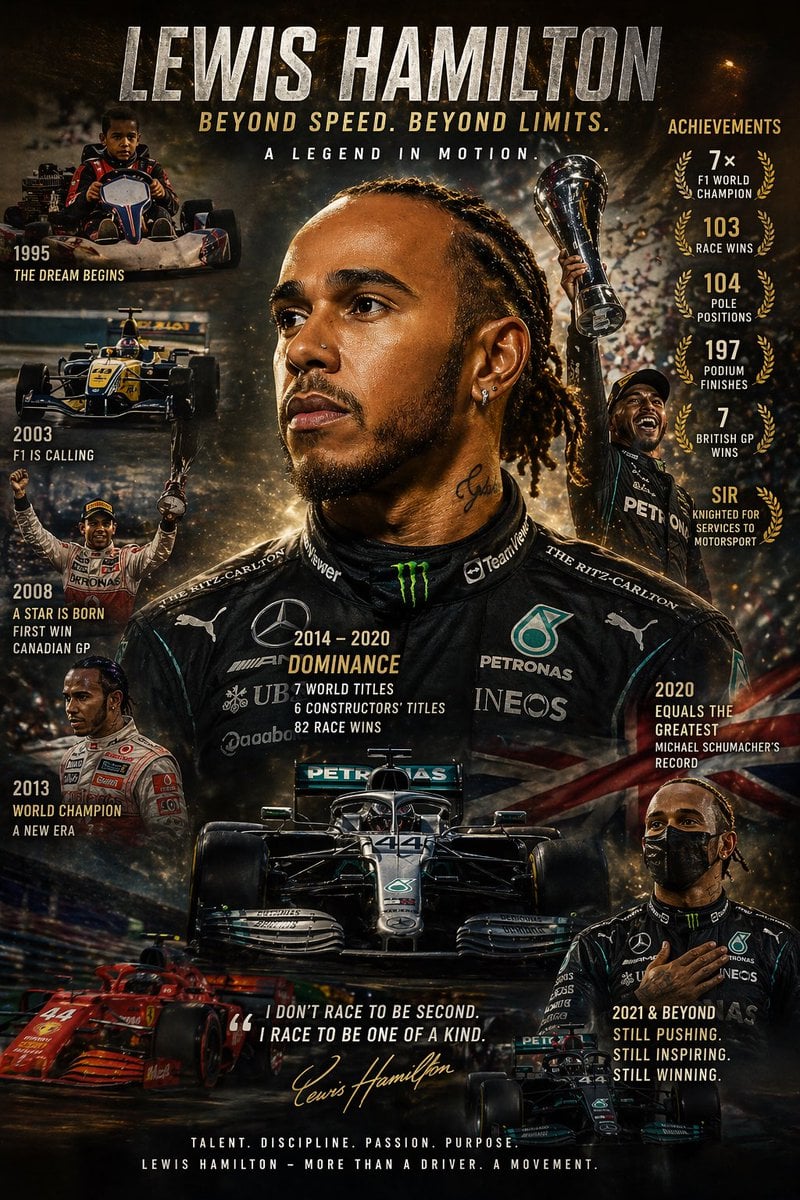
This prompt generates a dramatic biographical motorsport tribute poster with a central hero portrait, milestone timeline scenes, racing cars, and achievement statistics for inspirational sports branding or fan art.
- Prompt included
- Model and format preset
- Free template
The prompt behind this image
Copy the exact prompt behind Cinematic Racing Legend Poster, or open it in the studio and make it yours.
Create a dramatic vertical poster-style sports tribute for {argument name="athlete name" default="Lewis Hamilton"}, designed like a cinematic legacy montage with a dark, high-contrast, gold-and-black color grade, gritty smoke, sparks, stadium haze, and celebratory lighting. At the top, place a huge metallic distressed headline reading {argument name="headline text" default="LEWIS HAMILTON"}, with a bold gold subheadline beneath it reading “BEYOND SPEED. BEYOND LIMITS.” and a smaller white line below saying “A LEGEND IN MOTION.” The composition centers on a large, close-up hero portrait of the athlete in a modern black racing suit, shown from the chest up, facing slightly to the side with intense expression, detailed skin texture, braided hair, dramatic rim lighting, and visible sponsor-style logos across the suit. Build a collage around the central portrait using exactly 8 supporting elements: on the upper left, a childhood go-kart scene labeled “1995” with the caption “THE DREAM BEGINS”; below it, a single-seater junior formula car scene labeled “2003” with the caption “F1 IS CALLING”; below that, a victory celebration scene labeled “2008” with the caption “A STAR IS BORN” and a second line “FIRST WIN CANADIAN GP”; lower left, a racing portrait labeled “2013” with the caption “WORLD CHAMPION” and a second line “A NEW ERA”; center torso text block labeled “2014 – 2020” with the title “DOMINANCE” and three stat lines “7 WORLD TITLES”, “6 CONSTRUCTORS’ TITLES”, and “82 RACE WINS”; bottom center, a front-facing black Formula 1 car with number 44 emerging from shadows; upper right, a triumphant full-body figure raising a trophy overhead amid confetti; mid-right, a vertical achievements column titled “ACHIEVEMENTS” with exactly 5 laurel-wreathed stats reading “7× F1 WORLD CHAMPION”, “103 RACE WINS”, “104 POLE POSITIONS”, “197 PODIUM FINISHES”, and “7 BRITISH GP WINS”, followed by a final text callout “SIR” and the line “KNIGHTED FOR SERVICES TO MOTORSPORT”; lower right, a modern portrait of the athlete with hand over chest beside the caption “2021 & BEYOND” and the stacked text “STILL PUSHING. STILL INSPIRING. STILL WINNING.” Add 2 additional cars at the bottom edge: a red Formula 1 car on the lower left streaking diagonally with motion blur, and a smaller black Formula 1 car on the lower right. Place a centered quote near the bottom in white italic caps: {argument name="quote" default="I DON’T RACE TO BE SECOND. I RACE TO BE ONE OF A KIND."}, followed by a gold handwritten signature-style script reading {argument name="signature name" default="Lewis Hamilton"}. Finish with a footer slogan in spaced-out white capitals: “TALENT. DISCIPLINE. PASSION. PURPOSE.” and a final line beneath it: “LEWIS HAMILTON – MORE THAN A DRIVER. A MOVEMENT.” Use layered depth, sharp typography, premium magazine-poster layout, subtle British flag accents, realistic cars, photoreal faces, and an inspirational champion-documentary aesthetic.
How to use Cinematic Racing Legend Poster in 3 steps
- 1Upload ImagePNG, JPG or paste
Add your photo
Upload the photo the template builds on. The prompt, model and format are already set.
- 2…a portrait of your subject in softgolden-hour light, 85mm…
Personalize
Edit the subject and creative details for your destination.
- 3Generate
Generate
Press Generate — your image is created in PicX Studio, so you can compare it with the original and refine one variable at a time.
More like this
Templates with the same subject, style or setup. Open one to see its prompt.
Legendary Icons Mixed Style Poster Pack

Japan Neon Speed City Racing Poster

Legendary Player Fragmented Editorial Poster

Japan Travel Brochure Poster

Cartoon TV Show Poster Pack

Trendy Cafe Drink Promo Poster

Urban Fashion Editorial Collage Streetwear Poster

Premium Fashion Editorial Cover Layout System

Polo Ralph Lauren Luxury American Heritage Fashion Campaign

Monochrome Halftone Editorial Fashion Poster

Retro Mirror Luxury Fashion Campaign Poster

Luxury Fashion Campaign Typography Poster System
Make it yours
Cinematic Racing Legend Poster works as-is. These are the safest ways to change it without losing the look.
Change one field
Copy a single group, rewrite it, and generate again so you can see what that field is doing.
Keep the frame, change the subject
Hold the composition and light of Cinematic Racing Legend Poster, then swap wardrobe, props or the person for a new take.
| If the result… | Why | Fix |
|---|---|---|
| The result drifts from the preview | Too many fields changed at once. | Reuse Cinematic Racing Legend Poster as-is first, then change one group — subject, light, or setting. |
| The model over-stylizes the scene | The prose prompt leaves finish and camera underspecified. | Add one camera or lighting sentence and stay on GPT Image 2. |
More GPT Image 2 templates
Other prompts made for GPT Image 2.

Six VTuber Japanese Logo Sheet

Realistic Portrait of Woman and Deer

The Vista Modular Condo Poster

AI Model Routing Comparison Infographic

2.5D Anime Art Board

Isometric Productivity Desk Scene

New York Double Exposure Poster

Four-Panel AI Landscape Comparison

Japanese Tatami Lifestyle Magazine Cover

NESCAFÉ Coffee Map Poster
More image prompts
Fresh picks from across the catalog.
Printable Paint by Numbers Generator
Bubble Fox Friends Meet in Niseko
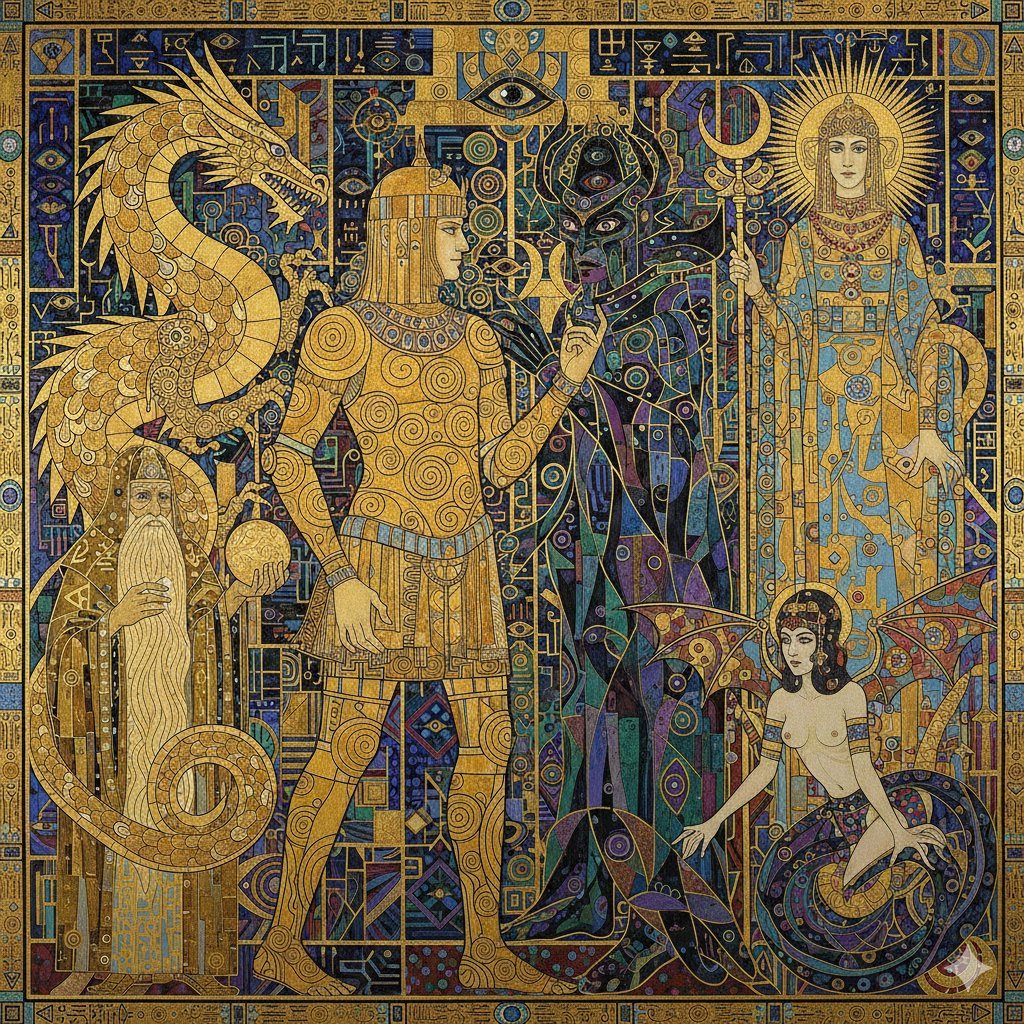
Tower of Druaga Klimt Style Prompt
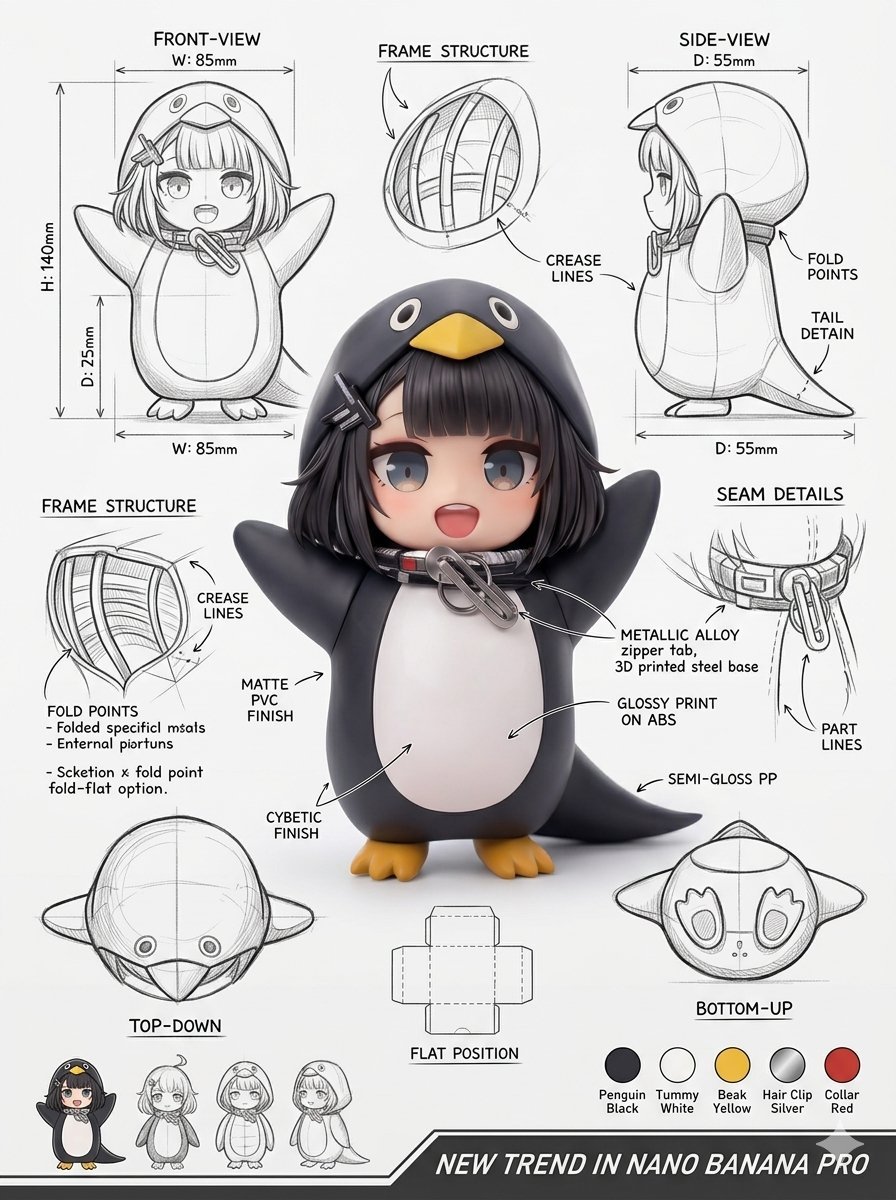
Industrial Packaging Design Sheet
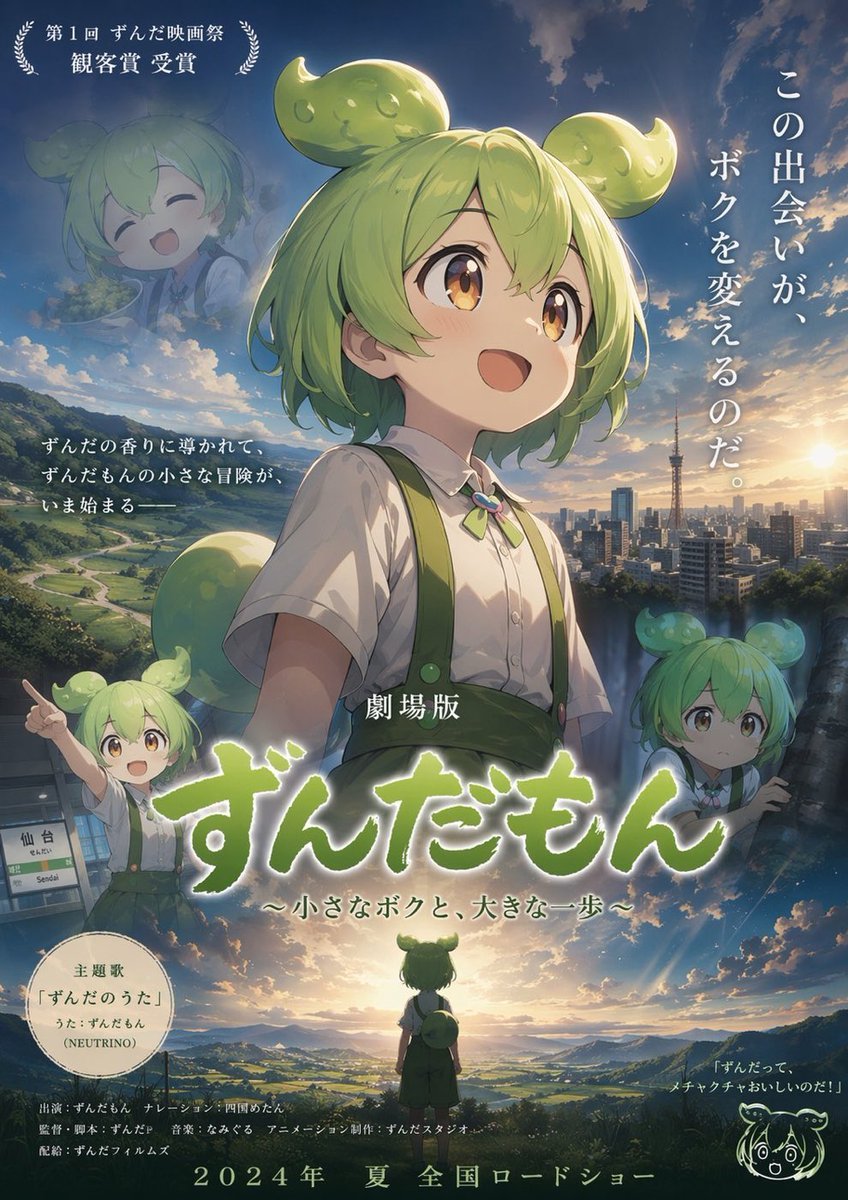
Anime Movie Poster Layout
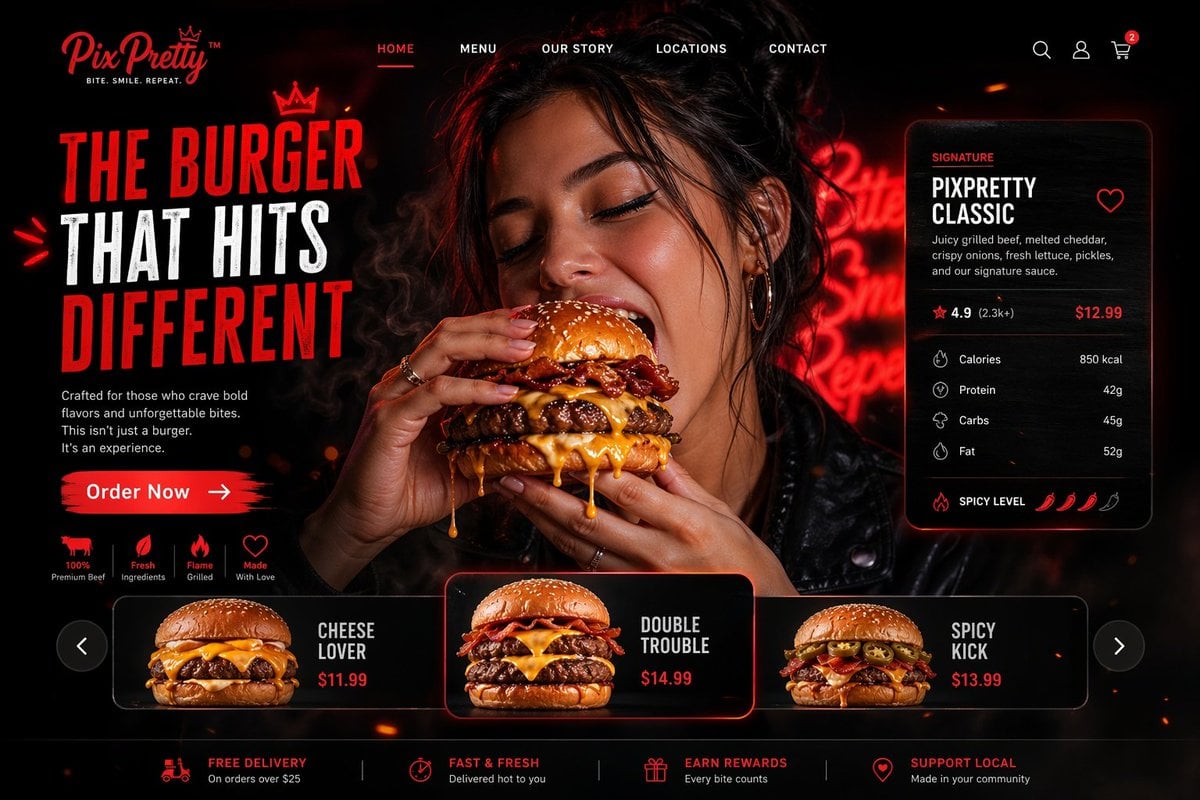
Luxury Cinematic Burger Landing Page
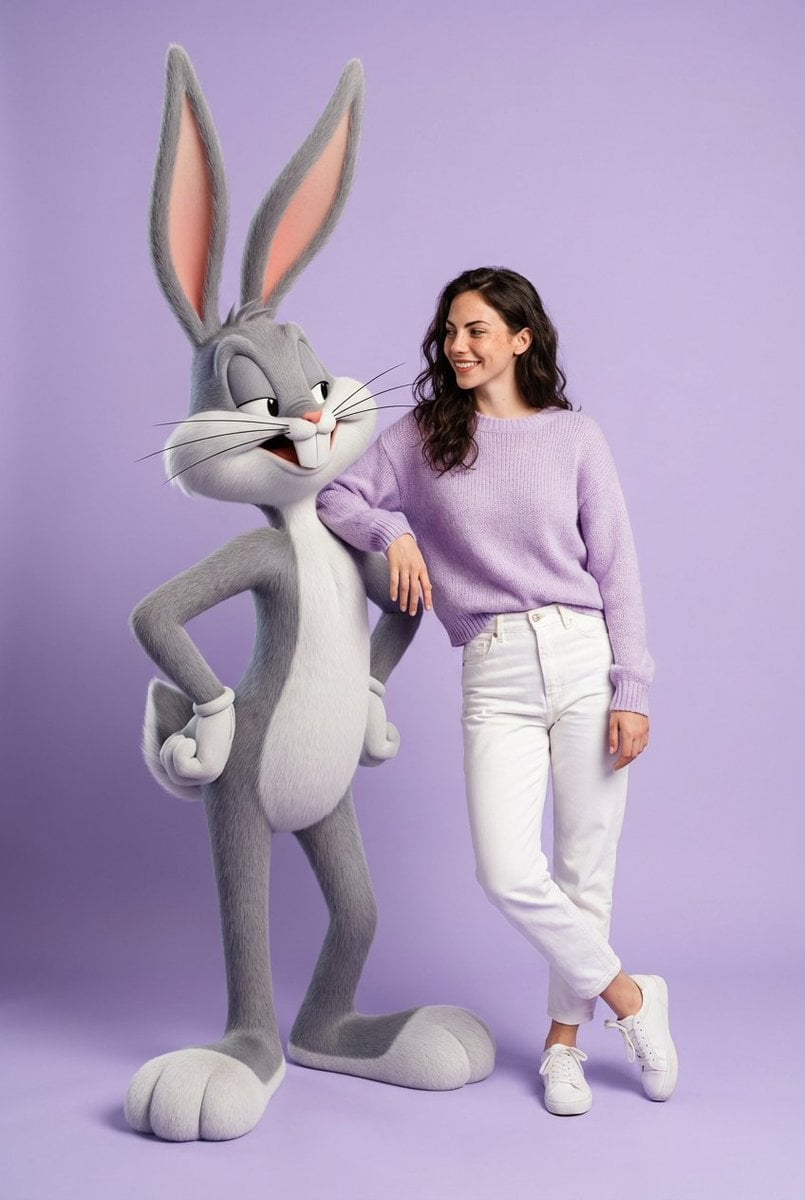
Playful Fashion Shoot with Giant Bugs Bunny
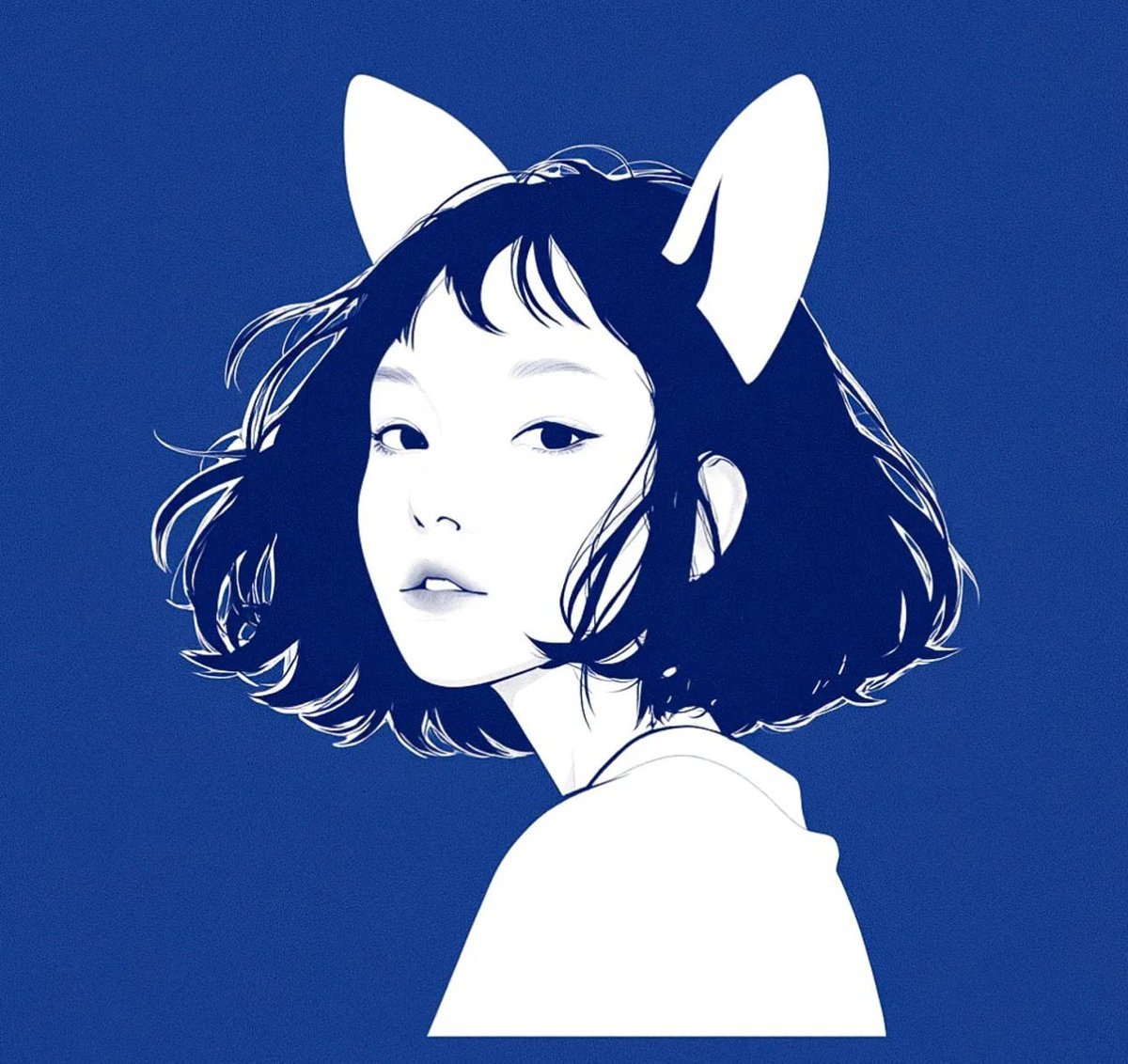
Multi-Step Comic Generation with MJ and Nano Banana Pro
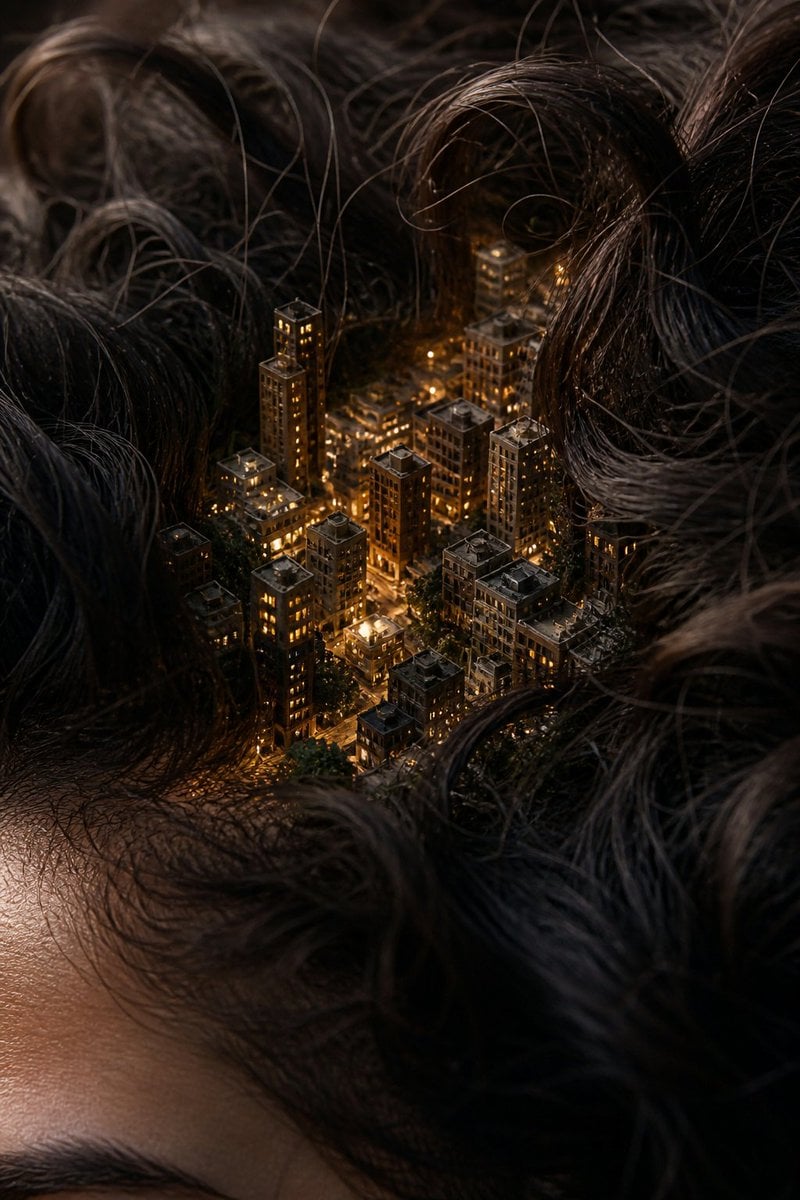
Miniature City Tiny Worlds
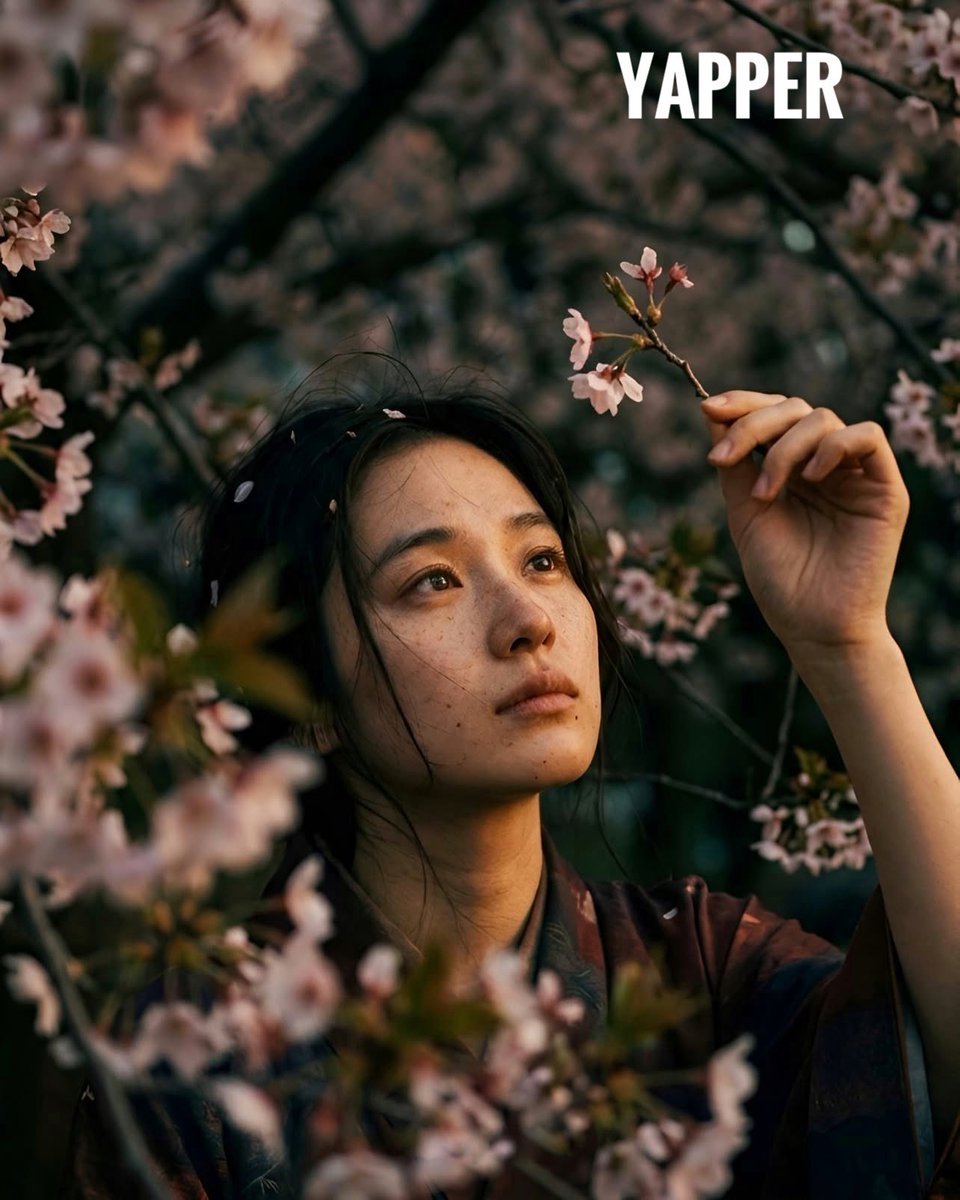
Japanese woman in vintage kimono under cherry blossoms
Browse template categories
Cinematic Racing Legend Poster questions
How do I use the Cinematic Racing Legend Poster template?
Add your photo if the template asks for one, edit the prompt if you like — the template's model and format are already selected — and press Generate. Your version opens in PicX Studio.
Can I customize the Cinematic Racing Legend Poster template?
Yes. You can change the subject, setting, lighting, mood, format, and available model controls before creating your image.
Is the Cinematic Racing Legend Poster template free?
Opening and editing this template is free. Generating uses credits, shown on the Generate button when you are signed in.
Which AI model should I use?
Start with GPT Image 2, which is the model associated with this template. You can compare another compatible model for a different finish.
Looking for something else? Browse all templates.

Your photo, any look
Thousands of ready templates for every top image and video model, from one credit balance.