
Anime Movie Poster Layout
Generates a highly detailed anime movie poster with multiple character vignettes, text blocks, and a dramatic background.
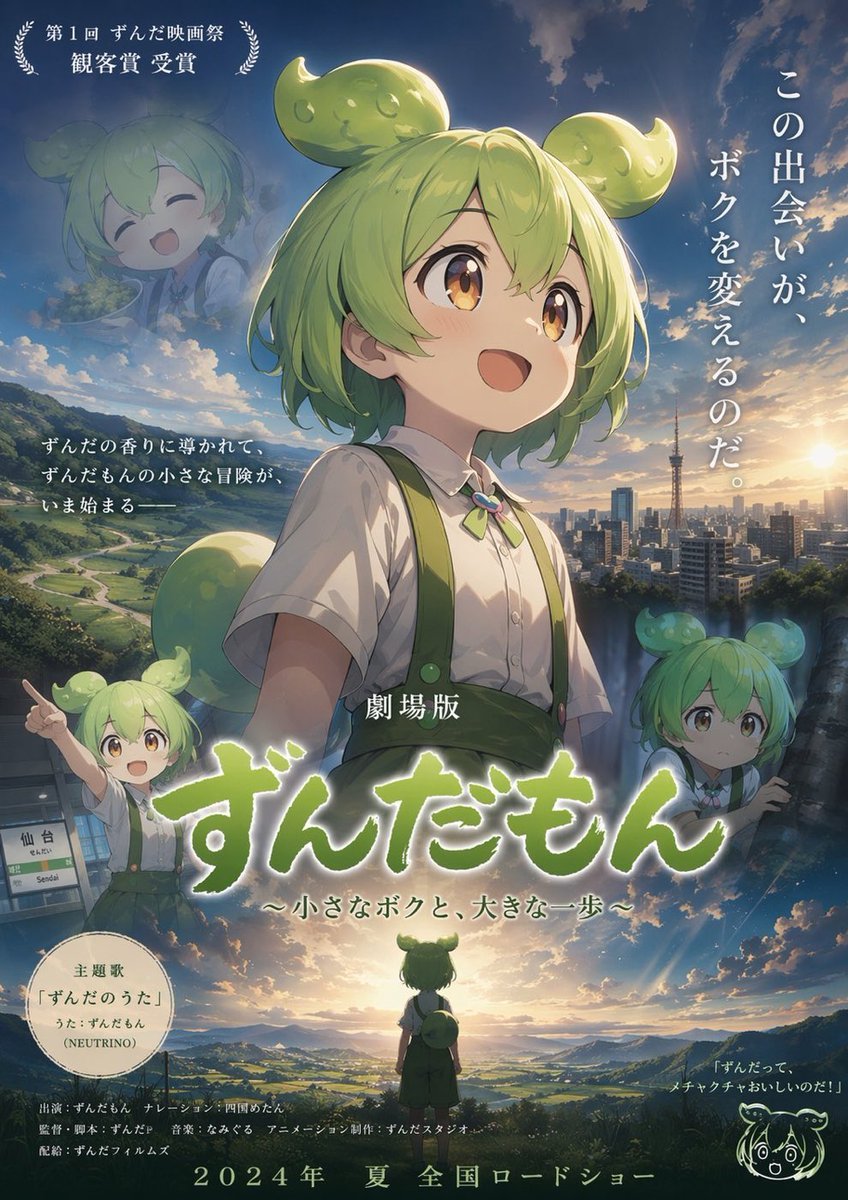
- Prompt included
- Model and format preset
- Free template
The prompt behind this image
Copy the exact prompt behind Anime Movie Poster Layout, or open it in the studio and make it yours.
- Type
- anime movie poster
- Character › Name
- {argument name="character name" default="Zundamon"}
- Character › Appearance
- young anime character, short light green hair, distinctive green bean-shaped hair buns, amber eyes, white short-sleeved shirt, green suspenders, green bow tie
- Layout › Background
- top half features a blue sky with clouds and a cityscape with a tower; bottom half features a rural landscape with a river, mountains, and a glowing sunrise
- Layout › Centerpiece
- large bust portrait of the character looking up with a hopeful expression
- Layout › Sections › 0 › Title
- award_laurel
- Layout › Sections › 0 › Position
- top-left corner
- Layout › Sections › 0 › Count
- 1
- Layout › Sections › 0 › Labels
- 第1回 ずんだ映画祭 観客賞 受賞
- Layout › Sections › 1 › Title
- faded_portrait
- Layout › Sections › 1 › Position
- top-left
- Layout › Sections › 1 › Count
- 1
- Layout › Sections › 1 › Labels
- smiling character
- Layout › Sections › 2 › Title
- catchphrase
- Layout › Sections › 2 › Position
- top-right
- Layout › Sections › 2 › Count
- 1
- Layout › Sections › 2 › Labels
- {argument name="catchphrase" default="この出会いが、ボクを変えるのだ。"}
- Layout › Sections › 3 › Title
- intro_text
- Layout › Sections › 3 › Position
- mid-left
- Layout › Sections › 3 › Count
- 1
- Layout › Sections › 3 › Labels
- ずんだの香りに導かれて、ずんだもんの小さな冒険が、いま始まる――
- Layout › Sections › 4 › Title
- station_scene
- Layout › Sections › 4 › Position
- mid-left lower
- Layout › Sections › 4 › Count
- 2
Raw JSON
{
  "type": "anime movie poster",
  "character": {
    "name": "{argument name=\"character name\" default=\"Zundamon\"}",
    "appearance": "young anime character, short light green hair, distinctive green bean-shaped hair buns, amber eyes, white short-sleeved shirt, green suspenders, green bow tie"
  },
  "layout": {
    "background": "top half features a blue sky with clouds and a cityscape with a tower; bottom half features a rural landscape with a river, mountains, and a glowing sunrise",
    "centerpiece": "large bust portrait of the character looking up with a hopeful expression",
    "sections": [
      {
        "title": "award_laurel",
        "position": "top-left corner",
        "count": 1,
        "labels": [
          "第1回 ずんだ映画祭 観客賞 受賞"
        ]
      },
      {
        "title": "faded_portrait",
        "position": "top-left",
        "count": 1,
        "labels": [
          "smiling character"
        ]
      },
      {
        "title": "catchphrase",
        "position": "top-right",
        "count": 1,
        "labels": [
          "{argument name=\"catchphrase\" default=\"この出会いが、ボクを変えるのだ。\"}"
        ]
      },
      {
        "title": "intro_text",
        "position": "mid-left",
        "count": 1,
        "labels": [
          "ずんだの香りに導かれて、ずんだもんの小さな冒険が、いま始まる――"
        ]
      },
      {
        "title": "station_scene",
        "position": "mid-left lower",
        "count": 2,
        "labels": [
          "pointing character",
          "仙台 Sendai sign"
        ]
      },
      {
        "title": "worried_portrait",
        "position": "mid-right",
        "count": 1,
        "labels": [
          "worried character"
        ]
      },
      {
        "title": "main_title",
        "position": "center bottom",
        "count": 1,
        "labels": [
          "{argument name=\"movie title\" default=\"劇場版 ずんだもん ~小さなボクと、大きな一歩~\"}"
        ]
      },
      {
        "title": "silhouette_scene",
        "position": "bottom center",
        "count": 1,
        "labels": [
          "character facing away towards sunrise"
        ]
      },
      {
        "title": "theme_song_badge",
        "position": "bottom left",
        "count": 1,
        "labels": [
          "主題歌 「ずんだのうた」 うた:ずんだもん (NEUTRINO)"
        ]
      },
      {
        "title": "doodle_quote",
        "position": "bottom right",
        "count": 2,
        "labels": [
          "line-art doodle",
          "「ずんだって、メチャクチャおいしいのだ!」"
        ]
      },
      {
        "title": "credits_and_date",
        "position": "bottom edge",
        "count": 1,
        "labels": [
          "{argument name=\"release date\" default=\"2024年 夏 全国ロードショー\"}"
        ]
      }
    ]
  }
}How to use Anime Movie Poster Layout in 3 steps
- 1Upload ImagePNG, JPG or paste
Add your photo
Upload the photo the template builds on. The prompt, model and format are already set.
- 2…a portrait of your subject in softgolden-hour light, 85mm…
Personalize
Edit the subject and creative details for your destination.
- 3Generate
Generate
Press Generate — your image is created in PicX Studio, so you can compare it with the original and refine one variable at a time.
More like this
Templates with the same subject, style or setup. Open one to see its prompt.

Captain Tsubasa Anime World Cup Poster

Gpt2 Youtube Thumbnail Wuxia Movie Character Posters

Gpt2 Youtube Thumbnail Anime Music Bootcamp Promo Poster
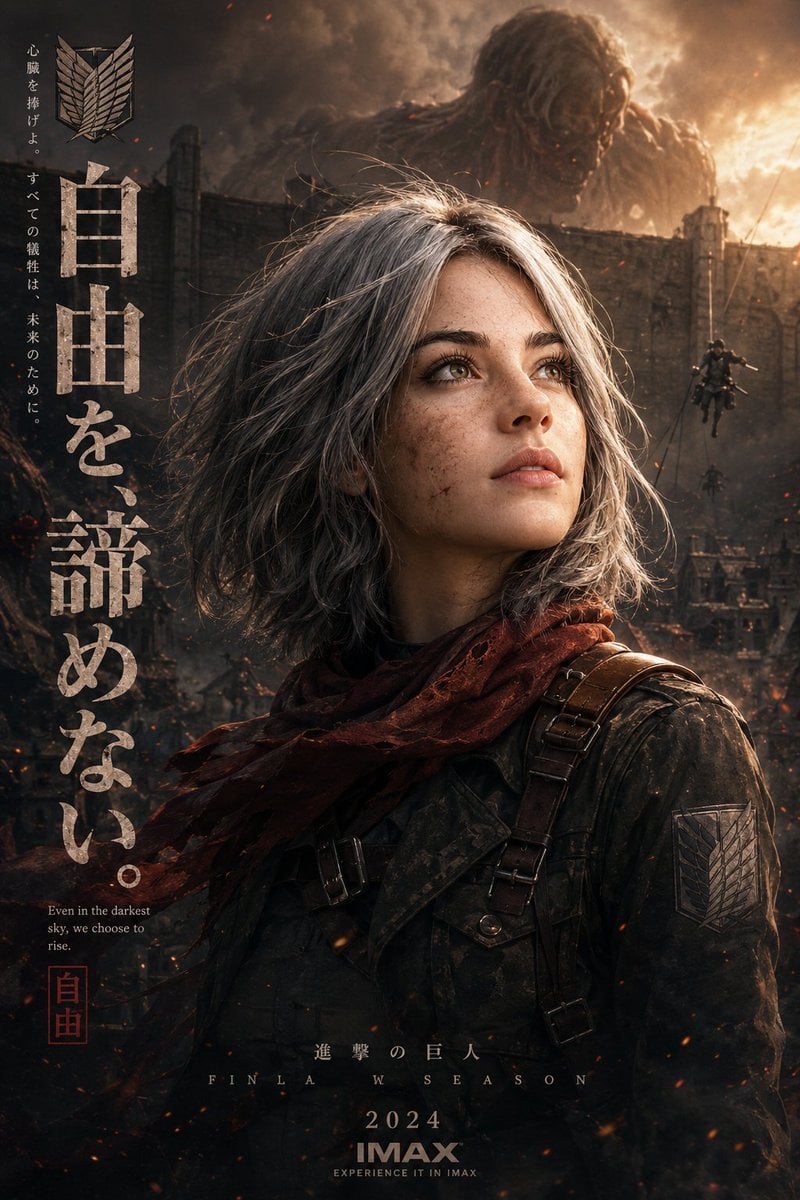
Epic Anime Movie Poster from Photo
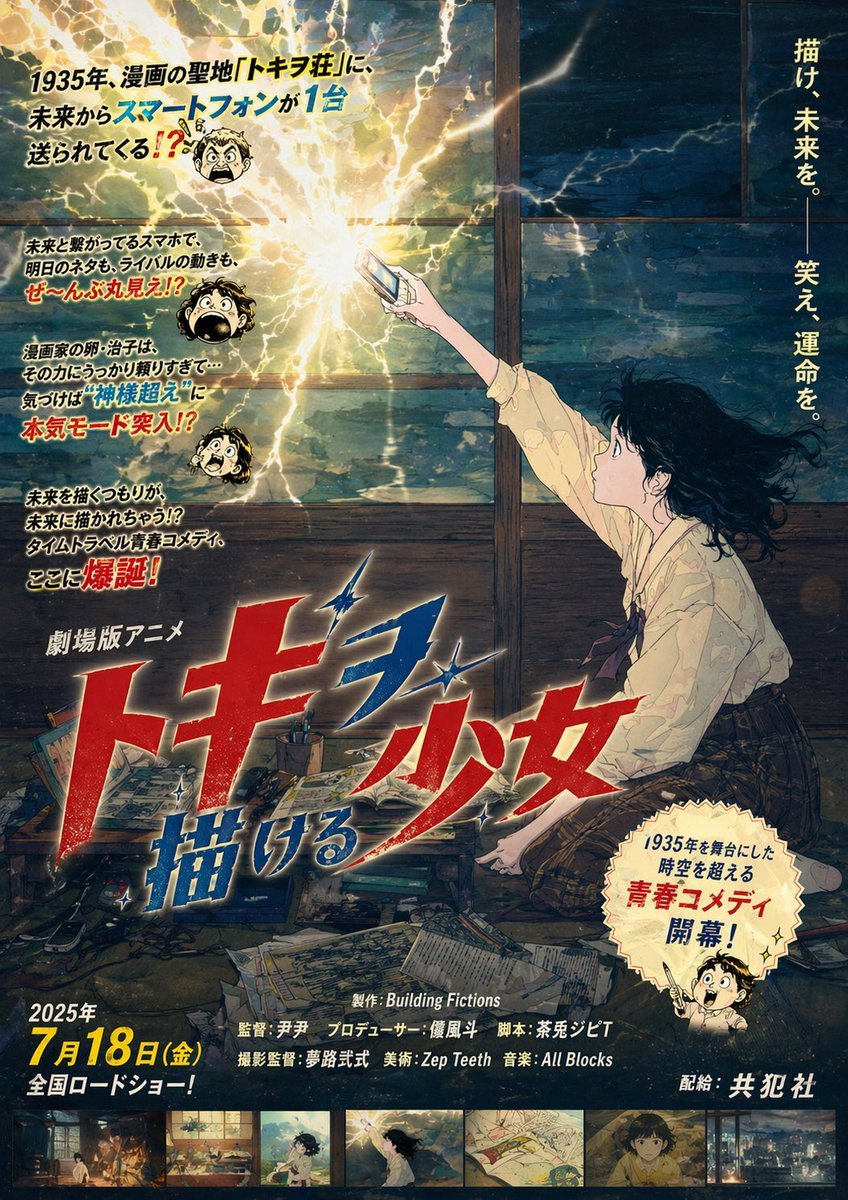
Retro Fake Anime Movie Poster
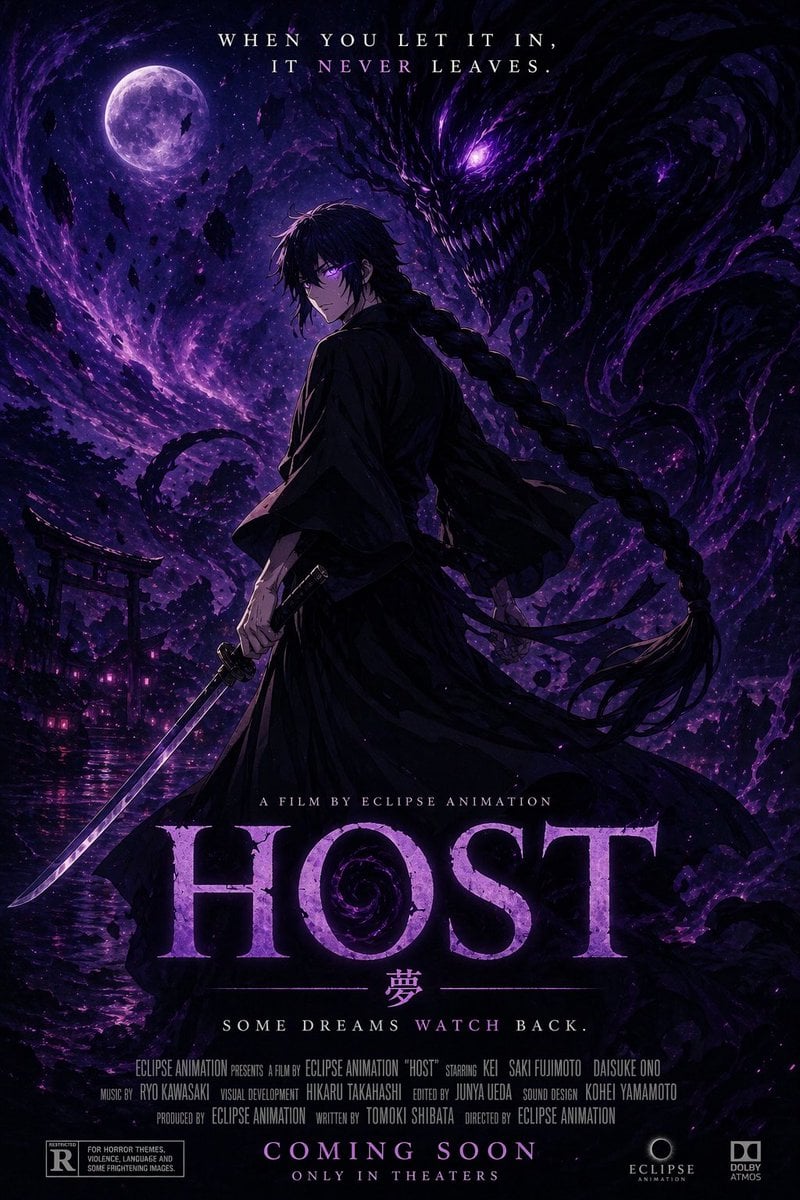
Horror Anime Movie Poster
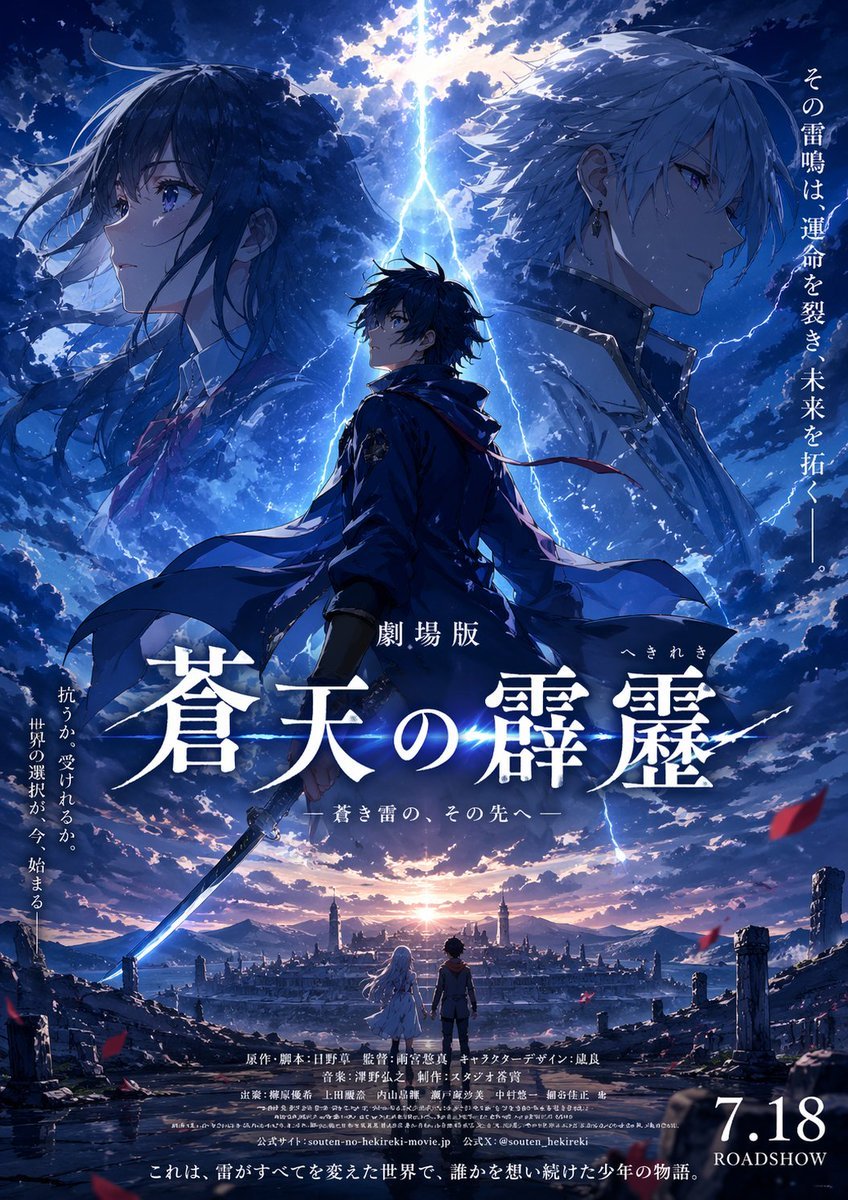
Fictional Anime Movie Poster
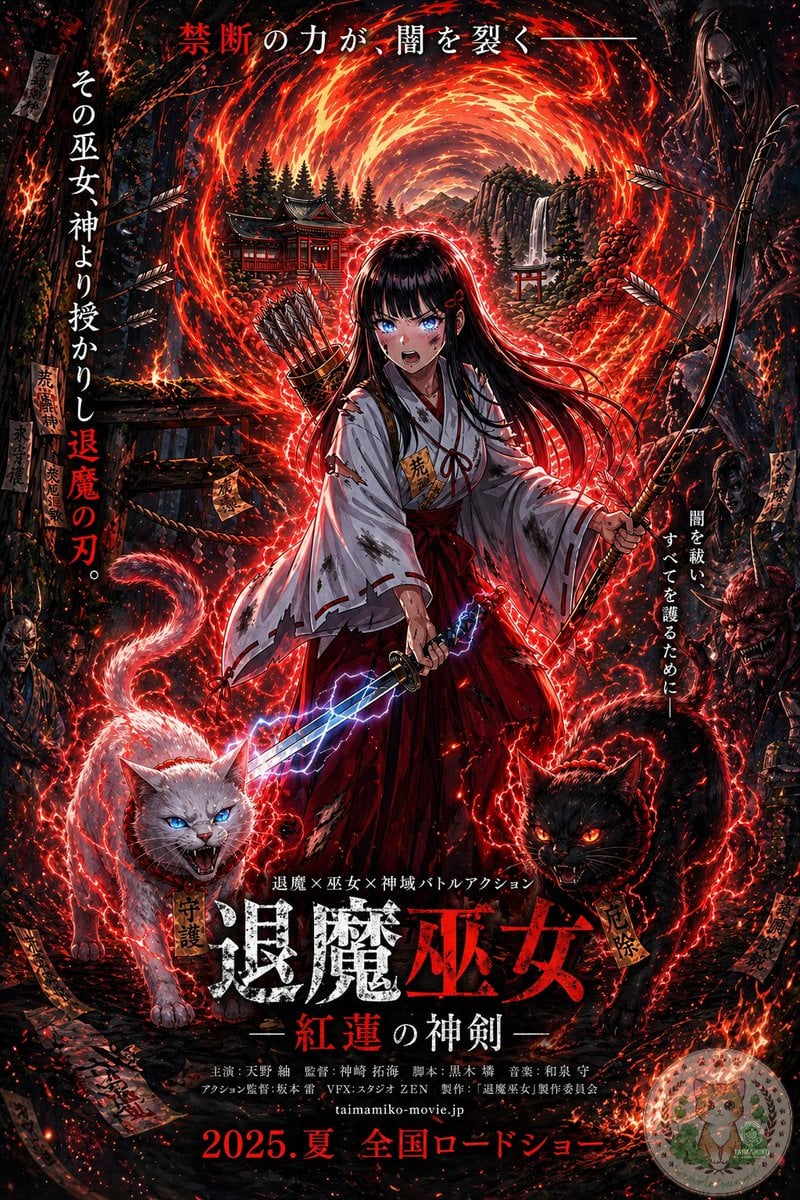
Anime Shrine Maiden Movie Poster
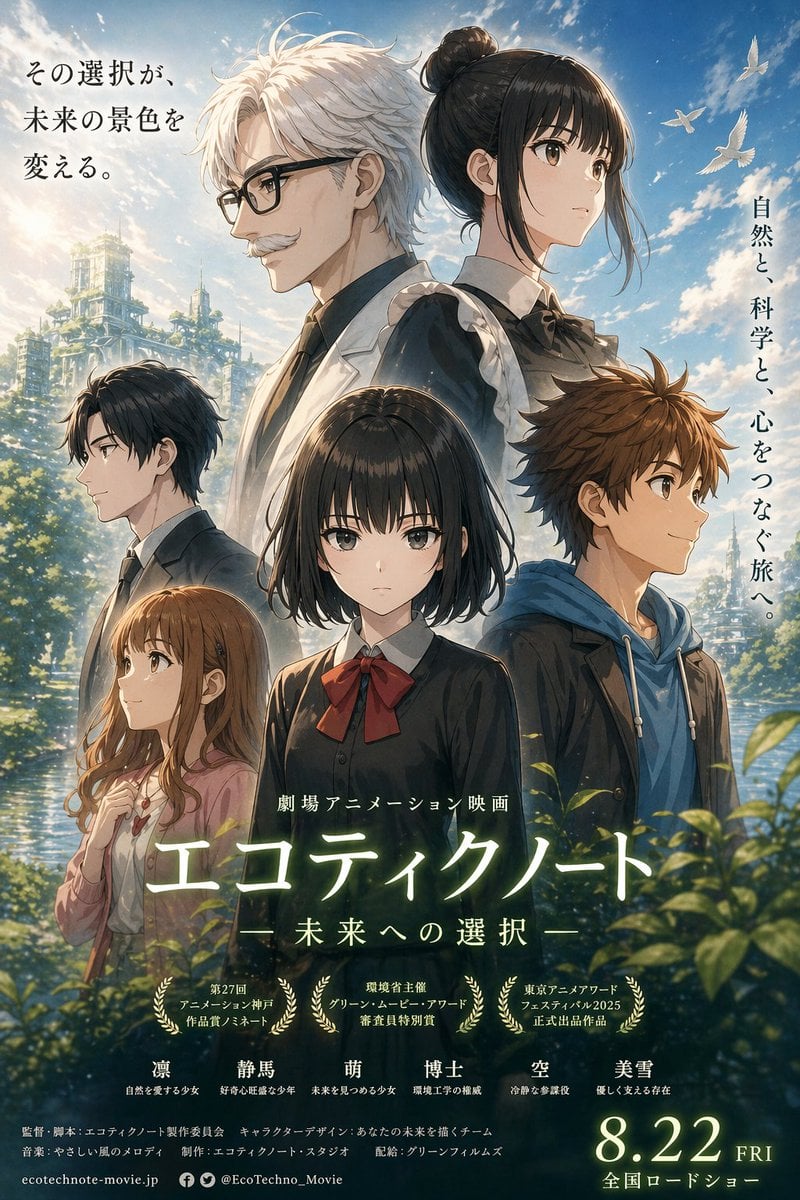
Anime Ensemble Movie Poster
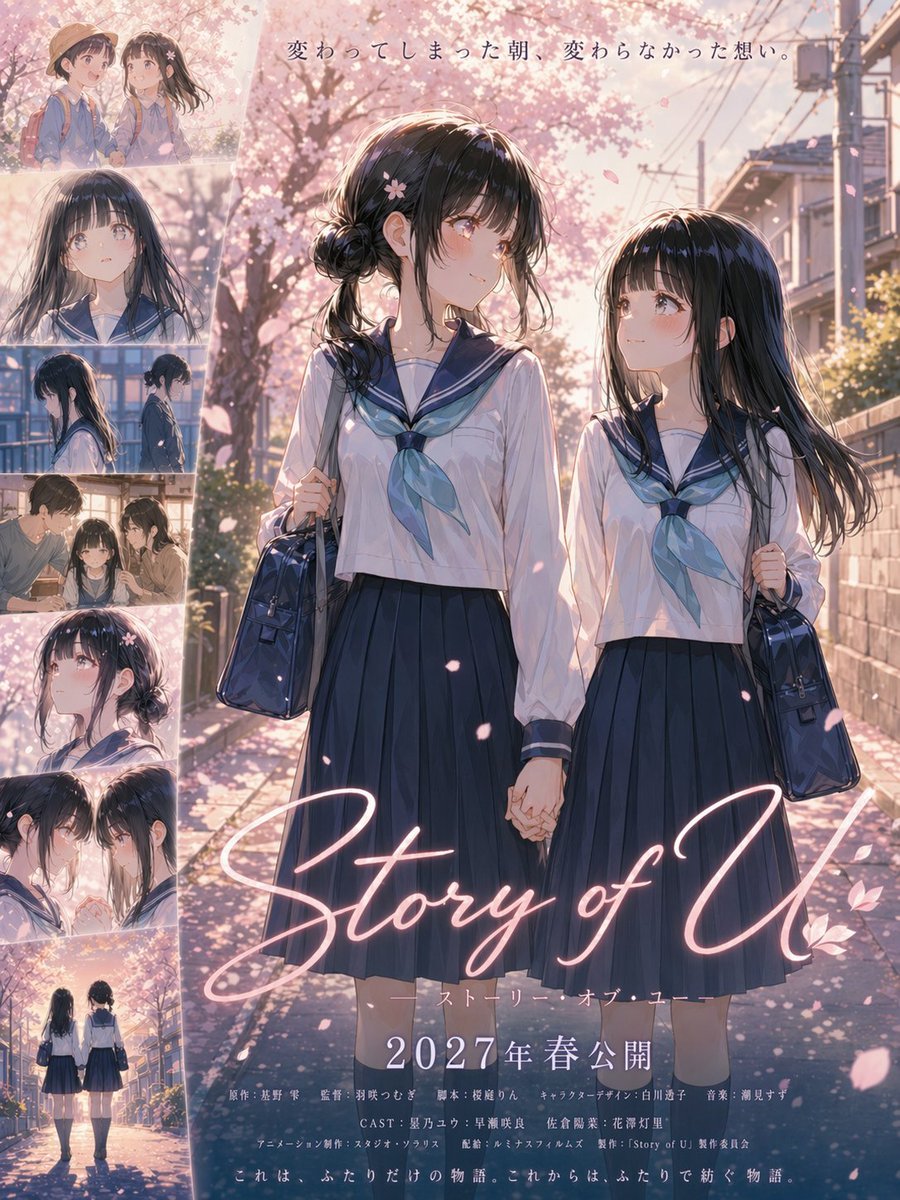
Anime Sakura Movie Poster
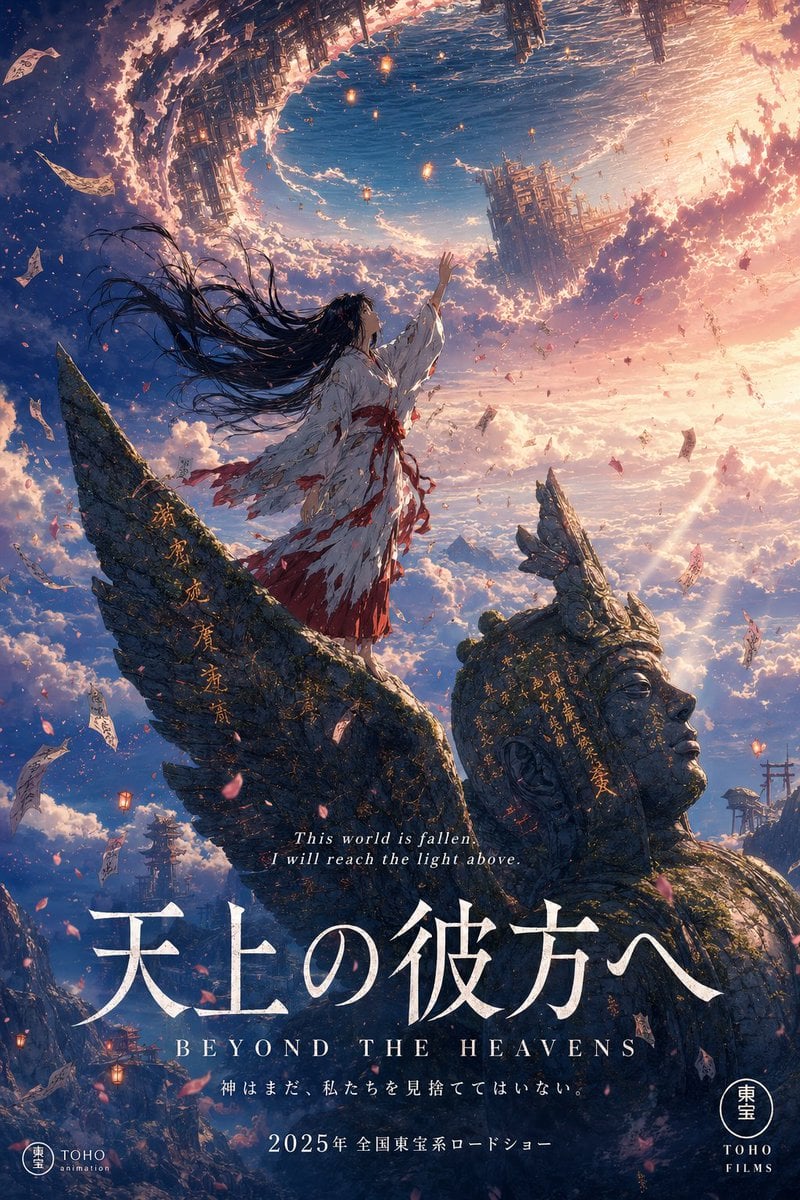
Anime Theatrical Movie Poster

Japan Travel Brochure Poster
Make it yours
Anime Movie Poster Layout works as-is. These are the safest ways to change it without losing the look.
Swap the setting
Keep the rest of the prompt and replace the location block. The current setting is “top half features a blue sky with clouds and a cityscape with a tower; bottom ha”.
Change one field
Copy a single group, rewrite it, and generate again so you can see what that field is doing.
Keep the frame, change the subject
Hold the composition and light of Anime Movie Poster Layout, then swap wardrobe, props or the person for a new take.
| If the result… | Why | Fix |
|---|---|---|
| The result drifts from the preview | Too many fields changed at once. | Reuse Anime Movie Poster Layout as-is first, then change one group — subject, light, or setting. |
| GPT Image 2 ignores part of the JSON | Some models flatten or skip nested keys. | Keep the same values and paste them as a short paragraph instead. |
More GPT Image 2 templates
Other prompts made for GPT Image 2.

Six VTuber Japanese Logo Sheet

Realistic Portrait of Woman and Deer

The Vista Modular Condo Poster

AI Model Routing Comparison Infographic

2.5D Anime Art Board

Isometric Productivity Desk Scene

New York Double Exposure Poster

Four-Panel AI Landscape Comparison

Japanese Tatami Lifestyle Magazine Cover

NESCAFÉ Coffee Map Poster
More image prompts
Fresh picks from across the catalog.
Hyper-realistic Portrait with Knuckle Tattoos
Golden Bay City Romantic Landscape
Naive doodle-style subject illustration
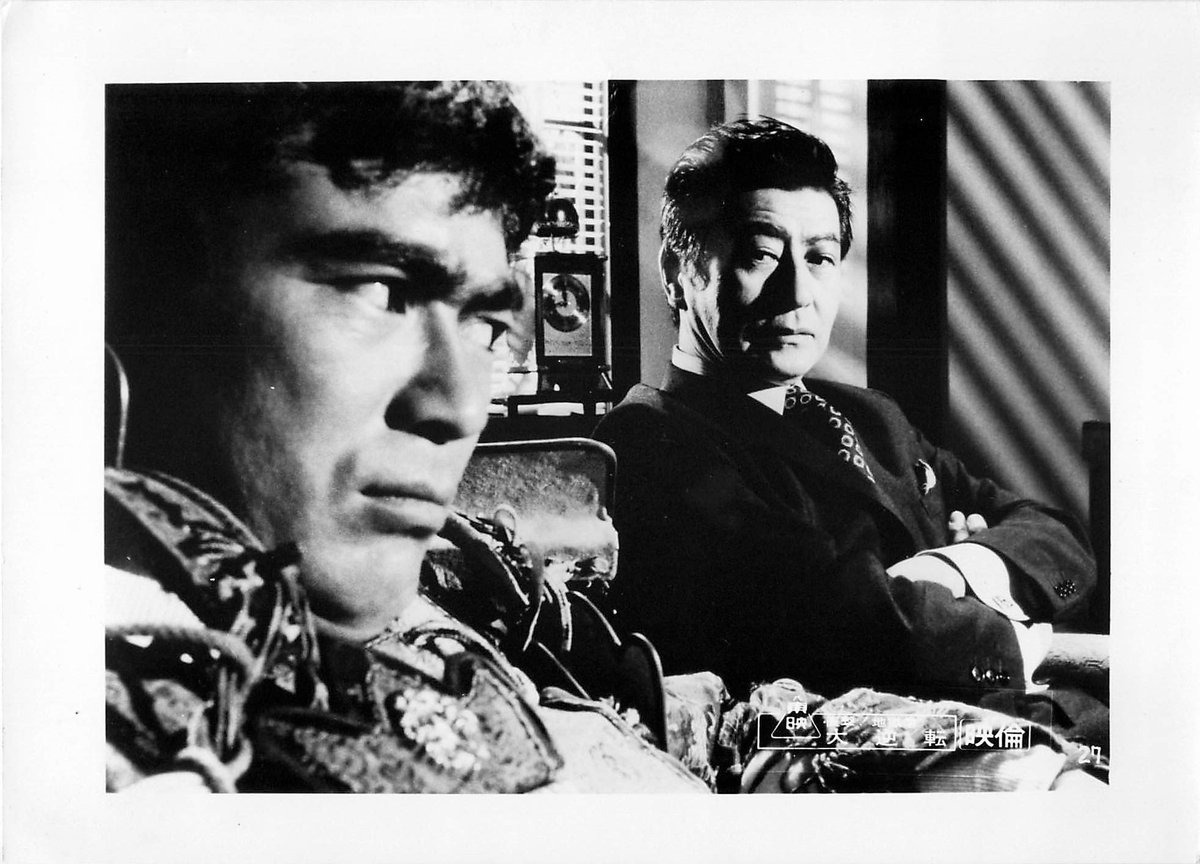
Colorizing a High-Contrast Monochrome Image with Intermediate Tones
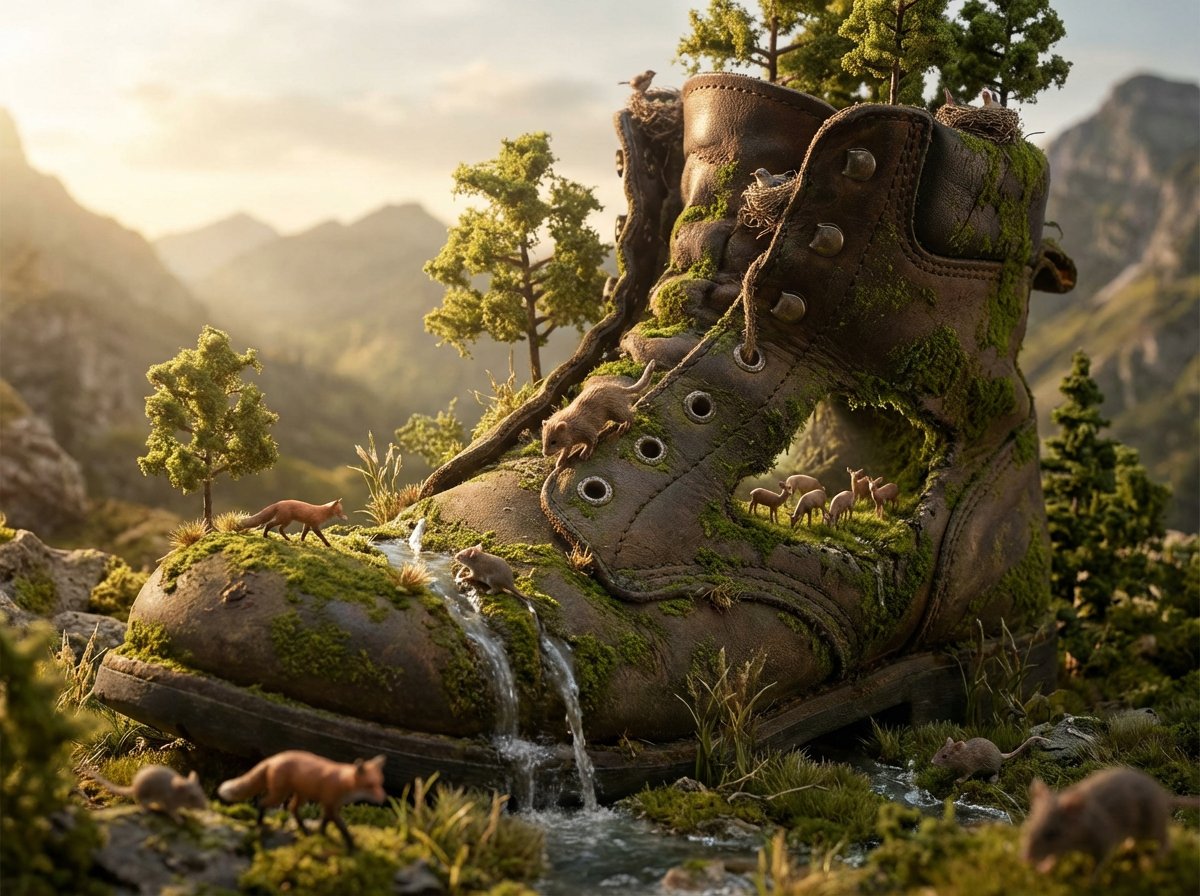
Object as Ecosystem / Manufactured as Wilderness Prompt
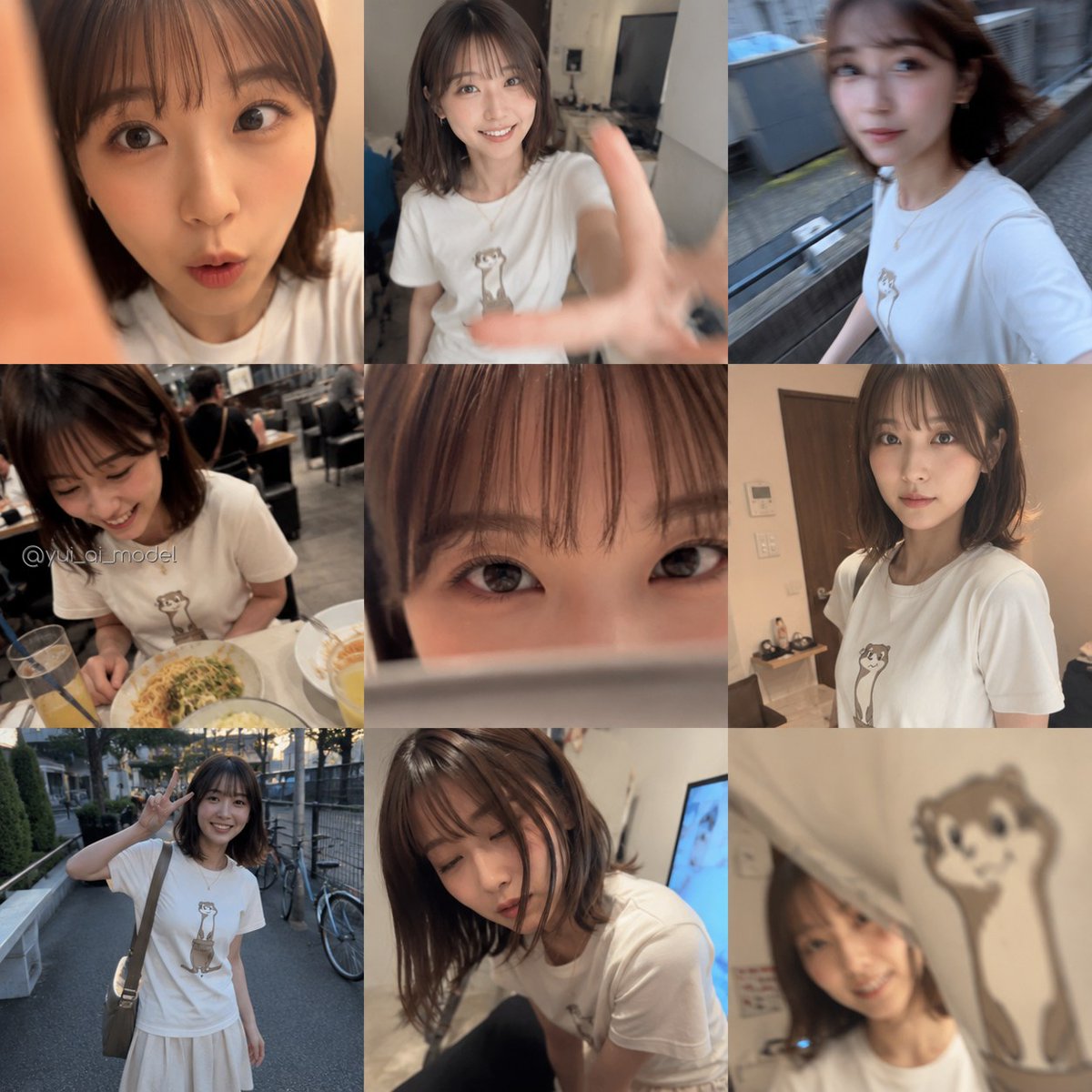
Realistic Camera Roll Outfit Collage
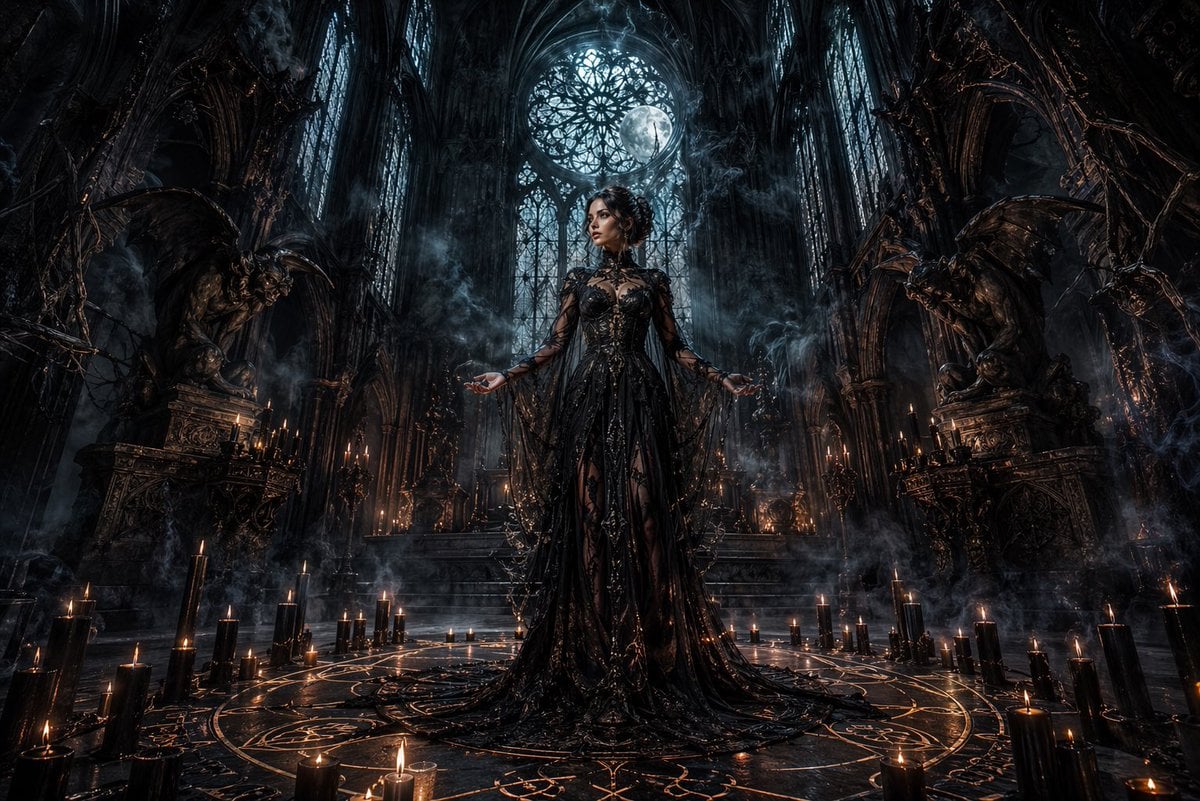
Dark Gothic Ritual in Cathedral
Morning Portrait in Minimal Bedroom
3D Stylized Cartoon Skater
Night Beach Sparkler Snapshot
Browse template categories
Anime Movie Poster Layout questions
How do I use the Anime Movie Poster Layout template?
Add your photo if the template asks for one, edit the prompt if you like — the template's model and format are already selected — and press Generate. Your version opens in PicX Studio.
Can I customize the Anime Movie Poster Layout template?
Yes. You can change the subject, setting, lighting, mood, format, and available model controls before creating your image.
Is the Anime Movie Poster Layout template free?
Opening and editing this template is free. Generating uses credits, shown on the Generate button when you are signed in.
Which AI model should I use?
Start with GPT Image 2, which is the model associated with this template. You can compare another compatible model for a different finish.
Looking for something else? Browse all templates.

Your photo, any look
Thousands of ready templates for every top image and video model, from one credit balance.