
Night Beach Sparkler Snapshot
Generates a candid vertical flash-photo of a crouching woman holding a sparkler on a dark beach, useful for nostalgic summer social media imagery.
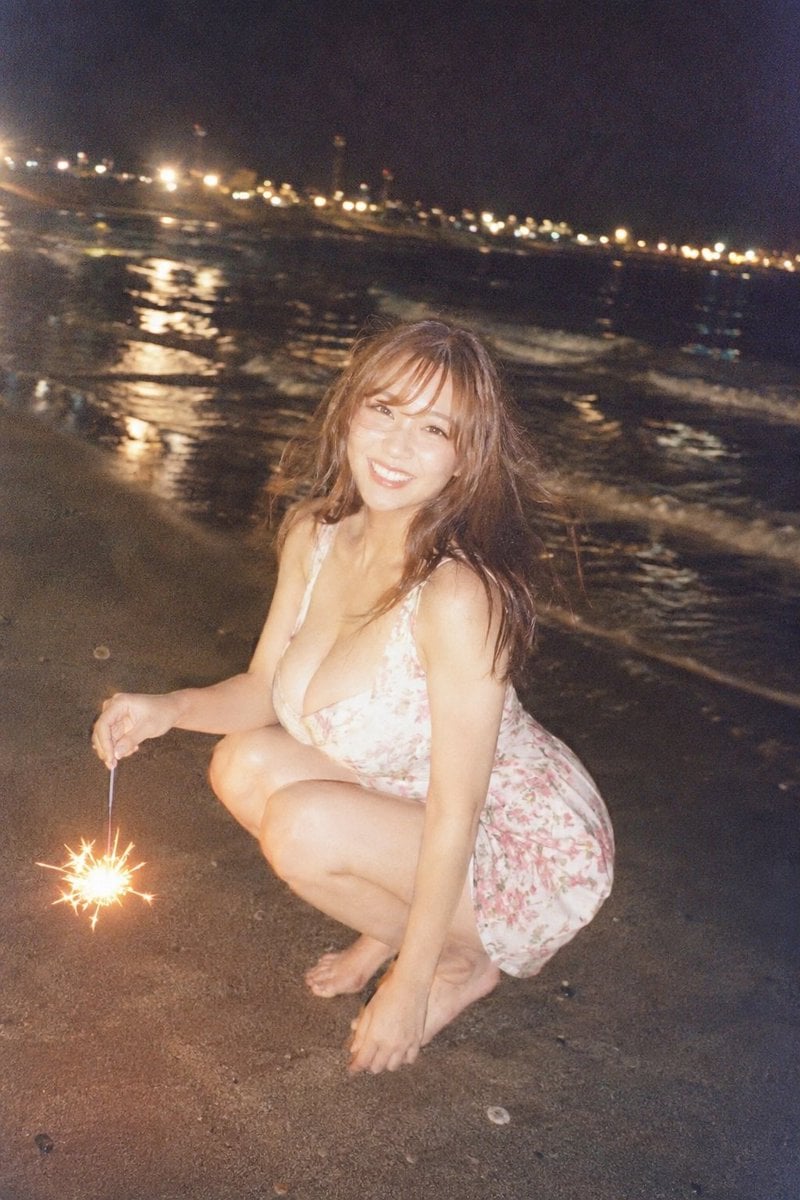
- Prompt included
- Model and format preset
- Premium template
The prompt behind this image
Copy the exact prompt behind Night Beach Sparkler Snapshot, or open it in the studio and make it yours.
Create a candid flash-photo style nighttime beach snapshot of an adult {argument name="subject" default="young woman"} crouching low on wet sand near the shoreline, barefoot, wearing a short white floral summer dress with pink flower pattern and thin straps. She is holding one lit handheld sparkler in her left hand close to the sand, producing a bright golden flare and star-shaped sparks that illuminate her hand and the lower-left foreground. Her right hand rests near her toes, knees bent, body angled three-quarters toward the camera. Her medium-length {argument name="hair color" default="brown"} hair is loose and slightly windblown. Cover the face completely with a centered solid beige rectangular blur/censor block, with no facial details visible. The background is a dark ocean at night with small waves rolling in, wet sand reflecting warm streetlights, and a long diagonal line of blurry yellow-white promenade lights receding into the distance along the shore. Use a grainy, imperfect disposable-camera aesthetic with direct flash on the subject, high ISO noise, slight motion blur, warm highlights, dark blue-black sky, and a vertical smartphone composition. No text, no watermark, no extra people, exactly one visible sparkler, exactly one crouching subject, exactly one beige face-obscuring rectangle.
How to use Night Beach Sparkler Snapshot in 3 steps
- 1Upload ImagePNG, JPG or paste
Add your photo
Upload the photo the template builds on. The prompt, model and format are already set.
- 2…a portrait of your subject in softgolden-hour light, 85mm…
Personalize
Edit the subject and creative details for your destination.
- 3Generate
Generate
Press Generate — your image is created in PicX Studio, so you can compare it with the original and refine one variable at a time.
More like this
Templates with the same subject, style or setup. Open one to see its prompt.
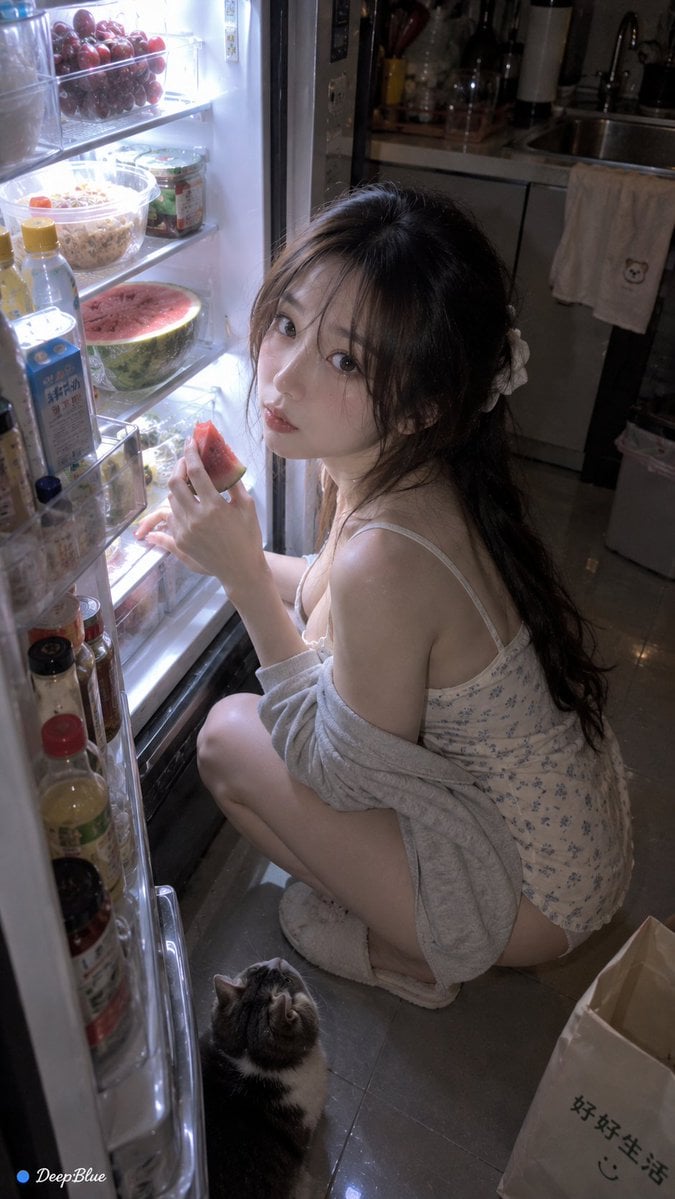
Late Night Fridge Candid Snapshot
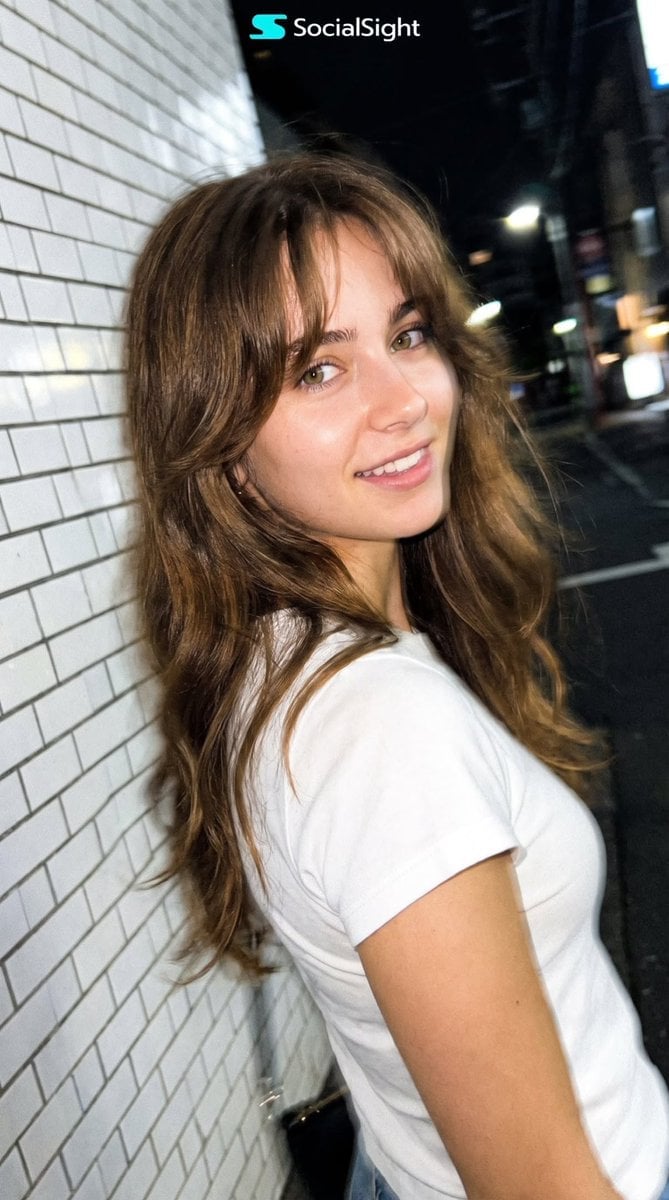
Candid Tokyo Night Smartphone Snapshot

Subway Platform Quiet Introspective Portrait

Nostalgic Digicam Café Afternoon Portrait
Subway Platform Quiet Introspective Portrait

Spider-Man Night Swing New York Cinematic

Floating Woman Above Cityscape with Notifications

Coastal Bench Portrait — Navy Floral Sundress

Night Sports Car Portrait — Cinematic Moody

Nano Banana - Cozy Cafe Night
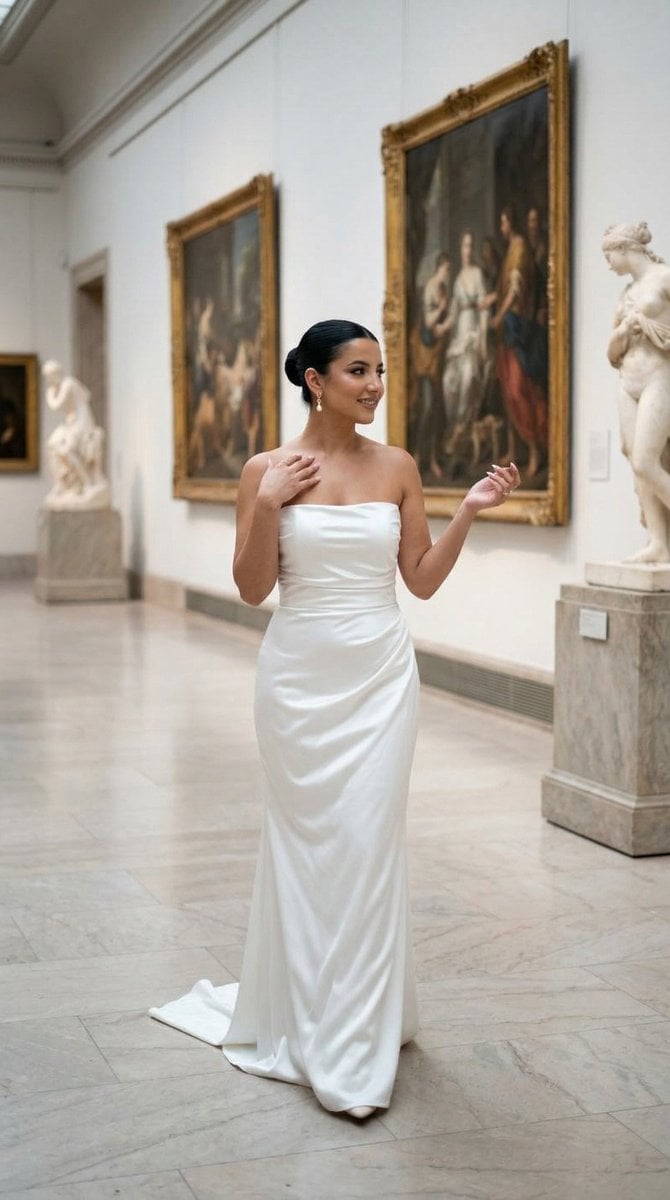
Nano Banana - Dancing Carefree Paris

Nano Banana - Paris Night Party Dancing
Make it yours
Night Beach Sparkler Snapshot works as-is. These are the safest ways to change it without losing the look.
Change one field
Copy a single group, rewrite it, and generate again so you can see what that field is doing.
Keep the frame, change the subject
Hold the composition and light of Night Beach Sparkler Snapshot, then swap wardrobe, props or the person for a new take.
| If the result… | Why | Fix |
|---|---|---|
| The result drifts from the preview | Too many fields changed at once. | Reuse Night Beach Sparkler Snapshot as-is first, then change one group — subject, light, or setting. |
| The model over-stylizes the scene | The prose prompt leaves finish and camera underspecified. | Add one camera or lighting sentence and stay on GPT Image 2. |
More GPT Image 2 templates
Other prompts made for GPT Image 2.

Six VTuber Japanese Logo Sheet

Realistic Portrait of Woman and Deer

The Vista Modular Condo Poster

AI Model Routing Comparison Infographic

2.5D Anime Art Board

Isometric Productivity Desk Scene

New York Double Exposure Poster

Four-Panel AI Landscape Comparison

Japanese Tatami Lifestyle Magazine Cover

NESCAFÉ Coffee Map Poster
More image prompts
Fresh picks from across the catalog.
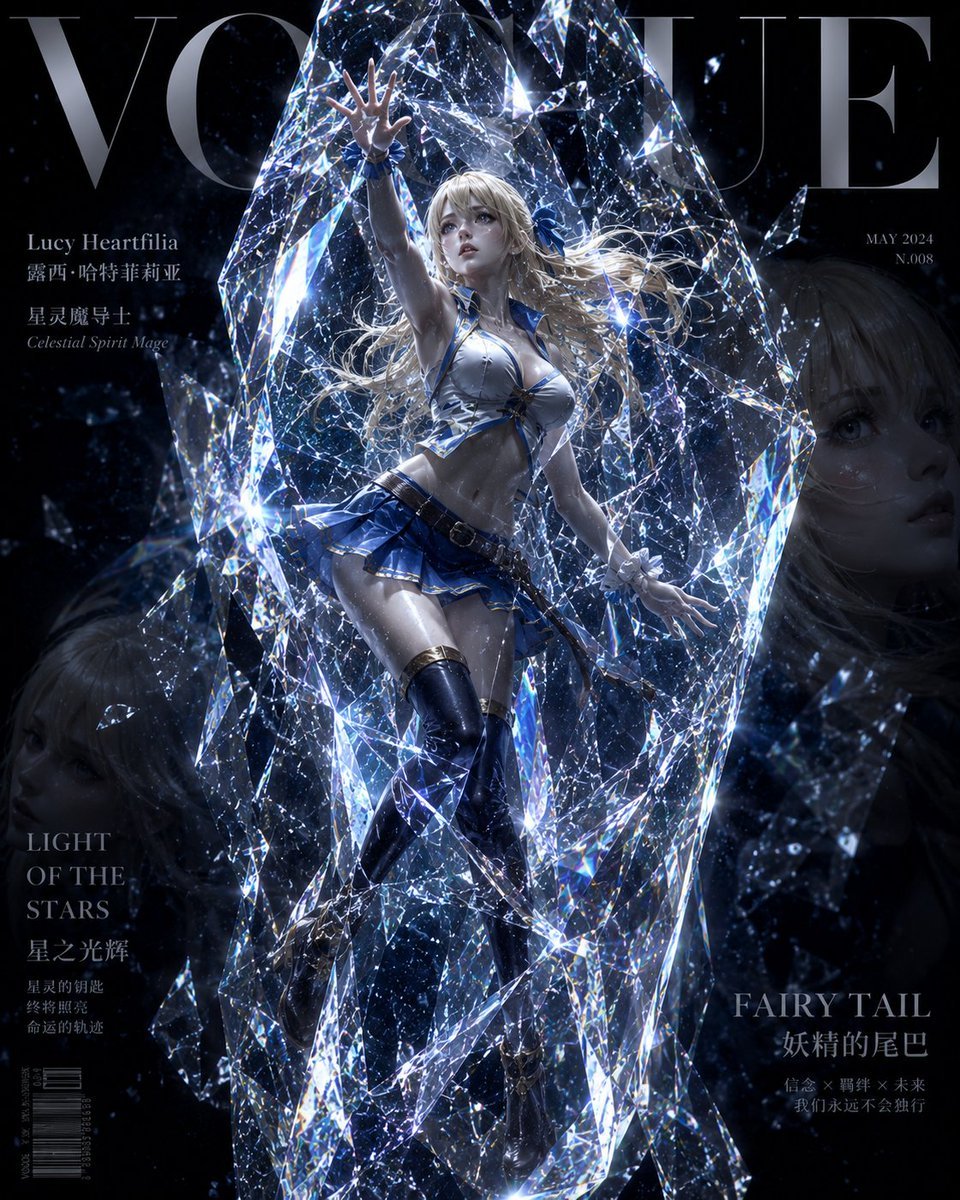
Avant-Garde Crystal Frozen Portrait
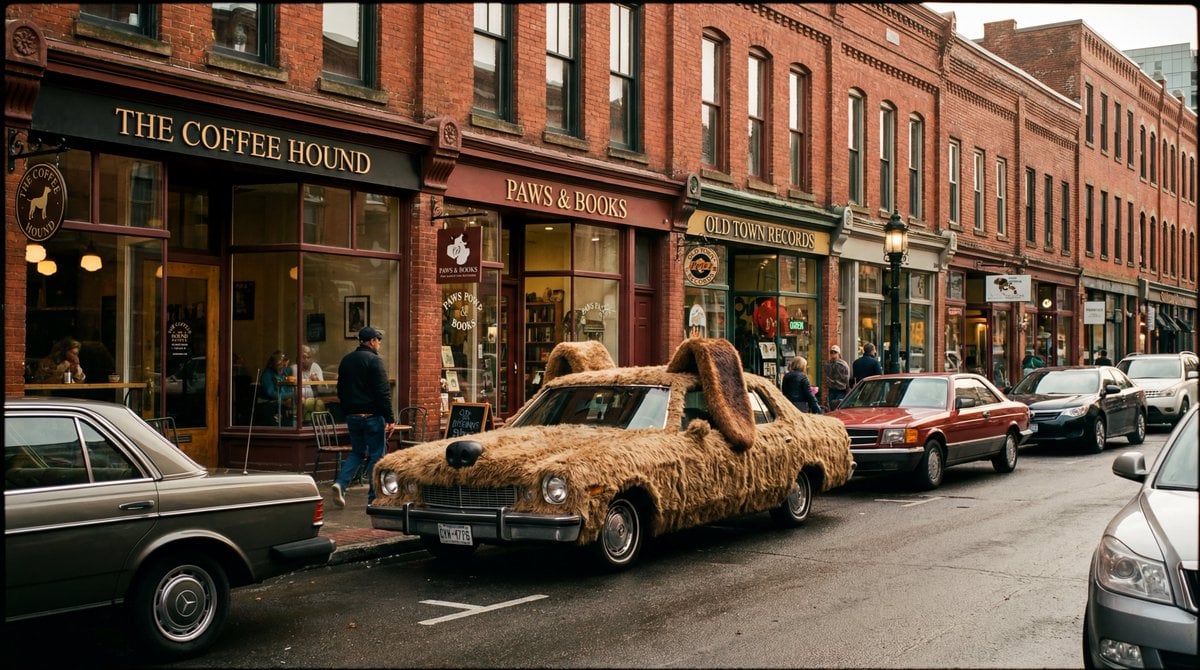
Cinematic Wide-Shot with Dog Fur Car
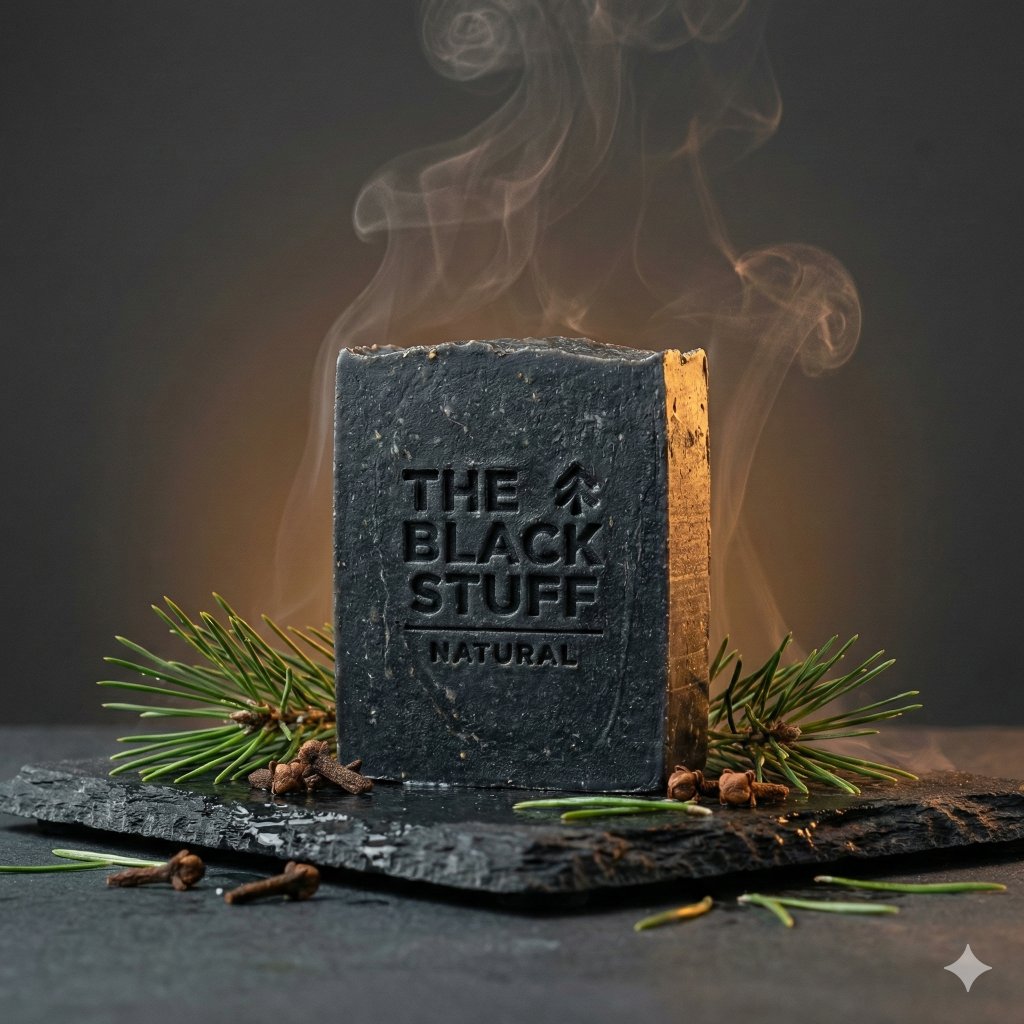
Premium Minimalist Product Photography U
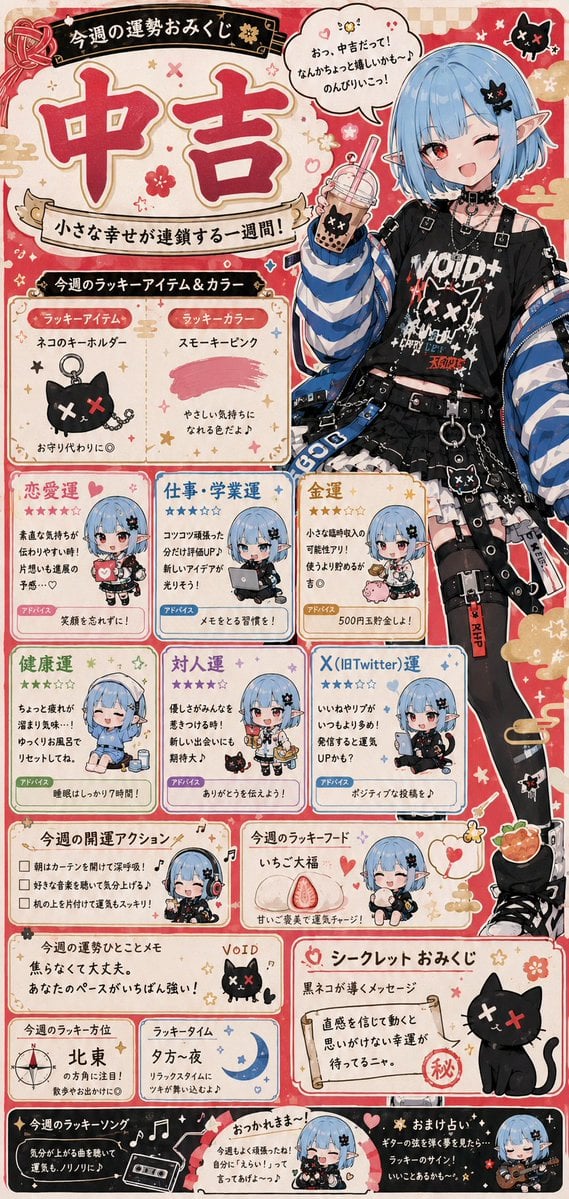
Fortune Telling Omikuji Card Generator
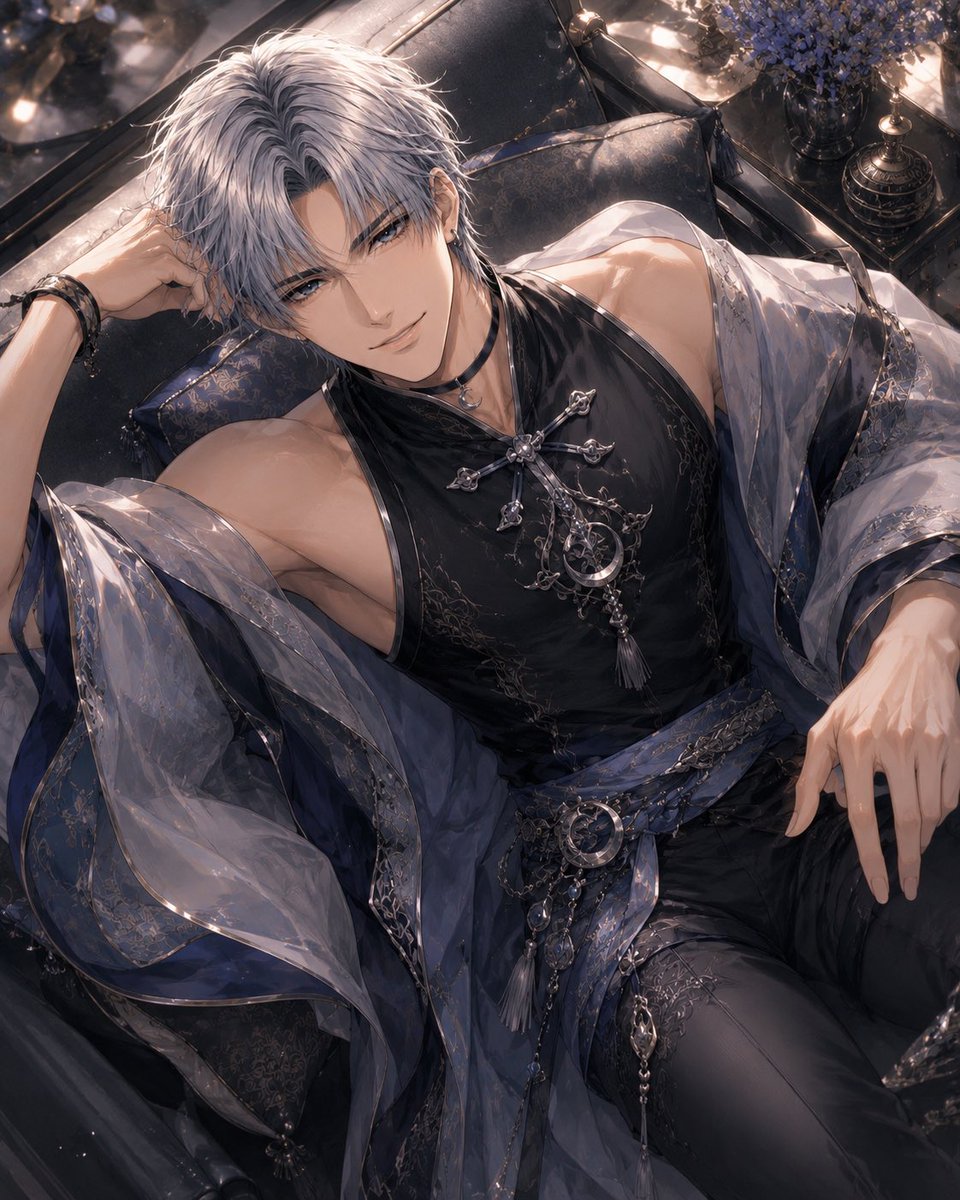
Silver-Haired Gothic Fantasy Reclining Man
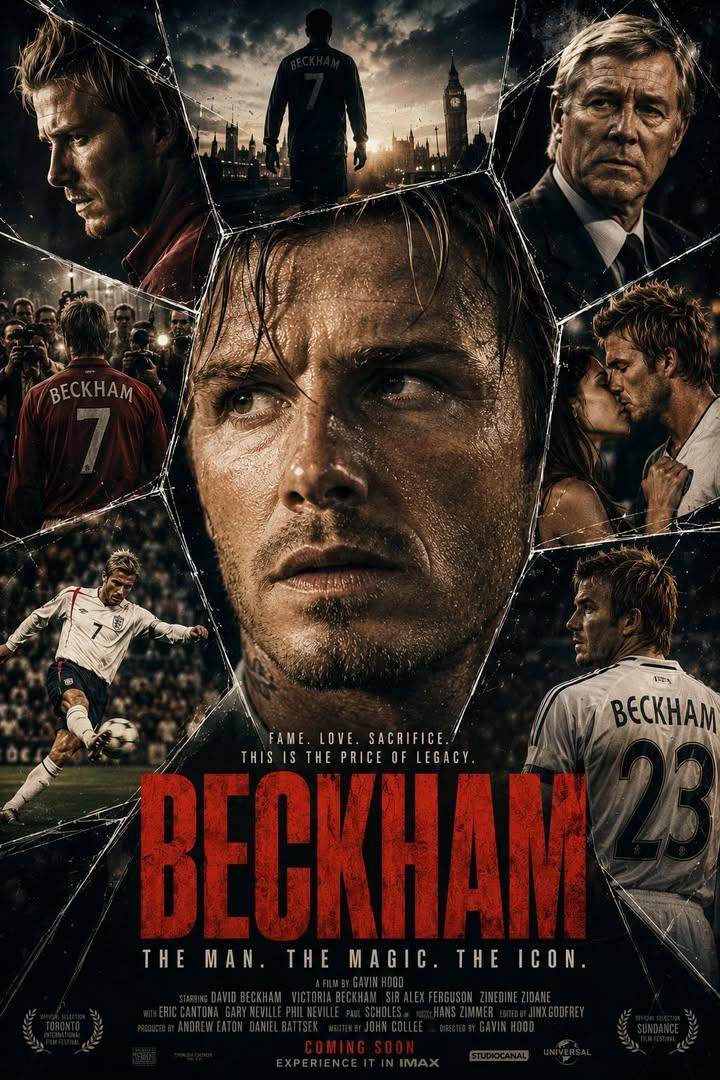
Cinematic Dark Thriller Movie Poster
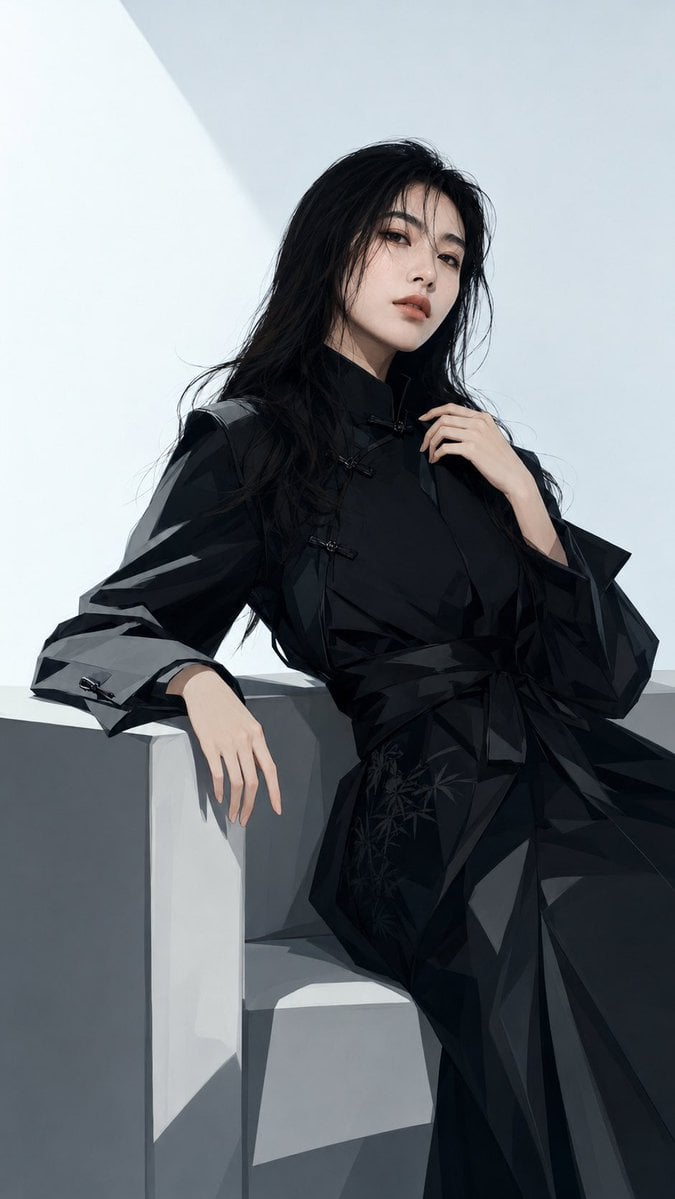
Black New Chinese Fashion Cover
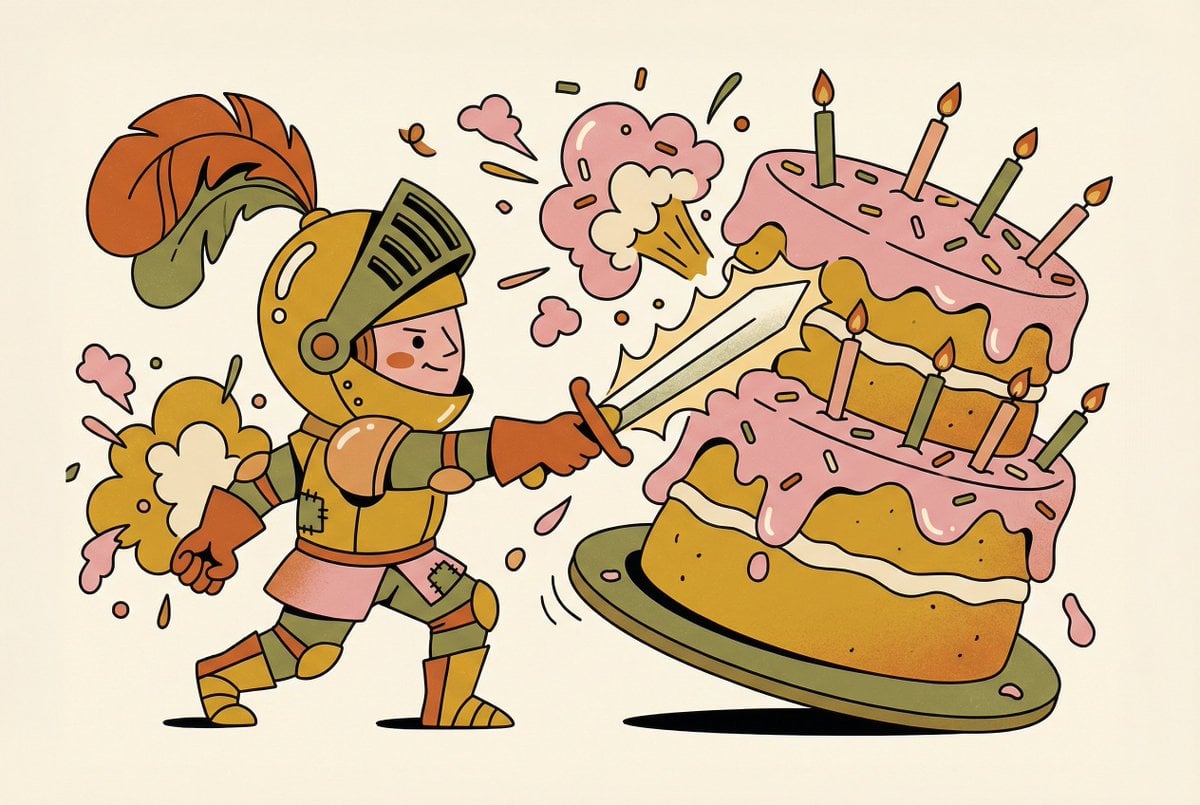
Tiny Medieval Knight vs. Towering Pink Birthday Cake
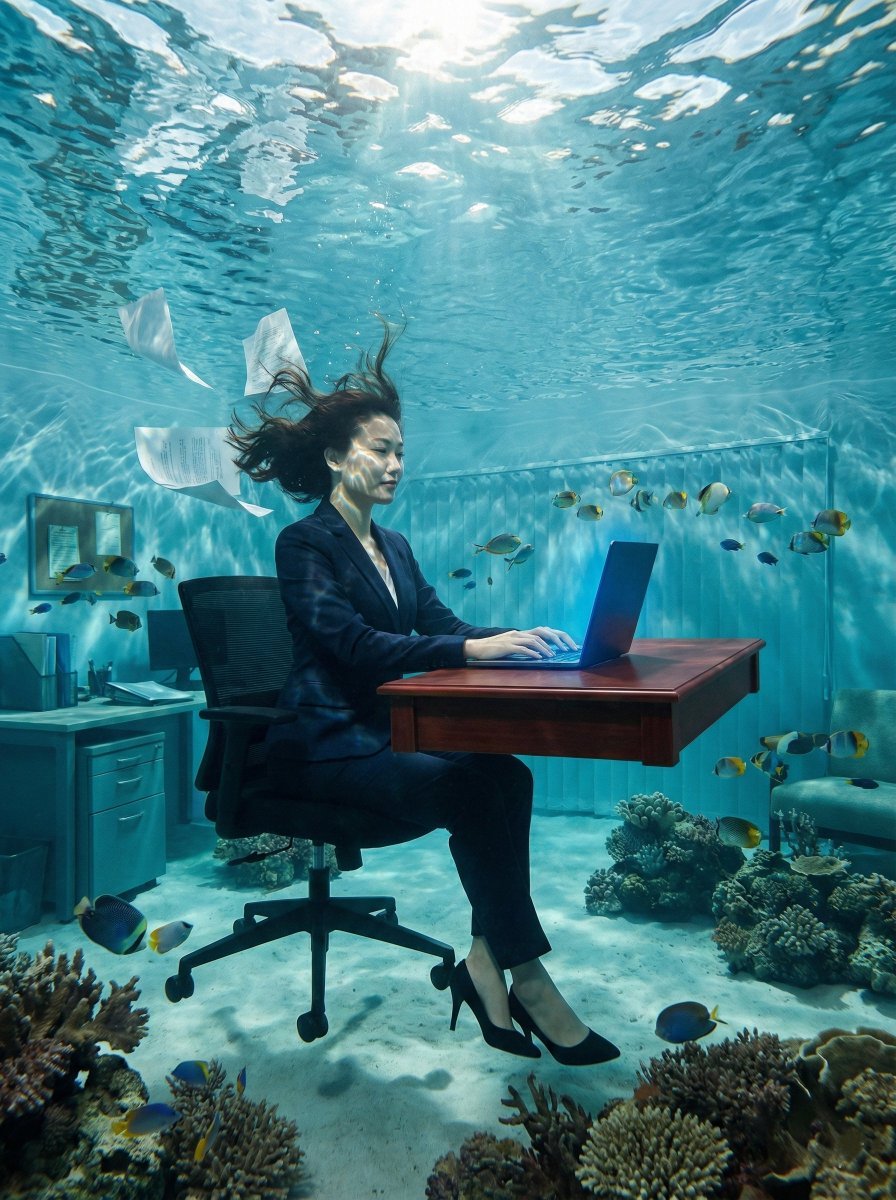
Surreal Underwater Office Scene Prompt
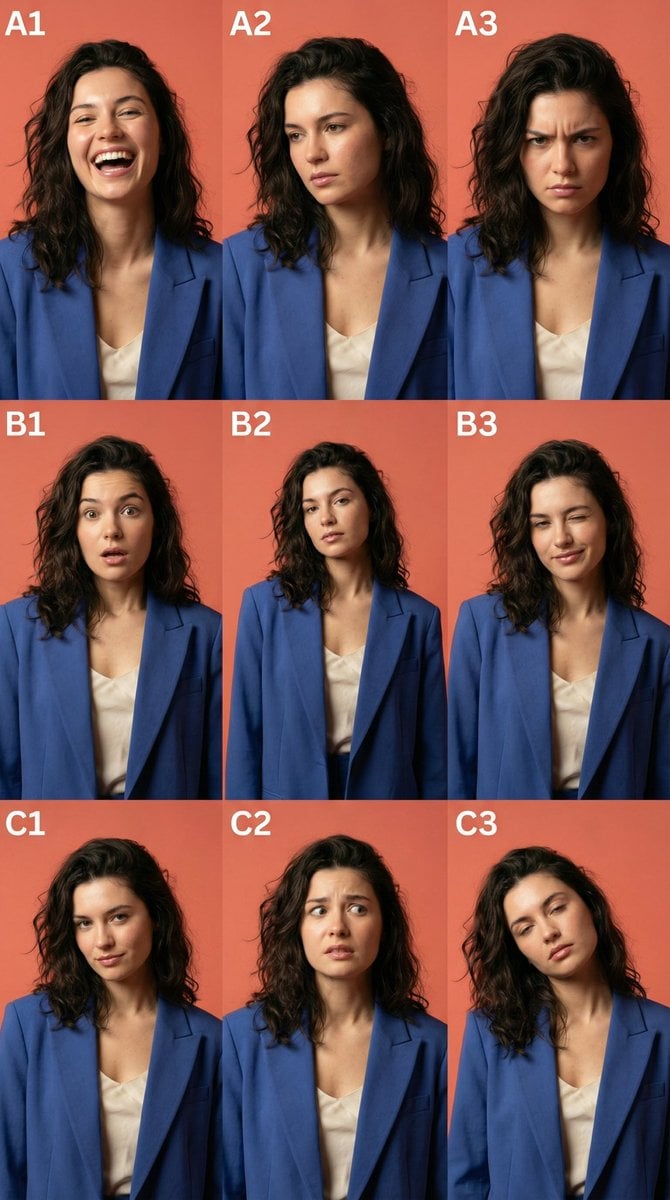
3x3 Character Emotional Expression Grid Prompt
Browse template categories
Night Beach Sparkler Snapshot questions
How do I use the Night Beach Sparkler Snapshot template?
Add your photo if the template asks for one, edit the prompt if you like — the template's model and format are already selected — and press Generate. Your version opens in PicX Studio.
Can I customize the Night Beach Sparkler Snapshot template?
Yes. You can change the subject, setting, lighting, mood, format, and available model controls before creating your image.
Is the Night Beach Sparkler Snapshot template free?
Opening and editing this template is free. Generating uses credits, shown on the Generate button when you are signed in.
Which AI model should I use?
Start with GPT Image 2, which is the model associated with this template. You can compare another compatible model for a different finish.
Looking for something else? Browse all templates.

Your photo, any look
Thousands of ready templates for every top image and video model, from one credit balance.