
Black New Chinese Fashion Cover
Creates a vertical editorial illustration from a reference portrait while preserving identity and transforming the pose into a sleek black New Chinese fashion cover.
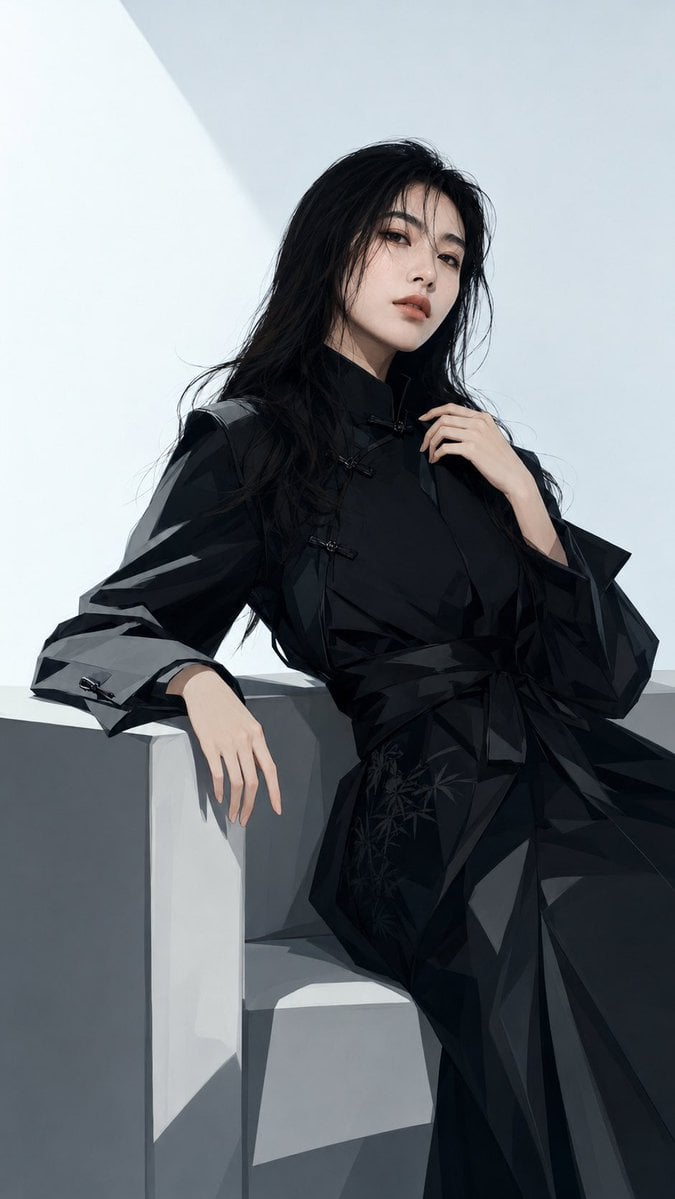
- Prompt included
- Model and format preset
- Free template
The prompt behind this image
Copy the exact prompt behind Black New Chinese Fashion Cover, or open it in the studio and make it yours.
Using REFERENCE_0 as the identity and outfit base, regenerate the same person as a high-end black New Chinese fashion magazine cover illustration. Preserve the subject’s facial proportions, face contour, cool gaze, long black hair, black modern Chinese-style robe, and overall recognizability; do not create a different face, do not over-beautify, and keep the same cold, slightly aloof temperament. Transformation: Convert the reference photo into a polished fashion editorial illustration with sharper stylized linework, smooth painterly rendering, glossy black fabric facets, and refined cinematic lighting. Pose and framing: Change to a closer vertical 9:16 composition, cropped from head to lower body. Have the subject lean more naturally against the pale geometric concrete structure: one arm draped over the wall with relaxed fingers, the other hand lifted near the collar/hair. Make the posture elegant, confident, and slightly dismissive. Style: High-fashion black New Chinese editorial, cool gray-white minimalist architecture, low-saturation palette, strong angular shadows, premium magazine-cover atmosphere, clean negative space, refined fabric folds, subtle bamboo/floral embroidery details on the robe. Output: Generate exactly {argument name="cover count" default="1"} vertical 9:16 cover-style illustration, no added typography, no logo, no watermark.
Reference images included
Black New Chinese Fashion Cover needs input media to work. They load alongside the prompt when you open it in the studio.
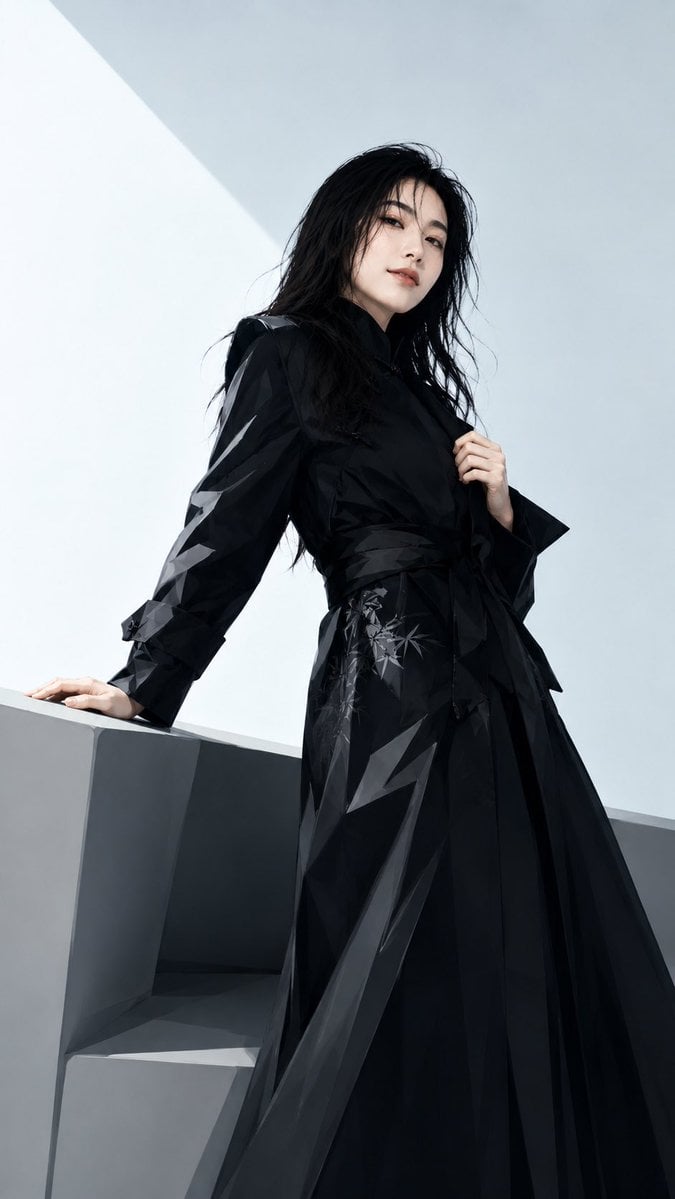
How to use Black New Chinese Fashion Cover in 3 steps
- 1Upload ImagePNG, JPG or paste
Add your photo
Upload the photo the template builds on. The prompt, model and format are already set.
- 2…a portrait of your subject in softgolden-hour light, 85mm…
Personalize
Edit the subject and creative details for your destination.
- 3Generate
Generate
Press Generate — your image is created in PicX Studio, so you can compare it with the original and refine one variable at a time.
More like this
Templates with the same subject, style or setup. Open one to see its prompt.

High-Fashion Editorial Magazine Cover ICON

Luxury Black-and-White Fashion Contact Sheet

80s College Gate

1988 Mall Style

80s Polka Dot Saree

Off Duty Fashion Magazine Cover
Chinese Growth Flywheel Strategy Cover
Mysterious Black and Red Fashion Portrait

Urban Fashion Editorial Collage Streetwear Poster

Polo Ralph Lauren Luxury American Heritage Fashion Campaign

Cinematic Street Fashion Photographer Portrait

Fine Art Monochrome Fashion Portrait
Make it yours
Black New Chinese Fashion Cover works as-is. These are the safest ways to change it without losing the look.
Change one field
Copy a single group, rewrite it, and generate again so you can see what that field is doing.
Keep the frame, change the subject
Hold the composition and light of Black New Chinese Fashion Cover, then swap wardrobe, props or the person for a new take.
| If the result… | Why | Fix |
|---|---|---|
| The result drifts from the preview | Too many fields changed at once. | Reuse Black New Chinese Fashion Cover as-is first, then change one group — subject, light, or setting. |
| The model over-stylizes the scene | The prose prompt leaves finish and camera underspecified. | Add one camera or lighting sentence and stay on GPT Image 2. |
More GPT Image 2 templates
Other prompts made for GPT Image 2.

Six VTuber Japanese Logo Sheet

Realistic Portrait of Woman and Deer

The Vista Modular Condo Poster

AI Model Routing Comparison Infographic

2.5D Anime Art Board

Isometric Productivity Desk Scene

New York Double Exposure Poster

Four-Panel AI Landscape Comparison

Japanese Tatami Lifestyle Magazine Cover

NESCAFÉ Coffee Map Poster
More image prompts
Fresh picks from across the catalog.
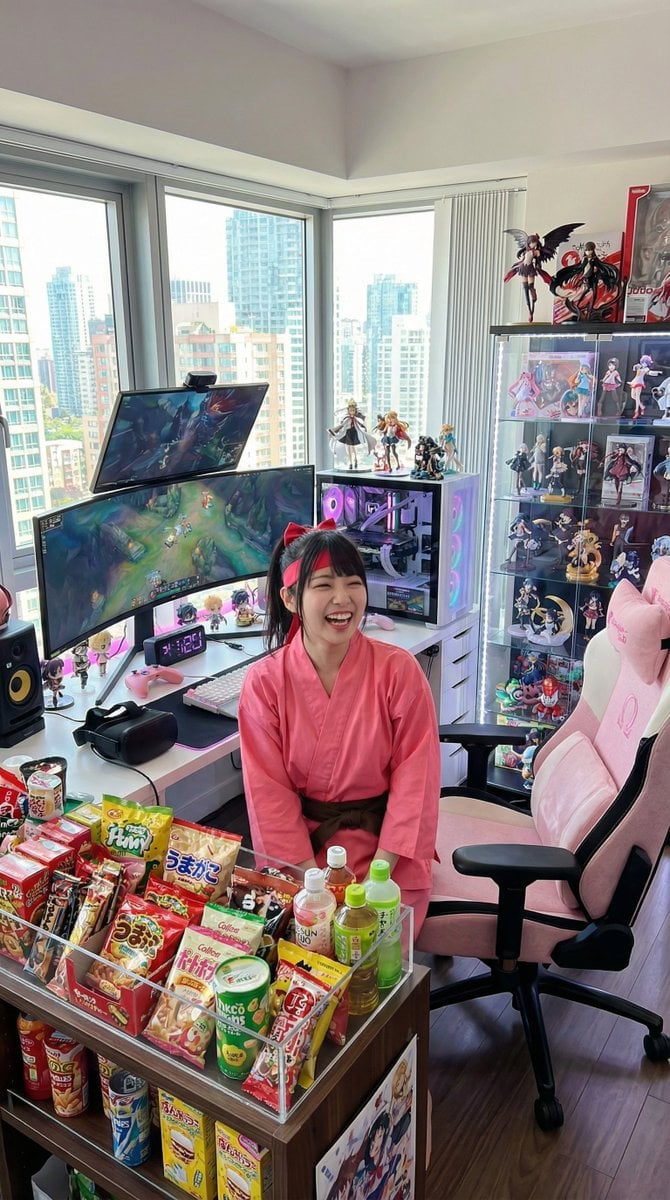
Generate a room that looks like life is being enjoyed to the fullest
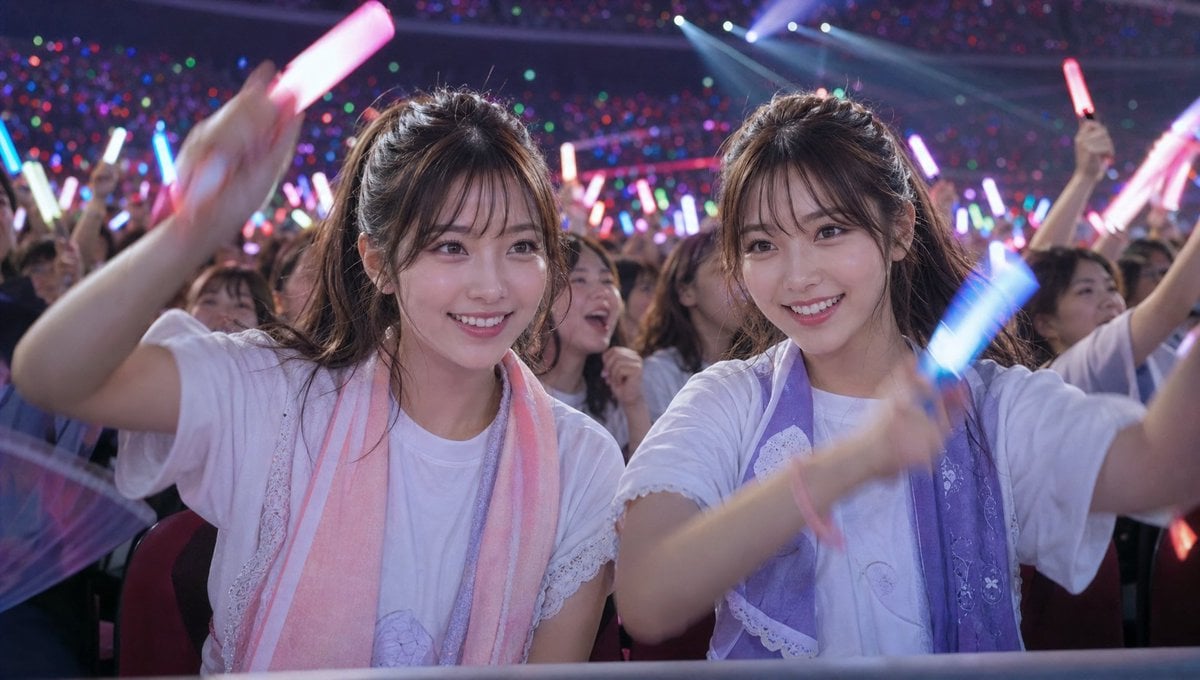
Crowd Energy at Idol Live Concert
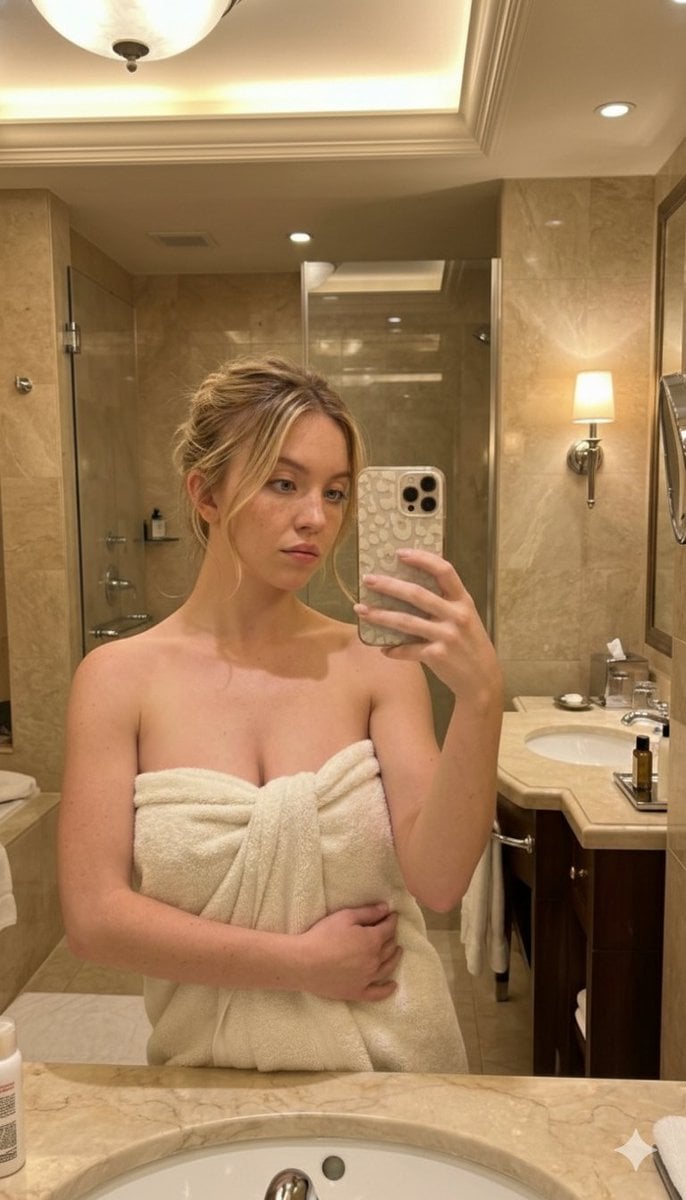
High-Angle Bathroom Mirror Selfie
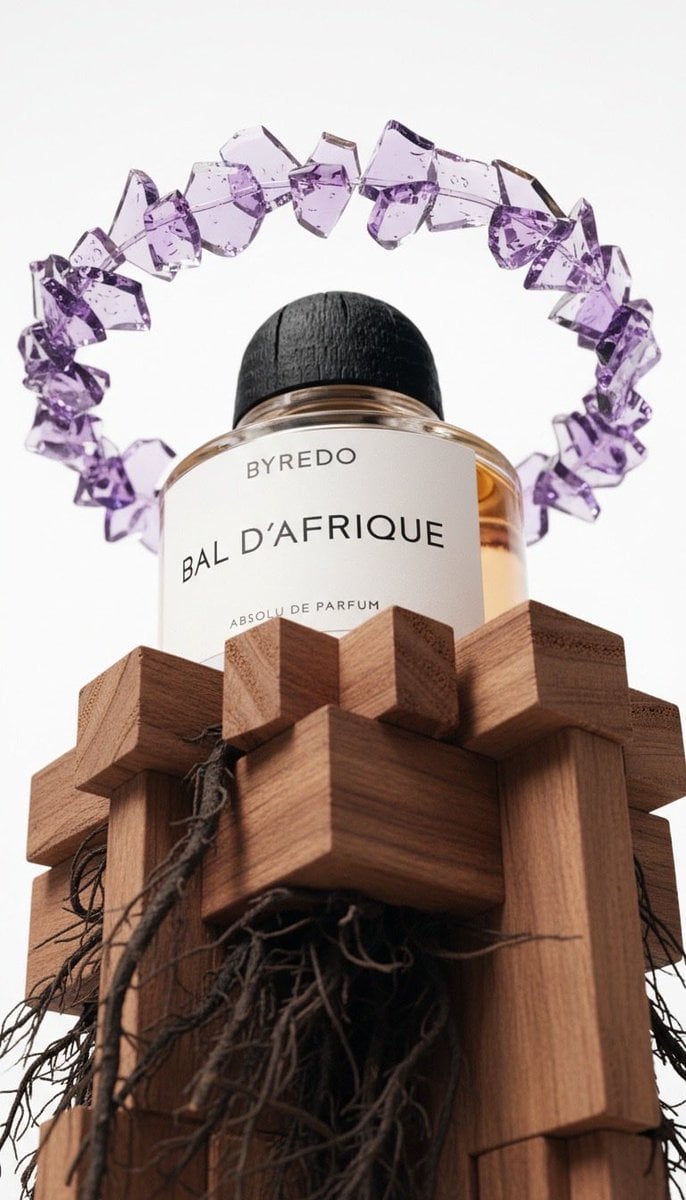
Luxury Product Photography of Byredo Perfume
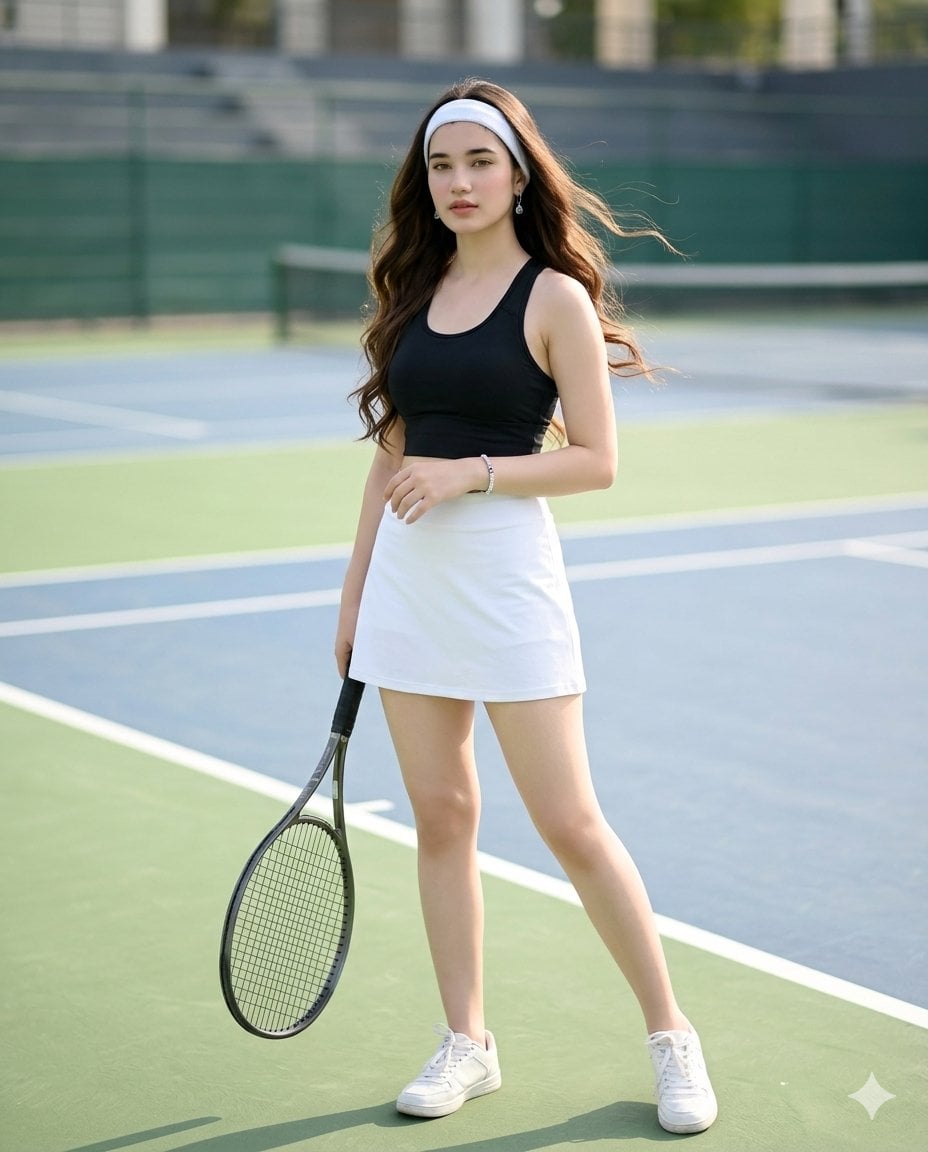
Realistic Tennis Player Portrait
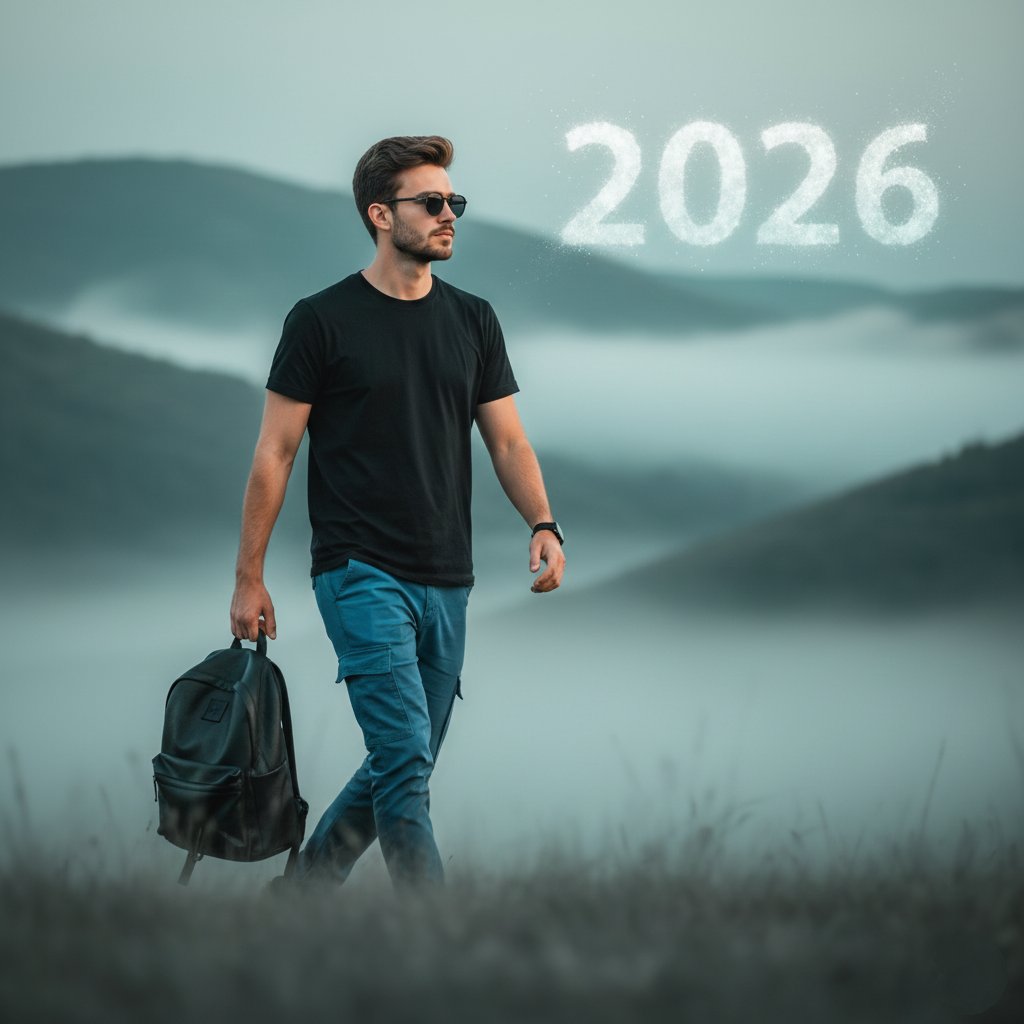
Stylish Person in Cargo Pants Against Ethereal Landscape
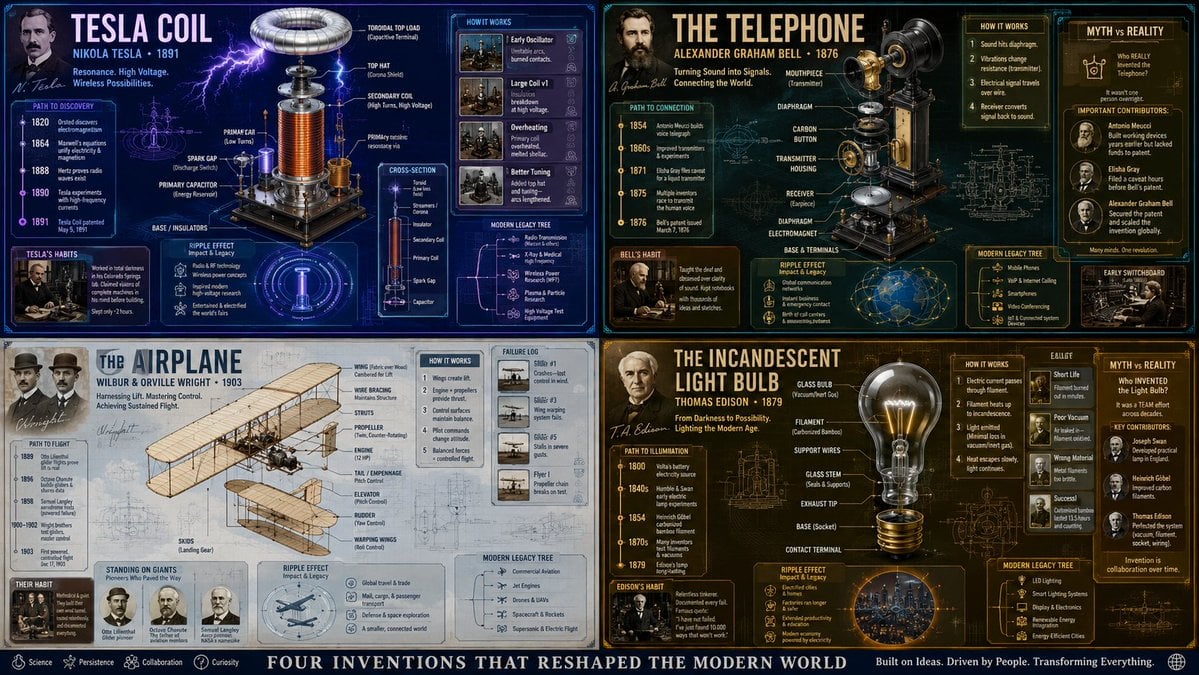
Exploded View Invention Infographic
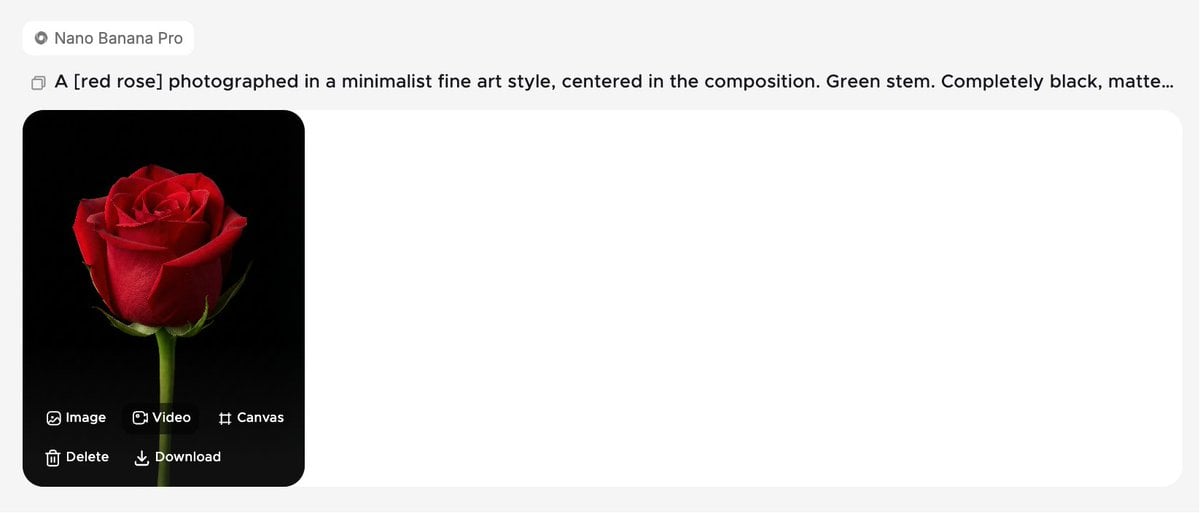
Minimalist Fine Art Flower Macro
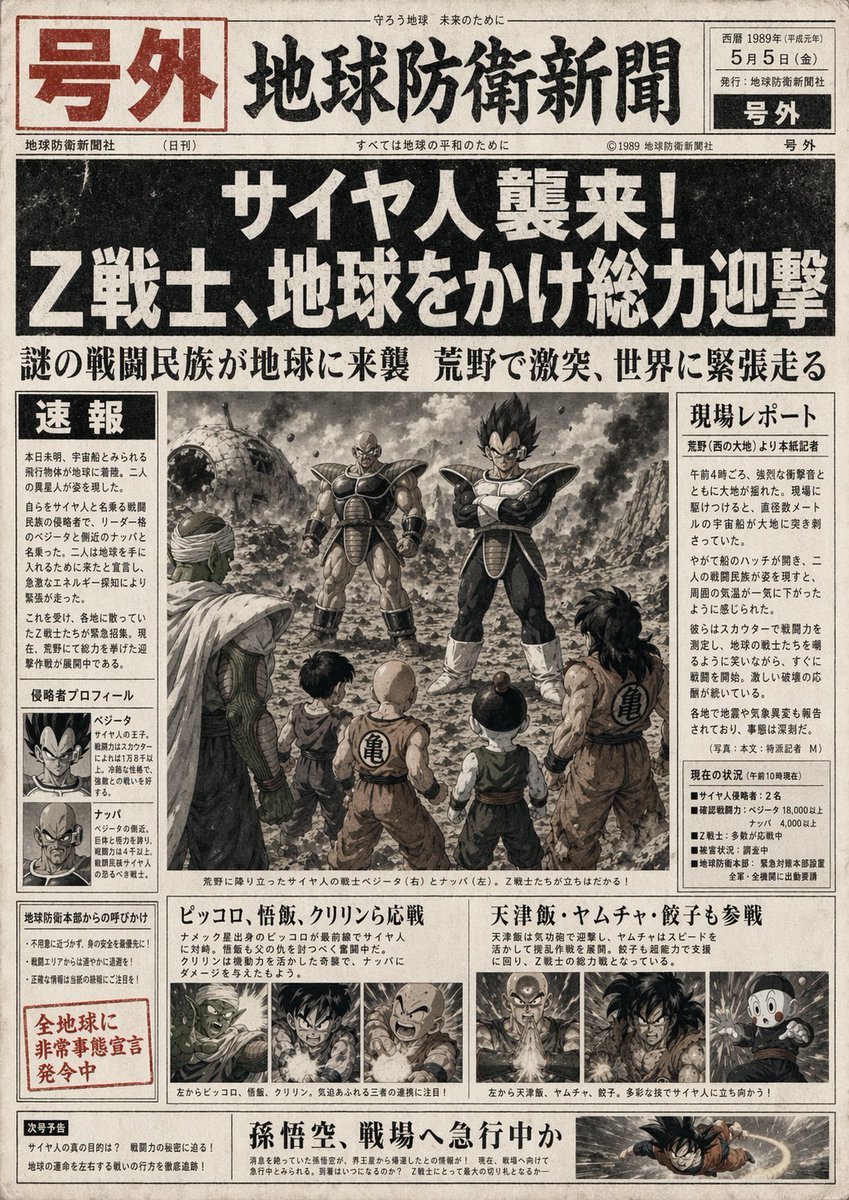
Fictional Newspaper Newspaper Extra
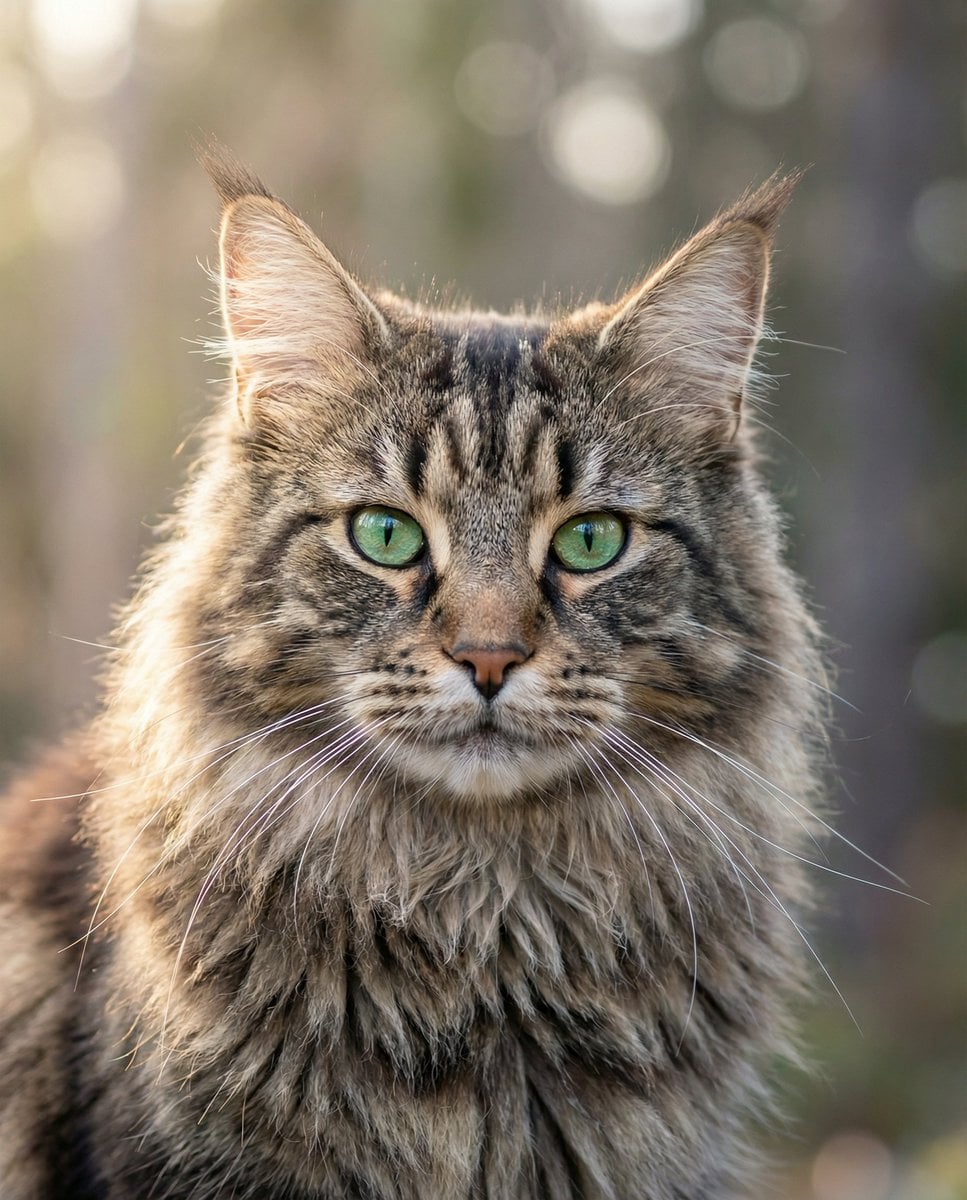
Hyper-Realistic Maine Coon Portrait
Browse template categories
Black New Chinese Fashion Cover questions
How do I use the Black New Chinese Fashion Cover template?
Add your photo if the template asks for one, edit the prompt if you like — the template's model and format are already selected — and press Generate. Your version opens in PicX Studio.
Can I customize the Black New Chinese Fashion Cover template?
Yes. You can change the subject, setting, lighting, mood, format, and available model controls before creating your image.
Is the Black New Chinese Fashion Cover template free?
Opening and editing this template is free. Generating uses credits, shown on the Generate button when you are signed in.
Which AI model should I use?
Start with GPT Image 2, which is the model associated with this template. You can compare another compatible model for a different finish.
Looking for something else? Browse all templates.

Your photo, any look
Thousands of ready templates for every top image and video model, from one credit balance.