
Crowd Energy at Idol Live Concert
A prompt for generating realistic, cinematic shots of enthusiastic fans at a massive concert venue, focusing on atmosphere, lighting, and character consistency.
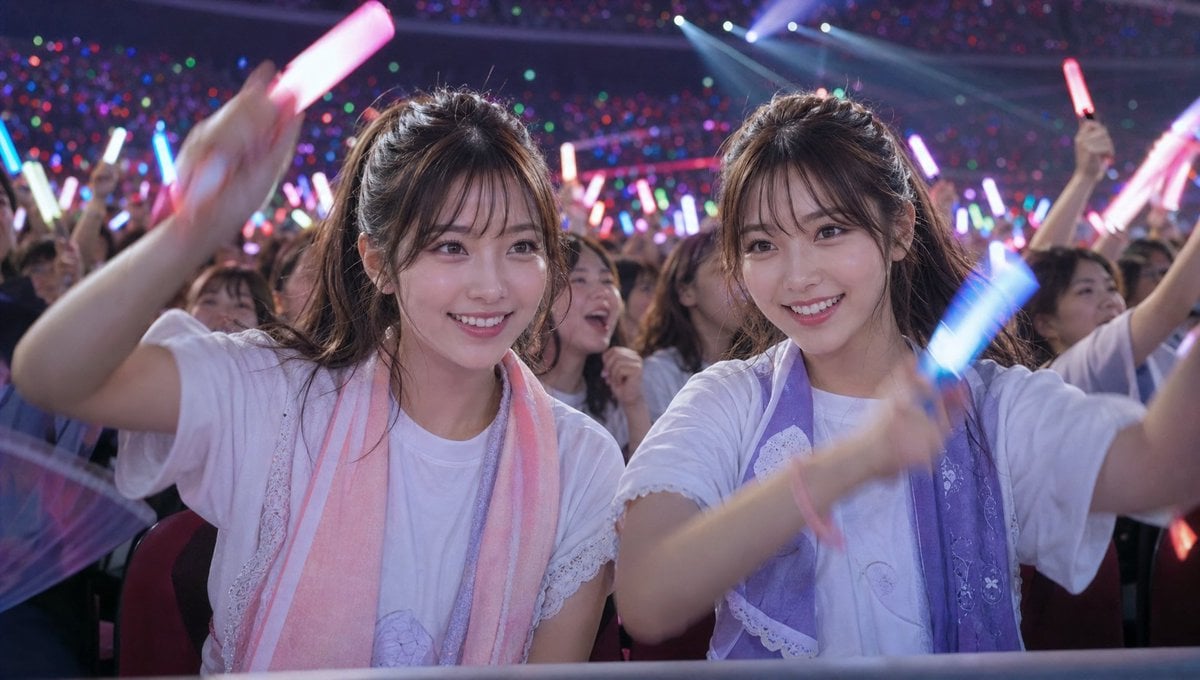
- Prompt included
- Model and format preset
- Free template
The prompt behind this image
Copy the exact prompt behind Crowd Energy at Idol Live Concert, or open it in the studio and make it yours.
「参照画像の{argument name="人物" default="双子"}の人物を維持、服装は{argument name="服装" default="アイドルを応援しているオタクが着るような服装"}、リアルな実写映像風、{argument name="会場" default="巨大なアイドルライブ会場"}の観客席、夜のアリーナライブ、双子は最前列付近の観客席で熱心にライブを応援している。 二人とも笑顔で夢中になりながら、カラフルなサイリウムを力いっぱい振っている。周囲の観客も無数の赤・青・緑・紫・ピンクのサイリウムを振っており、会場全体が光の海になっている。 ライブ会場特有の熱気と興奮、歓声に包まれた空間。ステージからの強い照明やレーザー演出が観客席を照らし、双子の表情をドラマチックに浮かび上がらせる。 カメラは観客席側を中心に捉え、アイドルやステージは見えない。 リアルな肌質、汗や光の反射、自然なモーション感、ライブ会場の臨場感、シネマティックな構図、望遠レンズ風、浅い被写界深度、ドキュメンタリー風、フォトリアル、超高精細、リアルな映画品質。 服や看板、画面には企業ロゴや文字を入れない。」
How to use Crowd Energy at Idol Live Concert in 3 steps
- 1Upload ImagePNG, JPG or paste
Add your photo
Upload the photo the template builds on. The prompt, model and format are already set.
- 2…a portrait of your subject in softgolden-hour light, 85mm…
Personalize
Edit the subject and creative details for your destination.
- 3Generate
Generate
Press Generate — your image is created in PicX Studio, so you can compare it with the original and refine one variable at a time.
More like this
Templates with the same subject, style or setup. Open one to see its prompt.

Pastel Anime Idol Concert Finale
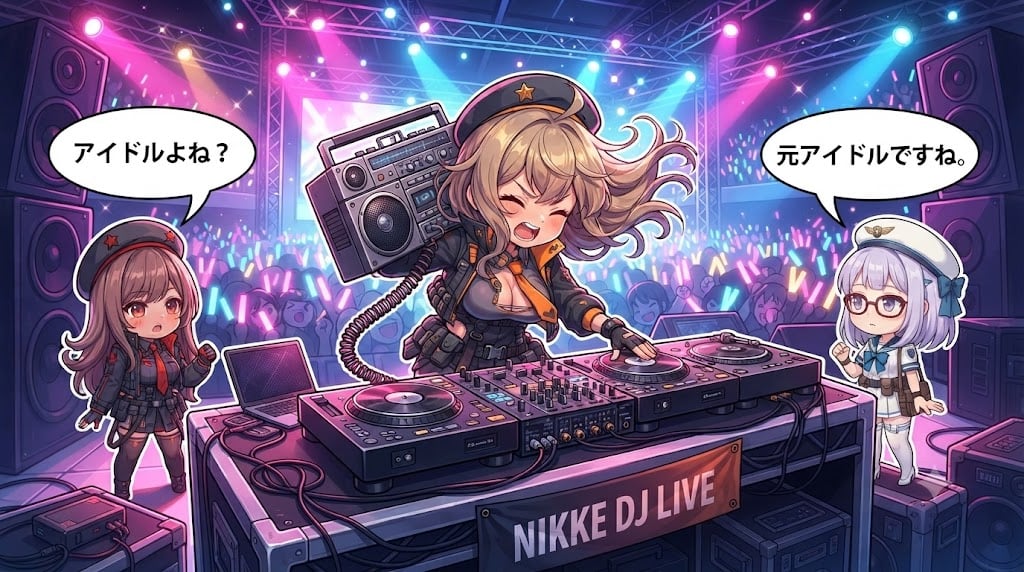
Chibi Anime DJ Live Concert
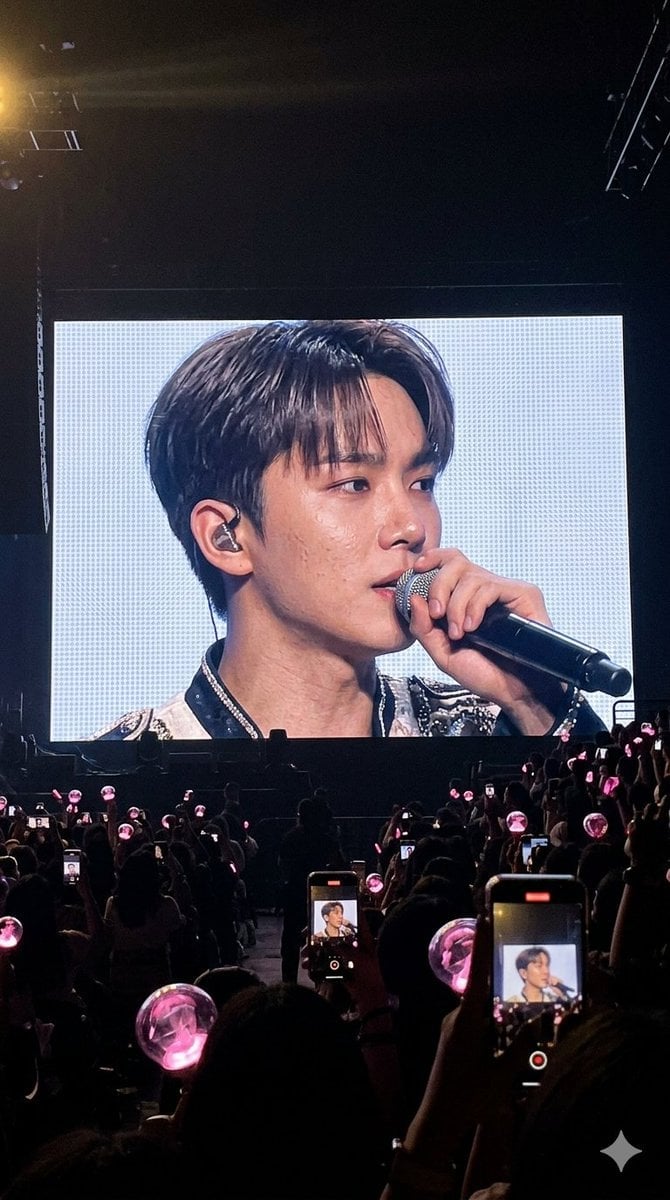
Vibrant Live Concert Photography

Cinematic Street Fashion Portrait Motion Blur Crowd
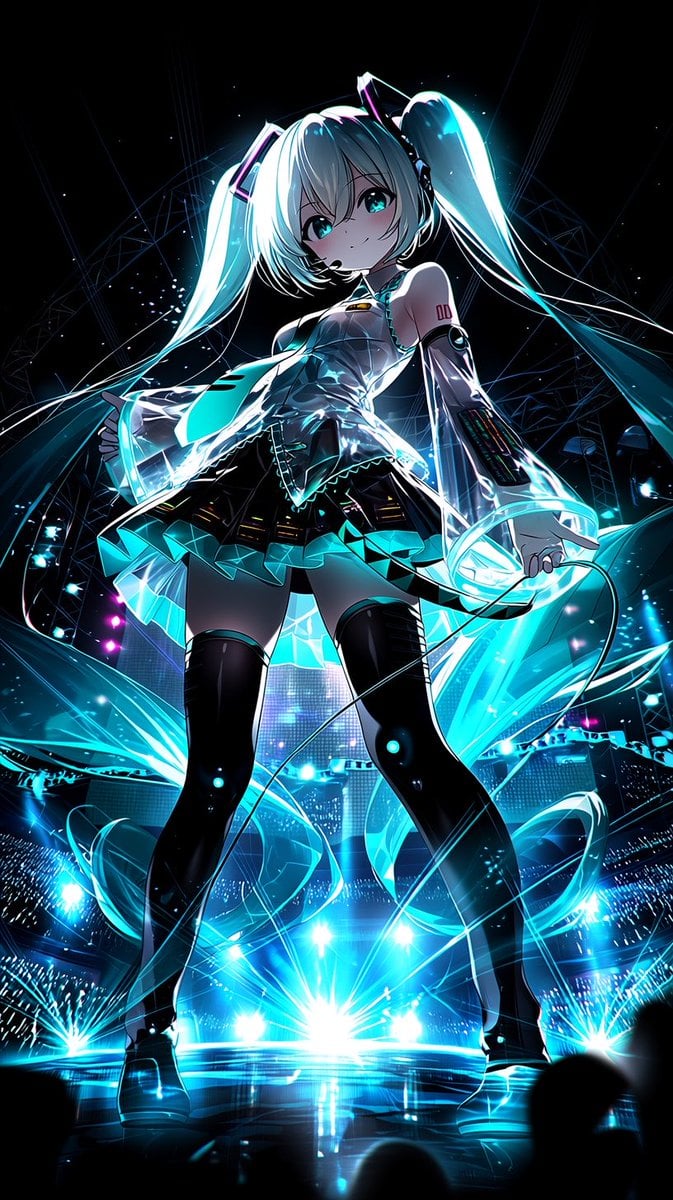
Neon Virtual Idol Concert
Japanese Idol Concert Portrait
Cyber Vocaloid Concert Idol
Cyberpunk Future Idol Concert
Three Android Idol Girls on Concert Stage
Anthro Idol Group Concert Poster
Liyuu live concert close-up fan cam
Cinematic Concert Crowd Photo Prompt
Make it yours
Crowd Energy at Idol Live Concert works as-is. These are the safest ways to change it without losing the look.
Change one field
Copy a single group, rewrite it, and generate again so you can see what that field is doing.
Keep the frame, change the subject
Hold the composition and light of Crowd Energy at Idol Live Concert, then swap wardrobe, props or the person for a new take.
| If the result… | Why | Fix |
|---|---|---|
| The result drifts from the preview | Too many fields changed at once. | Reuse Crowd Energy at Idol Live Concert as-is first, then change one group — subject, light, or setting. |
| The model over-stylizes the scene | The prose prompt leaves finish and camera underspecified. | Add one camera or lighting sentence and stay on GPT Image 2. |
More GPT Image 2 templates
Other prompts made for GPT Image 2.

Six VTuber Japanese Logo Sheet

Realistic Portrait of Woman and Deer

The Vista Modular Condo Poster

AI Model Routing Comparison Infographic

2.5D Anime Art Board

Isometric Productivity Desk Scene

New York Double Exposure Poster

Four-Panel AI Landscape Comparison

Japanese Tatami Lifestyle Magazine Cover

NESCAFÉ Coffee Map Poster
More image prompts
Fresh picks from across the catalog.
Hyper-Realistic Intimate Close-Up Portrait

Minimalist Educational Infographic Template

Image Transformation into Watercolor Valentine's Day Card
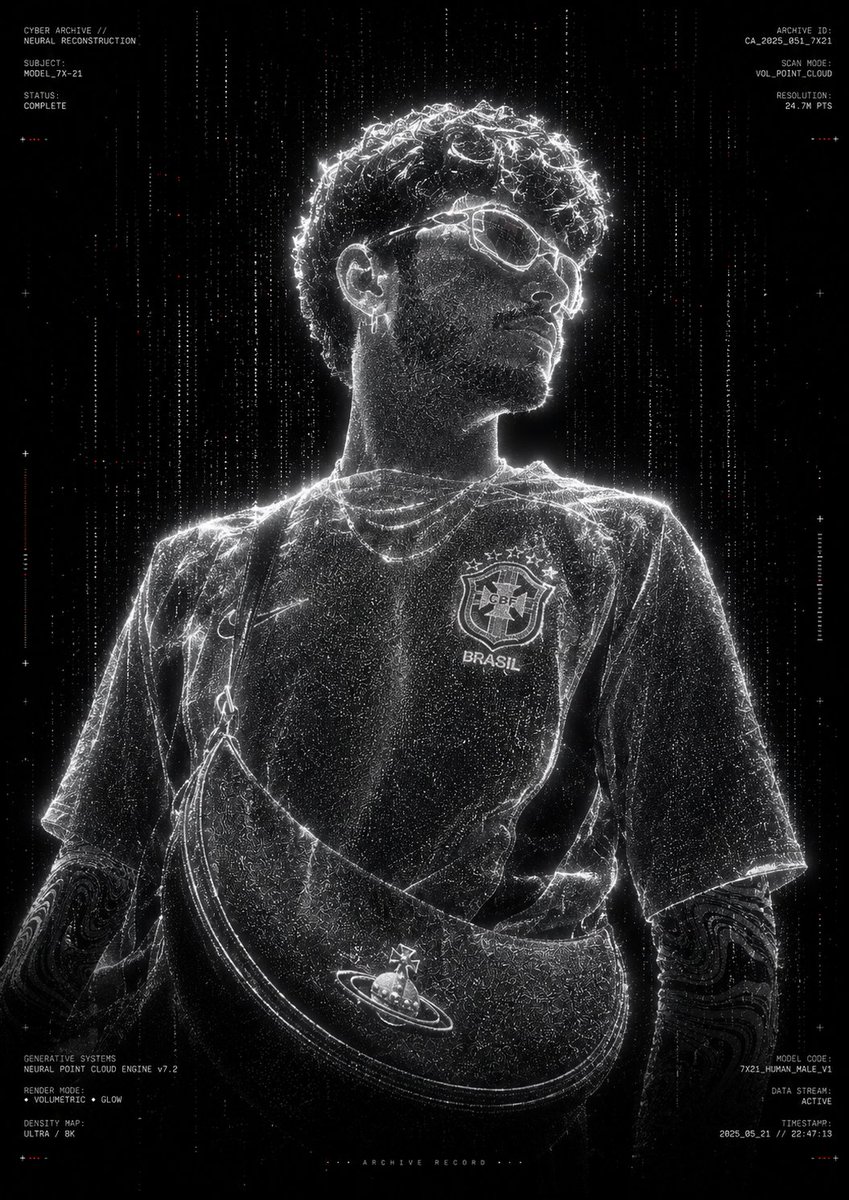
Futuristic Point Cloud Portrait
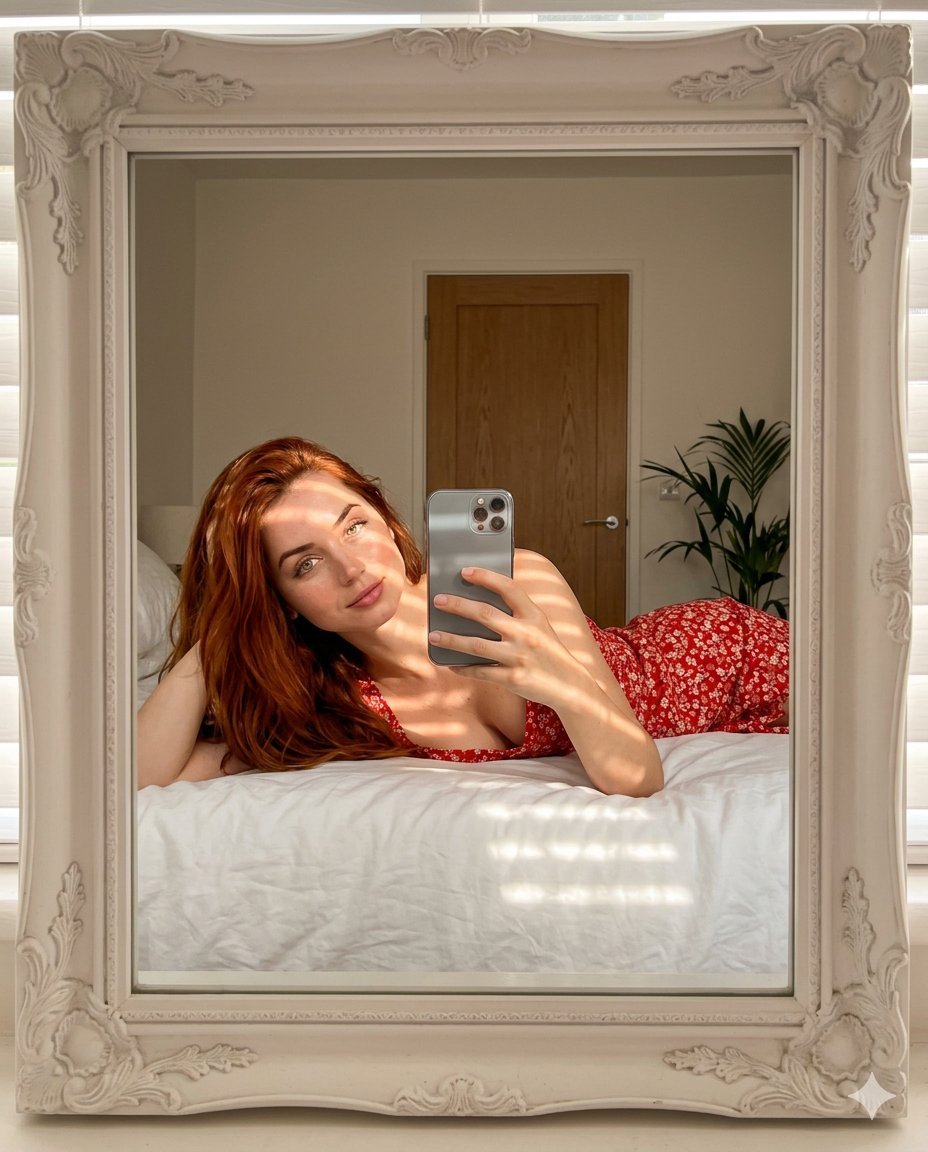
Aesthetic Mirror Selfie Prompt for Gemini Nano Banana Pro
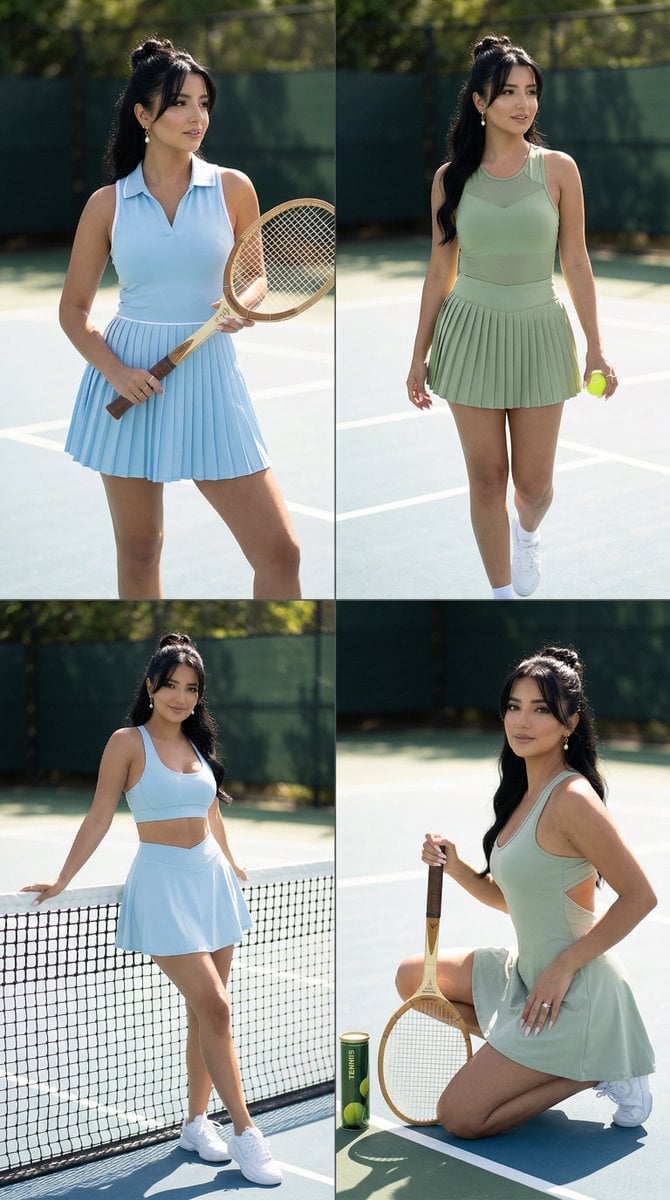
Luxury Tennis Editorial 2x2 Grid Image-to-Image Prompt for Nano Banana Pro
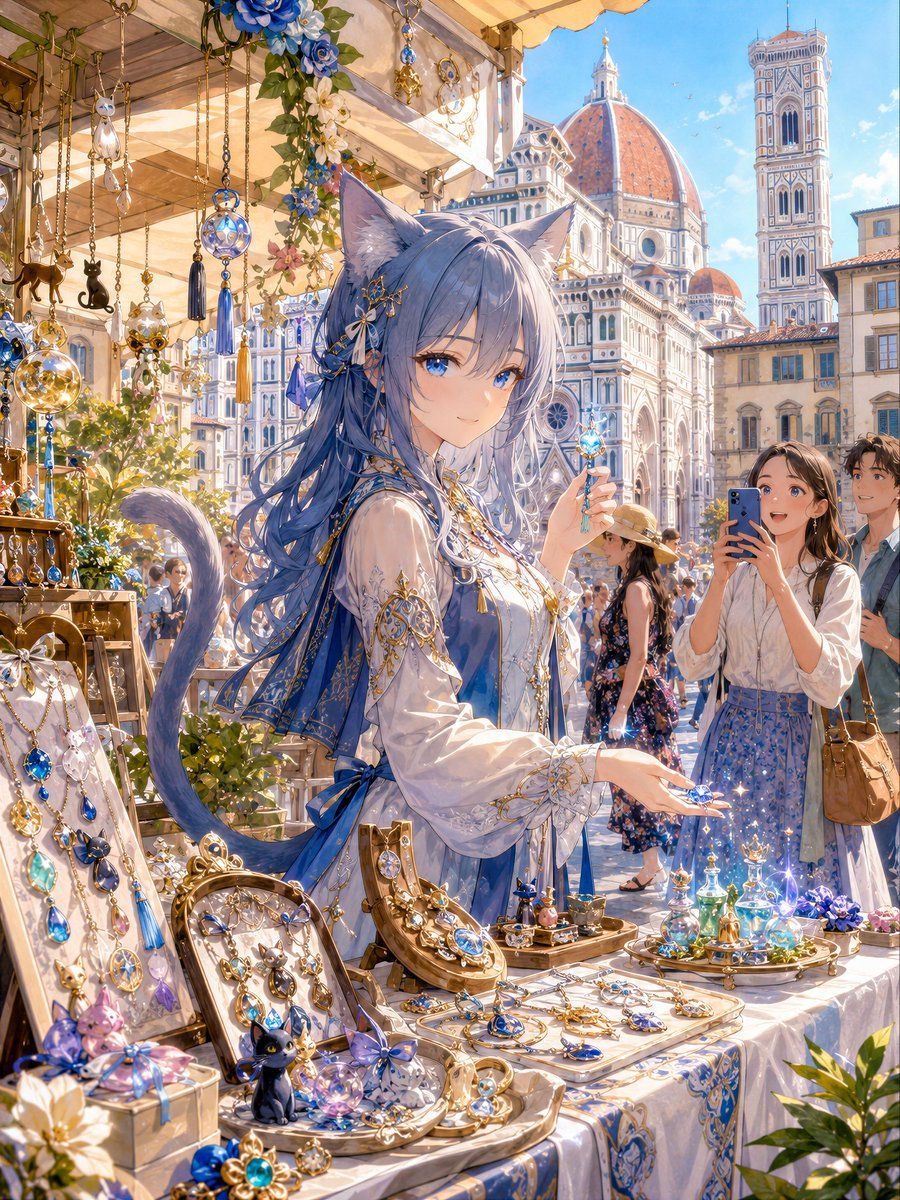
Blue Cat-Ear Shopkeeper Portrait
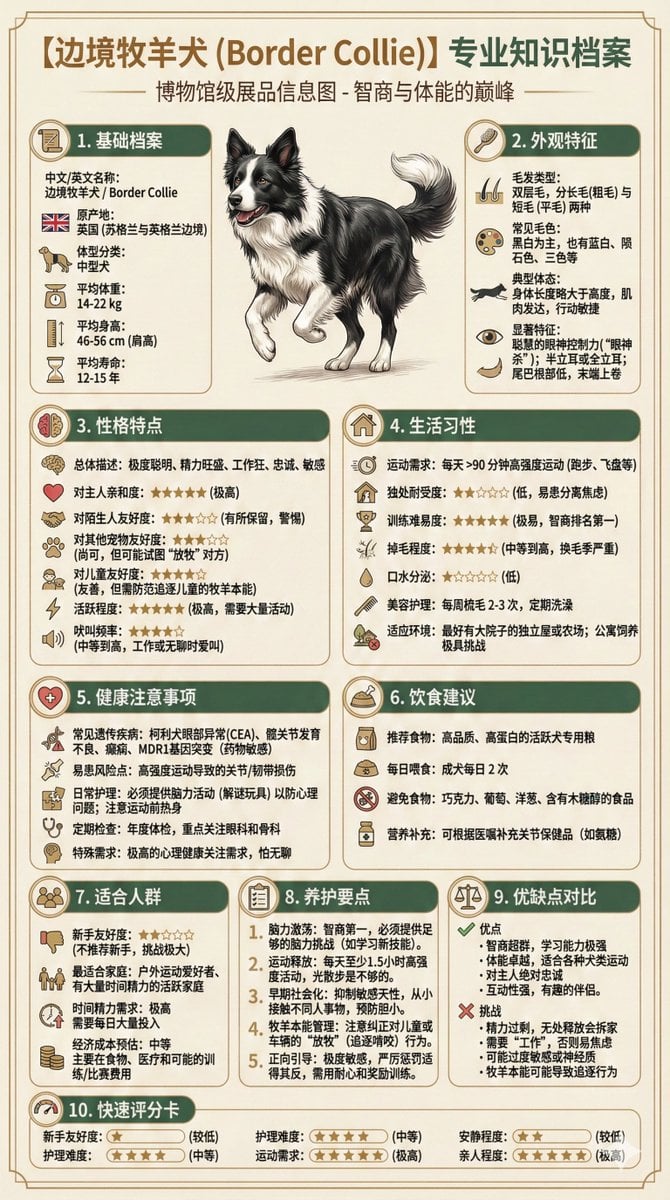
Universal Pet Feeding Guide Generator

Streetwear Brand Drop Collage Poster
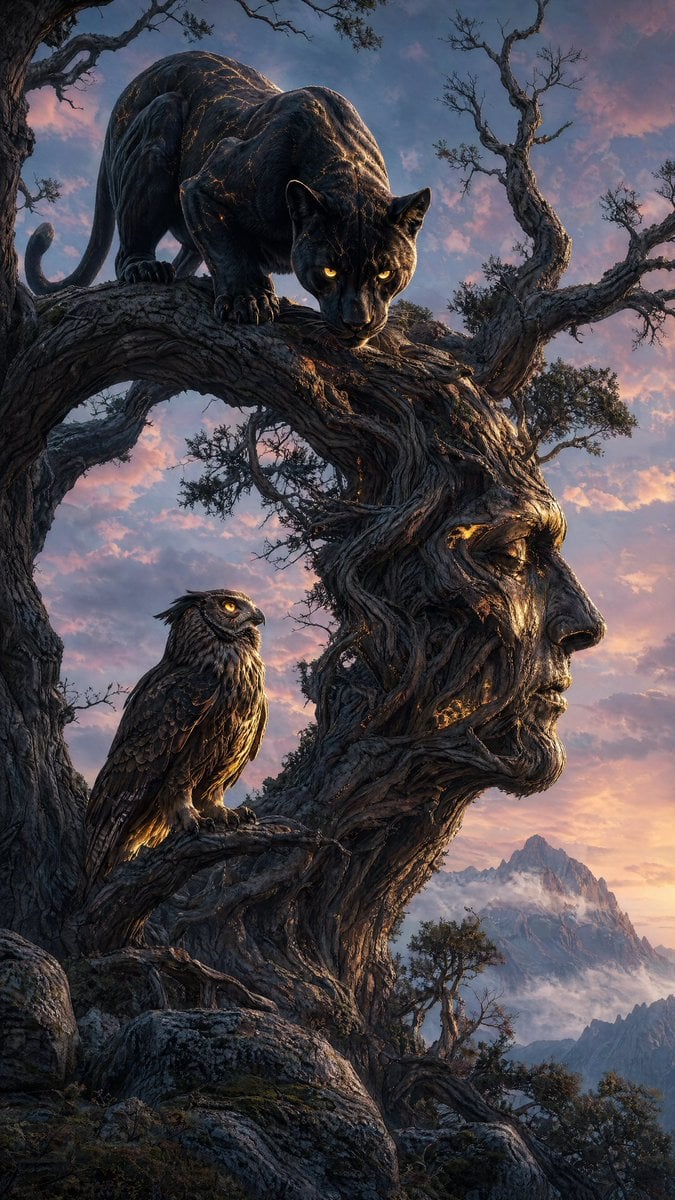
Majestic Panther Fantasy Scene
Browse template categories
Crowd Energy at Idol Live Concert questions
How do I use the Crowd Energy at Idol Live Concert template?
Add your photo if the template asks for one, edit the prompt if you like — the template's model and format are already selected — and press Generate. Your version opens in PicX Studio.
Can I customize the Crowd Energy at Idol Live Concert template?
Yes. You can change the subject, setting, lighting, mood, format, and available model controls before creating your image.
Is the Crowd Energy at Idol Live Concert template free?
Opening and editing this template is free. Generating uses credits, shown on the Generate button when you are signed in.
Which AI model should I use?
Start with GPT Image 2, which is the model associated with this template. You can compare another compatible model for a different finish.
Looking for something else? Browse all templates.

Your photo, any look
Thousands of ready templates for every top image and video model, from one credit balance.