
Neon Virtual Idol Concert
Generates a dynamic low-angle anime illustration of Hatsune Miku performing on a glowing futuristic concert stage.
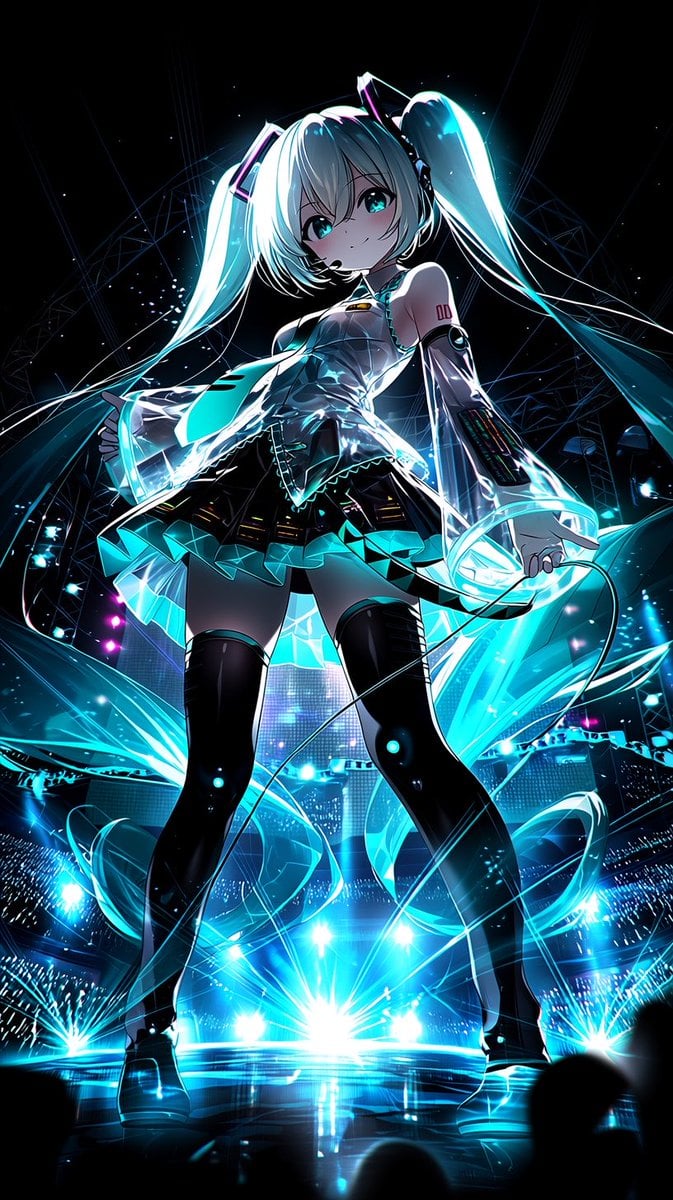
- Prompt included
- Model and format preset
- Free template
The prompt behind this image
Copy the exact prompt behind Neon Virtual Idol Concert, or open it in the studio and make it yours.
Create a dramatic vertical anime concert illustration of {argument name="character name" default="Hatsune Miku"} on a massive futuristic stage, viewed from a very low angle so she looks towering and heroic. She is a petite virtual idol with long glowing {argument name="hair color" default="turquoise"} twin-tails streaming outward like translucent ribbons, bright teal eyes, pale skin, and a confident playful smile. She wears a glossy black and gray cyber-idol outfit with a sleeveless metallic bodice, short pleated skirt with luminous turquoise triangular panels, black thigh-high boots, detached translucent sleeves, futuristic arm panels, a headset microphone, and small angular hair accessories. Her right hand reaches toward the viewer while a microphone cable loops dynamically across the foreground. Surround her with intense cyan and electric-blue light trails, sparkling particles, lens flares, laser beams, and transparent holographic fabric shapes swirling around her body. The background is a packed nighttime stadium concert with glowing audience light sticks, LED screens, rigging arcs, spotlights, and bursts of stage lighting in cyan with small magenta accents. Use high-contrast cinematic lighting, glossy reflections on the stage floor, deep black shadows, vibrant neon glow, sharp anime linework, highly detailed rendering, energetic composition, and a spectacular {argument name="mood" default="near-future virtual idol live performance"} atmosphere. No text, no watermark.
How to use Neon Virtual Idol Concert in 3 steps
- 1Upload ImagePNG, JPG or paste
Add your photo
Upload the photo the template builds on. The prompt, model and format are already set.
- 2…a portrait of your subject in softgolden-hour light, 85mm…
Personalize
Edit the subject and creative details for your destination.
- 3Generate
Generate
Press Generate — your image is created in PicX Studio, so you can compare it with the original and refine one variable at a time.
More like this
Templates with the same subject, style or setup. Open one to see its prompt.

Korean Idol Partial Shadow Editorial Portrait

80s Neon Disco Night

Pastel Anime Idol Concert Finale

Cartoon TV Show Poster Pack

Rainy Night Android Cyberpunk Portrait

Cyberpunk Neon Profile Fashion Portrait

Neon Night Crosswalk Candid Portrait

Subway Platform Quiet Introspective Portrait
Rainy Night Android Cyberpunk Portrait

Cinematic Sci-Fi Commander Side Profile Portrait
Low-Angle Cyberpunk Neon Profile Portrait

Cinematic Neon Light Strip Studio Portrait
Make it yours
Neon Virtual Idol Concert works as-is. These are the safest ways to change it without losing the look.
Change one field
Copy a single group, rewrite it, and generate again so you can see what that field is doing.
Keep the frame, change the subject
Hold the composition and light of Neon Virtual Idol Concert, then swap wardrobe, props or the person for a new take.
| If the result… | Why | Fix |
|---|---|---|
| The result drifts from the preview | Too many fields changed at once. | Reuse Neon Virtual Idol Concert as-is first, then change one group — subject, light, or setting. |
| The model over-stylizes the scene | The prose prompt leaves finish and camera underspecified. | Add one camera or lighting sentence and stay on GPT Image 2. |
More GPT Image 2 templates
Other prompts made for GPT Image 2.

Six VTuber Japanese Logo Sheet

Realistic Portrait of Woman and Deer

The Vista Modular Condo Poster

AI Model Routing Comparison Infographic

2.5D Anime Art Board

Isometric Productivity Desk Scene

New York Double Exposure Poster

Four-Panel AI Landscape Comparison

Japanese Tatami Lifestyle Magazine Cover

NESCAFÉ Coffee Map Poster
More image prompts
Fresh picks from across the catalog.
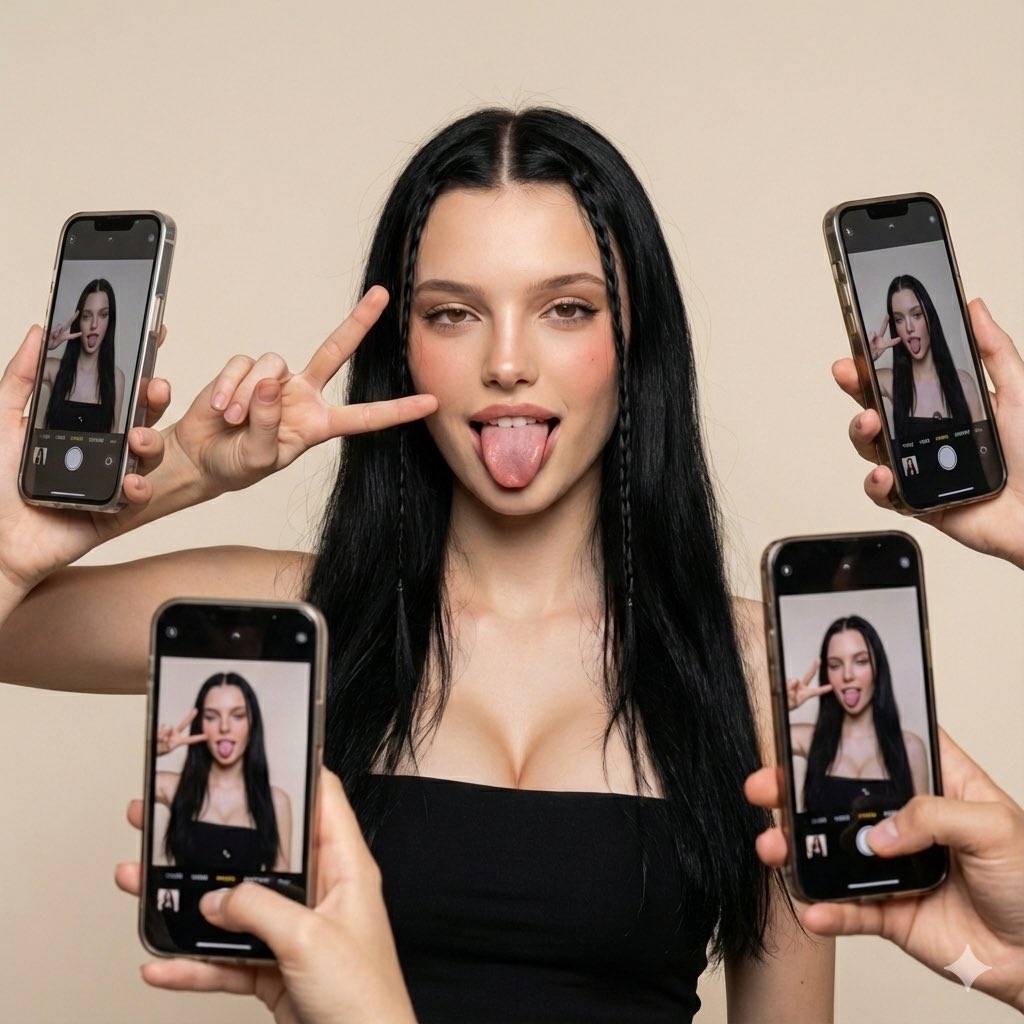
Social Media Influencer Studio Shoot with Mirrored Phones
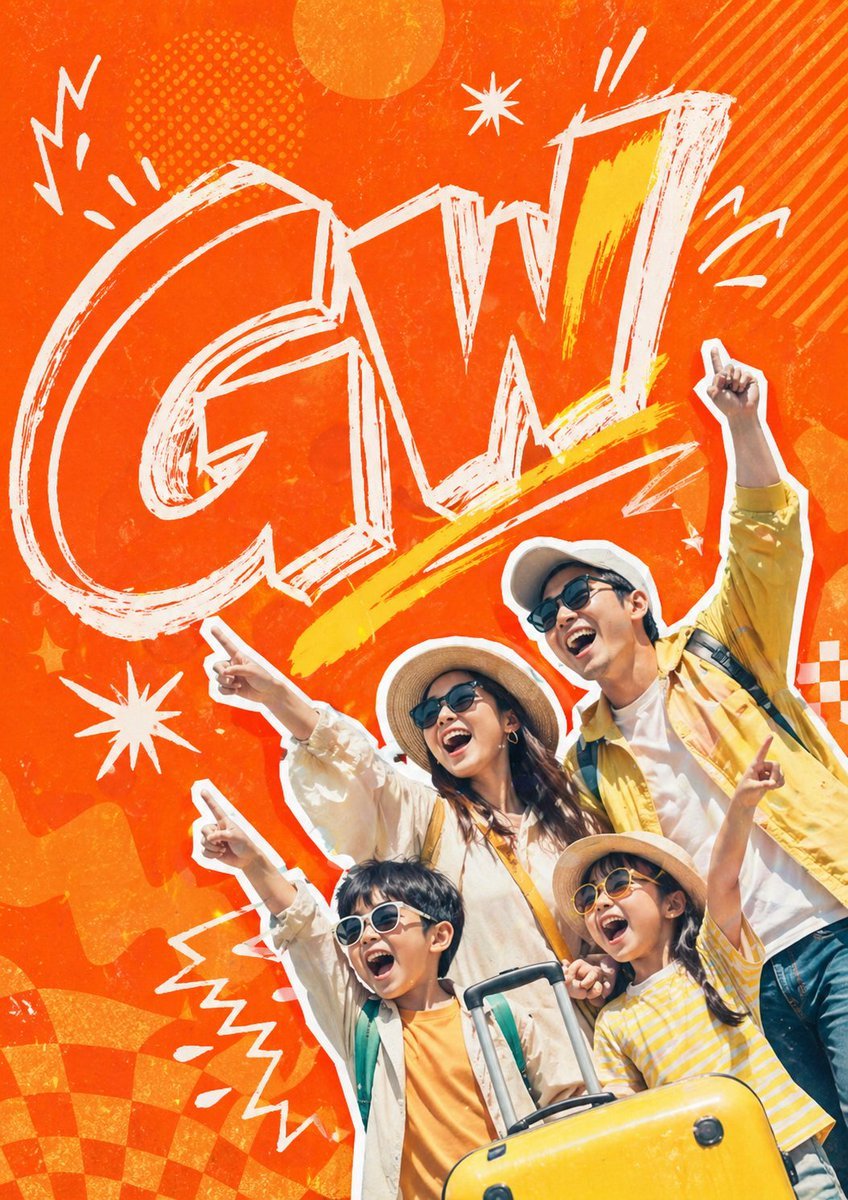
Retro Pop Travel Family Poster

Cozy Work-From-Home Portrait Prompt
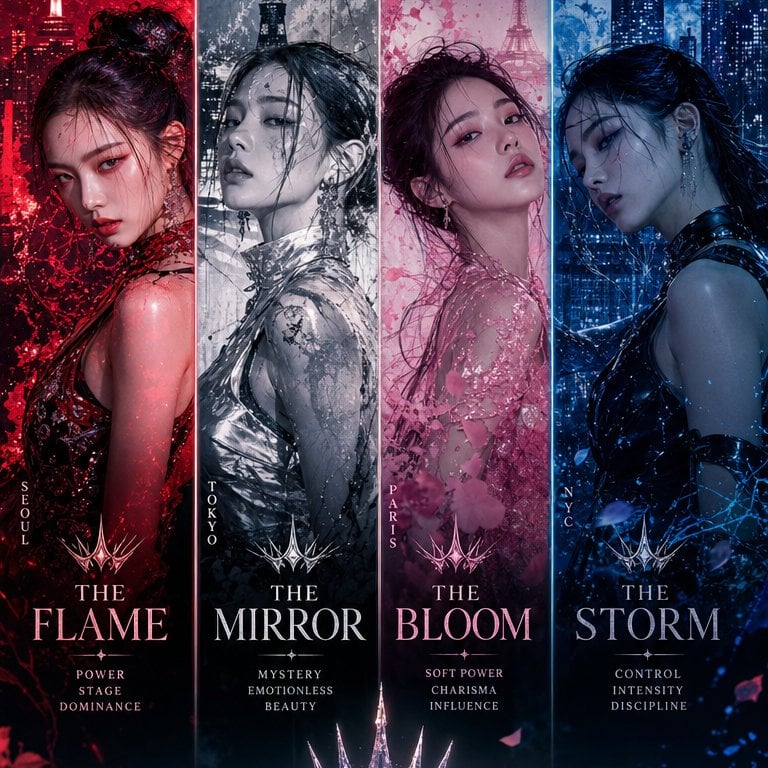
K-Pop Girl Group Comeback Concept
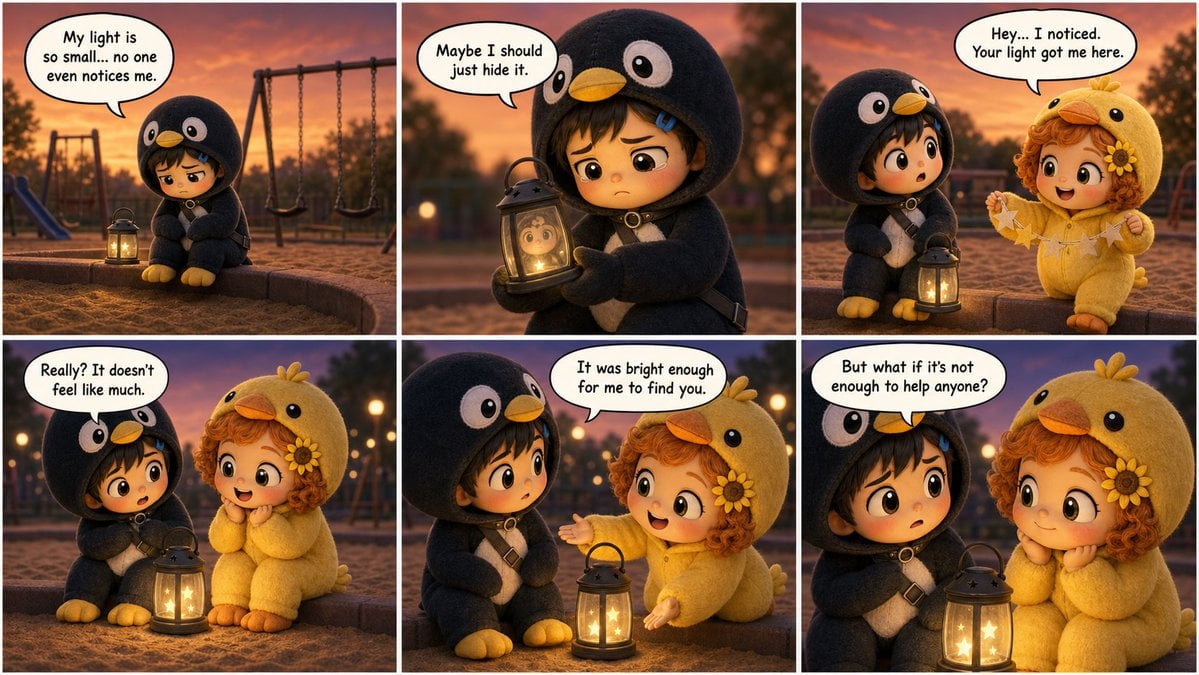
Pixar-Style Storyboard Layout

Elegant Cosmetic Poster Prompt
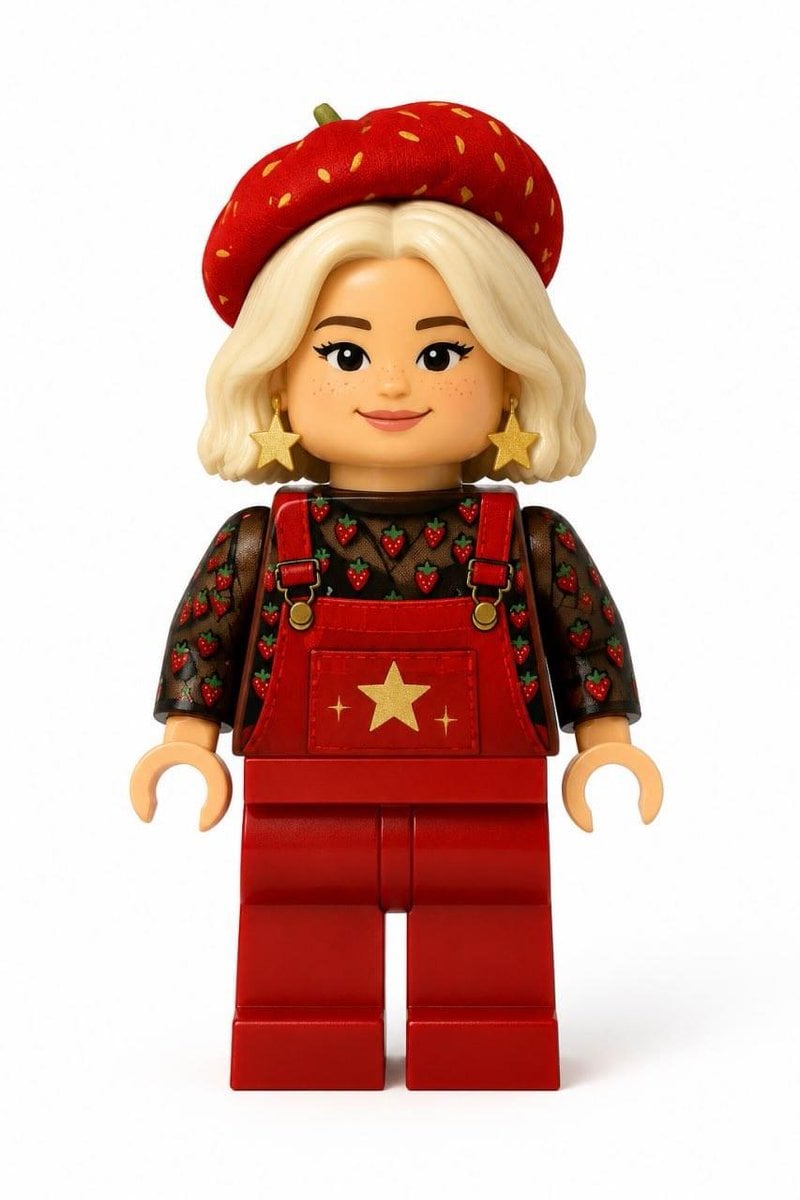
Realistic LEGO Minifigure Transformation
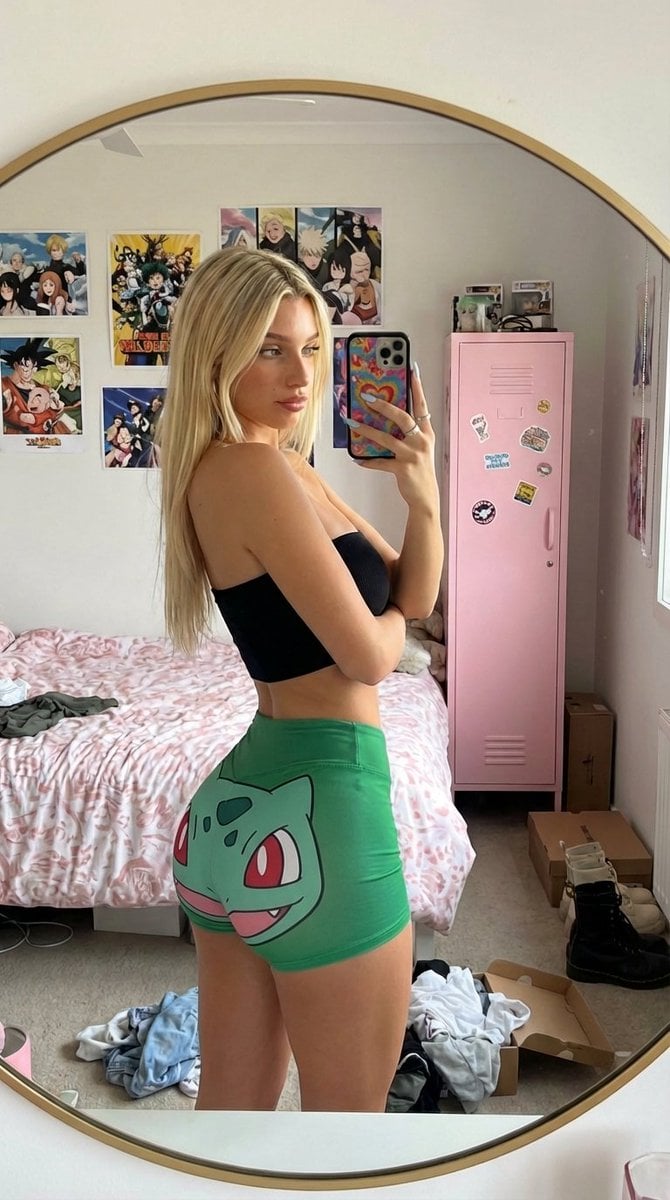
Cluttered Bedroom Mirror Selfie with Exaggerated Physique
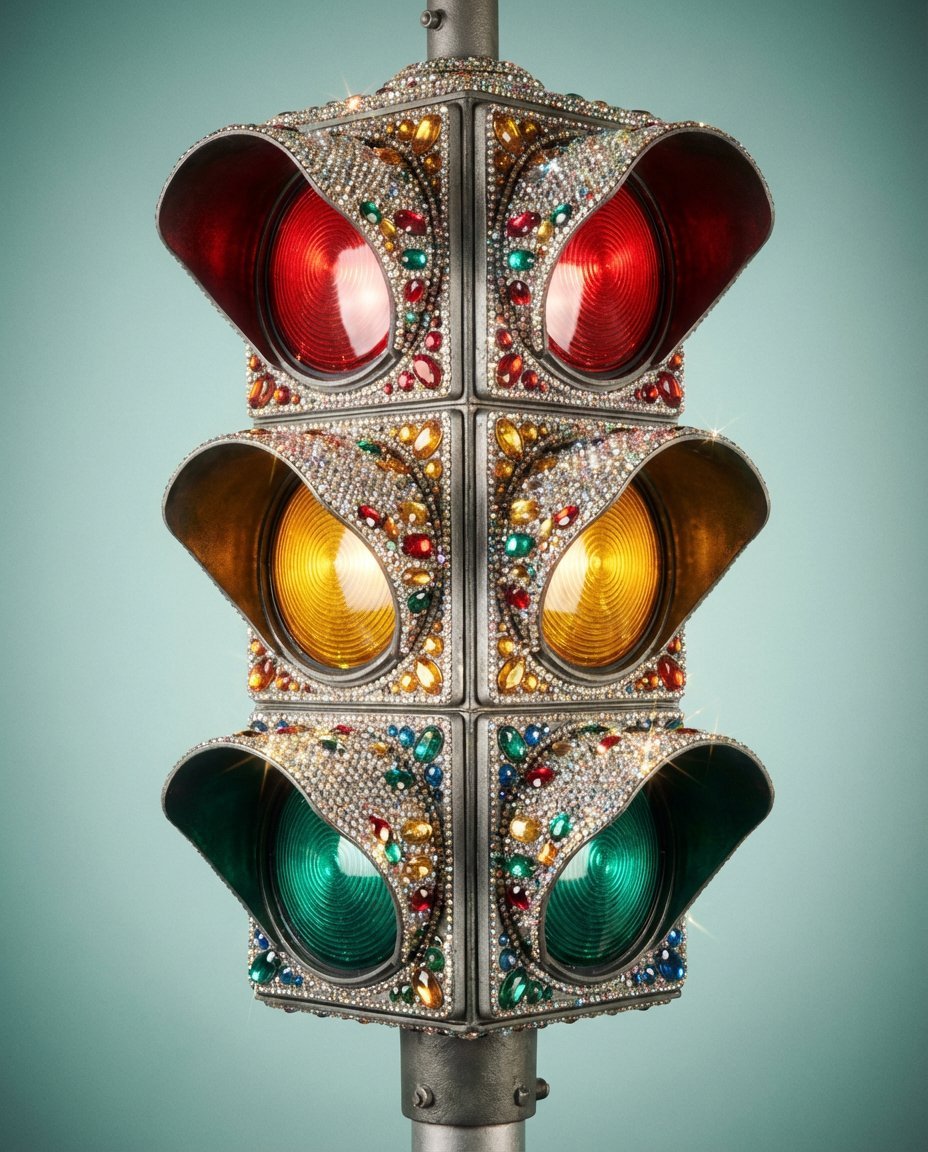
Rhinestone Encrusted Vintage Traffic Light Close-Up
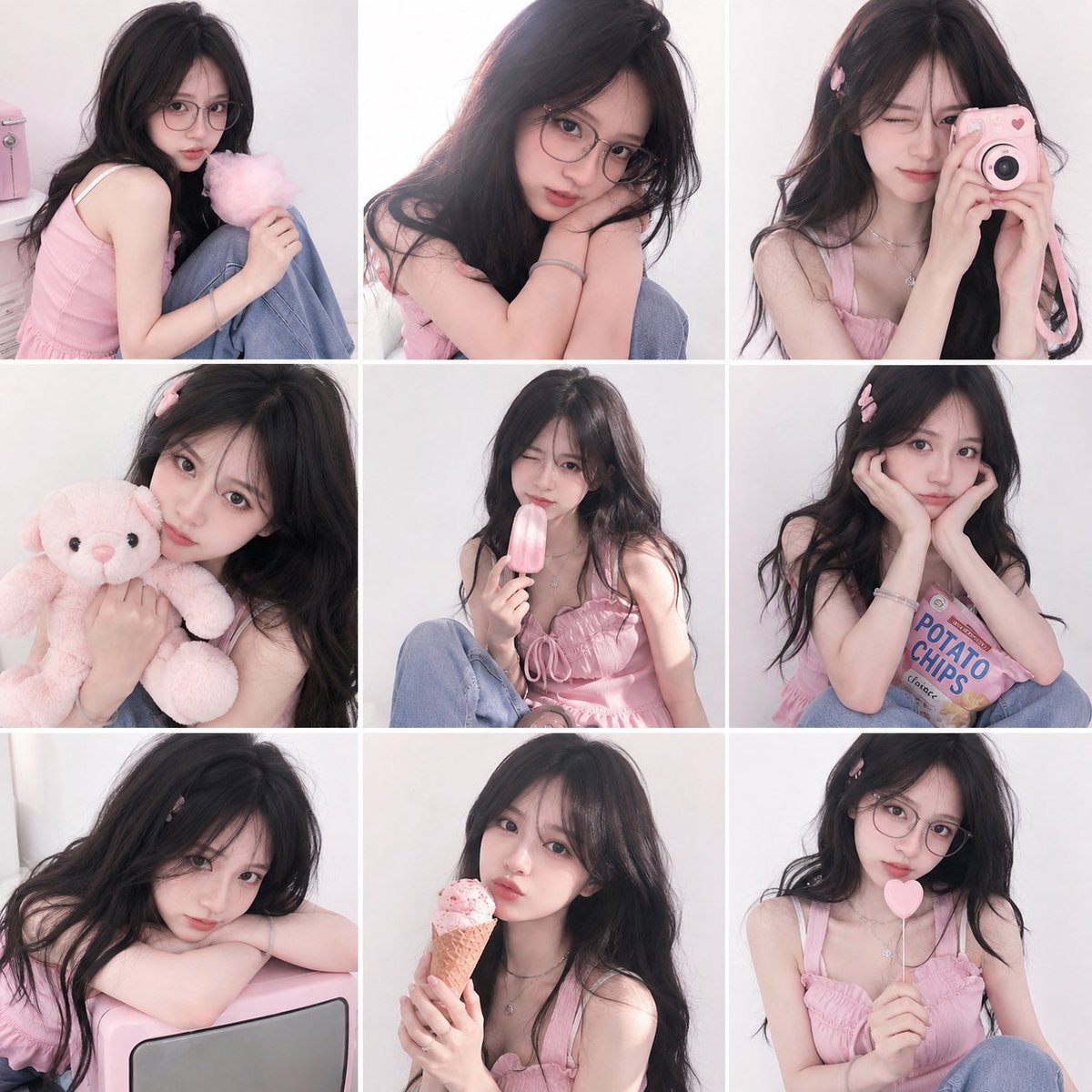
Dreamy Y2K Soft Girl Magazine Grid
Browse template categories
Neon Virtual Idol Concert questions
How do I use the Neon Virtual Idol Concert template?
Add your photo if the template asks for one, edit the prompt if you like — the template's model and format are already selected — and press Generate. Your version opens in PicX Studio.
Can I customize the Neon Virtual Idol Concert template?
Yes. You can change the subject, setting, lighting, mood, format, and available model controls before creating your image.
Is the Neon Virtual Idol Concert template free?
Opening and editing this template is free. Generating uses credits, shown on the Generate button when you are signed in.
Which AI model should I use?
Start with GPT Image 2, which is the model associated with this template. You can compare another compatible model for a different finish.
Looking for something else? Browse all templates.

Your photo, any look
Thousands of ready templates for every top image and video model, from one credit balance.