
Pastel Anime Idol Concert Finale
A dreamy vertical anime illustration of a shy idol holding a glowing megaphone on a confetti-filled concert stage.

- Prompt included
- Model and format preset
- Premium template
The prompt behind this image
Copy the exact prompt behind Pastel Anime Idol Concert Finale, or open it in the studio and make it yours.
Create a vertical full-body anime concert illustration of {argument name="character name" default="Halo"}, a delicate teenage idol standing center stage and facing the viewer, holding a large futuristic white megaphone with translucent cyan and pink glowing accents close to her chest. She has a short airy bob haircut in {argument name="hair color" default="almost white with soft pastel pink and blue highlights"}, straight bangs, a tiny ahoge, a small strawberry hair clip on the left side, pale skin, big sparkling blue-pink eyes, rosy cheeks, and a gentle shy smile. Her outfit is an oversized white T-shirt with soft folds, very wide pale blue denim pants, chunky white sneakers, and a light blue-and-white plaid shirt tied around her waist with the sleeves hanging in front. The scene is a dreamy summer live-show finale: a huge cheering crowd fills the background with countless cyan, blue, pink, and purple glow sticks; bright stage spotlights and metal truss structures shine behind her; two black wedge stage monitors sit near the lower left and lower right edges. Fill the air with falling confetti pieces in exactly four visible colors: pink, cyan, pale blue, and white, plus tiny glittering light particles. Use a soft pastel watercolor anime style with thin clean line art, luminous bloom, backlighting, gentle haze, high-key exposure, reflective wet-looking stage floor, and an emotional magical atmosphere. Composition should be centered and symmetrical, full body visible from head to shoes, low-to-mid camera angle, portrait 2:3 aspect ratio, no text, no logo, no watermark.
How to use Pastel Anime Idol Concert Finale in 3 steps
- 1Upload ImagePNG, JPG or paste
Add your photo
Upload the photo the template builds on. The prompt, model and format are already set.
- 2…a portrait of your subject in softgolden-hour light, 85mm…
Personalize
Edit the subject and creative details for your destination.
- 3Generate
Generate
Press Generate — your image is created in PicX Studio, so you can compare it with the original and refine one variable at a time.
More like this
Templates with the same subject, style or setup. Open one to see its prompt.

Cel 2D Finale Fireworks

Cel 2D Rooftop Concert
Pastel Cat-Eared Summer Idol Stage
Winking Anime Idol Festival Portrait
Chibi Anime DJ Live Concert

Pastel Anime Summer Beach Collage

Layered Paper Cut Illustration Template

Cel 2D Garden Maze

Cel 2D Bicycle Coast

Cel 2D Castle Gate

Cel 2D Kitchen Chaos

Cel 2D Carnival Ride
Make it yours
Pastel Anime Idol Concert Finale works as-is. These are the safest ways to change it without losing the look.
Change one field
Copy a single group, rewrite it, and generate again so you can see what that field is doing.
Keep the frame, change the subject
Hold the composition and light of Pastel Anime Idol Concert Finale, then swap wardrobe, props or the person for a new take.
| If the result… | Why | Fix |
|---|---|---|
| The result drifts from the preview | Too many fields changed at once. | Reuse Pastel Anime Idol Concert Finale as-is first, then change one group — subject, light, or setting. |
| The model over-stylizes the scene | The prose prompt leaves finish and camera underspecified. | Add one camera or lighting sentence and stay on GPT Image 2. |
More GPT Image 2 templates
Other prompts made for GPT Image 2.

Six VTuber Japanese Logo Sheet

Realistic Portrait of Woman and Deer

The Vista Modular Condo Poster

AI Model Routing Comparison Infographic

2.5D Anime Art Board

Isometric Productivity Desk Scene

New York Double Exposure Poster

Four-Panel AI Landscape Comparison

Japanese Tatami Lifestyle Magazine Cover

NESCAFÉ Coffee Map Poster
More image prompts
Fresh picks from across the catalog.
Urban Night Portrait with 100% Facial Accuracy
Outfit combinations using Sergey Brin as model
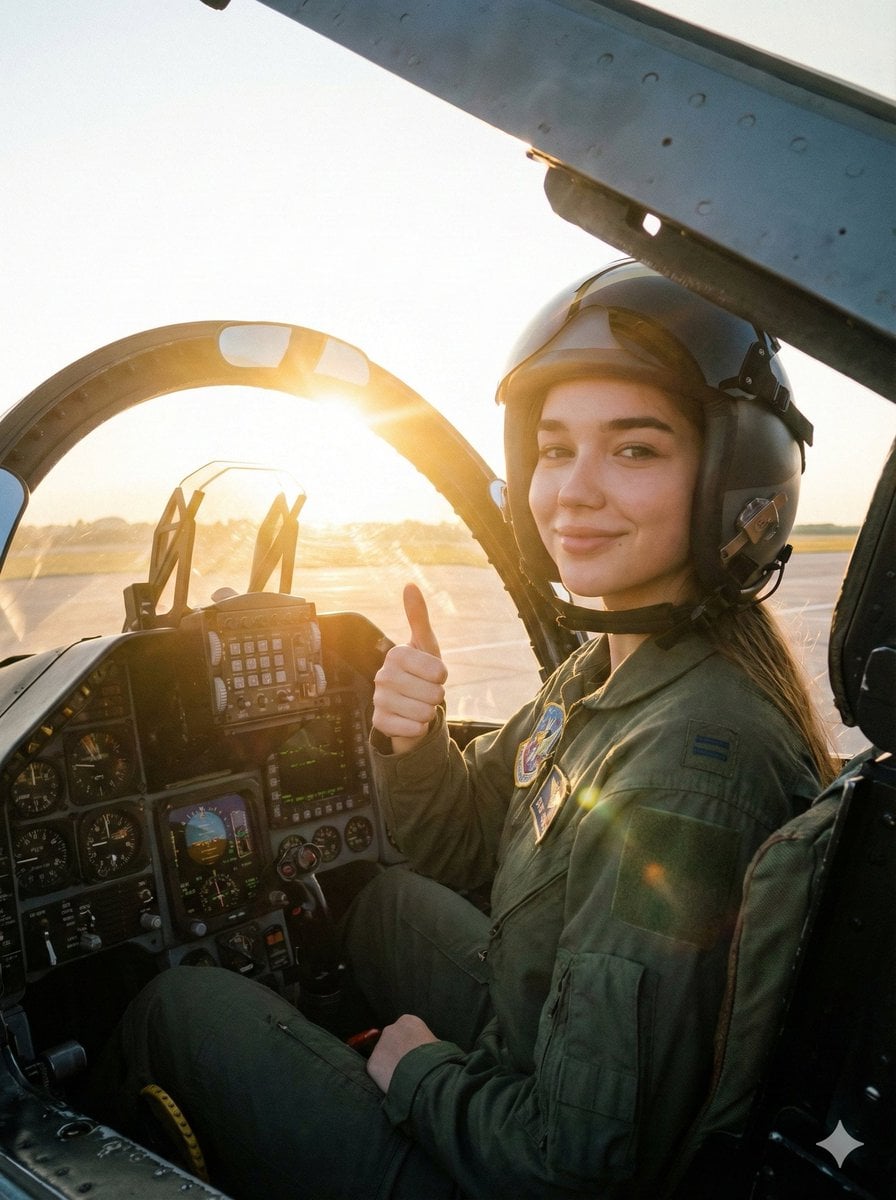
Cinematic Female Fighter Pilot Portrait at Sunset
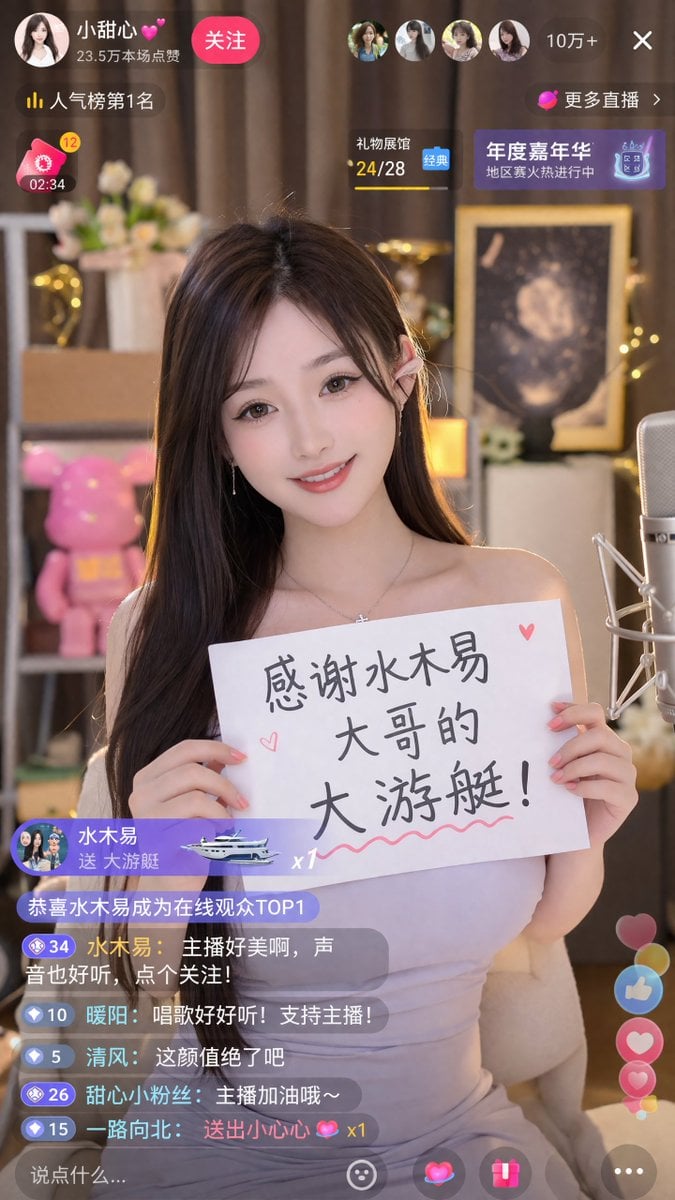
Livestream Screenshot Prompt
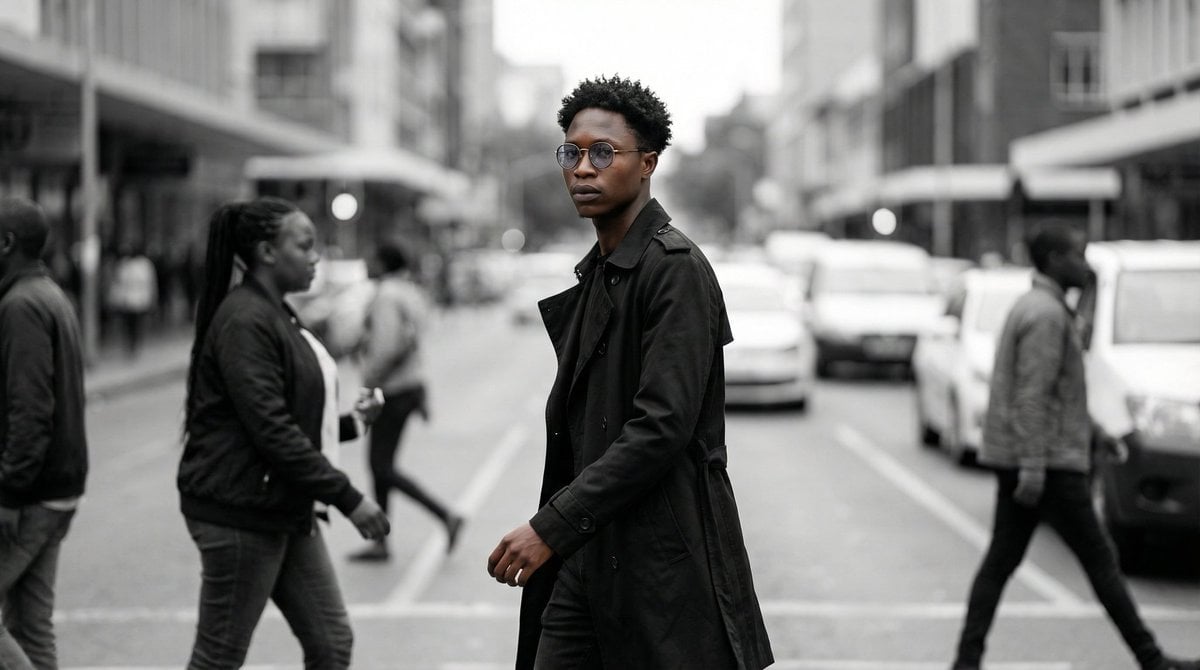
Cinematic Street Portrait
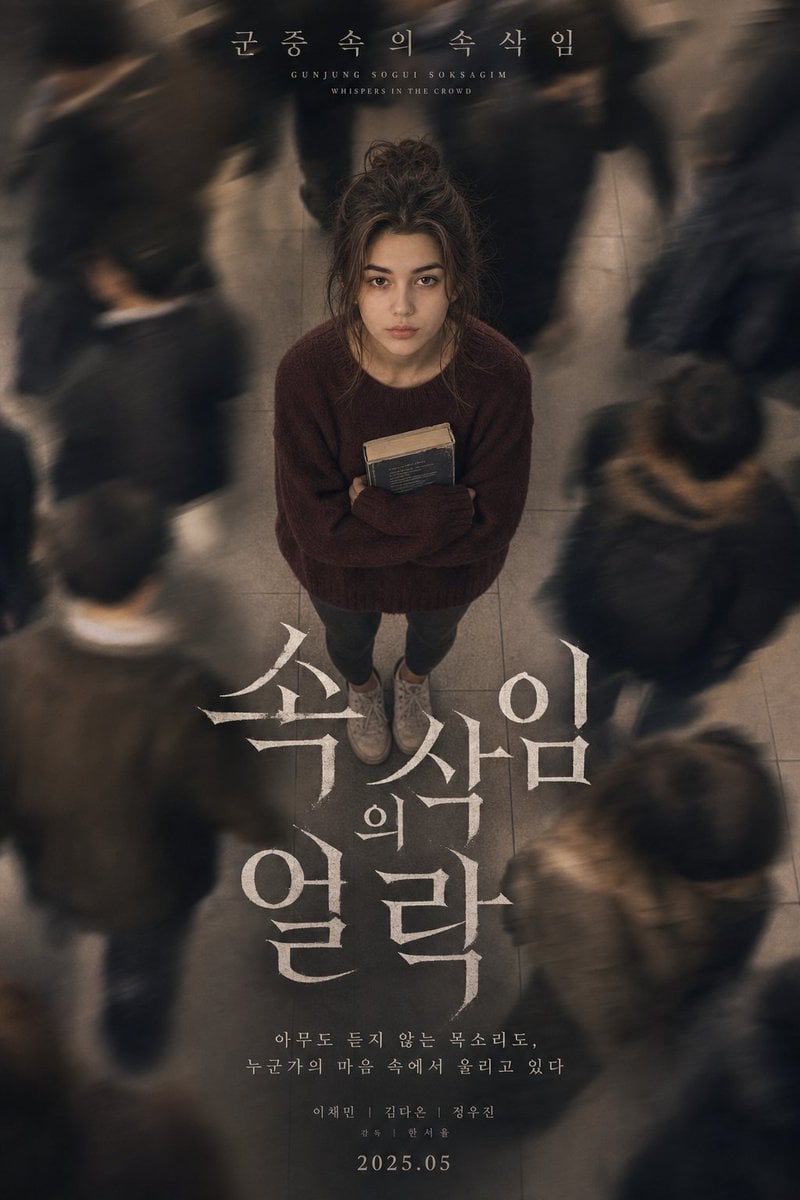
Melancholic K-Drama Subway Poster
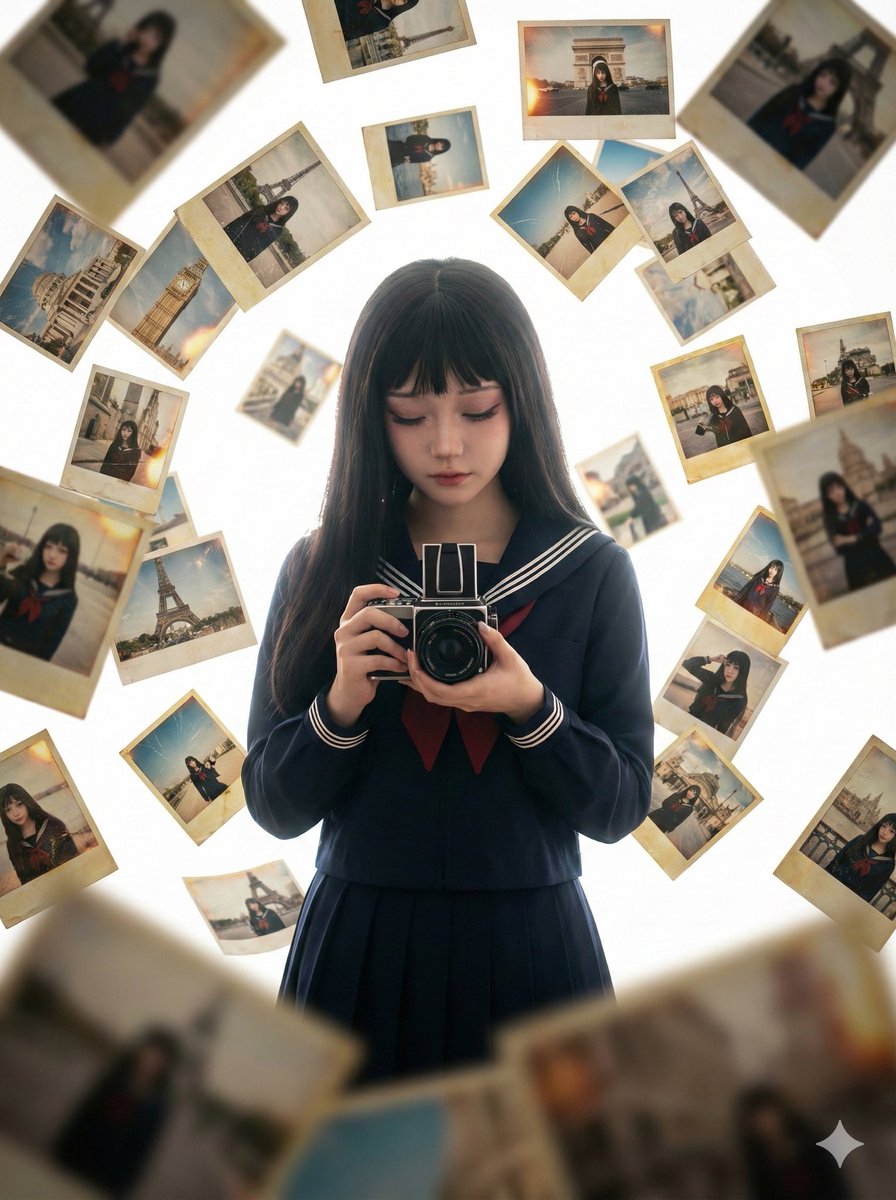
Photorealistic Asian Girl with Floating Photos Prompt (JSON Format)
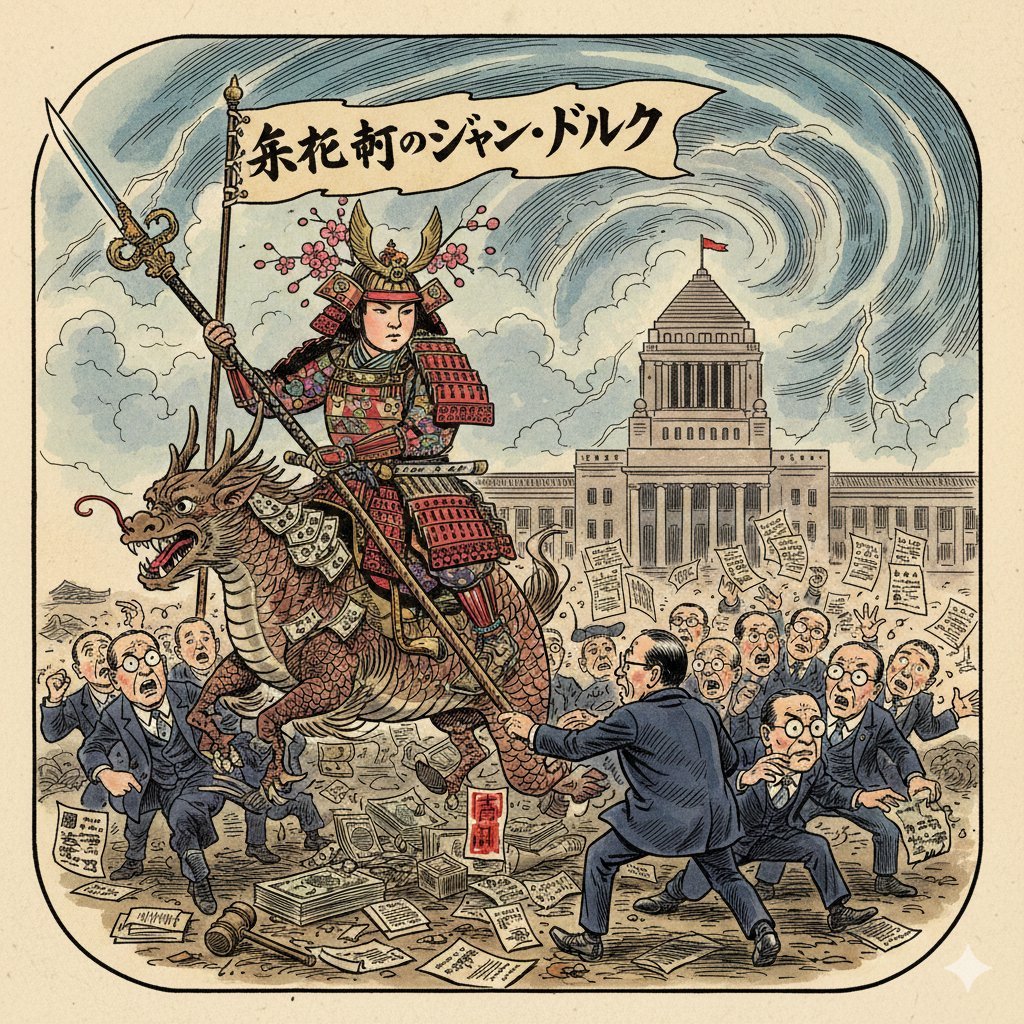
Image generation prompt for Nano Banana Pro: Caricature of Joan of Arc in Nagatacho
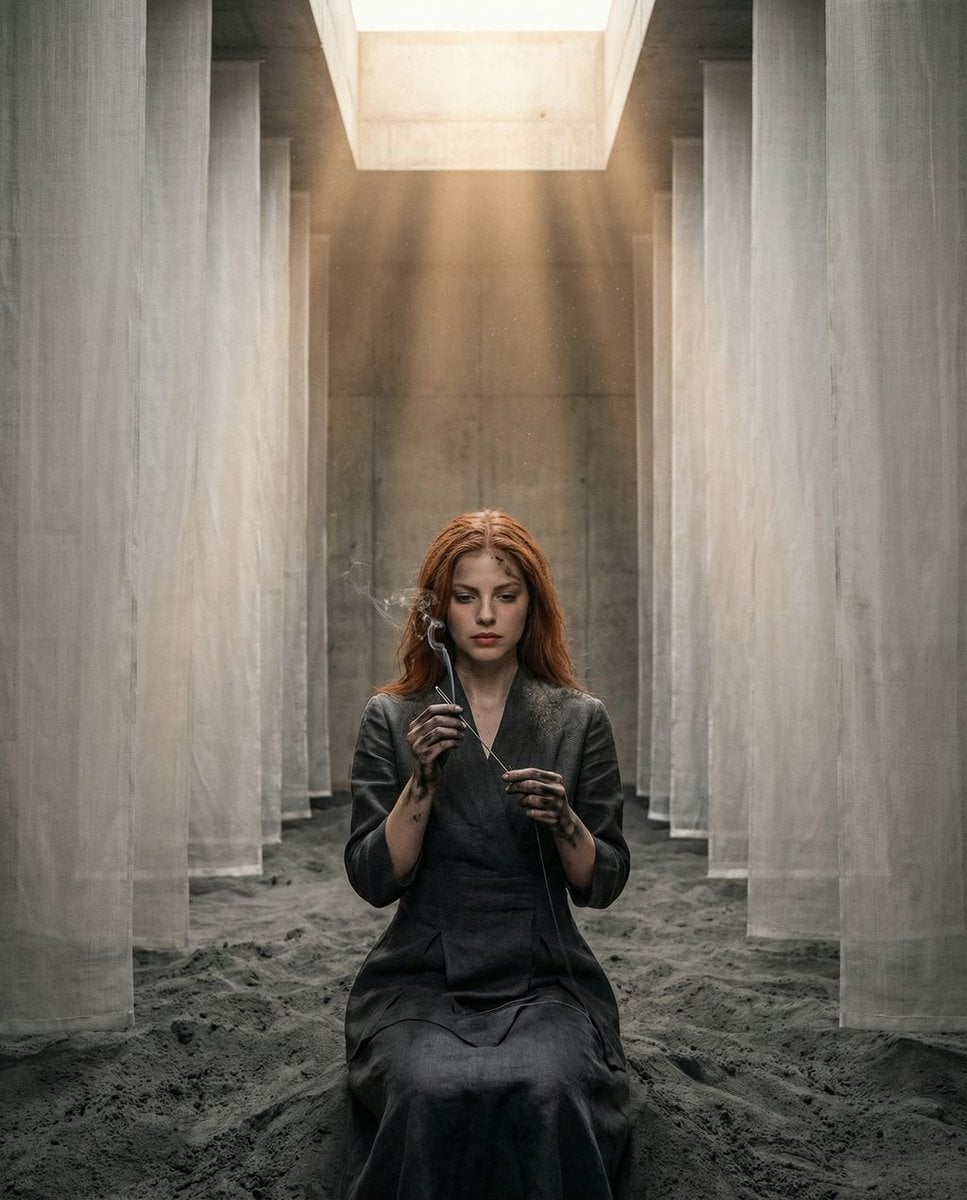
The Symmetrical Ash Ritual: Hyper-Realistic Brutalist Portrait
Yoga Mat Mirror Selfie Prompt (JSON)
Browse template categories
Pastel Anime Idol Concert Finale questions
How do I use the Pastel Anime Idol Concert Finale template?
Add your photo if the template asks for one, edit the prompt if you like — the template's model and format are already selected — and press Generate. Your version opens in PicX Studio.
Can I customize the Pastel Anime Idol Concert Finale template?
Yes. You can change the subject, setting, lighting, mood, format, and available model controls before creating your image.
Is the Pastel Anime Idol Concert Finale template free?
Opening and editing this template is free. Generating uses credits, shown on the Generate button when you are signed in.
Which AI model should I use?
Start with GPT Image 2, which is the model associated with this template. You can compare another compatible model for a different finish.
Looking for something else? Browse all templates.

Your photo, any look
Thousands of ready templates for every top image and video model, from one credit balance.