
The Symmetrical Ash Ritual: Hyper-Realistic Brutalist Portrait
A highly detailed, structured prompt for generating a hyper-realistic, symmetrical image of a melancholic protagonist in a brutalist concrete chamber, focusing on texture, surreal elements like liquid smoke threading a…
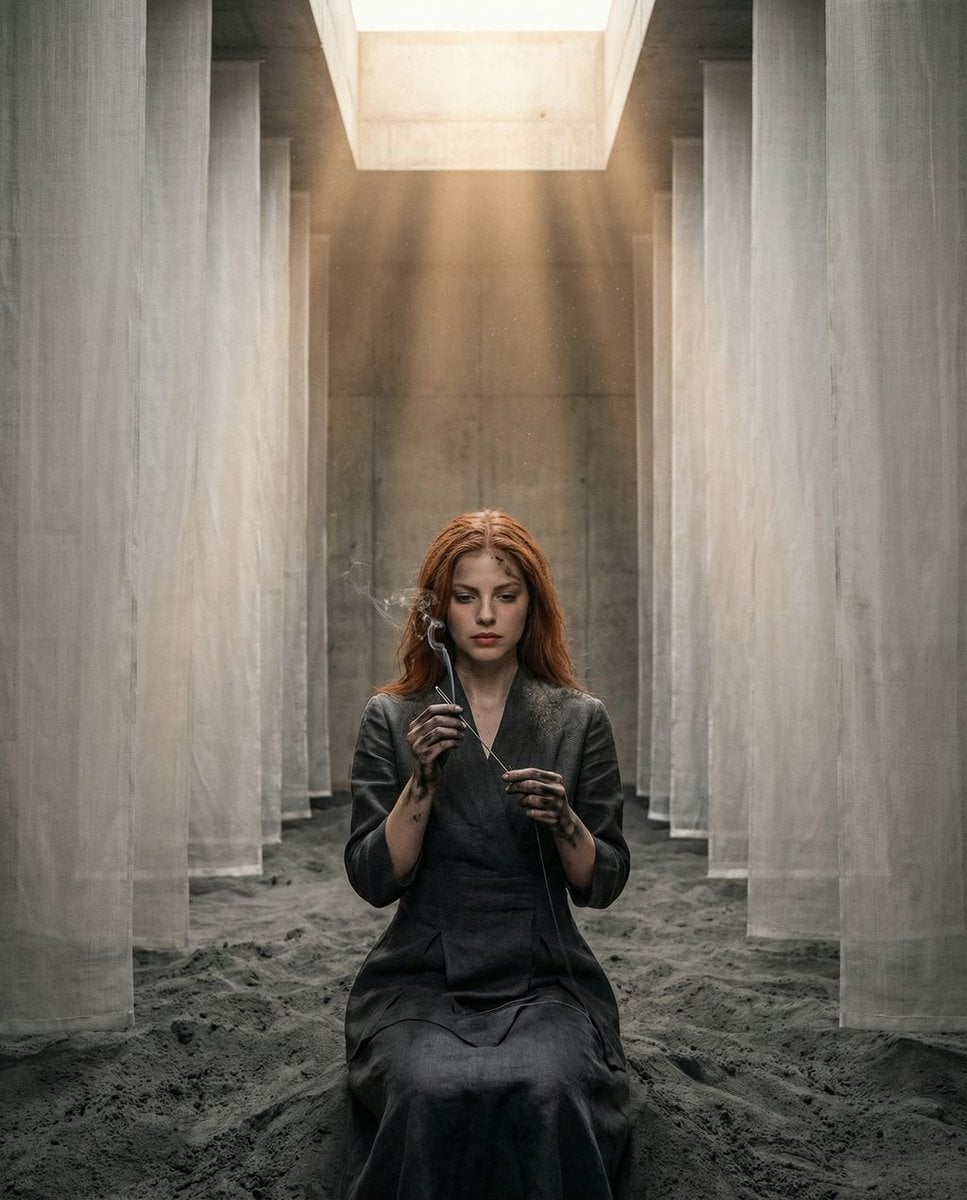
- Prompt included
- Model and format preset
- Free template
The prompt behind this image
Copy the exact prompt behind The Symmetrical Ash Ritual: Hyper-Realistic Brutalist Portrait, or open it in the studio and make it yours.
{ "vibe_title_en": "The Symmetrical Ash Ritual", "master_prompt": "A hyper-realistic, medium-wide shot of The Protagonist seated perfectly center in a brutalist concrete chamber, captured on a Hasselblad H6D-100c with a 24mm wide-angle lens. The composition is strictly symmetrical. The floor is covered in a deep layer of soft, grey volcanic ash. Suspended from the ceiling are vertical, translucent sheets of white raw silk, arranged in a geometric, mirrored tunnel leading to the subject. The Protagonist wears a structured, avant-garde garment made of matte charcoal linen that seems to merge with the shadows. Their hands are visibly stained with black ink and soot, holding a long, silver needle; instead of thread, a gravity-defying stream of liquid smoke threads through the needle's eye. The expression is one of melancholic focus, staring intently at the 'impossible' tool. The lighting is warm and dusty, with visible airborne particles dancing in symmetrical shafts of light falling from a central skylight (God rays). Practical effects surrealism: the silk sheets appear to be breathing slowly. High-texture film grain (Kodak Portra 400), soft focus fall-off in the extreme background, sharp focus on the ink-stained fingers and facial pores.", "meta": { "intent": "Artistic Editorial", "priorities": "Symmetry, Texture, Surrealism", "device_profile": "High-End Calibration" }, "frame": { "aspect": "4:5", "composition": "Grand Symmetrical Centering", "layout": "Central Perspective", "camera_angle": "Eye-Level, Perfectly Perpendicular", "tilt_roll_degrees": "0°" }, "subject": { "gender": "Male", "identity": "The Melancholic Prodigy", "demographics": "Universal/Ambiguous", "face": "Neutral, focused, high skin texture detail", "hair": "Neat, slightly dusted with ash", "body": "Static, seated or kneeling with regal posture", "expression": "Sorrowful focus, deep concentration", "pose": "Hands held chest high, manipulating a small object (needle)" }, "wardrobe_accessories": { "garments": [ { "item": "Avant-garde Robe", "material": "Matte Linen", "color": "Charcoal Grey", "fit": "Structured/Architectural" } ], "accessories": [ { "item": "Oversized Silver Needle", "color": "Polished Chrome", "material": "Metal", "brand_style": "Minimalist Industrial" } ] }, "environment": { "setting": "Brutalist Concrete Chamber", "surfaces": "Volcanic Ash, Raw Concrete, Translucent Silk", "depth": "Deep symmetrical tunnel effect", "atmosphere": "Dusty, warm, silent, suspended time", "lens_interaction": "Visible dust motes, slight halation on the silk" }, "lighting": { "key": "Overhead Skylight (Soft Beam)", "fill": "Ambient Warmth bouncing off Ash", "rim": "Symmetrical Edge Lighting on Silk", "shadows": "Deep, soft shadows"
How to use The Symmetrical Ash Ritual: Hyper-Realistic Brutalist Portrait in 3 steps
- 1
Open
The prompt is already in the box next to the preview, with the template's model and format selected.
- 2…a portrait of your subject in softgolden-hour light, 85mm…
Personalize
Edit the subject and creative details for your destination.
- 3Generate
Generate
Press Generate — your image is created in PicX Studio, so you can compare it with the original and refine one variable at a time.
More like this
Templates with the same subject, style or setup. Open one to see its prompt.

Nano Banana 2 High Fashion Sports Campai

Couture Fashion Editorial Woman and Drag

Ive Yujin Fashion Portrait in Blue

Nano Banana 2 Editorial Fashion Portrait

Gpt Image 2 Fashion Portrait

Caution Tape Fashion — Industrial Editorial
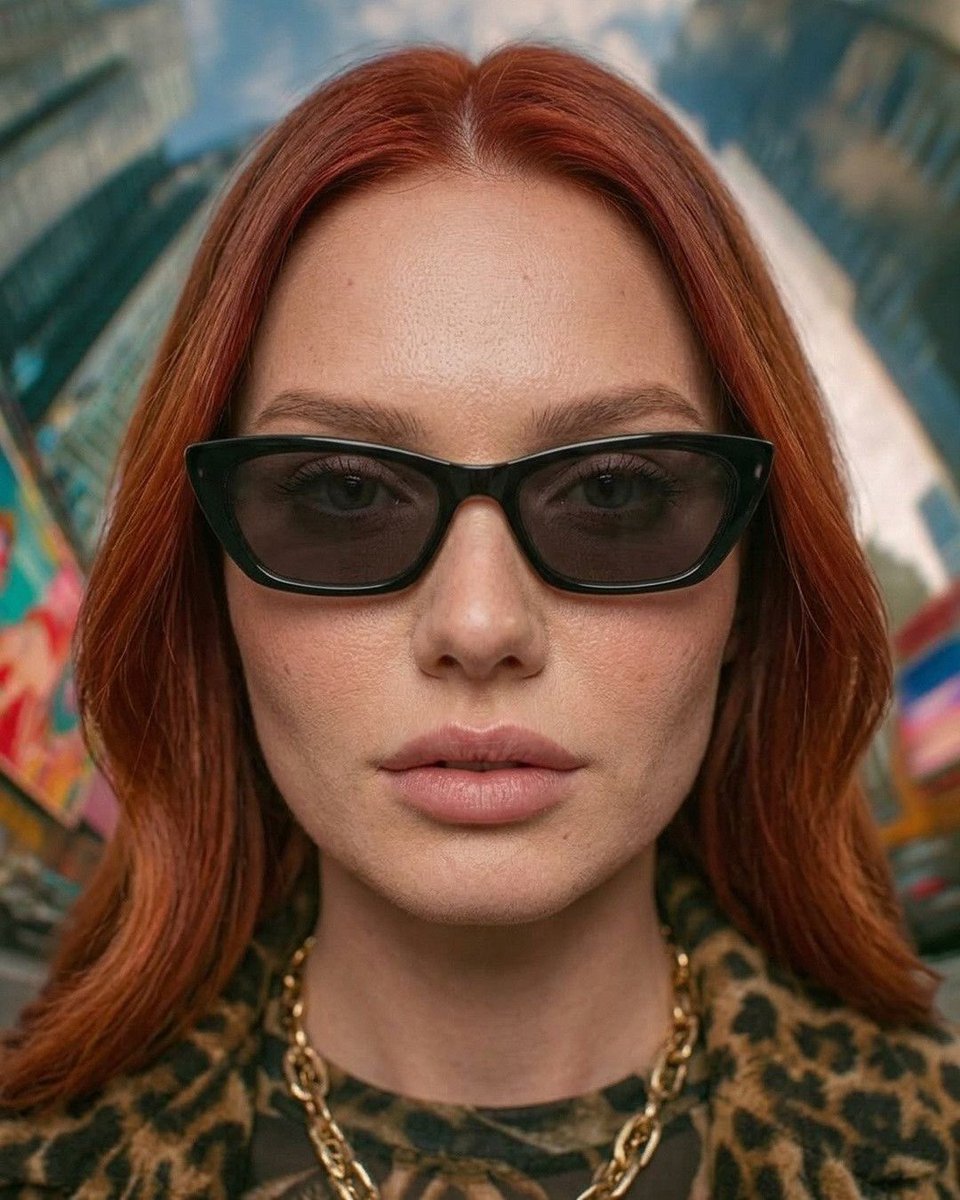
Urban Fashion Symmetrical Portrait

Found Photograph: Us, 1970

80s Couple Studio Portrait

80s Bollywood Star

80s Golden Hour Cinema

Me in 1985
Make it yours
The Symmetrical Ash Ritual: Hyper-Realistic Brutalist Portrait works as-is. These are the safest ways to change it without losing the look.
Change one field
Copy a single group, rewrite it, and generate again so you can see what that field is doing.
Keep the frame, change the subject
Hold the composition and light of The Symmetrical Ash Ritual: Hyper-Realistic Brutalist Portrait, then swap wardrobe, props or the person for a new take.
| If the result… | Why | Fix |
|---|---|---|
| The result drifts from the preview | Too many fields changed at once. | Reuse The Symmetrical Ash Ritual: Hyper-Realistic Brutalist Portrait as-is first, then change one group — subject, light, or setting. |
| The model over-stylizes the scene | The prose prompt leaves finish and camera underspecified. | Add one camera or lighting sentence and stay on Nano Banana 2. |
More Nano Banana 2 templates
Other prompts made for Nano Banana 2.

Photorealistic Leaf Shaped Like a Dragon

K-Pop Idol Portrait Grid for Rapid Selection

Poetic Rain Forest Portrait During Golden Hour

Urban Street Portrait with Cartoon Inner Self Duo

Candid Nighttime Photo with Cat Prompt

High-Concept 3D Diorama Generation Prompt

Cinematic Futuristic Studio Portrait Template

Skincare Editorial Photography Collage Prompt

Hyper-Realistic Commercial Product Photography (Splash Effect)

Hyper-Realistic Nightclub Portrait Prompt
More image prompts
Fresh picks from across the catalog.
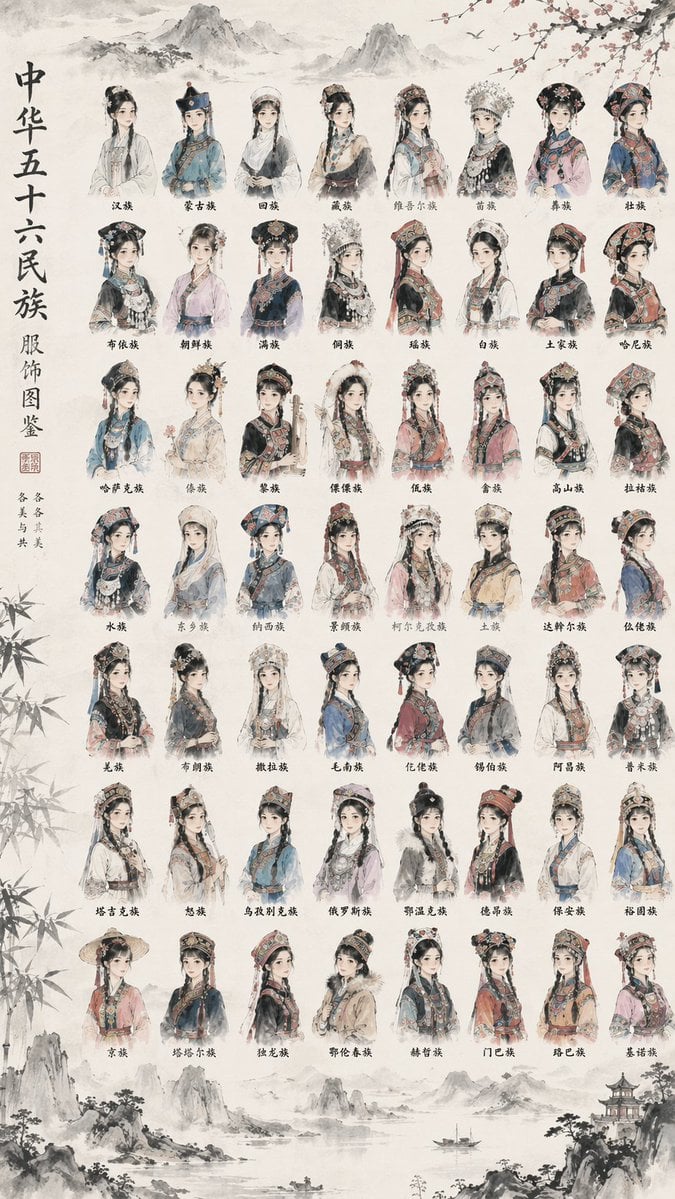
56 Chinese Ethnic Groups Clothing Chart
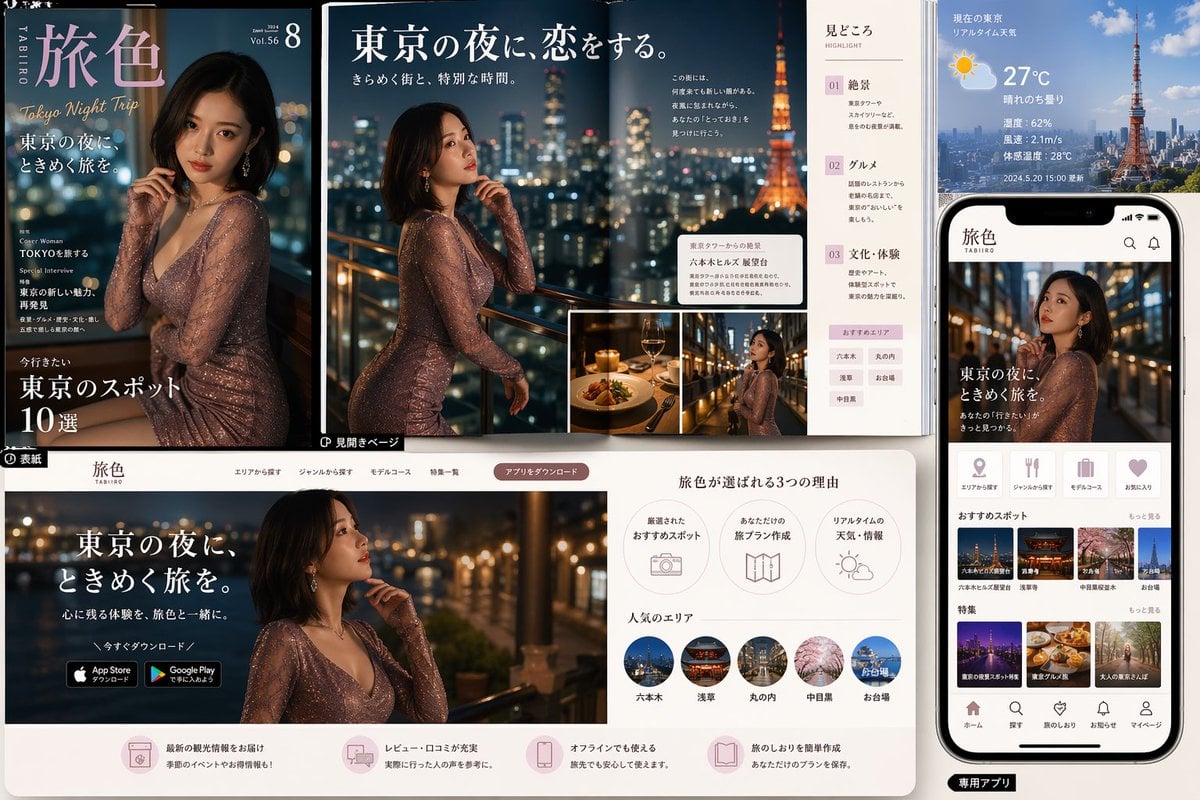
Tokyo Night Travel Brand Mockup
DomoAI Image Generation Prompt Comparison

Chibi Tetsuzankou Impact Attack
Ultra-Detailed 3D Plush Cartoon Character Rendering
2000s Digital Camera Snapshot Prompt
Freepik prompt for a futuristic nano banana
Cinematic Black & White Portrait with Face Match
Neon Accent Lighting Portrait Prompt (Image Reference)
90s Fashion Editorial: Boxing Pose
Browse template categories
The Symmetrical Ash Ritual: Hyper-Realistic Brutalist Portrait questions
How do I use the The Symmetrical Ash Ritual: Hyper-Realistic Brutalist Portrait template?
Add your photo if the template asks for one, edit the prompt if you like — the template's model and format are already selected — and press Generate. Your version opens in PicX Studio.
Can I customize the The Symmetrical Ash Ritual: Hyper-Realistic Brutalist Portrait template?
Yes. You can change the subject, setting, lighting, mood, format, and available model controls before creating your image.
Is the The Symmetrical Ash Ritual: Hyper-Realistic Brutalist Portrait template free?
Opening and editing this template is free. Generating uses credits, shown on the Generate button when you are signed in.
Which AI model should I use?
Start with Nano Banana 2, which is the model associated with this template. You can compare another compatible model for a different finish.
Looking for something else? Browse all templates.

Your photo, any look
Thousands of ready templates for every top image and video model, from one credit balance.