
Tokyo Night Travel Brand Mockup
A polished editorial-and-app concept board for a luxury Tokyo night travel brand, suitable for travel marketing presentations, UI showcases, and magazine-style campaign visuals.
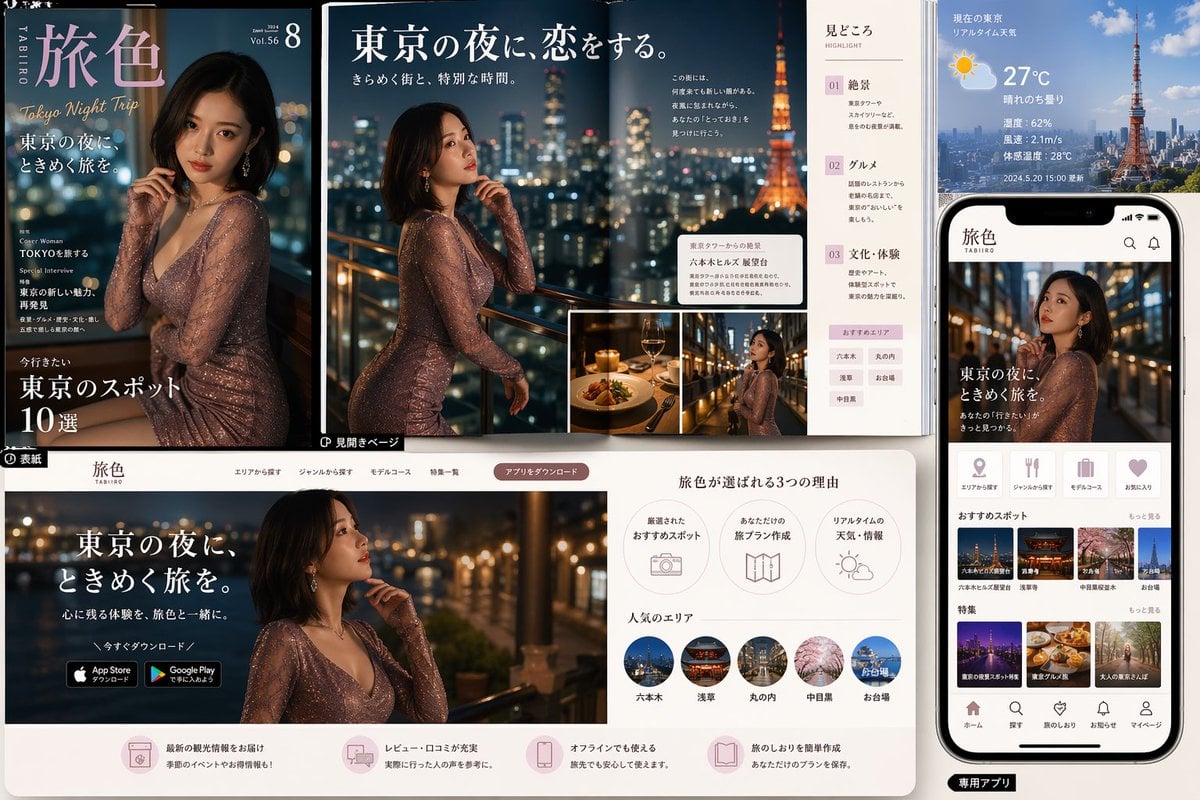
- Prompt included
- Model and format preset
- Free template
The prompt behind this image
Copy the exact prompt behind Tokyo Night Travel Brand Mockup, or open it in the studio and make it yours.
- Type
- travel magazine and mobile app promotional mockup
- Theme
- romantic Tokyo night travel branding
- Brand › Name
- {argument name="brand name" default="旅色"}
- Brand › Romanized
- TABIIRO
- Brand › Tagline
- Tokyo Night Trip
- Style › Overall
- luxury editorial design blended with modern travel app UI presentation
- Style › Color Palette
- deep navy, black, warm gold, soft blush pink, white, city-light bokeh
- Style › Lighting
- cinematic nighttime glow with sparkling urban lights and warm highlights
- Style › Mood
- elegant, romantic, aspirational, premium
- Subject › Primary Model
- glamorous adult East Asian woman in a fitted shimmering rose-gold long-sleeve evening dress, shoulder-length dark bob haircut, posed thoughtfully near a balcony railing overlooking Tokyo at night
- Subject › Setting
- high-rise terrace or rooftop with blurred skyline and Tokyo Tower visible
- Layout › Composition
- multi-panel marketing board showing print cover, double-page spread, website landing page, and smartphone app screen
- Layout › Sections › 0 › Title
- magazine cover
- Layout › Sections › 0 › Position
- top left
- Layout › Sections › 0 › Count
- 1
- Layout › Sections › 0 › Labels
- 旅色, Tokyo Night Trip, 東京の夜に。ときめく旅を。, Cover Woman TOKYOを旅する, Special Interview 東京の新しい魅力、再発見, 今行きたい 東京のスポット10選
- Layout › Sections › 1 › Title
- magazine spread
- Layout › Sections › 1 › Position
- top center
- Layout › Sections › 1 › Count
- 1
- Layout › Sections › 1 › Labels
- Vol.56, 8, 東京の夜に、恋をする。, きらめく街と、特別な時間。, 見どころ, 01 絶景, 02 グルメ, 03 文化・体験
- Layout › Sections › 2 › Title
- weather and city info panel
- Layout › Sections › 2 › Position
- top right
- Layout › Sections › 2 › Count
- 1
- Layout › Sections › 2 › Labels
- 現在の東京 リアルタイム天気, 27°C, 晴れのち曇り, 湿度: 62%, 風速: 2.1m/s, 体感温度: 28°C, 2024.5.20 15:00 更新
Raw JSON
{"type":"travel magazine and mobile app promotional mockup","theme":"romantic Tokyo night travel branding","brand":{"name":"{argument name=\"brand name\" default=\"旅色\"}","romanized":"TABIIRO","tagline":"Tokyo Night Trip"},"style":{"overall":"luxury editorial design blended with modern travel app UI presentation","color_palette":"deep navy, black, warm gold, soft blush pink, white, city-light bokeh","lighting":"cinematic nighttime glow with sparkling urban lights and warm highlights","mood":"elegant, romantic, aspirational, premium"},"subject":{"primary_model":"glamorous adult East Asian woman in a fitted shimmering rose-gold long-sleeve evening dress, shoulder-length dark bob haircut, posed thoughtfully near a balcony railing overlooking Tokyo at night","setting":"high-rise terrace or rooftop with blurred skyline and Tokyo Tower visible"},"layout":{"composition":"multi-panel marketing board showing print cover, double-page spread, website landing page, and smartphone app screen","sections":[{"title":"magazine cover","position":"top left","count":1,"labels":["旅色","Tokyo Night Trip","東京の夜に。ときめく旅を。","Cover Woman TOKYOを旅する","Special Interview 東京の新しい魅力、再発見","今行きたい 東京のスポット10選"]},{"title":"magazine spread","position":"top center","count":1,"labels":["Vol.56","8","東京の夜に、恋をする。","きらめく街と、特別な時間。","見どころ","01 絶景","02 グルメ","03 文化・体験"]},{"title":"weather and city info panel","position":"top right","count":1,"labels":["現在の東京 リアルタイム天気","27°C","晴れのち曇り","湿度: 62%","風速: 2.1m/s","体感温度: 28°C","2024.5.20 15:00 更新"]},{"title":"smartphone app screen","position":"right side","count":1,"labels":["旅色","東京の夜に、ときめく旅を。","おすすめスポット","特集","ホーム","探す","旅のしおり","お知らせ","マイページ"]},{"title":"website landing page","position":"bottom left and center","count":1,"labels":["旅色","東京の夜に、ときめく旅を。","心に残る体験を、旅色と一緒に。","今すぐダウンロード","App Store からダウンロード","Google Play で手に入れよう","旅色が選ばれる3つの理由","厳選されたおすすめスポット","あなただけの旅プラン作成","リアルタイムの天気・情報","人気のエリア"]},{"title":"popular areas row","position":"bottom center","count":5,"labels":["六本木","浅草","丸の内","中目黒","お台場"]},{"title":"feature thumbnails on app","position":"mid to lower right inside phone","count":6,"labels":["六本木ヒルズ展望台","浅草寺","中目黒の夜桜","ネオン街","東京グルメ旅","大人の東京さんぽ"]},{"title":"reason icons row","position":"bottom center upper","count":3,"labels":["厳選されたおすすめスポット","あなただけの旅プラン作成","リアルタイムの天気・情報"]},{"title":"bottom service features row","position":"very bottom across website panel","count":4,"labels":["最新の観光情報をお届け","レビュー・口コミが充実","オフラインでも使える","旅のしおりを簡単作成"]}],"inset_images":{"count":2,"descriptions":["fine dining plate with wine in warm candlelit restaurant","smaller portrait of the same woman on a balcony with city lights"]}},"background":{"surface":"clean light tabletop or presentation board","arrangement":"overlapping printed pages and digital screens laid out like a branding case study"},"rendering":{"quality":"high-resolution commercial mockup","camera":"slightly elevated front view capturing all panels clearly","detail_level":"crisp typography, glossy print feel, realistic phone hardware, polished UI cards"},"customization":{"city":"{argument name=\"city\" default=\"Tokyo\"}","main headline":"{argument name=\"main headline\" default=\"東京の夜に、ときめく旅を。\"}","temperature":"{argument name=\"temperature\" default=\"27°C\"}","dress color":"{argument name=\"dress color\" default=\"rose-gold shimmer\"}"}}How to use Tokyo Night Travel Brand Mockup in 3 steps
- 1Upload ImagePNG, JPG or paste
Add your photo
Upload the photo the template builds on. The prompt, model and format are already set.
- 2…a portrait of your subject in softgolden-hour light, 85mm…
Personalize
Edit the subject and creative details for your destination.
- 3Generate
Generate
Press Generate — your image is created in PicX Studio, so you can compare it with the original and refine one variable at a time.
More like this
Templates with the same subject, style or setup. Open one to see its prompt.
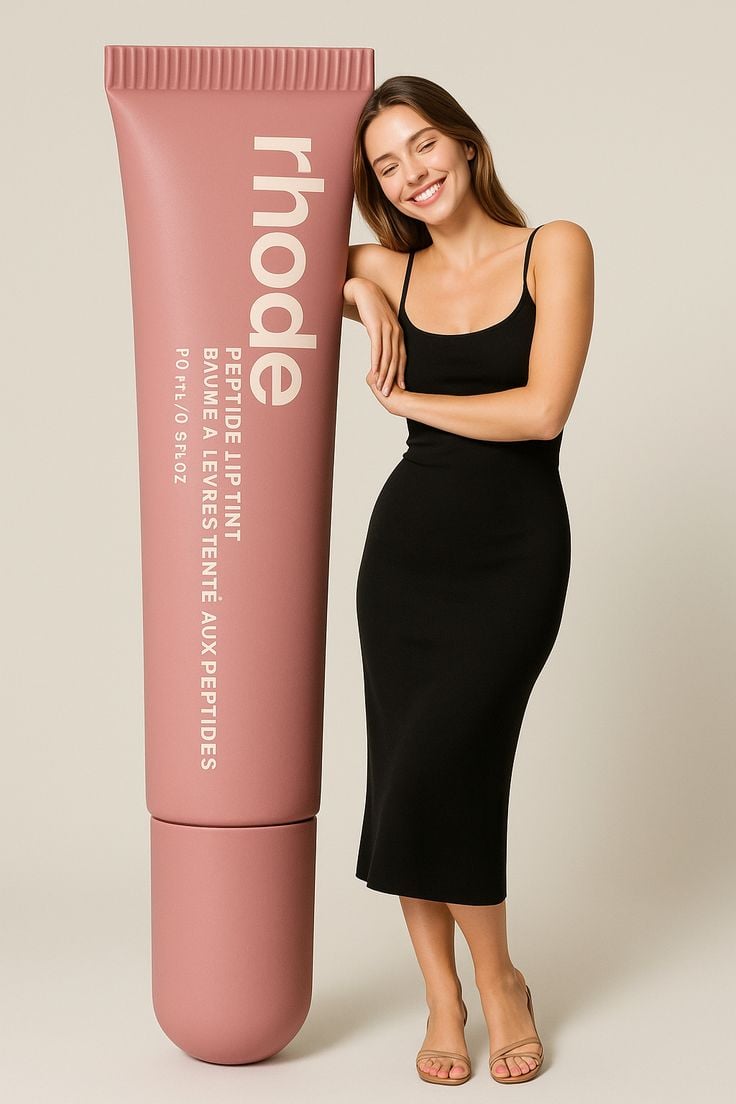
Giant Product Lifestyle Mockup

Japan Travel Brochure Poster
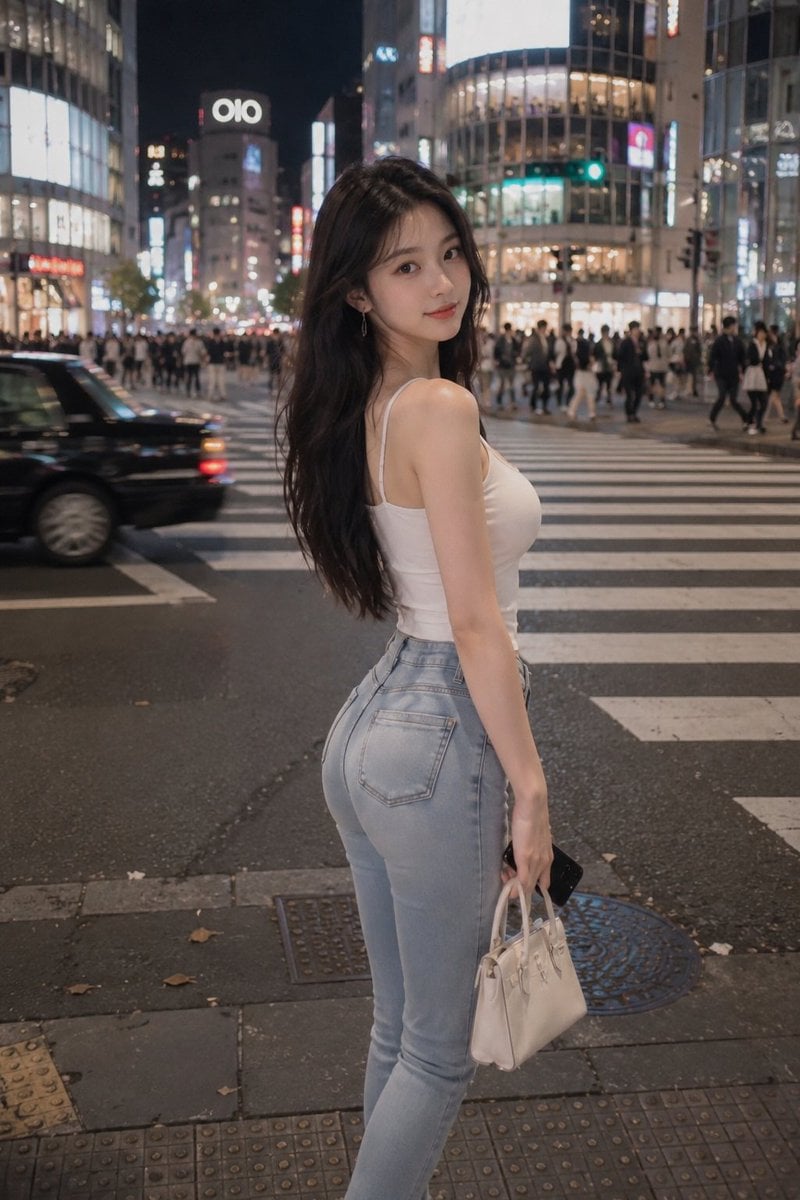
Tokyo Night Crosswalk Fashion Portrait
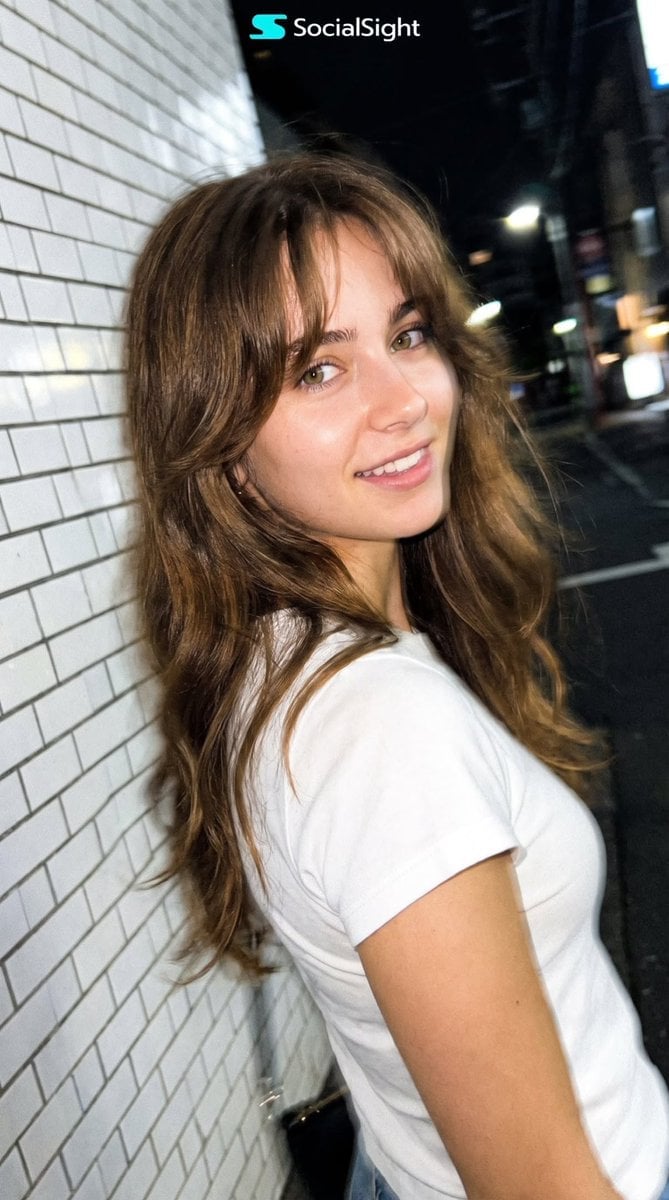
Candid Tokyo Night Smartphone Snapshot
Candid Tokyo Smartphone Night Photo
Candid Tokyo Smartphone Night Photo

Luxury Fashion Campaign Typography Poster System

Premium Fashion Editorial Campaign Poster System

Subway Platform Quiet Introspective Portrait

Clay Miniature Landmark Travel Diorama
Subway Platform Quiet Introspective Portrait

Spider-Man Night Swing New York Cinematic
Make it yours
Tokyo Night Travel Brand Mockup works as-is. These are the safest ways to change it without losing the look.
Swap the setting
Keep the rest of the prompt and replace the location block. The current setting is “high-rise terrace or rooftop with blurred skyline and Tokyo Tower visible”.
Swap the light
One lighting change is enough to compare takes. Current light: “cinematic nighttime glow with sparkling urban lights and warm highlights”.
Change one field
Copy a single group, rewrite it, and generate again so you can see what that field is doing.
| If the result… | Why | Fix |
|---|---|---|
| The result drifts from the preview | Too many fields changed at once. | Reuse Tokyo Night Travel Brand Mockup as-is first, then change one group — subject, light, or setting. |
| GPT Image 2 ignores part of the JSON | Some models flatten or skip nested keys. | Keep the same values and paste them as a short paragraph instead. |
More GPT Image 2 templates
Other prompts made for GPT Image 2.

Six VTuber Japanese Logo Sheet

Realistic Portrait of Woman and Deer

The Vista Modular Condo Poster

AI Model Routing Comparison Infographic

2.5D Anime Art Board

Isometric Productivity Desk Scene

New York Double Exposure Poster

Four-Panel AI Landscape Comparison

Japanese Tatami Lifestyle Magazine Cover

NESCAFÉ Coffee Map Poster
More image prompts
Fresh picks from across the catalog.
1990s Flash Camera Snapshot Portrait
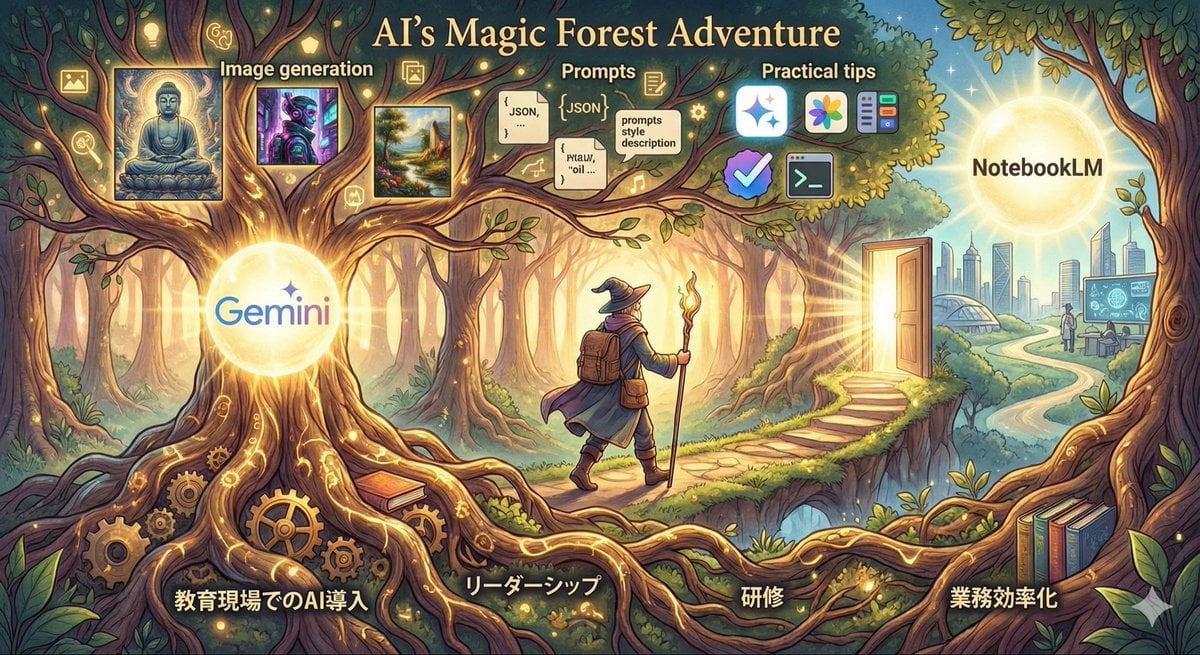
Optimal Taste Selection Prompt
Neon Anime Streetwear Portrait
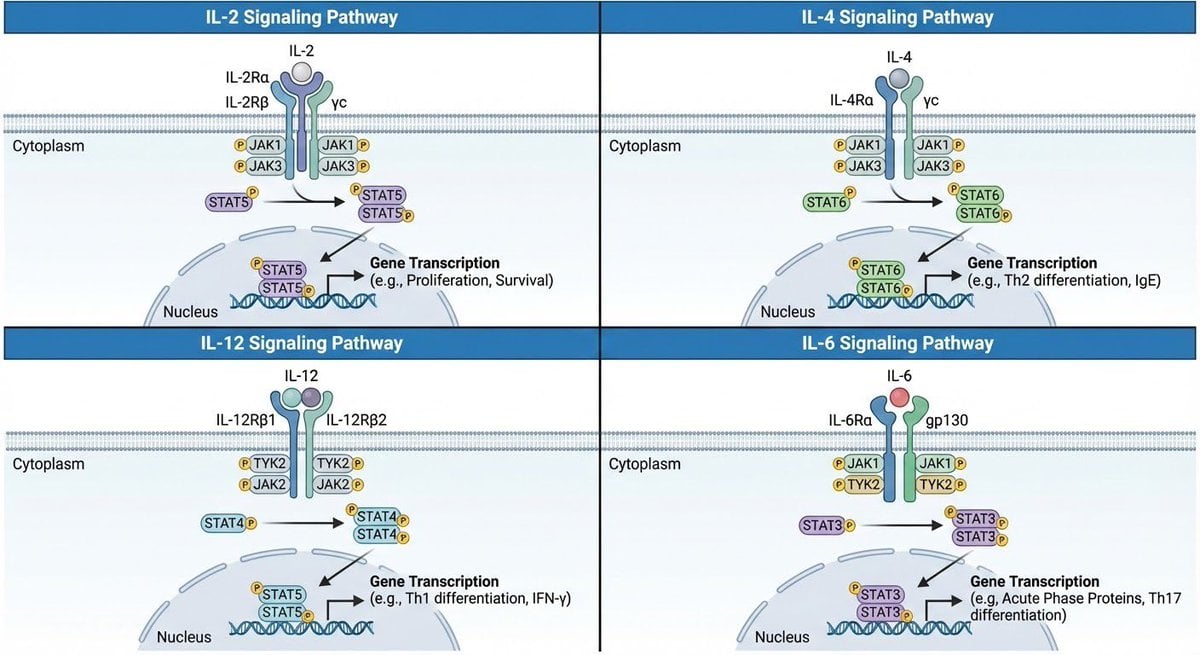
Multi-panel cytokine signaling pathways
Four-Panel Manga: The Darkness of SNS (Part 2)
Cinematic Urban Streetwear Portrait with Neon Lighting
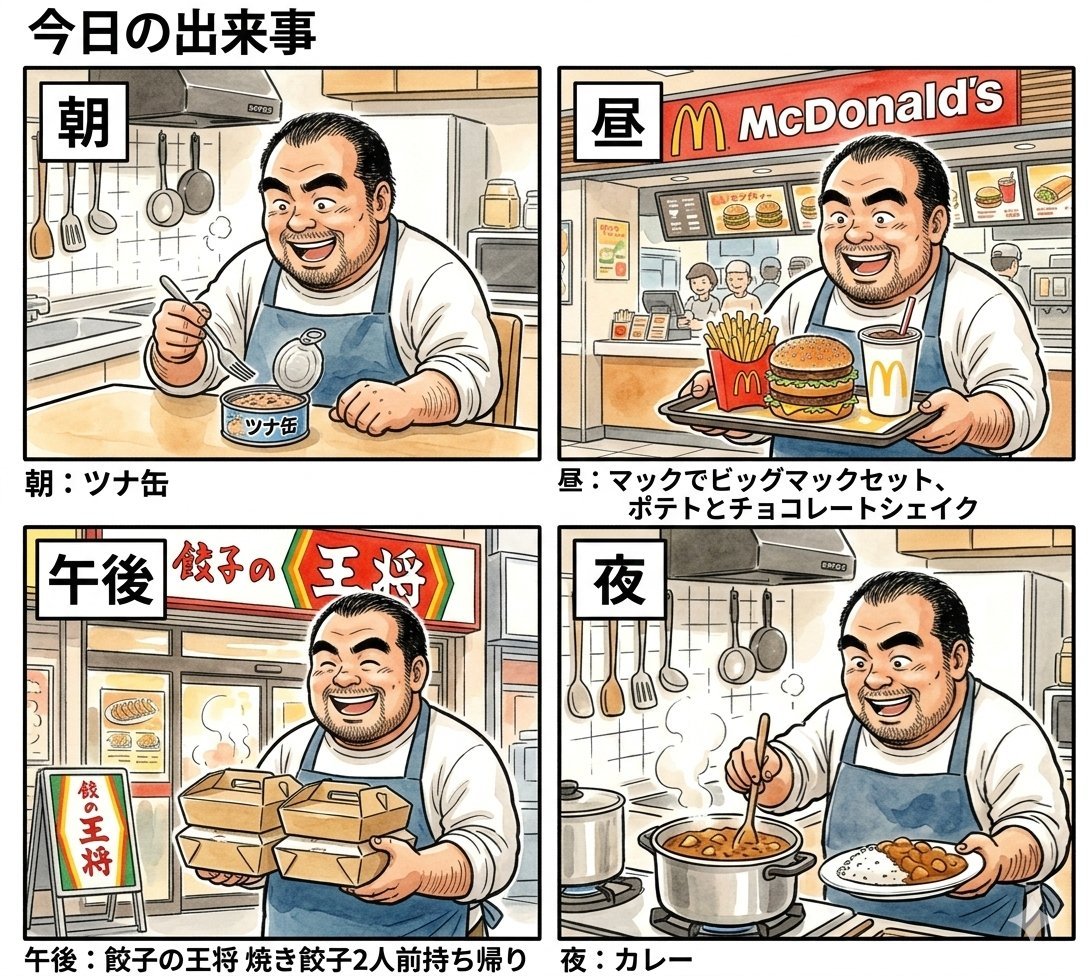
Panel Manga Prompt: A Day's Meals
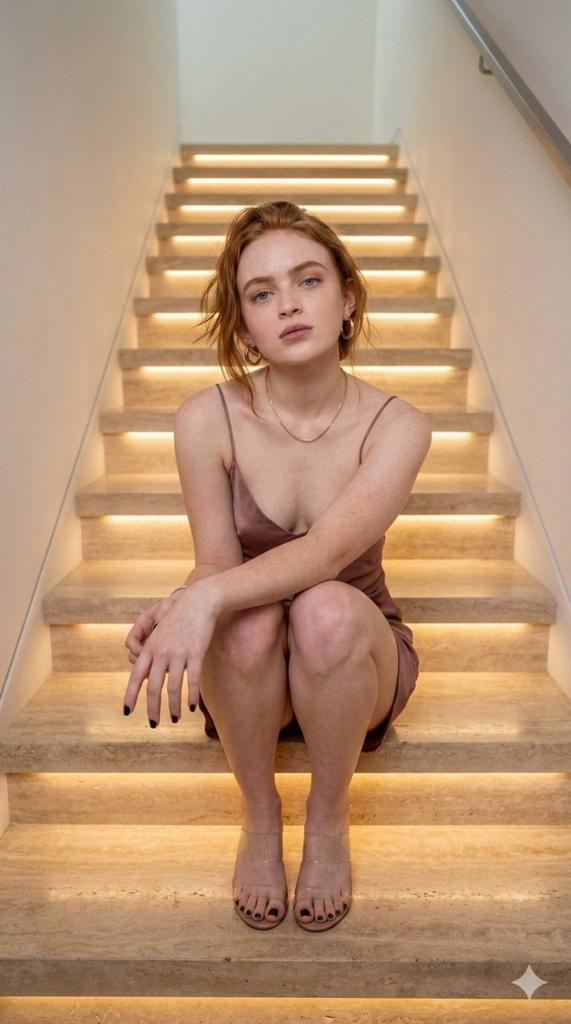
Cinematic Portrait of a Woman on Illuminated Stairs
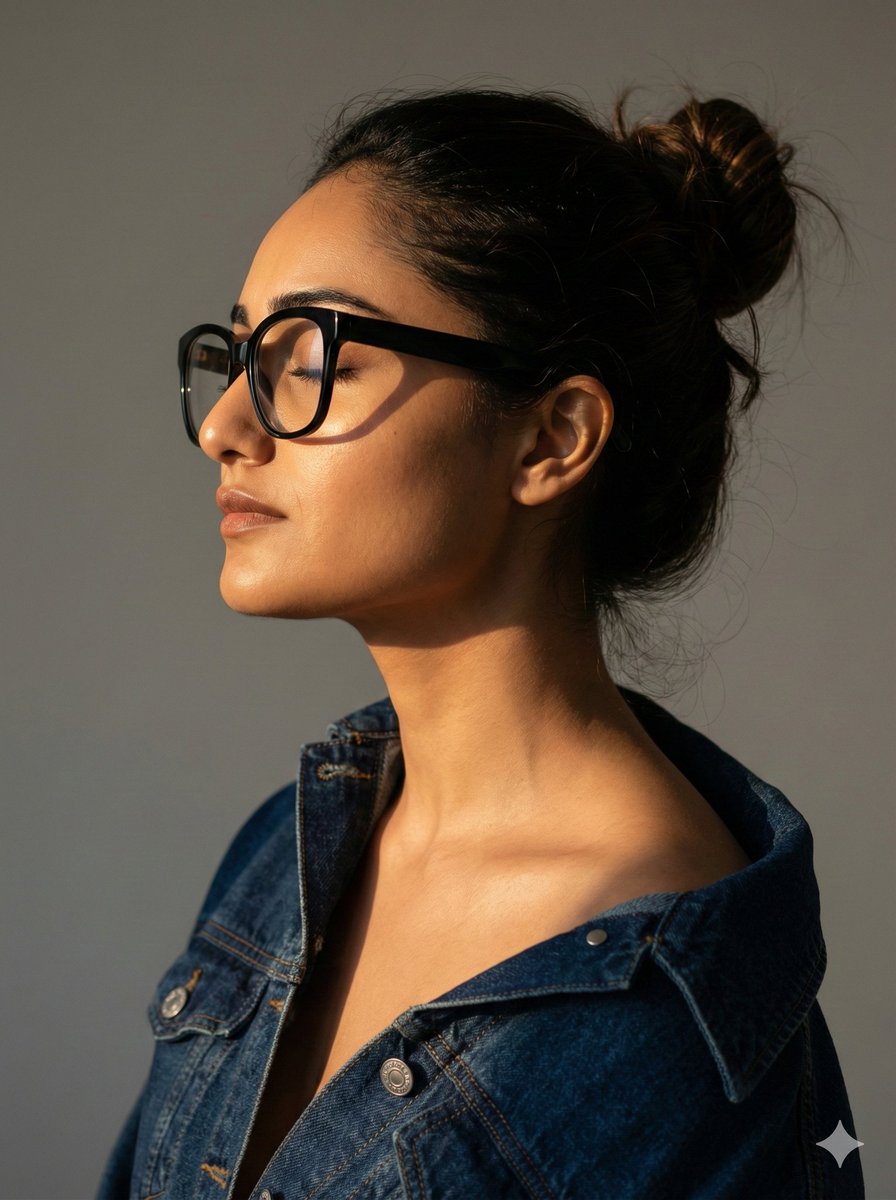
Cinematic Profile Portrait with Identity Preservation
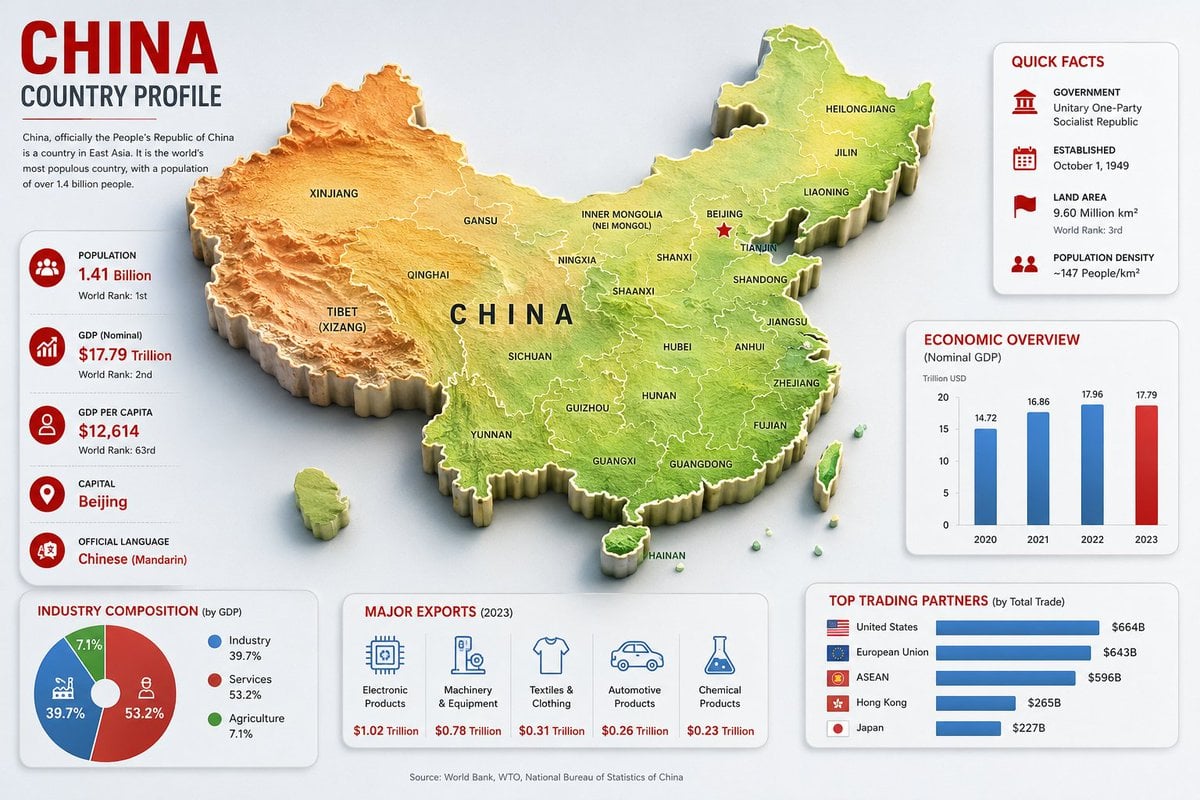
China Country Profile Infographic
Browse template categories
Tokyo Night Travel Brand Mockup questions
How do I use the Tokyo Night Travel Brand Mockup template?
Add your photo if the template asks for one, edit the prompt if you like — the template's model and format are already selected — and press Generate. Your version opens in PicX Studio.
Can I customize the Tokyo Night Travel Brand Mockup template?
Yes. You can change the subject, setting, lighting, mood, format, and available model controls before creating your image.
Is the Tokyo Night Travel Brand Mockup template free?
Opening and editing this template is free. Generating uses credits, shown on the Generate button when you are signed in.
Which AI model should I use?
Start with GPT Image 2, which is the model associated with this template. You can compare another compatible model for a different finish.
Looking for something else? Browse all templates.

Your photo, any look
Thousands of ready templates for every top image and video model, from one credit balance.