
Candid Tokyo Smartphone Night Photo
A realistic candid smartphone-style prompt for a night street scene in Tokyo with heavy motion blur and flash.
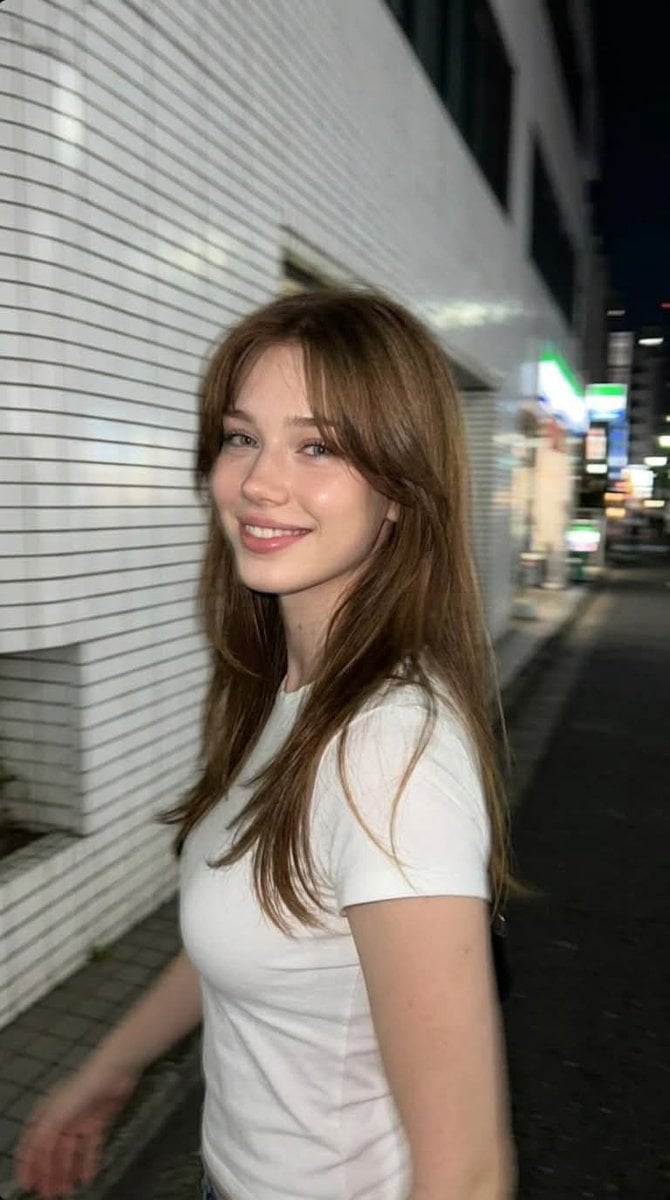
- Prompt included
- Model and format preset
- Premium template
The prompt behind this image
Copy the exact prompt behind Candid Tokyo Smartphone Night Photo, or open it in the studio and make it yours.
Ultra-realistic candid smartphone photograph, 9:16 vertical. Use the attached image only as a strong visual inspiration for the subject's hairstyle, overall facial proportions, natural beauty, and general aesthetic, while ensuring the generated subject remains fully original, non-identifiable, and not a face copy. Scene Nighttime on a quiet {argument name="location" default="Tokyo city sidewalk"} beside a building with white ceramic tile walls. The subject is walking past the camera, partially side-on, captured mid-step in a natural, spontaneous moment. Appearance A {argument name="subject" default="young woman"} with long chestnut-brown layered hair, soft curtain bangs, fair natural skin, hazel-green eyes, subtle natural makeup, and delicate European facial features inspired by the reference image while remaining an original, non-identifiable person. She is wearing a {argument name="outfit" default="plain fitted white T-shirt"} with short sleeves, no logos, no graphics, no accessories or outerwear. Pose & Expression The subject casually turns her head slightly toward the camera while continuing to walk forward. She wears a relaxed, genuine, natural smile with a warm and friendly expression. Her body remains angled in half-profile as she continues walking. The framing is slightly imperfect, as if captured quickly while passing by. Camera & Motion Shot on a modern smartphone, handheld, rushed capture. Strong uncontrolled camera shake. Heavy directional motion blur across the hair, face, and body. Facial features appear naturally softened by motion blur without becoming unrecognizable. Partial ghosting around the moving body. Imperfect framing, subject nearly leaving the frame. Lighting Flash-only lighting fired mid-motion. Harsh flash highlights on the face and white T-shirt. Deep surrounding darkness. Uneven exposure, blown highlights, hard shadows typical of hurried night smartphone photography. Background White ceramic tile wall stretches into streaked light bands due to motion blur. Street surroundings fade into darkness with minimal readable detail. Mood Natural, candid, friendly, relaxed, authentic. Feels like a genuine spontaneous smartphone snapshot captured while passing by. Image Quality Extremely noisy. Heavily blurred. Raw smartphone look. Not cinematic. Not editorial. Not polished. Negative Prompt anime, illustration, painting, stylized, studio lighting, beauty lighting, soft portrait, sharp focus, clean face, perfect anatomy, smooth skin, fashion editorial, posed portrait, cinematic grading, film still, tripod shot, professional photography, hoodie, jacket, coat, sweater, blouse, dress, printed clothing, logos, accessories, identity match, face copy, real person replication
Reference images included
Candid Tokyo Smartphone Night Photo needs input media to work. They load alongside the prompt when you open it in the studio.
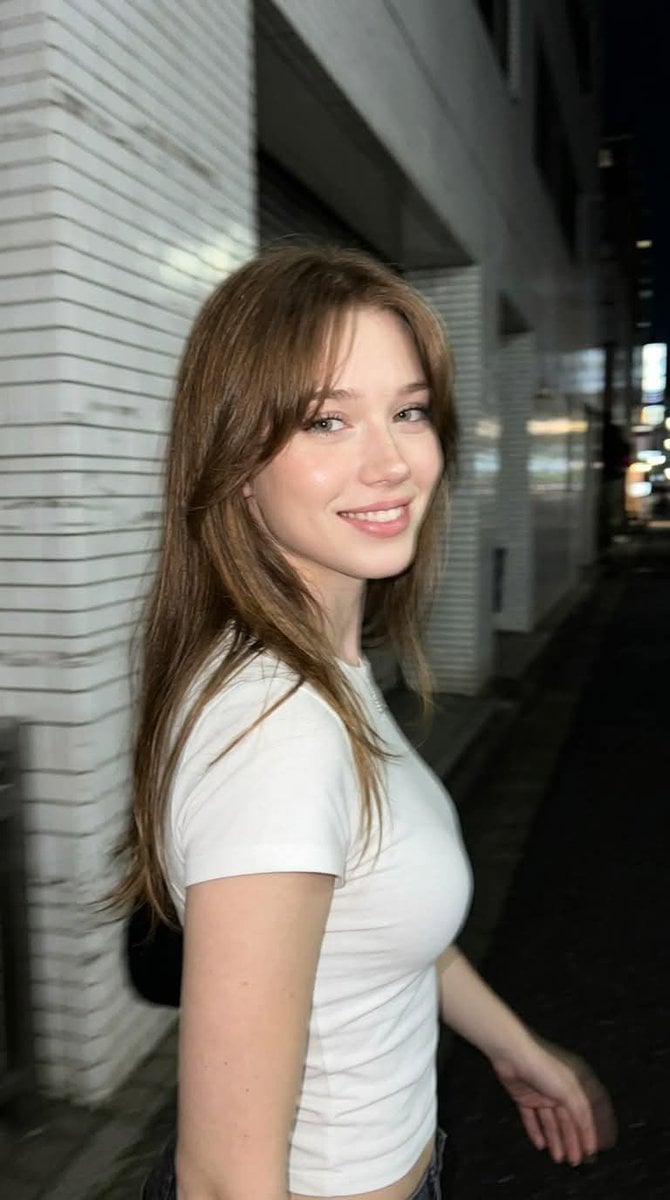
How to use Candid Tokyo Smartphone Night Photo in 3 steps
- 1Upload ImagePNG, JPG or paste
Add your photo
Upload the photo the template builds on. The prompt, model and format are already set.
- 2…a portrait of your subject in softgolden-hour light, 85mm…
Personalize
Edit the subject and creative details for your destination.
- 3Generate
Generate
Press Generate — your image is created in PicX Studio, so you can compare it with the original and refine one variable at a time.
More like this
Templates with the same subject, style or setup. Open one to see its prompt.
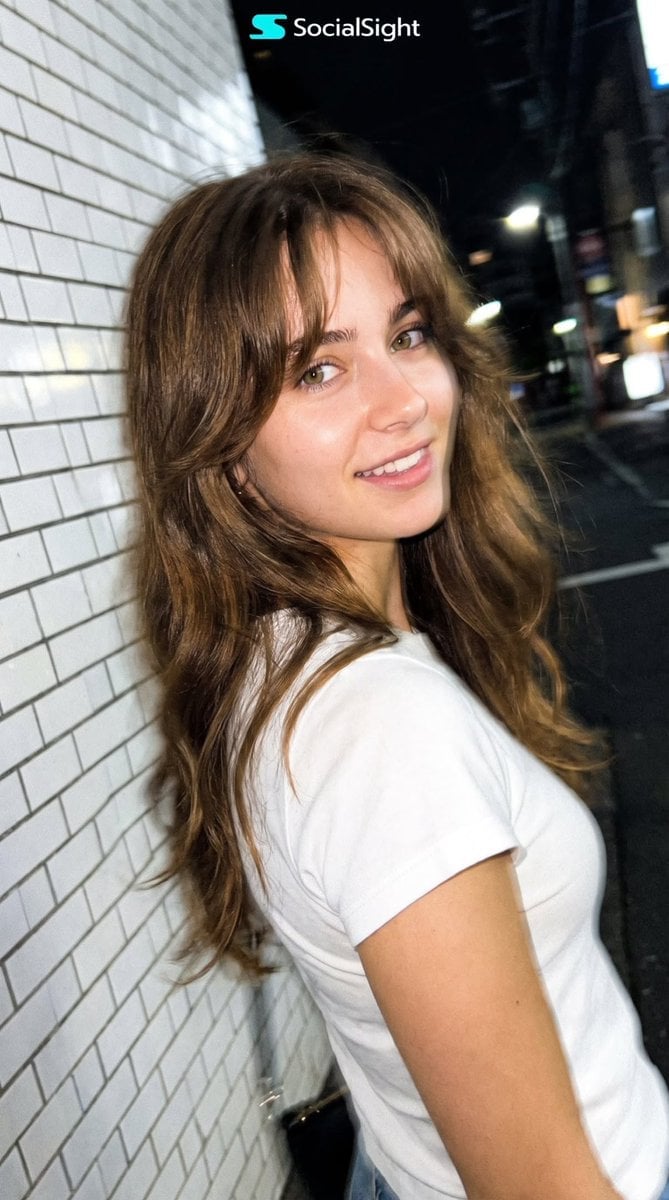
Candid Tokyo Night Smartphone Snapshot
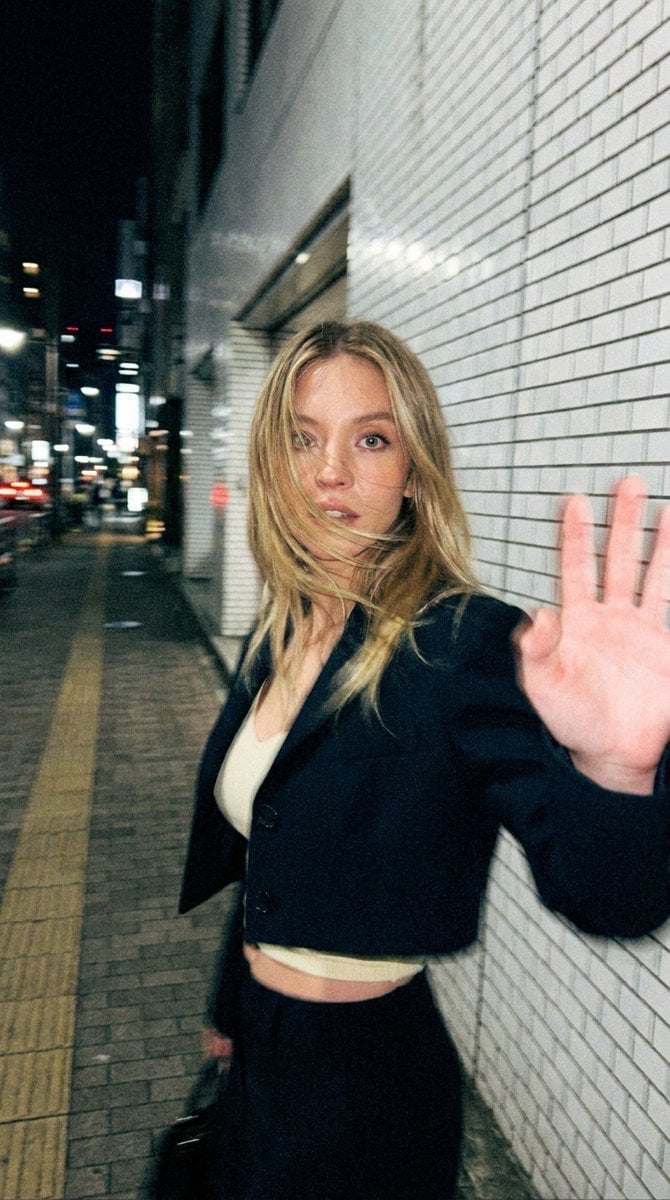
Candid Tokyo Smartphone Night Photo

Floating Woman Above Cityscape with Notifications
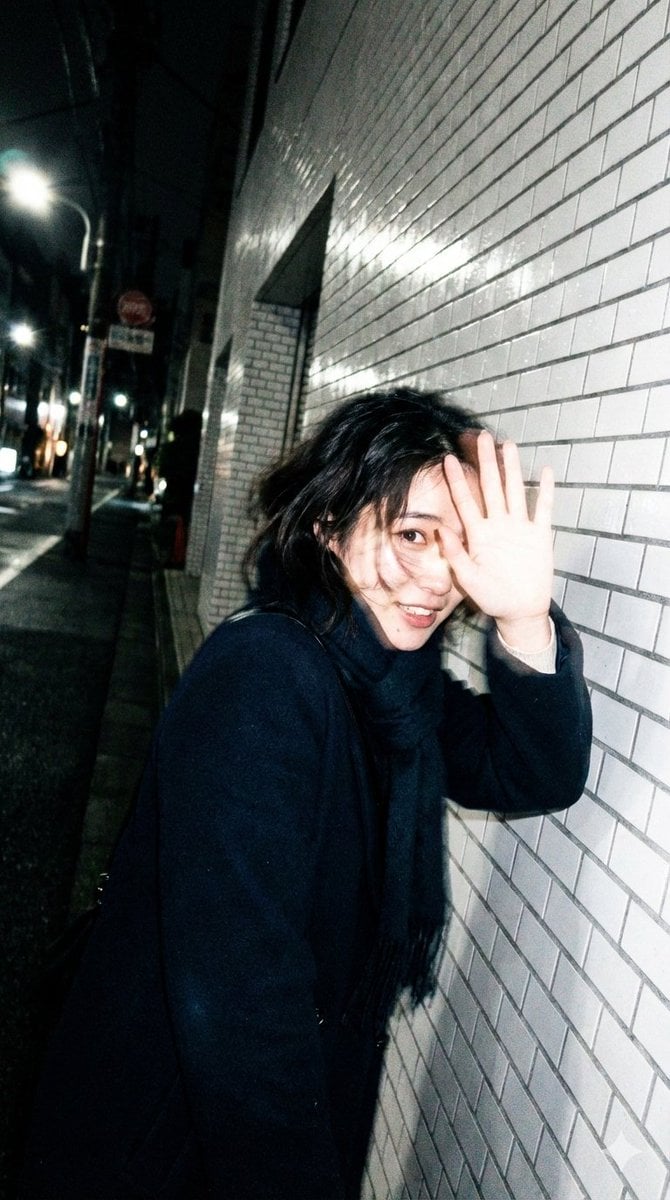
Candid, Imperfect Nighttime Smartphone Photo in Tokyo

Neon Night Crosswalk Candid Portrait
Neon Night Crosswalk Candid Portrait
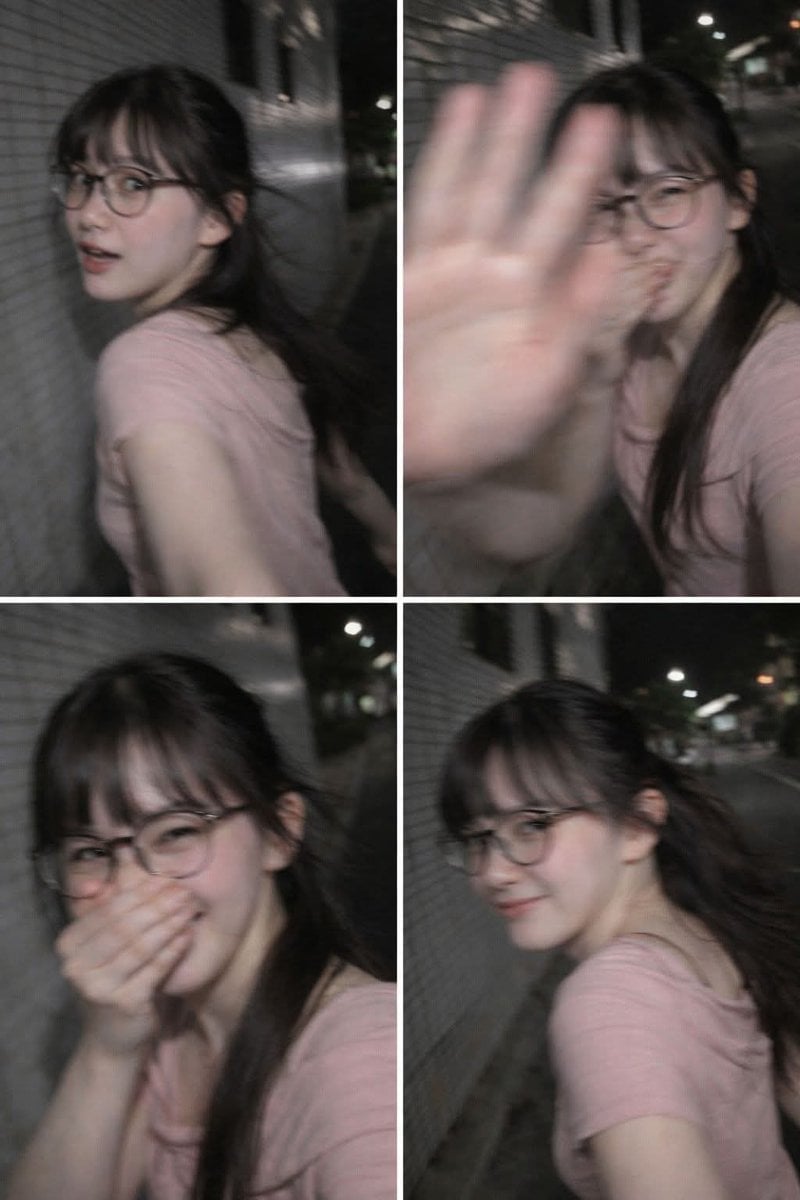
Ultra-Realistic Candid Nighttime Smartphone Photo Prompt

Sunday Afternoon, 1988

Our Song was on a Cassette

The Date After College

80s College Gate
Candid Winter Smartphone Portrait
Make it yours
Candid Tokyo Smartphone Night Photo works as-is. These are the safest ways to change it without losing the look.
Change one field
Copy a single group, rewrite it, and generate again so you can see what that field is doing.
Keep the frame, change the subject
Hold the composition and light of Candid Tokyo Smartphone Night Photo, then swap wardrobe, props or the person for a new take.
| If the result… | Why | Fix |
|---|---|---|
| The result drifts from the preview | Too many fields changed at once. | Reuse Candid Tokyo Smartphone Night Photo as-is first, then change one group — subject, light, or setting. |
| The model over-stylizes the scene | The prose prompt leaves finish and camera underspecified. | Add one camera or lighting sentence and stay on GPT Image 2. |
More GPT Image 2 templates
Other prompts made for GPT Image 2.

Six VTuber Japanese Logo Sheet

Realistic Portrait of Woman and Deer

The Vista Modular Condo Poster

AI Model Routing Comparison Infographic

2.5D Anime Art Board

Isometric Productivity Desk Scene

New York Double Exposure Poster

Four-Panel AI Landscape Comparison

Japanese Tatami Lifestyle Magazine Cover

NESCAFÉ Coffee Map Poster
More image prompts
Fresh picks from across the catalog.
High-quality portrait upscaling and enhancement
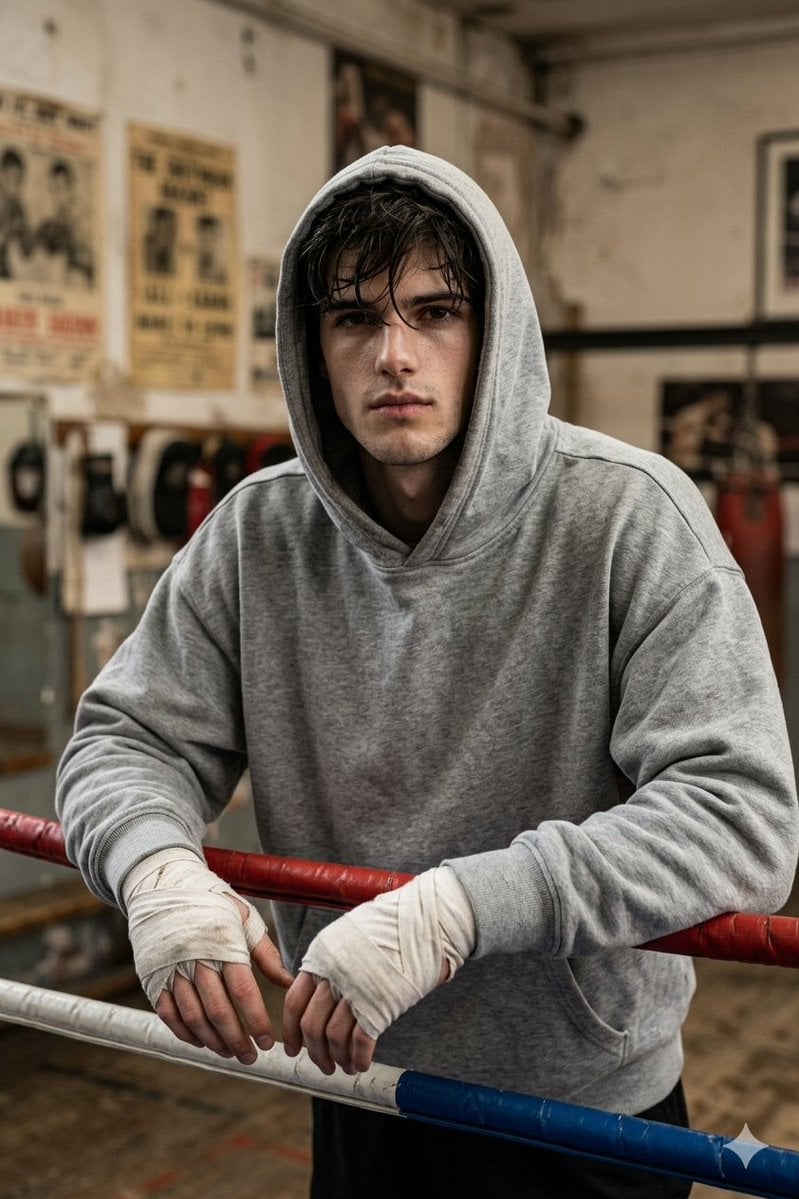
Gritty Boxer in Vintage Gym
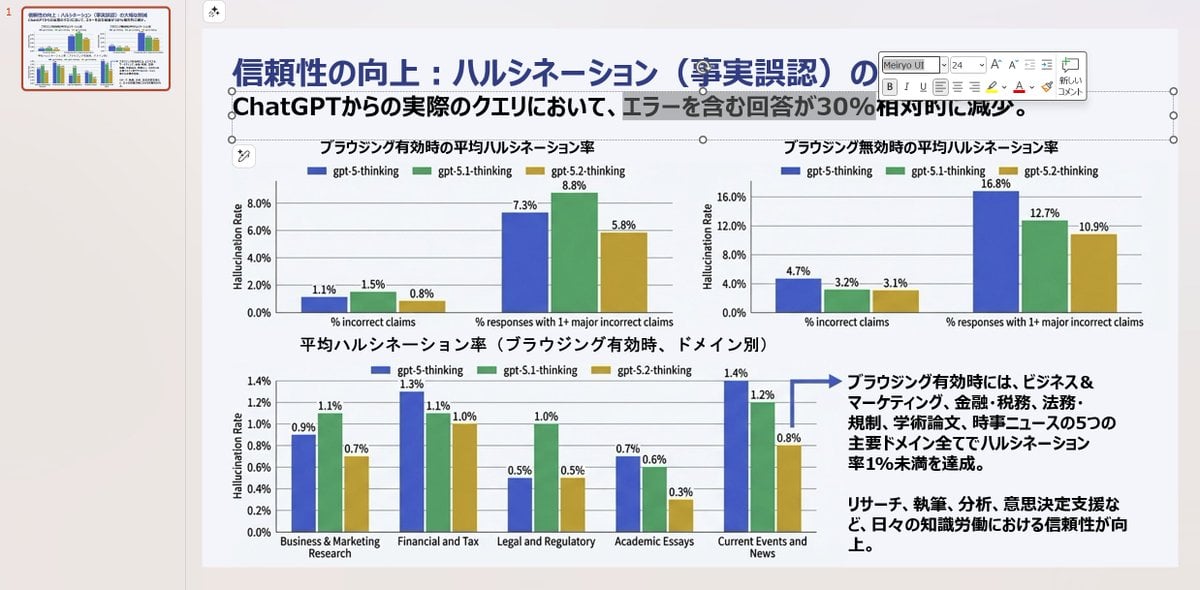
Convert Image to Editable PowerPoint Slide Prompt
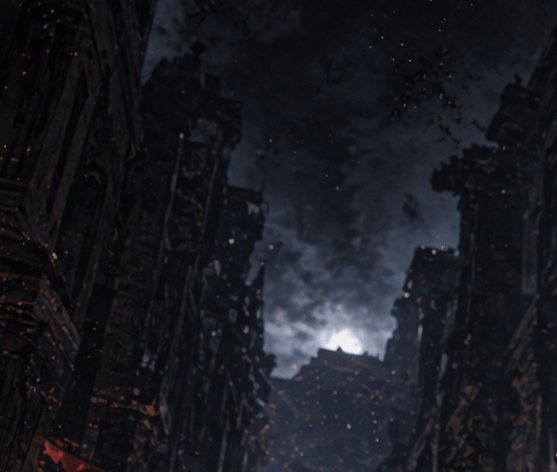
Apocalyptic Ruined City Street
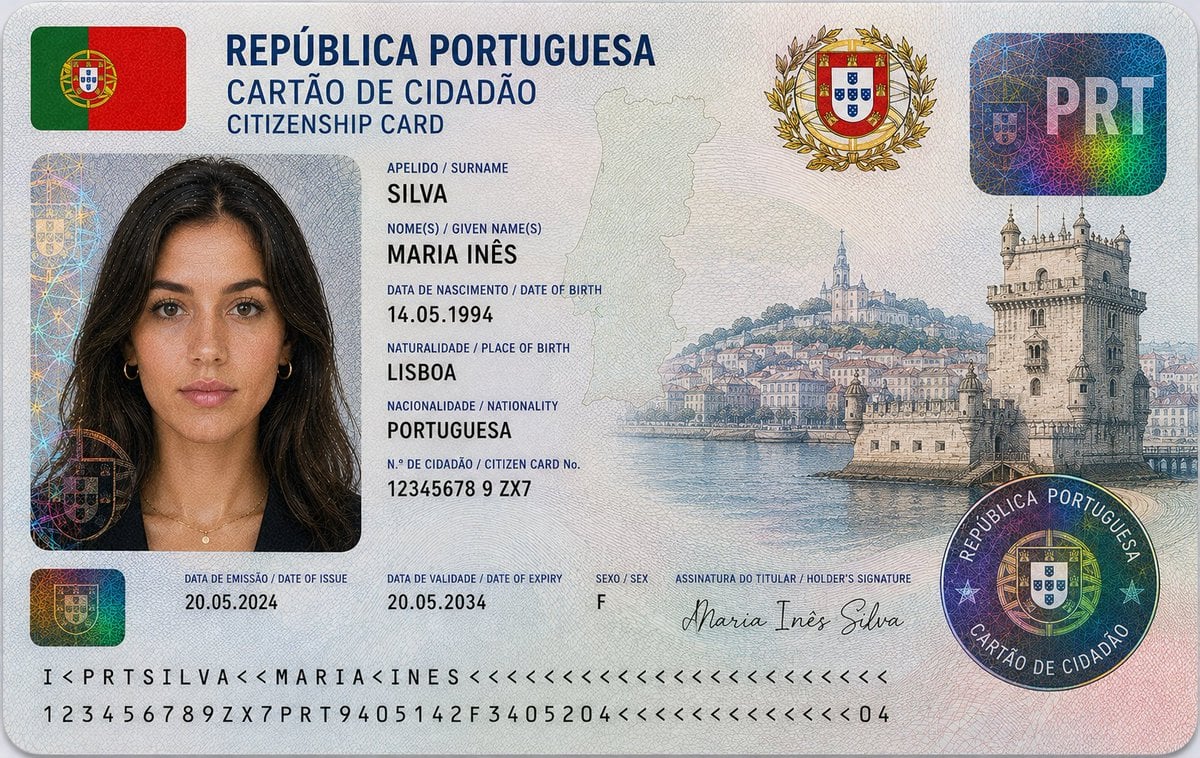
Nigerian Citizenship Identity Card Mockup
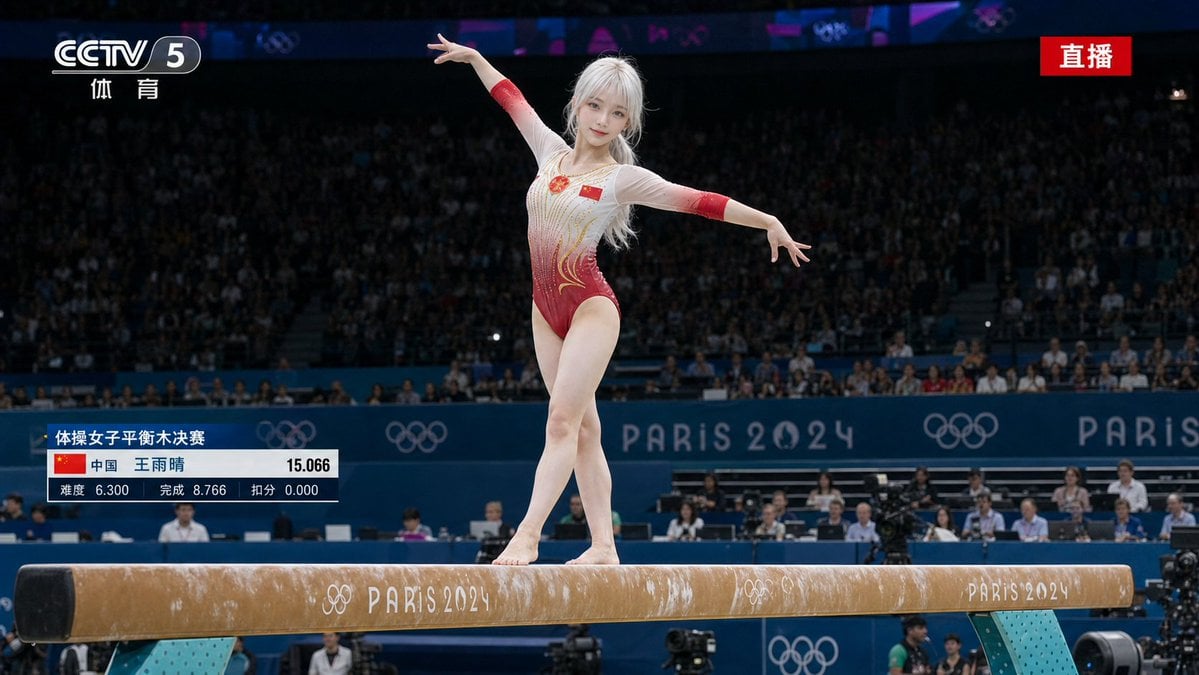
Olympic Gymnast Broadcast
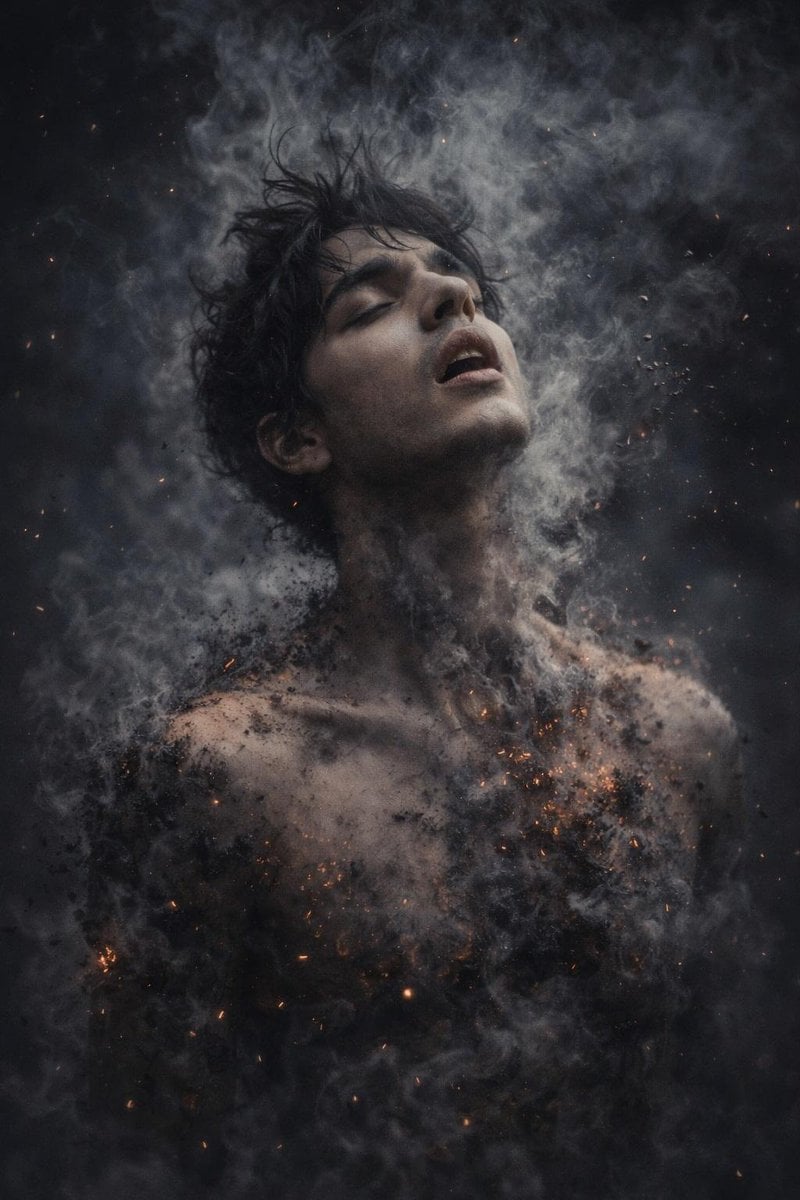
8K Photorealistic Disintegration Effect
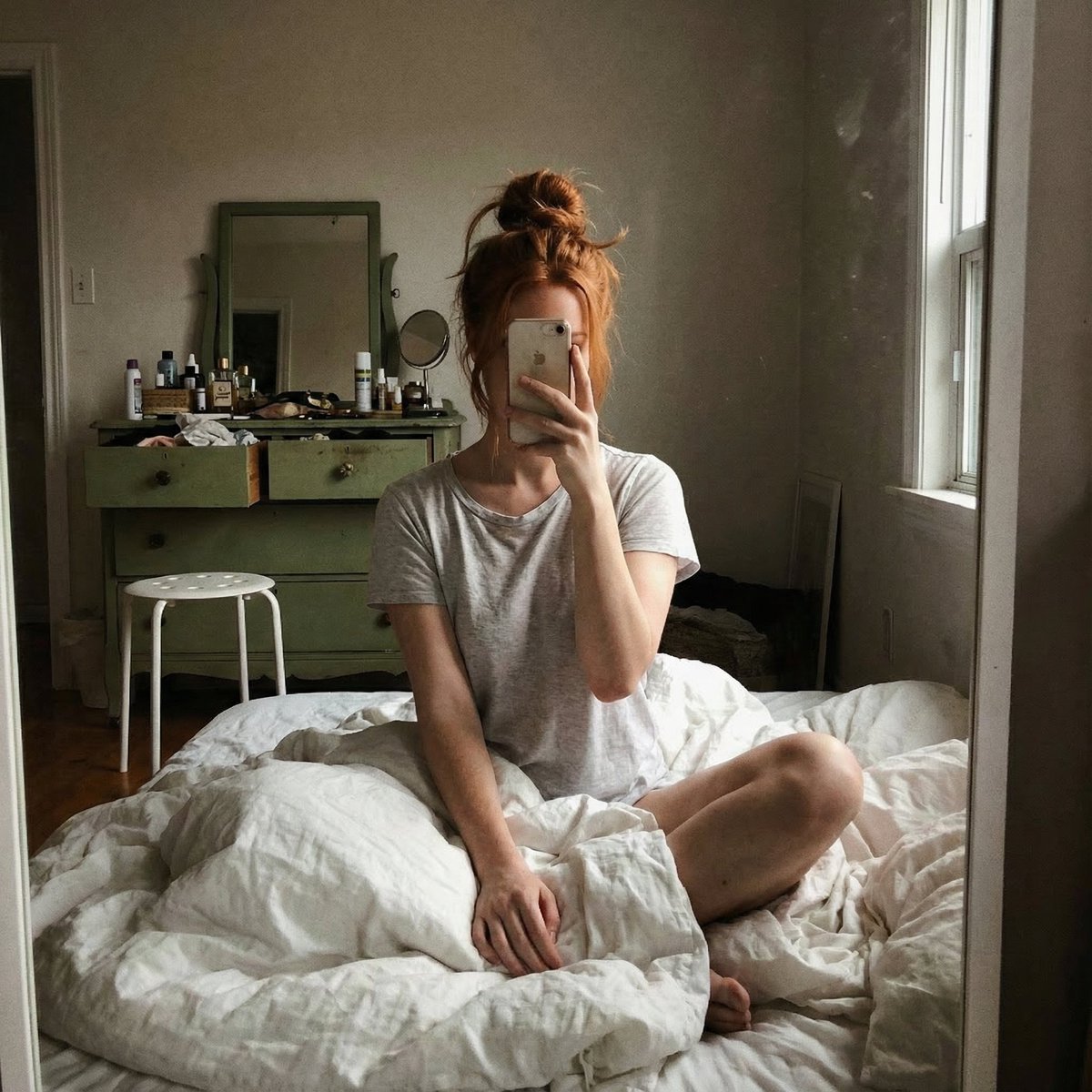
Structured JSON Prompt for Candid Mirror Selfie in a Bohemian Bedroom
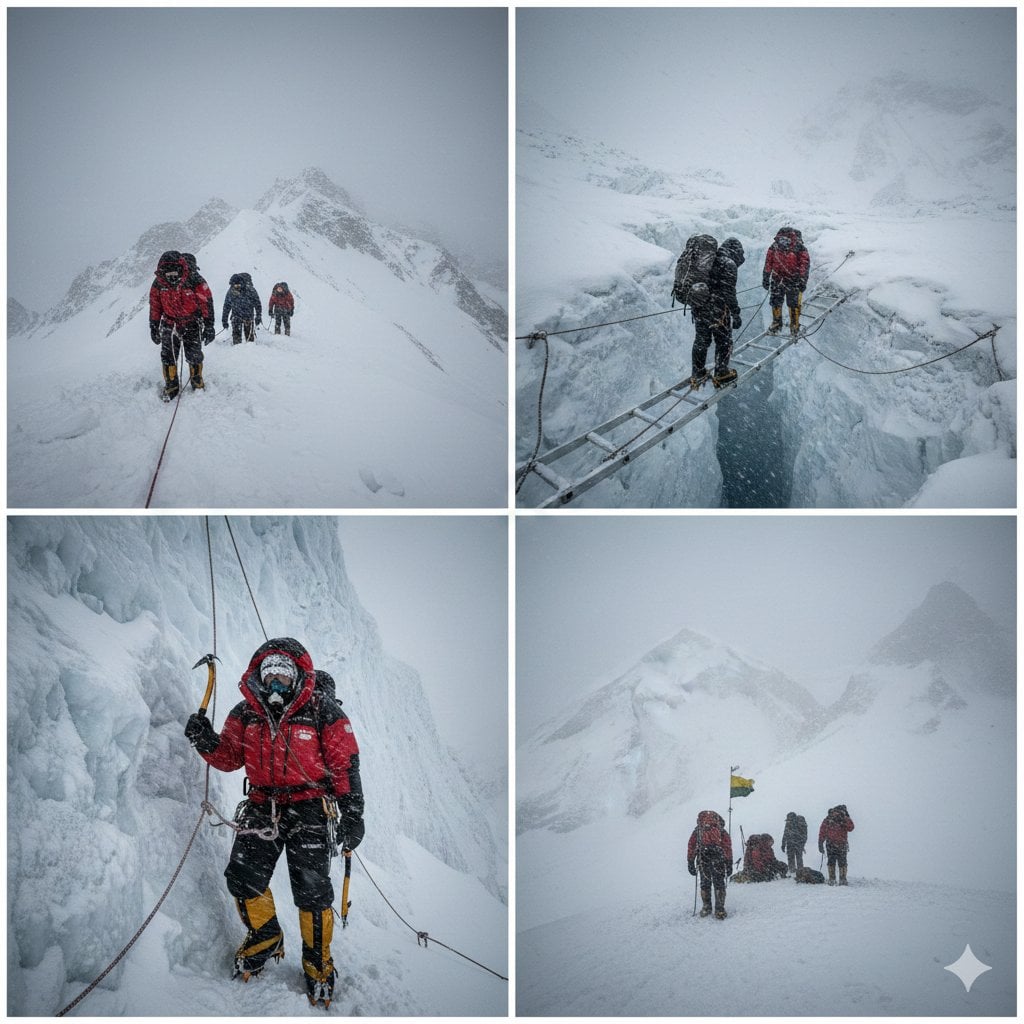
High-Altitude Mountaineering Cinematic Collage Prompt
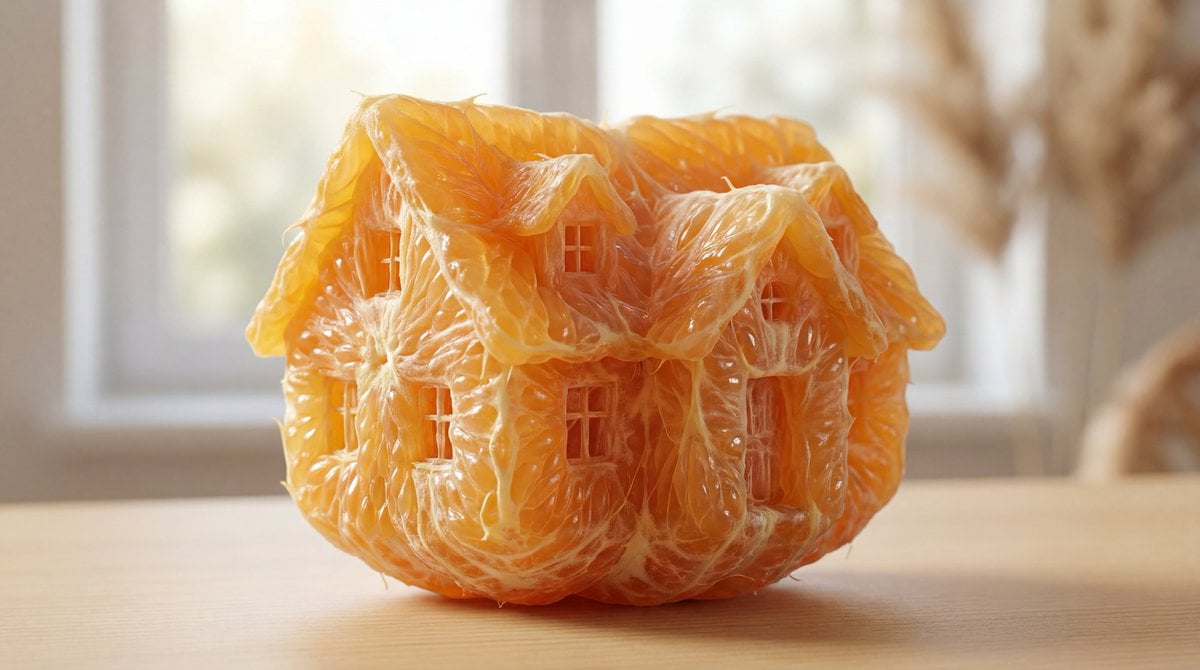
Orange Pulp Sculpture Prompt
Browse template categories
Candid Tokyo Smartphone Night Photo questions
How do I use the Candid Tokyo Smartphone Night Photo template?
Add your photo if the template asks for one, edit the prompt if you like — the template's model and format are already selected — and press Generate. Your version opens in PicX Studio.
Can I customize the Candid Tokyo Smartphone Night Photo template?
Yes. You can change the subject, setting, lighting, mood, format, and available model controls before creating your image.
Is the Candid Tokyo Smartphone Night Photo template free?
Opening and editing this template is free. Generating uses credits, shown on the Generate button when you are signed in.
Which AI model should I use?
Start with GPT Image 2, which is the model associated with this template. You can compare another compatible model for a different finish.
Looking for something else? Browse all templates.

Your photo, any look
Thousands of ready templates for every top image and video model, from one credit balance.