
56 Chinese Ethnic Groups Clothing Chart
Generates a traditional ink-wash style grid chart displaying 56 distinct female portraits in ethnic attire with labels and landscape background.
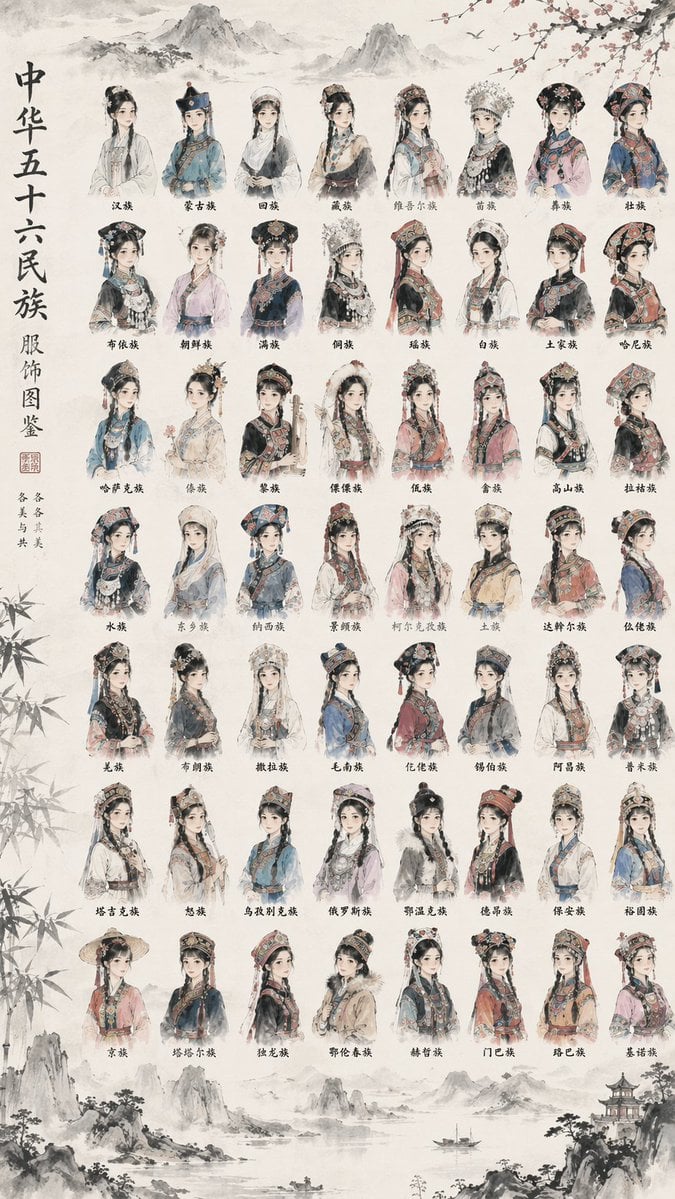
- Prompt included
- Model and format preset
- Free template
The prompt behind this image
Copy the exact prompt behind 56 Chinese Ethnic Groups Clothing Chart, or open it in the studio and make it yours.
- Type
- illustrated reference chart
- Art Style
- {argument name="art style" default="traditional Chinese ink wash painting, delicate brushwork, soft watercolor tones, vintage aged paper texture"}
- Background Elements
- faded landscape painting at the top and bottom featuring distant mountains, a small boat on water, a traditional pavilion, bamboo leaves framing the left edge, and plum blossom branches at the top right
- Layout › Left Sidebar › Main Title
- {argument name="main title" default="中华五十六民族 服饰图鉴"}
- Layout › Left Sidebar › Subtitle
- 各美其美 美美与共
- Layout › Left Sidebar › Decorations
- red seal stamp
- Layout › Center Grid › Description
- {argument name="subject description" default="half-body portraits of young women wearing distinct, highly detailed traditional ethnic clothing and elaborate headdresses"}
- Layout › Center Grid › Rows
- 7
- Layout › Center Grid › Columns
- 8
- Layout › Center Grid › Total Items
- 56
- Layout › Center Grid › Labels
- 汉族, 蒙古族, 回族, 藏族, 维吾尔族, 苗族, 彝族, 壮族, 布依族, 朝鲜族, 满族, 侗族, 瑶族, 白族, 土家族, 哈尼族, 哈萨克族, 傣族, 黎族, 傈僳族, 佤族, 畲族, 高山族, 拉祜族, 水族, 东乡族, 纳西族, 景颇族, 柯尔克孜族, 土族, 达斡尔族, 仫佬族, 羌族, 布朗族, 撒拉族, 毛南族, 仡佬族, 锡伯族, 阿昌族, 普米族, 塔吉克族, 怒族, 乌孜别克族, 俄罗斯族, 鄂温克族, 德昂族, 保安族, 裕固族, 京族, 塔塔尔族, 独龙族, 鄂伦春族, 赫哲族, 门巴族, 珞巴族, 基诺族
Raw JSON
{
  "type": "illustrated reference chart",
  "art_style": "{argument name=\"art style\" default=\"traditional Chinese ink wash painting, delicate brushwork, soft watercolor tones, vintage aged paper texture\"}",
  "background_elements": "faded landscape painting at the top and bottom featuring distant mountains, a small boat on water, a traditional pavilion, bamboo leaves framing the left edge, and plum blossom branches at the top right",
  "layout": {
    "left_sidebar": {
      "main_title": "{argument name=\"main title\" default=\"中华五十六民族 服饰图鉴\"}",
      "subtitle": "各美其美 美美与共",
      "decorations": "red seal stamp"
    },
    "center_grid": {
      "description": "{argument name=\"subject description\" default=\"half-body portraits of young women wearing distinct, highly detailed traditional ethnic clothing and elaborate headdresses\"}",
      "rows": 7,
      "columns": 8,
      "total_items": 56,
      "labels": [
        "汉族", "蒙古族", "回族", "藏族", "维吾尔族", "苗族", "彝族", "壮族",
        "布依族", "朝鲜族", "满族", "侗族", "瑶族", "白族", "土家族", "哈尼族",
        "哈萨克族", "傣族", "黎族", "傈僳族", "佤族", "畲族", "高山族", "拉祜族",
        "水族", "东乡族", "纳西族", "景颇族", "柯尔克孜族", "土族", "达斡尔族", "仫佬族",
        "羌族", "布朗族", "撒拉族", "毛南族", "仡佬族", "锡伯族", "阿昌族", "普米族",
        "塔吉克族", "怒族", "乌孜别克族", "俄罗斯族", "鄂温克族", "德昂族", "保安族", "裕固族",
        "京族", "塔塔尔族", "独龙族", "鄂伦春族", "赫哲族", "门巴族", "珞巴族", "基诺族"
      ]
    }
  }
}How to use 56 Chinese Ethnic Groups Clothing Chart in 3 steps
- 1Upload ImagePNG, JPG or paste
Add your photo
Upload the photo the template builds on. The prompt, model and format are already set.
- 2…a portrait of your subject in softgolden-hour light, 85mm…
Personalize
Edit the subject and creative details for your destination.
- 3Generate
Generate
Press Generate — your image is created in PicX Studio, so you can compare it with the original and refine one variable at a time.
More like this
Templates with the same subject, style or setup. Open one to see its prompt.
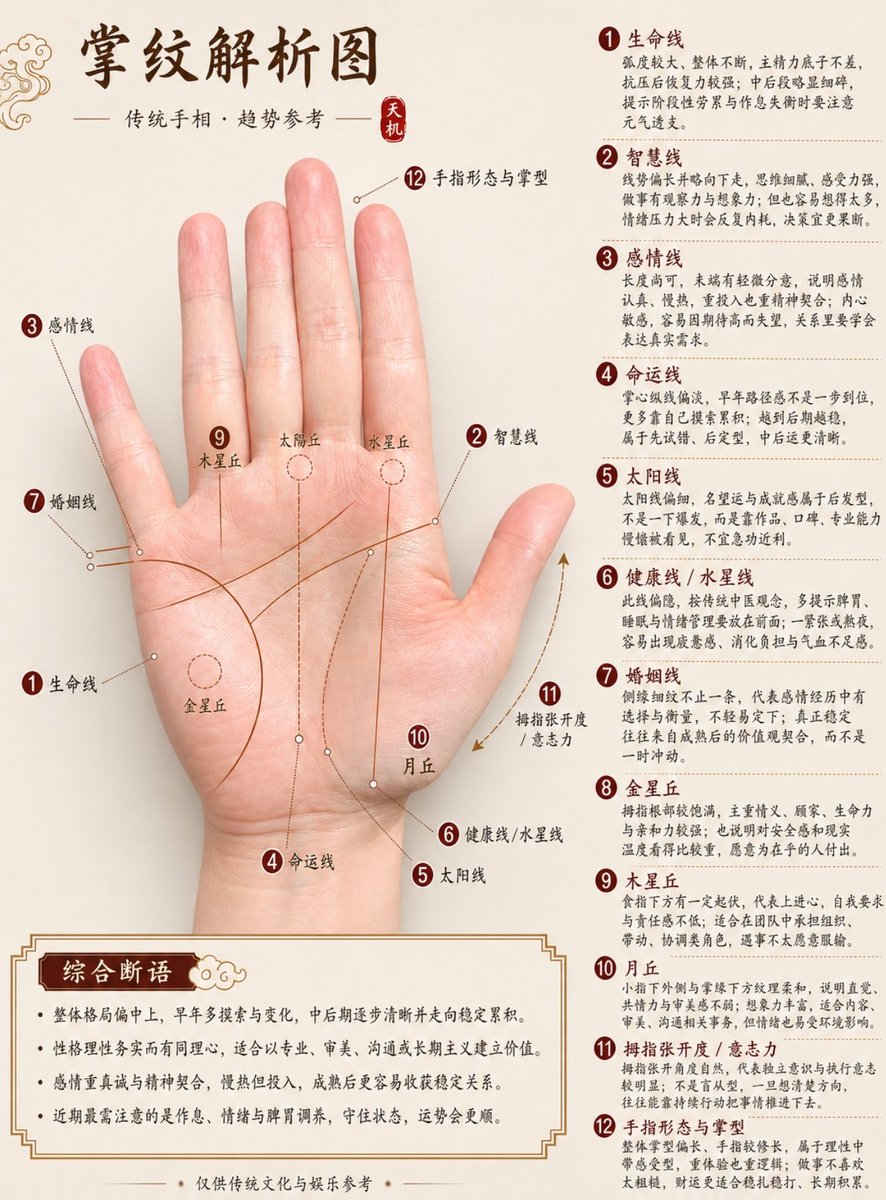
Professional Chinese Palmistry Analysis Chart
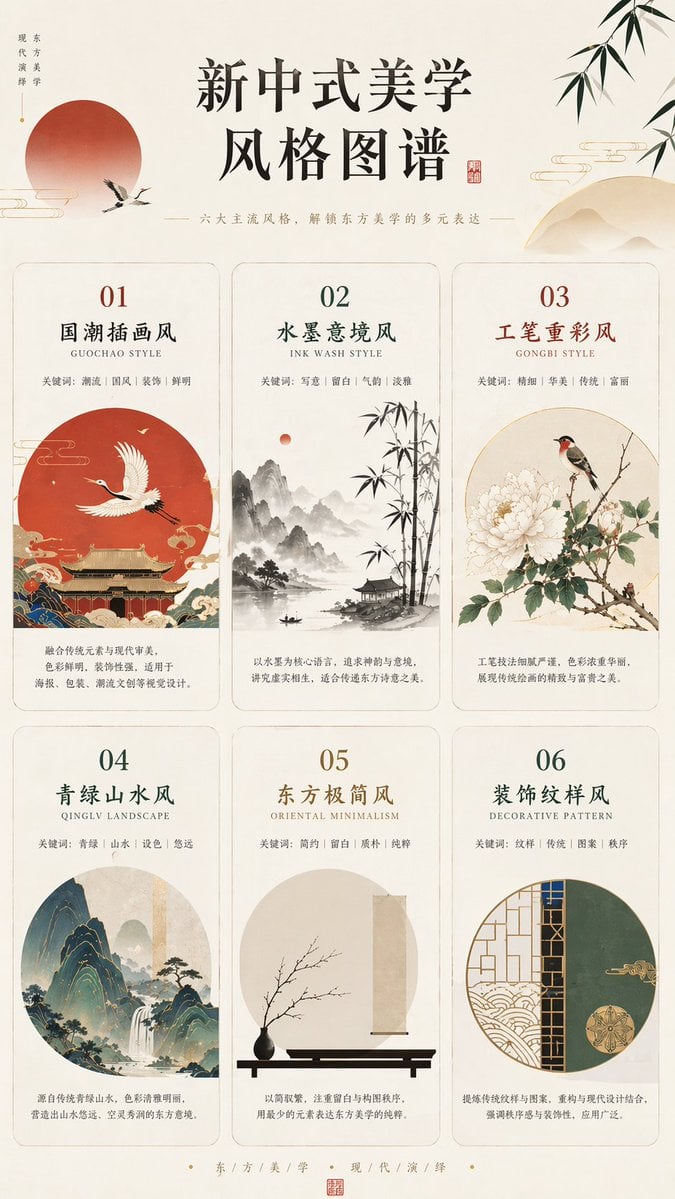
New Chinese Aesthetics Style Chart
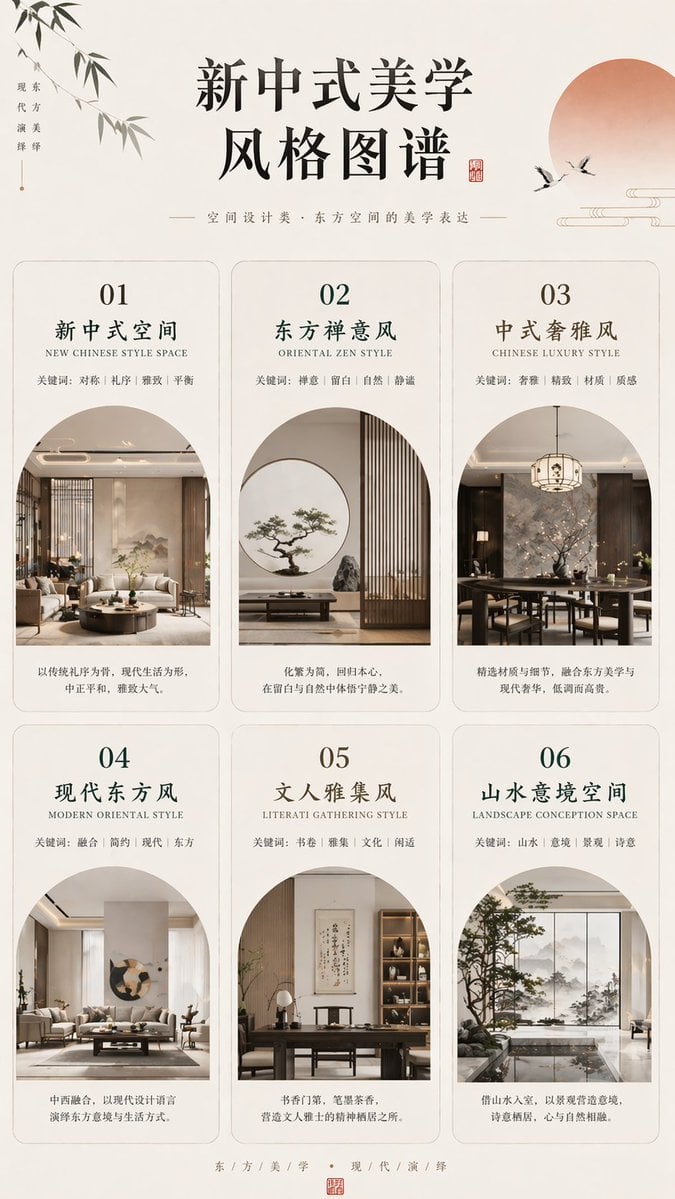
New Chinese Aesthetics Style Chart
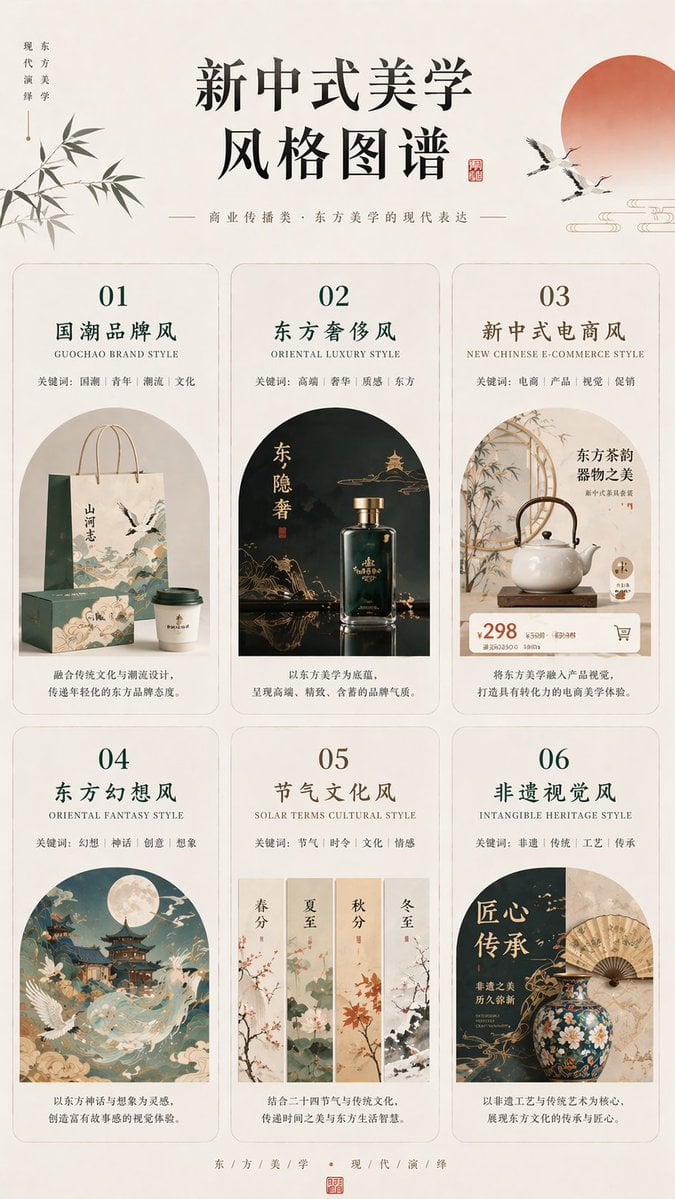
New Chinese Aesthetics Style Chart

敦煌纸雕飞天 — 3D Layered Paper Cutout

博物馆图鉴式汉服拆解图 — GPT-image-2
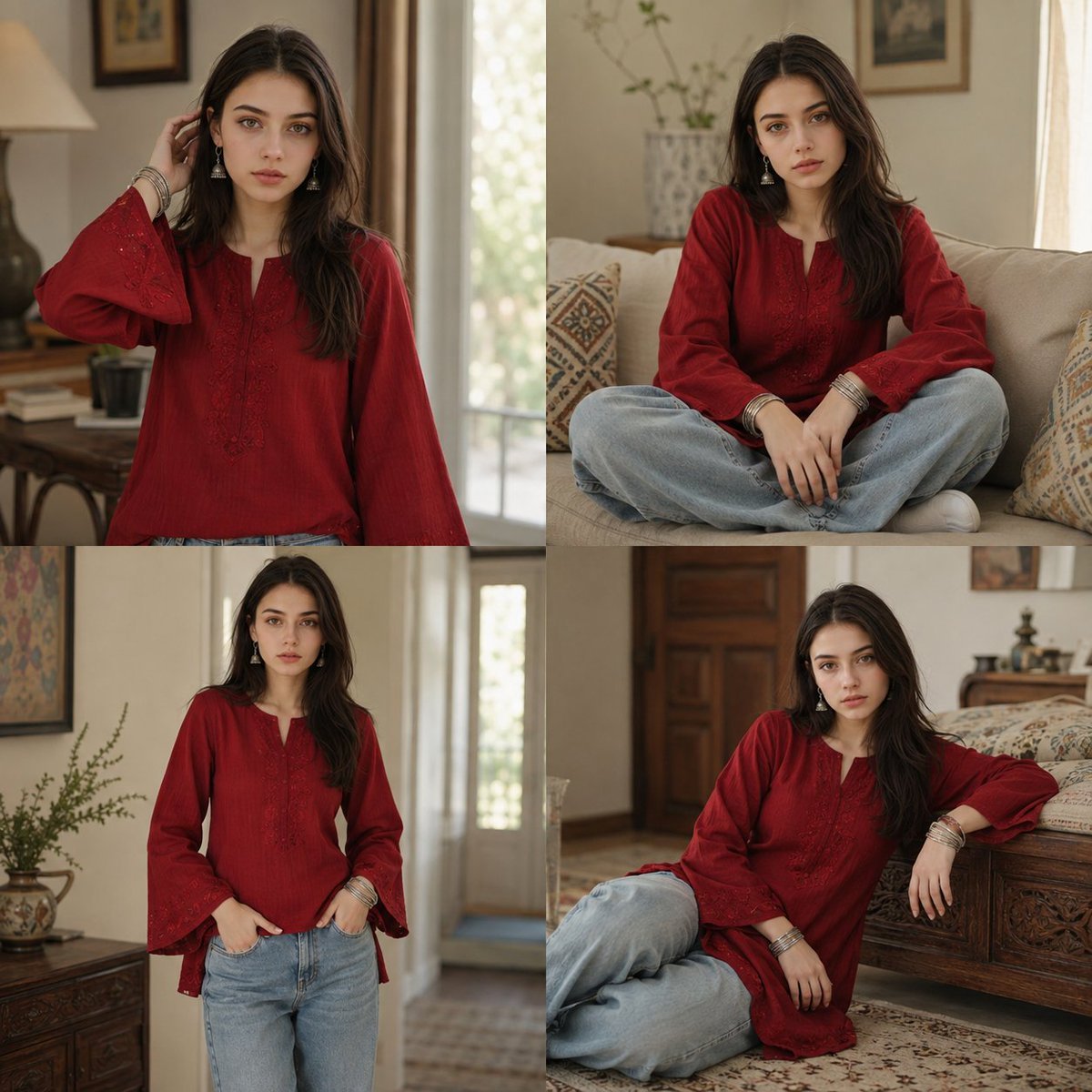
Ethnic Style Collage Portrait
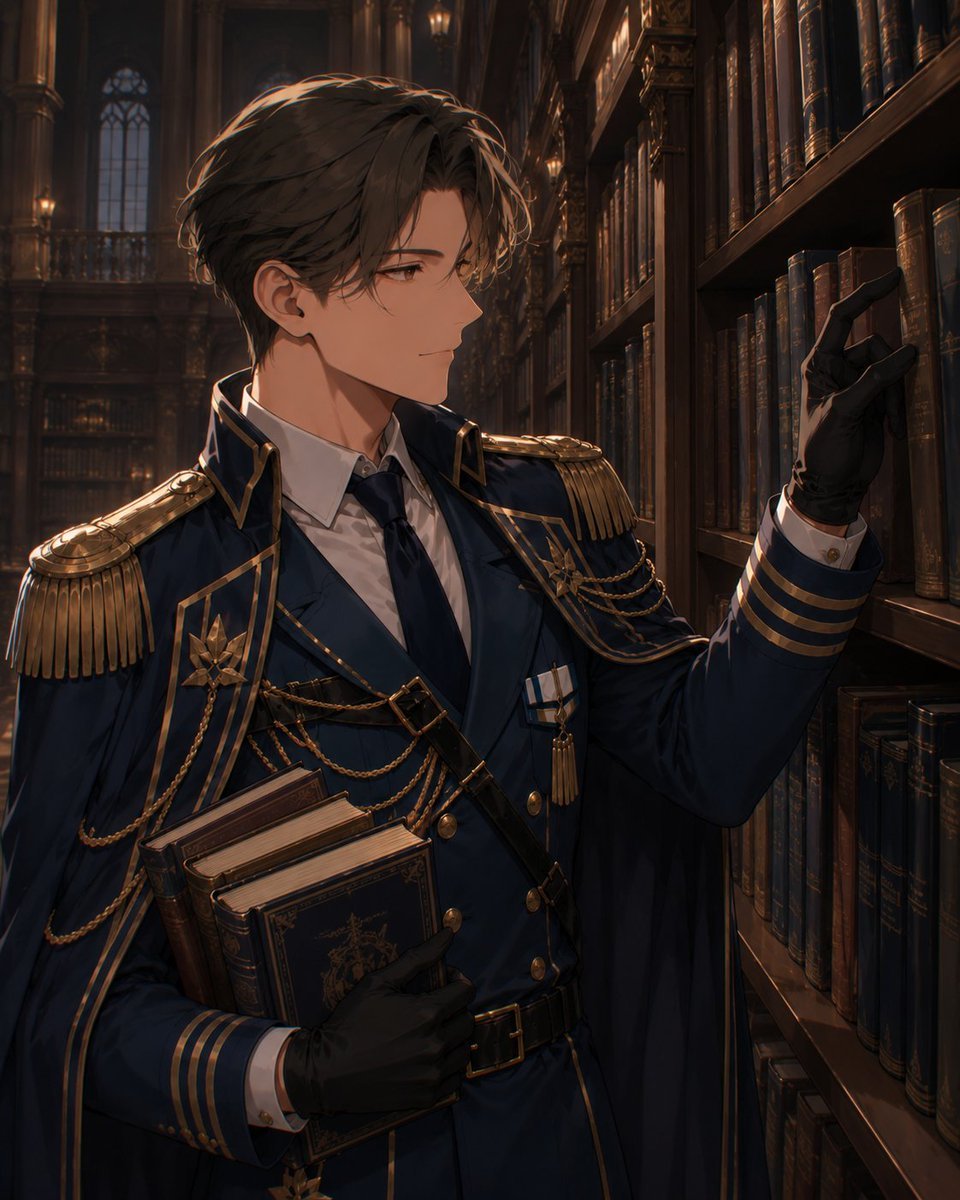
AI Character Clothing Swap Instruction
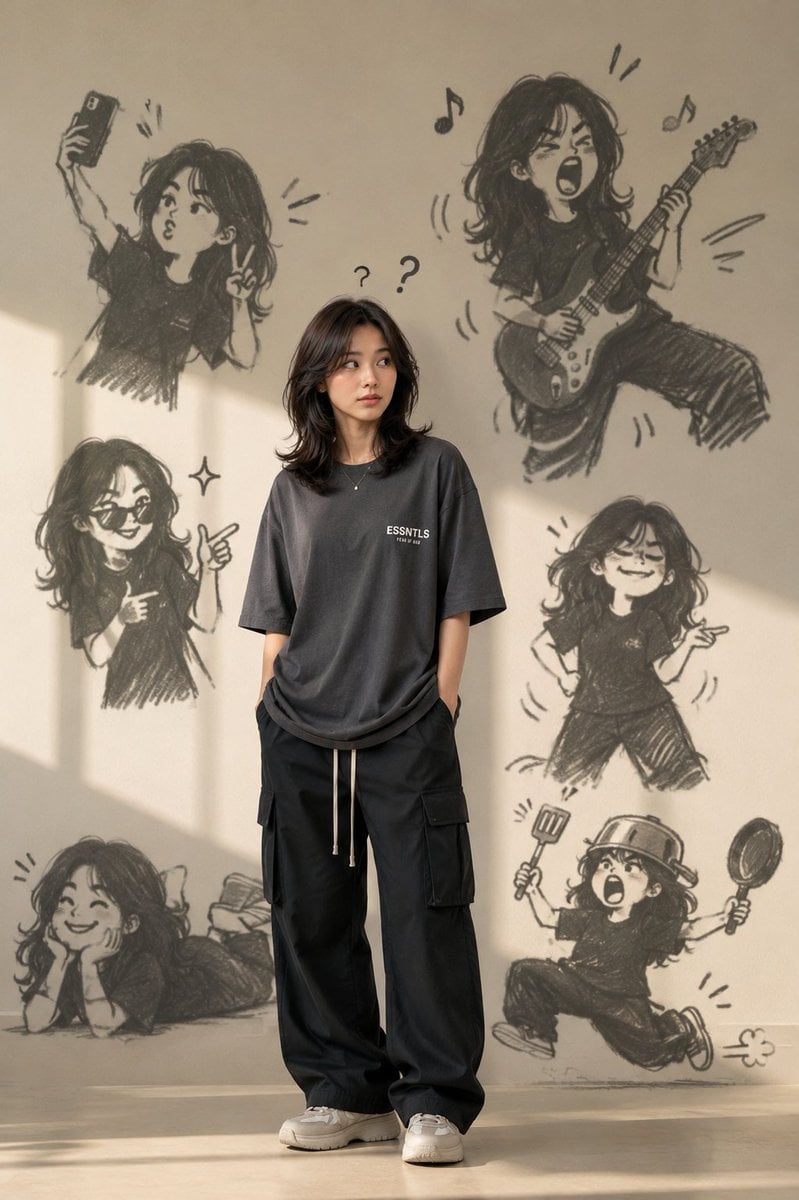
Trendy Clothing with Doodle Shadow
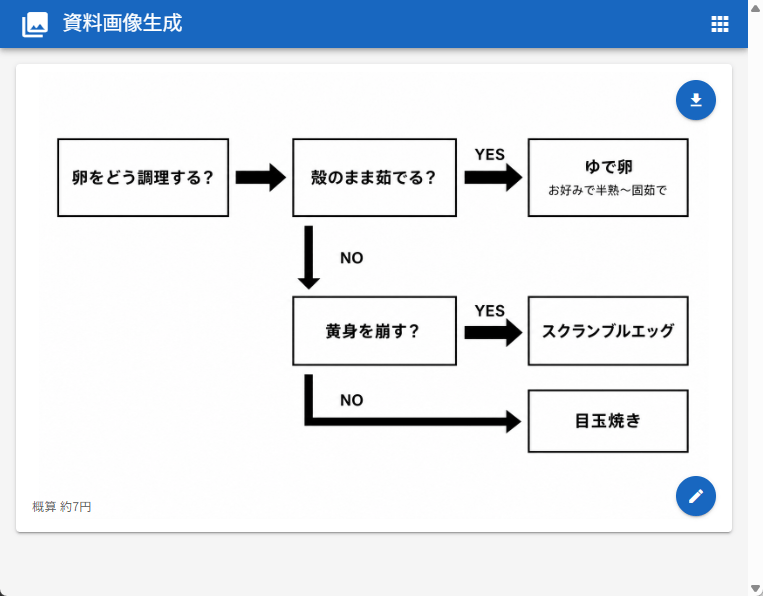
Japanese Egg Cooking Flowchart UI

Brutalist Cogito Chinese Typography Poster
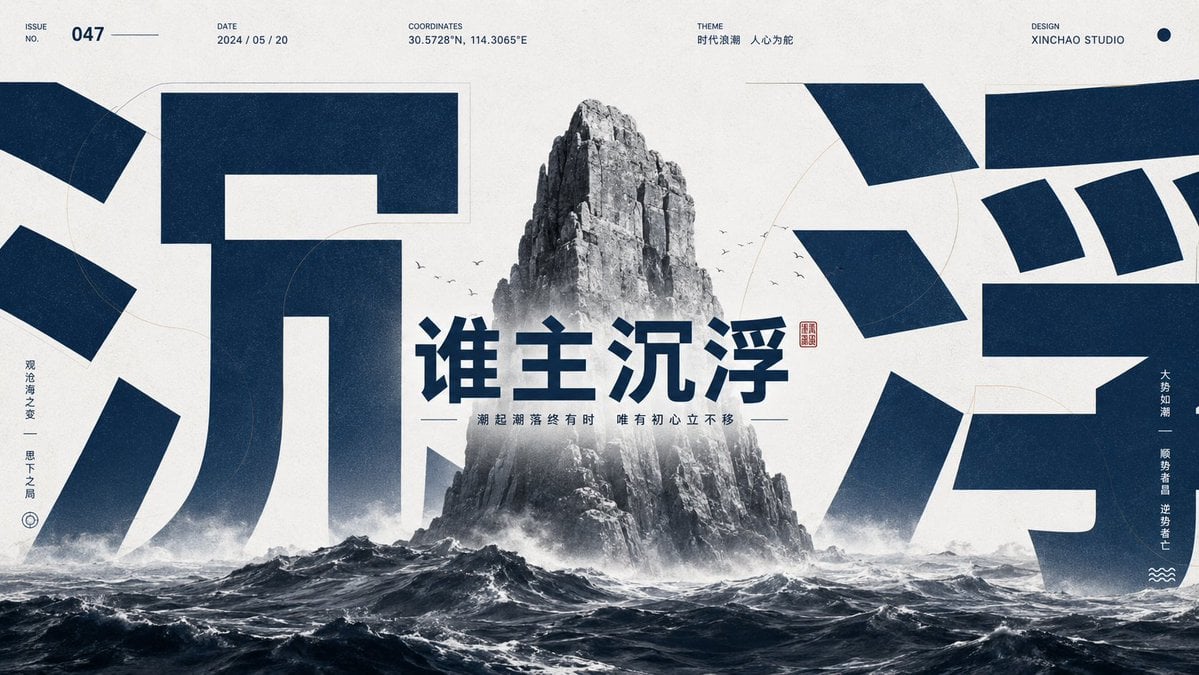
Monumental Chinese Ocean Poster
Make it yours
56 Chinese Ethnic Groups Clothing Chart works as-is. These are the safest ways to change it without losing the look.
Swap the setting
Keep the rest of the prompt and replace the location block. The current setting is “faded landscape painting at the top and bottom featuring distant mountains, a sm”.
Change one field
Copy a single group, rewrite it, and generate again so you can see what that field is doing.
Keep the frame, change the subject
Hold the composition and light of 56 Chinese Ethnic Groups Clothing Chart, then swap wardrobe, props or the person for a new take.
| If the result… | Why | Fix |
|---|---|---|
| The result drifts from the preview | Too many fields changed at once. | Reuse 56 Chinese Ethnic Groups Clothing Chart as-is first, then change one group — subject, light, or setting. |
| GPT Image 2 ignores part of the JSON | Some models flatten or skip nested keys. | Keep the same values and paste them as a short paragraph instead. |
More GPT Image 2 templates
Other prompts made for GPT Image 2.

Six VTuber Japanese Logo Sheet

Realistic Portrait of Woman and Deer

The Vista Modular Condo Poster

AI Model Routing Comparison Infographic

2.5D Anime Art Board

Isometric Productivity Desk Scene

New York Double Exposure Poster

Four-Panel AI Landscape Comparison

Japanese Tatami Lifestyle Magazine Cover

NESCAFÉ Coffee Map Poster
More image prompts
Fresh picks from across the catalog.
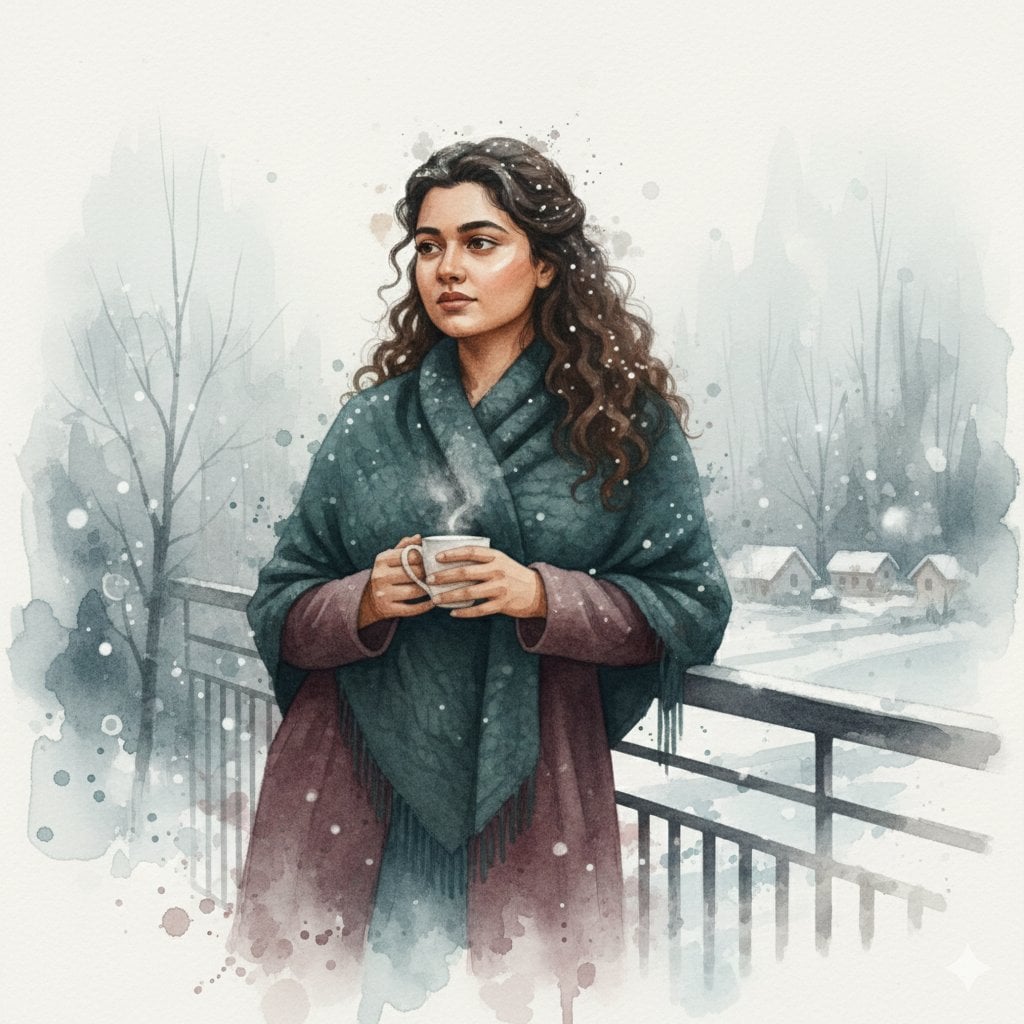
Winter Watercolor Portrait with Identity Lock Prompt
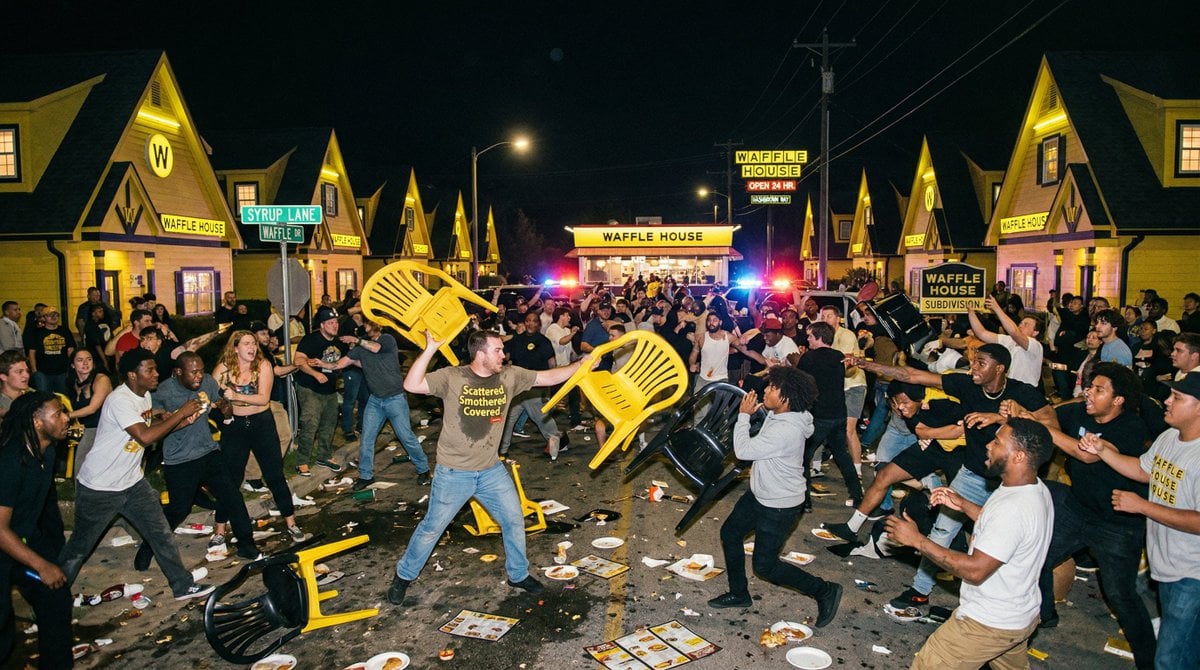
Suburban Neighborhood Designed by Fast Food Chains
Cinematic Still of a Man in a Coffee Shop
Fashionable Young Woman in Park Setting Prompt

Business Woman in Navy Suit Portrait

Ultra-Photorealistic Winter Romance Portrait (JSON Format)
Cinematic Neon Rain Portrait Prompt
Ukiyo-e Style Image Generation in the style of Sharaku
High-End Luxury Fashion Editorial Poster
Anime Protagonist and Companion Generator
Browse template categories
56 Chinese Ethnic Groups Clothing Chart questions
How do I use the 56 Chinese Ethnic Groups Clothing Chart template?
Add your photo if the template asks for one, edit the prompt if you like — the template's model and format are already selected — and press Generate. Your version opens in PicX Studio.
Can I customize the 56 Chinese Ethnic Groups Clothing Chart template?
Yes. You can change the subject, setting, lighting, mood, format, and available model controls before creating your image.
Is the 56 Chinese Ethnic Groups Clothing Chart template free?
Opening and editing this template is free. Generating uses credits, shown on the Generate button when you are signed in.
Which AI model should I use?
Start with GPT Image 2, which is the model associated with this template. You can compare another compatible model for a different finish.
Looking for something else? Browse all templates.

Your photo, any look
Thousands of ready templates for every top image and video model, from one credit balance.