How do I use the Ethnic Style Collage Portrait template?
Choose the primary action to open PicX Studio with the available template settings. Review the model and format, personalize the creative direction, and generate when ready.
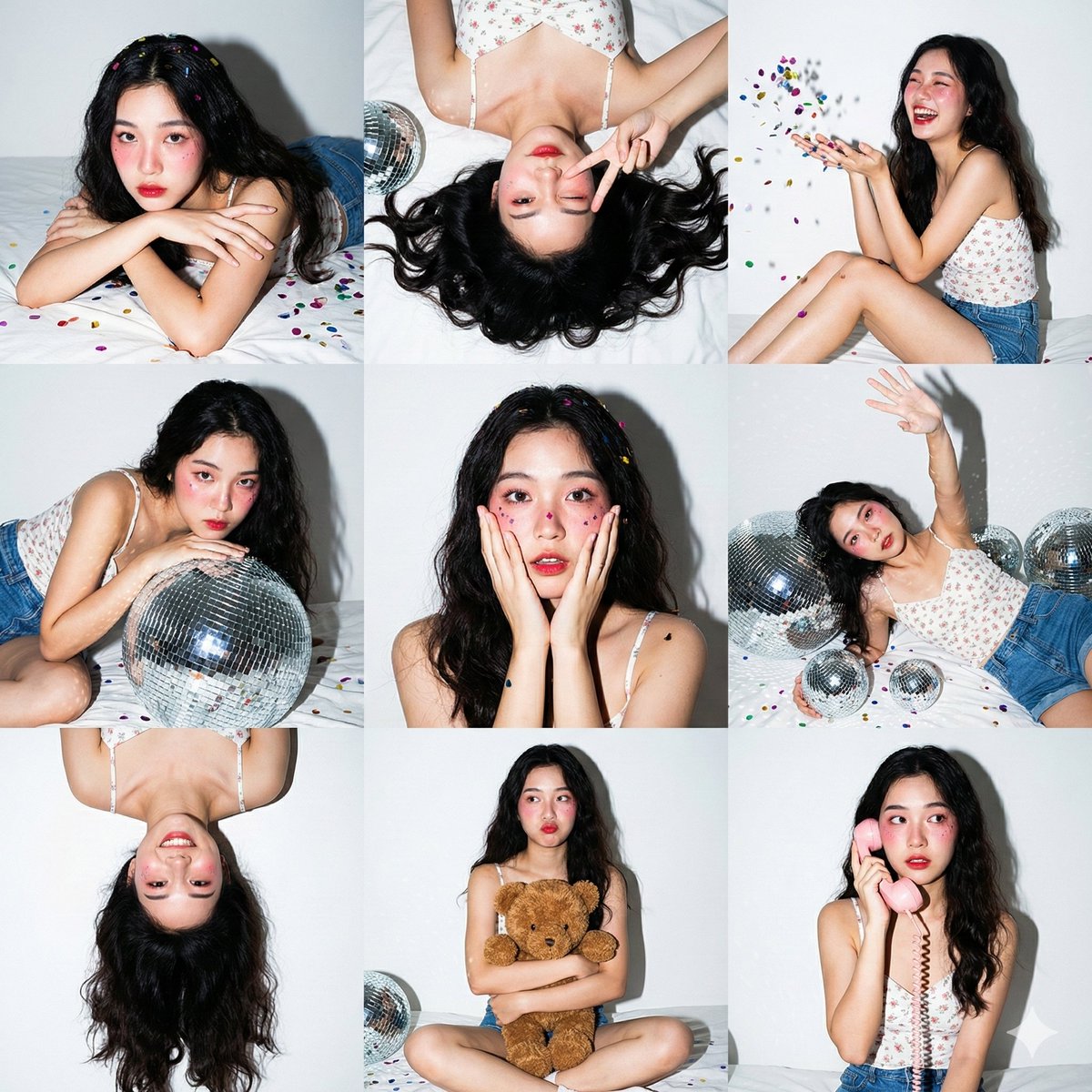
A multi-panel collage prompt designed to generate consistent portraits of a character wearing traditional ethnic attire in a cozy home setting, maintaining real
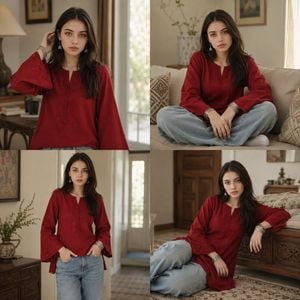
Ultra-realistic 4-panel collage portrait of the same {argument name="subject" default="young woman"} in a cozy home setting, wearing a {argument name="clothing" default="short aesthetic deep red kurti"} exactly like reference style, soft cotton texture, minimal embroidery, loose long bell sleeves, flattering fit, trendy casual ethnic look. She is wearing stylish {argument name="accessories" default="silver earrings and matching aesthetic bangles"}, natural makeup, smooth glowing skin, realistic facial features preserved, long black silky hair. Full baggy light blue jeans visible with natural denim folds.
Choose the primary action to open PicX Studio with the available template settings. Review the model and format, personalize the creative direction, and generate when ready.
Yes. You can change the subject, setting, lighting, mood, format, and available model controls before creating your image.
This template is free to open and customize. Generation usage is shown in PicX Studio before you create.
Start with GPT Image 2, which is the model associated with this template. You can compare another compatible model for a different finish.
Follow a topic to a crawlable collection of related PicX Studio templates.