
Glamour Portrait in Floral Ruched Mini Dress
A detailed JSON prompt for generating a glamour photography portrait of a female model in a tight, ruched floral mini dress and gold metallic heels.
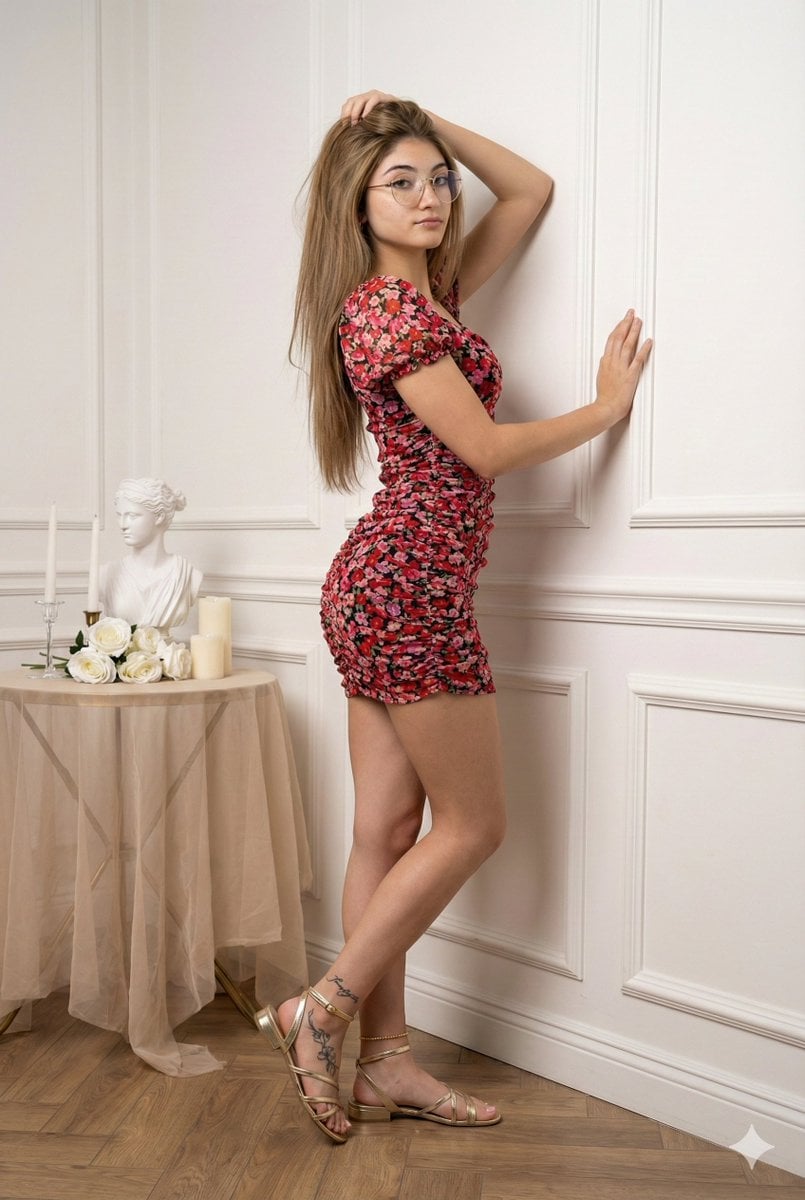
- Prompt included
- Model and format preset
- Free template
The prompt behind this image
Copy the exact prompt behind Glamour Portrait in Floral Ruched Mini Dress, or open it in the studio and make it yours.
{ "prompt_description": { "subject": { "type": "photorealistic female model", "appearance": { "hair": "long, wavy, chestnut brown hair, parted to the side, falling over shoulders", "skin_tone": "fair to medium", "expression": "soft, alluring gaze, looking directly at the camera", "makeup": "natural glam, soft pink lipstick, defined eyebrows" }, "outfit": { "dress": "tight-fitting, short-sleeved, ruched mini dress", "pattern": "floral print with red and pink roses on a dark/black background", "fabric_texture": "mesh or sheer overlay appearance, wrinkled/ruched texture", "footwear": "gold metallic high-heeled strappy sandals", "accessories": "thin gold anklet on the left ankle" }, "pose": { "description": "standing profile view, leaning back against a wall", "body_position": "back arched slightly, left leg standing straight, right leg bent at the knee with foot lifted, creating a dynamic silhouette", "arms": "right arm raised with hand touching hair/head, left arm bent with hand resting on the wall for support" } }, "environment": { "setting": "elegant indoor studio or room corner", "background": { "wall": "classic white wall with decorative wainscoting/molding panels", "floor": "wooden parquet flooring" }, "props": { "table": "small round table with a sheer beige tablecloth to the left", "decor": [ "white bust sculpture", "gold-rimmed tray", "white pillar candles on gold stands", "glass vase with white roses", "small bouquet of white hydrangeas near the floor" ], "drapery": "beige/champagne colored sheer curtains hanging on the far left" } }, "technical_details": { "lighting": "soft, diffuse studio lighting, even illumination, soft shadows", "camera_angle": "eye-level, full body shot", "focus": "sharp focus on the subject, slight depth of field blurring the far background elements", "color_palette": "warm neutrals, white, beige, gold, contrasted with the red/pink floral pattern of the dress", "style": "glamour photography, fashion editorial, high resolution, 8k", "aspect_ratio": "vertical portrait" } } }
How to use Glamour Portrait in Floral Ruched Mini Dress in 3 steps
- 1
Open
The prompt is already in the box next to the preview, with the template's model and format selected.
- 2…a portrait of your subject in softgolden-hour light, 85mm…
Personalize
Edit the subject and creative details for your destination.
- 3Generate
Generate
Press Generate — your image is created in PicX Studio, so you can compare it with the original and refine one variable at a time.
More like this
Templates with the same subject, style or setup. Open one to see its prompt.
Gemini Nano Banana Portrait

Gemini Nano Banana 2 Isometric 3d City D

Gemini Nano Banana 2

Gemini Nano Banana 2 Logo in Wet Sand Be

Couple Goals from the Google Gemini Nano
Ethnic Floral Dress Portrait
DHL Packing Tape Mini Dress Portrait
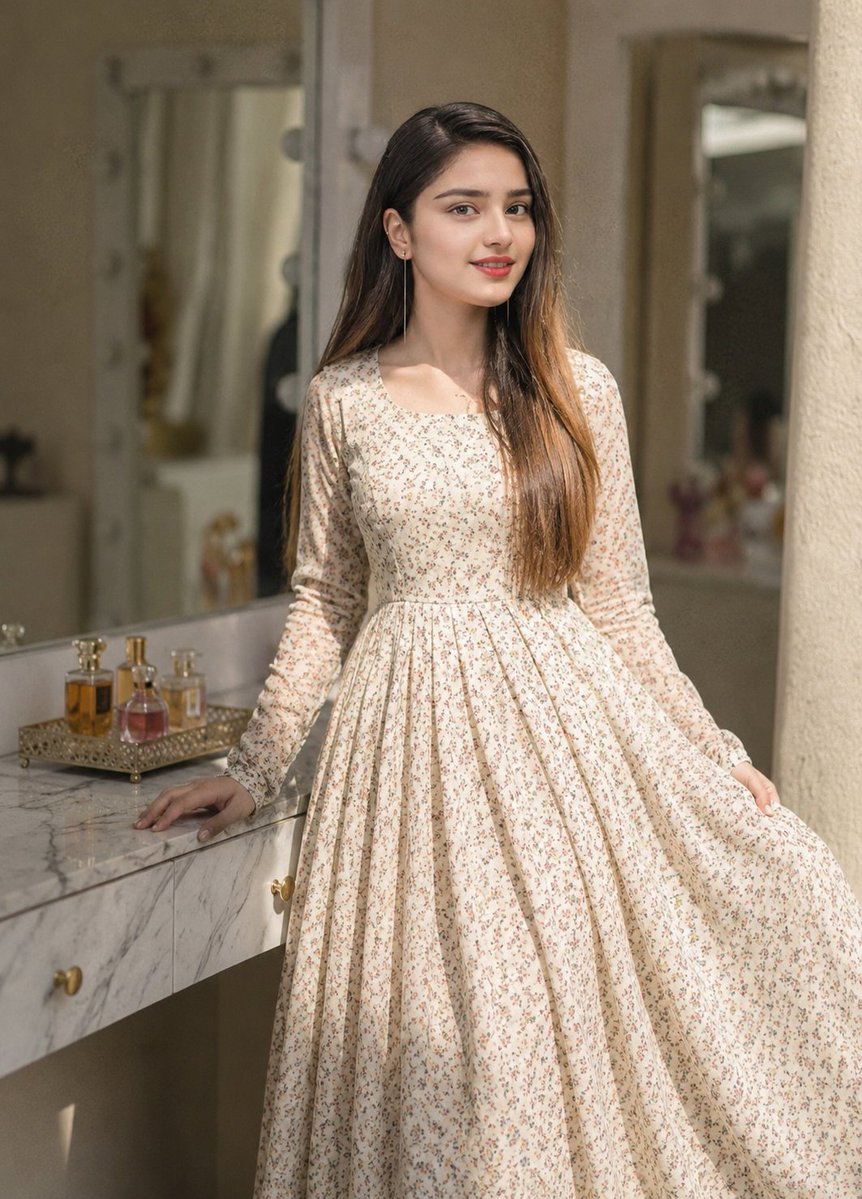
Floral Dress Vanity Portrait
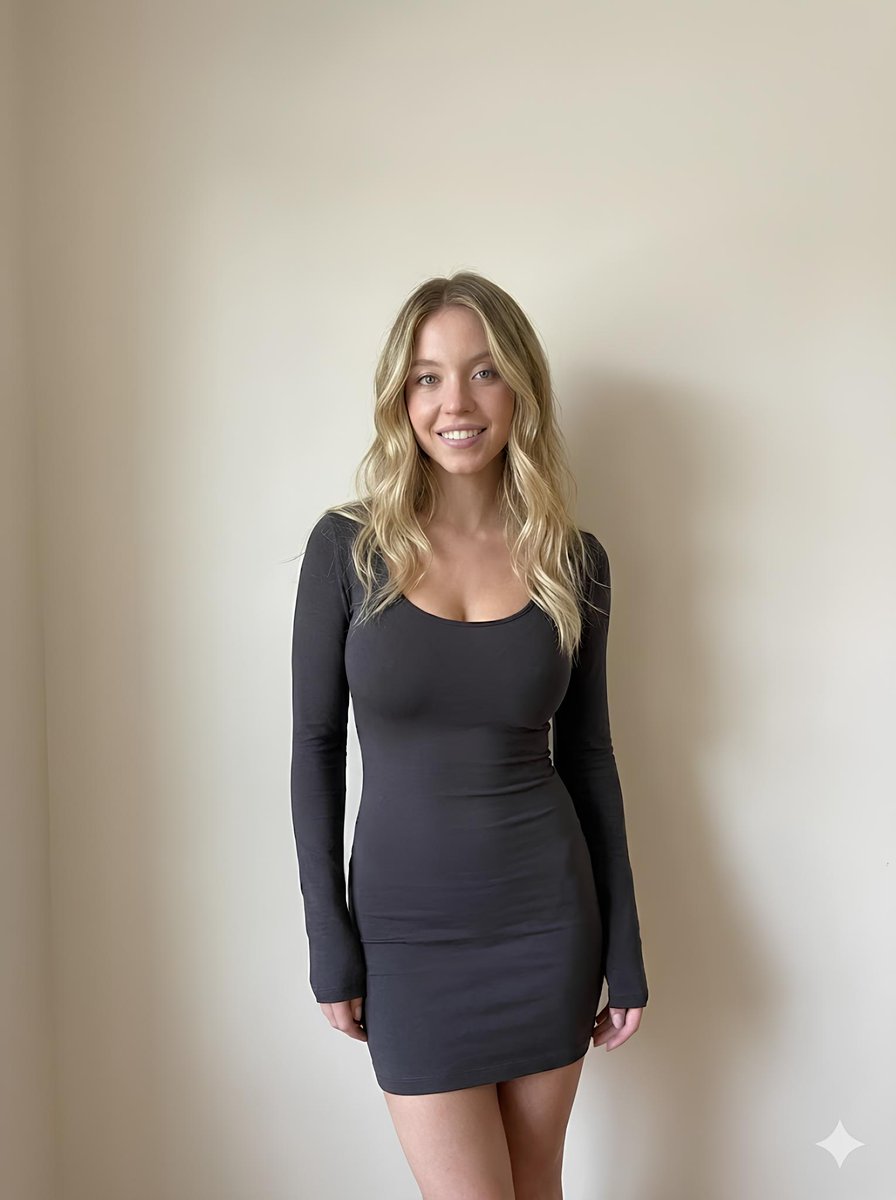
Minimalist Photorealistic Portrait in Mini Dress
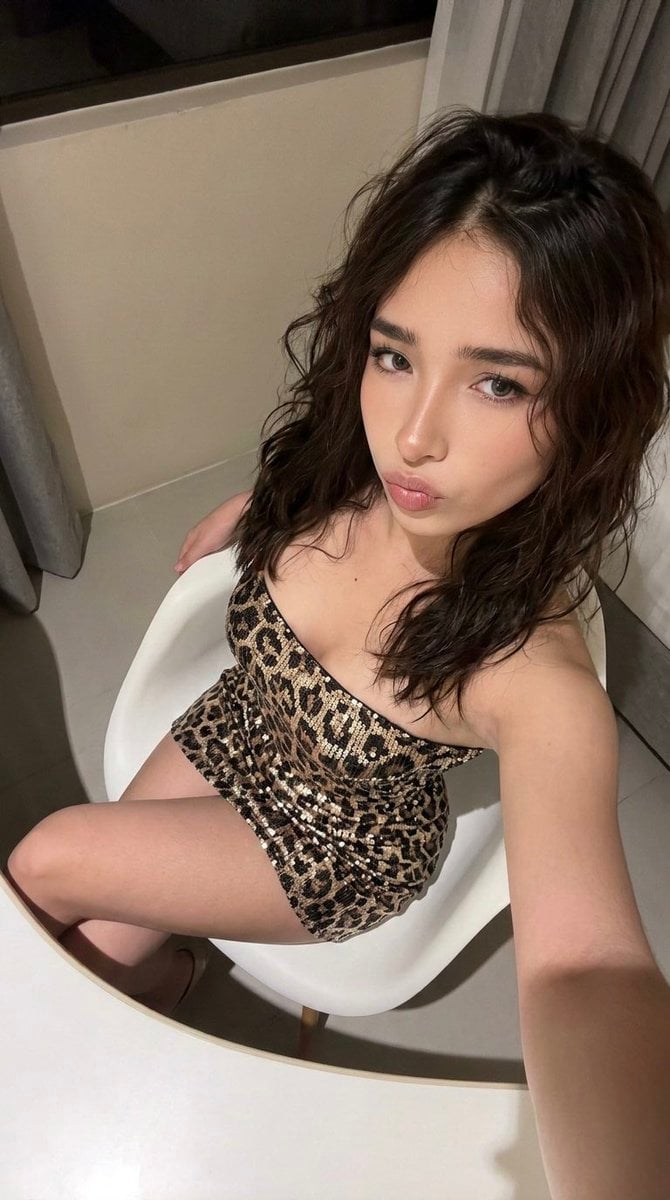
High-Angle Seated Portrait with Leopard Sequined Mini-Dress

Found Photograph: Us, 1970

80s Couple Studio Portrait
Make it yours
Glamour Portrait in Floral Ruched Mini Dress works as-is. These are the safest ways to change it without losing the look.
Change one field
Copy a single group, rewrite it, and generate again so you can see what that field is doing.
Keep the frame, change the subject
Hold the composition and light of Glamour Portrait in Floral Ruched Mini Dress, then swap wardrobe, props or the person for a new take.
| If the result… | Why | Fix |
|---|---|---|
| The result drifts from the preview | Too many fields changed at once. | Reuse Glamour Portrait in Floral Ruched Mini Dress as-is first, then change one group — subject, light, or setting. |
| The model over-stylizes the scene | The prose prompt leaves finish and camera underspecified. | Add one camera or lighting sentence and stay on Nano Banana 2. |
More Nano Banana 2 templates
Other prompts made for Nano Banana 2.

Photorealistic Leaf Shaped Like a Dragon

K-Pop Idol Portrait Grid for Rapid Selection

Poetic Rain Forest Portrait During Golden Hour

Urban Street Portrait with Cartoon Inner Self Duo

Candid Nighttime Photo with Cat Prompt

High-Concept 3D Diorama Generation Prompt

Cinematic Futuristic Studio Portrait Template

Skincare Editorial Photography Collage Prompt

Hyper-Realistic Commercial Product Photography (Splash Effect)

Hyper-Realistic Nightclub Portrait Prompt
More image prompts
Fresh picks from across the catalog.
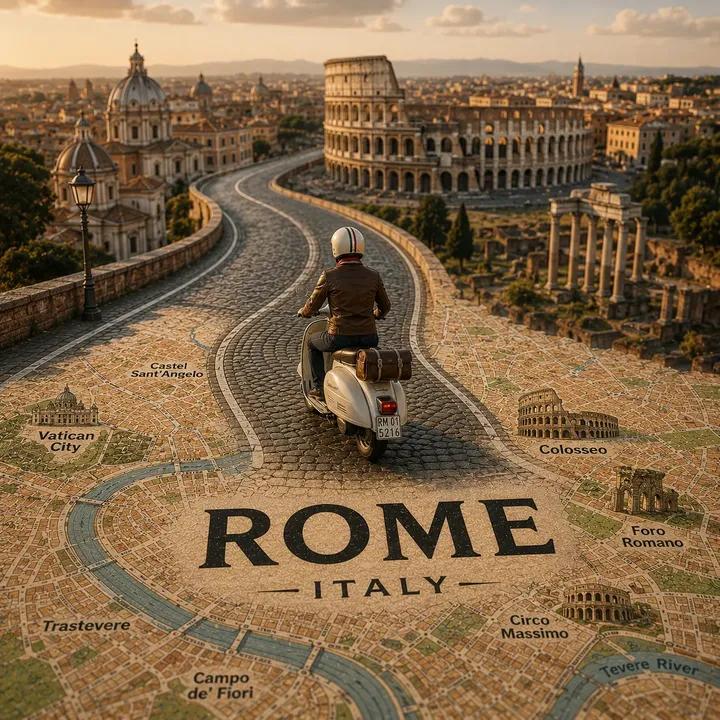
Tilt-Shift Travel Map Diorama
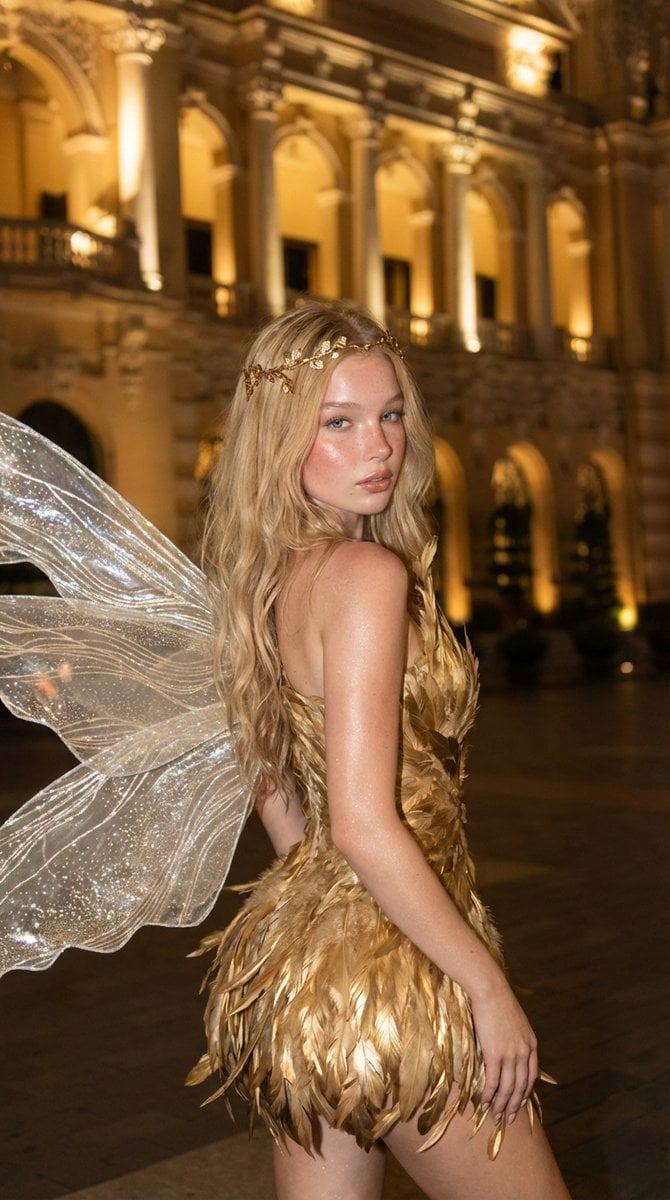
Golden Fairy Night Portrait
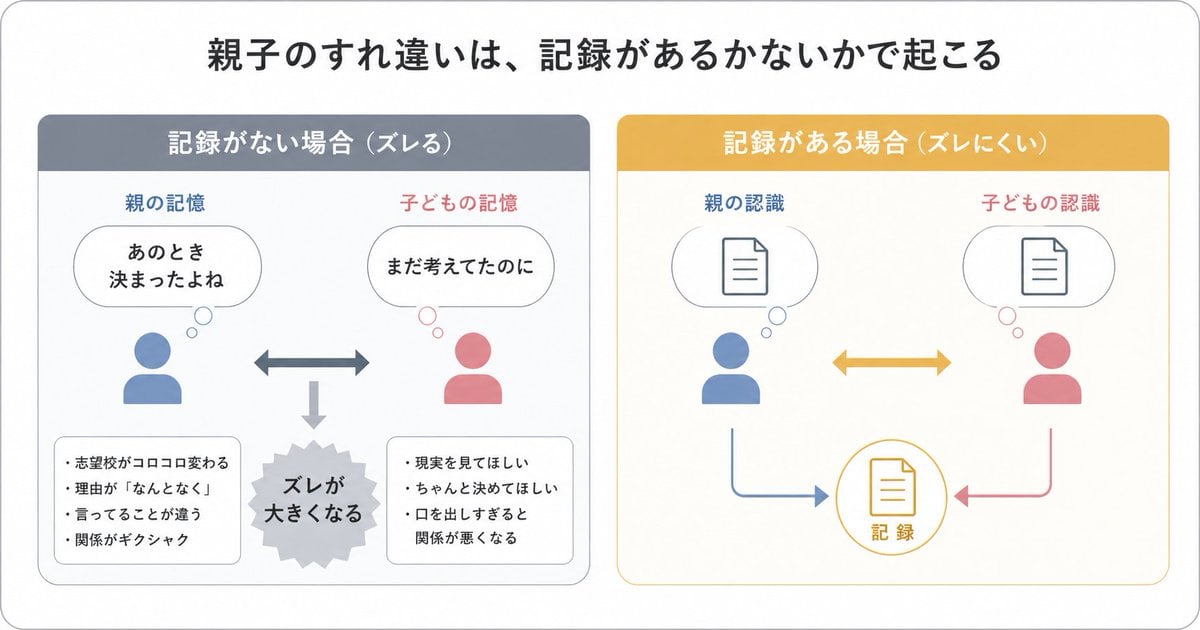
Gpt2 Infographic Edu Visual Parent Child Miscommunication Infographic
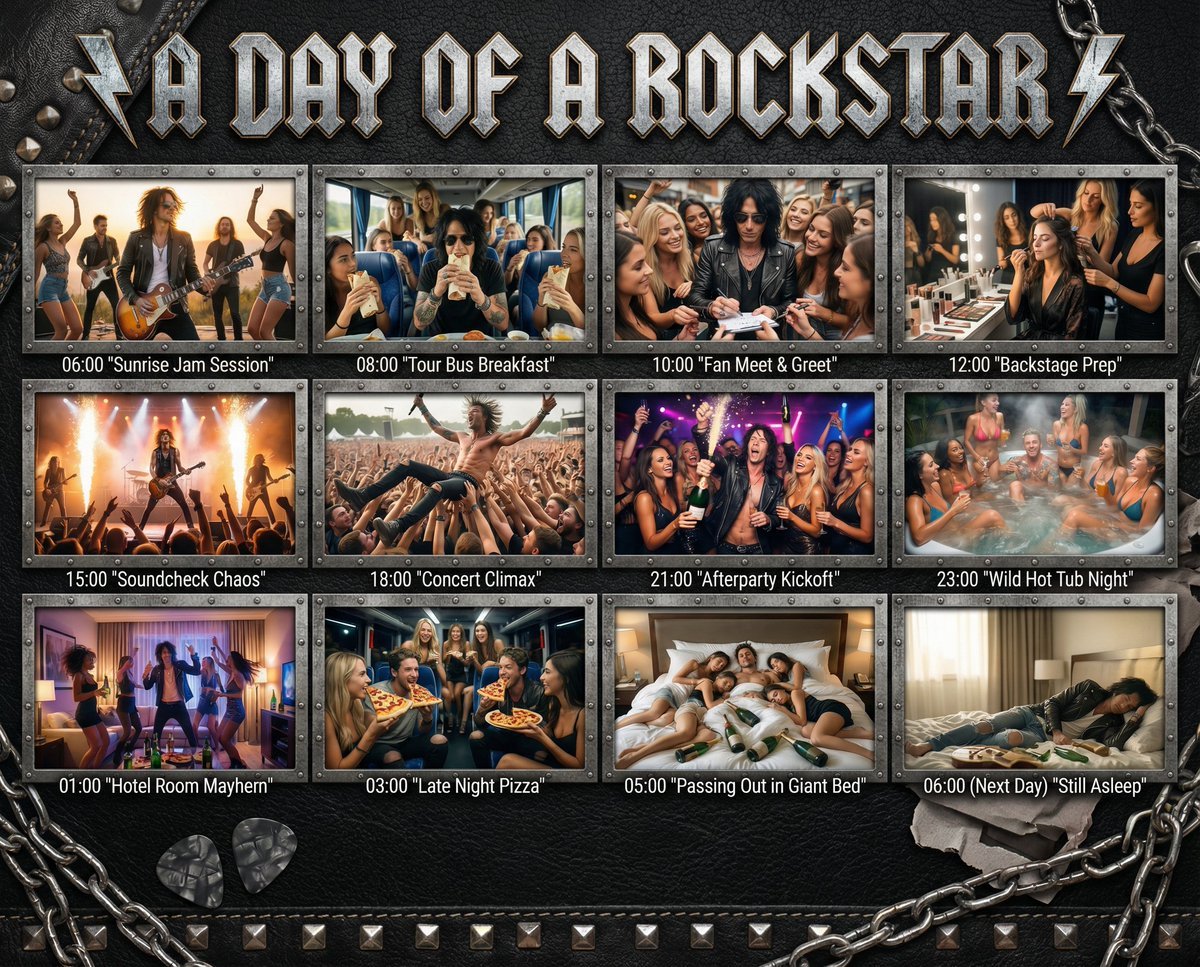
Cinematic 12-Panel Timeline of a Subject's Epic Day
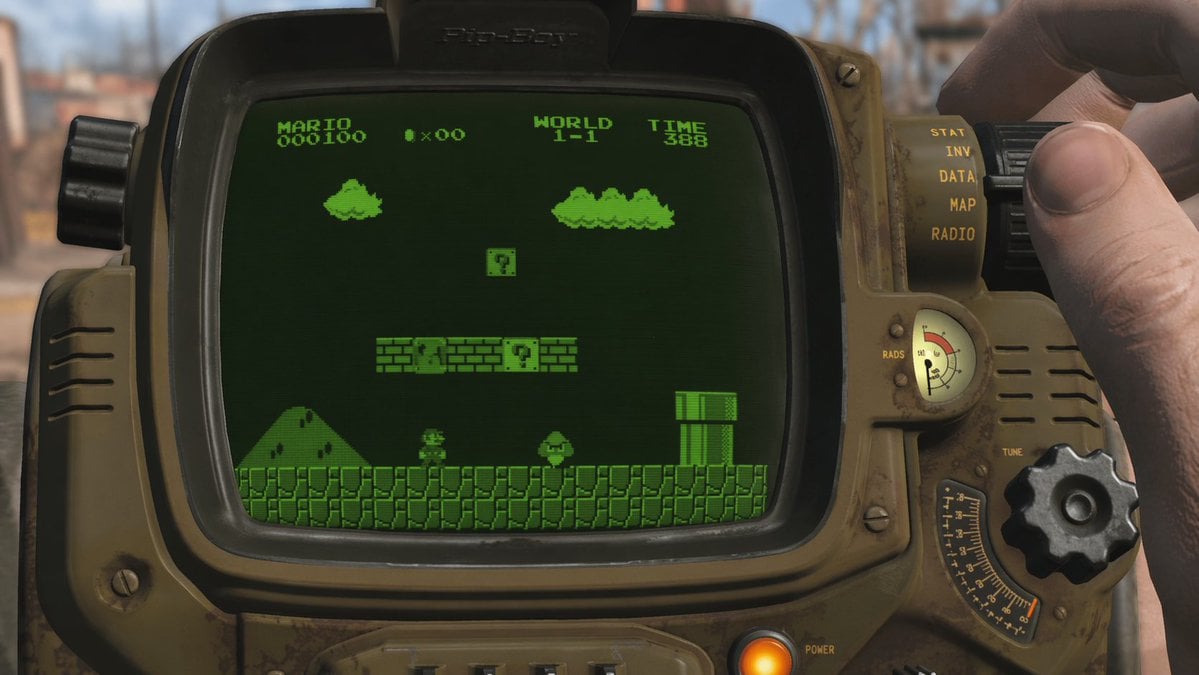
Retro Wrist Computer Playing Classic Platformer
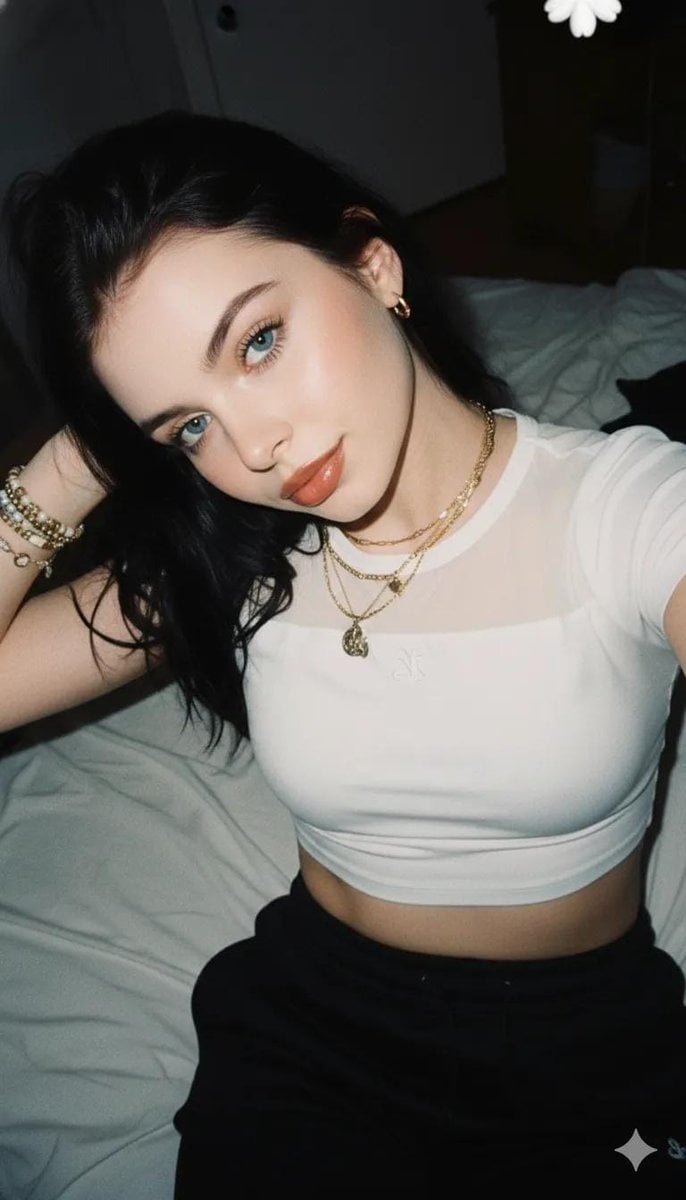
2000s Aesthetic Flash Selfie Prompt
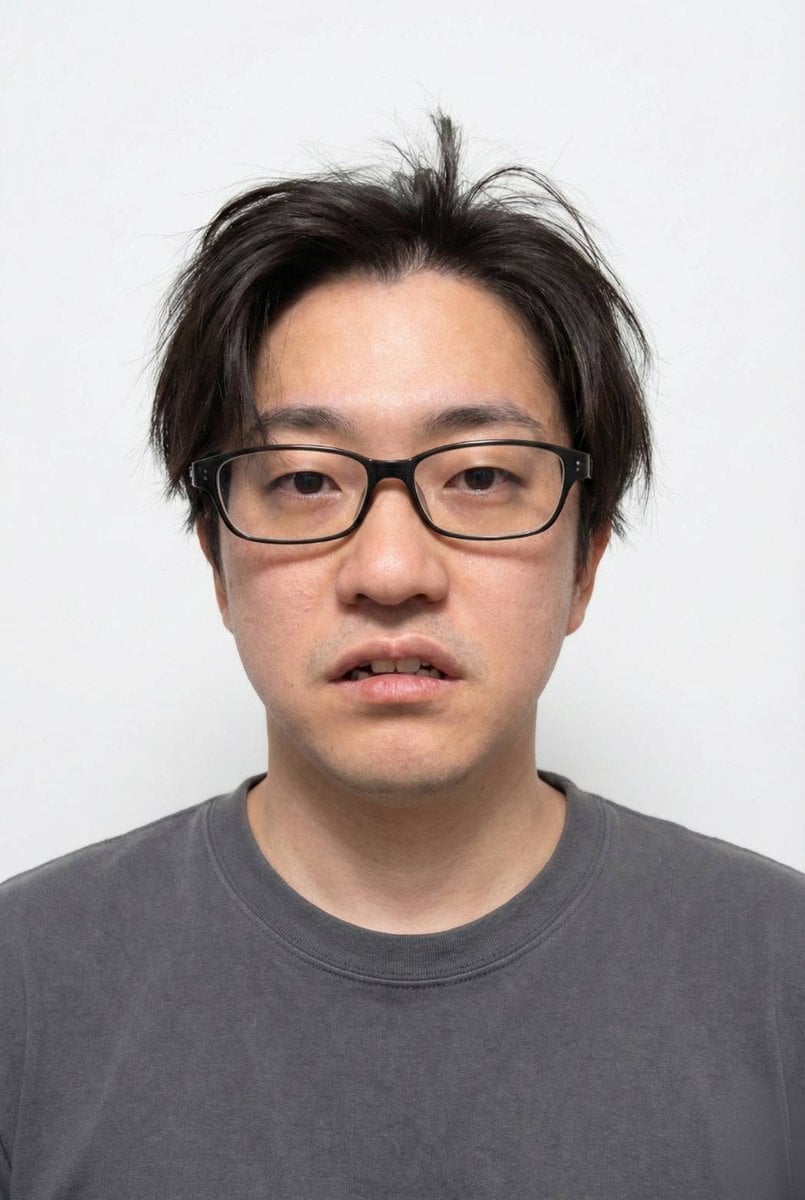
Panel Grid Layout for Portrait Photography with Detailed JSON Prompt
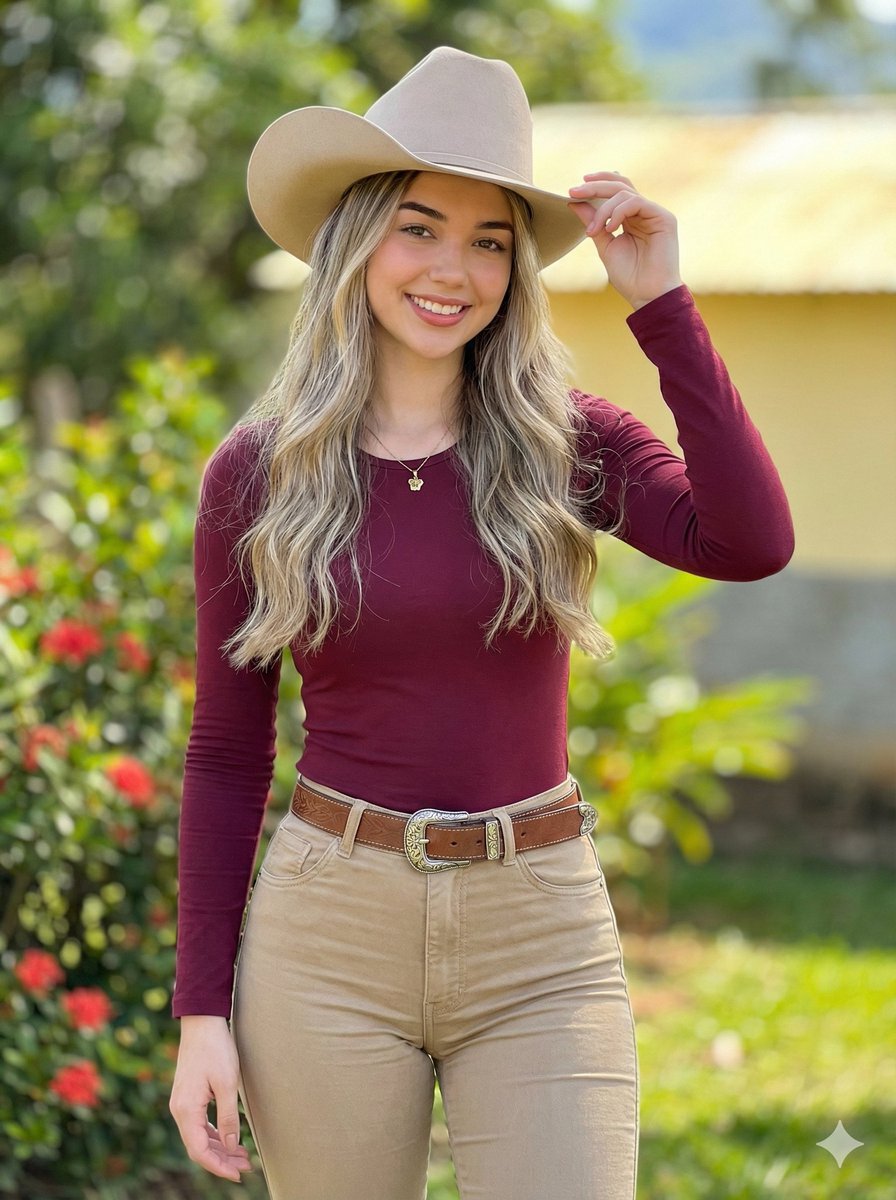
Photorealistic Modern Country Cowgirl Portrait
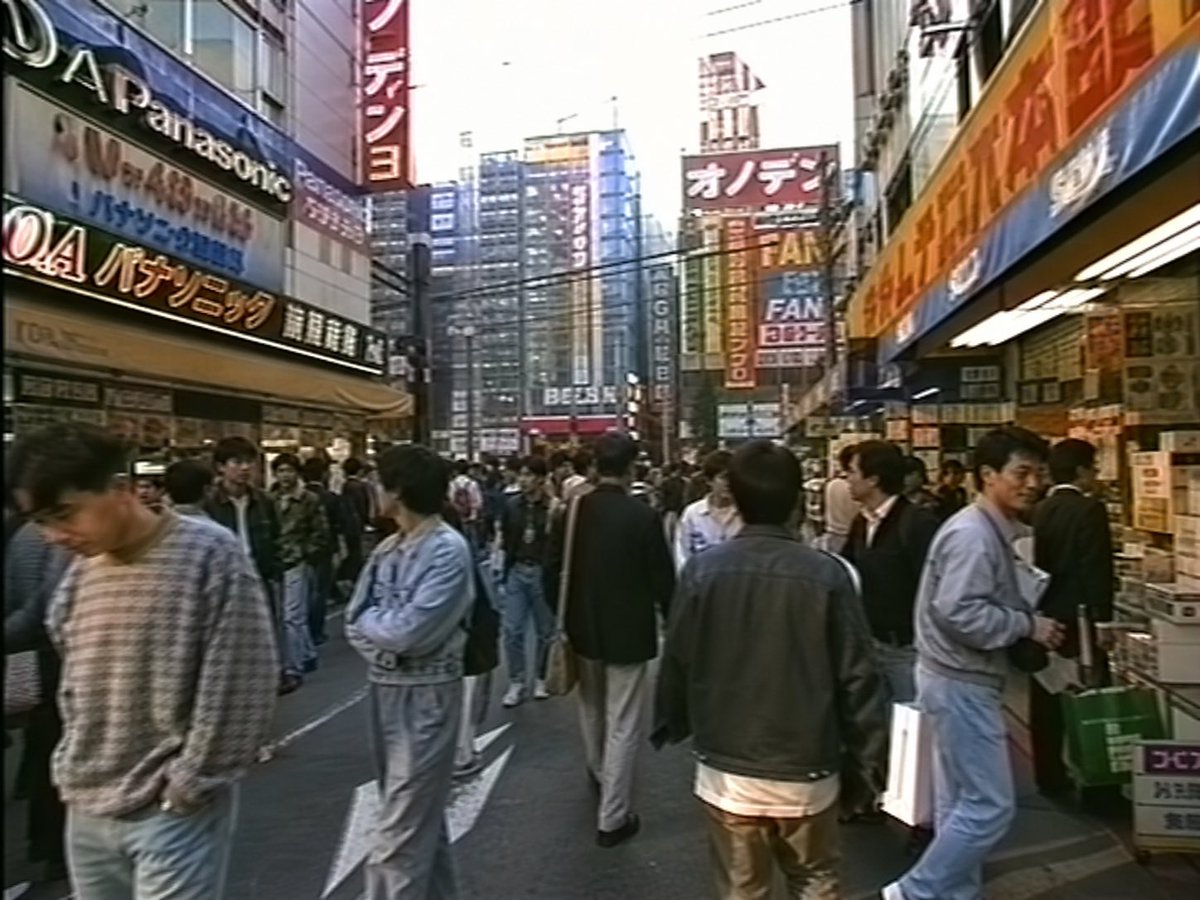
1990s Akihabara Street Photo
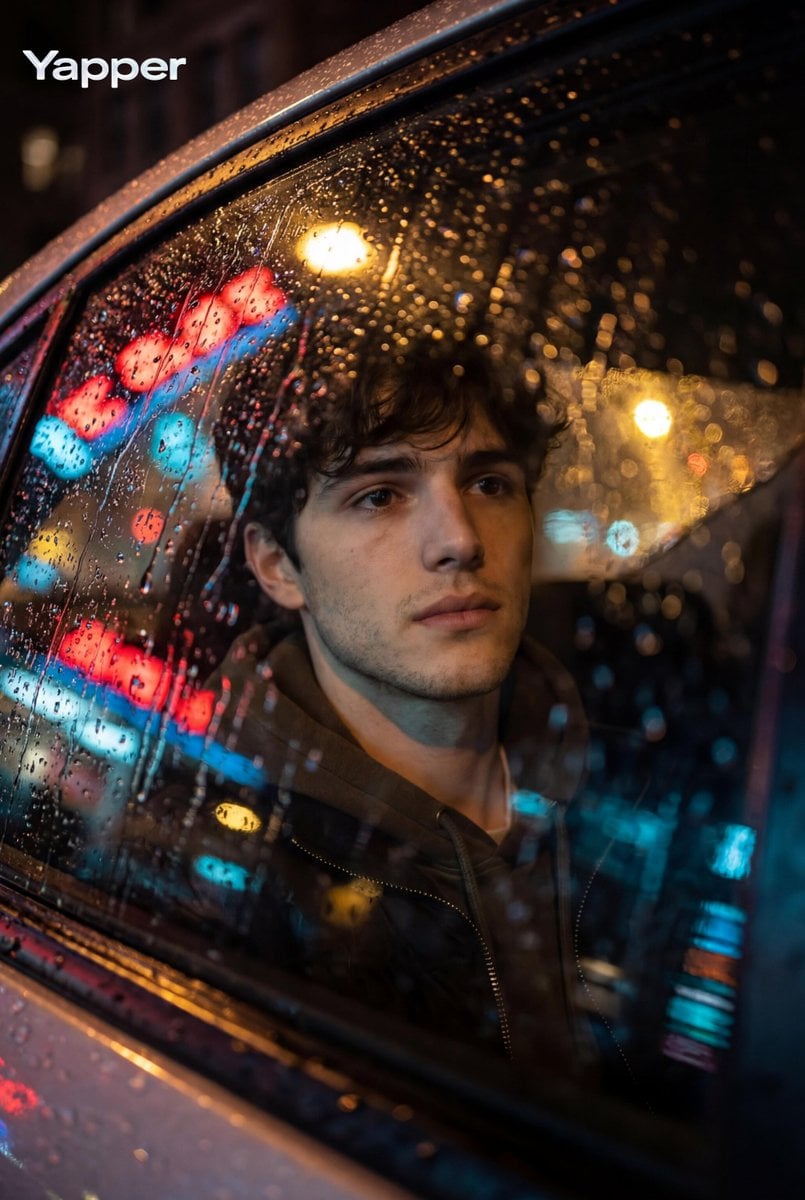
Cinematic Photo Inside a Car at Night with Rain
Browse template categories
Glamour Portrait in Floral Ruched Mini Dress questions
How do I use the Glamour Portrait in Floral Ruched Mini Dress template?
Add your photo if the template asks for one, edit the prompt if you like — the template's model and format are already selected — and press Generate. Your version opens in PicX Studio.
Can I customize the Glamour Portrait in Floral Ruched Mini Dress template?
Yes. You can change the subject, setting, lighting, mood, format, and available model controls before creating your image.
Is the Glamour Portrait in Floral Ruched Mini Dress template free?
Opening and editing this template is free. Generating uses credits, shown on the Generate button when you are signed in.
Which AI model should I use?
Start with Nano Banana 2, which is the model associated with this template. You can compare another compatible model for a different finish.
Looking for something else? Browse all templates.

Your photo, any look
Thousands of ready templates for every top image and video model, from one credit balance.