
Gpt2 Infographic Edu Visual Parent Child Miscommunication Infographic
This prompt generates a clean Japanese two-panel infographic explaining how written records reduce misunderstandings between parents and adolescents, suitable for educational social media posts or presentations.
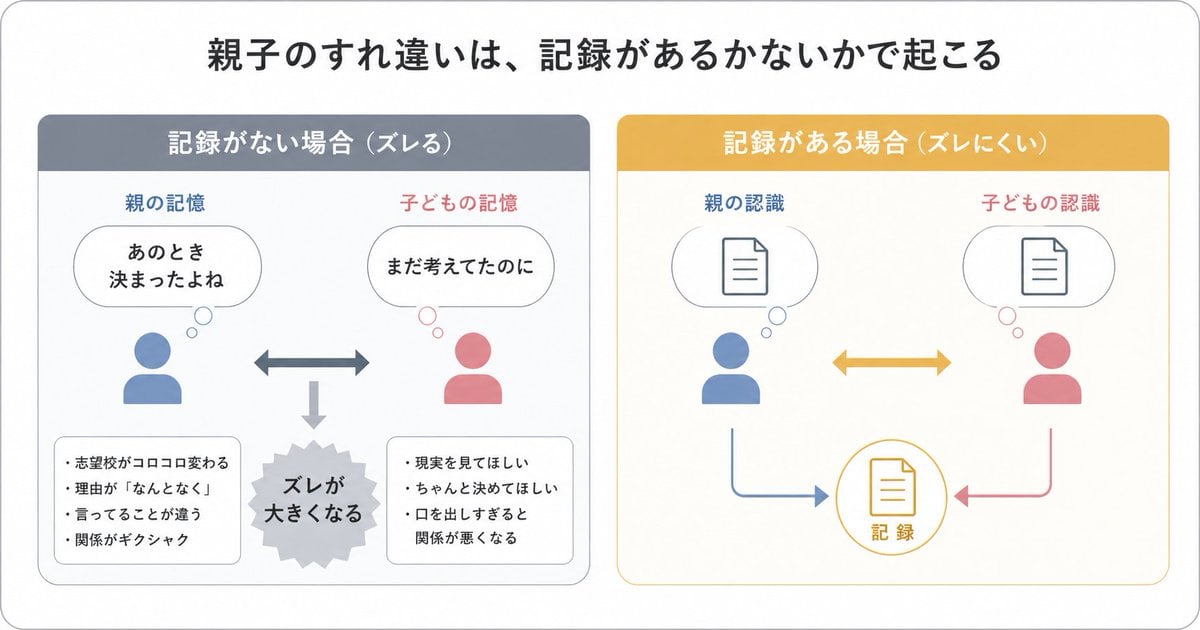
- Prompt included
- Model and format preset
- Free template
The prompt behind this image
Copy the exact prompt behind Gpt2 Infographic Edu Visual Parent Child Miscommunication Infographic, or open it in the studio and make it yours.
- Type
- Japanese infographic
- Style
- simple, easy-to-understand flat vector diagram, clean white background, rounded light-gray outer frame, minimal pastel color palette, presentation-slide design, clear hierarchy, lots of whitespace, modern sans-serif Japanese typography
- Canvas › Aspect Ratio
- 16:9
- Headline › Text
- {argument name="headline text" default="Parent-child misunderstandings happen because of whether a record exists or not"}
- Headline › Position
- top center
- Headline › Size
- large bold black
- Layout › Structure
- 2 side-by-side rounded panels beneath the headline
- Layout › Sections › 0 › Title
- 記録がない場合(ズレる)
- Layout › Sections › 0 › Position
- left
- Layout › Sections › 0 › Count
- 8
- Layout › Sections › 0 › Header Color
- muted blue-gray
- Layout › Sections › 0 › Panel Border
- light gray
- Layout › Sections › 0 › Labels
- 親の記憶, 子どもの記憶, あのとき決まったよね, まだ考えてたのに, ズレが大きくなる, 志望校がコロコロ変わる, 理由が『なんとなく』, 言ってることが違う, 関係がギクシャク, 現実を見てほしい, ちゃんと決めてほしい, 口を出しすぎると関係が悪くなる
- Layout › Sections › 0 › Contents › Top Left › Type
- parent icon with thought bubble
- Layout › Sections › 0 › Contents › Top Left › Icon Color
- blue
- Layout › Sections › 0 › Contents › Top Left › Caption
- 親の記憶
- Layout › Sections › 0 › Contents › Top Left › Bubble Text
- あのとき 決まったよね
- Layout › Sections › 0 › Contents › Top Right › Type
- child icon with thought bubble
- Layout › Sections › 0 › Contents › Top Right › Icon Color
- pink
- Layout › Sections › 0 › Contents › Top Right › Caption
- 子どもの記憶
- Layout › Sections › 0 › Contents › Top Right › Bubble Text
- まだ考えてたのに
- Layout › Sections › 0 › Contents › Center › Type
- horizontal double-headed arrow
- Layout › Sections › 0 › Contents › Center › Color
- blue-gray
- Layout › Sections › 0 › Contents › Bottom Center › Type
- downward arrow leading to burst shape
Raw JSON
{"type":"Japanese infographic","style":"simple, easy-to-understand flat vector diagram, clean white background, rounded light-gray outer frame, minimal pastel color palette, presentation-slide design, clear hierarchy, lots of whitespace, modern sans-serif Japanese typography","canvas":{"aspect_ratio":"16:9"},"headline":{"text":"{argument name=\"headline text\" default=\"Parent-child misunderstandings happen because of whether a record exists or not\"}","position":"top center","size":"large bold black"},"layout":{"structure":"2 side-by-side rounded panels beneath the headline","sections":[{"title":"記録がない場合(ズレる)","position":"left","count":8,"header_color":"muted blue-gray","panel_border":"light gray","labels":["親の記憶","子どもの記憶","あのとき決まったよね","まだ考えてたのに","ズレが大きくなる","志望校がコロコロ変わる","理由が『なんとなく』","言ってることが違う","関係がギクシャク","現実を見てほしい","ちゃんと決めてほしい","口を出しすぎると関係が悪くなる"],"contents":{"top_left":{"type":"parent icon with thought bubble","icon_color":"blue","caption":"親の記憶","bubble_text":"あのとき\n決まったよね"},"top_right":{"type":"child icon with thought bubble","icon_color":"pink","caption":"子どもの記憶","bubble_text":"まだ考えてたのに"},"center":{"type":"horizontal double-headed arrow","color":"blue-gray"},"bottom_center":{"type":"downward arrow leading to burst shape","color":"light gray","burst_text":"ズレが\n大きくなる"},"bottom_left":{"type":"rounded note box","bullet_count":4,"bullets":["志望校がコロコロ変わる","理由が『なんとなく』","言ってることが違う","関係がギクシャク"]},"bottom_right":{"type":"rounded note box","bullet_count":3,"bullets":["現実を見てほしい","ちゃんと決めてほしい","口を出しすぎると関係が悪くなる"]}}},{"title":"記録がある場合(ズレにくい)","position":"right","count":7,"header_color":"mustard yellow","panel_border":"light yellow","labels":["親の認識","子どもの認識","記録"],"contents":{"top_left":{"type":"parent icon with thought bubble containing document symbol","icon_color":"blue","caption":"親の認識"},"top_right":{"type":"child icon with thought bubble containing document symbol","icon_color":"pink","caption":"子どもの認識"},"center":{"type":"horizontal double-headed arrow","color":"mustard yellow"},"bottom_center":{"type":"circular record icon with document symbol","outline_color":"mustard yellow","text":"記録"},"bottom_left_connector":{"type":"curved arrow from parent to record","color":"blue"},"bottom_right_connector":{"type":"curved arrow from child to record","color":"pink"}}}],"spacing":"balanced, symmetrical"},"visual_language":{"icons":"generic human bust icons and simple document line icons","emphasis":"contrast the left panel's misunderstanding with the right panel's shared record","mood":"educational, calm, practical"},"text_language":"Japanese","render_quality":"crisp vector edges, infographic suitable for social media educational posts"}How to use Gpt2 Infographic Edu Visual Parent Child Miscommunication Infographic in 3 steps
- 1
Open
The prompt is already in the box next to the preview, with the template's model and format selected.
- 2…a portrait of your subject in softgolden-hour light, 85mm…
Personalize
Edit the subject and creative details for your destination.
- 3Generate
Generate
Press Generate — your image is created in PicX Studio, so you can compare it with the original and refine one variable at a time.
More like this
Templates with the same subject, style or setup. Open one to see its prompt.

Gpt2 Infographic Edu Visual Ink Wash Tribute Poster for Chen Uen

Gpt2 Infographic Edu Visual Japanese Sci Fi Suit Up Process Board

Gpt2 Infographic Edu Visual Alishan One Day Travel Poster

Gpt2 Infographic Edu Visual Ethnographic Plate for Tibetan Ceremonial Hat

Gpt2 Infographic Edu Visual Earth Signs Zodiac Character Poster

Gpt2 Infographic Edu Visual Water Signs Zodiac Character Poster

Gpt2 Infographic Edu Visual Vintage Claude Shannon Infographic Poster

Gpt2 Infographic Edu Visual Taoist Three Souls Seven Po Poster

Gpt2 Infographic Edu Visual Biomimetic Skyray Aircraft Poster
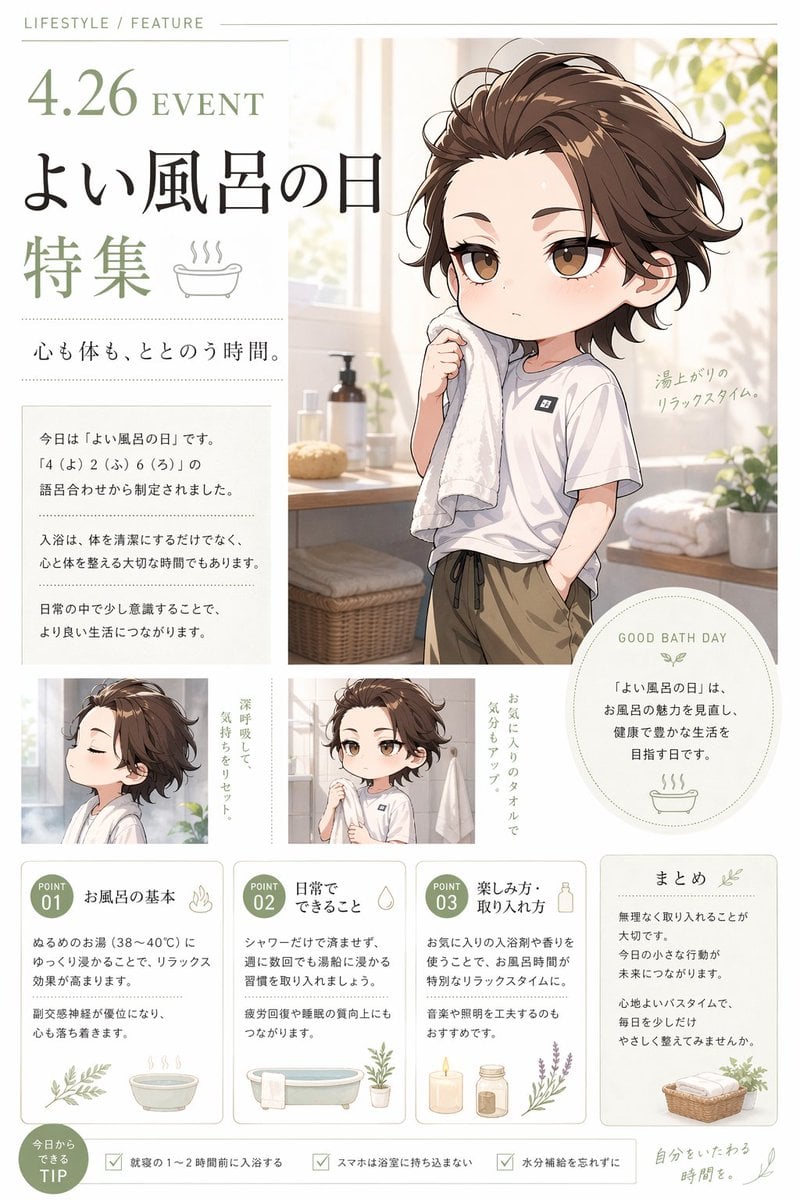
Gpt2 Infographic Edu Visual Good Bath Day Editorial Poster
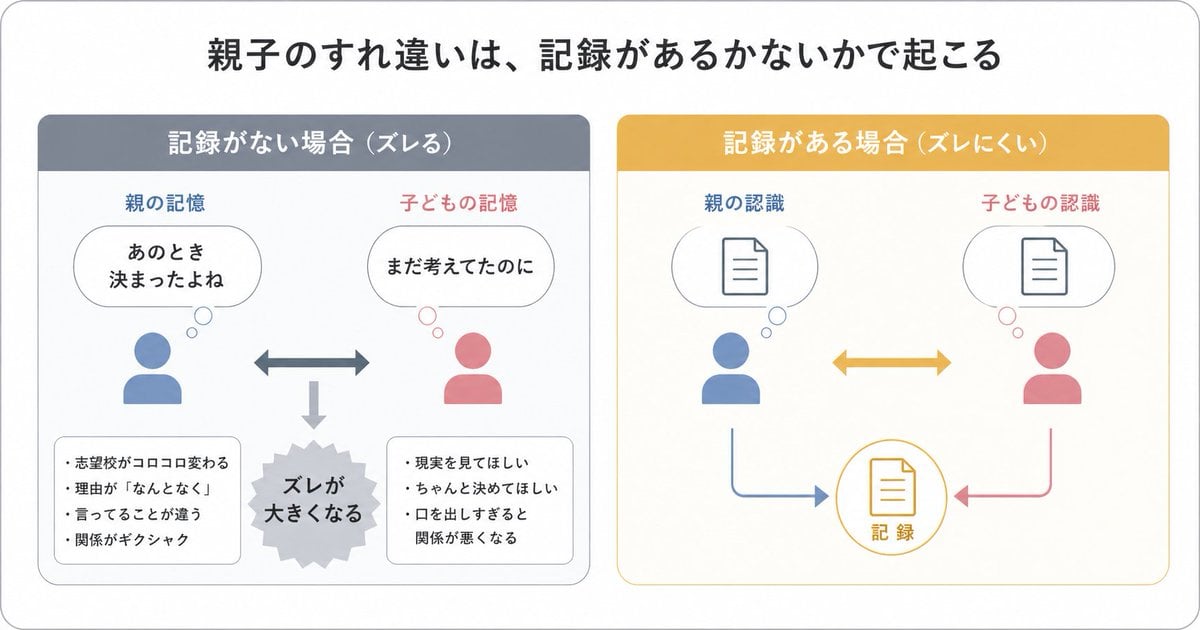
Parent-Child Miscommunication Infographic

Gpt2 E Commerce Main Image Elegant Cosmetic Poster
Make it yours
Gpt2 Infographic Edu Visual Parent Child Miscommunication Infographic works as-is. These are the safest ways to change it without losing the look.
Change one field
Copy a single group, rewrite it, and generate again so you can see what that field is doing.
Keep the frame, change the subject
Hold the composition and light of gpt2-infographic-edu-visual-parent-child-miscommunication-infographic, then swap wardrobe, props or the person for a new take.
| If the result… | Why | Fix |
|---|---|---|
| The result drifts from the preview | Too many fields changed at once. | Reuse gpt2-infographic-edu-visual-parent-child-miscommunication-infographic as-is first, then change one group — subject, light, or setting. |
| GPT Image 2 ignores part of the JSON | Some models flatten or skip nested keys. | Keep the same values and paste them as a short paragraph instead. |
More GPT Image 2 templates
Other prompts made for GPT Image 2.

Six VTuber Japanese Logo Sheet

Realistic Portrait of Woman and Deer

The Vista Modular Condo Poster

AI Model Routing Comparison Infographic

2.5D Anime Art Board

Isometric Productivity Desk Scene

New York Double Exposure Poster

Four-Panel AI Landscape Comparison

Japanese Tatami Lifestyle Magazine Cover

NESCAFÉ Coffee Map Poster
More image prompts
Fresh picks from across the catalog.
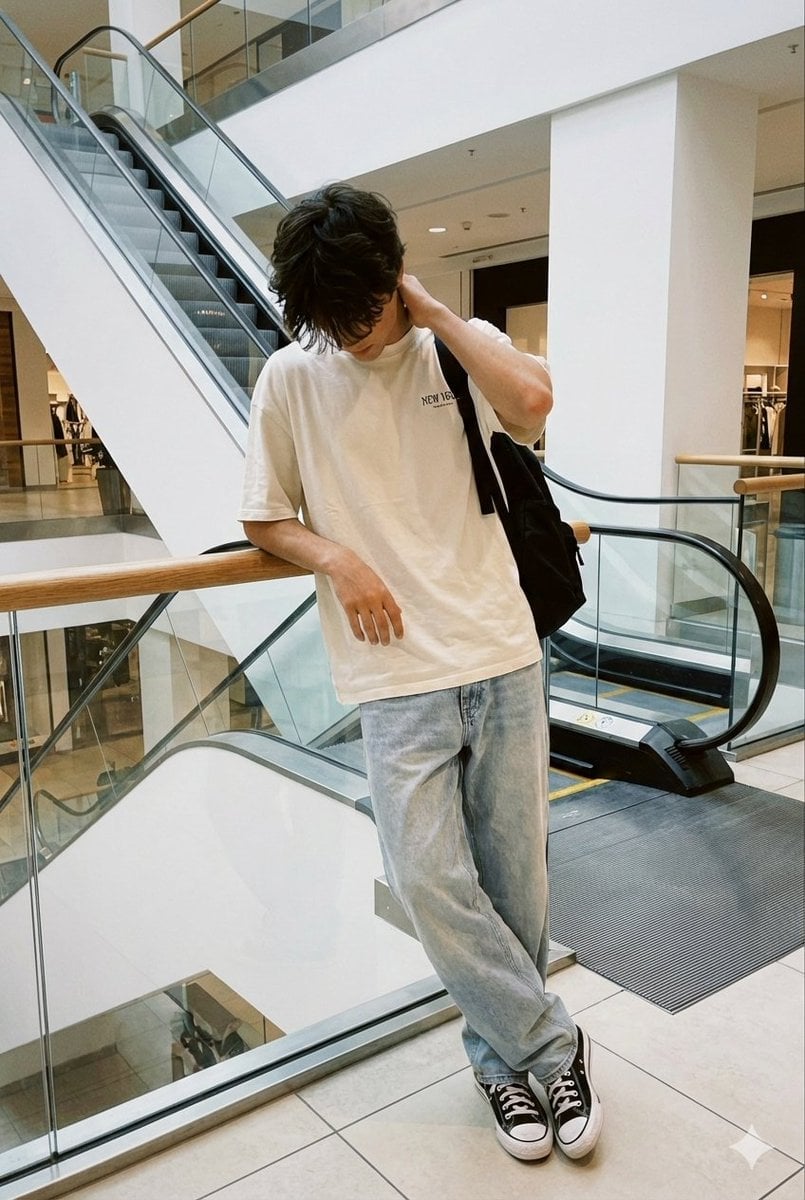
Realistic candid smartphone photo of a subject standing by an escalator in a mall
Japanese Shonen Manga Page
Playful Laundry Room Portrait Prompt

Gpt2 Youtube Thumbnail Monika Anime Banner Illustration

Cinematic Urban Silhouette Portrait
Knolling-style exploded flat-lay photo

Mirror Selfie in Modern Bathroom Prompt
Image-to-Image Style Transfer: Collage to Cézanne Painting
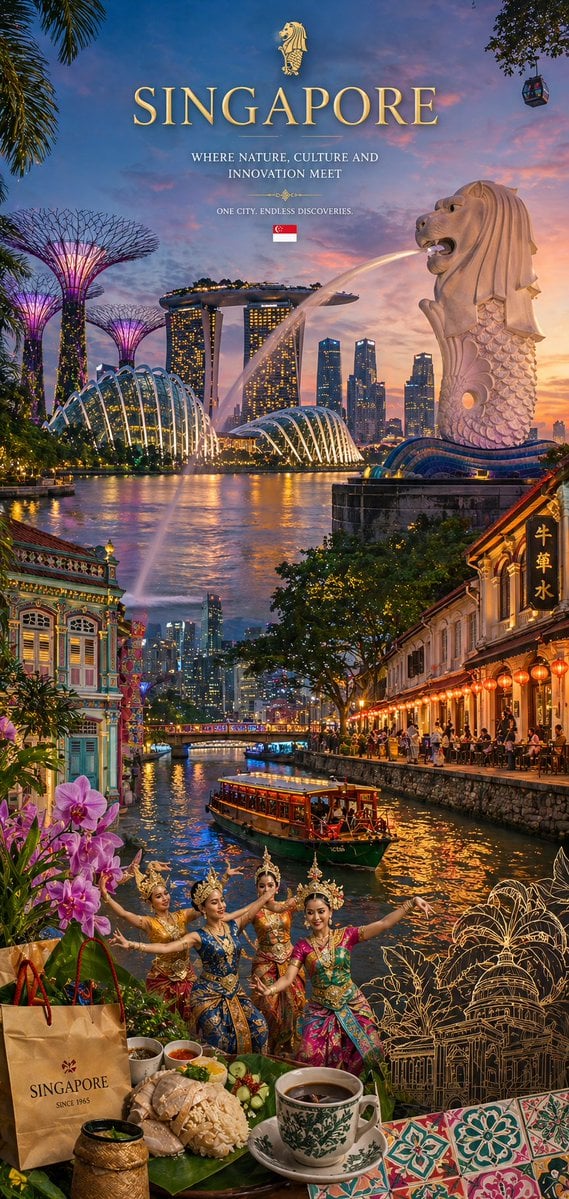
Country Heritage Wallpaper Prompt
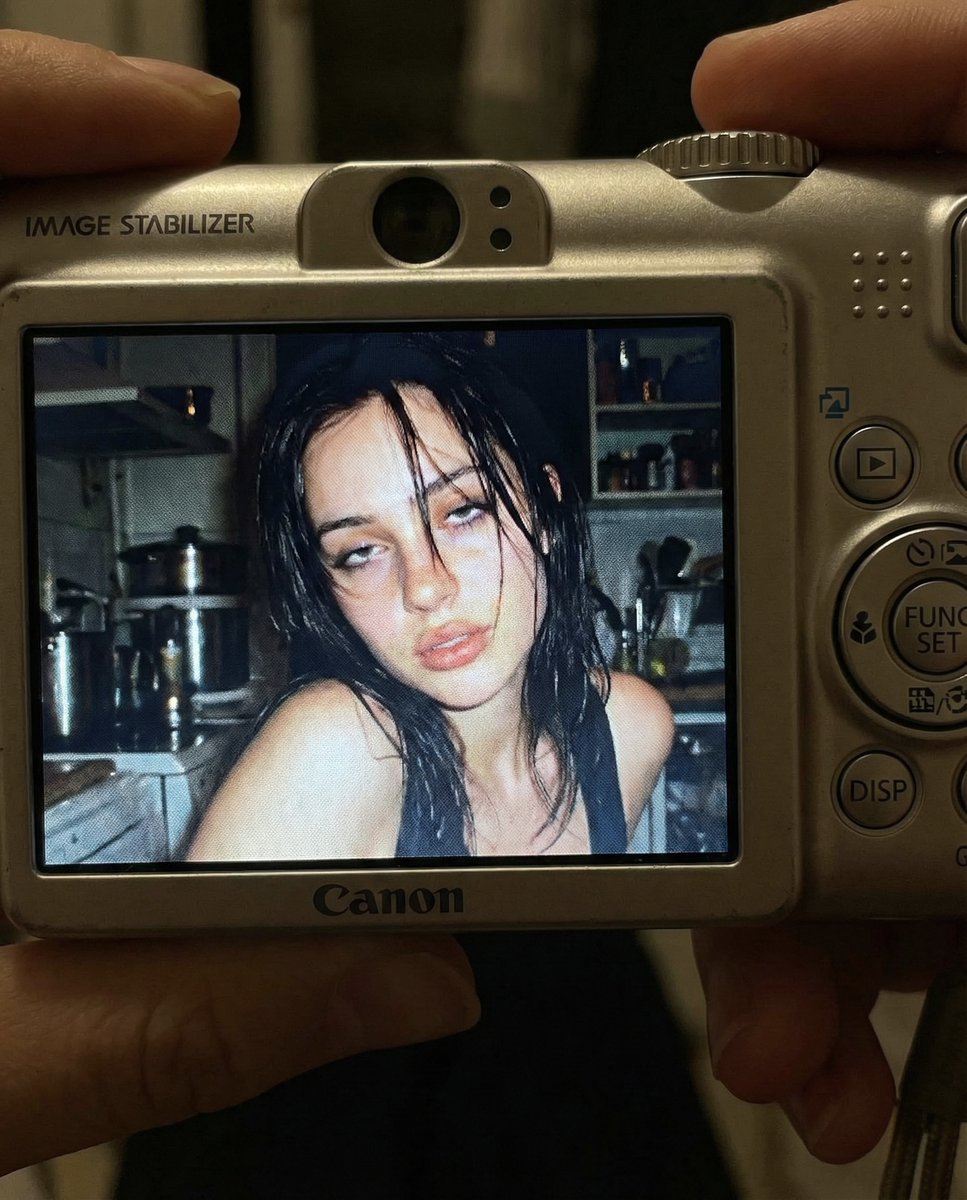
Early 2000s Digital Camera Snapshot Prompt
Browse template categories
Gpt2 Infographic Edu Visual Parent Child Miscommunication Infographic questions
How do I use the gpt2-infographic-edu-visual-parent-child-miscommunication-infographic template?
Add your photo if the template asks for one, edit the prompt if you like — the template's model and format are already selected — and press Generate. Your version opens in PicX Studio.
Can I customize the gpt2-infographic-edu-visual-parent-child-miscommunication-infographic template?
Yes. You can change the subject, setting, lighting, mood, format, and available model controls before creating your image.
Is the gpt2-infographic-edu-visual-parent-child-miscommunication-infographic template free?
Opening and editing this template is free. Generating uses credits, shown on the Generate button when you are signed in.
Which AI model should I use?
Start with GPT Image 2, which is the model associated with this template. You can compare another compatible model for a different finish.
Looking for something else? Browse all templates.

Your photo, any look
Thousands of ready templates for every top image and video model, from one credit balance.