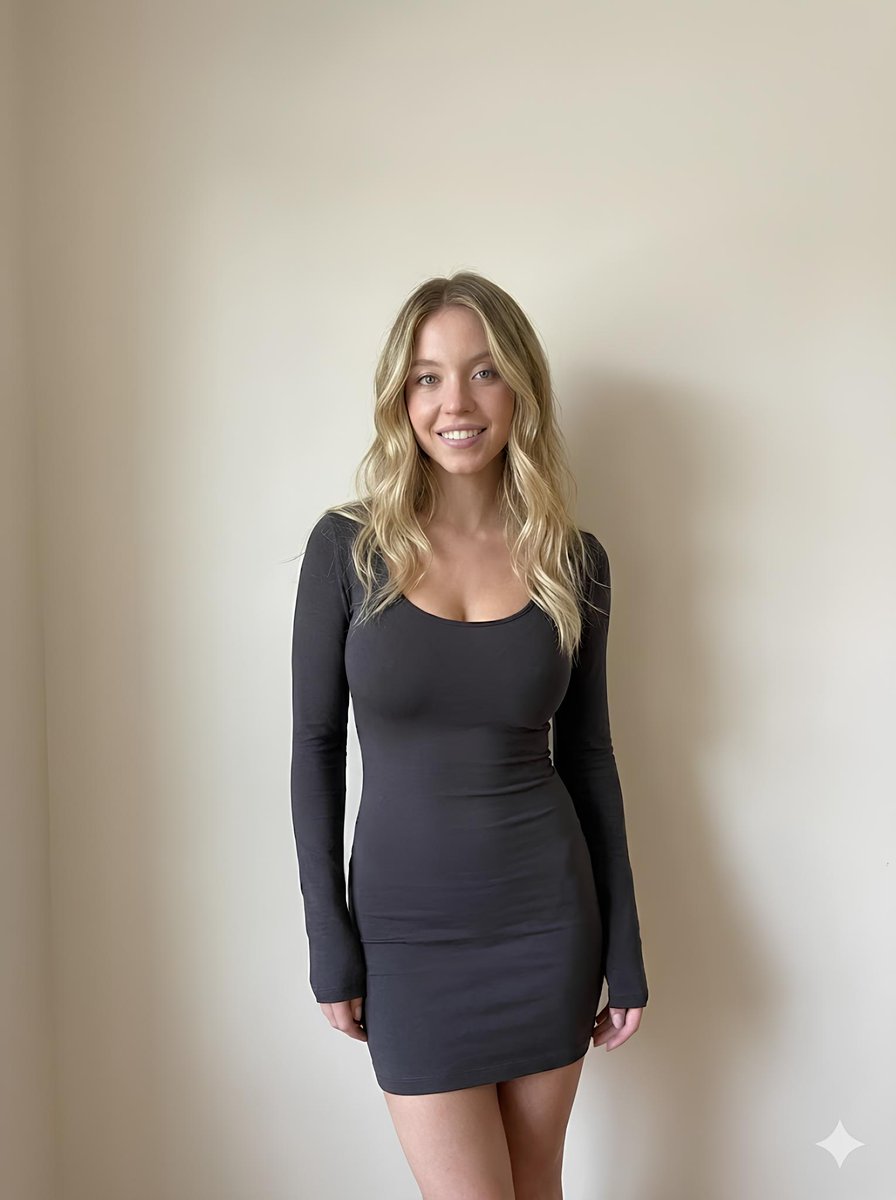
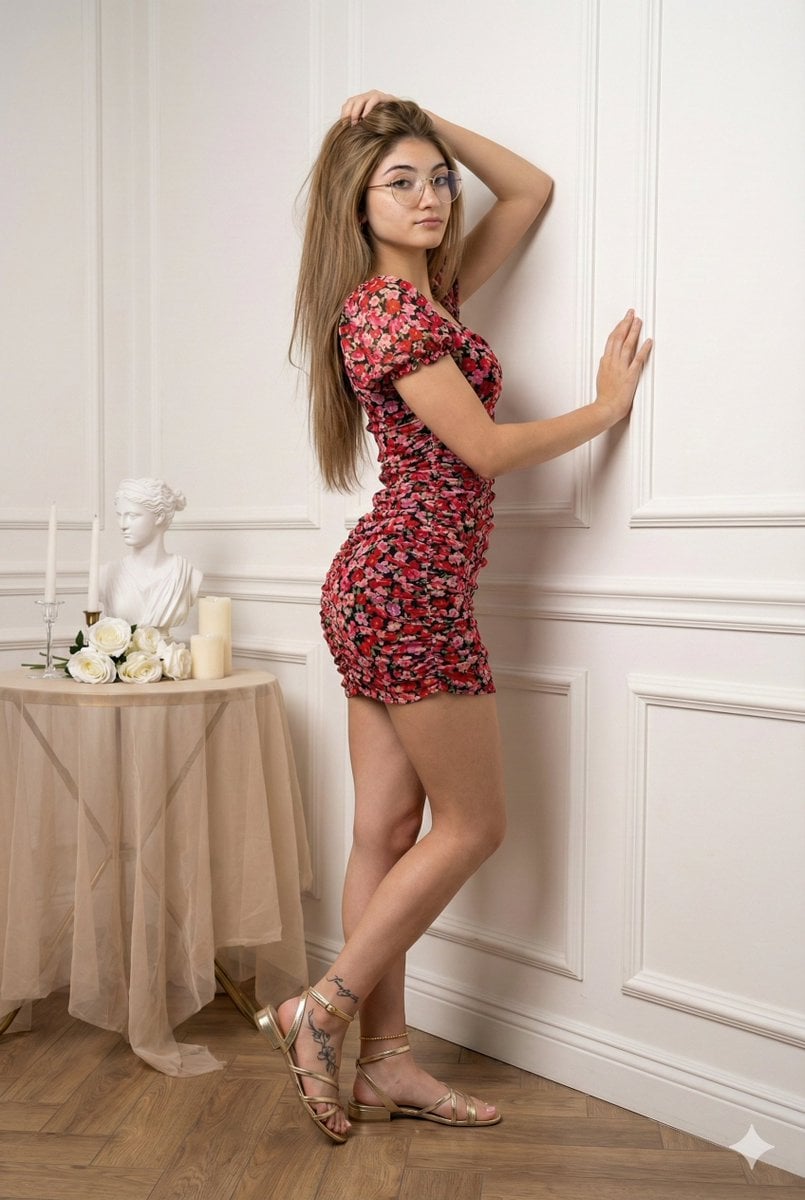
How do I use the DHL Packing Tape Mini Dress Portrait template?
Edit the prompt in the box under the preview — the template's model and format are already selected — and press Generate. Your version appears right on this page.
A highly detailed, structured prompt for generating a fashion portrait of a model wearing a unique dress made of DHL packing tape in a modern interior.

{ "subject": { "gender": "{argument name="gender" default="Female"}", "facial_features": "Fair skin, sharp jawline, playful expression, smiling with one eye closed in a wink, soft pink lip gloss, subtle makeup", "hair": "Long, dark brown to black hair, slightly messy, with wavy textures cascading over her shoulders", "body_shape": "Hourglass figure, prominent bust, slender waist, curvy hips, well-defined legs", "pose": "Seated on a transparent chair, legs crossed, leaning slightly forward, one hand resting down on the edge of the chair", "clothing": "{argument name="clothing description" default="A strapless, tight-fitting mini dress wrapped entirely in yellow DHL Express packing tape with the red logo repeating across the material"}", "accessories": "Thin silver chain necklace, small gold hoop earrings" }, "environment": { "setting": "{argument name="setting" default="Indoor room"}", "background_elements": [ "A red poster on the wall to the left featuring text reading 'Matrix Glitch'", "A shelf or rack on the upper right with magazine covers or print-outs, one showing a black-and-white portrait with the word 'DUST'", "A pink translucent lamp visible on the left side", "A modern transparent acrylic or glass chair" ] }, "photography_and_quality": { "style": "4K HD photo, high-resolution portrait", "lighting": "Direct flash photography, creating slight highlights on the skin and casting soft shadows on the background wall", "camera_angle": "Eye-level, vertical orientation, medium-shot", "color_palette": "Dominant yellow and red from the dress, contrasted with neutral wall tones and fair skin tones", "texture": "Glossy texture on the tape dress, smooth skin, sharp detail in hair strands and facial features" } }
{ "subject": { "gender": "{argument name="gender" default="Female"}", "facial_features": "Fair skin, sharp jawline, playful expression, smiling with one eye closed in a wink, soft pink lip gloss, subtle makeup", "hair": "Long, dark brown to black hair, slightly messy, with wavy textures cascading over her shoulders", "body_shape": "Hourglass figure, prominent bust, slender waist, curvy hips, well-defined legs", "pose": "Seated on a transparent chair, legs crossed, leaning slightly forward, one hand resting down on the edge of the chair", "clothing": "{argument name="clothing description" default="A strapless, tight-fitting mini dress wrapped entirely in yellow DHL Express packing tape with the red logo repeating across the material"}", "accessories": "Thin silver chain necklace, small gold hoop earrings" }, "environment": { "setting": "{argument name="setting" default="Indoor room"}", "background_elements": [ "A red poster on the wall to the left featuring text reading 'Matrix Glitch'", "A shelf or rack on the upper right with magazine covers or print-outs, one showing a black-and-white portrait with the word 'DUST'", "A pink translucent lamp visible on the left side", "A modern transparent acrylic or glass chair" ] }, "photography_and_quality": { "style": "4K HD photo, high-resolution portrait", "lighting": "Direct flash photography, creating slight highlights on the skin and casting soft shadows on the background wall", "camera_angle": "Eye-level, vertical orientation, medium-shot", "color_palette": "Dominant yellow and red from the dress, contrasted with neutral wall tones and fair skin tones", "texture": "Glossy texture on the tape dress, smooth skin, sharp detail in hair strands and facial features" } }
Edit the prompt in the box under the preview — the template's model and format are already selected — and press Generate. Your version appears right on this page.
Yes. You can change the subject, setting, lighting, mood, format, and available model controls before creating your image.
Opening and editing this template is free. Generating uses credits, shown on the Generate button when you are signed in.
Start with Nano Banana 2, which is the model associated with this template. You can compare another compatible model for a different finish.
Follow a topic to a crawlable collection of related PicX Studio templates.