
IMAGEByteDance · from 20 credits / image
ByteDance's flagship Seedream 5.0
Seedream 5 Pro — AI Image Generator
Text to image or edit with 3 images. 14 languages. 1K or 2K.
Seedream 5 Pro is the top model in the Seedream 5.0 family, built for one job: turning a written brief into a finished, art-directed image. It renders text in 14 languages and follows long prompts closely.
- 1K–2K
Write it once, get it finished
Lettering in 14 languages
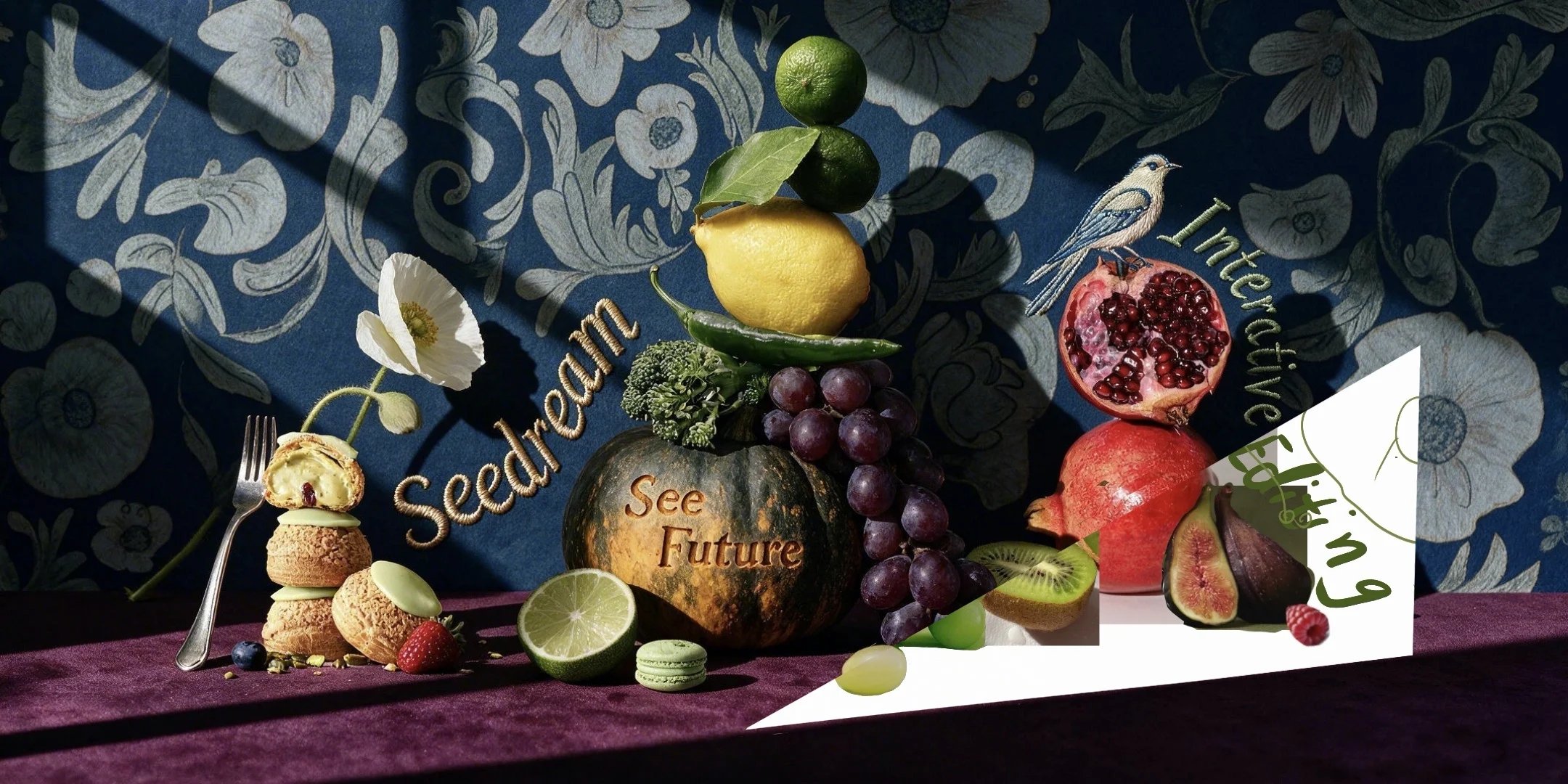
Seedream 5 Pro renders text natively in 14 languages, so a poster headline, a product label or a sign in the scene can be part of the prompt. Quote the exact words, say where they sit and describe the lettering style.
Long briefs, followed closely
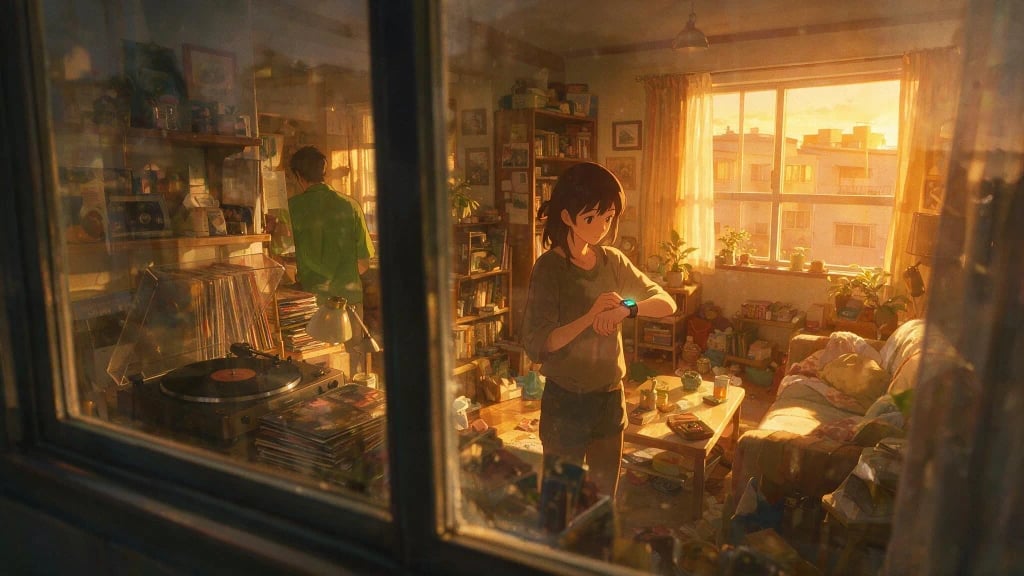
Describe several people, what each is doing, where the camera is and how the light falls. Pro keeps the relationships in a busy scene intact: who is in front, who faces away, what glows and what sits in shadow.
Art direction across styles
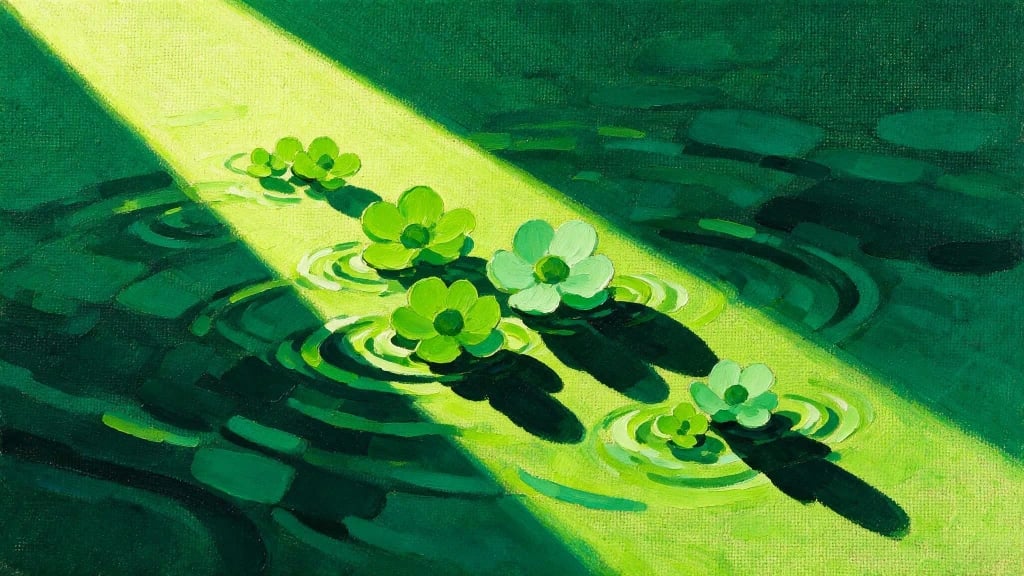
Photoreal fashion, painterly still lifes and stylized illustration all come from the same model. Name the medium, such as oil on canvas, gouache or 35mm film, and Pro commits to it across the whole frame.
Seedream 5 Pro, from its maker
Official release video by ByteDance
Seedream 5 Pro
Text to image or edit with 3 images. 14 languages. 1K or 2K.
For the final image
Posters and key visuals. Headline, subject and background in one generation, with the text rendered in the image instead of added later.
Multilingual campaigns. Run the same visual with the headline in several of the 14 supported languages for different markets.
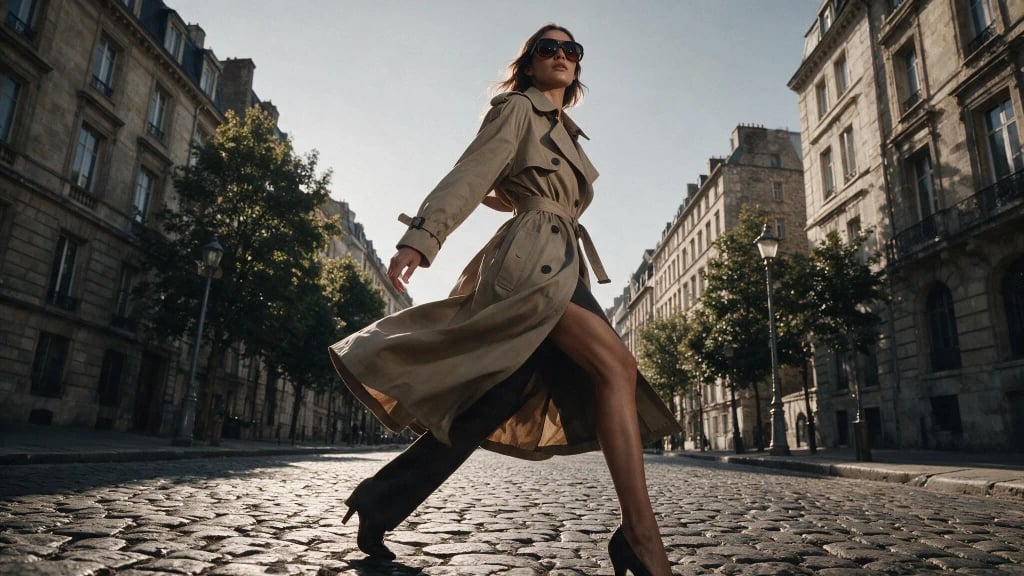
Editorial fashion. Low angles, motion and styling details for lookbooks and editorial pages.

Book and album art. Painterly and illustrated covers with a clear focal point and room for a title.
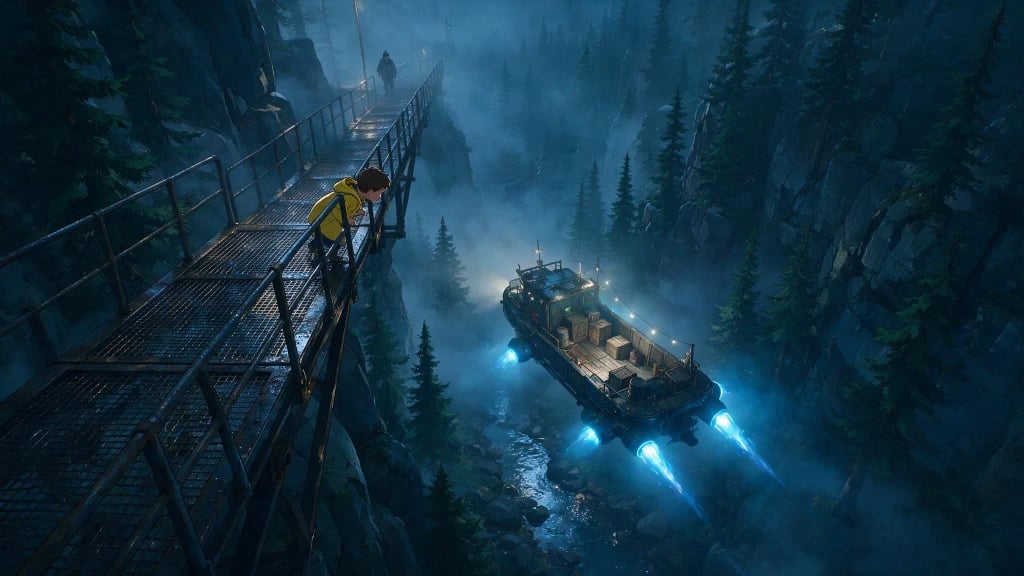
Story frames. Cinematic single frames for pitches, storyboards and concept decks.
Why pick Seedream 5 Pro
- 14LanguagesNative text rendering in 14 languages, per ByteDance.
- 2KTop resolutionAbout 4 megapixels for 40 credits.
- 20Credits at 1KAbout 1 megapixel, for drafts and social posts.
- 3 refsEditsEdit or combine up to 3 reference images.
- ProFlagship tierThe most art-directed Seedream on PicX.
- 9Aspect optionsAuto plus 1:1, 4:3, 3:4, 3:2, 2:3, 16:9, 9:16 and 21:9.
What Seedream 5 Pro costs
Billed per image, at the resolution you pick. The same prices the generator shows before you run it.
- 1K20credits / imageOn Starter≈ 180 images / mo
- 2K40credits / imageOn Starter≈ 90 images / mo
Every model on every planCredits never expireSee plans
Pay for Seedream 5 Pro with crypto
Buy credits with Bitcoin, USDT, USDC, ETH, Solana and more — no card, nothing auto-renews, packs from $5, and 15% extra credits on crypto payments.
Pro, Lite or 4.5
Seedream 5 Pro takes up to 3 reference images; Lite and 4.5 take up to 10. Credit costs are in the pricing table below.
How to use Seedream 5 Pro in 3 steps
- 1
Write a full brief
Subject, setting, camera, light, medium and any exact words in quotes.
- 2
Pick 1K or 2K
Draft at 1K for 20 credits. Use 2K for 40 credits when it is the final.
- 3
Generate and refine
Change one part of the brief per run until the image is right.
Seedream 5 Pro prompts to copy
Real prompts and what they made. Copy one, or open it in the generator with the model already picked.
Sky crosswalk
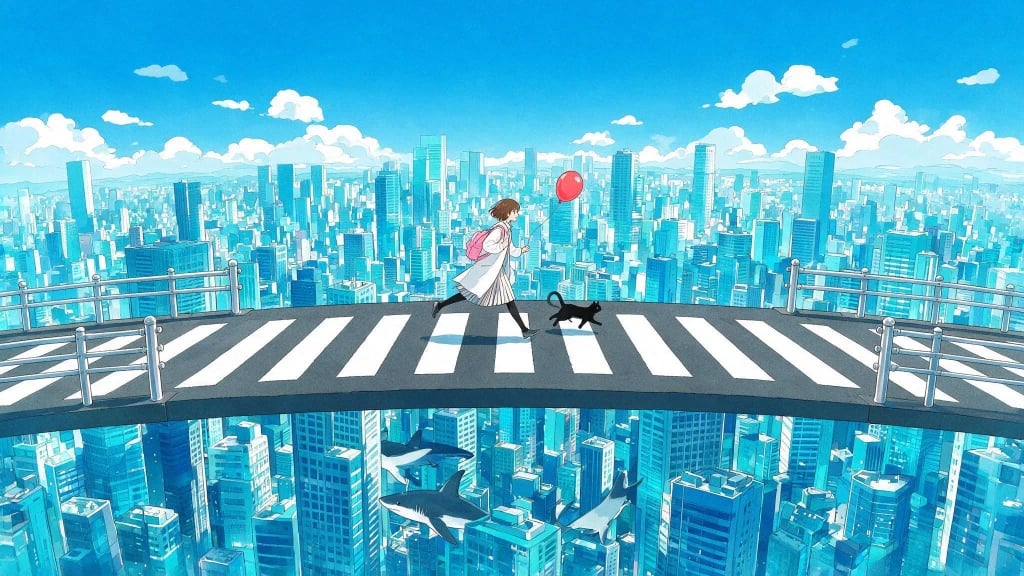
A young woman and a black cat run across a crosswalk suspended in the sky above a sprawling stylized city, bright blue sky with puffy clouds, red balloon, anime background art, wide shot, 16:9
Painted surface
Several stylized blossoms floating on the surface of water, rendered as a physical oil painting on canvas, thick visible brushstrokes, a diagonal band of bright sunlight, saturated greens
Sci-fi scale
A young boy in a yellow raincoat peering down from a steep metal catwalk as a glowing hover barge passes below through a dark pine forest at night, blue engine light, rain, high angle, cinematic
Street fashion
Fashion model in a beige trench coat and sunglasses, dynamic striding pose, low vantage point, Parisian cobblestone street, overcast daylight, action shot, editorial photography
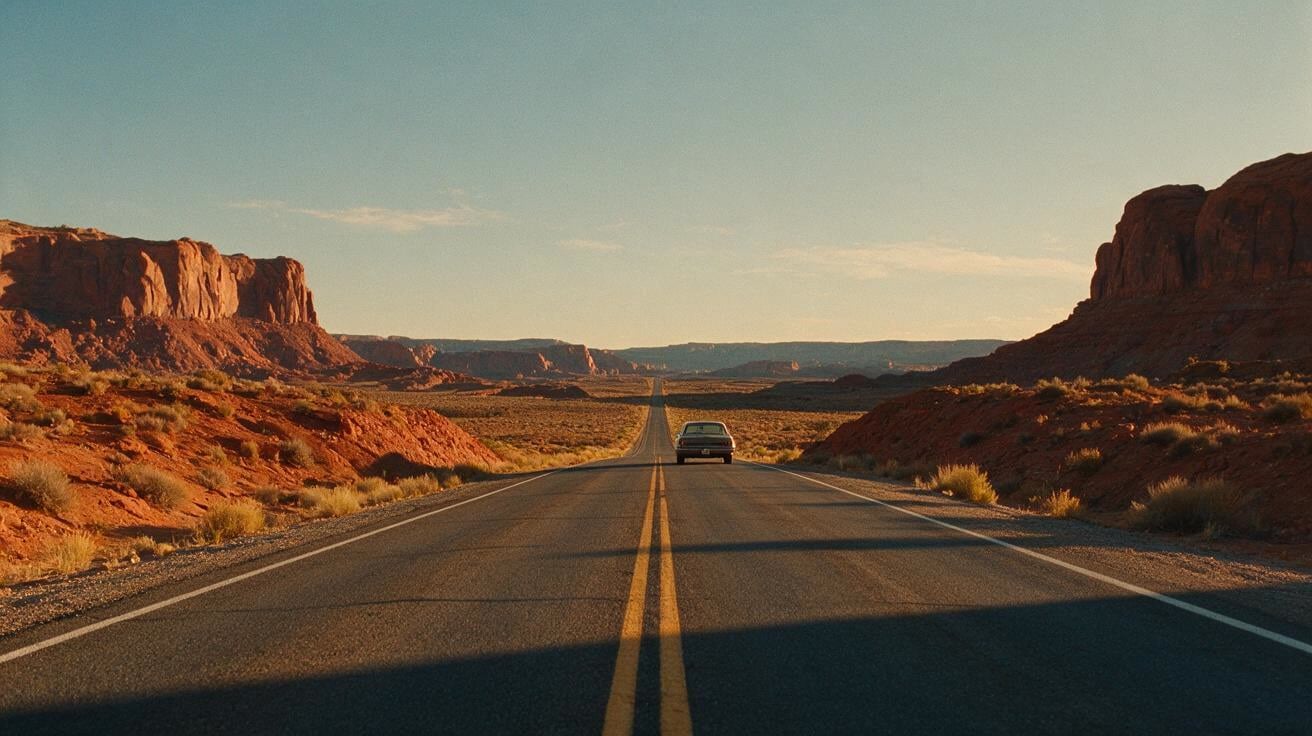
Desert highway
An empty two-lane highway through a red rock desert at golden hour, long shadows, a vintage car in the distance, 35mm film look
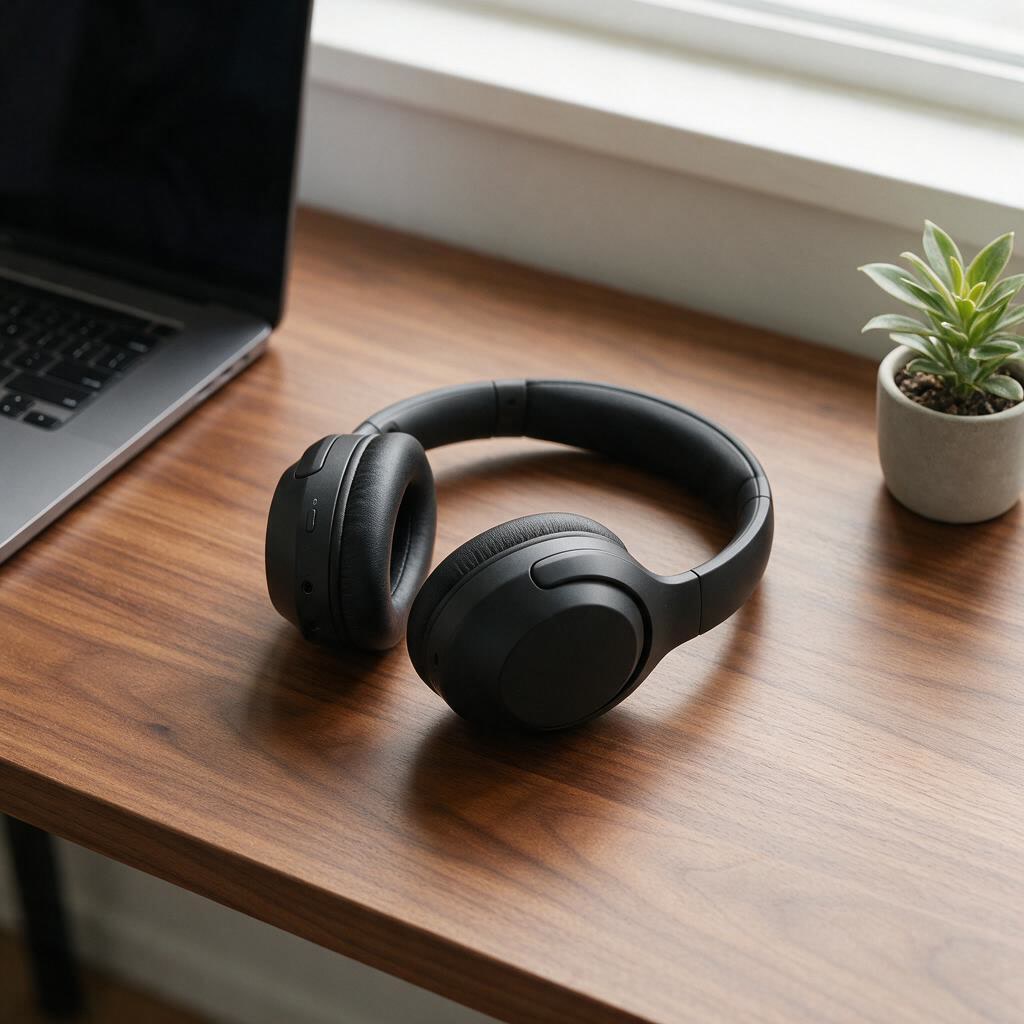
Headphones on a desk
Matte black over-ear headphones on a walnut desk beside a laptop and a plant, soft window light, lifestyle product photo
Templates to start from
Browse all templates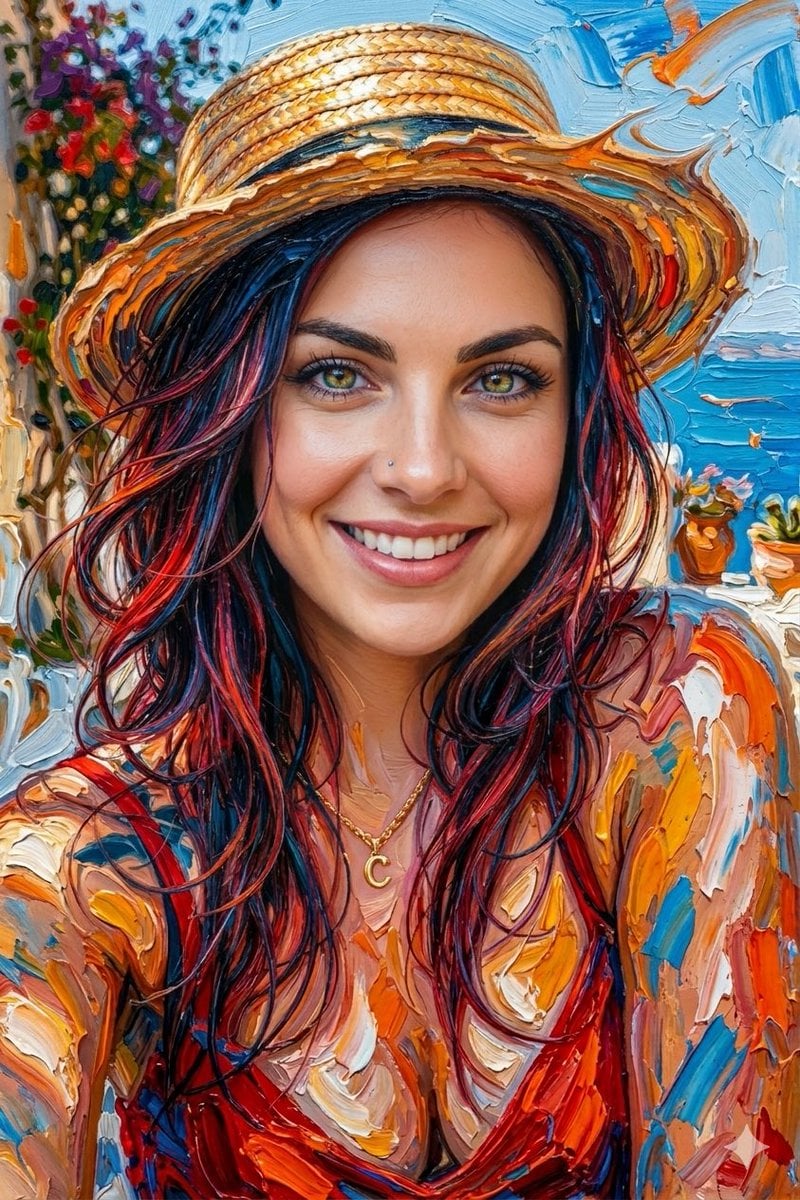







Seedream 5 Pro questions
What is Seedream 5 Pro?
Seedream 5 Pro is a flagship ByteDance AI image model in PicX Studio for creating detailed, polished visuals from written creative direction.
What can I create with Seedream 5 Pro?
Use it for premium campaign assets, product concepts, editorial art direction, posters, social graphics, multilingual text-led designs, and client-ready visual presentations.
Can I use a reference image?
Yes. Seedream 5 Pro takes up to 3 reference images to edit or combine. For more references, Seedream 5 Lite and Seedream 4.5 both take up to 10.
How do I get better results?
Start with a clear subject, then add the setting, framing, lighting, palette, and style. Refine one important choice per variation.
Does Seedream 5 Pro support high-resolution output?
It goes up to 2K, about 4 megapixels, for 40 credits. 1K costs 20 credits. For 4K, use Seedream 4.5 or Seedream 5 Lite.
Is Seedream 5 Pro free to use?
Your first image on PicX Studio is free after sign-up, no card needed. After that it costs 20 credits at 1K or 40 at 2K from your shared credit balance.
Is Seedream 5 Pro the same as Seedream 5.0 Pro?
Yes. Seedream 5 Pro and Seedream 5.0 Pro are the same ByteDance model. Seedream 5 Lite is its lower-cost sibling.
Can Seedream 5 Pro put text in images?
Yes. It renders text natively in 14 languages. Quote the exact words in your prompt and describe the placement and lettering style.
Can Seedream 5 Pro edit my photos?
Yes. Upload up to 3 photos and describe the change; Seedream 5 Pro keeps its strong art direction in the edit. Seedream 5 Lite, Seedream 4.5, Nano Banana 2 and GPT Image 2 also edit photos.
How do I prompt Seedream 5 Pro?
Treat the prompt like a shot list. Start with the subject and what they are doing. Then add where the camera is (low angle, high angle, wide), the light (direction, color, time of day) and the medium (photo, oil painting, anime background art). Add spatial relationships for scenes with several elements: "the man in the green shirt faces away, the woman checks her watch". Pro handles 80 to 120 words well. Cut adjectives that do not change what you see.
How do I create text and typography in Seedream 5 Pro?
Put every word you want in the image inside quotes, and keep it short: a headline, a label or a sign. Then say where it goes ("across a diagonal band in the lower third") and how it looks ("white brush script", "bold condensed sans serif"). For a campaign in more than one market, keep the prompt identical and swap only the quoted text and its language. Check spelling in the output before you publish, as with any image model.
How does Seedream 5 Pro compare to Seedream 5 Lite?
Same family, different jobs. Lite edits photos, takes up to 10 references, reaches 4K and costs 15 credits at 2K. Pro takes up to 3 references, tops out at 2K and costs 40 credits there, but follows long briefs more closely, holds a stronger art direction and renders text in 14 languages. A common workflow: explore cheaply on Lite, then write the final brief for Pro. If your image has to start from a real product photo, stay on Lite or Seedream 4.5.
Which aspect ratios does Seedream 5 Pro support?
Seedream 5 Pro offers two sizes on PicX. 1K is about 1 megapixel, around 1024 by 1024 for a square, for 20 credits. 2K is about 4 megapixels, around 2048 by 2048, for 40 credits. Aspect ratios are auto, 1:1, 4:3, 3:4, 3:2, 2:3, 16:9, 9:16 and 21:9. Draft at 1K, then run the chosen prompt at 2K. If you need 4K, Seedream 4.5 and Seedream 5 Lite offer it.

Write the brief for Seedream 5 Pro
Finished text-to-image with lettering in 14 languages, at 1K or 2K. Your first image is free.